
Enchanted Anime Forest Nymph Portrait
A cinematic fantasy anime close-up portrait prompt for creating an ethereal jeweled forest nymph surrounded by glowing fireflies and foliage.
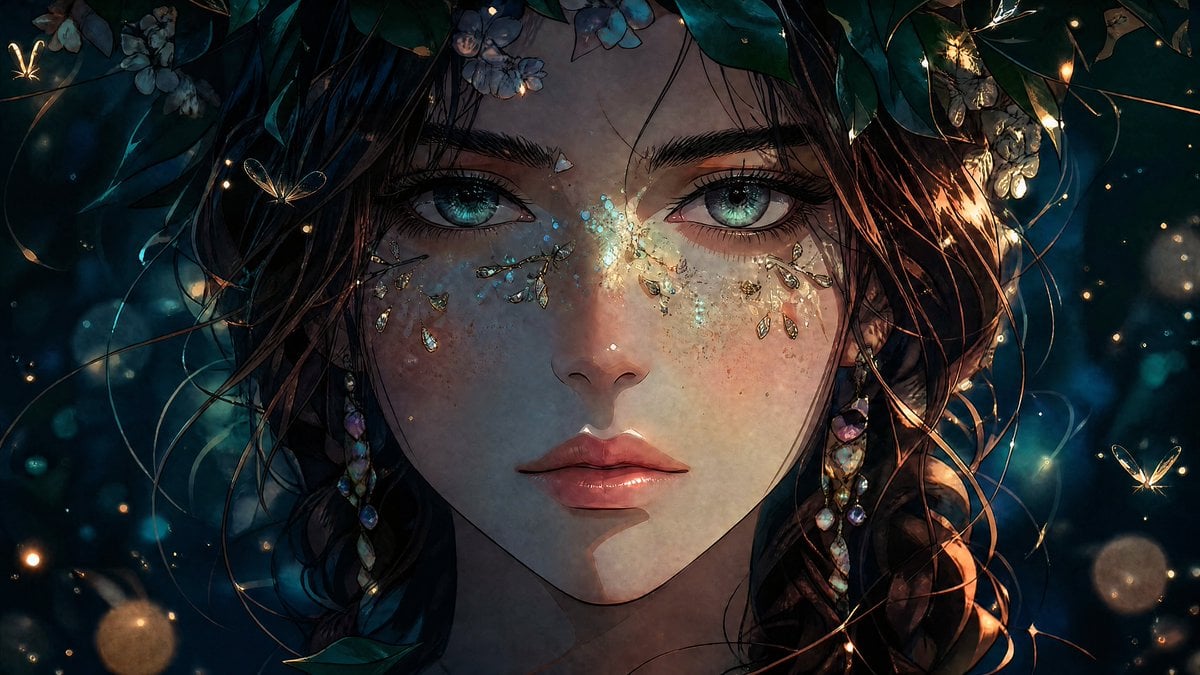
- Prompt included
- Model and format preset
- Free template
The prompt behind this image
Copy the exact prompt behind Enchanted Anime Forest Nymph Portrait, or open it in the studio and make it yours.
Create a cinematic anime-style close-up portrait of {argument name="character name" default="a mysterious forest nymph"} facing directly forward, filling the frame from forehead to chin with an intense calm expression. She has porcelain skin with subtle freckles, glossy rose lips, dark wet-looking tousled hair, and large luminous {argument name="eye color" default="turquoise green"} eyes with highly detailed lashes and reflective catchlights. Adorn her face with symmetrical sparkling crystal and gold leaf ornaments under both eyes and across the bridge of her nose, like delicate tears and fairy makeup. Add long dangling iridescent gemstone earrings on both sides. Frame her head with a crown of deep teal leaves and small pale blue flowers, with thin vines and loose strands of hair crossing the image. Surround her with an enchanted nighttime forest atmosphere in {argument name="color palette" default="deep teal, midnight blue, warm gold, and soft rose"}, including glowing fireflies, tiny butterflies, floating dust motes, bokeh orbs, and warm rim light from the right side. Use dramatic chiaroscuro lighting, shallow depth of field, painterly yet hyper-detailed anime illustration, intricate linework, luminous skin texture, ethereal fantasy mood, ultra-detailed eyes, cinematic widescreen composition, no text, no watermark.
How to use Enchanted Anime Forest Nymph Portrait in 3 steps
- 1Upload ImagePNG, JPG or paste
Add your photo
Upload the photo the template builds on. The prompt, model and format are already set.
- 2…a portrait of your subject in softgolden-hour light, 85mm…
Personalize
Edit the subject and creative details for your destination.
- 3Generate
Generate
Press Generate — your image is created in PicX Studio, so you can compare it with the original and refine one variable at a time.
More like this
Templates with the same subject, style or setup. Open one to see its prompt.

Enchanted Forest Root Kiss Scene By Nano

Anime Enchanted Lake Dance
Anime Winter Forest Portrait

Found Photograph: Us, 1970

80s Couple Studio Portrait

80s Bollywood Star

80s Golden Hour Cinema

Me in 1985

1985 Studio Portrait
Nymphs by Enchanted Spring
Enchanted Forest Inner Landscape

Hyper-Realistic Minecraft POV Portrait
Make it yours
Enchanted Anime Forest Nymph Portrait works as-is. These are the safest ways to change it without losing the look.
Change one field
Copy a single group, rewrite it, and generate again so you can see what that field is doing.
Keep the frame, change the subject
Hold the composition and light of Enchanted Anime Forest Nymph Portrait, then swap wardrobe, props or the person for a new take.
| If the result… | Why | Fix |
|---|---|---|
| The result drifts from the preview | Too many fields changed at once. | Reuse Enchanted Anime Forest Nymph Portrait as-is first, then change one group — subject, light, or setting. |
| The model over-stylizes the scene | The prose prompt leaves finish and camera underspecified. | Add one camera or lighting sentence and stay on GPT Image 2. |
More GPT Image 2 templates
Other prompts made for GPT Image 2.

Six VTuber Japanese Logo Sheet

Realistic Portrait of Woman and Deer

The Vista Modular Condo Poster

AI Model Routing Comparison Infographic

2.5D Anime Art Board

Isometric Productivity Desk Scene

New York Double Exposure Poster

Four-Panel AI Landscape Comparison

Japanese Tatami Lifestyle Magazine Cover

NESCAFÉ Coffee Map Poster
More image prompts
Fresh picks from across the catalog.
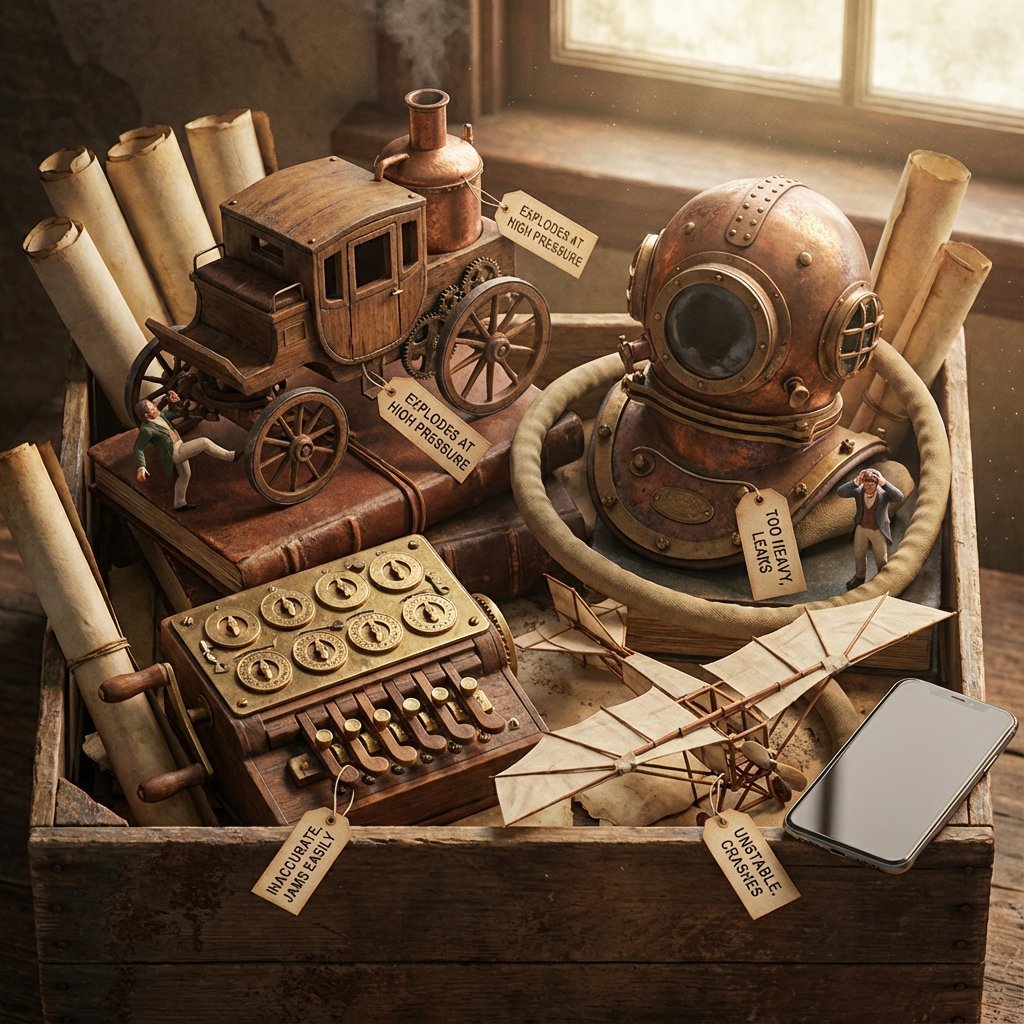
Historical Archivist Prompt for Flawed Inventions
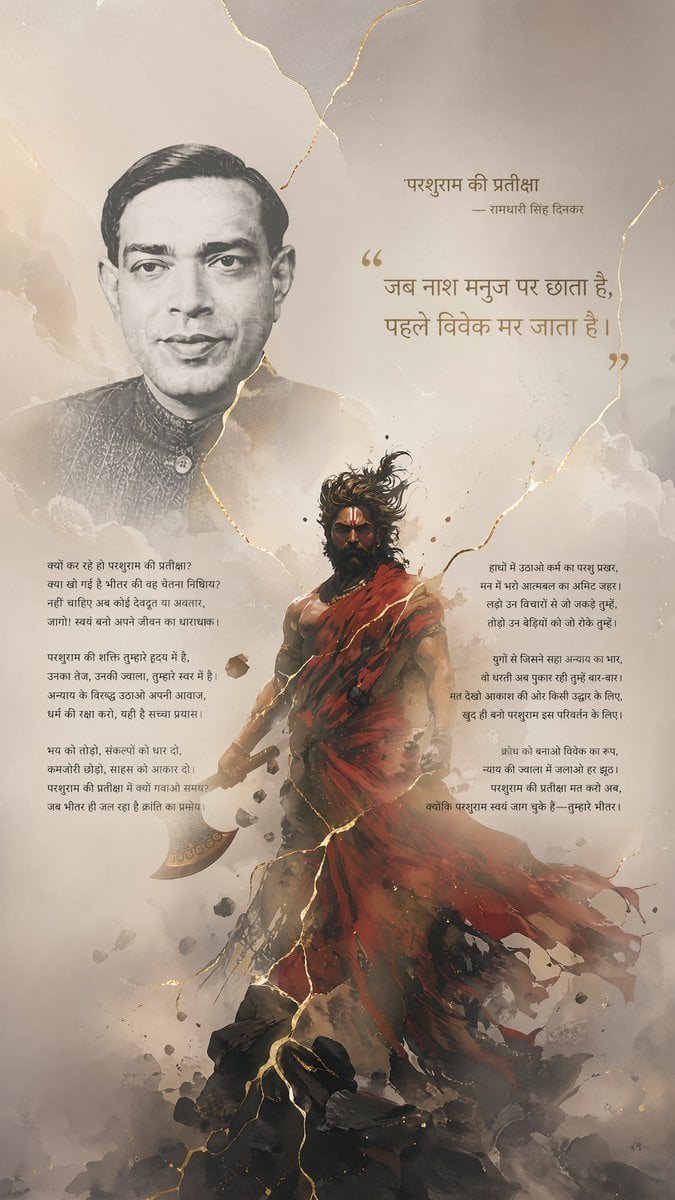
Hindi Poem Poster with Parashurama
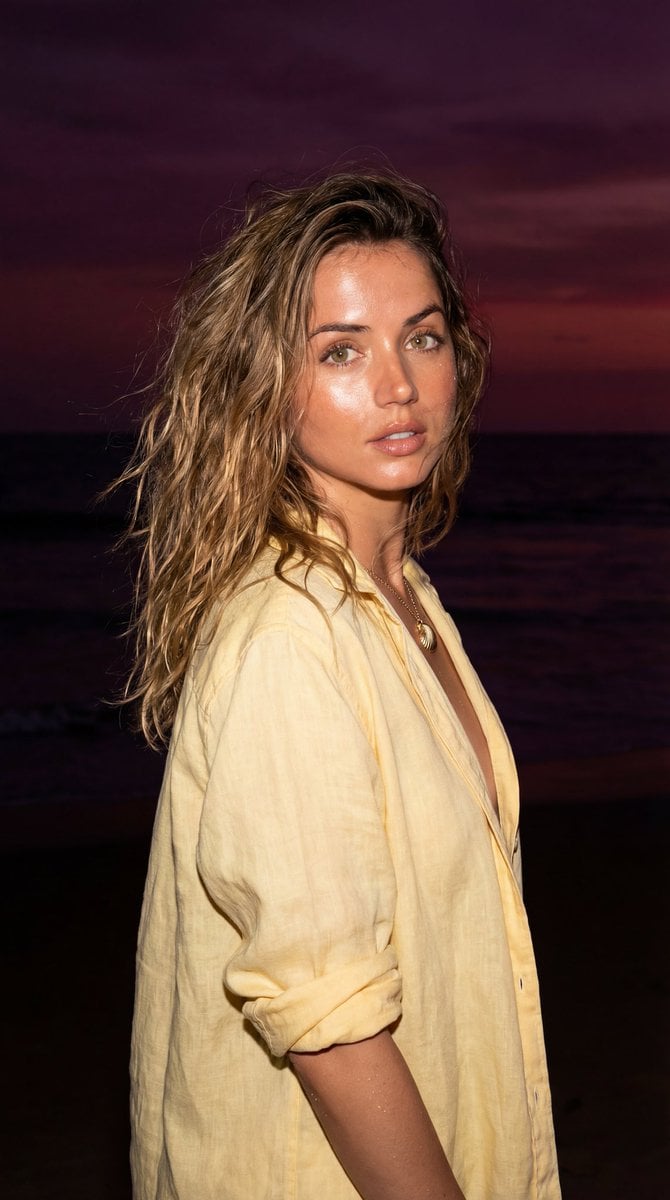
Late-Night Coastal Portrait with Flash and Sunset Glow
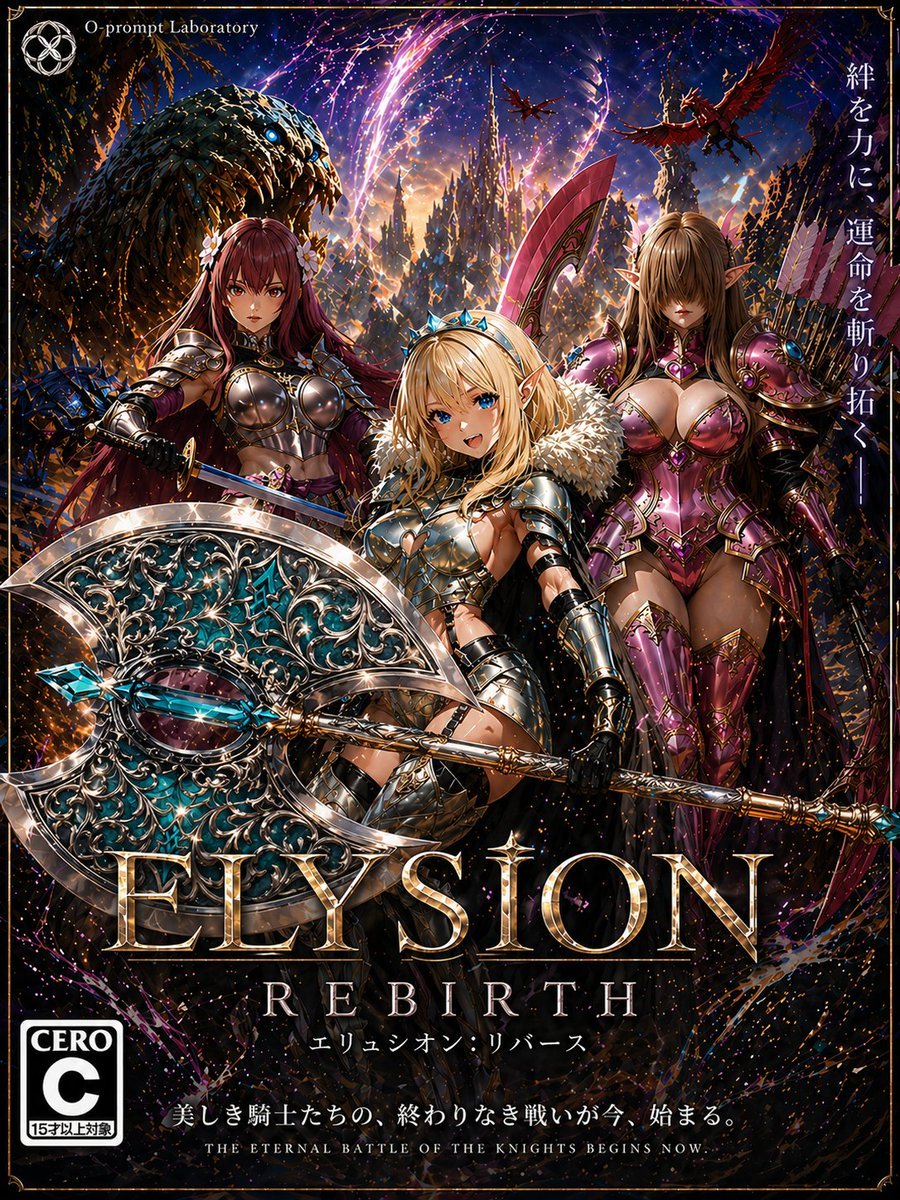
Fantasy RPG Game Cover with Three Knight Women
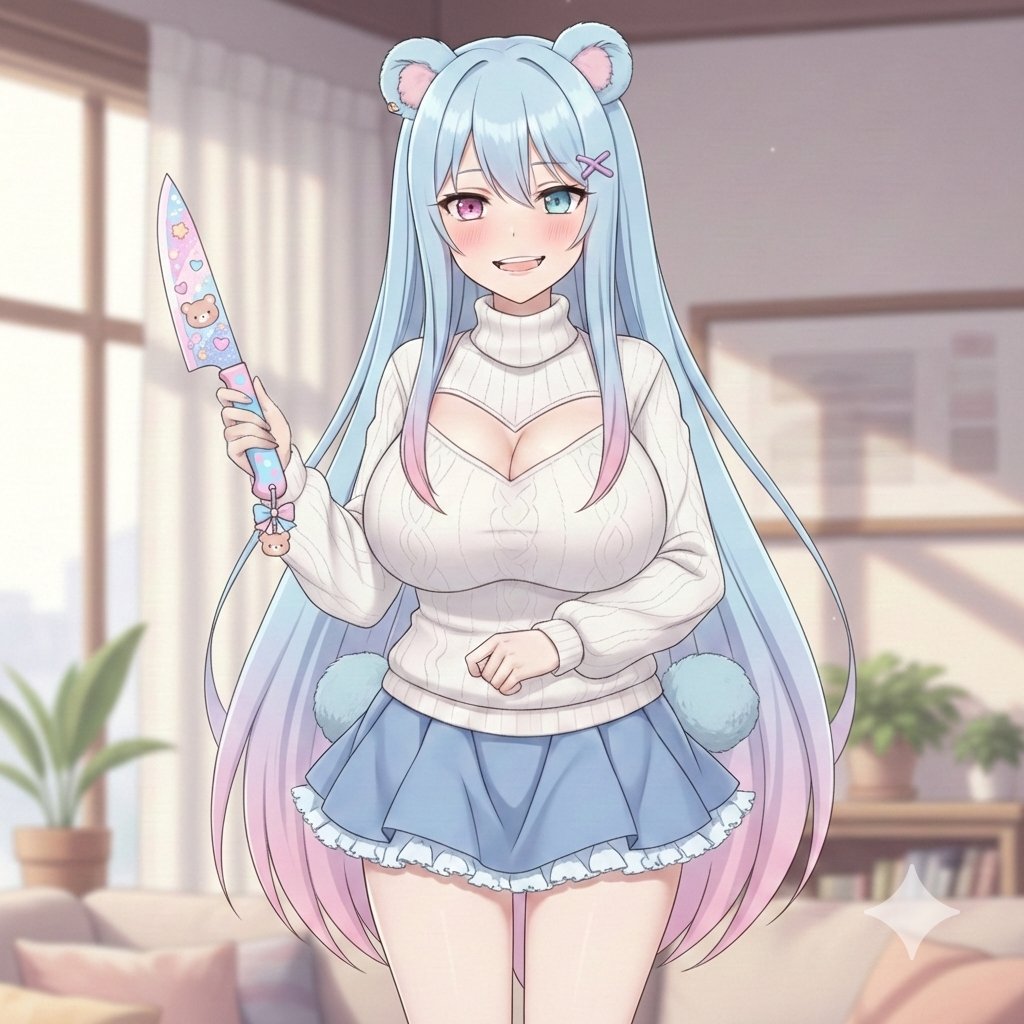
Welcome Home Scenario Prompt
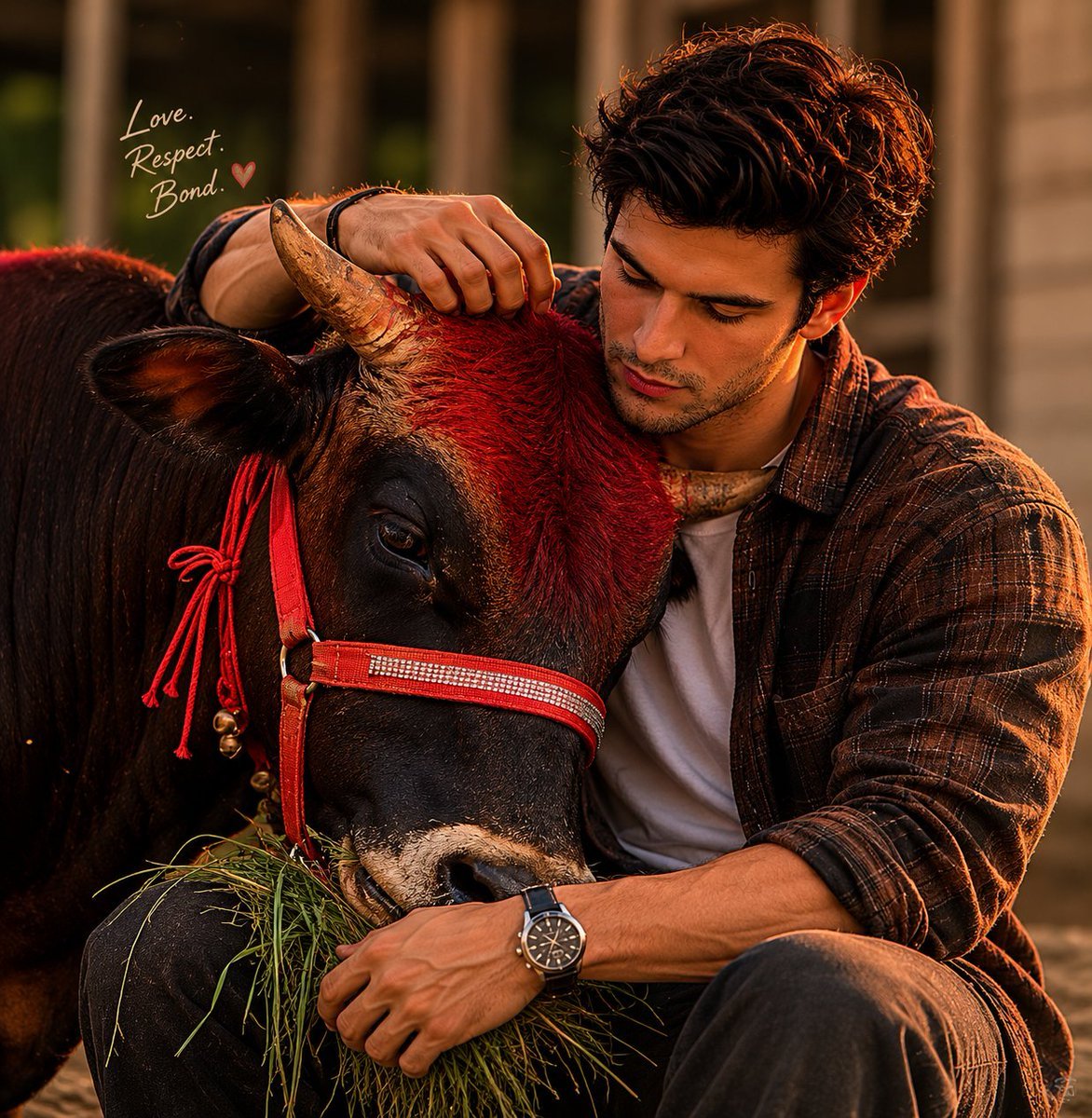
Man and Bull Emotional Bond Portrait
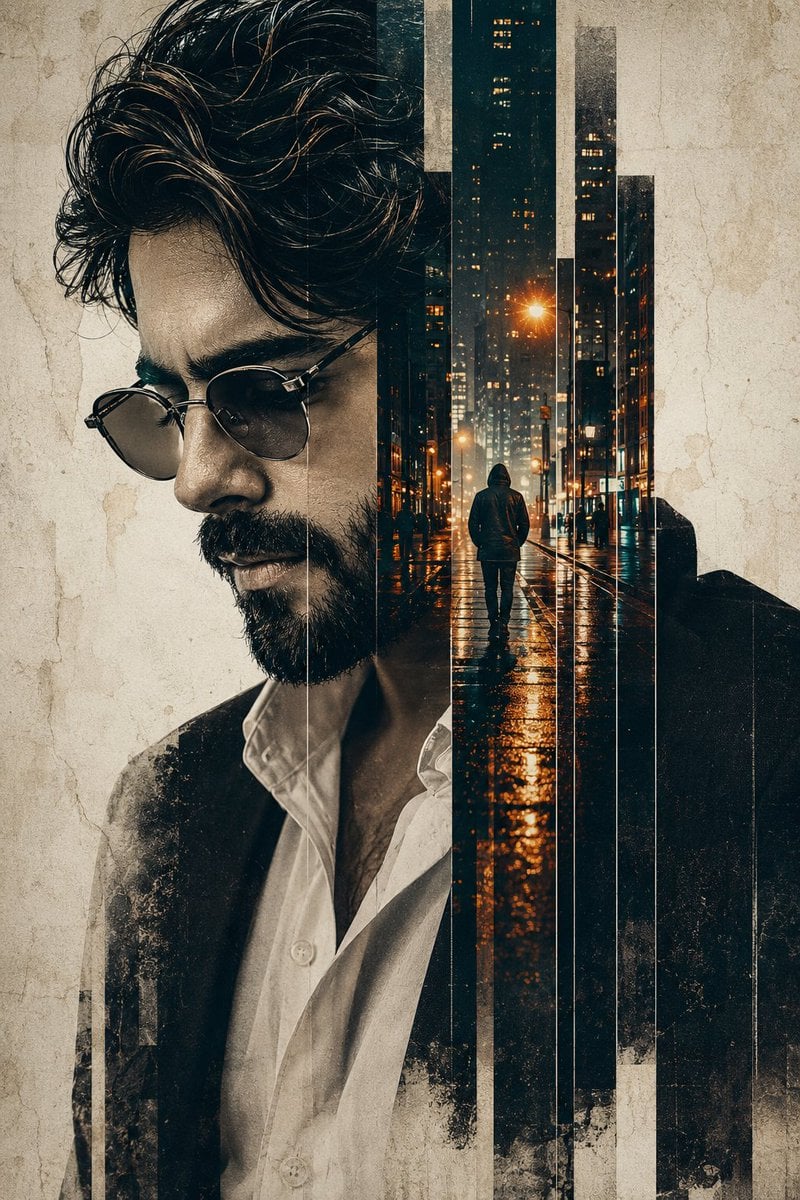
Double Exposure Pensive Portrait
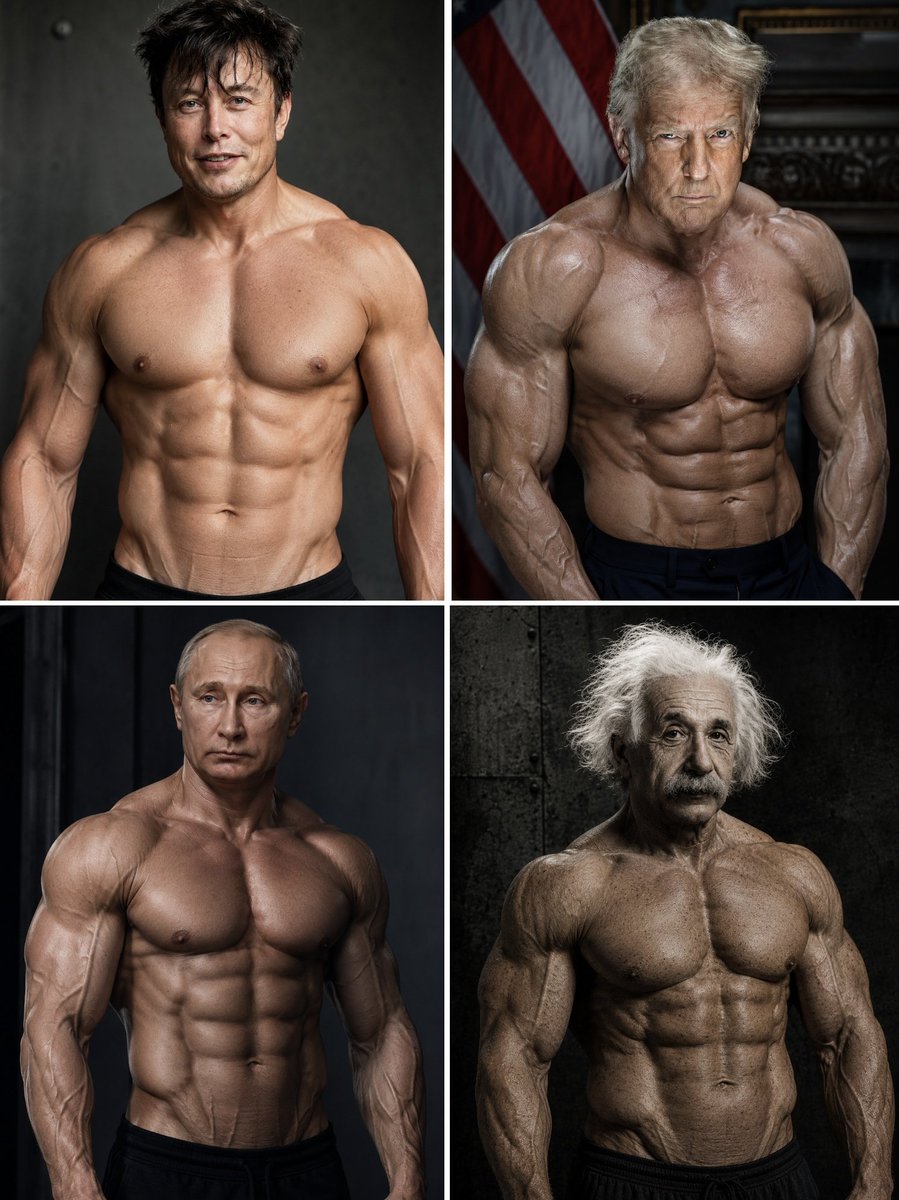
Hyper-Muscular Man 8K Portrait
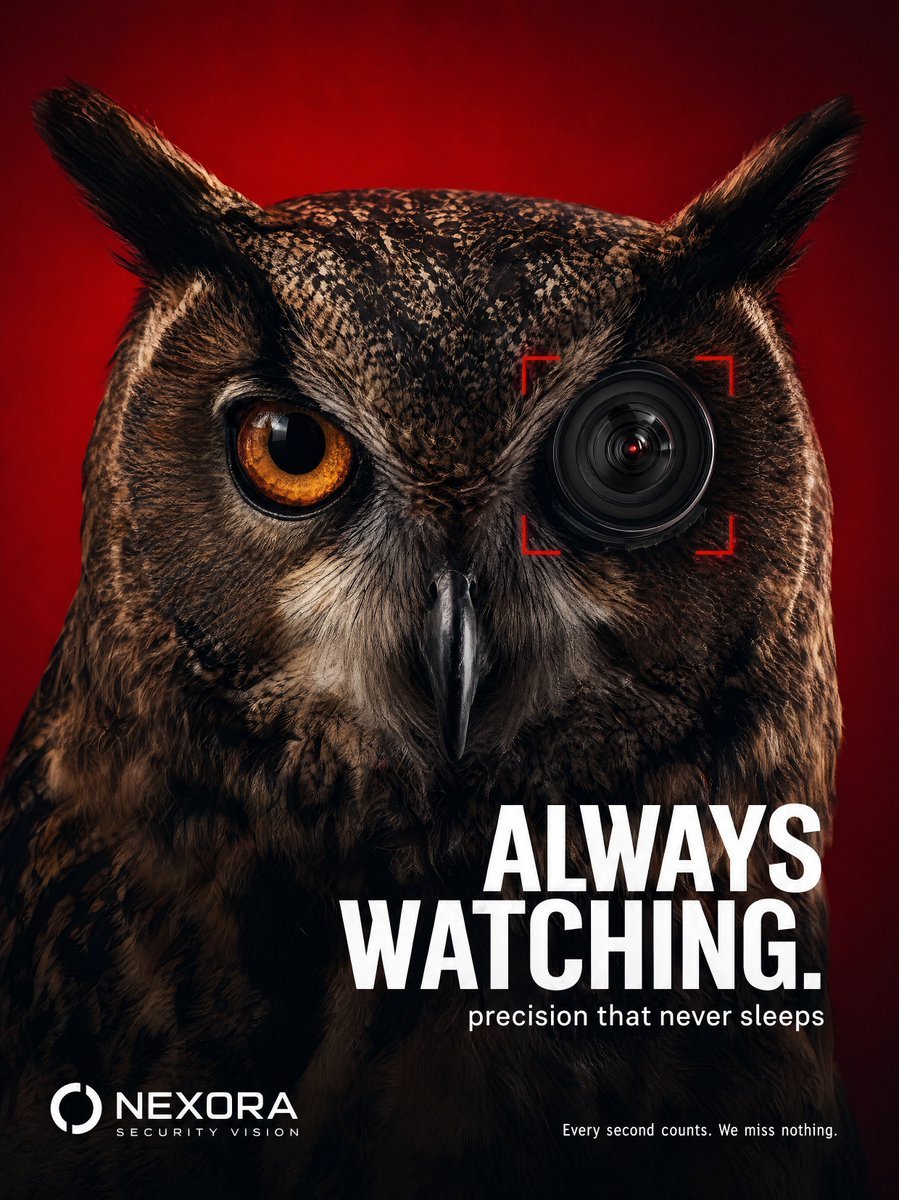
Tech Security Brand Advertising
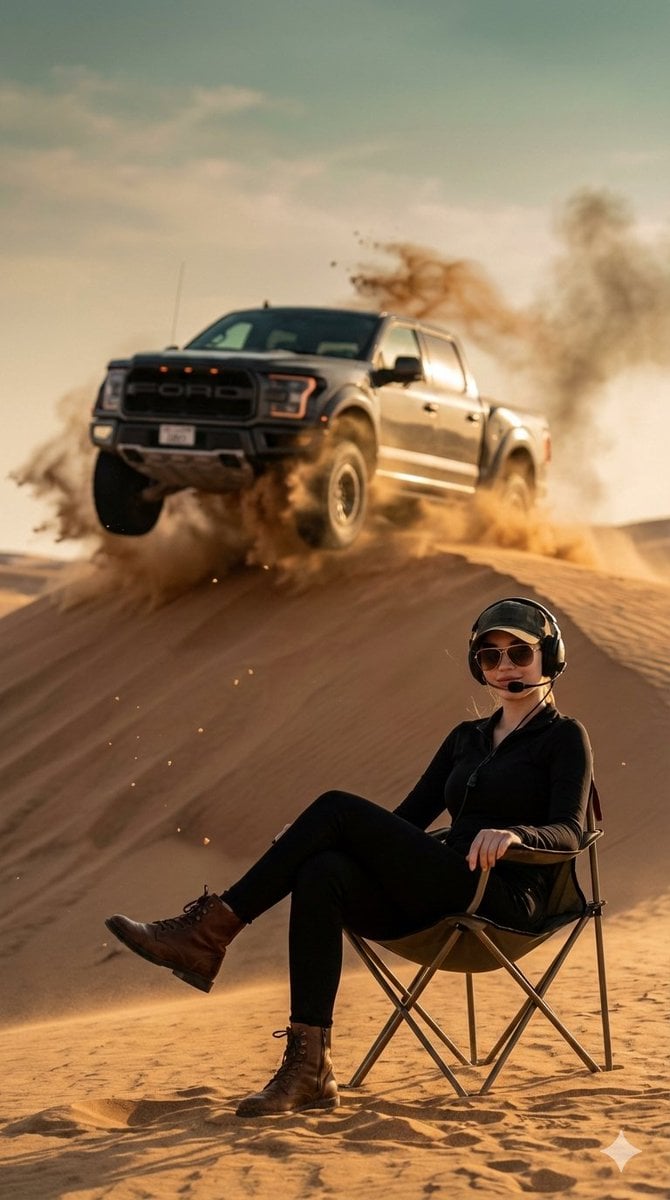
Desert Action Photography Prompt with Identity Lock
Browse template categories
Enchanted Anime Forest Nymph Portrait questions
How do I use the Enchanted Anime Forest Nymph Portrait template?
Add your photo if the template asks for one, edit the prompt if you like — the template's model and format are already selected — and press Generate. Your version opens in PicX Studio.
Can I customize the Enchanted Anime Forest Nymph Portrait template?
Yes. You can change the subject, setting, lighting, mood, format, and available model controls before creating your image.
Is the Enchanted Anime Forest Nymph Portrait template free?
Opening and editing this template is free. Generating uses credits, shown on the Generate button when you are signed in.
Which AI model should I use?
Start with GPT Image 2, which is the model associated with this template. You can compare another compatible model for a different finish.
Looking for something else? Browse all templates.

Your photo, any look
Thousands of ready templates for every top image and video model, from one credit balance.