
Chibi Tetsuzankou Impact Attack
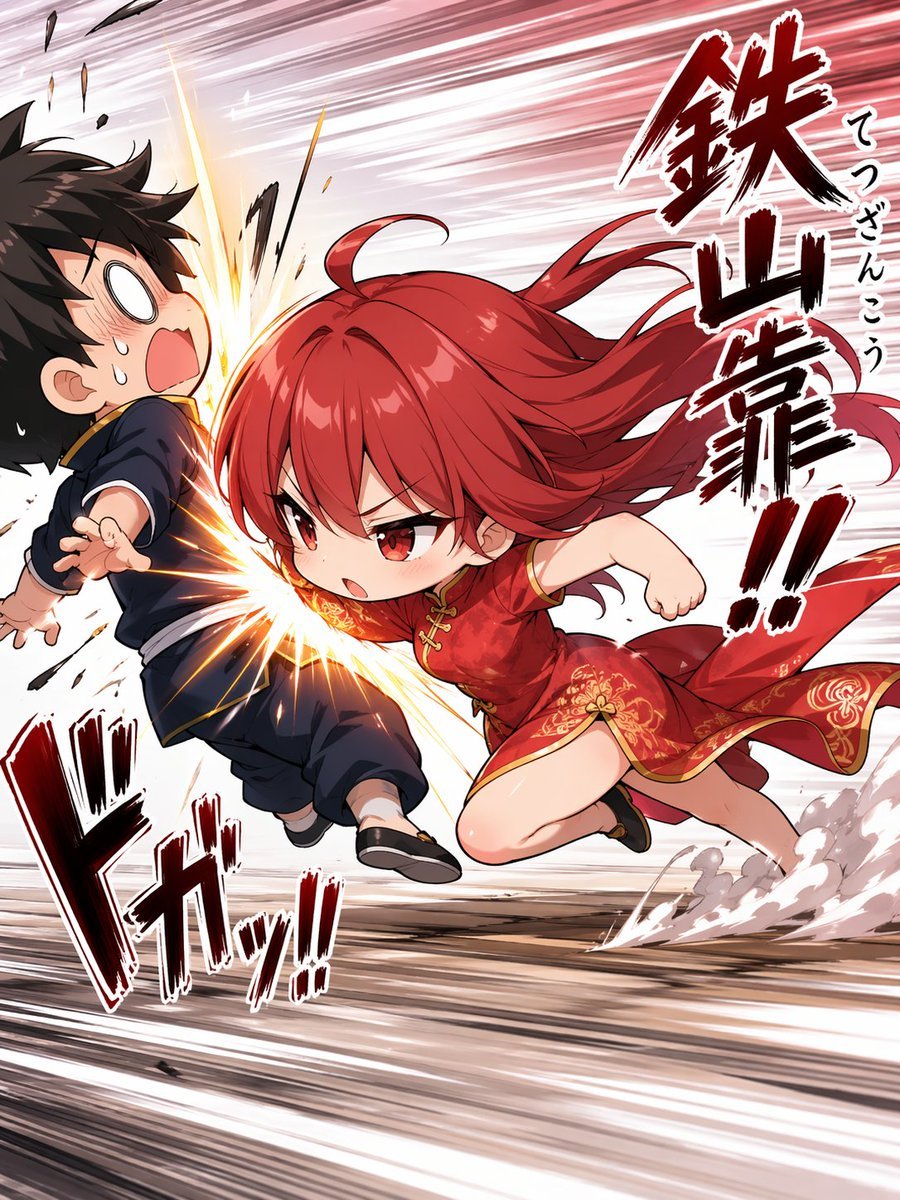
A high-energy chibi anime action scene of a red-haired girl delivering a dramatic shoulder strike, ideal for manga-style martial arts illustrations and comedic combat visuals.
- Prompt included
- Model and format preset
- Free template
The prompt behind this image
Copy the exact prompt behind Chibi Tetsuzankou Impact Attack, or open it in the studio and make it yours.
A dynamic anime action illustration in a comedic chibi style, showing a tiny but fierce girl performing a powerful Chinese martial arts shoulder strike, tetsuzankou, into the side of a startled boy. The girl is the main focus: {argument name="character name" default="red-haired martial artist girl"}, with long vivid {argument name="hair color" default="crimson red"} hair streaming violently backward, sharp red eyes, and a determined angry expression. She is lunging from right to left at extreme speed, body low and compact, one shoulder and upper back driving into the boy’s torso, one fist pulled back and the other arm tucked for balance, with one knee bent forward and one leg trailing behind. She wears a short red Chinese-style qipao dress with gold floral embroidery, gold trim, side slit, and black flat shoes. The boy is a chibi black-haired teenager in a dark navy Chinese kung fu outfit with gold piping and black shoes, recoiling from the impact with a shocked open mouth, blank white eyes, sweat drops, and his body thrown backward to the left. Emphasize the exact moment of collision with a bright explosive impact burst at his side, flying debris, sparks, and strong speed-line distortion across the entire background. Add dust clouds and ground streaks near the girl’s trailing foot to show explosive forward momentum. Use a manga-inspired composition with exaggerated motion, foreshortening, and a diagonal rush from lower right to upper left. Include 3 large Japanese sound-effect text elements integrated into the art: one vertical right-side callout reading "鉄山靠!!", one smaller vertical annotation beside it reading "てつざんこう", and one large lower-left impact sound effect reading "ドガッ!!". The overall mood is fast, funny, aggressive, and high-impact, with polished modern anime rendering, glossy hair highlights, crisp line art, and dramatic red-white-black contrast.
How to use Chibi Tetsuzankou Impact Attack in 3 steps
- 1Upload ImagePNG, JPG or paste
Add your photo
Upload the photo the template builds on. The prompt, model and format are already set.
- 2…a portrait of your subject in softgolden-hour light, 85mm…
Personalize
Edit the subject and creative details for your destination.
- 3Generate
Generate
Press Generate — your image is created in PicX Studio, so you can compare it with the original and refine one variable at a time.
More like this
Templates with the same subject, style or setup. Open one to see its prompt.

Cute Layered Paper Cut Chibi Girl

Pixar-Style Chibi Café Morning Scene

Nano Banana Pro Pink Office Chibi
Insect Mecha Cannon Attack
Harpy Attacking Sheep
Anime Impact Battle Scene
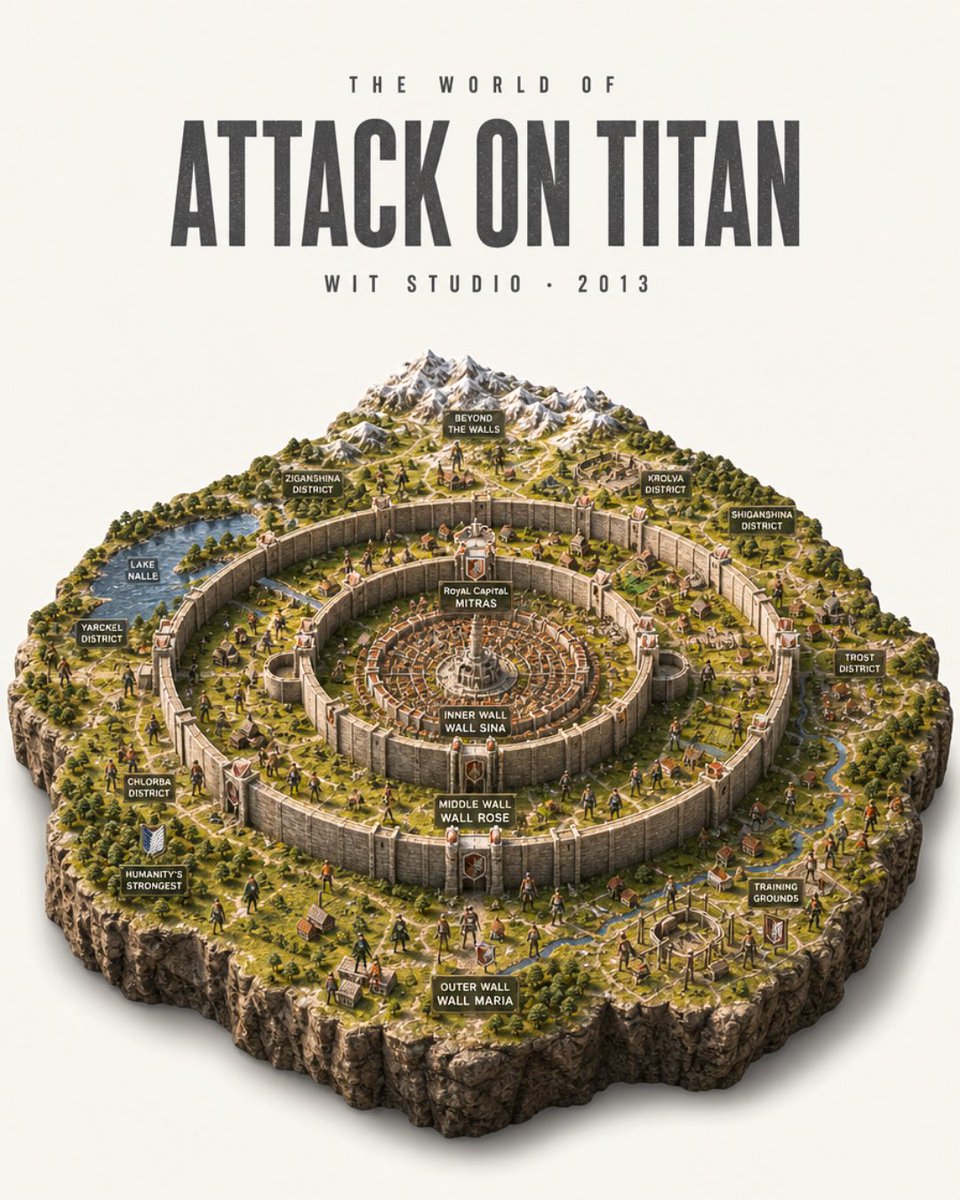
Attack on Titan Isometric Diorama Map
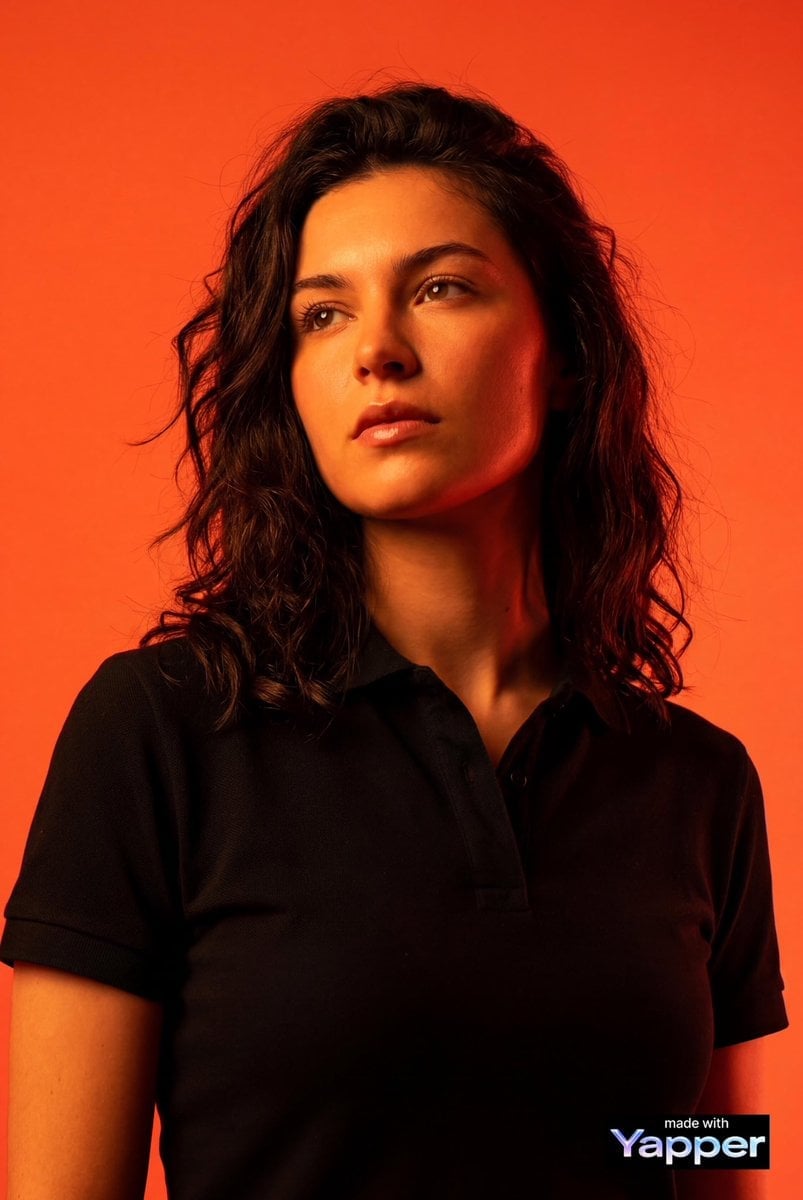
High-impact editorial studio portrait using the person from the attached
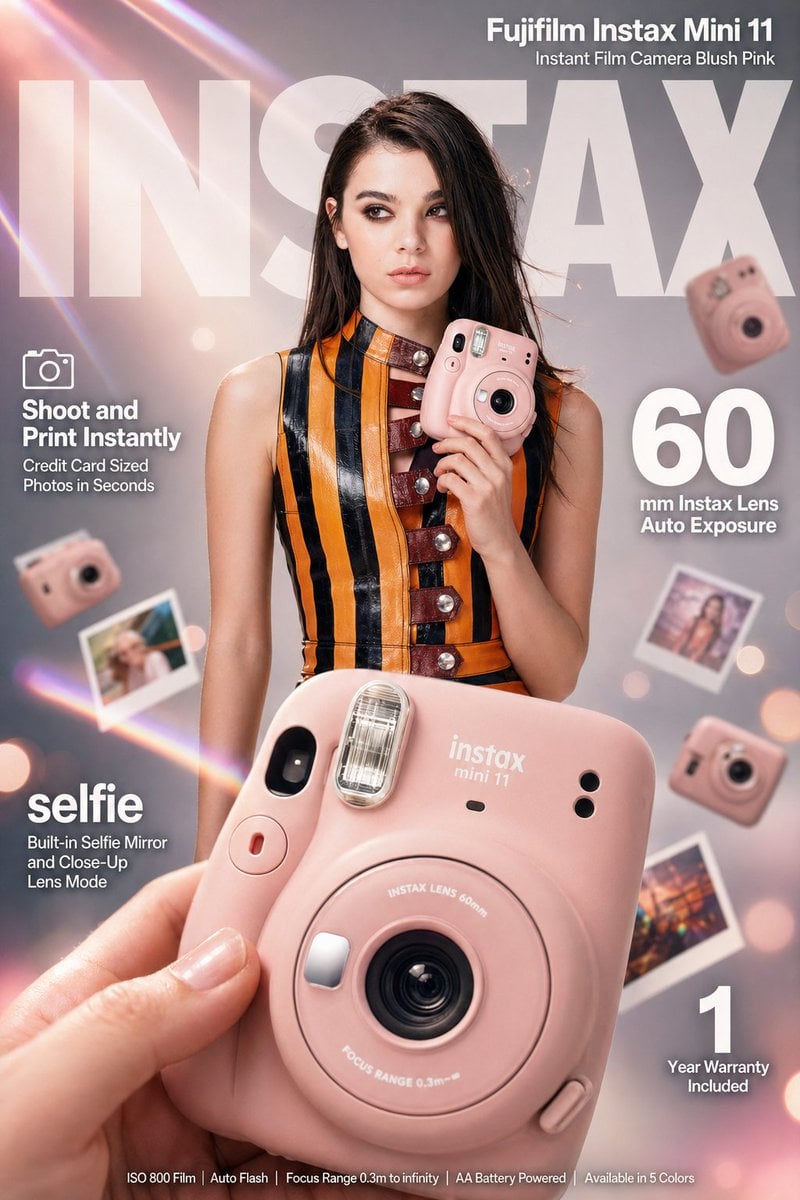
High-impact e-commerce infographic advertisement for Fujifilm Instax
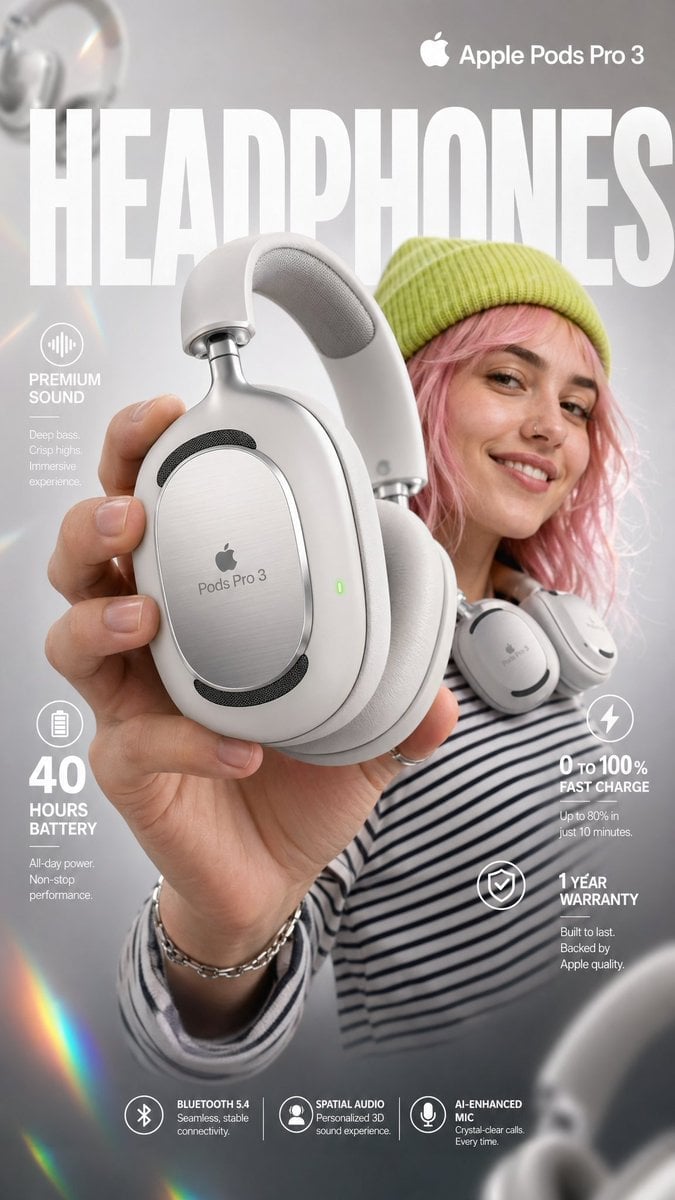
High-impact e-commerce infographic for Apple Pods Pro 3

Bold, intense, premium, cinematic, high-impact food commercial aesthetic
High Impact Automotive Orbital Poster
Make it yours
Chibi Tetsuzankou Impact Attack works as-is. These are the safest ways to change it without losing the look.
Change one field
Copy a single group, rewrite it, and generate again so you can see what that field is doing.
Keep the frame, change the subject
Hold the composition and light of Chibi Tetsuzankou Impact Attack, then swap wardrobe, props or the person for a new take.
| If the result… | Why | Fix |
|---|---|---|
| The result drifts from the preview | Too many fields changed at once. | Reuse Chibi Tetsuzankou Impact Attack as-is first, then change one group — subject, light, or setting. |
| The model over-stylizes the scene | The prose prompt leaves finish and camera underspecified. | Add one camera or lighting sentence and stay on GPT Image 2. |
More GPT Image 2 templates
Other prompts made for GPT Image 2.

Six VTuber Japanese Logo Sheet

Realistic Portrait of Woman and Deer

The Vista Modular Condo Poster

AI Model Routing Comparison Infographic

2.5D Anime Art Board

Isometric Productivity Desk Scene

New York Double Exposure Poster

Four-Panel AI Landscape Comparison

Japanese Tatami Lifestyle Magazine Cover

NESCAFÉ Coffee Map Poster
More image prompts
Fresh picks from across the catalog.
Full-Body Studio Photo in Streetwear
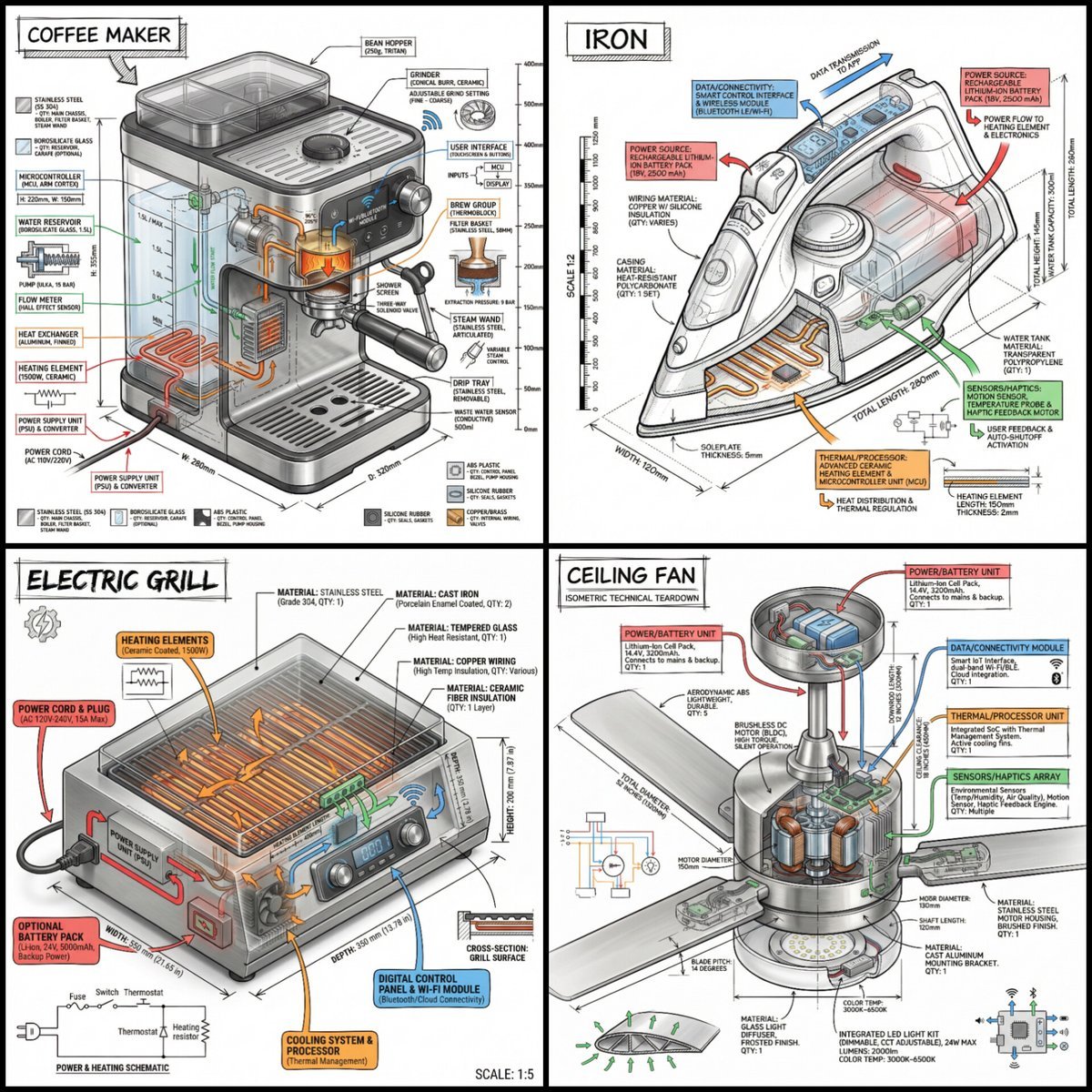
Technical Infographic of an Object with Isometric 3D View

Commercial Food Photography Poster
Zhao Yun Cavalry Infographic Poster
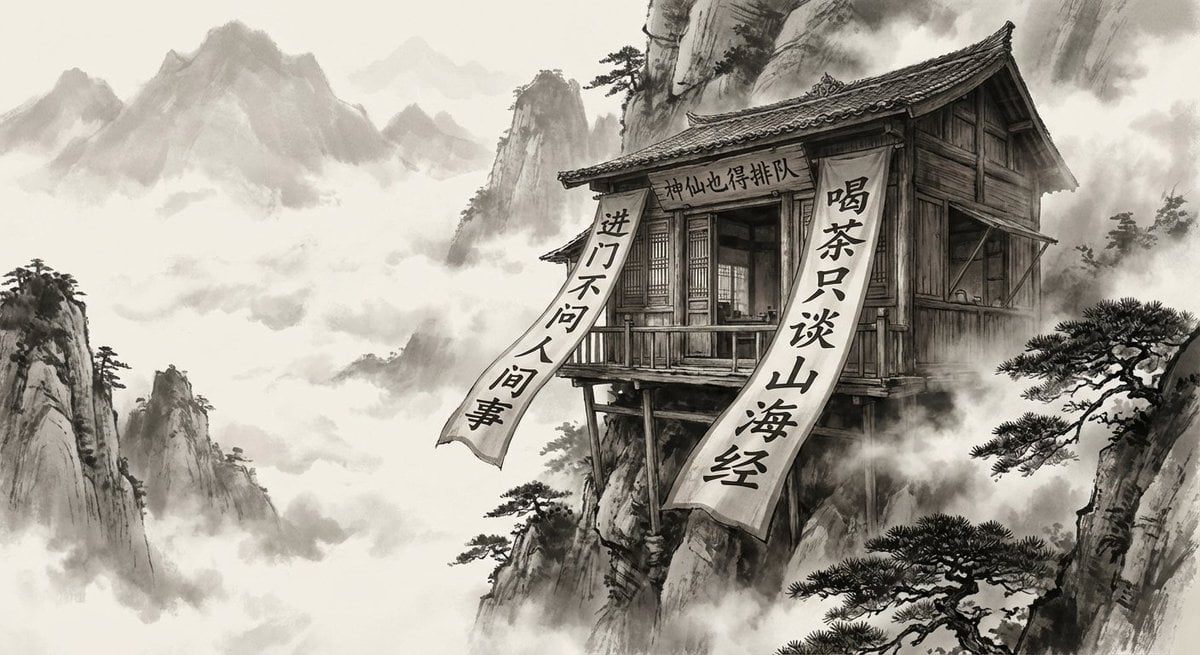
Illustration based on the poem “Song of Everlasting Regret”
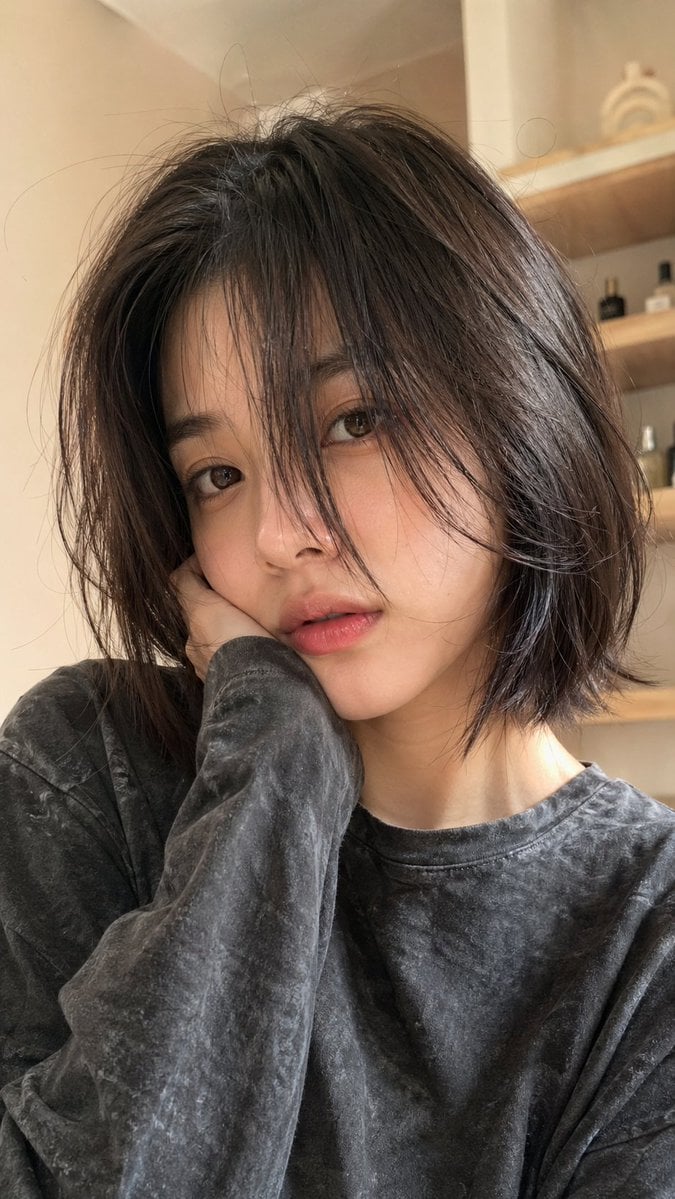
Hyper-Realistic Selfie Portrait
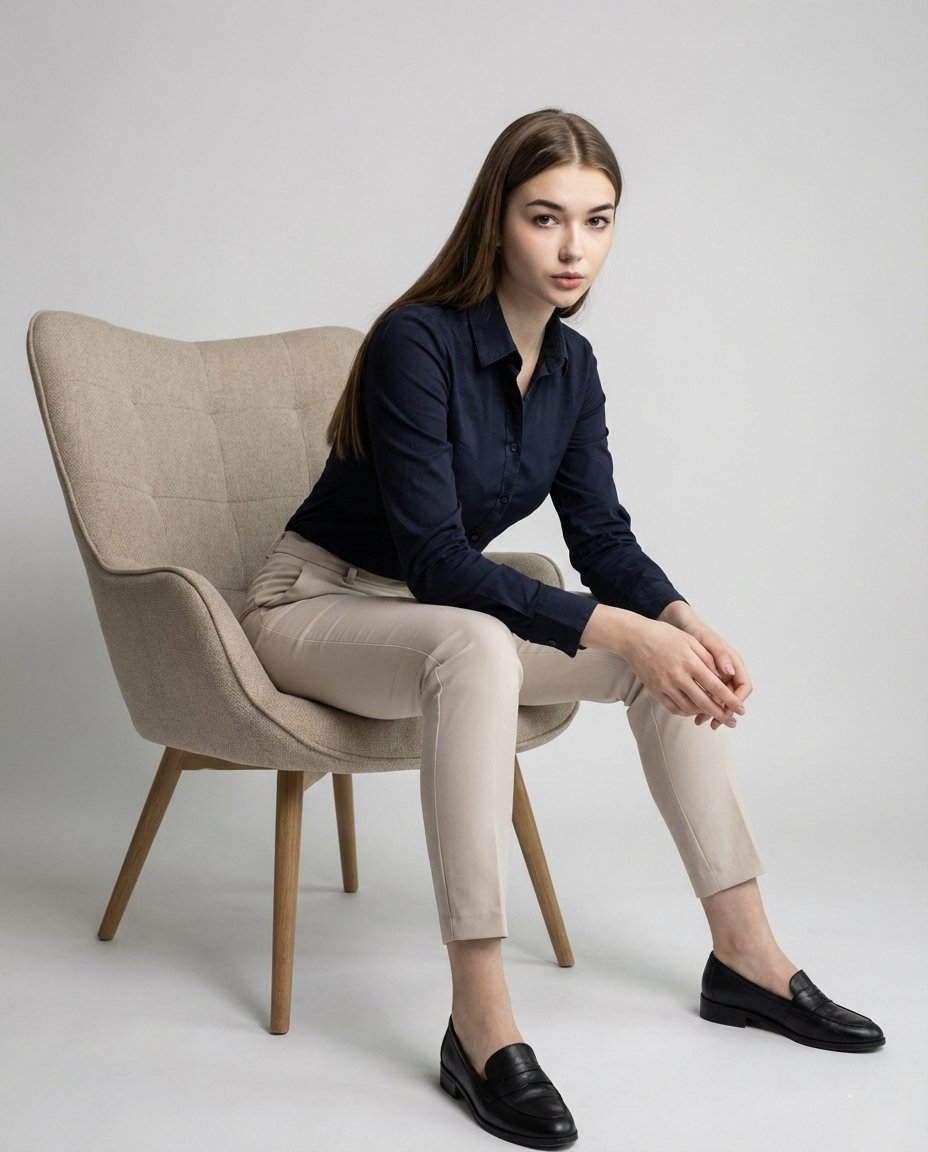
Cinematic Fashion Editorial Portrait with Identity Preservation
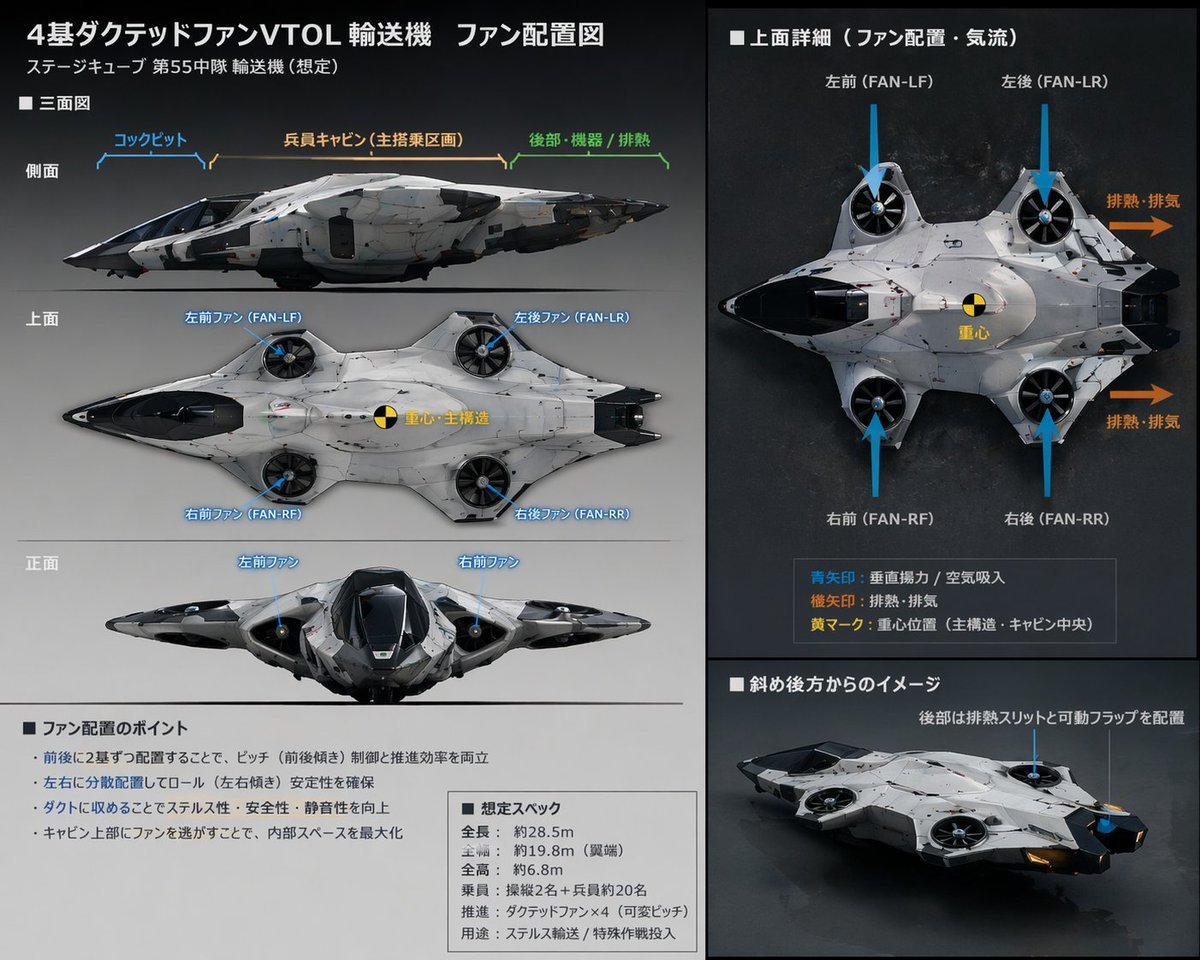
Sci-Fi VTOL Aircraft Technical Spec Sheet
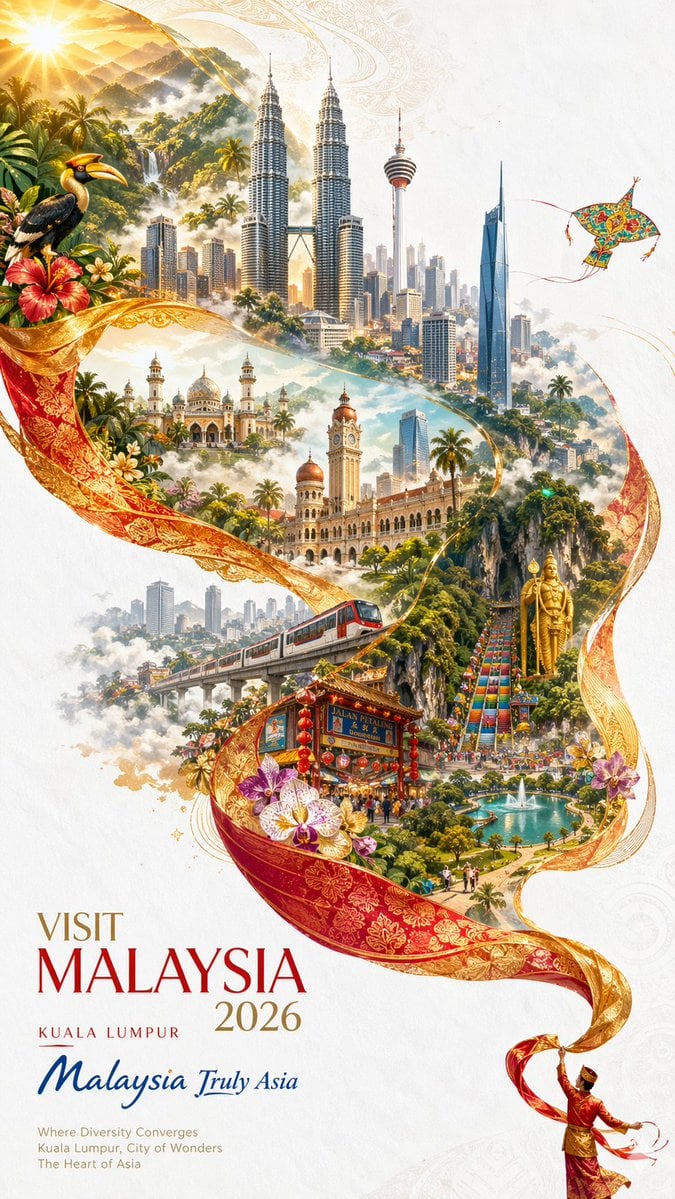
Visit Malaysia 2026 Travel Poster
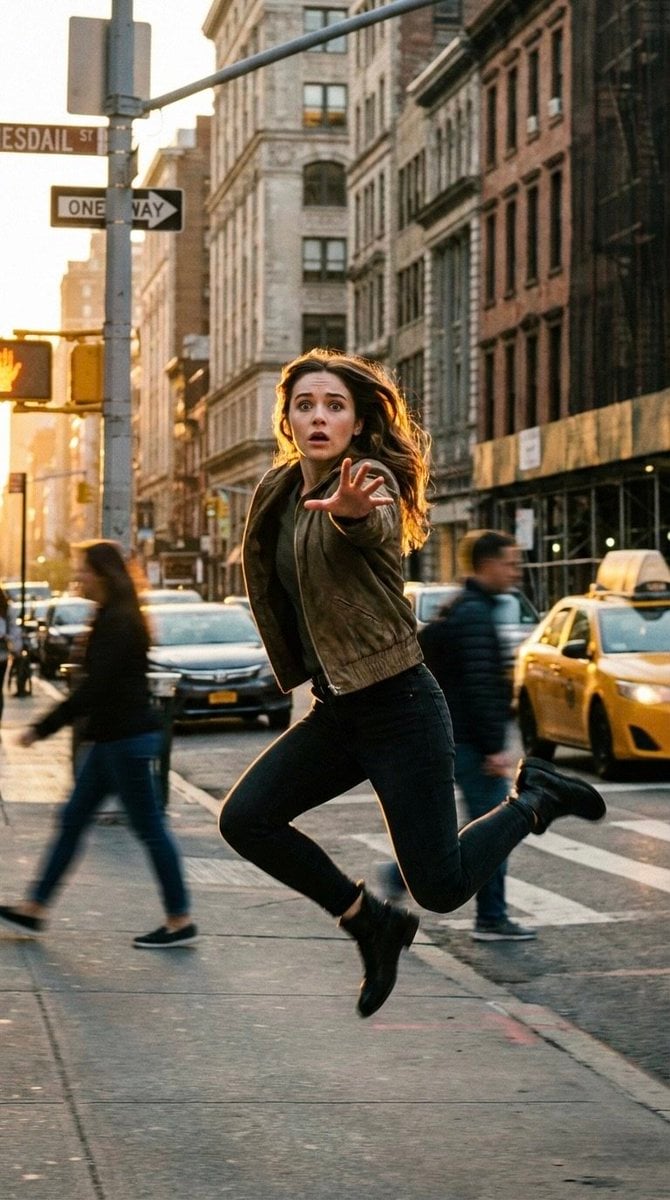
Cinematic Freeze-Frame Action Shot in NYC Prompt
Browse template categories
Chibi Tetsuzankou Impact Attack questions
How do I use the Chibi Tetsuzankou Impact Attack template?
Add your photo if the template asks for one, edit the prompt if you like — the template's model and format are already selected — and press Generate. Your version opens in PicX Studio.
Can I customize the Chibi Tetsuzankou Impact Attack template?
Yes. You can change the subject, setting, lighting, mood, format, and available model controls before creating your image.
Is the Chibi Tetsuzankou Impact Attack template free?
Opening and editing this template is free. Generating uses credits, shown on the Generate button when you are signed in.
Which AI model should I use?
Start with GPT Image 2, which is the model associated with this template. You can compare another compatible model for a different finish.
Looking for something else? Browse all templates.

Your photo, any look
Thousands of ready templates for every top image and video model, from one credit balance.