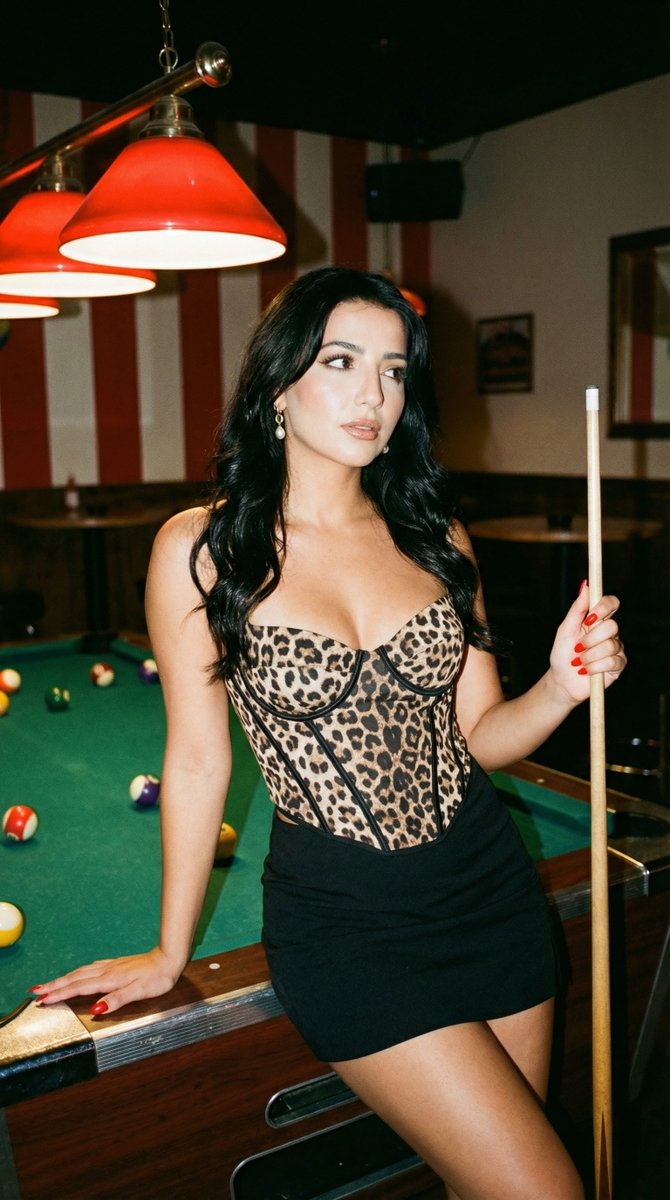
Leopard Print Corset in Billiards Bar Prompt
{
"generation_request": {
"meta_data": {
"task_type": "text_to_image_with_reference",
"version": "v1.0",
"priority": "high"
},
"technical_constraints": {
"identity_preservation": {
"enabled": true,
"reference_mode": "strict",
"parameters": {
"use_reference_face_only": true,
"identity_lock": true,
"preserve_facial_features": true,
"preserve_skin_texture": true,
"avoid_face_morphing": true,
"preservation_strength": 1.0
}
},
"output_settings": {
"aspect_ratio": "9:16",
"resolution_target": "ultra_high_res",
"render_engine_style": "photorealistic"
}
},
"creative_prompt": {
"scene": {
"location": "dim billiards bar",
"background": "dark ceiling, red-and-white wall stripe, a few tables/chairs in the back, low-light ambience with subtle film grain",
"key_props": [
"green-felt pool table (foreground)",
"vintage red billiard lamps overhead (warm red glow)",
"scattered billiard balls on the table",
"pool cue (held by the subject)"
]
},
"subject": {
"type": "young adult woman",
"identity_instruction": "The subject must be 100% identical to the uploaded reference photo (same face, proportions, age, and identity). No identity drift.",
"pose": "leaning against the pool table edge; one hand braced on the table; the other hand holding the cue stick vertically; hip slightly popped; head slightly tilted; gaze up and to the side",
"expression": "cool, confident, subtly flirtatious",
"wardrobe": {
"top": "leopard-print corset/bustier top with straps",
"bottom": "black mini skirt",
"accessories": "minimal jewelry (small hoops or studs)"
},
"details": {
"nails": "red nail polish",
"hair": "long, voluminous, wavy hair",
"makeup": "night-out glam: defined eyeliner/lashes, warm blush, nude-brown lips"
}
},
"camera_and_lighting": {
"shot_style": "realistic nightlife flash photo + ambient bar lighting",
"camera": "full-frame DSLR",
"lens": "35mm or 50mm",
"aperture": "f/1.8",
"shutter_speed": "1/80s",
"iso": "800",
"lighting": {
"primary": "on-camera flash (crisp subject, natural falloff, realistic shadows)",
"secondary": "overhead red lamps glow + dim ambient fill",
"look": "high contrast, controlled specular highlights, no blown whites"
},
"color_grading": "warm reds with natural skin tones, subtle film grain",
"focus": "tack-sharp eyes and face, shallow depth of field, soft background bokeh"
}
},
"negative_prompt": [
"different person",
"identity change",
"face morphing",
"extra people",

![Isometric Vehicle Teardown Infographic Template — Create a technical infographic of [VEHICLE] with a 45-degree isometric 3D perspective showing the device sligh](/_next/image?url=https%3A%2F%2Fcdn.picxstudio.com%2Fuploads%2Fmeigen_aecaabc87fba_8dcefeb1-b8c3-4cae-8a57-853d0433c54e.jpg&w=828&q=100)
![Technical infographic of with a 45-degree isometric 3D perspective — Create a technical infographic of [OBJECT] with a 45-degree isometric 3D perspective showin](https://images.meigen.ai/tweets/2024375445345779759/0.jpg)
![Technical infographic of with a 45-degree isometric 3D perspective — Create a technical infographic of [OBJECT] with a 45-degree isometric 3D perspective, sligh](https://images.meigen.ai/tweets/2019103270447505848/0.jpg)
![Technical Infographic Overlay for Object Annotation — Create an infographic image of {argument name="object" default="[OBJECT]"}, combining a realistic ph…](https://pbs.twimg.com/media/HBzijzrXkAAFkKT.jpg)
![A hand-painted isometric bird s-eye view illustration of in a vintage — A hand-painted isometric bird’s-eye view illustration of [COUNTRY] in a vintage map styl](https://images.meigen.ai/tweets/2037508886639366409/0.jpg)
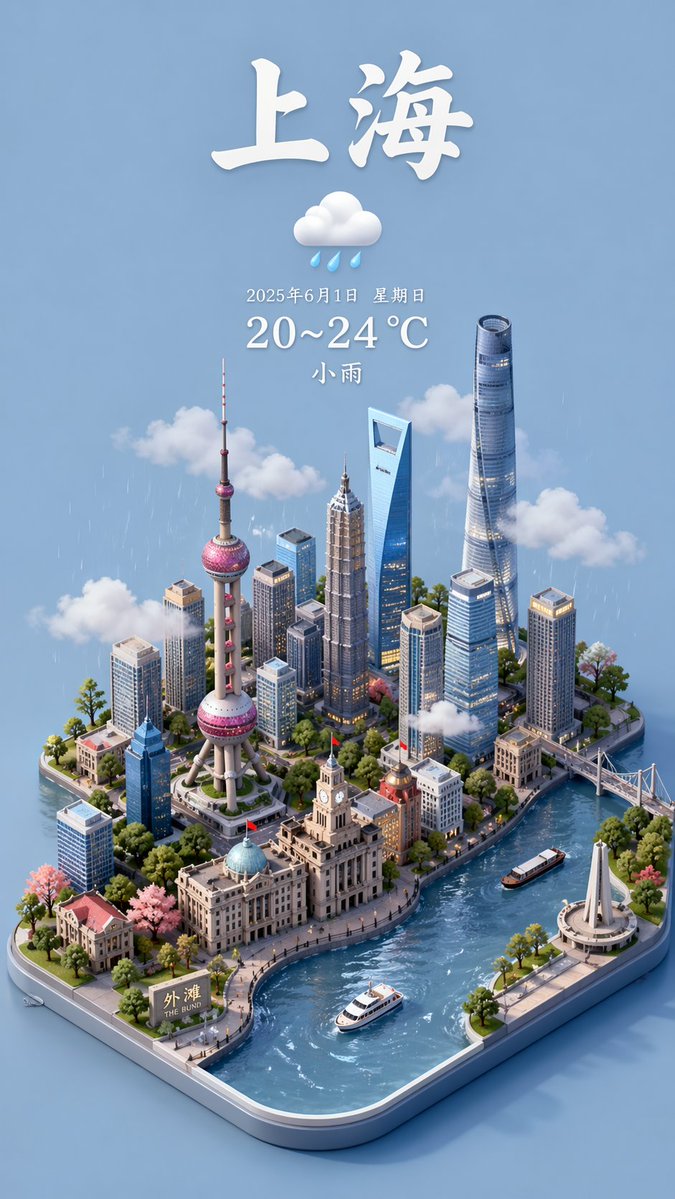
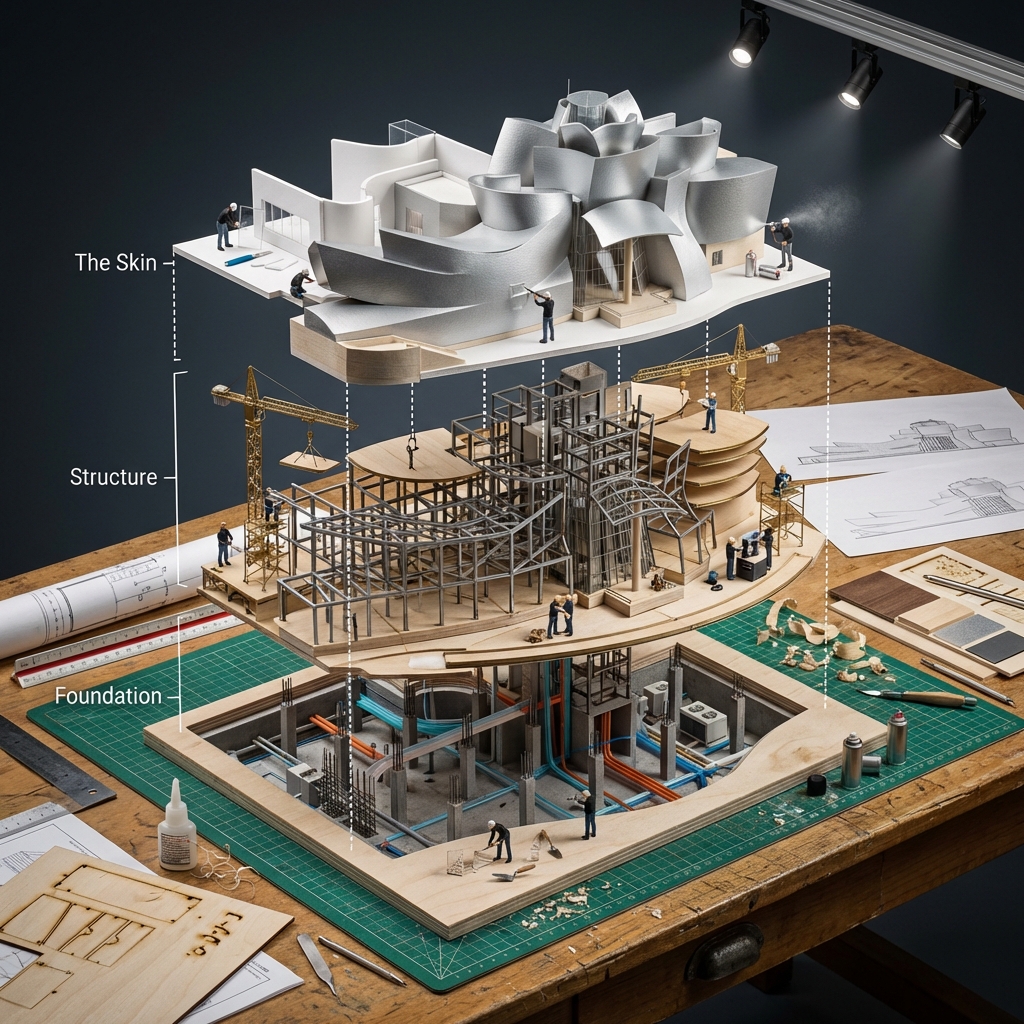
![Isometric Brand Store Diorama — Present a clear, 45° top-down isometric miniature 3D cartoon diorama of the [BRAND], with soft refin…](/_next/image?url=https%3A%2F%2Fcdn.picxstudio.com%2Fuploads%2Fmeigen_18578a8c7cb6_25c7ccef-837d-4949-99fb-d6321dc5c72c.jpg&w=828&q=100)
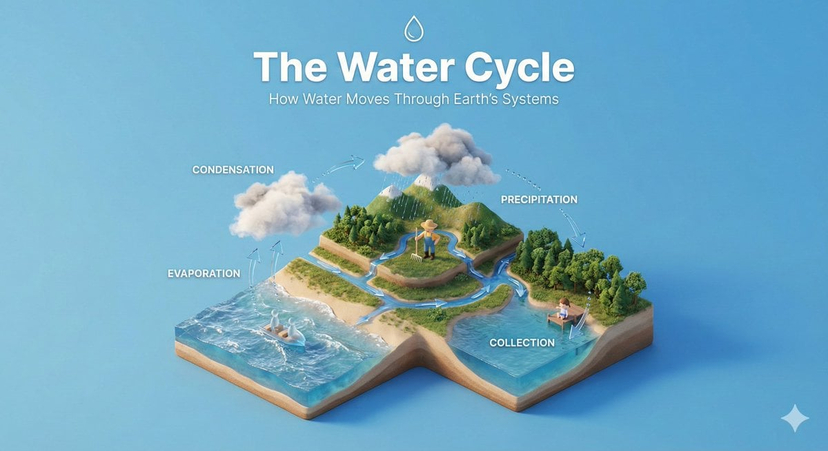
![Technical infographic of with a 45-degree isometric 3D perspective — Create a technical infographic of [OBJECT] with a 45-degree isometric 3D perspective showin](https://images.meigen.ai/tweets/2017928823497453789/0.jpg)
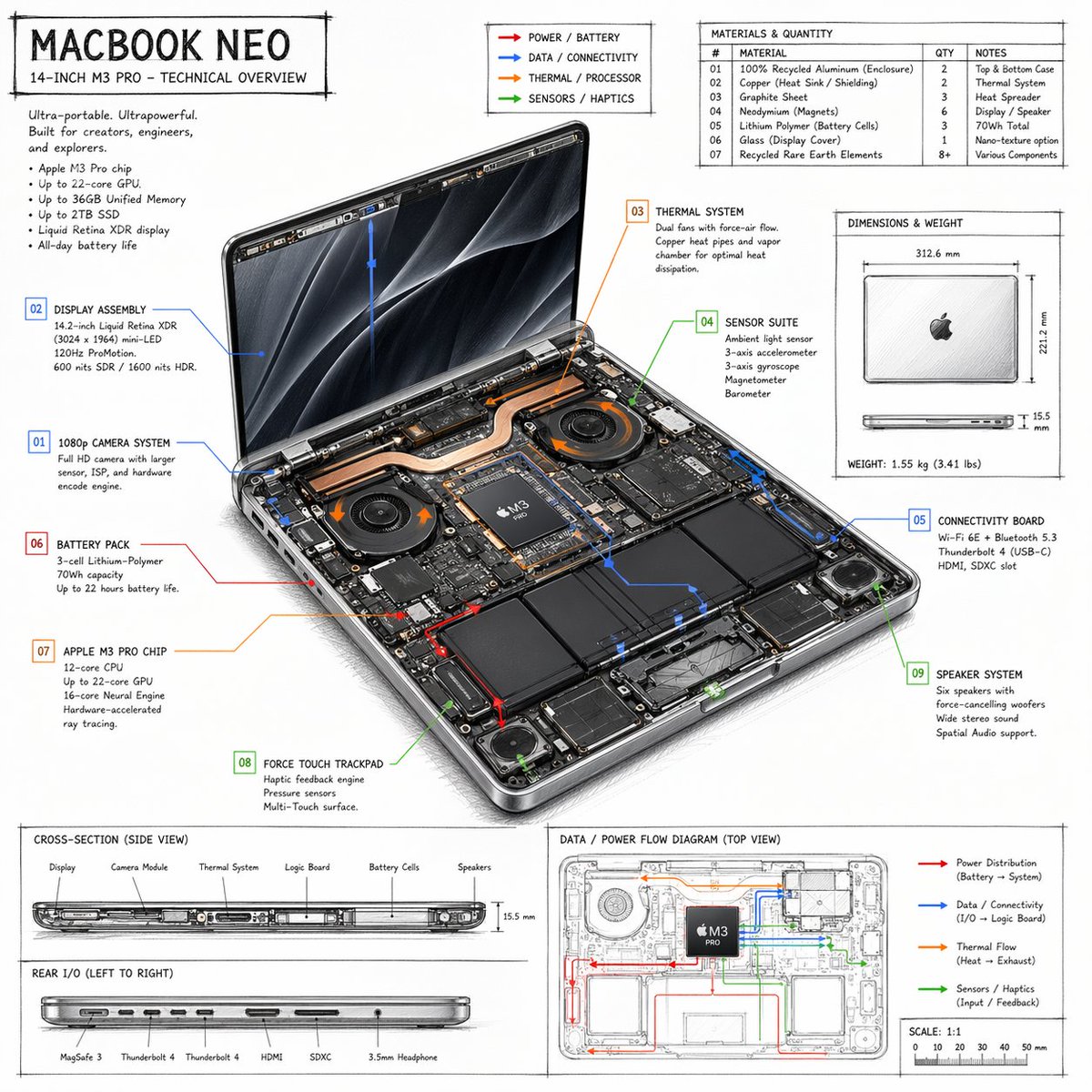
![Technical Infographic Template for Objects — Create a technical infographic of {argument name="object name" default="[OBJECT NAME]"} with a 45-de…](https://pbs.twimg.com/media/HB4jNL1XkAAa_CV.jpg)
![A hand-painted isometric bird s-eye view illustration of in a vintage — A hand-painted isometric bird’s-eye view illustration of [COUNTRY] in a vintage map styl](https://images.meigen.ai/tweets/2006361629651603477/0.jpg)
![Branded technical infographic of a, combining a realistic photograph — Create a branded technical infographic of a [SNACK], combining a realistic photograph or](https://images.meigen.ai/tweets/2017669983916982605/0.jpg)

![Technical Manual Infographic Style — Design an infographic-style image of {argument name="subject" default="[OBJECT]"} that fuses a photo…](https://cms-assets.youmind.com/media/1779354352643_xocah7_HIy3tuLa0AEitbe.jpg)
![Technical infographic of with a 45-degree isometric 3D perspective — Create a technical infographic of [OBJECT] with a 45-degree isometric 3D perspective showin](https://images.meigen.ai/tweets/2027042348207599633/0.jpg)
![Technical infographic of with a 45-degree isometric 3D perspective — Create a technical infographic of [VEHICLE] with a 45-degree isometric 3D perspective showi](https://images.meigen.ai/tweets/2048733383140712808/0.jpg)
![Technical Infographic Overlay on a Photorealistic Object — Create an infographic image of {argument name="object" default="[OBJECT]"}, combining a realistic ph…](https://pbs.twimg.com/media/G_o1kahbAAEyRZS.jpg)
![Japan Travel Brochure Poster — Create a vertical vintage travel-brochure infographic poster titled “[COUNTRY/DESTINATION]: [TAGLINE]”, using a warm parchment-pa](/_next/image?url=https%3A%2F%2Fcdn.picxstudio.com%2Fuploads%2Fp0_982bf820-bb34-4c43-8a6d-42d799d7282b.jpg&w=828&q=100)
![45 top-down isometric miniature 3D diorama including all key objects — Create a 45° top-down isometric miniature 3D diorama of [SCENE], including all key object](https://images.meigen.ai/tweets/2013597392902246904/0.jpg)
![Branded technical infographic of a, combining a realistic photograph — Create a branded technical infographic of a [SNACK], combining a realistic photograph or](https://images.meigen.ai/tweets/2031795709243019280/0.jpg)
![Technical Product Infographic with Blueprint Overlay — Premium technical infographic of {argument name="product name" default="[product name ]"}.
Use the refere](https://cms-assets.youmind.com/media/1783932926598_1un1z6_HNCWxb9a8AA2XSz-300x300.jpg)
![Infographic Prompt Template for Objects — “Create an infographic image of [{argument name="object" default="OBJECT"}], combining a realistic p…](https://pbs.twimg.com/media/G_Yj8SGX0AAa9YM.jpg)
![Naive doodle-style subject illustration — A doodle-style {argument name="subject" default="[subject]"}, naive lines, humorous shape exaggeration](https://pbs.twimg.com/media/G6Wl2YxbsAARB2b.jpg)














![E-Girl Mirror Selfie with Deep Depth of Field — {
"meta": {
"project": "Egirl_Bed_Selfie_HelloKitty_Flux_V4.2",
"target_engine": "Flux.1 [dev] / Nano](https://pbs.twimg.com/media/G8yPrLNWsAEG5fl.jpg)