
AI-Reconstructed 1827 New York Street
A cinematic historical street panorama with horse carriages and blue digital reconstruction effects for a time-travel GeoGuessr-style visual.
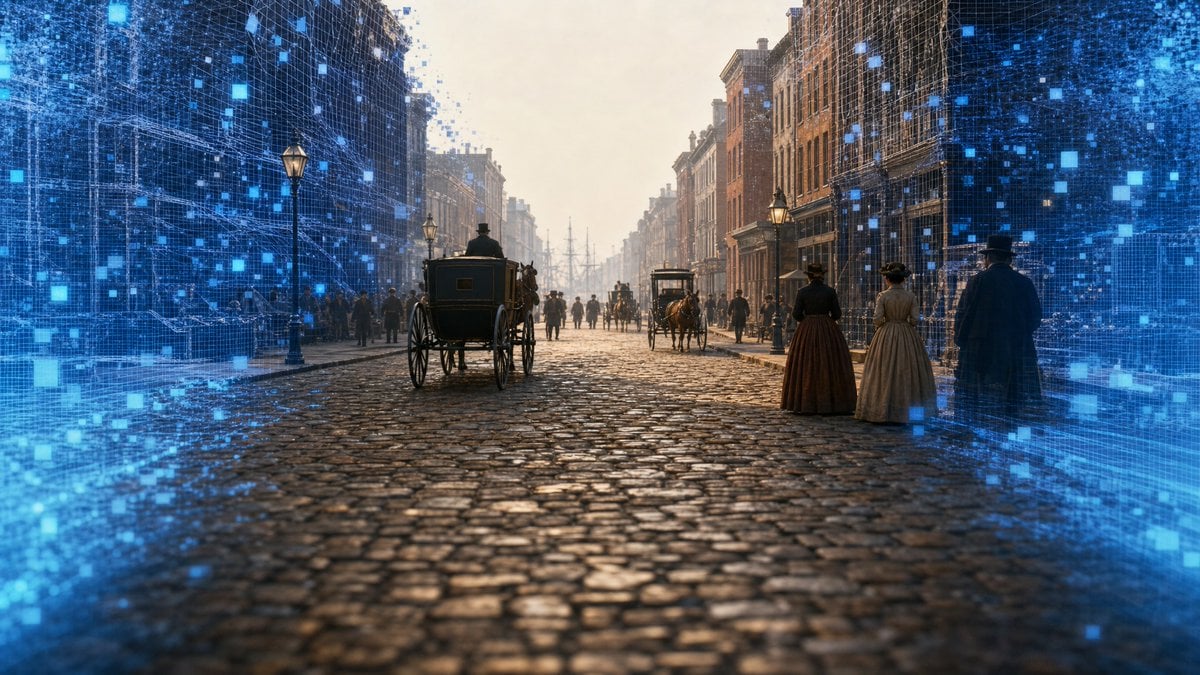
- Prompt included
- Model and format preset
- Free template
The prompt behind this image
Copy the exact prompt behind AI-Reconstructed 1827 New York Street, or open it in the studio and make it yours.
Create a cinematic photorealistic wide-angle scene of {argument name="historical city and year" default="New York City, 1827"} as if viewed from the middle of a cobblestone street, blending a historically accurate time-travel panorama with a futuristic AI reconstruction overlay. The camera is low and centered on a wet, reflective cobblestone road with strong one-point perspective leading toward distant ship masts at the end of the street. Tall early-19th-century brick buildings line both sides, with period storefronts, chimneys, gas lamps, and crowded sidewalks. Include exactly 2 horse-drawn carriages in the street: one large dark carriage in the left foreground seen from behind, and one smaller carriage in the mid-distance on the center-right. Include exactly 3 prominent pedestrians in the right foreground: two women in long 1820s dresses and bonnets standing side by side, plus one man in a dark cloak and hat facing away. Add many smaller background pedestrians as silhouettes along both sidewalks. Surround the left and right edges of the image with a glowing translucent blue digital wireframe layer, made of gridded building outlines, floating square pixels, scan lines, and particle-like data points, as though AI is generating or reconstructing the historical street in real time; leave the central street mostly realistic and unobstructed. Use warm hazy late-afternoon light, misty atmosphere, golden highlights on the cobbles, cool electric-blue holographic edges, cinematic depth of field, ultra-detailed textures, realistic scale, no visible text, no logo, no watermark. Render in a horizontal 16:9 aspect ratio with an immersive travel-through-time mood.
How to use AI-Reconstructed 1827 New York Street in 3 steps
- 1Upload ImagePNG, JPG or paste
Add your photo
Upload the photo the template builds on. The prompt, model and format are already set.
- 2…a portrait of your subject in softgolden-hour light, 85mm…
Personalize
Edit the subject and creative details for your destination.
- 3Generate
Generate
Press Generate — your image is created in PicX Studio, so you can compare it with the original and refine one variable at a time.
More like this
Templates with the same subject, style or setup. Open one to see its prompt.

Two Tickets, One Night

Meet Me When It Rains

Two Hearts. One Scooter.

1986 Street Couple

1985 Street Scene

Cinematic Street Fashion Portrait Motion Blur Crowd

Blue Hour Editorial Fashion Portrait
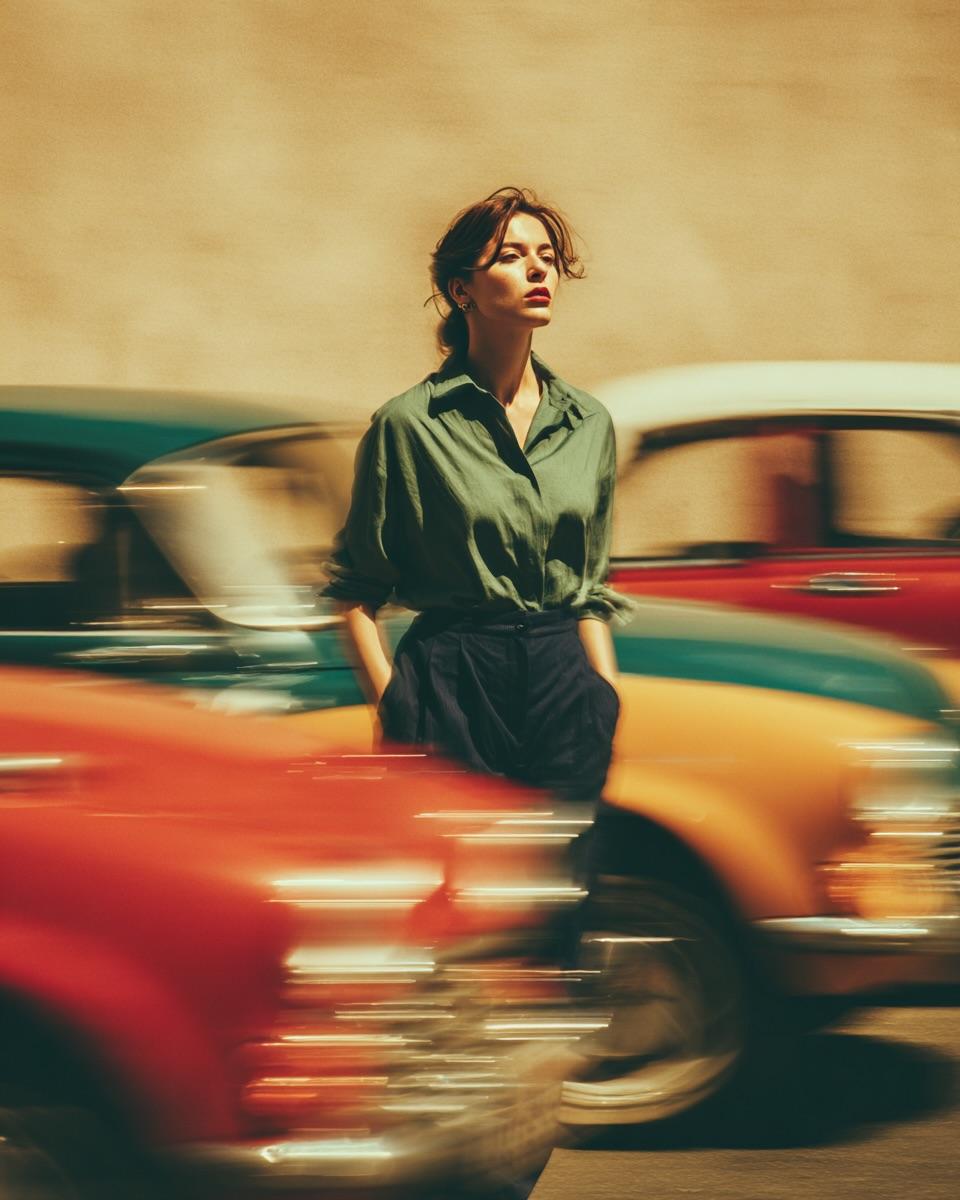
Golden Hour Street Motion Portrait

Face-Locked Cream Half-Zip Street Walk

Golden Hour Fedora Bar Doorway Street Style
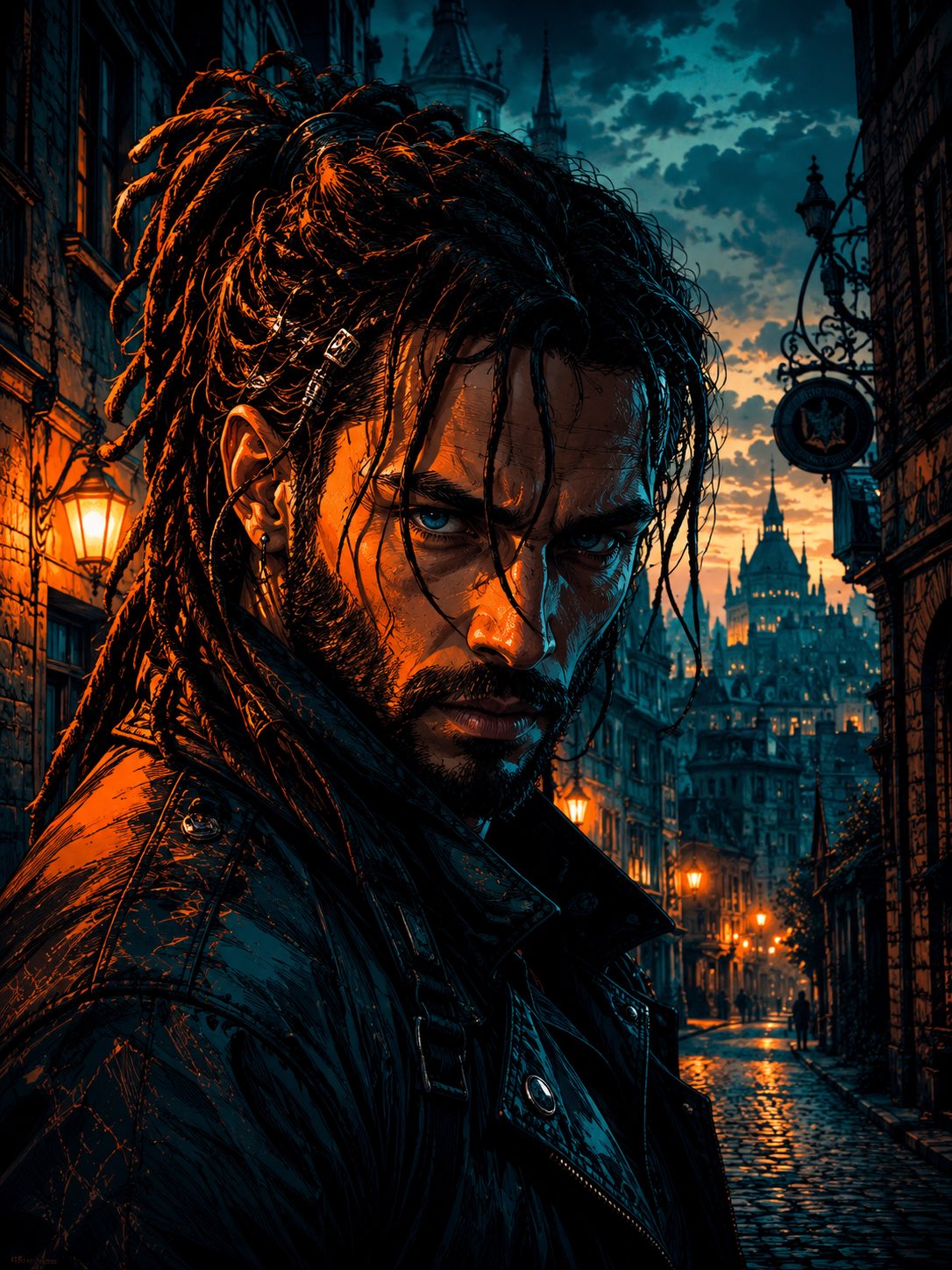
Cyber Noir Dreadlocks Street Portrait

Face-Locked City Skyline Double Exposure
Make it yours
AI-Reconstructed 1827 New York Street works as-is. These are the safest ways to change it without losing the look.
Change one field
Copy a single group, rewrite it, and generate again so you can see what that field is doing.
Keep the frame, change the subject
Hold the composition and light of AI-Reconstructed 1827 New York Street, then swap wardrobe, props or the person for a new take.
| If the result… | Why | Fix |
|---|---|---|
| The result drifts from the preview | Too many fields changed at once. | Reuse AI-Reconstructed 1827 New York Street as-is first, then change one group — subject, light, or setting. |
| The model over-stylizes the scene | The prose prompt leaves finish and camera underspecified. | Add one camera or lighting sentence and stay on GPT Image 2. |
More GPT Image 2 templates
Other prompts made for GPT Image 2.

Six VTuber Japanese Logo Sheet

Realistic Portrait of Woman and Deer

The Vista Modular Condo Poster

AI Model Routing Comparison Infographic

2.5D Anime Art Board

Isometric Productivity Desk Scene

Four-Panel AI Landscape Comparison

Japanese Tatami Lifestyle Magazine Cover

NESCAFÉ Coffee Map Poster

Brutalist Cogito Chinese Typography Poster
More image prompts
Fresh picks from across the catalog.
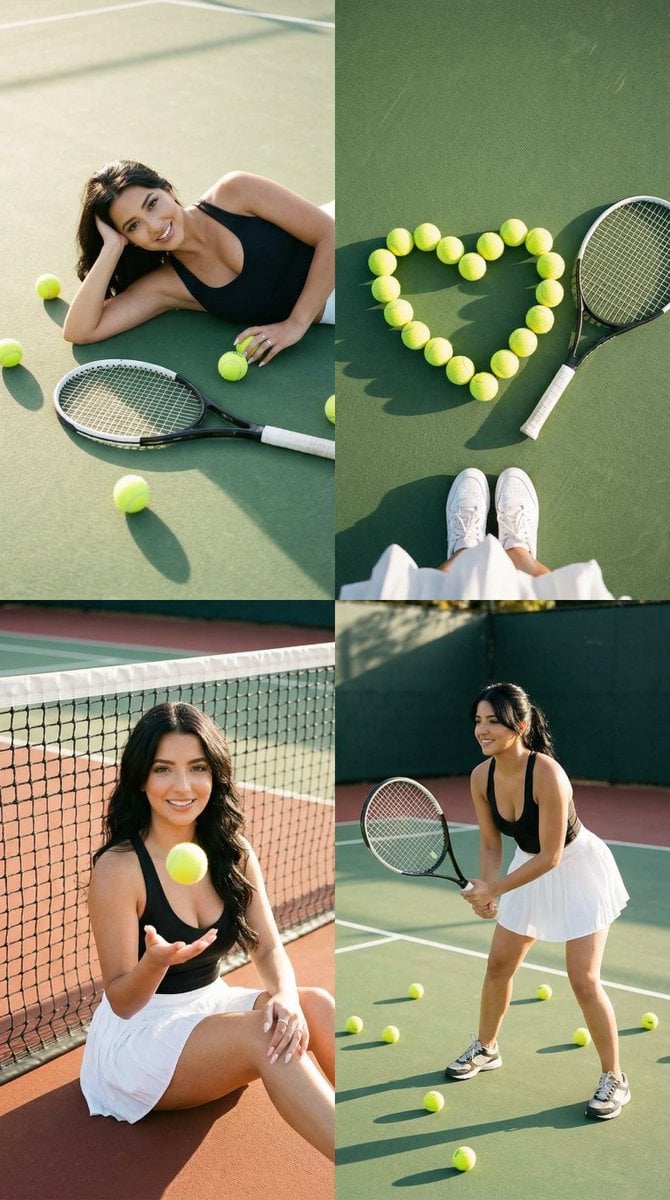
2x2 Tennis Editorial Grid Collage

Detailed Digital Vector Portrait with Comic Shading
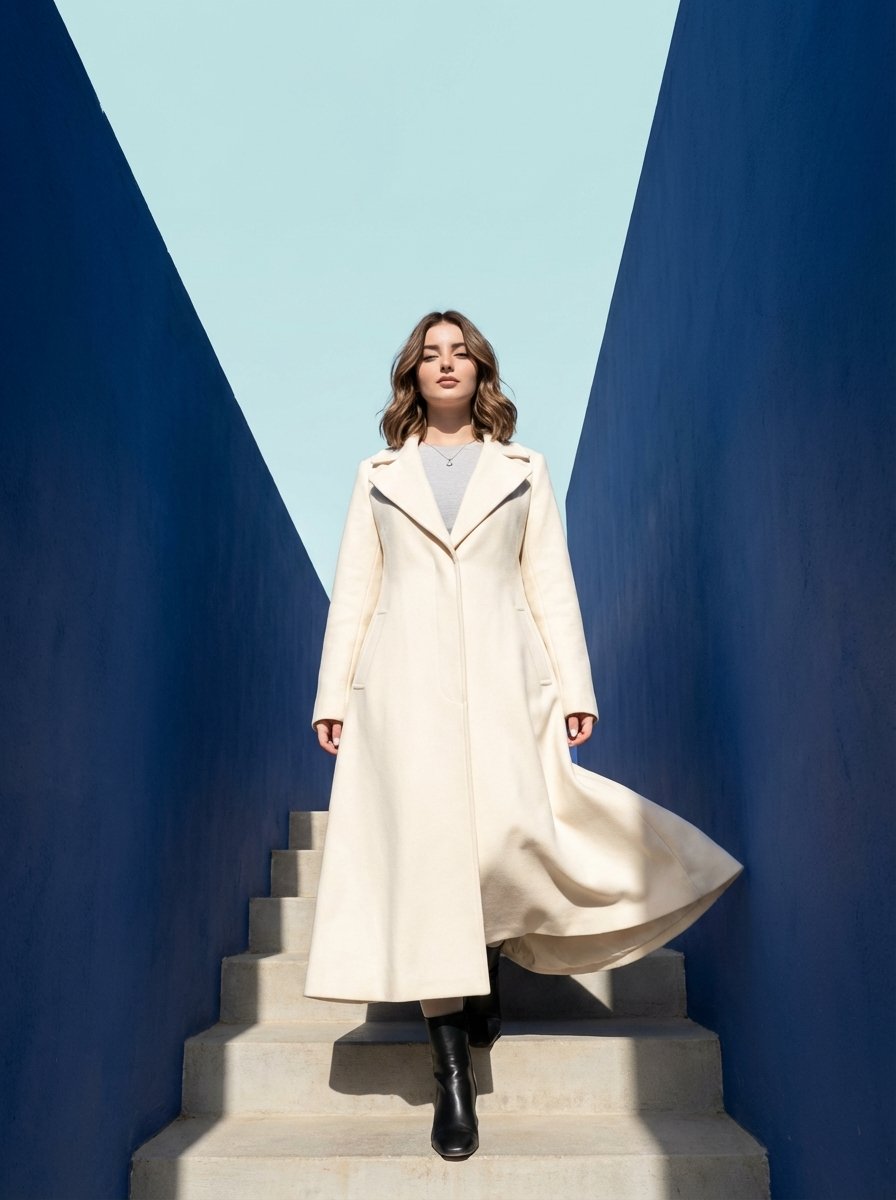
Cool Palette, Bold Energy, Wide Angles
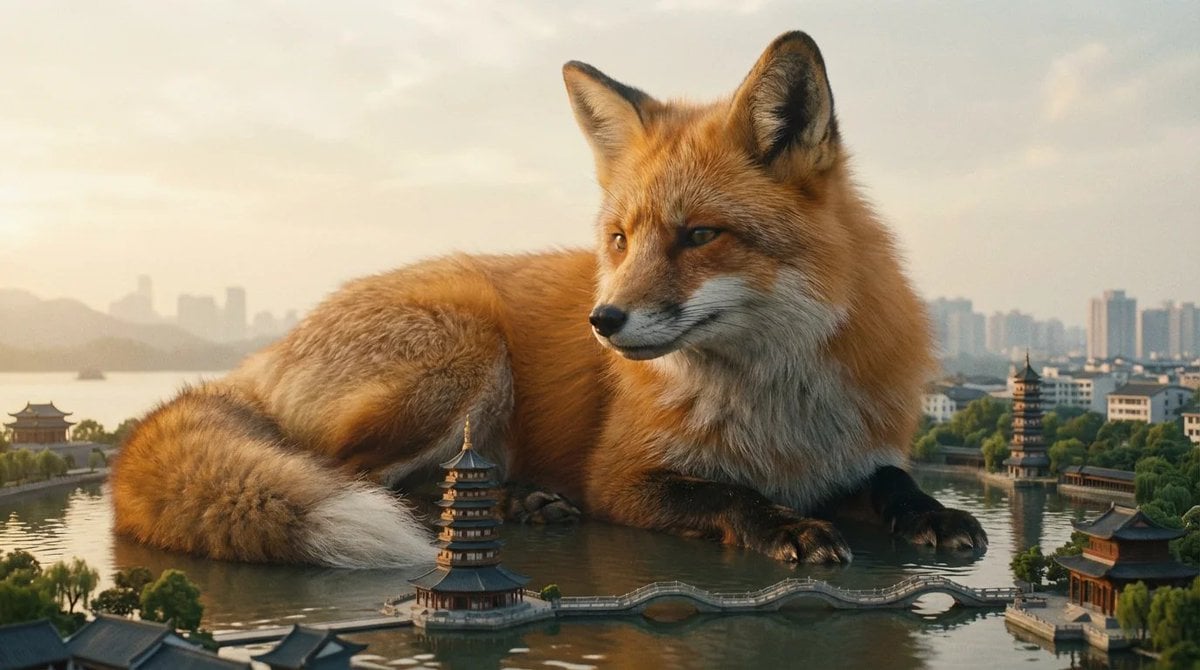
Giant Animal in City Scene Prompt (Fox + West Lake)
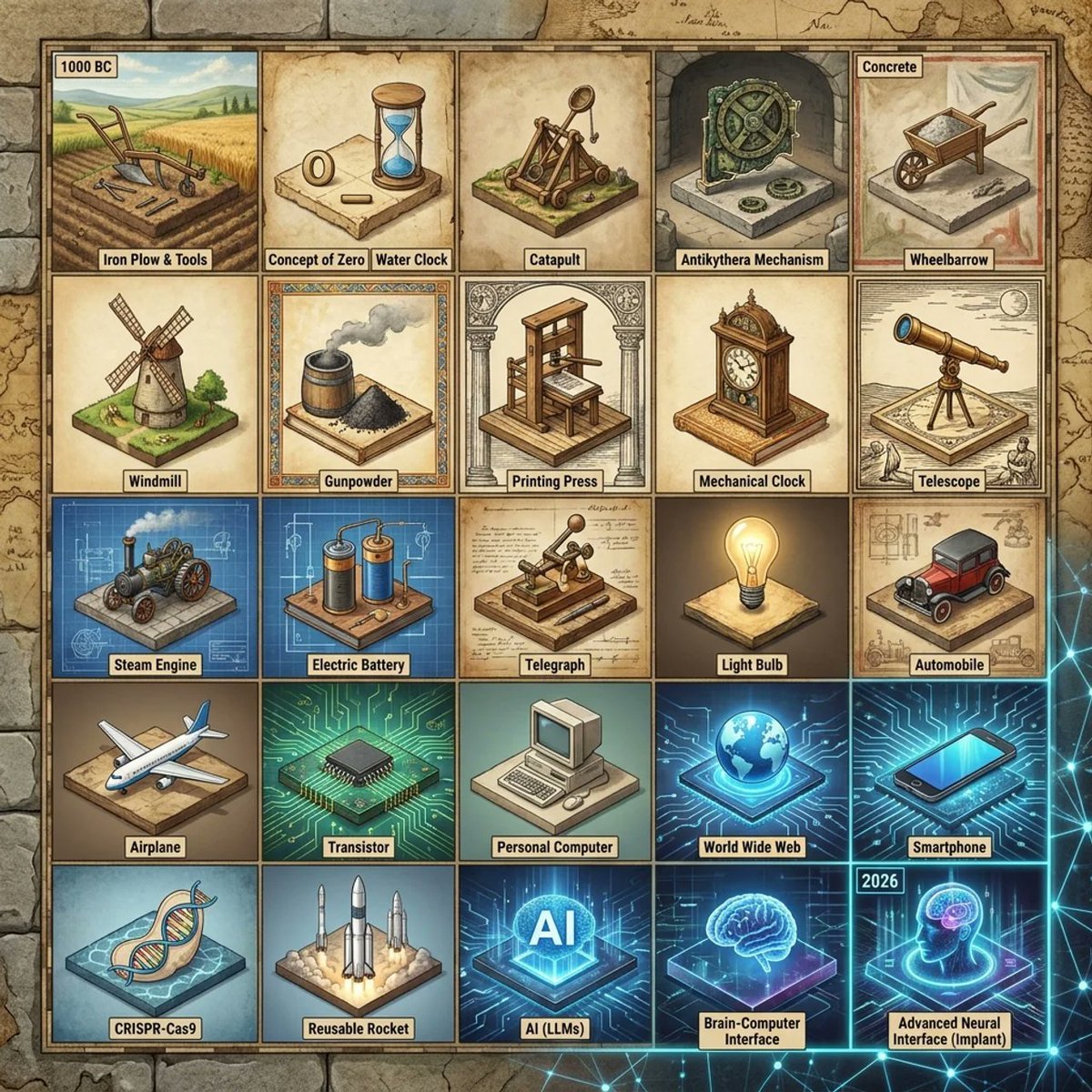
Historical Invention Timeline Grid
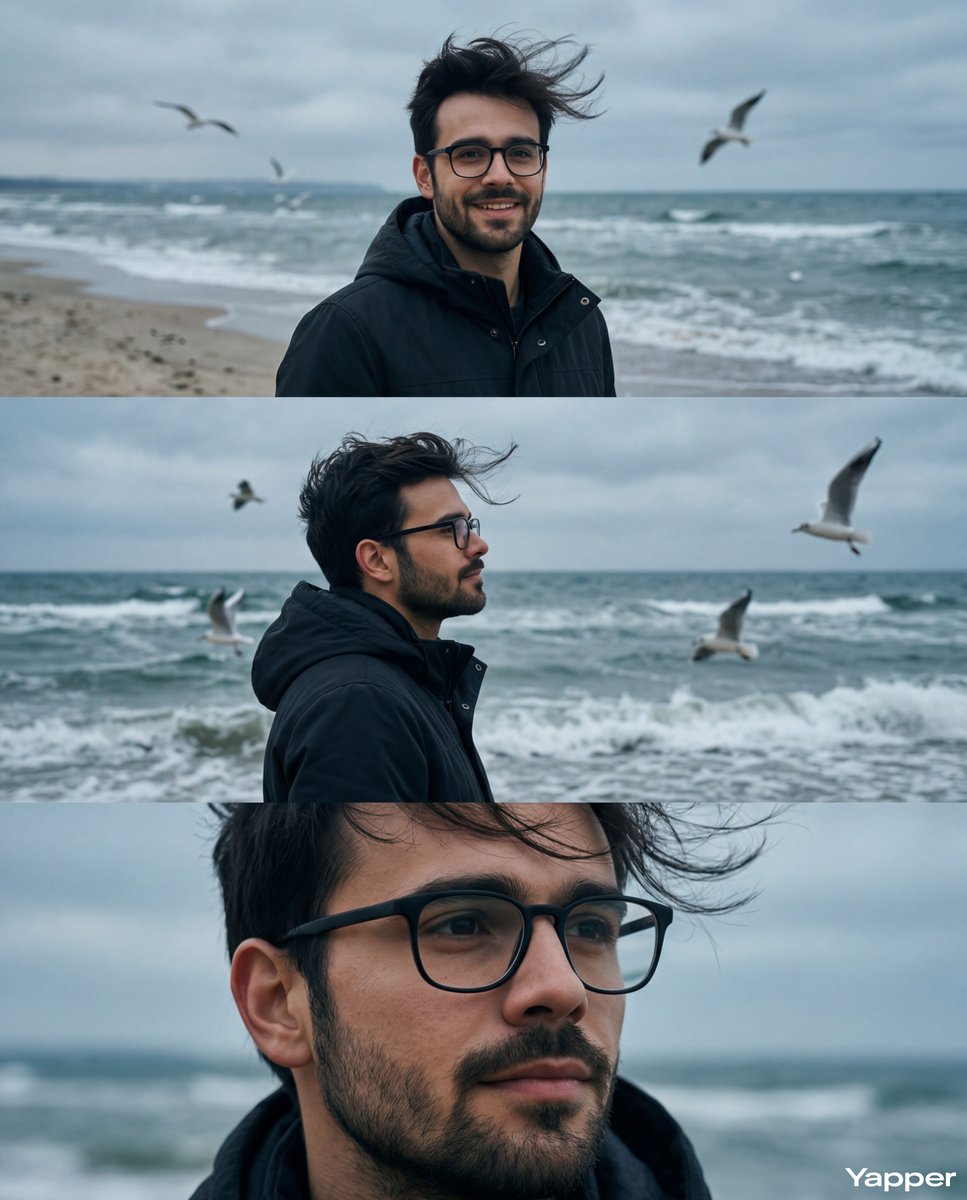
Cinematic Seaside Triptych Portrait Prompt
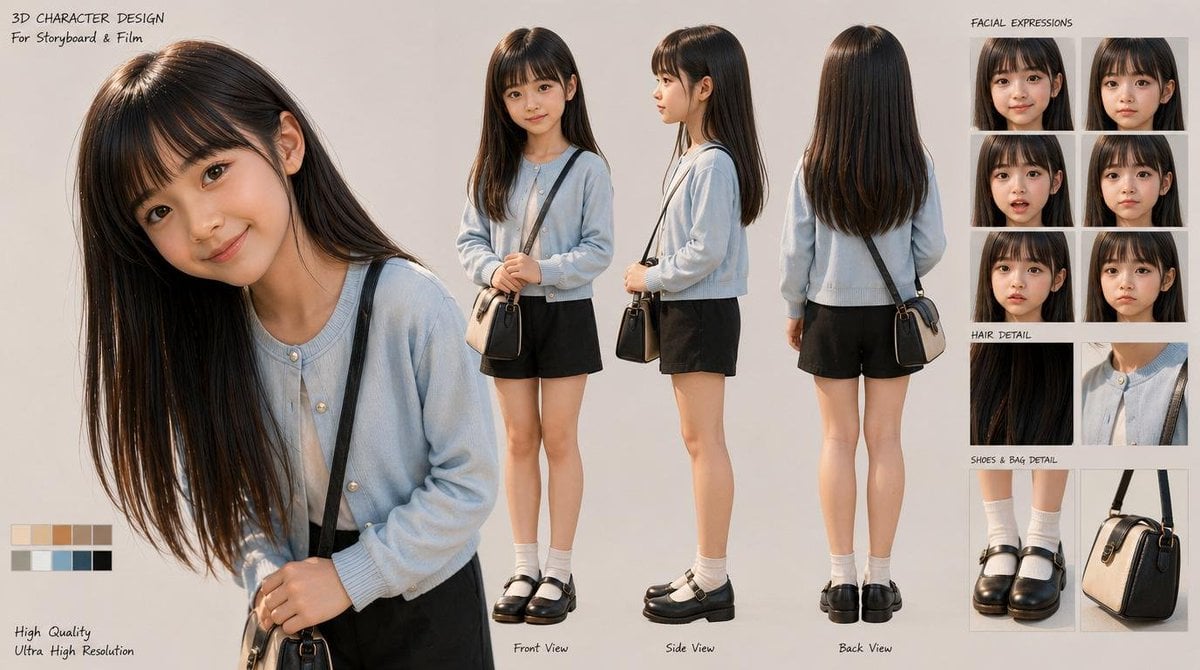
3D Schoolgirl Character Design Sheet
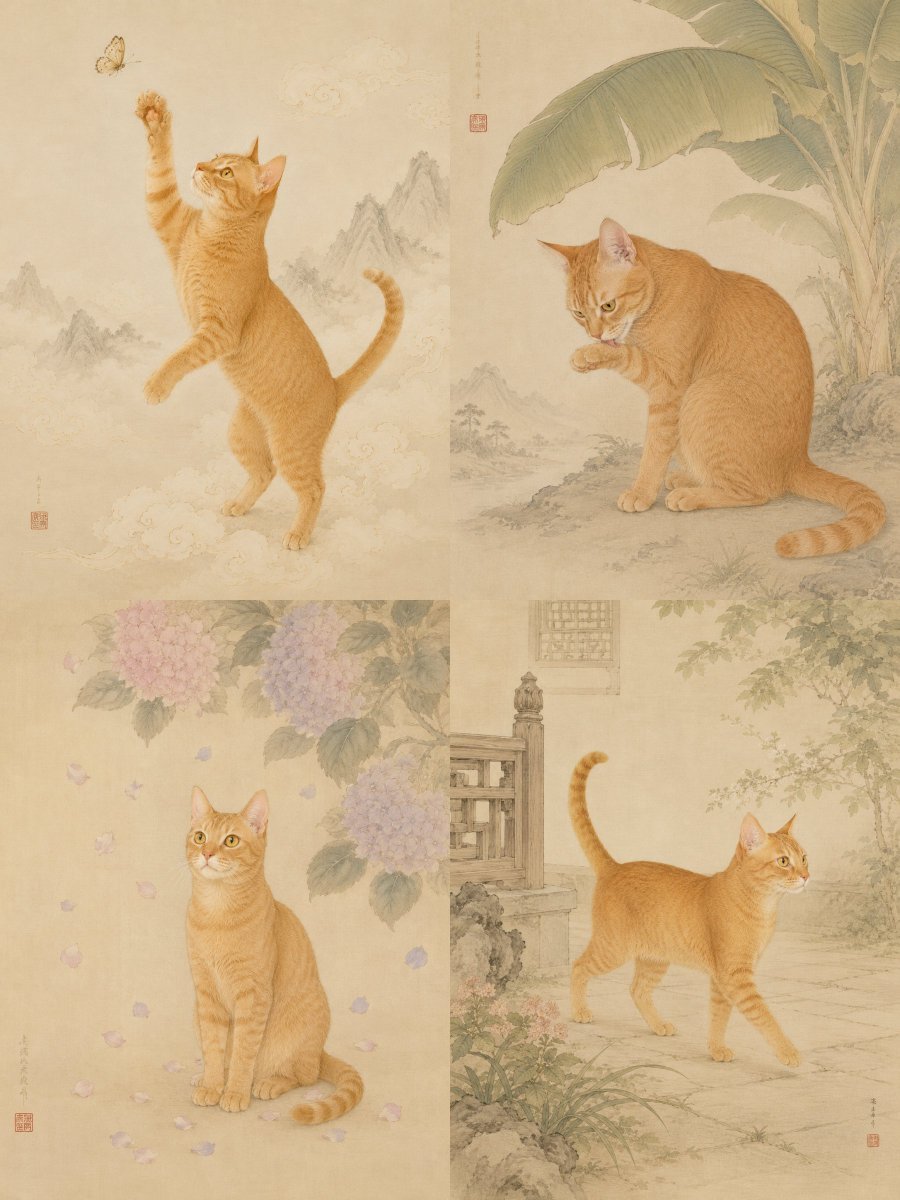
Oriental Gongbi Style Pet Portrait
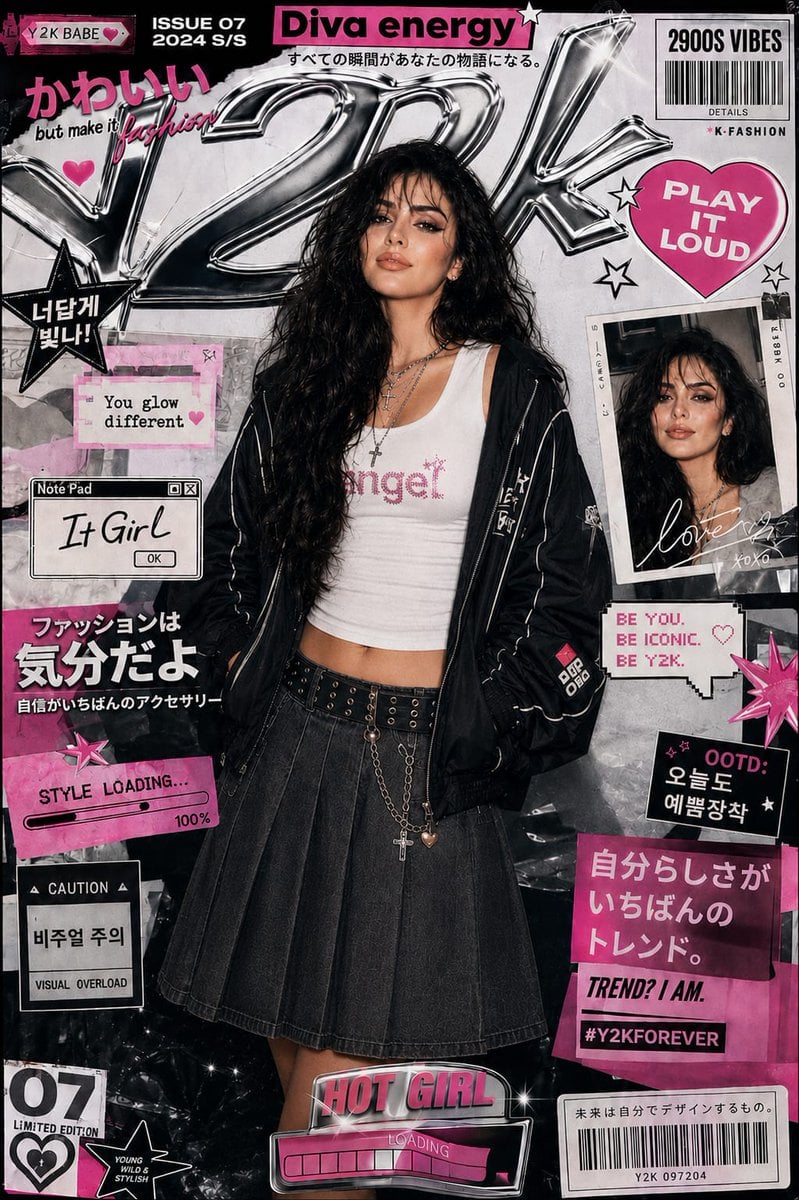
Y2K Style K-Fashion Poster
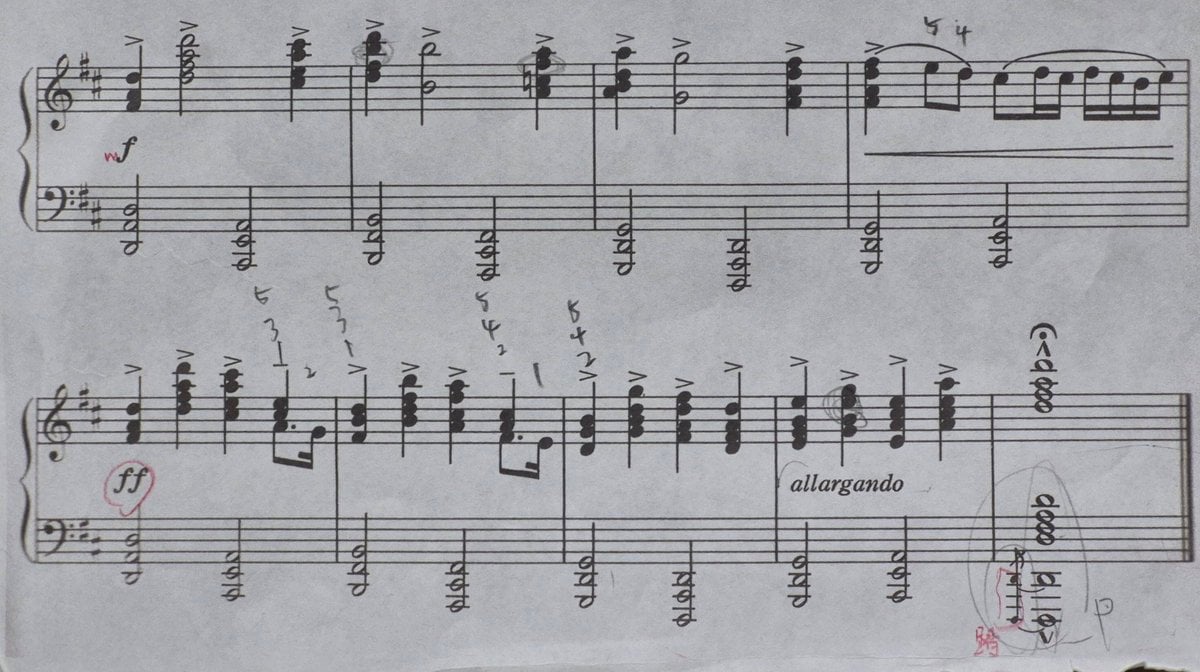
Generating Clean Sheet Music from Scanned Image
Browse template categories
AI-Reconstructed 1827 New York Street questions
How do I use the AI-Reconstructed 1827 New York Street template?
Add your photo if the template asks for one, edit the prompt if you like — the template's model and format are already selected — and press Generate. Your version opens in PicX Studio.
Can I customize the AI-Reconstructed 1827 New York Street template?
Yes. You can change the subject, setting, lighting, mood, format, and available model controls before creating your image.
Is the AI-Reconstructed 1827 New York Street template free?
Opening and editing this template is free. Generating uses credits, shown on the Generate button when you are signed in.
Which AI model should I use?
Start with GPT Image 2, which is the model associated with this template. You can compare another compatible model for a different finish.
Looking for something else? Browse all templates.

Your photo, any look
Thousands of ready templates for every top image and video model, from one credit balance.