
Cinematic Golden Hour Portrait on Hilltop
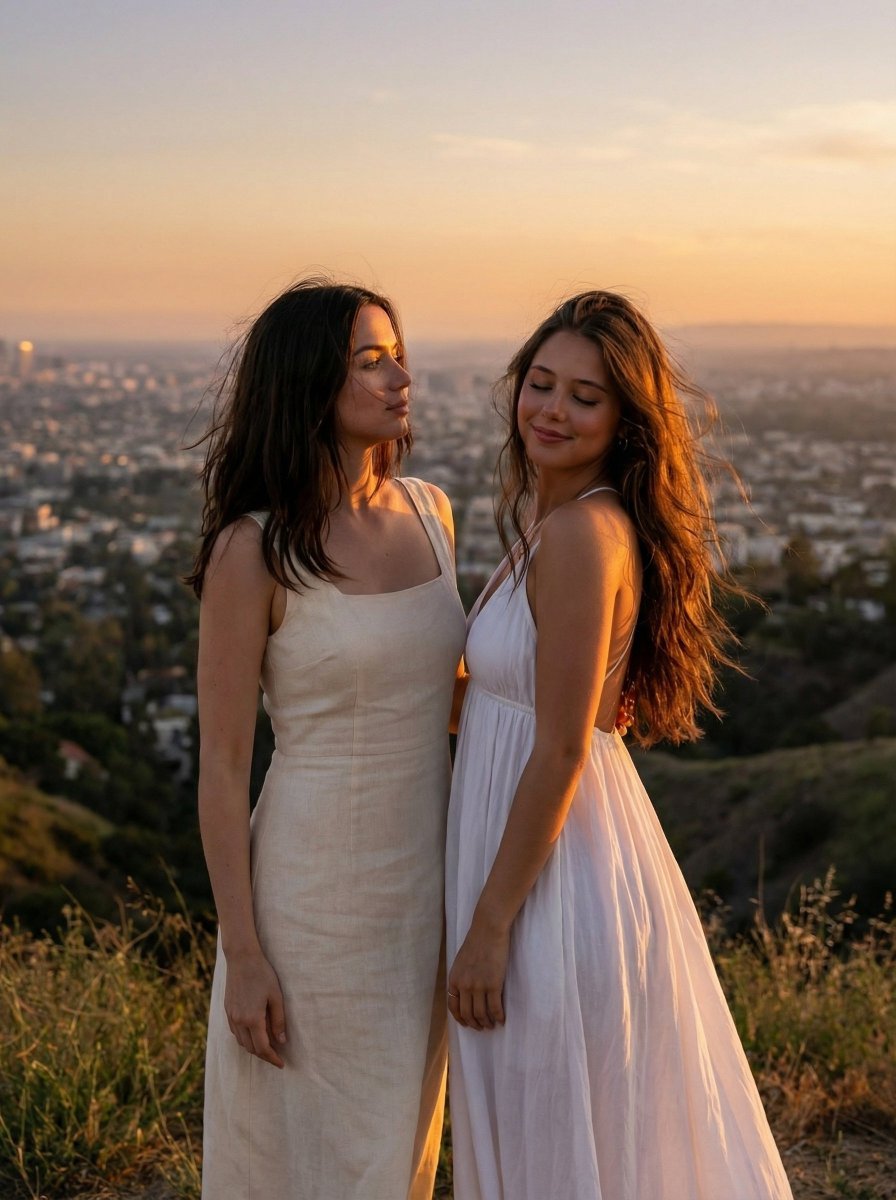
A JSON prompt for generating a high-end cinematic photograph of two women (using reference images for identity lock, including Ana de Armas) standing on a hilltop at golden hour.
- Prompt included
- Model and format preset
- Free template
The prompt behind this image
Copy the exact prompt behind Cinematic Golden Hour Portrait on Hilltop, or open it in the studio and make it yours.
- Image Generation Prompt › Subject › Description
- Two young women standing together outdoors on a hillside at sunset, Use uploaded reference images, keep identity exact for both individuals
- Image Generation Prompt › Subject › Identity › Person 1
- Use uploaded reference image 1, keep identity exact — no mixing, same facial structure, eyes, nose, lips
- Image Generation Prompt › Subject › Identity › Person 2
- Use uploaded reference image 2, keep identity exact — no mixing, same facial structure, eyes, nose, lips
- Image Generation Prompt › Subject › Consistency Rules
- Both identities must remain fully accurate and separate, no blending or facial drift. Preserve exact proportions, skin tone, and features.
- Image Generation Prompt › Subject › Hair › Person 1
- long dark brown hair, slightly windswept, natural strand separation, soft flyaways, realistic motion from breeze
- Image Generation Prompt › Subject › Hair › Person 2
- long brown hair with soft waves, wind-blown movement, visible strands, natural volume and flow
- Image Generation Prompt › Subject › Face › Details
- Use uploaded reference images, keep identity exact — visible pores, natural skin texture, no beautify smoothing
- Image Generation Prompt › Subject › Face › Expressions › Person 1
- soft calm expression, slightly looking downward or away
- Image Generation Prompt › Subject › Face › Expressions › Person 2
- serene expression with eyes gently closed or relaxed
- Image Generation Prompt › Subject › Body
- slim natural proportions, standing close together with slight body turn
- Image Generation Prompt › Attire › Clothing
- light cream/white dresses, soft flowing fabric, lightweight material, natural folds and movement from wind
- Image Generation Prompt › Attire › Details
- cinematic draping, slight fabric lift from breeze, realistic shadows and highlights
- Image Generation Prompt › Environment › Setting
- hilltop overlooking a city landscape
- Image Generation Prompt › Environment › Background
- wide valley with buildings, distant mountains, expansive sky with soft clouds
- Image Generation Prompt › Environment › Details
- dry grass and natural terrain in foreground, depth haze in distance
- Image Generation Prompt › Pose › Posture
- standing side by side, slightly turned away from camera
- Image Generation Prompt › Pose › Interaction
- subtle closeness, relaxed natural positioning
- Image Generation Prompt › Pose › Composition
- mid-full body framing with scenic background
- Image Generation Prompt › Lighting And Mood › Lighting
- golden hour sunset lighting, warm directional light hitting subjects from side/back
- Image Generation Prompt › Lighting And Mood › Effects
- strong warm highlights on skin and hair, soft shadows, rim lighting outlining silhouettes, atmospheric glow
- Image Generation Prompt › Lighting And Mood › Mood
- cinematic, dreamy, romantic, serene
- Image Generation Prompt › Camera And Technical › Style
- high-end cinematic photography
- Image Generation Prompt › Camera And Technical › Lens
- 50mm or 85mm
- Image Generation Prompt › Camera And Technical › Aperture
- f/1.8
Raw JSON
{
  "image_generation_prompt": {
    "subject": {
      "description": "Two young women standing together outdoors on a hillside at sunset, Use uploaded reference images, keep identity exact for both individuals",
      "identity": {
        "person_1": "Use uploaded reference image 1, keep identity exact — no mixing, same facial structure, eyes, nose, lips",
        "person_2": "Use uploaded reference image 2, keep identity exact — no mixing, same facial structure, eyes, nose, lips"
      },
      "consistency_rules": "Both identities must remain fully accurate and separate, no blending or facial drift. Preserve exact proportions, skin tone, and features.",
      "hair": {
        "person_1": "long dark brown hair, slightly windswept, natural strand separation, soft flyaways, realistic motion from breeze",
        "person_2": "long brown hair with soft waves, wind-blown movement, visible strands, natural volume and flow"
      },
      "face": {
        "details": "Use uploaded reference images, keep identity exact — visible pores, natural skin texture, no beautify smoothing",
        "expressions": {
          "person_1": "soft calm expression, slightly looking downward or away",
          "person_2": "serene expression with eyes gently closed or relaxed"
        }
      },
      "body": "slim natural proportions, standing close together with slight body turn"
    },
    "attire": {
      "clothing": "light cream/white dresses, soft flowing fabric, lightweight material, natural folds and movement from wind",
      "details": "cinematic draping, slight fabric lift from breeze, realistic shadows and highlights"
    },
    "environment": {
      "setting": "hilltop overlooking a city landscape",
      "background": "wide valley with buildings, distant mountains, expansive sky with soft clouds",
      "details": "dry grass and natural terrain in foreground, depth haze in distance"
    },
    "pose": {
      "posture": "standing side by side, slightly turned away from camera",
      "interaction": "subtle closeness, relaxed natural positioning",
      "composition": "mid-full body framing with scenic background"
    },
    "lighting_and_mood": {
      "lighting": "golden hour sunset lighting, warm directional light hitting subjects from side/back",
      "effects": "strong warm highlights on skin and hair, soft shadows, rim lighting outlining silhouettes, atmospheric glow",
      "mood": "cinematic, dreamy, romantic, serene"
    },
    "camera_and_technical": {
      "style": "high-end cinematic photography",
      "lens": "50mm or 85mm",
      "aperture": "f/1.8",
      "quality_tags": [
        "ultra realistic",
        "8k resolution",
        "cinematic lighting",
        "natural depth of field",
        "film-like color grading",
        "high dynamic range",
        "realistic skin texture",
        "subtle grain"
      ]
    },
    "negative_prompt": [
      "fa"
    ]
  }
}How to use Cinematic Golden Hour Portrait on Hilltop in 3 steps
- 1Upload ImagePNG, JPG or paste
Add your photo
Upload the photo the template builds on. The prompt, model and format are already set.
- 2…a portrait of your subject in softgolden-hour light, 85mm…
Personalize
Edit the subject and creative details for your destination.
- 3Generate
Generate
Press Generate — your image is created in PicX Studio, so you can compare it with the original and refine one variable at a time.
More like this
Templates with the same subject, style or setup. Open one to see its prompt.

80s Golden Hour Cinema

Rooftop Fisheye — Cat-Ear Balaclava at Golden Hour

Cinematic Golden Hour Garden Portrait

Cinematic Golden Hour Urban Portrait

Golden Hour Redhead Portrait

Golden Hour Cinematic Boss Energy Portrait

Golden Hour Cinematic Portrait
Golden Hour Daisy Field Portrait
Golden Hour Rose Portrait

Golden Hour Korean Classroom Portrait
Golden Hour Rooftop Portrait
Golden Hour Contemplative Portrait
Make it yours
Cinematic Golden Hour Portrait on Hilltop works as-is. These are the safest ways to change it without losing the look.
Swap the setting
Keep the rest of the prompt and replace the location block. The current setting is “hilltop overlooking a city landscape”.
Swap the light
One lighting change is enough to compare takes. Current light: “golden hour sunset lighting, warm directional light hitting subjects from side/b”.
Change one field
Copy a single group, rewrite it, and generate again so you can see what that field is doing.
| If the result… | Why | Fix |
|---|---|---|
| The result drifts from the preview | Too many fields changed at once. | Reuse Cinematic Golden Hour Portrait on Hilltop as-is first, then change one group — subject, light, or setting. |
| Nano Banana 2 ignores part of the JSON | Some models flatten or skip nested keys. | Keep the same values and paste them as a short paragraph instead. |
More Nano Banana 2 templates
Other prompts made for Nano Banana 2.

Photorealistic Leaf Shaped Like a Dragon

K-Pop Idol Portrait Grid for Rapid Selection

Urban Street Portrait with Cartoon Inner Self Duo

Candid Nighttime Photo with Cat Prompt

High-Concept 3D Diorama Generation Prompt

Cinematic Futuristic Studio Portrait Template

Skincare Editorial Photography Collage Prompt

Hyper-Realistic Commercial Product Photography (Splash Effect)

Hyper-Realistic Nightclub Portrait Prompt

Cinematic Urban Rain Scene Prompt (Neo-Noir)
More image prompts
Fresh picks from across the catalog.
Candid Outdoor Portrait by a Creek

Anime TV CM Storyboard Sheet
Cinematic Black and White Portrait of a Writer

3D Plush Fruit Character Template
Structured Figure/Diorama Generation Prompt for Nano Banana Pro
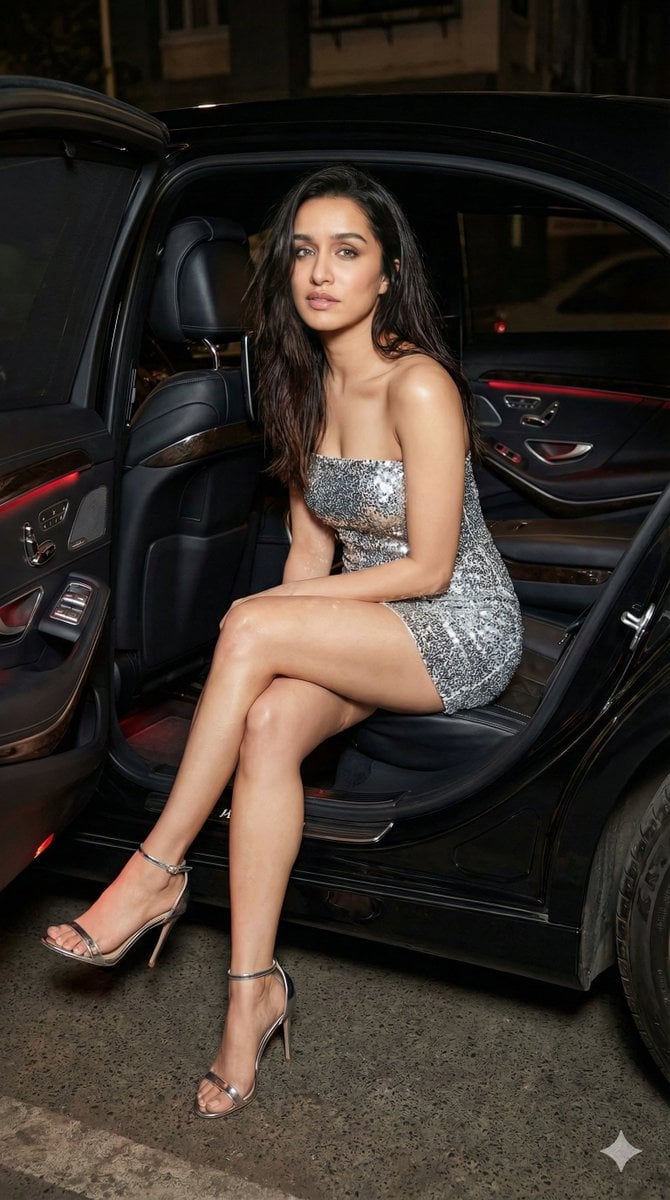
Nightlife Fashion Portrait Prompts (3 Variations)

Character Archive — Blueprint Concept Sheet
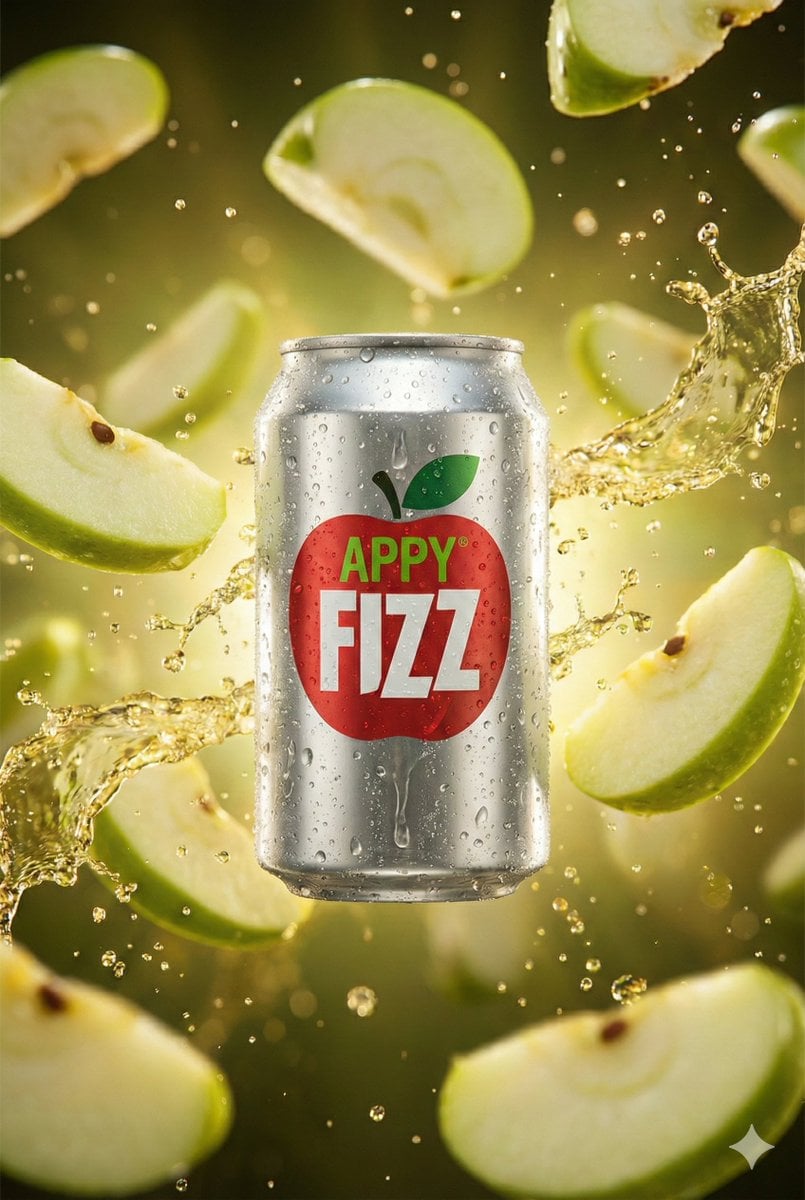
Hyper-realistic cinematic product shot of Appy Fizz can with exploding apple slices
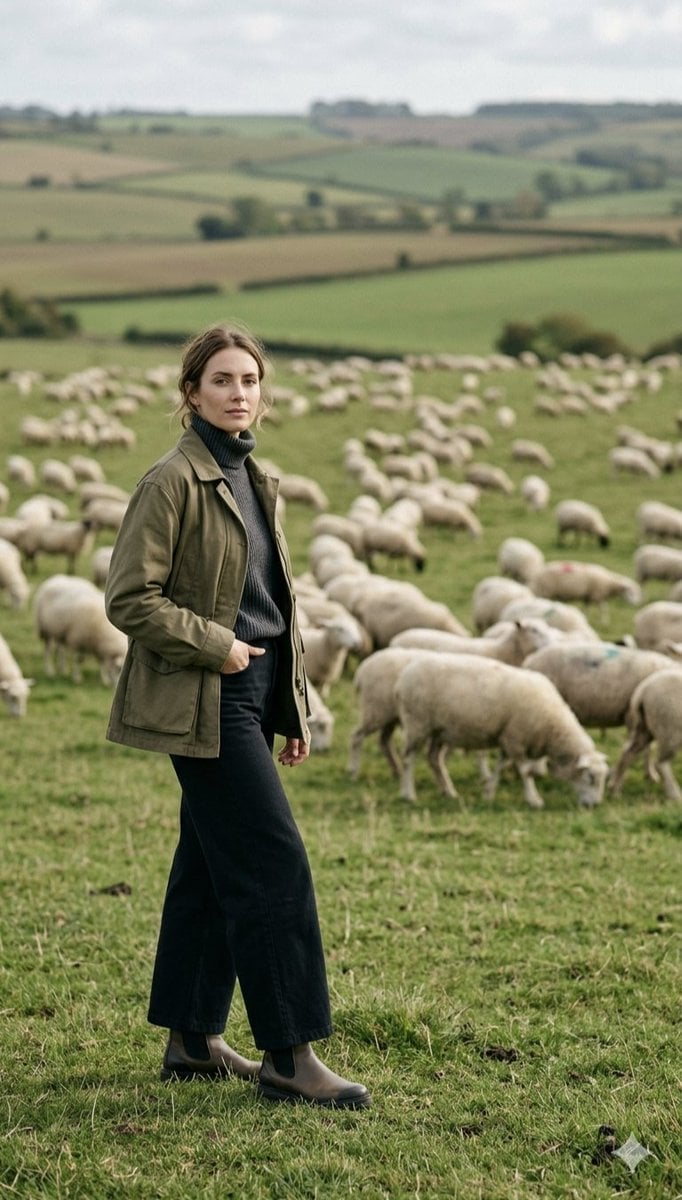
Pastoral Full-Body Portrait in Sheep Pasture
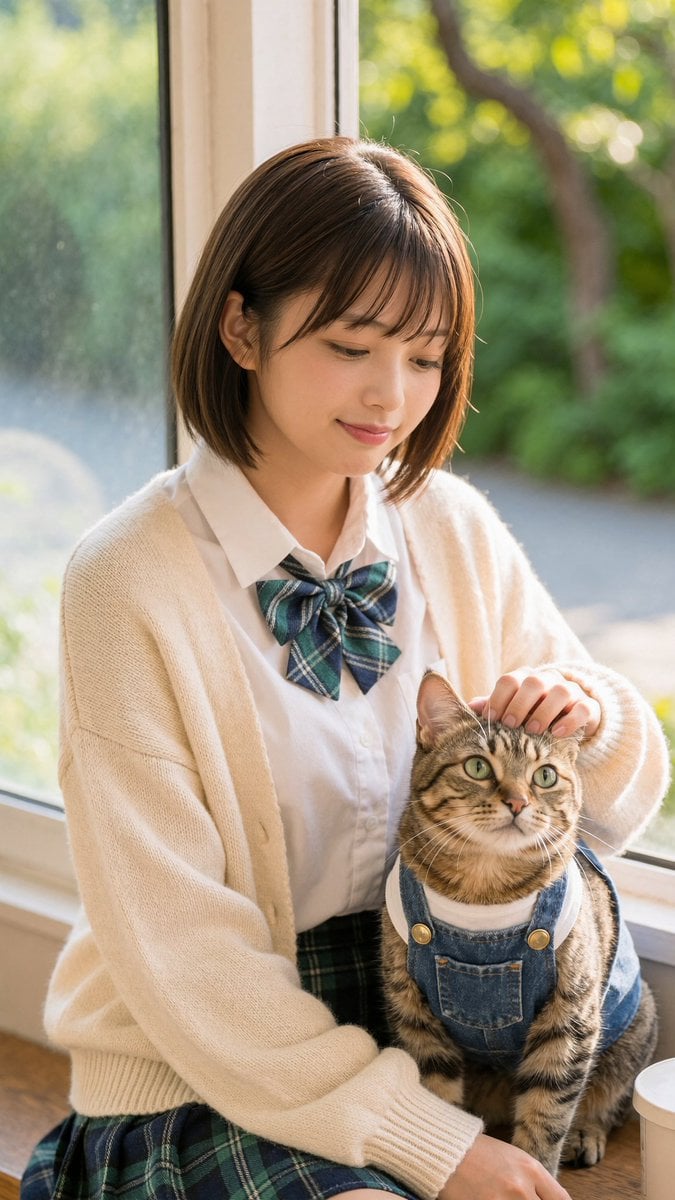
Schoolgirl With Cat by Sunlit Window
Browse template categories
Cinematic Golden Hour Portrait on Hilltop questions
How do I use the Cinematic Golden Hour Portrait on Hilltop template?
Add your photo if the template asks for one, edit the prompt if you like — the template's model and format are already selected — and press Generate. Your version opens in PicX Studio.
Can I customize the Cinematic Golden Hour Portrait on Hilltop template?
Yes. You can change the subject, setting, lighting, mood, format, and available model controls before creating your image.
Is the Cinematic Golden Hour Portrait on Hilltop template free?
Opening and editing this template is free. Generating uses credits, shown on the Generate button when you are signed in.
Which AI model should I use?
Start with Nano Banana 2, which is the model associated with this template. You can compare another compatible model for a different finish.
Looking for something else? Browse all templates.

Your photo, any look
Thousands of ready templates for every top image and video model, from one credit balance.