
Comprehensive Cat Breed Infographic
Generates a detailed, color-coded grid infographic displaying 63 cat breeds with names and traits.
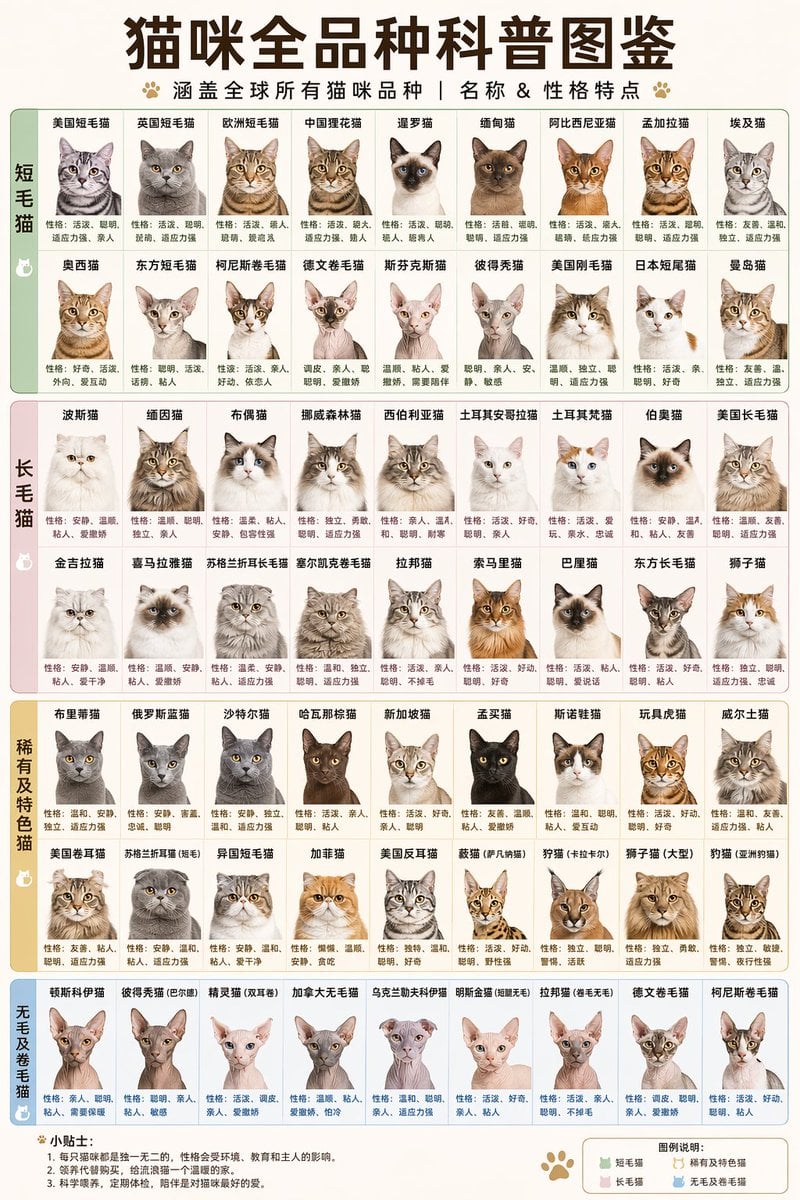
- Prompt included
- Model and format preset
- Free template
The prompt behind this image
Copy the exact prompt behind Comprehensive Cat Breed Infographic, or open it in the studio and make it yours.
- Type
- infographic chart
- Header › Title
- {argument name="main title" default="猫咪全品种科普图鉴"}
- Header › Subtitle
- {argument name="subtitle" default="涵盖全球所有猫咪品种 | 名称 & 性格特点"}
- Header › Decorations
- paw print icons
- Layout › Style
- grid-based encyclopedia poster, pastel color-coded sections
- Layout › Sections › 0 › Title
- {argument name="section 1 title" default="短毛猫"}
- Layout › Sections › 0 › Color
- pastel green
- Layout › Sections › 0 › Layout
- 2 rows of 9 columns
- Layout › Sections › 0 › Count
- 18
- Layout › Sections › 0 › Item Format
- breed name above, realistic cat portrait, personality description below
- Layout › Sections › 1 › Title
- {argument name="section 2 title" default="长毛猫"}
- Layout › Sections › 1 › Color
- pastel pink
- Layout › Sections › 1 › Layout
- 2 rows of 9 columns
- Layout › Sections › 1 › Count
- 18
- Layout › Sections › 1 › Item Format
- breed name above, realistic cat portrait, personality description below
- Layout › Sections › 2 › Title
- 稀有及特色猫
- Layout › Sections › 2 › Color
- pastel orange
- Layout › Sections › 2 › Layout
- 2 rows of 9 columns
- Layout › Sections › 2 › Count
- 18
- Layout › Sections › 2 › Item Format
- breed name above, realistic cat portrait, personality description below
- Layout › Sections › 3 › Title
- 无毛及卷毛猫
- Layout › Sections › 3 › Color
- pastel blue
- Layout › Sections › 3 › Layout
- 1 row of 9 columns
- Layout › Sections › 3 › Count
- 9
Raw JSON
{
  "type": "infographic chart",
  "header": {
    "title": "{argument name=\"main title\" default=\"猫咪全品种科普图鉴\"}",
    "subtitle": "{argument name=\"subtitle\" default=\"涵盖全球所有猫咪品种 | 名称 & 性格特点\"}",
    "decorations": "paw print icons"
  },
  "layout": {
    "style": "grid-based encyclopedia poster, pastel color-coded sections",
    "sections": [
      {
        "title": "{argument name=\"section 1 title\" default=\"短毛猫\"}",
        "color": "pastel green",
        "layout": "2 rows of 9 columns",
        "count": 18,
        "item_format": "breed name above, realistic cat portrait, personality description below"
      },
      {
        "title": "{argument name=\"section 2 title\" default=\"长毛猫\"}",
        "color": "pastel pink",
        "layout": "2 rows of 9 columns",
        "count": 18,
        "item_format": "breed name above, realistic cat portrait, personality description below"
      },
      {
        "title": "稀有及特色猫",
        "color": "pastel orange",
        "layout": "2 rows of 9 columns",
        "count": 18,
        "item_format": "breed name above, realistic cat portrait, personality description below"
      },
      {
        "title": "无毛及卷毛猫",
        "color": "pastel blue",
        "layout": "1 row of 9 columns",
        "count": 9,
        "item_format": "breed name above, realistic cat portrait, personality description below"
      }
    ]
  },
  "footer": {
    "left_section": {
      "title": "{argument name=\"footer tips title\" default=\"小贴士:\"}",
      "content": "3 numbered bullet points"
    },
    "right_section": {
      "title": "图例说明:",
      "content": "color legend with 4 items matching main sections"
    }
  }
}How to use Comprehensive Cat Breed Infographic in 3 steps
- 1Upload ImagePNG, JPG or paste
Add your photo
Upload the photo the template builds on. The prompt, model and format are already set.
- 2…a portrait of your subject in softgolden-hour light, 85mm…
Personalize
Edit the subject and creative details for your destination.
- 3Generate
Generate
Press Generate — your image is created in PicX Studio, so you can compare it with the original and refine one variable at a time.
More like this
Templates with the same subject, style or setup. Open one to see its prompt.

Isometric Process Educational Diorama
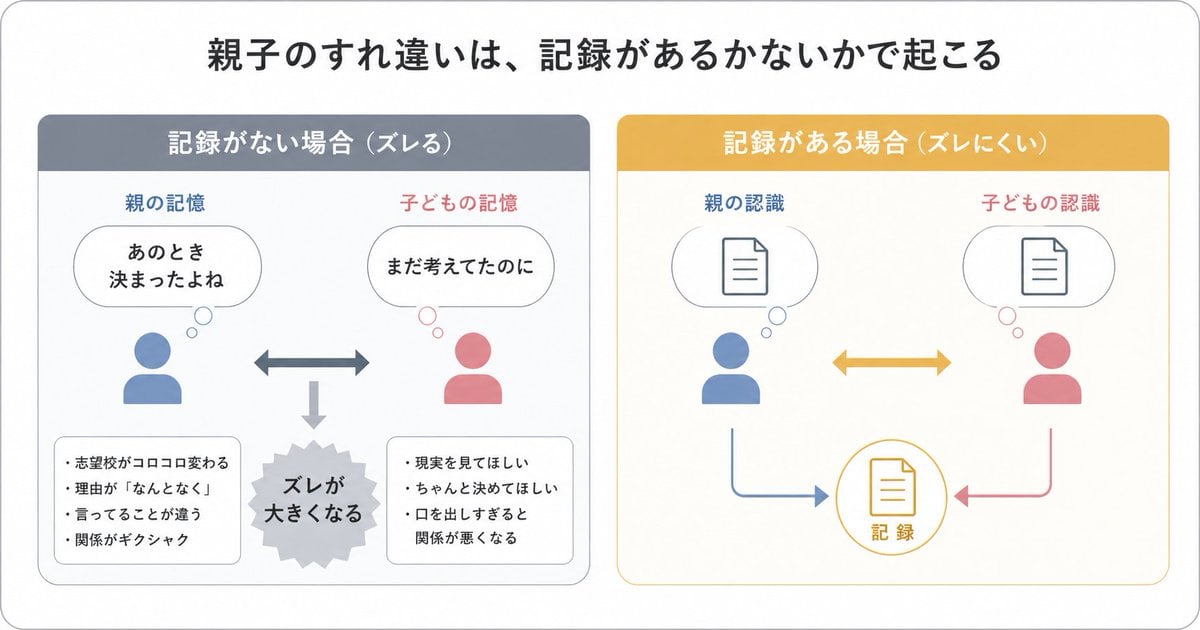
Gpt2 Infographic Edu Visual Parent Child Miscommunication Infographic

Japan Travel Brochure Poster

Cat Photobomb Selfie — 0.5x Wide Angle Café Chaos

Surreal Cat Astronaut — Humanoid Face Freefall

Low Angle Floor Selfie With Upside Down Cat

Isometric Vehicle Teardown Infographic Template

Gpt2 E Commerce Main Image Earbuds E Commerce Infographic

Gpt2 Infographic Edu Visual Alishan One Day Travel Poster

Gpt2 Infographic Edu Visual Ethnographic Plate for Tibetan Ceremonial Hat

Gpt2 Infographic Edu Visual Earth Signs Zodiac Character Poster

Gpt2 Infographic Edu Visual Water Signs Zodiac Character Poster
Make it yours
Comprehensive Cat Breed Infographic works as-is. These are the safest ways to change it without losing the look.
Change one field
Copy a single group, rewrite it, and generate again so you can see what that field is doing.
Keep the frame, change the subject
Hold the composition and light of Comprehensive Cat Breed Infographic, then swap wardrobe, props or the person for a new take.
| If the result… | Why | Fix |
|---|---|---|
| The result drifts from the preview | Too many fields changed at once. | Reuse Comprehensive Cat Breed Infographic as-is first, then change one group — subject, light, or setting. |
| GPT Image 2 ignores part of the JSON | Some models flatten or skip nested keys. | Keep the same values and paste them as a short paragraph instead. |
More GPT Image 2 templates
Other prompts made for GPT Image 2.

Six VTuber Japanese Logo Sheet

Realistic Portrait of Woman and Deer

The Vista Modular Condo Poster

AI Model Routing Comparison Infographic

2.5D Anime Art Board

Isometric Productivity Desk Scene

New York Double Exposure Poster

Four-Panel AI Landscape Comparison

Japanese Tatami Lifestyle Magazine Cover

NESCAFÉ Coffee Map Poster
More image prompts
Fresh picks from across the catalog.
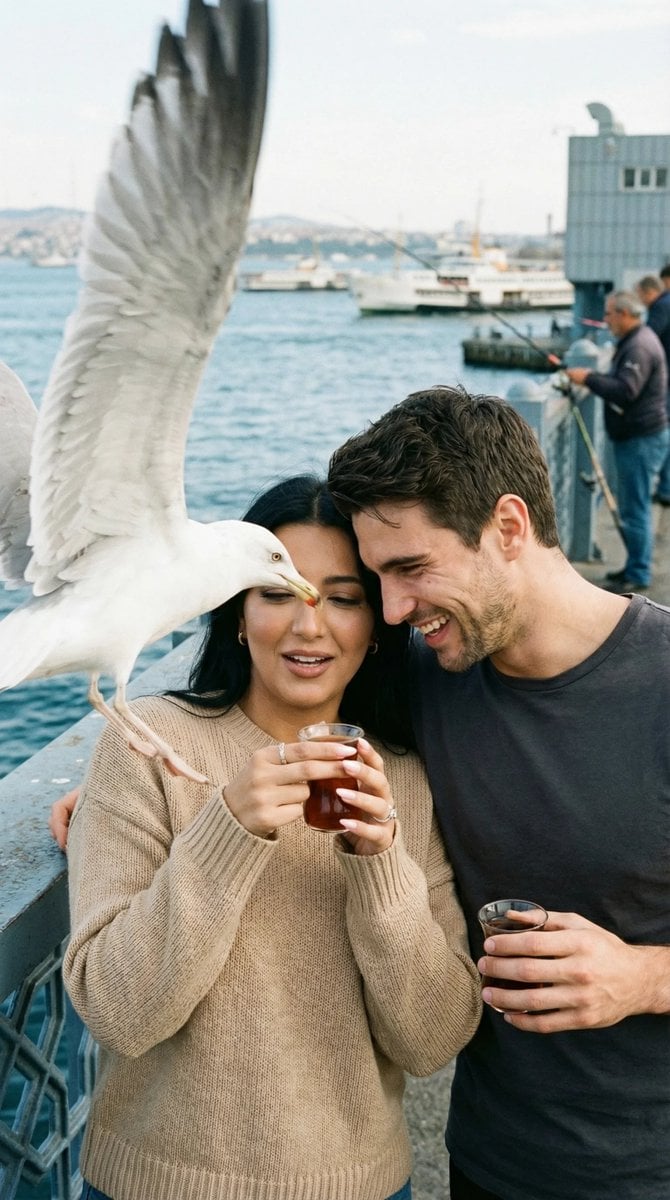
Photorealistic Candid Street Romance Prompt (Galata Bridge)

Surreal Campfire in Cosmic Void

Ultra-Realistic Cinematic Scene of Floating in Mid-Air
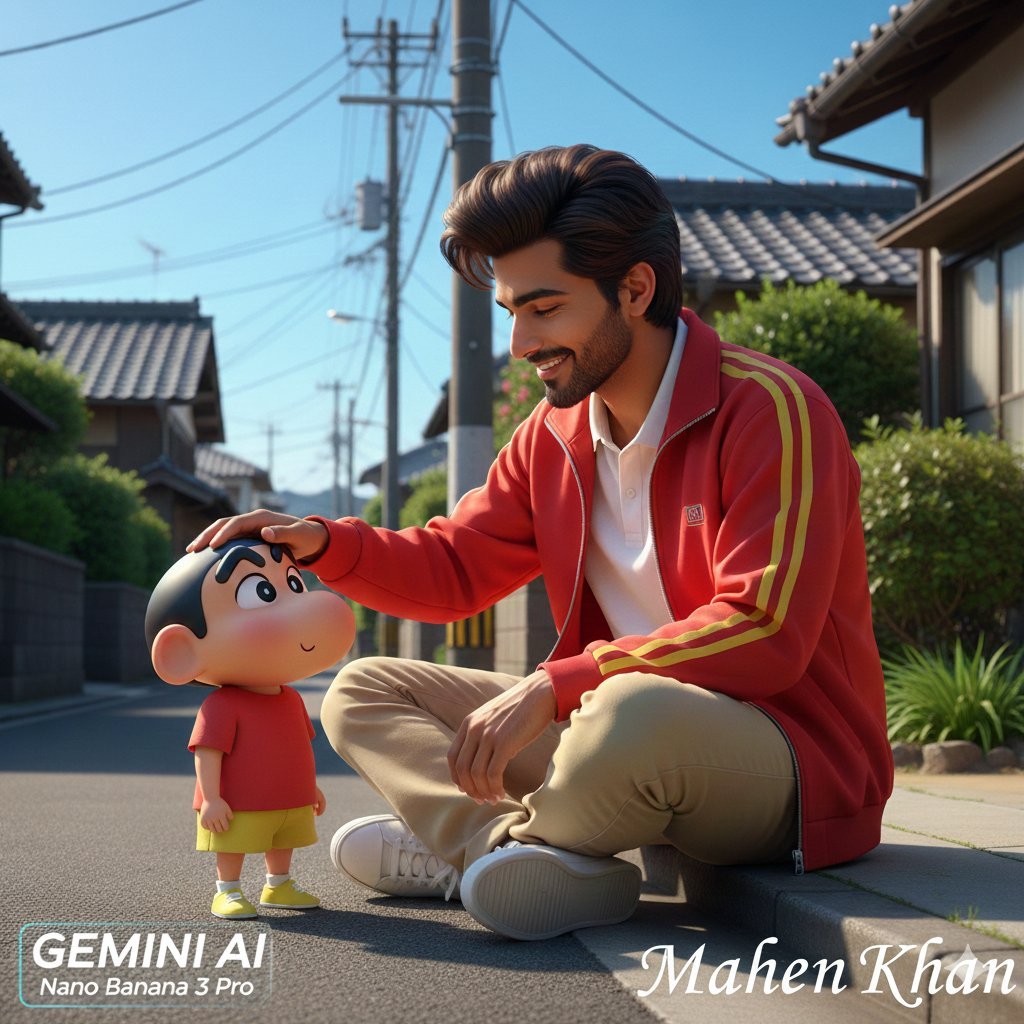
Photorealistic Man Interacting with 3D Shin-chan
Red Velvet Cake Painting Recreation Food Photography Prompt

Nano Banana Image Generation Prompt Schema (JSON Format)
Hidden Duck in Chibi Venice

Candid Night Street Flash Photography
Avatar Zuko Fan Photo Prompt for Nano Banana Pro
Cheerful minimal edit to existing art
Browse template categories
Comprehensive Cat Breed Infographic questions
How do I use the Comprehensive Cat Breed Infographic template?
Add your photo if the template asks for one, edit the prompt if you like — the template's model and format are already selected — and press Generate. Your version opens in PicX Studio.
Can I customize the Comprehensive Cat Breed Infographic template?
Yes. You can change the subject, setting, lighting, mood, format, and available model controls before creating your image.
Is the Comprehensive Cat Breed Infographic template free?
Opening and editing this template is free. Generating uses credits, shown on the Generate button when you are signed in.
Which AI model should I use?
Start with GPT Image 2, which is the model associated with this template. You can compare another compatible model for a different finish.
Looking for something else? Browse all templates.

Your photo, any look
Thousands of ready templates for every top image and video model, from one credit balance.