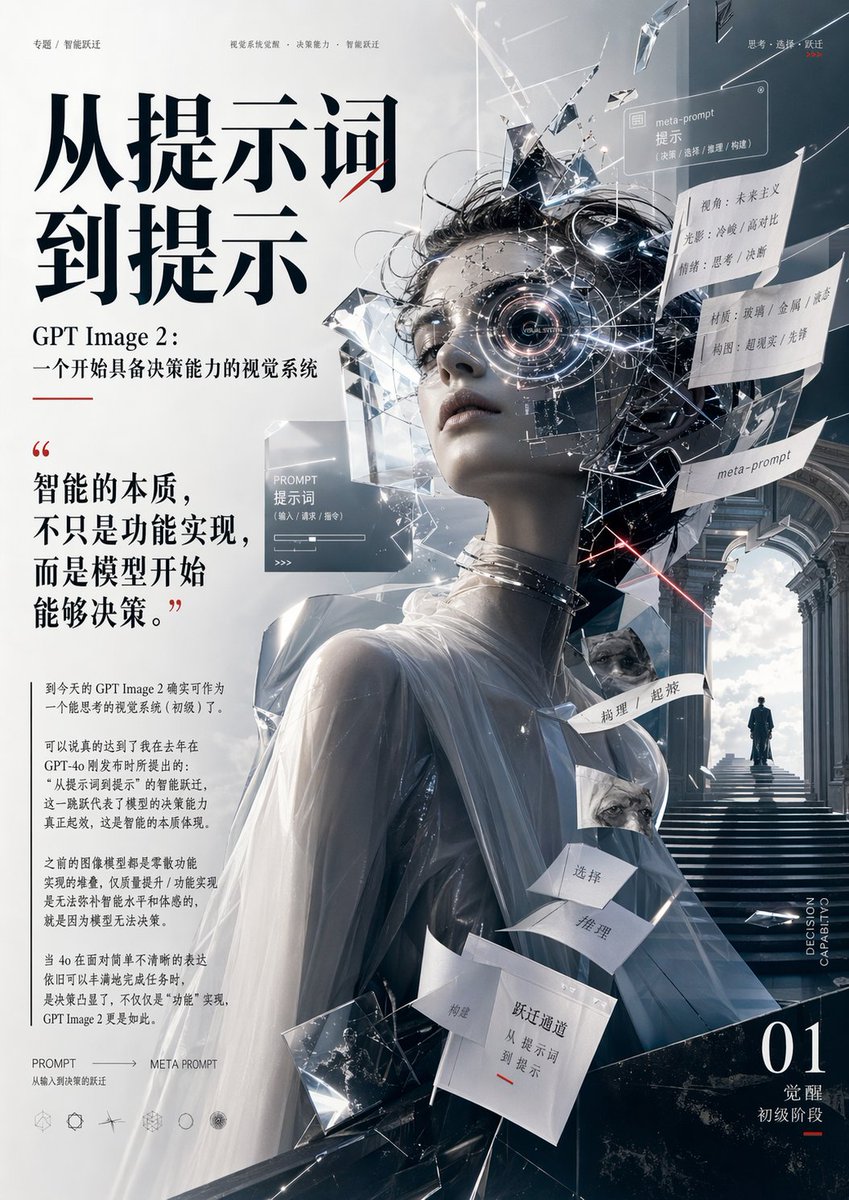
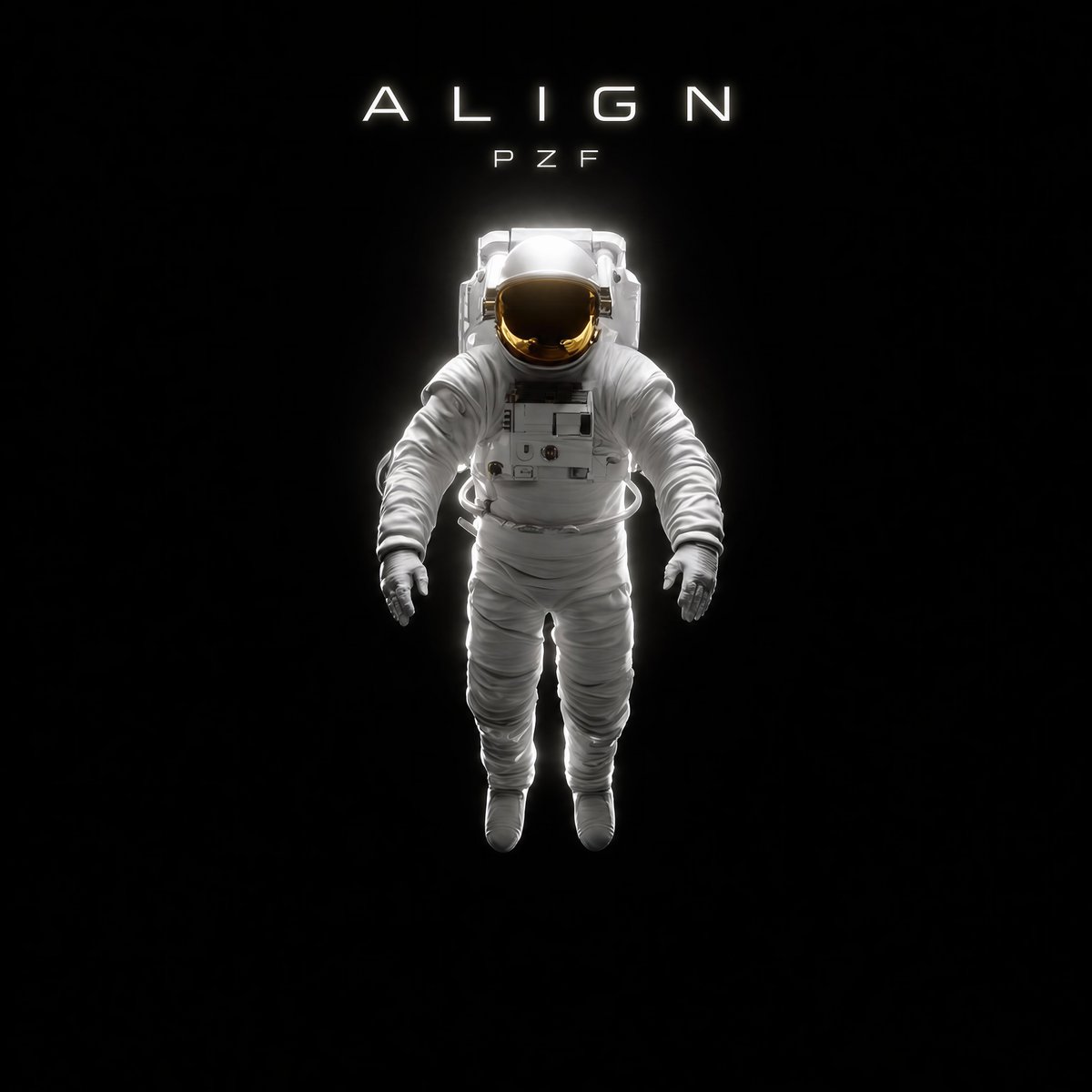
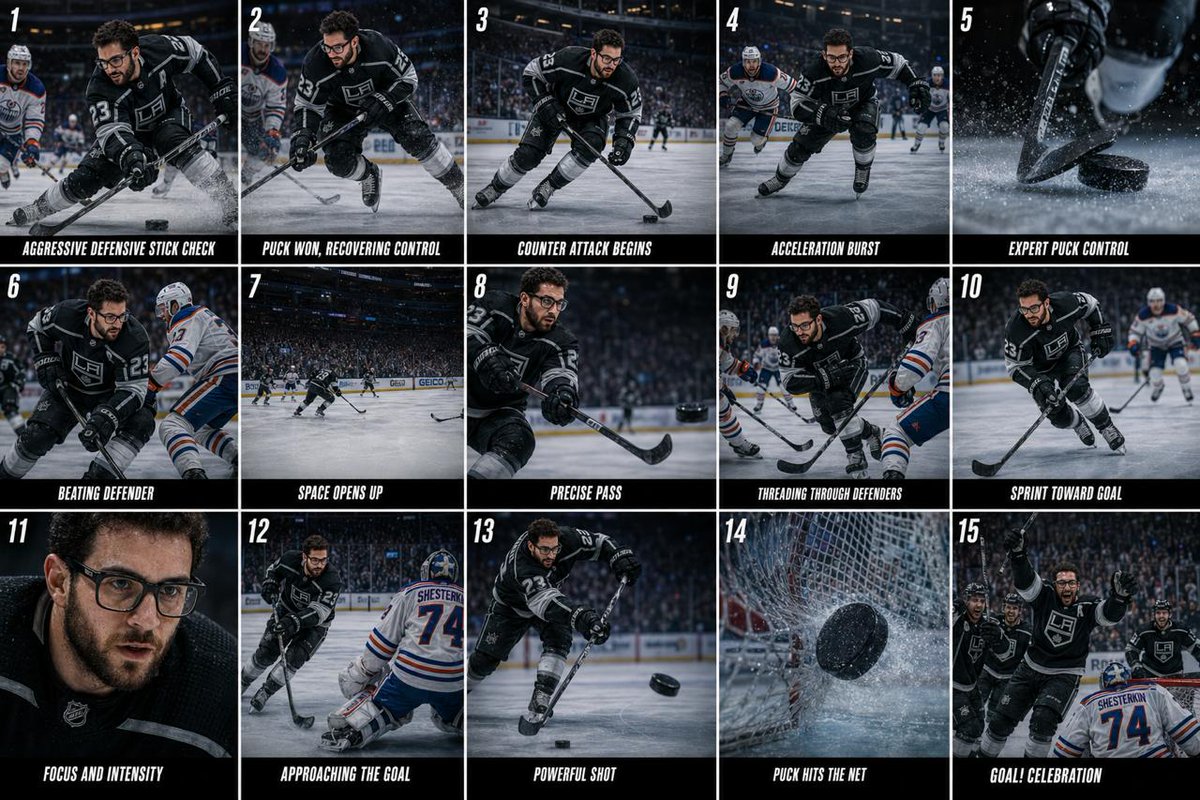
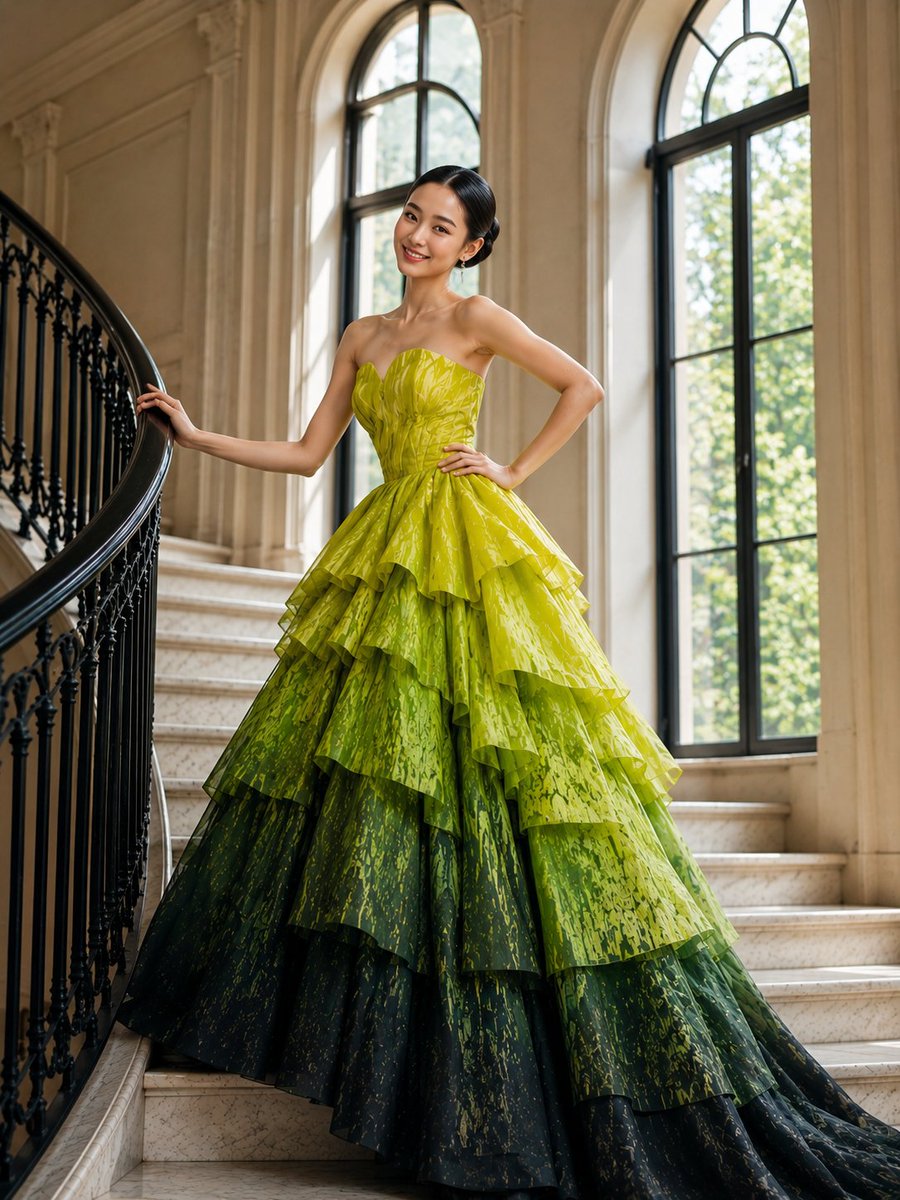
Futuristic AI Editorial Poster
editorial poster · AI visual intelligence, from prompt to meta-prompt, decision-making visual system · high-end futuristic Chinese magazine cover mixed with conceptual sci-fi art, minimalist luxury typography, sharp cinematic lighting, crystalline surrealism, white and steel-blue palette with black and subtle red accents · vertical full-page poster · clean white to cool gray gradient · grand neoclassical stone corridor with arches, stairs, bright cloudy sky at the end, small solitary human figure standing at the top landing · surreal classical marble-like bust of a draped female figure shown from the back and three-quarter side · the face area is obscured by a centered rectangular gray block, while the rest of the head explodes into black cables, reflective glass shards, metallic fragments, glowing filaments, and transparent UI-like panels · smooth pale sculpture surface, translucent white drapery over shoulders and upper back, metallic rings around the neck, angular crystal structures emerging around the torso · main headline · upper left · 2 · 从提示词, 到提示 · subheadline · left upper-middle · 2 · GPT Image 2:, 一个开始具备决策能力的视觉系统 · quote block · left middle · 1 · 智能的本质,不只是功能实现,而是模型开始能够决策。 · body text paragraphs · lower left · 4 · paragraph 1, paragraph 2, paragraph 3, paragraph 4 · top micro headers · top edge · 3 · 专题 / 智能跃迁, 视觉系统化提示 · 决策能力 · 智能跃迁, 思考 · 选择 · 跃迁 · floating cards and tags · center to right · 11 · PROMPT 提示词, meta-prompt 提示, 视角:未来主义 光影:冷峻 / 高对比 情绪:思考 / 决断, 材质:玻璃 / 金属 / 布艺 构图:超现实 / 形静, meta-prompt, 构思, 选择, 推理, 抉择, 超荐, 跃迁通道 从提示词 到提示 · bottom left footer · lower left corner · 2 · PROMPT → META PROMPT, 从输入到决策的跃迁 · bottom right issue mark · lower right corner · 3 · 01, 觉醒, 初级阶段 · vertical side text · right lower edge · 1 · DECISION CAPABILITY · large sculptural figure occupying the center and lower center, with shattered thought-cloud and floating labels around the head · left column typography-heavy editorial design, right side image-heavy conceptual scene · very large black Chinese serif display type · smaller black serif Chinese text with generous spacing · thin red underline and tiny red marks used sparingly · light gray and white text on translucent panels · cold, cerebral, premium, contemplative · hard rim light, glossy reflections on glass shards, faint particle glows, subtle laser-like red streak near the head · white, cool gray, steel blue, black · soft red · strong asymmetrical composition, heavy text block on the left balanced by the fractured sculpture and architectural depth on the right, ample negative space, layered collage effect, refined magazine-cover polish, ultra-detailed








![Naive doodle-style subject illustration — A doodle-style {argument name="subject" default="[subject]"}, naive lines, humorous shape exaggeration](https://pbs.twimg.com/media/G6Wl2YxbsAARB2b.jpg)












![2000s Indie Cartoon Illustration — Chaotic indie cartoon illustration of {argument name="characters" default="[HUMAN] and [ANTHROPOMORPHIC ANIMAL]"} inside {arg](https://cms-assets.youmind.com/media/1780130267195_00f70u_HJdp_WubkAA85Xg.jpg)