
Korean Convenience Store Magazine Illustration
Transforms a night convenience-store photo into a cozy Korean watercolor-and-ink lifestyle magazine spread with scrapbook annotations.
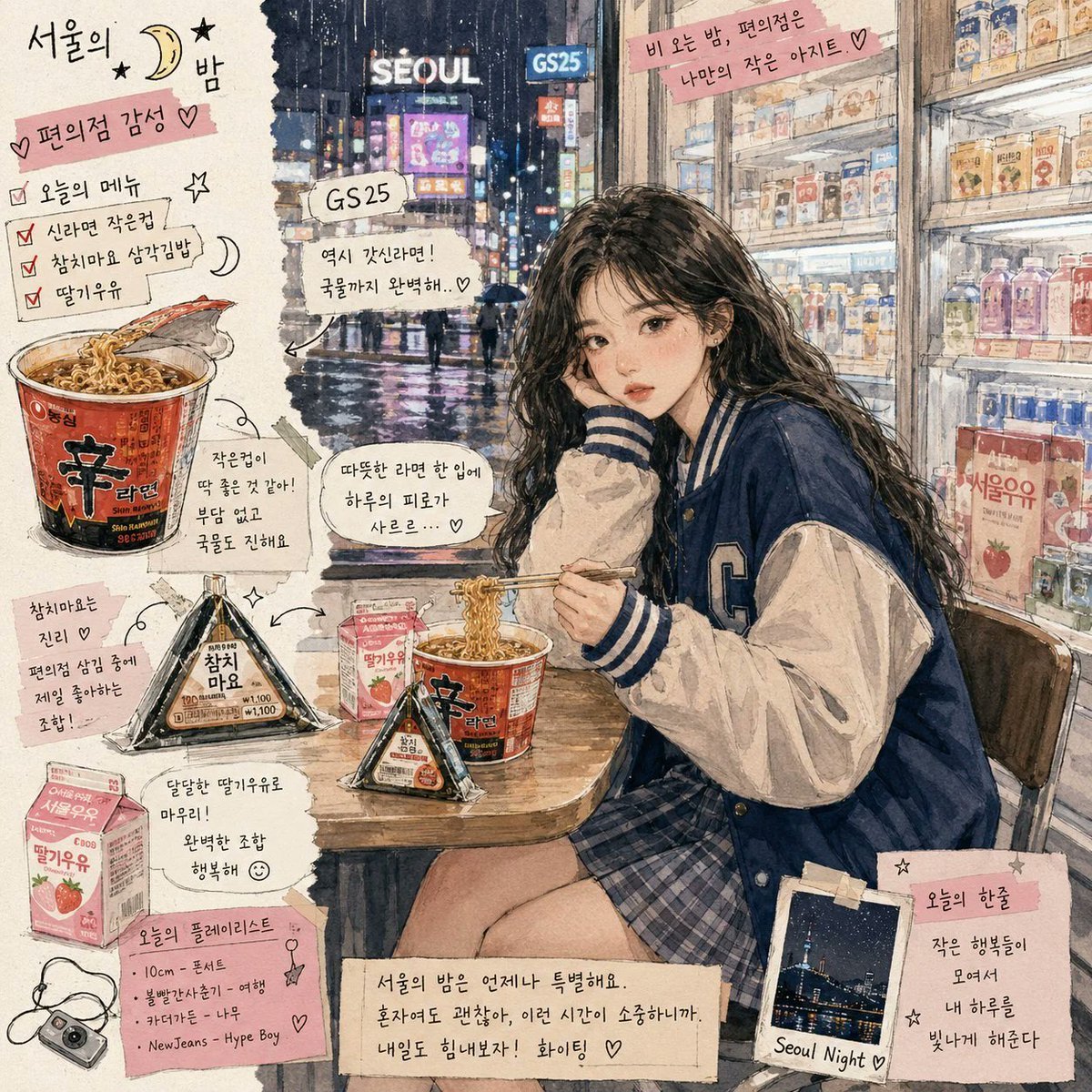
- Prompt included
- Model and format preset
- Free template
The prompt behind this image
Copy the exact prompt behind Korean Convenience Store Magazine Illustration, or open it in the studio and make it yours.
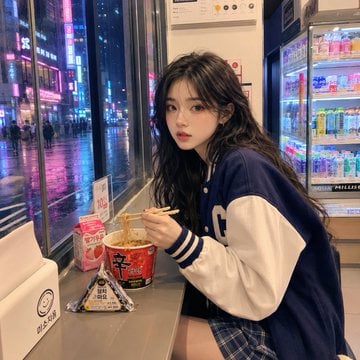
Using REFERENCE_0 as the base, transform the real convenience-store night photo into a Korean lifestyle magazine illustration with a watercolor-and-ink sketch aesthetic. Preserve the same subject, pose, outfit, convenience-store setting, rainy night window view, ramen cup, chopsticks, triangular kimbap, and drink case, but make the scene wider and more editorial, with cinematic Seoul night lighting, hand-drawn texture, soft paper grain, and scrapbook collage annotations. Goal: Create a cozy Korean convenience-store diary spread titled {argument name="main title" default="서울의 밤"}, like a magazine page about late-night convenience-store food. Style: Watercolor wash + fine ink outlines, warm indoor convenience-store light contrasted with wet neon city lights outside. Keep the face softly anonymized/blurred as in the reference. Add torn-paper edges, masking-tape style labels, doodled hearts, moons, stars, arrows, and handwritten Korean notes. Composition additions: Expand the canvas into a square illustrated poster. Show a more detailed Seoul street outside the window with glowing signs including “SEOUL” and “GS25,” wet pavement reflections, and a fuller convenience-store refrigerator wall on the right. Add a small wooden table surface in front of the subject. Add exactly 5 illustrated food/lifestyle feature items around the scene: 1 large Shin Ramyun cup close-up, 1 triangular kimbap/onigiri close-up, 1 strawberry milk carton, 1 small compact camera doodle, and 1 small taped Polaroid photo labeled “Seoul Night.” Add exactly 12 scrapbook annotation blocks, arranged around the subject without covering the main face or hands: 1 top-left title block with {argument name="main title" default="서울의 밤"}; 1 pink label reading {argument name="mood label" default="편의점 감성 ♡"}; 1 checklist block titled “오늘의 메뉴” listing three checked items, “신라면 작은컵,” “참치마요 삼각김밥,” and “딸기우유”; 1 small sign callout “GS25”; 1 speech bubble near the window reading “역시 갓진라면! 국물까지 완벽해..♡”; 1 top-right pink tape quote reading “비 오는 밤, 편의점은 나만의 작은 아지트..♡”; 1 white ramen note saying the warm ramen tastes like a small comfort after a tiring day; 1 note pointing to the kimbap saying tuna mayo inside convenience-store samgak kimbap is the best combination; 1 note pointing to strawberry milk saying sweet strawberry milk completes the meal; 1 pink playlist memo titled {argument name="playlist title" default="오늘의 플레이리스트"} with four short bullet songs; 1 bottom diary caption reading “서울의 밤은 언제나 특별해요. 혼자여도 괜찮아, 이런 시간이 소중하니까. 내일도 힘내보자! 화이팅 ♡”; and 1 bottom-right note beside the Polaroid reading “오늘의 한줄 작은 행복들이 모여서 내 하루를 빛나게 해준다.” Text treatment: Use casual handwritten Korean for the notes, with readable but organic lettering. Keep annotations decorative and magazine-like, not like a clean infographic. Constraints: Do not change the subject’s clothing or pose significantly. Do not replace the convenience-store meal. Do not make it photorealistic; the result should clearly look like an illustrated Korean lifestyle magazine spread.
Reference images included
Korean Convenience Store Magazine Illustration needs input media to work. They load alongside the prompt when you open it in the studio.
How to use Korean Convenience Store Magazine Illustration in 3 steps
- 1Upload ImagePNG, JPG or paste
Add your photo
Upload the photo the template builds on. The prompt, model and format are already set.
- 2…a portrait of your subject in softgolden-hour light, 85mm…
Personalize
Edit the subject and creative details for your destination.
- 3Generate
Generate
Press Generate — your image is created in PicX Studio, so you can compare it with the original and refine one variable at a time.
More like this
Templates with the same subject, style or setup. Open one to see its prompt.

Korean Model Floating Magazine Pages Campaign
Korean Convenience Store Portrait
Korean Girl Convenience Store Photography
Convenience Store Fight Scene
Casual Girl at Convenience Store
Anime Schoolgirl in Convenience Store
Fisheye Convenience Store Portrait
Rainy Convenience Store Selfie
Realistic Convenience Store Shopping Scene
Korean Woman in Parisian Bookstore
Distressed Convenience Store Recruitment Poster
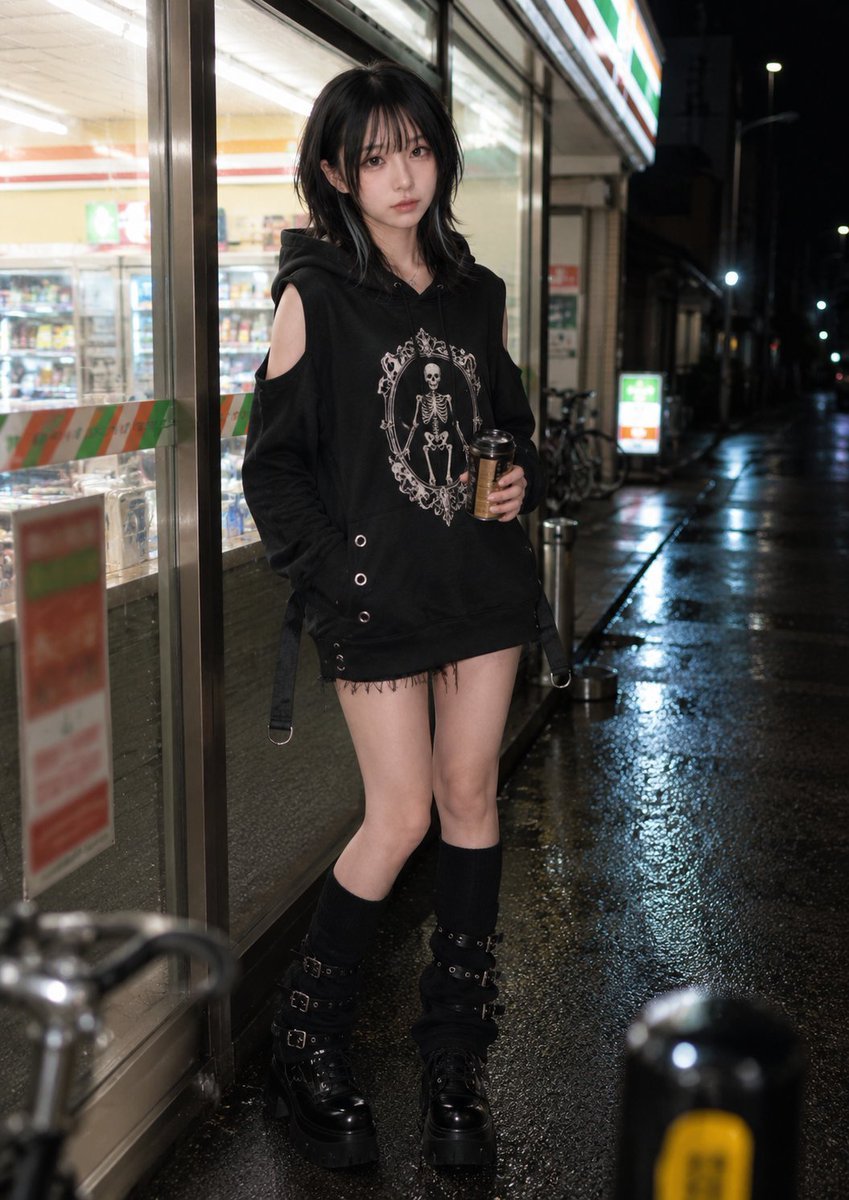
Nighttime Convenience Store Street Photography
Make it yours
Korean Convenience Store Magazine Illustration works as-is. These are the safest ways to change it without losing the look.
Change one field
Copy a single group, rewrite it, and generate again so you can see what that field is doing.
Keep the frame, change the subject
Hold the composition and light of Korean Convenience Store Magazine Illustration, then swap wardrobe, props or the person for a new take.
| If the result… | Why | Fix |
|---|---|---|
| The result drifts from the preview | Too many fields changed at once. | Reuse Korean Convenience Store Magazine Illustration as-is first, then change one group — subject, light, or setting. |
| The model over-stylizes the scene | The prose prompt leaves finish and camera underspecified. | Add one camera or lighting sentence and stay on GPT Image 2. |
More GPT Image 2 templates
Other prompts made for GPT Image 2.

Six VTuber Japanese Logo Sheet

Realistic Portrait of Woman and Deer

The Vista Modular Condo Poster

AI Model Routing Comparison Infographic

2.5D Anime Art Board

Isometric Productivity Desk Scene

New York Double Exposure Poster

Four-Panel AI Landscape Comparison

Japanese Tatami Lifestyle Magazine Cover

NESCAFÉ Coffee Map Poster
More image prompts
Fresh picks from across the catalog.
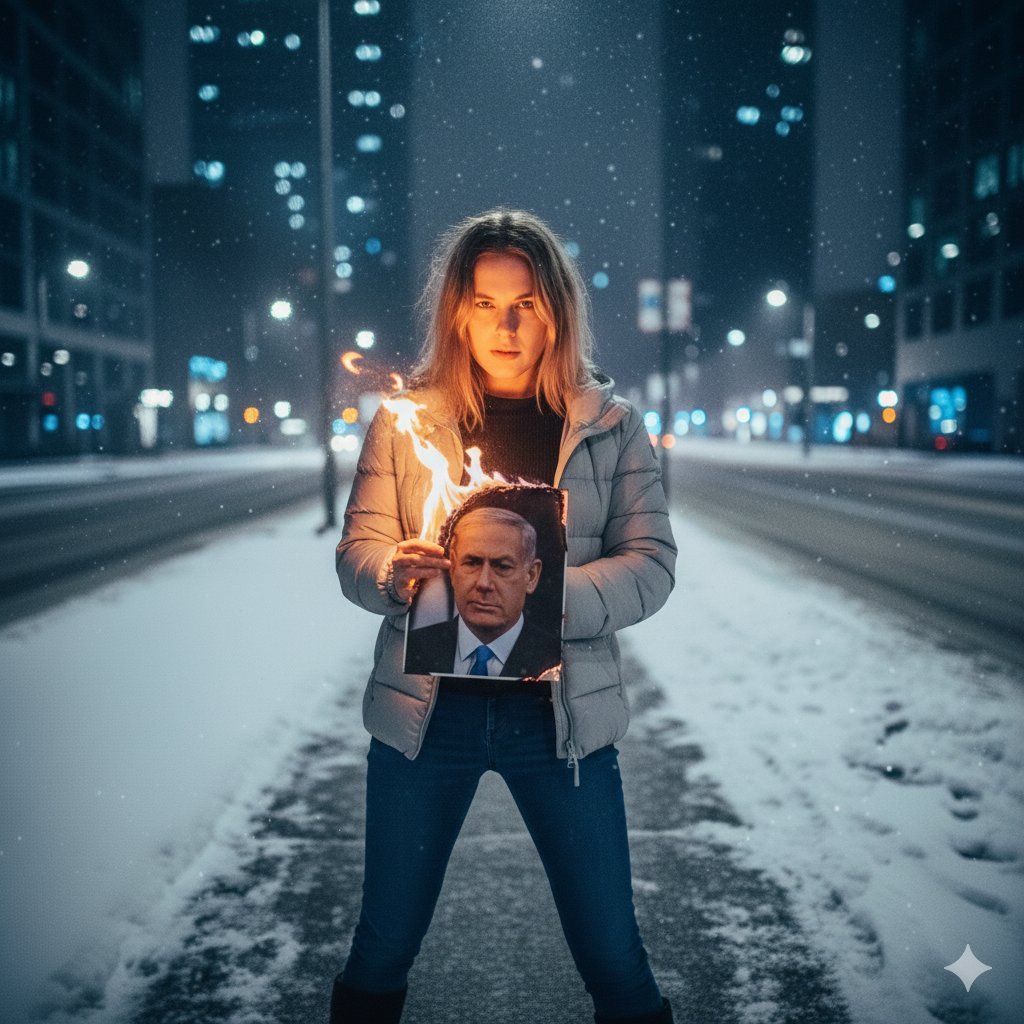
Symbolic Act of Defiance in the Snow
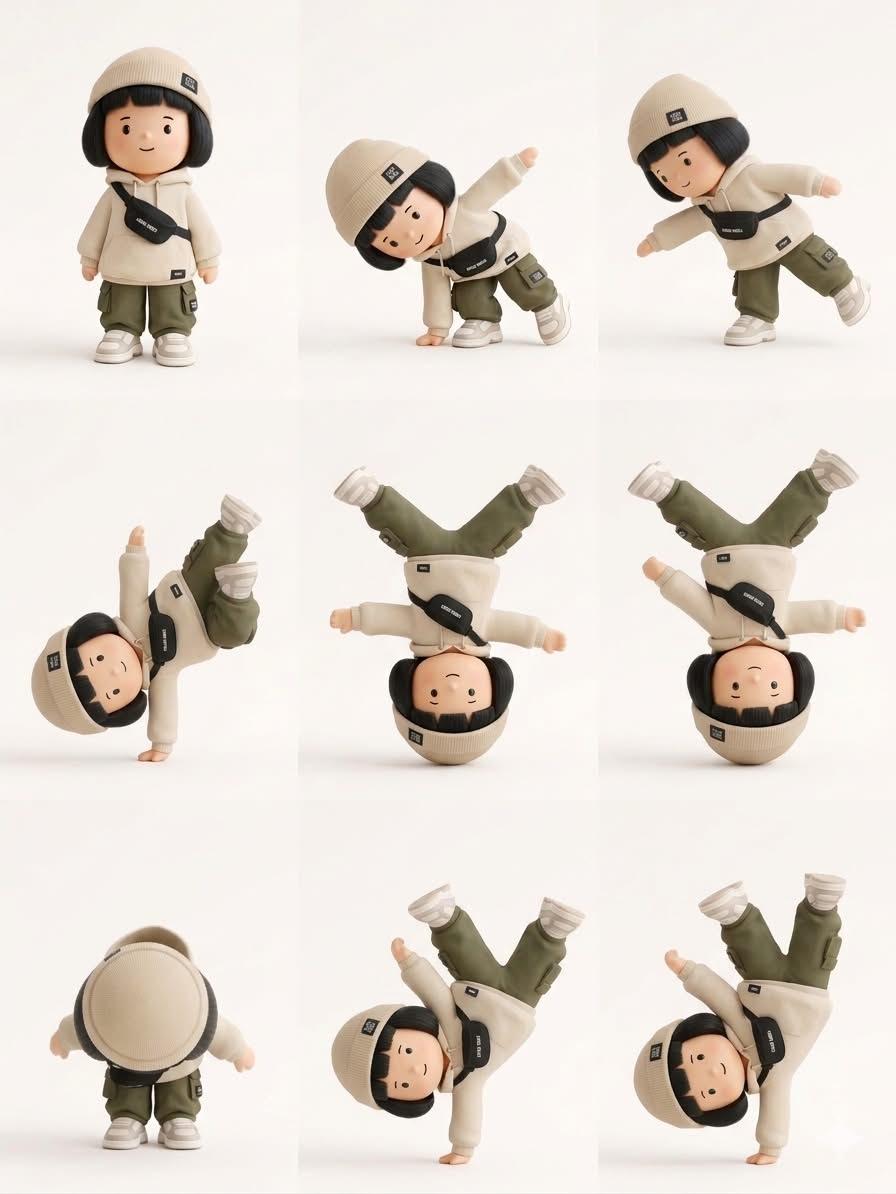
Designer Art Toy Collectible
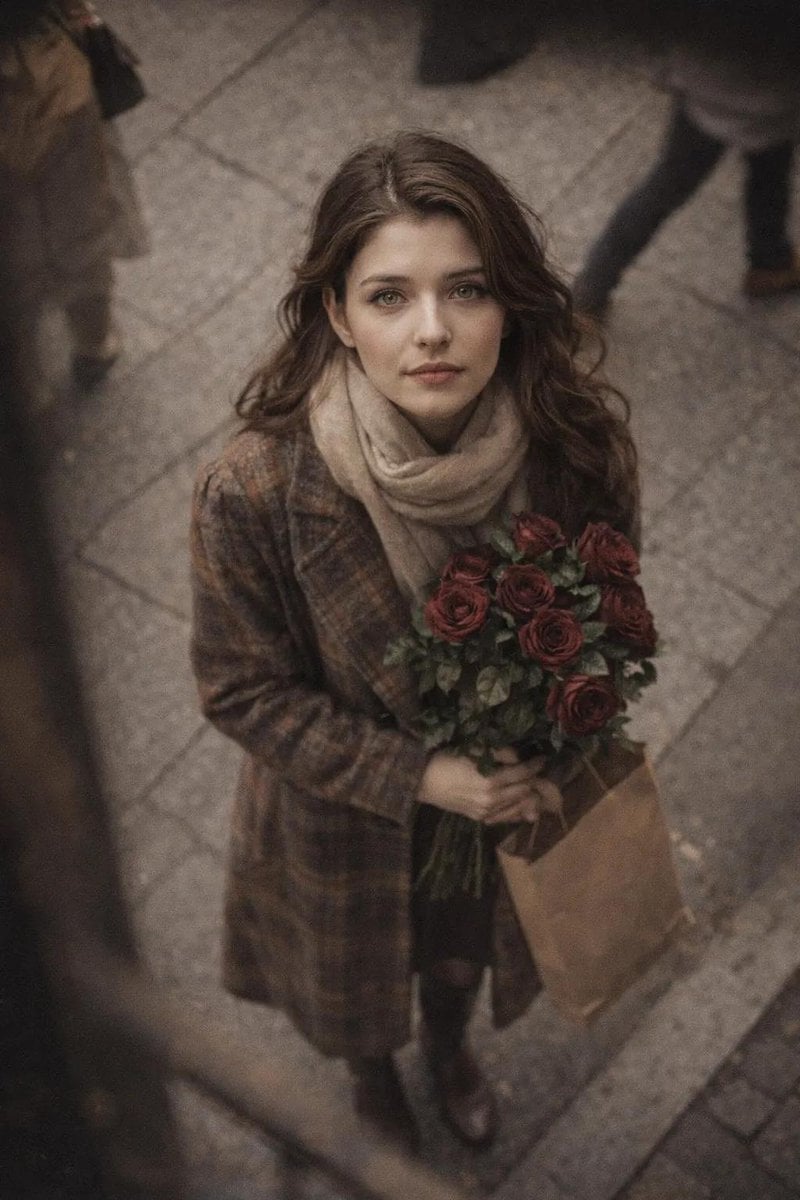
Cinematic Street Photography Portrait with Roses
Ho Chi Minh Trail Vietnam War Scene Prompt

Character Swap Into Period Portrait

Cozy Winter Lifestyle Brand Advertisement
Dark Fantasy Oriental Mythic Portrait
11 Walt Disney Concert Hall — California Series
Golden Hour Beach Fashion Portrait

Golden Hour Editorial Portrait with Complex Lighting
Browse template categories
Korean Convenience Store Magazine Illustration questions
How do I use the Korean Convenience Store Magazine Illustration template?
Add your photo if the template asks for one, edit the prompt if you like — the template's model and format are already selected — and press Generate. Your version opens in PicX Studio.
Can I customize the Korean Convenience Store Magazine Illustration template?
Yes. You can change the subject, setting, lighting, mood, format, and available model controls before creating your image.
Is the Korean Convenience Store Magazine Illustration template free?
Opening and editing this template is free. Generating uses credits, shown on the Generate button when you are signed in.
Which AI model should I use?
Start with GPT Image 2, which is the model associated with this template. You can compare another compatible model for a different finish.
Looking for something else? Browse all templates.

Your photo, any look
Thousands of ready templates for every top image and video model, from one credit balance.