
Nighttime Convenience Store Street Photography
A professional-grade prompt for creating photorealistic nighttime scenes outside a convenience store, focusing on lighting, depth of field, and natural urban atmosphere.
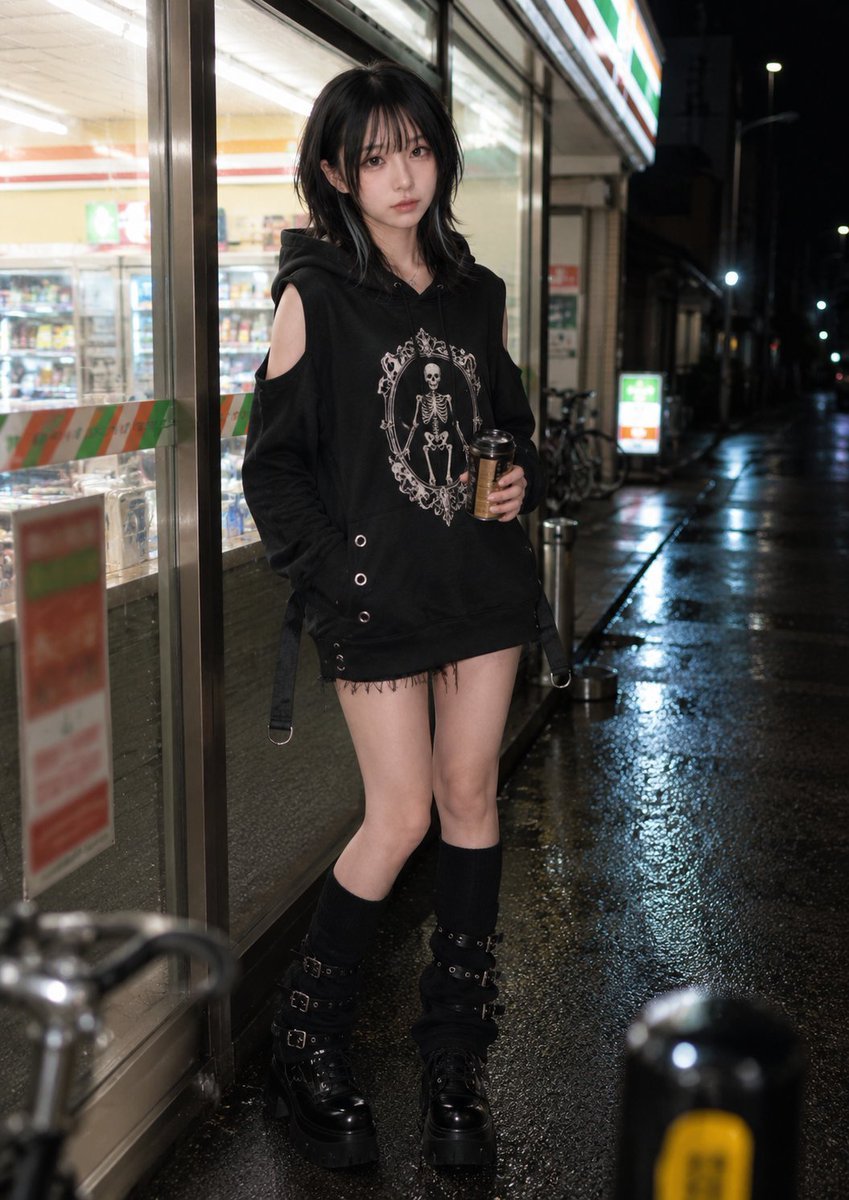
- Prompt included
- Model and format preset
- Premium template
The prompt behind this image
Copy the exact prompt behind Nighttime Convenience Store Street Photography, or open it in the studio and make it yours.
Photorealistic everyday background-and-pose set featuring an {argument name="subject" default="adult woman"} at night. Background identity: a brightly lit neighborhood convenience-store exterior at night, with a glowing storefront, fluorescent interior light spilling through large glass windows, refrigerated display glow, poster-like non-readable color blocks, a small outdoor ashtray or stand, bicycle silhouettes, wet asphalt, reflected white-green-orange storefront light, and layered city darkness beyond. The setting should feel ordinary, urban, and unmistakably shaped by artificial light at night. Depth lock: create a clear three-layer composition. In the foreground, a softly blurred bollard, bicycle handlebar, or wet pavement reflection enters near the lens. In the middle ground, the subject stands just outside the storefront near the window or entrance edge. In the background, the convenience-store interior glow, shelf depth, glass reflections, and darker street beyond recede naturally. Use the window reflections and pavement sheen to create depth instead of a flat lit wall. Composition lock: vertical 4:5 lifestyle crop from around waist height, framed from mid-thigh or waist to head. The subject fills about 65–75% of the frame. Keep the glowing glass, part of the entrance frame, some wet pavement reflection, and layered store depth visible. The image should feel like a natural nighttime street moment. Action and pose lock: the subject stands casually with both feet on the ground, body angled slightly toward the storefront. One hand holds a {argument name="prop" default="small warm drink cup or bottle"} at lower-chest or waist height. The other hand rests naturally near the pocket area, the side of the body, or lightly against the storefront edge. Shoulders remain lowered, posture relaxed, and weight distribution natural, as if she has just stepped out and paused for a moment. Camera and gaze lock: her head remains mostly aligned with the storefront-side angle rather than turning fully toward the camera. The camera is positioned near the glass edge within her natural forward field. Only her eyes shift briefly toward the lens, with minimal head movement, preserving a natural three-quarter face angle and a quiet candid feeling. Avoid: facing the camera square-on, hard posed stance, dramatic lean, raised knee, drink presented toward the viewer, full-body street snapshot, empty dark background, readable commercial text or real logos dominating the frame.
How to use Nighttime Convenience Store Street Photography in 3 steps
- 1
Open
The prompt is already in the box next to the preview, with the template's model and format selected.
- 2…a portrait of your subject in softgolden-hour light, 85mm…
Personalize
Edit the subject and creative details for your destination.
- 3Generate
Generate
Press Generate — your image is created in PicX Studio, so you can compare it with the original and refine one variable at a time.
More like this
Templates with the same subject, style or setup. Open one to see its prompt.
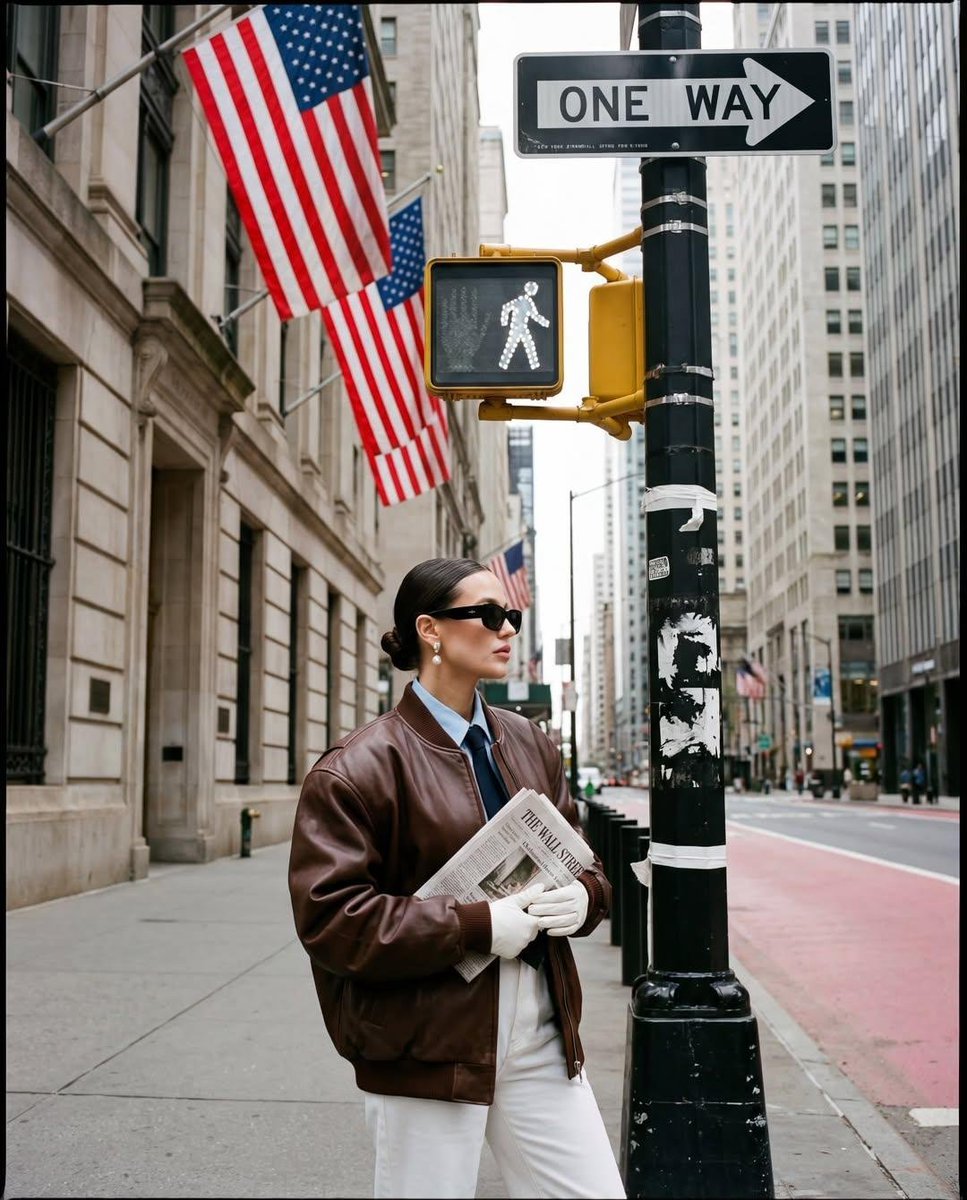
Ultra-realistic street fashion editorial photograph in New York City
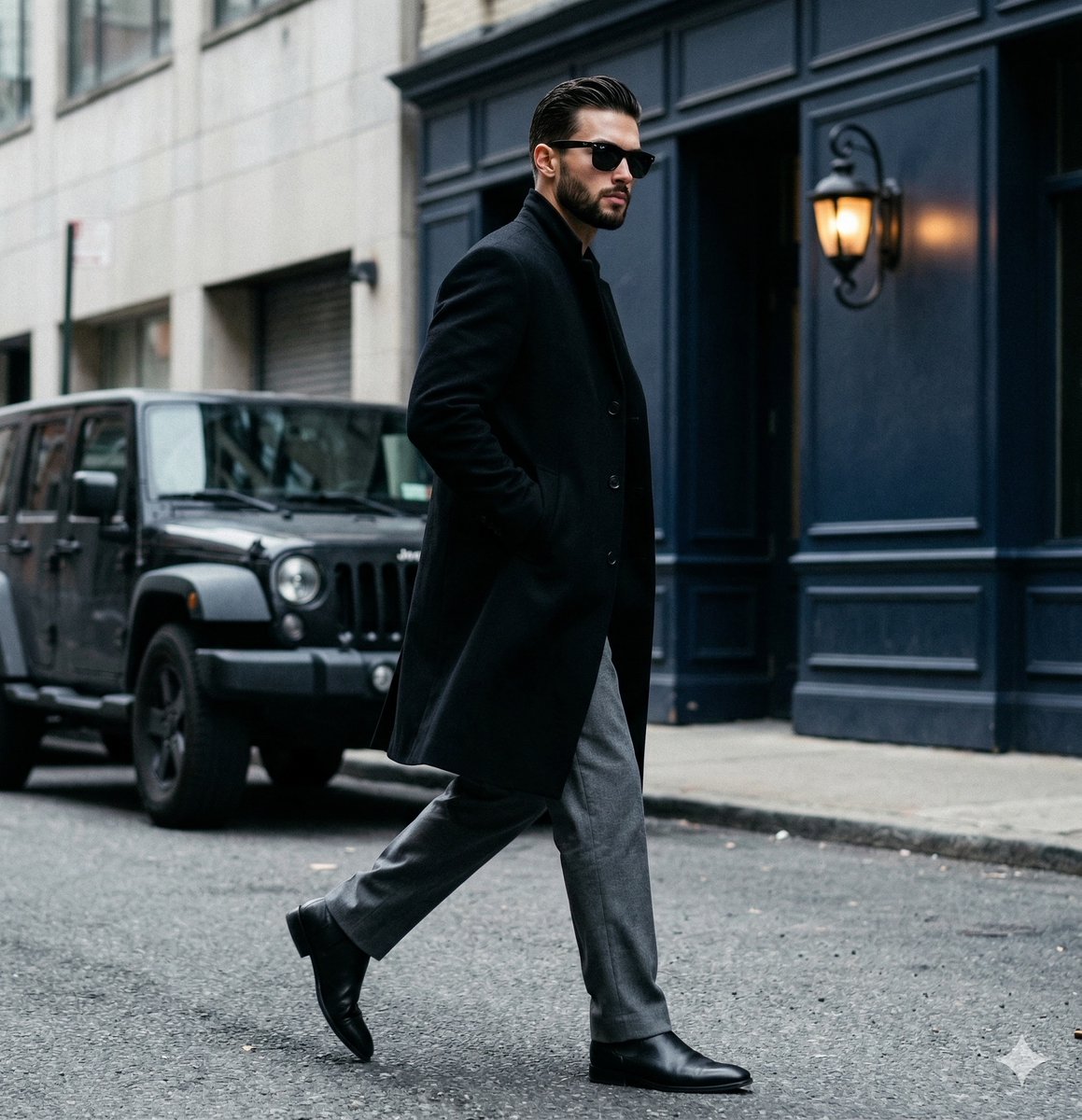
A candid paparazzi-style street photography shot of a handsome man
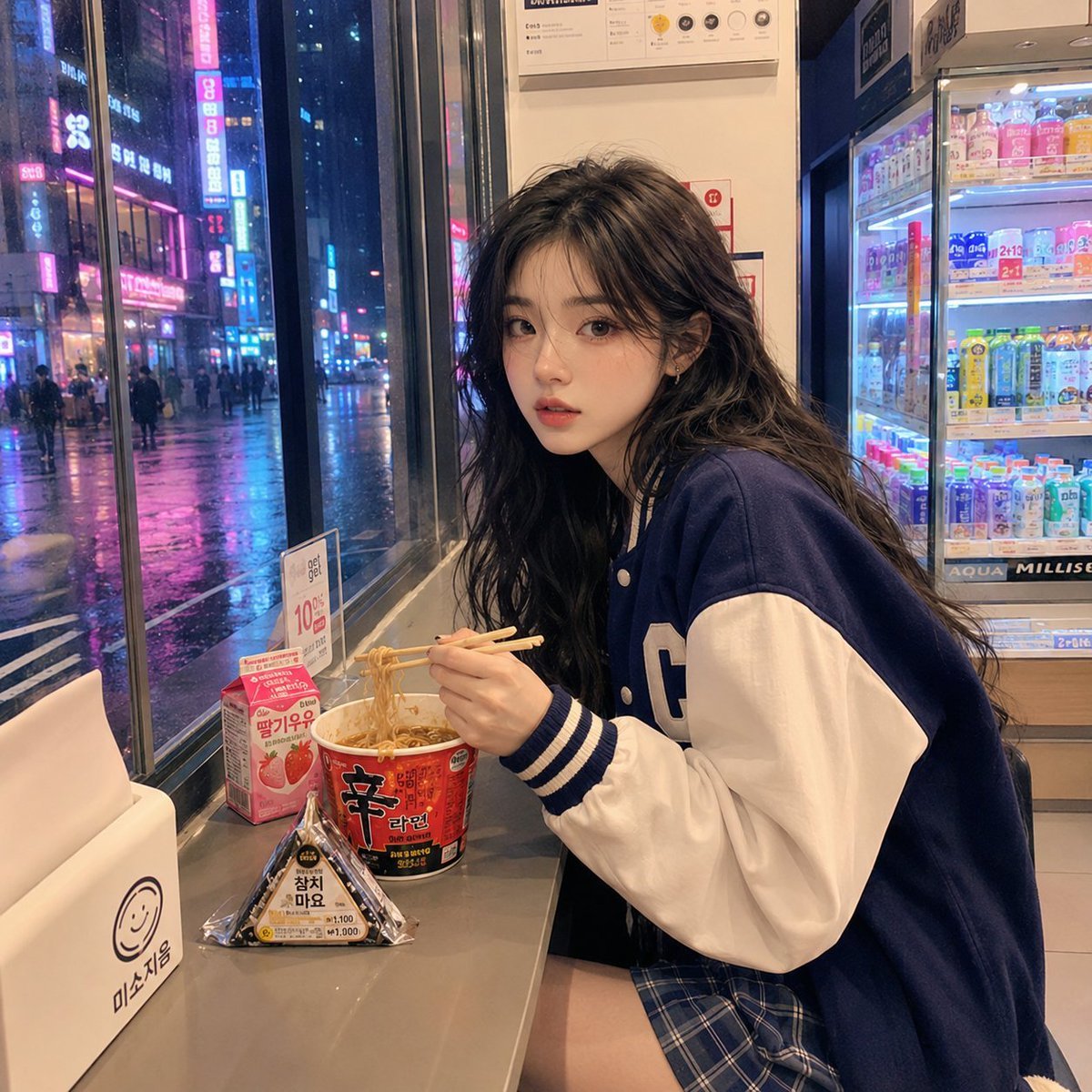
Korean Girl Convenience Store Photography

Two Tickets, One Night

Meet Me When It Rains

Two Hearts. One Scooter.

1986 Street Couple

1985 Street Scene
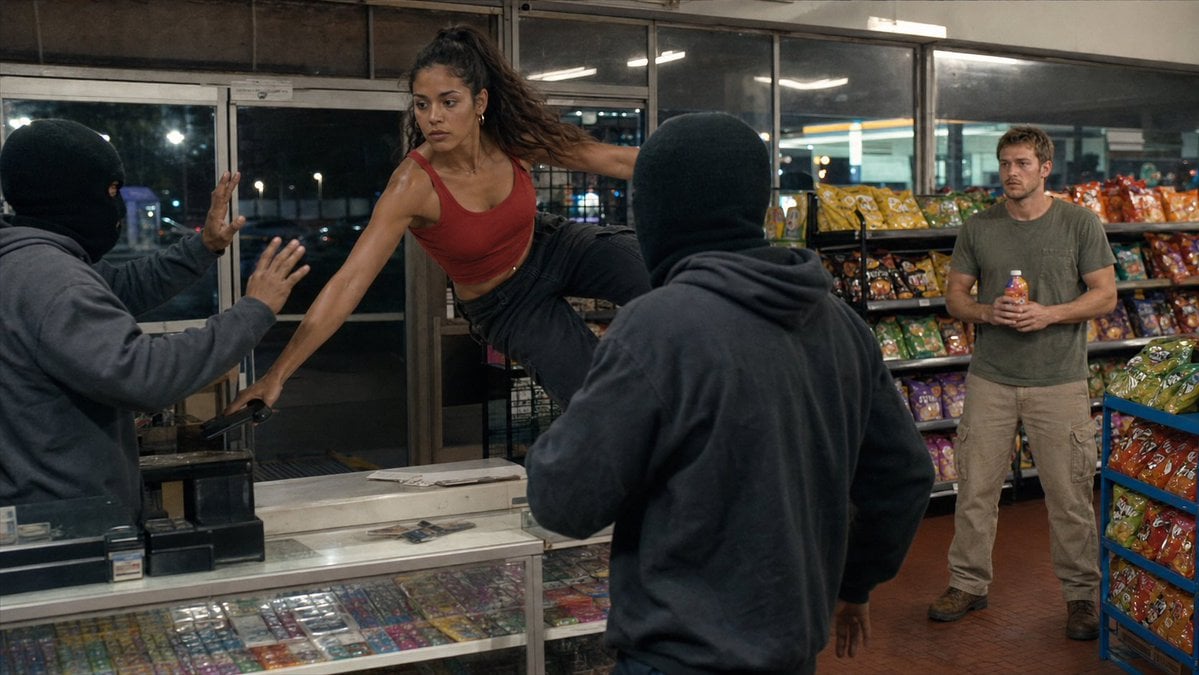
Convenience Store Fight Scene
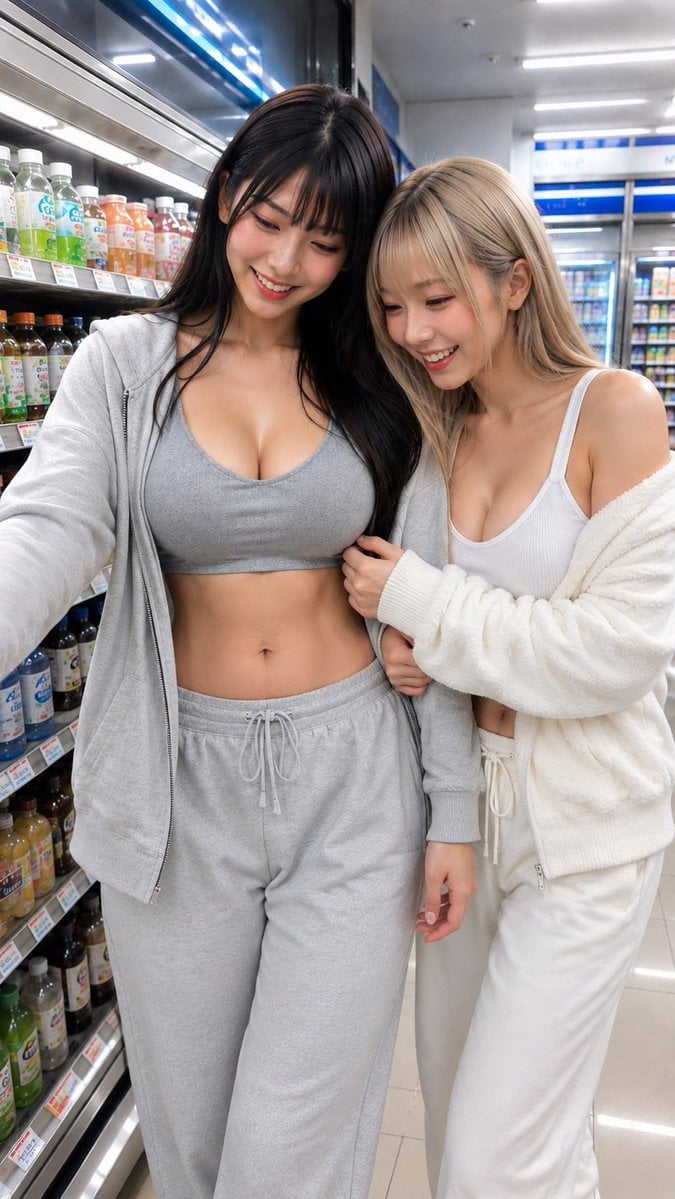
Casual Girl at Convenience Store
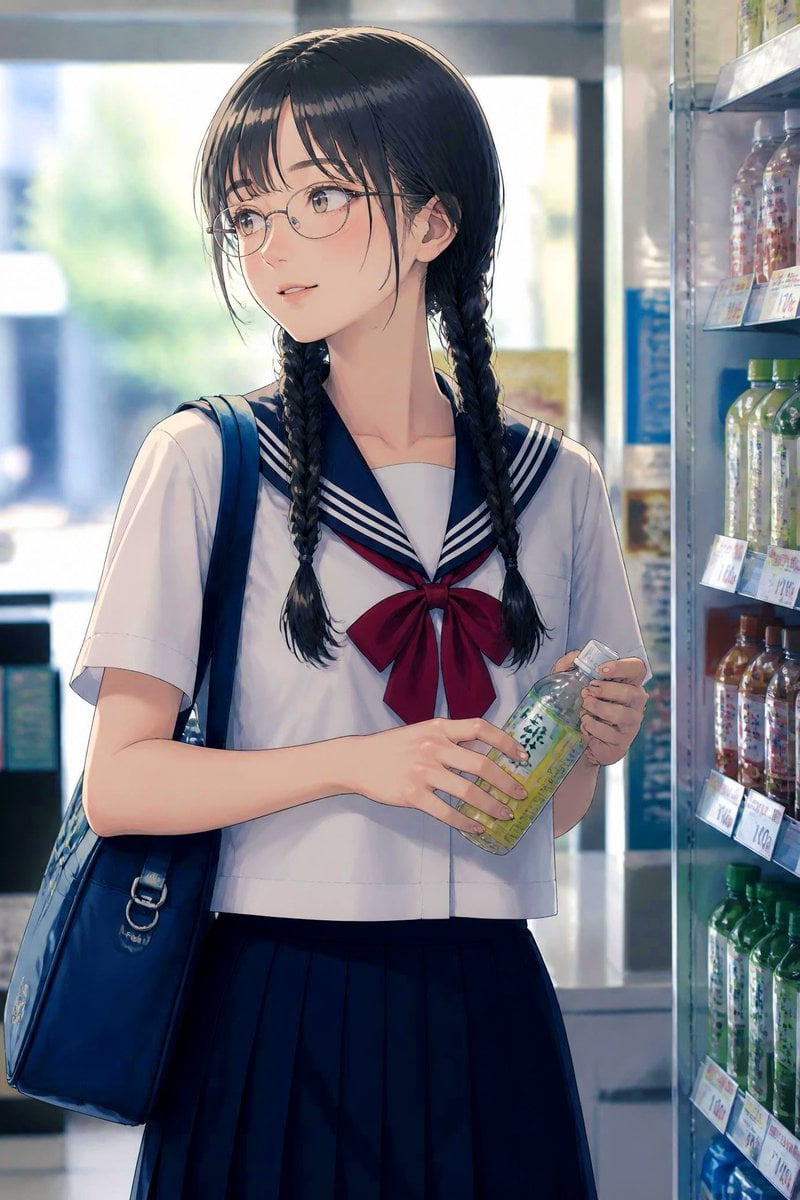
Anime Schoolgirl in Convenience Store
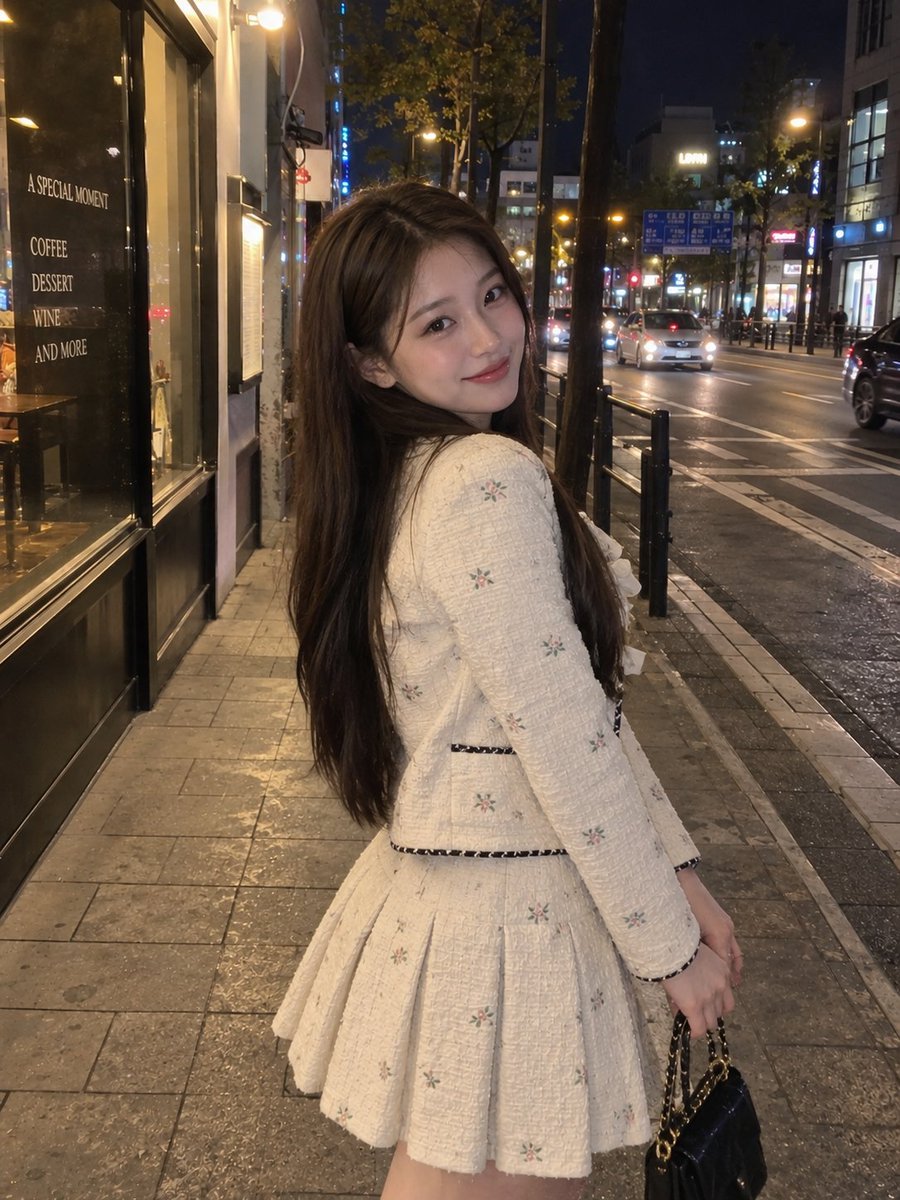
Nighttime Urban Street Portrait
Make it yours
Nighttime Convenience Store Street Photography works as-is. These are the safest ways to change it without losing the look.
Change one field
Copy a single group, rewrite it, and generate again so you can see what that field is doing.
Keep the frame, change the subject
Hold the composition and light of Nighttime Convenience Store Street Photography, then swap wardrobe, props or the person for a new take.
| If the result… | Why | Fix |
|---|---|---|
| The result drifts from the preview | Too many fields changed at once. | Reuse Nighttime Convenience Store Street Photography as-is first, then change one group — subject, light, or setting. |
| The model over-stylizes the scene | The prose prompt leaves finish and camera underspecified. | Add one camera or lighting sentence and stay on GPT Image 2. |
More GPT Image 2 templates
Other prompts made for GPT Image 2.

Six VTuber Japanese Logo Sheet

Realistic Portrait of Woman and Deer

The Vista Modular Condo Poster

AI Model Routing Comparison Infographic

2.5D Anime Art Board

Isometric Productivity Desk Scene

New York Double Exposure Poster

Four-Panel AI Landscape Comparison

Japanese Tatami Lifestyle Magazine Cover

NESCAFÉ Coffee Map Poster
More image prompts
Fresh picks from across the catalog.
Dark Fairy Tale, Surrealism, Gothic Psychedelic Character Generation
Korean Chibi Sticker Diary
Selective Color Urban Portrait of Elderly Woman
Cinematic Library Scene with Woman on Phone
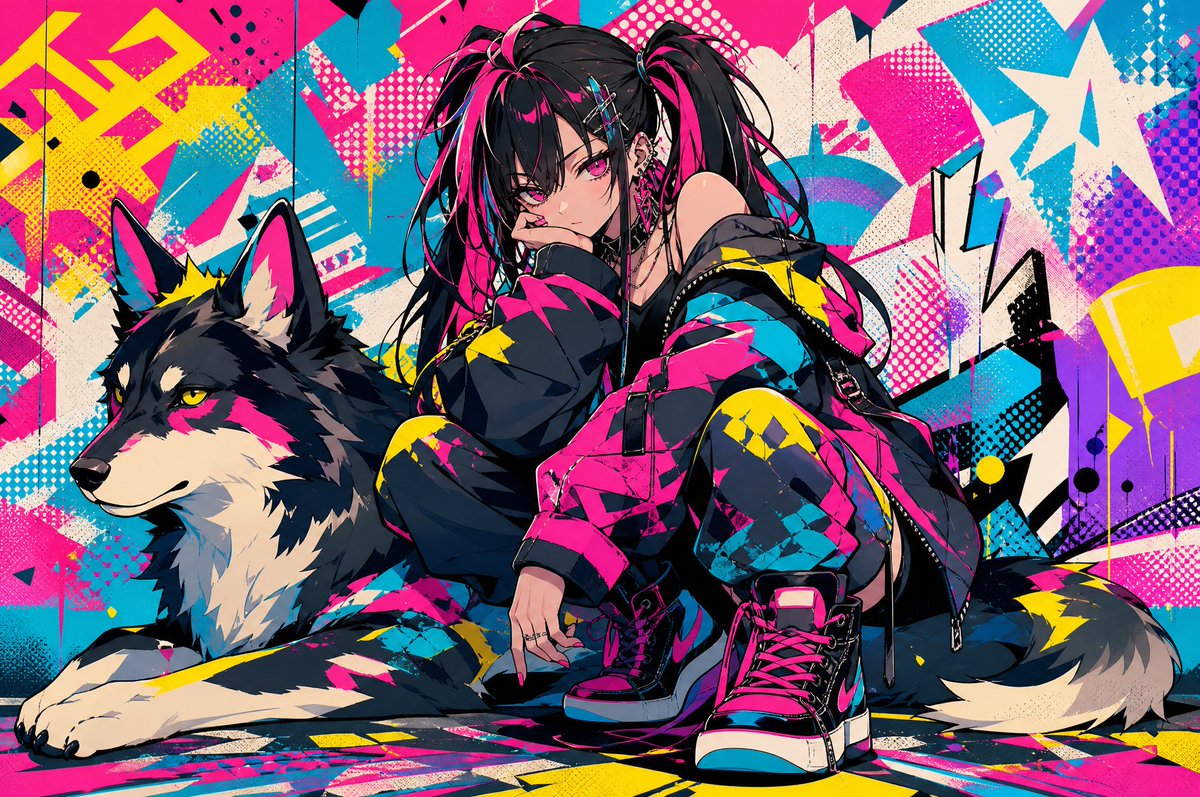
Neon Punk Girl with Husky
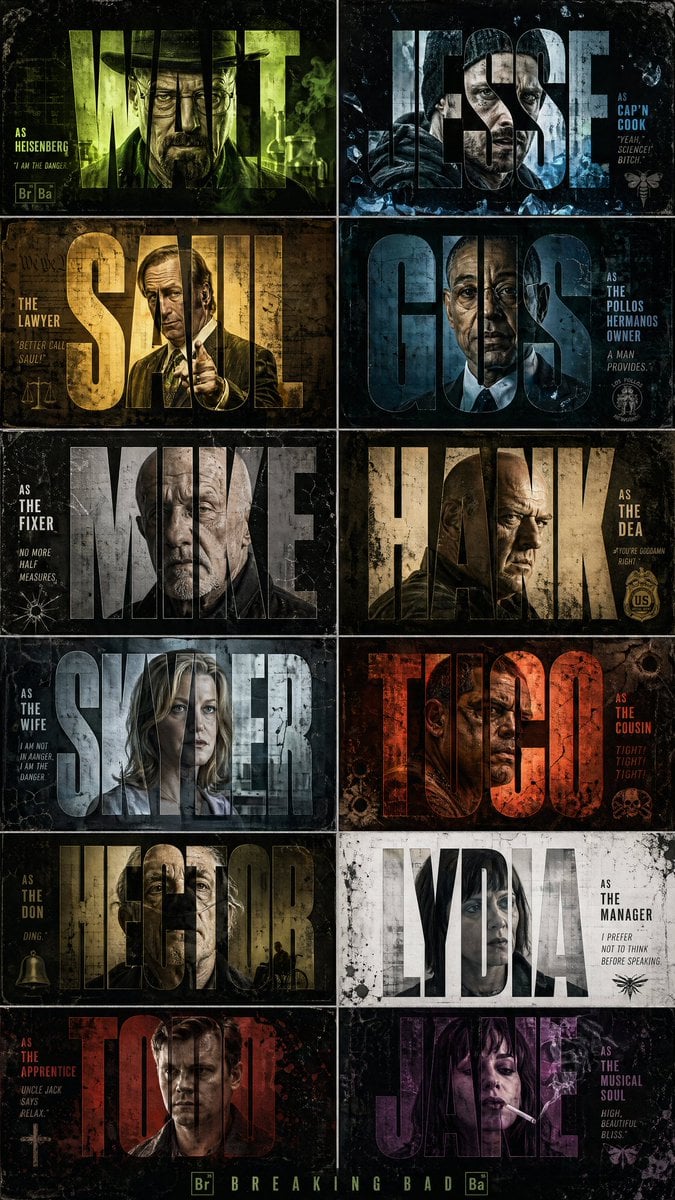
Breaking Bad Cinematic Grid Poster

Elegant Arabic Calligraphy Mockup Prompt
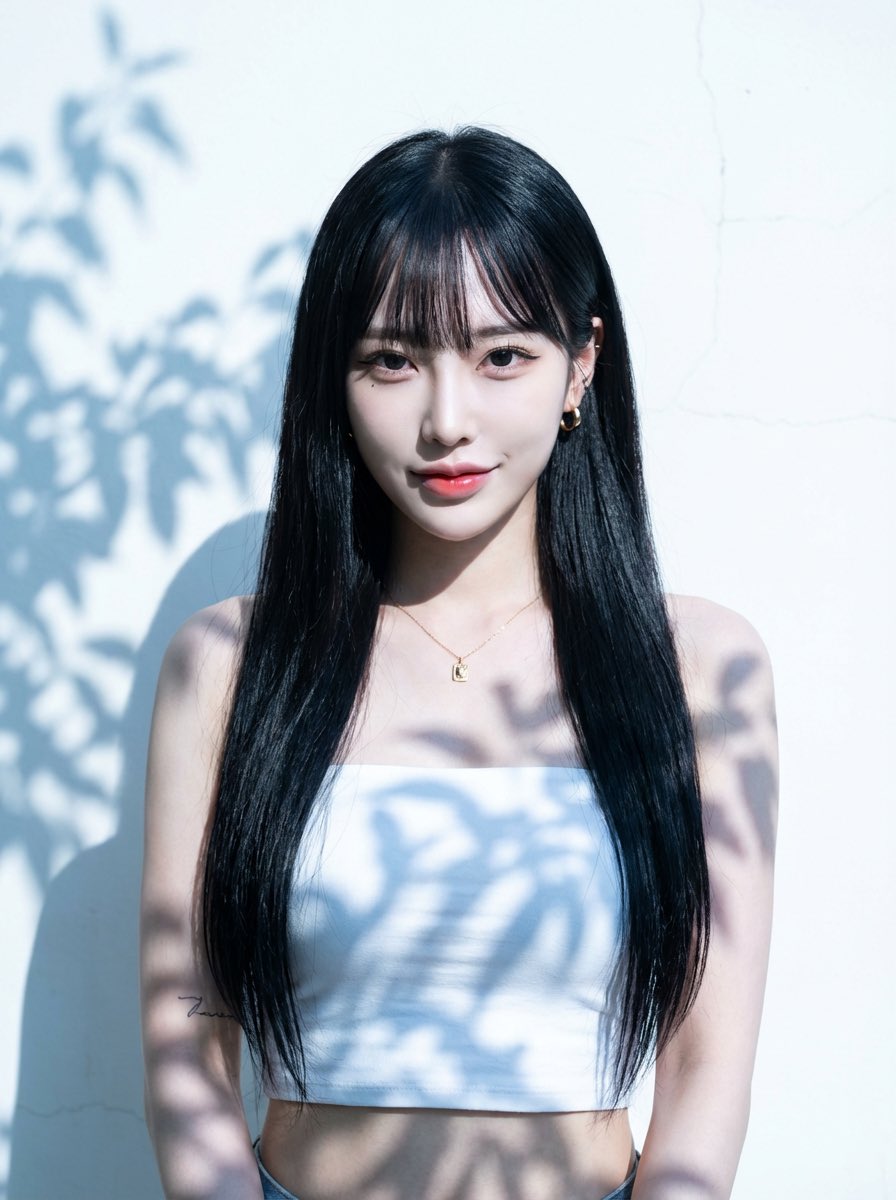
Character Generation Prompt (Step 1)

Object-Based Miniature City Diorama Prompt

Robotic Engineering Product Concept
Browse template categories
Nighttime Convenience Store Street Photography questions
How do I use the Nighttime Convenience Store Street Photography template?
Add your photo if the template asks for one, edit the prompt if you like — the template's model and format are already selected — and press Generate. Your version opens in PicX Studio.
Can I customize the Nighttime Convenience Store Street Photography template?
Yes. You can change the subject, setting, lighting, mood, format, and available model controls before creating your image.
Is the Nighttime Convenience Store Street Photography template free?
Opening and editing this template is free. Generating uses credits, shown on the Generate button when you are signed in.
Which AI model should I use?
Start with GPT Image 2, which is the model associated with this template. You can compare another compatible model for a different finish.
Looking for something else? Browse all templates.

Your photo, any look
Thousands of ready templates for every top image and video model, from one credit balance.