
Neon Punk Girl with Husky
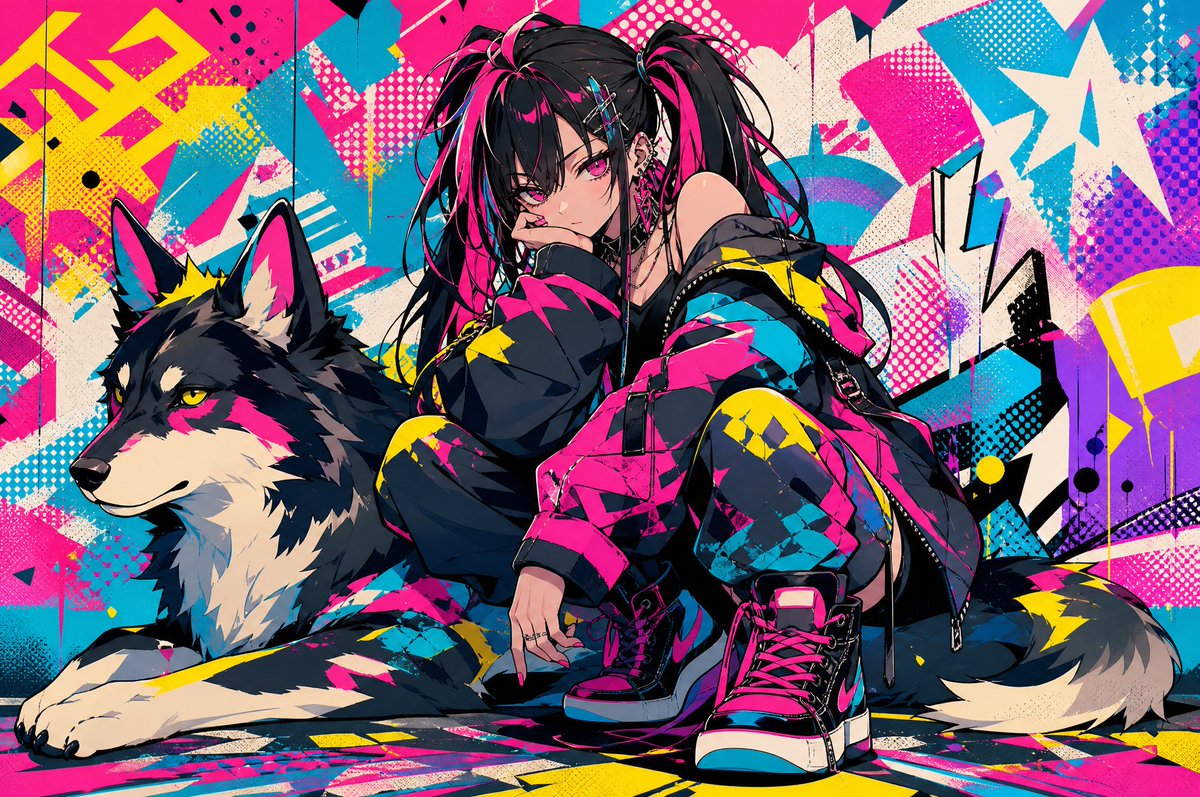
Generates a vivid anime street-art scene of a punk girl posing with a wolf-like husky for posters, album art, or character visuals.
- Prompt included
- Model and format preset
- Free template
The prompt behind this image
Copy the exact prompt behind Neon Punk Girl with Husky, or open it in the studio and make it yours.
Create a high-energy anime street-art illustration featuring exactly two main subjects: a punk fashion girl and a large wolf-like dog. The girl is {argument name="character age and style" default="a teenage goth-punk anime girl"} crouching low in the center-right foreground, leaning forward with one hand near her mouth in a cool, defiant pose. She has {argument name="hair color and style" default="long black twin-tails with vivid hot-pink streaks"}, messy layered bangs, sharp magenta eyes, pale skin, multiple ear piercings, hairpins, rings, and a slightly mischievous expression. Dress her in an oversized black streetwear jacket covered in neon pink, cyan, and yellow graphic patches, off-shoulder styling, straps, buckles, a short dark outfit underneath, chunky high-top sneakers with hot-pink laces, and bold punk accessories. Beside her on the left is {argument name="animal companion" default="a large black, cream, and gray husky-wolf dog"} lying calmly but alert, facing left in profile with pointed ears, yellow eyes, fluffy fur, and matching neon pink and yellow paint-like accents integrated into its coat. Set them against {argument name="background style" default="a chaotic graffiti mural wall"} filled with explosive geometric street-art shapes, arrows, halftone dots, paint splatters, jagged lightning forms, layered posters, and abstract blocks. Use an intense neon palette of hot pink, cyan, yellow, black, cream, and purple, with crisp anime linework, glossy highlights, dramatic shadows, dense detail, and a dynamic urban poster composition. The image should feel like a fashionable cyberpunk graffiti album cover, wide landscape format, ultra-detailed, vibrant, edgy, and polished.
How to use Neon Punk Girl with Husky in 3 steps
- 1Upload ImagePNG, JPG or paste
Add your photo
Upload the photo the template builds on. The prompt, model and format are already set.
- 2…a portrait of your subject in softgolden-hour light, 85mm…
Personalize
Edit the subject and creative details for your destination.
- 3Generate
Generate
Press Generate — your image is created in PicX Studio, so you can compare it with the original and refine one variable at a time.
More like this
Templates with the same subject, style or setup. Open one to see its prompt.

Rainy Night Android Cyberpunk Portrait

Cyberpunk Neon Profile Fashion Portrait
Rainy Night Android Cyberpunk Portrait
Low-Angle Cyberpunk Neon Profile Portrait

Spider-Man 2099 Cyberpunk Neon Future City

Cyberpunk Neon Brazil World Cup Poster

80s Neon Disco Night

Teen Girl Alpine Lake Mountain View

Obscured Cyberpunk Girl Poster
Cyberpunk Neon Floral Portrait

Cartoon TV Show Poster Pack

Korean Idol Partial Shadow Editorial Portrait
Make it yours
Neon Punk Girl with Husky works as-is. These are the safest ways to change it without losing the look.
Change one field
Copy a single group, rewrite it, and generate again so you can see what that field is doing.
Keep the frame, change the subject
Hold the composition and light of Neon Punk Girl with Husky, then swap wardrobe, props or the person for a new take.
| If the result… | Why | Fix |
|---|---|---|
| The result drifts from the preview | Too many fields changed at once. | Reuse Neon Punk Girl with Husky as-is first, then change one group — subject, light, or setting. |
| The model over-stylizes the scene | The prose prompt leaves finish and camera underspecified. | Add one camera or lighting sentence and stay on GPT Image 2. |
More GPT Image 2 templates
Other prompts made for GPT Image 2.

Six VTuber Japanese Logo Sheet

Realistic Portrait of Woman and Deer

The Vista Modular Condo Poster

AI Model Routing Comparison Infographic

2.5D Anime Art Board

Isometric Productivity Desk Scene

New York Double Exposure Poster

Four-Panel AI Landscape Comparison

Japanese Tatami Lifestyle Magazine Cover

NESCAFÉ Coffee Map Poster
More image prompts
Fresh picks from across the catalog.

Luxury Chocolate Lava Ice Cream Ad
Hyper-Detailed Structured Prompt for High-Fidelity Portrait Generation
Child's Drawing to 3D Image Prompt
Minimal Comic Style Greeting Card
Gpt2 E Commerce Main Image Tropical Citrus Soda Ad Poster
Crude MS Paint Photo Doodle
Retro Magazine Reader Submission Page
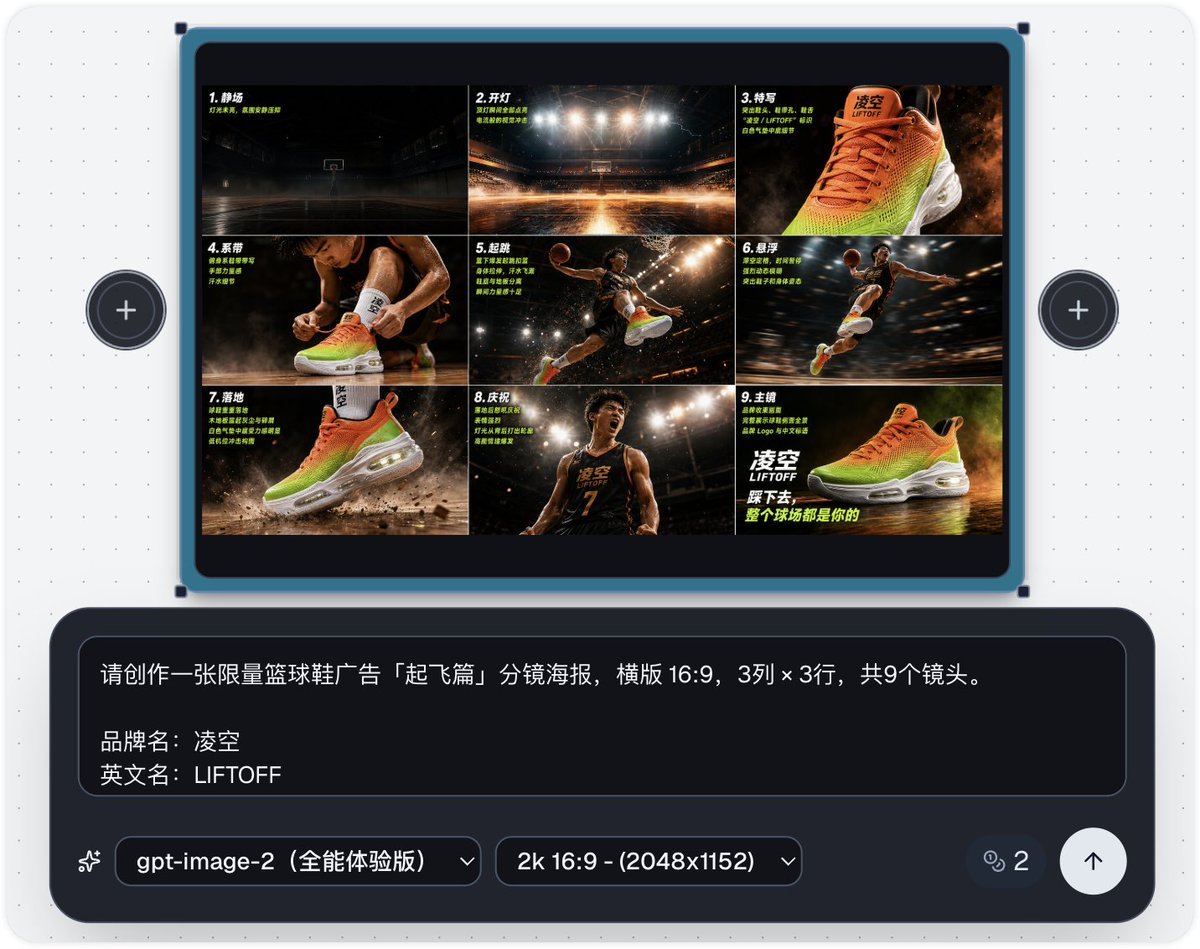
Basketball Shoe Storyboard Advertisement
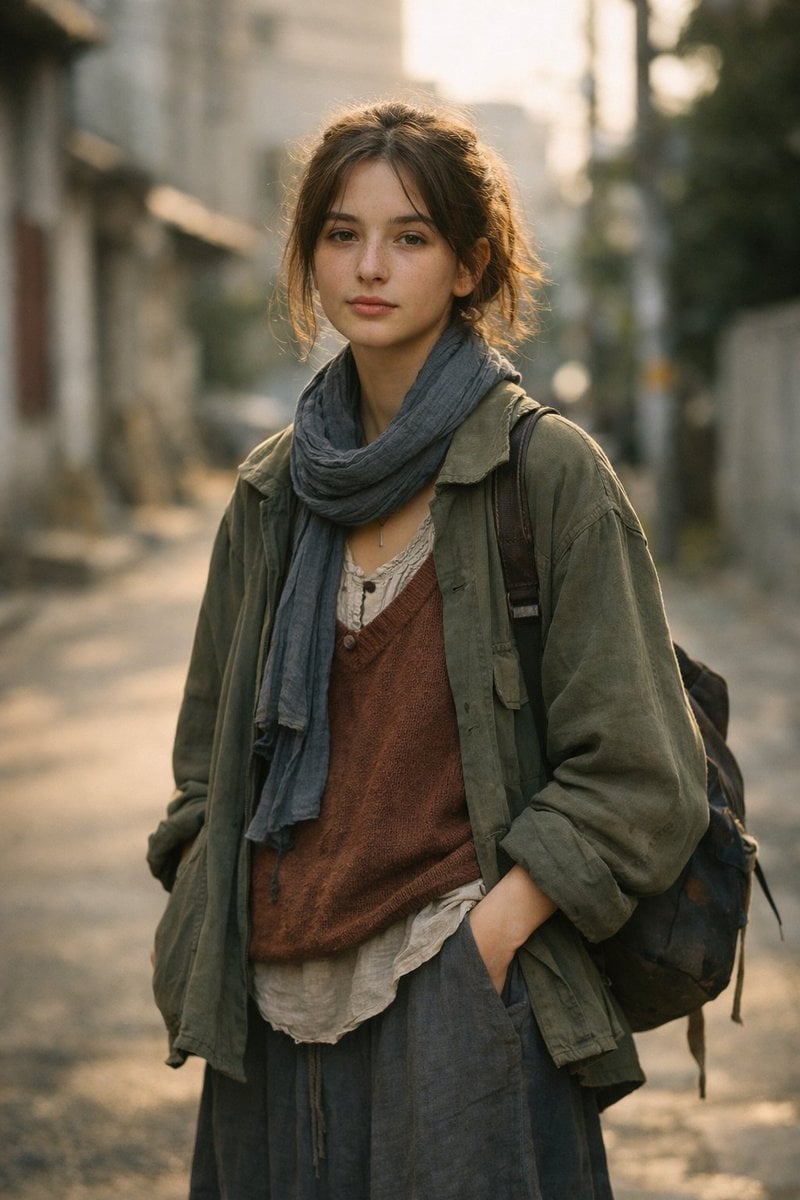
LLM prompt for generating a detailed travel itinerary for a trip to Japan
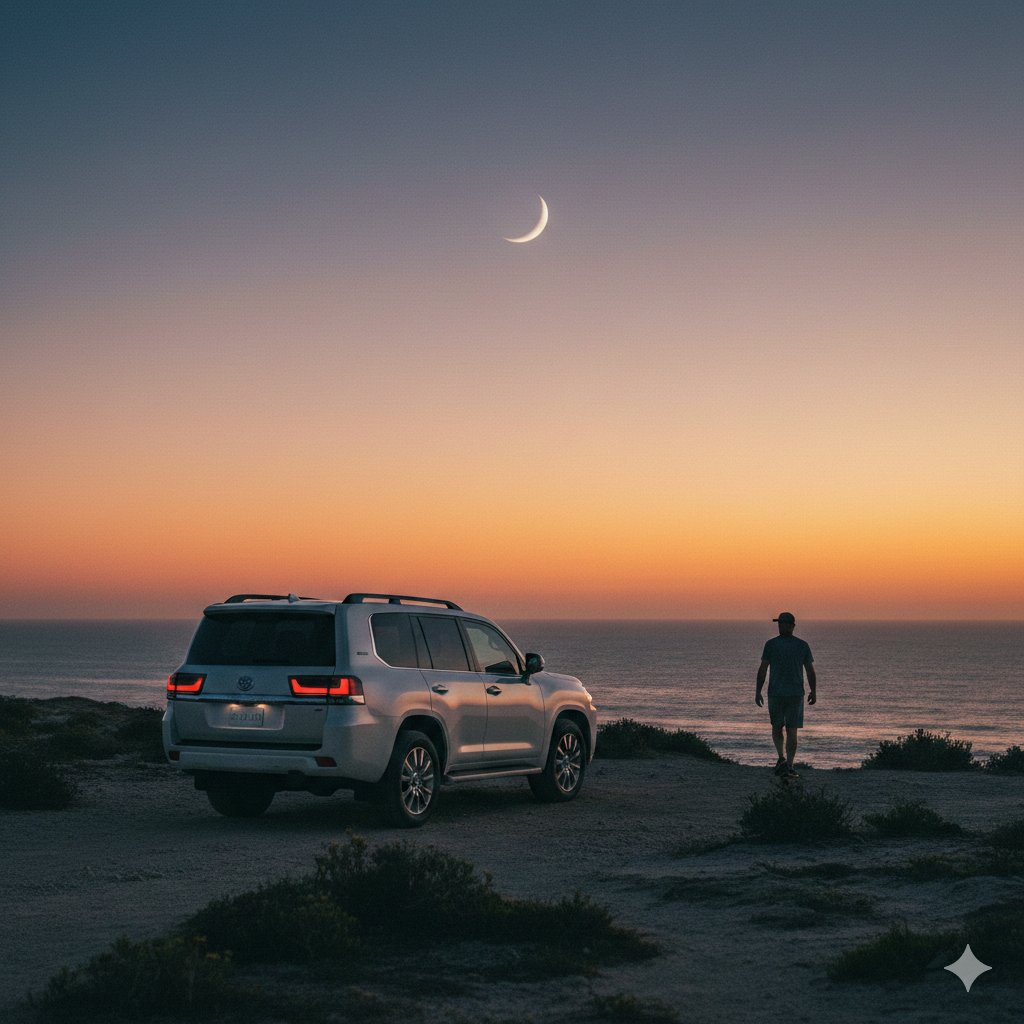
Cinematic Twilight Coastal Landscape with Toyota Land Cruiser
Browse template categories
Neon Punk Girl with Husky questions
How do I use the Neon Punk Girl with Husky template?
Add your photo if the template asks for one, edit the prompt if you like — the template's model and format are already selected — and press Generate. Your version opens in PicX Studio.
Can I customize the Neon Punk Girl with Husky template?
Yes. You can change the subject, setting, lighting, mood, format, and available model controls before creating your image.
Is the Neon Punk Girl with Husky template free?
Opening and editing this template is free. Generating uses credits, shown on the Generate button when you are signed in.
Which AI model should I use?
Start with GPT Image 2, which is the model associated with this template. You can compare another compatible model for a different finish.
Looking for something else? Browse all templates.

Your photo, any look
Thousands of ready templates for every top image and video model, from one credit balance.