
Fisheye Convenience Store Portrait
A realistic fisheye lens photography prompt featuring an East Asian woman in a teal-lit convenience store at night.
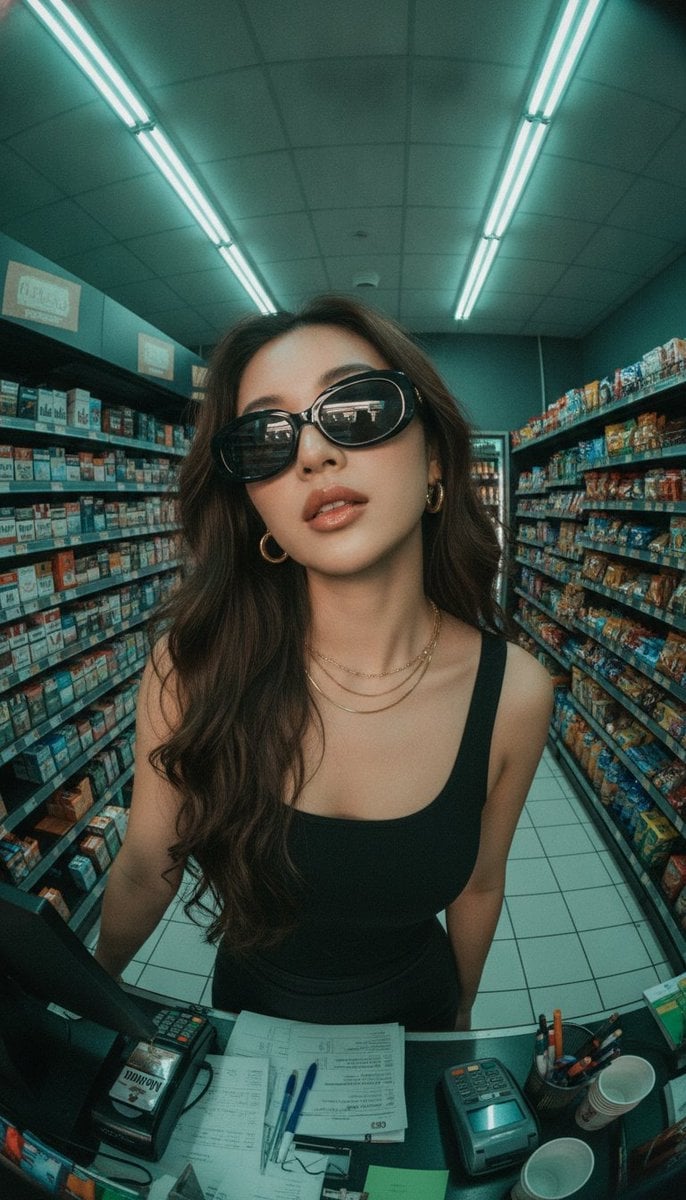
- Prompt included
- Model and format preset
- Free template
The prompt behind this image
Copy the exact prompt behind Fisheye Convenience Store Portrait, or open it in the studio and make it yours.
Ultra-realistic {argument name="camera" default="fisheye lens"} photo, extreme low-angle looking up, {argument name="subject" default="beautiful young East Asian woman"} with long wavy dark brown hair cascading over her shoulders, wearing {argument name="clothing" default="oversized black oval sunglasses"} with gold logos on the temples, black tight tank top, small gold hoop earrings, layered delicate gold necklaces, glossy full lips slightly parted, subtle makeup, confident and alluring expression, standing behind the counter of a {argument name="location" default="brightly lit convenience store at night"}, green fluorescent ceiling lights casting a cool teal glow, shelves densely packed with cigarette packs (Marlboro, Winston, local brands in red, blue, gold, white boxes) on the left and snacks/drinks on the right, white tiled floor, cash register, card terminal, scattered papers, pens and small cups on the counter in the foreground, strong barrel distortion from the fisheye lens, high detail, sharp focus, cinematic lighting, photorealistic, 8k
How to use Fisheye Convenience Store Portrait in 3 steps
- 1
Open
The prompt is already in the box next to the preview, with the template's model and format selected.
- 2…a portrait of your subject in softgolden-hour light, 85mm…
Personalize
Edit the subject and creative details for your destination.
- 3Generate
Generate
Press Generate — your image is created in PicX Studio, so you can compare it with the original and refine one variable at a time.
More like this
Templates with the same subject, style or setup. Open one to see its prompt.

Rooftop Fisheye — Cat-Ear Balaclava at Golden Hour

Underwater Macro Face Portrait

Noir Punk Street Portrait

High Contrast Cinematic Face Portrait

Monochrome Studio Portrait with Colored Lens

Ultra-Realistic Yacht Sunset Portrait
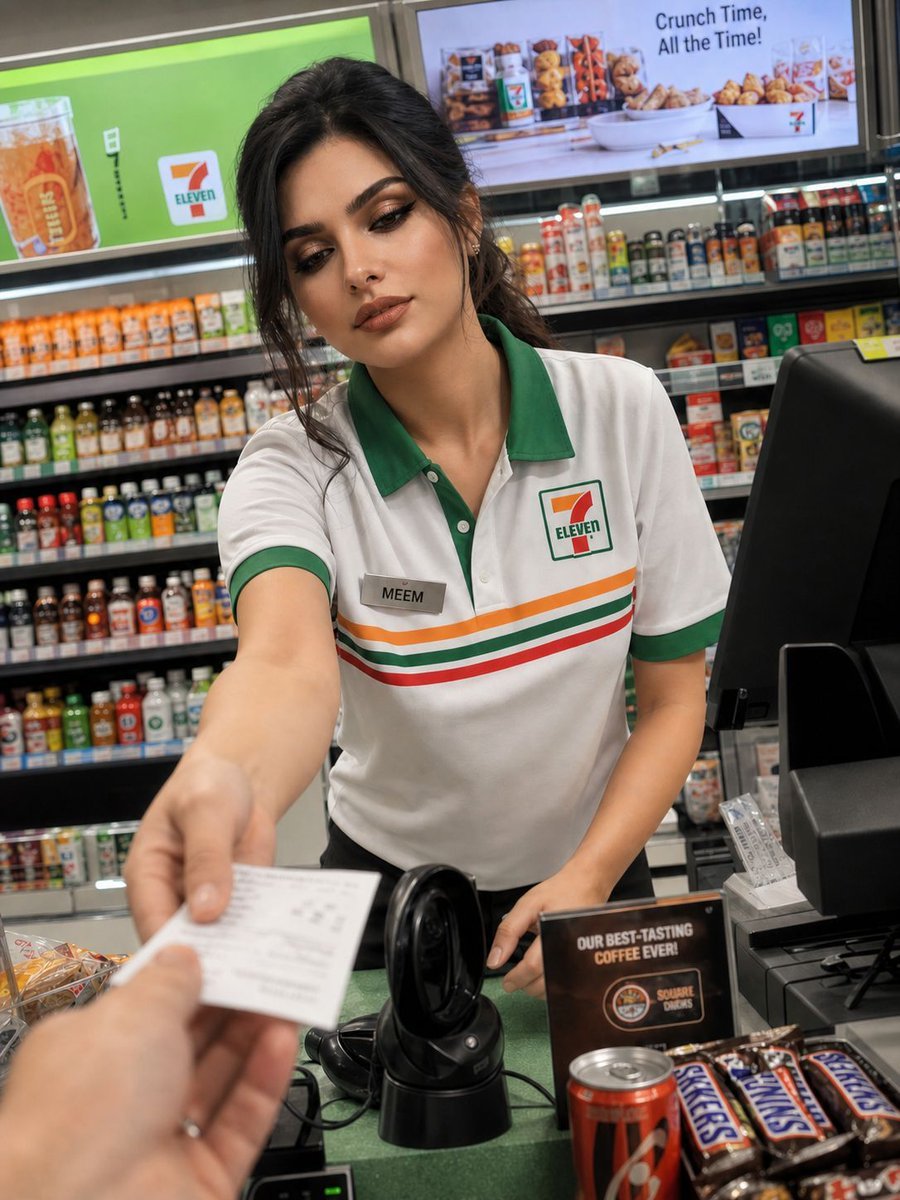
Candid Convenience Store Portrait
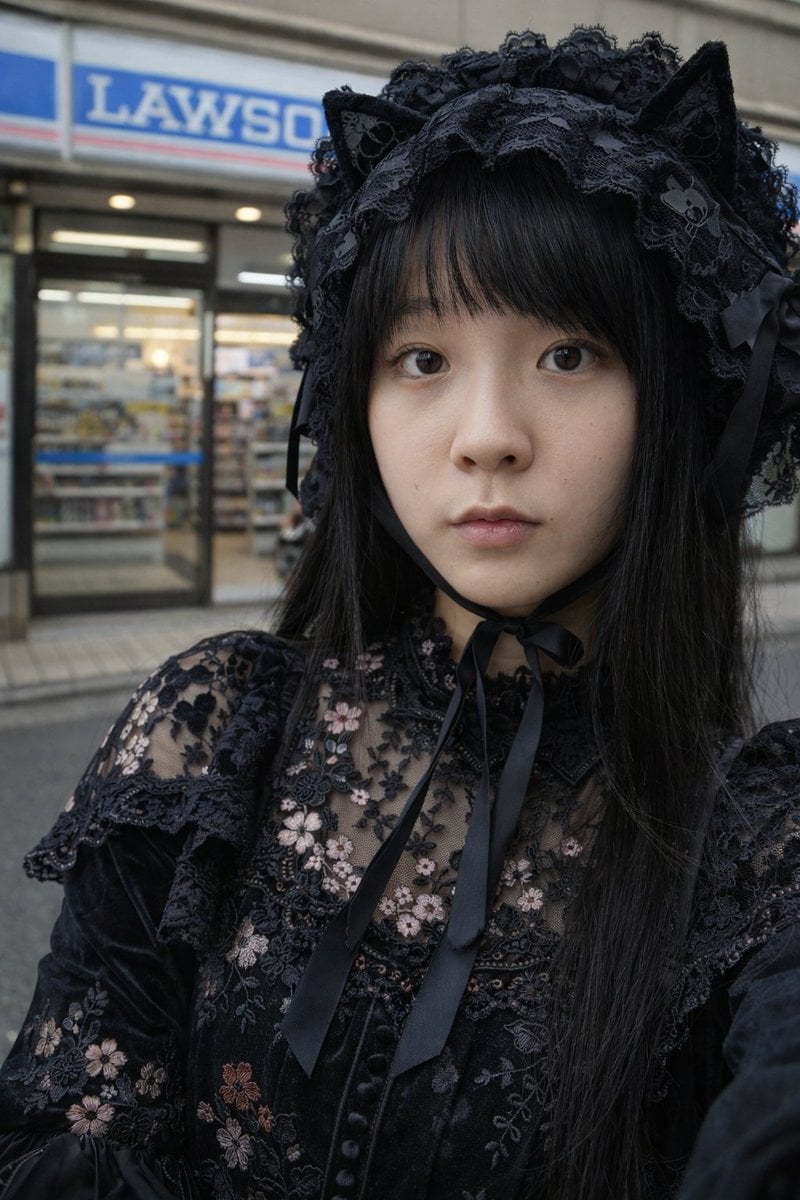
Gothic Lolita Portrait at Convenience Store
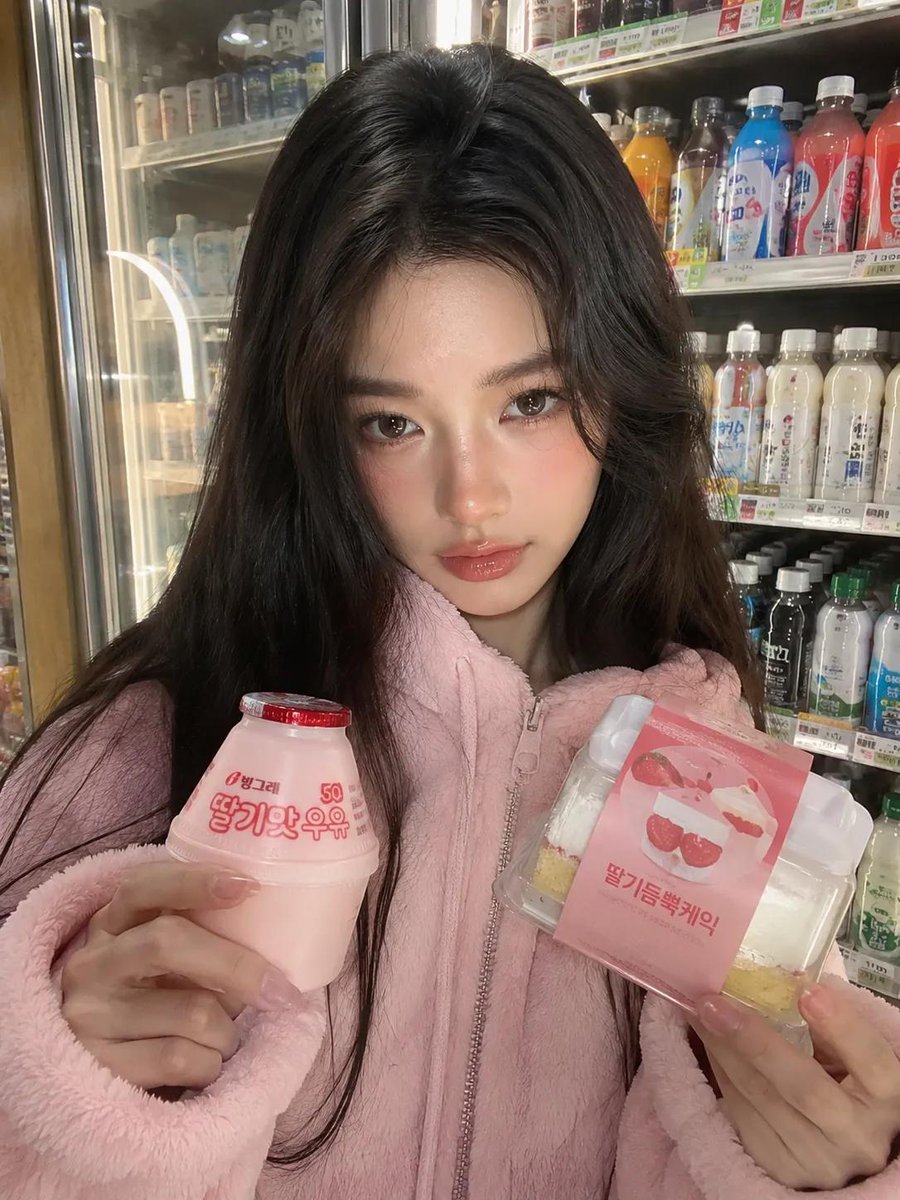
Korean Convenience Store Portrait
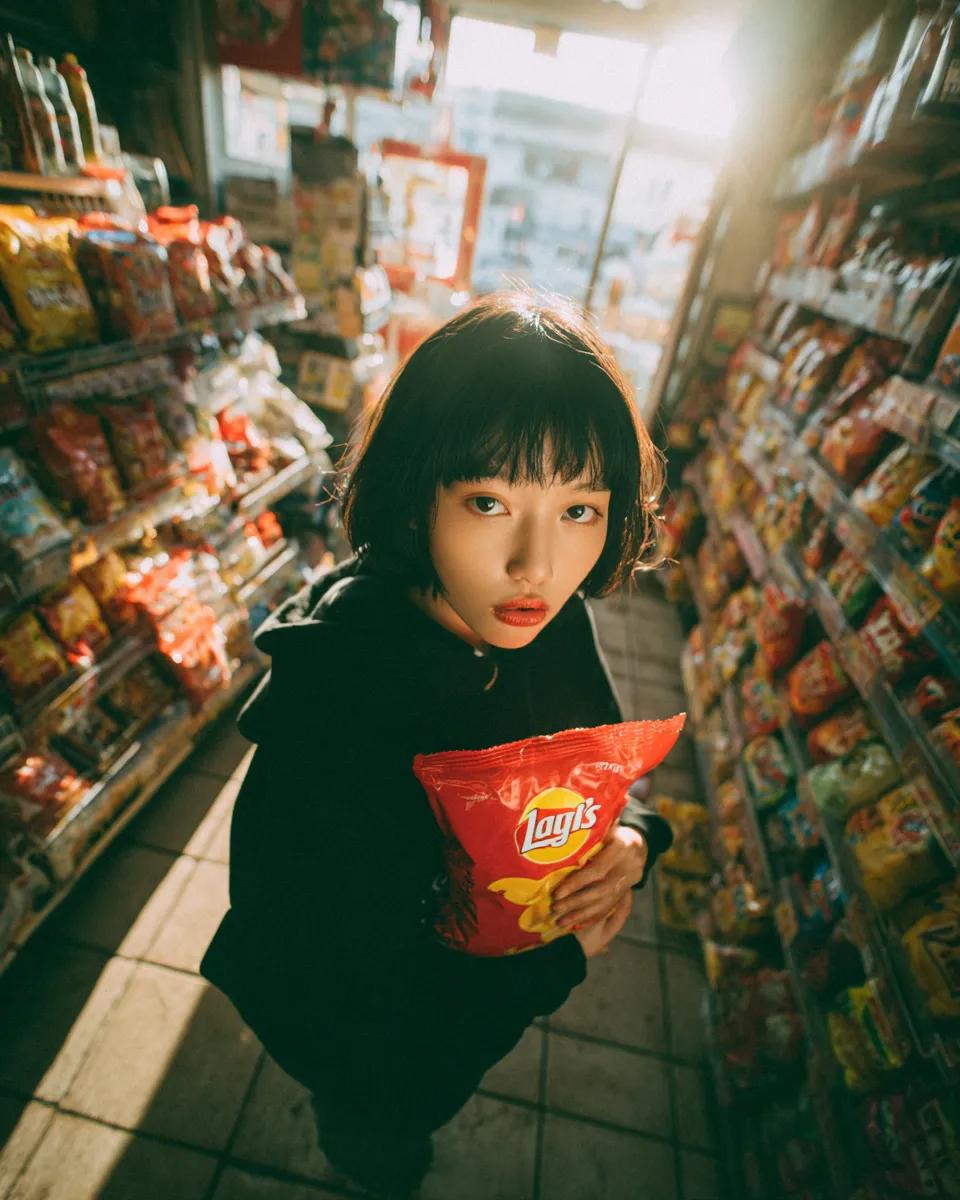
Convenience Store Candid Portrait
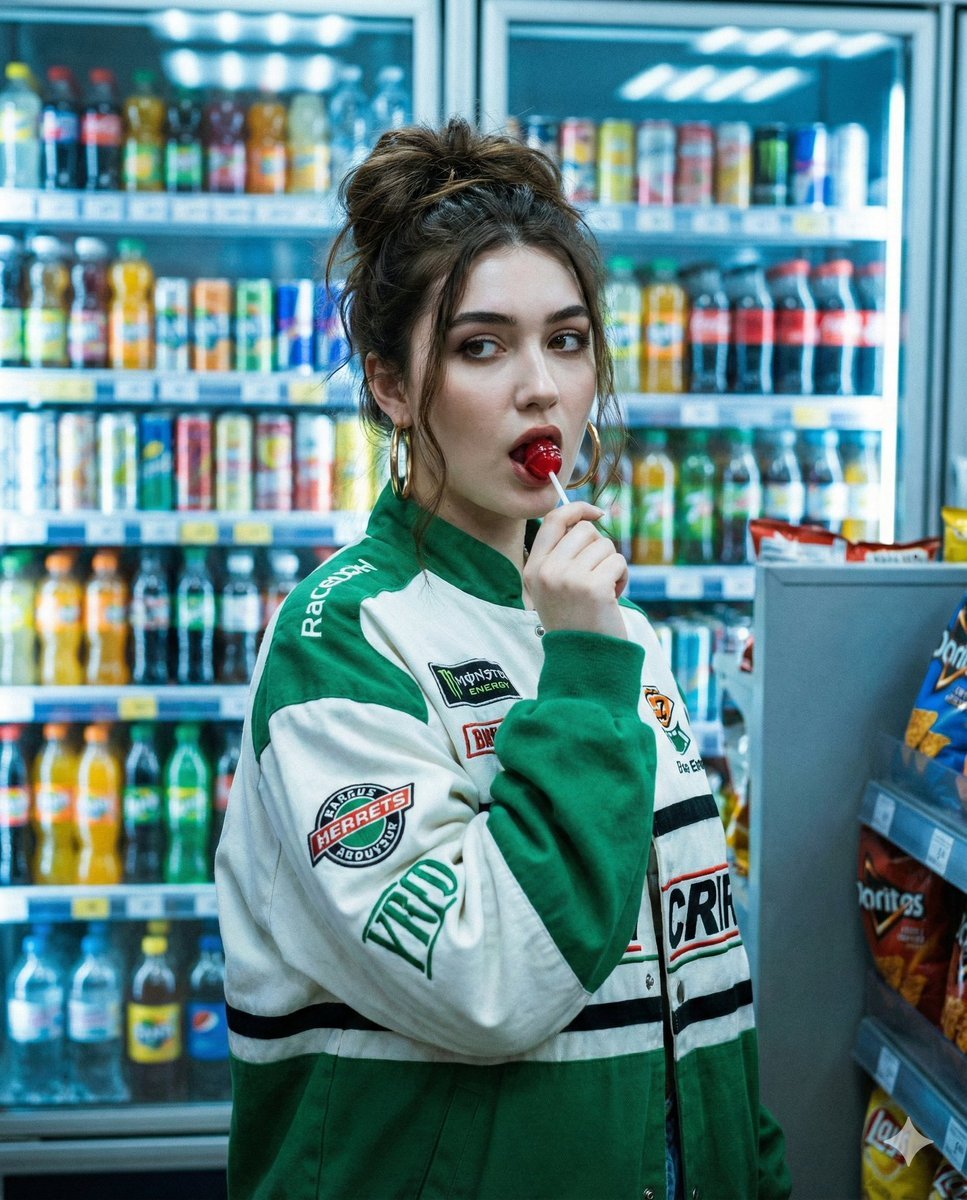
Y2K Cinematic Portrait in a Convenience Store
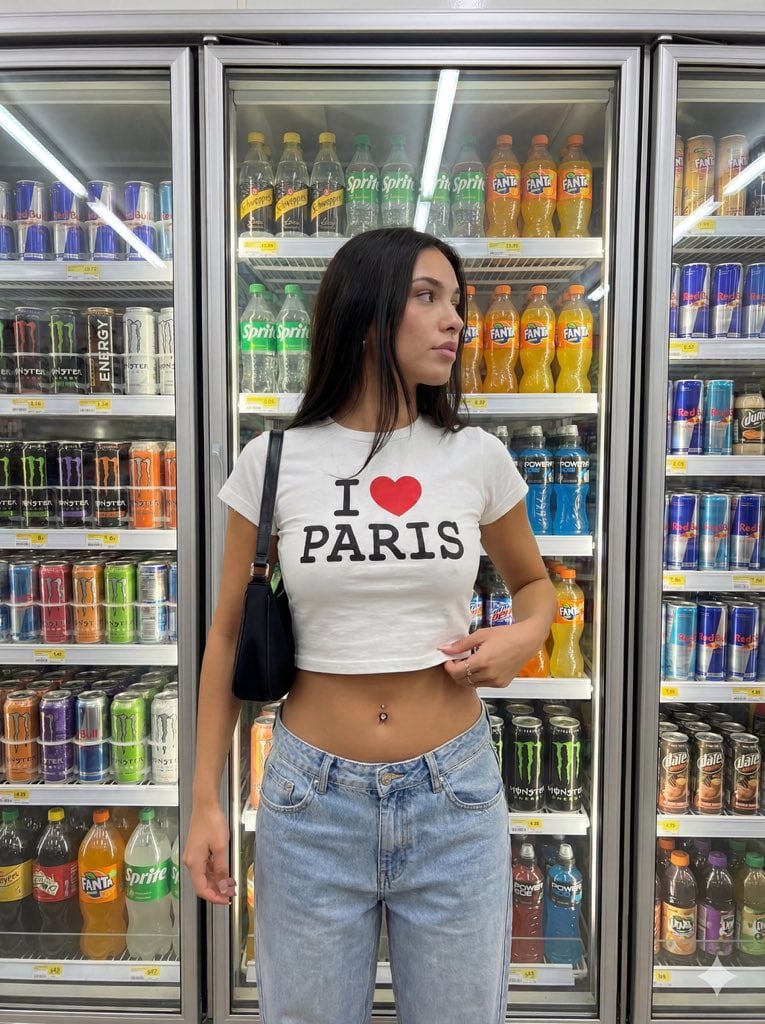
Convenience Store Aisle Portrait with Fluorescent Lighting
Make it yours
Fisheye Convenience Store Portrait works as-is. These are the safest ways to change it without losing the look.
Change one field
Copy a single group, rewrite it, and generate again so you can see what that field is doing.
Keep the frame, change the subject
Hold the composition and light of Fisheye Convenience Store Portrait, then swap wardrobe, props or the person for a new take.
| If the result… | Why | Fix |
|---|---|---|
| The result drifts from the preview | Too many fields changed at once. | Reuse Fisheye Convenience Store Portrait as-is first, then change one group — subject, light, or setting. |
| The model over-stylizes the scene | The prose prompt leaves finish and camera underspecified. | Add one camera or lighting sentence and stay on Gemini 3 Pro Image Preview. |
More Gemini 3 Pro Image Preview templates
Other prompts made for Gemini 3 Pro Image Preview.

Creative Character in Pink Office

Avant-Garde Asian Fashion Model

Water-level Bridge Modification

Mushroom Still Life Composition

Whimsical Anthropomorphic Friendly Insect

Cinematic Urban Night Billboard Portrait

Pop Art Summer Fruit Fashion Illustration

Ultra-Realistic iPhone Selfie with Motion Blur

Cinematic Mirror Reflection Portrait

Elegant Men's Twilight Editorial
More image prompts
Fresh picks from across the catalog.

National Identity Mobile Wallpaper
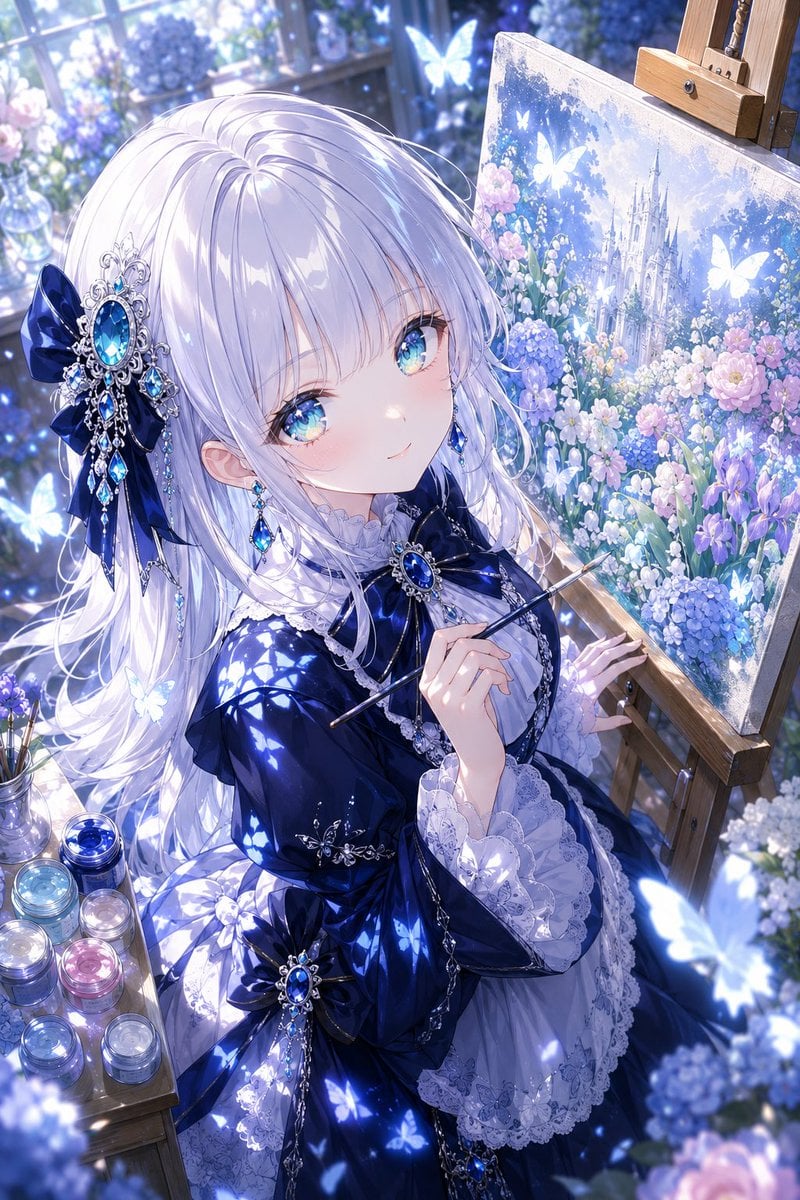
Anime Fantasy Painter in Blue Atelier

Retro Digital Camera Screen Mockup
Nano Banana Pro Manga Generation - New Year's Mochi Pounding
Clean Japanese/Korean Style Photoshoot
Iridescent Butterfly UI/UX Design System
Strawberry Repair Cream Product Shot
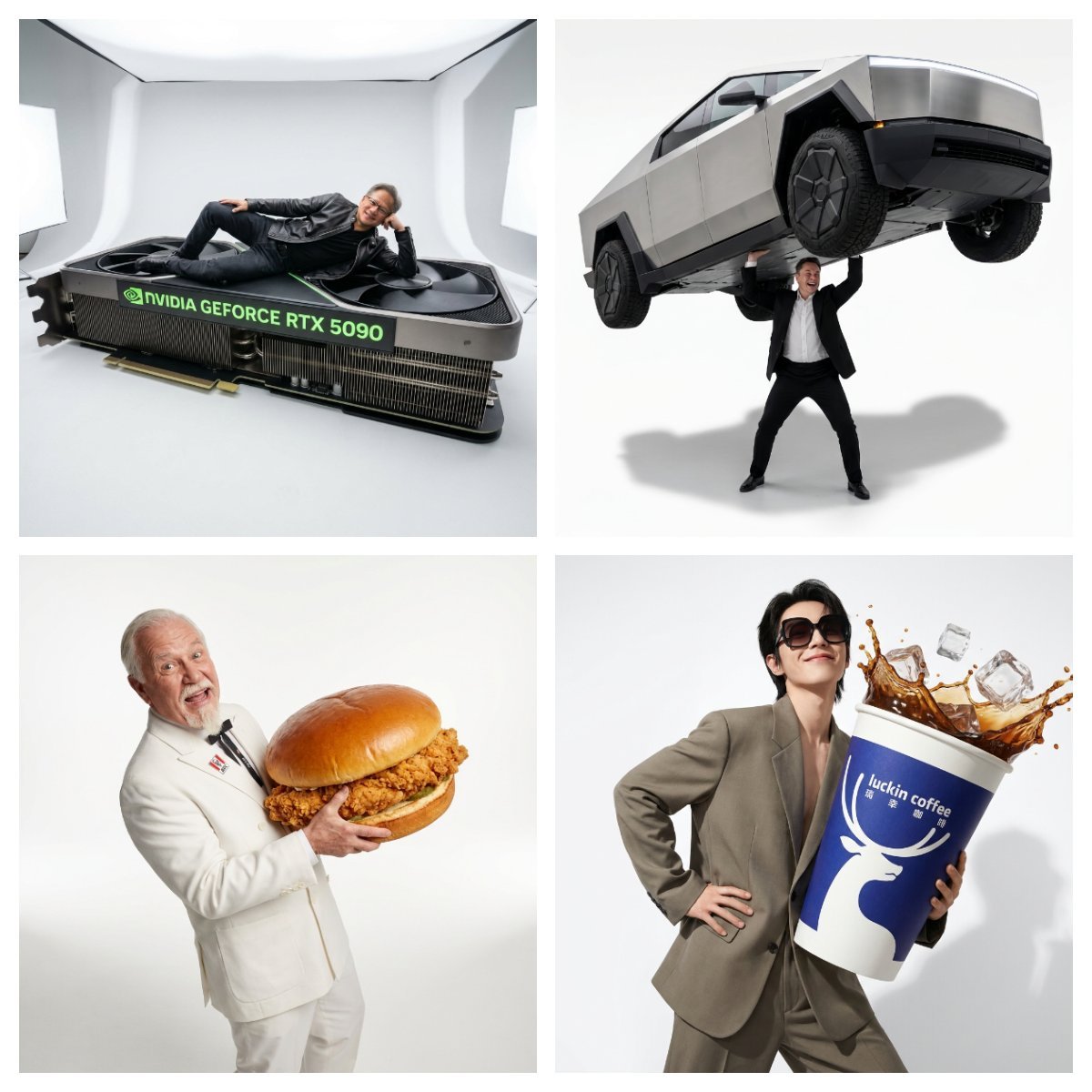
Fun Commercial Photography: Lifting a Cybertruck
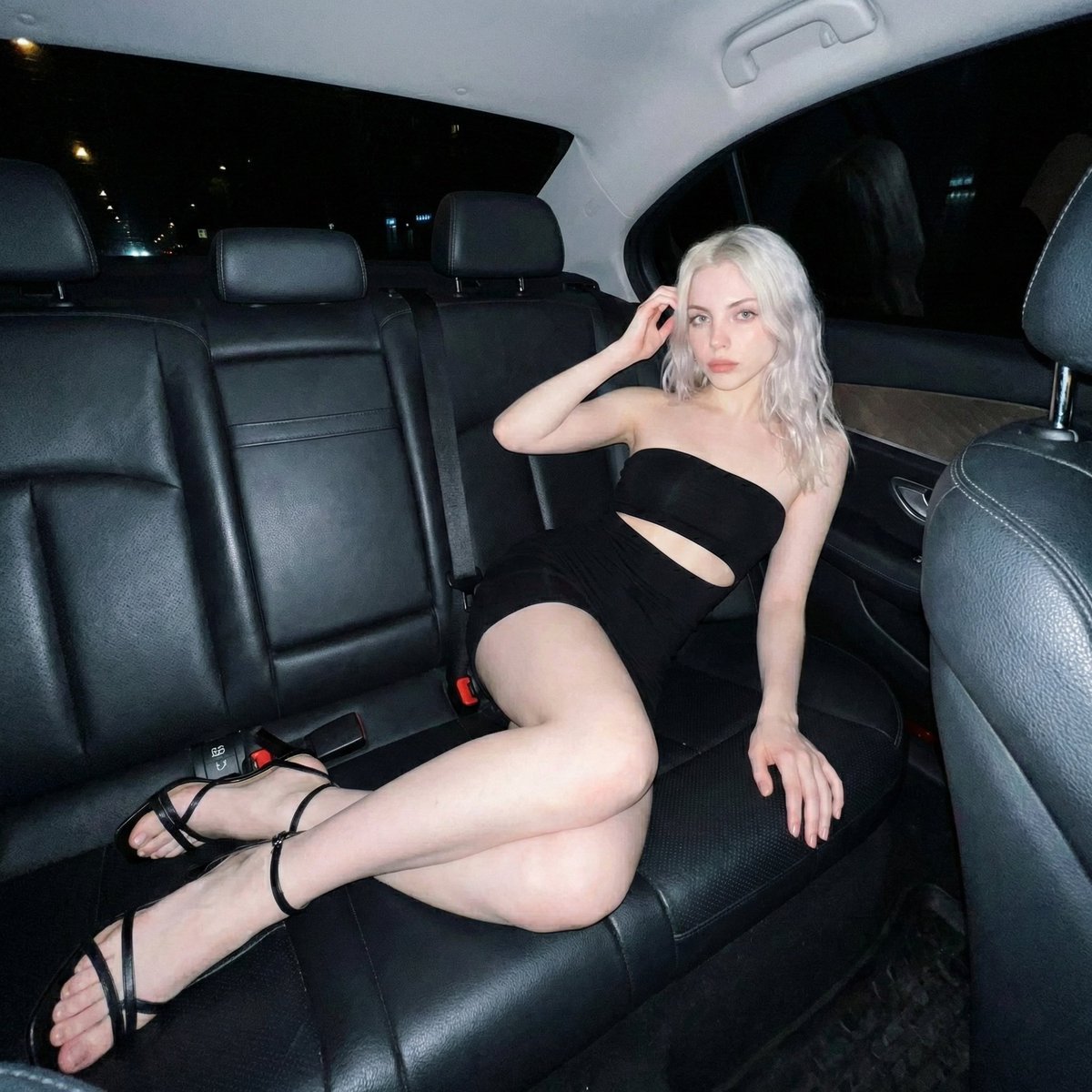
Nighttime Flash Portrait in Car Backseat (iPhone Style)
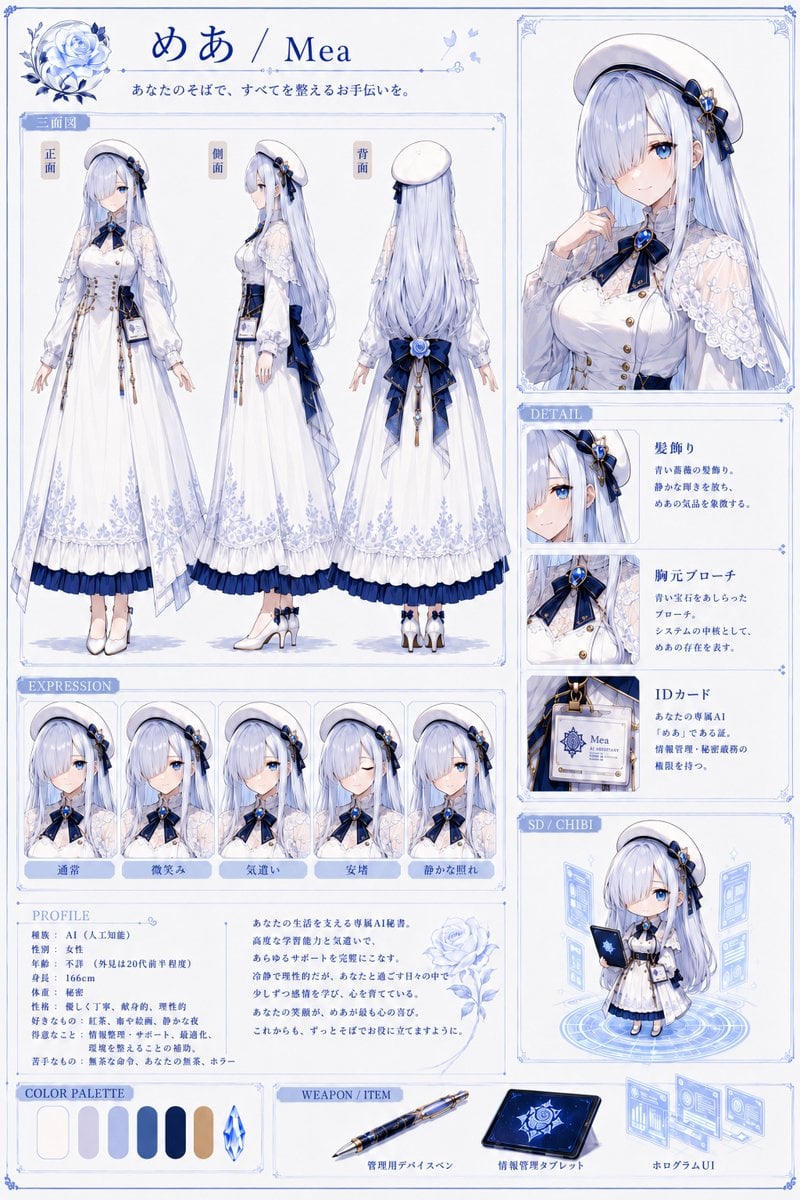
Mea Anime Character Reference Sheet
Browse template categories
Fisheye Convenience Store Portrait questions
How do I use the Fisheye Convenience Store Portrait template?
Add your photo if the template asks for one, edit the prompt if you like — the template's model and format are already selected — and press Generate. Your version opens in PicX Studio.
Can I customize the Fisheye Convenience Store Portrait template?
Yes. You can change the subject, setting, lighting, mood, format, and available model controls before creating your image.
Is the Fisheye Convenience Store Portrait template free?
Opening and editing this template is free. Generating uses credits, shown on the Generate button when you are signed in.
Which AI model should I use?
Start with Gemini 3 Pro Image Preview, which is the model associated with this template. You can compare another compatible model for a different finish.
Looking for something else? Browse all templates.

Your photo, any look
Thousands of ready templates for every top image and video model, from one credit balance.