
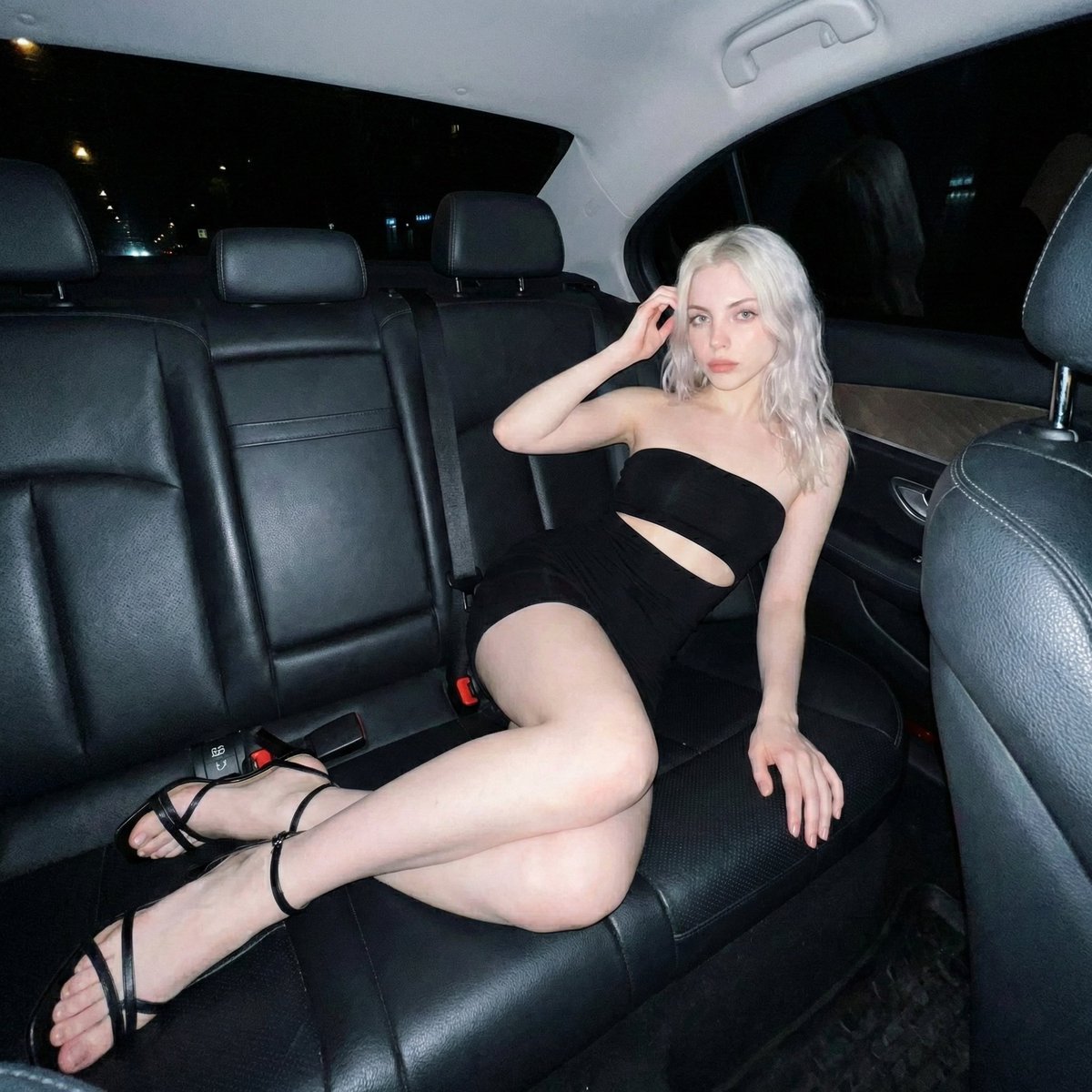
Nighttime Flash Portrait in Car Backseat (iPhone Style)
A highly structured JSON prompt for generating an ultra-photorealistic portrait of a woman seated and reclining in a car backseat at night, emphasizing raw iPhone photography realism, specific pose details, and the…
- Prompt included
- Model and format preset
- Free template
The prompt behind this image
Copy the exact prompt behind Nighttime Flash Portrait in Car Backseat (iPhone Style), or open it in the studio and make it yours.
{ "subject": { "character": "uploaded_photo", "face_consistency": "true", "body_consistency": "true", "gender": "female", "age_appearance": "young adult, early 20s", "ethnicity": "Northern European", "emotion": "composed, soft confidence, direct gaze, late-night editorial", "hair": { "color": "icy platinum blonde", "length": "shoulder-length", "style": "voluminous waves with a side part", "texture": "silky, fine, high-shine under artificial light", "placement": "cascading over shoulders, one hand lightly touching the hair near the temple" }, "face": { "visibility": "fully visible, centered", "profile_visibility": "full frontal", "skin_tone": "fair, porcelain, luminous", "expression": "neutral, relaxed lips, intense but soft eye contact" } }, "meta": { "aspect_ratio": "1:1", "camera": "iPhone 15 Pro Max, Rear Main Camera", "lens": "24mm f/1.78 aperture equivalent", "focal_character": "sharp subject focus, natural depth of field, high dynamic range", "quality": "ultra photorealistic, 8k resolution, raw mobile photography", "style": "nighttime flash photography, raw iPhone realism, natural skin texture, subtle digital noise in shadows" }, "visibility_rules": { "mirror_only": false, "no_direct_subject_visibility": false, "no_body_parts_outside_frame": false }, "camera_angle": { "vertical_position": "eye level with the subject", "horizontal_alignment": "centered directly in front of the subject", "tilt": "0 degree, straight-on shot", "yaw": "facing directly toward the subject", "roll": "perfectly level", "distance_to_subject_meters": 0.8, "handheld_behavior": "stable, intentional framing" }, "body_angle": { "global_orientation": "seated and reclined in a car backseat", "torso_rotation_degrees": 10, "shoulder_alignment": "relaxed, leaning back against leather upholstery", "hip_rotation_degrees": 45, "weight_distribution": "seated comfortably, reclining into the seat corner", "posture": "relaxed, effortless lounge" }, "head_angle": { "rotation_degrees": 5, "tilt": "slight upward tilt", "chin_position": "slightly lifted", "neck_tension": "relaxed" }, "pose": { "legs": { "stance": "crossed at the thighs", "front_leg": "draped over the other, extending toward the camera", "back_leg": "tucked underneath" }, "hips": { "action": "settled into the seat cushion" }, "arms": { "right_arm": "elbow resting on the seat, hand gently lifting hair", "left_arm": "extended downward, hand resting naturally on the seat cushion" } }, "clothing": { "outfit_type": "two-piece set", "color": "solid matte black", "top": "strapless bandeau/tube top", "bottom": "matching high-waisted mini skirt", "material": "stretch fabric, body-con", "fit": "tight, form-fitting", "coverage": "midriff-baring, revealing legs", "style": "minimalist chic, evening wear" }, "accessories": { "shoes": "black thin-strap high-heeled sandals, wrap-around ankle straps", "nails": "natural medium length, soft neutral polish" }, "environment": { "lo" } }
How to use Nighttime Flash Portrait in Car Backseat (iPhone Style) in 3 steps
- 1
Open
The prompt is already in the box next to the preview, with the template's model and format selected.
- 2…a portrait of your subject in softgolden-hour light, 85mm…
Personalize
Edit the subject and creative details for your destination.
- 3Generate
Generate
Press Generate — your image is created in PicX Studio, so you can compare it with the original and refine one variable at a time.
More like this
Templates with the same subject, style or setup. Open one to see its prompt.

Ultra Detailed 3d Plush Cartoon Characte

Found Photograph: Us, 1970

80s Couple Studio Portrait

80s Bollywood Star

80s Golden Hour Cinema

Me in 1985

1985 Studio Portrait
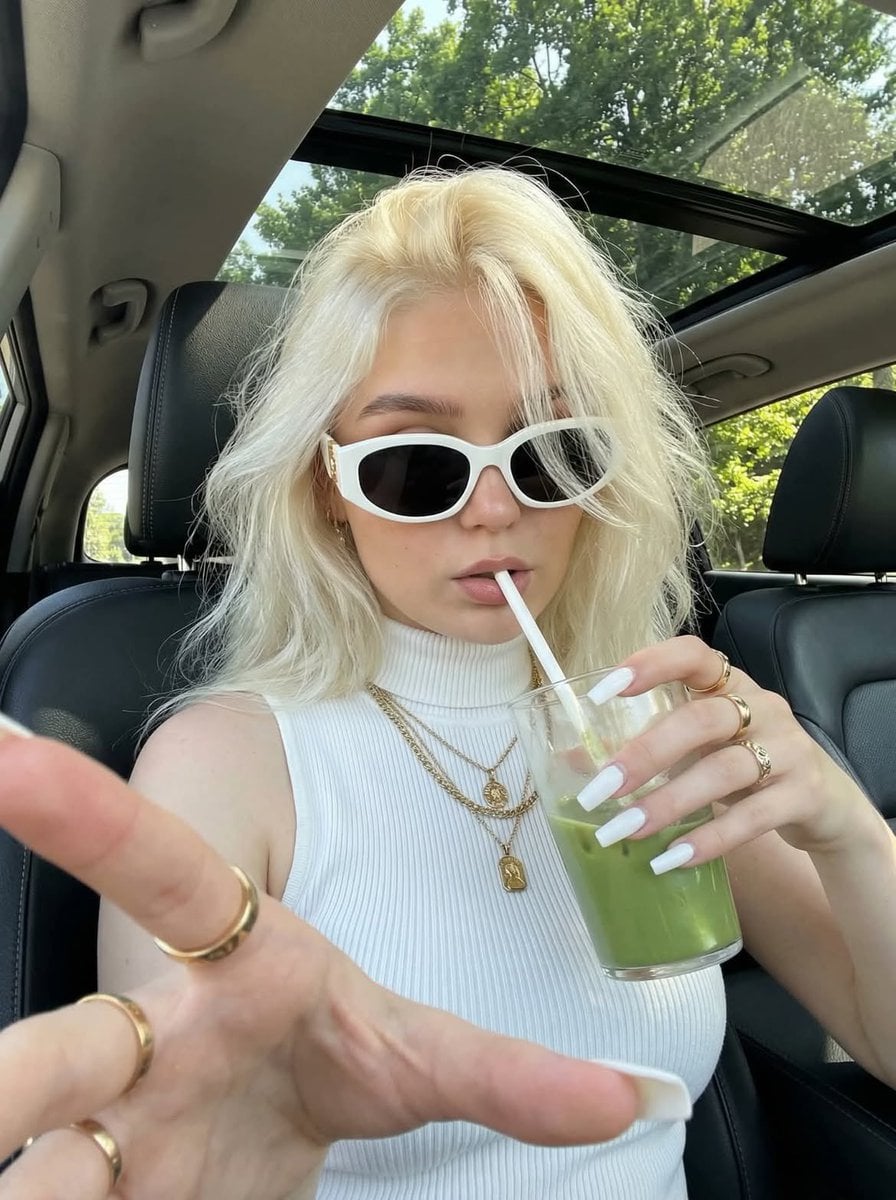
Car Backseat Lifestyle Selfie
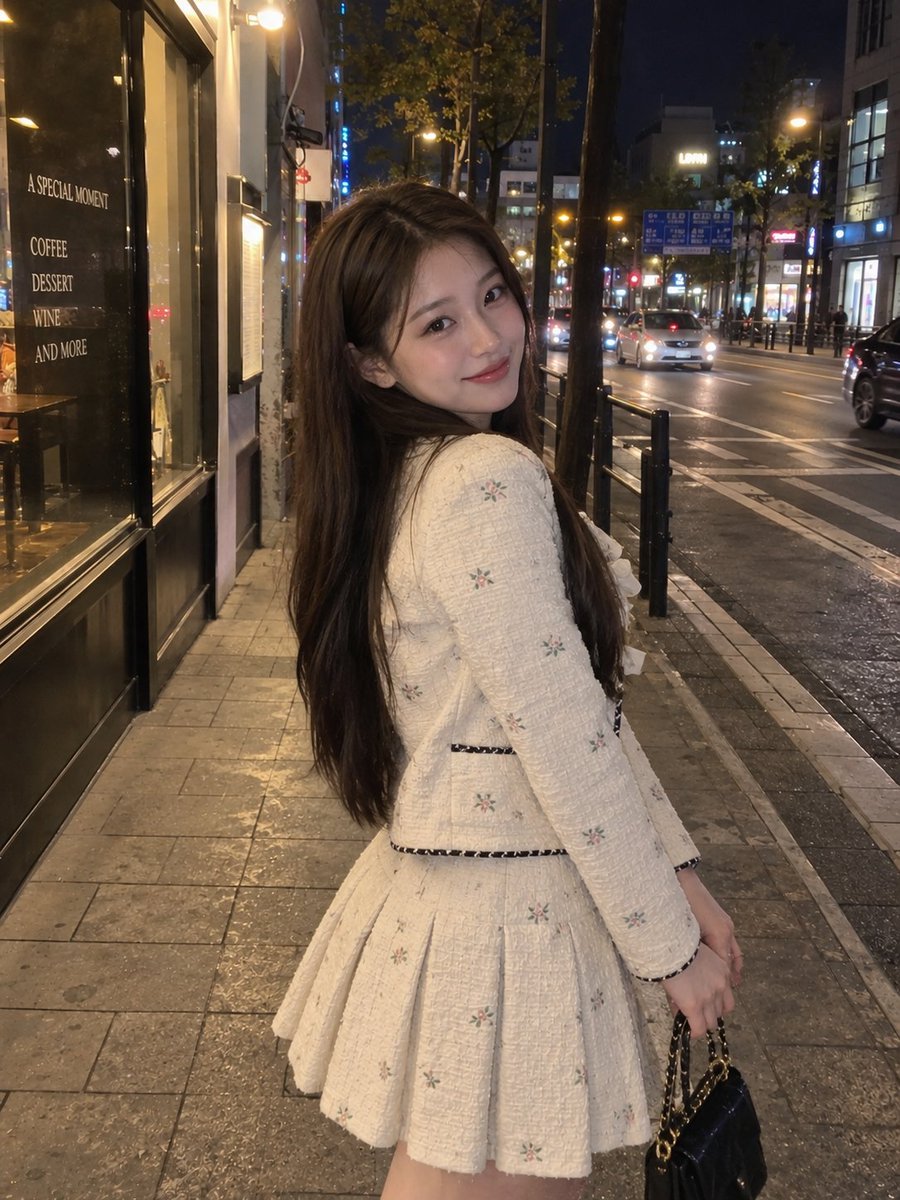
Nighttime Urban Street Portrait

Hyper-Realistic Minecraft POV Portrait
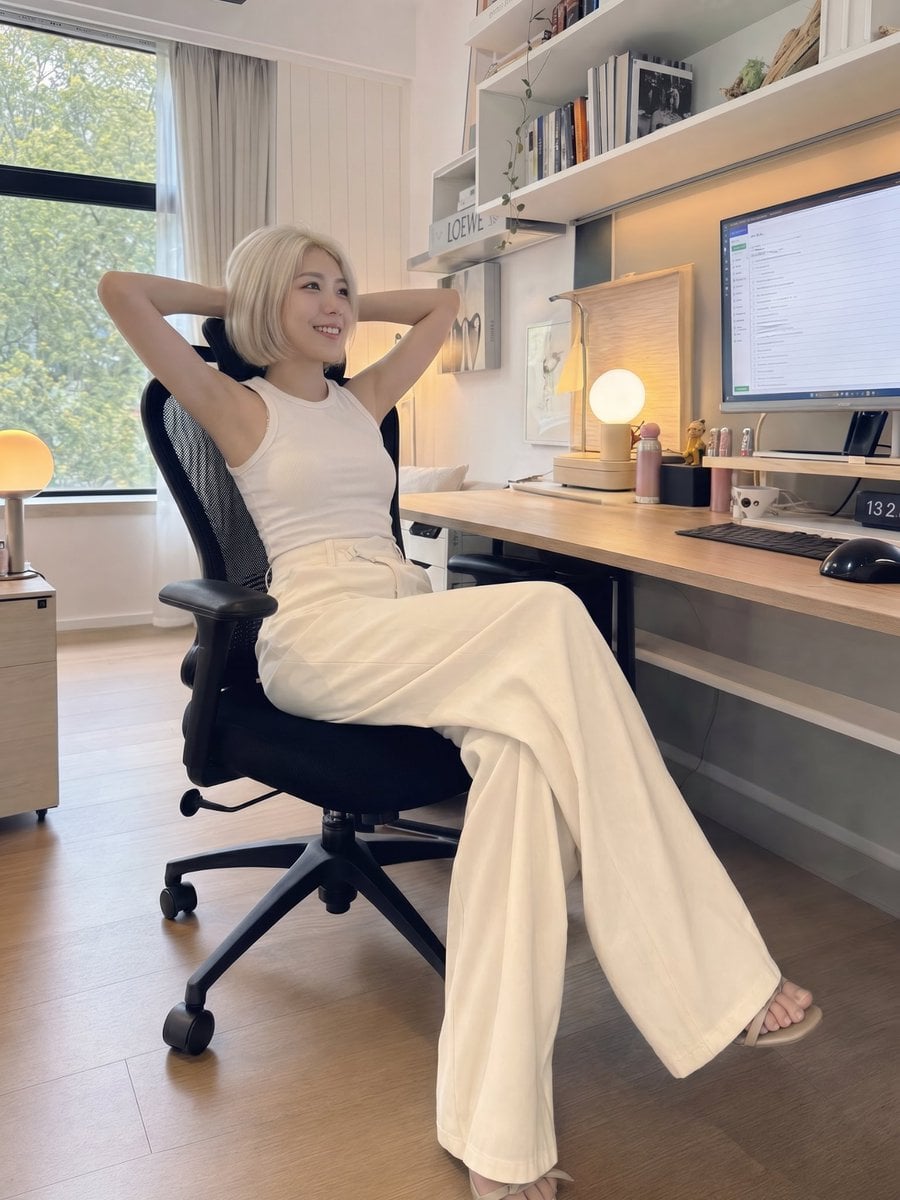
iPhone Style Minimalist Office Portrait
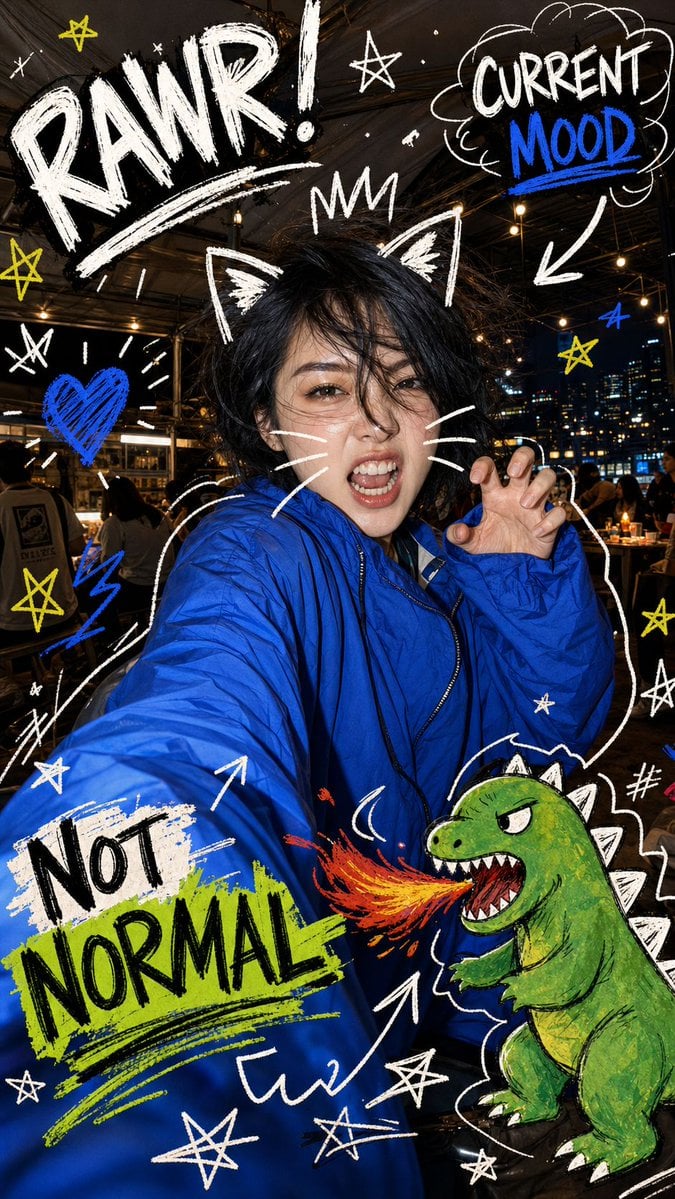
Nighttime Doodle Flash Selfie
Make it yours
Nighttime Flash Portrait in Car Backseat (iPhone Style) works as-is. These are the safest ways to change it without losing the look.
Change one field
Copy a single group, rewrite it, and generate again so you can see what that field is doing.
Keep the frame, change the subject
Hold the composition and light of Nighttime Flash Portrait in Car Backseat (iPhone Style), then swap wardrobe, props or the person for a new take.
| If the result… | Why | Fix |
|---|---|---|
| The result drifts from the preview | Too many fields changed at once. | Reuse Nighttime Flash Portrait in Car Backseat (iPhone Style) as-is first, then change one group — subject, light, or setting. |
| The model over-stylizes the scene | The prose prompt leaves finish and camera underspecified. | Add one camera or lighting sentence and stay on Nano Banana 2. |
More Nano Banana 2 templates
Other prompts made for Nano Banana 2.

Photorealistic Leaf Shaped Like a Dragon

K-Pop Idol Portrait Grid for Rapid Selection

Poetic Rain Forest Portrait During Golden Hour

Urban Street Portrait with Cartoon Inner Self Duo

Candid Nighttime Photo with Cat Prompt

High-Concept 3D Diorama Generation Prompt

Cinematic Futuristic Studio Portrait Template

Skincare Editorial Photography Collage Prompt

Hyper-Realistic Commercial Product Photography (Splash Effect)

Hyper-Realistic Nightclub Portrait Prompt
More image prompts
Fresh picks from across the catalog.
Short-Video App Interface Mockup
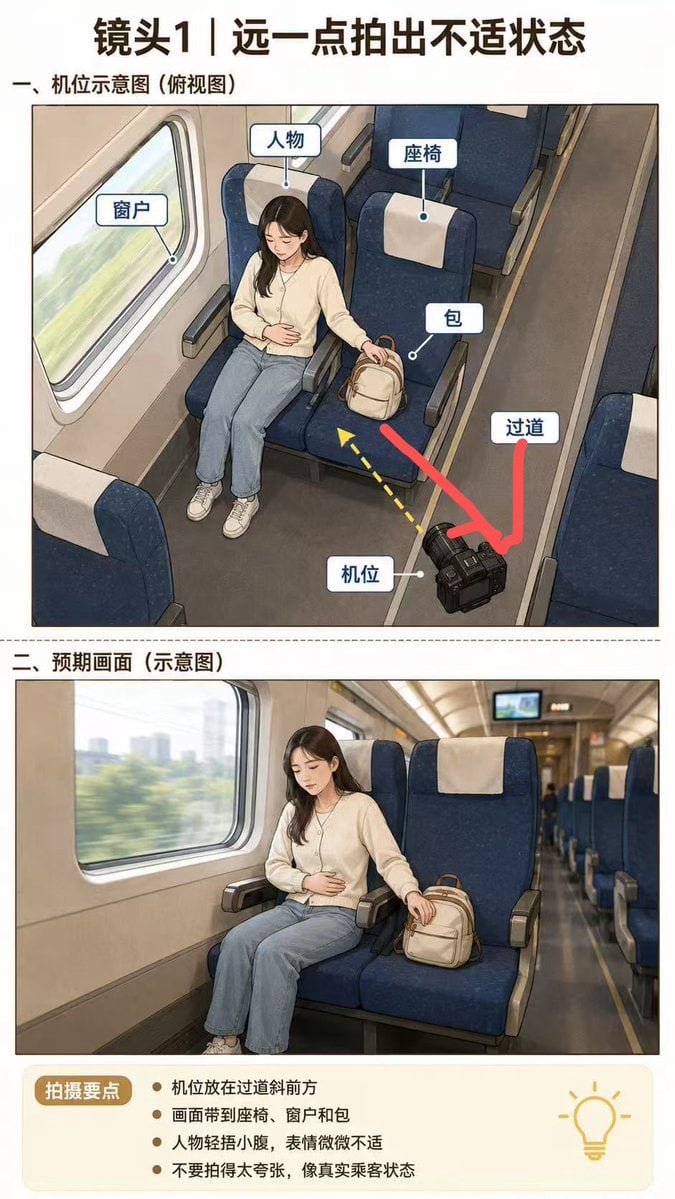
High-Speed Train Filming Storyboard
Overhead Candid City Stairs Romance
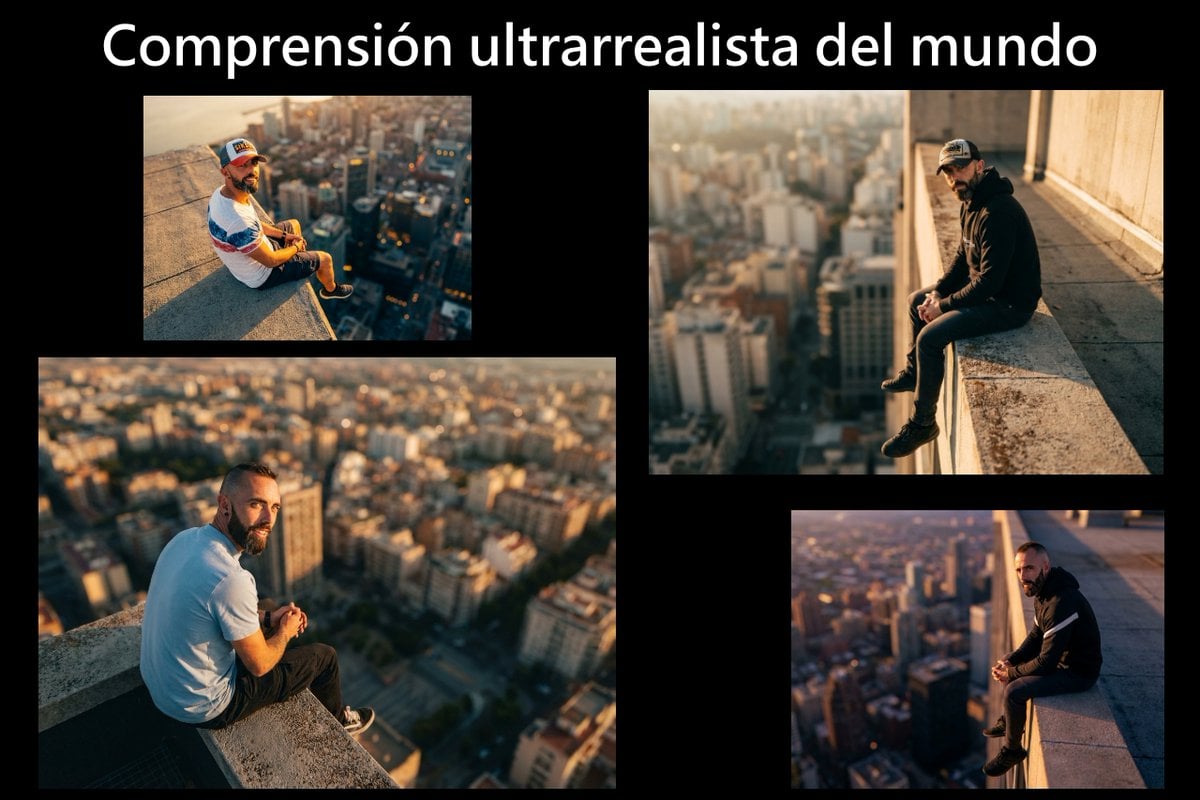
Cinematic rooftop portrait from reference photos
AIFocus Twitter banner with Google branding
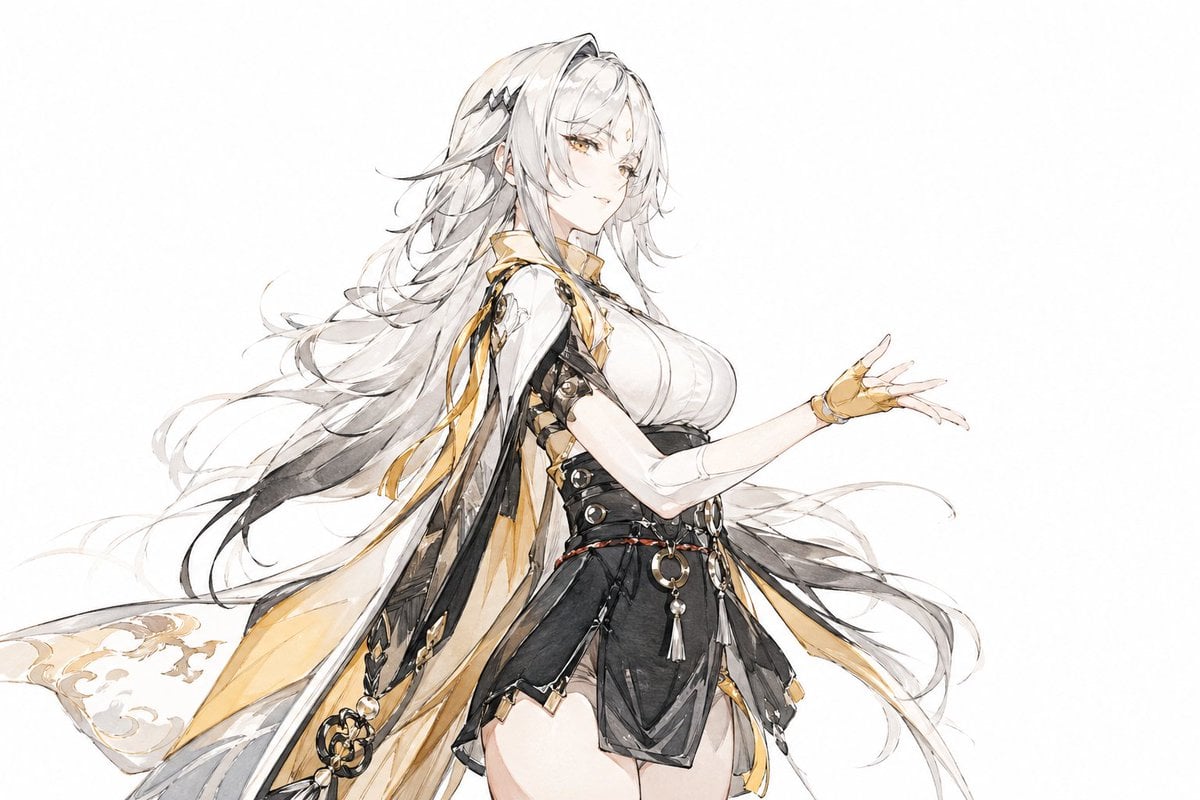
Traditional Chinese Ink Illustration Style
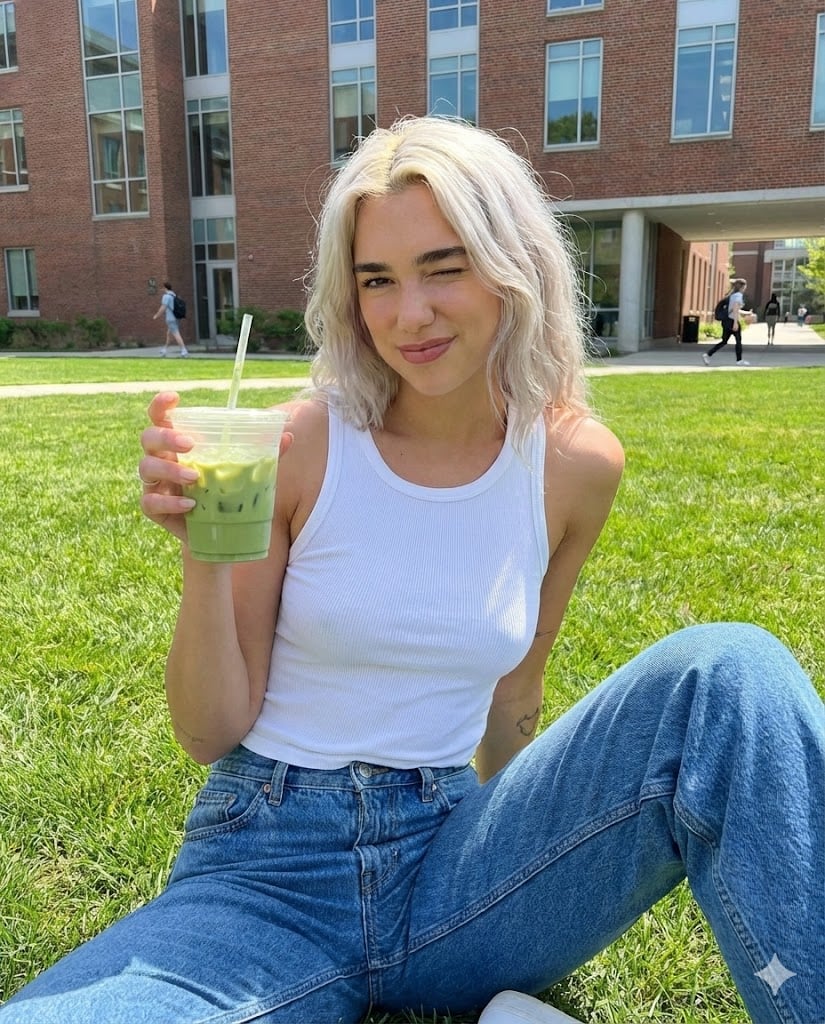
Casual Collegiate Lifestyle Portrait with Iced Drink
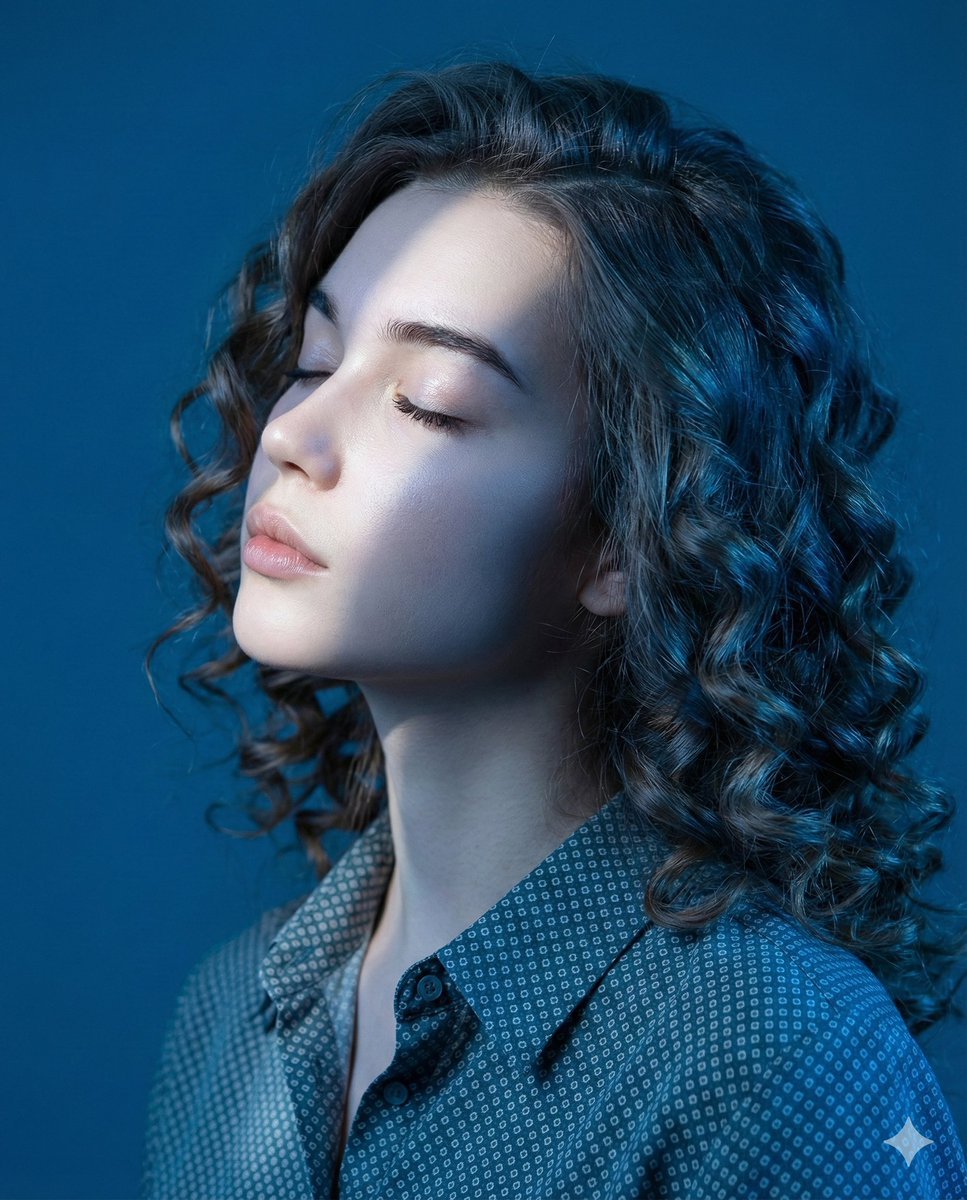
Editorial Profile Portrait in Dramatic Blue Light
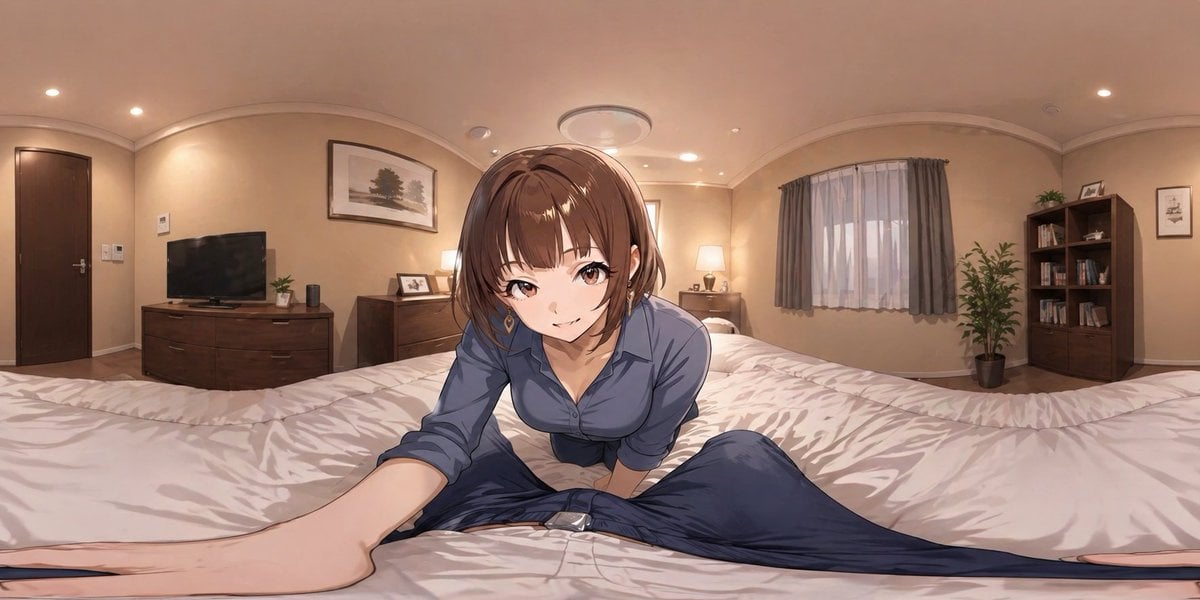
Anime VR Bedroom Encounter
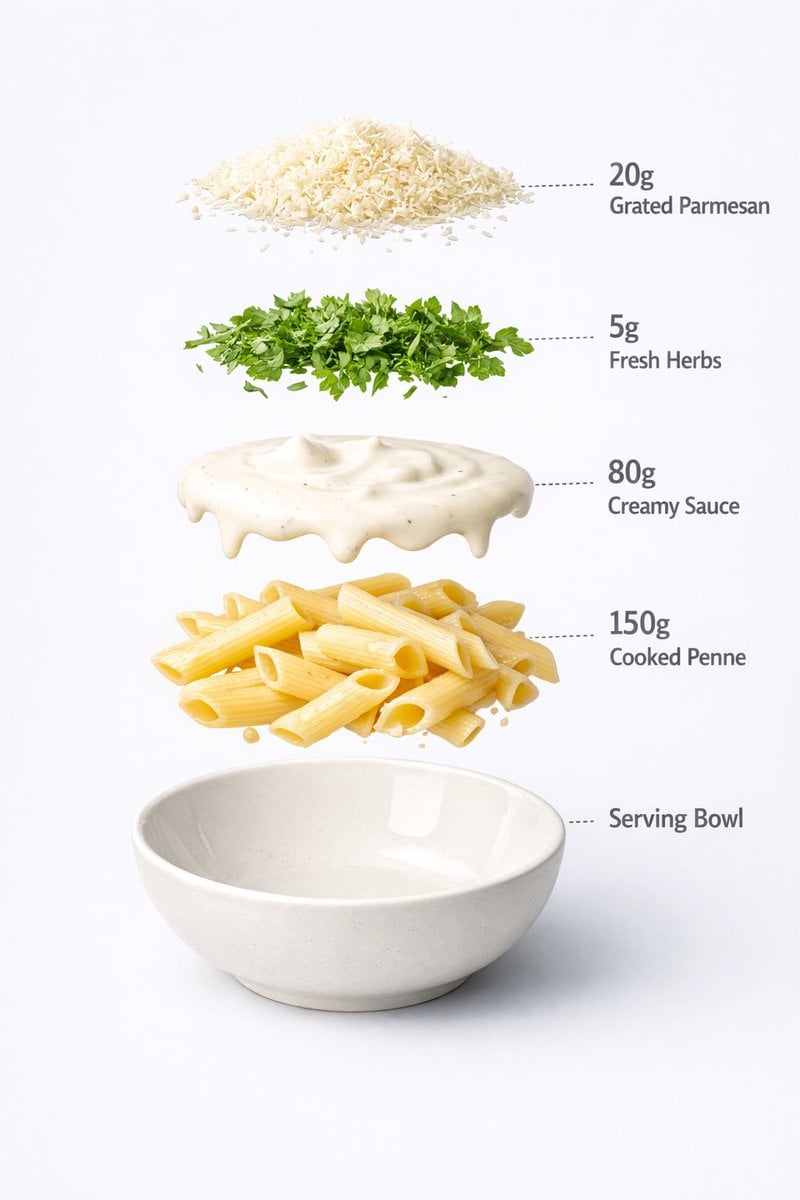
Motion and Image Prompt for Ultra-Realistic Food Photography of Pasta
Browse template categories
Nighttime Flash Portrait in Car Backseat (iPhone Style) questions
How do I use the Nighttime Flash Portrait in Car Backseat (iPhone Style) template?
Add your photo if the template asks for one, edit the prompt if you like — the template's model and format are already selected — and press Generate. Your version opens in PicX Studio.
Can I customize the Nighttime Flash Portrait in Car Backseat (iPhone Style) template?
Yes. You can change the subject, setting, lighting, mood, format, and available model controls before creating your image.
Is the Nighttime Flash Portrait in Car Backseat (iPhone Style) template free?
Opening and editing this template is free. Generating uses credits, shown on the Generate button when you are signed in.
Which AI model should I use?
Start with Nano Banana 2, which is the model associated with this template. You can compare another compatible model for a different finish.
Looking for something else? Browse all templates.

Your photo, any look
Thousands of ready templates for every top image and video model, from one credit balance.