
Ultra Realistic Studio Portrait By Nano
Ultra Realistic Studio Portrait By Nano is a ready photo look for Nano Banana.
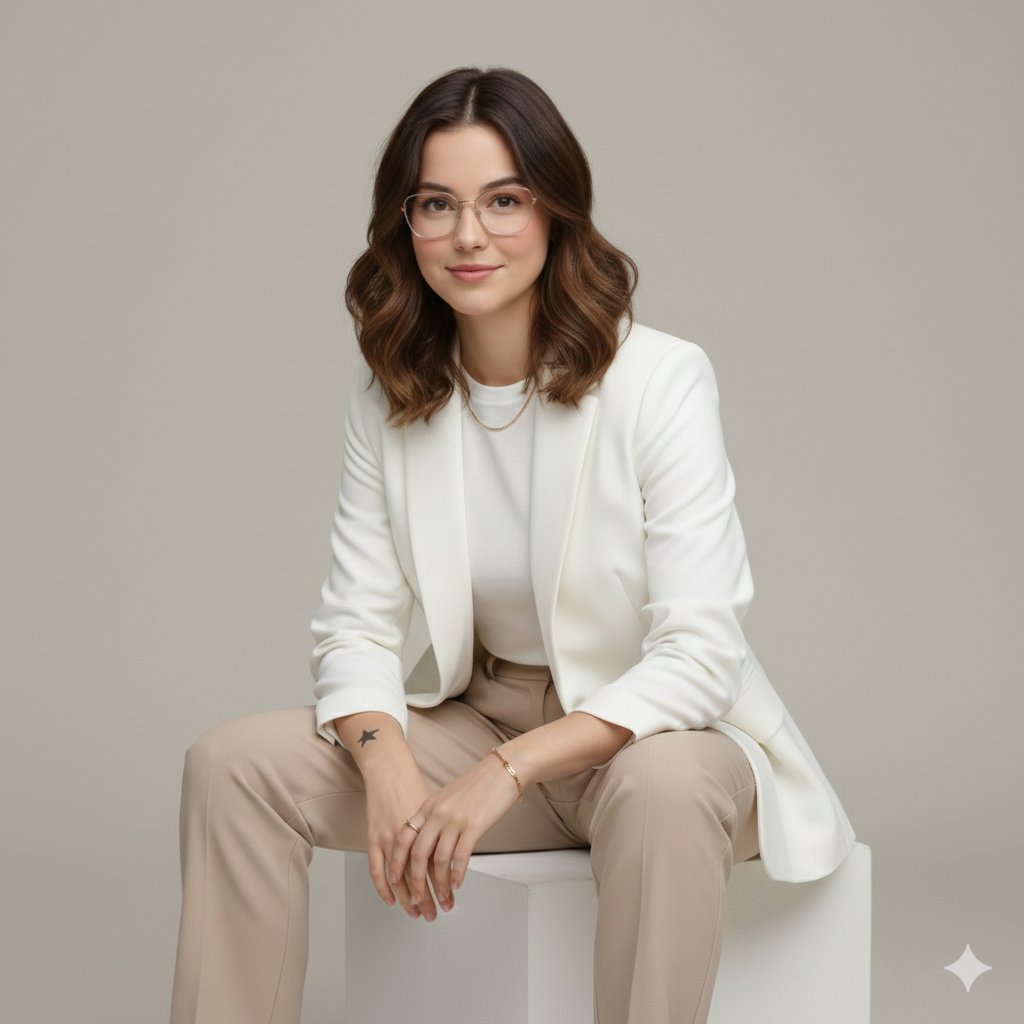
- Prompt included
- Model and format preset
- Premium template
The prompt behind this image
Copy the exact prompt behind Ultra Realistic Studio Portrait By Nano, or open it in the studio and make it yours.
Create an ultra-realistic, high-end professional studio portrait of one adult subject, styled in a clean, modern, executive fashion aesthetic. The subject is seated on a simple white cube, body slightly angled toward the camera, posture upright yet relaxed. Hands gently clasped together, resting naturally on the lap. Expression is confident, warm, and composed, with a subtle professional smile. Overall mood: polished, elegant, modern, trustworthy — pure realism only. No stylization, no cinematic effects, no beauty filters, no exaggeration. WARDROBE & STYLING • Crisp white tailored blazer (matte fabric, no logos) • Minimal white inner top / high-neck tee • Neutral beige or tan tailored trousers • Minimal gold jewelry only (thin chain, bracelet, ring — subtle and realistic) • Clean, natural grooming • Hair styled neatly and naturally, exactly matching the uploaded reference face ENVIRONMENT & LIGHTING • Seamless neutral grey studio background • Soft, even studio lighting with natural falloff • No harsh shadows, no dramatic contrast • True-to-life skin texture and fabric detail • Professional fashion/editorial realism 🔐 IDENTITY REFERENCE — ABSOLUTE (NON-NEGOTIABLE) Use my uploaded face image as the ONLY facial identity reference Maintain 100% facial accuracy at all times, including: • Bone structure • Jawline and chin • Eye shape, eyelids, iris placement • Eyebrow thickness and curvature • Nose bridge, width, and tip • Lip shape and proportions • Cheek volume and facial symmetry • Hairline and facial proportions Face must remain perfectly consistent from every angle (front view, ¾ view, side profile, seated pose, slight head tilt, full-body framing)
How to use Ultra Realistic Studio Portrait By Nano in 3 steps
- 1Upload ImagePNG, JPG or paste
Add your photo
Upload the photo the template builds on. The prompt, model and format are already set.
- 2…a portrait of your subject in softgolden-hour light, 85mm…
Personalize
Edit the subject and creative details for your destination.
- 3Generate
Generate
Press Generate — your image is created in PicX Studio, so you can compare it with the original and refine one variable at a time.
More like this
Templates with the same subject, style or setup. Open one to see its prompt.

Nano Banana 2 Editorial Fashion Portrait

Caution Tape Fashion — Industrial Editorial

Nano Banana 2

Nano Banana 2 Gourmet Ice Cream Commerci

Nano Banana 2 High Fashion Sports Campai

Couture Fashion Editorial Woman and Drag

Nano Banana - Paris Cafe Editorial

80s Couple Studio Portrait

80s Bollywood Star

80s Golden Hour Cinema

1985 Studio Portrait

untitled
Make it yours
Ultra Realistic Studio Portrait By Nano works as-is. These are the safest ways to change it without losing the look.
Change one field
Copy a single group, rewrite it, and generate again so you can see what that field is doing.
Keep the frame, change the subject
Hold the composition and light of 12-ultra-realistic-studio-portrait-by-nano-, then swap wardrobe, props or the person for a new take.
| If the result… | Why | Fix |
|---|---|---|
| The result drifts from the preview | Too many fields changed at once. | Reuse 12-ultra-realistic-studio-portrait-by-nano- as-is first, then change one group — subject, light, or setting. |
| The model over-stylizes the scene | The prose prompt leaves finish and camera underspecified. | Add one camera or lighting sentence and stay on Nano Banana. |
More Nano Banana templates
Other prompts made for Nano Banana.










More image prompts
Fresh picks from across the catalog.
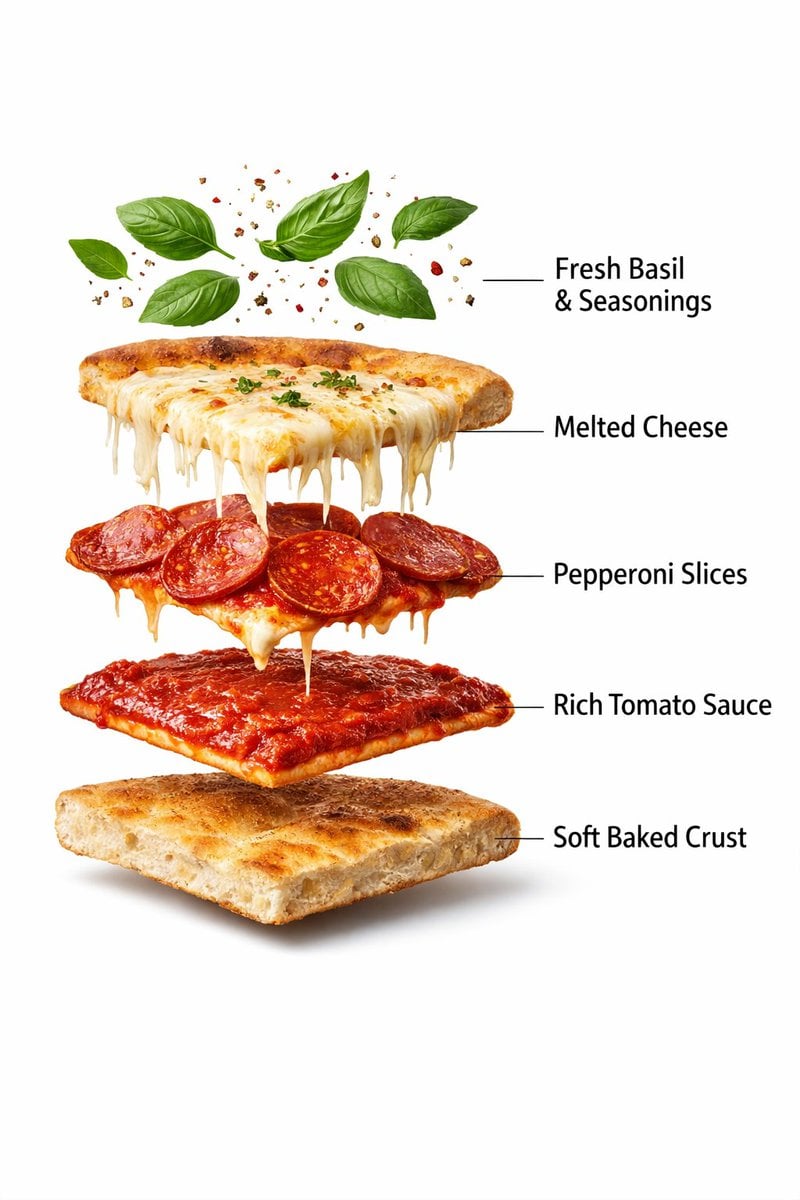
Ultra-Realistic Exploded Pizza Infographic and Motion Prompt
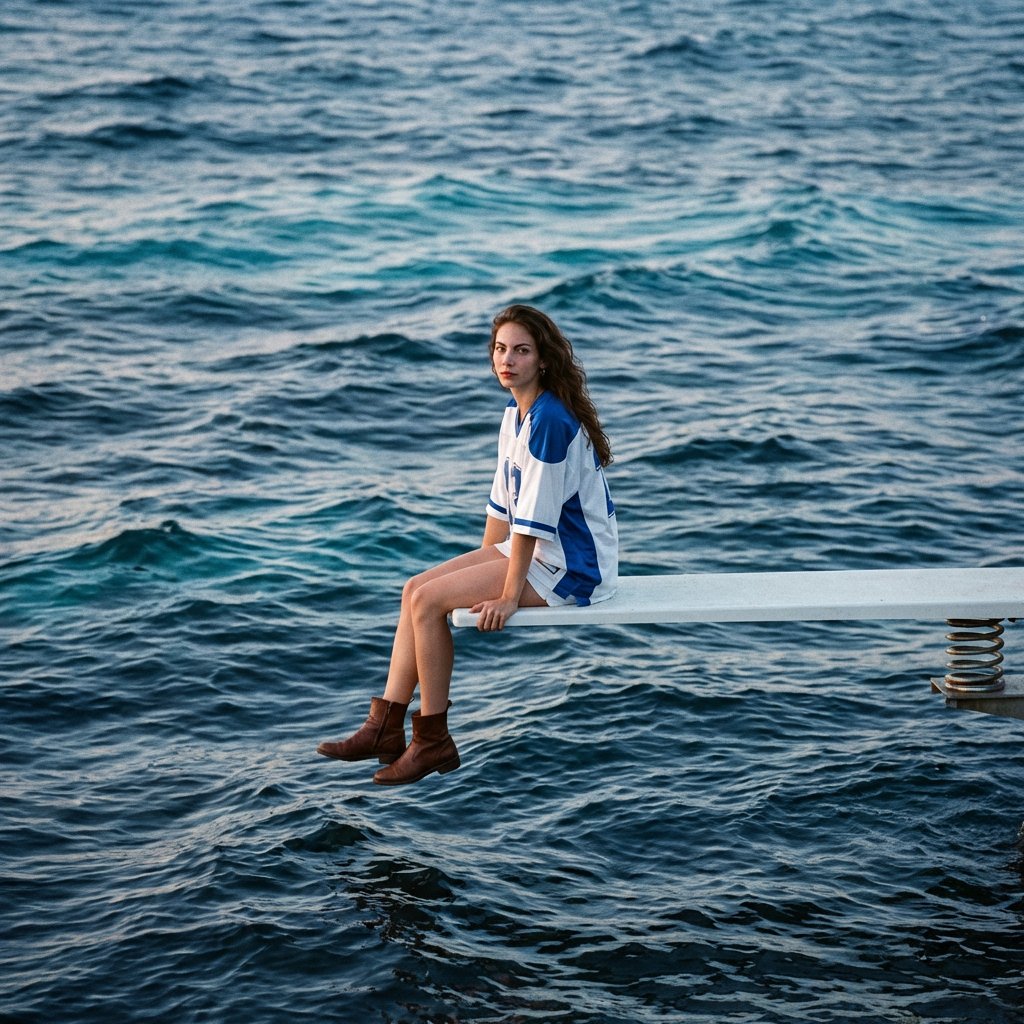
SZA SOS Album Cover Recreation
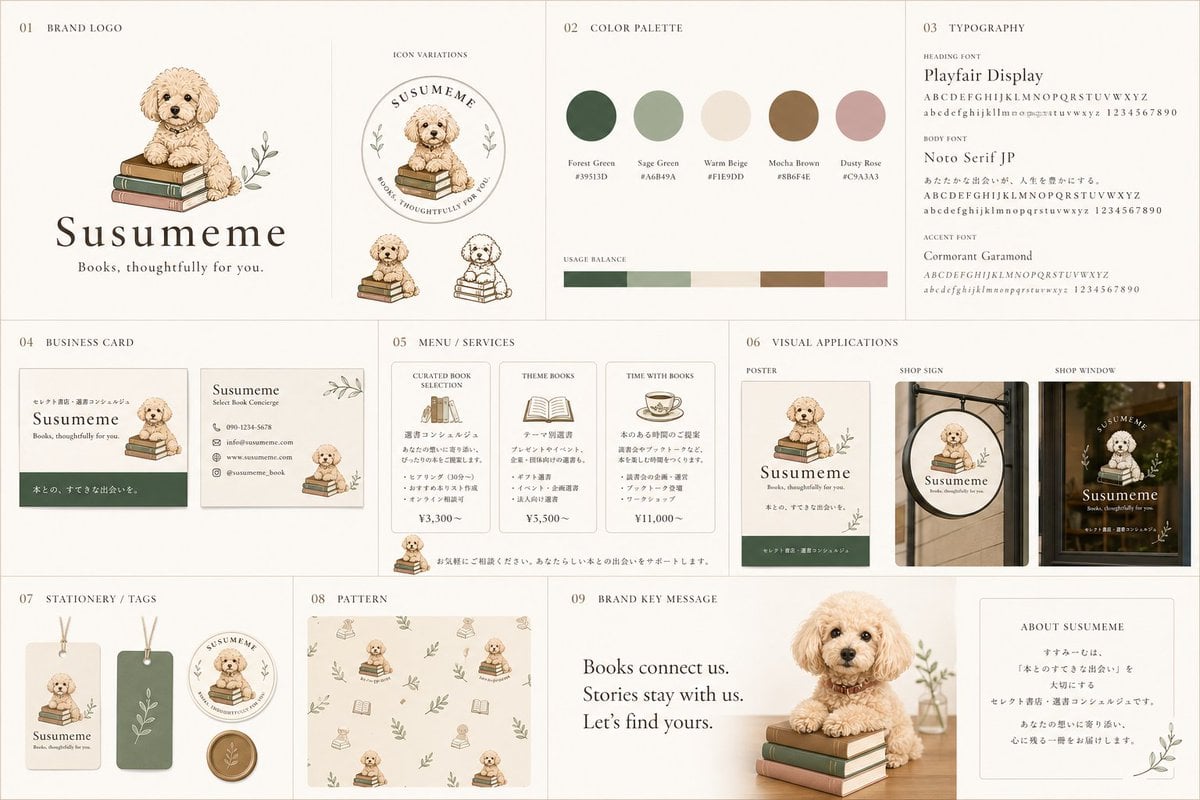
Bookstore Brand Board with Poodle Mascot
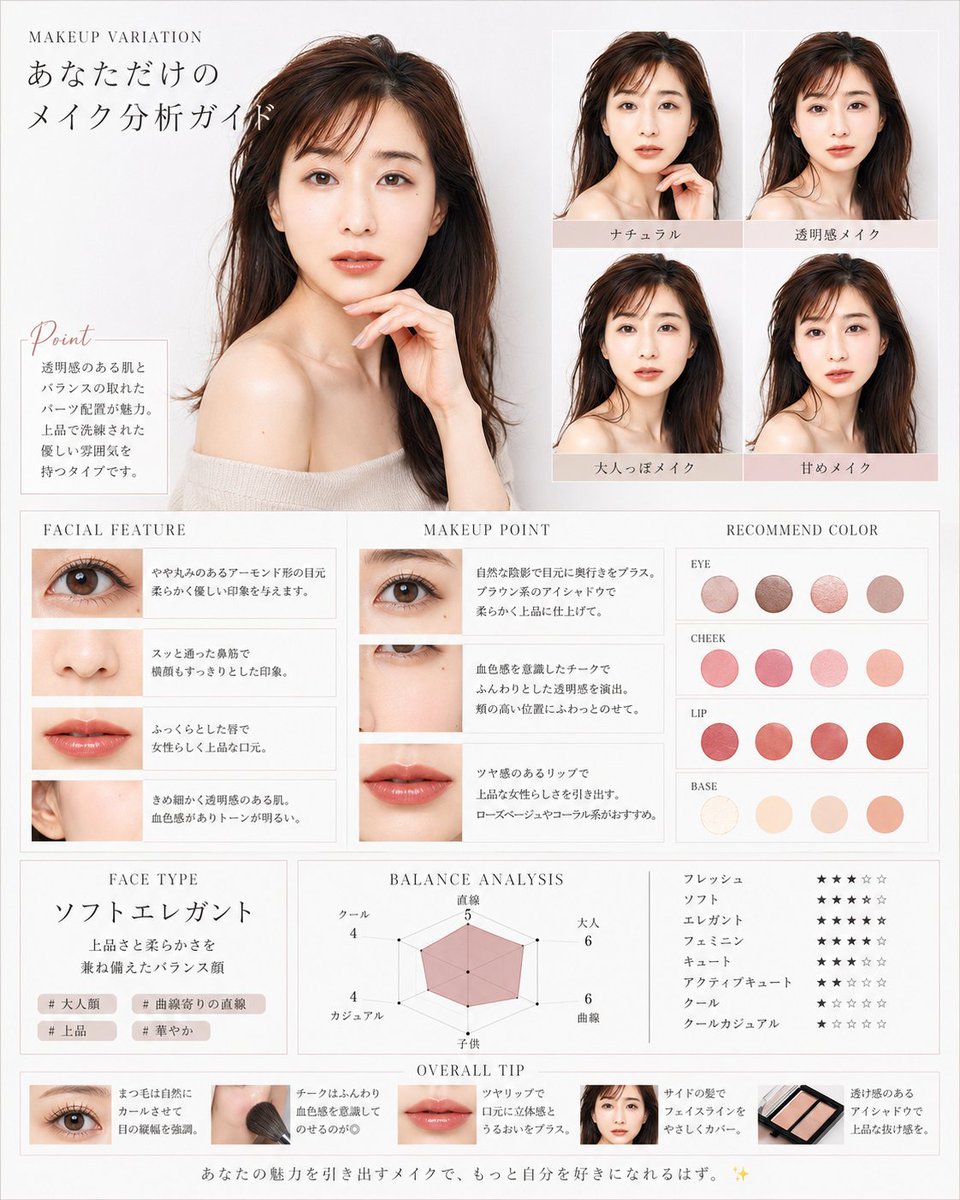
Korean Makeup Analysis Guide
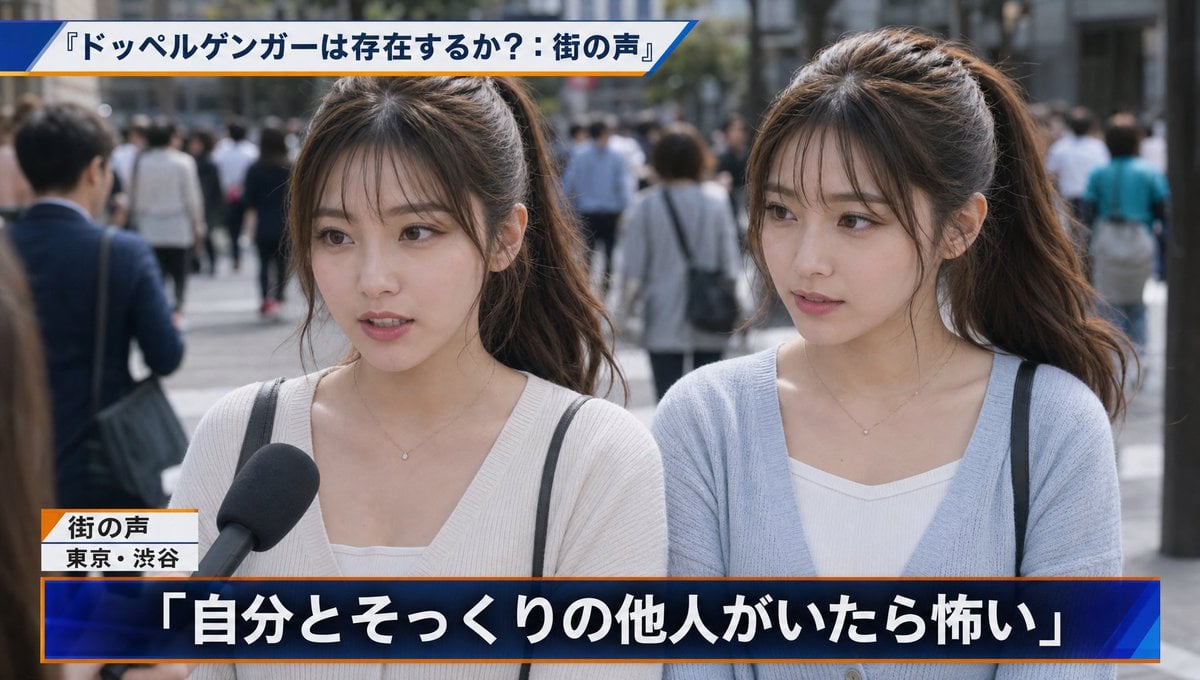
Japanese News Interview Broadcast
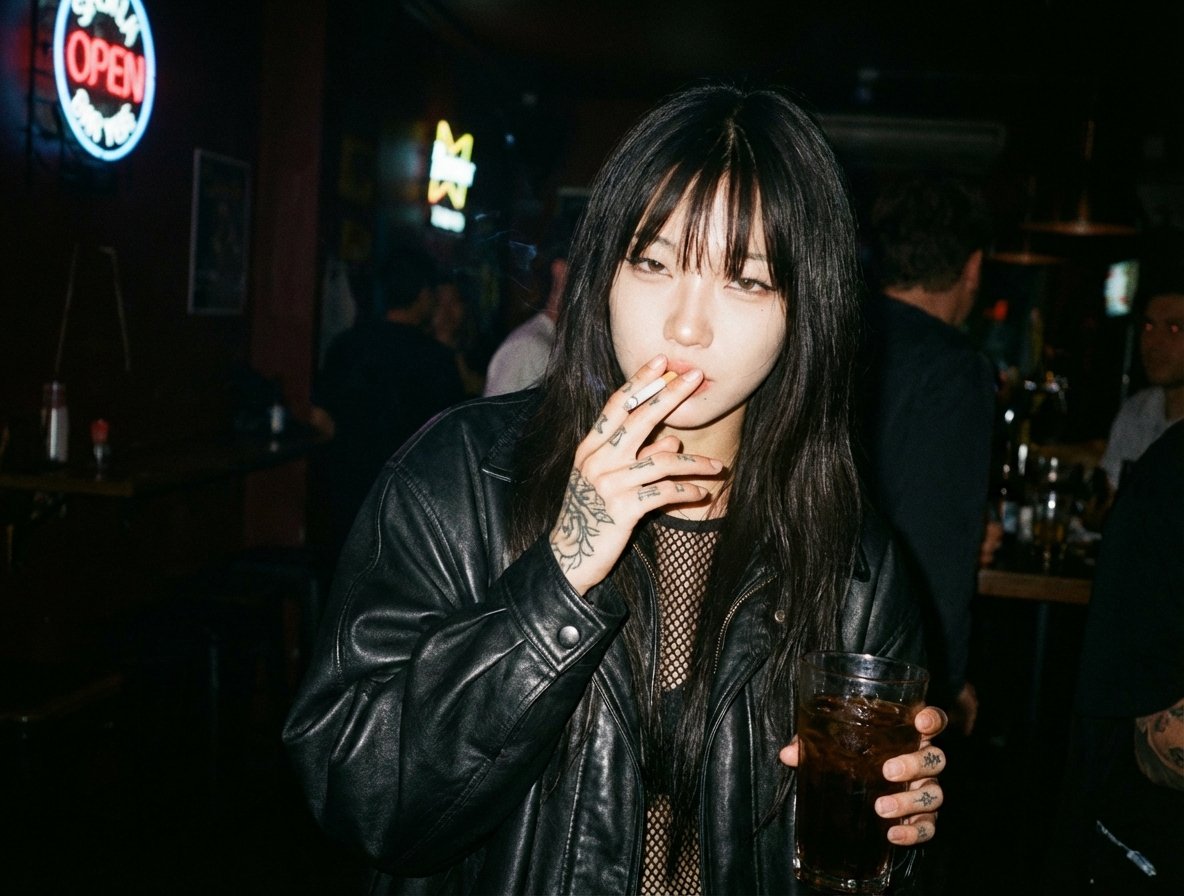
Generate an image in the style of a given moodboard
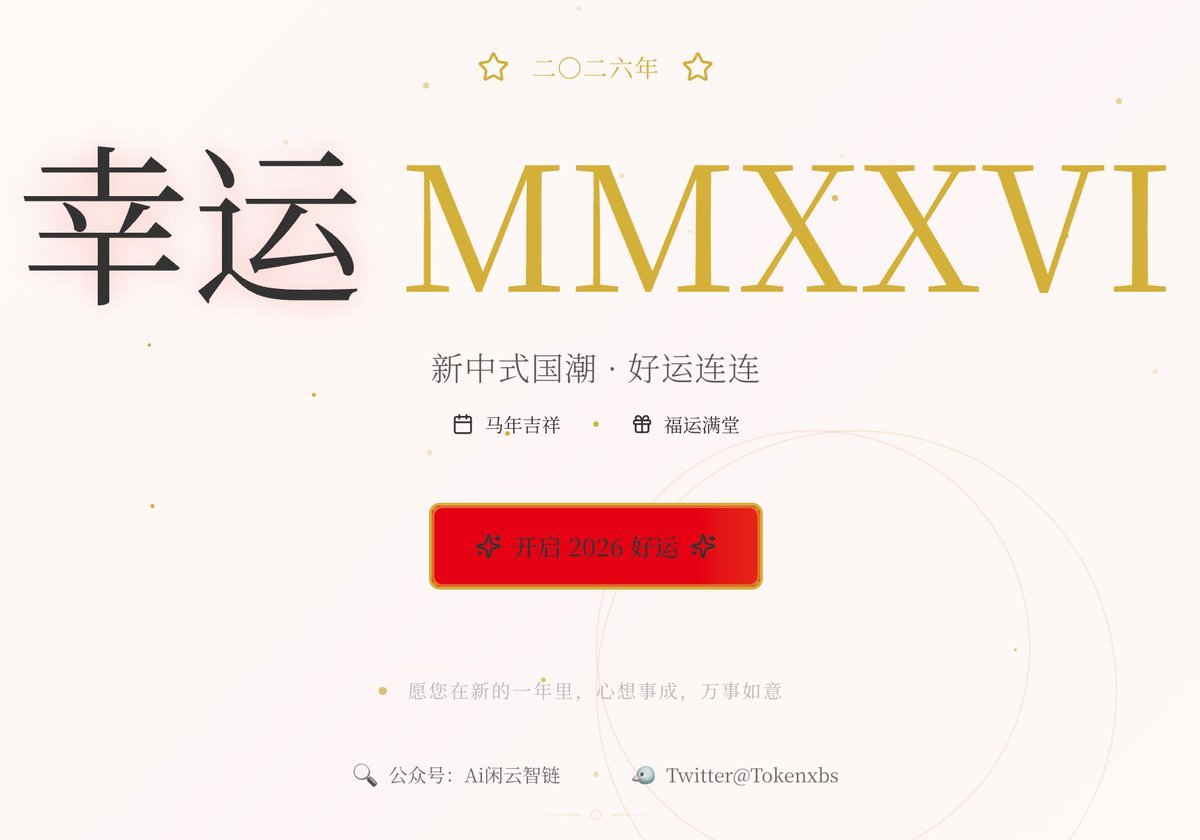
Gemini Prompt for Generating New Year's Blessing Website
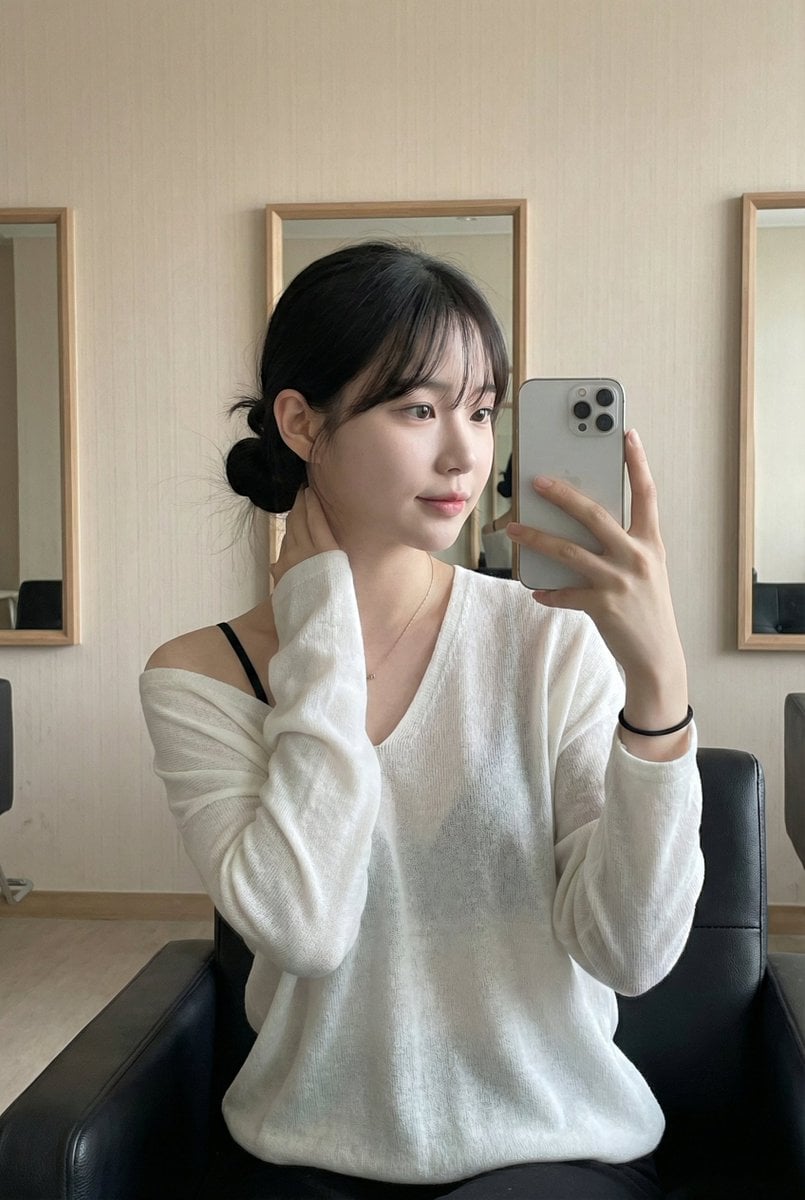
Atmospheric Indoor Mirror Selfie with 'Pure and Desire' Aesthetic
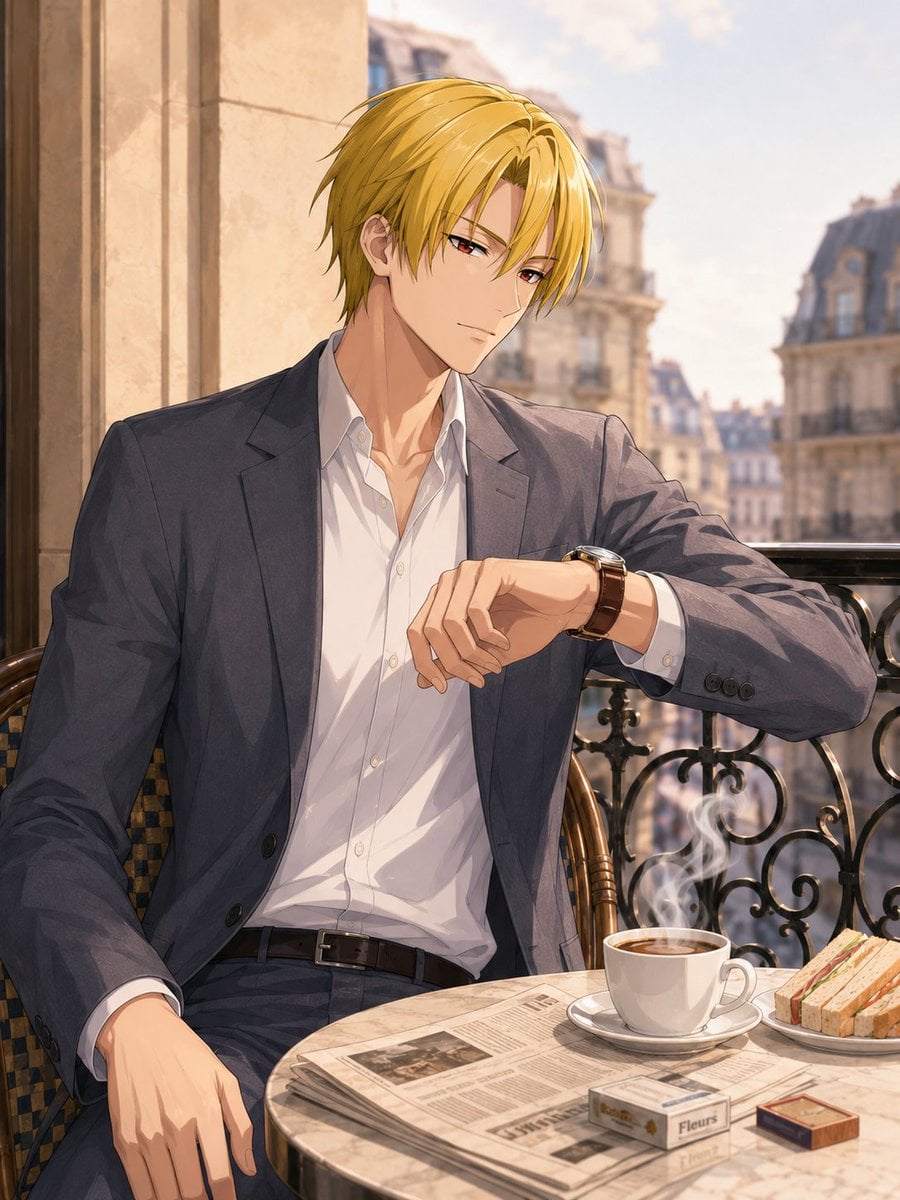
Anime Man at Paris Café
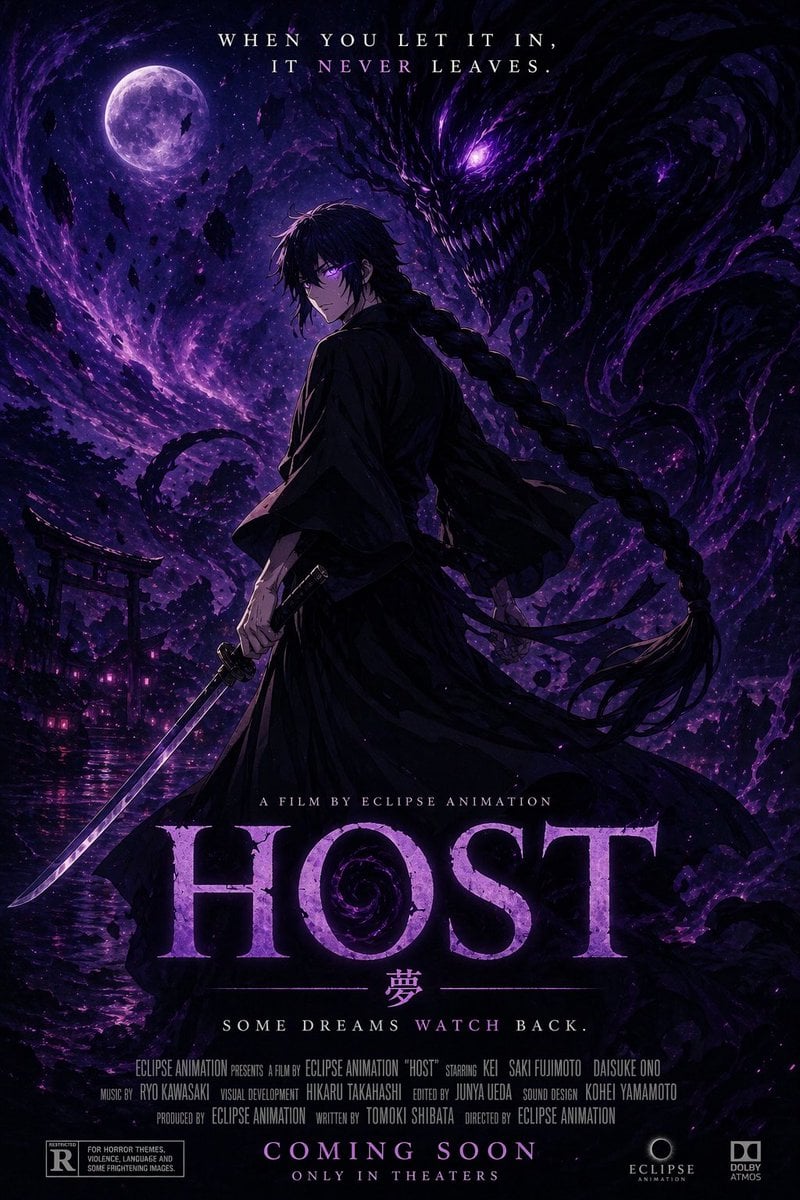
Horror Anime Movie Poster
Browse template categories
Ultra Realistic Studio Portrait By Nano questions
How do I use the 12-ultra-realistic-studio-portrait-by-nano- template?
Add your photo if the template asks for one, edit the prompt if you like — the template's model and format are already selected — and press Generate. Your version opens in PicX Studio.
Can I customize the 12-ultra-realistic-studio-portrait-by-nano- template?
Yes. You can change the subject, setting, lighting, mood, format, and available model controls before creating your image.
Is the 12-ultra-realistic-studio-portrait-by-nano- template free?
Opening and editing this template is free. Generating uses credits, shown on the Generate button when you are signed in.
Which AI model should I use?
Start with Nano Banana, which is the model associated with this template. You can compare another compatible model for a different finish.
Looking for something else? Browse all templates.

Your photo, any look
Thousands of ready templates for every top image and video model, from one credit balance.