
Korean Makeup Analysis Guide
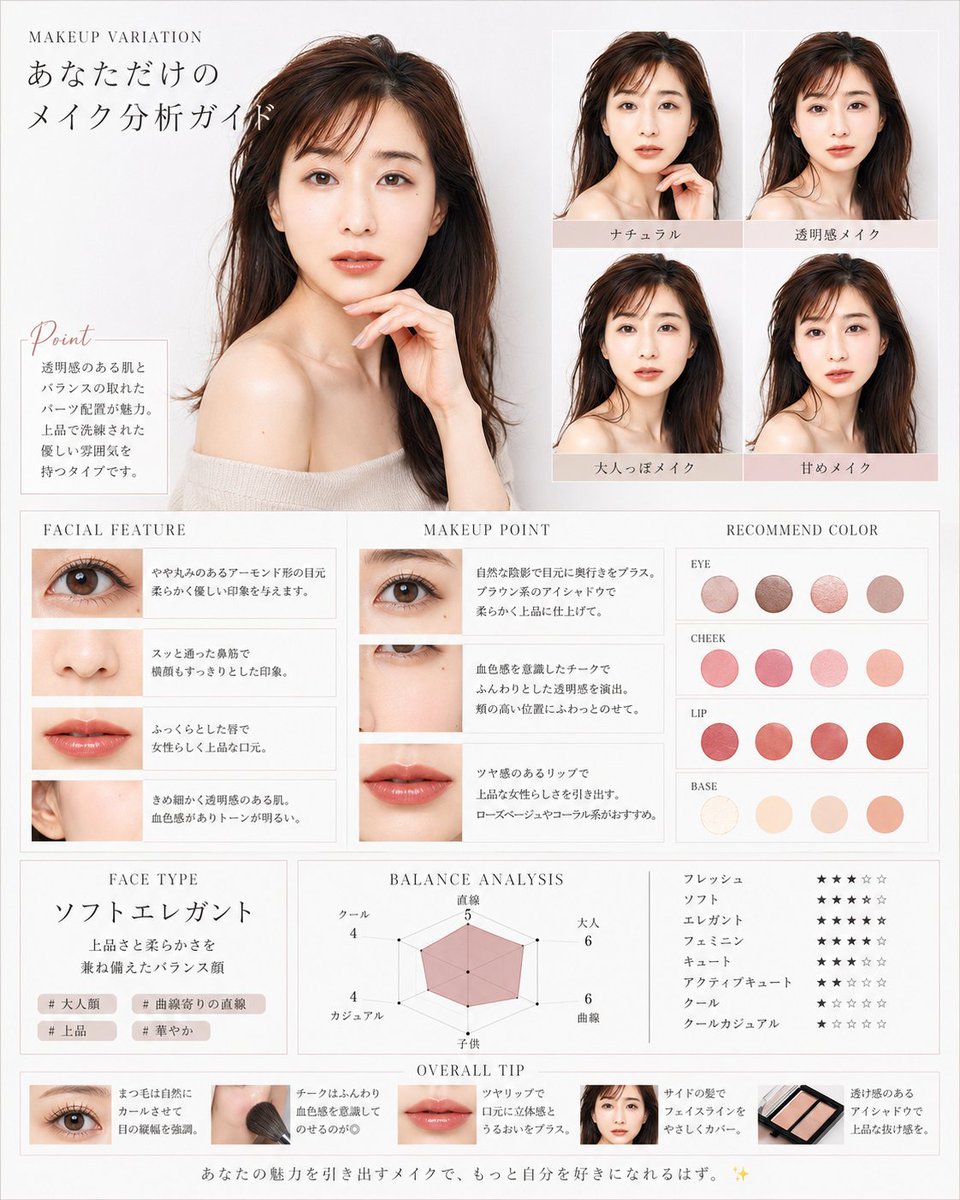
Creates a luxury Korean beauty magazine-style makeup analysis infographic with portraits, feature notes, color recommendations, ratings, and overall tips.
- Prompt included
- Model and format preset
- Free template
The prompt behind this image
Copy the exact prompt behind Korean Makeup Analysis Guide, or open it in the studio and make it yours.
Goal: Create a luxurious Korean-style beauty magazine infographic titled as a personalized makeup analysis guide for {argument name="character name" default="you"}, using a translucent, elegant female model with dewy skin, long dark brown hair, bare shoulders, and soft beige knit styling. The design should feel like a high-end cosmetic consultation sheet in white, ivory, pale gray, blush pink, and warm beige. Canvas: Vertical poster, approximately 4:5 ratio, clean white-to-light-gray background, thin pale gray borders, delicate serif typography, airy spacing, soft natural lighting, polished editorial photography look. Main layout: Place one large bust-up portrait of the female model on the upper left, occupying about 40% of the canvas width and 45% of the height. She faces forward in a graceful pose with one hand near her chin, glossy brown hair, off-shoulder cream top, luminous skin, and a calm feminine mood. At the top left, add small English text “MAKEUP VARIATION” and a large Japanese headline “あなただけの メイク分析ガイド”. Point box: Under the large portrait, add a small bordered note box with the script heading “Point” and Japanese body copy describing clear skin, balanced features, pearl placement, and a refined elegant atmosphere. Makeup variation grid: On the upper right, create exactly 4 smaller portrait tiles in a 2×2 grid, each showing the same woman with subtle makeup differences. Add pale blush label bars under each tile with these 4 Japanese labels: “ナチュラル”, “透明感メイク”, “大人っぽメイク”, “甘めメイク”. Middle analysis area: Create three adjacent boxed columns across the middle. 1. “FACIAL FEATURE” column: exactly 4 horizontal feature rows with close-up photos and Japanese descriptions: one eye close-up, one nose close-up, one lips close-up, one ear/skin-side-face close-up. 2. “MAKEUP POINT” column: exactly 3 horizontal rows with close-up photos and advice text: eye makeup close-up, cheek/under-eye close-up, lip close-up. 3. “RECOMMEND COLOR” column: show exactly 16 circular color swatches grouped into 4 labeled rows with 4 swatches each. The labels are “EYE”, “CHEEK”, “LIP”, and “BASE”. Use muted rosy browns for eyes, soft pink-coral for cheeks, vivid rose-red/coral for lips, and ivory-peach-beige for base. Lower analysis area: Create three boxed sections. Left section “FACE TYPE”: large Japanese face type text “ソフトエレガント”, a short Japanese description about a balanced face with elegance and softness, and exactly 4 small hashtag chips: “# 大人顔”, “# 曲線寄りの直線”, “# 上品”, “# 華やか”. Center section “BALANCE ANALYSIS”: a pink translucent radar chart with exactly 6 axes labeled in Japanese: “直線”, “大人”, “曲線”, “子供”, “カジュアル”, “クール”, with small numeric values around the chart. Right section: exactly 8 Japanese style rating rows using star icons, labeled “フレッシュ”, “ソフト”, “エレガント”, “フェミニン”, “キュート”, “アクティブキュート”, “クール”, “クールカジュアル”. Use mostly black filled stars and pale gray empty stars. Bottom strip: Add an “OVERALL TIP” section with exactly 5 compact tip cards in a horizontal row: eye close-up card, makeup brush on cheek card, lips close-up card, small face portrait card, and eyeshadow palette card. Each card includes a tiny image and short Japanese makeup advice text. Footer: Add a centered Japanese closing sentence along the bottom: “あなたの魅力を引き出すメイクで、もっと自分を好きになれるはず。 ✨” Visual style: Minimal luxury beauty editorial, Korean transparent-skin aesthetic, soft shadows, thin dividers, blush beige accent bars, elegant serif headings, delicate script for “Point”, realistic cosmetic photography, harmonious spacing, no clutter. Customizable details: The model should have {argument name="hair color" default="dark brown"} hair, {argument name="skin finish" default="clear dewy translucent skin"}, the overall accent palette should be {argument name="accent color" default="pale blush beige"}, and the face type should read {argument name="face type label" default="ソフトエレガント"}. Constraints: Keep all Japanese labels legible, use exactly the element counts specified, maintain the same editorial grid structure, avoid logos or watermarks, and do not add extra sections.
How to use Korean Makeup Analysis Guide in 3 steps
- 1Upload ImagePNG, JPG or paste
Add your photo
Upload the photo the template builds on. The prompt, model and format are already set.
- 2…a portrait of your subject in softgolden-hour light, 85mm…
Personalize
Edit the subject and creative details for your destination.
- 3Generate
Generate
Press Generate — your image is created in PicX Studio, so you can compare it with the original and refine one variable at a time.
More like this
Templates with the same subject, style or setup. Open one to see its prompt.
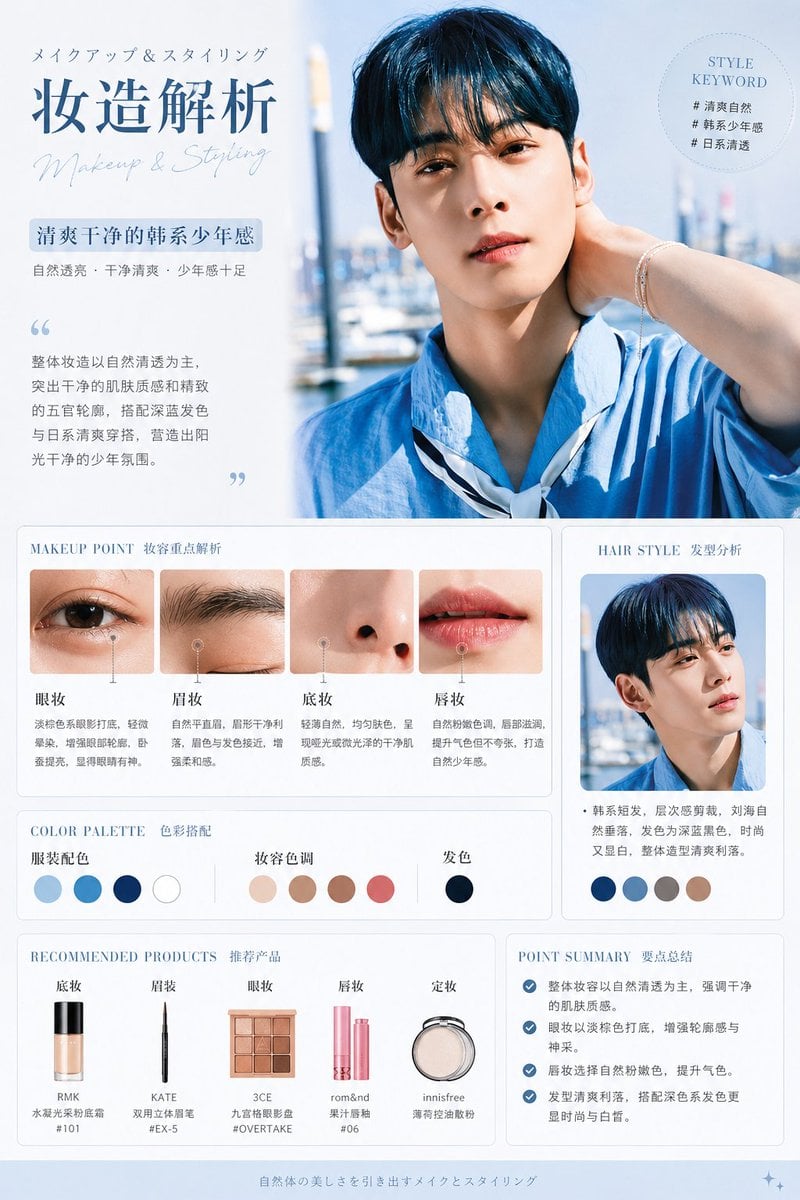
Korean Style Makeup Analysis Chart
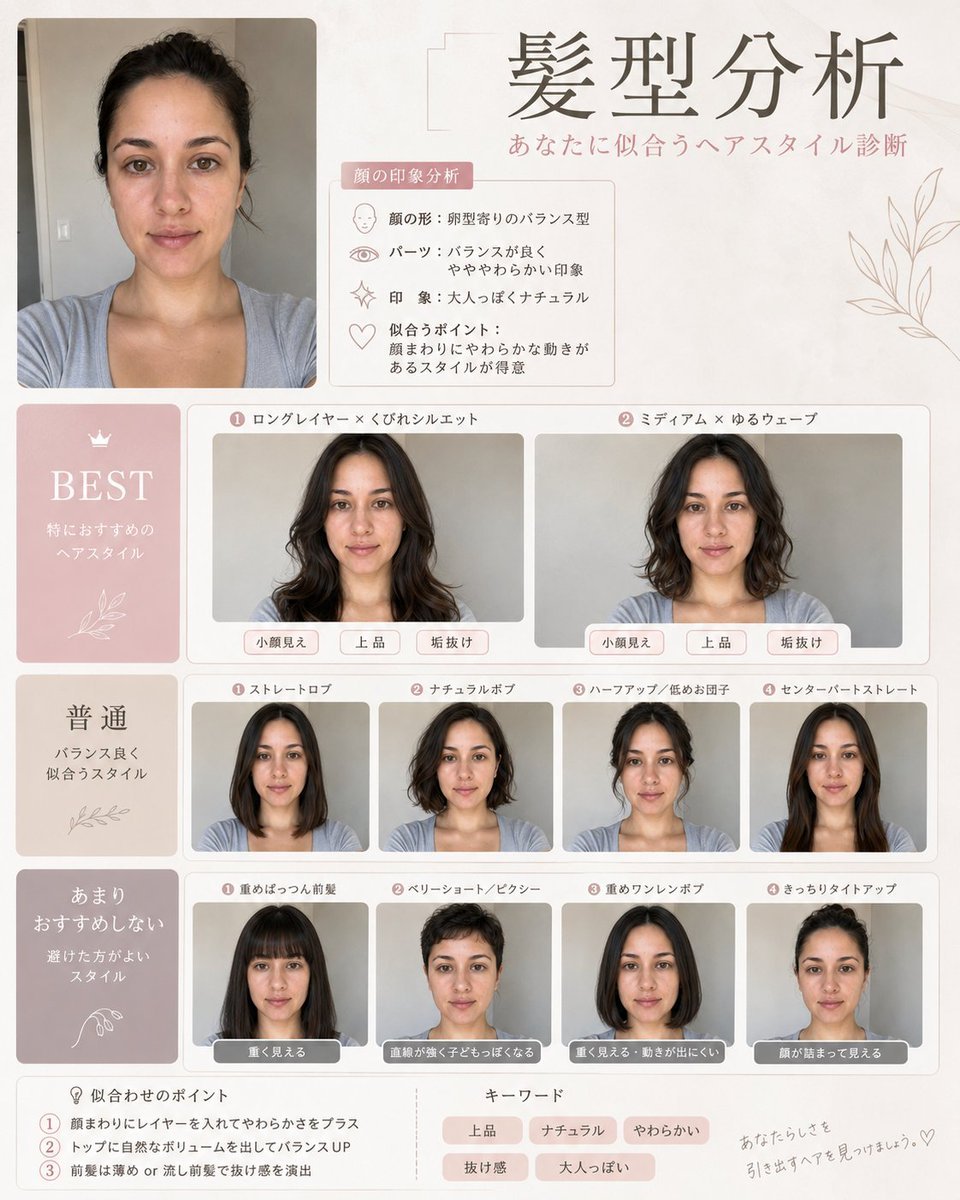
Professional Hairstyle and Makeup Analysis Guide

Trendy Cafe Drink Promo Poster

Retro Pop-Art K-Fashion Ultraluxury Campaign Poster

Urban Fashion Editorial Collage Streetwear Poster

Korean Luxury Fashion Editorial 2x2 Grid Series

Korean Streetwear Minimalist Campaign Portrait

Cinematic Korean Streetwear Street Portrait

Korean Model Floating Magazine Pages Campaign

Blue Backdrop Luxury Fashion Portrait Campaign
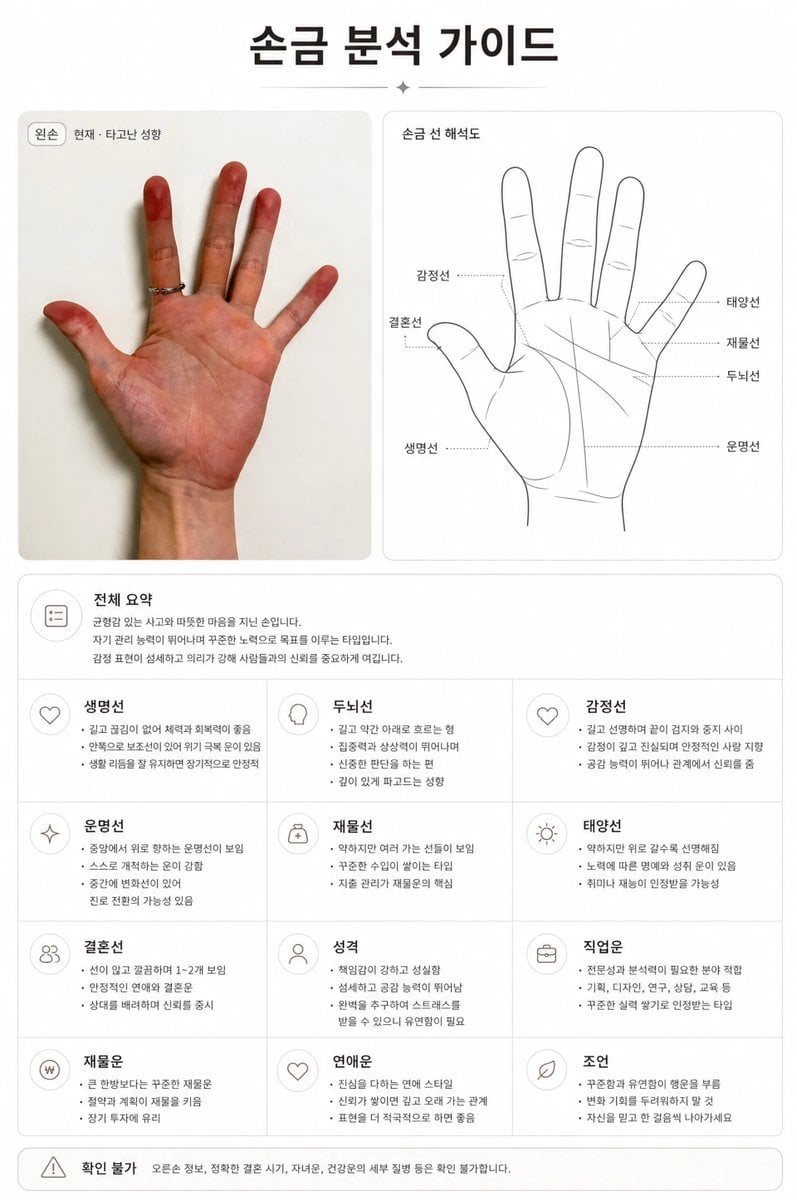
Premium Korean Palm Reading Guide

Gpt Image 2 Fashion Portrait
Make it yours
Korean Makeup Analysis Guide works as-is. These are the safest ways to change it without losing the look.
Change one field
Copy a single group, rewrite it, and generate again so you can see what that field is doing.
Keep the frame, change the subject
Hold the composition and light of Korean Makeup Analysis Guide, then swap wardrobe, props or the person for a new take.
| If the result… | Why | Fix |
|---|---|---|
| The result drifts from the preview | Too many fields changed at once. | Reuse Korean Makeup Analysis Guide as-is first, then change one group — subject, light, or setting. |
| The model over-stylizes the scene | The prose prompt leaves finish and camera underspecified. | Add one camera or lighting sentence and stay on GPT Image 2. |
More GPT Image 2 templates
Other prompts made for GPT Image 2.

Six VTuber Japanese Logo Sheet

Realistic Portrait of Woman and Deer

The Vista Modular Condo Poster

AI Model Routing Comparison Infographic

2.5D Anime Art Board

Isometric Productivity Desk Scene

New York Double Exposure Poster

Four-Panel AI Landscape Comparison

Japanese Tatami Lifestyle Magazine Cover

NESCAFÉ Coffee Map Poster
More image prompts
Fresh picks from across the catalog.
Luxury Birthday Milestone Poster
Japanese Office Horror Game Screenshot
Gaudí-Inspired Perfume Bottle Grid
Generate a Pangea T-shirt Ad in Fashion Magazine Style
Miniature Bridge of Ancient Mathematical Knowledge
Cinematic Studio Portrait with Floating Feathers
Birthday Celebration Portrait with Cupcake and Champagne
Cinematic 2x2 Grid Portrait with Consistent Identity
Japanese Suburb in 2000s Atmosphere (Part 2)
Realistic Camera Roll Outfit Collage
Browse template categories
Korean Makeup Analysis Guide questions
How do I use the Korean Makeup Analysis Guide template?
Add your photo if the template asks for one, edit the prompt if you like — the template's model and format are already selected — and press Generate. Your version opens in PicX Studio.
Can I customize the Korean Makeup Analysis Guide template?
Yes. You can change the subject, setting, lighting, mood, format, and available model controls before creating your image.
Is the Korean Makeup Analysis Guide template free?
Opening and editing this template is free. Generating uses credits, shown on the Generate button when you are signed in.
Which AI model should I use?
Start with GPT Image 2, which is the model associated with this template. You can compare another compatible model for a different finish.
Looking for something else? Browse all templates.

Your photo, any look
Thousands of ready templates for every top image and video model, from one credit balance.