
Panel Boy Cricket Action Collage
A photorealistic nine-panel collage showing a young boy in a black cricket uniform progressing from batting stance to swings, finishing with a casual pose, ideal for sports storytelling or social media posts.
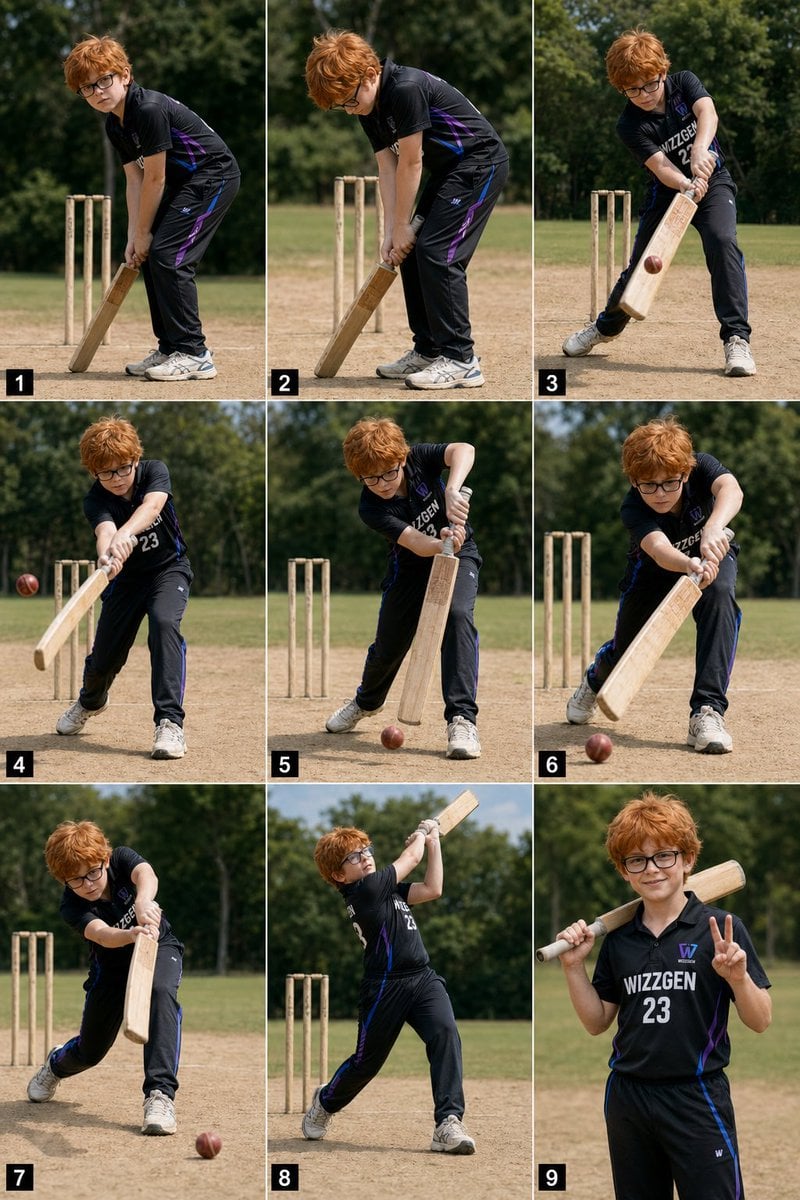
- Prompt included
- Model and format preset
- Free template
The prompt behind this image
Copy the exact prompt behind Panel Boy Cricket Action Collage, or open it in the studio and make it yours.
- Type
- photorealistic 3x3 sports action collage
- Subject › Age
- young boy
- Subject › Appearance › Hair › Color
- {argument name="hair color" default="messy orange"}
- Subject › Appearance › Hair › Style
- shaggy, tousled, medium length
- Subject › Appearance › Eyewear
- thick-framed black glasses
- Subject › Appearance › Build
- slightly chubby child build
- Subject › Outfit › Sport
- cricket
- Subject › Outfit › Jersey › Color
- black
- Subject › Outfit › Jersey › Style
- short-sleeve performance polo jersey with subtle purple and blue side accents
- Subject › Outfit › Jersey › Front Text
- {argument name="jersey text" default="WIZZGEN 23"}
- Subject › Outfit › Pants
- black athletic cricket pants with purple and blue side accents
- Subject › Outfit › Shoes
- light gray athletic cricket shoes
- Subject › Equipment › Count
- 3
- Subject › Equipment › Items
- wooden cricket bat, red cricket ball, three wooden wickets
- Setting › Location
- {argument name="location" default="outdoor cricket practice ground"}
- Setting › Ground
- dry dusty practice pitch with patchy tan dirt and short grass
- Setting › Background
- sunlit green field with dense leafy trees in soft focus
- Setting › Lighting
- bright natural midday sunlight
- Setting › Camera
- eye-level sports photography, medium full-body framing, shallow depth of field
- Layout › Grid
- 3 columns by 3 rows
- Layout › Count
- 9
- Layout › Numbering
- each panel has a small black square label with white numeral in the bottom-left corner, numbered 1 through 9
- Layout › Panels › 0 › Index
- 1
- Layout › Panels › 0 › Pose
- ready batting stance, bent forward, bat grounded vertically in front, hands low on the handle, feet close together, wickets behind him
Raw JSON
{"type":"photorealistic 3x3 sports action collage","subject":{"age":"young boy","appearance":{"hair":{"color":"{argument name=\"hair color\" default=\"messy orange\"}","style":"shaggy, tousled, medium length"},"eyewear":"thick-framed black glasses","build":"slightly chubby child build"},"outfit":{"sport":"cricket","jersey":{"color":"black","style":"short-sleeve performance polo jersey with subtle purple and blue side accents","front_text":"{argument name=\"jersey text\" default=\"WIZZGEN 23\"}"},"pants":"black athletic cricket pants with purple and blue side accents","shoes":"light gray athletic cricket shoes"},"equipment":{"count":3,"items":["wooden cricket bat","red cricket ball","three wooden wickets"]}},"setting":{"location":"{argument name=\"location\" default=\"outdoor cricket practice ground\"}","ground":"dry dusty practice pitch with patchy tan dirt and short grass","background":"sunlit green field with dense leafy trees in soft focus","lighting":"bright natural midday sunlight","camera":"eye-level sports photography, medium full-body framing, shallow depth of field"},"layout":{"grid":"3 columns by 3 rows","count":9,"numbering":"each panel has a small black square label with white numeral in the bottom-left corner, numbered 1 through 9","panels":[{"index":1,"pose":"ready batting stance, bent forward, bat grounded vertically in front, hands low on the handle, feet close together, wickets behind him"},{"index":2,"pose":"similar preparatory stance with head lowered, adjusting grip and leaning more over the bat, wickets visible directly behind"},{"index":3,"pose":"beginning a controlled swing across the body, front leg stepping out, red ball approaching the lower half of the bat"},{"index":4,"pose":"stronger follow-through of a grounded shot, arms extended, ball visible to the left of the bat, torso turning toward camera"},{"index":5,"pose":"bat brought down in a compact defensive motion, front leg planted wide, red ball bouncing low near his front foot"},{"index":6,"pose":"another controlled defensive shot with the bat angled forward, ball rolling or skimming low in front"},{"index":7,"pose":"front-foot drive continuation, body leaning into the shot, bat extended downward, ball moving away along the ground on the right"},{"index":8,"pose":"full lofted follow-through with the bat raised high above the shoulder, chest open, back foot pivoted, wickets behind"},{"index":9,"pose":"relaxed hero pose facing camera, bat resting across one shoulder, right hand making a peace sign"}],"consistency":"same boy, same outfit, same pitch, same lighting across all 9 panels"},"style":"high-resolution photorealistic sports montage, natural colors, crisp details, realistic motion progression, social-media-ready action sequence"}How to use Panel Boy Cricket Action Collage in 3 steps
- 1Upload ImagePNG, JPG or paste
Add your photo
Upload the photo the template builds on. The prompt, model and format are already set.
- 2…a portrait of your subject in softgolden-hour light, 85mm…
Personalize
Edit the subject and creative details for your destination.
- 3Generate
Generate
Press Generate — your image is created in PicX Studio, so you can compare it with the original and refine one variable at a time.
More like this
Templates with the same subject, style or setup. Open one to see its prompt.

Hero Portrait Comic Multi-Panel Poster

Panel Mirror Selfie Collage

Cozy Six-Panel Bedtime Stages Collage

Six-Panel Retro Japanese Poster Collage
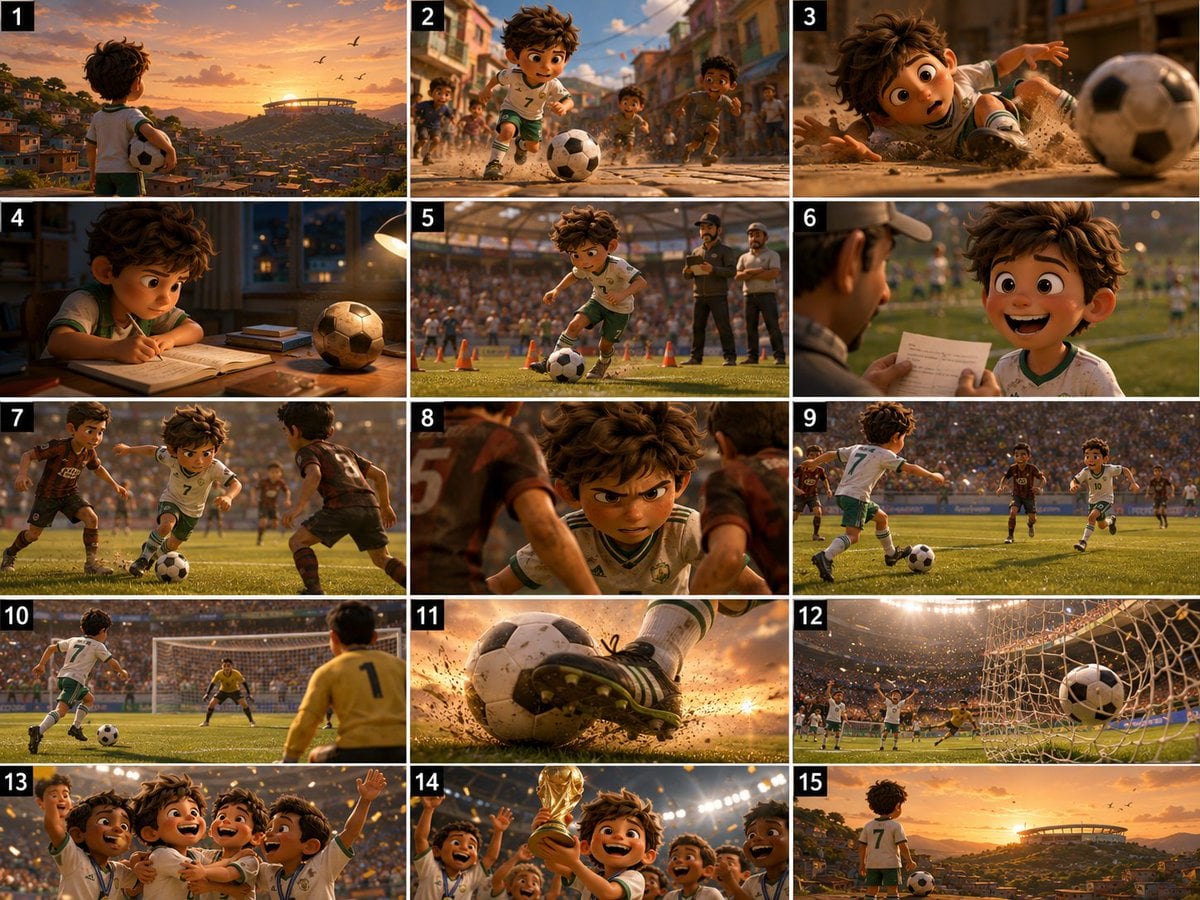
Panel Football Boy Storyboard

Paper Cut Finale Fireworks

Paper Cut Garden Maze

Paper Cut Rooftop Concert

Paper Cut Bicycle Coast

Paper Cut Castle Gate

Paper Cut Kitchen Chaos

Paper Cut Carnival Ride
Make it yours
Panel Boy Cricket Action Collage works as-is. These are the safest ways to change it without losing the look.
Swap the setting
Keep the rest of the prompt and replace the location block. The current setting is “{argument name="location" default="outdoor cricket practice ground"}”.
Swap the light
One lighting change is enough to compare takes. Current light: “bright natural midday sunlight”.
Change one field
Copy a single group, rewrite it, and generate again so you can see what that field is doing.
| If the result… | Why | Fix |
|---|---|---|
| The result drifts from the preview | Too many fields changed at once. | Reuse 9-Panel Boy Cricket Action Collage as-is first, then change one group — subject, light, or setting. |
| GPT Image 2 ignores part of the JSON | Some models flatten or skip nested keys. | Keep the same values and paste them as a short paragraph instead. |
More GPT Image 2 templates
Other prompts made for GPT Image 2.

Six VTuber Japanese Logo Sheet

Realistic Portrait of Woman and Deer

The Vista Modular Condo Poster

AI Model Routing Comparison Infographic

2.5D Anime Art Board

Isometric Productivity Desk Scene

New York Double Exposure Poster

Four-Panel AI Landscape Comparison

Japanese Tatami Lifestyle Magazine Cover

NESCAFÉ Coffee Map Poster
More image prompts
Fresh picks from across the catalog.

Fantasy Sports Legend Poster
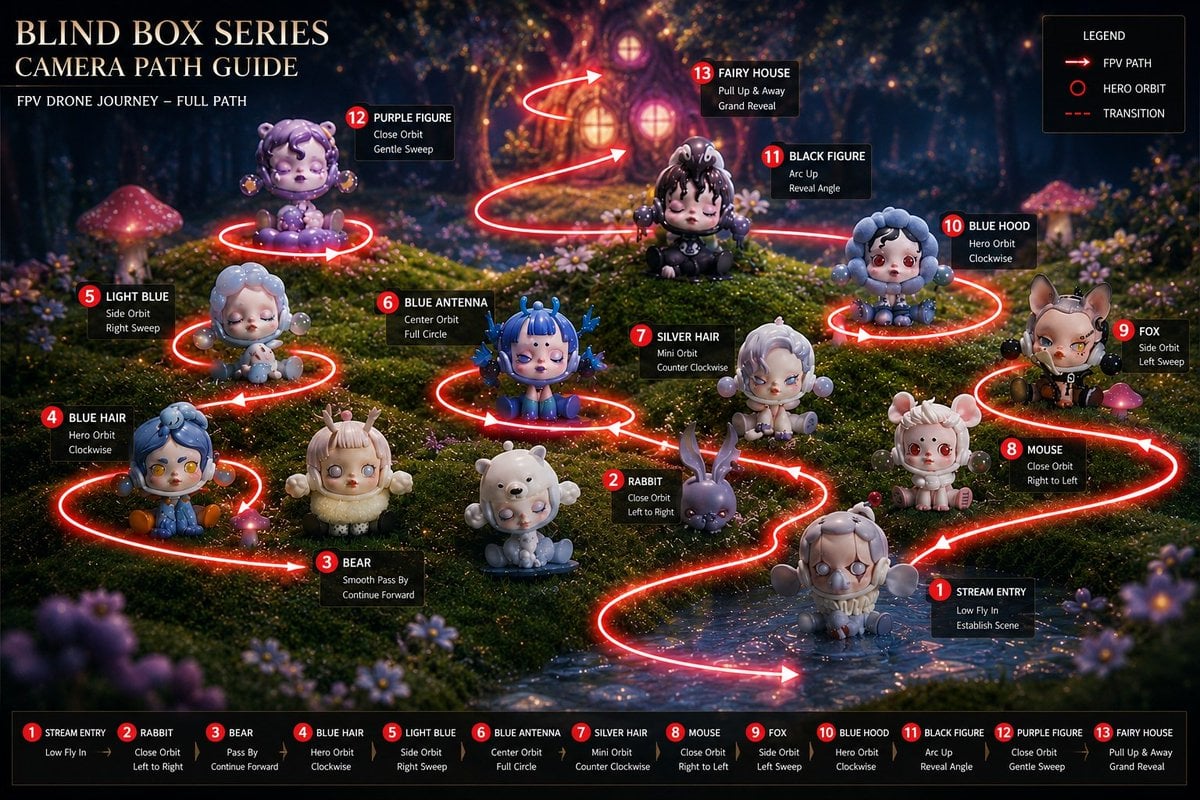
Blind Box Camera Path Guide
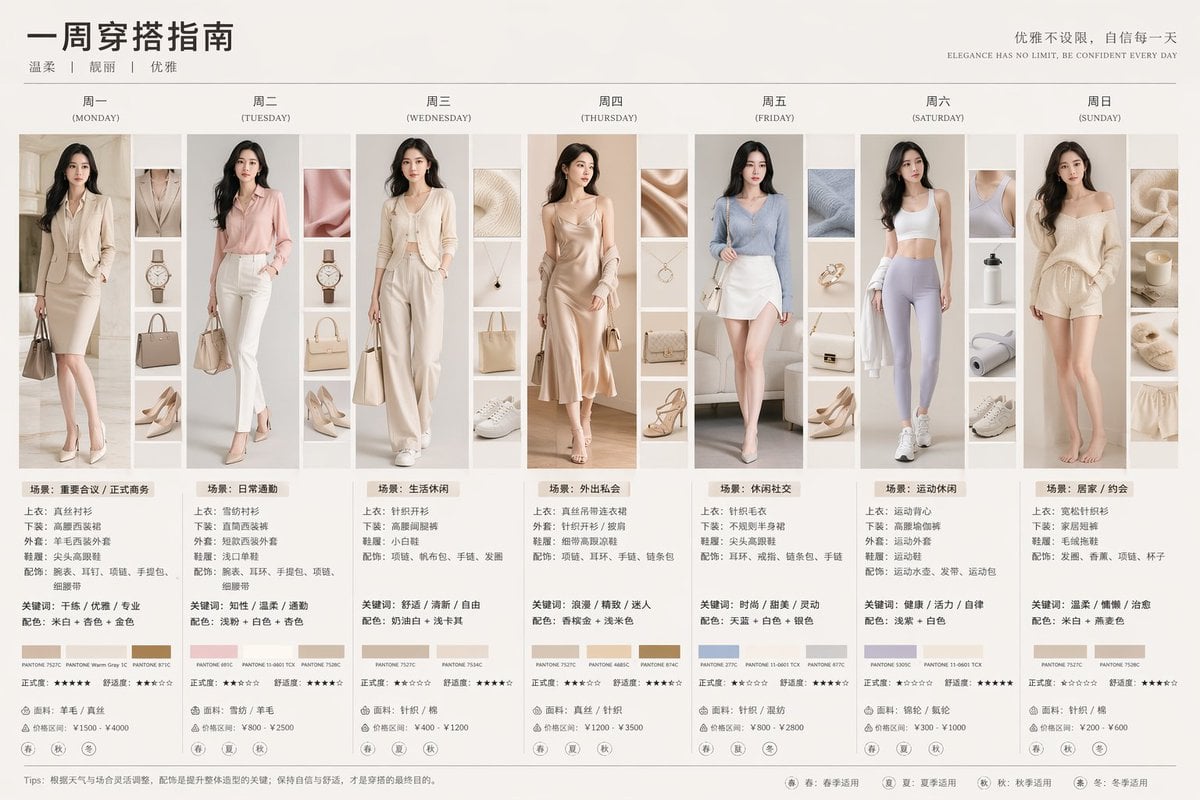
Day Fashion Lookbook Infographic
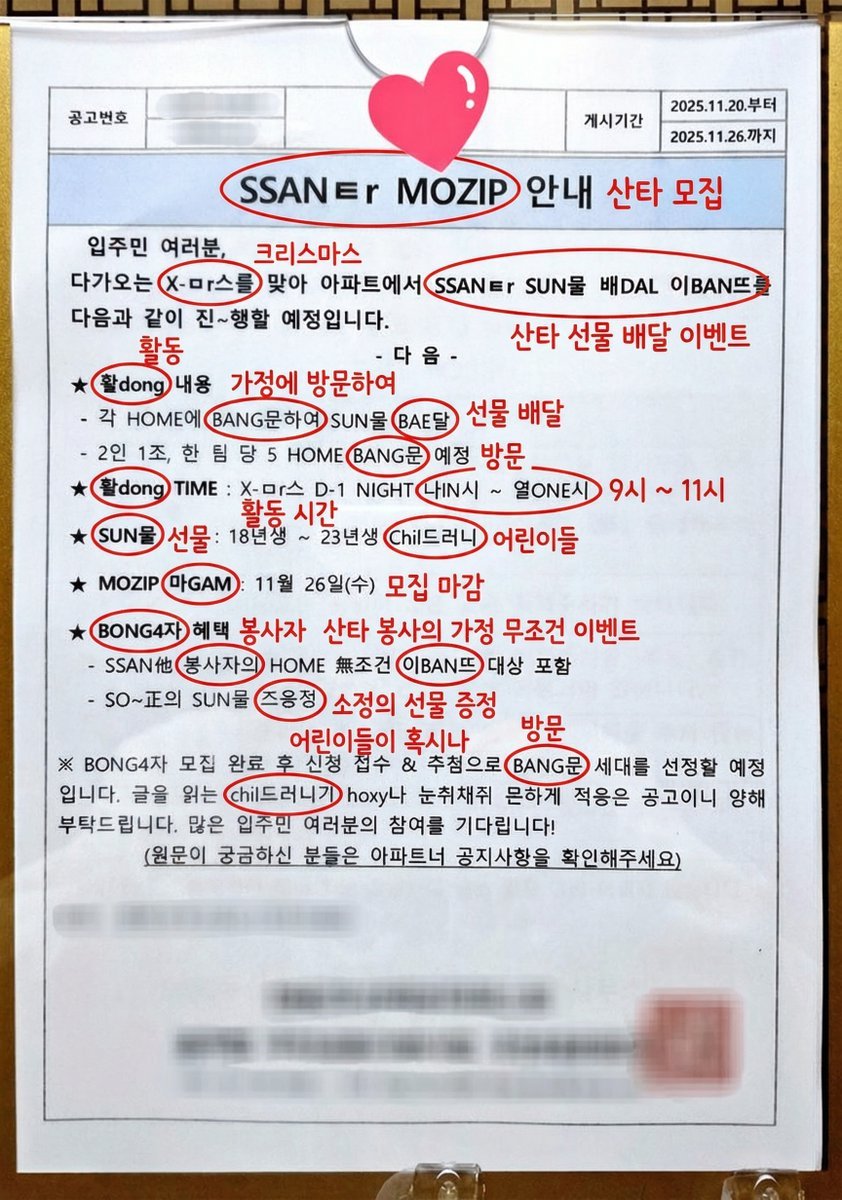
Annotated decoding of a cryptic Santa notice
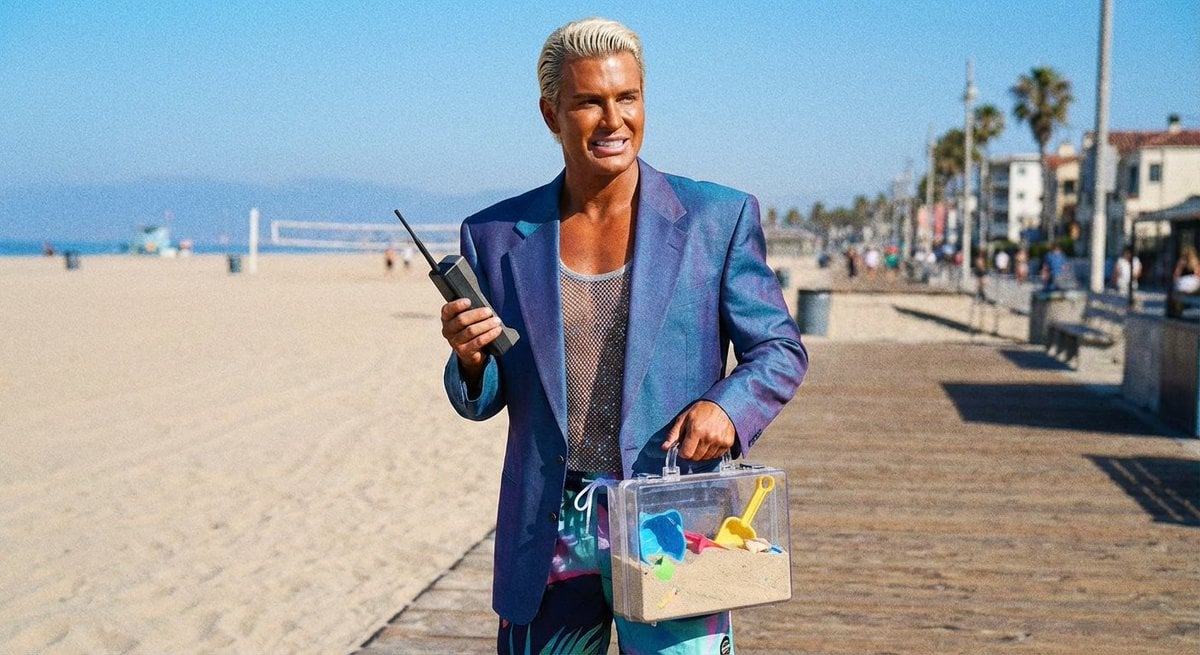
Patrick Bateman Meets Sparkle Beach Ken Prompt
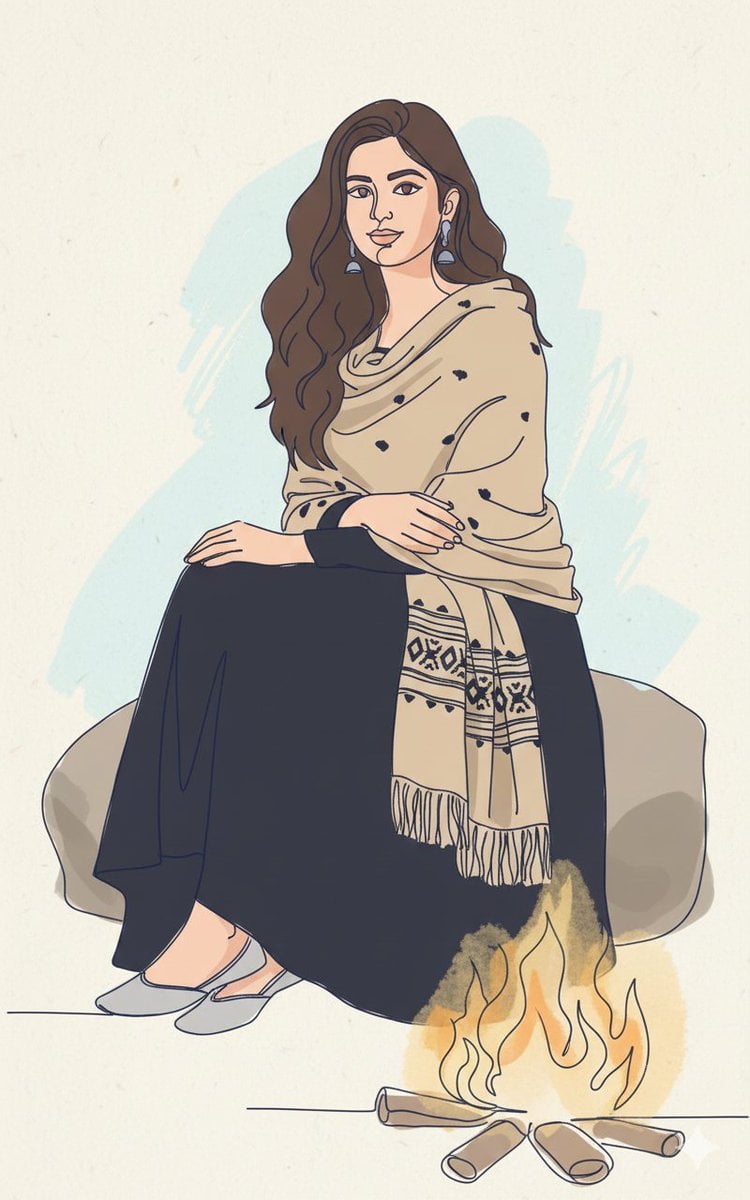
Continuous Single-Line Doodle Identity Preservation Prompt
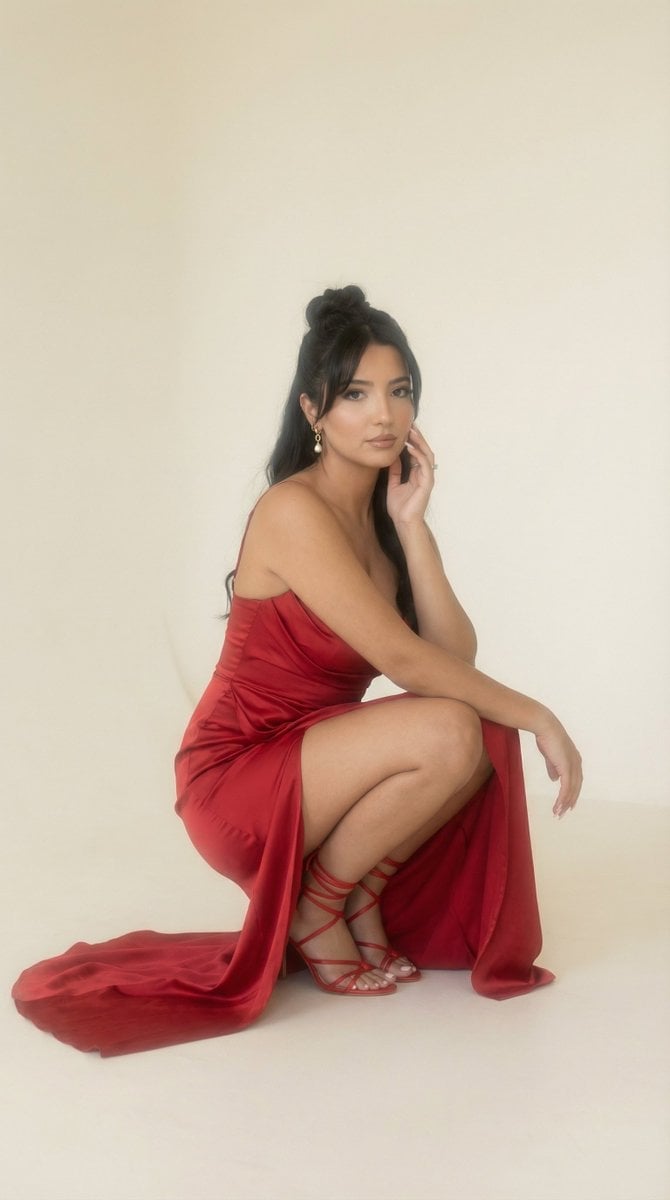
Soft Haze Editorial Studio Portrait (Image-to-Image)
Vertical Poster Collage Design
One Piece Straw Hat Crew at Sunset
New Year 2026 Cinematic Photo with Text Overlay
Browse template categories
Panel Boy Cricket Action Collage questions
How do I use the 9-Panel Boy Cricket Action Collage template?
Add your photo if the template asks for one, edit the prompt if you like — the template's model and format are already selected — and press Generate. Your version opens in PicX Studio.
Can I customize the 9-Panel Boy Cricket Action Collage template?
Yes. You can change the subject, setting, lighting, mood, format, and available model controls before creating your image.
Is the 9-Panel Boy Cricket Action Collage template free?
Opening and editing this template is free. Generating uses credits, shown on the Generate button when you are signed in.
Which AI model should I use?
Start with GPT Image 2, which is the model associated with this template. You can compare another compatible model for a different finish.
Looking for something else? Browse all templates.

Your photo, any look
Thousands of ready templates for every top image and video model, from one credit balance.