
Cinematic Wuxia Swordswoman in Candlelit Chamber
Generates a moody vertical fantasy portrait of a veiled hanfu-clad swordswoman inside an ancient Chinese candlelit room.
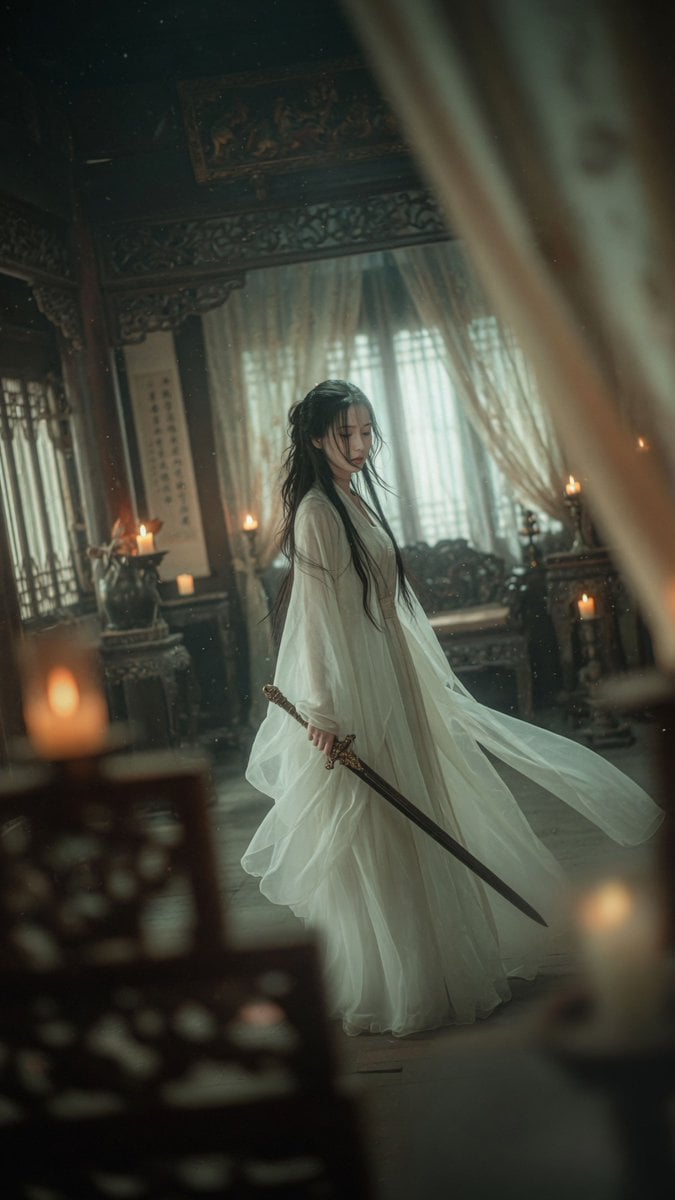
- Prompt included
- Model and format preset
- Free template
The prompt behind this image
Copy the exact prompt behind Cinematic Wuxia Swordswoman in Candlelit Chamber, or open it in the studio and make it yours.
Create a vertical cinematic wuxia fantasy portrait in a dim ancient Chinese interior: a lone {argument name="character name" default="mysterious swordswoman"} stands full-body slightly left of center, wearing a flowing translucent {argument name="robe color" default="white"} hanfu with many soft gauze layers and oversized sleeves, the fabric billowing gently as if caught by a breeze. She has very long loose {argument name="hair color" default="black"} hair falling over her shoulders and down her back, and her face is deliberately obscured by a plain muted gray square censor block. In her lowered right hand she holds one long dark straight sword angled diagonally downward toward the lower right, with an ornate bronze-gold hilt. The room is an old carved wooden Chinese chamber with lattice windows, embroidered sheer curtains, antique furniture, carved screens, dark beams, and hanging calligraphy scrolls. Include exactly six visible warm candle flames: one large blurred candle in the lower left foreground, two candles on a left-side stand, one small candle near the back left, one candle on a right-side table, and one blurred candle glow in the lower right foreground. Shoot through soft out-of-focus foreground curtains or wooden screens on both sides, creating a voyeuristic framed composition, shallow depth of field, dust motes in the air, teal-green shadows, warm amber candle highlights, misty atmosphere, realistic fabric texture, elegant melancholic mood, 35mm film still aesthetic, slight Dutch angle, high detail, soft cinematic lighting, no text, no watermark.
How to use Cinematic Wuxia Swordswoman in Candlelit Chamber in 3 steps
- 1Upload ImagePNG, JPG or paste
Add your photo
Upload the photo the template builds on. The prompt, model and format are already set.
- 2…a portrait of your subject in softgolden-hour light, 85mm…
Personalize
Edit the subject and creative details for your destination.
- 3Generate
Generate
Press Generate — your image is created in PicX Studio, so you can compare it with the original and refine one variable at a time.
More like this
Templates with the same subject, style or setup. Open one to see its prompt.
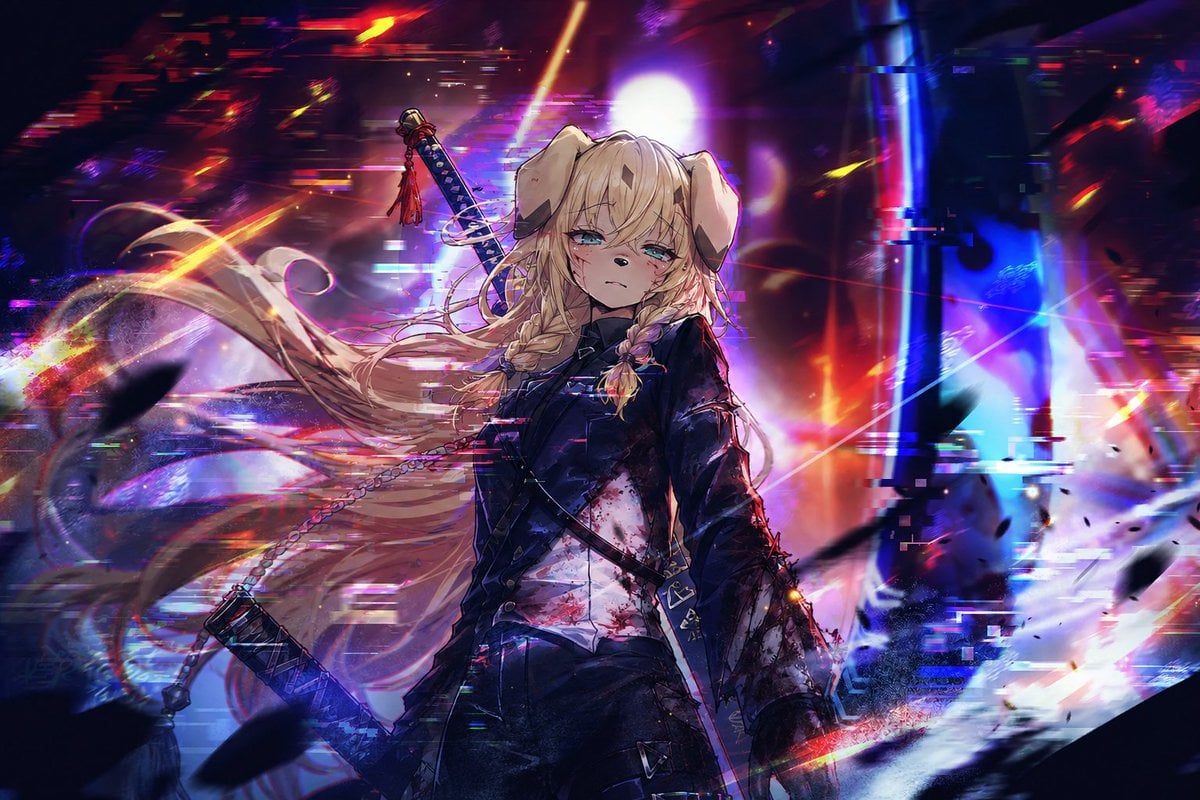
Cyberpunk Dog-Eared Swordswoman

Watercolor Chibi Schoolgirl Swordswoman
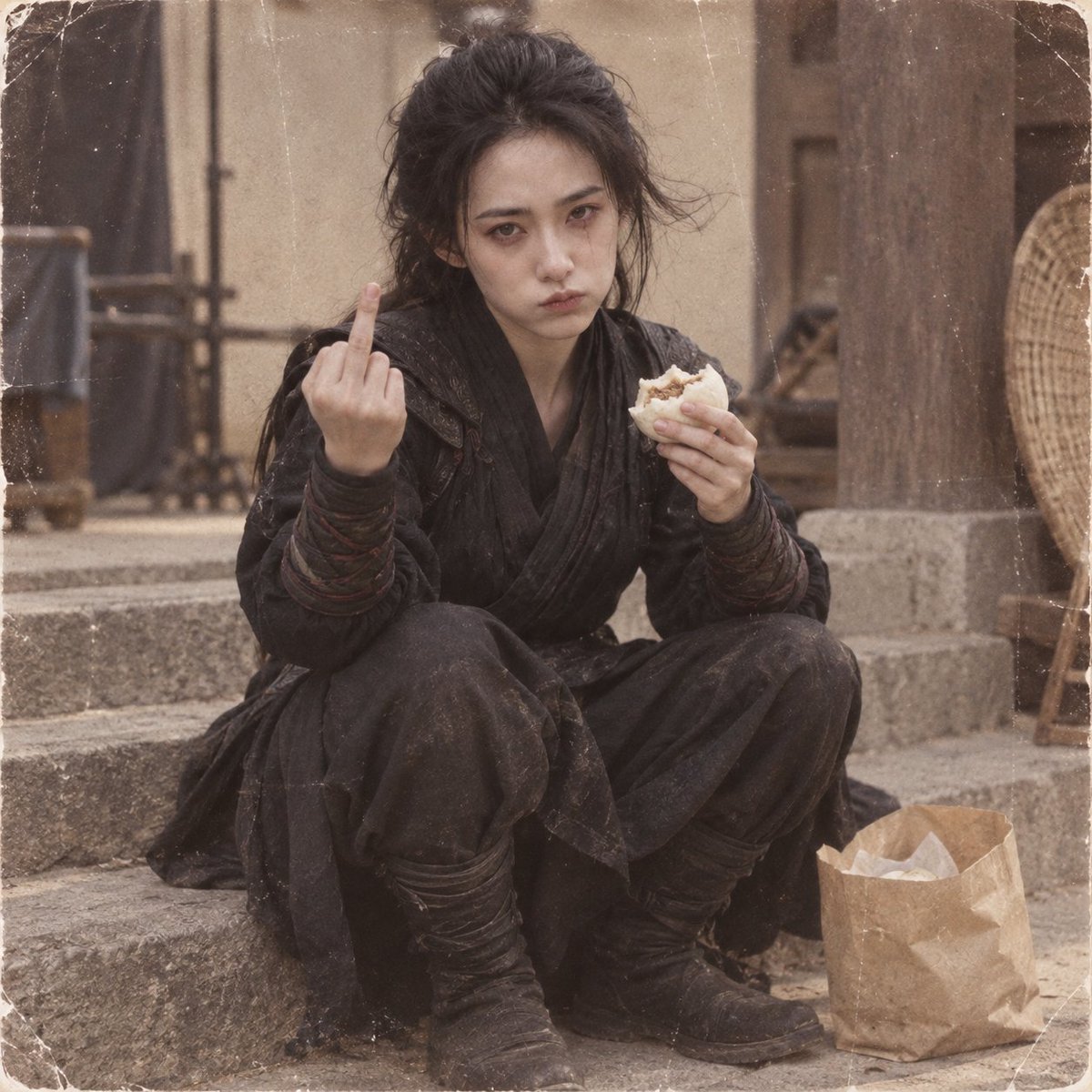
Retro Wuxia Behind-the-Scenes Still
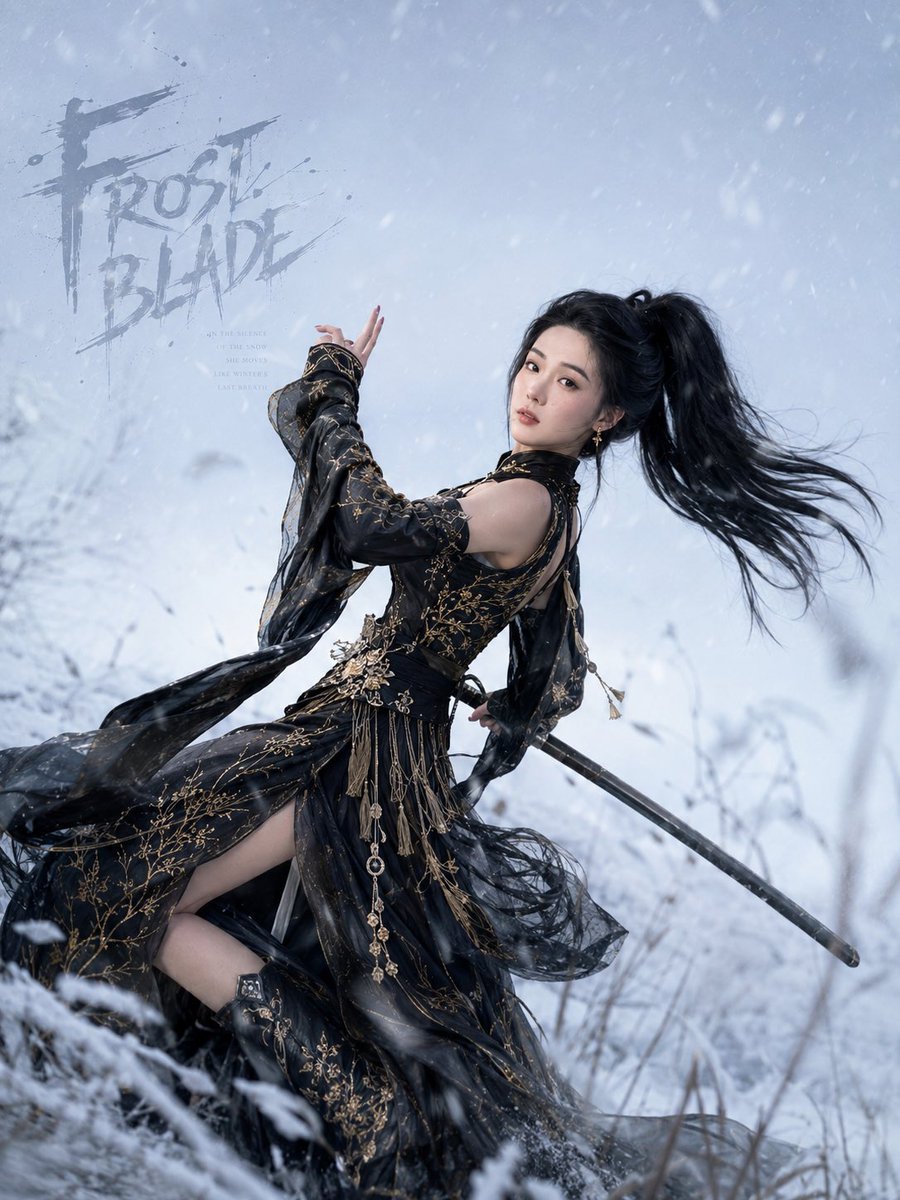
Frost Blade Wuxia Snow Portrait

Anime Lunar Eclipse Swordswoman Poster
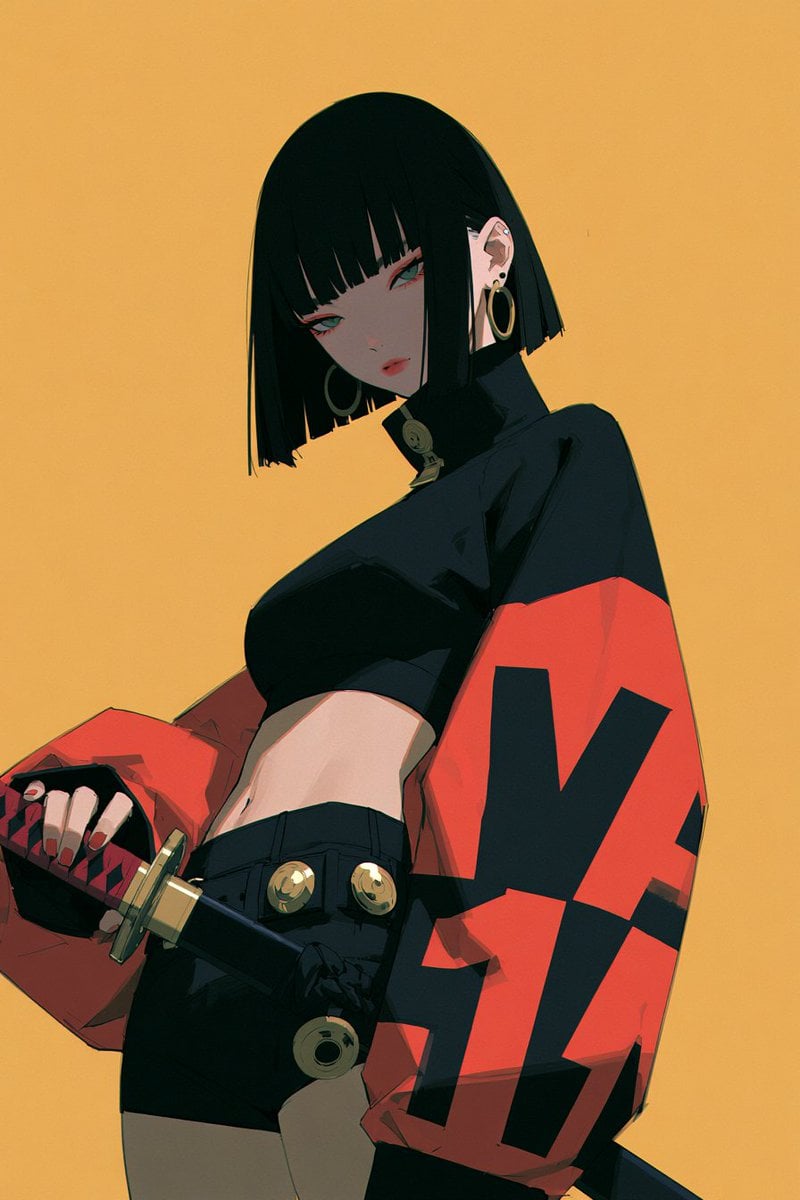
Monochrome Swordswoman Storyboard Sketch
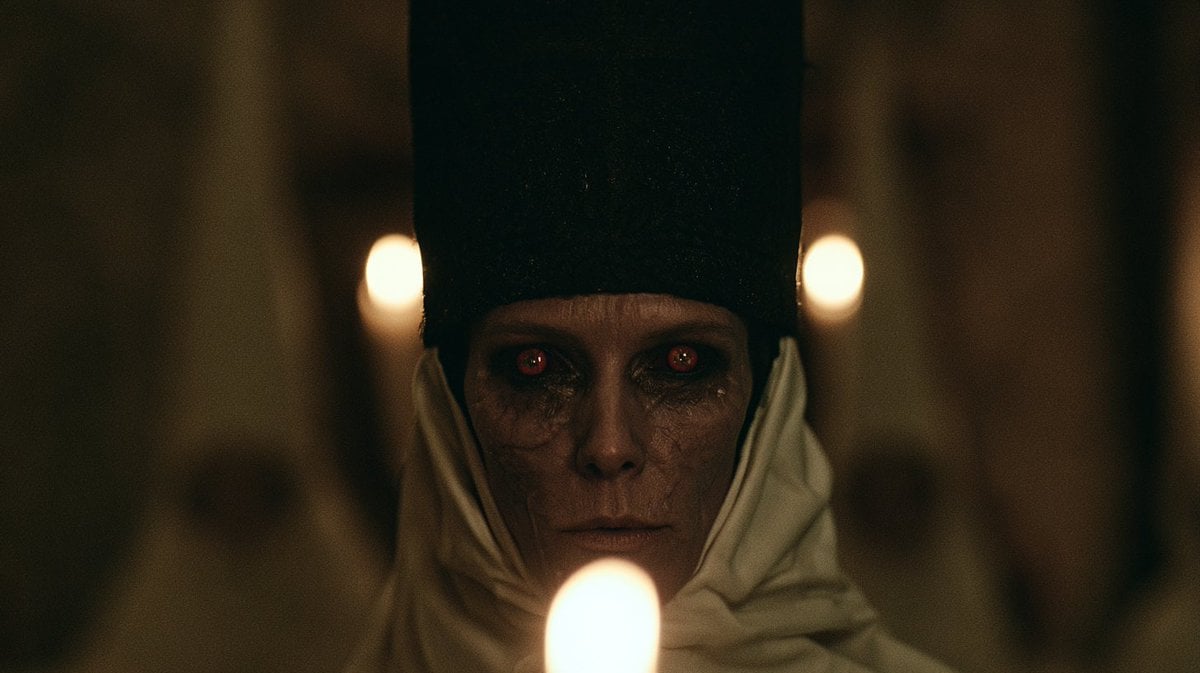
Candlelit Occult Priestess Close-Up
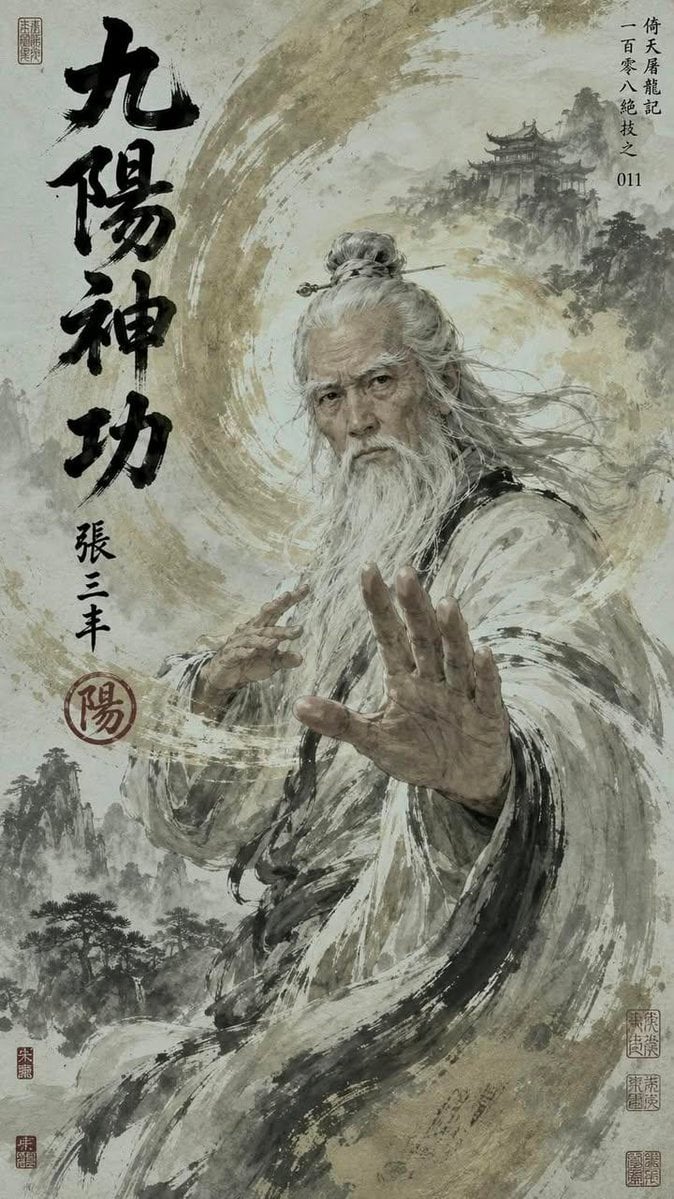
Chinese Wuxia Master Poster
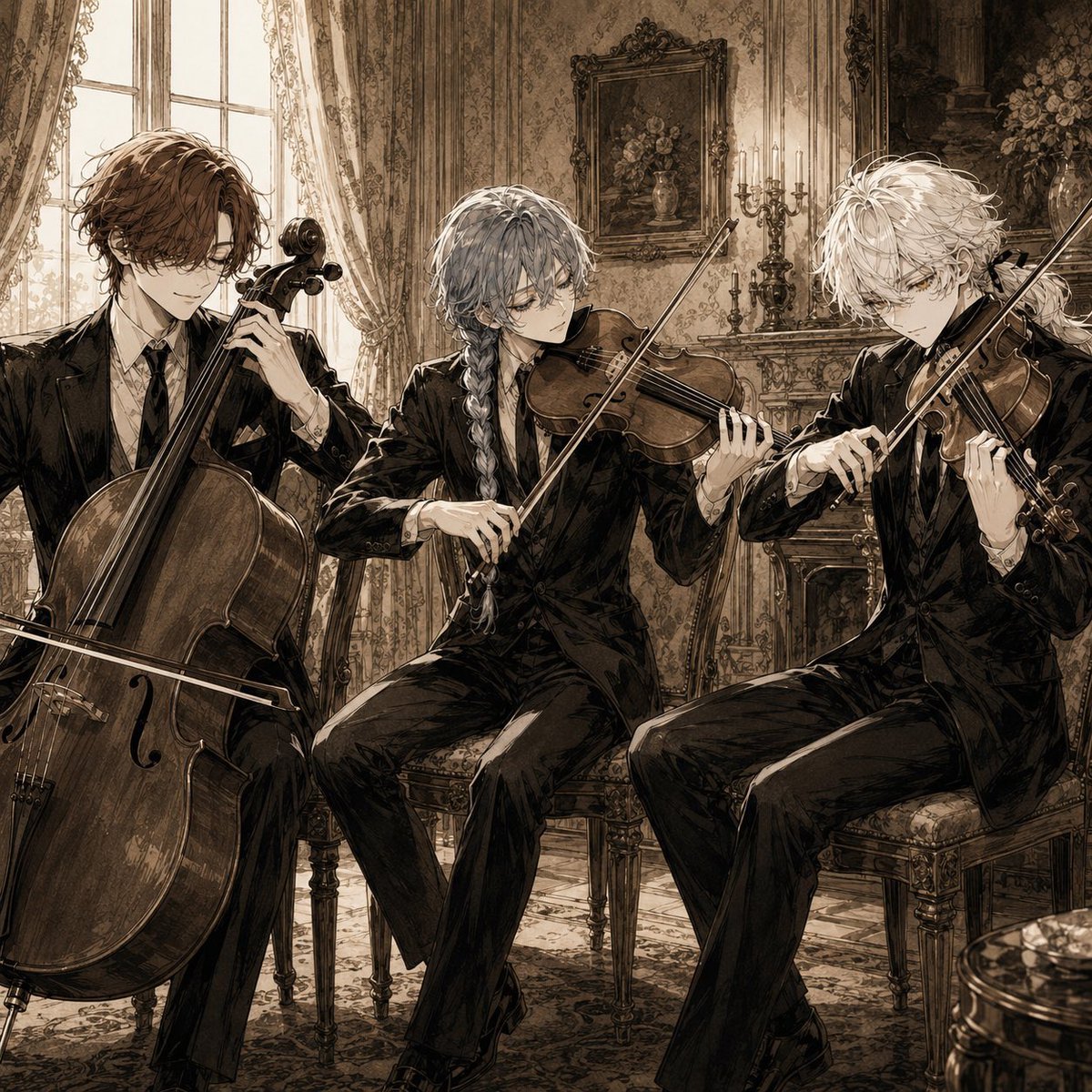
Sepia Anime Chamber Trio
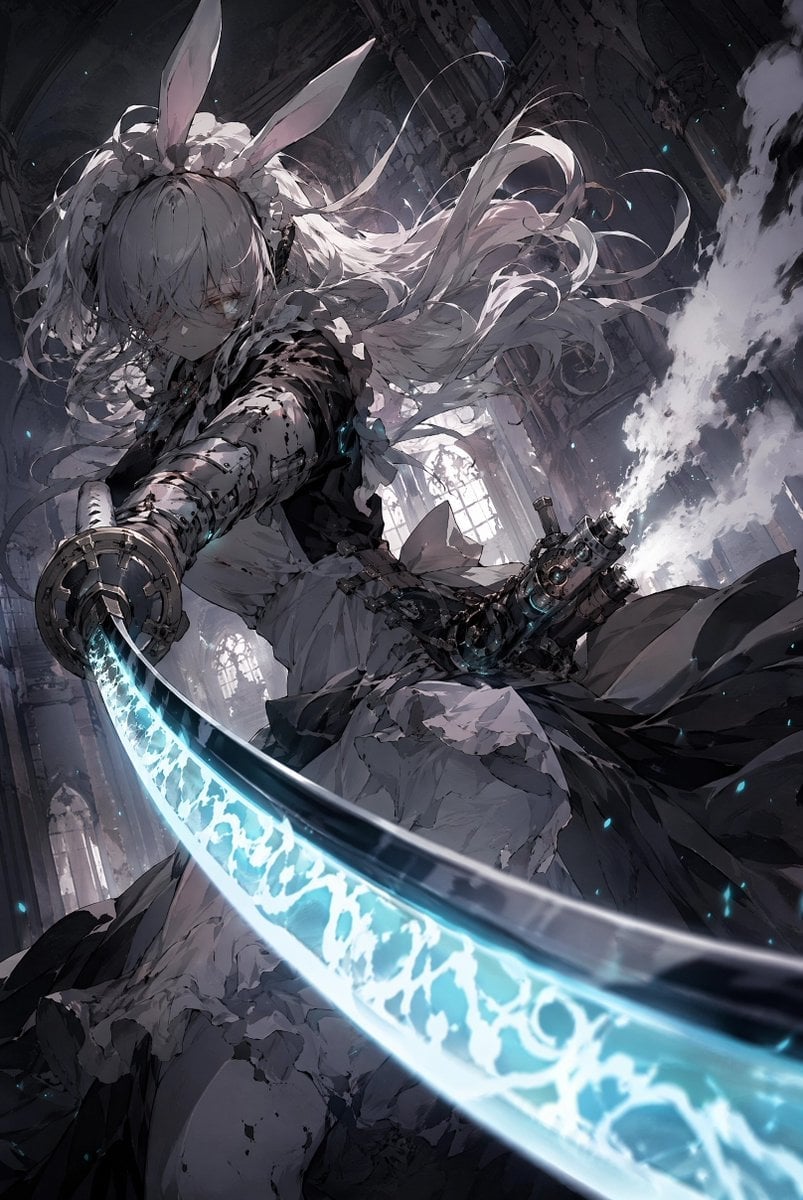
Rabbit-Eared Swordswoman in Ruined Cathedral
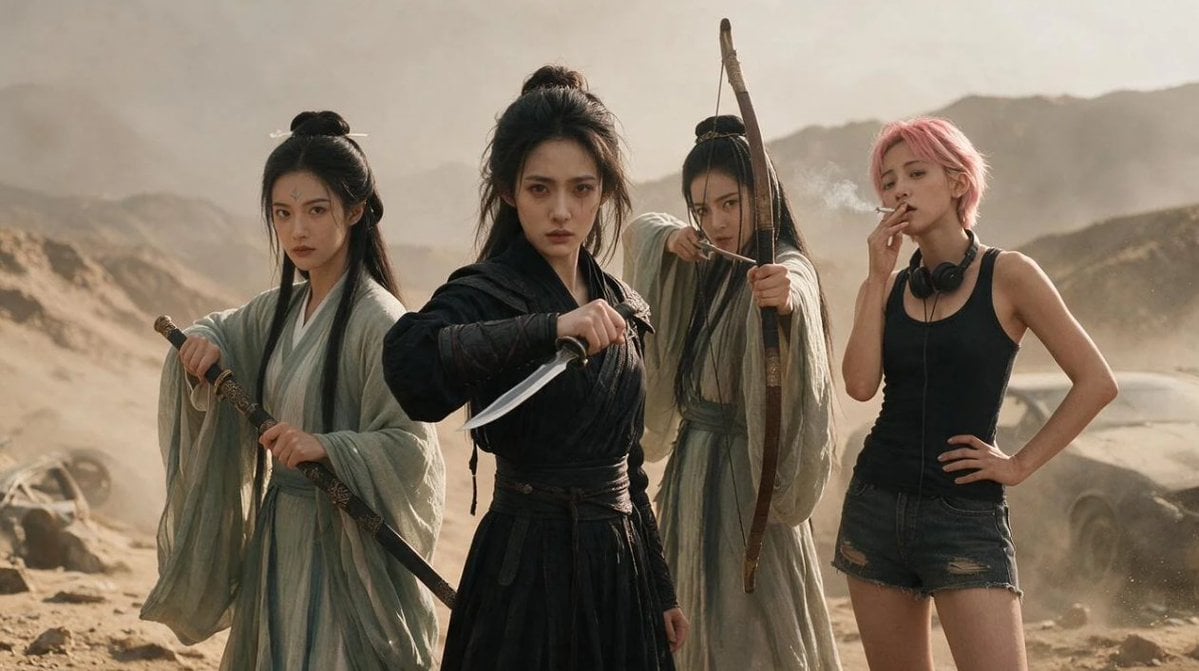
Post-Apocalyptic Wuxia Standoff
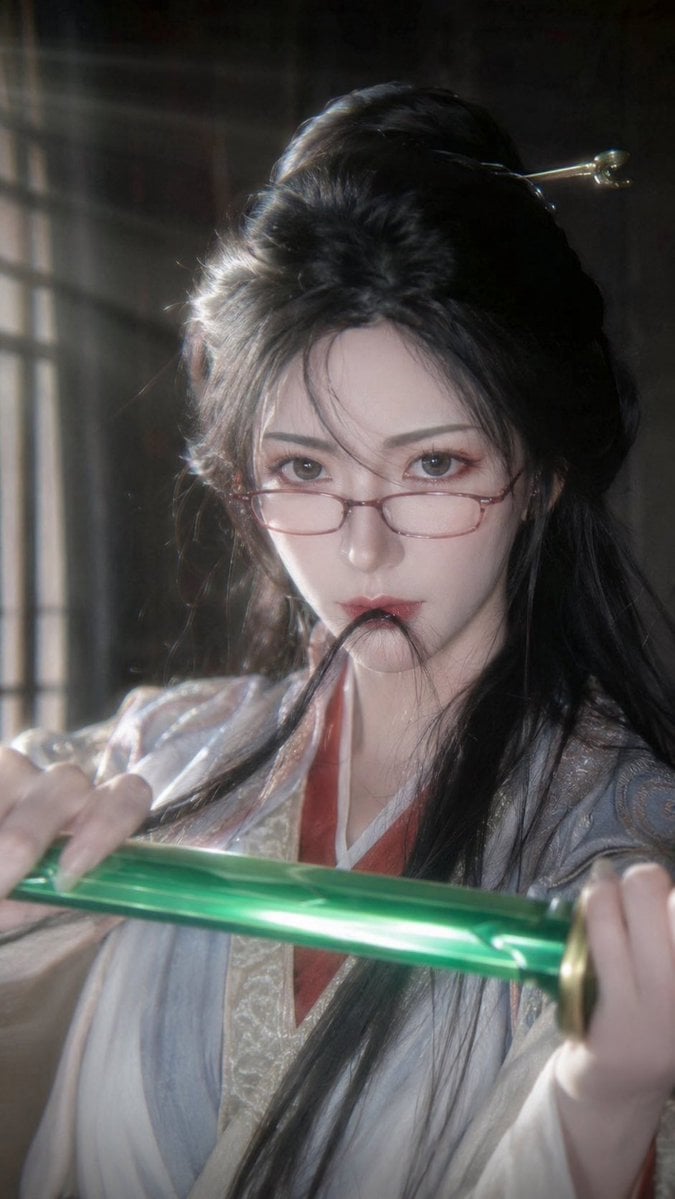
Cinematic Xianxia Swordswoman Portrait
Make it yours
Cinematic Wuxia Swordswoman in Candlelit Chamber works as-is. These are the safest ways to change it without losing the look.
Change one field
Copy a single group, rewrite it, and generate again so you can see what that field is doing.
Keep the frame, change the subject
Hold the composition and light of Cinematic Wuxia Swordswoman in Candlelit Chamber, then swap wardrobe, props or the person for a new take.
| If the result… | Why | Fix |
|---|---|---|
| The result drifts from the preview | Too many fields changed at once. | Reuse Cinematic Wuxia Swordswoman in Candlelit Chamber as-is first, then change one group — subject, light, or setting. |
| The model over-stylizes the scene | The prose prompt leaves finish and camera underspecified. | Add one camera or lighting sentence and stay on GPT Image 2. |
More GPT Image 2 templates
Other prompts made for GPT Image 2.

Six VTuber Japanese Logo Sheet

Realistic Portrait of Woman and Deer

The Vista Modular Condo Poster

AI Model Routing Comparison Infographic

2.5D Anime Art Board

Isometric Productivity Desk Scene

New York Double Exposure Poster

Four-Panel AI Landscape Comparison

Japanese Tatami Lifestyle Magazine Cover

NESCAFÉ Coffee Map Poster
More image prompts
Fresh picks from across the catalog.
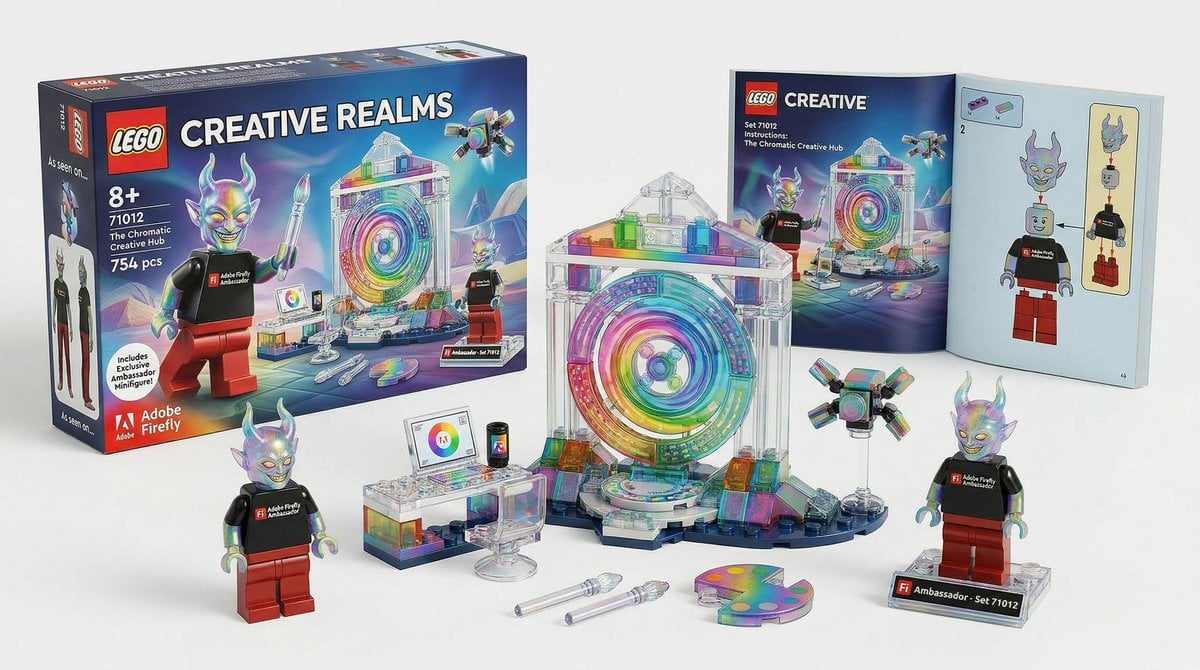
Lego Set Design Prompt Template
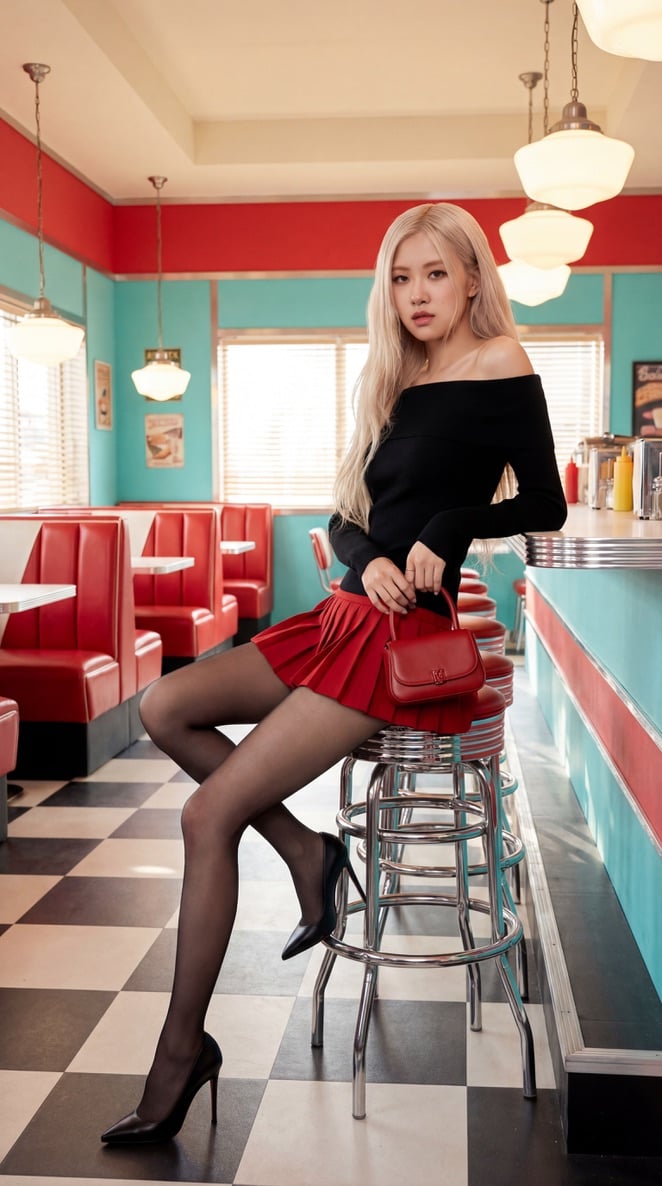
Blackpink Rosé Retro Diner Fashion Shoot

Social Media Ad Designs
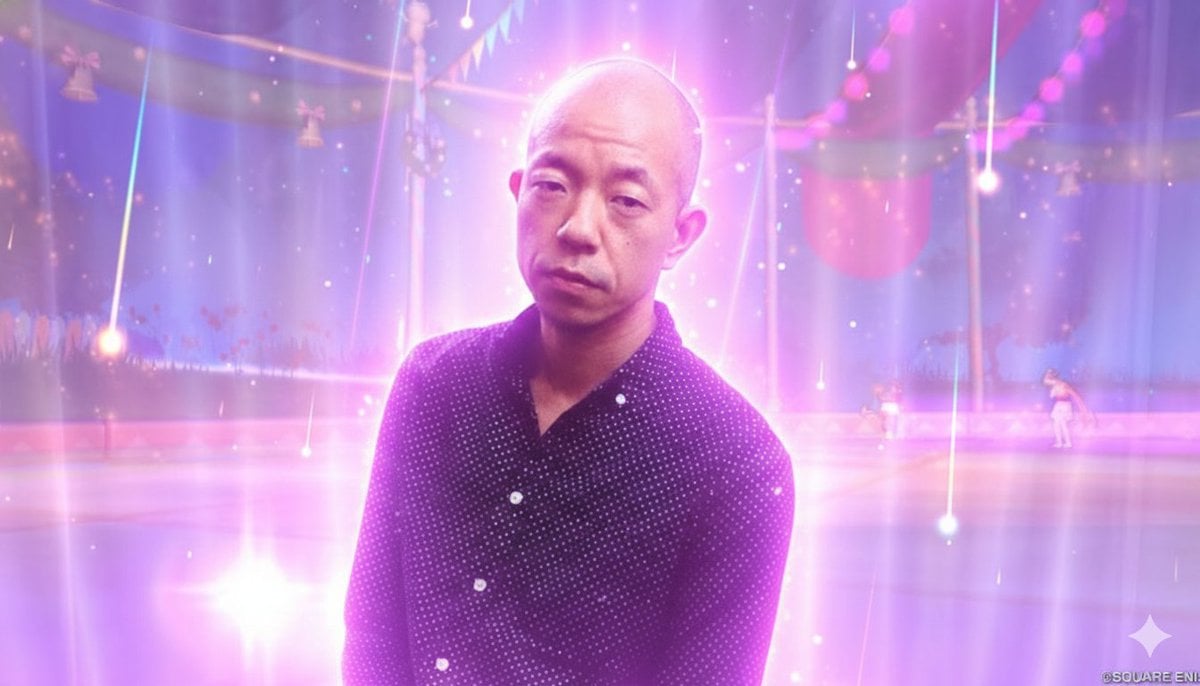
Image Style Transfer Prompt: Viking to Dragon Quest X 'Sage's Breath of God'
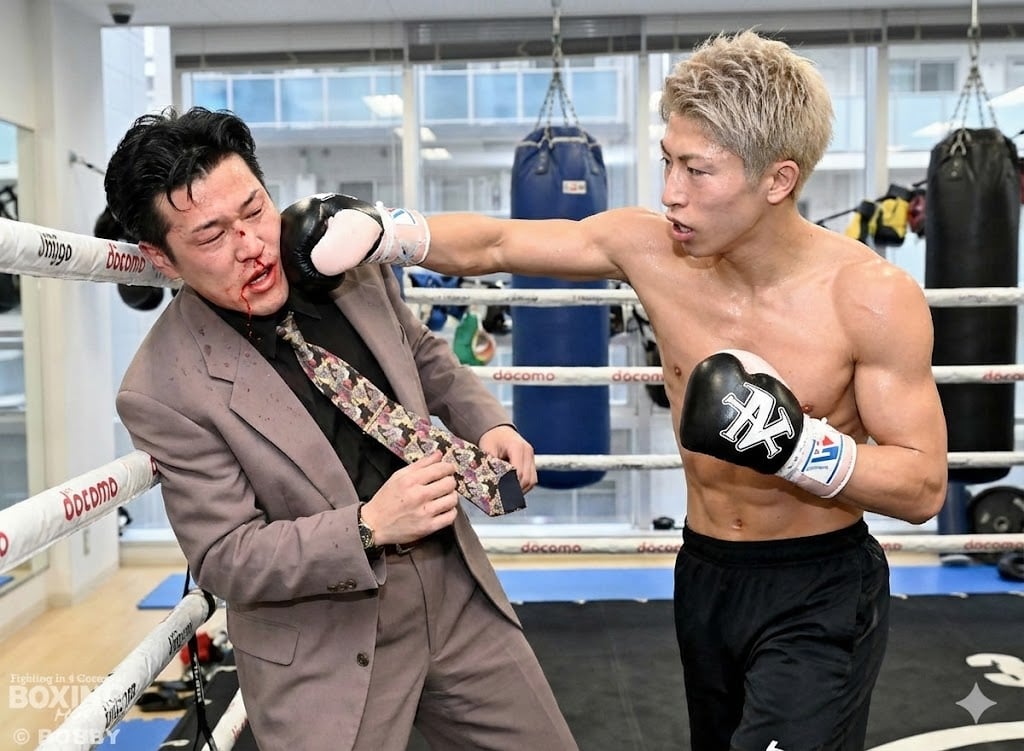
Generating a boxing match image between two specific people

50 artifacts from different eras and cultures

Developing a Nano Banana Pro Manga Creation Tool

Luxury Melon Poster from Food Reference

Cinematic Nescafé Product Advertisement
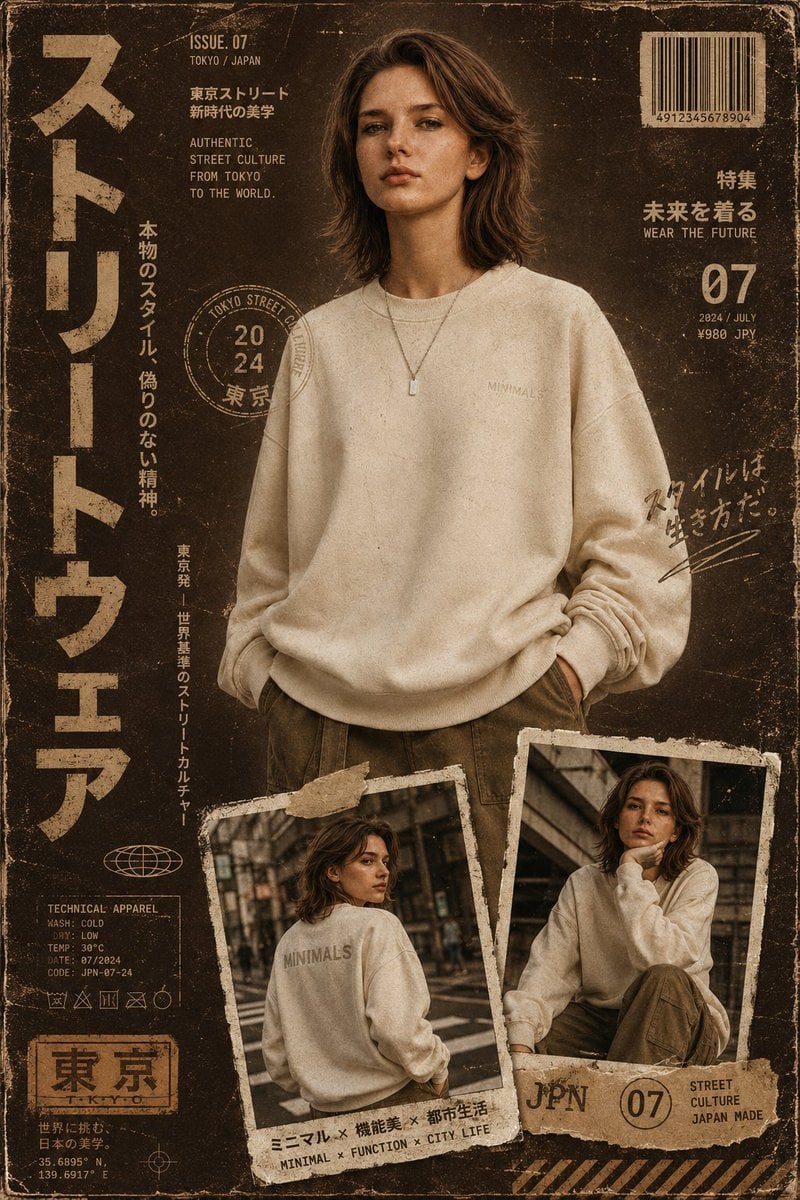
Streetwear Magazine Layout Template
Browse template categories
Cinematic Wuxia Swordswoman in Candlelit Chamber questions
How do I use the Cinematic Wuxia Swordswoman in Candlelit Chamber template?
Add your photo if the template asks for one, edit the prompt if you like — the template's model and format are already selected — and press Generate. Your version opens in PicX Studio.
Can I customize the Cinematic Wuxia Swordswoman in Candlelit Chamber template?
Yes. You can change the subject, setting, lighting, mood, format, and available model controls before creating your image.
Is the Cinematic Wuxia Swordswoman in Candlelit Chamber template free?
Opening and editing this template is free. Generating uses credits, shown on the Generate button when you are signed in.
Which AI model should I use?
Start with GPT Image 2, which is the model associated with this template. You can compare another compatible model for a different finish.
Looking for something else? Browse all templates.

Your photo, any look
Thousands of ready templates for every top image and video model, from one credit balance.