
Luxury Melon Poster from Food Reference
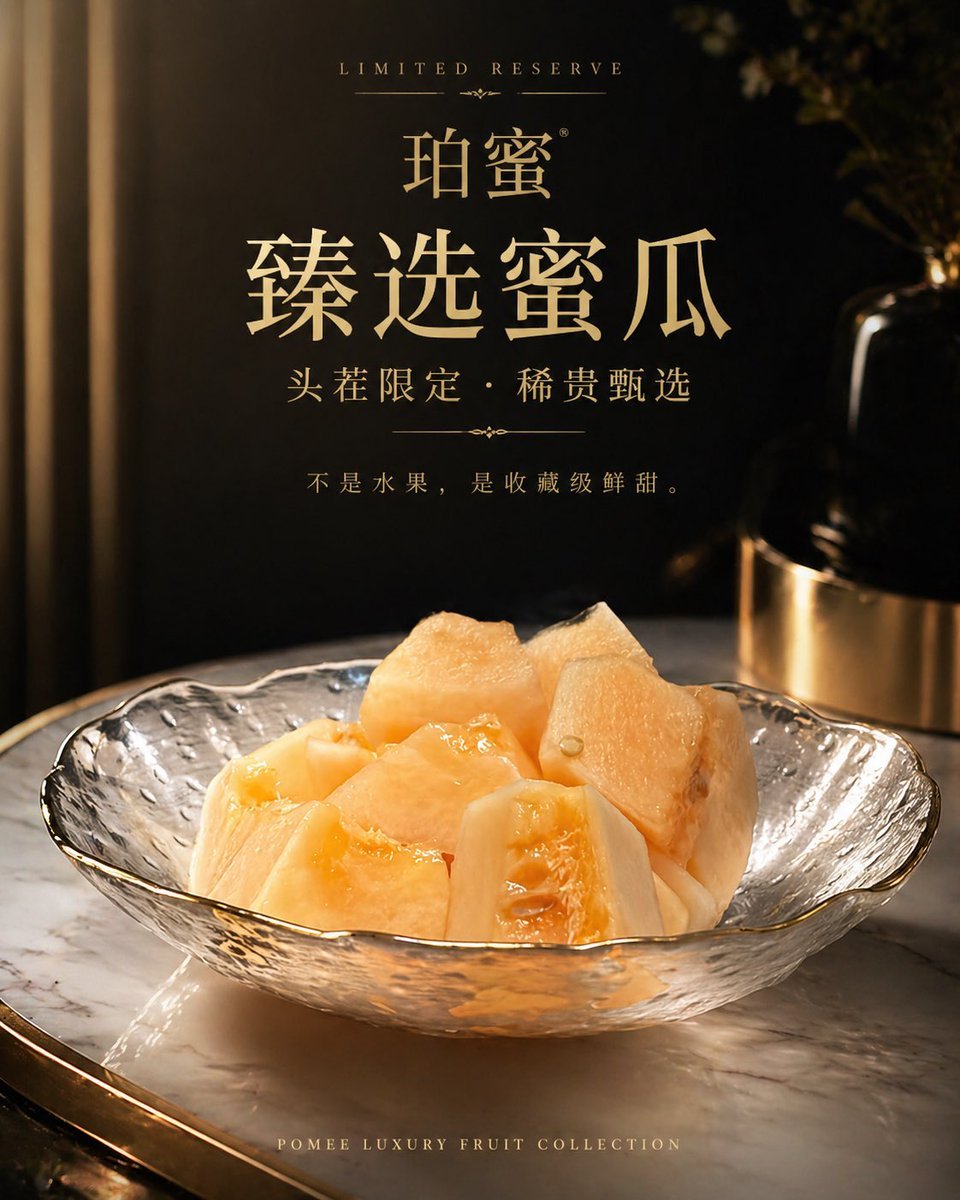
This prompt turns a simple reference photo of cut melon into a polished high-end promotional poster for premium fruit branding.
- Prompt included
- Model and format preset
- Free template
The prompt behind this image
Copy the exact prompt behind Luxury Melon Poster from Food Reference, or open it in the studio and make it yours.
Using the provided reference image of the melon slices in a glass bowl, transform it into a premium luxury product advertisement poster. Keep the same fruit and bowl as the hero subject, but restage it with dramatic warm golden lighting, a dark black-and-gold upscale interior background, and a polished marble tabletop. Improve the fruit styling so it looks fresher, juicier, and more expensive, with refined commercial food photography retouching. Compose it as a vertical poster with elegant centered typography in metallic gold. Include 6 text elements: small top line “LIMITED RESERVE”, brand line “珀蜜”, large main headline “臻选蜜瓜”, subheadline “头茬限定・稀贵甄选”, body copy “不是水果,是收藏级鲜甜。”, and small bottom line “POMEE LUXURY FRUIT COLLECTION”. Overall mood: high-end, exclusive, sophisticated, like a luxury perfume or jewelry campaign but for fruit.
Reference images included
Luxury Melon Poster from Food Reference needs input media to work. They load alongside the prompt when you open it in the studio.
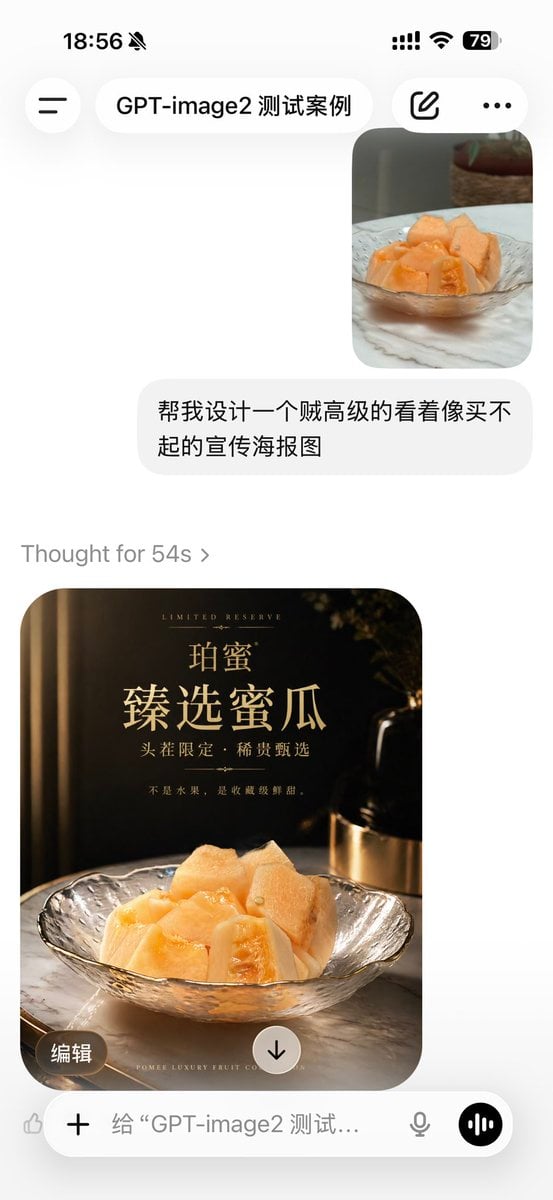
How to use Luxury Melon Poster from Food Reference in 3 steps
- 1Upload ImagePNG, JPG or paste
Add your photo
Upload the photo the template builds on. The prompt, model and format are already set.
- 2…a portrait of your subject in softgolden-hour light, 85mm…
Personalize
Edit the subject and creative details for your destination.
- 3Generate
Generate
Press Generate — your image is created in PicX Studio, so you can compare it with the original and refine one variable at a time.
More like this
Templates with the same subject, style or setup. Open one to see its prompt.

Luxury Sliced Wordmark Player Poster

Japan Travel Brochure Poster

Luxury ABKR Portrait Poster
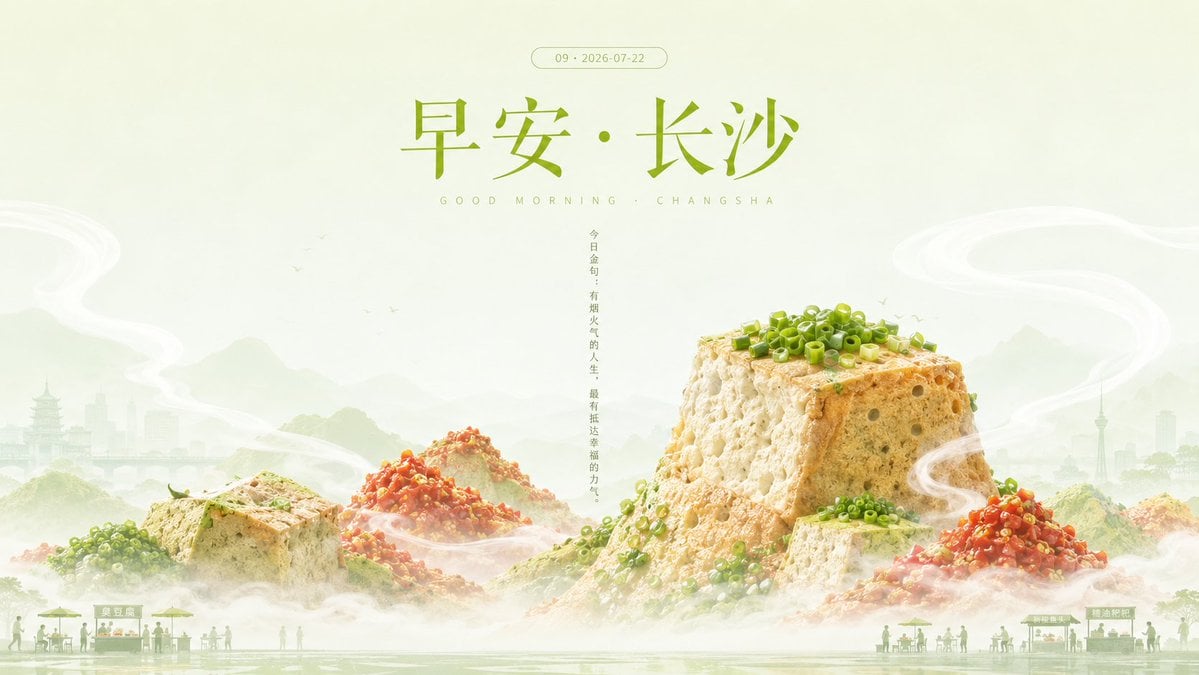
Good Morning Changsha Food Poster
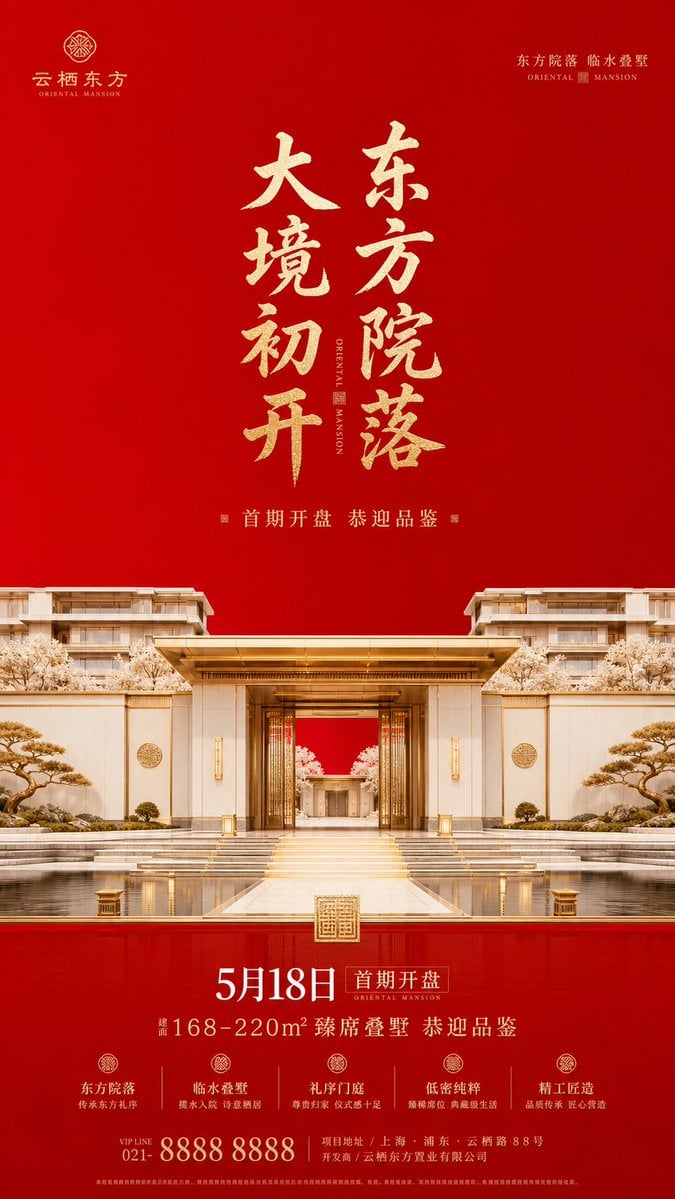
Luxury Oriental Mansion Opening Poster

Doctor Doom Luxury Armor Poster
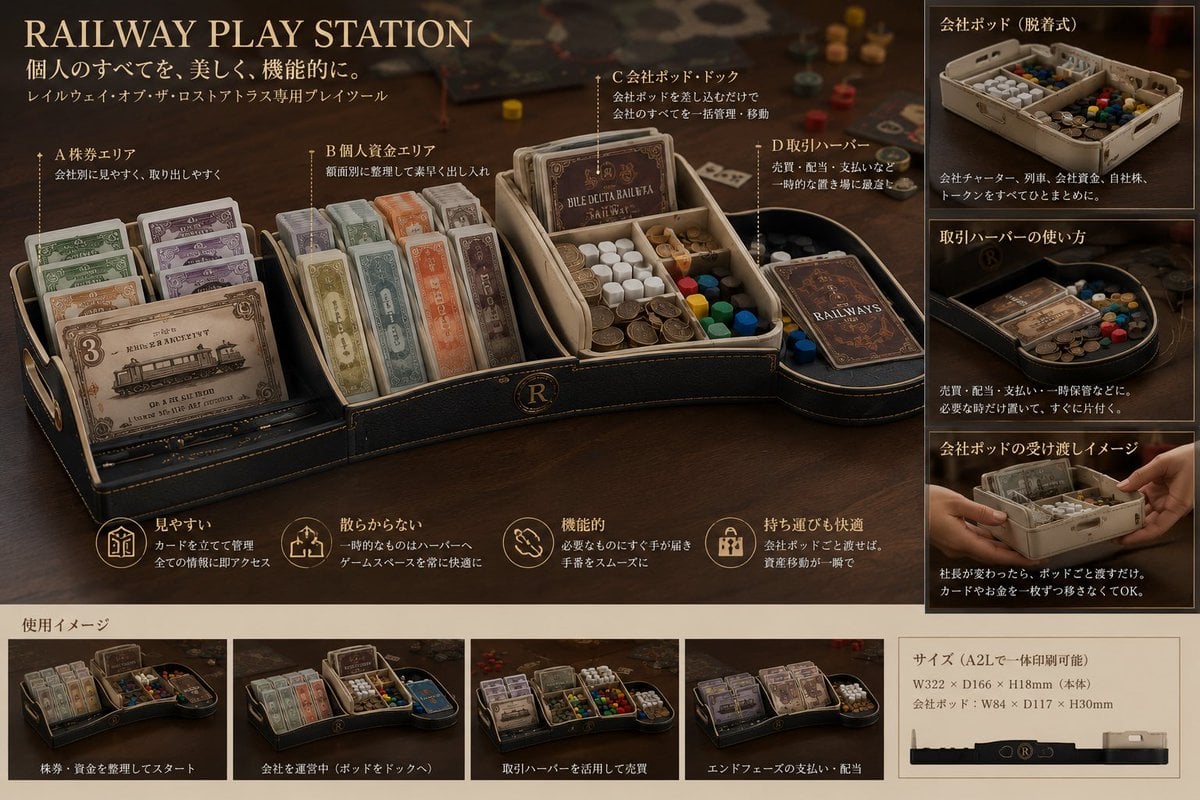
Luxury Railway Board Game Organizer Poster
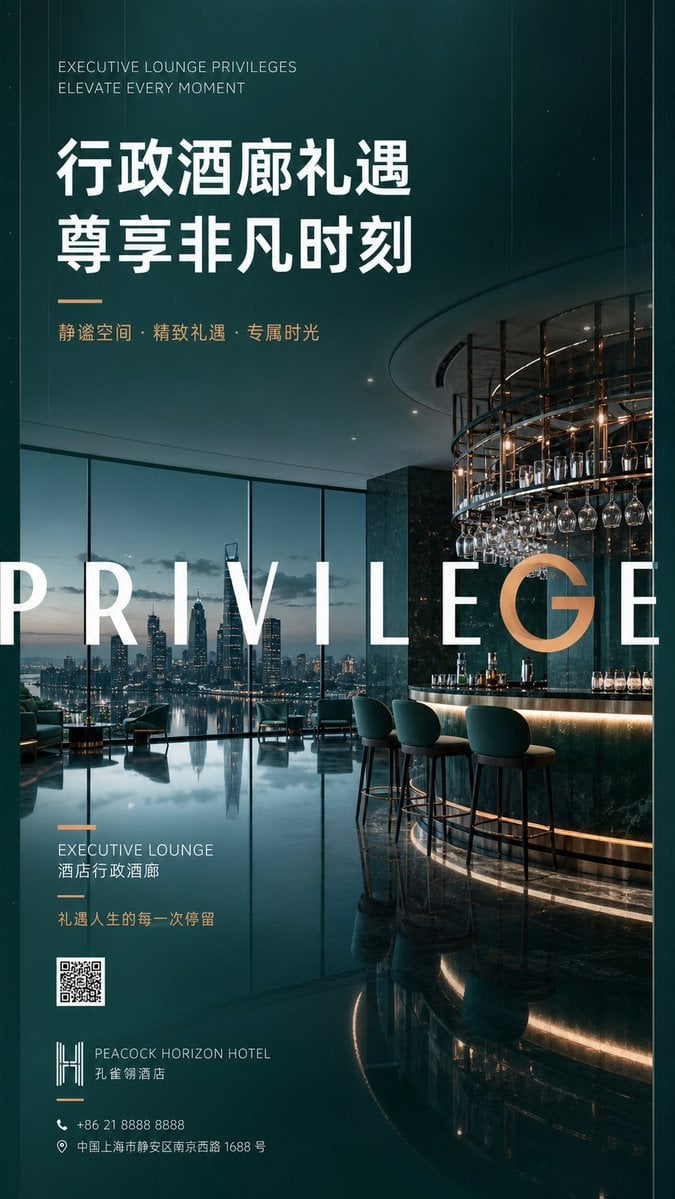
Luxury Executive Lounge Hotel Poster
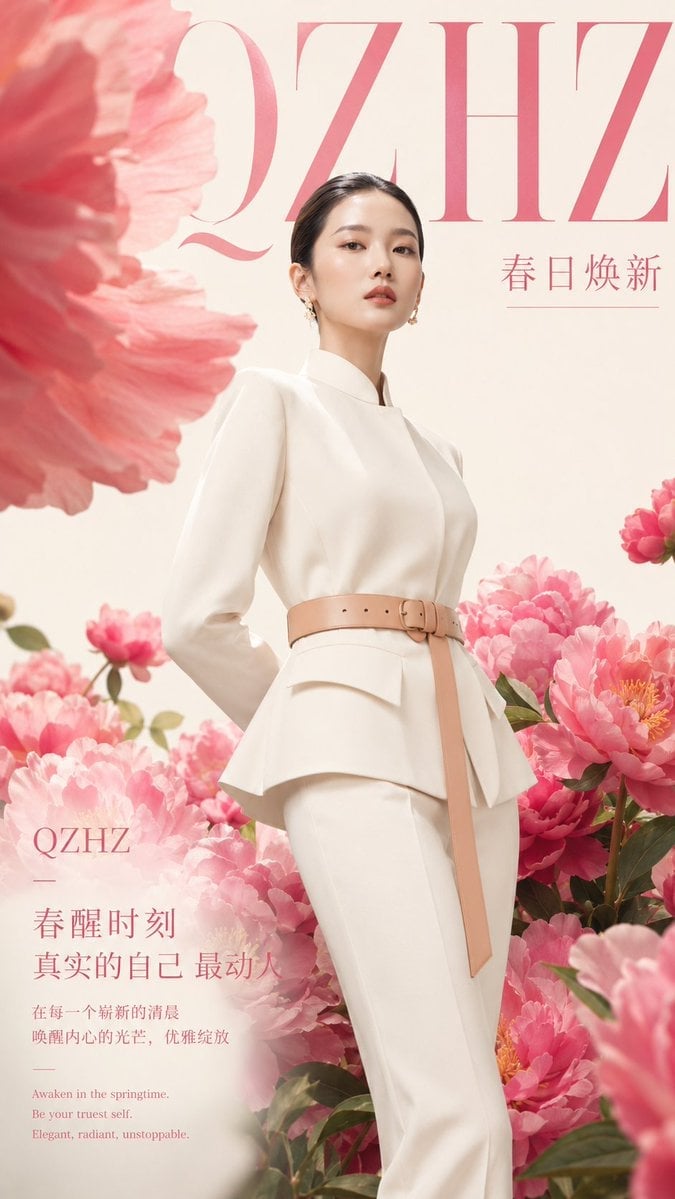
Luxury Spring Peony Fashion Poster

Doctor Doom Luxury Eyewear Poster

Luxury Family Reunion Poster
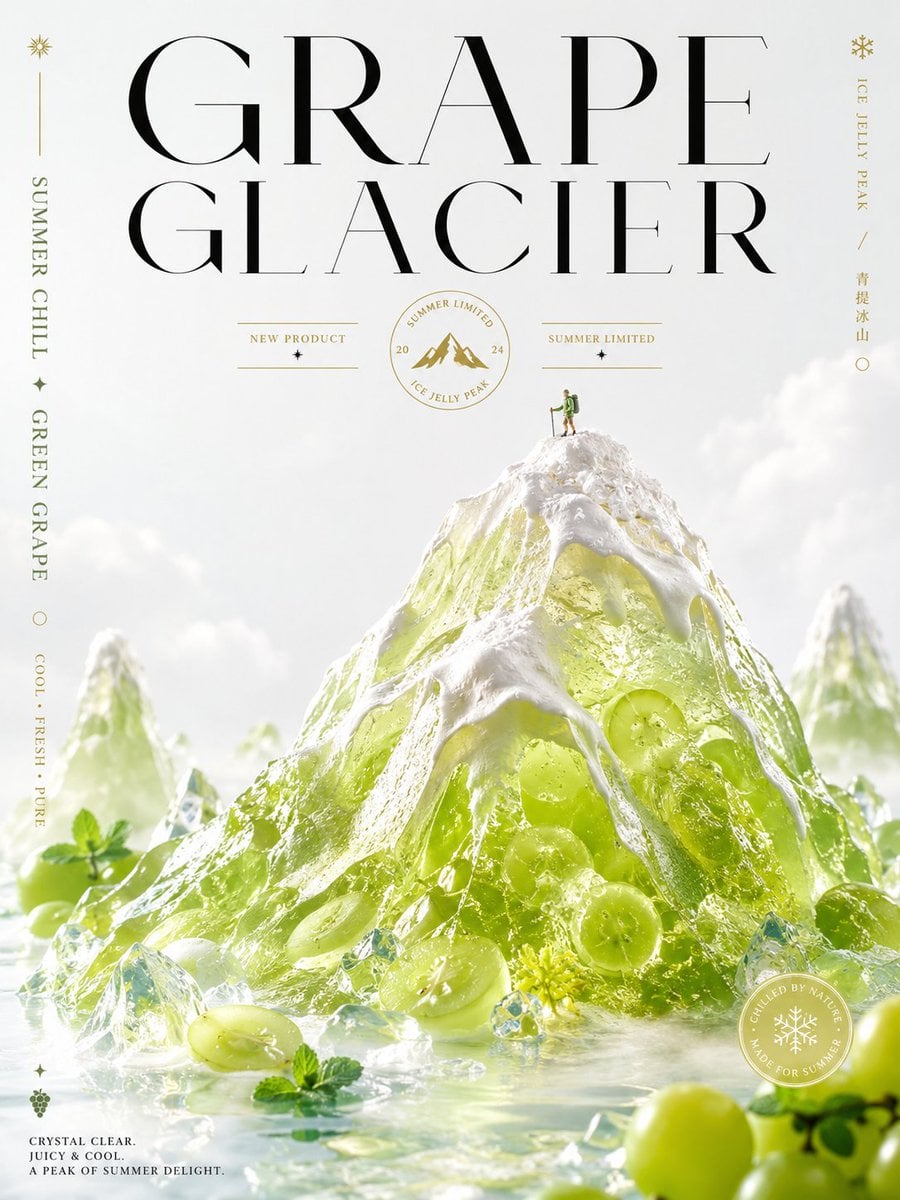
Luxury Grape Glacier Poster
Make it yours
Luxury Melon Poster from Food Reference works as-is. These are the safest ways to change it without losing the look.
Change one field
Copy a single group, rewrite it, and generate again so you can see what that field is doing.
Keep the frame, change the subject
Hold the composition and light of Luxury Melon Poster from Food Reference, then swap wardrobe, props or the person for a new take.
| If the result… | Why | Fix |
|---|---|---|
| The result drifts from the preview | Too many fields changed at once. | Reuse Luxury Melon Poster from Food Reference as-is first, then change one group — subject, light, or setting. |
| The model over-stylizes the scene | The prose prompt leaves finish and camera underspecified. | Add one camera or lighting sentence and stay on GPT Image 2. |
More GPT Image 2 templates
Other prompts made for GPT Image 2.

Six VTuber Japanese Logo Sheet

Realistic Portrait of Woman and Deer

The Vista Modular Condo Poster

AI Model Routing Comparison Infographic

2.5D Anime Art Board

Isometric Productivity Desk Scene

New York Double Exposure Poster

Four-Panel AI Landscape Comparison

Japanese Tatami Lifestyle Magazine Cover

NESCAFÉ Coffee Map Poster
More image prompts
Fresh picks from across the catalog.
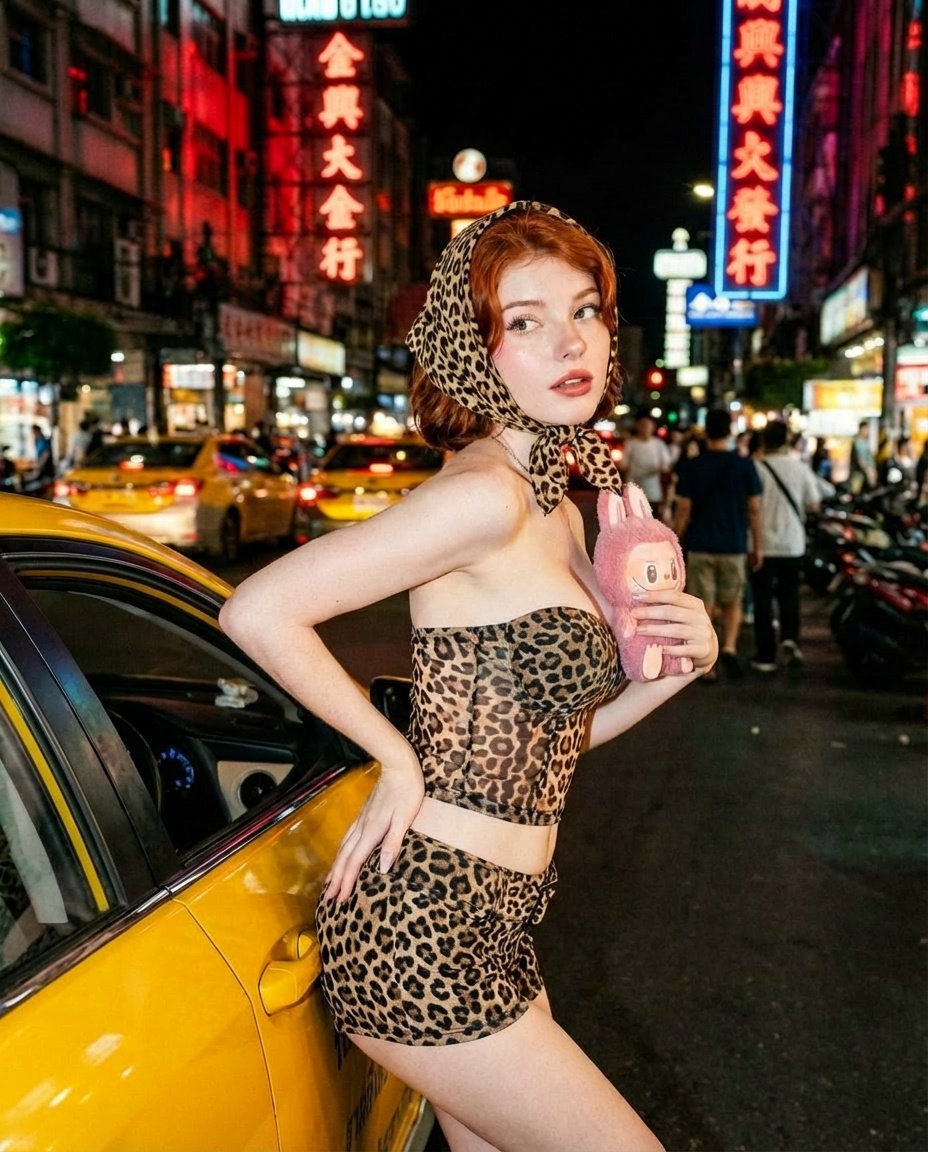
Neon City Nightlife Fashion Editorial Prompt
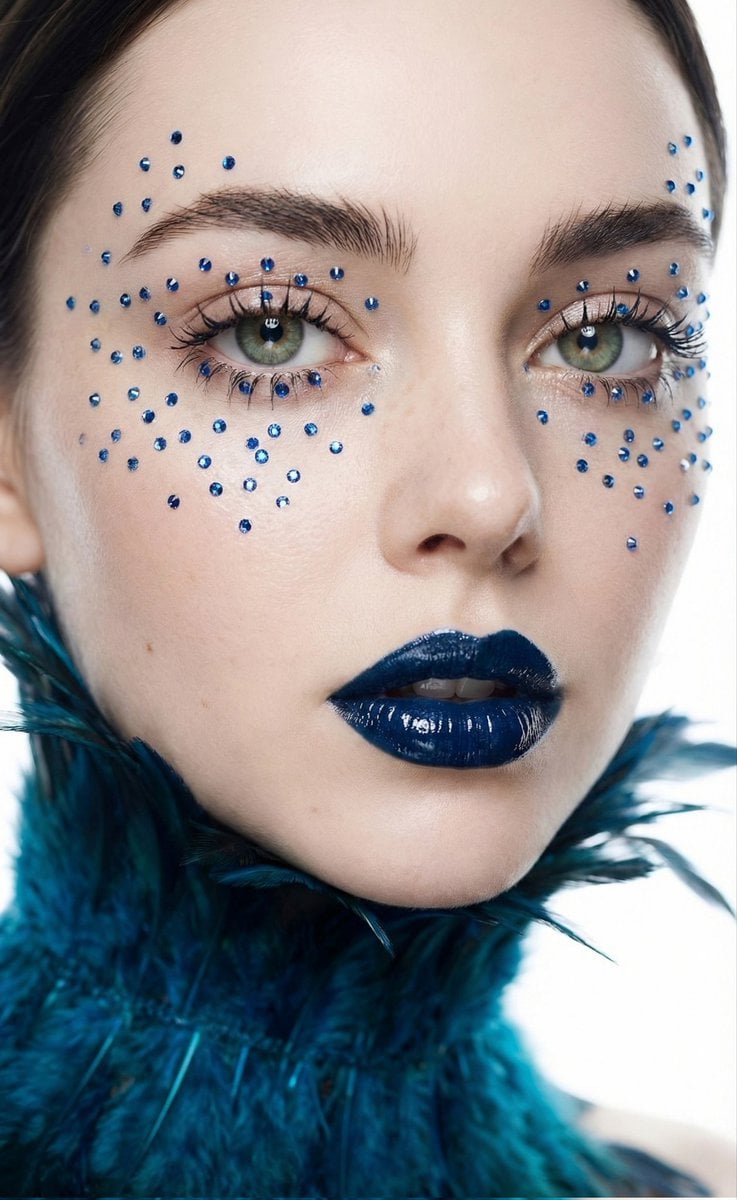
Cinematic Beauty Shot with Sapphire Crystals
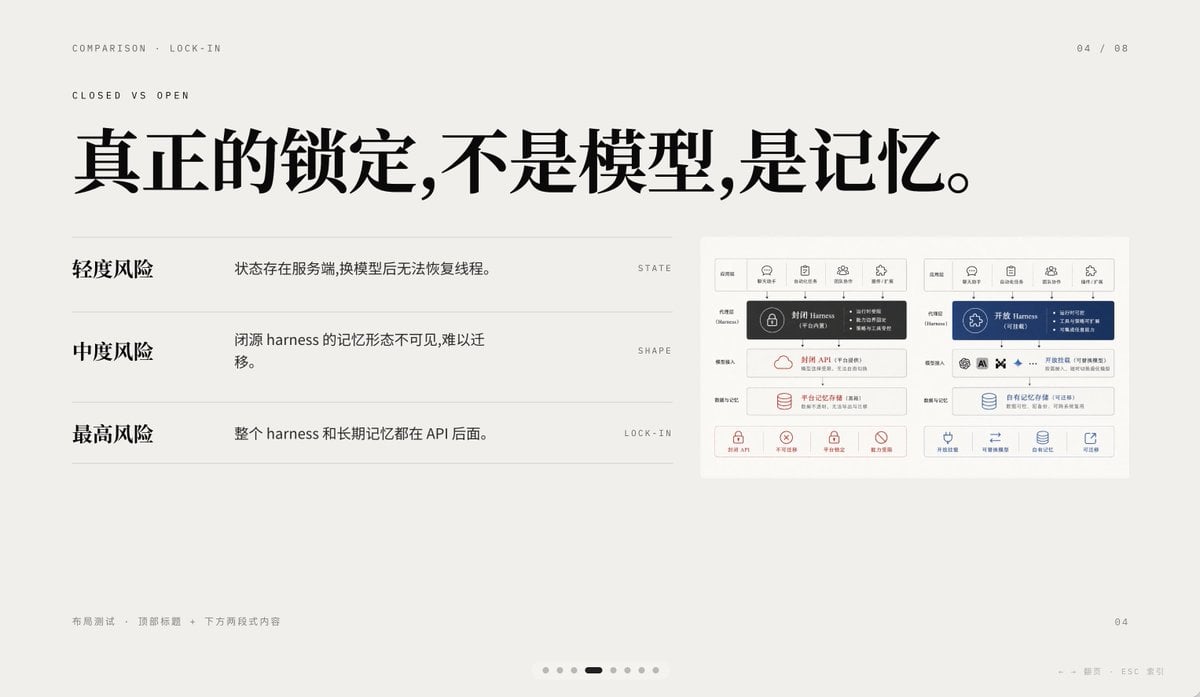
Minimal AI Lock-In Comparison Slide
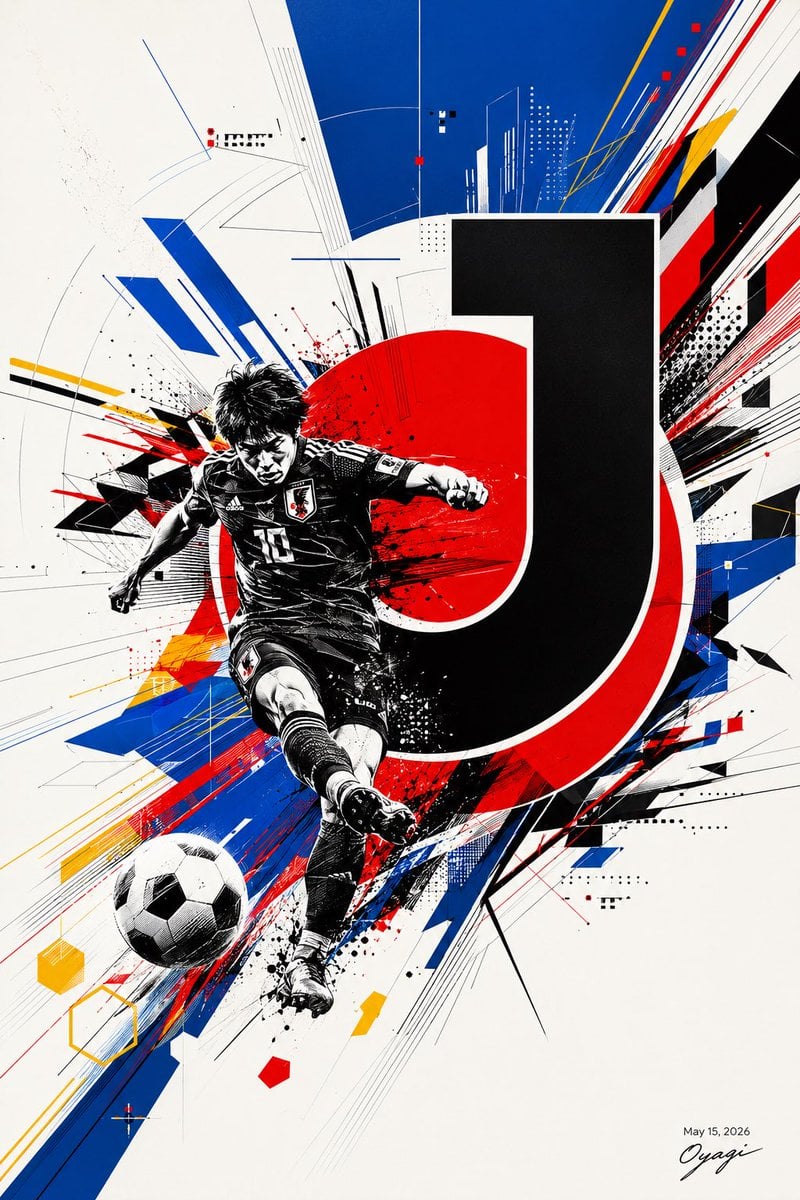
Dynamic J.League Soccer Poster
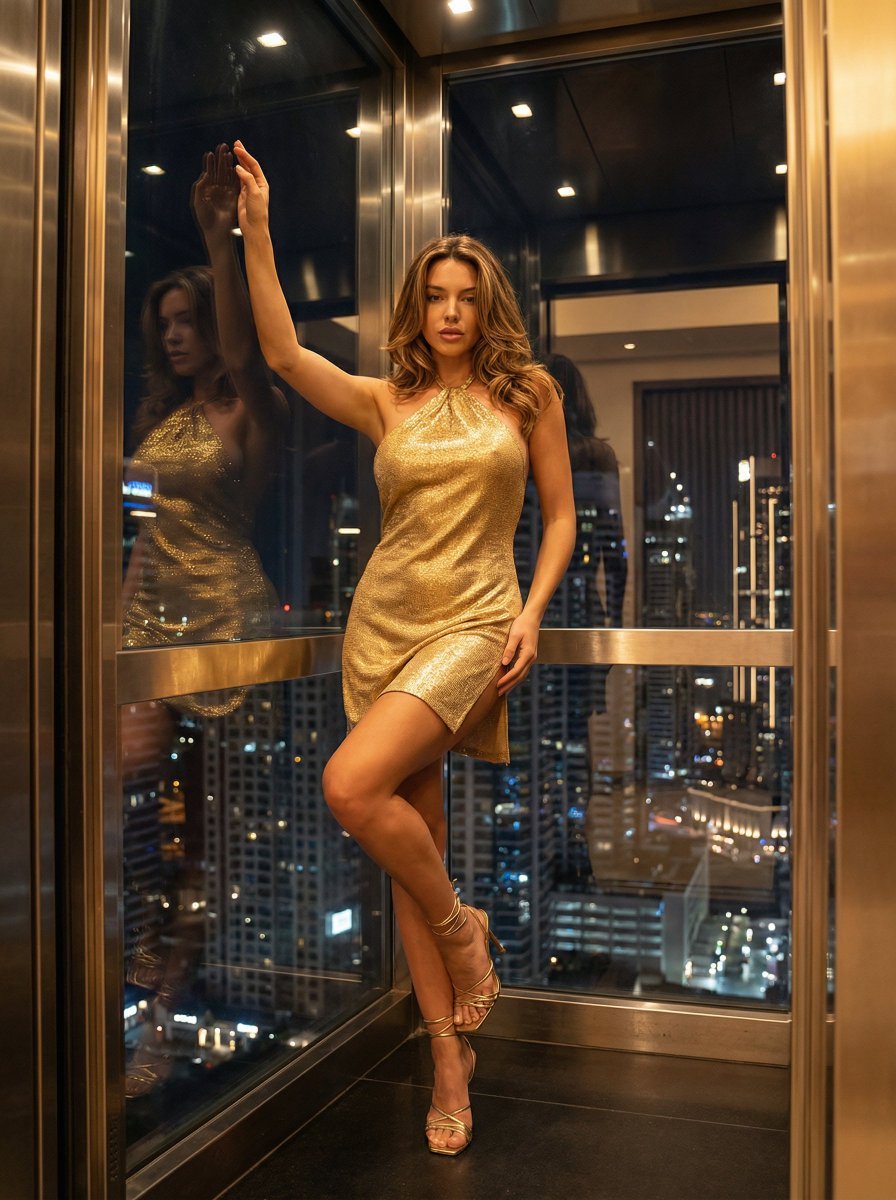
Nightlife Glamour Fashion Shoot in Glass Elevator

Layered Papercraft Chibi World
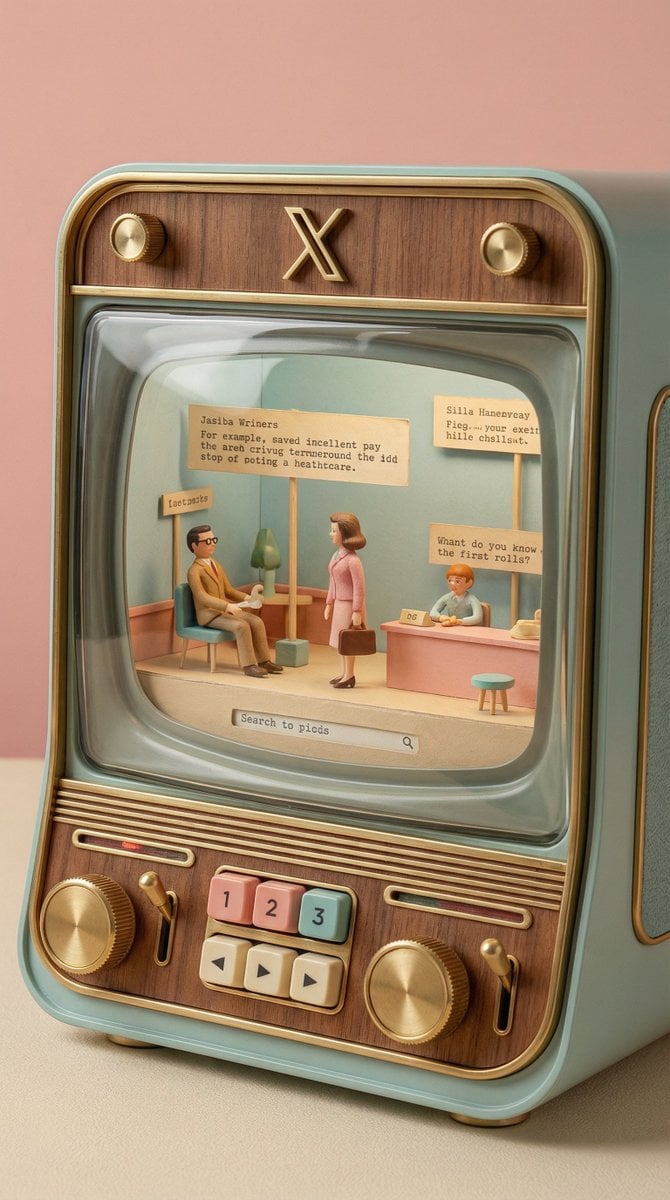
Wes Anderson-designed X App Mobile Interface
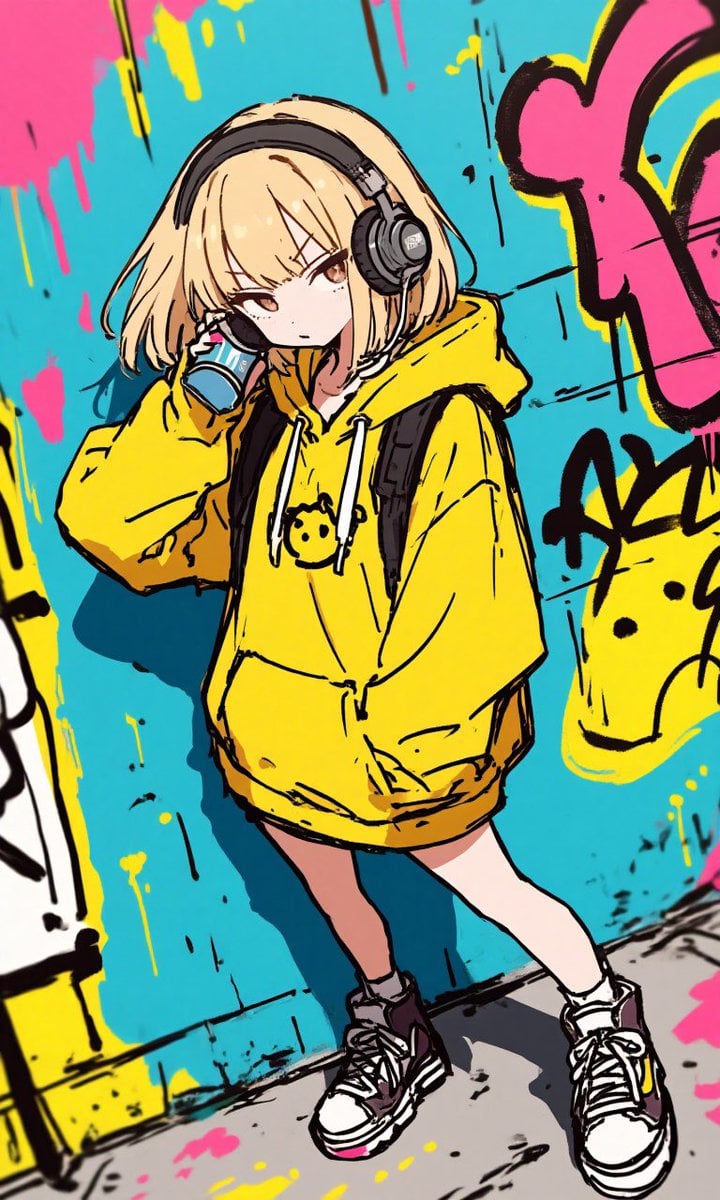
Anime Graffiti Girl Transformation
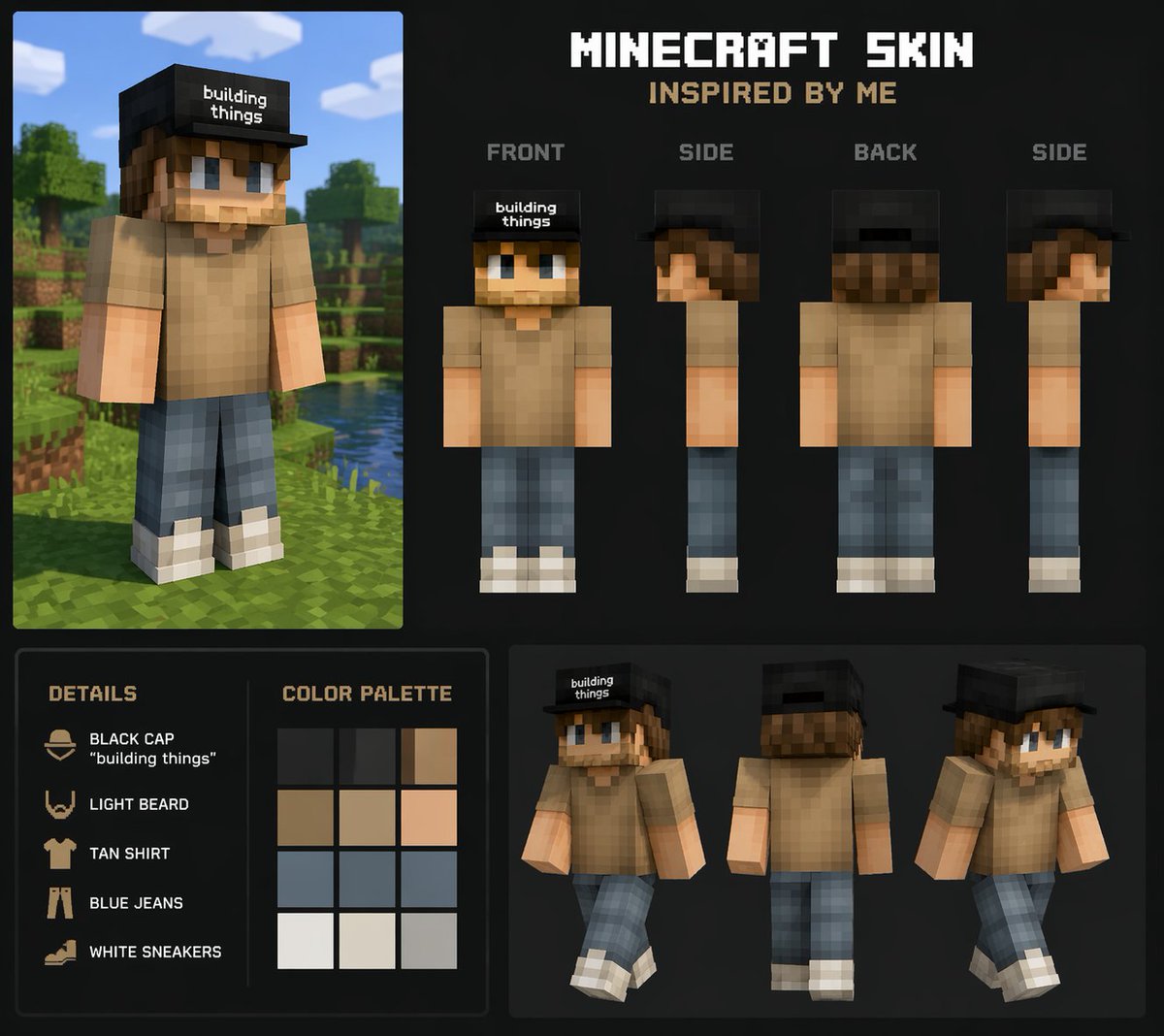
Personalized Minecraft Skin Prompt
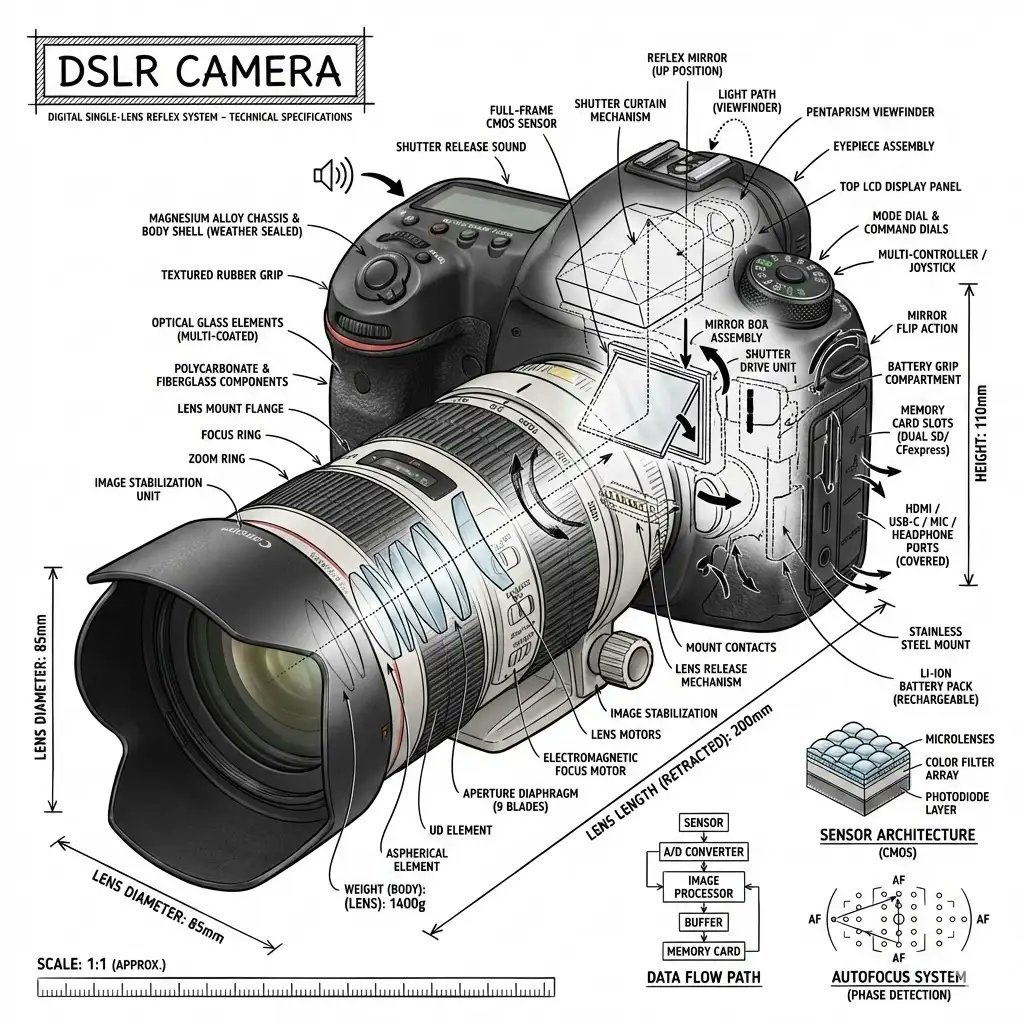
Infographic Prompt Template for Objects
Browse template categories
Luxury Melon Poster from Food Reference questions
How do I use the Luxury Melon Poster from Food Reference template?
Add your photo if the template asks for one, edit the prompt if you like — the template's model and format are already selected — and press Generate. Your version opens in PicX Studio.
Can I customize the Luxury Melon Poster from Food Reference template?
Yes. You can change the subject, setting, lighting, mood, format, and available model controls before creating your image.
Is the Luxury Melon Poster from Food Reference template free?
Opening and editing this template is free. Generating uses credits, shown on the Generate button when you are signed in.
Which AI model should I use?
Start with GPT Image 2, which is the model associated with this template. You can compare another compatible model for a different finish.
Looking for something else? Browse all templates.

Your photo, any look
Thousands of ready templates for every top image and video model, from one credit balance.