
Cinematic Xianxia Swordswoman Portrait
Generates a vertical Chinese fantasy drama-style close-up of a robed female cultivator holding a glowing emerald sword, useful for character concept imagery.
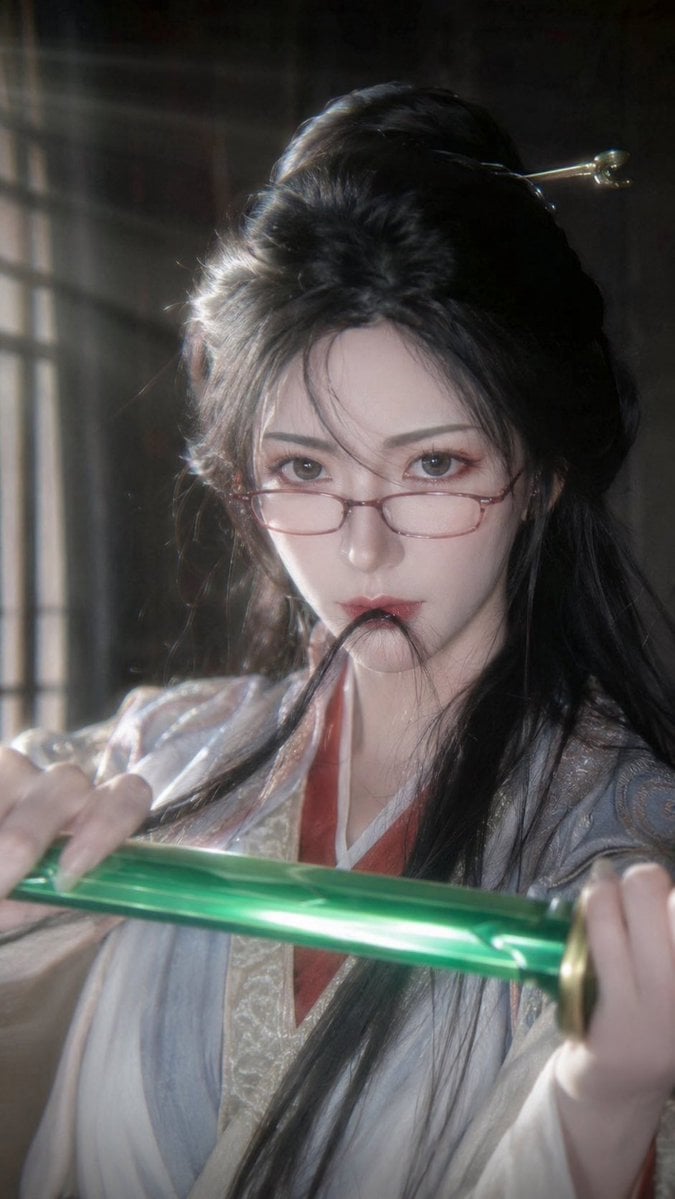
- Prompt included
- Model and format preset
- Free template
The prompt behind this image
Copy the exact prompt behind Cinematic Xianxia Swordswoman Portrait, or open it in the studio and make it yours.
Create a vertical cinematic close-up portrait of {argument name="character name" default="a graceful female immortal cultivator"} in a Chinese xianxia fantasy drama style. She is framed from the chest up in a dim antique interior beside a softly glowing lattice window, with hazy volumetric sunlight streaming from the upper left and a dark blurred background. The subject has long glossy {argument name="hair color" default="black"} hair styled half-up with loose flowing strands over the shoulders, an ornate gold hairpin visible near the back of the head, and delicate period-drama styling. Her face is deliberately covered by one large opaque muted gray-brown rectangular censor block centered over the entire face, while the hair, neck, clothing, and hands remain visible. She wears layered flowing Hanfu robes in pale ivory, silver-gray, and light blue, with embroidered brocade trim, a warm red inner collar, soft translucent fabric, and subtle metallic thread details. Both hands hold a vivid translucent emerald-green sword or jade blade horizontally across the lower foreground, angled slightly upward from left to right, with gold fittings at the right edge; the blade catches a bright specular highlight. Use realistic high-budget Chinese fantasy TV production lighting, shallow depth of field, soft bloom, film grain, natural skin and fabric texture, dramatic backlight, and a mystical but grounded mood. Vertical 9:16 composition, close crop, no visible text, no watermark, no extra characters.
How to use Cinematic Xianxia Swordswoman Portrait in 3 steps
- 1Upload ImagePNG, JPG or paste
Add your photo
Upload the photo the template builds on. The prompt, model and format are already set.
- 2…a portrait of your subject in softgolden-hour light, 85mm…
Personalize
Edit the subject and creative details for your destination.
- 3Generate
Generate
Press Generate — your image is created in PicX Studio, so you can compare it with the original and refine one variable at a time.
More like this
Templates with the same subject, style or setup. Open one to see its prompt.

Found Photograph: Us, 1970

80s Couple Studio Portrait

80s Bollywood Star

80s Golden Hour Cinema

Me in 1985

1985 Studio Portrait

Hyper-Realistic Minecraft POV Portrait

Rooftop Fisheye — Cat-Ear Balaclava at Golden Hour

Rainy Café Window Moody Portrait

untitled

2025 Aesthetic Photography

Nano Banana Is So Addictive
Make it yours
Cinematic Xianxia Swordswoman Portrait works as-is. These are the safest ways to change it without losing the look.
Change one field
Copy a single group, rewrite it, and generate again so you can see what that field is doing.
Keep the frame, change the subject
Hold the composition and light of Cinematic Xianxia Swordswoman Portrait, then swap wardrobe, props or the person for a new take.
| If the result… | Why | Fix |
|---|---|---|
| The result drifts from the preview | Too many fields changed at once. | Reuse Cinematic Xianxia Swordswoman Portrait as-is first, then change one group — subject, light, or setting. |
| The model over-stylizes the scene | The prose prompt leaves finish and camera underspecified. | Add one camera or lighting sentence and stay on GPT Image 2. |
More GPT Image 2 templates
Other prompts made for GPT Image 2.

Six VTuber Japanese Logo Sheet

Realistic Portrait of Woman and Deer

The Vista Modular Condo Poster

AI Model Routing Comparison Infographic

2.5D Anime Art Board

Isometric Productivity Desk Scene

New York Double Exposure Poster

Four-Panel AI Landscape Comparison

Japanese Tatami Lifestyle Magazine Cover

NESCAFÉ Coffee Map Poster
More image prompts
Fresh picks from across the catalog.
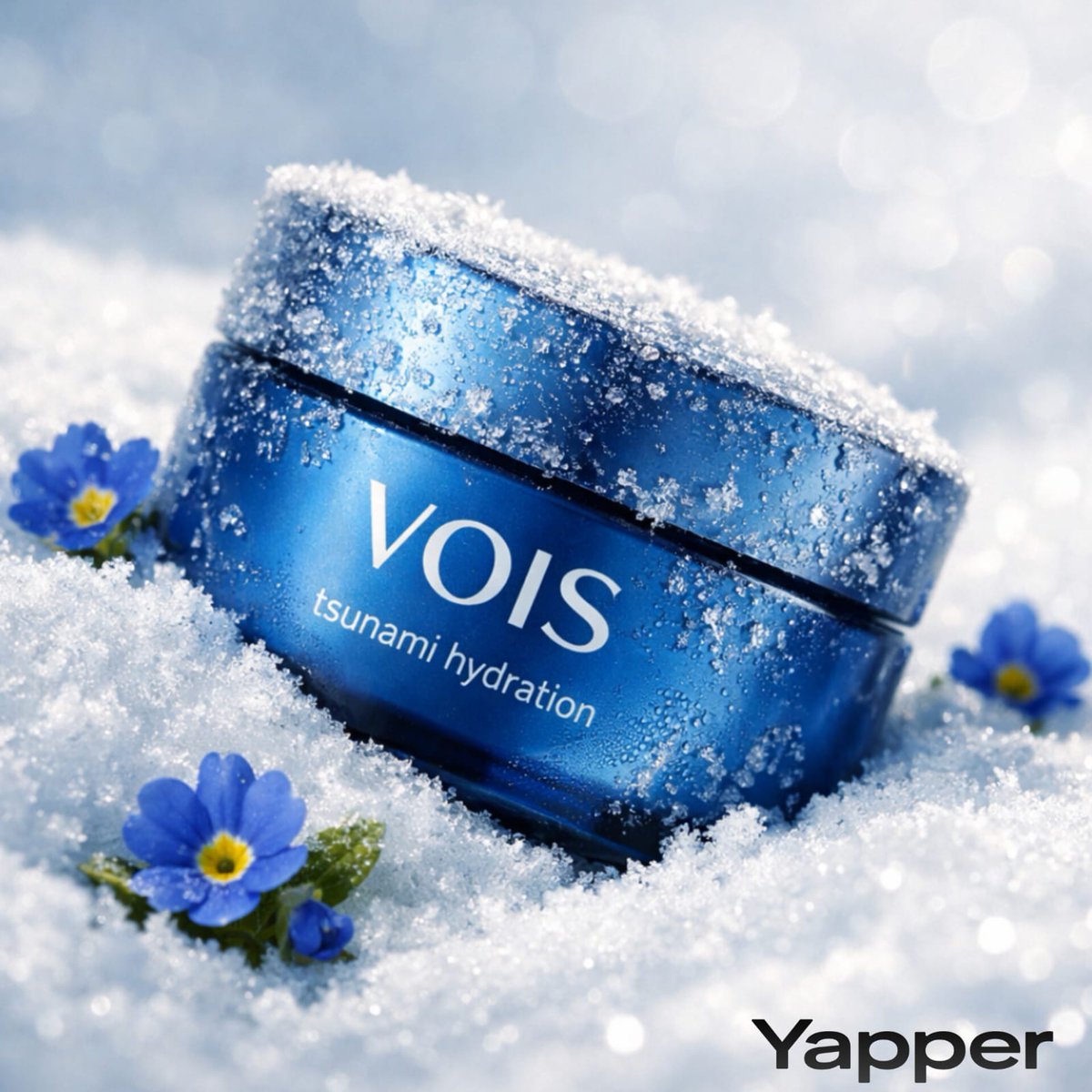
Photorealistic Skincare Product Photography in Snow

Surreal Cinematic Scene: Man Emerging from Phone with Tiny Cartoon Boy
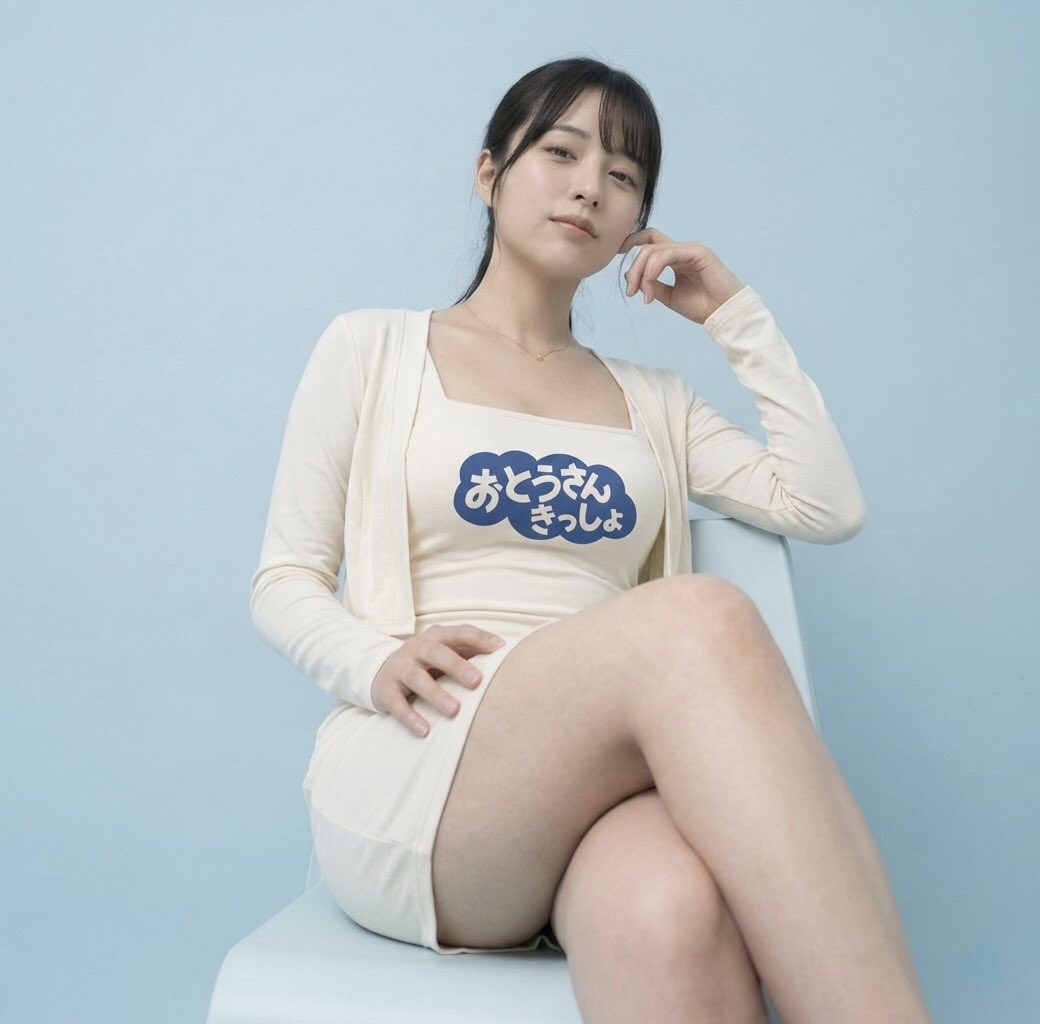
Image-to-Image: Place a Person on a Soap Land

Hyper-Realistic Bugs Bunny Barber Scene
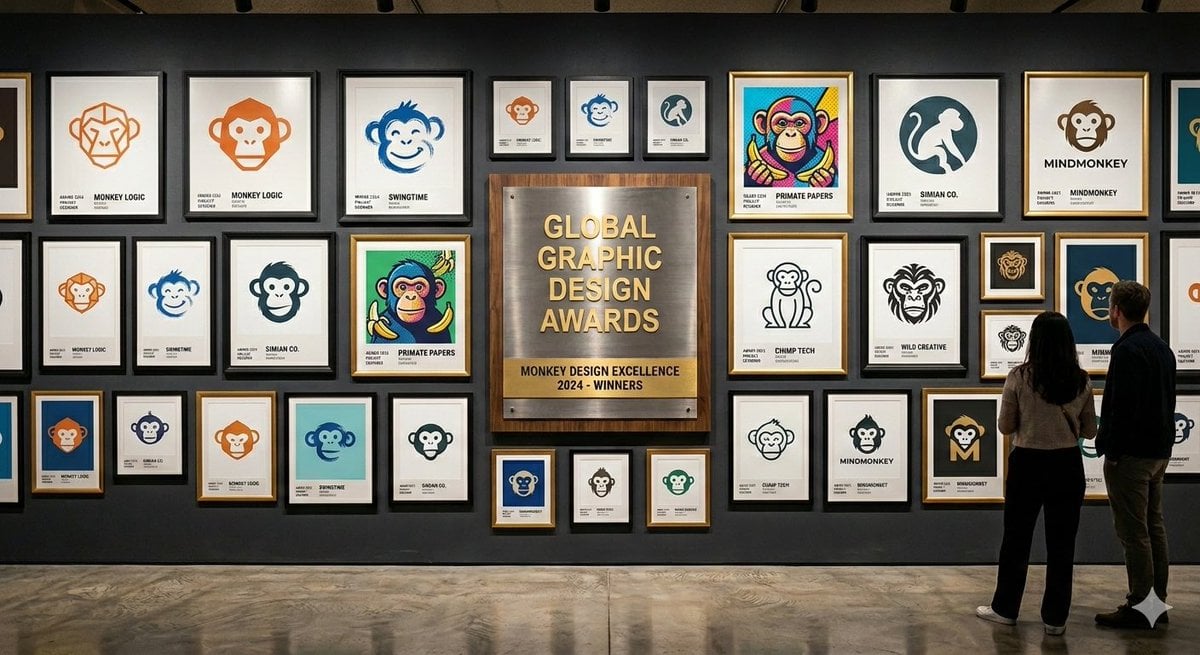
Logo Design Wall Generation Prompt for Monkey Theme
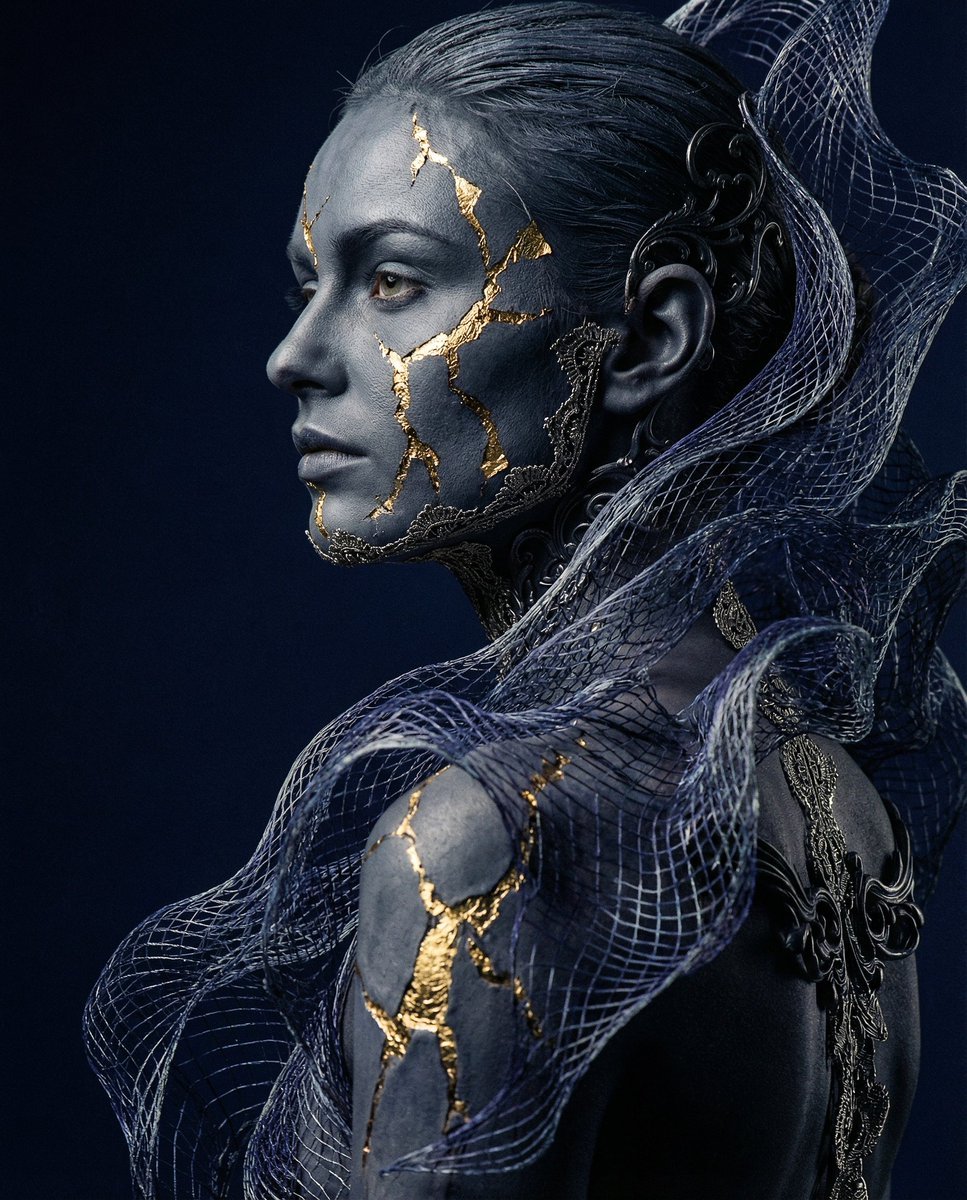
Avant-garde Conceptual Photography: Bio-Digital Kintsugi Portrait
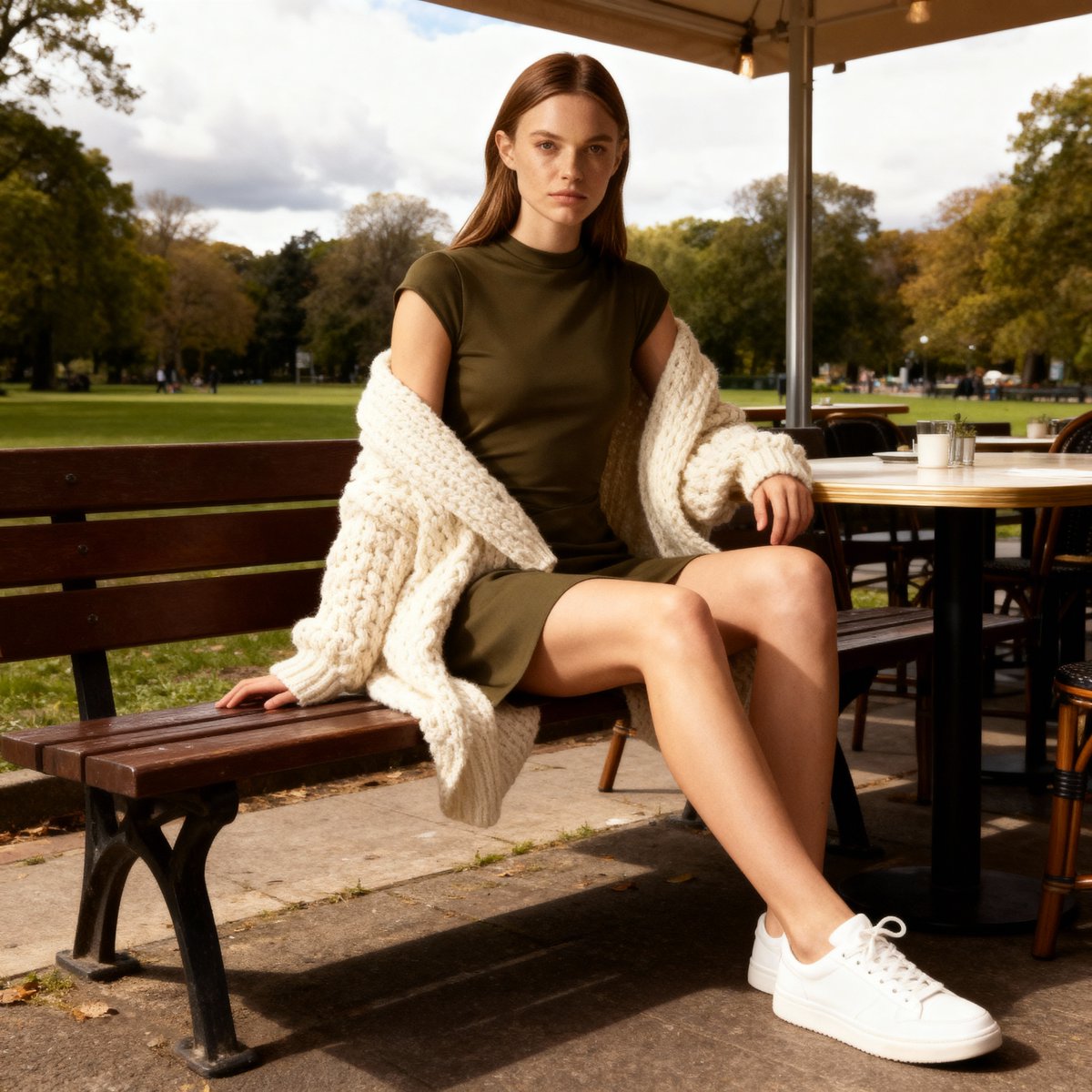
E-commerce Product Listing Prompt: Candid Lifestyle Dress Shot
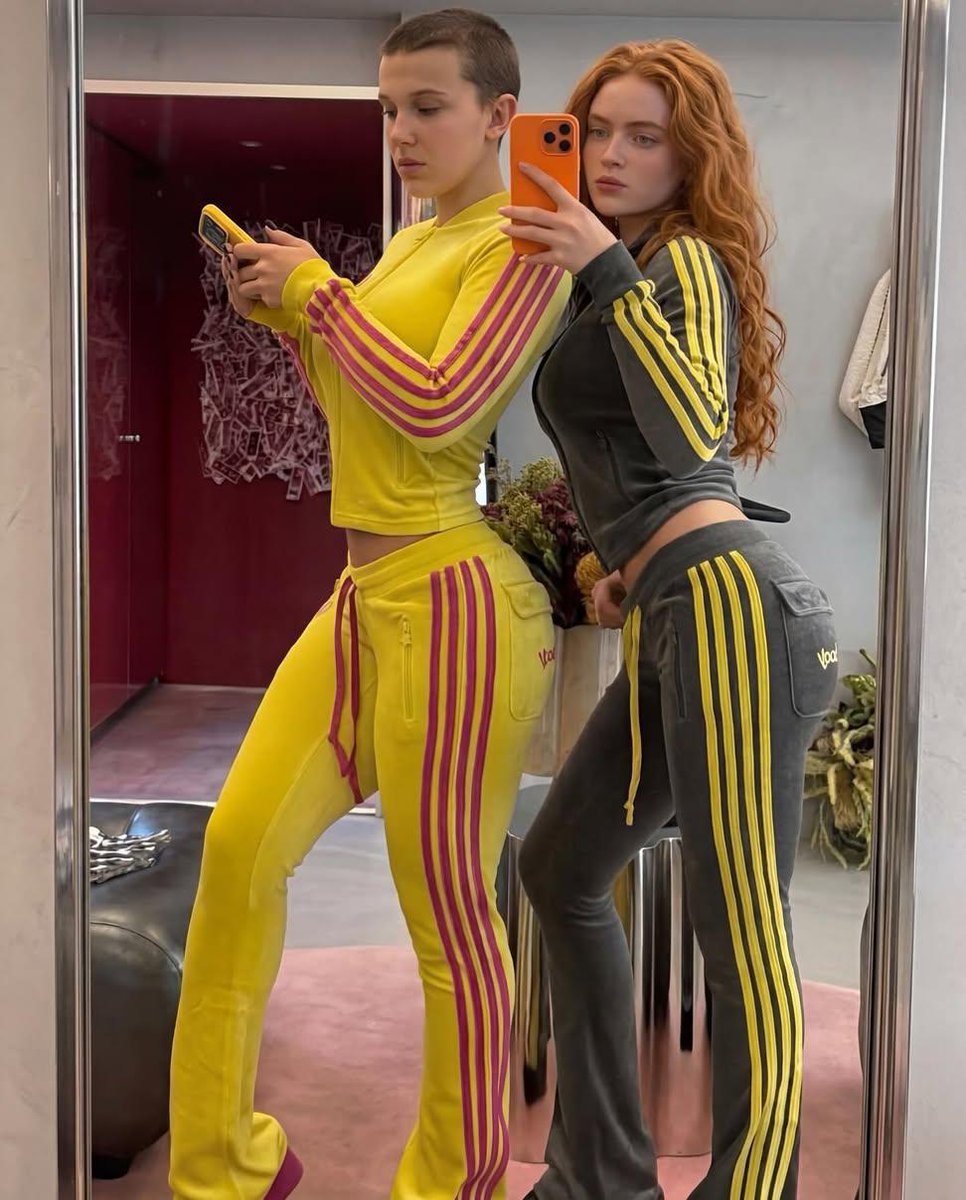
Mirror Selfie of Two Women in Velour Tracksuits
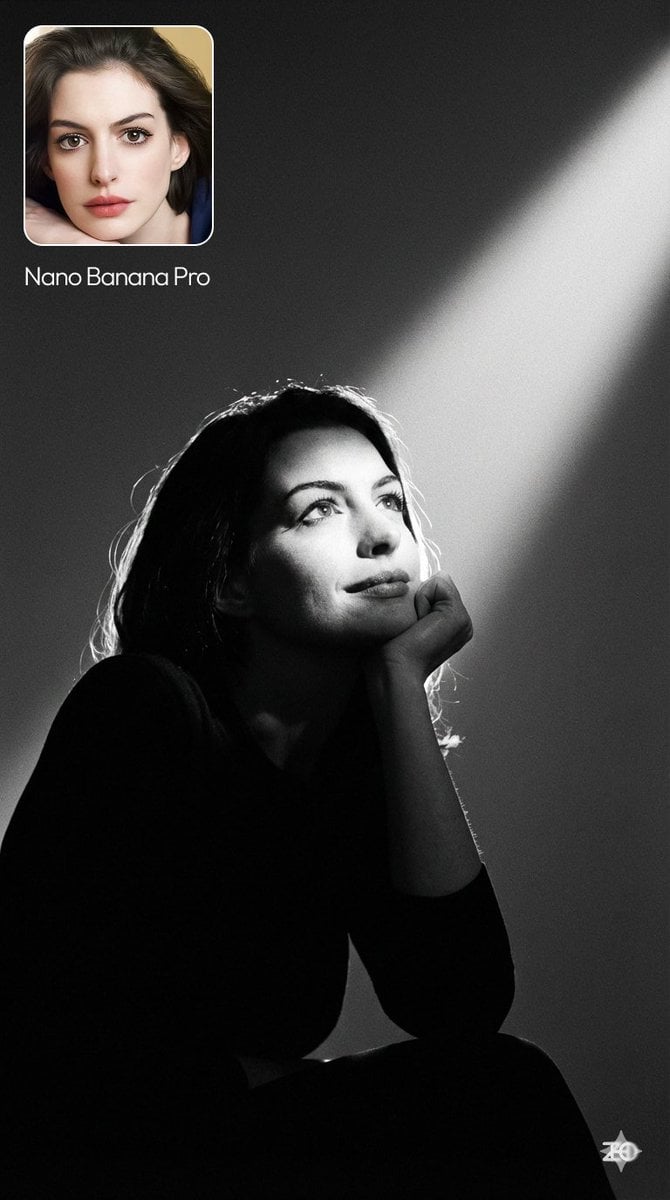
Moody cinematic portrait from a photo
Rock band poster with consistent faces
Browse template categories
Cinematic Xianxia Swordswoman Portrait questions
How do I use the Cinematic Xianxia Swordswoman Portrait template?
Add your photo if the template asks for one, edit the prompt if you like — the template's model and format are already selected — and press Generate. Your version opens in PicX Studio.
Can I customize the Cinematic Xianxia Swordswoman Portrait template?
Yes. You can change the subject, setting, lighting, mood, format, and available model controls before creating your image.
Is the Cinematic Xianxia Swordswoman Portrait template free?
Opening and editing this template is free. Generating uses credits, shown on the Generate button when you are signed in.
Which AI model should I use?
Start with GPT Image 2, which is the model associated with this template. You can compare another compatible model for a different finish.
Looking for something else? Browse all templates.

Your photo, any look
Thousands of ready templates for every top image and video model, from one credit balance.