
Commercial Product Shot of Levitating Supplement Jar and Capsules
A detailed prompt for generating a high-quality commercial product image of a supplement container.
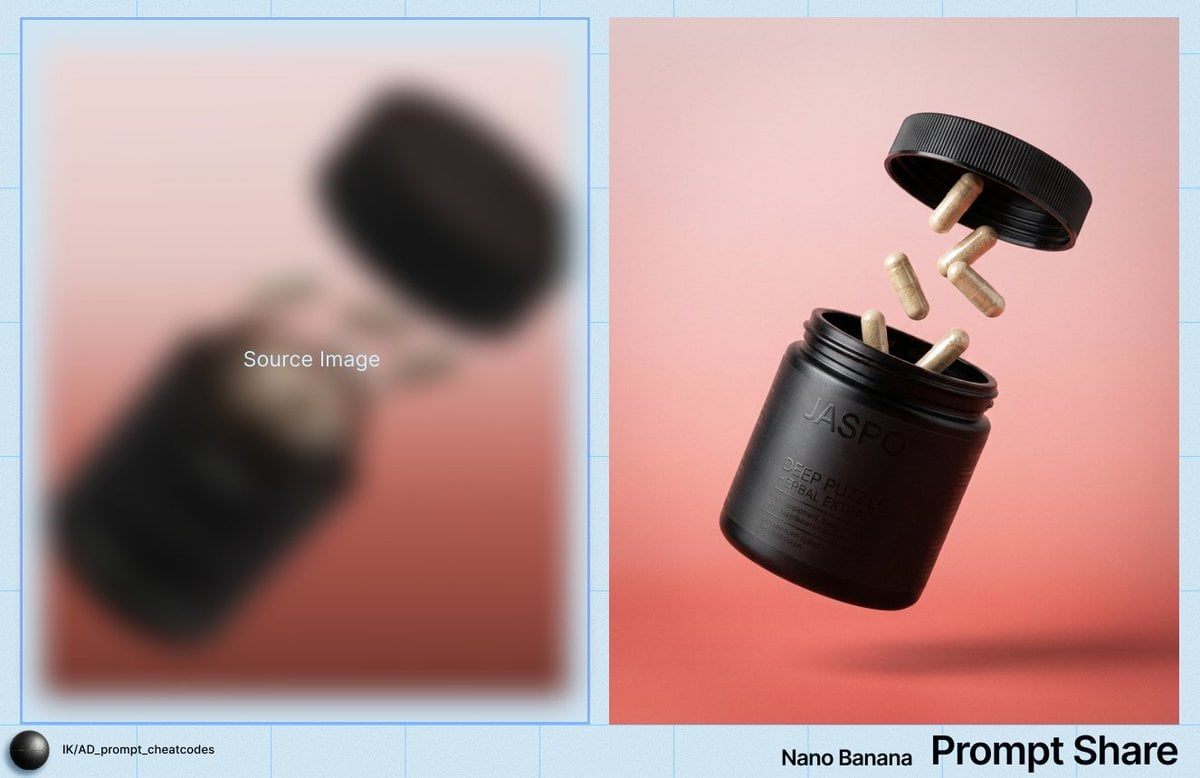
- Prompt included
- Model and format preset
- Free template
The prompt behind this image
Copy the exact prompt behind Commercial Product Shot of Levitating Supplement Jar and Capsules, or open it in the studio and make it yours.
IMAGE: Frame & Composition: The camera presents a three-quarter, slightly low-angle view of a cylindrical container suspended mid-air, tilted approximately 30–40 degrees with its opening facing upward-left; the screw cap is separated and positioned above the container, offset to the right, while multiple capsules are frozen in mid-flight between the jar and the lid; the subject cluster occupies the central frame with generous negative space around it, no cropping of the primary objects, and the visual weight balanced diagonally from bottom-left (jar body) to top-right (lid). Lighting & Atmosphere: A soft but directional key light originates from the upper left, producing controlled specular highlights along the jar’s rim, capsule shells, and lid edge; shadows are soft-edged, indicating a diffused source, with subtle occlusion shadows beneath the floating capsules; there is no atmospheric haze or bloom, and contrast is moderate, preserving detail in both highlights and dark surfaces. Subject Geometry & Materiality: The main container is a matte-to-satin black cylindrical jar with a slightly translucent brown neck, showing smooth rotational symmetry and fine surface texture; the lid is a ribbed, circular disc with evenly spaced vertical grooves, suggesting injection-molded plastic; the capsules are elongated ovals with semi-opaque, fibrous interiors visible through their shells, indicating powdered contents; embossed and printed text on the jar surface is partially legible but softened by the lighting angle and material reflectance. Environmental Layering: There is no physical foreground object; the capsules occupy the immediate midground between lid and jar; the background is a continuous, seamless gradient backdrop transitioning from pale pink at the top to muted coral-red at the bottom, with no discernible depth cues or environmental elements, and no bokeh since the entire scene is uniformly in focus. Technical Artifacts & Color: The palette is restrained, dominated by black, warm gray-beige capsules, and a pink-to-red gradient background with low saturation; color transitions are smooth, with no banding visible; fine grain is present across the image, consistent with film grain or a grain overlay; no chromatic aberration, motion blur, or lens distortion is evident, and edges remain clean and precise. TEXT: Title: None; Subtitle: None; Body: “{argument name="product name" default="DEEP PUZZLE HERBAL EXTRACT"}” (legible); CTA: None; Logo: “JASPO” (embossed/printed on jar, partially legible); Disclaimer: None; Other: Additional small dosage and supplement text present but partially obscured and not fully legible.
How to use Commercial Product Shot of Levitating Supplement Jar and Capsules in 3 steps
- 1
Open
The prompt is already in the box next to the preview, with the template's model and format selected.
- 2…a portrait of your subject in softgolden-hour light, 85mm…
Personalize
Edit the subject and creative details for your destination.
- 3Generate
Generate
Press Generate — your image is created in PicX Studio, so you can compare it with the original and refine one variable at a time.
More like this
Templates with the same subject, style or setup. Open one to see its prompt.

Cappuccino Bottle Splash Product Ad

Product Shot - T-Shirt Mockup
Seedance - Brand Commercial

Luxury Toothpaste Commercial Storyboard

Soft Shadow Studio Minimalist Product Shot
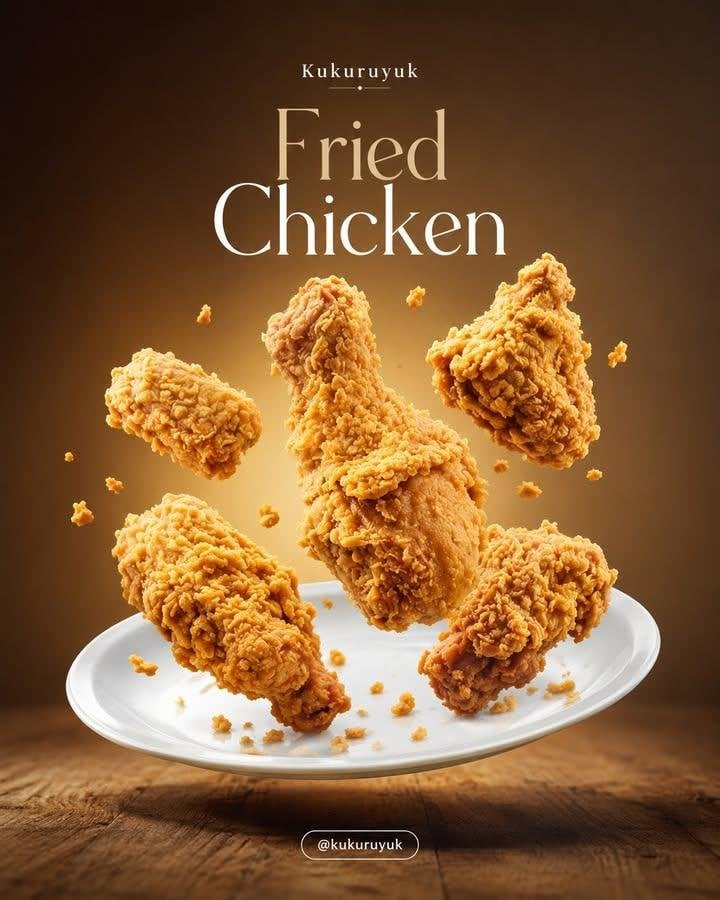
Levitating Food Commercial Campaign

A k.pop idol on the stage with mic

Trendy Cafe Drink Promo Poster

Minimalist Skincare Product Water Stone Still

Goalmaster Youth Sports Poster

Giant Forced Perspective Street Product Selfie

Playful Futuristic Brand Kit Board
Make it yours
Commercial Product Shot of Levitating Supplement Jar and Capsules works as-is. These are the safest ways to change it without losing the look.
Change one field
Copy a single group, rewrite it, and generate again so you can see what that field is doing.
Keep the frame, change the subject
Hold the composition and light of Commercial Product Shot of Levitating Supplement Jar and Capsules, then swap wardrobe, props or the person for a new take.
| If the result… | Why | Fix |
|---|---|---|
| The result drifts from the preview | Too many fields changed at once. | Reuse Commercial Product Shot of Levitating Supplement Jar and Capsules as-is first, then change one group — subject, light, or setting. |
| The model over-stylizes the scene | The prose prompt leaves finish and camera underspecified. | Add one camera or lighting sentence and stay on Nano Banana 2. |
More Nano Banana 2 templates
Other prompts made for Nano Banana 2.

Photorealistic Leaf Shaped Like a Dragon

K-Pop Idol Portrait Grid for Rapid Selection

Poetic Rain Forest Portrait During Golden Hour

Urban Street Portrait with Cartoon Inner Self Duo

Candid Nighttime Photo with Cat Prompt

High-Concept 3D Diorama Generation Prompt

Cinematic Futuristic Studio Portrait Template

Skincare Editorial Photography Collage Prompt

Hyper-Realistic Commercial Product Photography (Splash Effect)

Hyper-Realistic Nightclub Portrait Prompt
More image prompts
Fresh picks from across the catalog.

Retro Namba Osaka Travel Poster

Transformers Space Scenes Prompt
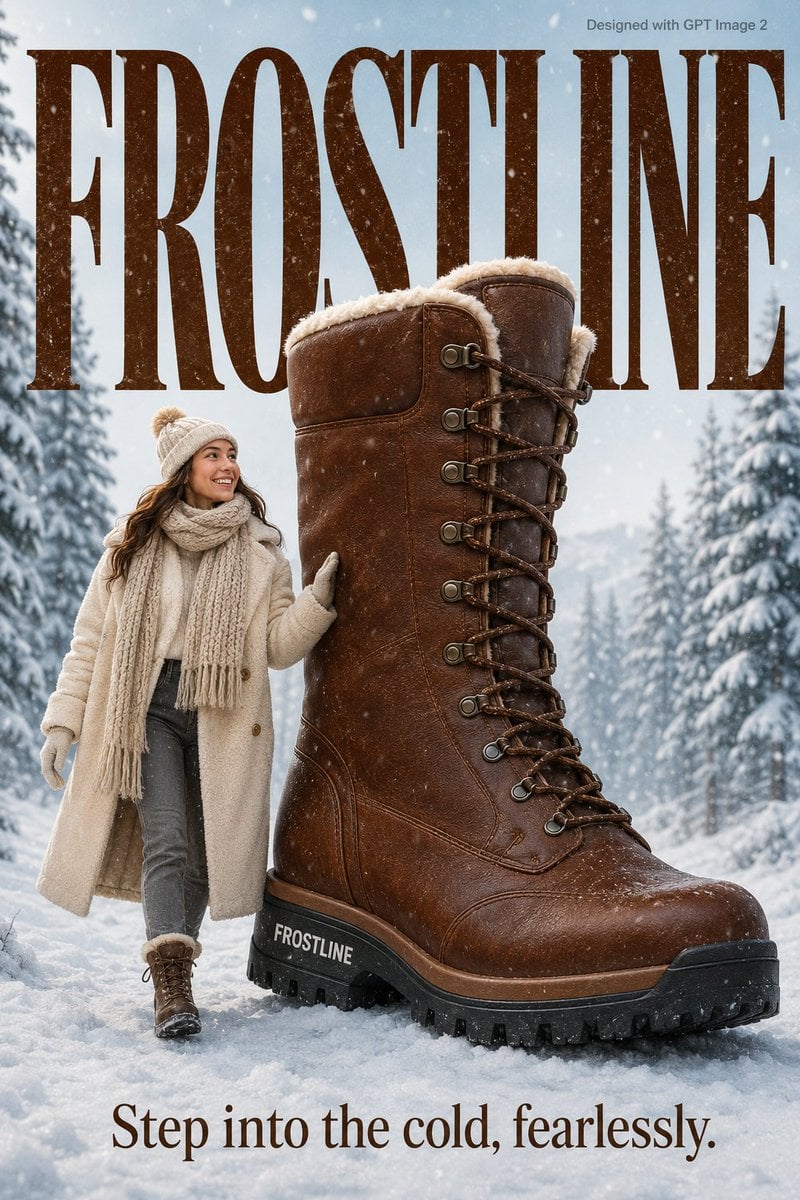
Cozy Winter Lifestyle Brand Advertisement

Logo to Floating Island Architectural Concept (4 Eras)
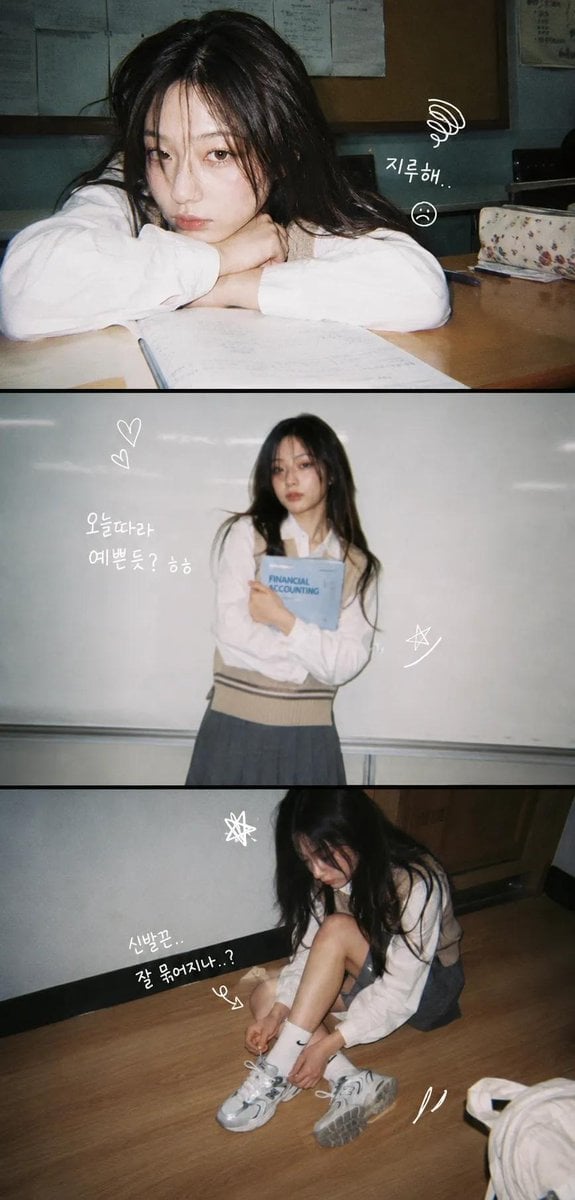
Korean Y2K Photo Strip Aesthetic
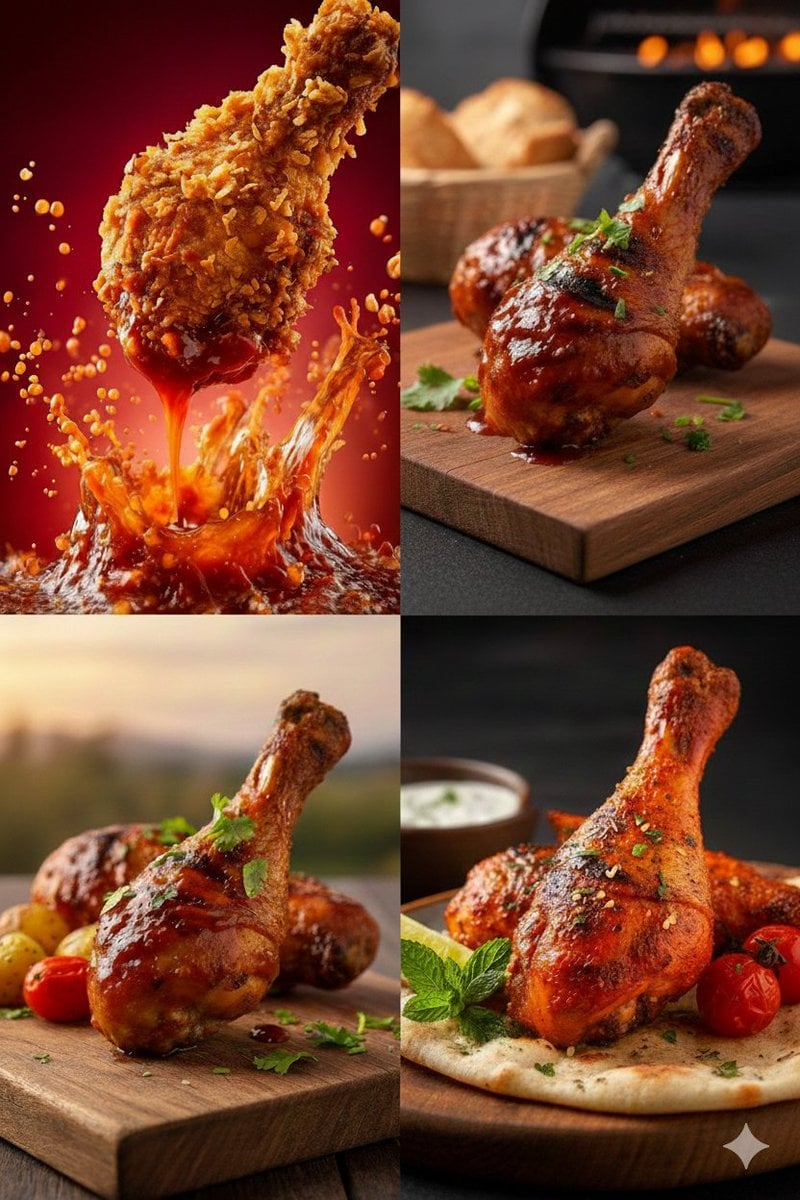
High-Definition Culinary Photography: Chicken Drumsticks

Pixar Rooftop Renovation Duo
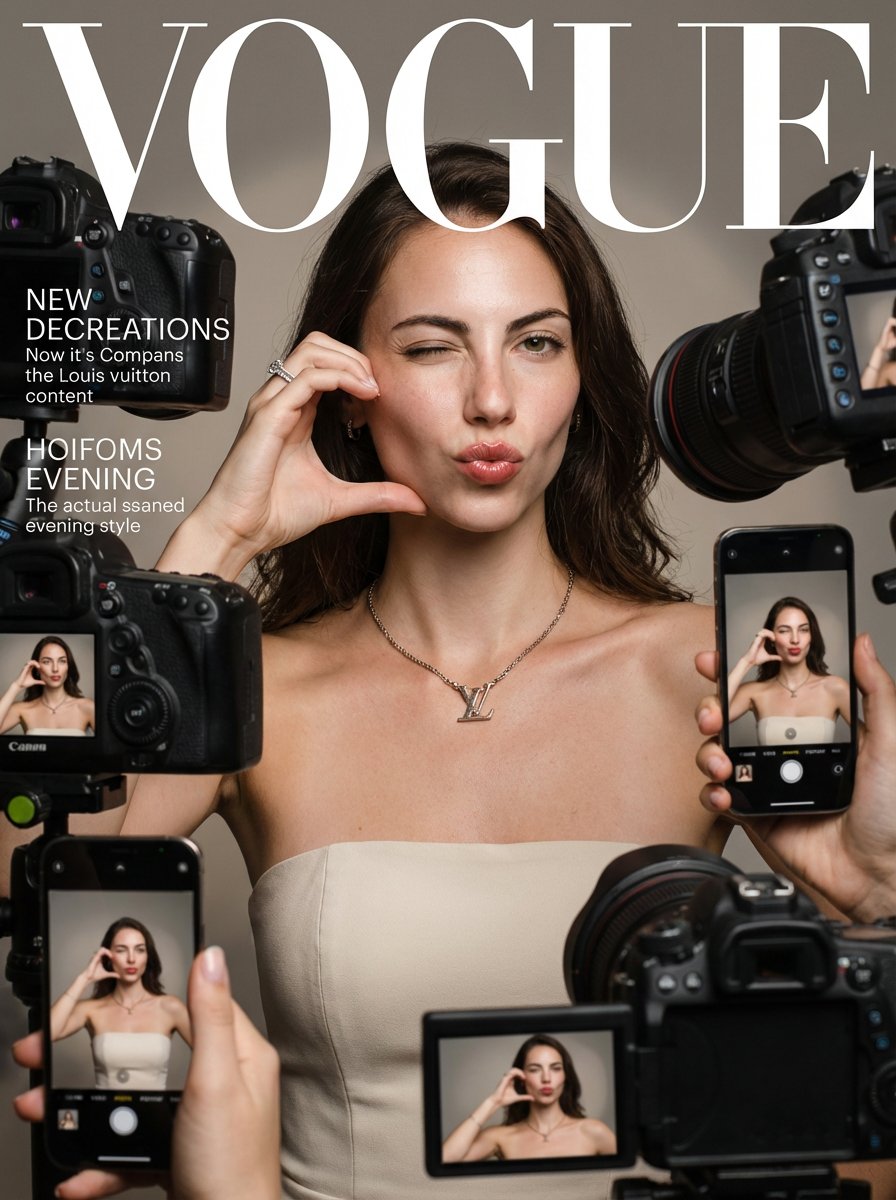
Vogue Magazine Cover Style Fashion Portrait
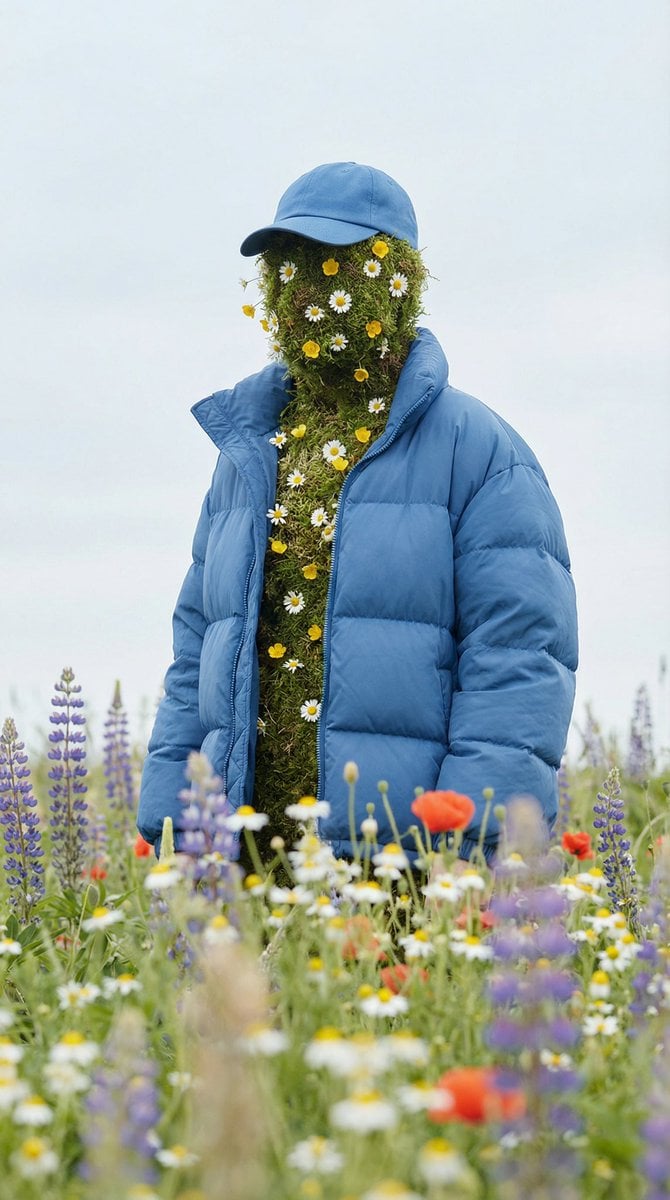
Surreal Nature Fashion Fusion Portrait

Long Exposure Light Trace Art Photography Portrait
Browse template categories
Commercial Product Shot of Levitating Supplement Jar and Capsules questions
How do I use the Commercial Product Shot of Levitating Supplement Jar and Capsules template?
Add your photo if the template asks for one, edit the prompt if you like — the template's model and format are already selected — and press Generate. Your version opens in PicX Studio.
Can I customize the Commercial Product Shot of Levitating Supplement Jar and Capsules template?
Yes. You can change the subject, setting, lighting, mood, format, and available model controls before creating your image.
Is the Commercial Product Shot of Levitating Supplement Jar and Capsules template free?
Opening and editing this template is free. Generating uses credits, shown on the Generate button when you are signed in.
Which AI model should I use?
Start with Nano Banana 2, which is the model associated with this template. You can compare another compatible model for a different finish.
Looking for something else? Browse all templates.

Your photo, any look
Thousands of ready templates for every top image and video model, from one credit balance.