
Fisheye Traveler Plaza Shot
Creates a dramatic worm’s-eye fisheye travel photo of a stylish traveler stepping over the camera in a historic European plaza.
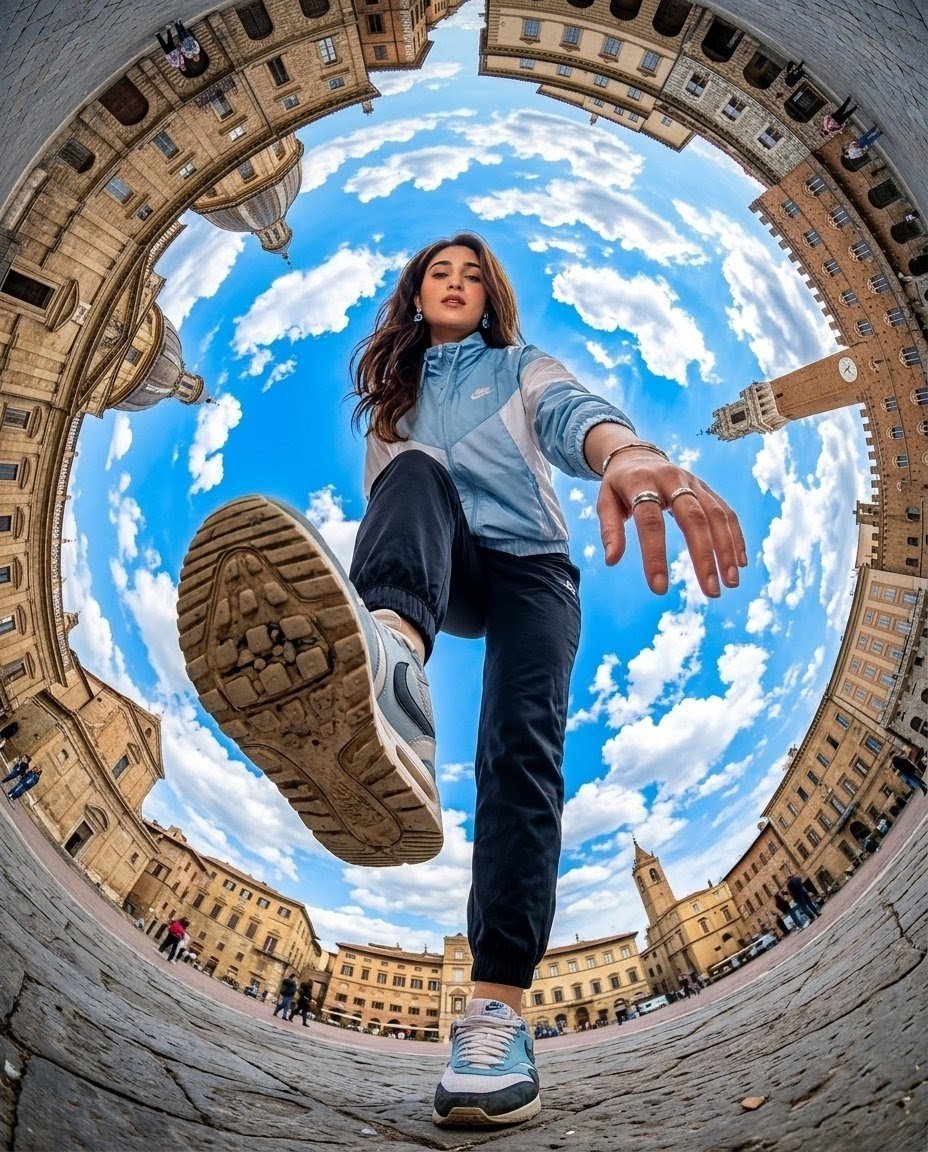
- Prompt included
- Model and format preset
- Free template
The prompt behind this image
Copy the exact prompt behind Fisheye Traveler Plaza Shot, or open it in the studio and make it yours.
High-end commercial travel photography shot with an extreme 8mm fisheye lens from a worm’s-eye view, camera placed flat on the cobblestone ground in the center of a historic European city plaza. A {argument name="traveler description" default="trendy young female traveler with long brown hair"} steps directly over the camera, full body visible, face fully visible and looking straight into the lens with an energetic, inviting smile. Her raised sneaker sole dominates the foreground, showing detailed dirt and tread texture; her other foot is planted near the bottom edge. She wears a {argument name="jacket" default="light blue Nike windbreaker with white panels"}, dark jogger pants, pale blue sneakers, earrings, and rings, with one hand reaching down toward the lens for dramatic depth. Surround the subject with a circular ring of tall historic stone buildings, arcades, domes, towers, and a clock tower, all heavily curved by the fisheye perspective into a globe-like frame. The sky fills the center behind her: vivid saturated blue with bright white scattered clouds. Include small pedestrians around the distant plaza edges for scale. Ultra-wide distorted perspective, crisp architectural detail, realistic commercial travel aesthetic, vibrant colors, dynamic adventurous mood, sharp focus, natural daylight, no text, no watermark.
How to use Fisheye Traveler Plaza Shot in 3 steps
- 1Upload ImagePNG, JPG or paste
Add your photo
Upload the photo the template builds on. The prompt, model and format are already set.
- 2…a portrait of your subject in softgolden-hour light, 85mm…
Personalize
Edit the subject and creative details for your destination.
- 3Generate
Generate
Press Generate — your image is created in PicX Studio, so you can compare it with the original and refine one variable at a time.
More like this
Templates with the same subject, style or setup. Open one to see its prompt.

Rooftop Fisheye — Cat-Ear Balaclava at Golden Hour

Eid al-Adha Cute Chaos — Fisheye Selfie with Farm Selfie, Mosque & Animals

Gpt2 Fisheye Sky Crouch Portrait
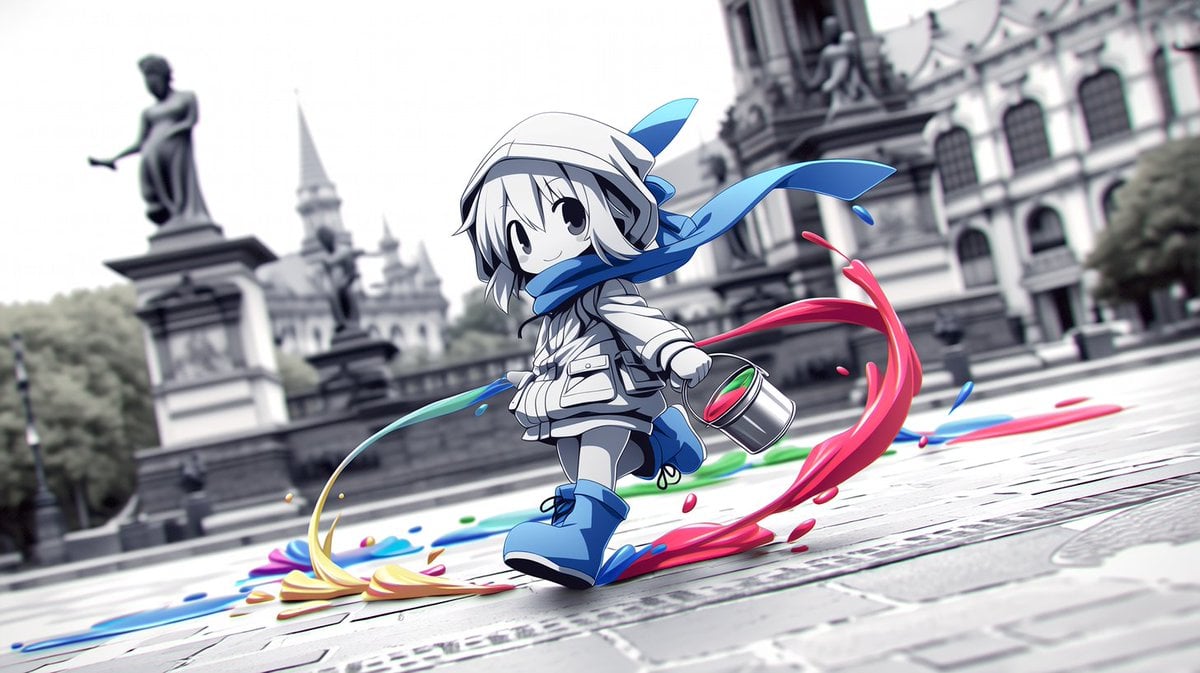
Chibi Painter in Monochrome Plaza
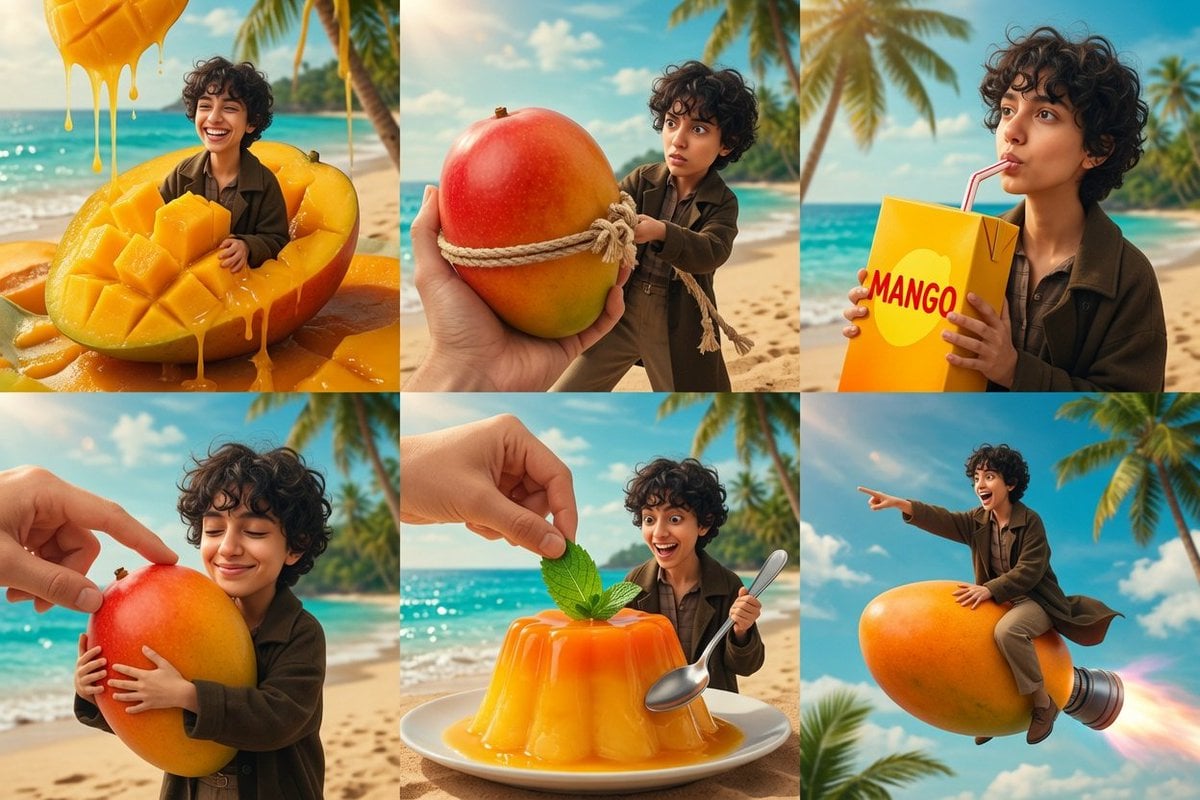
Tiny Traveler Mango Beach Collage
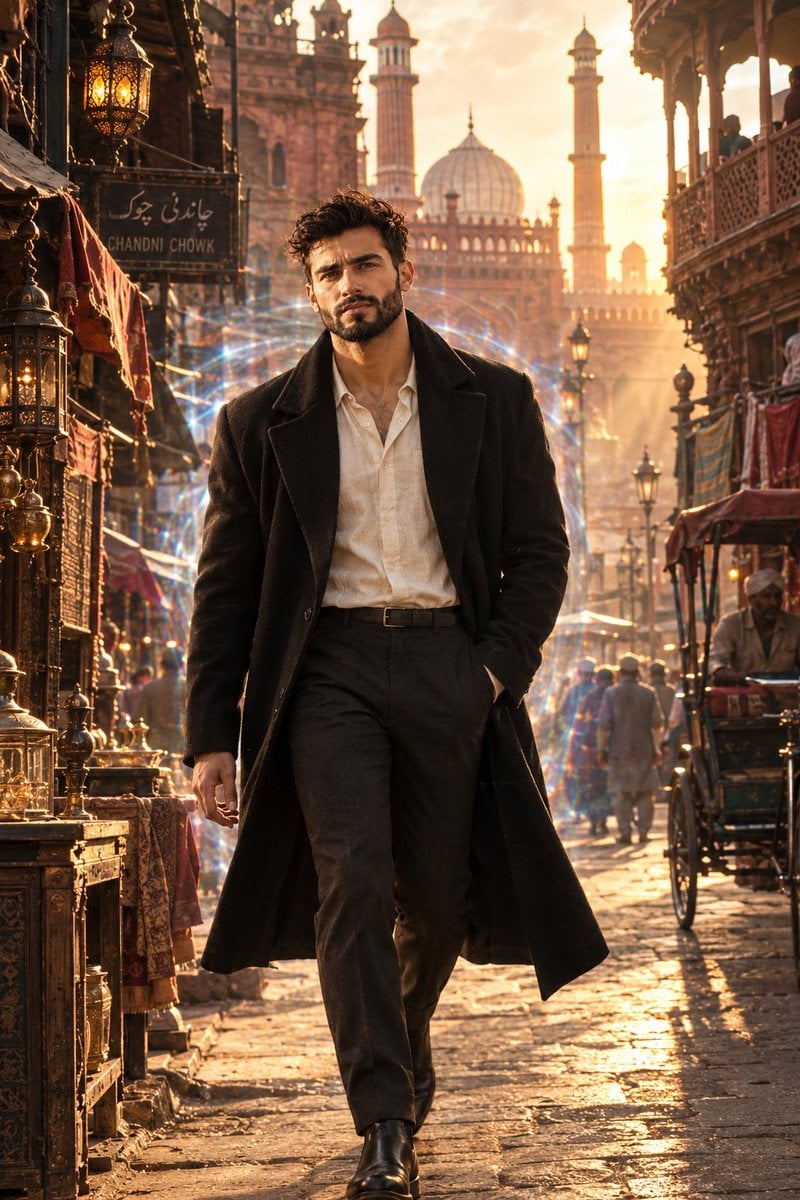
Cinematic Time Traveler in Old Delhi
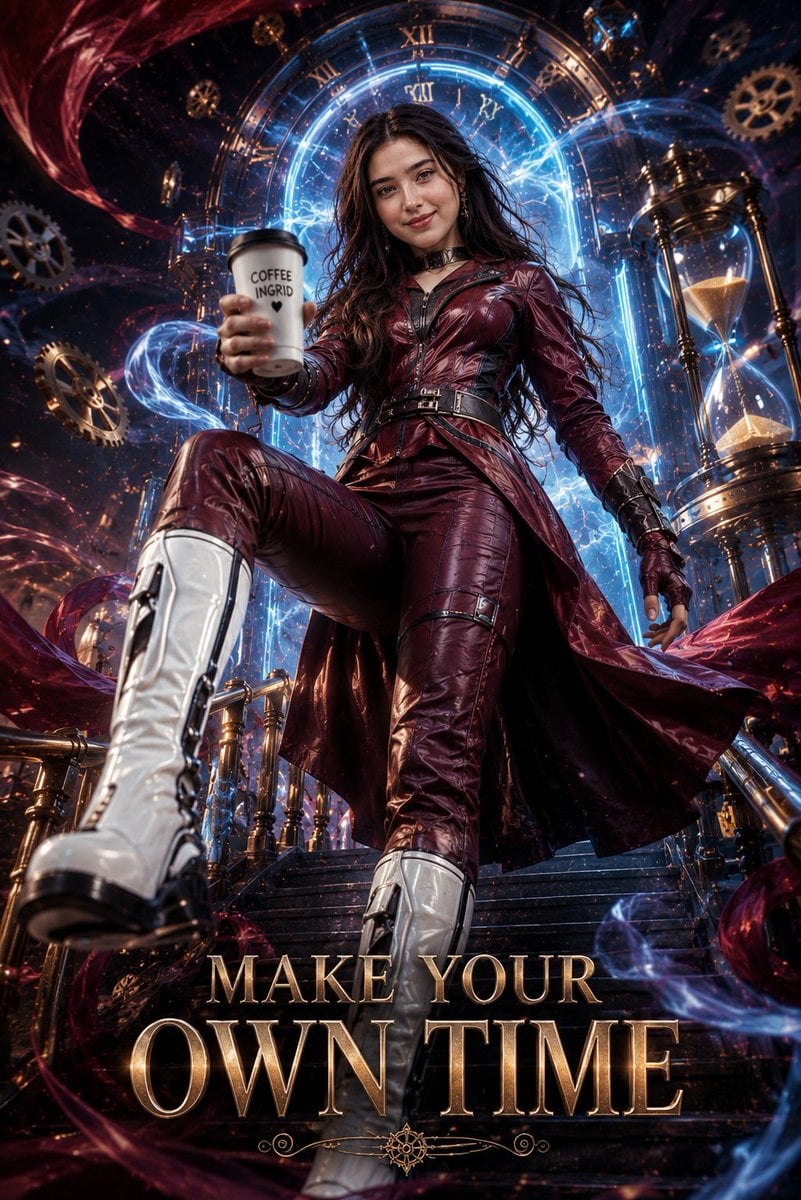
Cinematic Futuristic Time Traveler Poster
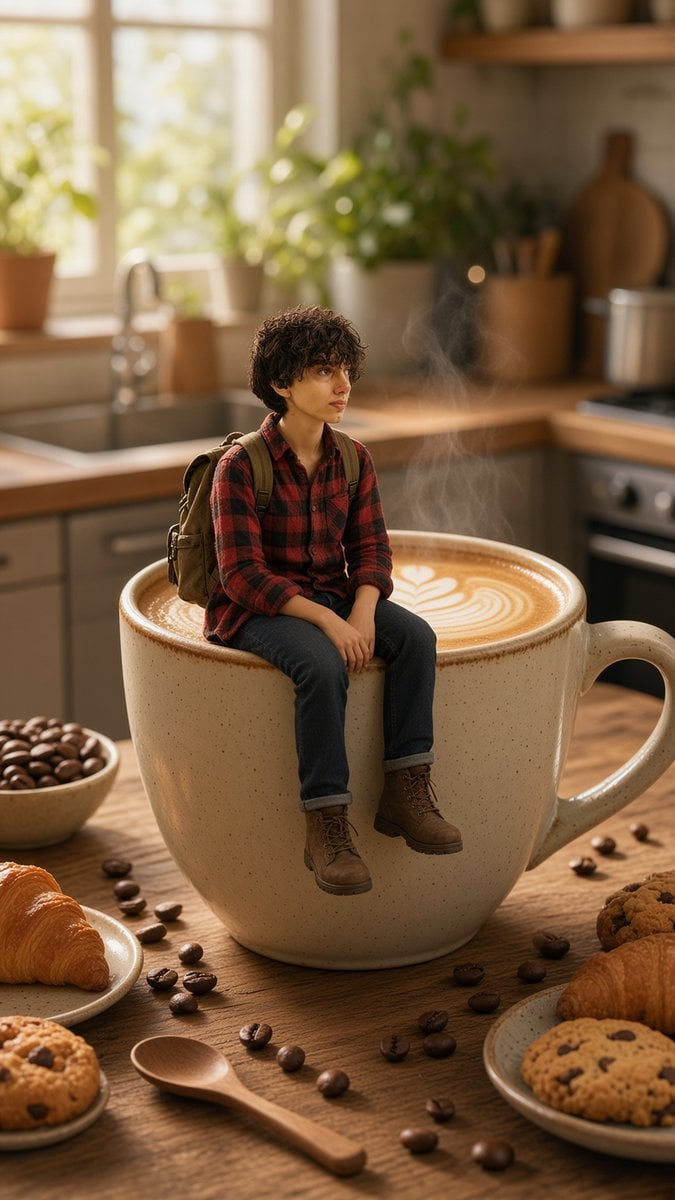
Tiny Traveler on Giant Latte
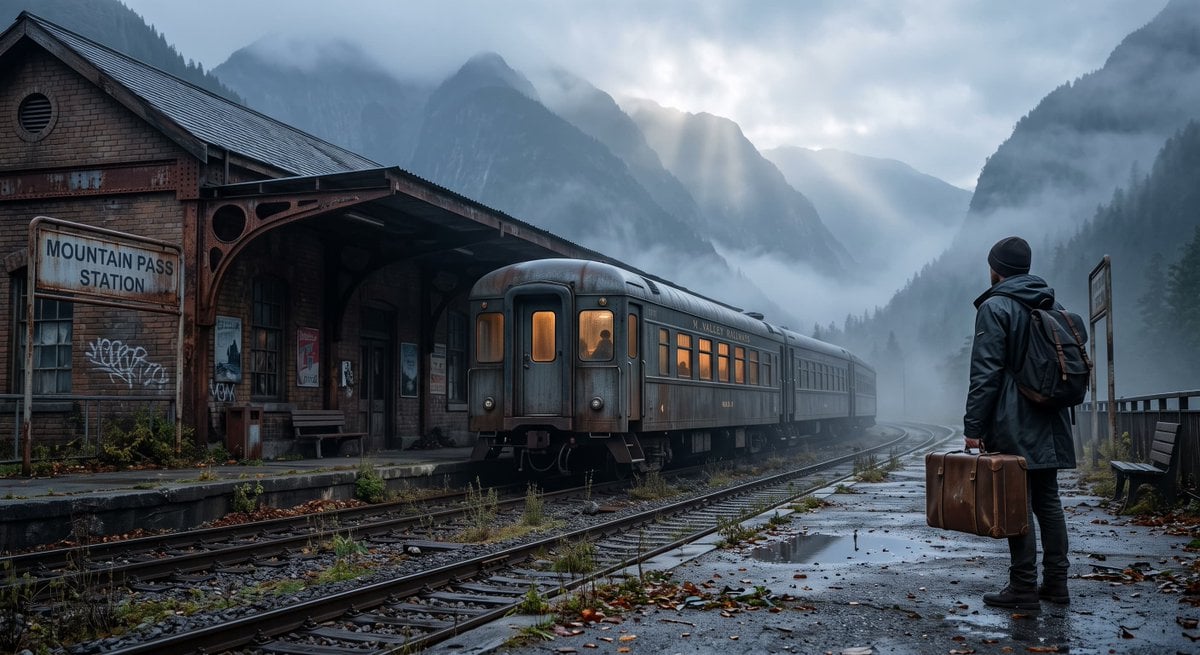
Cinematic Train Station Traveler
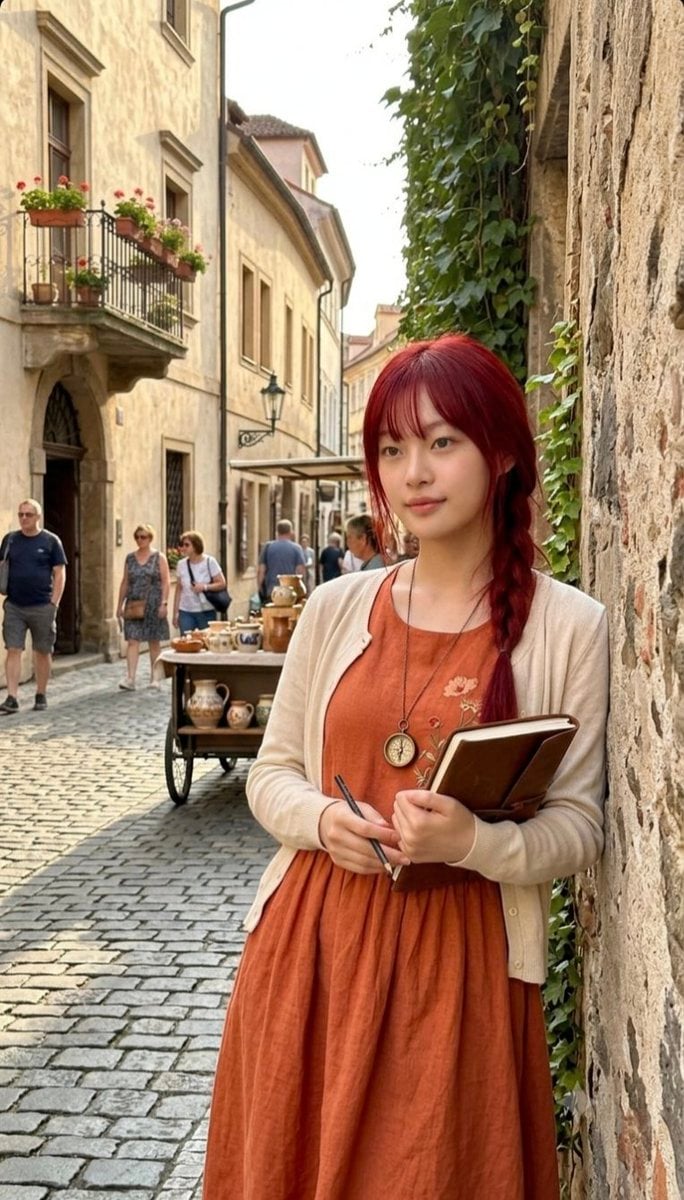
Red-Haired European Traveler Portrait
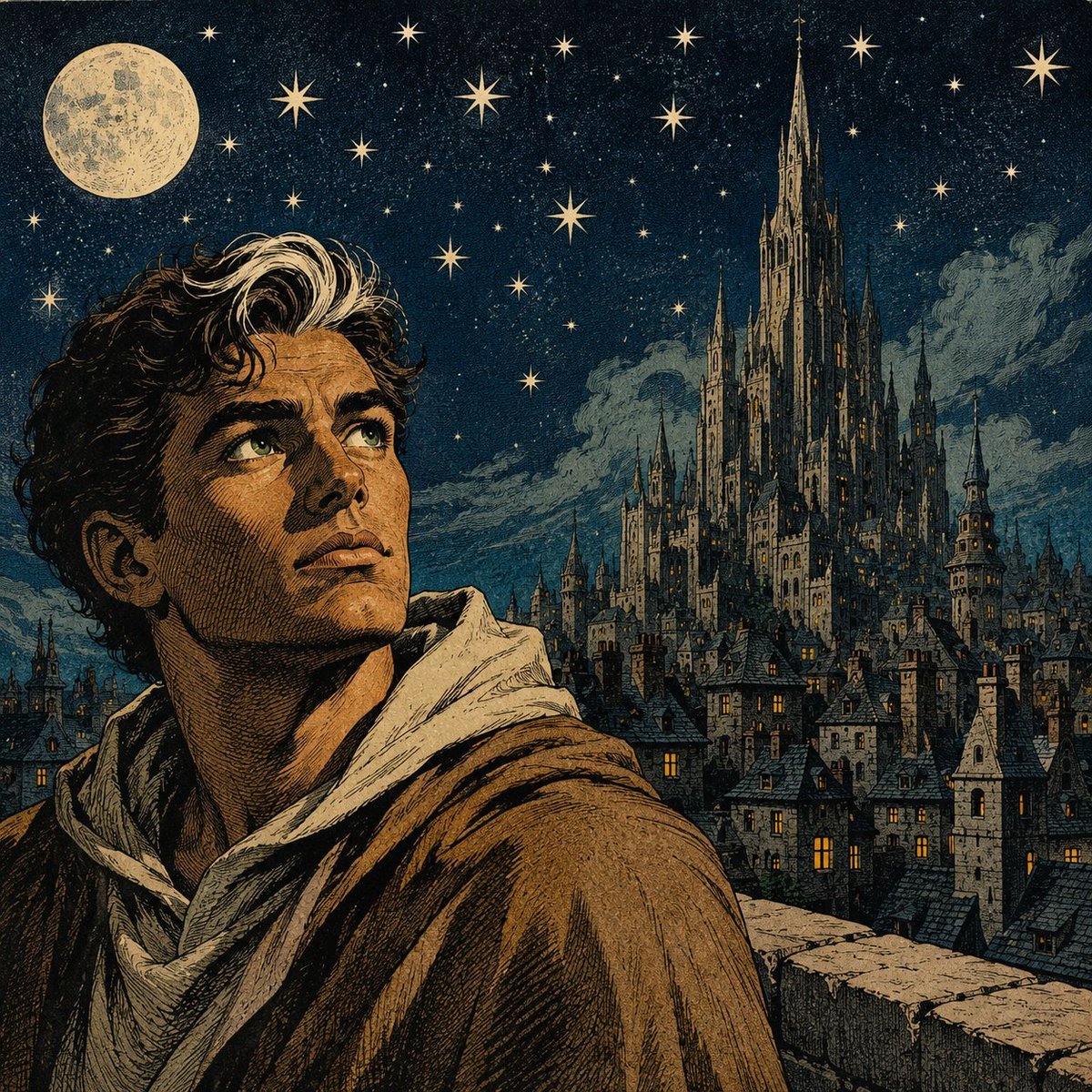
Moonlit Gothic Fantasy Traveler
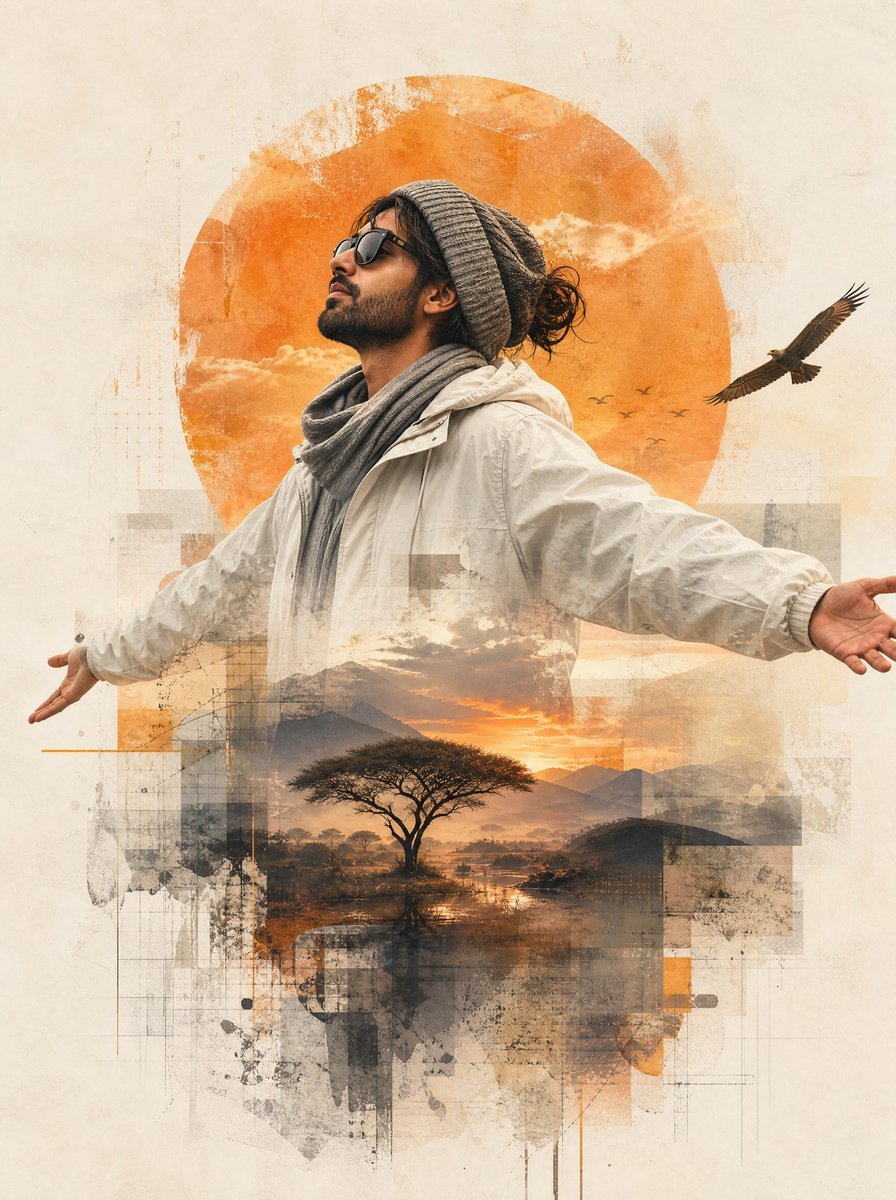
Mixed-Media Traveler Collage Portrait
Make it yours
Fisheye Traveler Plaza Shot works as-is. These are the safest ways to change it without losing the look.
Change one field
Copy a single group, rewrite it, and generate again so you can see what that field is doing.
Keep the frame, change the subject
Hold the composition and light of Fisheye Traveler Plaza Shot, then swap wardrobe, props or the person for a new take.
| If the result… | Why | Fix |
|---|---|---|
| The result drifts from the preview | Too many fields changed at once. | Reuse Fisheye Traveler Plaza Shot as-is first, then change one group — subject, light, or setting. |
| The model over-stylizes the scene | The prose prompt leaves finish and camera underspecified. | Add one camera or lighting sentence and stay on GPT Image 2. |
More GPT Image 2 templates
Other prompts made for GPT Image 2.

Six VTuber Japanese Logo Sheet

Realistic Portrait of Woman and Deer

The Vista Modular Condo Poster

AI Model Routing Comparison Infographic

2.5D Anime Art Board

Isometric Productivity Desk Scene

New York Double Exposure Poster

Four-Panel AI Landscape Comparison

Japanese Tatami Lifestyle Magazine Cover

NESCAFÉ Coffee Map Poster
More image prompts
Fresh picks from across the catalog.
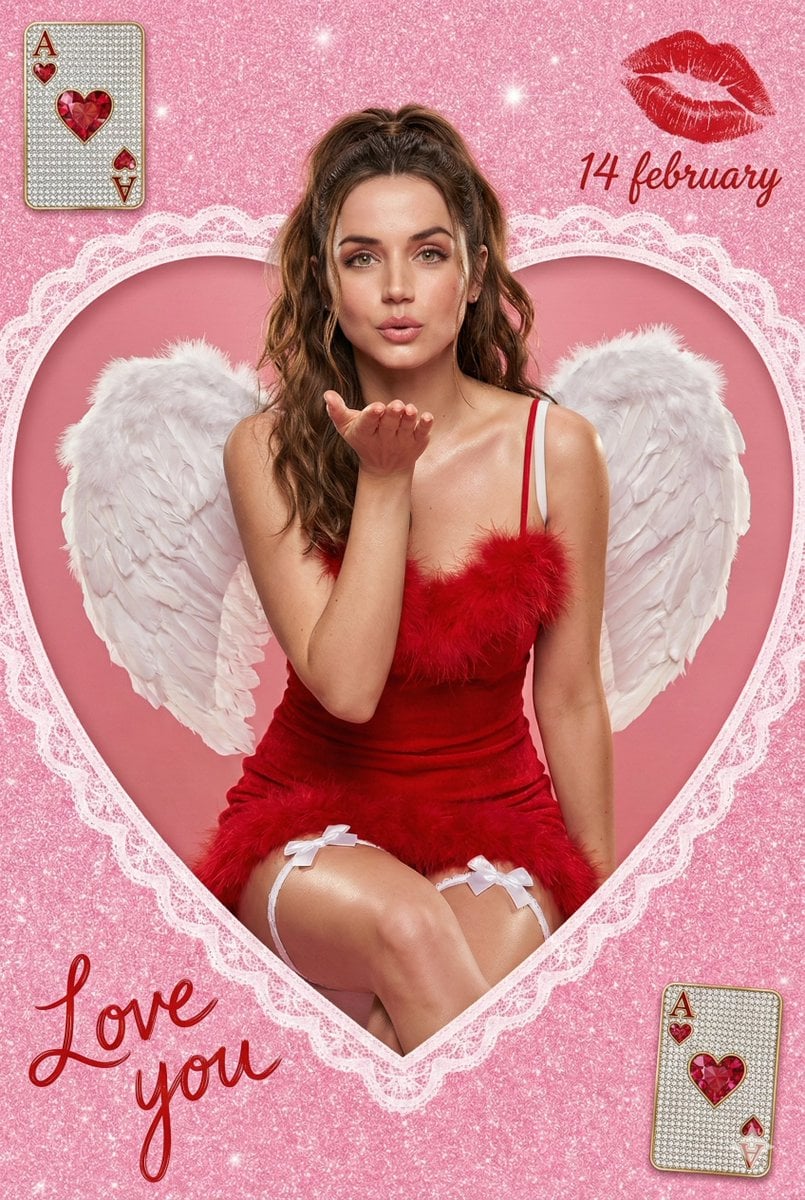
Valentine Angel Heart Glamour Editorial
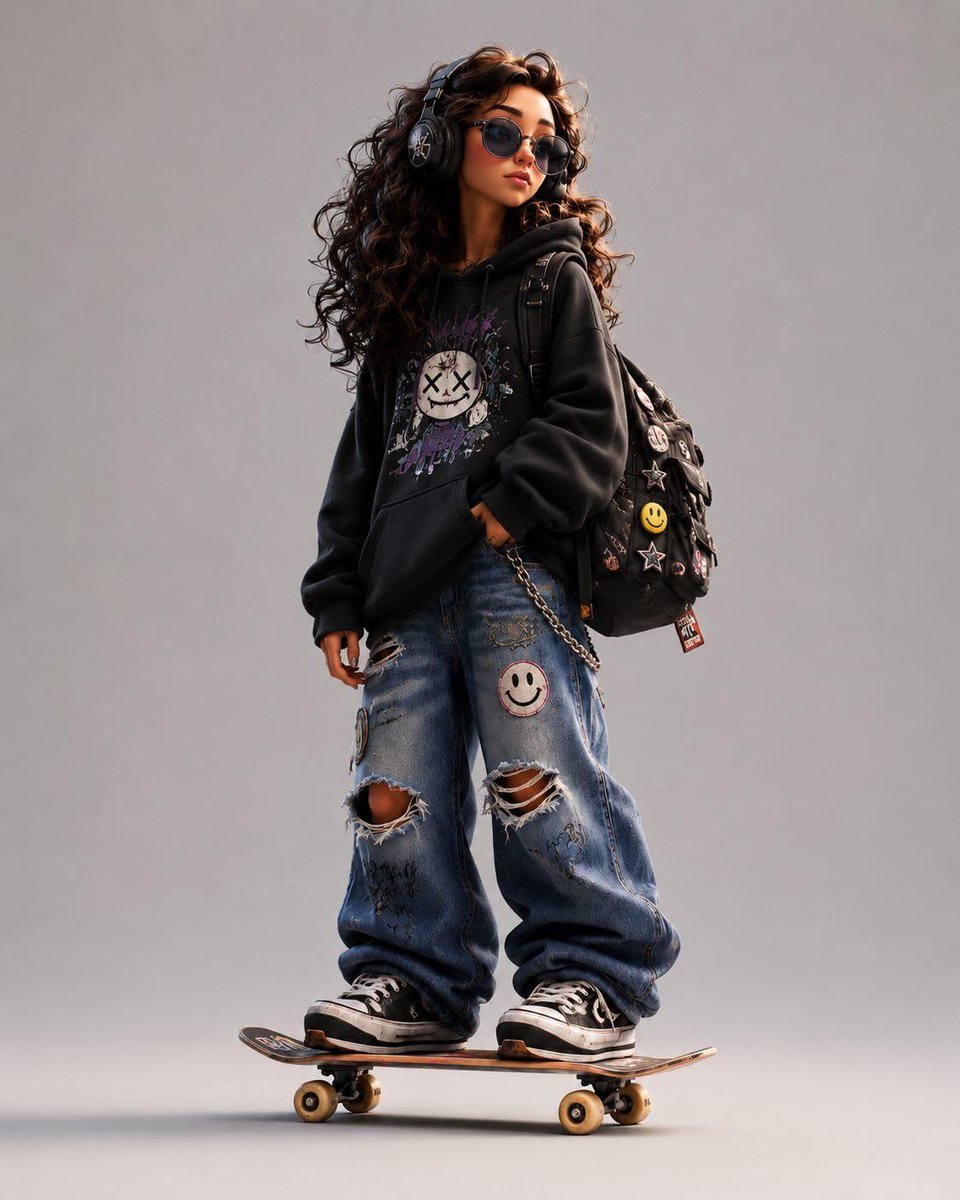
Stylized Urban 3D Skater Character
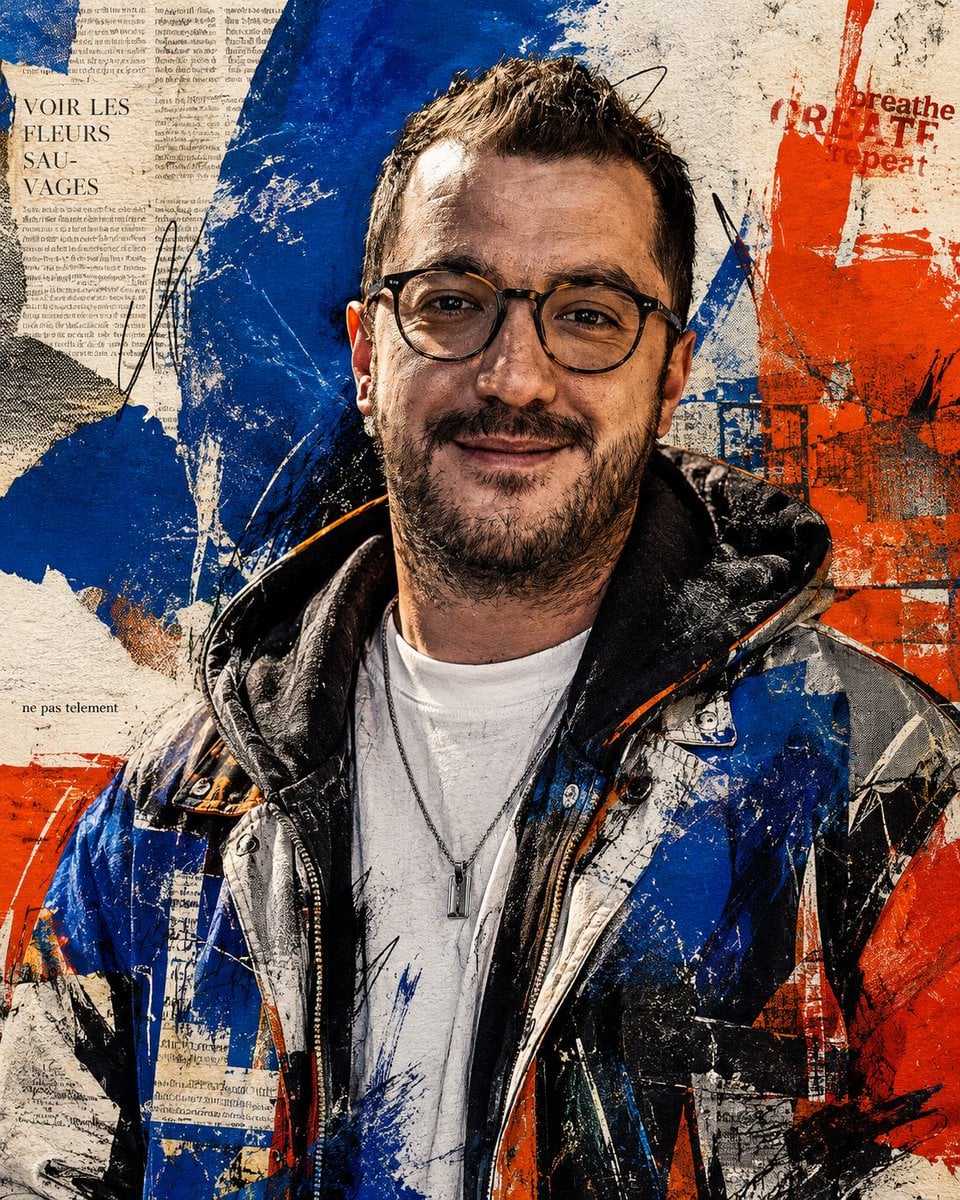
Censored Urban Collage Portrait
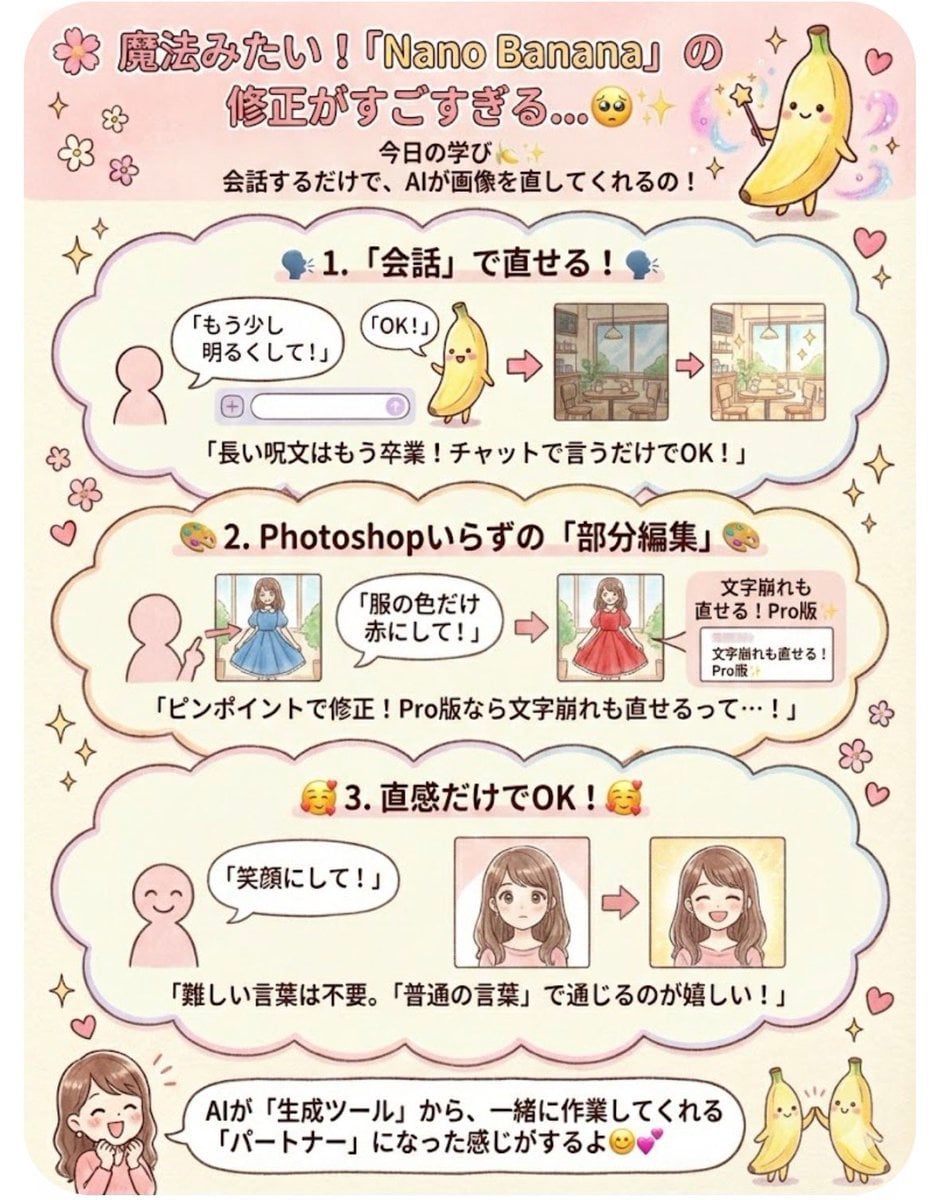
Instruction for conversational image editing in Nano Banana
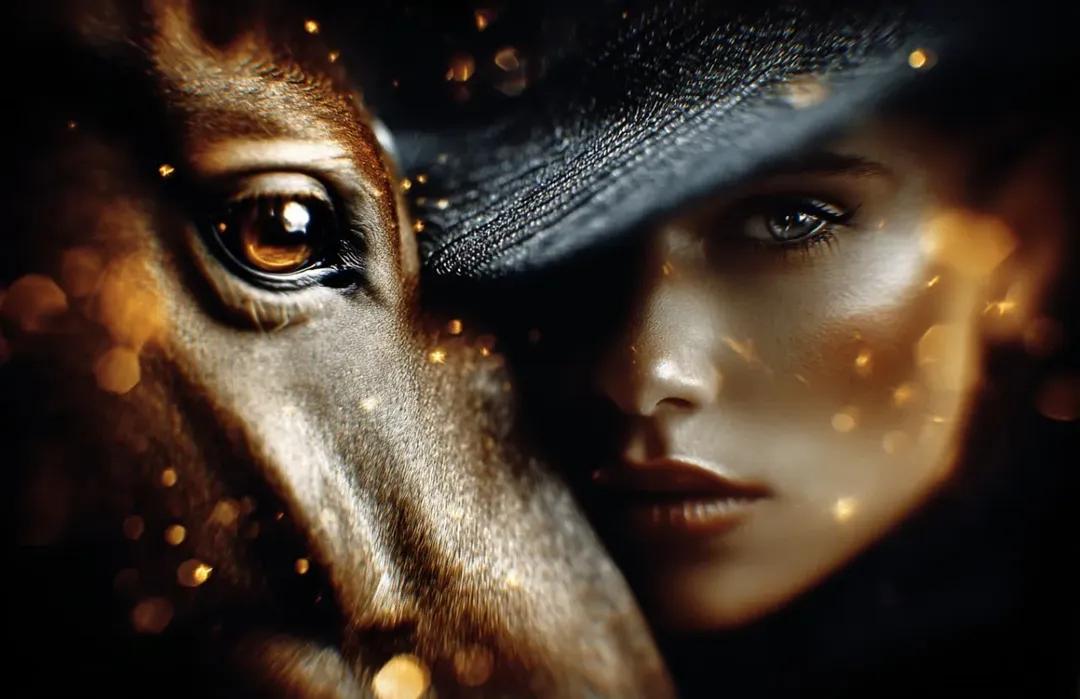
8K Cinematic Fantasy Portrait of Woman and Horse
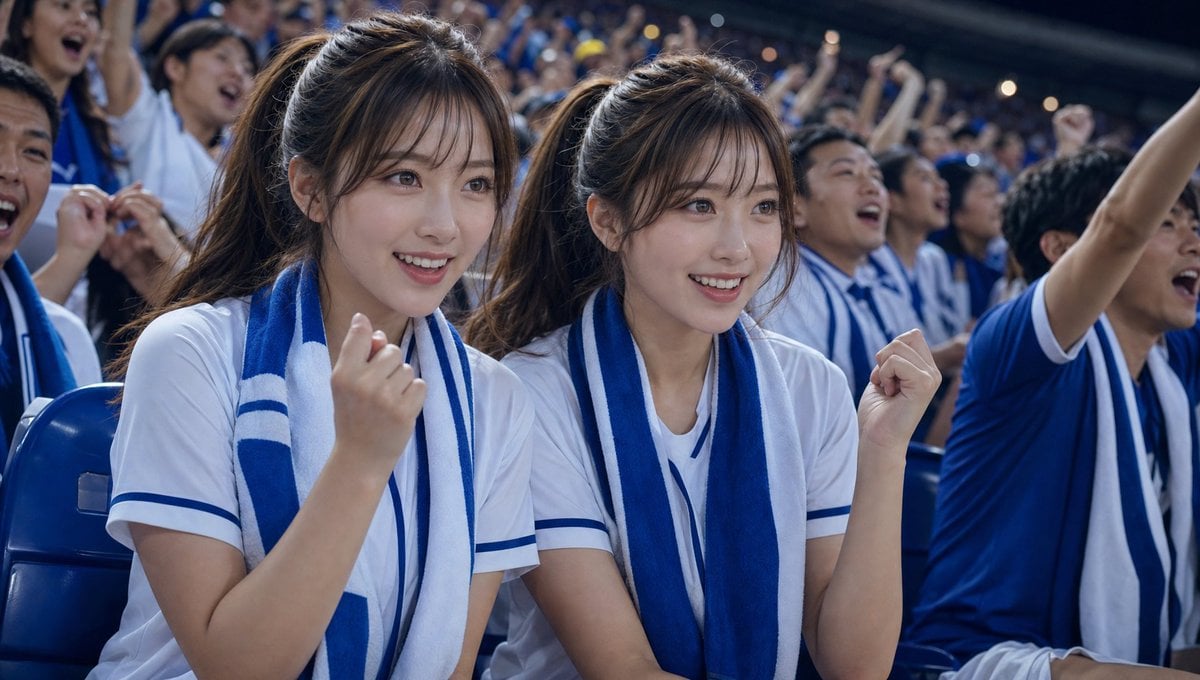
Soccer Fans Hidden Camera Cinematic Shot
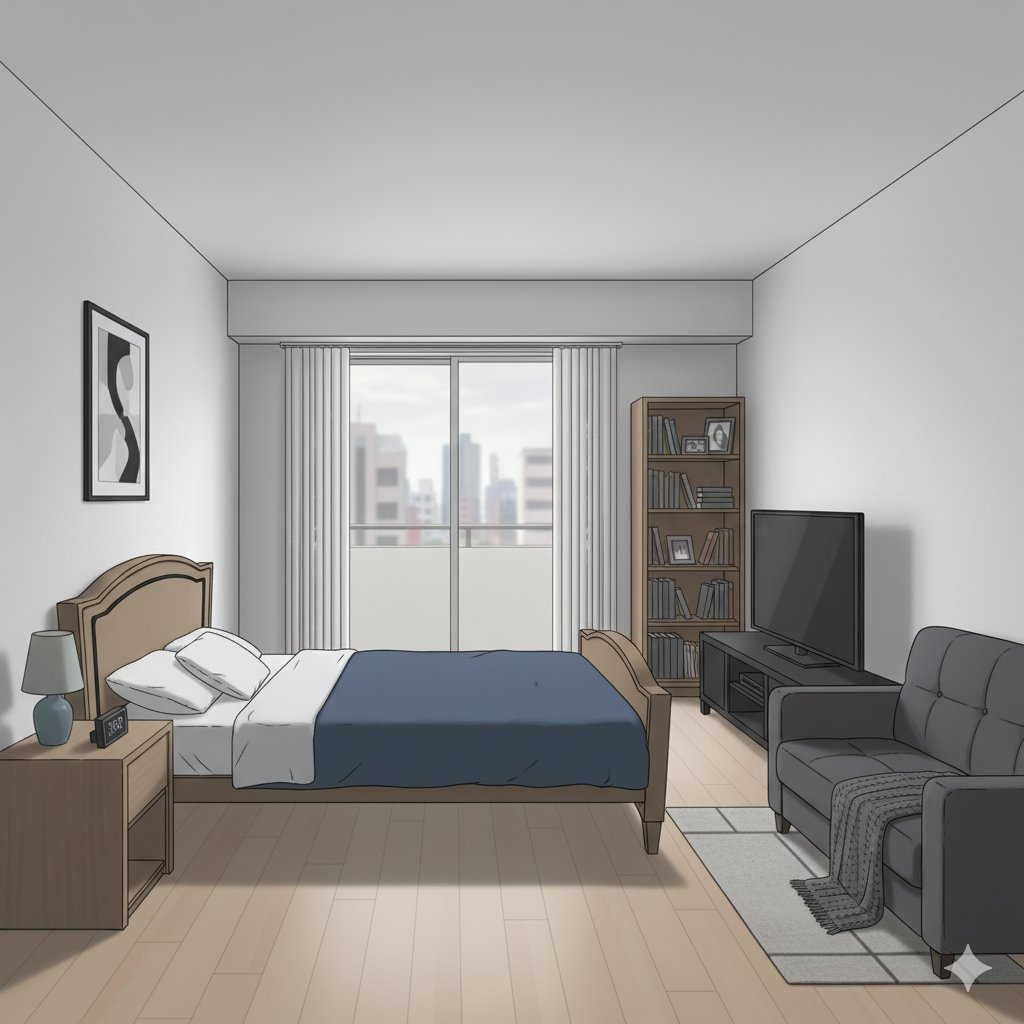
Isometric living room layout based on a sofa photo
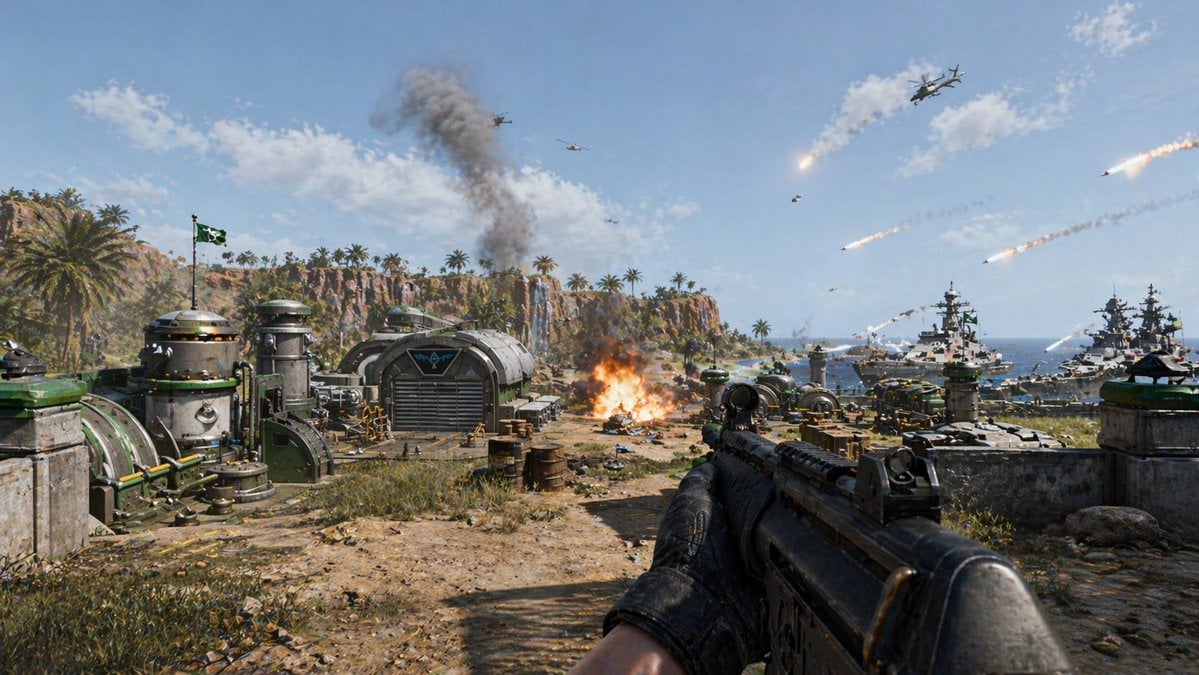
First-Person Tropical Island Warzone
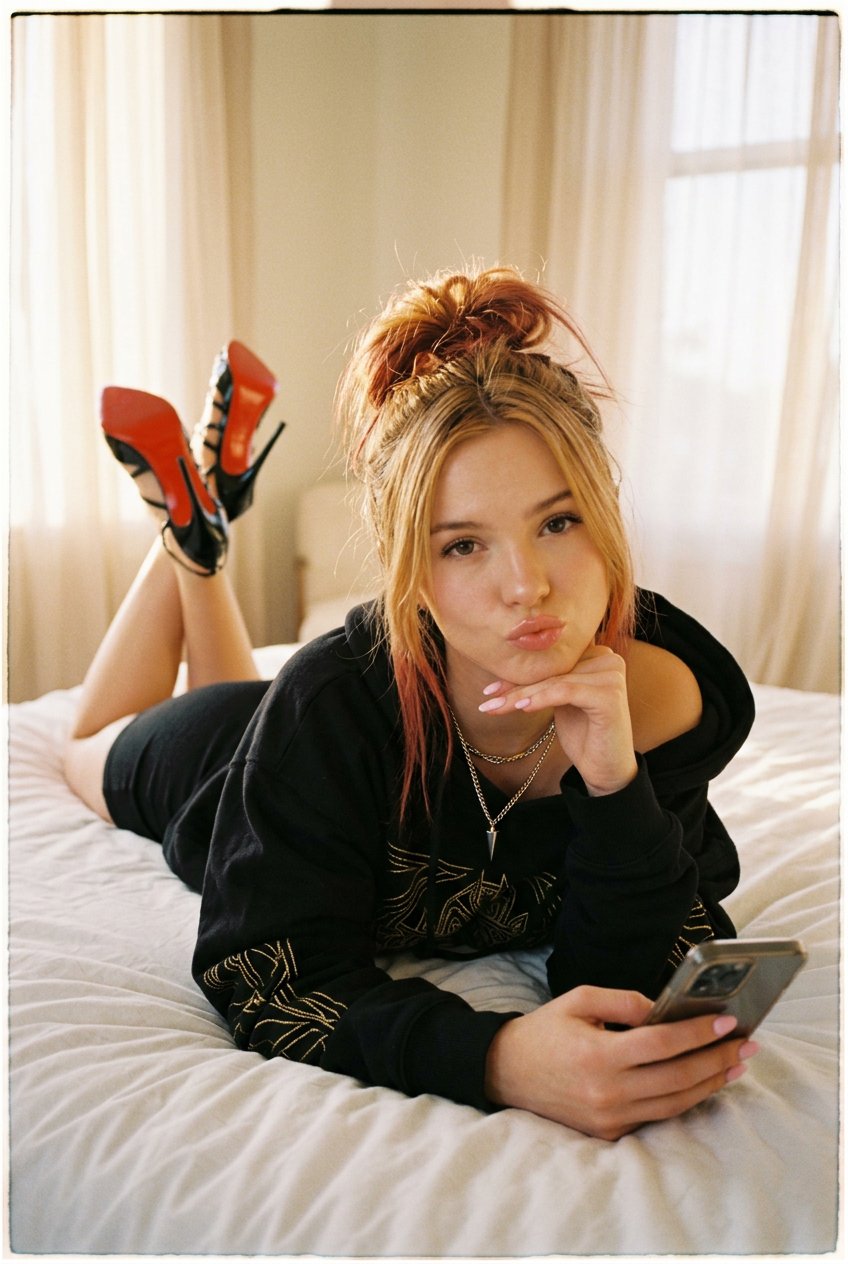
NanoBanana2
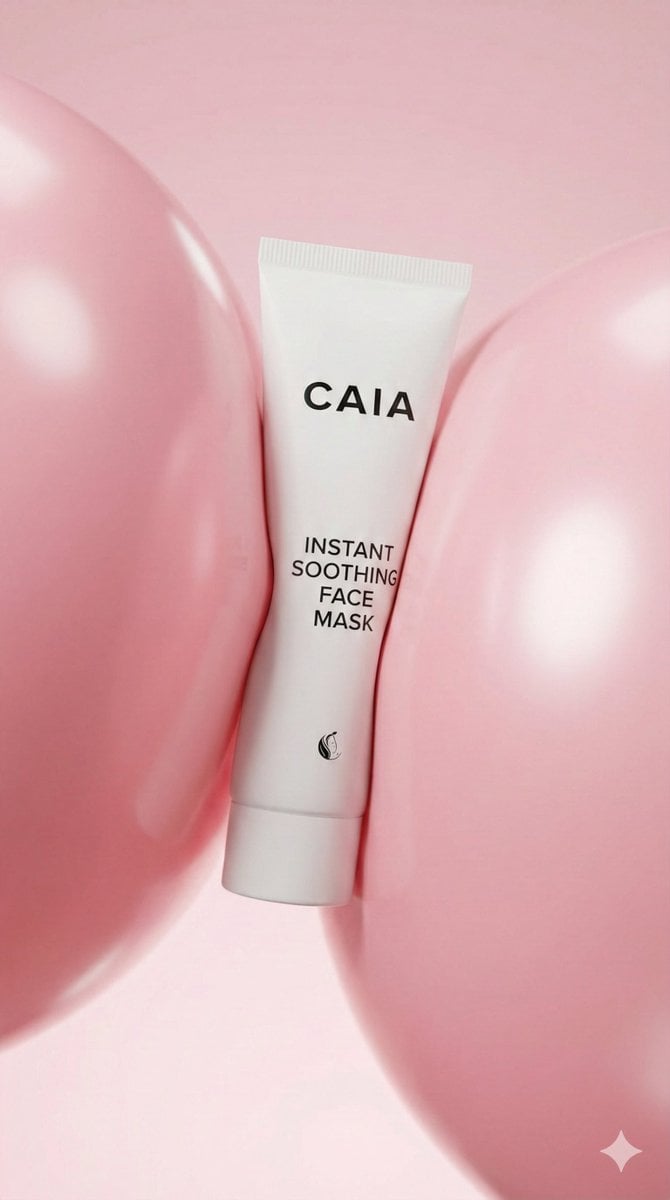
8K Beauty Product Shot with Balloons
Browse template categories
Fisheye Traveler Plaza Shot questions
How do I use the Fisheye Traveler Plaza Shot template?
Add your photo if the template asks for one, edit the prompt if you like — the template's model and format are already selected — and press Generate. Your version opens in PicX Studio.
Can I customize the Fisheye Traveler Plaza Shot template?
Yes. You can change the subject, setting, lighting, mood, format, and available model controls before creating your image.
Is the Fisheye Traveler Plaza Shot template free?
Opening and editing this template is free. Generating uses credits, shown on the Generate button when you are signed in.
Which AI model should I use?
Start with GPT Image 2, which is the model associated with this template. You can compare another compatible model for a different finish.
Looking for something else? Browse all templates.

Your photo, any look
Thousands of ready templates for every top image and video model, from one credit balance.