
Valentine Angel Heart Glamour Editorial
An extremely detailed JSON prompt for an ultra-photorealistic glamour editorial portrait with a Valentine's Day theme.
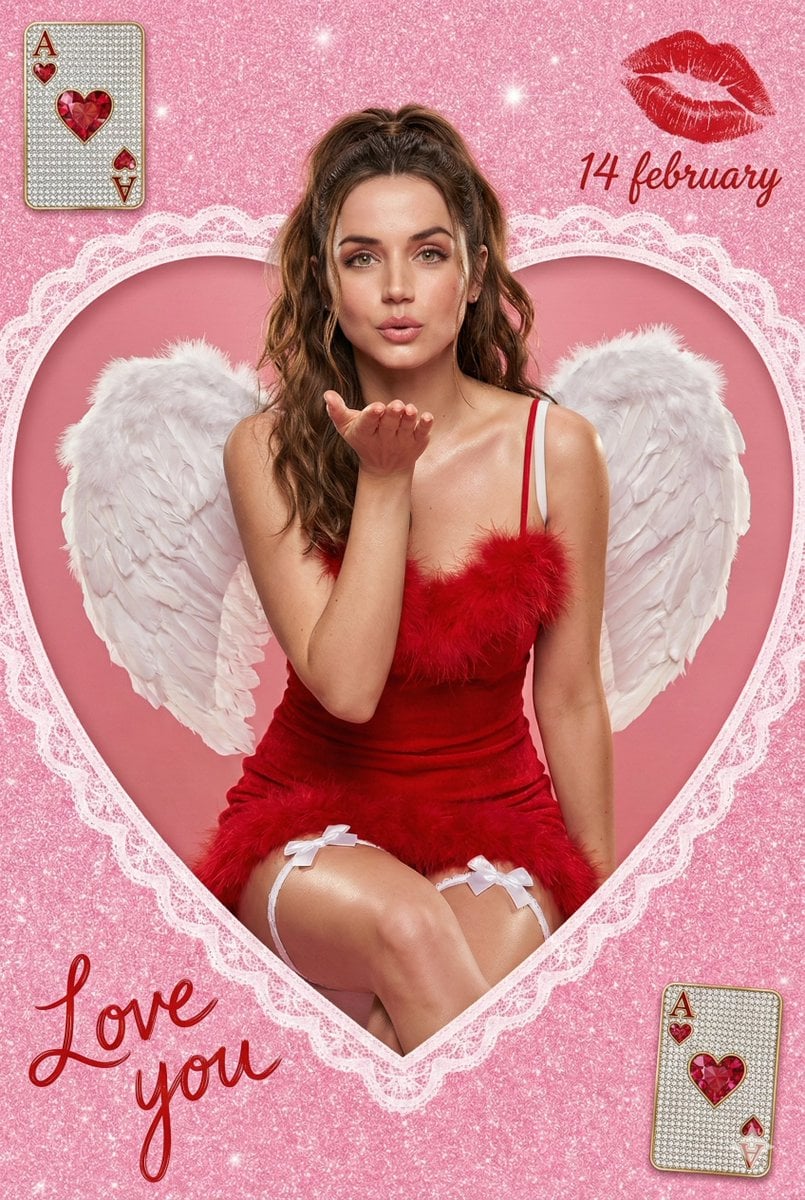
- Prompt included
- Model and format preset
- Premium template
The prompt behind this image
Copy the exact prompt behind Valentine Angel Heart Glamour Editorial, or open it in the studio and make it yours.
{ "meta": { "title": "Valentine Angel Heart Portrait", "style": "ultra-photorealistic glamour editorial", "resolution": "8K high resolution", "aspect_ratio": "9:16 vertical portrait", "render_quality": "extreme detail, high texture clarity, sharp focus", "color_palette": "vibrant saturated pinks, romantic reds, soft whites", "mood": "romantic, playful, glamorous, dreamy", "aesthetic": "valentine fantasy meets luxury studio fashion photography" }, "scene": { "location_type": "studio setup", "background": { "base_color": "sparkly hot pink glitter", "texture": "fine shimmering glitter particles with soft bokeh reflections", "centerpiece": "large lace-edged heart cutout window", "heart_details": "intricate white lace trim with delicate floral embroidery patterns, symmetrical and elegant" }, "composition": { "framing": "centered subject seated inside heart cutout", "depth_of_field": "shallow depth of field with softly blurred glitter background", "camera_angle": "slightly above eye level for flattering perspective", "crop": "mid-thigh upward portrait framing", "clean_frame": "no extra people, no clutter, balanced decorative elements" } }, "subject": { "gender": "female", "age_range": "20-25", "body_type": "slim, natural proportions", "pose": { "position": "seated gracefully inside heart cutout", "gesture": "gently blowing a kiss with one hand toward camera", "expression": "soft romantic smile, playful yet elegant eye contact", "posture": "upright with relaxed shoulders and subtle curve in spine" }, "face_details": { "skin": "smooth soft skin with professional editorial retouch", "finish": "subtle sheen on shoulders and collarbones", "makeup": "soft glam makeup, rosy blush, defined lashes, glossy red lips", "eyes": "warm expressive gaze directed toward viewer" }, "hair": { "color": "rich medium brown", "style": "long wavy hair", "arrangement": "half-up ponytail with soft loose waves cascading over shoulders", "texture": "natural shine with soft volume" } }, "wardrobe": { "dress": { "type": "mini dress", "color": "deep romantic red", "material": "fluffy textured fabric with feather trim", "straps": "thin delicate spaghetti straps", "fit": "fitted bodice with soft voluminous feathered hem" }, "legwear": { "style": "white thigh garters", "details": "small satin bows centered on each garter" }, "wings": { "type": "angel wings", "color": "pure white", "size": "large and dramatic", "texture": "layered soft feathers with realistic volume", "positioning": "symmetrical behind her back, slightly curved outward" } },
How to use Valentine Angel Heart Glamour Editorial in 3 steps
- 1
Open
The prompt is already in the box next to the preview, with the template's model and format selected.
- 2…a portrait of your subject in softgolden-hour light, 85mm…
Personalize
Edit the subject and creative details for your destination.
- 3Generate
Generate
Press Generate — your image is created in PicX Studio, so you can compare it with the original and refine one variable at a time.
More like this
Templates with the same subject, style or setup. Open one to see its prompt.

Elegant Green Evening Gown Studio Fashion Portrait
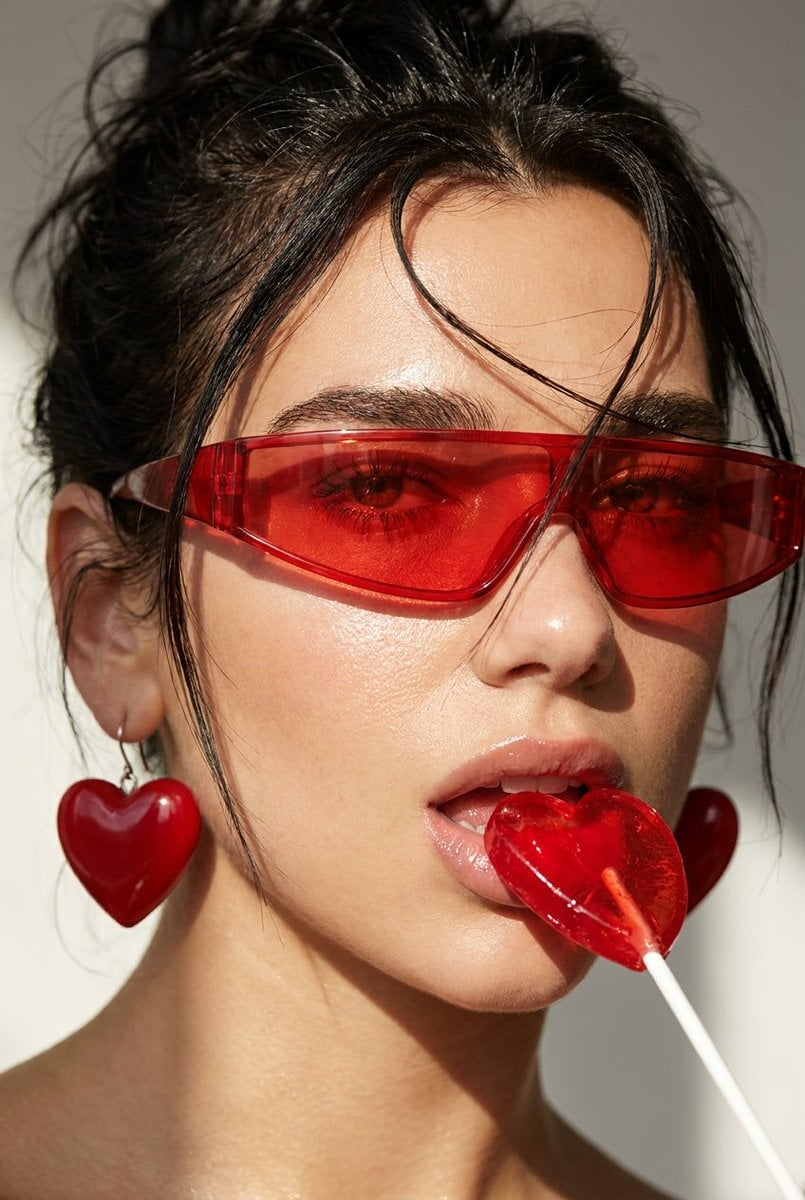
Heart Lollipop Editorial Portrait

Urban Fashion Editorial Collage Streetwear Poster

Monochrome Hypebeast Street Fashion Editorial Motion

Artistic Patchwork Fashion Portrait Spring Festival

Japanese Architectural Concrete Studio Fashion Campaign

Monroe and Ash Mediterranean Luxury Fashion Campaign

Premium Fashion Editorial Cover Layout System

Korean Luxury Fashion Editorial 2x2 Grid Series

Monochrome Halftone Editorial Fashion Poster

Retro Mirror Luxury Fashion Campaign Poster

Luxury Fashion Campaign Typography Poster System
Make it yours
Valentine Angel Heart Glamour Editorial works as-is. These are the safest ways to change it without losing the look.
Change one field
Copy a single group, rewrite it, and generate again so you can see what that field is doing.
Keep the frame, change the subject
Hold the composition and light of Valentine Angel Heart Glamour Editorial, then swap wardrobe, props or the person for a new take.
| If the result… | Why | Fix |
|---|---|---|
| The result drifts from the preview | Too many fields changed at once. | Reuse Valentine Angel Heart Glamour Editorial as-is first, then change one group — subject, light, or setting. |
| The model over-stylizes the scene | The prose prompt leaves finish and camera underspecified. | Add one camera or lighting sentence and stay on Nano Banana 2. |
More Nano Banana 2 templates
Other prompts made for Nano Banana 2.

Photorealistic Leaf Shaped Like a Dragon

K-Pop Idol Portrait Grid for Rapid Selection

Poetic Rain Forest Portrait During Golden Hour

Urban Street Portrait with Cartoon Inner Self Duo

Candid Nighttime Photo with Cat Prompt

High-Concept 3D Diorama Generation Prompt

Cinematic Futuristic Studio Portrait Template

Skincare Editorial Photography Collage Prompt

Hyper-Realistic Commercial Product Photography (Splash Effect)

Hyper-Realistic Nightclub Portrait Prompt
More image prompts
Fresh picks from across the catalog.
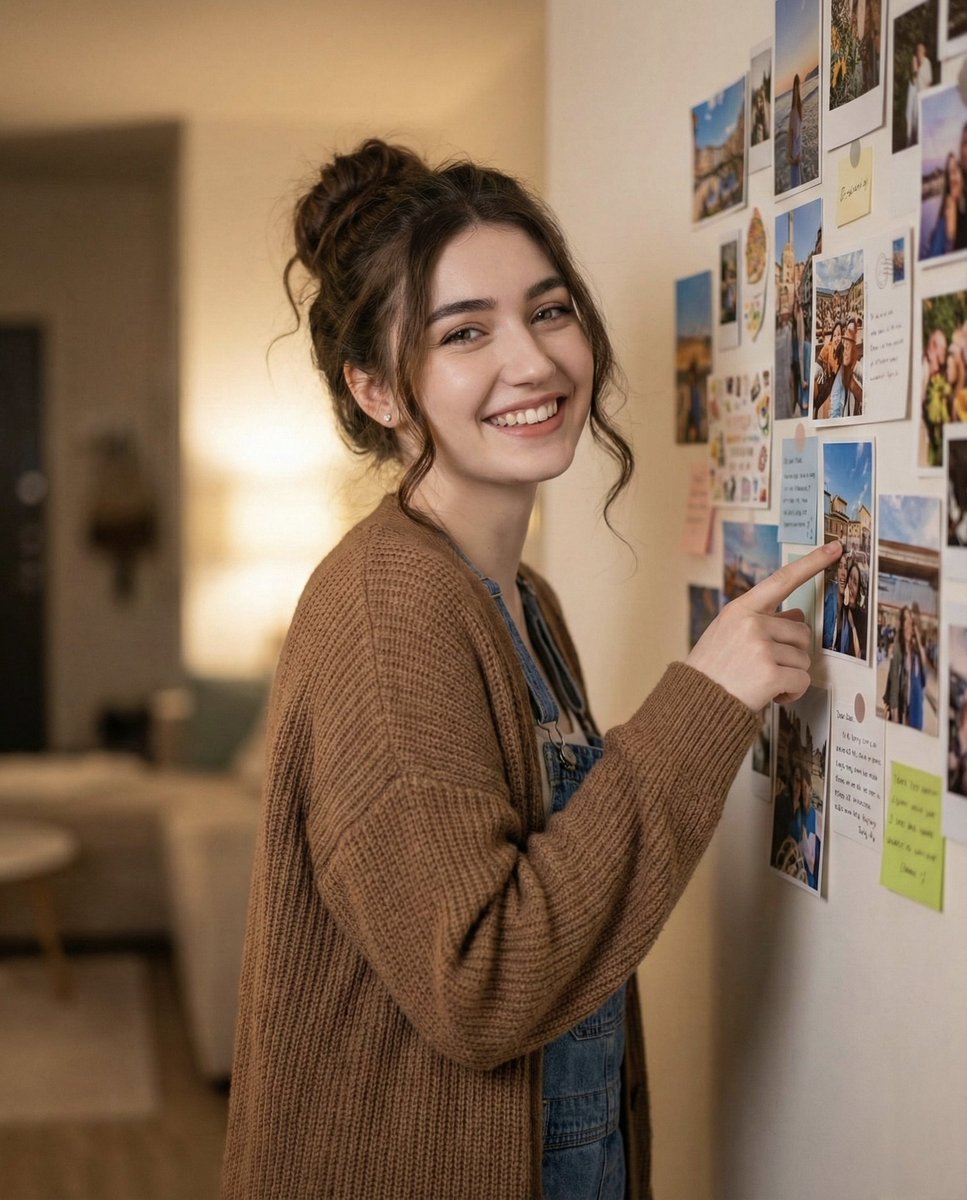
Candid Warm Indoor Portrait
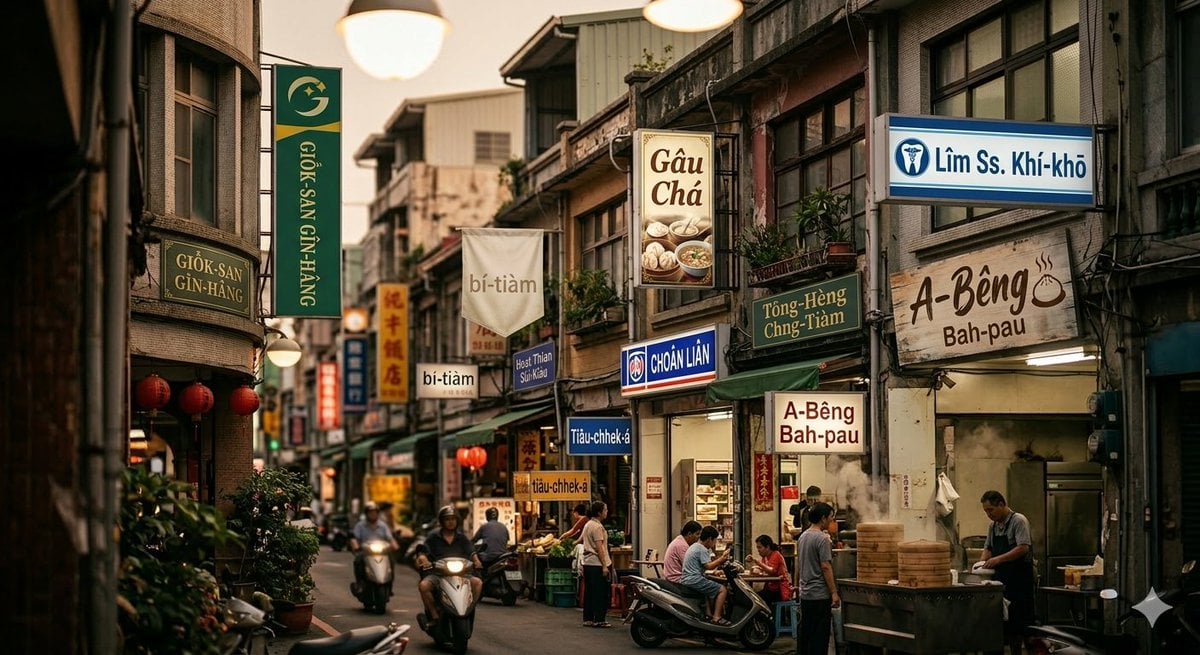
Generating Romanized Taiwanese streetscape with Nano Banana 2
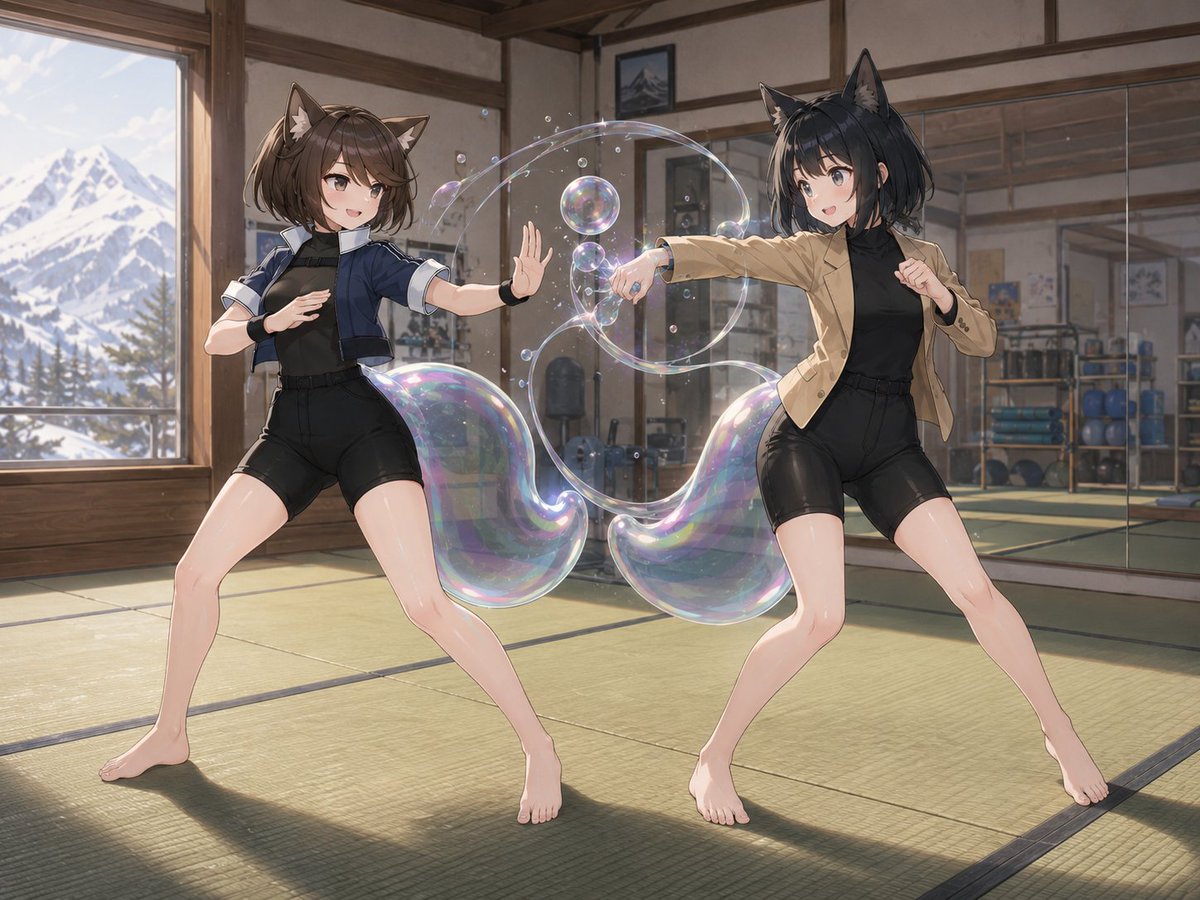
Catgirl Dojo Bubble Sparring
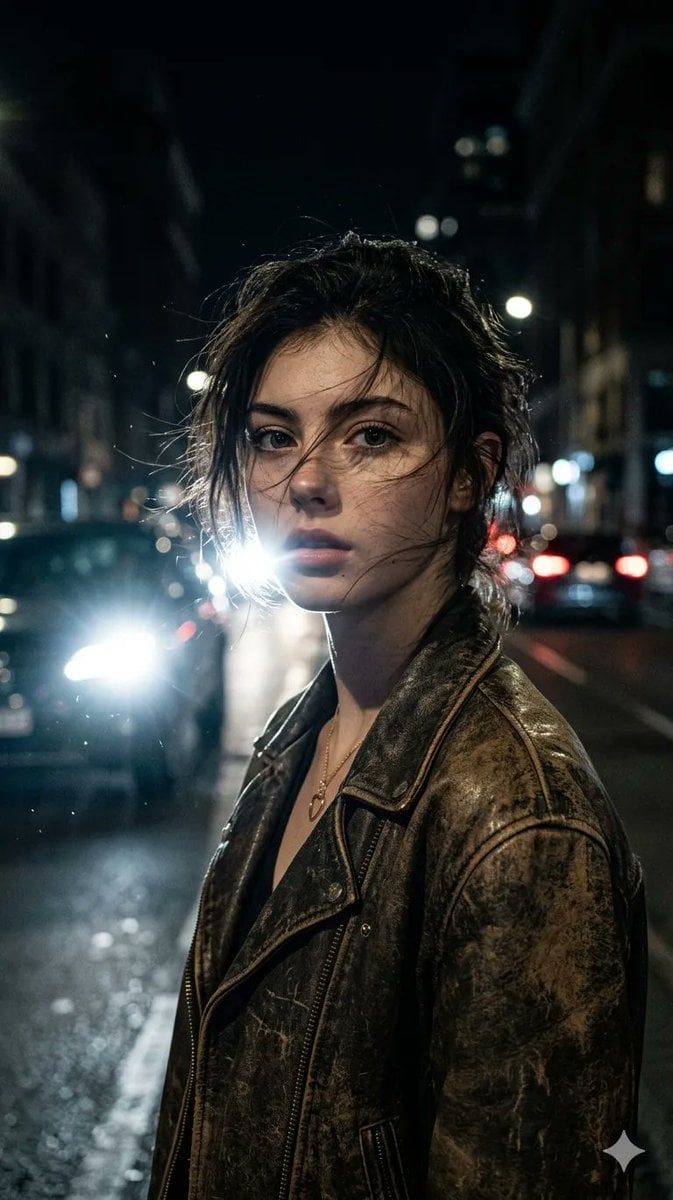
Cinematic Urban Night Portrait
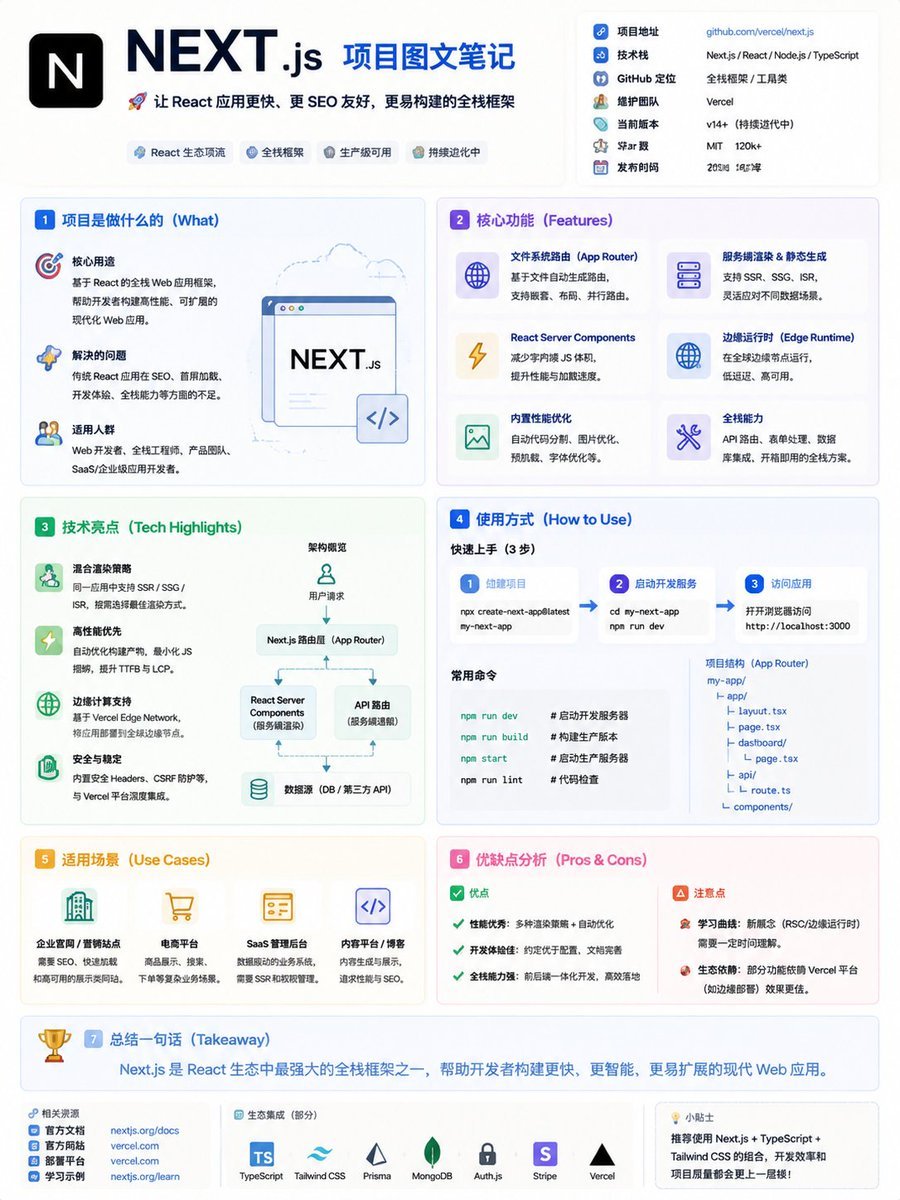
GitHub Project Infographic Poster
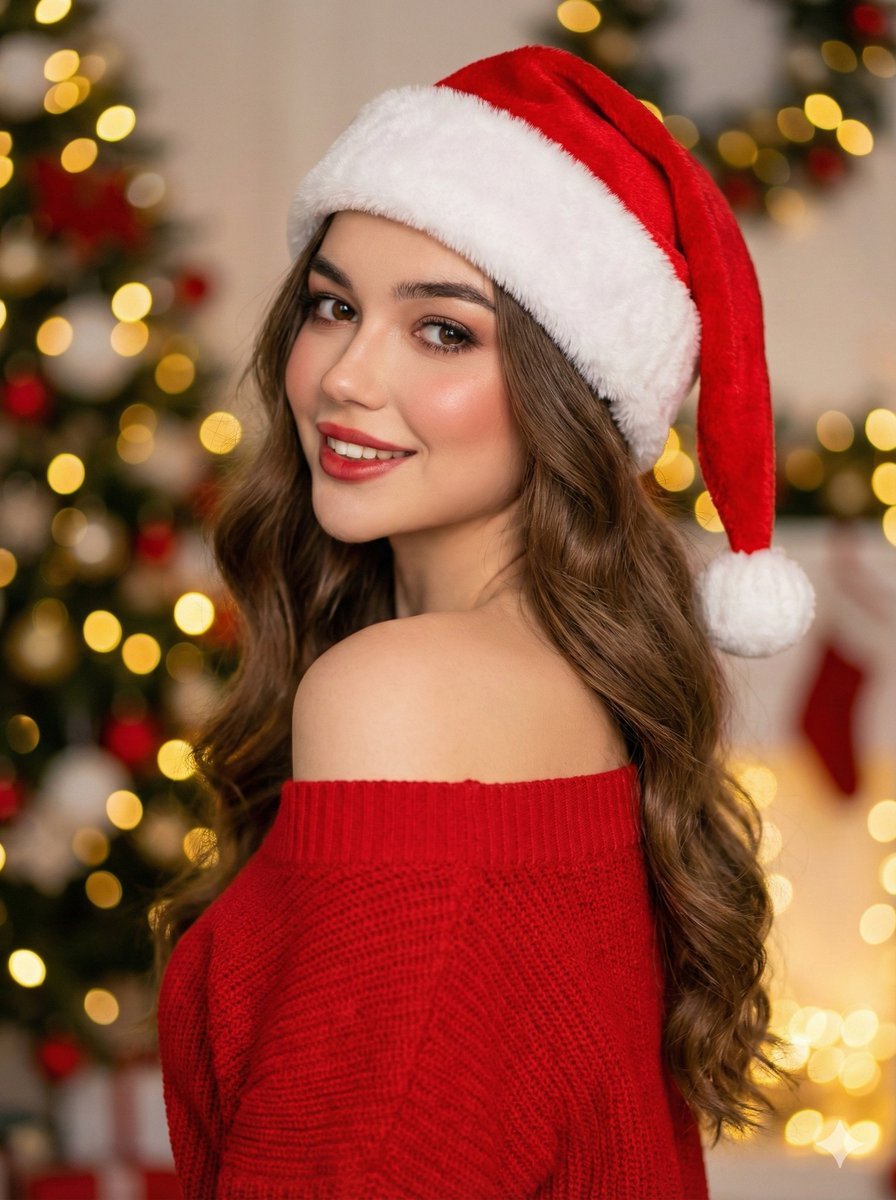
High-Fashion Christmas Portrait with Holiday Sophistication
Anime Mage and Fire Dragon Ruins
Street Fashion Emerald Bomber Poster
Extreme Close-up Portrait with Glistening Skin
Minimal Game Engine Skybox Scene
Browse template categories
Valentine Angel Heart Glamour Editorial questions
How do I use the Valentine Angel Heart Glamour Editorial template?
Add your photo if the template asks for one, edit the prompt if you like — the template's model and format are already selected — and press Generate. Your version opens in PicX Studio.
Can I customize the Valentine Angel Heart Glamour Editorial template?
Yes. You can change the subject, setting, lighting, mood, format, and available model controls before creating your image.
Is the Valentine Angel Heart Glamour Editorial template free?
Opening and editing this template is free. Generating uses credits, shown on the Generate button when you are signed in.
Which AI model should I use?
Start with Nano Banana 2, which is the model associated with this template. You can compare another compatible model for a different finish.
Looking for something else? Browse all templates.

Your photo, any look
Thousands of ready templates for every top image and video model, from one credit balance.