
Japanese Vacuum Design Sketch Board
A hand-rendered industrial design presentation sheet for a minimalist cordless stick vacuum, useful for generating concept boards, portfolio pages, or product proposal visuals.
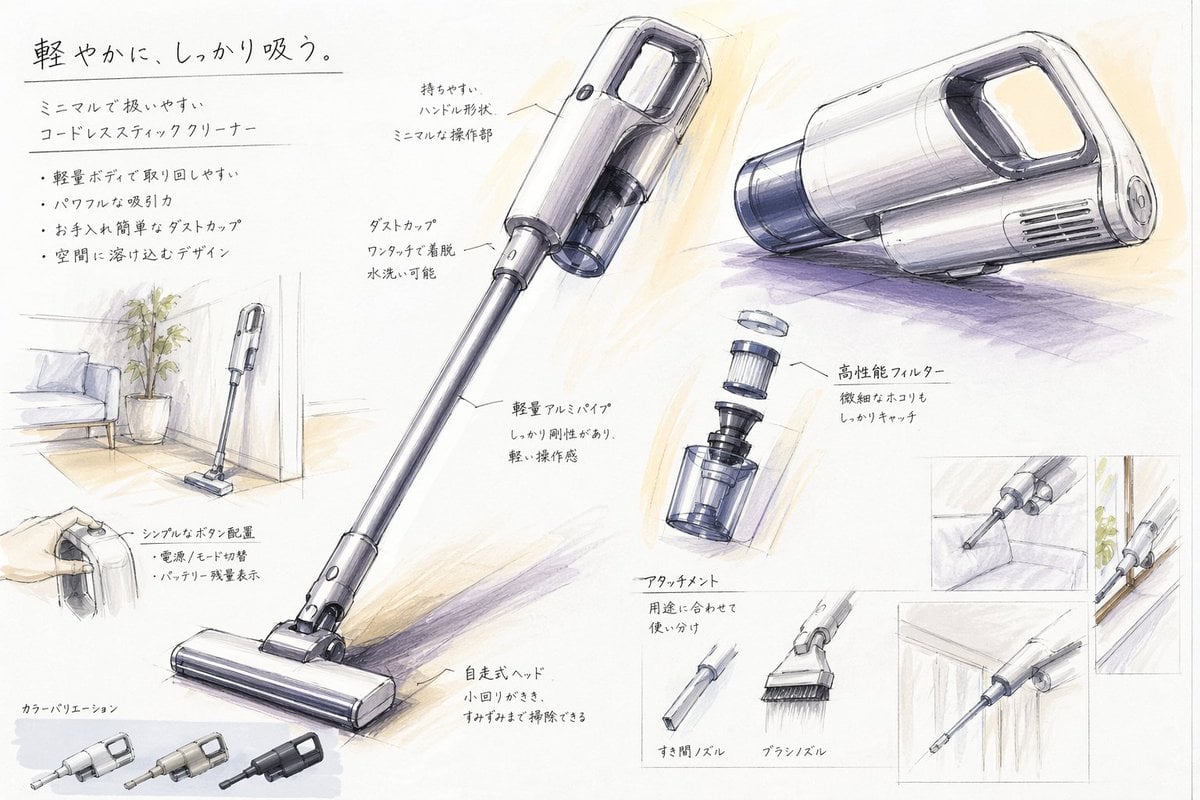
- Prompt included
- Model and format preset
- Free template
The prompt behind this image
Copy the exact prompt behind Japanese Vacuum Design Sketch Board, or open it in the studio and make it yours.
- Type
- industrial design presentation board
- Style
- hand-rendered product concept sketch, marker and colored pencil rendering on white paper, clean Japanese product design school presentation aesthetic, light gray linework with soft purple and warm beige shading
- Subject › Product
- minimal cordless stick vacuum cleaner
- Subject › Headline
- {argument name="headline text" default="軽やかに、しっかり吸う。"}
- Subject › Subheadline
- ミニマルで扱いやすい コードレススティッククリーナー
- Subject › Features
- 軽量ボディで取り回しやすい, パワフルな吸引力, お手入れ簡単なダストカップ, 空間に溶け込むデザイン
- Subject › Color
- {argument name="product color" default="pearl white and smoky transparent gray"}
- Subject › Materials
- matte plastic body, translucent dust cup, metallic aluminum pipe
- Layout › Orientation
- landscape presentation sheet
- Layout › Sections › 0 › Title
- hero product views
- Layout › Sections › 0 › Position
- center and upper right
- Layout › Sections › 0 › Count
- 3
- Layout › Sections › 0 › Labels
- full stick vacuum in three-quarter view, main body perspective view from upper center, main body side perspective view from upper right
- Layout › Sections › 1 › Title
- feature callouts
- Layout › Sections › 1 › Position
- around the hero views
- Layout › Sections › 1 › Count
- 7
- Layout › Sections › 1 › Labels
- 持ちやすい ハンドル形状 ミニマルな操作部, ダストカップ ワンタッチで着脱 水洗い可能, 軽量アルミパイプ しっかり剛性もあり、軽い操作感, 高性能フィルター 微細なほこりもしっかりキャッチ, シンプルなボタン配置 電源 / モード切替 バッテリー残量表示, 自走式ヘッド 小回りがきき、すみずみまで掃除できる, アタッチメント 用途に合わせて使い分け
- Layout › Sections › 2 › Title
- usage and context sketches
- Layout › Sections › 2 › Position
- left side and right side insets
- Layout › Sections › 2 › Count
- 5
- Layout › Sections › 2 › Labels
- vacuum standing in a living room corner beside a potted plant and sofa, hand holding the handle close-up, crevice nozzle cleaning sofa gap, vacuum body stored along a wall or narrow space, crevice nozzle cleaning under cabinet or edge
- Layout › Sections › 3 › Title
- attachment accessories
- Layout › Sections › 3 › Position
- lower center-right
- Layout › Sections › 3 › Count
- 2
Raw JSON
{"type":"industrial design presentation board","style":"hand-rendered product concept sketch, marker and colored pencil rendering on white paper, clean Japanese product design school presentation aesthetic, light gray linework with soft purple and warm beige shading","subject":{"product":"minimal cordless stick vacuum cleaner","headline":"{argument name=\"headline text\" default=\"軽やかに、しっかり吸う。\"}","subheadline":"ミニマルで扱いやすい コードレススティッククリーナー","features":["軽量ボディで取り回しやすい","パワフルな吸引力","お手入れ簡単なダストカップ","空間に溶け込むデザイン"],"color":"{argument name=\"product color\" default=\"pearl white and smoky transparent gray\"}","materials":"matte plastic body, translucent dust cup, metallic aluminum pipe"},"layout":{"orientation":"landscape presentation sheet","sections":[{"title":"hero product views","position":"center and upper right","count":3,"labels":["full stick vacuum in three-quarter view","main body perspective view from upper center","main body side perspective view from upper right"]},{"title":"feature callouts","position":"around the hero views","count":7,"labels":["持ちやすい ハンドル形状 ミニマルな操作部","ダストカップ ワンタッチで着脱 水洗い可能","軽量アルミパイプ しっかり剛性もあり、軽い操作感","高性能フィルター 微細なほこりもしっかりキャッチ","シンプルなボタン配置 電源 / モード切替 バッテリー残量表示","自走式ヘッド 小回りがきき、すみずみまで掃除できる","アタッチメント 用途に合わせて使い分け"]},{"title":"usage and context sketches","position":"left side and right side insets","count":5,"labels":["vacuum standing in a living room corner beside a potted plant and sofa","hand holding the handle close-up","crevice nozzle cleaning sofa gap","vacuum body stored along a wall or narrow space","crevice nozzle cleaning under cabinet or edge"]},{"title":"attachment accessories","position":"lower center-right","count":2,"labels":["すき間ノズル","ブラシノズル"]},{"title":"exploded component view","position":"mid-right","count":1,"labels":["filter and dust cup separated vertically"]},{"title":"color variations","position":"bottom left","count":3,"labels":["light silver","warm gray","matte black"]}],"text_language":"Japanese","composition":"large central full-length vacuum diagonally across the page, supporting perspective renderings and small inset usability sketches, generous white margins, handwritten annotations with leader lines"},"rendering":{"line_quality":"loose but precise industrial sketch lines","shading":"soft marker gradients and pencil cross-shading","paper":"slightly textured white sketchbook paper","mood":"premium, approachable, student concept board meets professional product proposal"}}How to use Japanese Vacuum Design Sketch Board in 3 steps
- 1Upload ImagePNG, JPG or paste
Add your photo
Upload the photo the template builds on. The prompt, model and format are already set.
- 2…a portrait of your subject in softgolden-hour light, 85mm…
Personalize
Edit the subject and creative details for your destination.
- 3Generate
Generate
Press Generate — your image is created in PicX Studio, so you can compare it with the original and refine one variable at a time.
More like this
Templates with the same subject, style or setup. Open one to see its prompt.

Japanese Café Sketch Duo Illustration

Delicate Japanese Café Lifestyle Illustration

Minecraft Japanese Research Lab Exploration
Japanese Lifestyle Sketch Illustration

Pencil Sketch Coffee Storyboard
Japanese AI Keyboard App Poster

Japanese Architectural Concrete Studio Fashion Campaign

Japanese Minimalist Concrete Studio Fashion Editorial

Blue Backdrop Luxury Fashion Portrait Campaign
Sketch to Controller Design Board

Japanese Film Reflection Idol
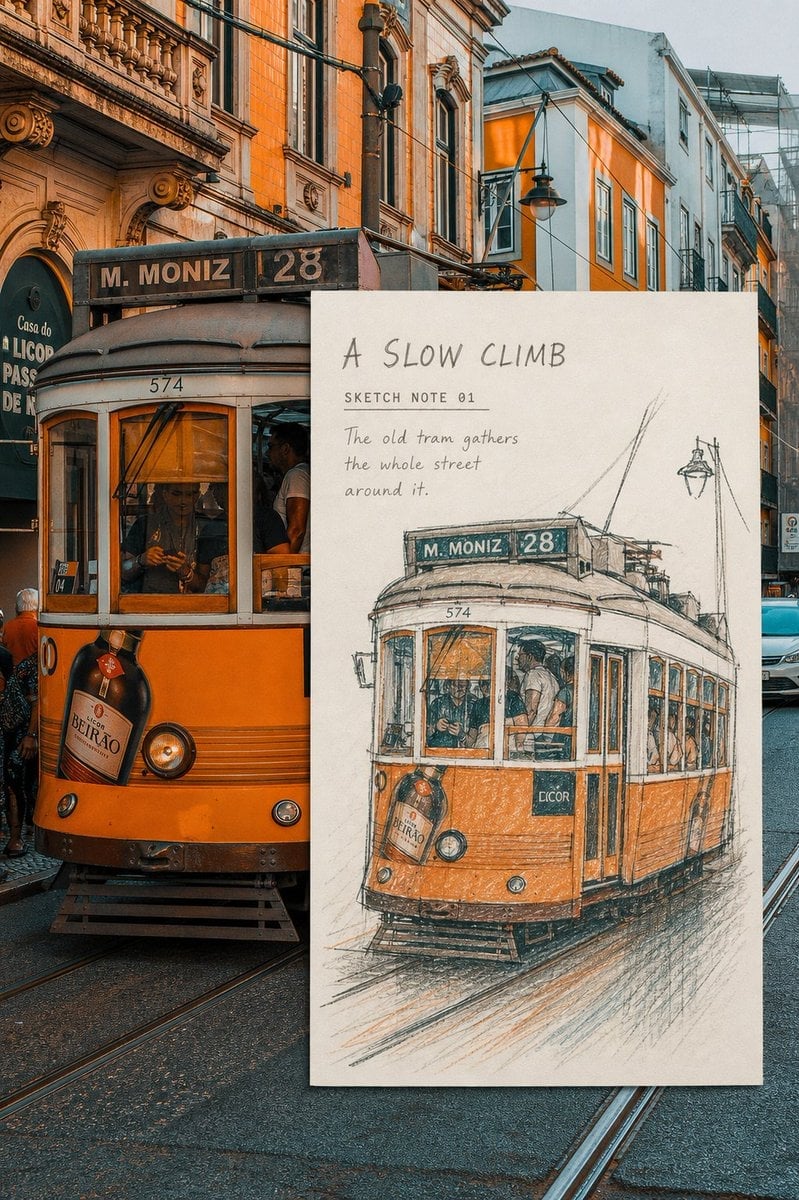
Real-Scene Inset Sketch Poster
Make it yours
Japanese Vacuum Design Sketch Board works as-is. These are the safest ways to change it without losing the look.
Change one field
Copy a single group, rewrite it, and generate again so you can see what that field is doing.
Keep the frame, change the subject
Hold the composition and light of Japanese Vacuum Design Sketch Board, then swap wardrobe, props or the person for a new take.
| If the result… | Why | Fix |
|---|---|---|
| The result drifts from the preview | Too many fields changed at once. | Reuse Japanese Vacuum Design Sketch Board as-is first, then change one group — subject, light, or setting. |
| GPT Image 2 ignores part of the JSON | Some models flatten or skip nested keys. | Keep the same values and paste them as a short paragraph instead. |
More GPT Image 2 templates
Other prompts made for GPT Image 2.

Realistic Portrait of Woman and Deer

The Vista Modular Condo Poster

AI Model Routing Comparison Infographic

Isometric Productivity Desk Scene

New York Double Exposure Poster

Four-Panel AI Landscape Comparison

NESCAFÉ Coffee Map Poster

Brutalist Cogito Chinese Typography Poster

Cinematic Luxury Terrace Portrait

Superhero Era Transformation Split Portrait
More image prompts
Fresh picks from across the catalog.

Anime Movie Poster for a Paramecium Character

Hyper-Realistic Selfie Portrait

Candid Night-Time Street Style Photo with Roses

Candid Flash Photography: Chaotic Holiday Party (Duplicate)

Cyberpunk Glitch Portrait Prompt with Identity Lock
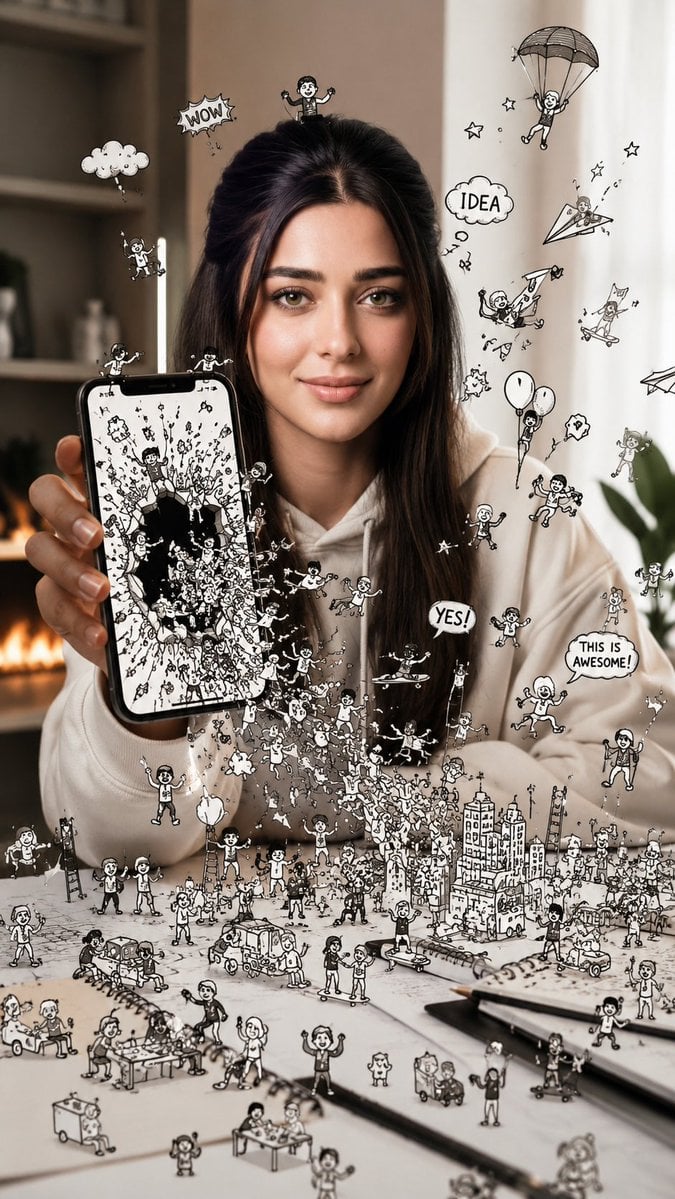
Shattered Phone Screen Doodle Portal

High-Contrast Athleisure Mirror Selfie

Aesthetic Cinematic Outdoor Half Portrait
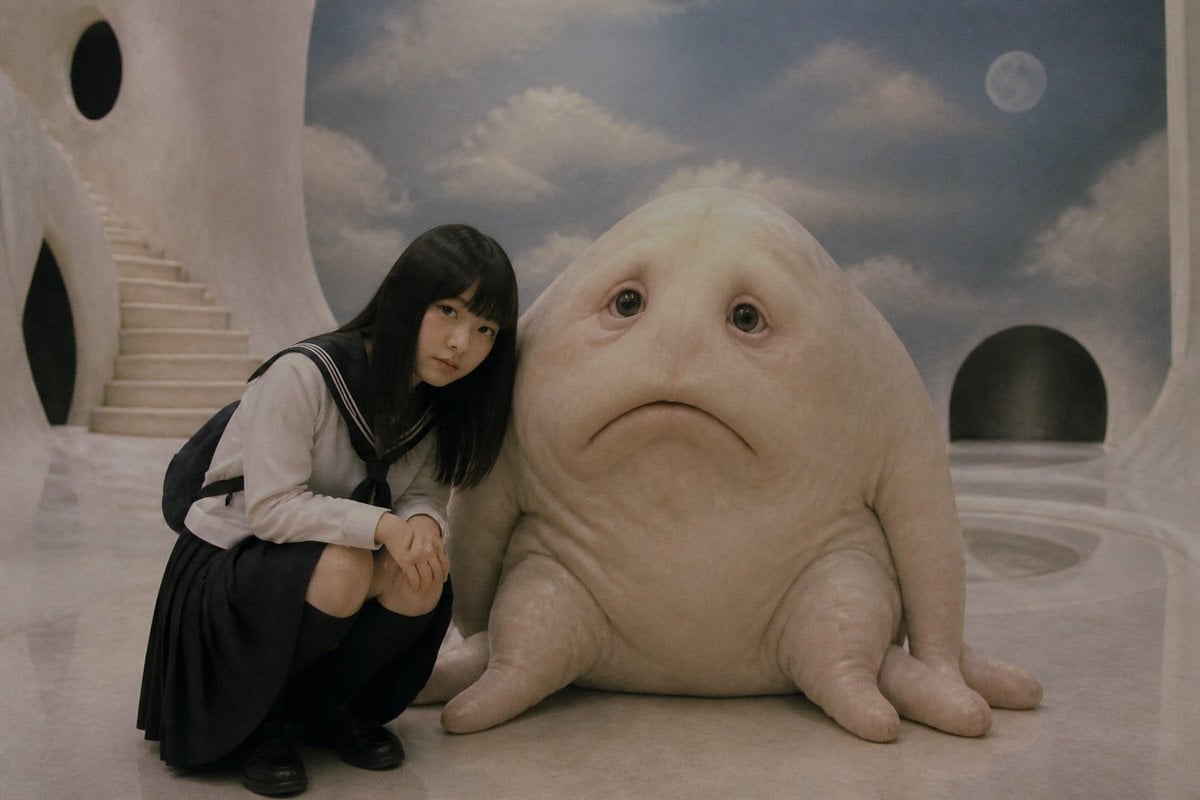
Surreal Schoolgirl and Blob Creature
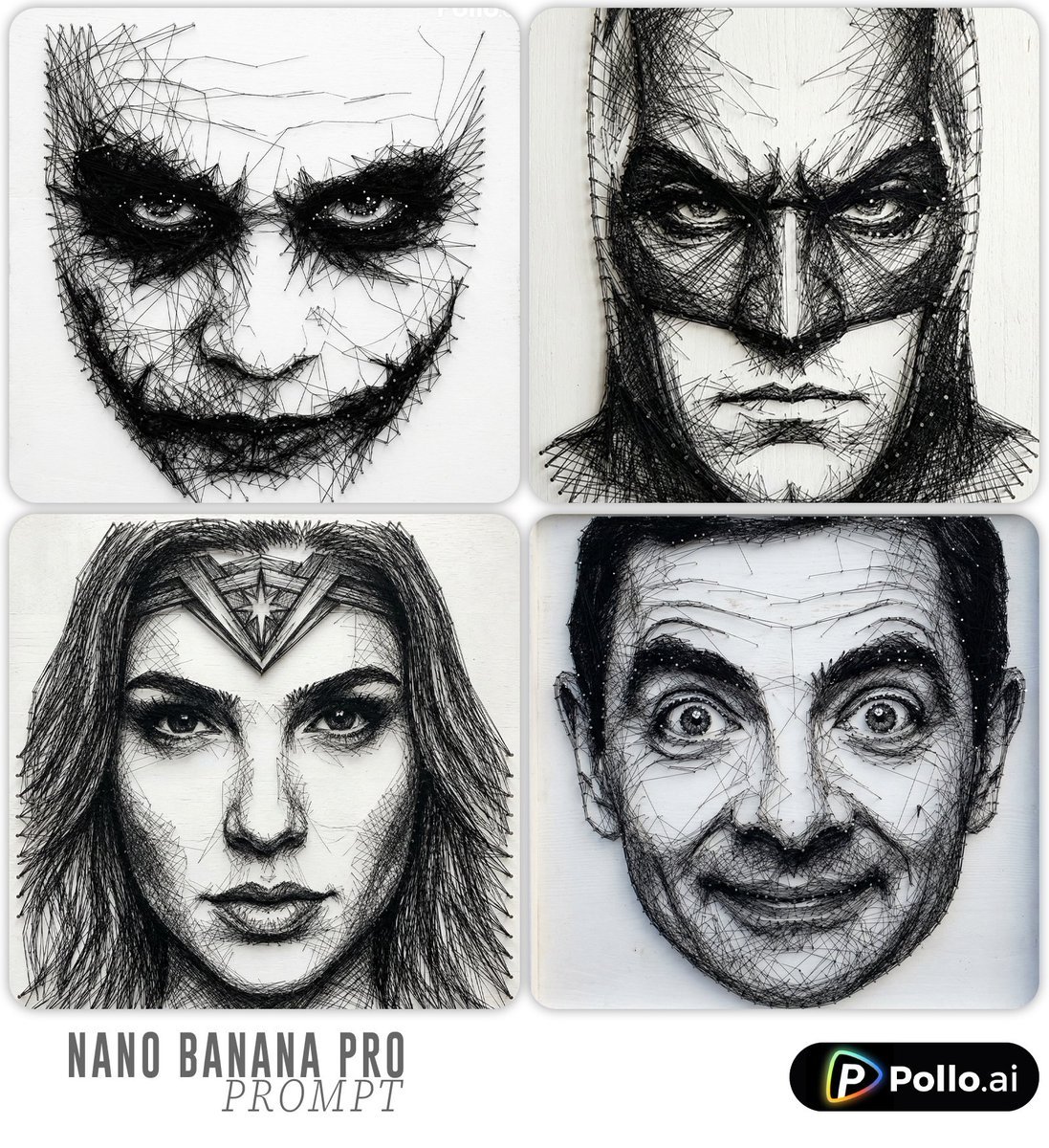
Ultra-detailed Thread Art Portrait Prompt
Browse template categories
Japanese Vacuum Design Sketch Board questions
How do I use the Japanese Vacuum Design Sketch Board template?
Add your photo if the template asks for one, edit the prompt if you like — the template's model and format are already selected — and press Generate. Your version opens in PicX Studio.
Can I customize the Japanese Vacuum Design Sketch Board template?
Yes. You can change the subject, setting, lighting, mood, format, and available model controls before creating your image.
Is the Japanese Vacuum Design Sketch Board template free?
Opening and editing this template is free. Generating uses credits, shown on the Generate button when you are signed in.
Which AI model should I use?
Start with GPT Image 2, which is the model associated with this template. You can compare another compatible model for a different finish.
Looking for something else? Browse all templates.

Your photo, any look
Thousands of ready templates for every top image and video model, from one credit balance.