
Blue AI Influencer 3D Poster
A stylized vertical 3D social-media influencer poster with bold metallic name typography, blue fashion styling, and floating notification icons.
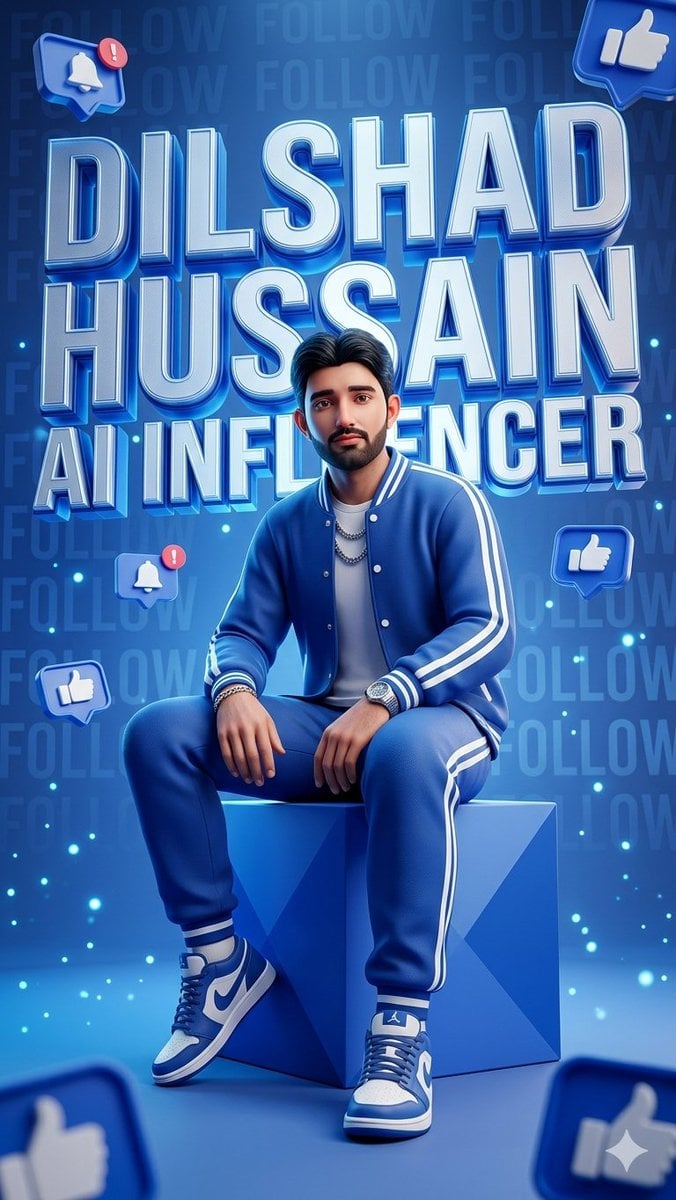
- Prompt included
- Model and format preset
- Free template
The prompt behind this image
Copy the exact prompt behind Blue AI Influencer 3D Poster, or open it in the studio and make it yours.
Goal: Create a hyper-detailed stylized 3D promotional poster for a social-media influencer persona, centered on a confident young man seated casually on a glossy geometric cube in a futuristic blue studio. Canvas: Vertical 9:16 poster, high-resolution, cinematic 3D render, saturated electric-blue palette, glossy surfaces, soft bloom, rim lighting, and depth-of-field blur on foreground elements. Main subject: A young adult man with a smooth intentionally blurred square face area, short dark styled hair, medium build, relaxed confident pose, seated on a faceted blue cube at center. He wears a coordinated royal-blue varsity tracksuit with white stripes: 1 jacket, 1 white T-shirt, 1 pair of jogger pants, 2 blue-and-white high-top sneakers, plus visible accessories including 2 layered chain necklaces, 1 wristwatch, and several bracelets. His hands rest casually near his knees, legs apart, feet planted forward. Text content: Use huge stacked metallic 3D block lettering behind and around the figure, glowing blue and white with extruded shadows. Exactly 3 main text lines: “{argument name="first name" default="DILSHAD"}”, “{argument name="last name" default="HUSSAIN"}”, and “{argument name="subtitle text" default="AI INFLUENCER"}”. Add a faint repeated background pattern reading “FOLLOW” across the wall. Layout: The name fills the upper two-thirds of the image, partially behind the seated figure, with the subtitle across the mid-lower area behind his shoulders. The cube is centered in the lower third. Keep the subject in front of the typography with realistic occlusion and shadows. Social-media elements: Include exactly 7 floating blue notification icons: 2 bell notification icons with red alert badges, 3 full thumbs-up icons, and 2 partially cropped thumbs-up icons at the bottom corners. Place one bell icon at the upper left, one thumbs-up icon at the upper right, one bell icon at mid-left, one thumbs-up icon at mid-right, one thumbs-up icon at lower-left, and two oversized blurred cropped thumbs-up icons in the bottom-left and bottom-right foreground. Visual style: Futuristic influencer branding, glossy app-icon aesthetics, beveled chrome typography, neon cyan glow, floating particles, tiny cyan light specks, blue gradient background, polished studio floor, soft vignette, realistic fabric texture, realistic sneaker detail, dramatic commercial lighting. Constraints: Keep the image dominated by blue tones, preserve the exact 3-line title hierarchy, make the typography crisp and readable, keep the face anonymized with a smooth blur, avoid extra logos or watermarks.
How to use Blue AI Influencer 3D Poster in 3 steps
- 1Upload ImagePNG, JPG or paste
Add your photo
Upload the photo the template builds on. The prompt, model and format are already set.
- 2…a portrait of your subject in softgolden-hour light, 85mm…
Personalize
Edit the subject and creative details for your destination.
- 3Generate
Generate
Press Generate — your image is created in PicX Studio, so you can compare it with the original and refine one variable at a time.
More like this
Templates with the same subject, style or setup. Open one to see its prompt.

Monochrome Portrait Jersey Accent Poster

Japan Travel Brochure Poster
Authentic UGC Influencer Character Blueprint

Cartoon TV Show Poster Pack

Trendy Cafe Drink Promo Poster

Urban Fashion Editorial Collage Streetwear Poster

Premium Fashion Editorial Cover Layout System

Polo Ralph Lauren Luxury American Heritage Fashion Campaign

Monochrome Halftone Editorial Fashion Poster

Retro Mirror Luxury Fashion Campaign Poster

Luxury Fashion Campaign Typography Poster System

Premium Fashion Editorial Campaign Poster System
Make it yours
Blue AI Influencer 3D Poster works as-is. These are the safest ways to change it without losing the look.
Change one field
Copy a single group, rewrite it, and generate again so you can see what that field is doing.
Keep the frame, change the subject
Hold the composition and light of Blue AI Influencer 3D Poster, then swap wardrobe, props or the person for a new take.
| If the result… | Why | Fix |
|---|---|---|
| The result drifts from the preview | Too many fields changed at once. | Reuse Blue AI Influencer 3D Poster as-is first, then change one group — subject, light, or setting. |
| The model over-stylizes the scene | The prose prompt leaves finish and camera underspecified. | Add one camera or lighting sentence and stay on GPT Image 2. |
More GPT Image 2 templates
Other prompts made for GPT Image 2.

Six VTuber Japanese Logo Sheet

Realistic Portrait of Woman and Deer

The Vista Modular Condo Poster

AI Model Routing Comparison Infographic

2.5D Anime Art Board

Isometric Productivity Desk Scene

New York Double Exposure Poster

Four-Panel AI Landscape Comparison

Japanese Tatami Lifestyle Magazine Cover

NESCAFÉ Coffee Map Poster
More image prompts
Fresh picks from across the catalog.
Bat Cowl Protocol Character Prompt
Black and White Photobooth Couple Grid Prompt (16 Panels)
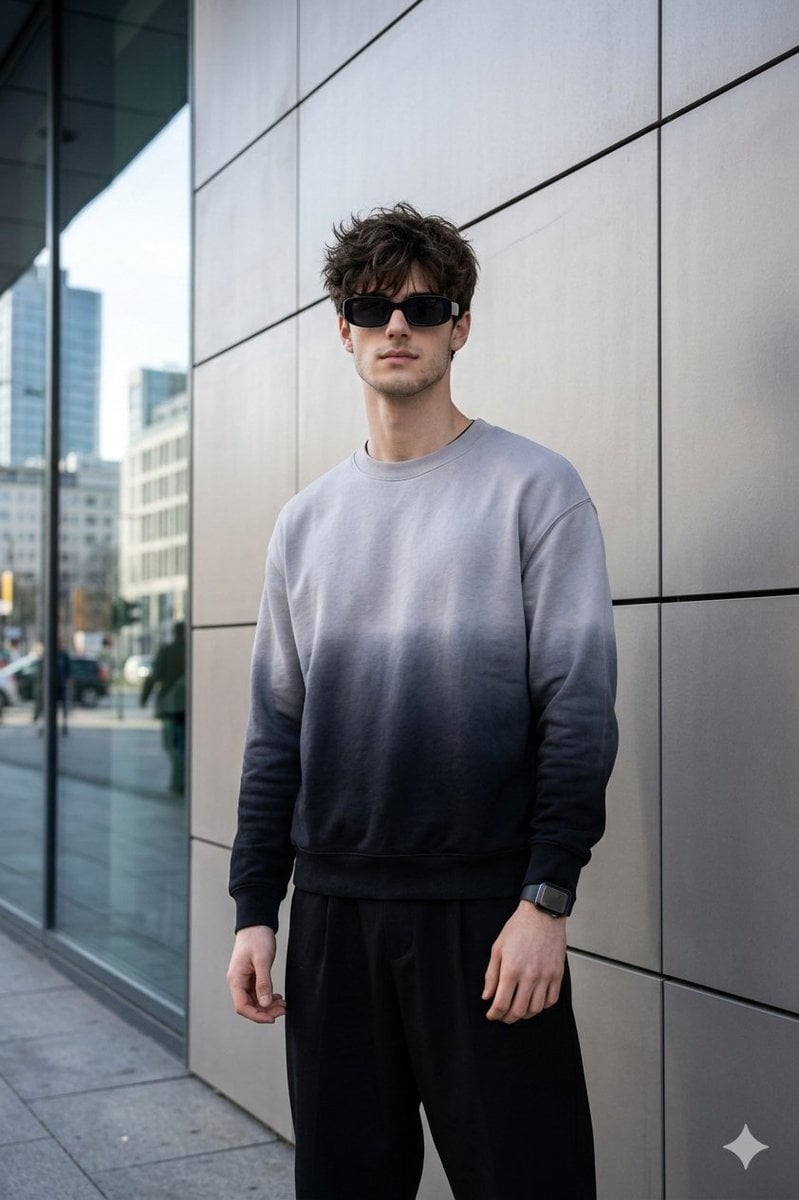
Masterpiece Cinematic Portrait Prompt
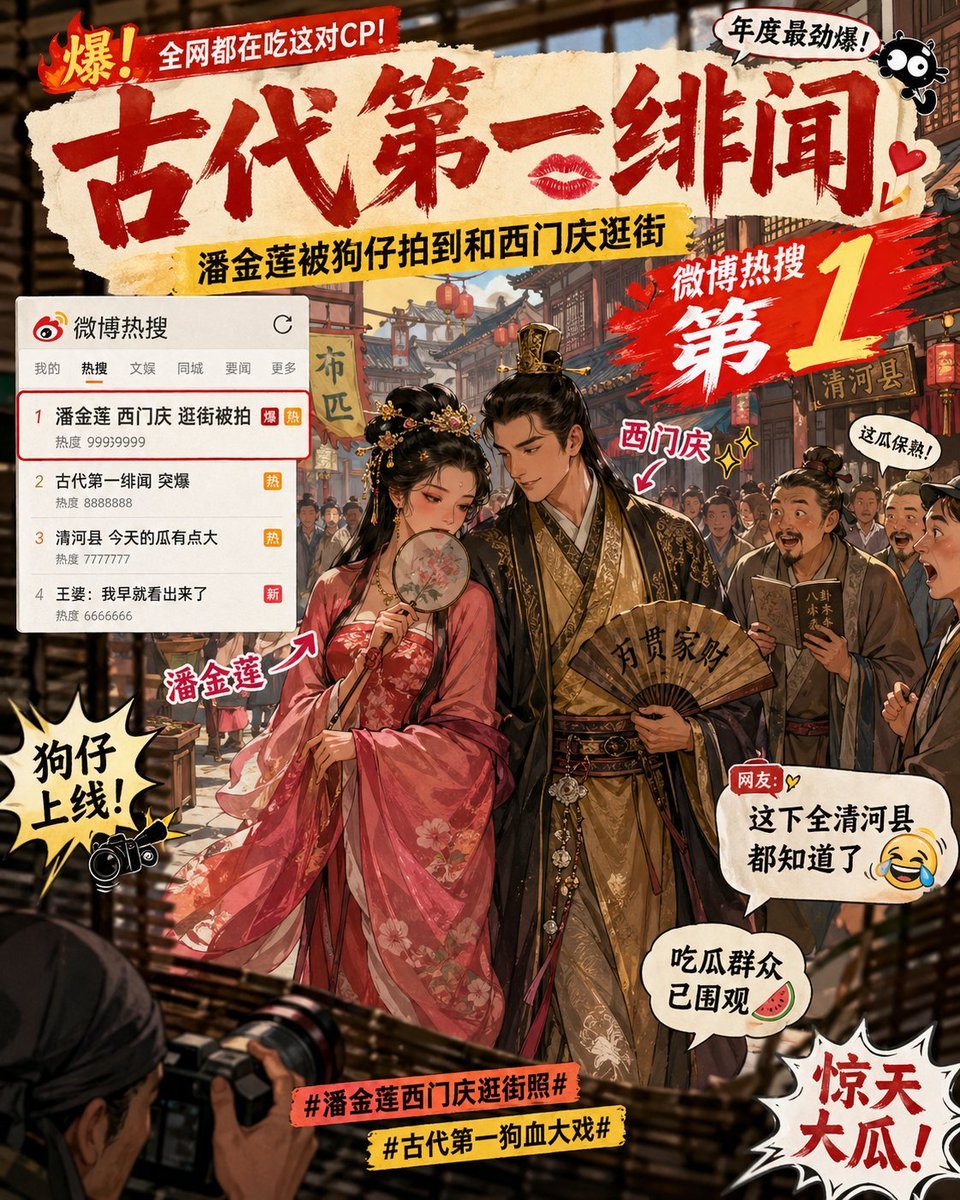
Ancient Paparazzi Scandal News

Cozy Children's Birthday Portrait
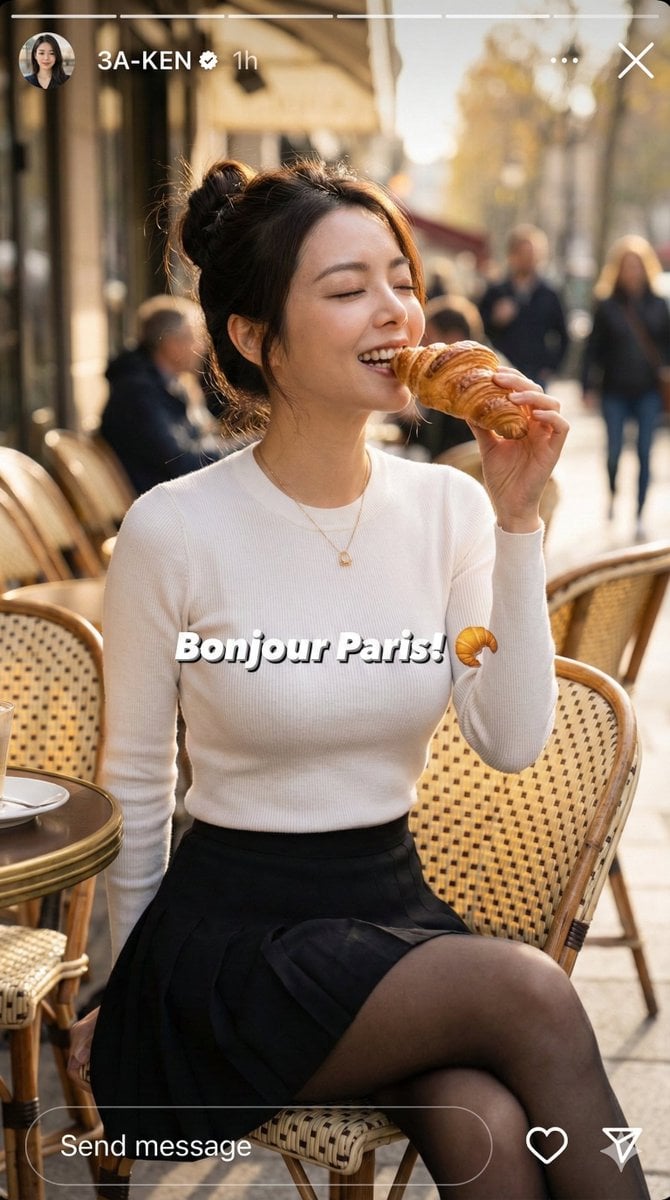
Instagram Story Prompt: Parisian Morning Croissant Selfie
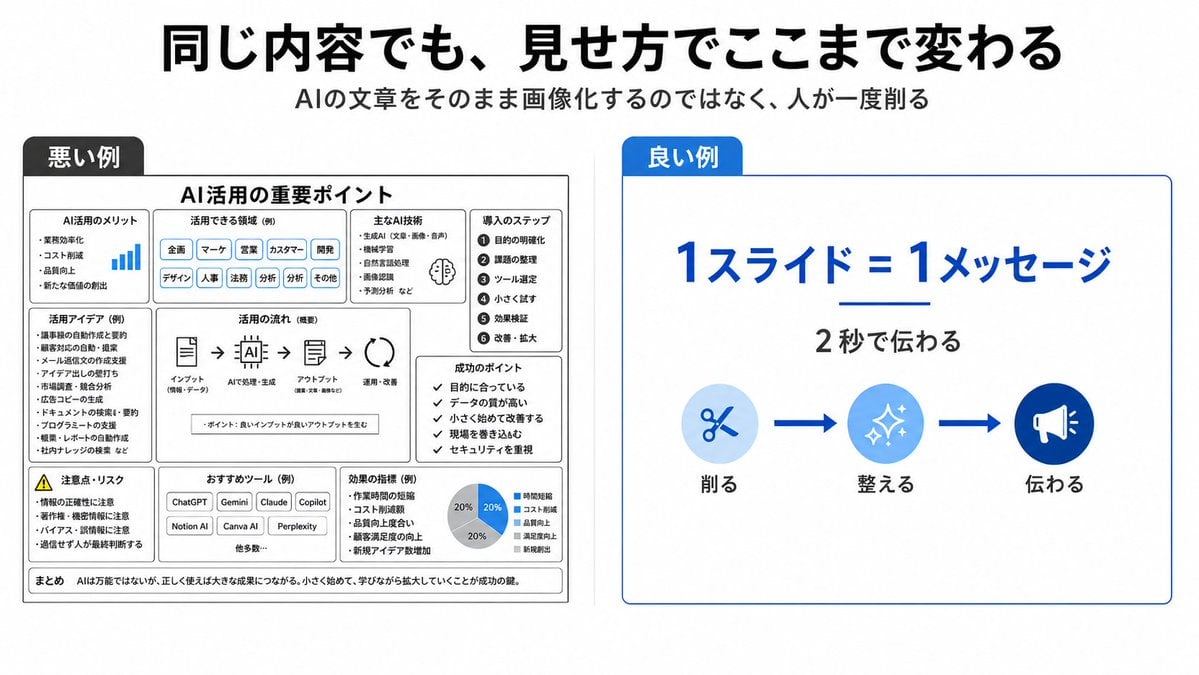
Bad vs Good Slide Design Infographic
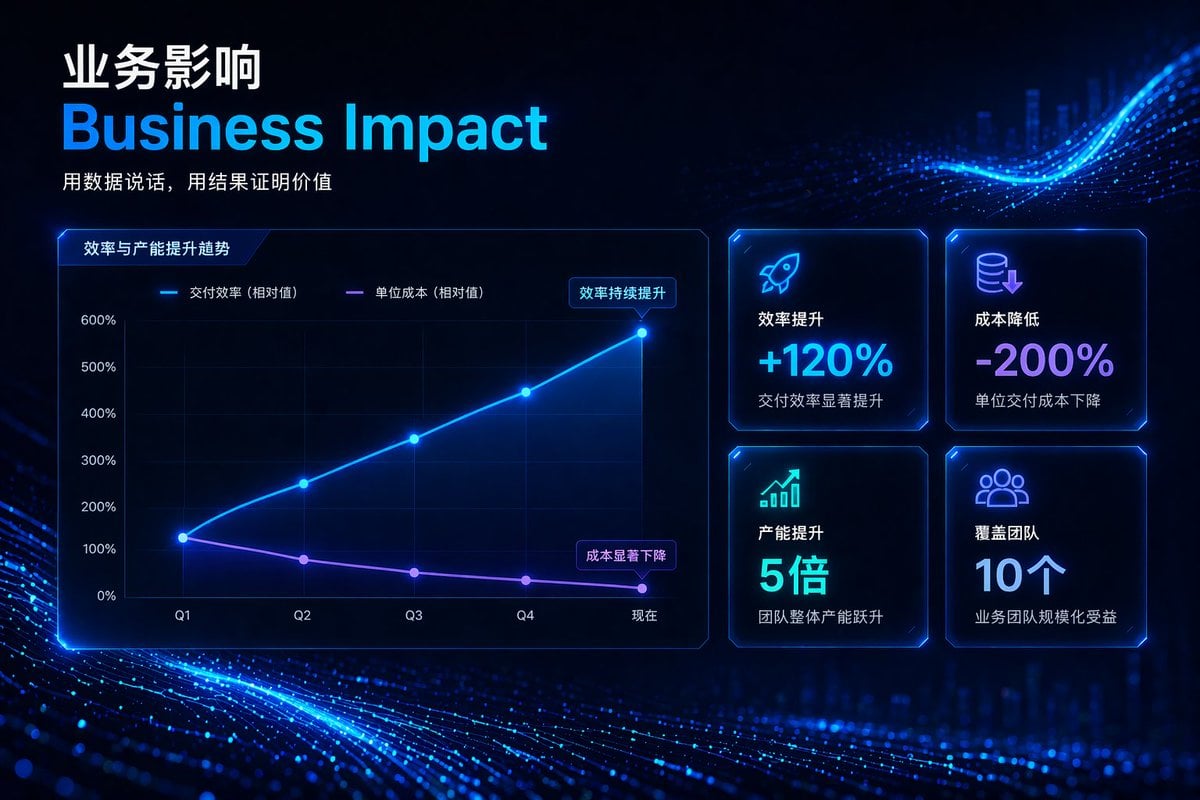
High-Tech Corporate KPI Presentation Slide
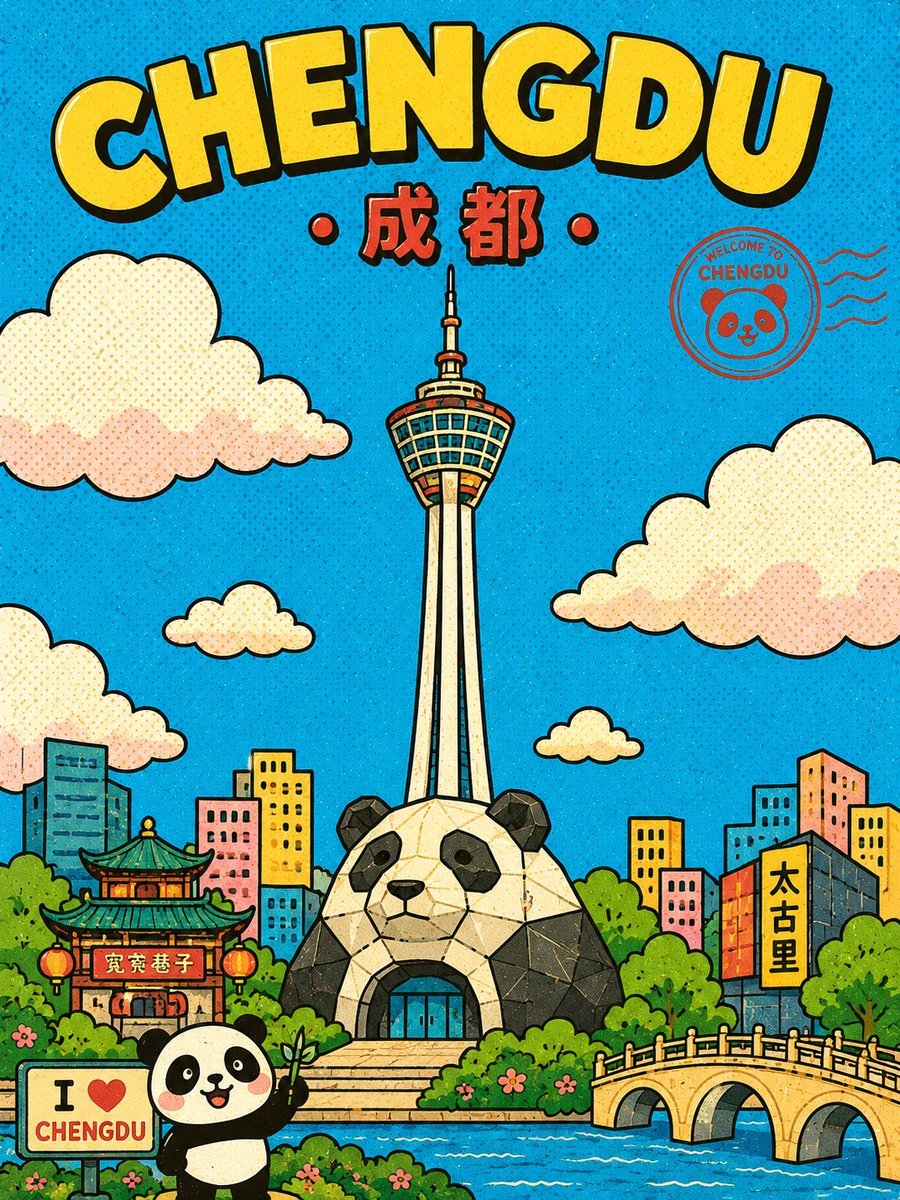
Retro Chengdu Cartoon Postcard
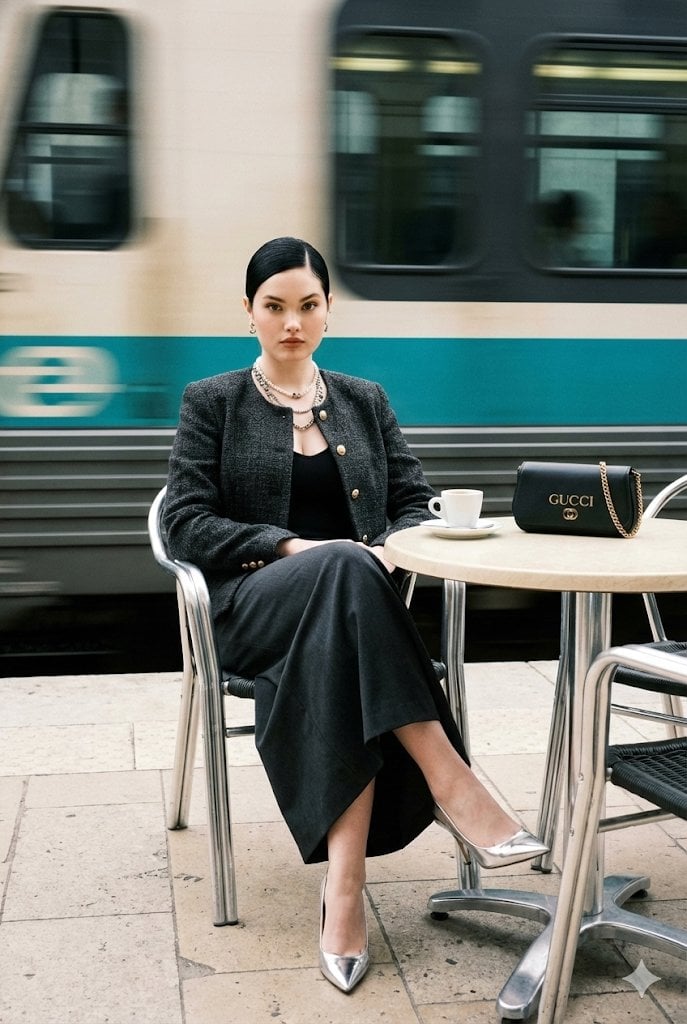
Ultra-Realistic Street-Fashion Portrait with Motion Blur
Browse template categories
Blue AI Influencer 3D Poster questions
How do I use the Blue AI Influencer 3D Poster template?
Add your photo if the template asks for one, edit the prompt if you like — the template's model and format are already selected — and press Generate. Your version opens in PicX Studio.
Can I customize the Blue AI Influencer 3D Poster template?
Yes. You can change the subject, setting, lighting, mood, format, and available model controls before creating your image.
Is the Blue AI Influencer 3D Poster template free?
Opening and editing this template is free. Generating uses credits, shown on the Generate button when you are signed in.
Which AI model should I use?
Start with GPT Image 2, which is the model associated with this template. You can compare another compatible model for a different finish.
Looking for something else? Browse all templates.

Your photo, any look
Thousands of ready templates for every top image and video model, from one credit balance.