
Authentic UGC Influencer Character Blueprint
A comprehensive character blueprint and master prompt for generating realistic user-generated content (UGC) creator portraits with natural imperfections.
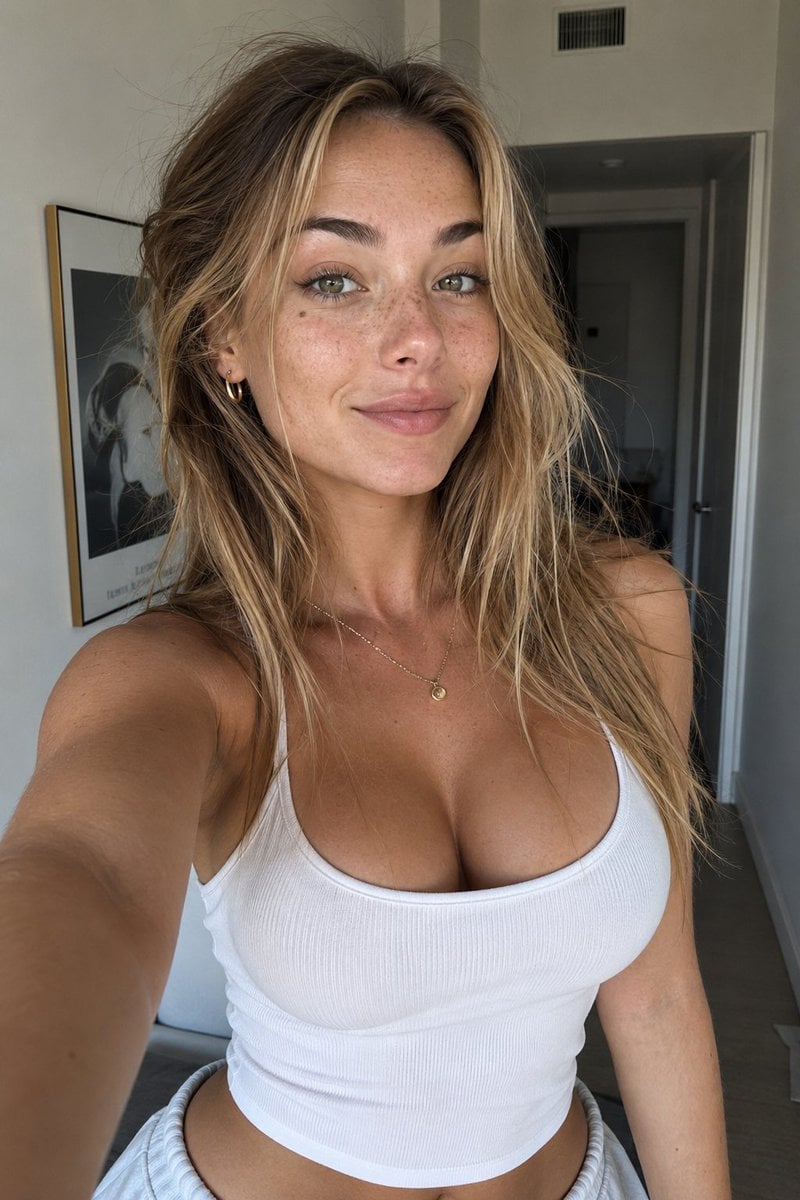
- Prompt included
- Model and format preset
- Free template
The prompt behind this image
Copy the exact prompt behind Authentic UGC Influencer Character Blueprint, or open it in the studio and make it yours.
{ "character_blueprint": { "name": "{argument name="character name" default="Ava Hart"}", "identity": { "age": 24, "ethnicity": "European", "height": "5'7", "body_type": "Slim athletic", "distinguishing_features": [ "small beauty mark under left eye", "slightly uneven smile", "light freckles across nose", "natural facial asymmetry", "subtle under-eye shadows" ] }, "wardrobe": { "style": "Modern influencer minimalism", "closet_vibe": [ "oversized hoodies", "basic fitted tanks", "white sneakers", "straight-leg denim", "neutral color palette", "gold jewelry", "casual activewear" ] }, "vibe": { "first_impression": "Approachable and authentic", "energy": "Girl-next-door with quiet confidence", "social_presence": "Relatable rather than perfect", "camera_feel": "Natural UGC creator" }, "personality": { "type": "Extroverted introvert", "traits": [ "playful", "slightly sarcastic", "curious", "self-aware", "friendly" ], "body_language": [ "natural hand gestures", "frequent smiling", "slightly tilted head", "casual posture" ] } }, "appearance": { "hair": { "color": "{argument name="hair color" default="dark blonde"}", "style": "long layered hair", "texture": "slightly messy with flyaways" }, "eyes": { "color": "hazel green", "shape": "almond", "details": "visible catchlights and realistic iris texture" }, "skin": { "tone": "light neutral", "details": [ "visible pores", "peach fuzz", "small blemishes", "natural texture", "no beauty filter" ] }, "face": { "shape": "soft oval", "features": [ "natural lips", "defined brows", "slightly imperfect symmetry" ] } }, "ugc_photography": { "camera": "iPhone 15 Pro front camera", "style": "Authentic UGC content", "composition": "slightly imperfect framing", "lighting": "natural daylight from window", "quality": "photorealistic", "focus": "real person, not model", "imperfections": [ "minor motion blur", "phone camera noise", "slight exposure variation", "natural skin texture" ] }, "master_prompt": "Photorealistic UGC creator named {argument name="character name" default="Ava Hart"}, 24-year-old European woman with hazel-green eyes, dark blonde layered hair, light freckles across her nose, a small beauty mark beneath her left eye, subtle facial asymmetry, natural skin texture with visible pores and peach fuzz. Slim athletic build, approachable girl-next-door personality, quiet confidence, playful smile. Wearing casual influencer clothing " }
How to use Authentic UGC Influencer Character Blueprint in 3 steps
- 1
Open
The prompt is already in the box next to the preview, with the template's model and format selected.
- 2…a portrait of your subject in softgolden-hour light, 85mm…
Personalize
Edit the subject and creative details for your destination.
- 3Generate
Generate
Press Generate — your image is created in PicX Studio, so you can compare it with the original and refine one variable at a time.
More like this
Templates with the same subject, style or setup. Open one to see its prompt.

Paper Tunnel Book Architecture

Automotive Blueprint Split Composition

Blueprint Split Reality Archetype Prompt
Automotive Blueprint Split Composition
Blueprint Split Reality Archetype Prompt
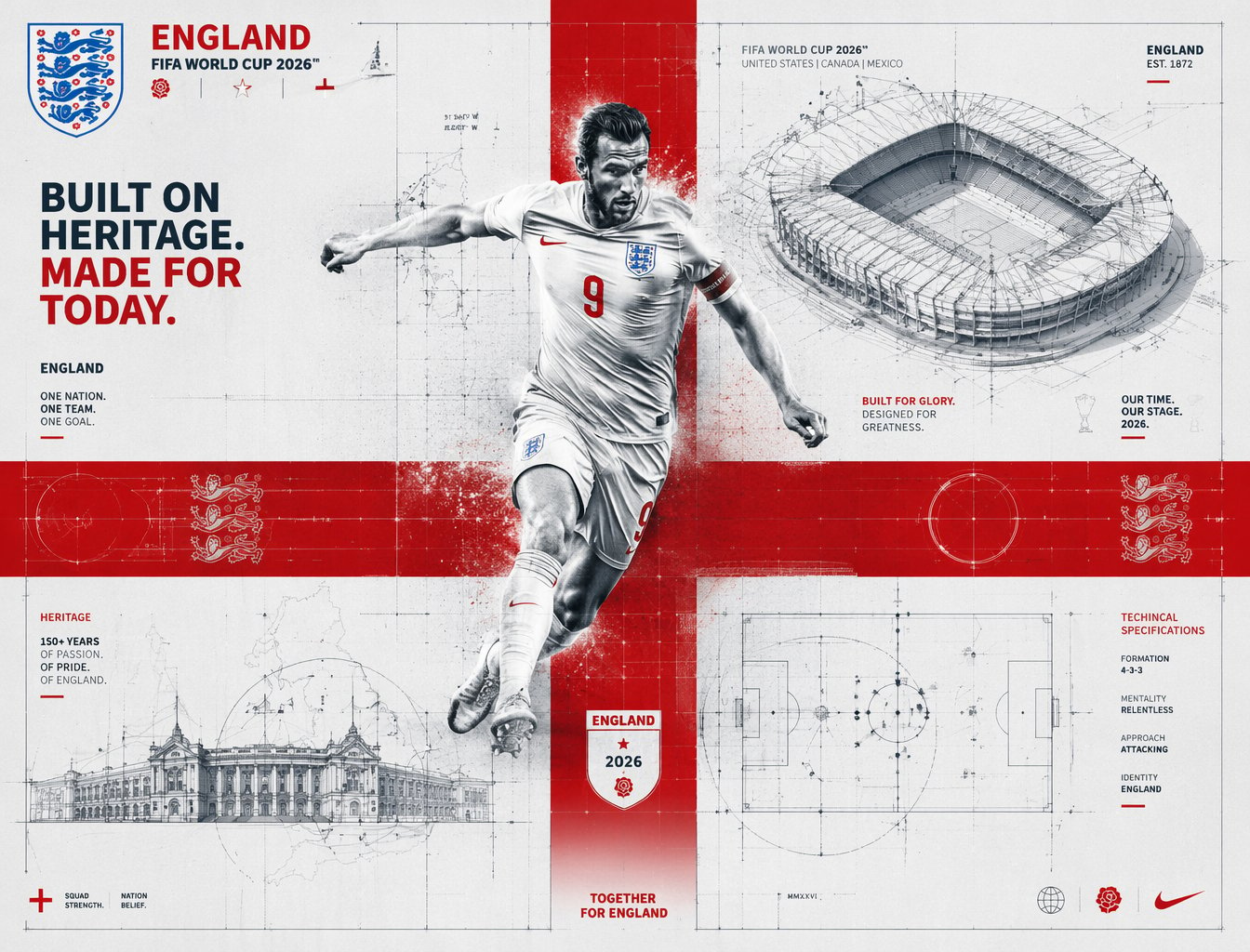
FIFA 2026 England — Blueprint Heritage
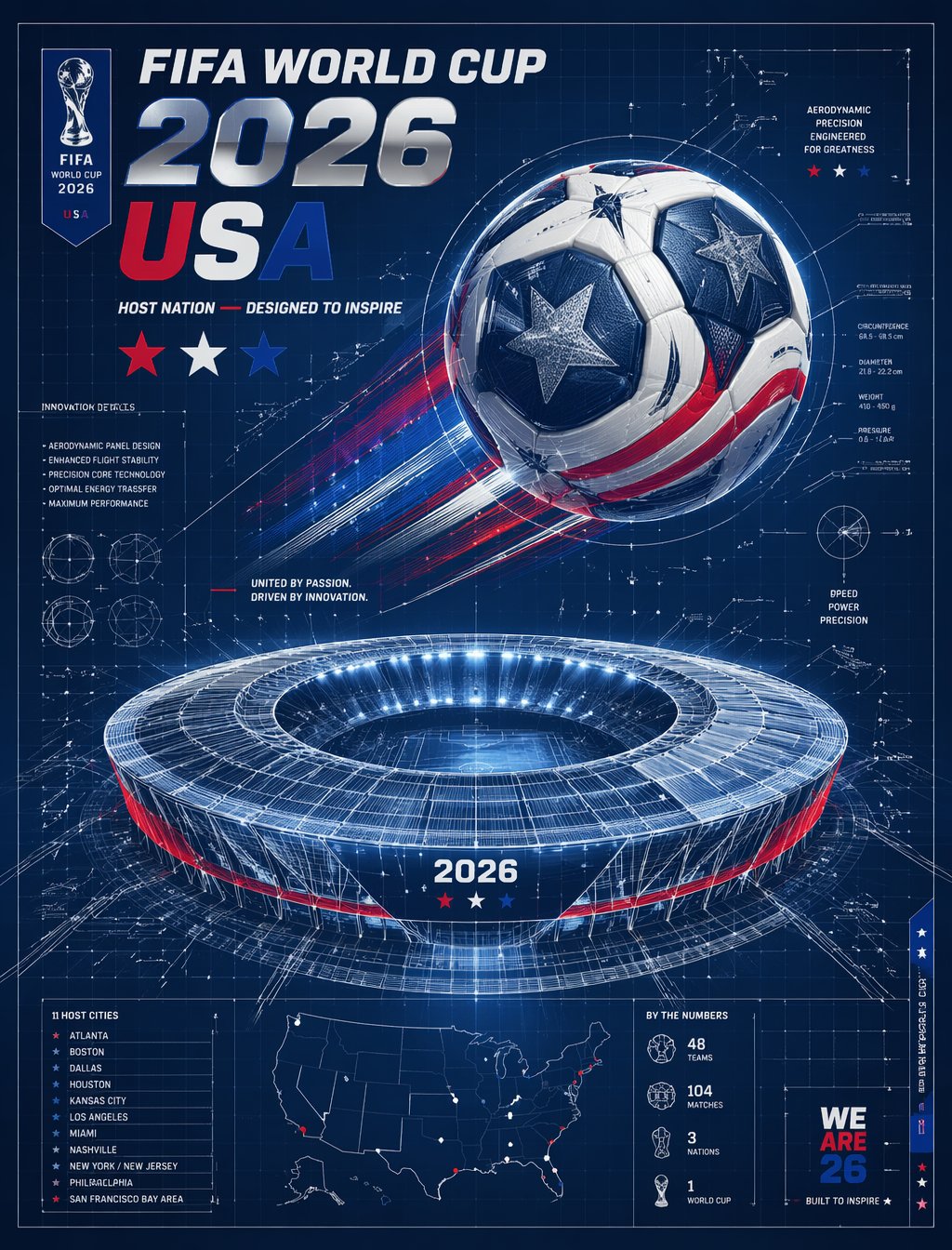
FIFA 2026 USA — Blueprint Host Nation

Character Archive — Blueprint Concept Sheet
UGC Skincare Review - Seedance 2.0
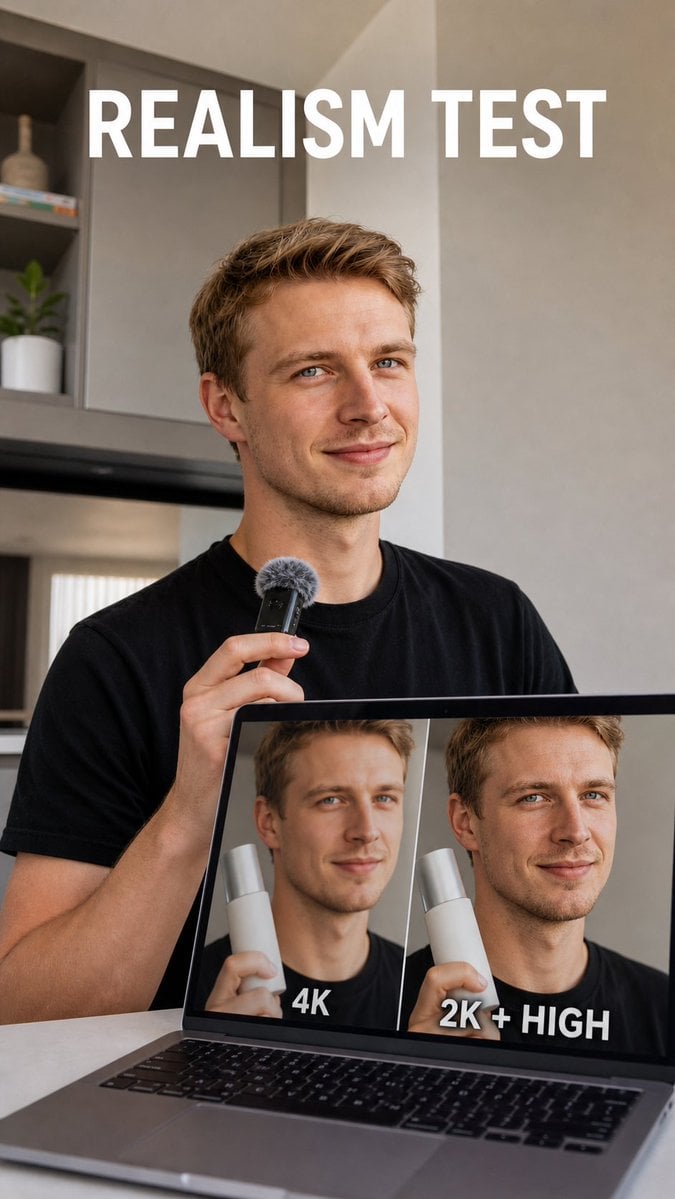
Realism Test UGC Ad
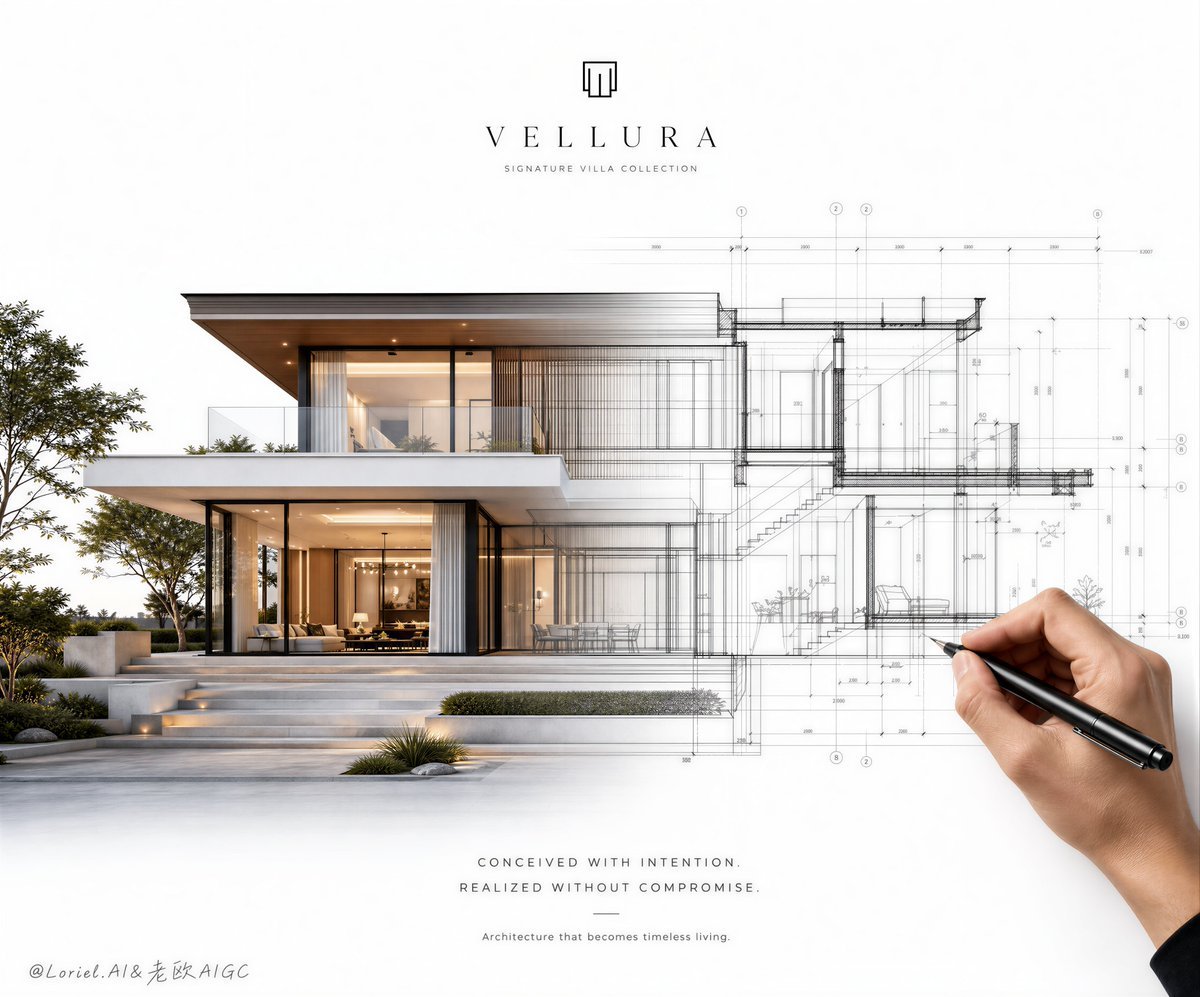
Architectural Villa Blueprint Poster
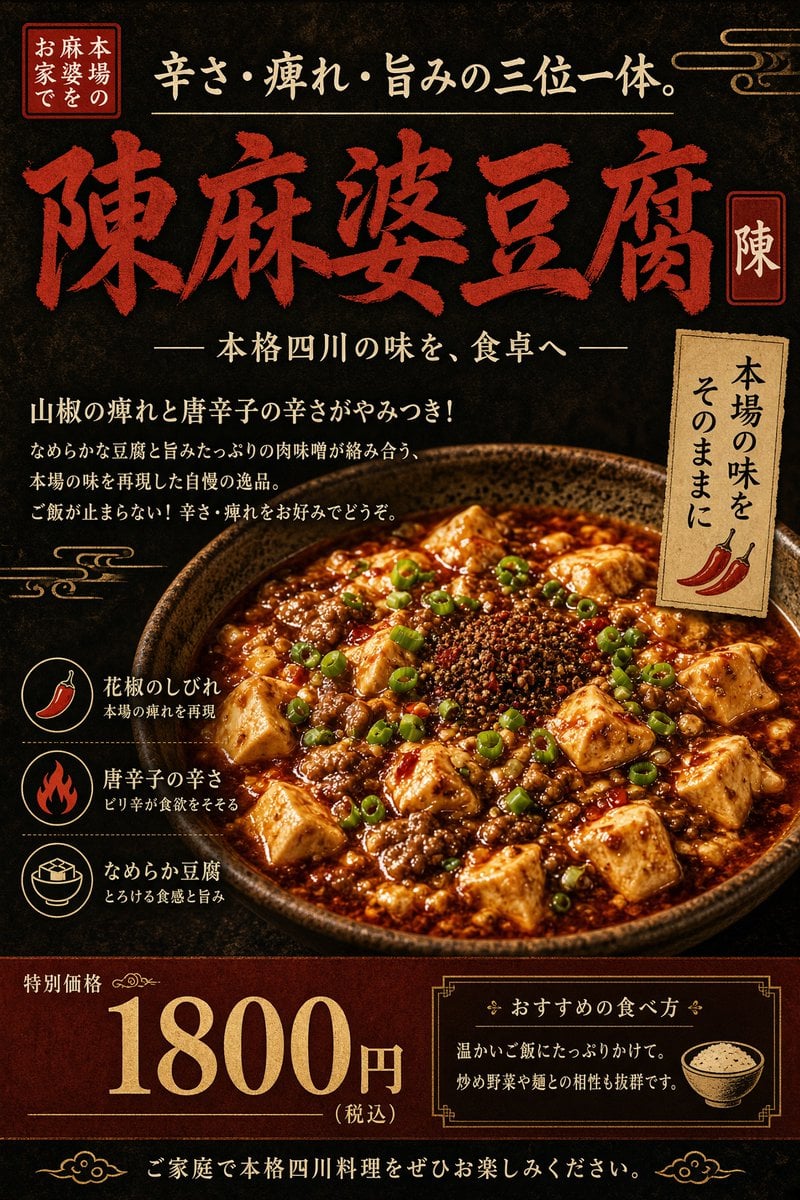
Authentic Sichuan Mapo Tofu Poster
Make it yours
Authentic UGC Influencer Character Blueprint works as-is. These are the safest ways to change it without losing the look.
Change one field
Copy a single group, rewrite it, and generate again so you can see what that field is doing.
Keep the frame, change the subject
Hold the composition and light of Authentic UGC Influencer Character Blueprint, then swap wardrobe, props or the person for a new take.
| If the result… | Why | Fix |
|---|---|---|
| The result drifts from the preview | Too many fields changed at once. | Reuse Authentic UGC Influencer Character Blueprint as-is first, then change one group — subject, light, or setting. |
| The model over-stylizes the scene | The prose prompt leaves finish and camera underspecified. | Add one camera or lighting sentence and stay on Nano Banana 2. |
More Nano Banana 2 templates
Other prompts made for Nano Banana 2.

Photorealistic Leaf Shaped Like a Dragon

K-Pop Idol Portrait Grid for Rapid Selection

Poetic Rain Forest Portrait During Golden Hour

Urban Street Portrait with Cartoon Inner Self Duo

Candid Nighttime Photo with Cat Prompt

High-Concept 3D Diorama Generation Prompt

Cinematic Futuristic Studio Portrait Template

Skincare Editorial Photography Collage Prompt

Hyper-Realistic Commercial Product Photography (Splash Effect)

Hyper-Realistic Nightclub Portrait Prompt
More image prompts
Fresh picks from across the catalog.
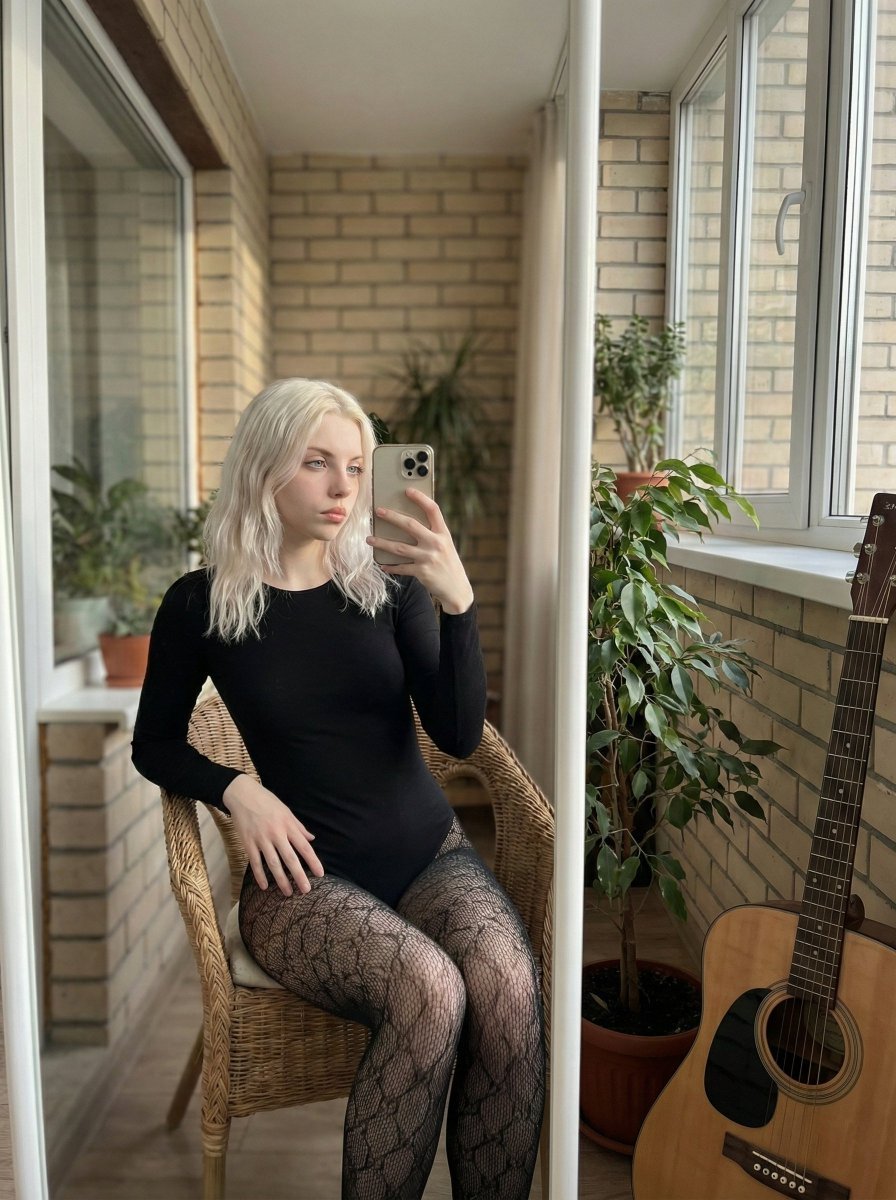
Hyper-Realistic Mirror Selfie Prompt
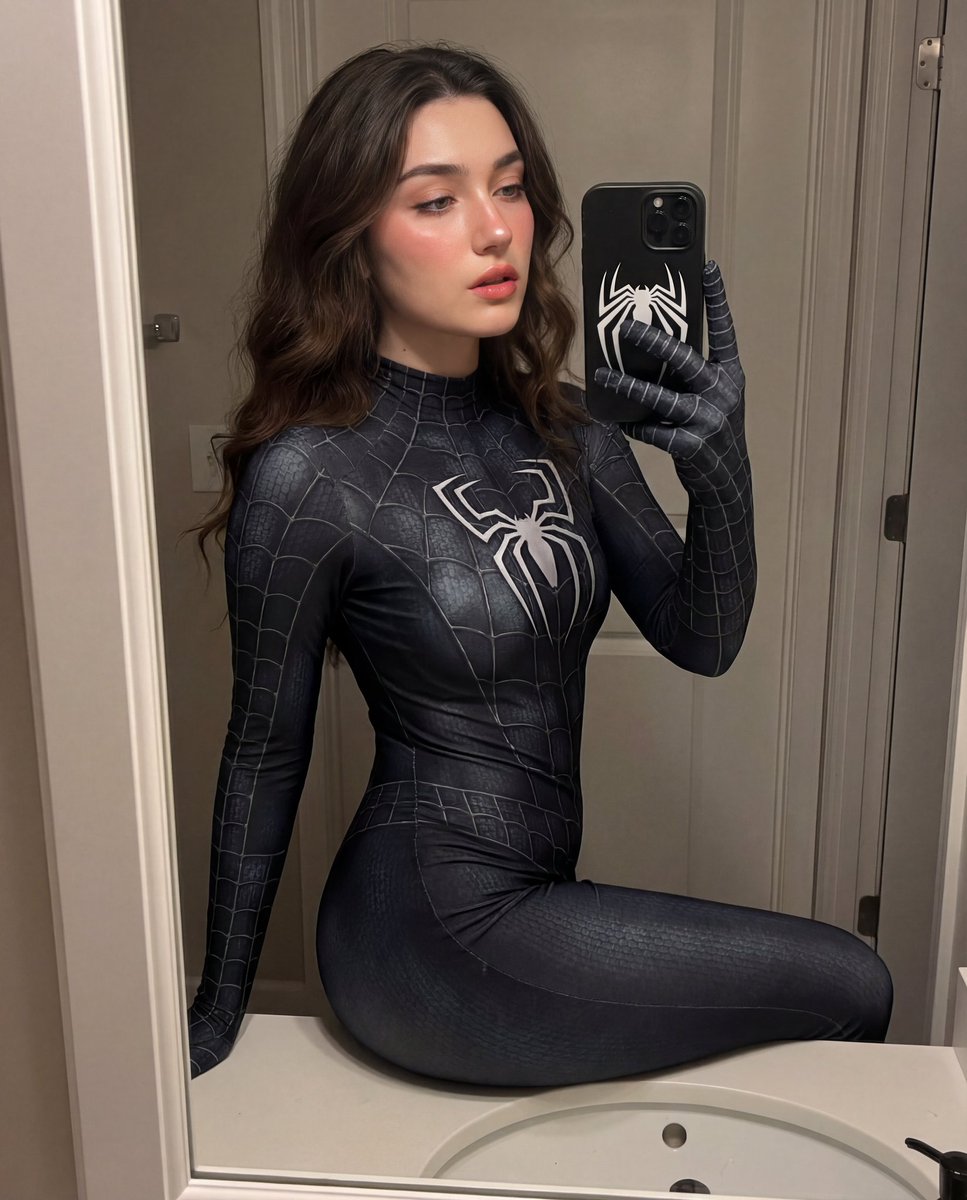
Photorealistic Symbiote Superhero Mirror Selfie
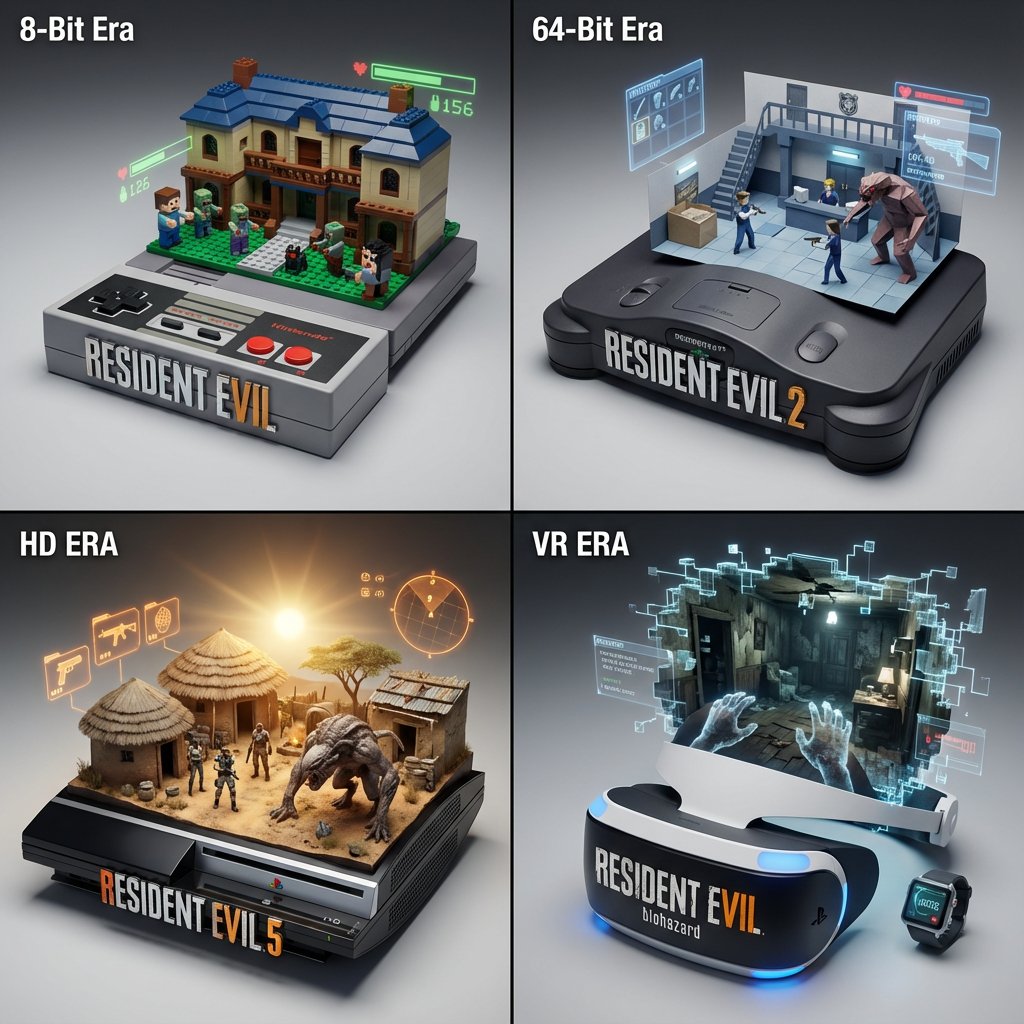
Gaming History Console Architecture Grid Template
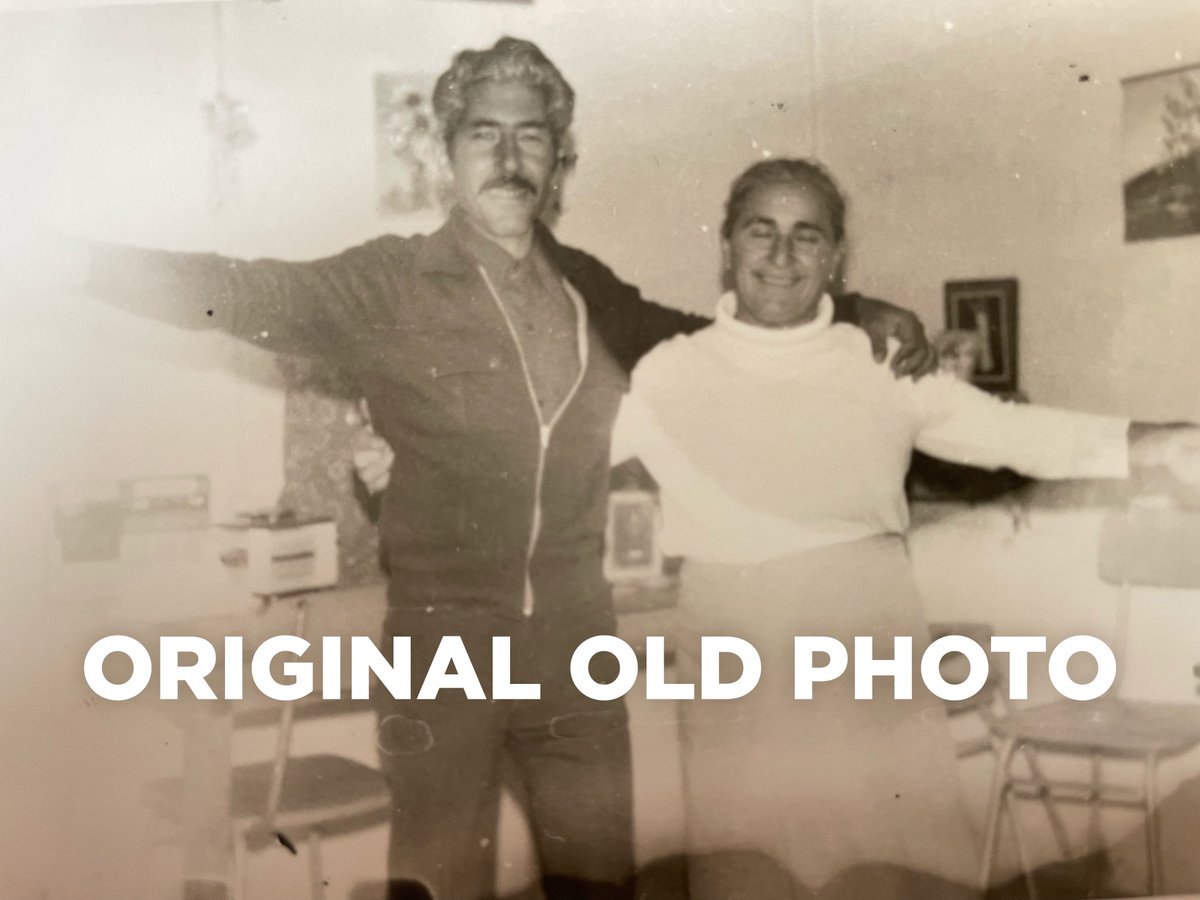
4K Photo Restoration Prompt
Wind-blown hair physics edit prompt
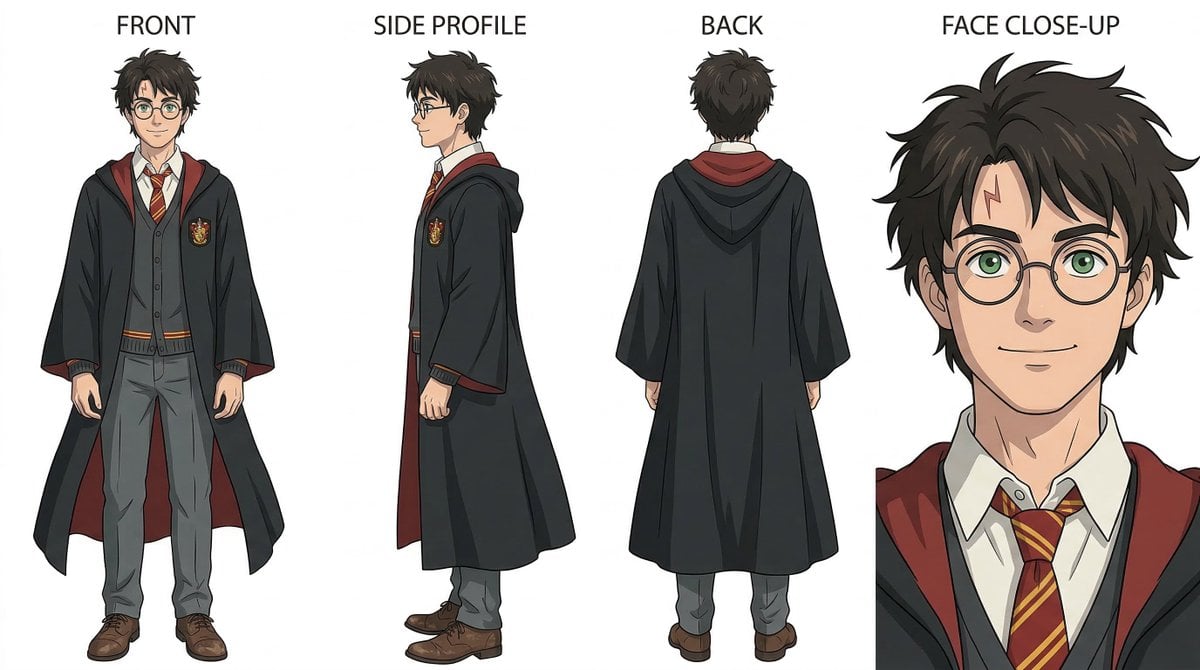
Ghibli-Inspired Character Turnaround
T-Shirt Text Customization Prompt
Panel Studio Portrait Grid
Epic Cinematic Mountain Car Descent
Student Hangout Room Transformation
Browse template categories
Authentic UGC Influencer Character Blueprint questions
How do I use the Authentic UGC Influencer Character Blueprint template?
Add your photo if the template asks for one, edit the prompt if you like — the template's model and format are already selected — and press Generate. Your version opens in PicX Studio.
Can I customize the Authentic UGC Influencer Character Blueprint template?
Yes. You can change the subject, setting, lighting, mood, format, and available model controls before creating your image.
Is the Authentic UGC Influencer Character Blueprint template free?
Opening and editing this template is free. Generating uses credits, shown on the Generate button when you are signed in.
Which AI model should I use?
Start with Nano Banana 2, which is the model associated with this template. You can compare another compatible model for a different finish.
Looking for something else? Browse all templates.

Your photo, any look
Thousands of ready templates for every top image and video model, from one credit balance.