
Realism Test UGC Ad
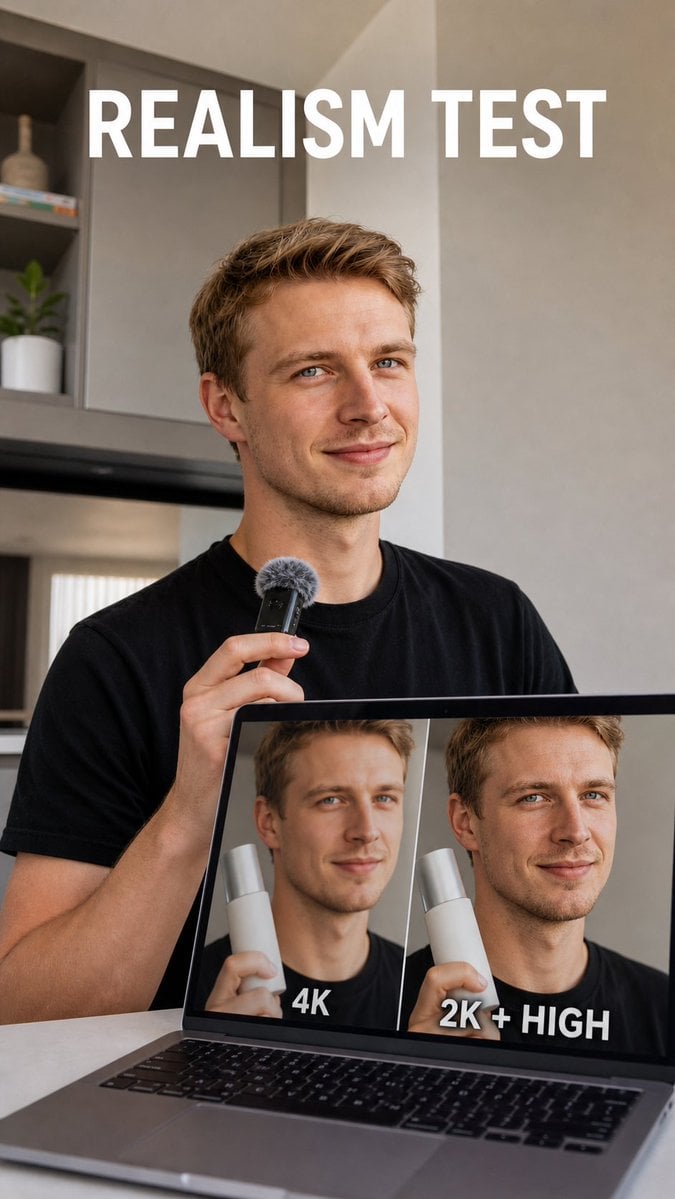
A realistic vertical creator-style ad showing a presenter comparing 4K versus 2K High image quality on a laptop screen.
- Prompt included
- Model and format preset
- Free template
The prompt behind this image
Copy the exact prompt behind Realism Test UGC Ad, or open it in the studio and make it yours.
Create a vertical realistic social media ad photo about AI image realism testing. Show a young adult white man with short blond hair, blue eyes, light stubble, and a slight confident smile, wearing a plain black T-shirt in a modern neutral-toned apartment or studio kitchen. He is seated behind an open laptop on a table and holds a small black handheld microphone with a gray furry windscreen near his chest, as if presenting a test result. The laptop screen is clearly visible and displays a side-by-side comparison with exactly 2 portrait panels of the same man holding a white cylindrical product: the left panel looks slightly soft, waxy, and blurry and is labeled “4K” in bold white text at the bottom; the right panel looks sharper and more natural and is labeled “2K + HIGH” in bold white text at the bottom. Add a large bold all-caps white headline at the top reading {argument name="headline text" default="REALISM TEST"}. Use natural window light, shallow depth of field, realistic skin texture, muted beige-gray walls, shelves with minimal decor and a small plant in the background, clean creator-testimonial composition, vertical 9:16 framing, high-end UGC ad aesthetic. Keep all text legible, use only the headline and the two laptop labels, no logos, no watermark, no extra UI elements.
How to use Realism Test UGC Ad in 3 steps
- 1Upload ImagePNG, JPG or paste
Add your photo
Upload the photo the template builds on. The prompt, model and format are already set.
- 2…a portrait of your subject in softgolden-hour light, 85mm…
Personalize
Edit the subject and creative details for your destination.
- 3Generate
Generate
Press Generate — your image is created in PicX Studio, so you can compare it with the original and refine one variable at a time.
More like this
Templates with the same subject, style or setup. Open one to see its prompt.
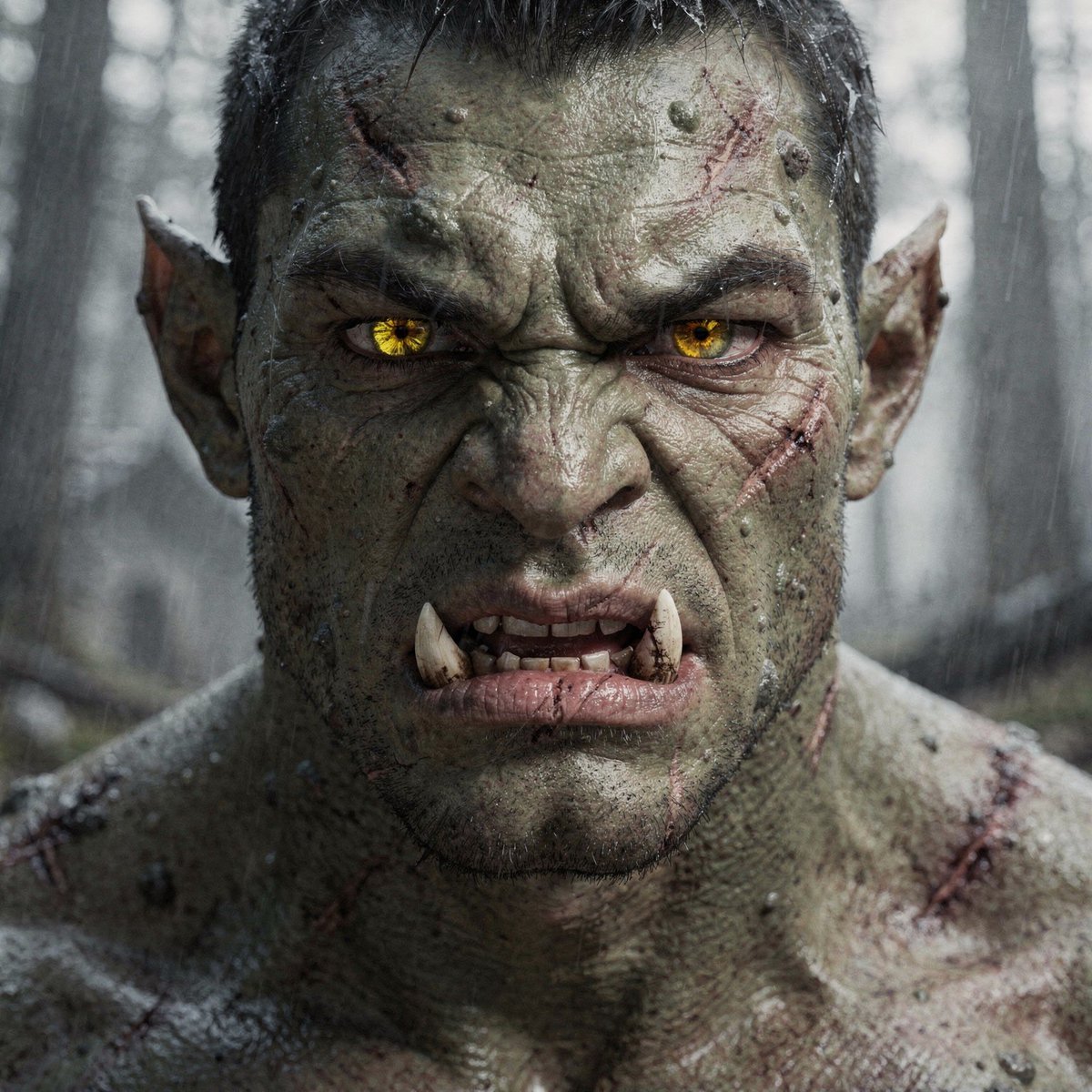
Hyper-Real Orc Realism Test Prompt
Debug Test
UGC Skincare Review - Seedance 2.0
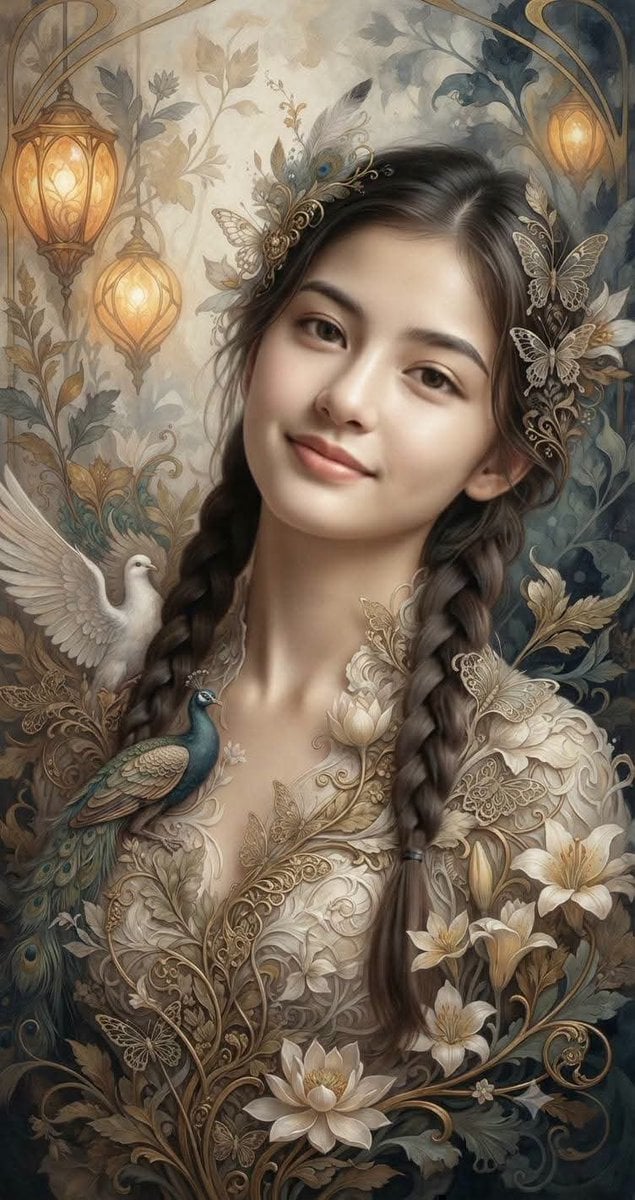
Fantasy Realism and Art Nouveau Fusion

AI-edited, hyper-detailed, photorealistic with stylized realism
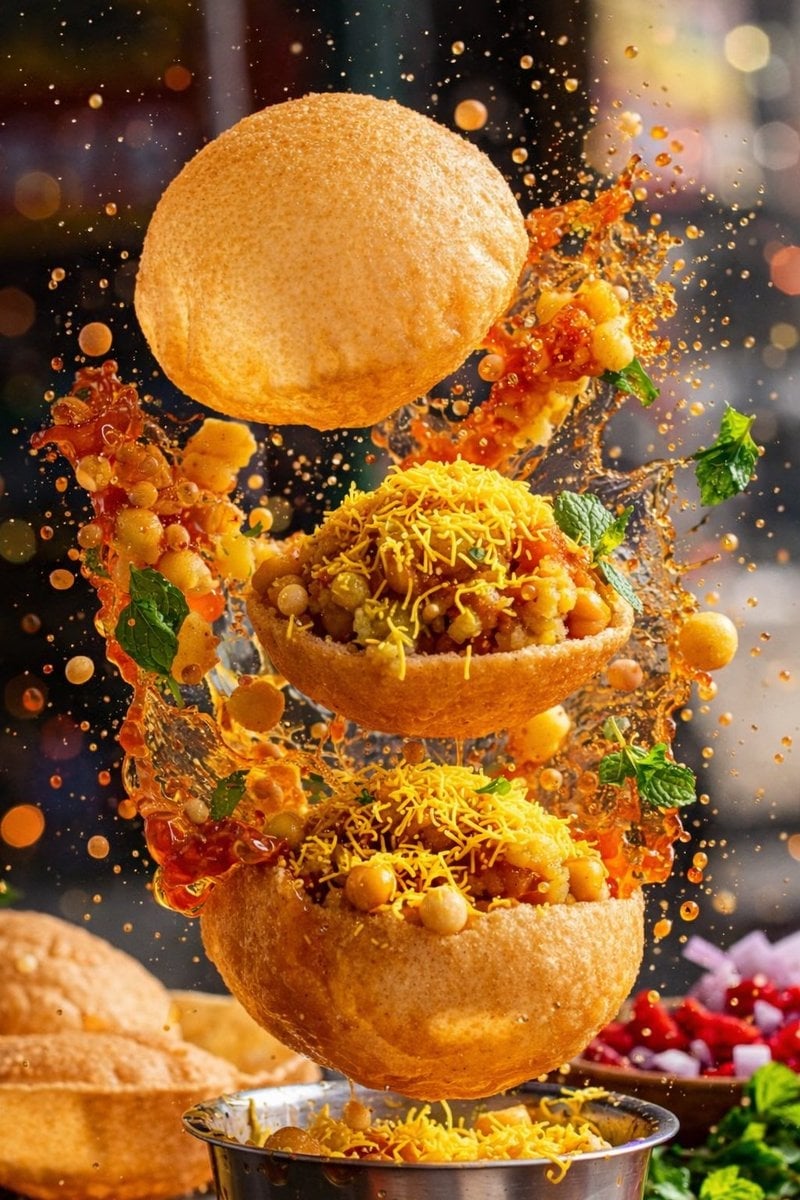
Enhanced realism, minimal alteration from original composition
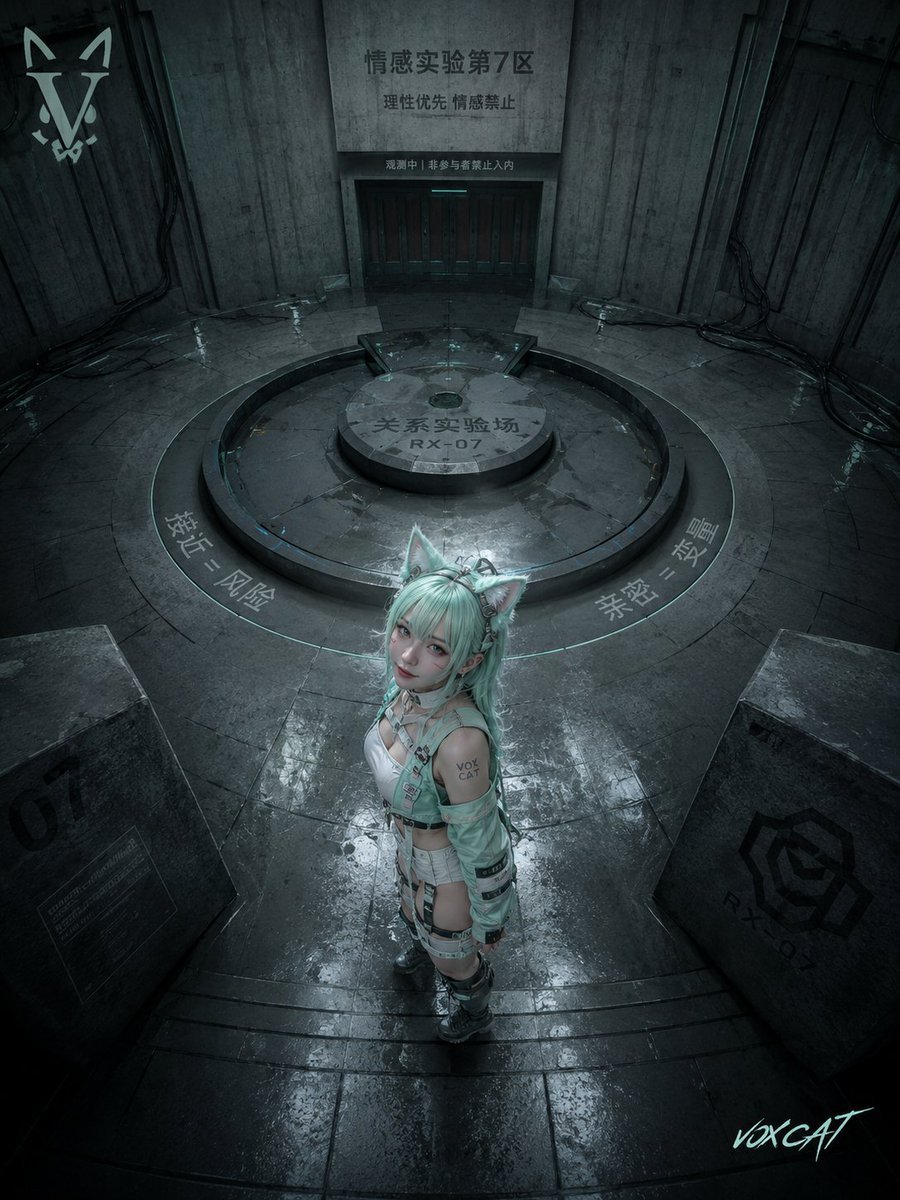
Overhead Sci-Fi Catgirl Test Yard
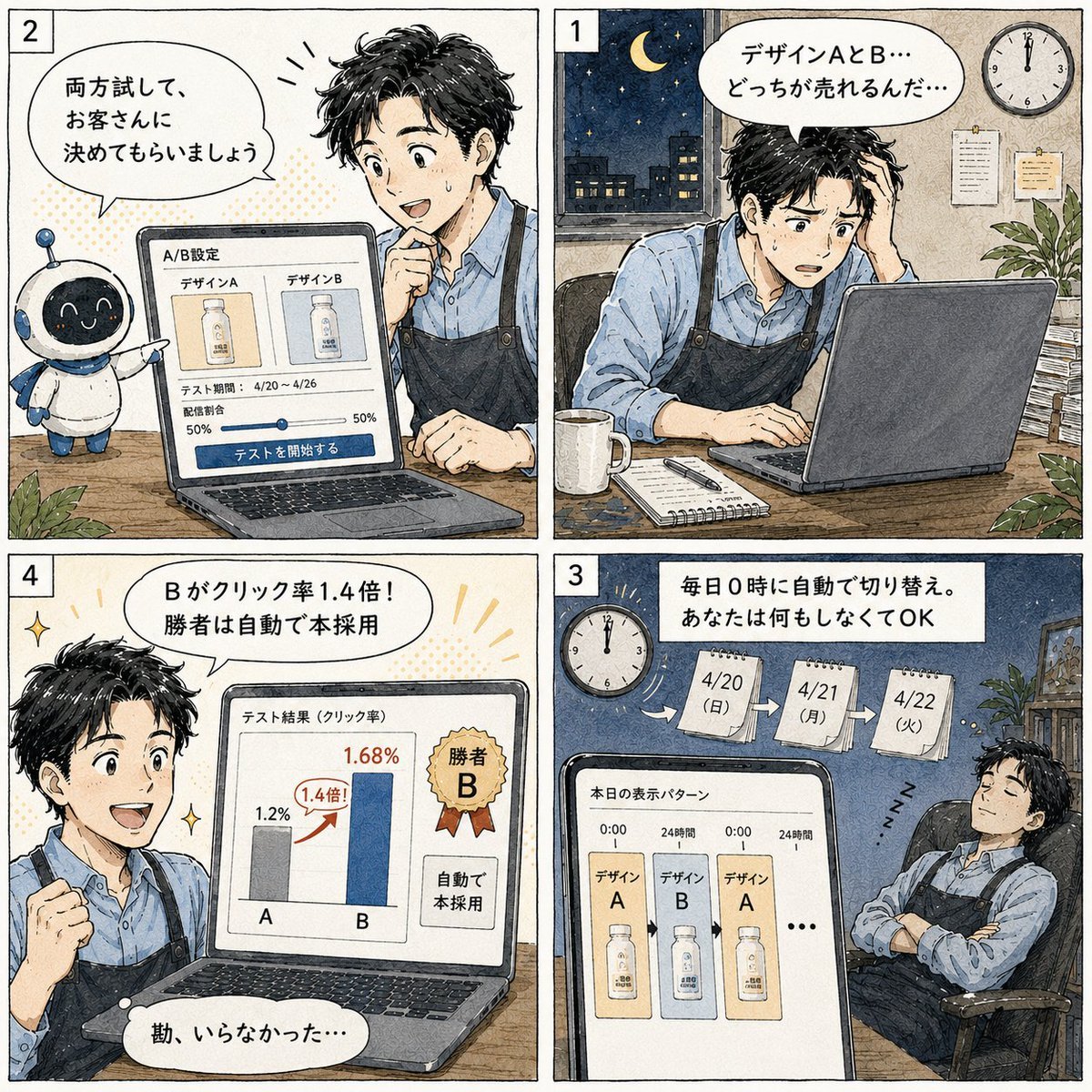
Japanese Manga A/B Testing Comic
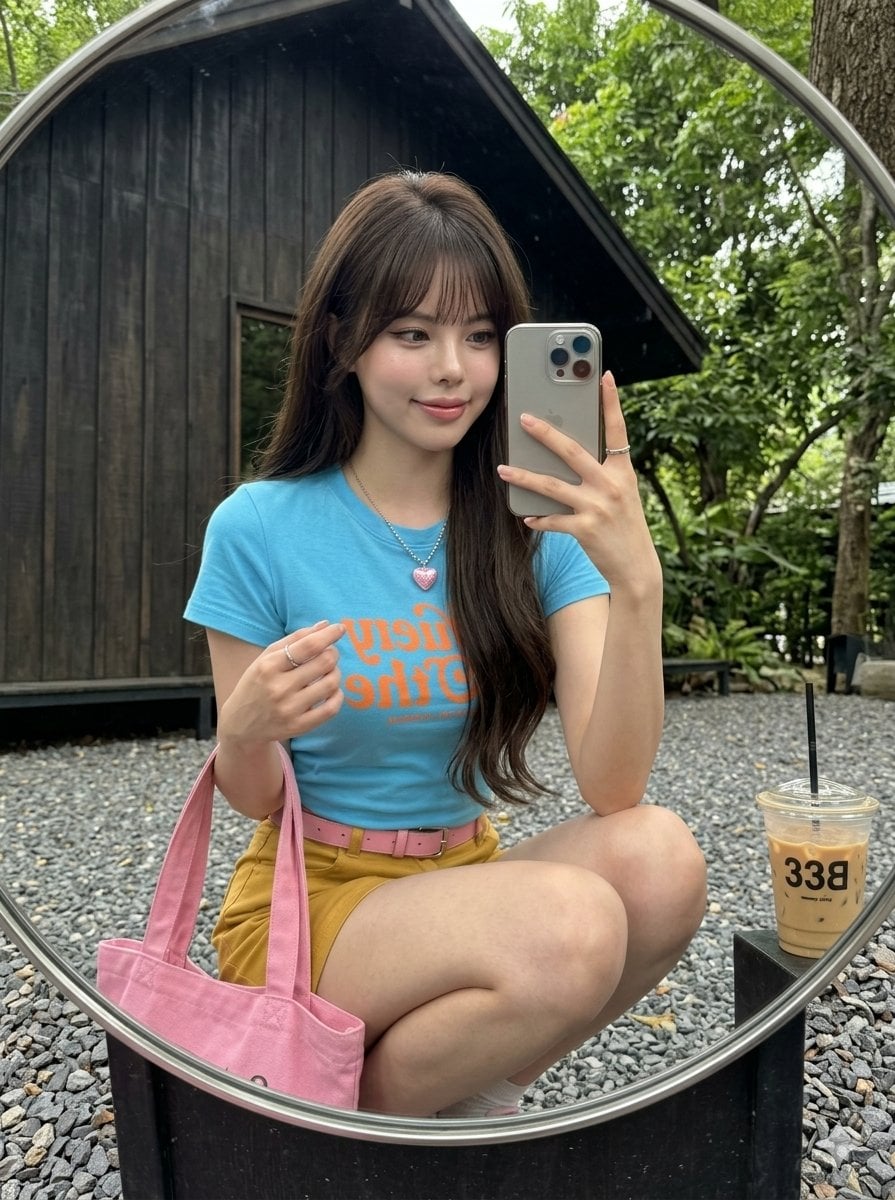
iPhone Mirror Selfie Realism
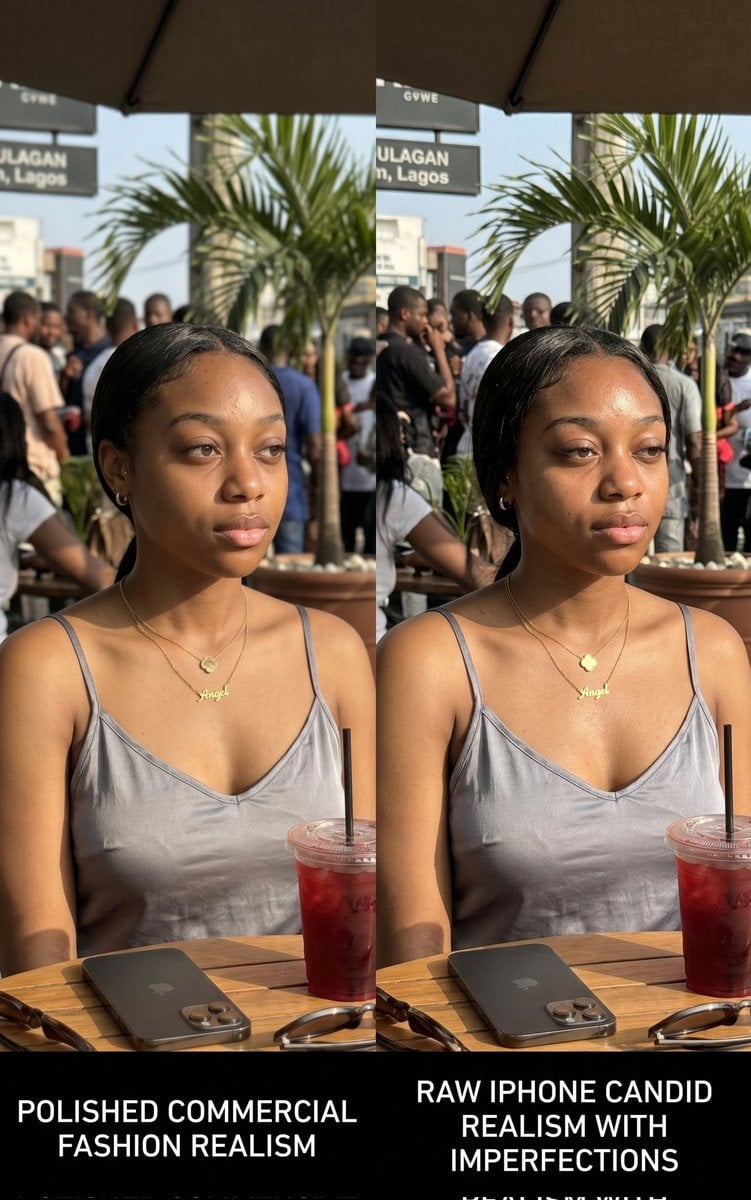
Lagos Cafe Realism Study
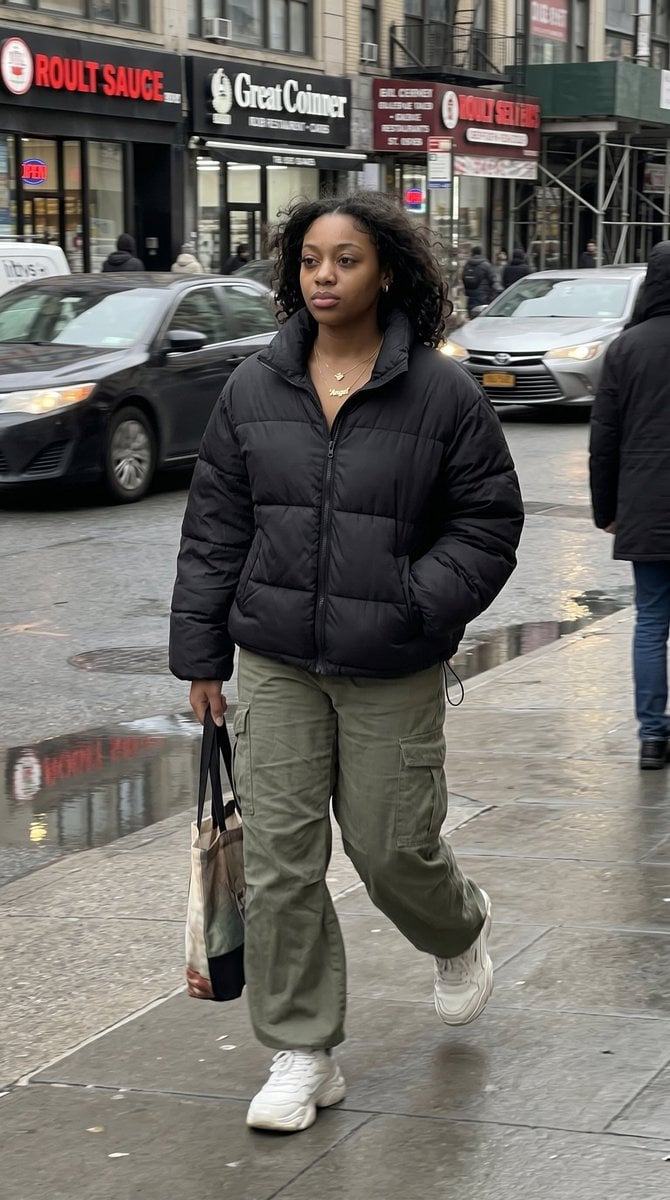
iPhone Street Movement Realism
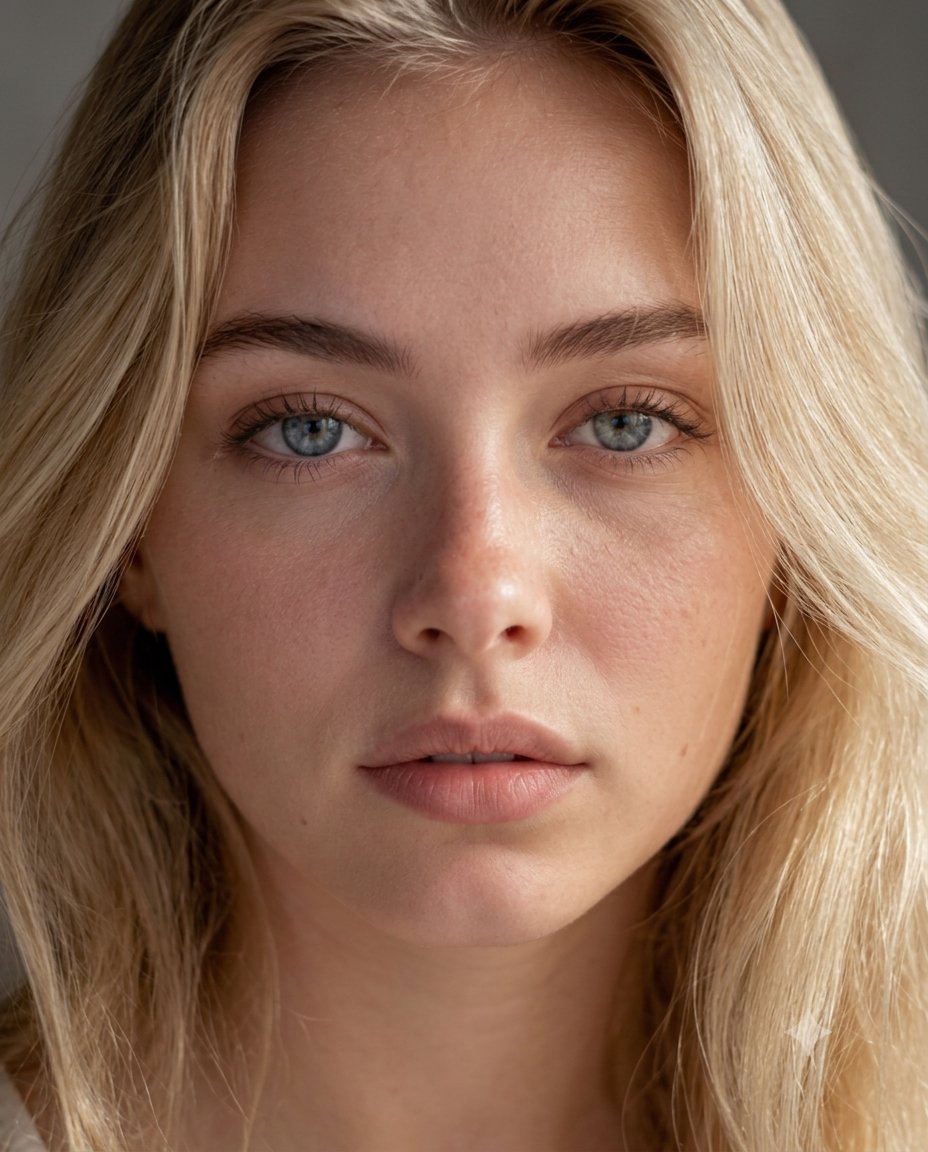
Dermatology Realism Portrait
Make it yours
Realism Test UGC Ad works as-is. These are the safest ways to change it without losing the look.
Change one field
Copy a single group, rewrite it, and generate again so you can see what that field is doing.
Keep the frame, change the subject
Hold the composition and light of Realism Test UGC Ad, then swap wardrobe, props or the person for a new take.
| If the result… | Why | Fix |
|---|---|---|
| The result drifts from the preview | Too many fields changed at once. | Reuse Realism Test UGC Ad as-is first, then change one group — subject, light, or setting. |
| The model over-stylizes the scene | The prose prompt leaves finish and camera underspecified. | Add one camera or lighting sentence and stay on GPT Image 2. |
More GPT Image 2 templates
Other prompts made for GPT Image 2.

Six VTuber Japanese Logo Sheet

Realistic Portrait of Woman and Deer

The Vista Modular Condo Poster

AI Model Routing Comparison Infographic

2.5D Anime Art Board

Isometric Productivity Desk Scene

New York Double Exposure Poster

Four-Panel AI Landscape Comparison

Japanese Tatami Lifestyle Magazine Cover

NESCAFÉ Coffee Map Poster
More image prompts
Fresh picks from across the catalog.
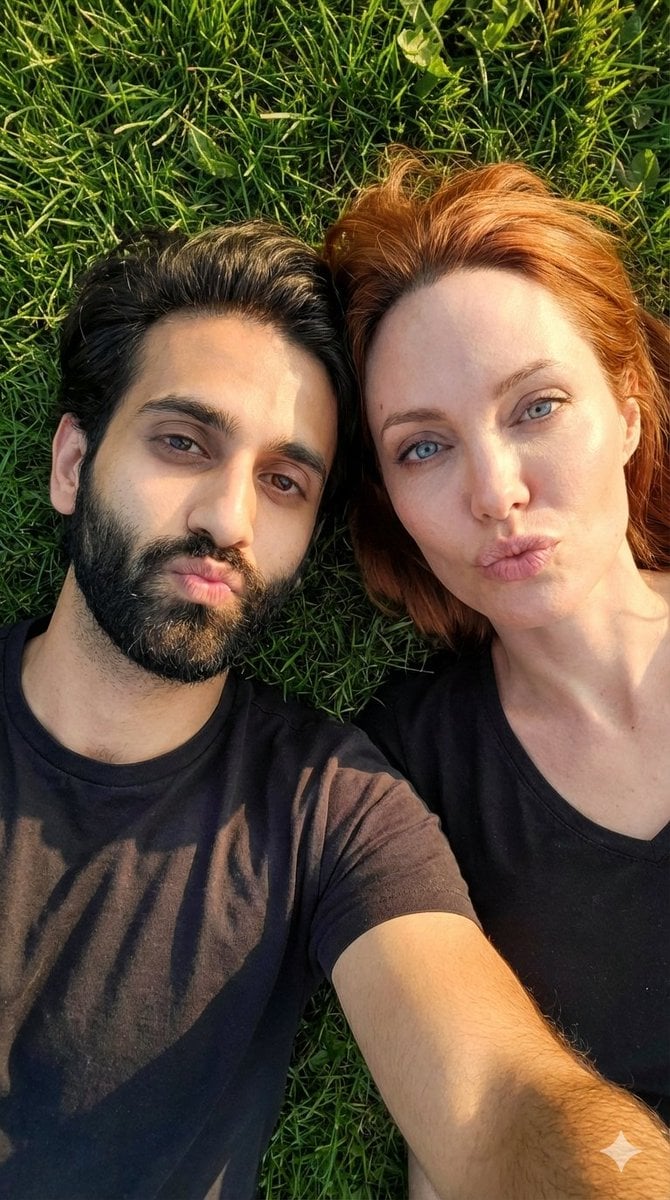
Hyper-Realistic Couple Selfie on Grass Prompt
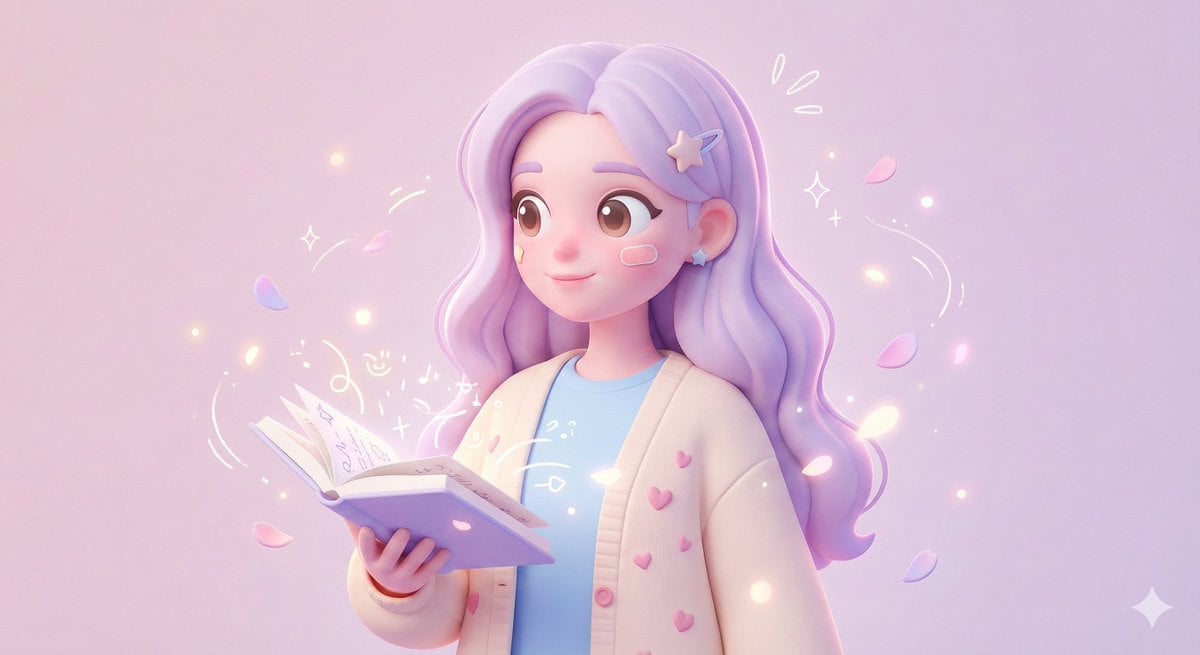
3D Polished Character Portrait (Pastel Anime Style)
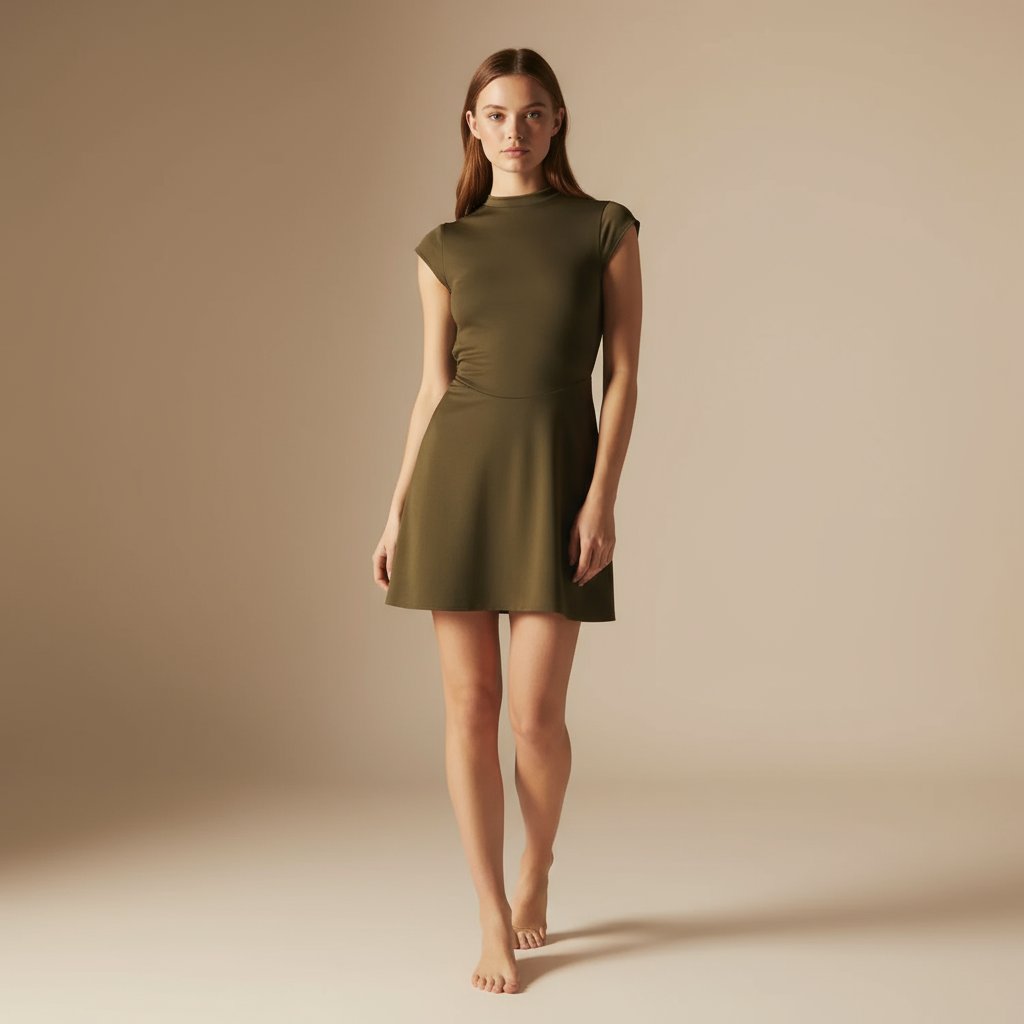
E-commerce Full-Body Product Shot Prompt (Olive Green Dress)
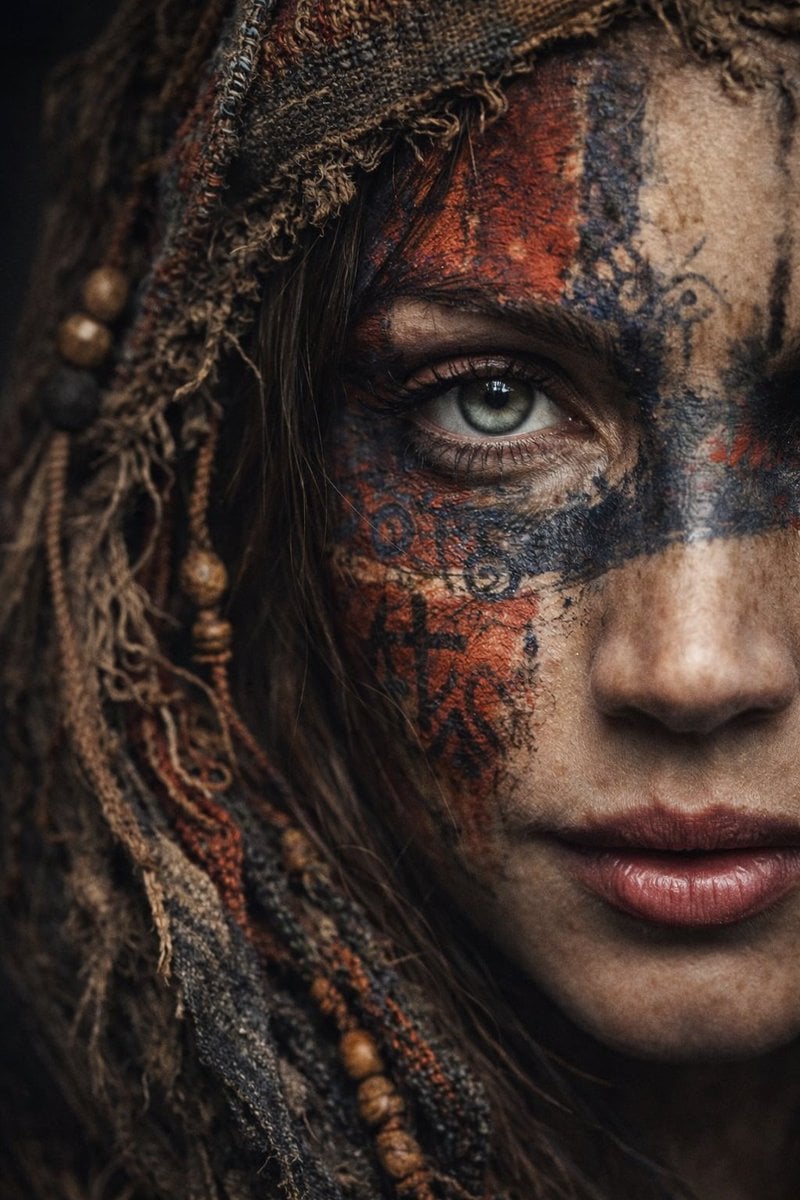
Ultra-Realistic Portrait with Tribal Markings and Painterly Realism
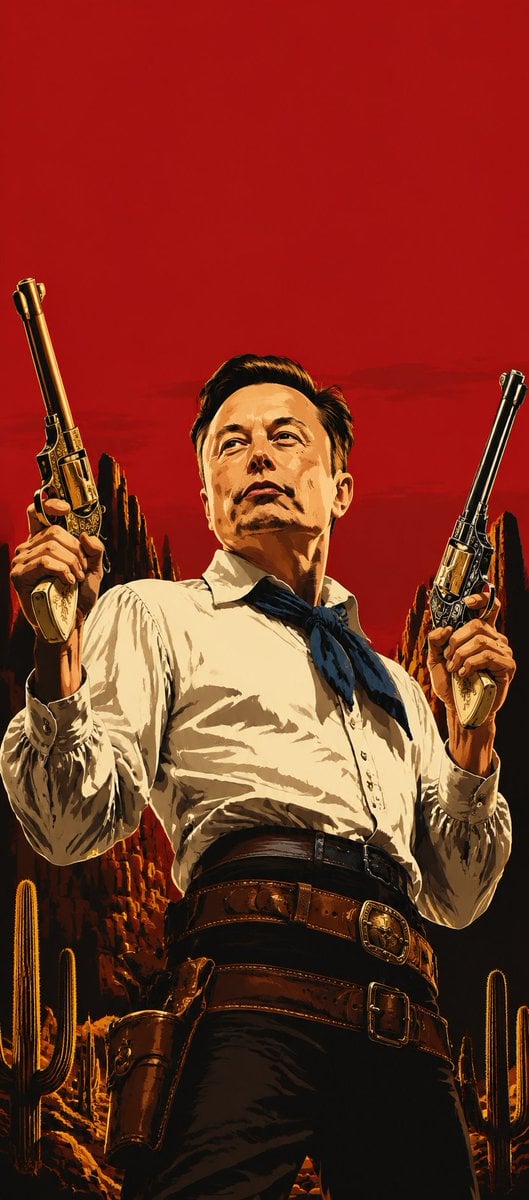
Blood Red Western Gunslinger
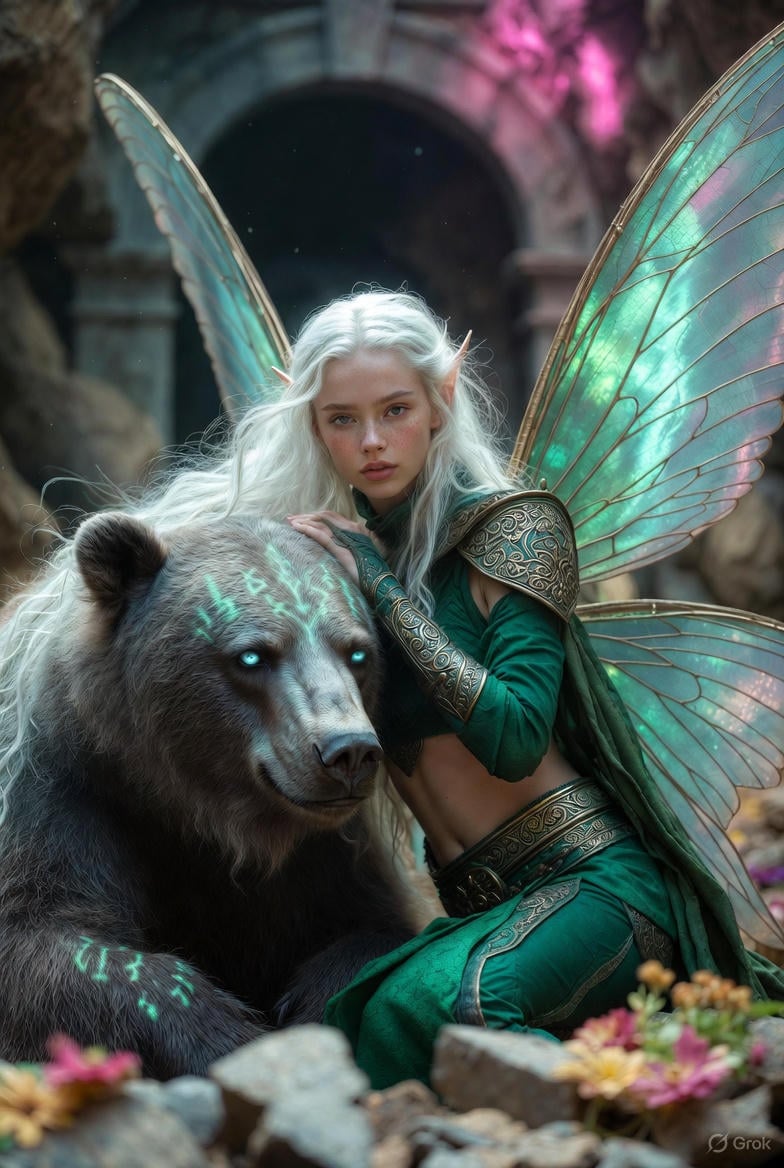
Photorealistic Fantasy Scene: Fairy and Muscular Bear in Cavern
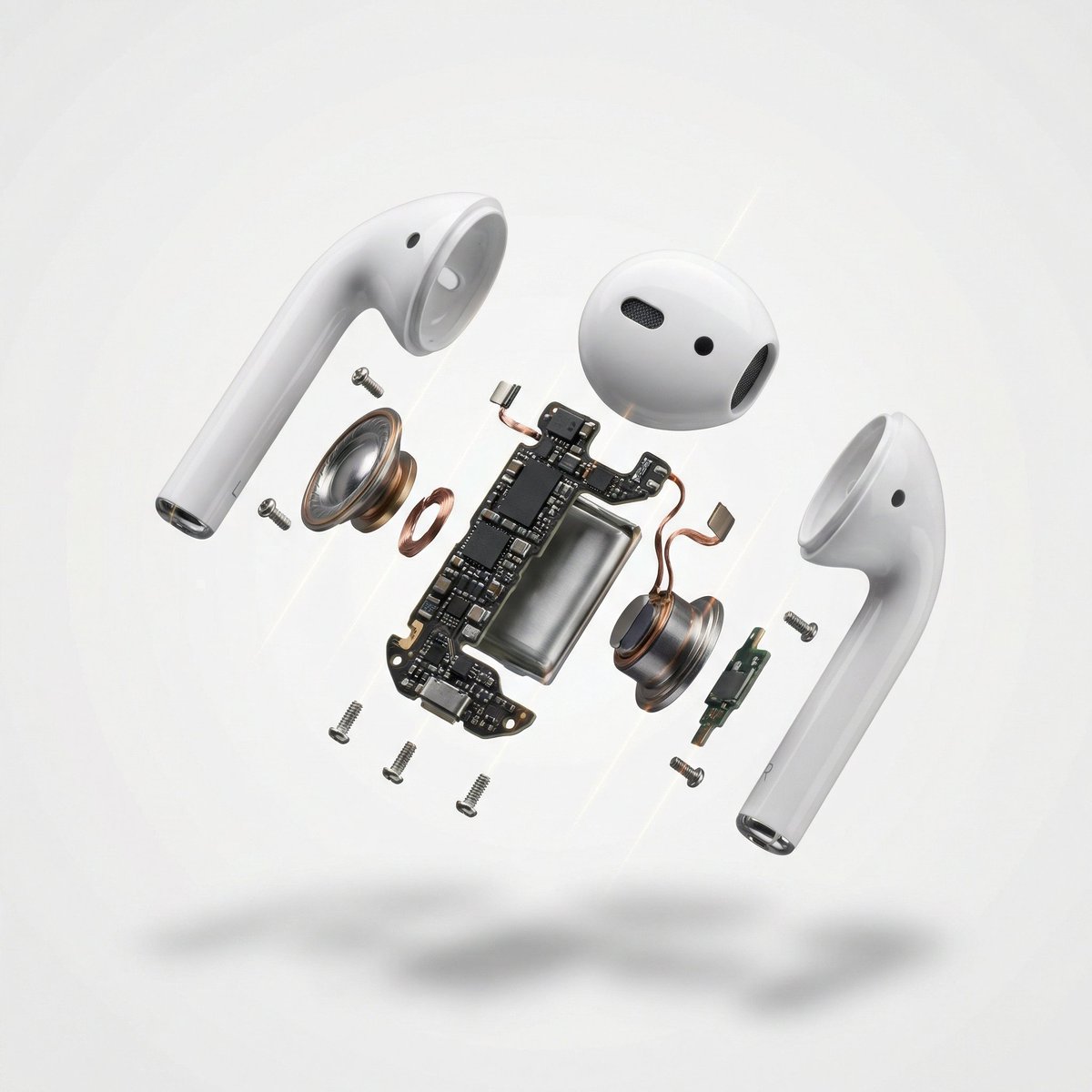
Exploded View Product Photography

Iridescent Liquid Ripple Wallpaper
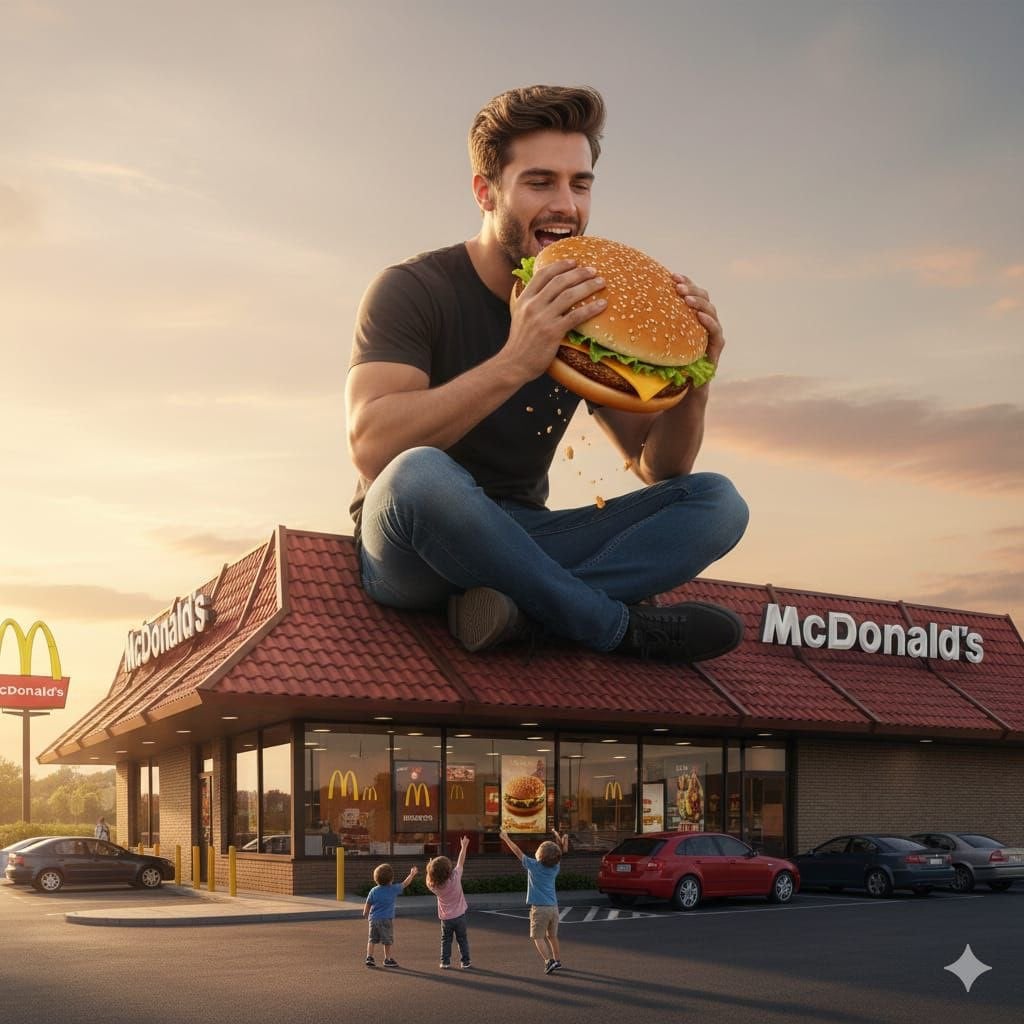
Surreal advertising scene of a giant man eating a cheeseburger
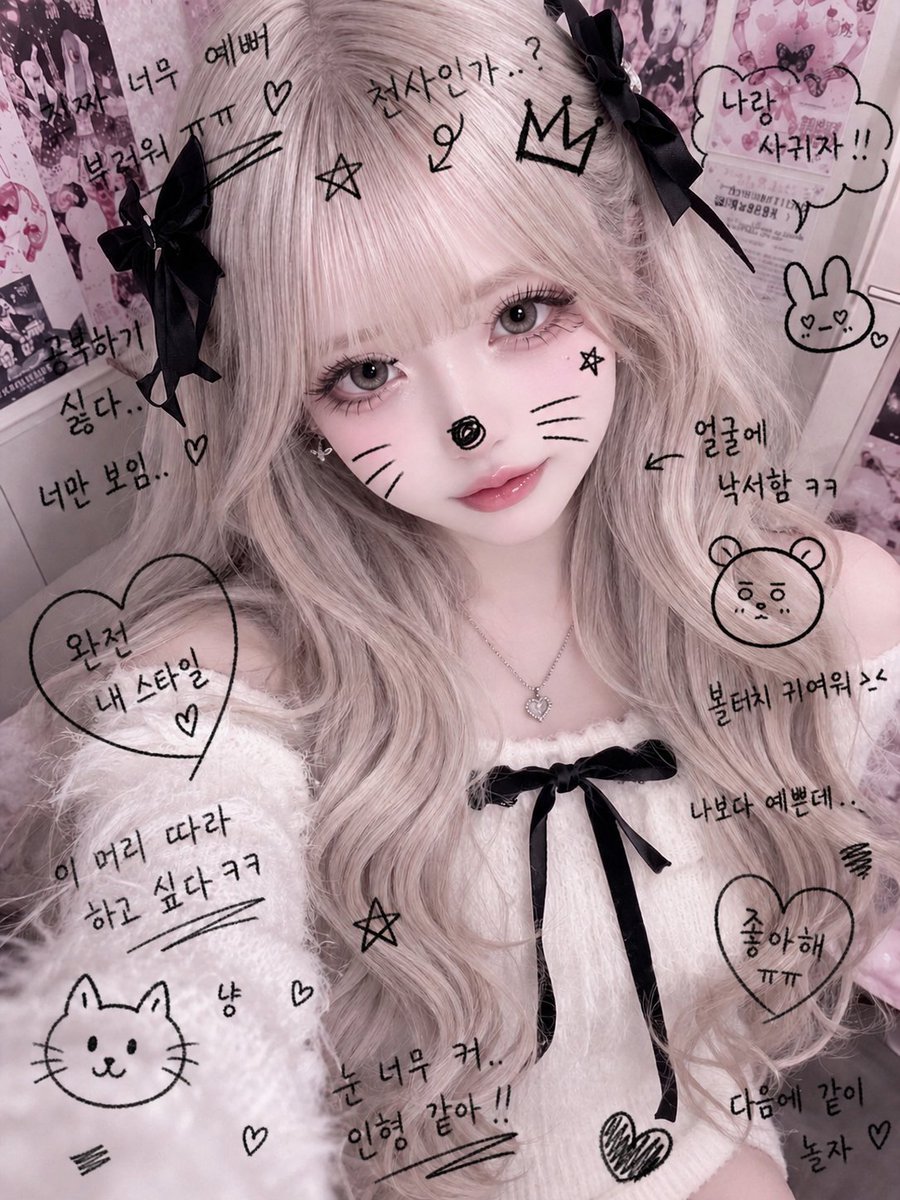
Cute Student Photo Doodle
Browse template categories
Realism Test UGC Ad questions
How do I use the Realism Test UGC Ad template?
Add your photo if the template asks for one, edit the prompt if you like — the template's model and format are already selected — and press Generate. Your version opens in PicX Studio.
Can I customize the Realism Test UGC Ad template?
Yes. You can change the subject, setting, lighting, mood, format, and available model controls before creating your image.
Is the Realism Test UGC Ad template free?
Opening and editing this template is free. Generating uses credits, shown on the Generate button when you are signed in.
Which AI model should I use?
Start with GPT Image 2, which is the model associated with this template. You can compare another compatible model for a different finish.
Looking for something else? Browse all templates.

Your photo, any look
Thousands of ready templates for every top image and video model, from one credit balance.