How do I use the Dermatology Realism Portrait template?
Choose the primary action to open PicX Studio with the available template settings. Review the model and format, personalize the creative direction, and generate when ready.
A highly detailed prompt for creating professional dermatology-style photography focusing on realistic skin textures and imperfections.
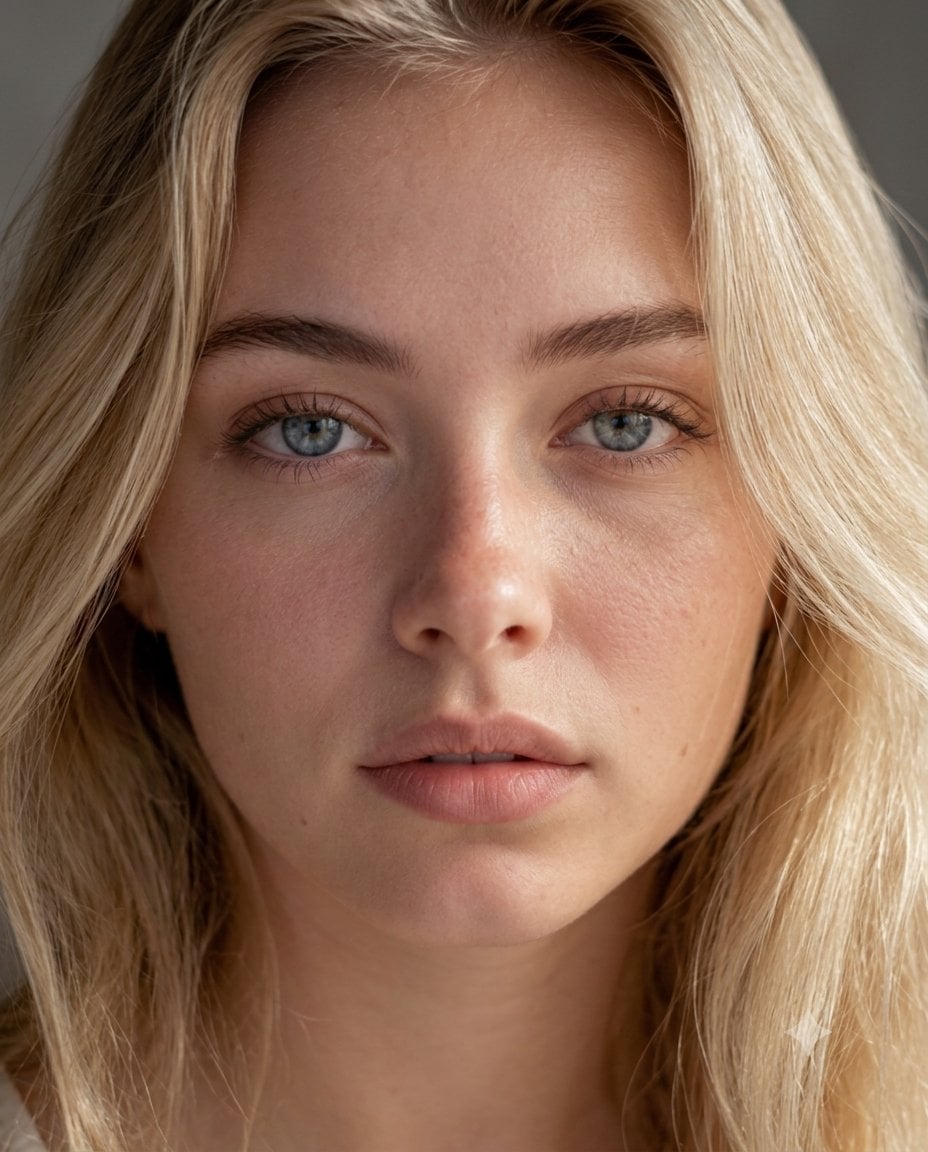
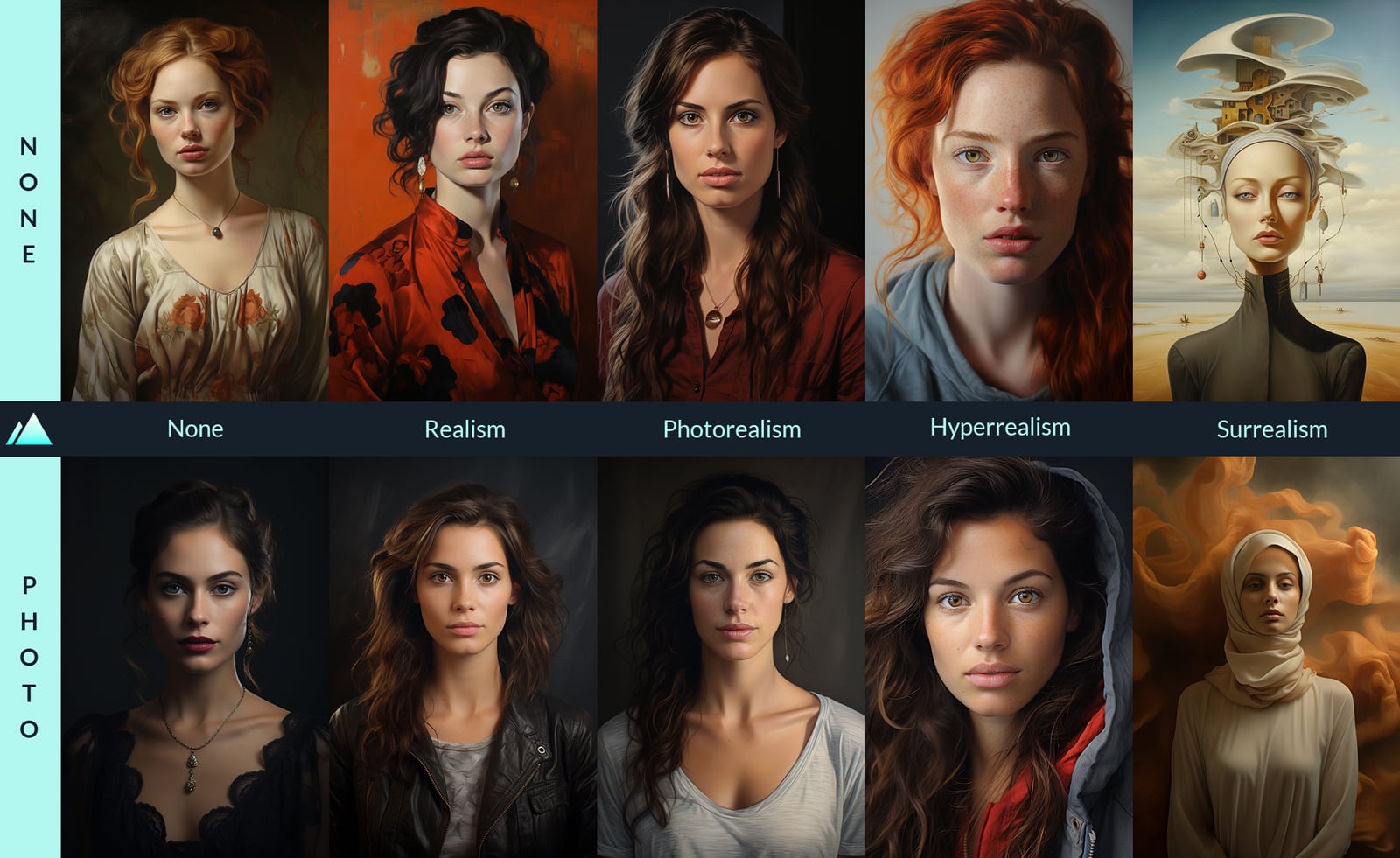
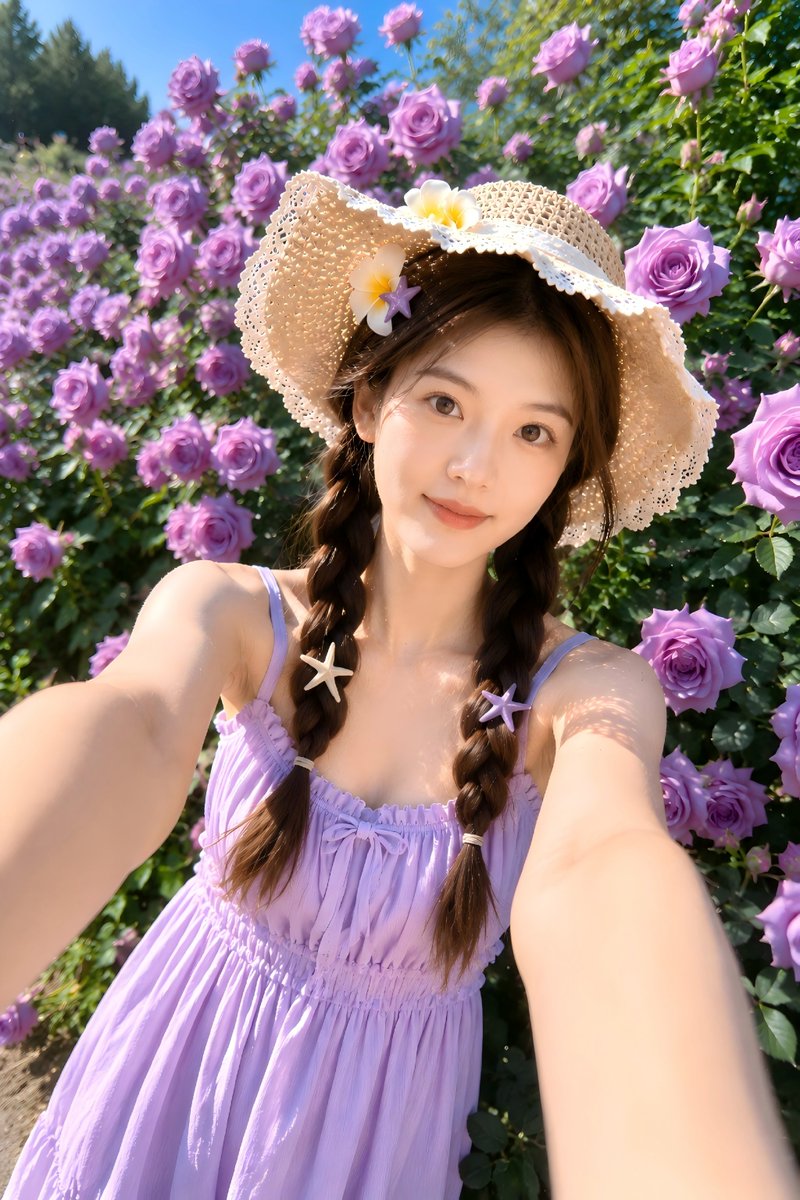
Ultra-realistic 8K RAW portrait photo of a woman uploaded image with natural skin texture, centered full face, straight-on camera angle, neutral facial expression, no makeup, visible pores, fine lines, under-eye texture, subtle redness around nose, realistic skin imperfections, soft peach fuzz on cheeks, natural lips with slight dryness texture, natural eyebrows, light green-grey eyes with realistic iris detail, soft diffused daylight coming from left side (window light), smooth soft shadows on right side of face, neutral grey blurred studio background, shallow depth of field, shot on 85mm macro lens, f/2.8, ISO 100, natural skin tone color grading, cinematic but clinical sharpness, no retouching, no smoothing, high dynamic range, professional dermatology-style photography, extreme micro-detail, hyperreal texture, true-to-life color science, no glam, no beauty filter Negative prompt: airbrushed skin, smooth skin, plastic skin, beauty retouch, glam makeup, cinematic color grading, oversharpened, cartoonish, digital painting, soft blur, artificial glow Ratio 4:5
Choose the primary action to open PicX Studio with the available template settings. Review the model and format, personalize the creative direction, and generate when ready.
Yes. You can change the subject, setting, lighting, mood, format, and available model controls before creating your image.
This template is free to open and customize. Generation usage is shown in PicX Studio before you create.
Start with Nano Banana 2, which is the model associated with this template. You can compare another compatible model for a different finish.
Follow a topic to a crawlable collection of related PicX Studio templates.