
Student Hangout Room Transformation
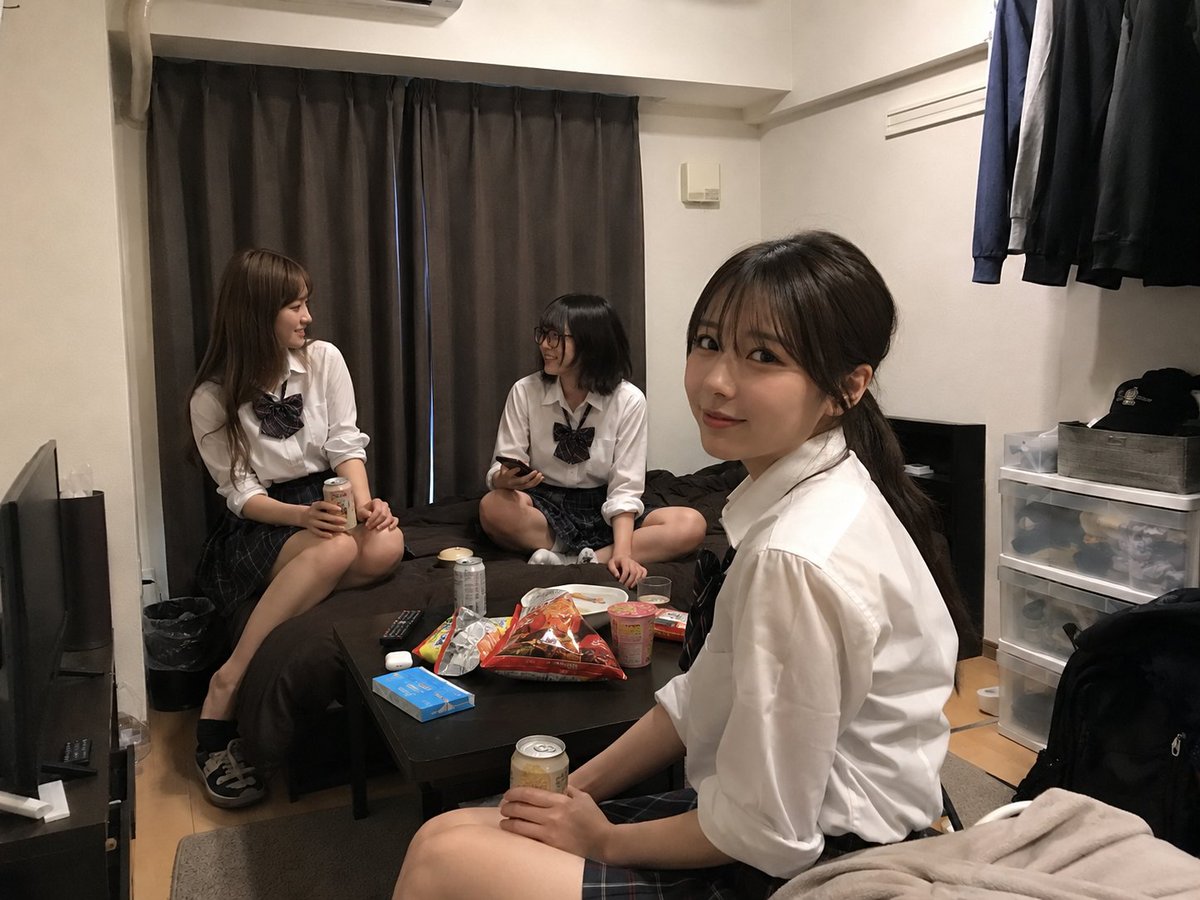
Creates a realistic room edit that turns an uploaded bedroom photo into a casual hangout for three young female students.
- Prompt included
- Model and format preset
- Free template
The prompt behind this image
Copy the exact prompt behind Student Hangout Room Transformation, or open it in the studio and make it yours.
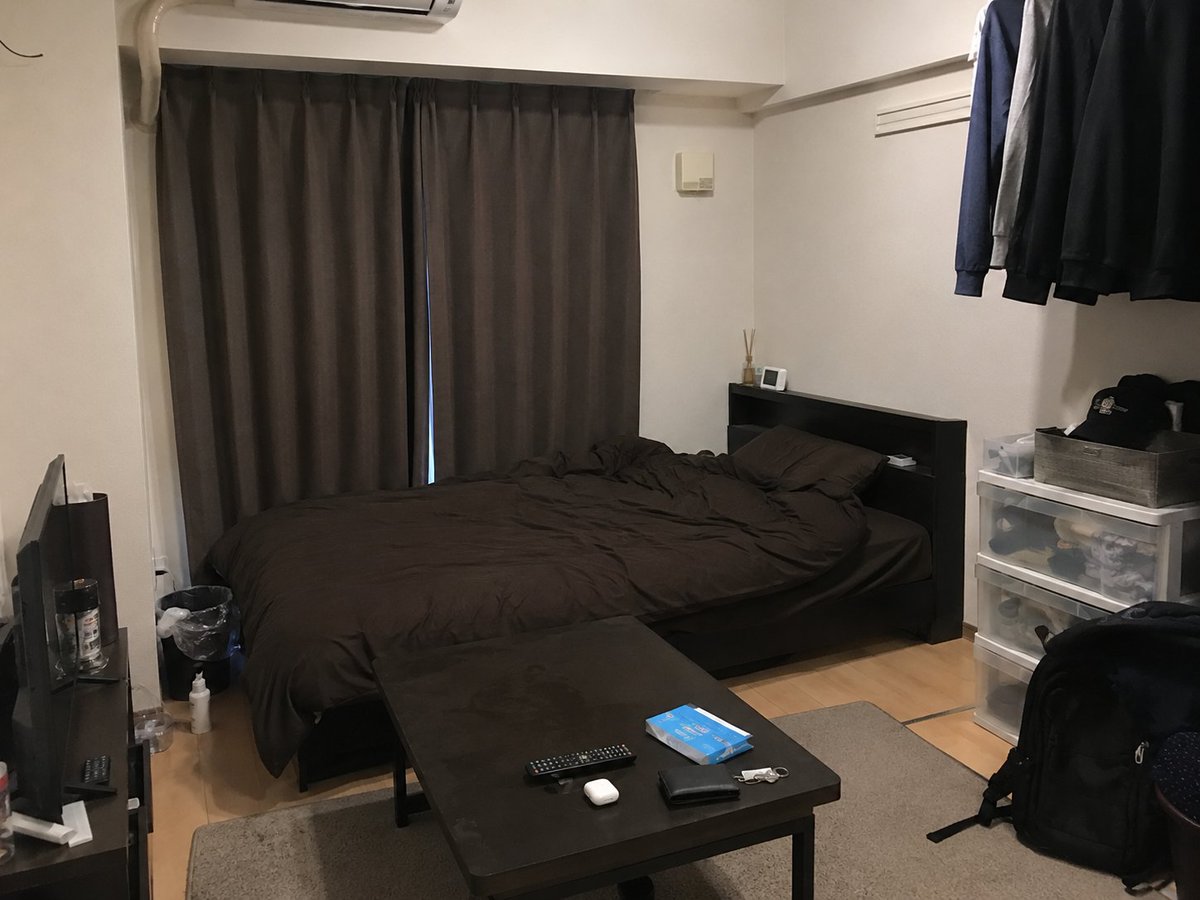
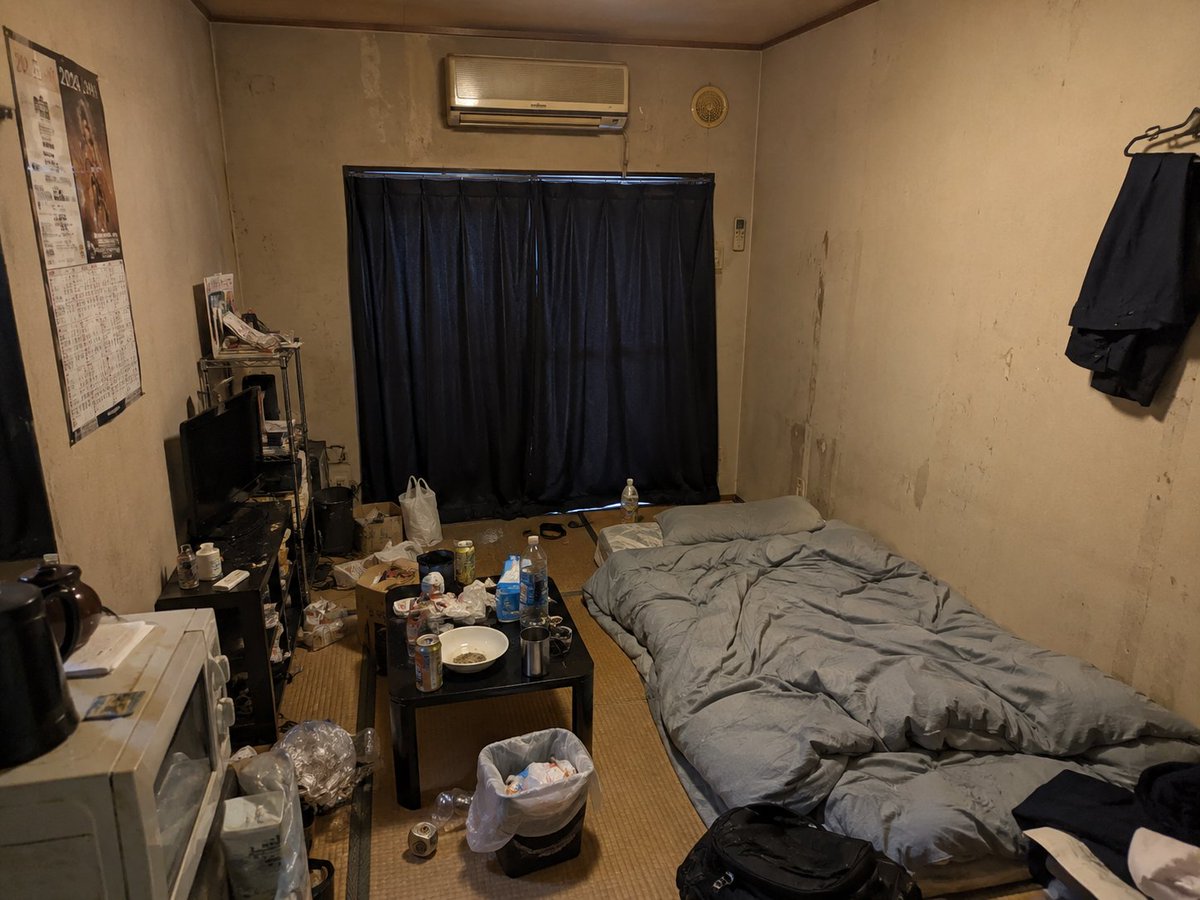
Using REFERENCE_0 as the room base, create a natural, realistic photo showing that this same room has become the hangout spot for exactly {argument name="number of students" default="3"} {argument name="student description" default="20-year-old female university students"}. Keep the room layout, furniture, curtains, bed, TV, hanging clothes, storage drawers, lighting, and camera angle from REFERENCE_0 largely unchanged. Use REFERENCE_1 only as inspiration for adding a lived-in, casual hangout mess, but do not make the room dirty or rundown. Add exactly 3 young women in casual Japanese school-uniform-inspired outfits: white shirts, dark plaid skirts, and ribbon ties. Placement: one sits on the left edge of the bed holding a canned drink, one sits cross-legged on the bed near the center holding a phone, and one sits in the foreground on the right side facing slightly toward the others while holding a canned drink. Make their faces anonymized/blurred with simple rectangular blur blocks. Add casual party/snack items on the low black table: exactly 7 visible items — a large open snack bag, a cup noodle container, a paper plate, a canned drink, a small packaged snack, a blue tissue/snack box, and the existing remote/earbud-style small items. The scene should feel like friends chatting and snacking after school, candid smartphone photography, realistic indoor lighting, no dramatic styling, no text overlays, no extra people.
Reference images included
Student Hangout Room Transformation needs input media to work. They load alongside the prompt when you open it in the studio.
How to use Student Hangout Room Transformation in 3 steps
- 1Upload ImagePNG, JPG or paste
Add your photo
Upload the photo the template builds on. The prompt, model and format are already set.
- 2…a portrait of your subject in softgolden-hour light, 85mm…
Personalize
Edit the subject and creative details for your destination.
- 3Generate
Generate
Press Generate — your image is created in PicX Studio, so you can compare it with the original and refine one variable at a time.
More like this
Templates with the same subject, style or setup. Open one to see its prompt.
Student Hangout Room Transformation
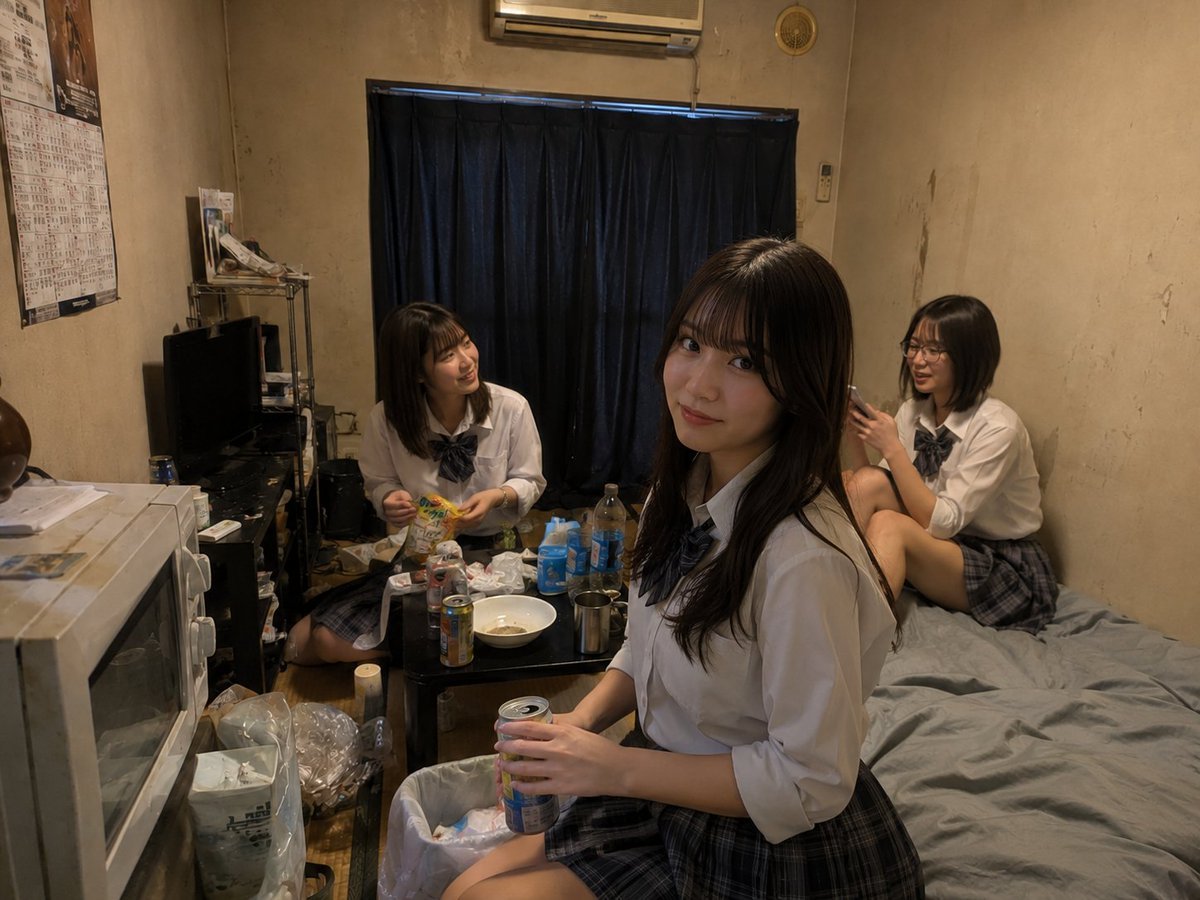
Messy Room Student Hangout
Anime Classroom Sleeping Student Scene
Faceless Student Reading in Classroom
Korean Student Classroom Window Portrait
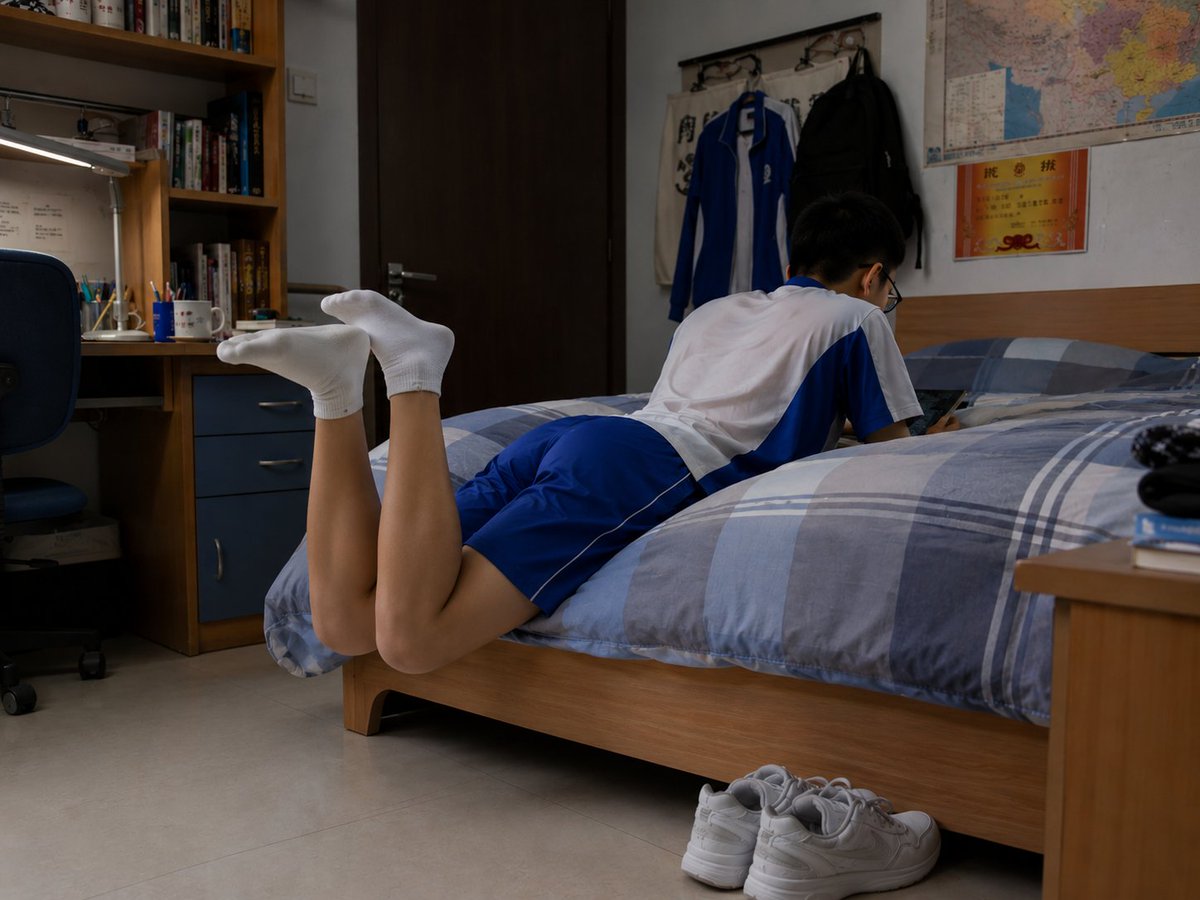
Photorealistic Student Dorm Room Scene
Seedance - Character Transition

White Wing Nurse Break Room Portrait
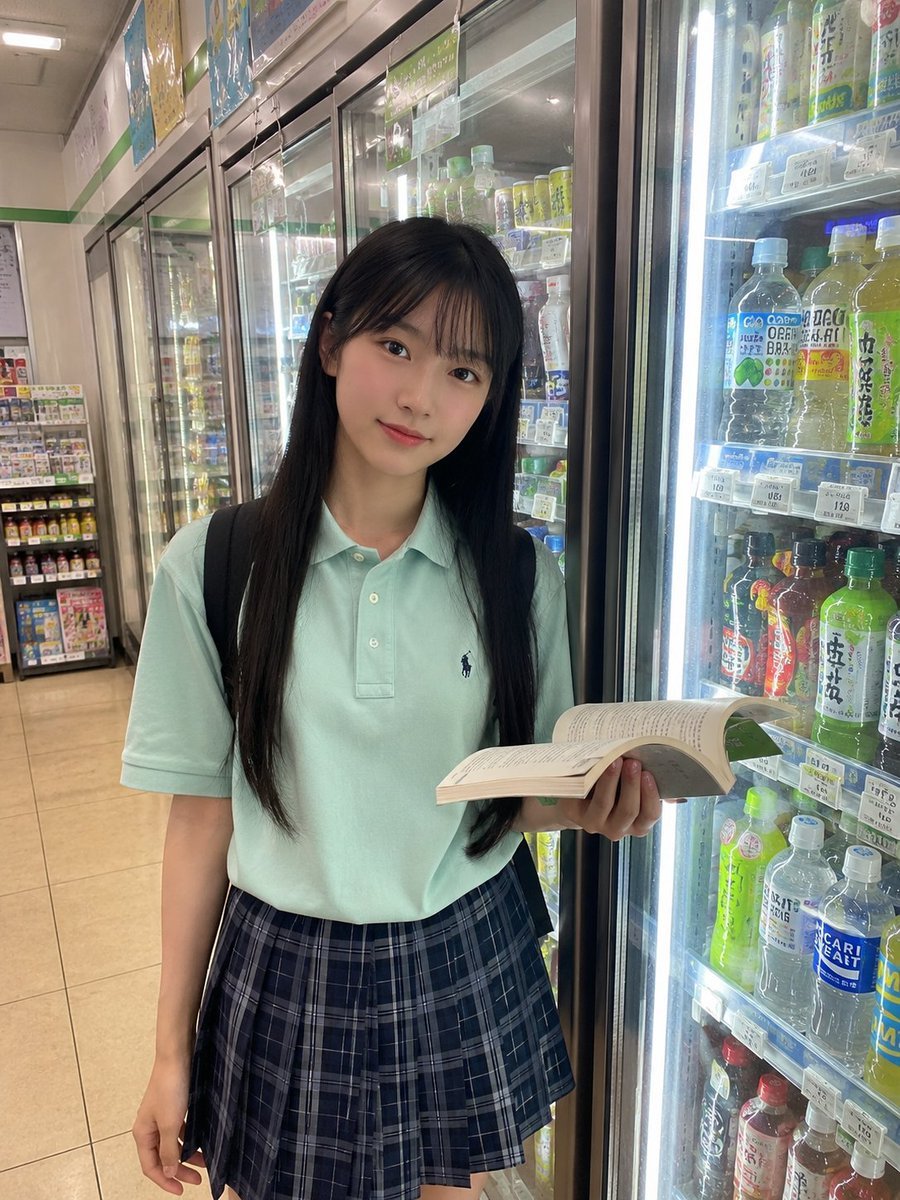
Japanese Student Convenience Store Snapshot

Anime Alley Kick Transformation
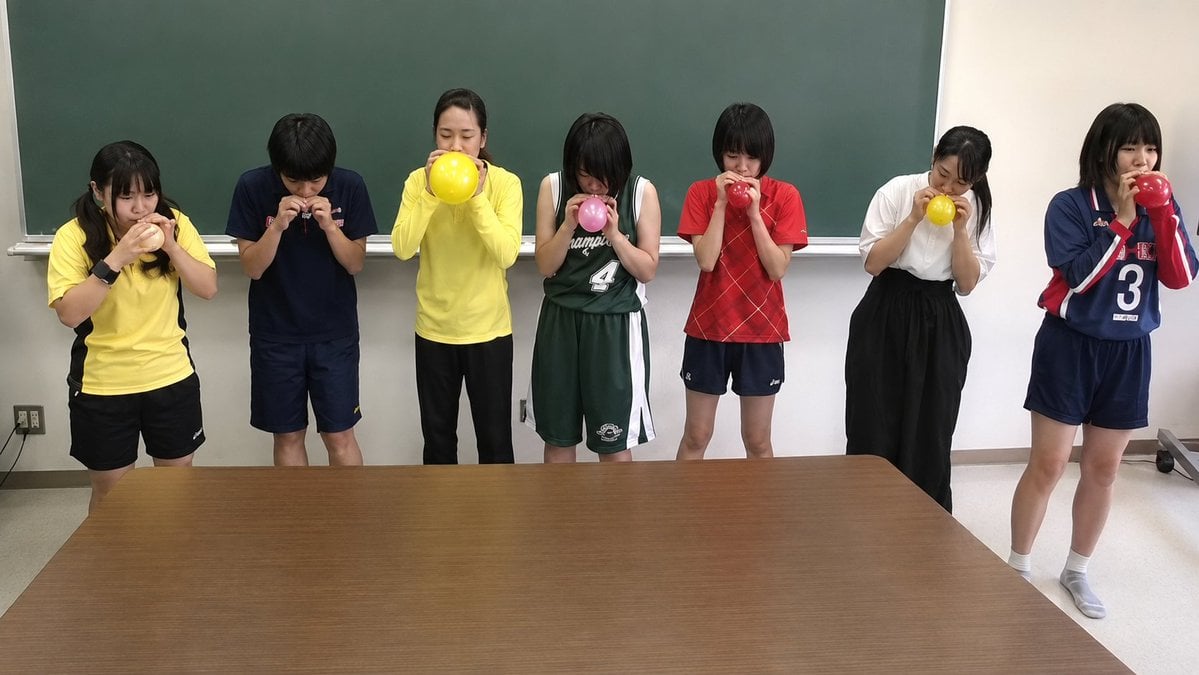
Classroom Balloon Photo Upscale

Chaotic Claymation Photo Transformation
Make it yours
Student Hangout Room Transformation works as-is. These are the safest ways to change it without losing the look.
Change one field
Copy a single group, rewrite it, and generate again so you can see what that field is doing.
Keep the frame, change the subject
Hold the composition and light of Student Hangout Room Transformation, then swap wardrobe, props or the person for a new take.
| If the result… | Why | Fix |
|---|---|---|
| The result drifts from the preview | Too many fields changed at once. | Reuse Student Hangout Room Transformation as-is first, then change one group — subject, light, or setting. |
| The model over-stylizes the scene | The prose prompt leaves finish and camera underspecified. | Add one camera or lighting sentence and stay on GPT Image 2. |
More GPT Image 2 templates
Other prompts made for GPT Image 2.

Six VTuber Japanese Logo Sheet

Realistic Portrait of Woman and Deer

The Vista Modular Condo Poster

AI Model Routing Comparison Infographic

2.5D Anime Art Board

Isometric Productivity Desk Scene

New York Double Exposure Poster

Four-Panel AI Landscape Comparison

Japanese Tatami Lifestyle Magazine Cover

NESCAFÉ Coffee Map Poster
More image prompts
Fresh picks from across the catalog.
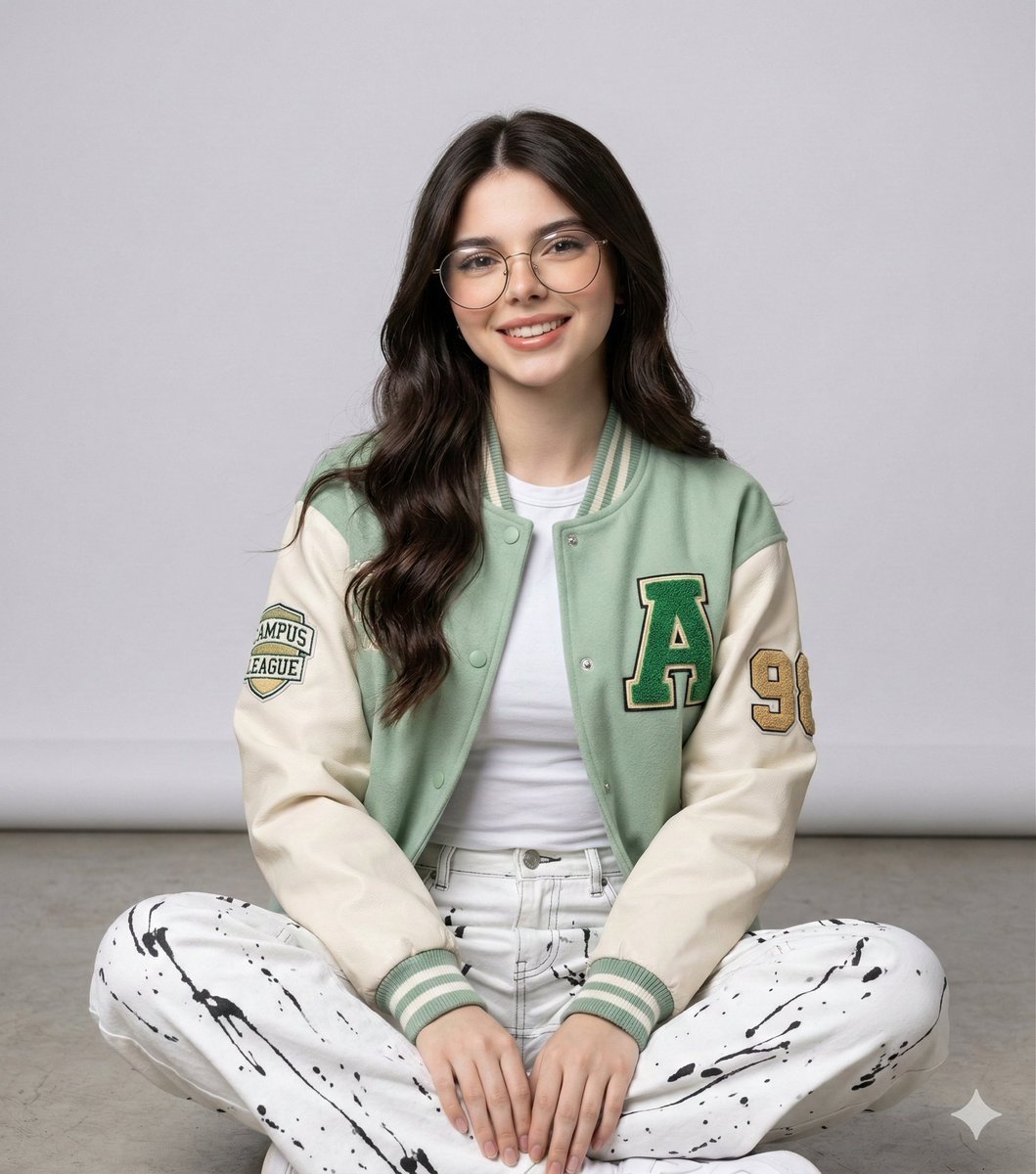
Studio Portrait of a Woman in Varsity Jacket and Splatter Pants
Hand-drawn Yuru-kyara T-shirt Mockup
Anime Character in Real Tokyo Street
Image Editing with Nano Banana: Removing a Fence
Cinematic Vintage Bicycle Romance Film Still
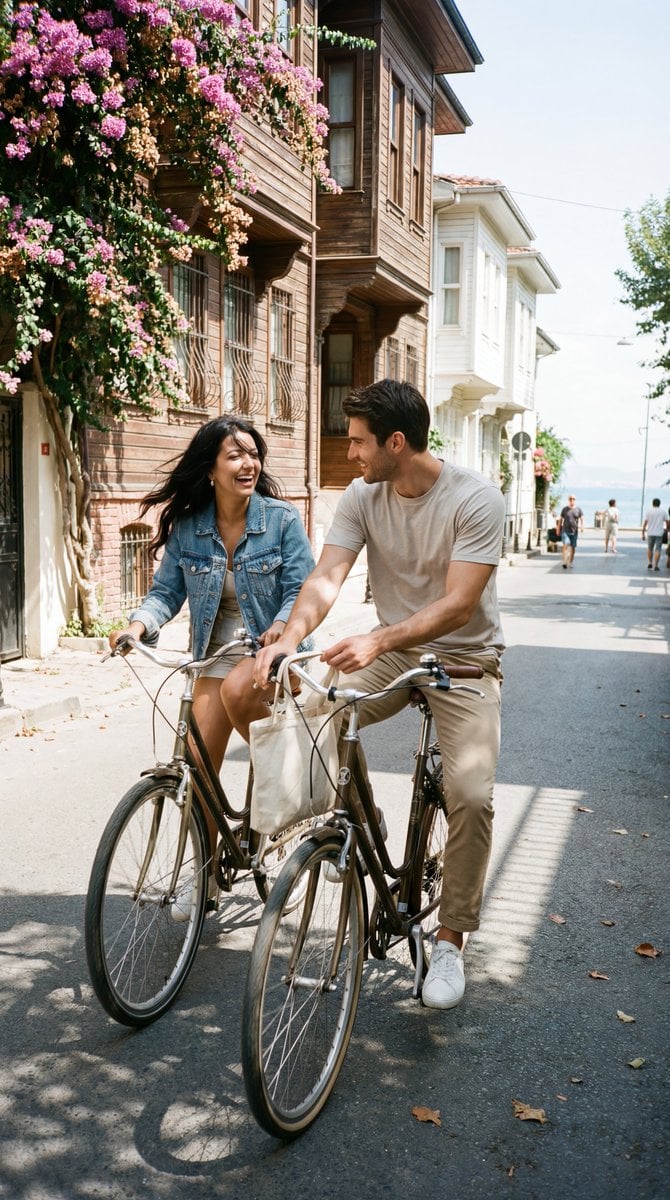
Photoreal Candid Street Romance Film Still Prompt (Büyükada)

Retro Xi'an Roujiamo Food Poster

Cinematic Netflix Movie Poster Prompt
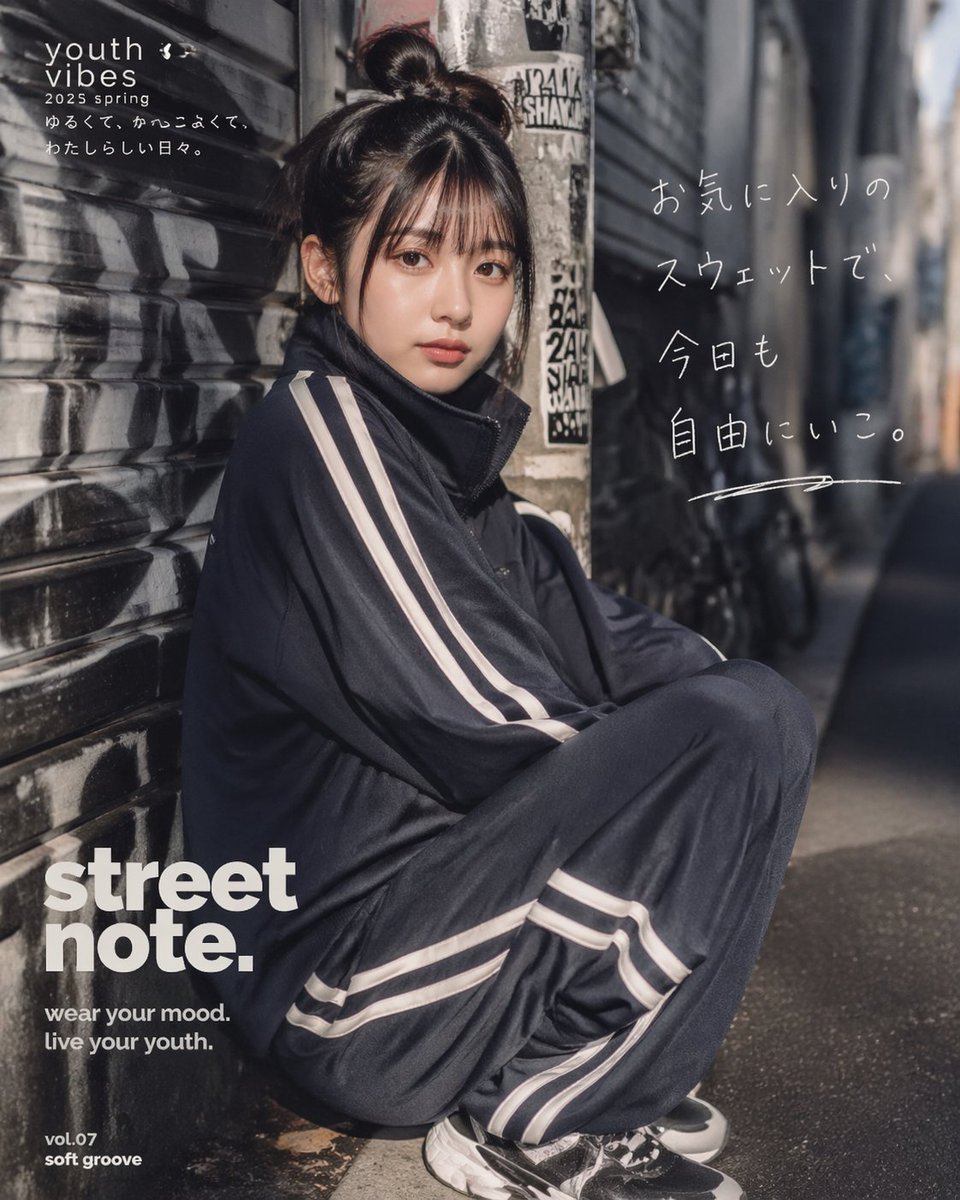
Japanese Streetwear Editorial Poster
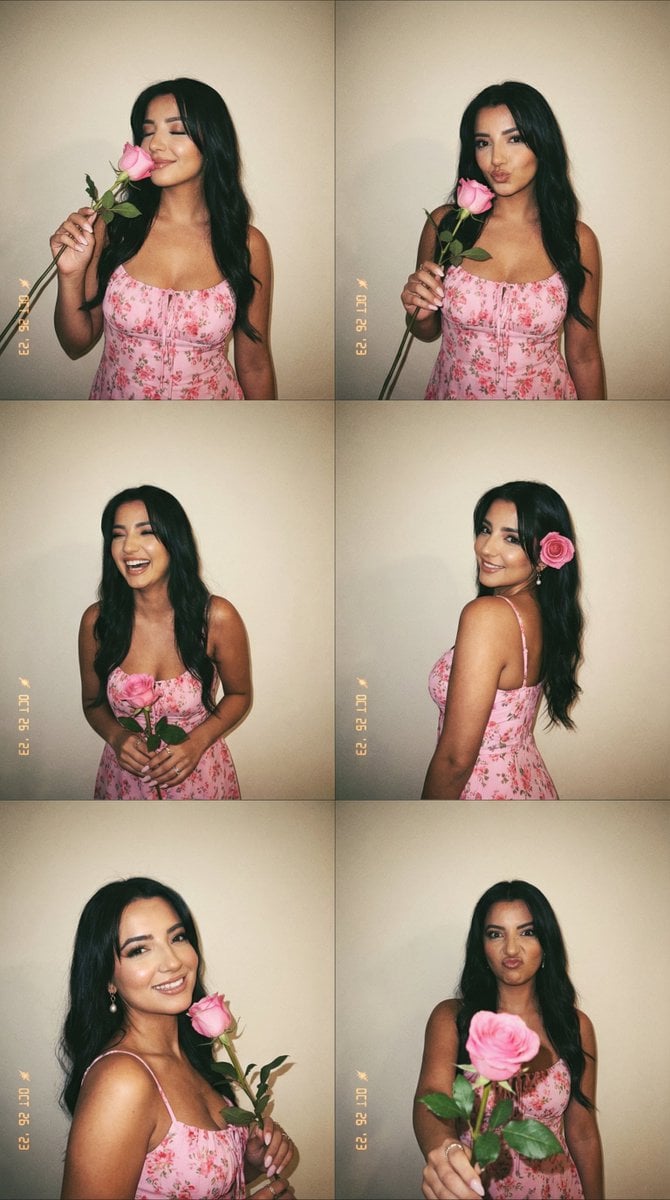
Panel Photobooth Grid with Pink Dress and Rose
Browse template categories
Student Hangout Room Transformation questions
How do I use the Student Hangout Room Transformation template?
Add your photo if the template asks for one, edit the prompt if you like — the template's model and format are already selected — and press Generate. Your version opens in PicX Studio.
Can I customize the Student Hangout Room Transformation template?
Yes. You can change the subject, setting, lighting, mood, format, and available model controls before creating your image.
Is the Student Hangout Room Transformation template free?
Opening and editing this template is free. Generating uses credits, shown on the Generate button when you are signed in.
Which AI model should I use?
Start with GPT Image 2, which is the model associated with this template. You can compare another compatible model for a different finish.
Looking for something else? Browse all templates.

Your photo, any look
Thousands of ready templates for every top image and video model, from one credit balance.