
Fantasy Desert Portal Scene
A wide-angle cinematic fantasy prompt featuring a stone portal in a desert leading to a lush green valley.
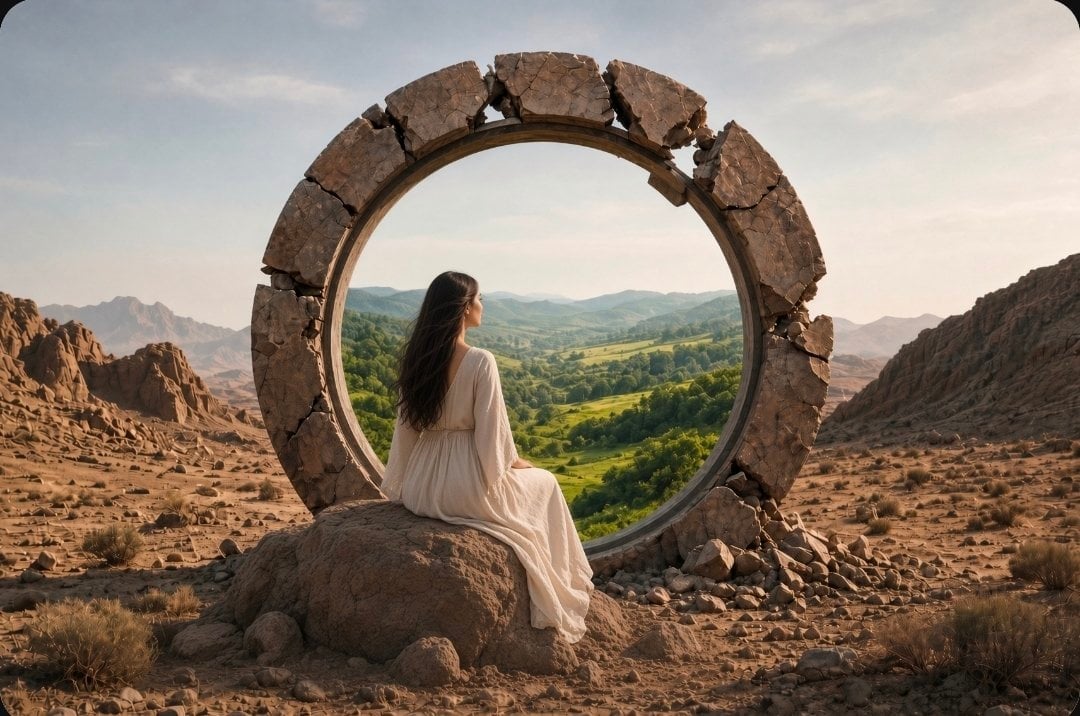
- Prompt included
- Model and format preset
- Free template
The prompt behind this image
Copy the exact prompt behind Fantasy Desert Portal Scene, or open it in the studio and make it yours.
A cinematic, wide-angle fantasy scene set in a desolate, barren rocky desert landscape under a soft, overcast sky. A woman with long dark hair, wearing a {argument name="clothing" default="flowing, light-colored white dress"}, stands facing a massive, ancient, weathered {argument name="object" default="circular stone portal"} that is embedded among the rocky terrain. The inside of the circular portal acts as a window or gateway revealing a stark contrast: a lush, vibrant green valley filled with rolling hills, dense forests, and meadows under a clear sky. In one variation, she is seated gracefully on a large rock right in front of the portal, and in another, she is standing barefoot on the dusty ground just outside the ring, looking outward into the verdant landscape. The composition emphasizes a surreal juxtaposition between an arid wasteland and a thriving paradise, captured with realistic textures, natural lighting, and a dreamy, atmospheric mood.
How to use Fantasy Desert Portal Scene in 3 steps
- 1
Open
The prompt is already in the box next to the preview, with the template's model and format selected.
- 2…a portrait of your subject in softgolden-hour light, 85mm…
Personalize
Edit the subject and creative details for your destination.
- 3Generate
Generate
Press Generate — your image is created in PicX Studio, so you can compare it with the original and refine one variable at a time.
More like this
Templates with the same subject, style or setup. Open one to see its prompt.

Saudi Arabia Paper Cut Travel Poster

Anime Fantasy Celestial Movie Poster
Anime Fantasy Celestial Movie Poster

Minecraft Fantasy Kingdom Voxel Landscape

Unfinished Sketch Comes Alive Portrait

Open Travel Journal Overhead Still Life

Tiny Woman Miniature Fantasy Macro Scene
JSON Seedance - Fairy Macro Flight
Videogame Cinematic Trailer - Seedance 2.0
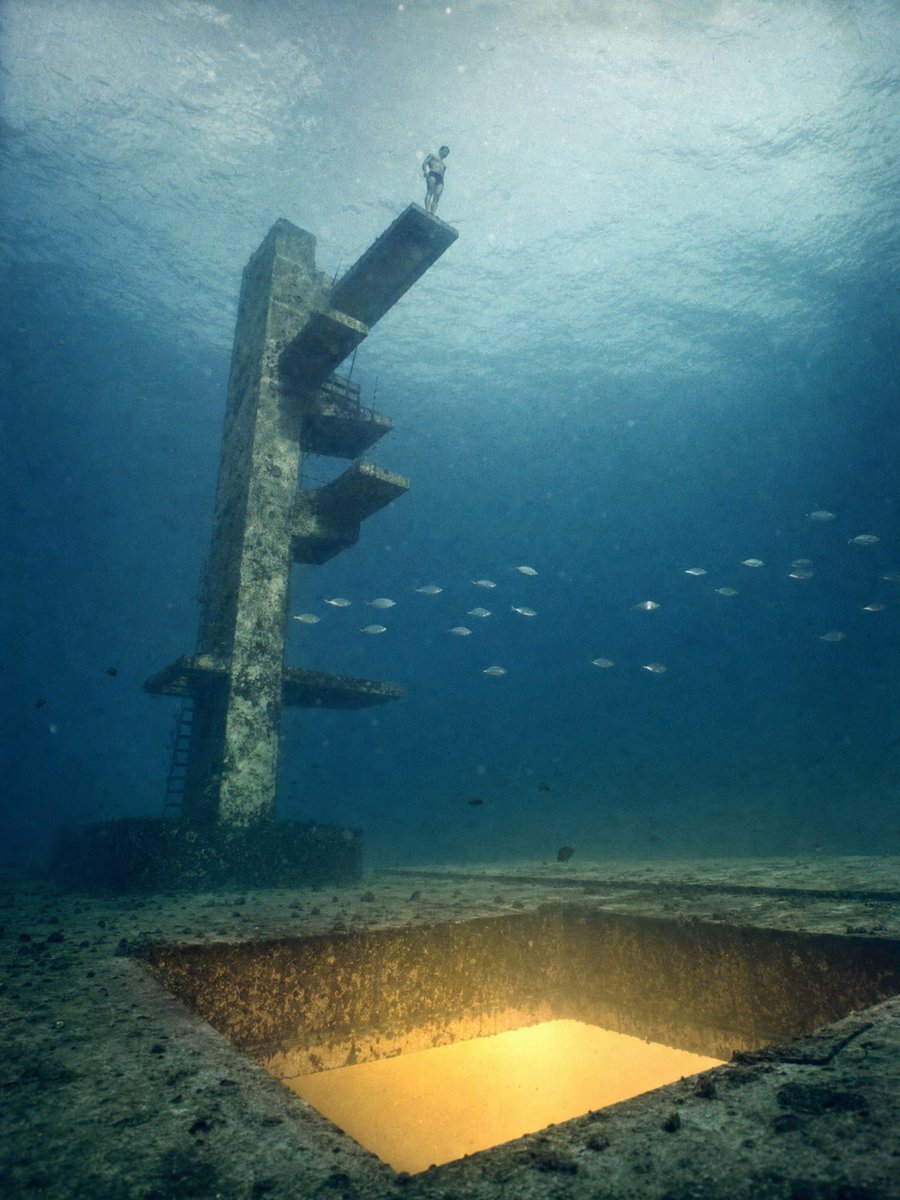
Underwater Diving Tower Portal
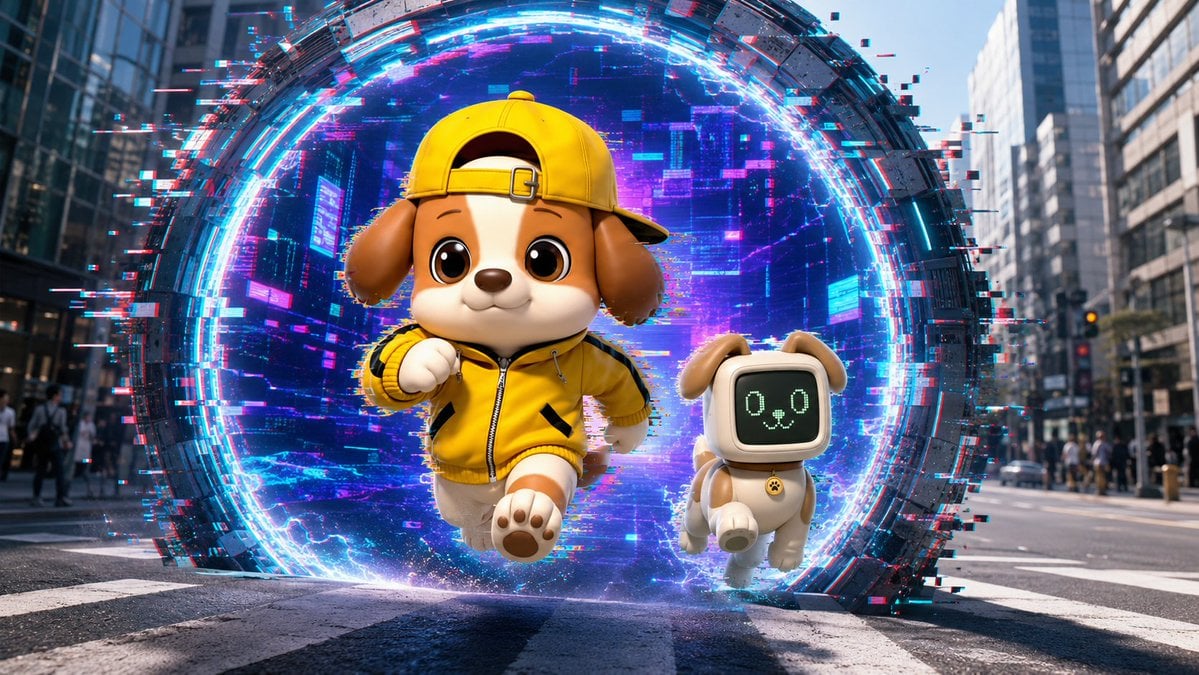
Puppy and Robot Dog Cyber Portal
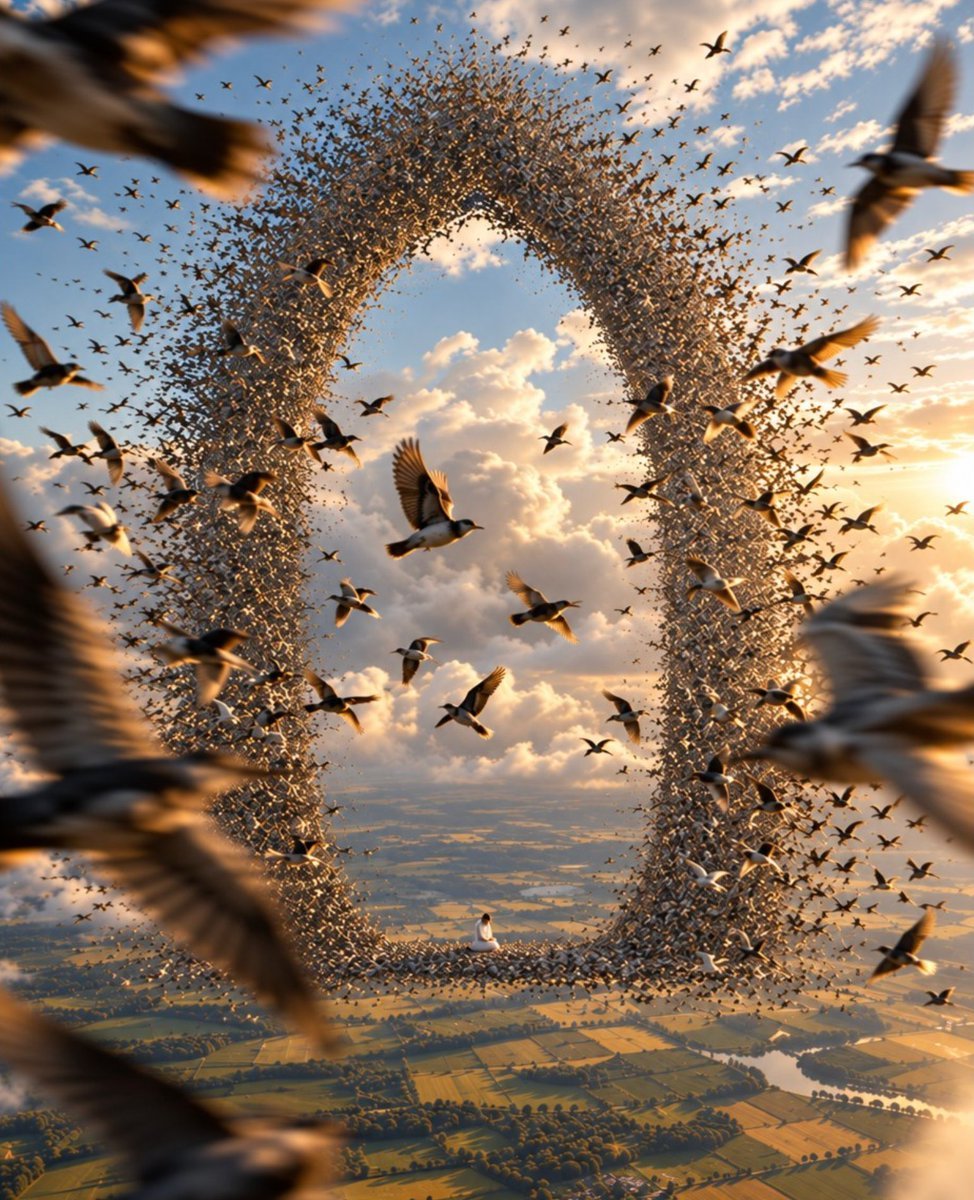
Giant Bird Portal in the Sky
Make it yours
Fantasy Desert Portal Scene works as-is. These are the safest ways to change it without losing the look.
Change one field
Copy a single group, rewrite it, and generate again so you can see what that field is doing.
Keep the frame, change the subject
Hold the composition and light of Fantasy Desert Portal Scene, then swap wardrobe, props or the person for a new take.
| If the result… | Why | Fix |
|---|---|---|
| The result drifts from the preview | Too many fields changed at once. | Reuse Fantasy Desert Portal Scene as-is first, then change one group — subject, light, or setting. |
| The model over-stylizes the scene | The prose prompt leaves finish and camera underspecified. | Add one camera or lighting sentence and stay on GPT Image 2. |
More GPT Image 2 templates
Other prompts made for GPT Image 2.

Six VTuber Japanese Logo Sheet

Realistic Portrait of Woman and Deer

The Vista Modular Condo Poster

AI Model Routing Comparison Infographic

2.5D Anime Art Board

Isometric Productivity Desk Scene

New York Double Exposure Poster

Four-Panel AI Landscape Comparison

Japanese Tatami Lifestyle Magazine Cover

NESCAFÉ Coffee Map Poster
More image prompts
Fresh picks from across the catalog.
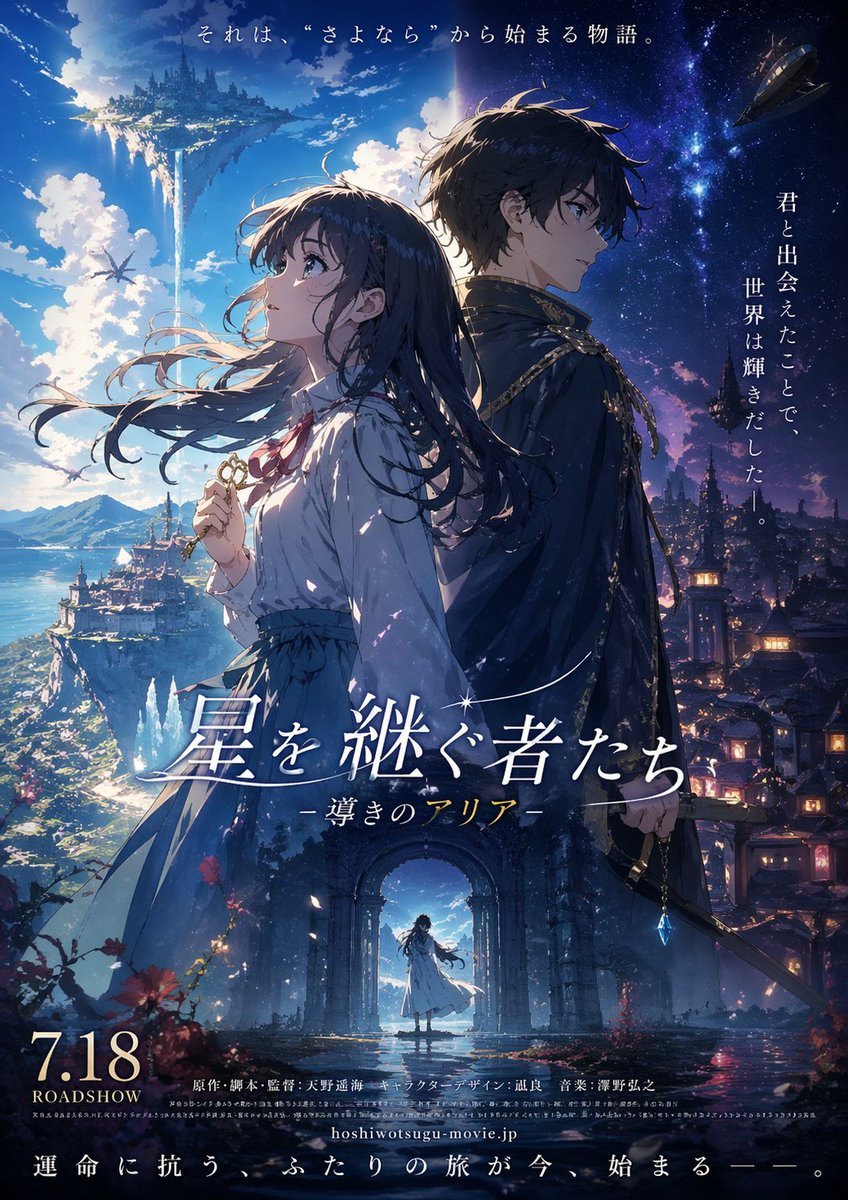
Fictional Anime Movie Poster Generation
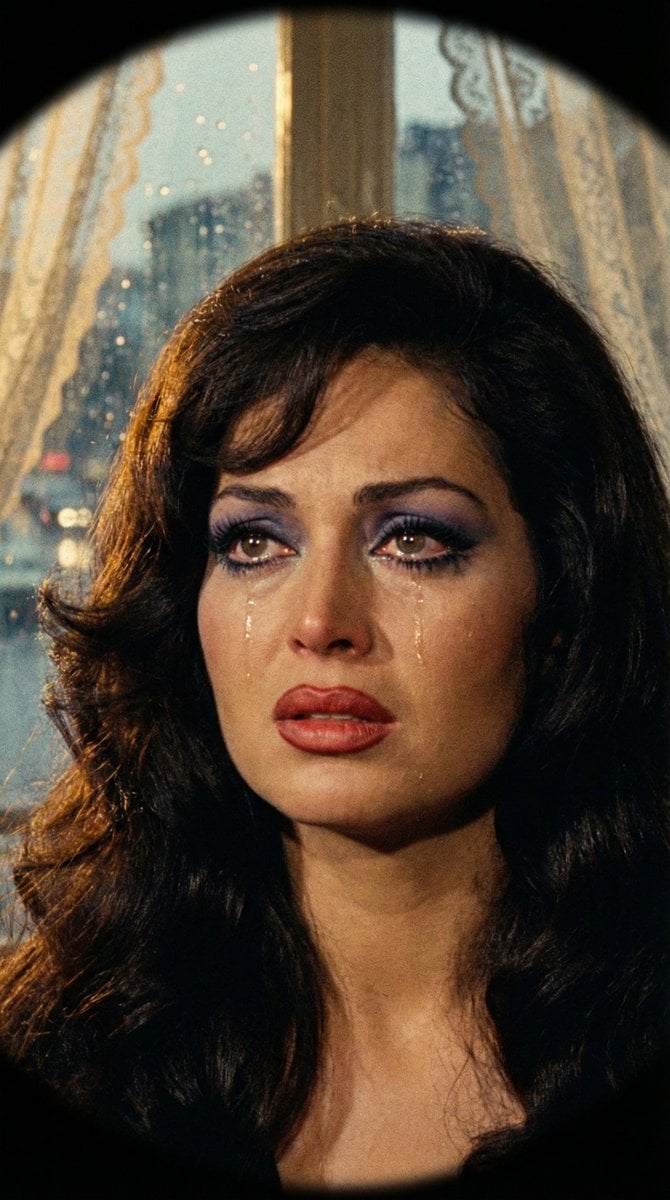
JSON Prompt for 1971 Yeşilçam Cinematic Portrait of Türkan Şoray Crying

Column AI Image Generation Infographic
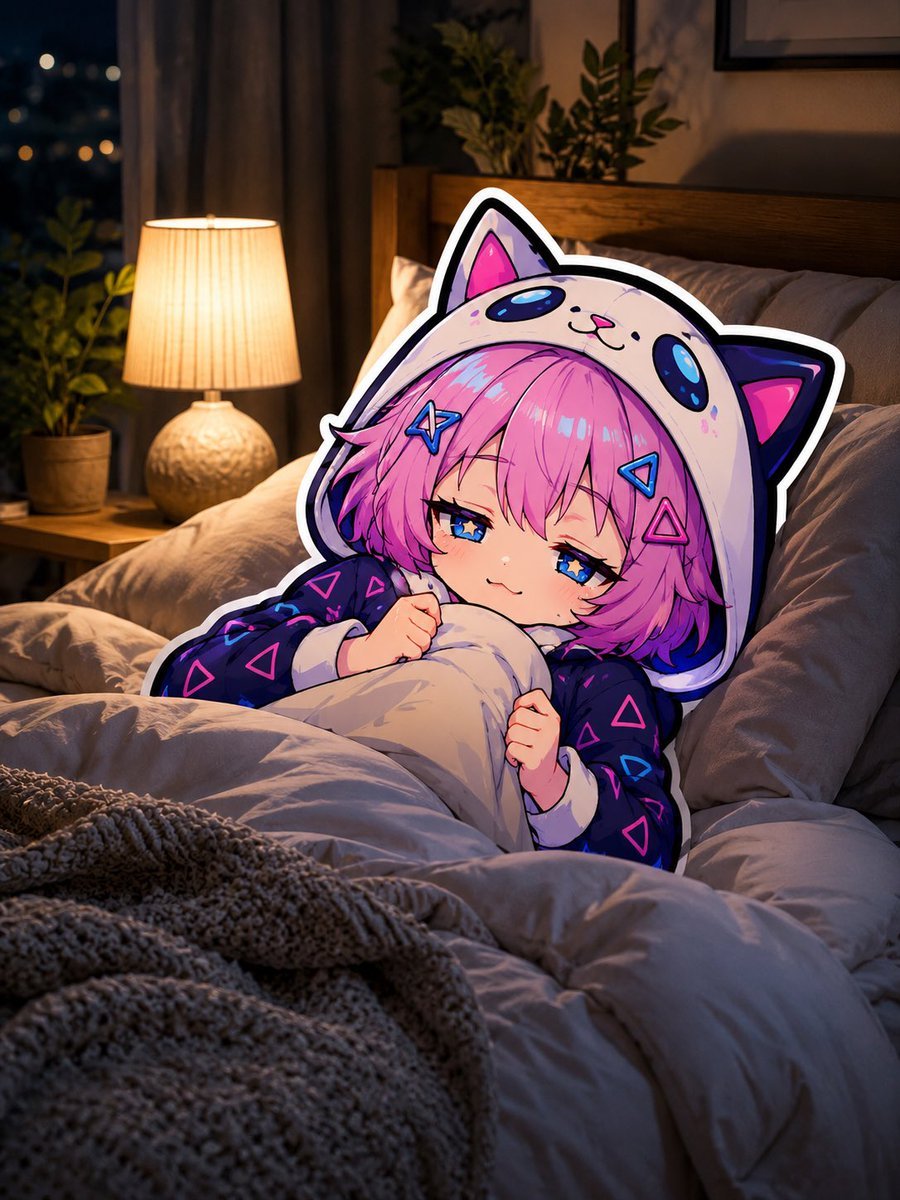
Sleepy Cat Hoodie Anime Girl in Bed
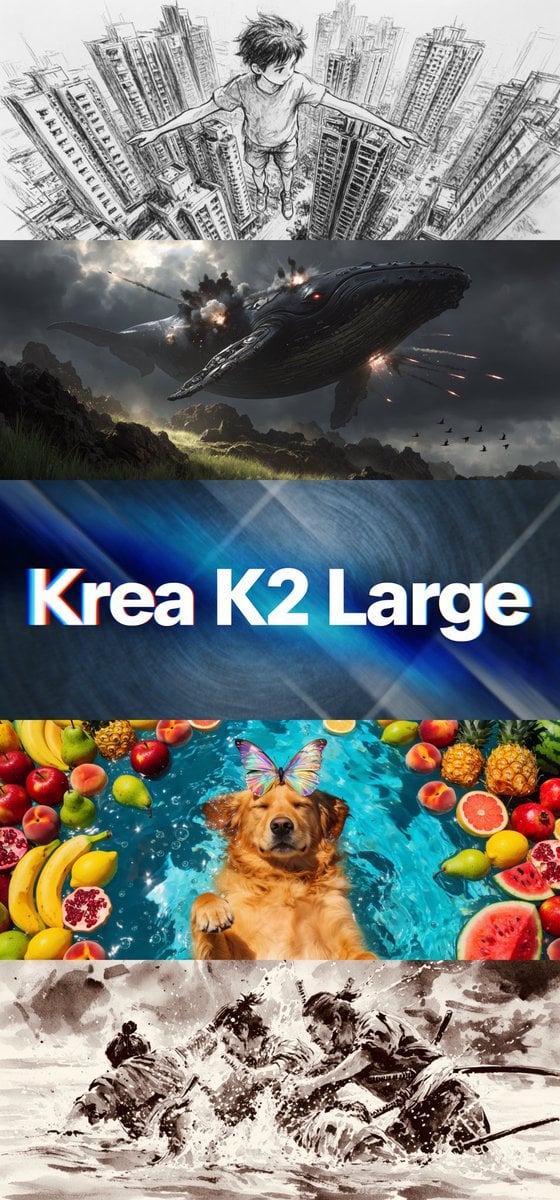
Krea K2 Large Five-Panel Showcase

Playful Chocolate Advertisement Poster
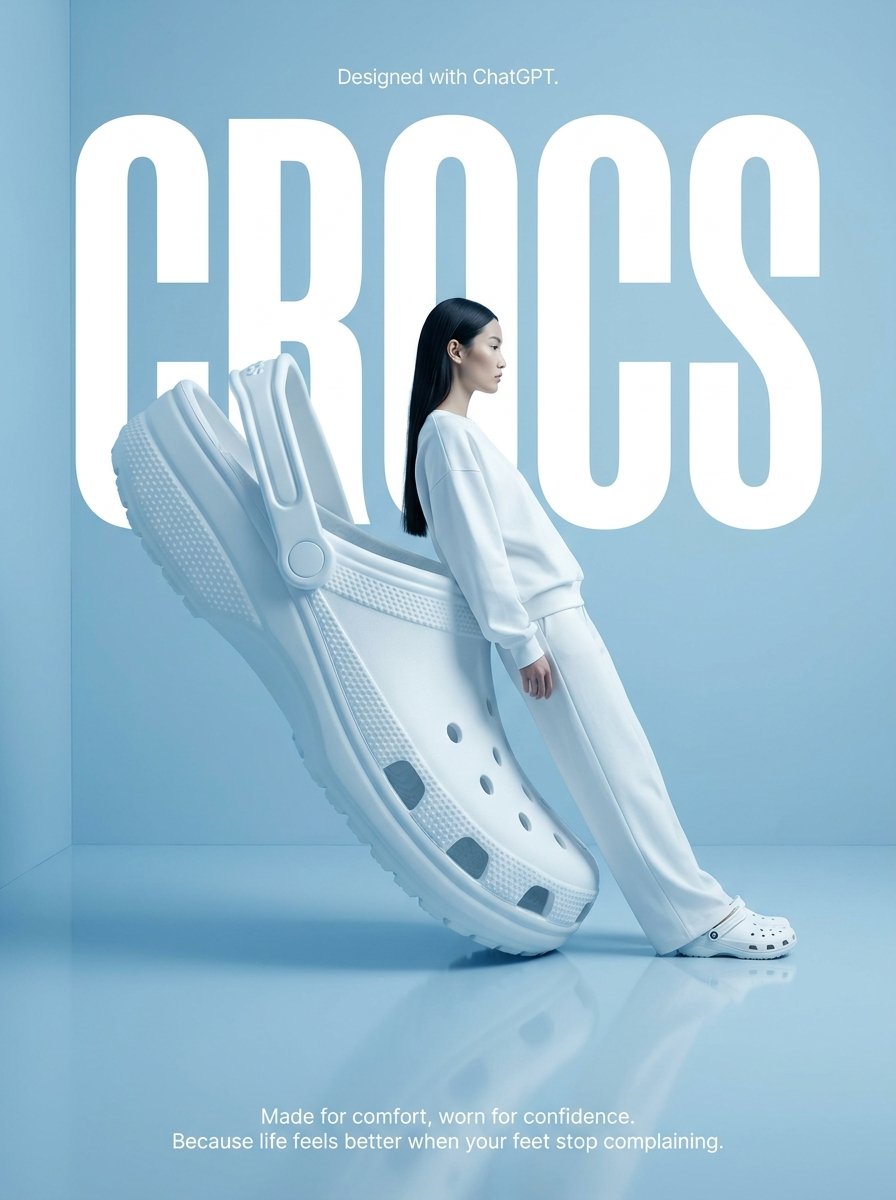
Surrealist High-Fashion Brand Poster
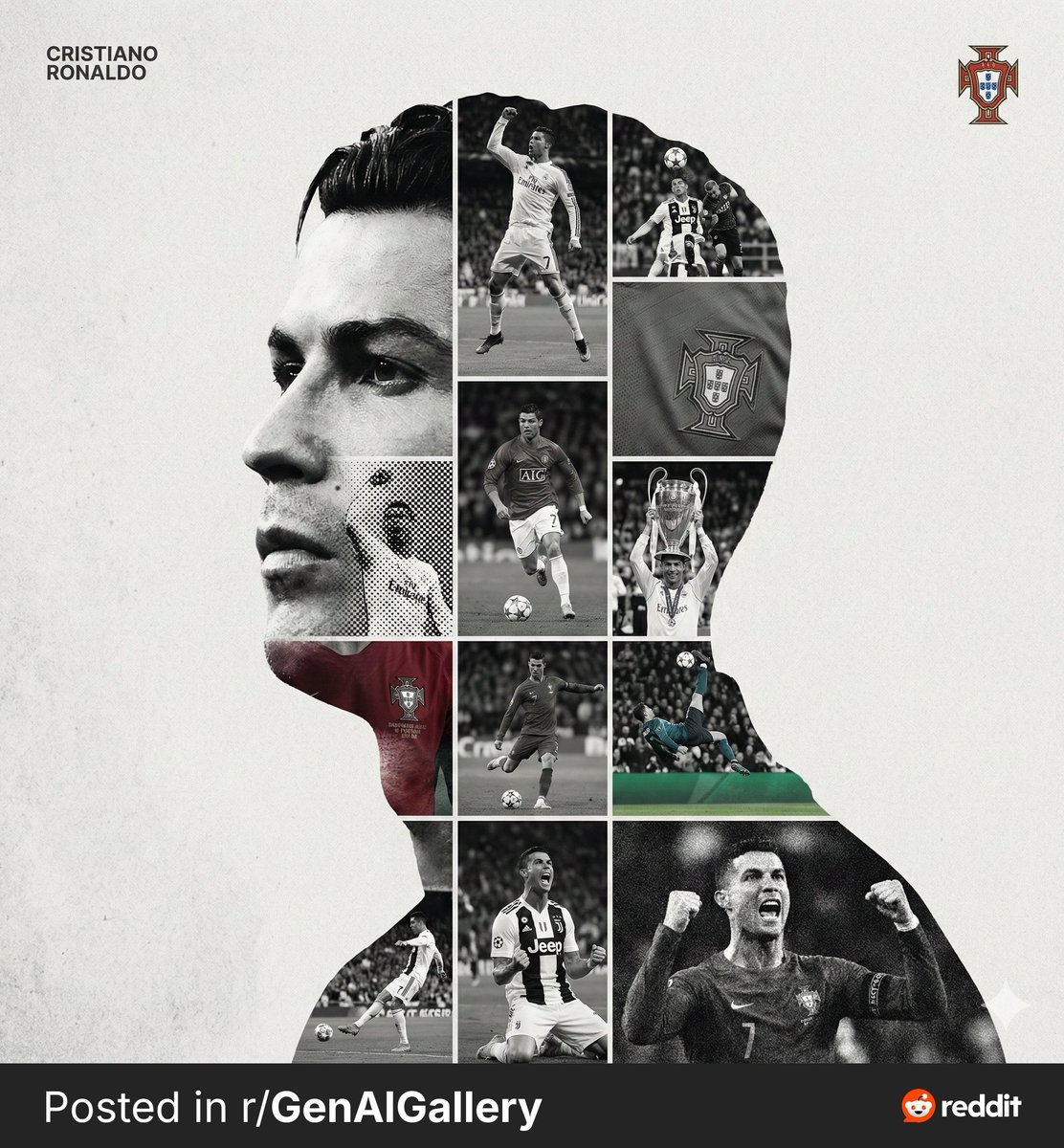
High-End Sports Graphic Poster Template
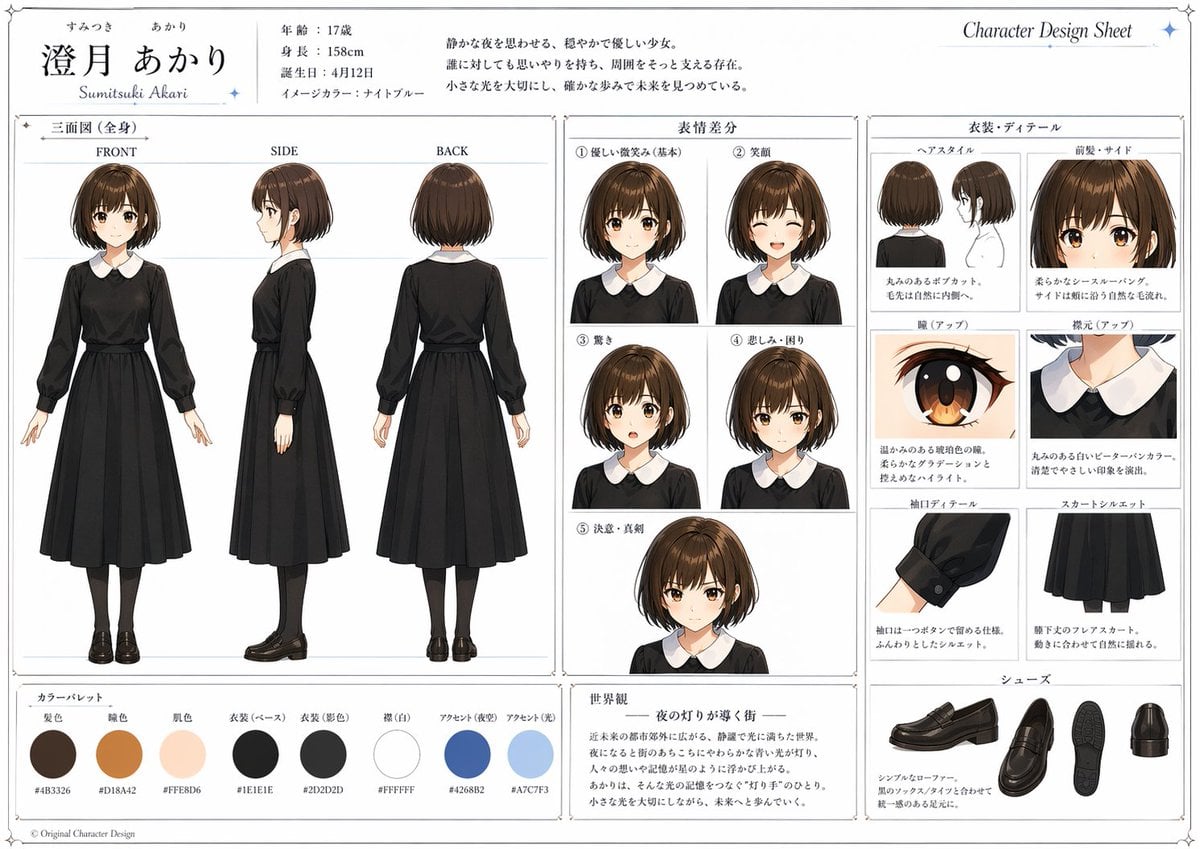
Anime Character Design Sheet
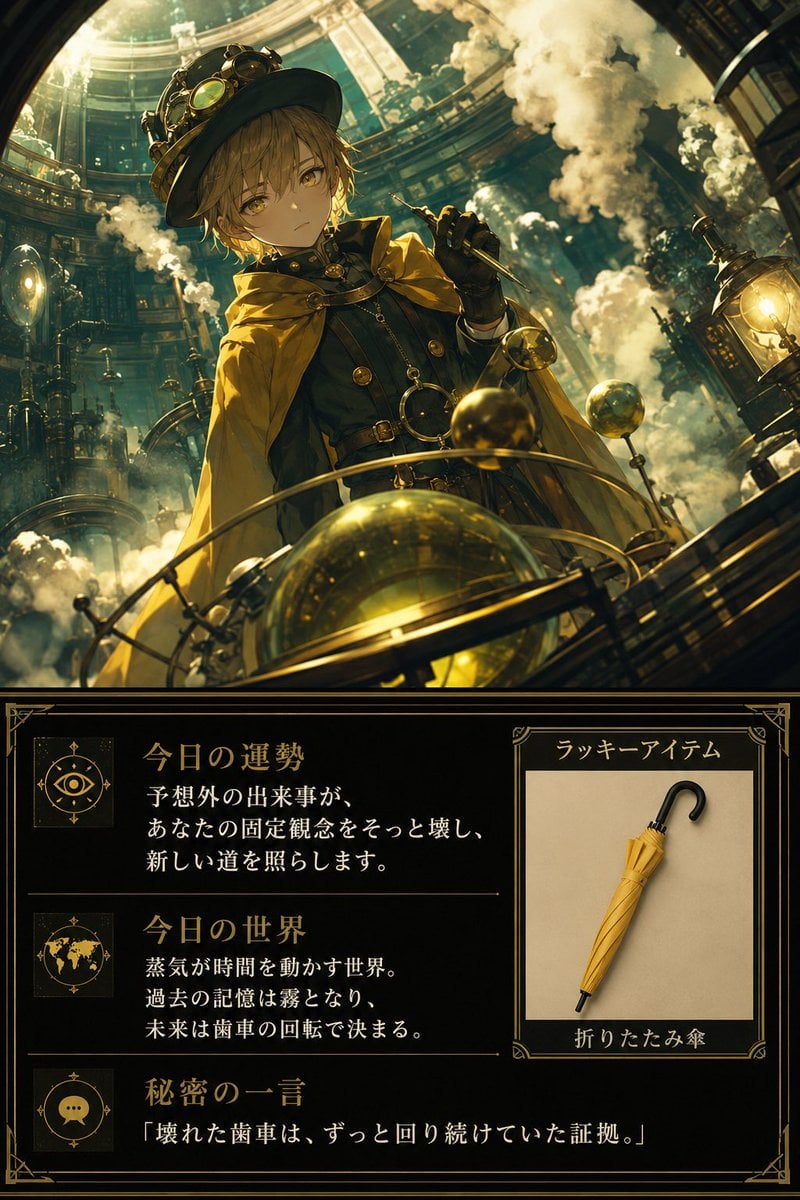
Steampunk Daily Fortune Card
Browse template categories
Fantasy Desert Portal Scene questions
How do I use the Fantasy Desert Portal Scene template?
Add your photo if the template asks for one, edit the prompt if you like — the template's model and format are already selected — and press Generate. Your version opens in PicX Studio.
Can I customize the Fantasy Desert Portal Scene template?
Yes. You can change the subject, setting, lighting, mood, format, and available model controls before creating your image.
Is the Fantasy Desert Portal Scene template free?
Opening and editing this template is free. Generating uses credits, shown on the Generate button when you are signed in.
Which AI model should I use?
Start with GPT Image 2, which is the model associated with this template. You can compare another compatible model for a different finish.
Looking for something else? Browse all templates.

Your photo, any look
Thousands of ready templates for every top image and video model, from one credit balance.