
High-End Sports Graphic Poster Template
A complex prompt template for generating a high-end sports graphic poster.
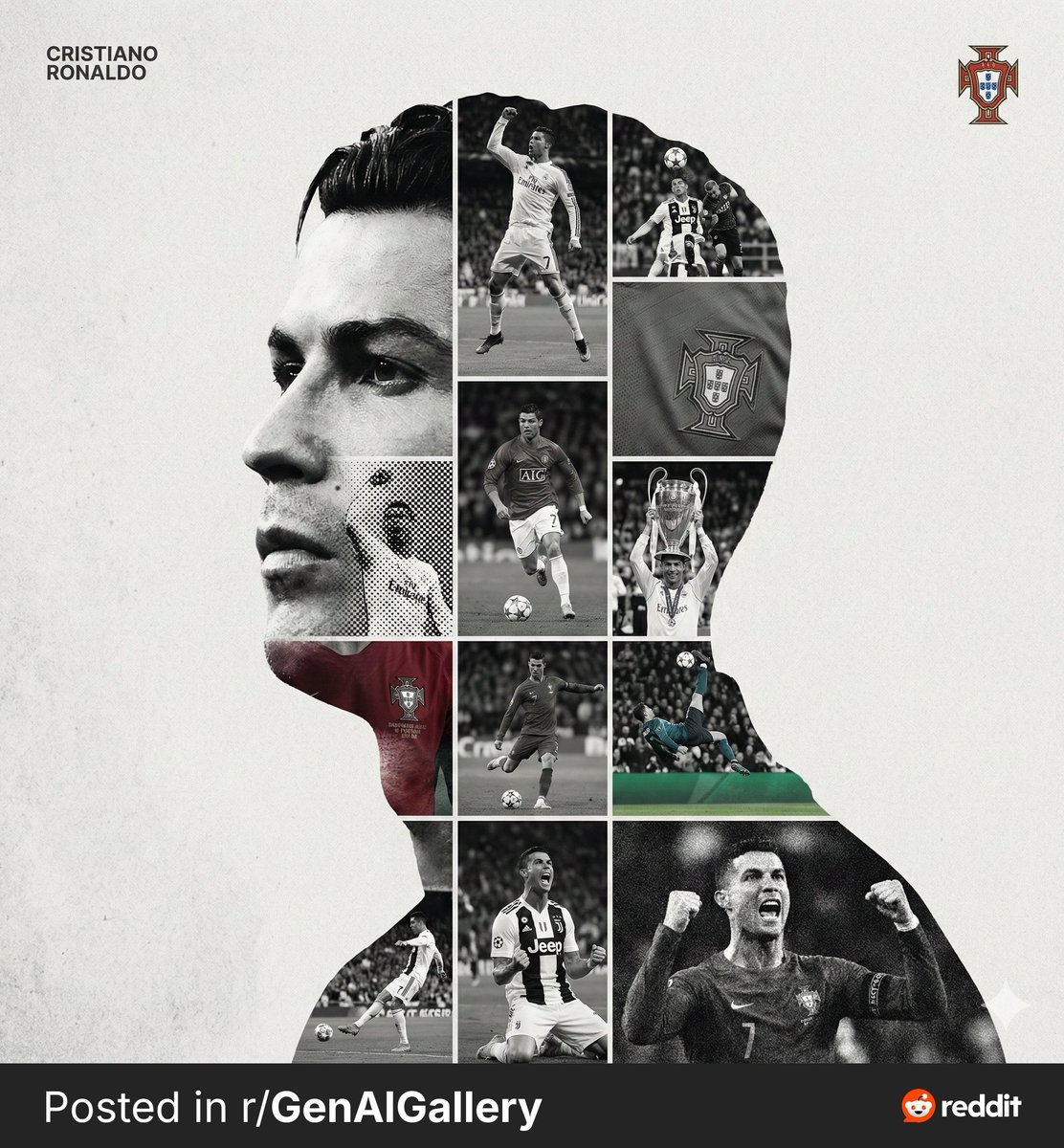
- Prompt included
- Model and format preset
- Free template
The prompt behind this image
Copy the exact prompt behind High-End Sports Graphic Poster Template, or open it in the studio and make it yours.
[PERSON NAME]. Act as a high-end sports graphic designer creating a conceptual tribute poster. The style is a complex "dual exposure photo-grid composite" with mixed-media textures. CENTRAL STRUCTURE (THE VESSEL): The central focus is a large-scale, high-contrast black and white portrait silhouette of {argument name="person name" default="[PERSON NAME]"}. This main portrait acts as the container. THE GRID FILL & TEXTURES (MIXED MEDIA): The interior of the silhouette is populated by a dense "photo mosaic grid" of action shots from the person's career. CRITICAL TEXTURE INSTRUCTION: Do not just paste flat photos. Apply artistic textures to various grid cells to create a tactile, collage feel. Use effects like: Halftone Dots: Comic-book style raster patterns on some cells. Fabric/Embroidery: Subtle thread or canvas textures suggesting a jersey or patch. Film Grain: Heavy noise on specific high-contrast action shots. COLOR STRATEGY: The base is Monochrome B&W. Use selective color overlays (relevant to the team/flag) ONLY on specific grid cells to create a rhythm. TYPOGRAPHY & BRANDING (STRICT MICRO-SCALING): Top Left (The Name): Write "{argument name="person name 2" default="[PERSON NAME]"}" strictly using the font Inter Semibold. Kerning: Tight negative kerning (-4%). Size: SMALL and discreet. It must occupy MAXIMUM 20% of the canvas width. Do NOT make it large or loud. Top Right (The Symbol): Place the primary logo (Team/Brand/Flag). Size: VERY SMALL. It must occupy MAXIMUM 10% of the canvas width. COMPOSITION & BACKGROUND: Background: Off-white or light grey with a visible high-quality paper or concrete texture. It should not be flat digital white. Alignment: Center the figure perfectly. Maintain wide negative space around the object.
How to use High-End Sports Graphic Poster Template in 3 steps
- 1
Open
The prompt is already in the box next to the preview, with the template's model and format selected.
- 2…a portrait of your subject in softgolden-hour light, 85mm…
Personalize
Edit the subject and creative details for your destination.
- 3Generate
Generate
Press Generate — your image is created in PicX Studio, so you can compare it with the original and refine one variable at a time.
More like this
Templates with the same subject, style or setup. Open one to see its prompt.

Legendary Player Fragmented Editorial Poster

Goalmaster Youth Sports Poster

Clean Minimalist Player Editorial Poster

Captain Tsubasa Anime World Cup Poster

Trendy Cafe Drink Promo Poster
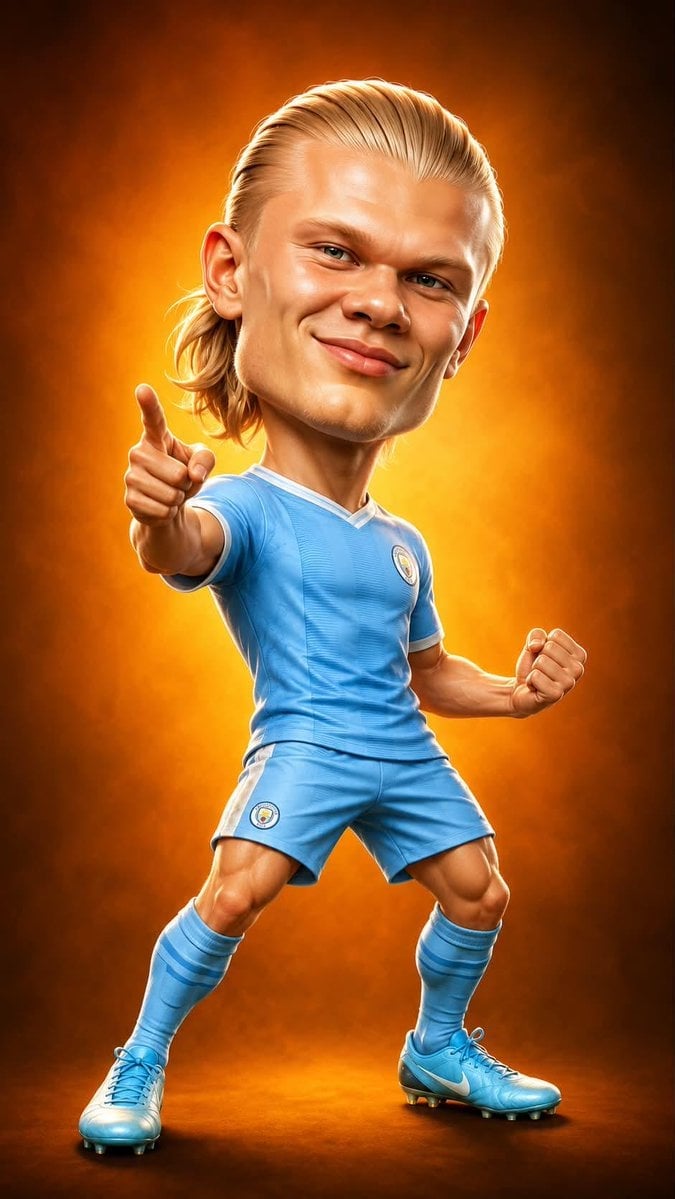
Legendary Icons Mixed Style Poster Pack

Gpt2 Infographic Edu Visual Ink Wash Tribute Poster for Chen Uen

Gpt2 Infographic Edu Visual Biomimetic Skyray Aircraft Poster
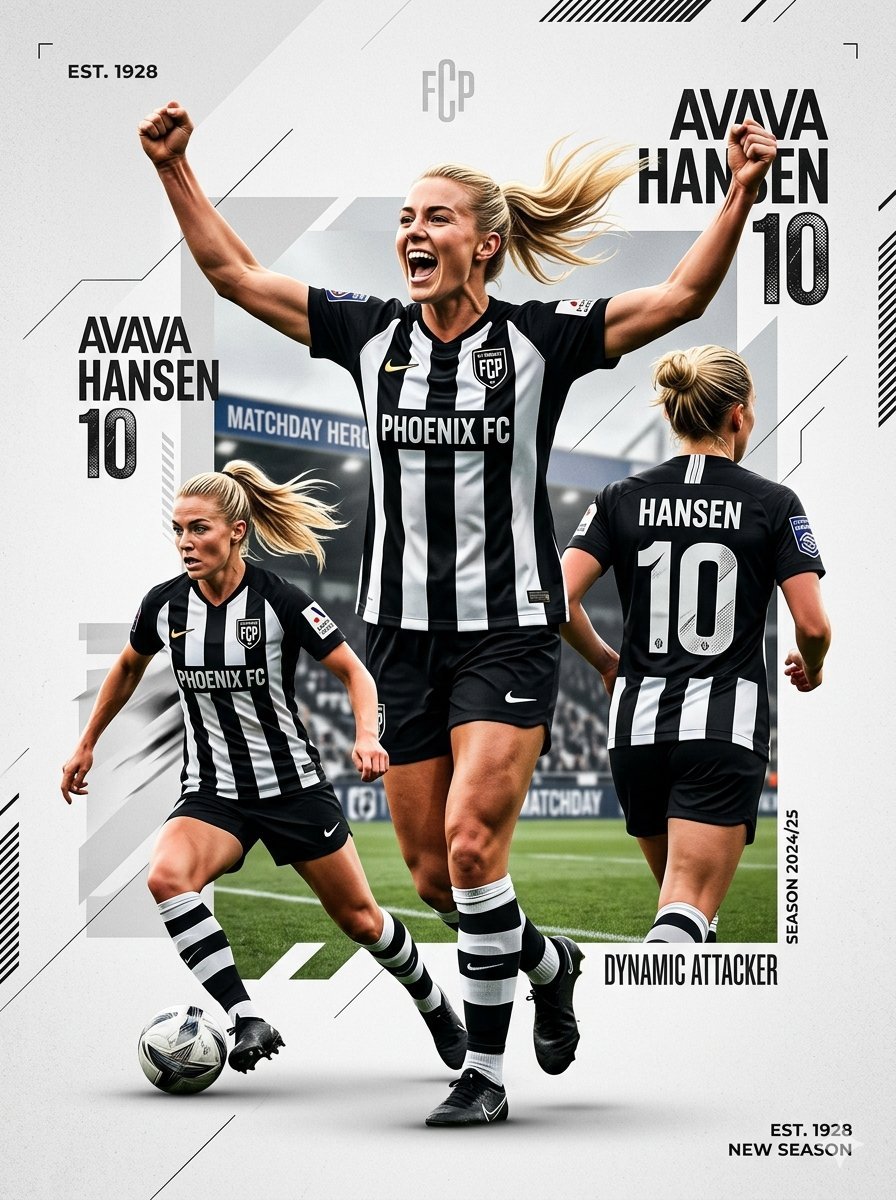
Sports Graphic Poster and Crayon Style Drawing

Japan Travel Brochure Poster

Cartoon TV Show Poster Pack

Urban Fashion Editorial Collage Streetwear Poster
Make it yours
High-End Sports Graphic Poster Template works as-is. These are the safest ways to change it without losing the look.
Change one field
Copy a single group, rewrite it, and generate again so you can see what that field is doing.
Keep the frame, change the subject
Hold the composition and light of High-End Sports Graphic Poster Template, then swap wardrobe, props or the person for a new take.
| If the result… | Why | Fix |
|---|---|---|
| The result drifts from the preview | Too many fields changed at once. | Reuse High-End Sports Graphic Poster Template as-is first, then change one group — subject, light, or setting. |
| The model over-stylizes the scene | The prose prompt leaves finish and camera underspecified. | Add one camera or lighting sentence and stay on Nano Banana 2. |
More Nano Banana 2 templates
Other prompts made for Nano Banana 2.

Photorealistic Leaf Shaped Like a Dragon

K-Pop Idol Portrait Grid for Rapid Selection

Poetic Rain Forest Portrait During Golden Hour

Urban Street Portrait with Cartoon Inner Self Duo

Candid Nighttime Photo with Cat Prompt

High-Concept 3D Diorama Generation Prompt

Cinematic Futuristic Studio Portrait Template

Skincare Editorial Photography Collage Prompt

Hyper-Realistic Commercial Product Photography (Splash Effect)

Hyper-Realistic Nightclub Portrait Prompt
More image prompts
Fresh picks from across the catalog.
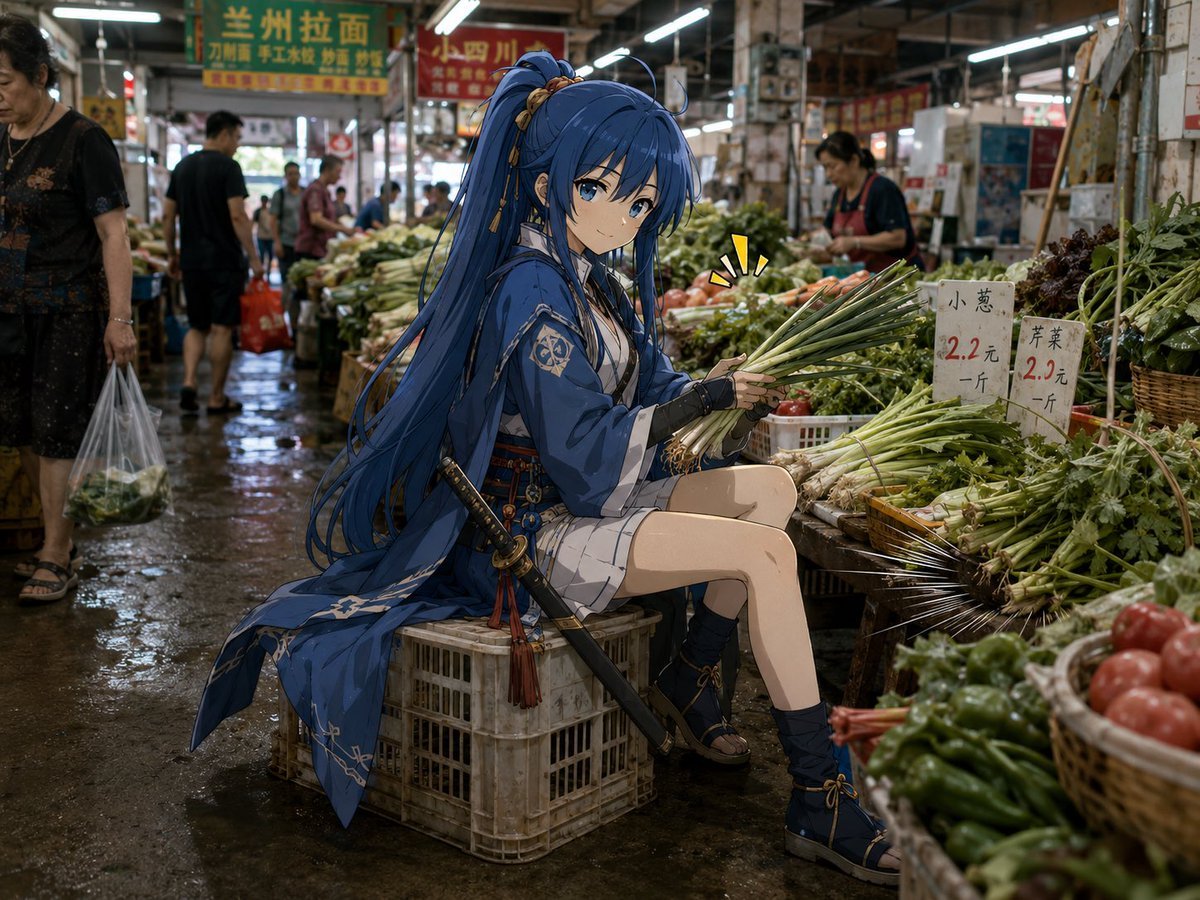
Anime Swordswoman in Wet Market
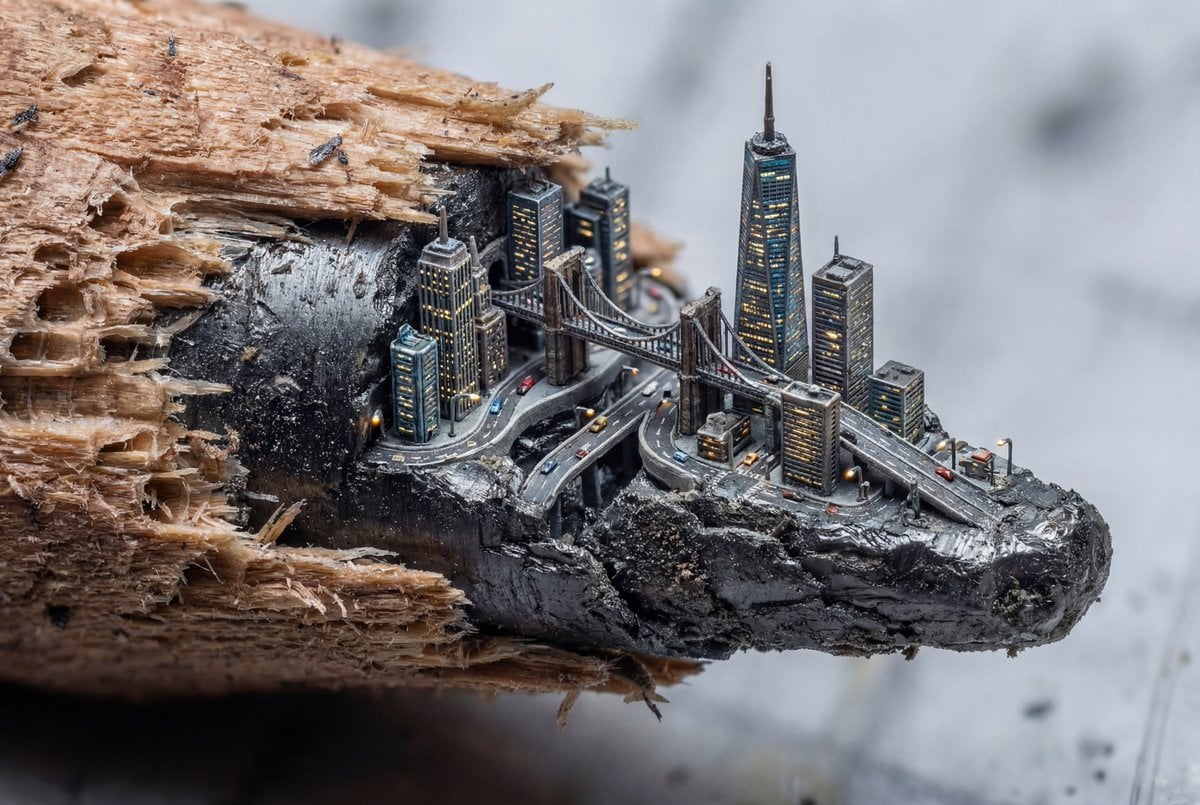
Microscopic City Art Addition Prompt
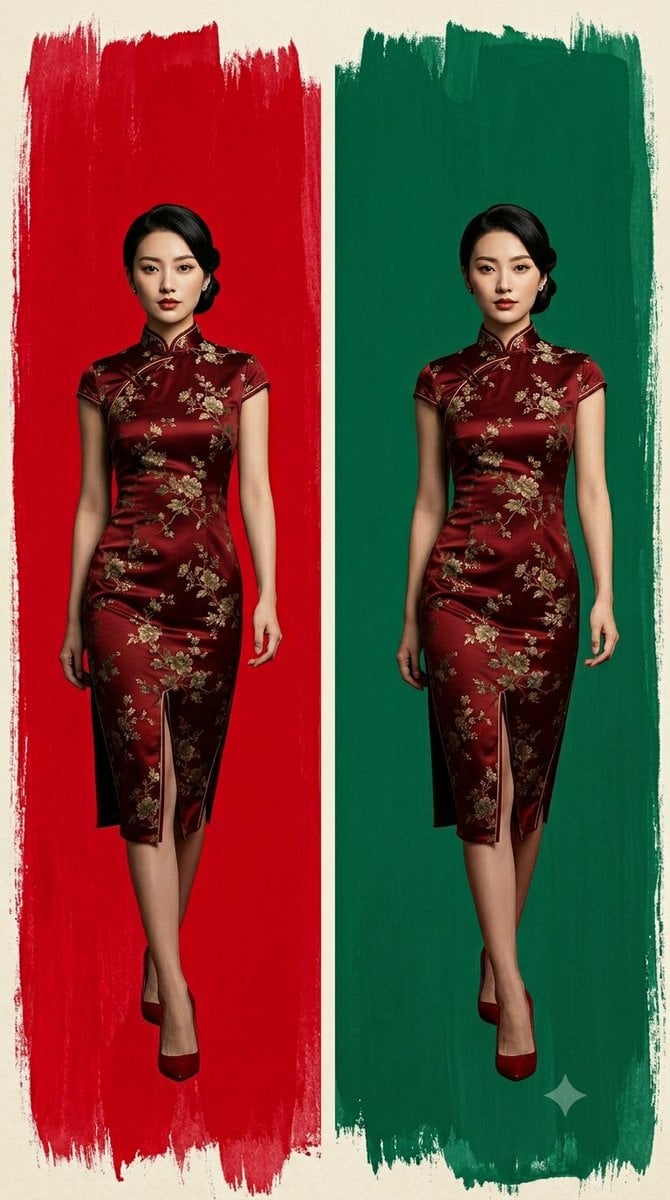
Cheongsam Fashion Diptych
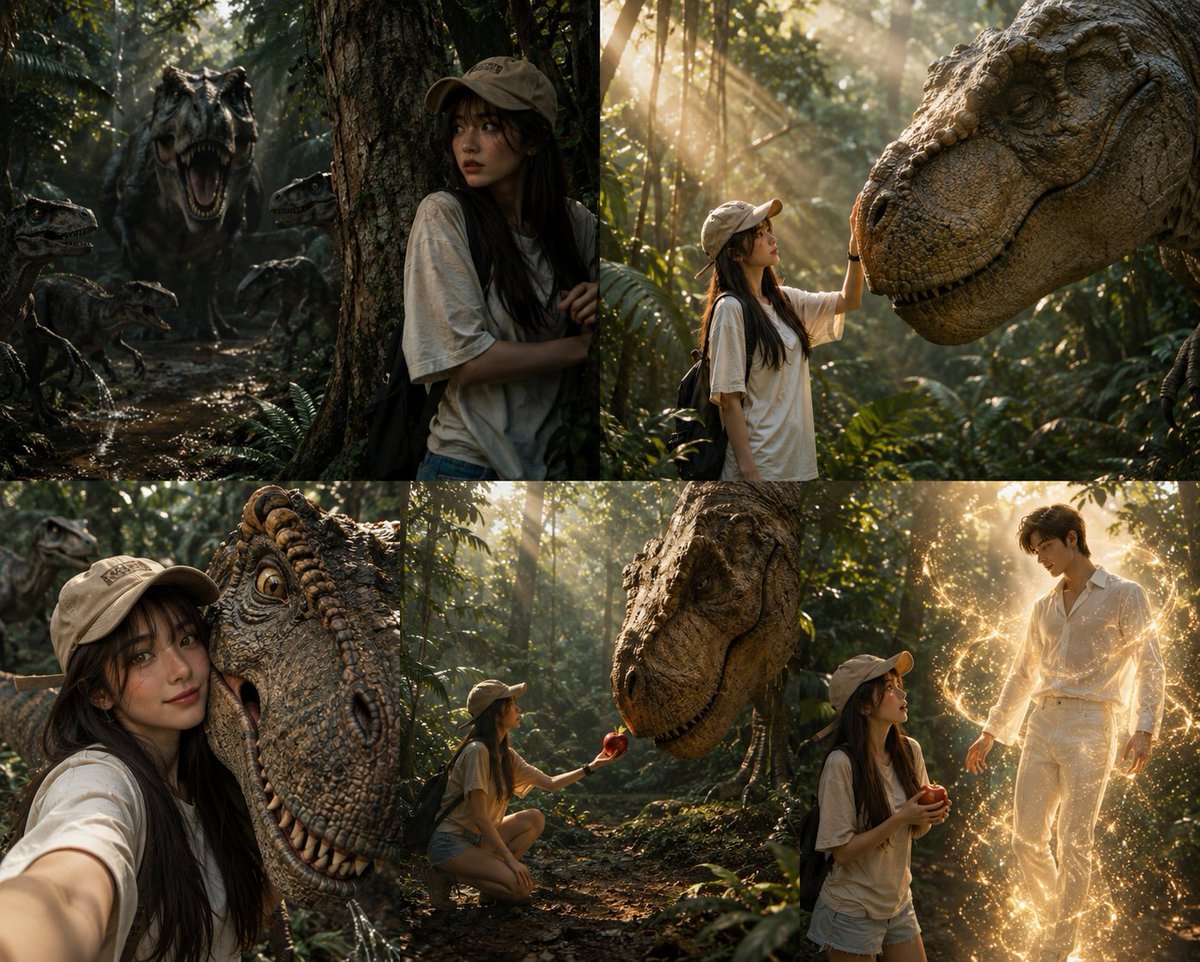
Dinosaur Jungle Adventure Collage
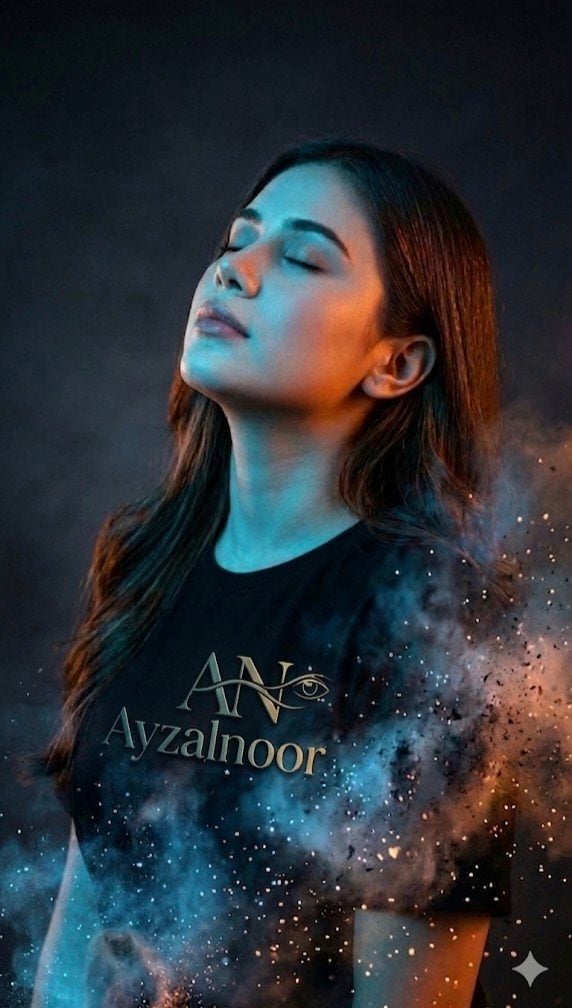
X Ayzalnooor24521 a Cinematic High Resolution Portrait of
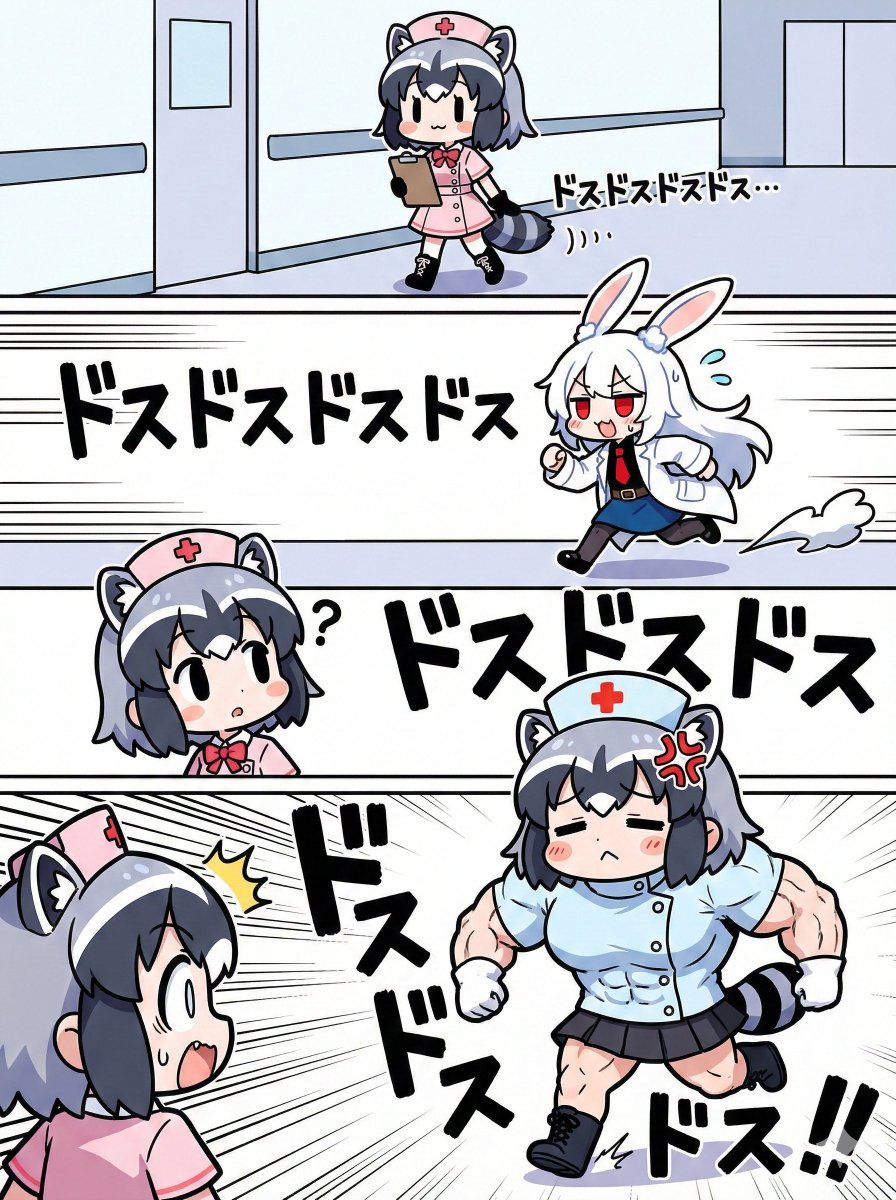
Nano Banana Pro Image Generation Prompt for Sunecat
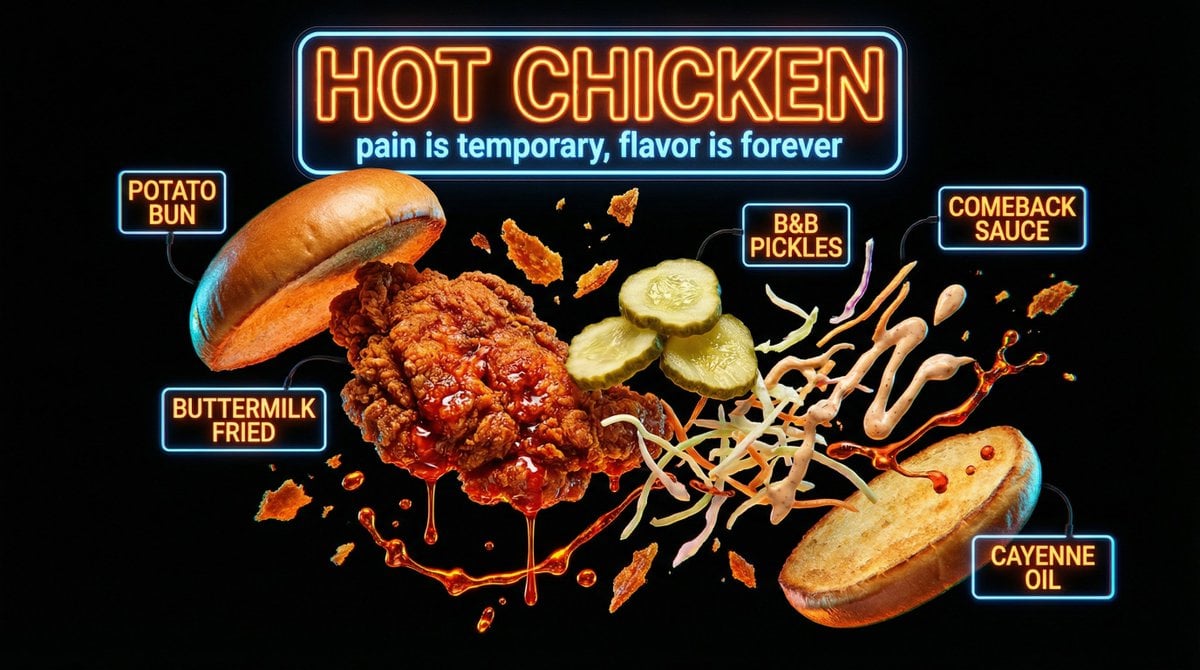
Neon Night Market Food Photography
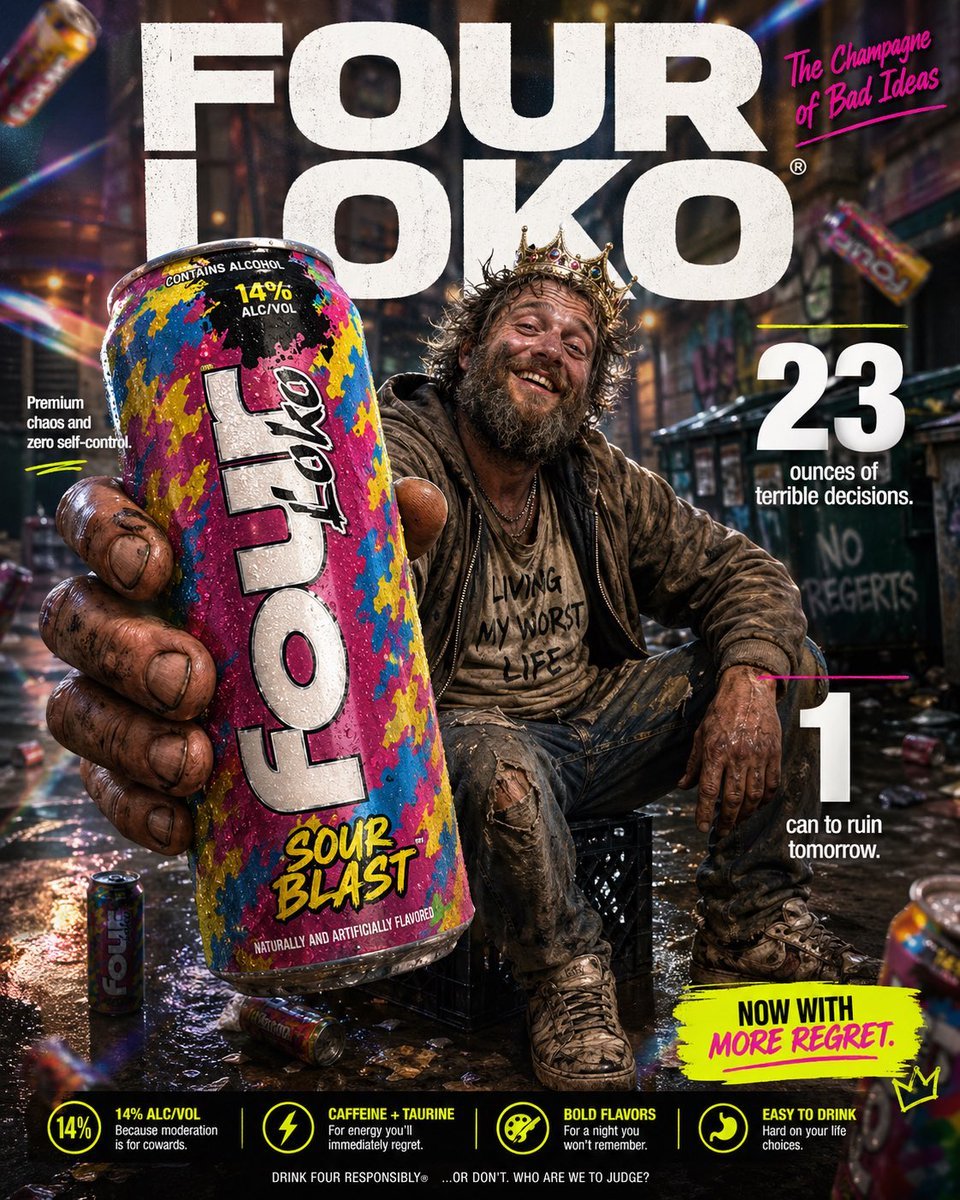
Parody Luxury Product Advertisement
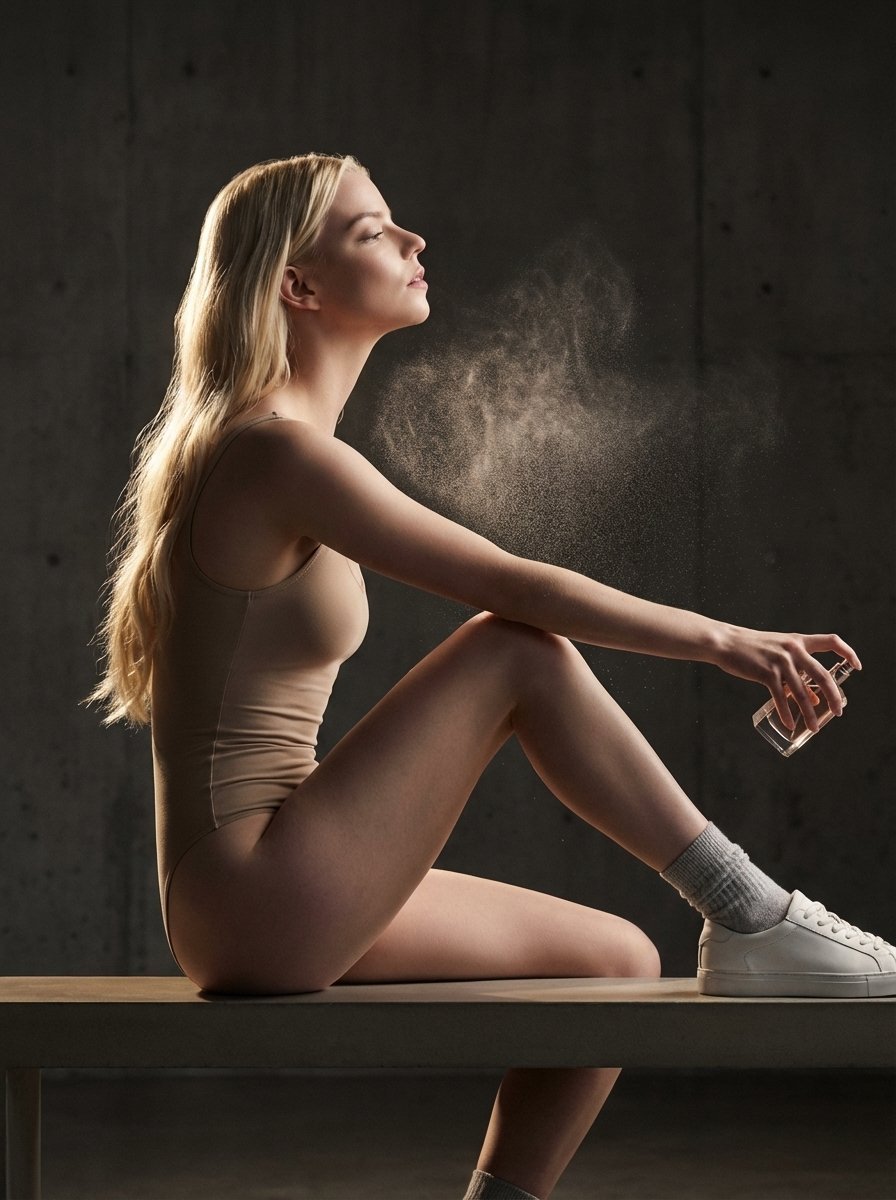
High-Fashion Perfume Campaign Prompt with Side Lighting
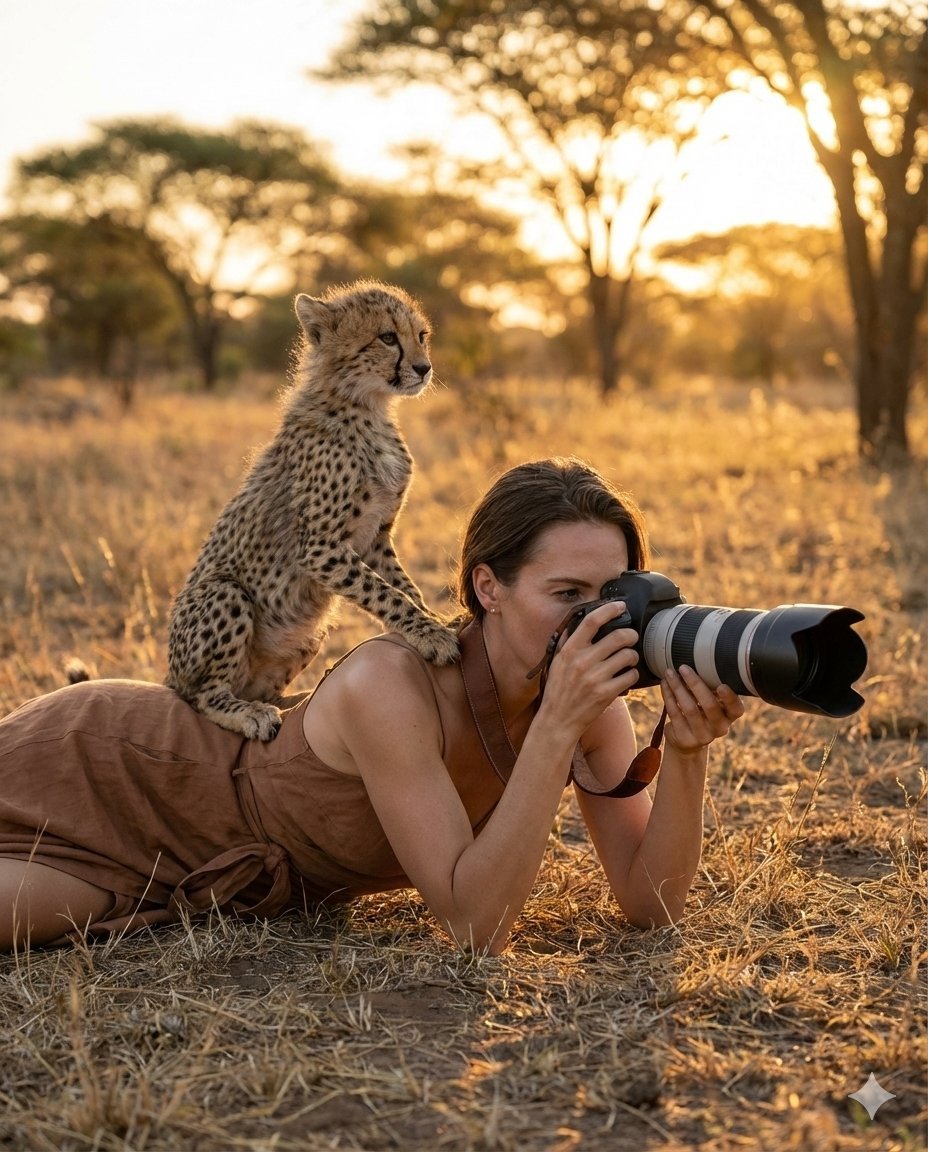
Ultra-Realistic Wildlife Photography with Cheetah Cub
Browse template categories
High-End Sports Graphic Poster Template questions
How do I use the High-End Sports Graphic Poster Template template?
Add your photo if the template asks for one, edit the prompt if you like — the template's model and format are already selected — and press Generate. Your version opens in PicX Studio.
Can I customize the High-End Sports Graphic Poster Template template?
Yes. You can change the subject, setting, lighting, mood, format, and available model controls before creating your image.
Is the High-End Sports Graphic Poster Template template free?
Opening and editing this template is free. Generating uses credits, shown on the Generate button when you are signed in.
Which AI model should I use?
Start with Nano Banana 2, which is the model associated with this template. You can compare another compatible model for a different finish.
Looking for something else? Browse all templates.

Your photo, any look
Thousands of ready templates for every top image and video model, from one credit balance.