
Post-Apocalyptic Girl with Welding Goggles
A cinematic and gritty portrait of a young girl in a distressed yellow hoodie and welding goggles against a weathered wall.
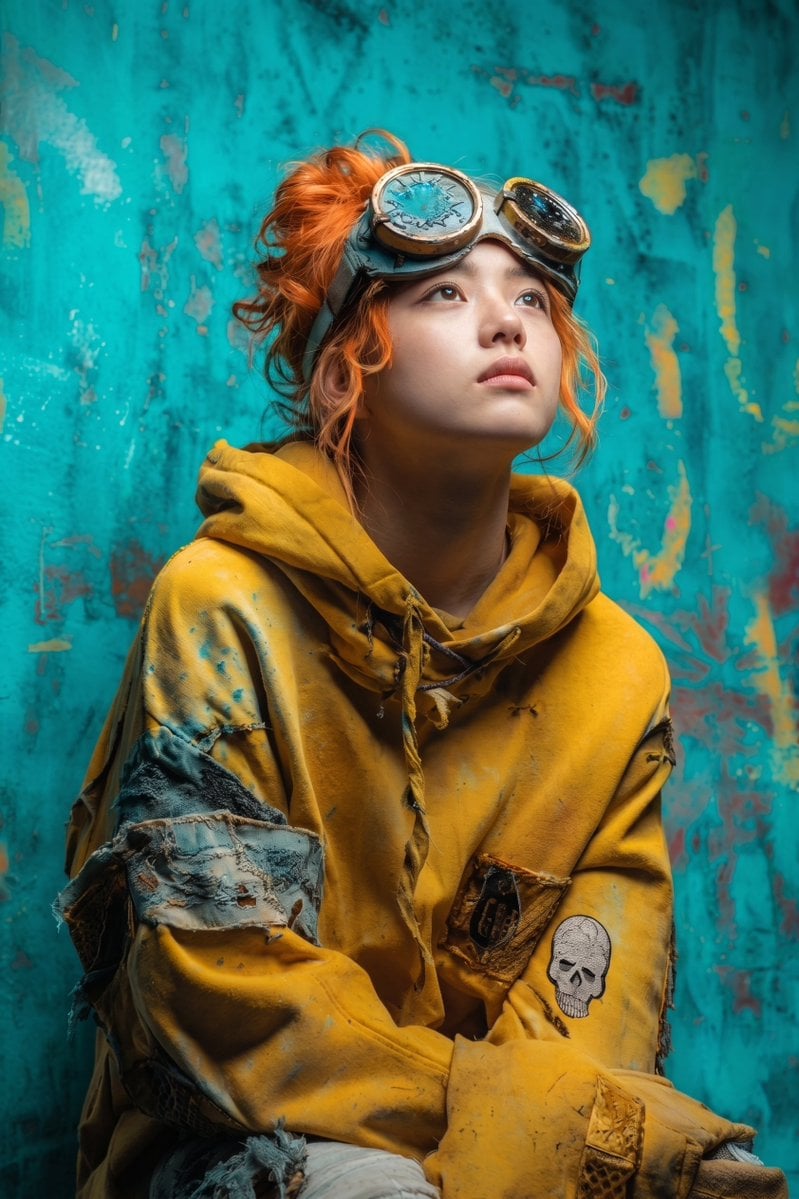
- Prompt included
- Model and format preset
- Free template
The prompt behind this image
Copy the exact prompt behind Post-Apocalyptic Girl with Welding Goggles, or open it in the studio and make it yours.
Cinematic portrait of a young girl with messy {argument name="hair color" default="vibrant ginger hair"} tied in a loose bun and subtle freckles across her nose, gazing upward with a wistful, thoughtful expression. She wears cracked vintage welding goggles pushed up onto her forehead with fractured blue circular lenses. Wearing a heavily distressed, oversized {argument name="hoodie color" default="mustard-yellow hoodie"} covered in paint splatters, frayed seams, patched denim fabric on the sleeves, and a faded embroidered skull patch on the forearm, along with rugged, dusty work gloves. Background is a weathered, peeling wall with {argument name="wall color" default="chipped turquoise and faded yellow paint"}. Soft dramatic directional lighting, gritty post-apocalyptic aesthetic, 85mm lens, shallow depth of field, hyper-detailed fabric textures.
How to use Post-Apocalyptic Girl with Welding Goggles in 3 steps
- 1
Open
The prompt is already in the box next to the preview, with the template's model and format selected.
- 2…a portrait of your subject in softgolden-hour light, 85mm…
Personalize
Edit the subject and creative details for your destination.
- 3Generate
Generate
Press Generate — your image is created in PicX Studio, so you can compare it with the original and refine one variable at a time.
More like this
Templates with the same subject, style or setup. Open one to see its prompt.

Teen Girl Alpine Lake Mountain View
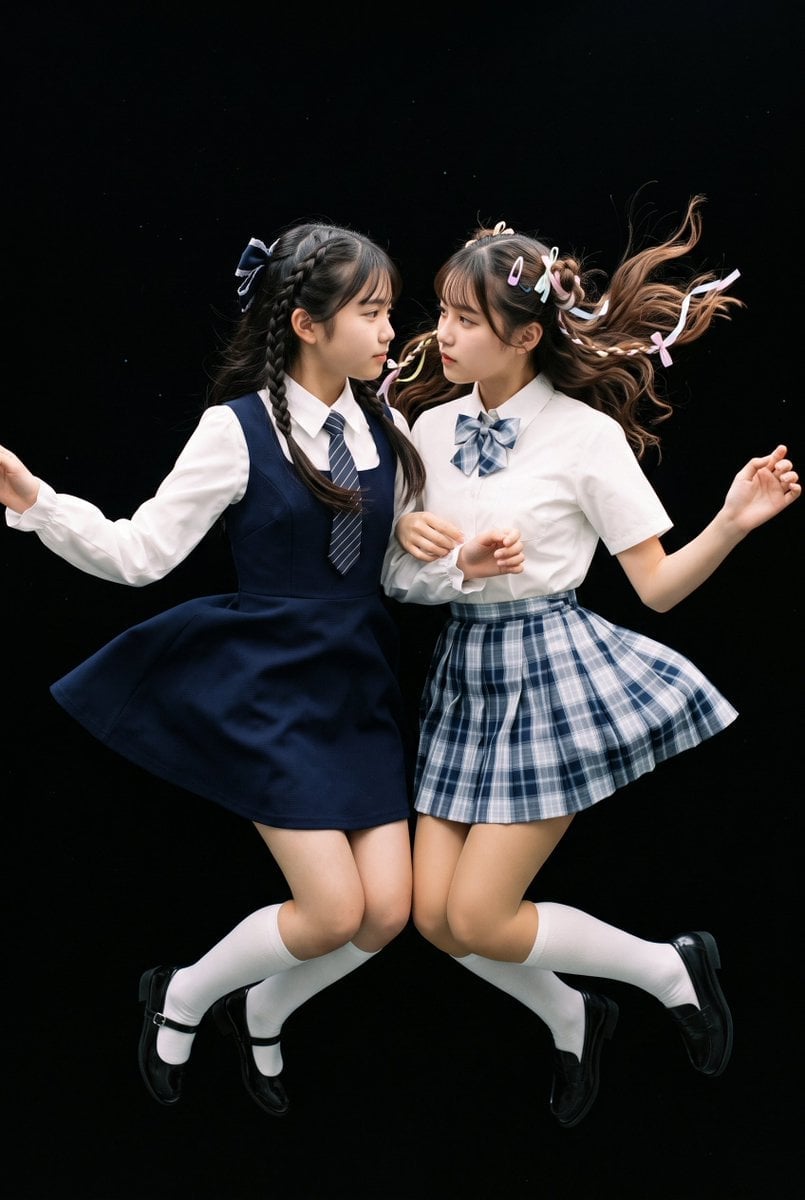
Floating Schoolgirl in Dark
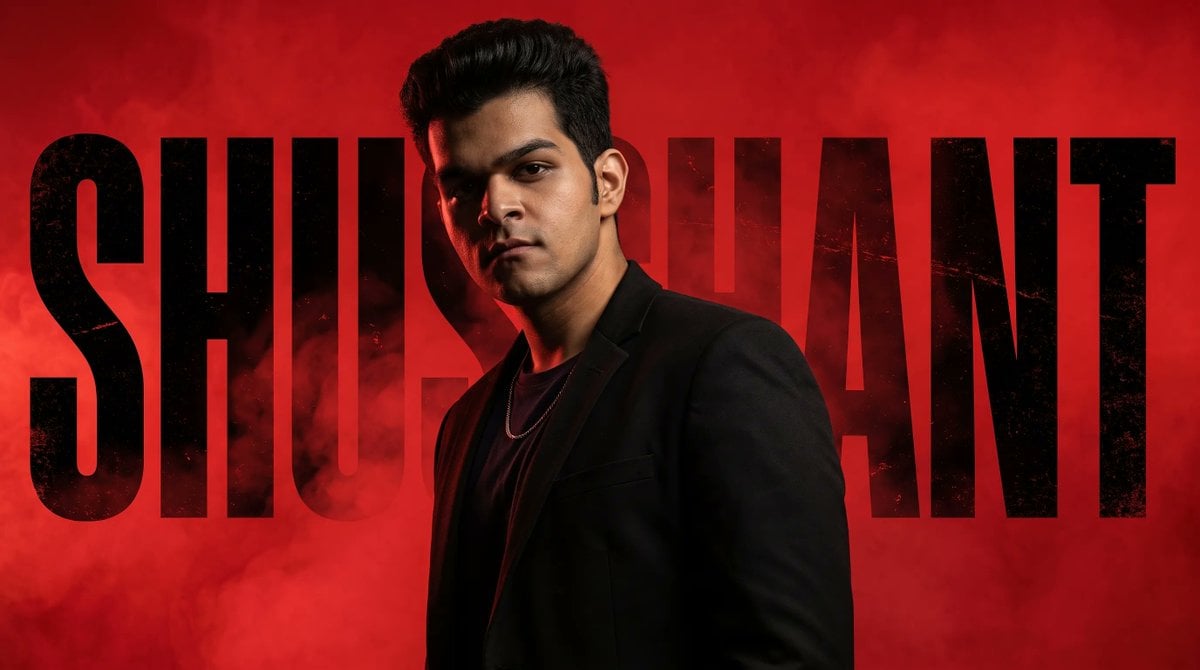
Neo-Noir Typographic Avatar Poster
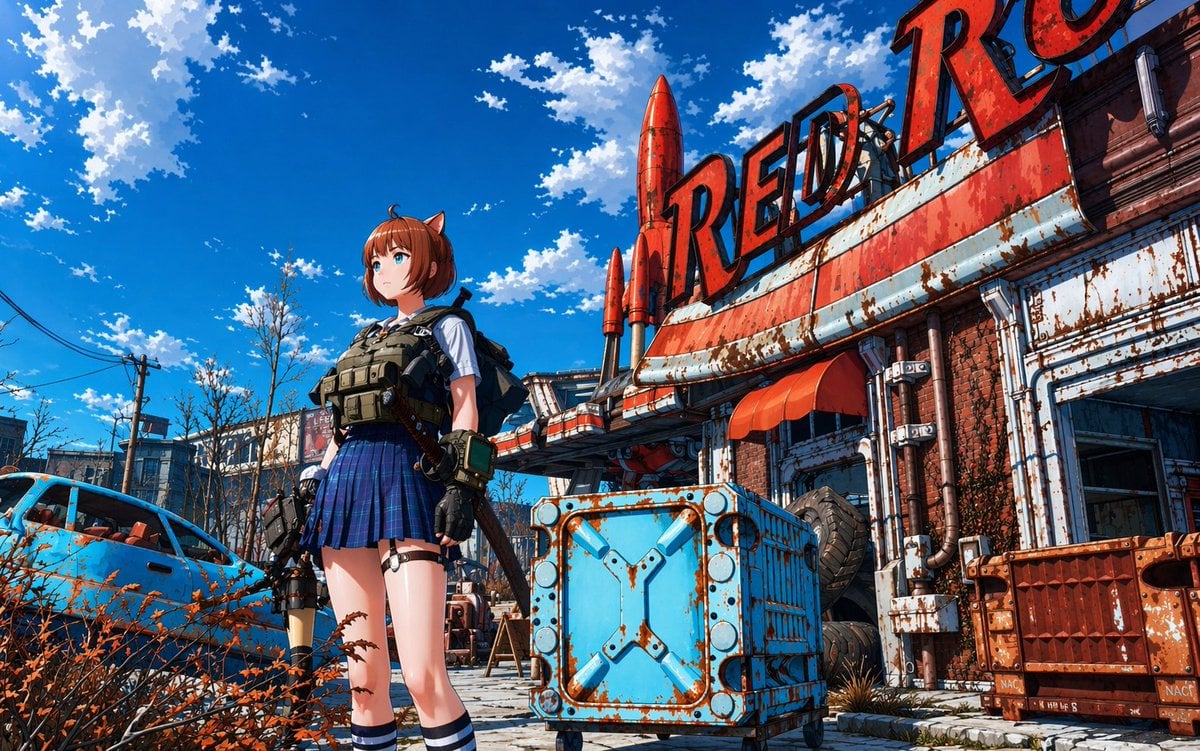
Post-Apocalyptic Tactical Anime Girl
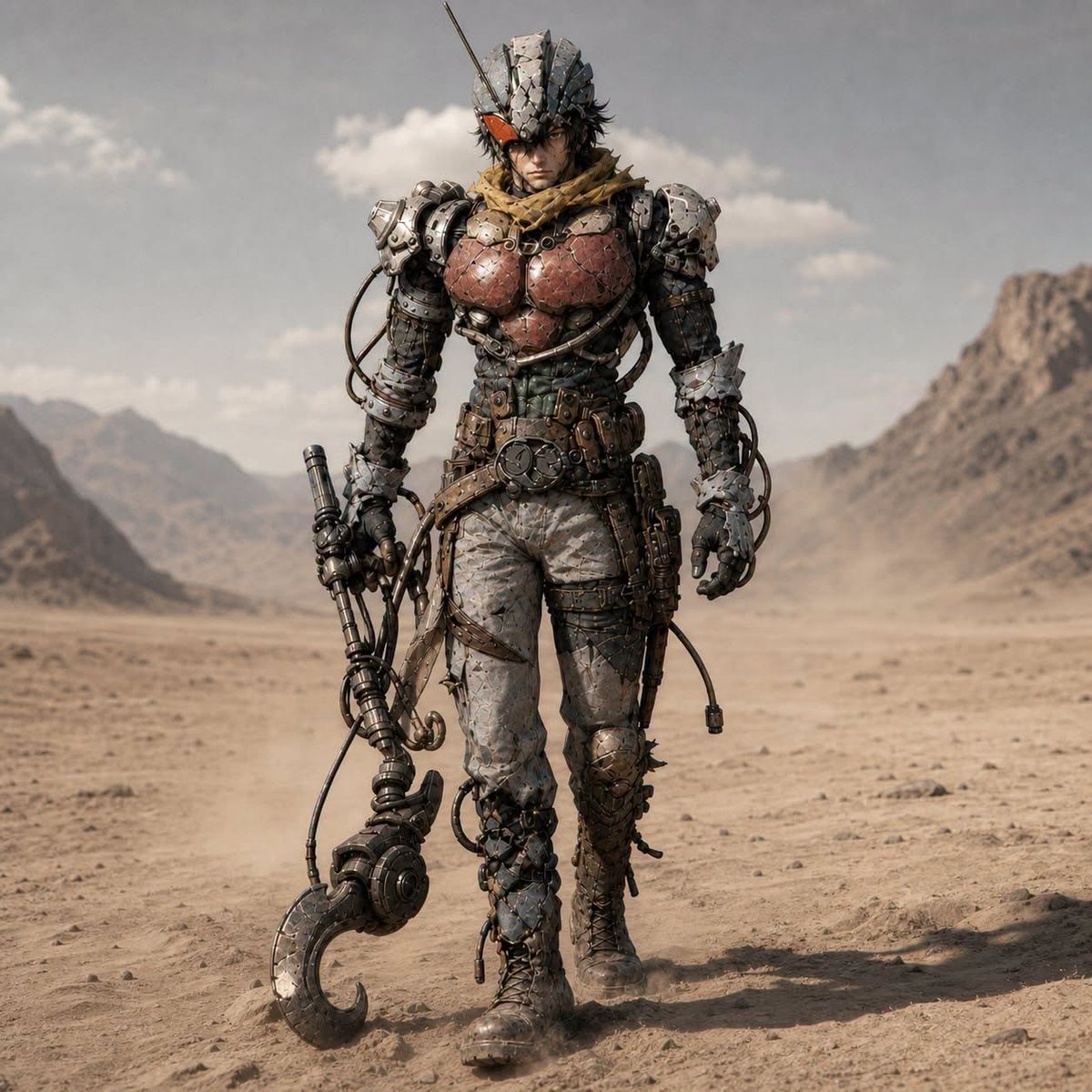
Post-Apocalyptic Riderman Cyborg

Creative Character in Pink Office

Avant-Garde Asian Fashion Model

Underwater Macro Face Portrait

Water-level Bridge Modification

Noir Punk Street Portrait

High Contrast Cinematic Face Portrait

Monochrome Studio Portrait with Colored Lens
Make it yours
Post-Apocalyptic Girl with Welding Goggles works as-is. These are the safest ways to change it without losing the look.
Change one field
Copy a single group, rewrite it, and generate again so you can see what that field is doing.
Keep the frame, change the subject
Hold the composition and light of Post-Apocalyptic Girl with Welding Goggles, then swap wardrobe, props or the person for a new take.
| If the result… | Why | Fix |
|---|---|---|
| The result drifts from the preview | Too many fields changed at once. | Reuse Post-Apocalyptic Girl with Welding Goggles as-is first, then change one group — subject, light, or setting. |
| The model over-stylizes the scene | The prose prompt leaves finish and camera underspecified. | Add one camera or lighting sentence and stay on Gemini 3 Pro Image Preview. |
More Gemini 3 Pro Image Preview templates
Other prompts made for Gemini 3 Pro Image Preview.

Cinematic Urban Night Billboard Portrait

Ultra-Realistic iPhone Selfie with Motion Blur

Cinematic Mirror Reflection Portrait

Elegant Men's Twilight Editorial

Coastal Freedom Sunset Portrait

Ergonomic Office Chair E-commerce Mobile Detail Page

Macro Guitar Fret Dressing

Cinematic Black and White Studio Portrait

1980s Retro Salon Portrait

Felt Frog Diorama Beach
More image prompts
Fresh picks from across the catalog.

Editorial poolside fashion photoshoot of a man
Seedance 2 0 Bullet Time Selfie Modular

Anime Band Finale at Budokan
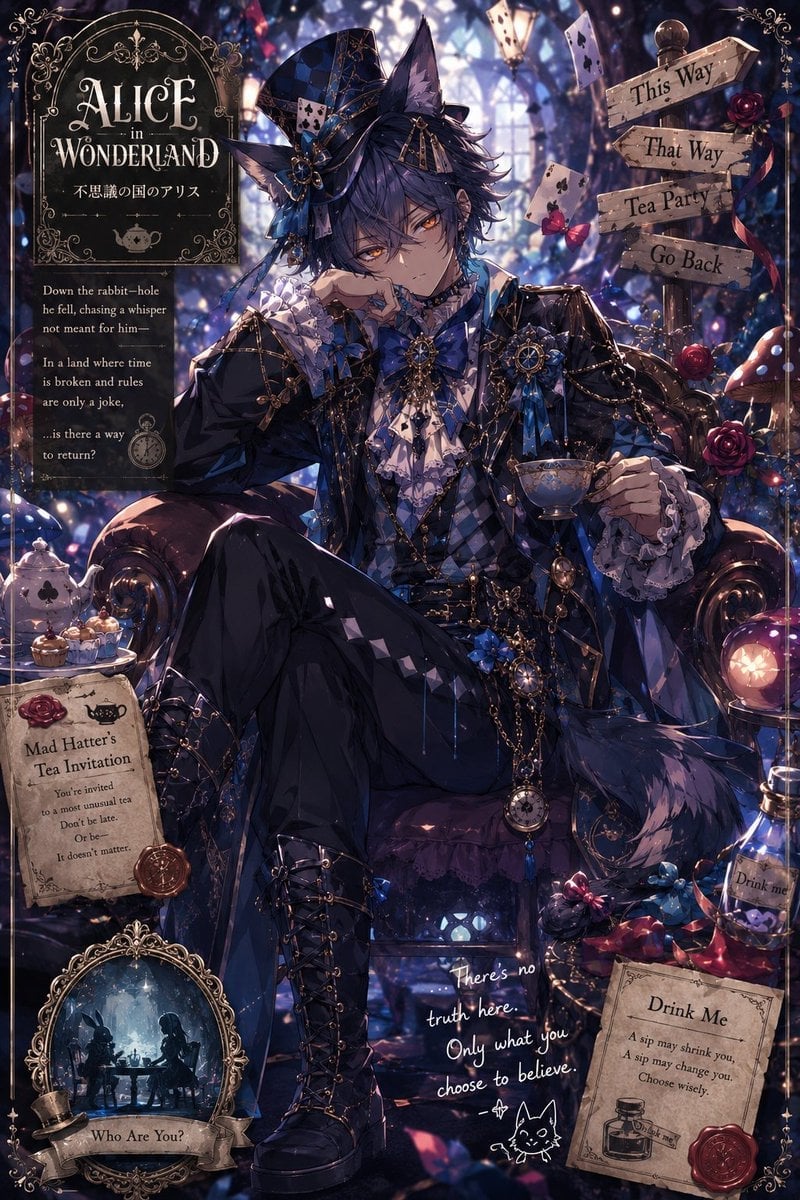
Gothic Alice Tea Party Poster
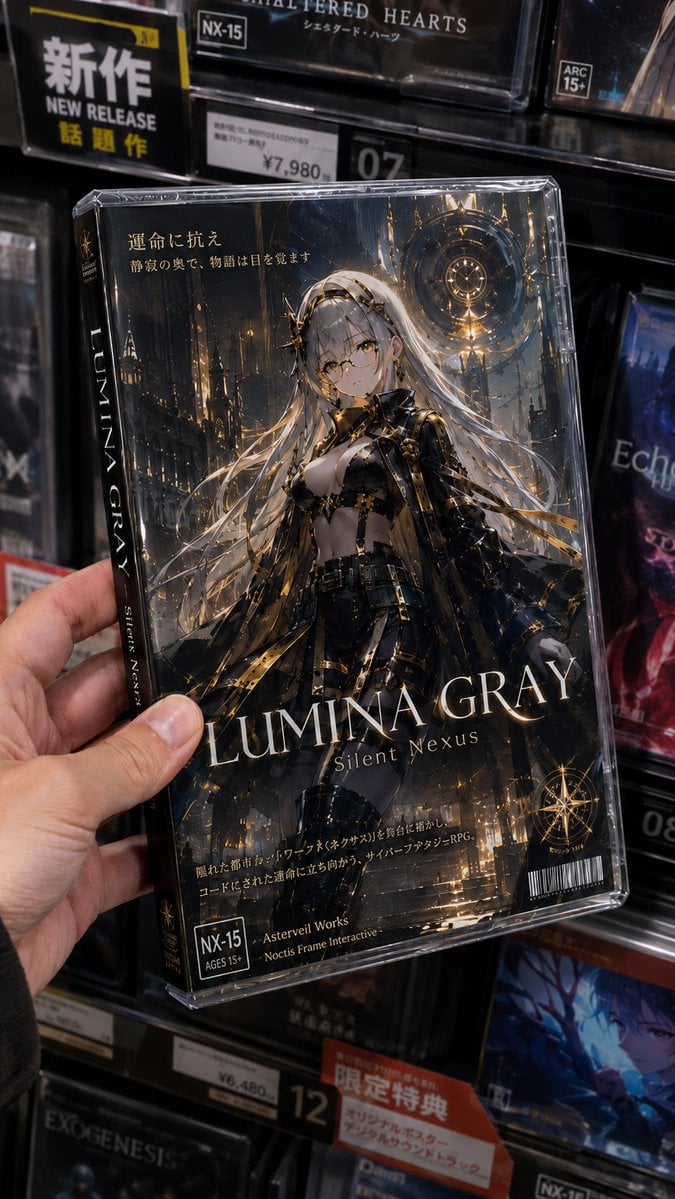
Fictional Gothic Sci-Fi Game Case Photo

Grok Video Prompt: High-Speed Jet Boot Action
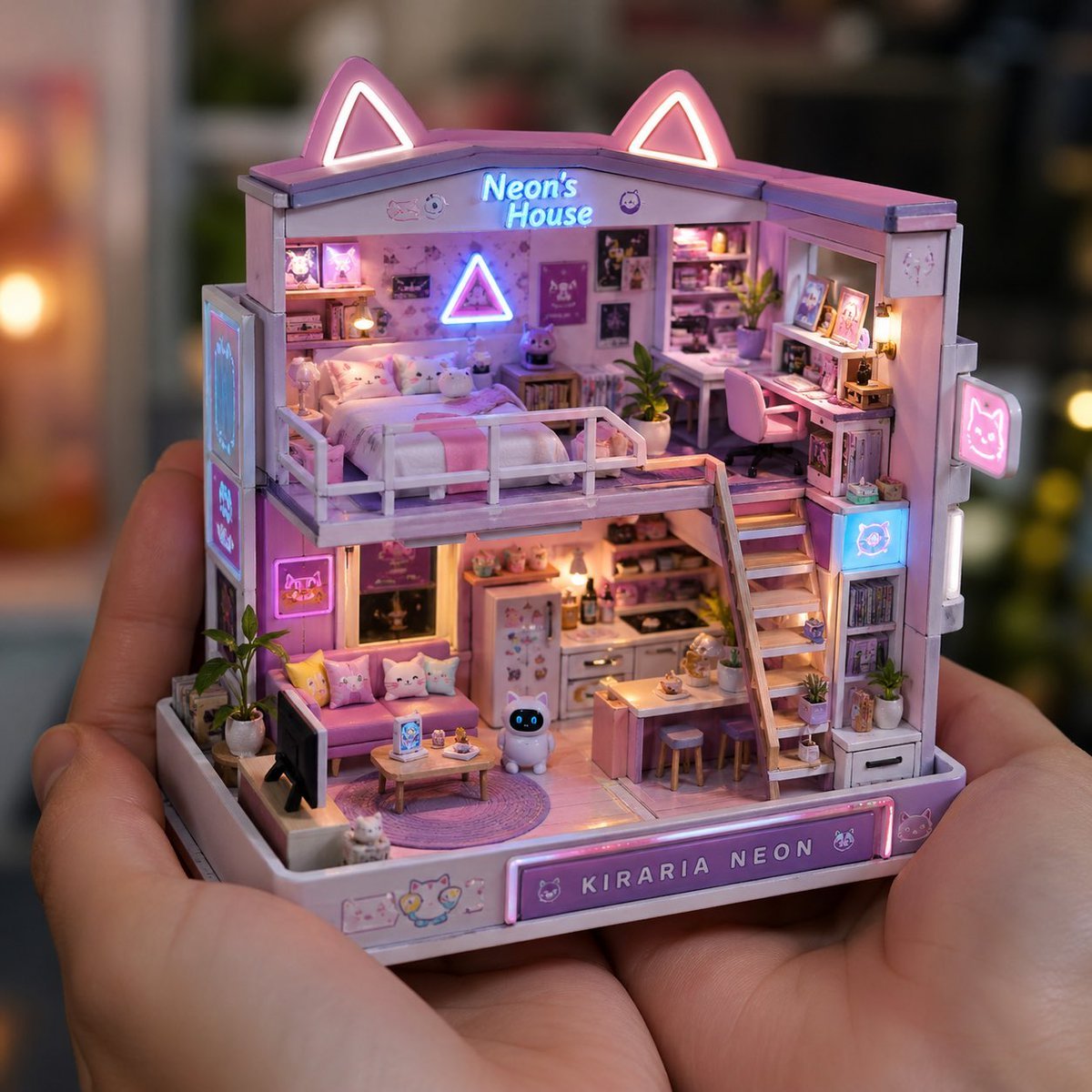
Miniature Handcrafted Object Photography
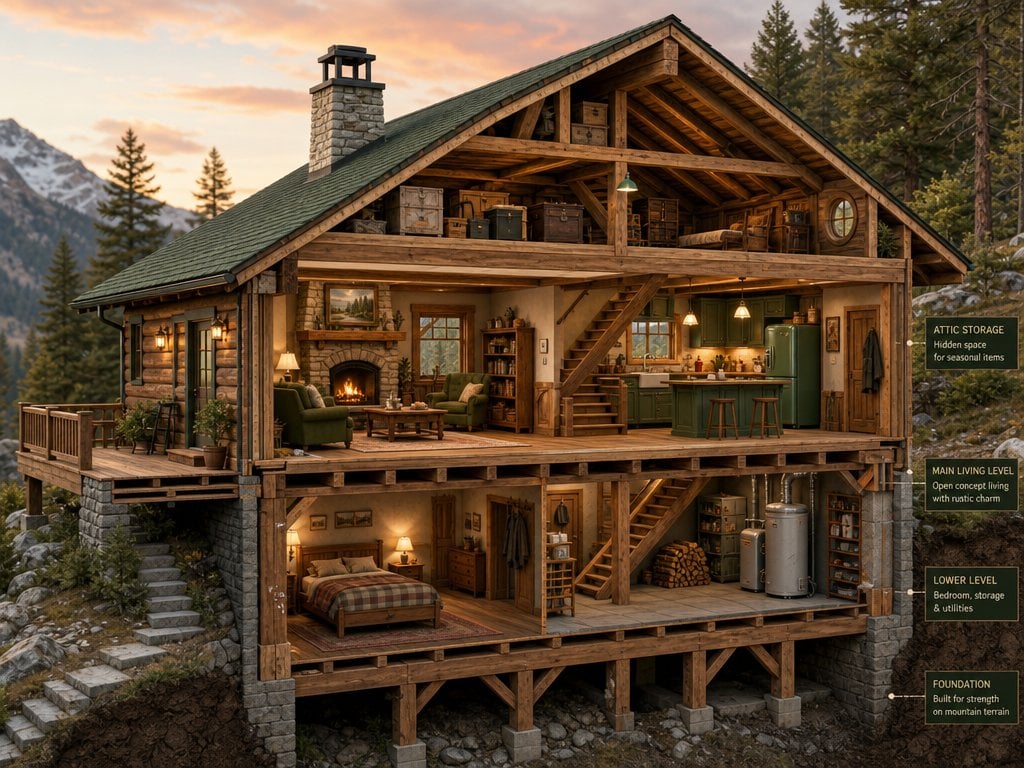
Cross-Section Cutaway Render
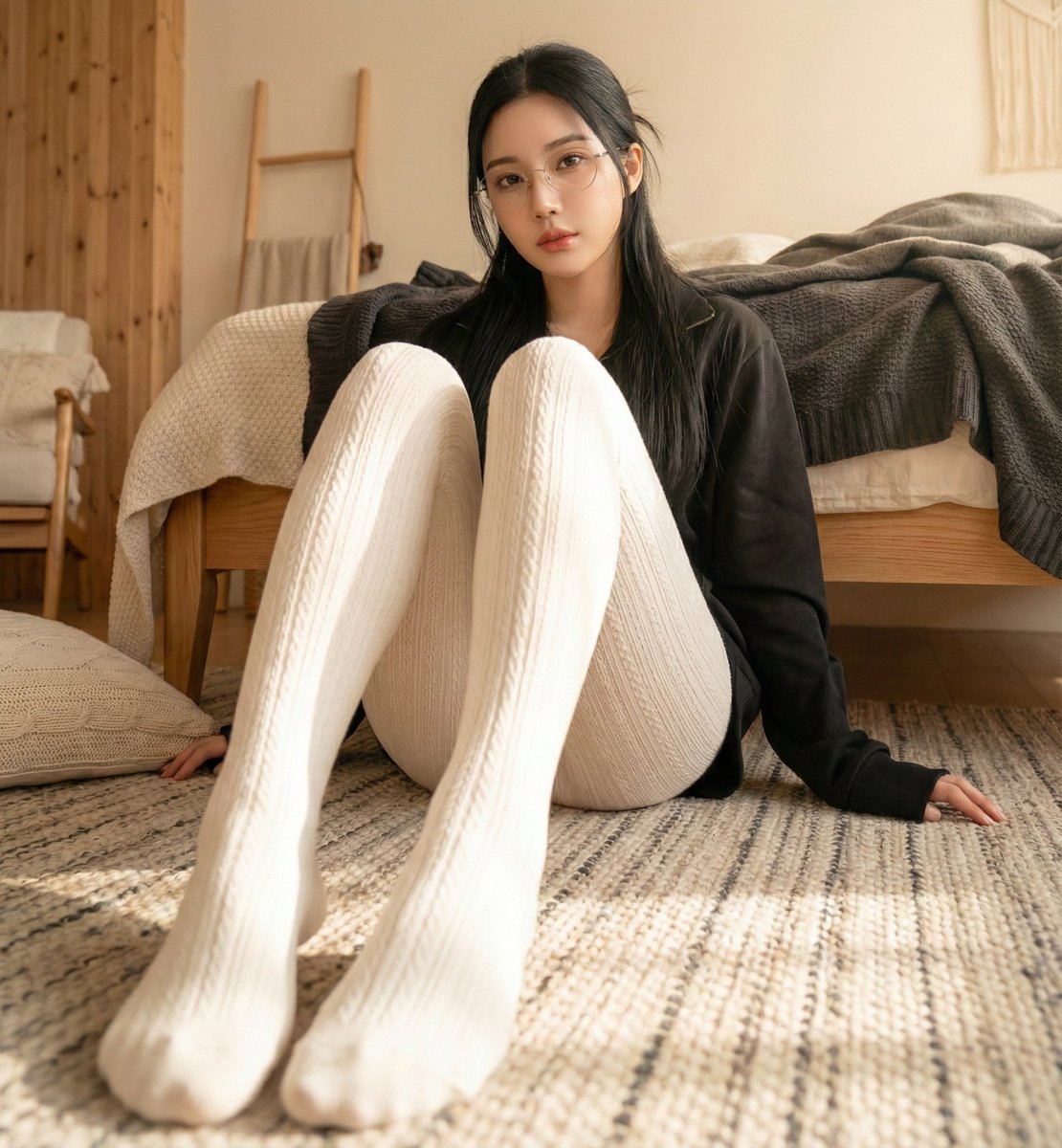
High-Resolution Realistic Lifestyle Photography with Face Lock
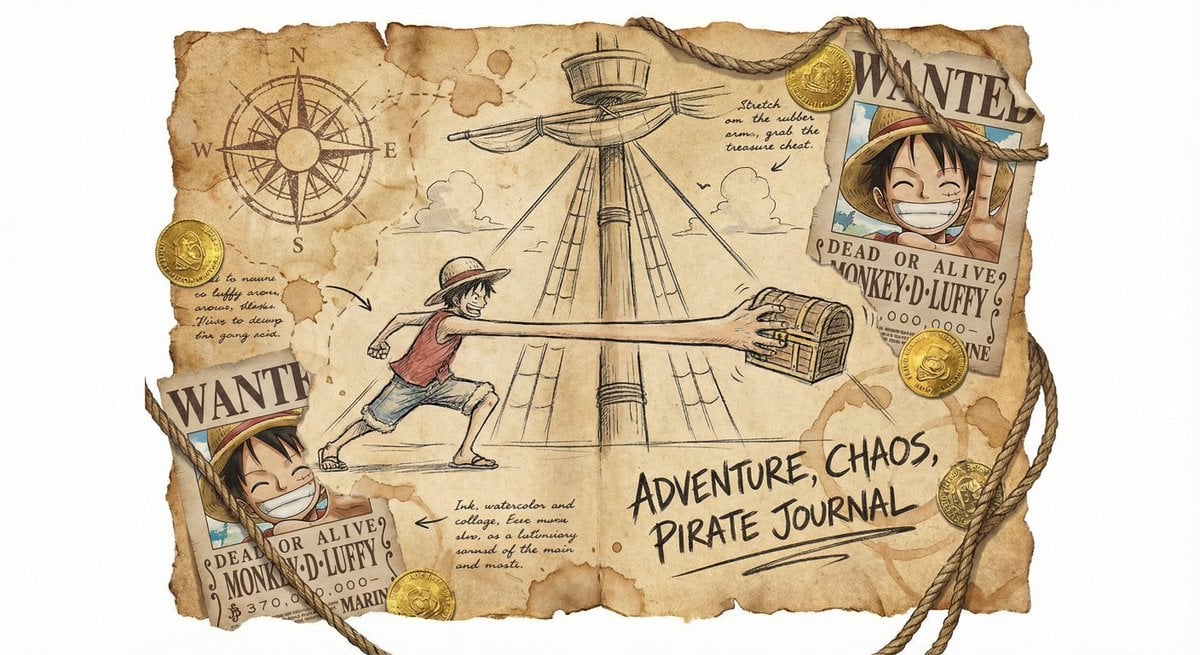
Captain’s worn sailing log sketch
Browse template categories
Post-Apocalyptic Girl with Welding Goggles questions
How do I use the Post-Apocalyptic Girl with Welding Goggles template?
Add your photo if the template asks for one, edit the prompt if you like — the template's model and format are already selected — and press Generate. Your version opens in PicX Studio.
Can I customize the Post-Apocalyptic Girl with Welding Goggles template?
Yes. You can change the subject, setting, lighting, mood, format, and available model controls before creating your image.
Is the Post-Apocalyptic Girl with Welding Goggles template free?
Opening and editing this template is free. Generating uses credits, shown on the Generate button when you are signed in.
Which AI model should I use?
Start with Gemini 3 Pro Image Preview, which is the model associated with this template. You can compare another compatible model for a different finish.
Looking for something else? Browse all templates.

Your photo, any look
Thousands of ready templates for every top image and video model, from one credit balance.