
Unfiltered, Candid Bedroom Selfie Simulation
A detailed prompt designed to generate an image that explicitly avoids a professional or studio aesthetic, aiming instead for an unfiltered, candid selfie look taken with an iPhone in a simple, modern bedroom.
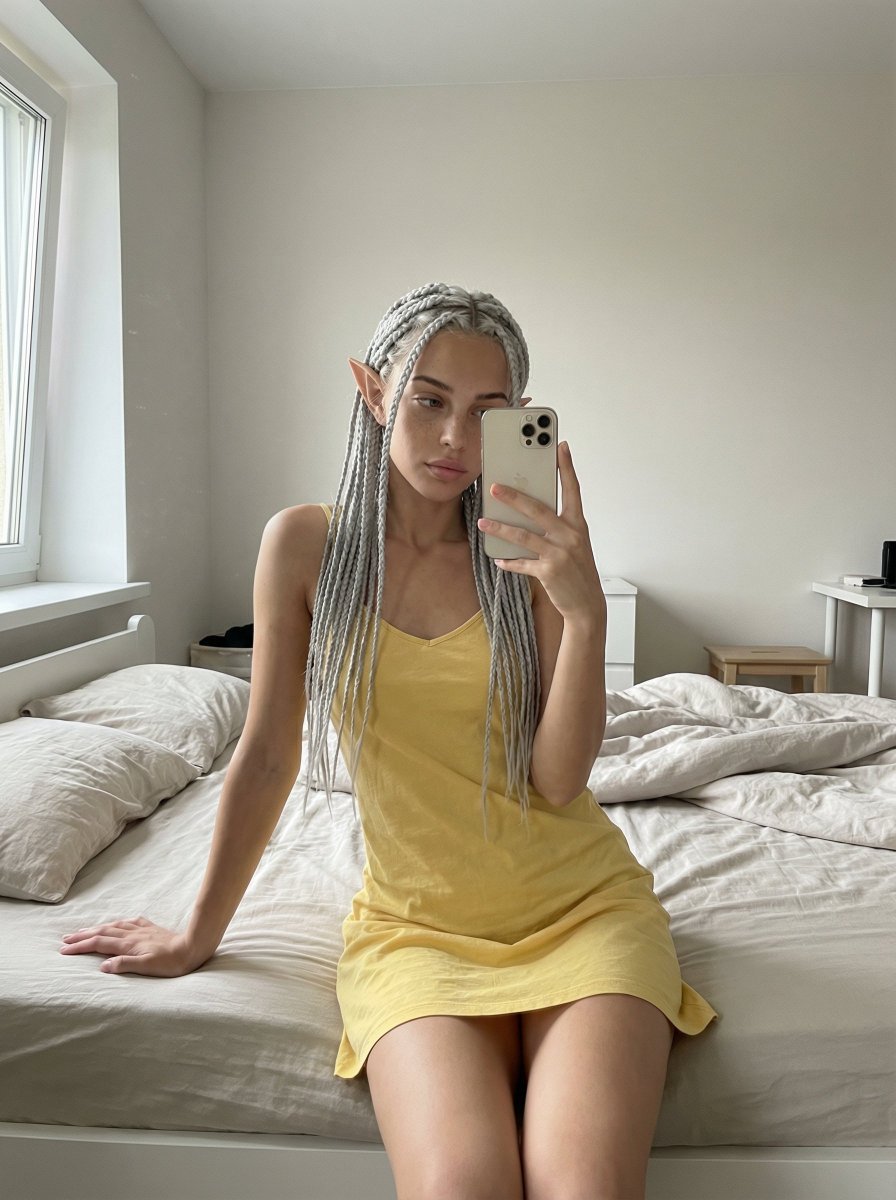
- Prompt included
- Model and format preset
- Free template
The prompt behind this image
Copy the exact prompt behind Unfiltered, Candid Bedroom Selfie Simulation, or open it in the studio and make it yours.
- Scene Description › Environment
- A simple, modern bedroom. Light-colored walls, a neatly made but not perfect bed in the background. A realistic, understated space with a hotel or home-like feel.
- Scene Description › Lighting
- Soft natural daylight coming from a window. No harsh studio lighting. Light shadows, just like real life.
- Scene Description › Atmosphere
- Everyday, calm, unfiltered, and natural.
- Subject Pose › Body Position
- The woman is sitting on the edge of the bed. Her hips are touching the bed. One leg is slightly forward, the other back, relaxed.
- Subject Pose › Upper Body
- The torso is turned very slightly to the side. Shoulders are relaxed, not posed upright.
- Subject Pose › Arms
- One hand is placed on the bed for support, the other is holding the phone.
- Subject Pose › Head And Neck
- Head is slightly tilted to the side. It doesn’t feel posed, more like a spontaneous selfie.
- Subject Pose › Expression
- Natural, softly relaxed expression. No forced posing or model-like gaze.
- Clothing › Outfit
- A simple yellow dress with thin straps. The fabric is soft and lightly fitted to the body, not tight.
- Clothing › Details
- The dress looks casually worn, without a perfectly ironed or studio-styled appearance.
- Camera Style › Device
- Looks like it was taken with an iPhone
- Camera Style › Angle
- Classic selfie angle, slightly above chest level
- Camera Style › Framing
- Clear from the waist up, framing is not perfect
- Camera Style › Quality
- Slight grain, small lighting imperfections, a real photo feel
- Realism Rules › Skin
- Real skin texture, pores, and small color variations should be preserved
- Realism Rules › Imperfections
- Minor framing errors and asymmetry are allowed
- Realism Rules › Style
- It MUST NOT feel like a studio shoot, fashion shoot, or professional pose
- Forbidden
- studio lighting, model pose, overly aesthetic face, smooth plastic skin, perfect symmetry, AI art, fantastical or stylized details
Raw JSON
{
  "scene_description": {
    "environment": "A simple, modern bedroom. Light-colored walls, a neatly made but not perfect bed in the background. A realistic, understated space with a hotel or home-like feel.",
    "lighting": "Soft natural daylight coming from a window. No harsh studio lighting. Light shadows, just like real life.",
    "atmosphere": "Everyday, calm, unfiltered, and natural."
  },

  "subject_pose": {
    "body_position": "The woman is sitting on the edge of the bed. Her hips are touching the bed. One leg is slightly forward, the other back, relaxed.",
    "upper_body": "The torso is turned very slightly to the side. Shoulders are relaxed, not posed upright.",
    "arms": "One hand is placed on the bed for support, the other is holding the phone.",
    "head_and_neck": "Head is slightly tilted to the side. It doesn’t feel posed, more like a spontaneous selfie.",
    "expression": "Natural, softly relaxed expression. No forced posing or model-like gaze."
  },

  "clothing": {
    "outfit": "A simple yellow dress with thin straps. The fabric is soft and lightly fitted to the body, not tight.",
    "details": "The dress looks casually worn, without a perfectly ironed or studio-styled appearance."
  },

  "camera_style": {
    "device": "Looks like it was taken with an iPhone",
    "angle": "Classic selfie angle, slightly above chest level",
    "framing": "Clear from the waist up, framing is not perfect",
    "quality": "Slight grain, small lighting imperfections, a real photo feel"
  },

  "realism_rules": {
    "skin": "Real skin texture, pores, and small color variations should be preserved",
    "imperfections": "Minor framing errors and asymmetry are allowed",
    "style": "It MUST NOT feel like a studio shoot, fashion shoot, or professional pose"
  },

  "forbidden": [
    "studio lighting",
    "model pose",
    "overly aesthetic face",
    "smooth plastic skin",
    "perfect symmetry",
    "AI art",
    "fantastical or stylized details"
  ]
}How to use Unfiltered, Candid Bedroom Selfie Simulation in 3 steps
- 1
Open
The prompt is already in the box next to the preview, with the template's model and format selected.
- 2…a portrait of your subject in softgolden-hour light, 85mm…
Personalize
Edit the subject and creative details for your destination.
- 3Generate
Generate
Press Generate — your image is created in PicX Studio, so you can compare it with the original and refine one variable at a time.
More like this
Templates with the same subject, style or setup. Open one to see its prompt.

Cat Photobomb Selfie — 0.5x Wide Angle Café Chaos

4x4 Grid - Candid Nostalgic Vacation Selfies

Nano Banana - Peace Sign Bedroom Selfie
Living Room Rug Evening Mirror Selfie

Sunday Afternoon, 1988

Our Song was on a Cassette

The Date After College

80s College Gate

Teen Girl Alpine Lake Mountain View

Rooftop Fisheye — Cat-Ear Balaclava at Golden Hour

Felt & Knit 3D Character — Photo-Exact Face, Pixar-Quality Plush Figurine

Eid al-Adha Cute Chaos — Fisheye Selfie with Farm Selfie, Mosque & Animals
Make it yours
Unfiltered, Candid Bedroom Selfie Simulation works as-is. These are the safest ways to change it without losing the look.
Swap the setting
Keep the rest of the prompt and replace the location block. The current setting is “A simple, modern bedroom. Light-colored walls, a neatly made but not perfect bed”.
Swap the light
One lighting change is enough to compare takes. Current light: “Soft natural daylight coming from a window. No harsh studio lighting. Light shad”.
Change one field
Copy a single group, rewrite it, and generate again so you can see what that field is doing.
| If the result… | Why | Fix |
|---|---|---|
| The result drifts from the preview | Too many fields changed at once. | Reuse Unfiltered, Candid Bedroom Selfie Simulation as-is first, then change one group — subject, light, or setting. |
| Nano Banana 2 ignores part of the JSON | Some models flatten or skip nested keys. | Keep the same values and paste them as a short paragraph instead. |
More Nano Banana 2 templates
Other prompts made for Nano Banana 2.

Photorealistic Leaf Shaped Like a Dragon

K-Pop Idol Portrait Grid for Rapid Selection

Poetic Rain Forest Portrait During Golden Hour

Urban Street Portrait with Cartoon Inner Self Duo

Candid Nighttime Photo with Cat Prompt

High-Concept 3D Diorama Generation Prompt

Cinematic Futuristic Studio Portrait Template

Skincare Editorial Photography Collage Prompt

Hyper-Realistic Commercial Product Photography (Splash Effect)

Hyper-Realistic Nightclub Portrait Prompt
More image prompts
Fresh picks from across the catalog.
High-Fashion Editorial Portrait with Monochrome Purple Aesthetic
Natural Identity Preservation Prompt
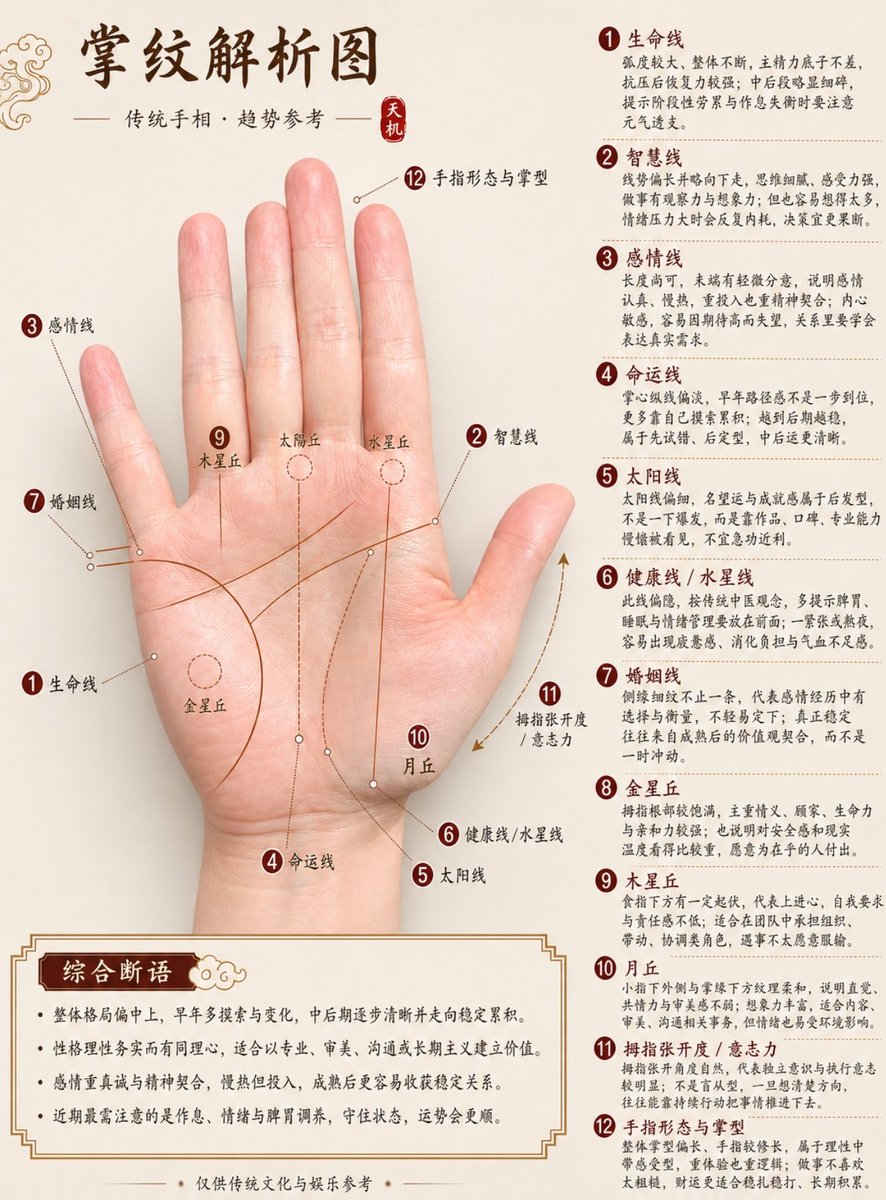
Professional Chinese Palmistry Analysis Chart
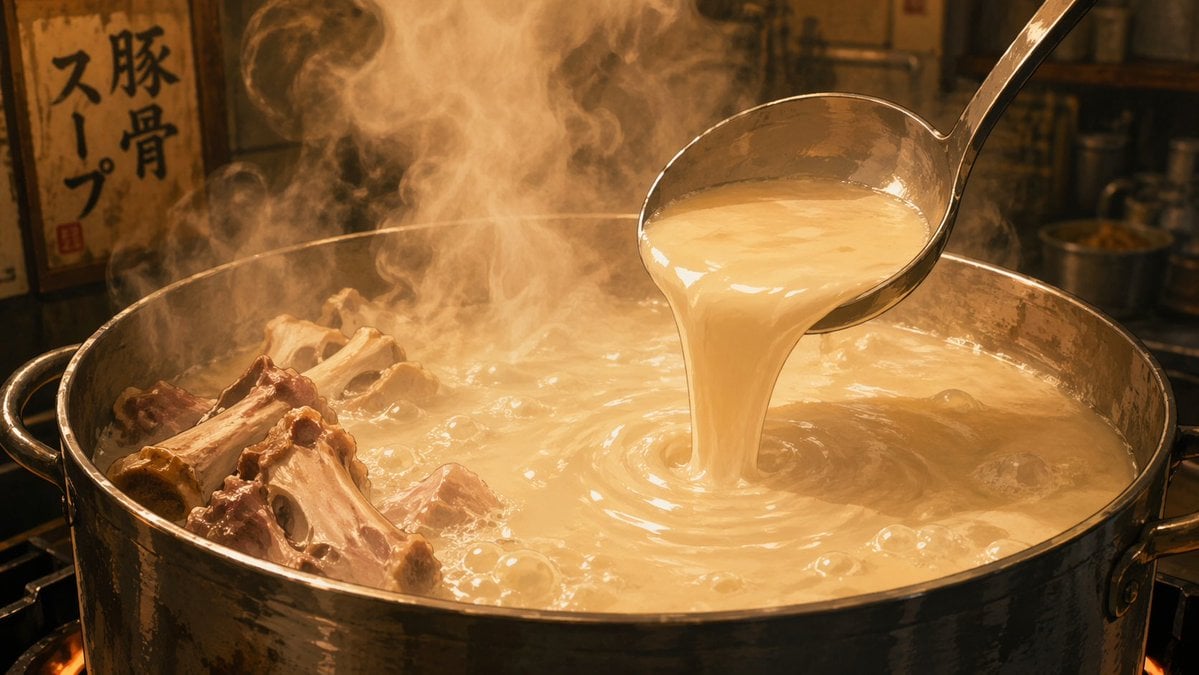
Anime Food: Tonkotsu Broth

Traditional Chinese Blue-Green Landscape
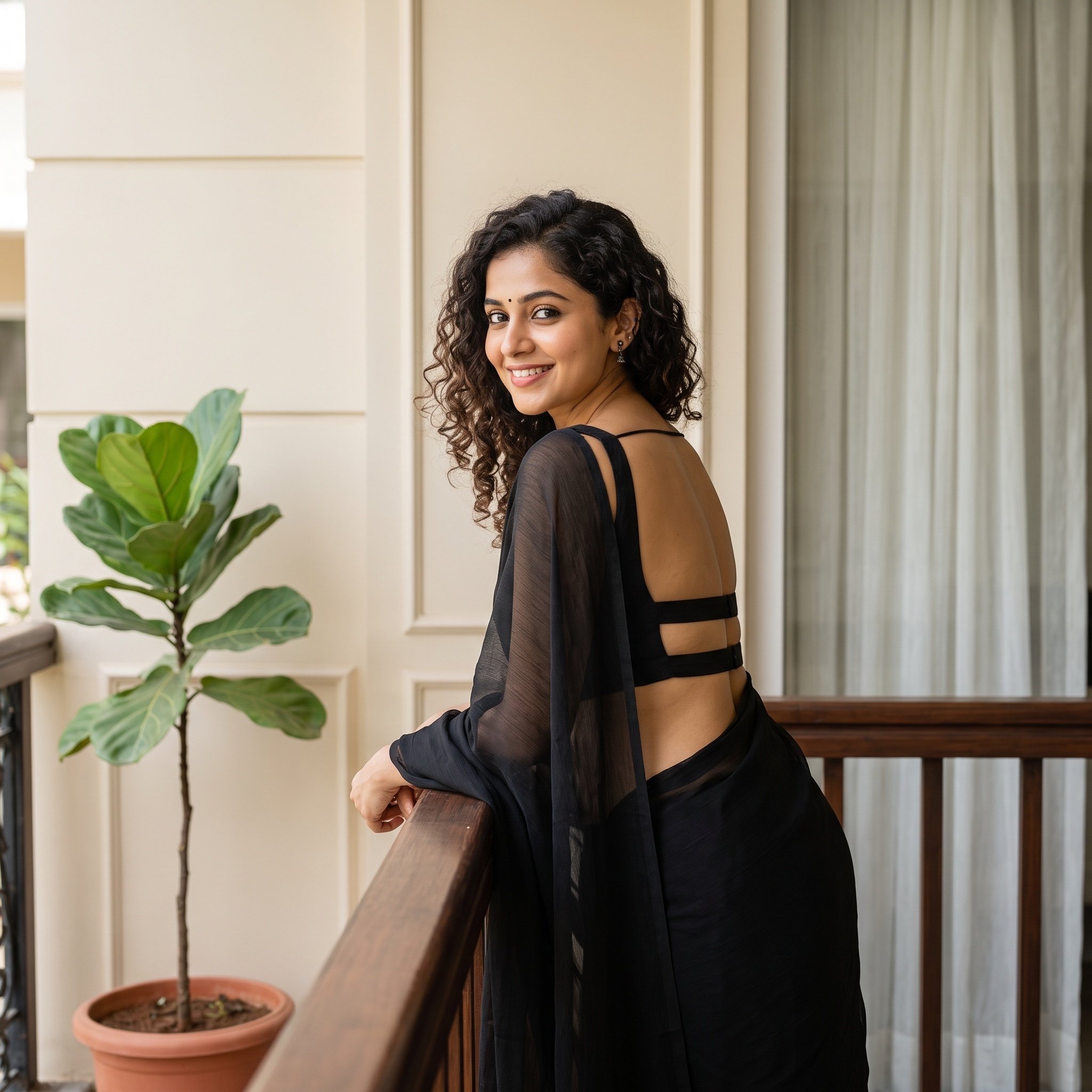
Woman in Backless Saree Leaning on Wooden Railing
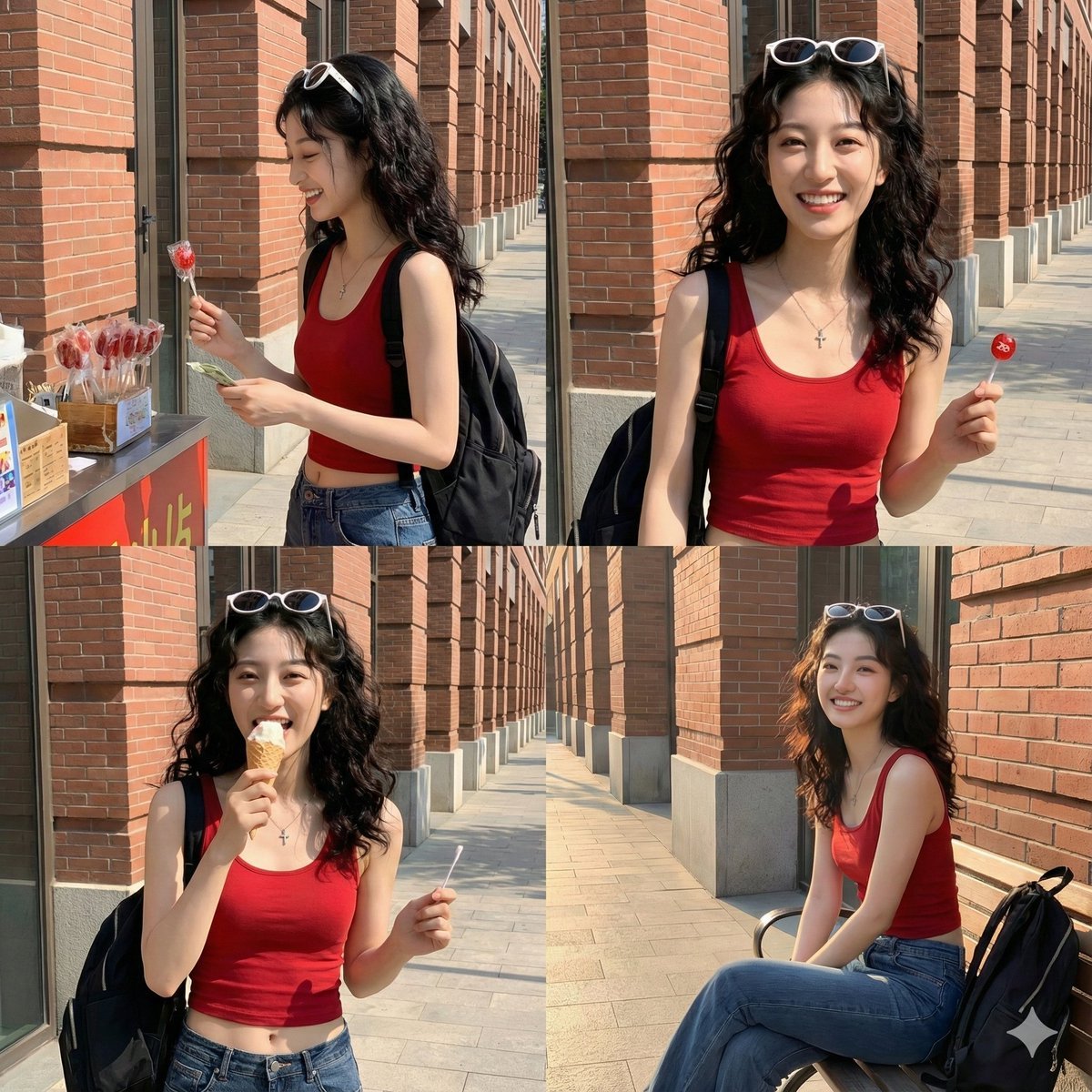
Time Progression Image Generation Prompt

Gemini Nano Banana 2 Isometric 3d City D
Zen Mode Editorial Magazine Cover

bit Retro Game Character Conversion Prompts
Browse template categories
Unfiltered, Candid Bedroom Selfie Simulation questions
How do I use the Unfiltered, Candid Bedroom Selfie Simulation template?
Add your photo if the template asks for one, edit the prompt if you like — the template's model and format are already selected — and press Generate. Your version opens in PicX Studio.
Can I customize the Unfiltered, Candid Bedroom Selfie Simulation template?
Yes. You can change the subject, setting, lighting, mood, format, and available model controls before creating your image.
Is the Unfiltered, Candid Bedroom Selfie Simulation template free?
Opening and editing this template is free. Generating uses credits, shown on the Generate button when you are signed in.
Which AI model should I use?
Start with Nano Banana 2, which is the model associated with this template. You can compare another compatible model for a different finish.
Looking for something else? Browse all templates.

Your photo, any look
Thousands of ready templates for every top image and video model, from one credit balance.