
Hāng to Lā (Good to Bad) Rating Infographic Prompt
A complex Chinese prompt for Nano Banana Pro designed to generate a 'Hāng to Lā' (Good to Bad) rating infographic using a Bento Grid layout.
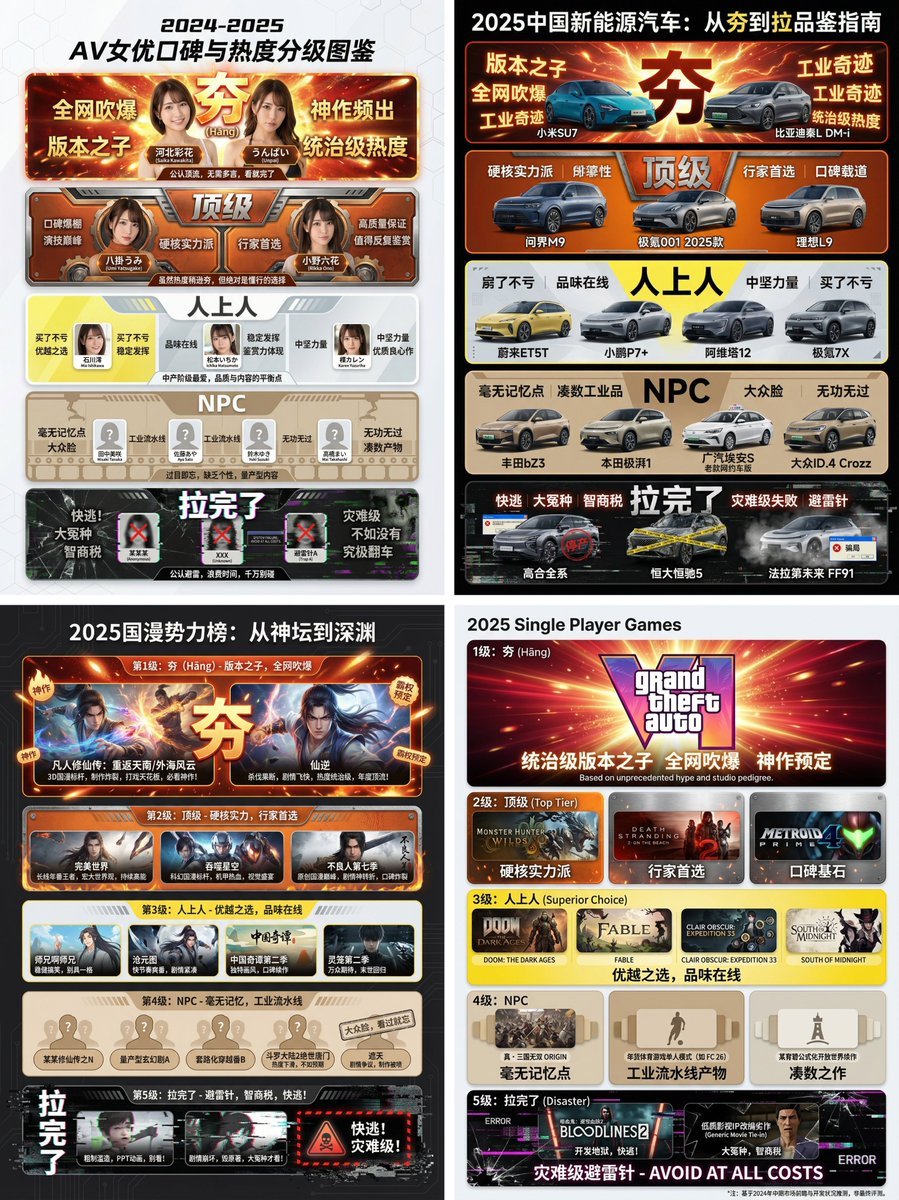
- Prompt included
- Model and format preset
- Premium template
The prompt behind this image
Copy the exact prompt behind Hāng to Lā (Good to Bad) Rating Infographic Prompt, or open it in the studio and make it yours.
【Core task directive】 You are an AI expert with real-time web search capability and top-tier data-visualization design skill. Please carry out the following two steps: Research phase: Immediately conduct comprehensive web research on the user-specified 【{argument name="research target field" default="2025 Chinese new-energy vehicles"}】. Gather data on public reputation, market buzz, professional reviews, and user feedback for different sub-products, models, or works within that field. Visualization phase: Based on your research findings, design a professional infographic. You need to precisely categorize the specific items you researched into the five "from banger to flop" visual tier modules defined below. 【User-specified target field/product】 [{argument name="target field" default="Fill in here what you need to research, e.g.: popular smartphones of 2024, sugar-free tea drink brands on the market, Marvel movies of the past decade, code editors commonly used by programmers"}] 【Image design requirements】 Overall style: A clearly structured, modern-feeling modular infographic, using a "Bento Grid" layout. The background is clean and simple, focused on presenting the content. Visually, it must convey a strong sense of tiered contrast from high to low. Tier structure and visual definitions (strictly follow these five tiers): Tier 1 (highest): Banger Research-fill criteria: Based on the research, the product/work in this field currently recognized as the undisputed "meta pick," with dominant-level buzz and top-tier status. Visual expression: Occupies the topmost or largest layout module in the frame. Color tone is an explosively vivid red and radiant gold, with a glow or energy-overflow visual effect. The largest, boldest font. The module should display the name or a high-quality image of the representative product found in research, paired with a minimal complimentary phrase (such as "praised across the internet," "a masterpiece"). Tier 2: Top-tier Research-fill criteria: Hardcore, genuinely skilled picks — while buzz may not match the "banger" tier, reputation is excellent, and it's the top choice among connoisseurs. Visual expression: Positioned in the second tier. Color tone is a solid, high-end burning orange and metallic silver. The module design should feel solid and textured. Display a representative, genuinely skilled product. Tier 3: Cut above the rest Research-fill criteria: A superior choice, tasteful — something you definitely won't regret buying/watching, a solid mid-tier pick representing a certain level of discernment. Visual expression: Positioned in the middle tier. Color tone is a bright, clean lemon yellow and cool gray. A modern, refreshing design style. Display a representative, good-quality mid-tier product. Tier 4: NPC Research-fill criteria: A forgettable, generic-looking product with no memorable qualities — an assembly-line product that's neither good nor bad, easily forgotten; must name a specific product, brand, or person, don't be vague. Visual expression: Positioned in the lower-middle tier. Color tone is a bland, dull bread color/beige or cardboard brown. The module design should look ordinary, repetitive, and lacking personality. Display those very mediocre products. Tier 5 (lowest): Totally flopped Research-fill criteria: Products discovered in research that are recognized "landmines," "dumb-tax" products, disastrously failed products, or even worse than not existing at all; must name a specific product, brand, or person, don't be vague. Visual expression: Squeezed into the very bottom or corner of the frame, with the visual space compressed. Color tone is a despairing black, ghostly pale white, with obvious digital glitch, broken, or decaying visual effects. Display those infamous "flop" products, paired with a warning-style phrase (such as "run for your life," "a total ripoff").
How to use Hāng to Lā (Good to Bad) Rating Infographic Prompt in 3 steps
- 1
Open
The prompt is already in the box next to the preview, with the template's model and format selected.
- 2…a portrait of your subject in softgolden-hour light, 85mm…
Personalize
Edit the subject and creative details for your destination.
- 3Generate
Generate
Press Generate — your image is created in PicX Studio, so you can compare it with the original and refine one variable at a time.
More like this
Templates with the same subject, style or setup. Open one to see its prompt.
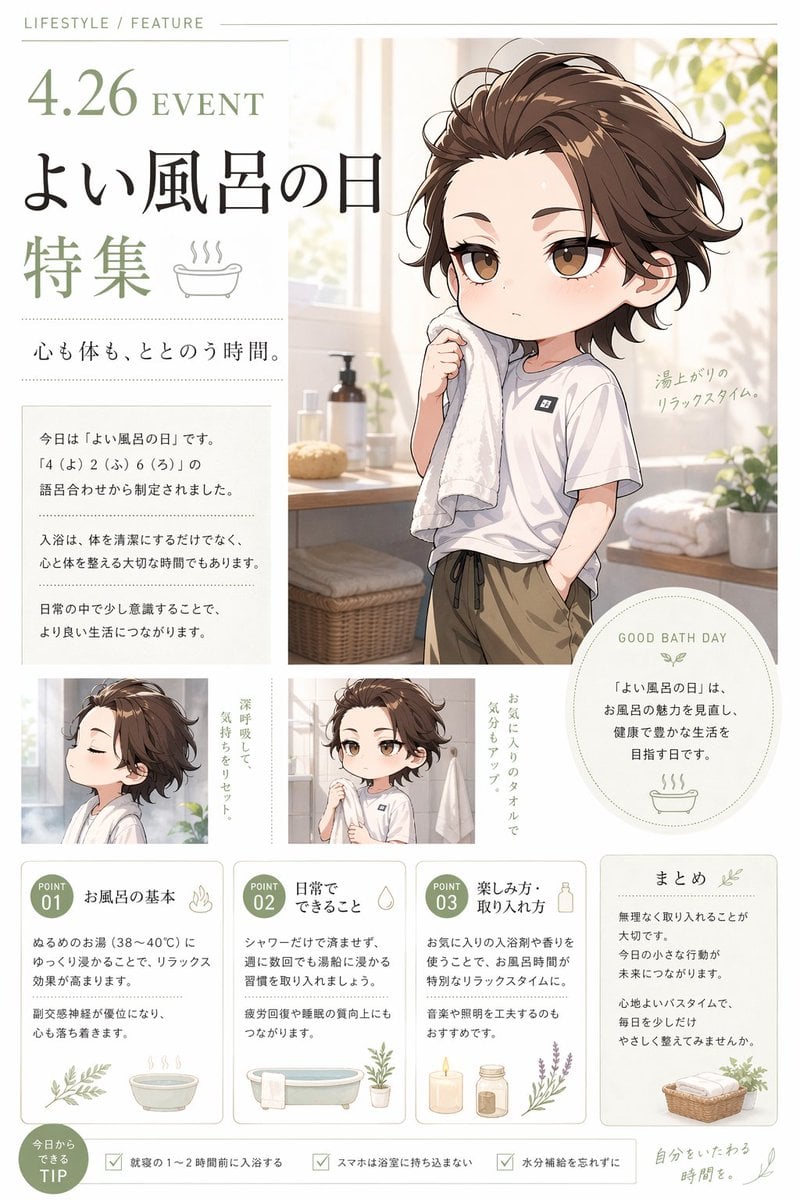
Gpt2 Infographic Edu Visual Good Bath Day Editorial Poster
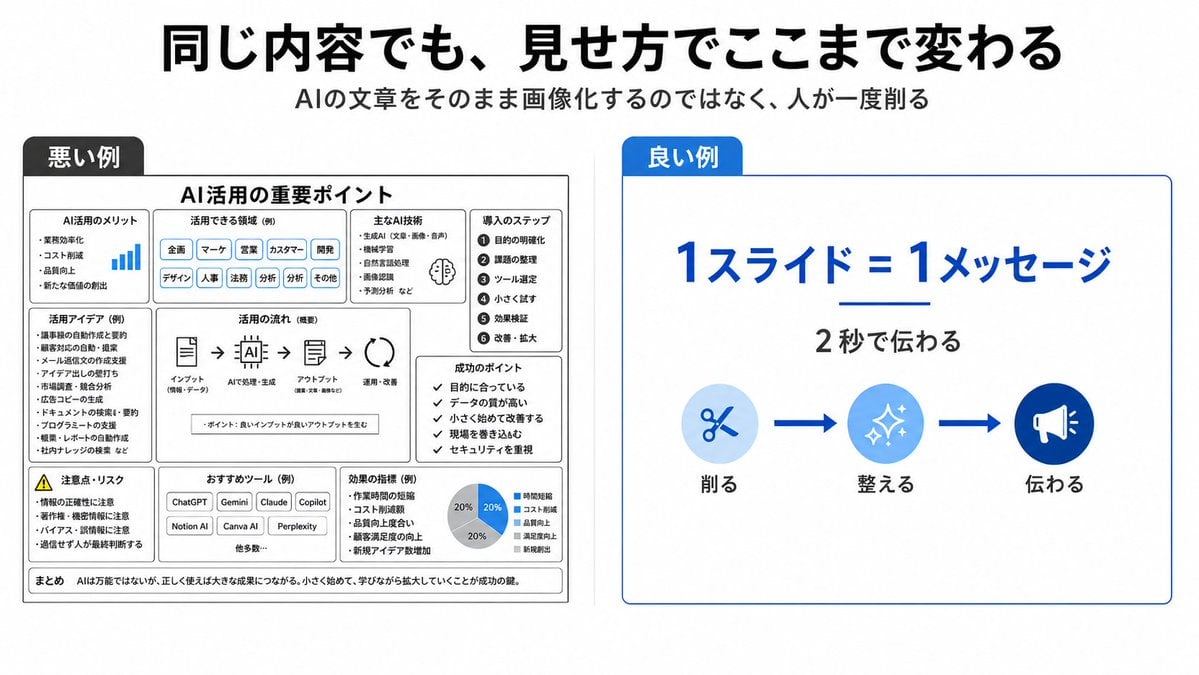
Bad vs Good Slide Design Infographic

Japan Travel Brochure Poster

Isometric Process Educational Diorama

Isometric Vehicle Teardown Infographic Template

Gpt2 E Commerce Main Image Earbuds E Commerce Infographic

Gpt2 Infographic Edu Visual Alishan One Day Travel Poster

Gpt2 Infographic Edu Visual Ethnographic Plate for Tibetan Ceremonial Hat

Gpt2 Infographic Edu Visual Earth Signs Zodiac Character Poster

Gpt2 Infographic Edu Visual Water Signs Zodiac Character Poster

Gpt2 Infographic Edu Visual Ink Wash Tribute Poster for Chen Uen

Gpt2 Infographic Edu Visual Vintage Claude Shannon Infographic Poster
Make it yours
Hāng to Lā (Good to Bad) Rating Infographic Prompt works as-is. These are the safest ways to change it without losing the look.
Change one field
Copy a single group, rewrite it, and generate again so you can see what that field is doing.
Keep the frame, change the subject
Hold the composition and light of Hāng to Lā (Good to Bad) Rating Infographic Prompt, then swap wardrobe, props or the person for a new take.
| If the result… | Why | Fix |
|---|---|---|
| The result drifts from the preview | Too many fields changed at once. | Reuse Hāng to Lā (Good to Bad) Rating Infographic Prompt as-is first, then change one group — subject, light, or setting. |
| The model over-stylizes the scene | The prose prompt leaves finish and camera underspecified. | Add one camera or lighting sentence and stay on Nano Banana 2. |
More Nano Banana 2 templates
Other prompts made for Nano Banana 2.

Photorealistic Leaf Shaped Like a Dragon

K-Pop Idol Portrait Grid for Rapid Selection

Poetic Rain Forest Portrait During Golden Hour

Urban Street Portrait with Cartoon Inner Self Duo

Candid Nighttime Photo with Cat Prompt

High-Concept 3D Diorama Generation Prompt

Cinematic Futuristic Studio Portrait Template

Skincare Editorial Photography Collage Prompt

Hyper-Realistic Commercial Product Photography (Splash Effect)

Hyper-Realistic Nightclub Portrait Prompt
More image prompts
Fresh picks from across the catalog.
Image Editing: Change Hair Color to Black
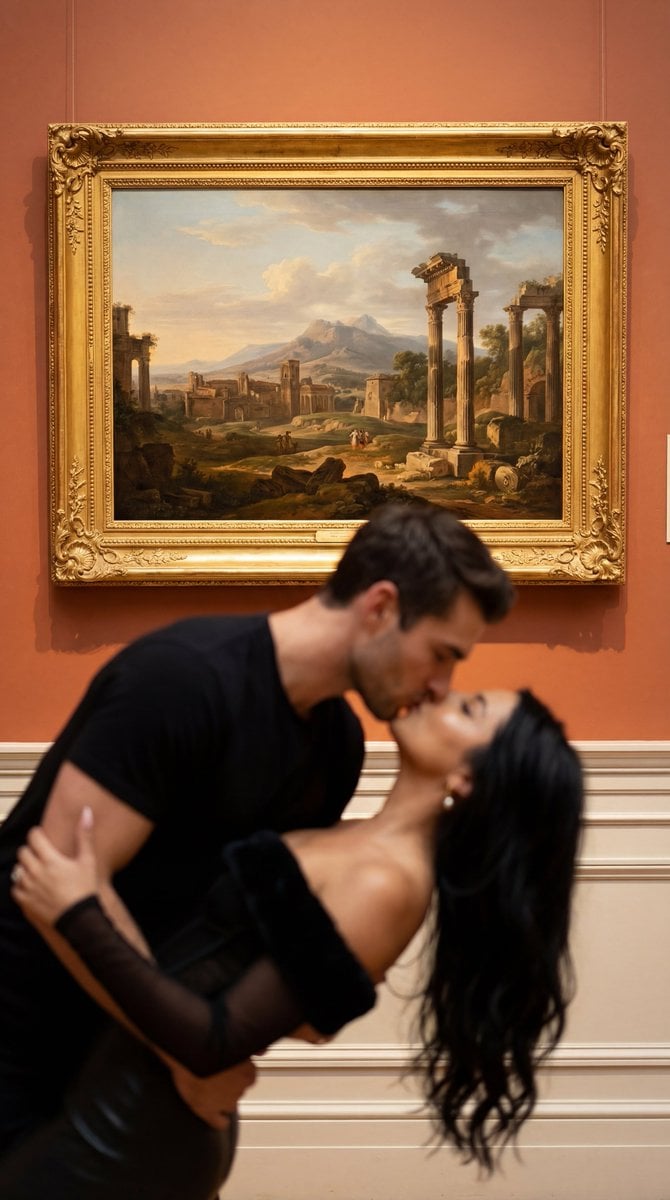
Cinematic Museum Romance Dip-Kiss Editorial Prompt

Black-and-White Eye Backdrop Portrait
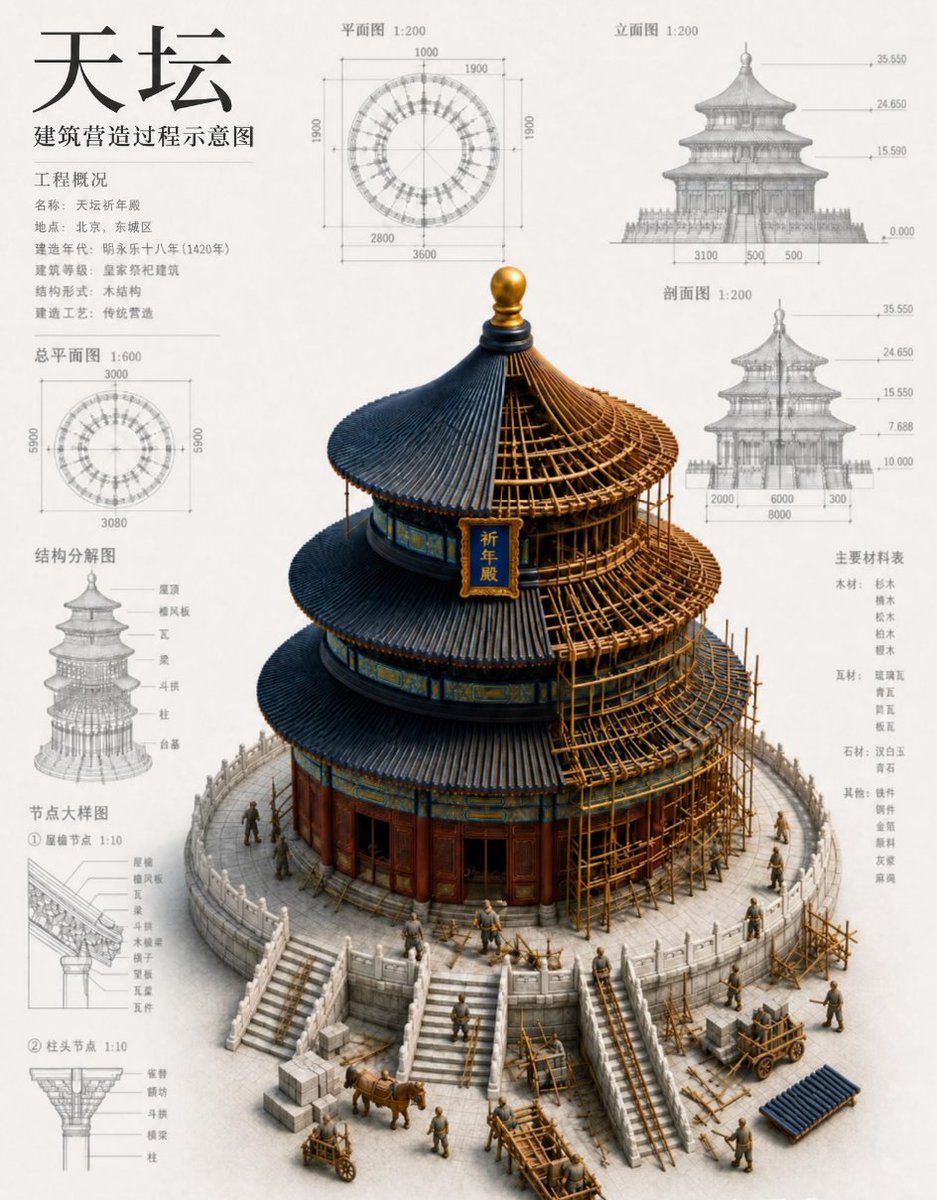
Chinese Temple Construction Blueprint
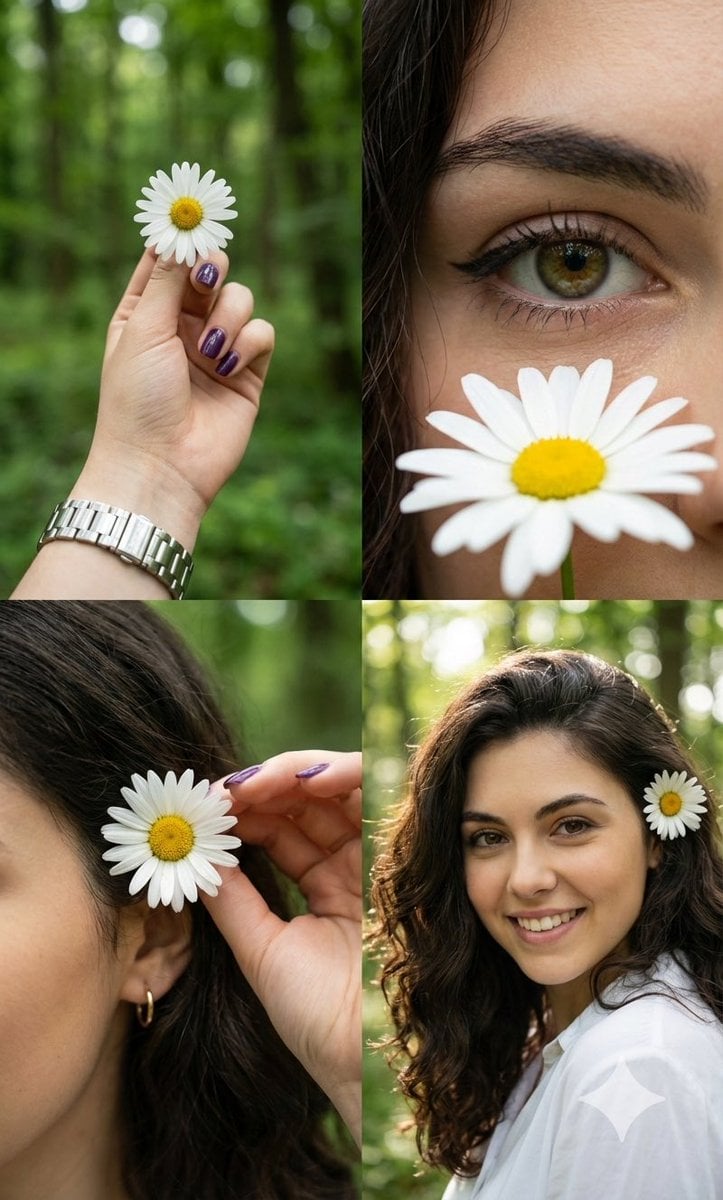
Photorealistic Daisy Collage

Seahawks Football Game Day Scene Prompt
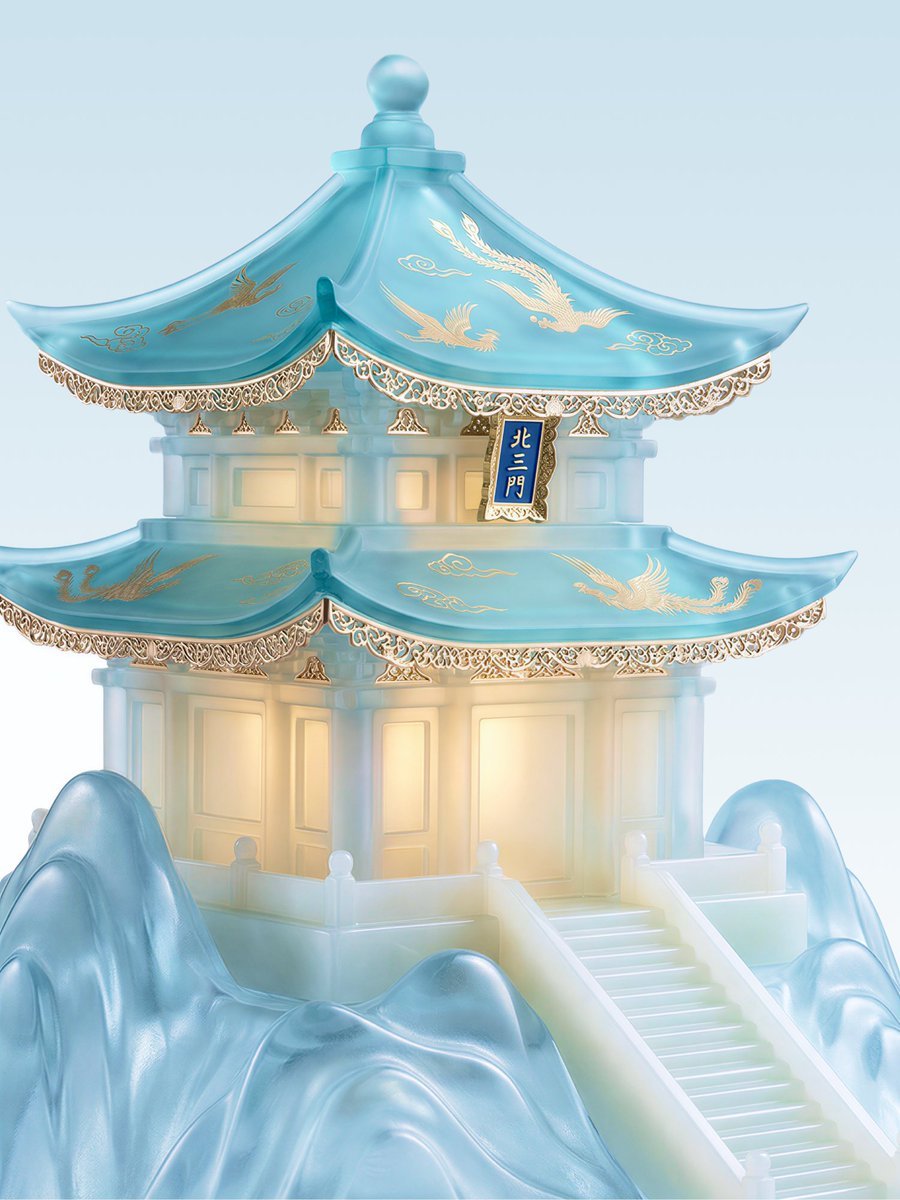
Jade Aesthetic Conceptual Architecture Still Life
Nano Banana Pro Prompt for Hidden Effort
Seedance - Dragon vs Python Battle
Nintendo Switch Game Cover Design
Browse template categories
Hāng to Lā (Good to Bad) Rating Infographic Prompt questions
How do I use the Hāng to Lā (Good to Bad) Rating Infographic Prompt template?
Add your photo if the template asks for one, edit the prompt if you like — the template's model and format are already selected — and press Generate. Your version opens in PicX Studio.
Can I customize the Hāng to Lā (Good to Bad) Rating Infographic Prompt template?
Yes. You can change the subject, setting, lighting, mood, format, and available model controls before creating your image.
Is the Hāng to Lā (Good to Bad) Rating Infographic Prompt template free?
Opening and editing this template is free. Generating uses credits, shown on the Generate button when you are signed in.
Which AI model should I use?
Start with Nano Banana 2, which is the model associated with this template. You can compare another compatible model for a different finish.
Looking for something else? Browse all templates.

Your photo, any look
Thousands of ready templates for every top image and video model, from one credit balance.