
Biker in Tokyo Nightscape
A documentary-style cinematic photograph of a mature Arabian man on a cruiser motorcycle amidst Tokyo's neon-lit streets.
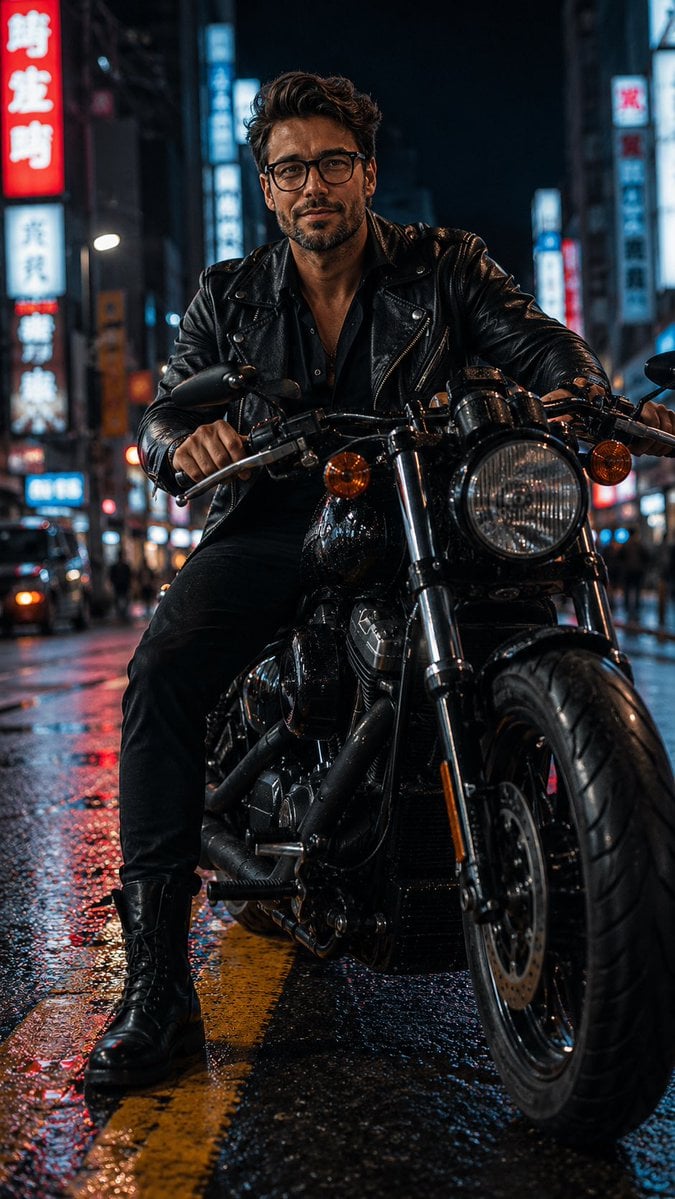
- Prompt included
- Model and format preset
- Free template
The prompt behind this image
Copy the exact prompt behind Biker in Tokyo Nightscape, or open it in the studio and make it yours.
A raw, cinematic documentary photograph of a {argument name="subject" default="mature, handsome 40's Arabian man"} with a short, sharply defined beard, sitting astride a {argument name="motorcycle" default="heavy black cruiser motorcycle"} on a {argument name="city location" default="Tokyo city street"} at night. Low-angle medium full shot, vertical composition. The man looks directly forward with an intense, confident expression, wearing classic eyeglasses, a textured black leather biker jacket, a dark unbuttoned shirt, black pants, and heavy black lace-up combat boots. One boot is planted firmly on the wet, reflective asphalt next to a painted yellow road line. The motorcycle features a large, detailed circular front headlight, amber turn signals, chrome engine components, and a thick front tire in sharp focus. The background is a moody, out-of-focus urban nightscape filled with a rich bokeh of vibrant red and blue neon lights. Sharp textures on the leather jacket and metallic parts, realistic damp ground reflections, shallow depth of field. --ar 9:16
How to use Biker in Tokyo Nightscape in 3 steps
- 1
Open
The prompt is already in the box next to the preview, with the template's model and format selected.
- 2…a portrait of your subject in softgolden-hour light, 85mm…
Personalize
Edit the subject and creative details for your destination.
- 3Generate
Generate
Press Generate — your image is created in PicX Studio, so you can compare it with the original and refine one variable at a time.
More like this
Templates with the same subject, style or setup. Open one to see its prompt.
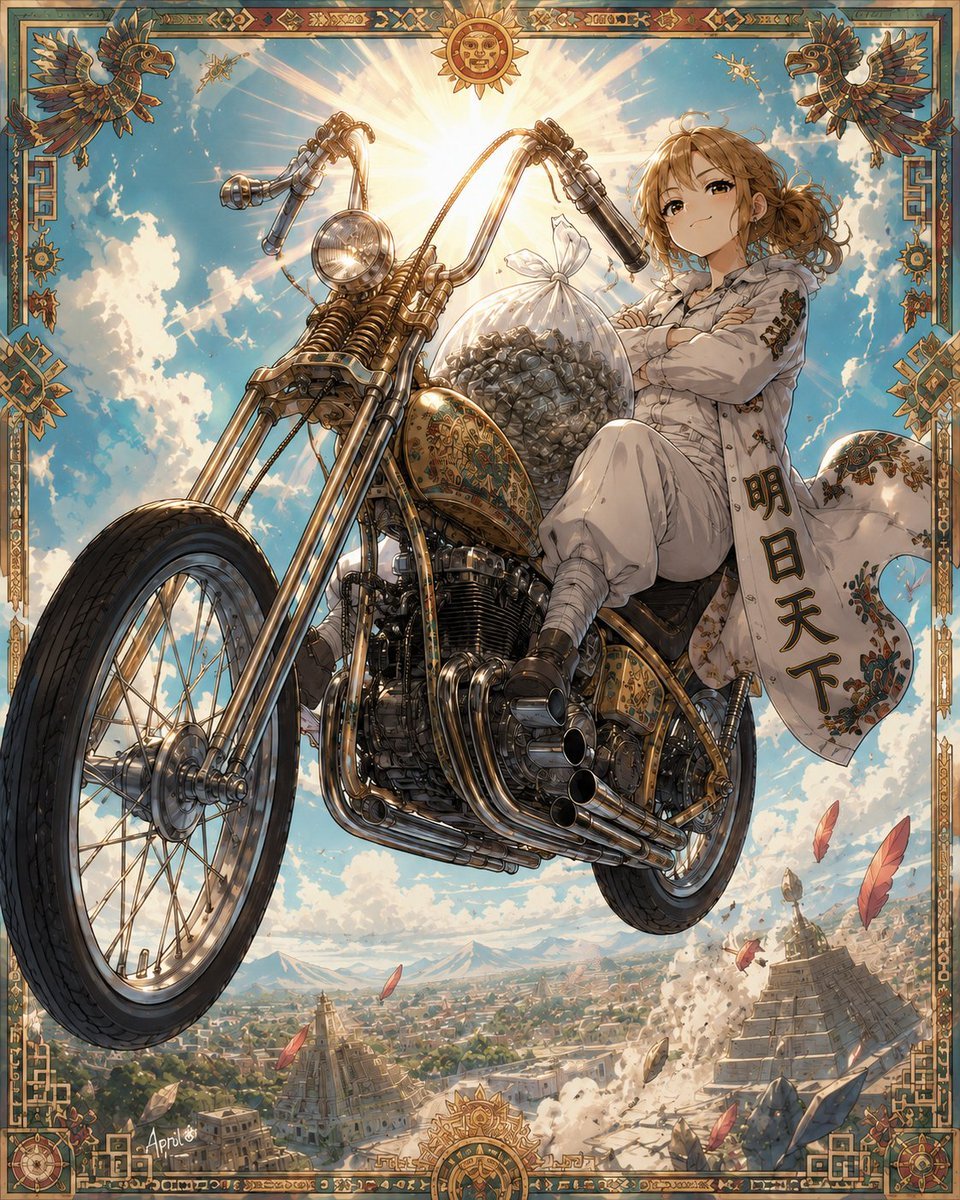
Skyborne Anime Biker in Ancient City
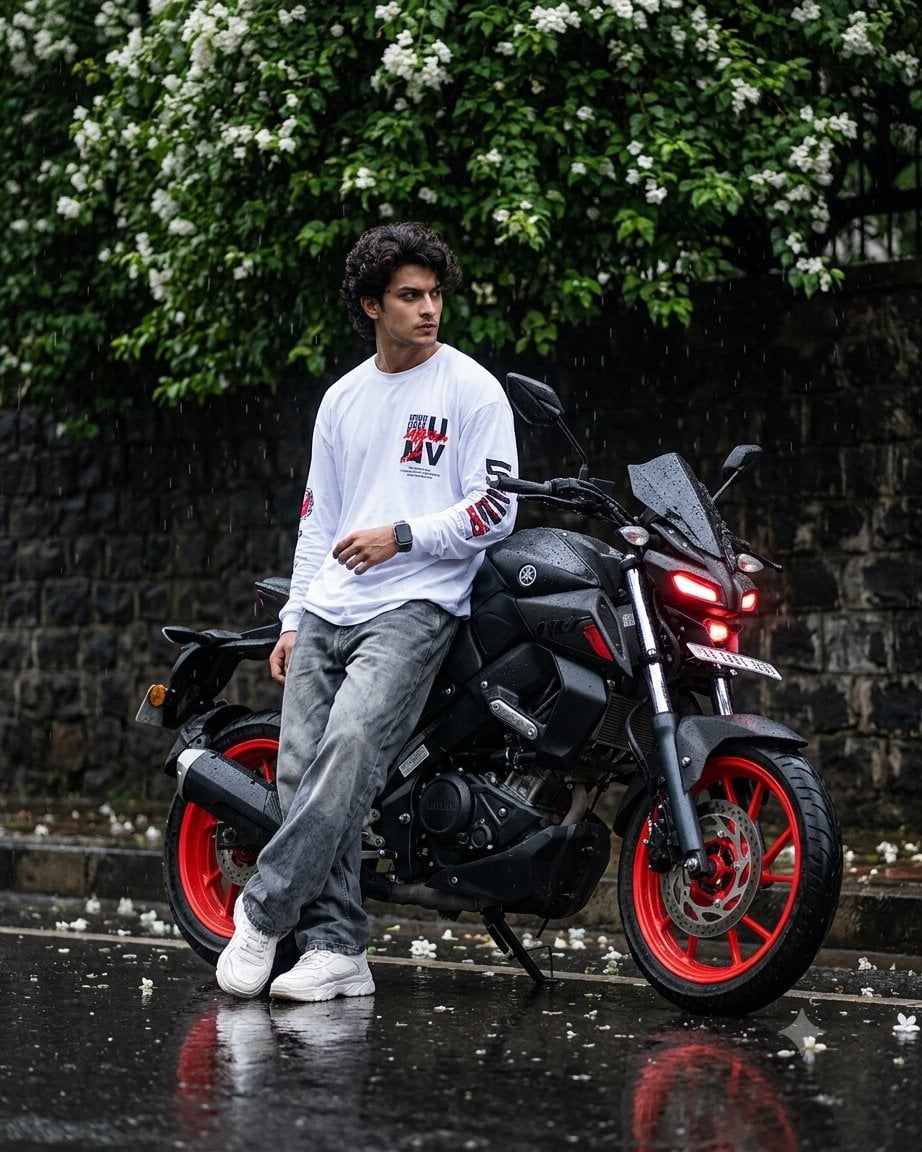
Cinematic Rainy Biker Portrait
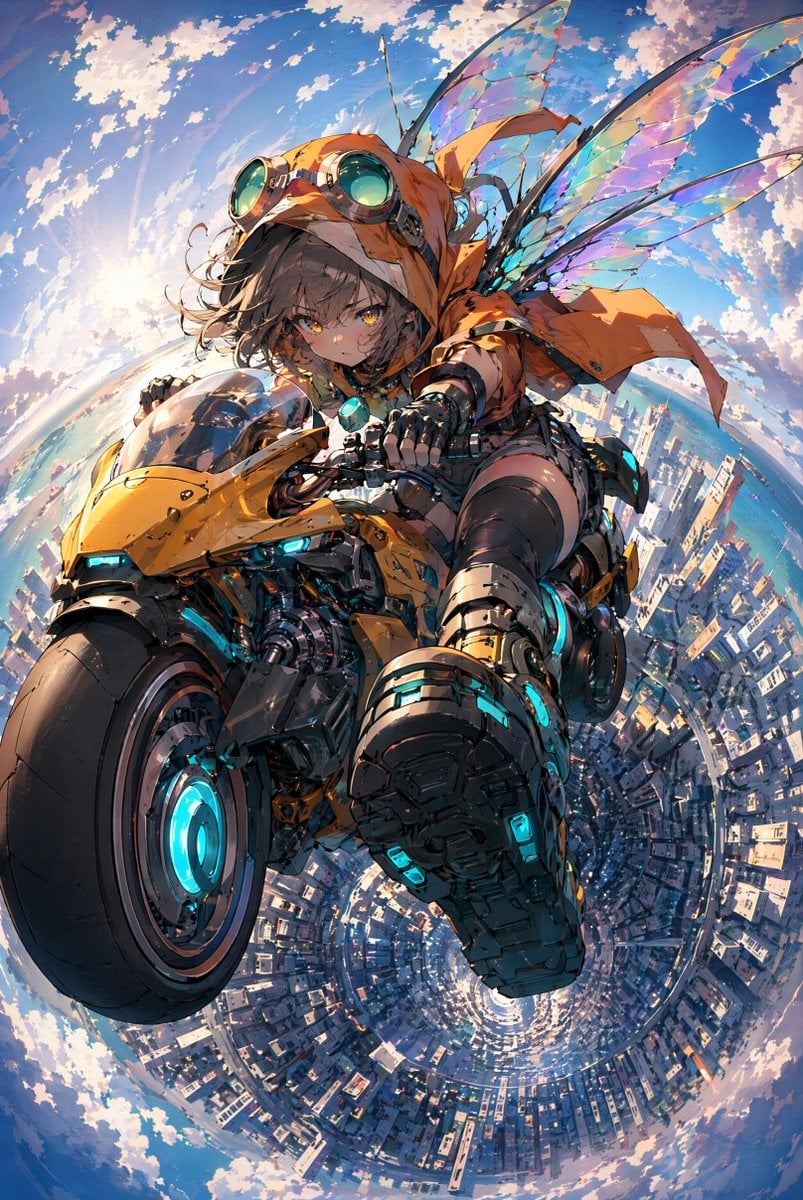
Fairy Biker Above Tiny-Planet City
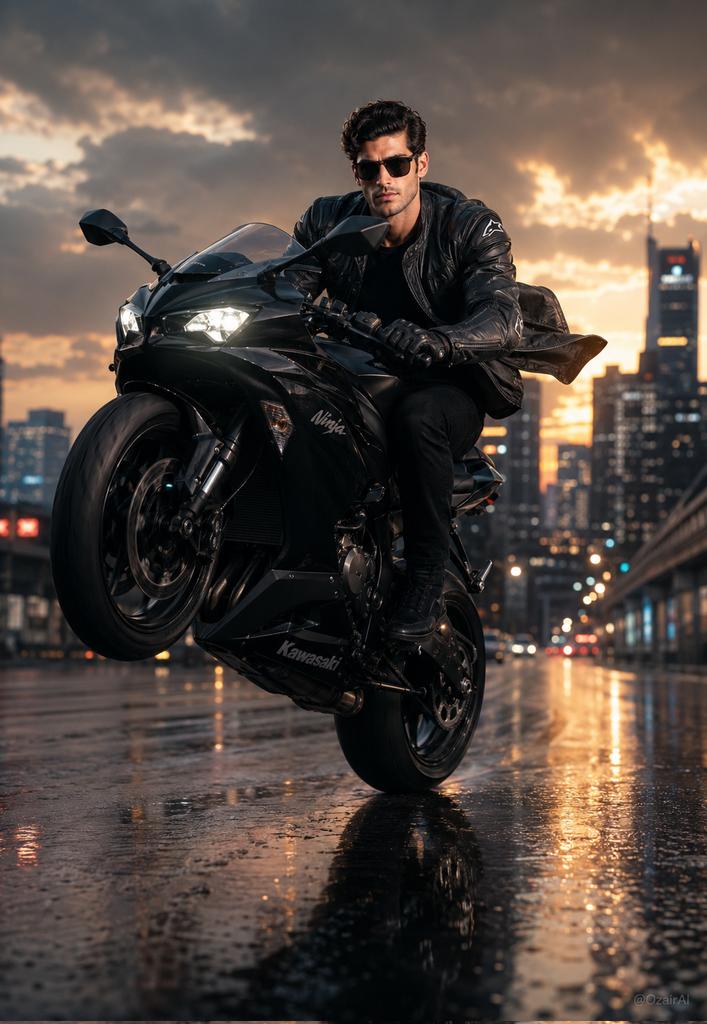
Hyper-Realistic Biker Wheelie Portrait
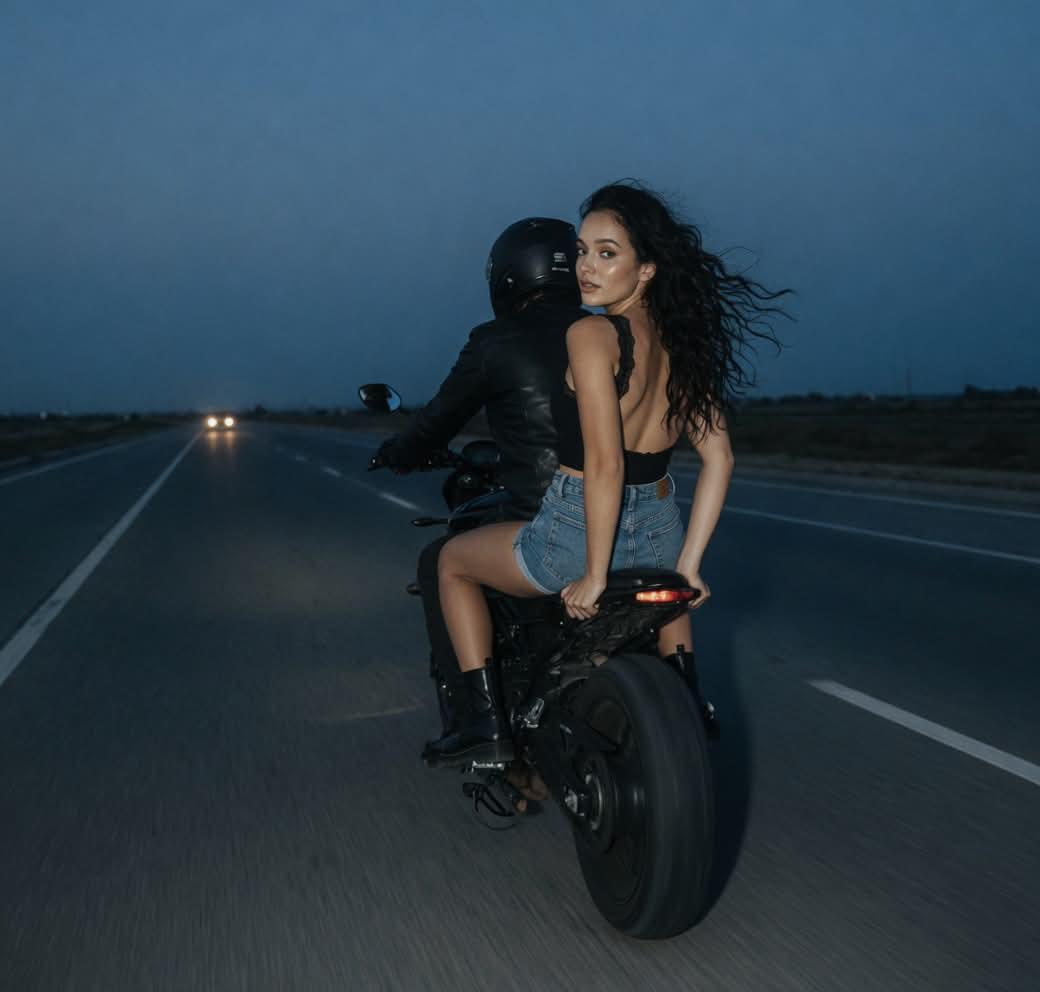
Cinematic Biker Duo Dusk Shot
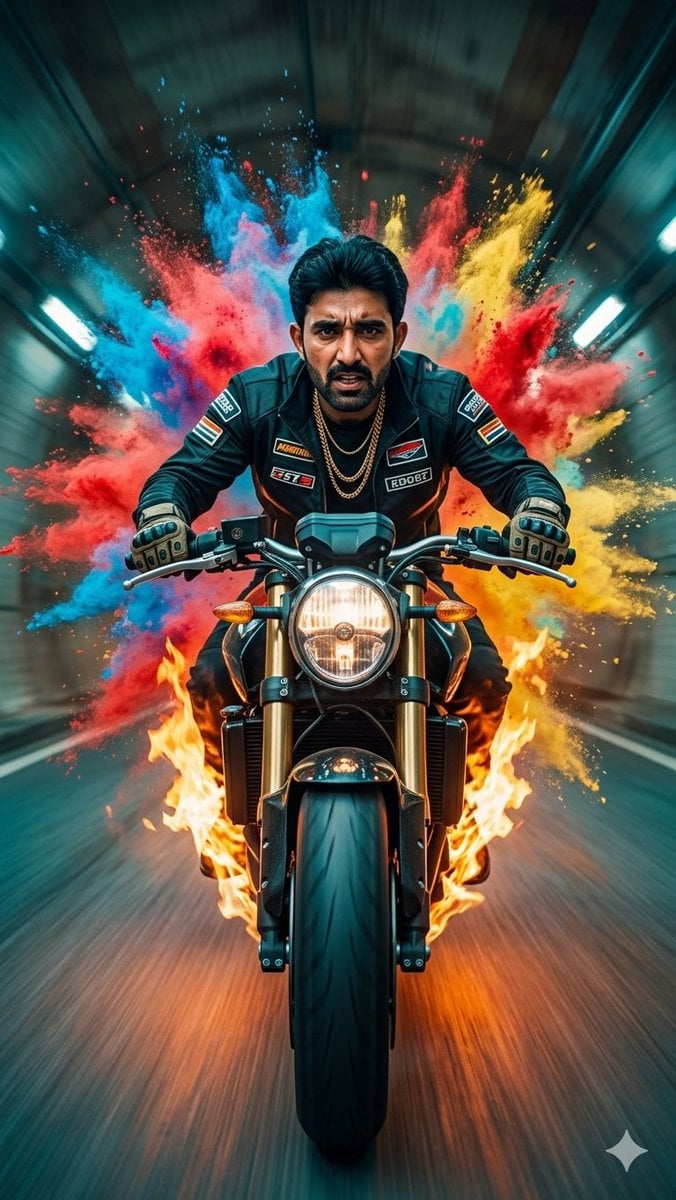
Cinematic Biker Powder Explosion
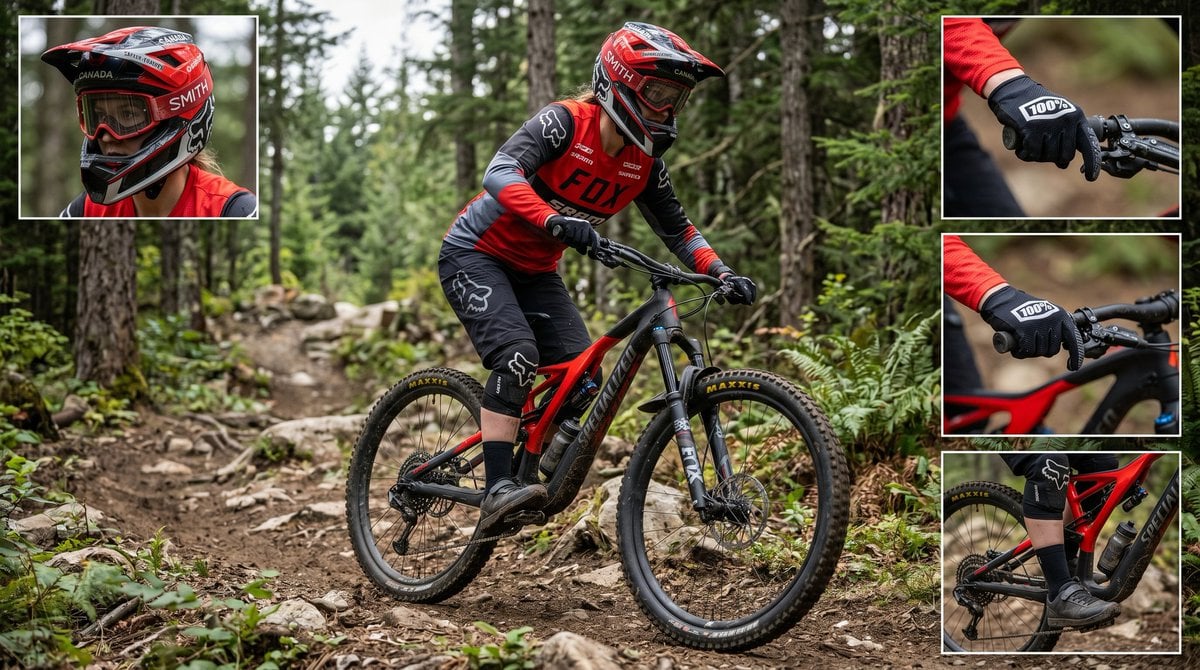
Mountain Biker Action Shots Prompt
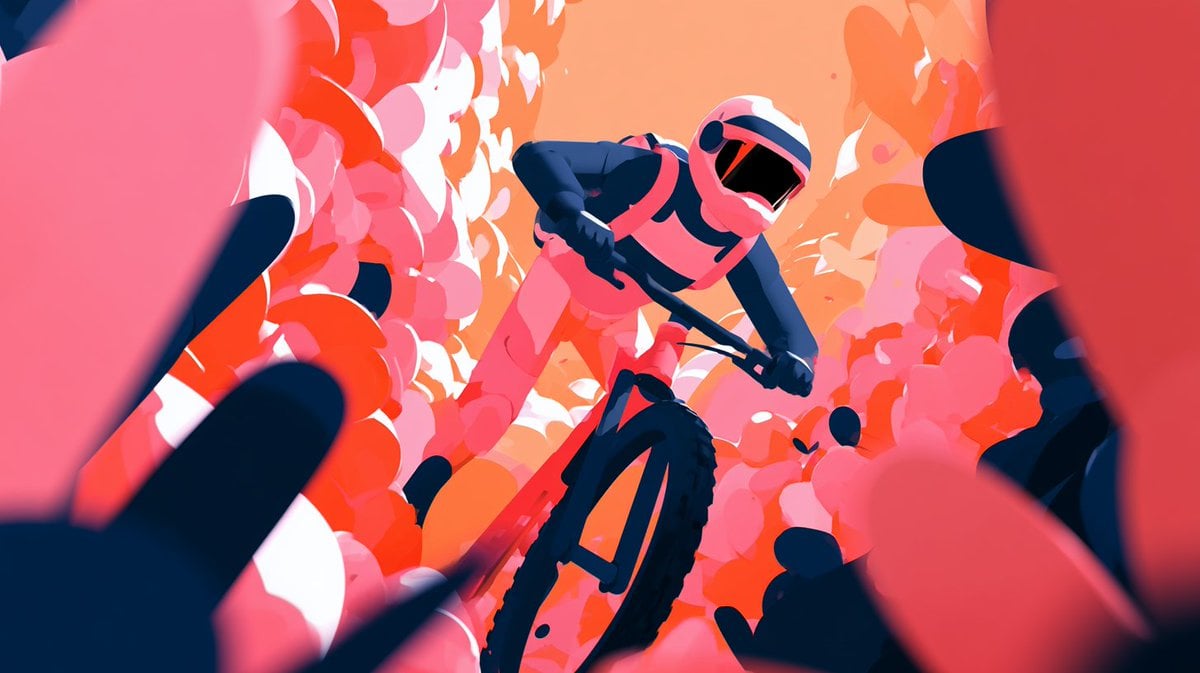
Cinematic Floral Mountain Biker
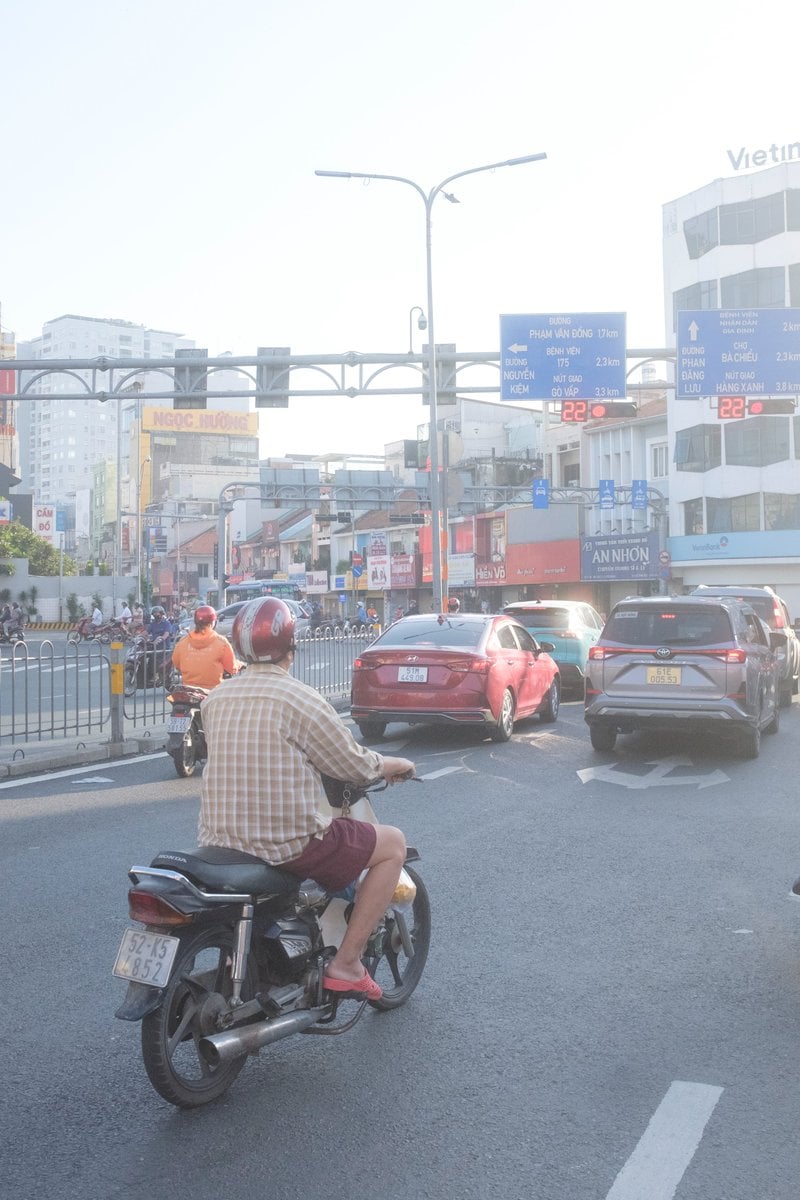
Edit city photo into rainy scene with Vietnamese bikers
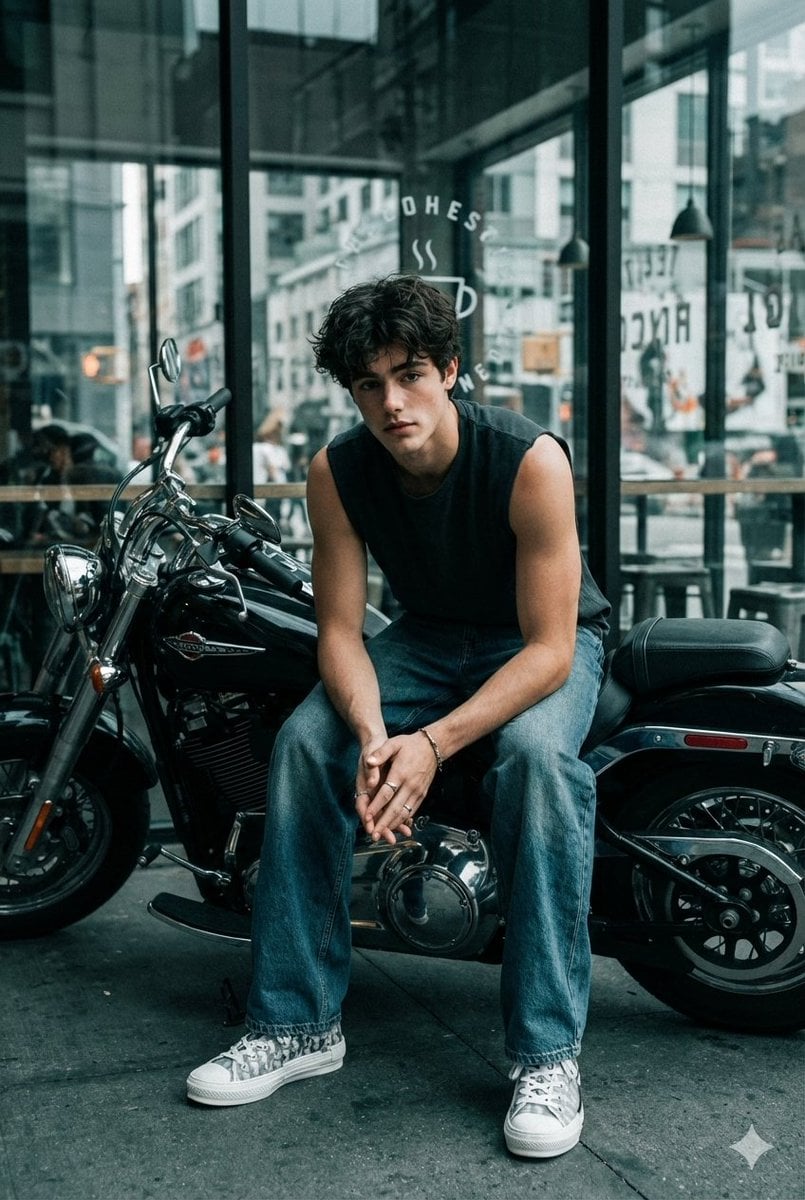
Cinematic Biker Portrait with Edgy Street Style
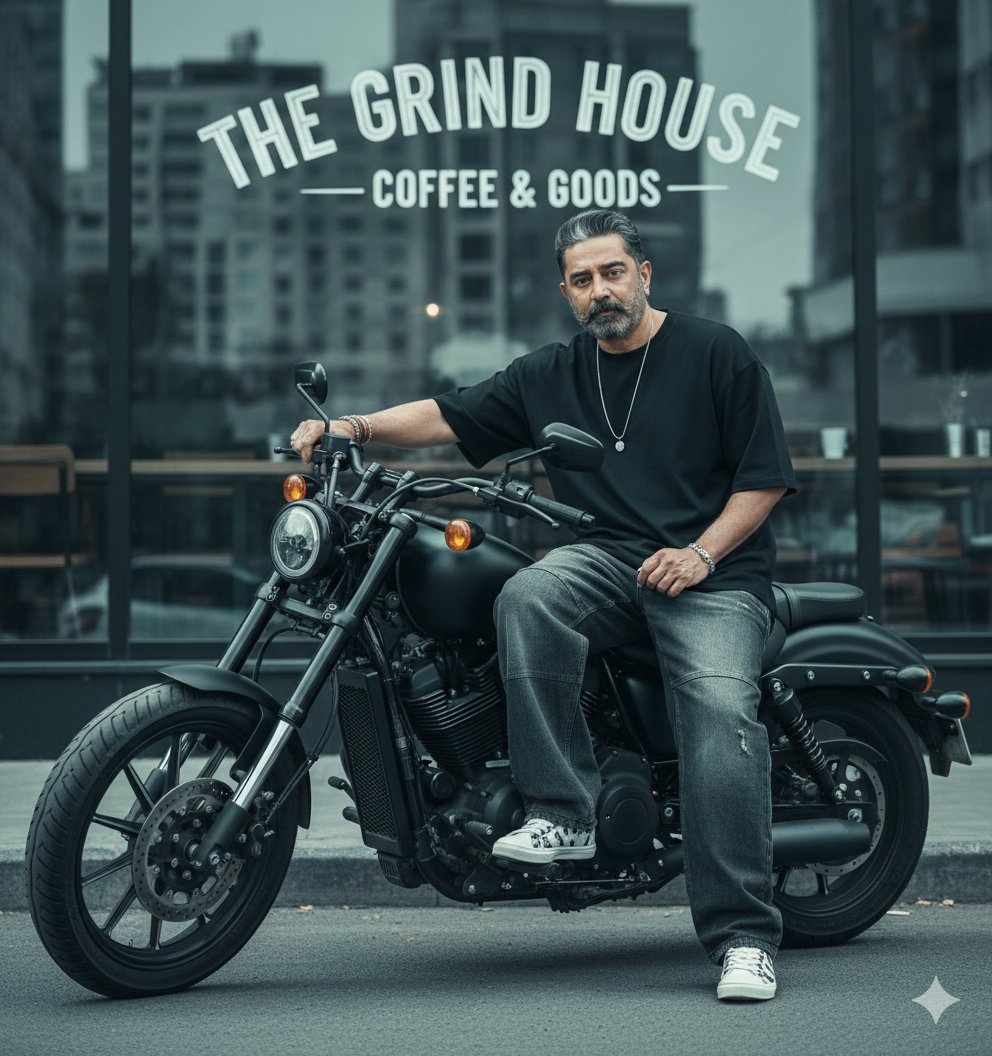
Cinematic Biker Street Style Portrait
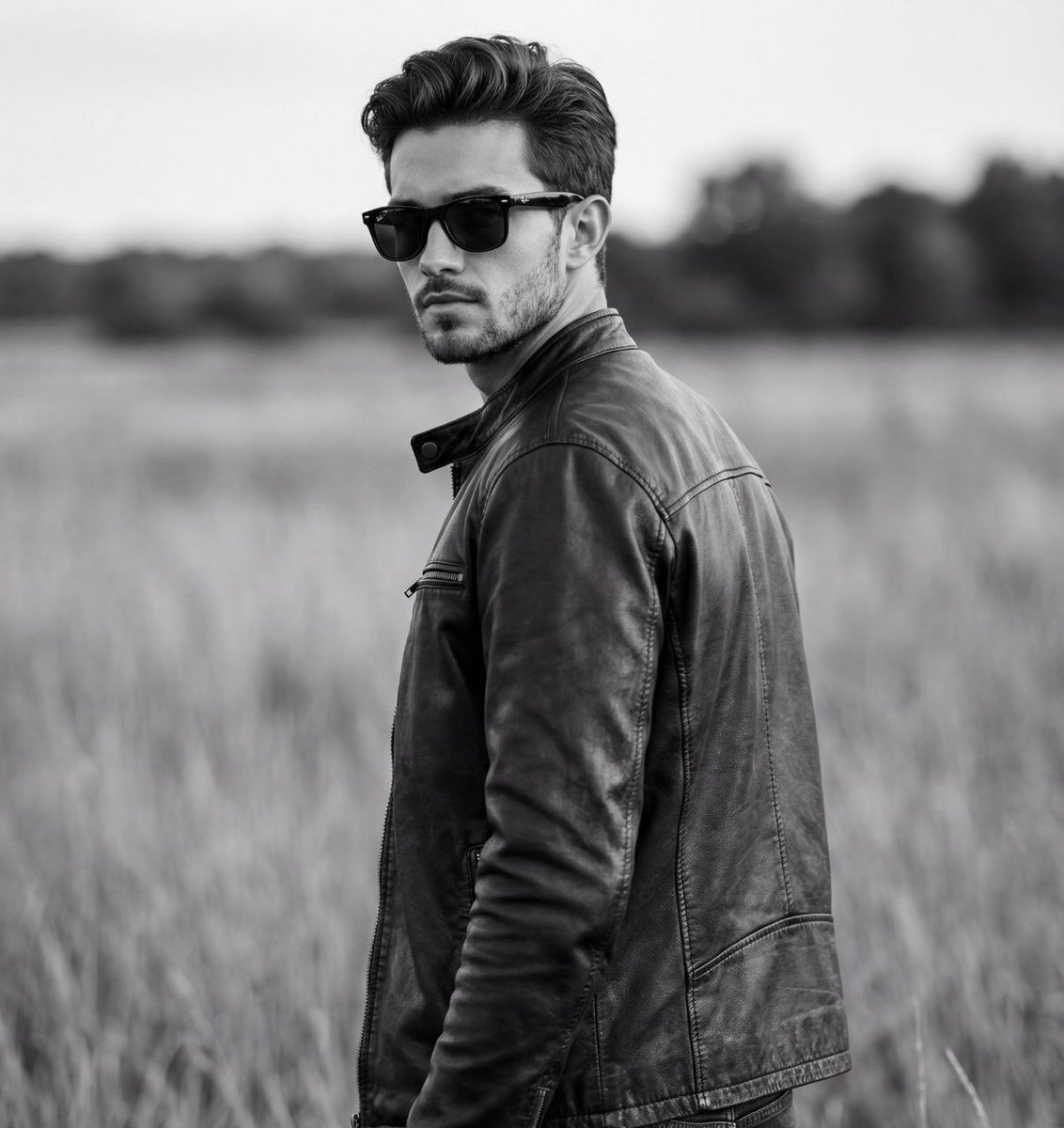
Cinematic Black and White Biker Portrait
Make it yours
Biker in Tokyo Nightscape works as-is. These are the safest ways to change it without losing the look.
Change one field
Copy a single group, rewrite it, and generate again so you can see what that field is doing.
Keep the frame, change the subject
Hold the composition and light of Biker in Tokyo Nightscape, then swap wardrobe, props or the person for a new take.
| If the result… | Why | Fix |
|---|---|---|
| The result drifts from the preview | Too many fields changed at once. | Reuse Biker in Tokyo Nightscape as-is first, then change one group — subject, light, or setting. |
| The model over-stylizes the scene | The prose prompt leaves finish and camera underspecified. | Add one camera or lighting sentence and stay on GPT Image 2. |
More GPT Image 2 templates
Other prompts made for GPT Image 2.

Six VTuber Japanese Logo Sheet

Realistic Portrait of Woman and Deer

The Vista Modular Condo Poster

AI Model Routing Comparison Infographic

2.5D Anime Art Board

Isometric Productivity Desk Scene

New York Double Exposure Poster

Four-Panel AI Landscape Comparison

Japanese Tatami Lifestyle Magazine Cover

NESCAFÉ Coffee Map Poster
More image prompts
Fresh picks from across the catalog.
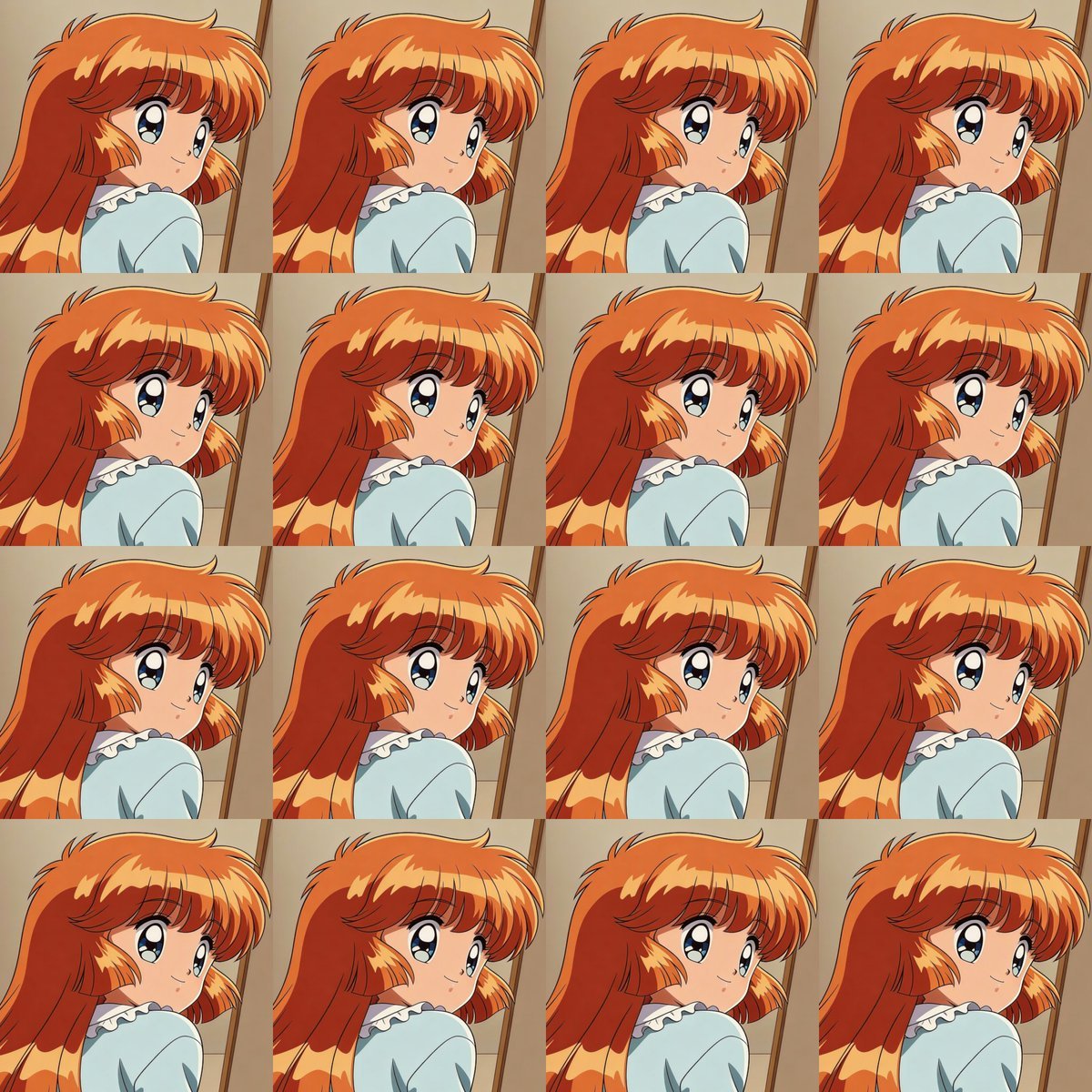
Heroine Expression Difference Grid Attempt
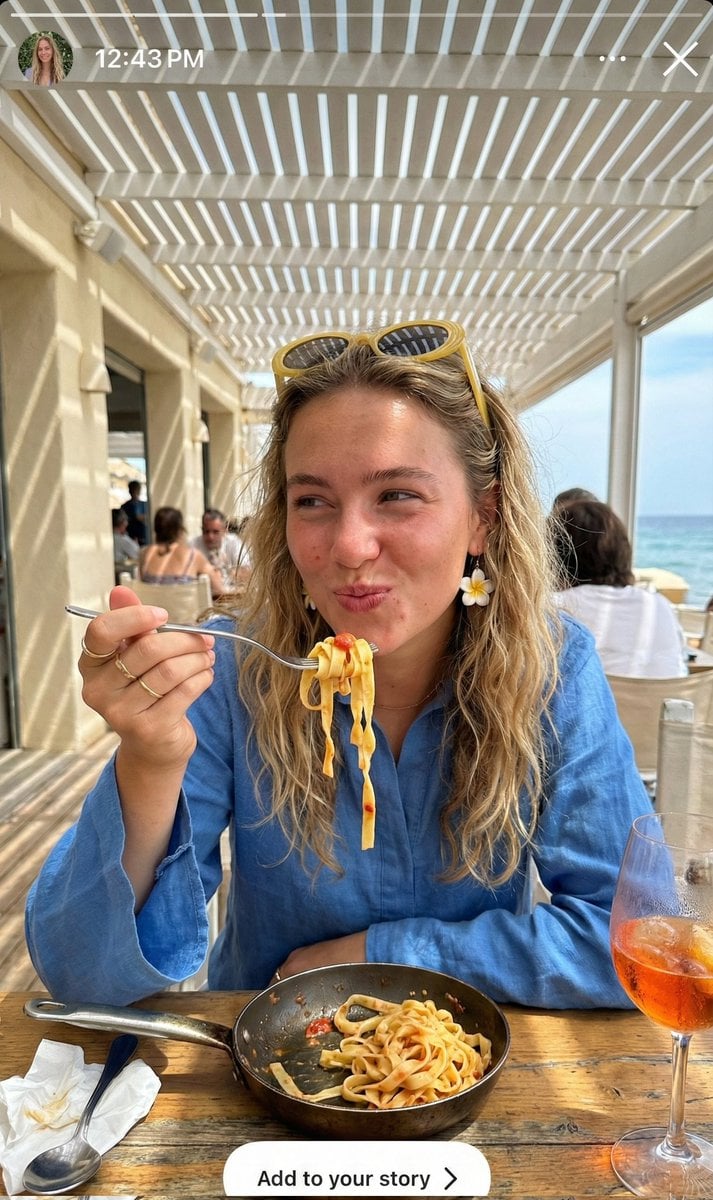
Ultra-Realistic Candid Instagram Story Photo of Woman Eating Pasta
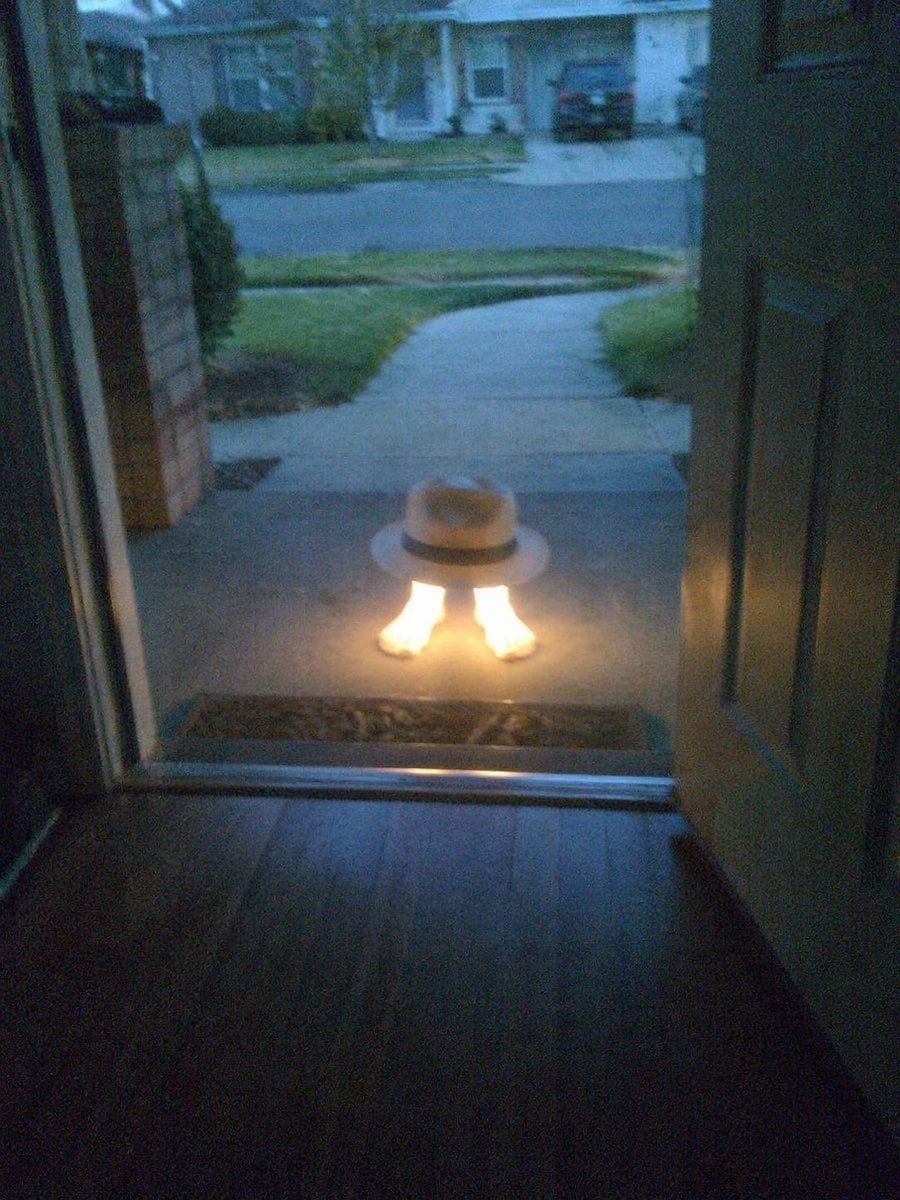
Subject Erasure and Hat Replacement
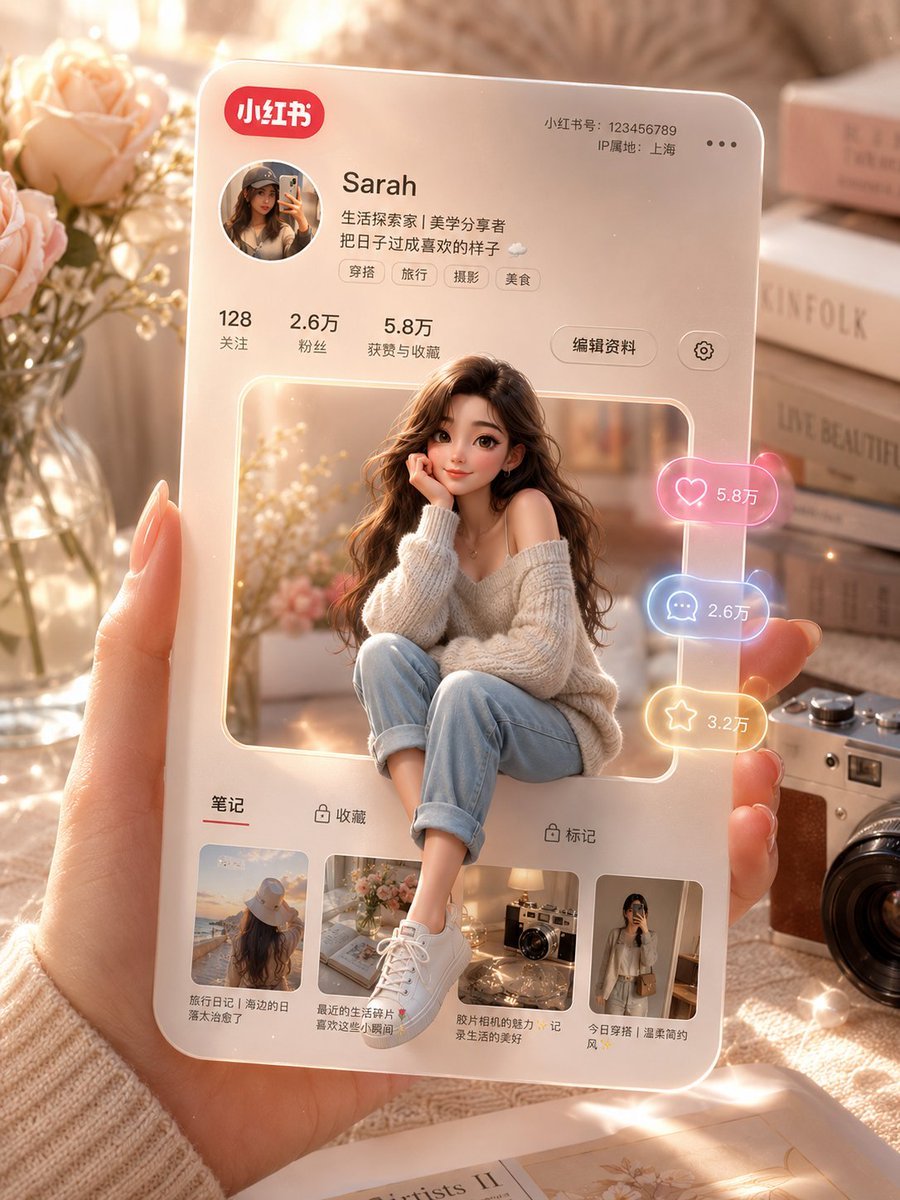
3D Social Media Profile Card
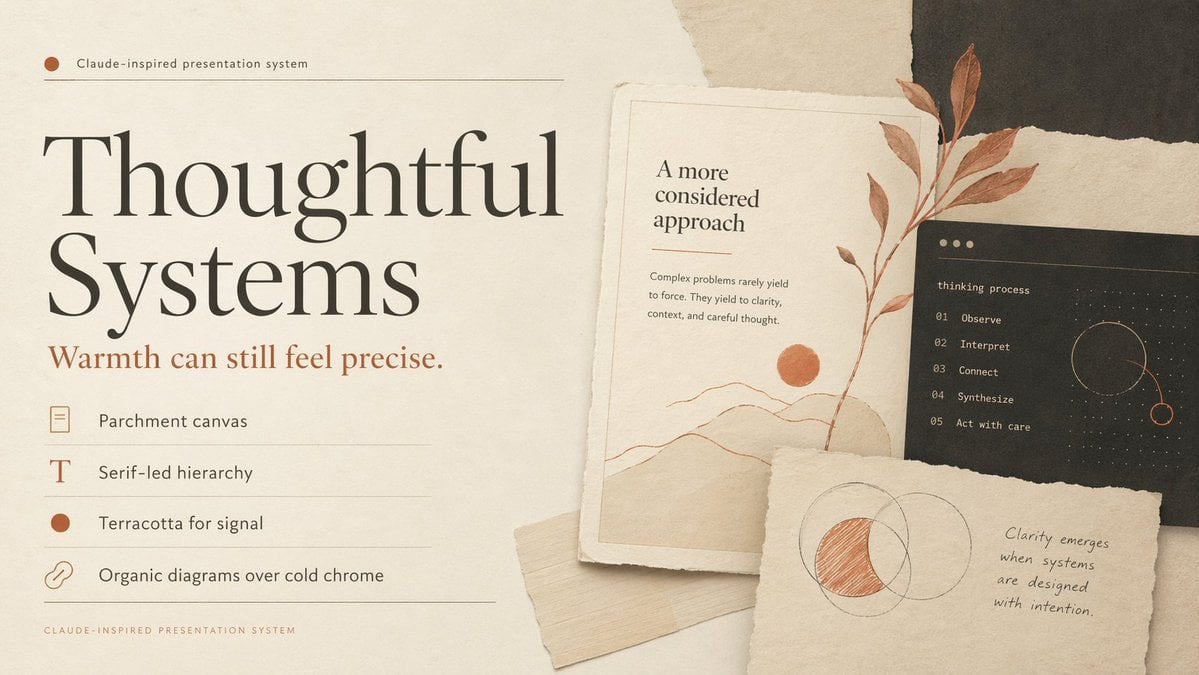
Thoughtful Systems Presentation Cover
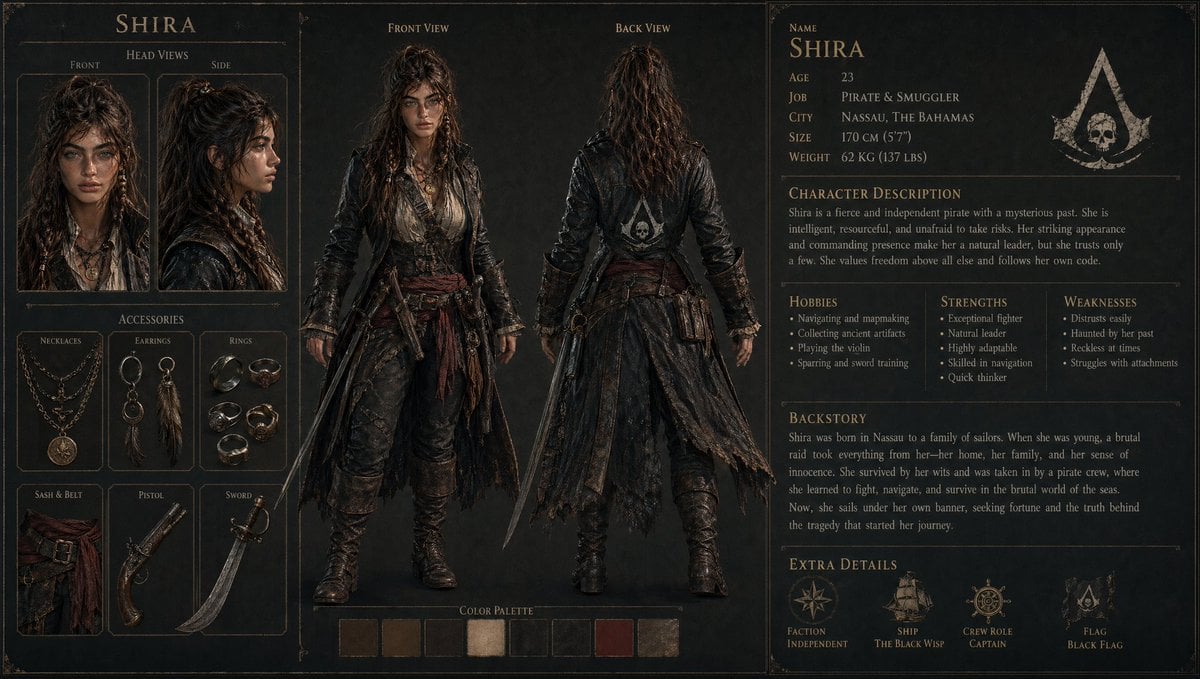
3D Gaming Character Sheet Prompt
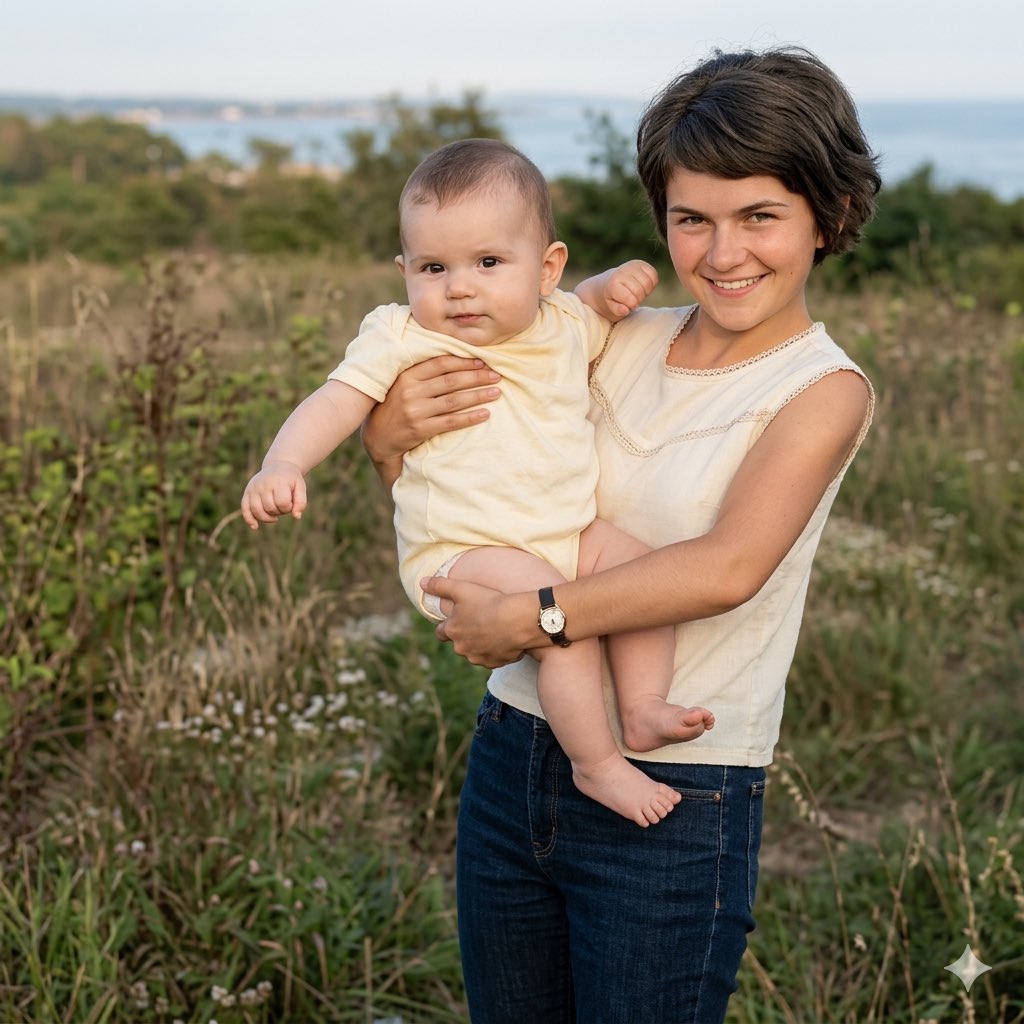
Vintage Keepsake Photo Restoration
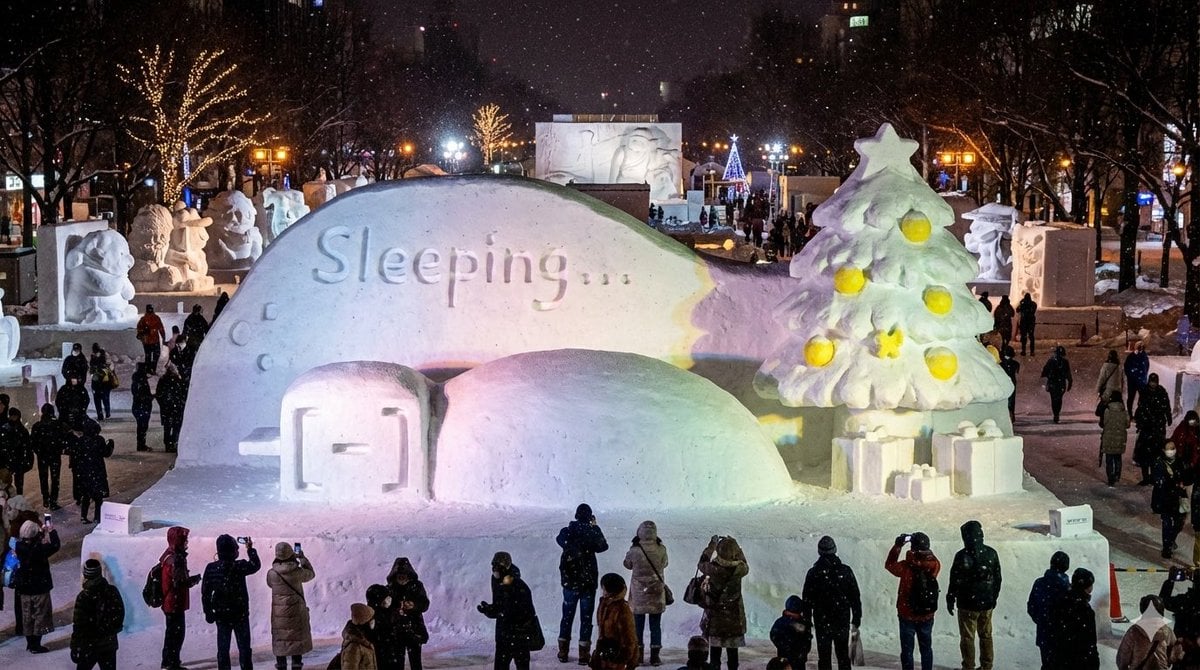
Snow Statue of Not Wanting to Leave the Futon
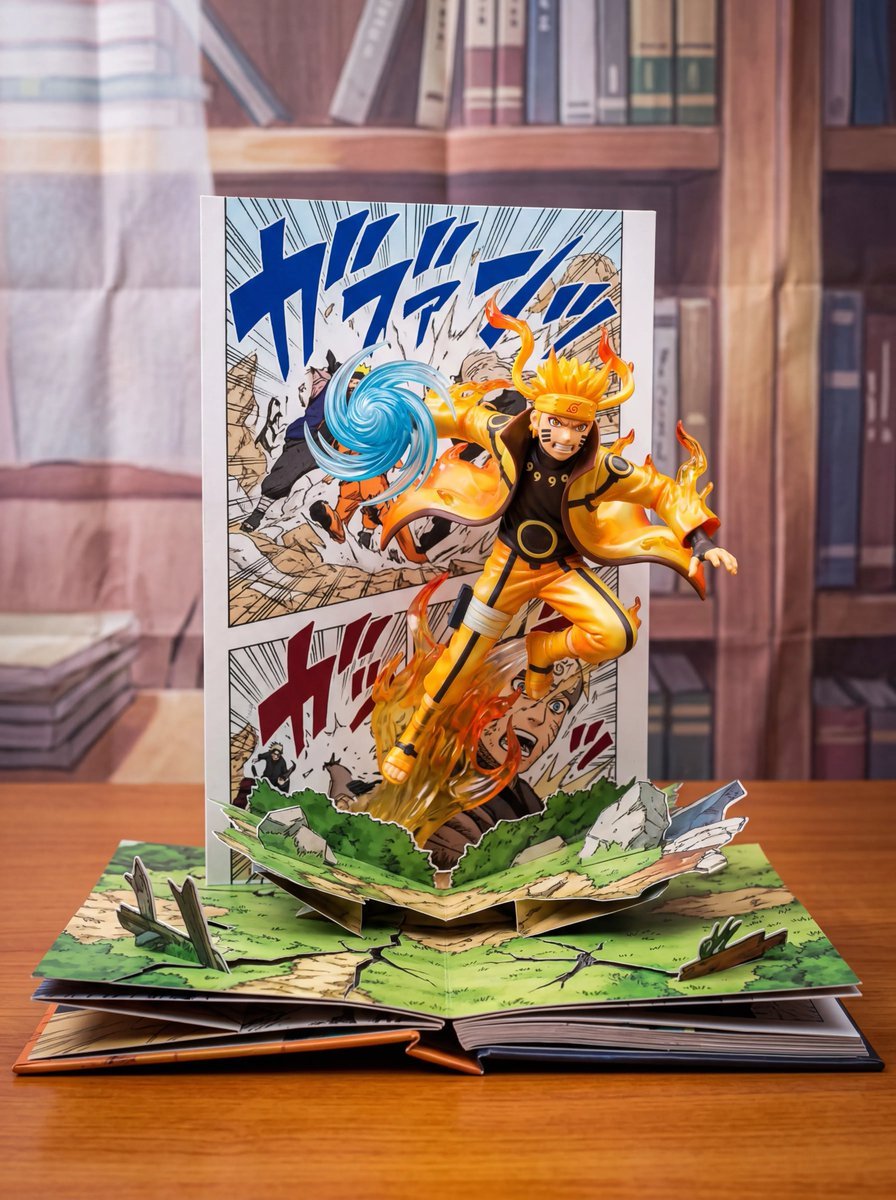
Uzumaki Naruto Pop-Up Book Prompt
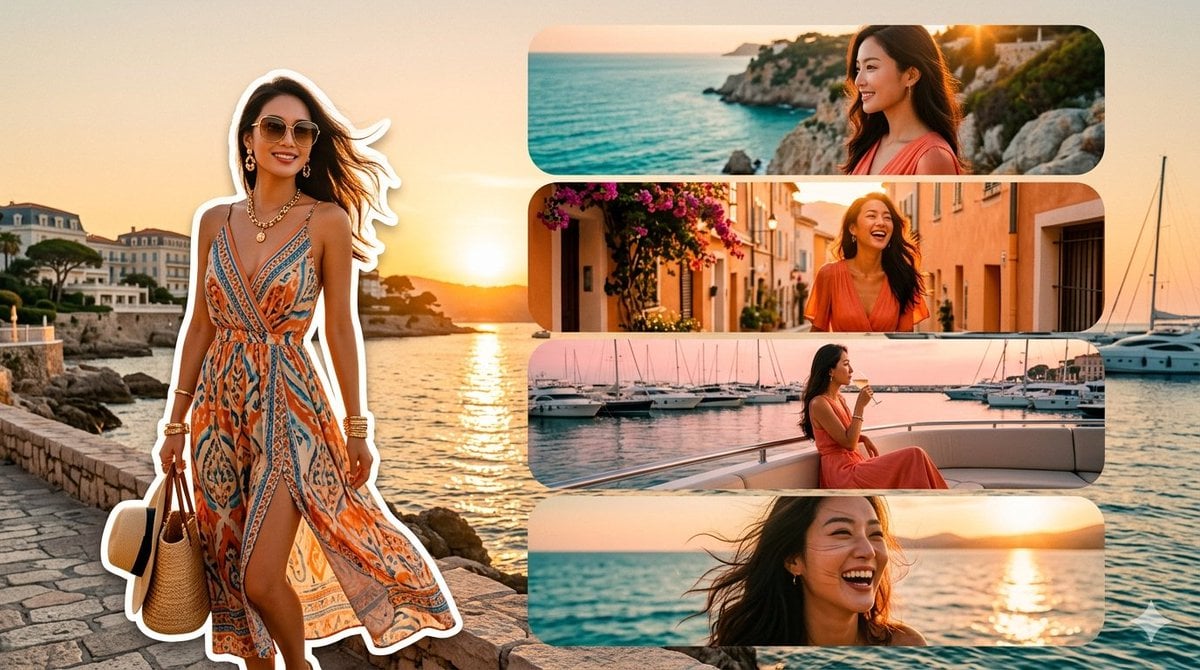
Mediterranean Fashion Travel Collage
Browse template categories
Biker in Tokyo Nightscape questions
How do I use the Biker in Tokyo Nightscape template?
Add your photo if the template asks for one, edit the prompt if you like — the template's model and format are already selected — and press Generate. Your version opens in PicX Studio.
Can I customize the Biker in Tokyo Nightscape template?
Yes. You can change the subject, setting, lighting, mood, format, and available model controls before creating your image.
Is the Biker in Tokyo Nightscape template free?
Opening and editing this template is free. Generating uses credits, shown on the Generate button when you are signed in.
Which AI model should I use?
Start with GPT Image 2, which is the model associated with this template. You can compare another compatible model for a different finish.
Looking for something else? Browse all templates.

Your photo, any look
Thousands of ready templates for every top image and video model, from one credit balance.