
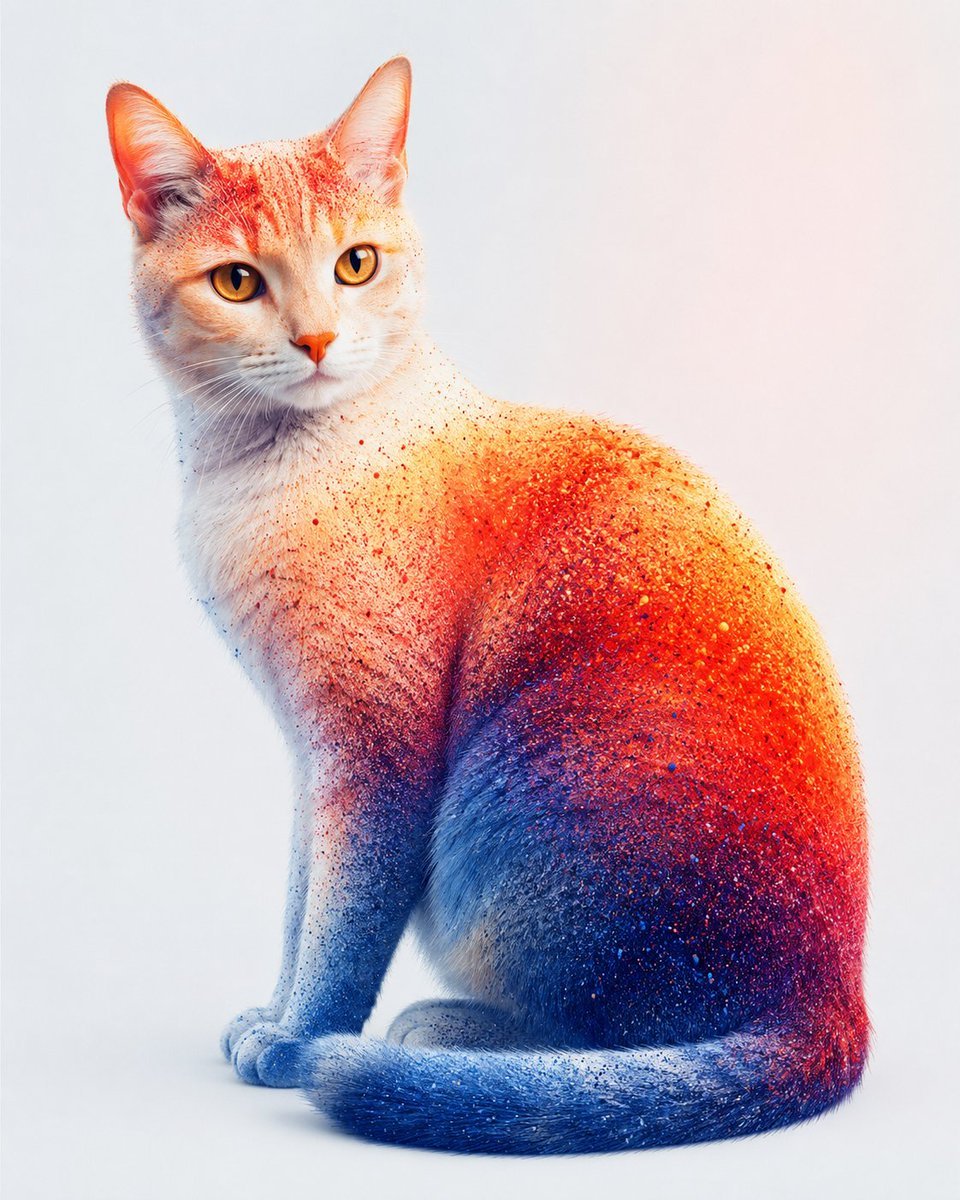
Color Powder Cat Portrait
A photorealistic studio portrait prompt for generating a seated cat covered in vivid red, orange, blue, and purple powder texture.
- Prompt included
- Model and format preset
- Free template
The prompt behind this image
Copy the exact prompt behind Color Powder Cat Portrait, or open it in the studio and make it yours.
Create a high-resolution studio portrait of a seated {argument name="animal subject" default="domestic short-haired cat"} on a clean seamless white background with a faint warm pink tint near the upper right. The cat is posed in three-quarter view facing left, sitting upright with slim elegant proportions, front paws together, tail curled along the floor in front, head turned toward the viewer, large upright ears, amber-gold eyes, a small orange-pink nose, and fine white whiskers. Render the fur as realistic and detailed but transformed by a vivid powder-pigment texture: mostly pale cream and white on the face and chest, bright orange and red speckled pigment concentrated across the forehead, ears, shoulder, back, and right flank, deep cobalt blue pigment covering the lower foreleg, belly, tail, and shadowed side, with a purple-magenta transition where red and blue overlap. The pigment should appear as thousands of tiny colored granules, splatters, and dust particles sitting on and blending into the fur, with denser color on the body and tail and lighter freckles on the face and neck. Use soft diffused studio lighting, subtle floor contact shadow, crisp focus on the eyes and fur texture, shallow natural depth, vibrant saturated colors, photorealistic yet slightly surreal fine-art animal photography. No collar, no props, no text, no watermark, no extra animals.
How to use Color Powder Cat Portrait in 3 steps
- 1Upload ImagePNG, JPG or paste
Add your photo
Upload the photo the template builds on. The prompt, model and format are already set.
- 2…a portrait of your subject in softgolden-hour light, 85mm…
Personalize
Edit the subject and creative details for your destination.
- 3Generate
Generate
Press Generate — your image is created in PicX Studio, so you can compare it with the original and refine one variable at a time.
More like this
Templates with the same subject, style or setup. Open one to see its prompt.

Rooftop Fisheye — Cat-Ear Balaclava at Golden Hour
Snowy Locations Views Winter Special

Found Photograph: Us, 1970

80s Couple Studio Portrait

80s Bollywood Star

80s Golden Hour Cinema

Me in 1985

1985 Studio Portrait
Fashion Portrait With Powder Disintegration

Hyper-Realistic Minecraft POV Portrait

Minimal Hand-Drawn Sketch Watercolor Portrait

Surreal Cat Astronaut — Humanoid Face Freefall
Make it yours
Color Powder Cat Portrait works as-is. These are the safest ways to change it without losing the look.
Change one field
Copy a single group, rewrite it, and generate again so you can see what that field is doing.
Keep the frame, change the subject
Hold the composition and light of Color Powder Cat Portrait, then swap wardrobe, props or the person for a new take.
| If the result… | Why | Fix |
|---|---|---|
| The result drifts from the preview | Too many fields changed at once. | Reuse Color Powder Cat Portrait as-is first, then change one group — subject, light, or setting. |
| The model over-stylizes the scene | The prose prompt leaves finish and camera underspecified. | Add one camera or lighting sentence and stay on GPT Image 2. |
More GPT Image 2 templates
Other prompts made for GPT Image 2.

Six VTuber Japanese Logo Sheet

Realistic Portrait of Woman and Deer

The Vista Modular Condo Poster

AI Model Routing Comparison Infographic

2.5D Anime Art Board

Isometric Productivity Desk Scene

New York Double Exposure Poster

Four-Panel AI Landscape Comparison

Japanese Tatami Lifestyle Magazine Cover

NESCAFÉ Coffee Map Poster
More image prompts
Fresh picks from across the catalog.
Anime Double-Exposure Poster
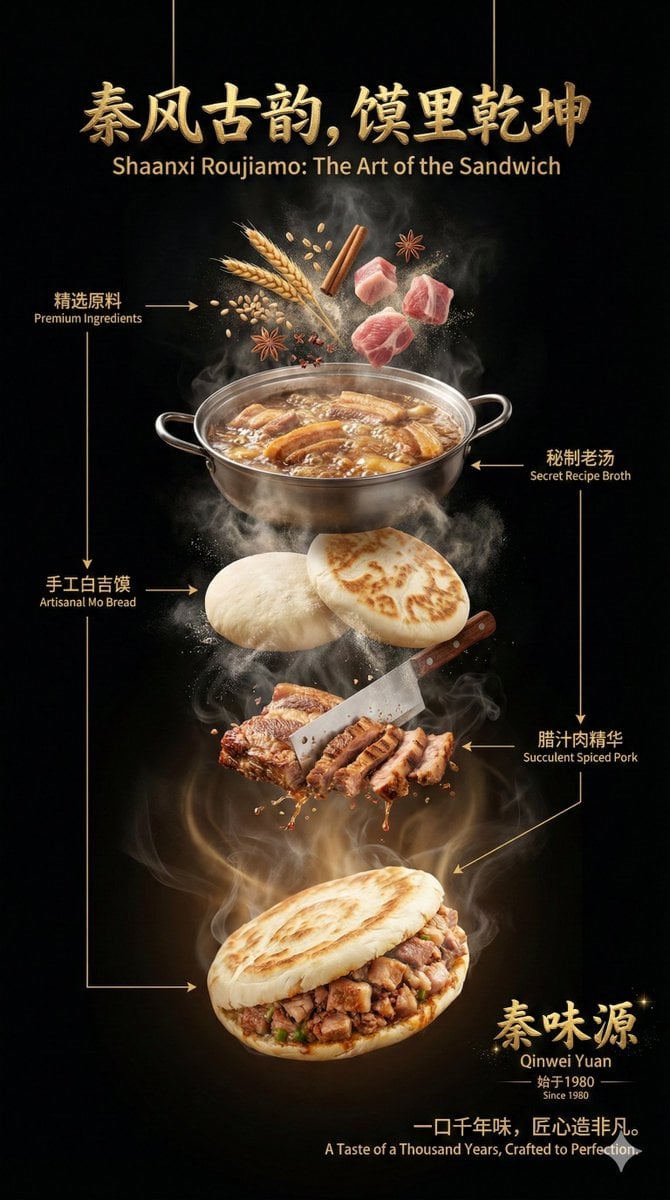
Advanced Commercial Food/Product Poster Template with Vertical Layering
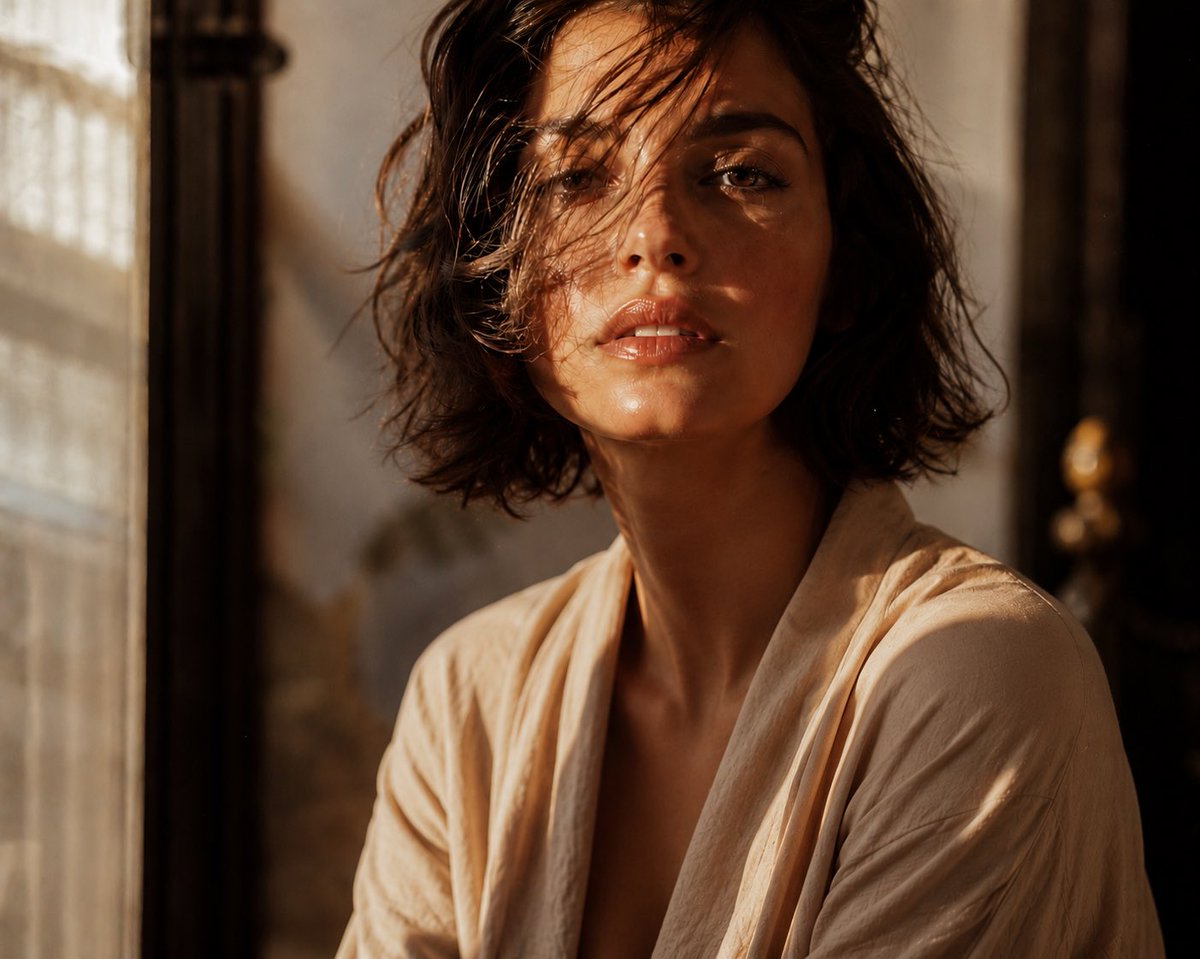
Editorial Portrait Close-Up
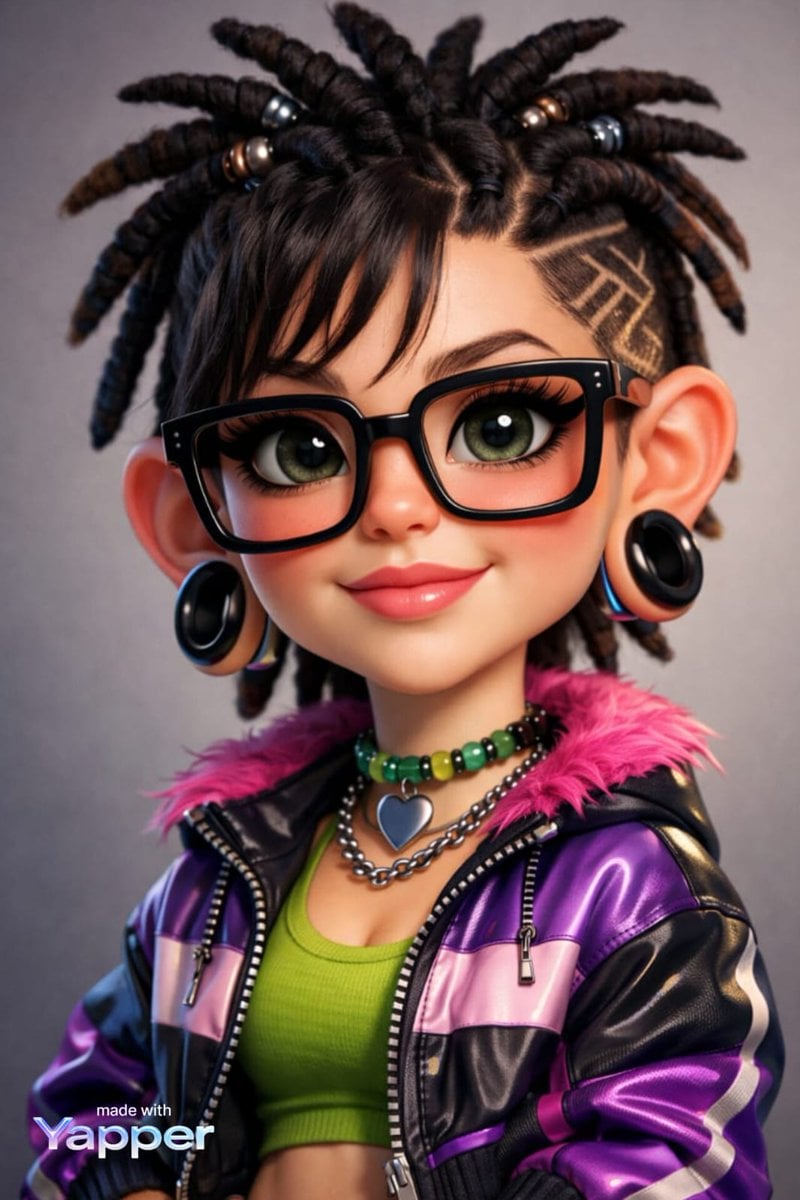
Caricature Style Portrait
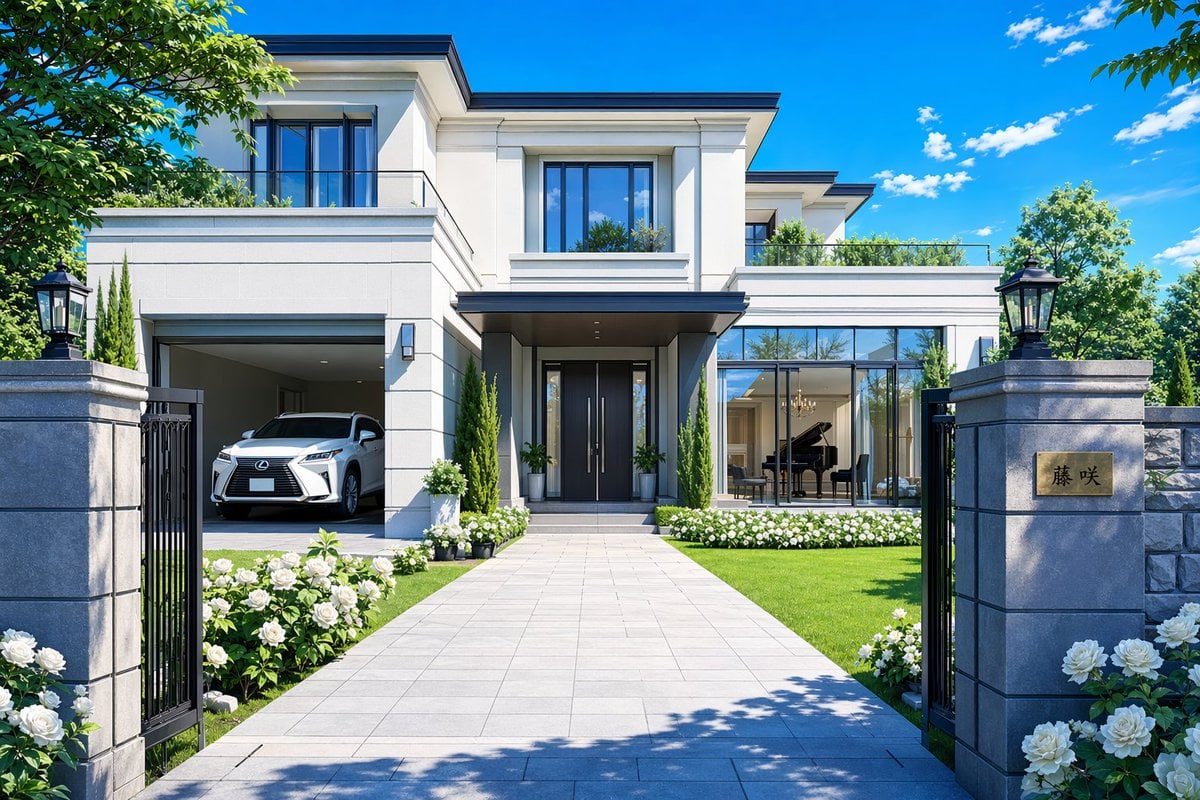
Modern Luxury Mansion Exterior
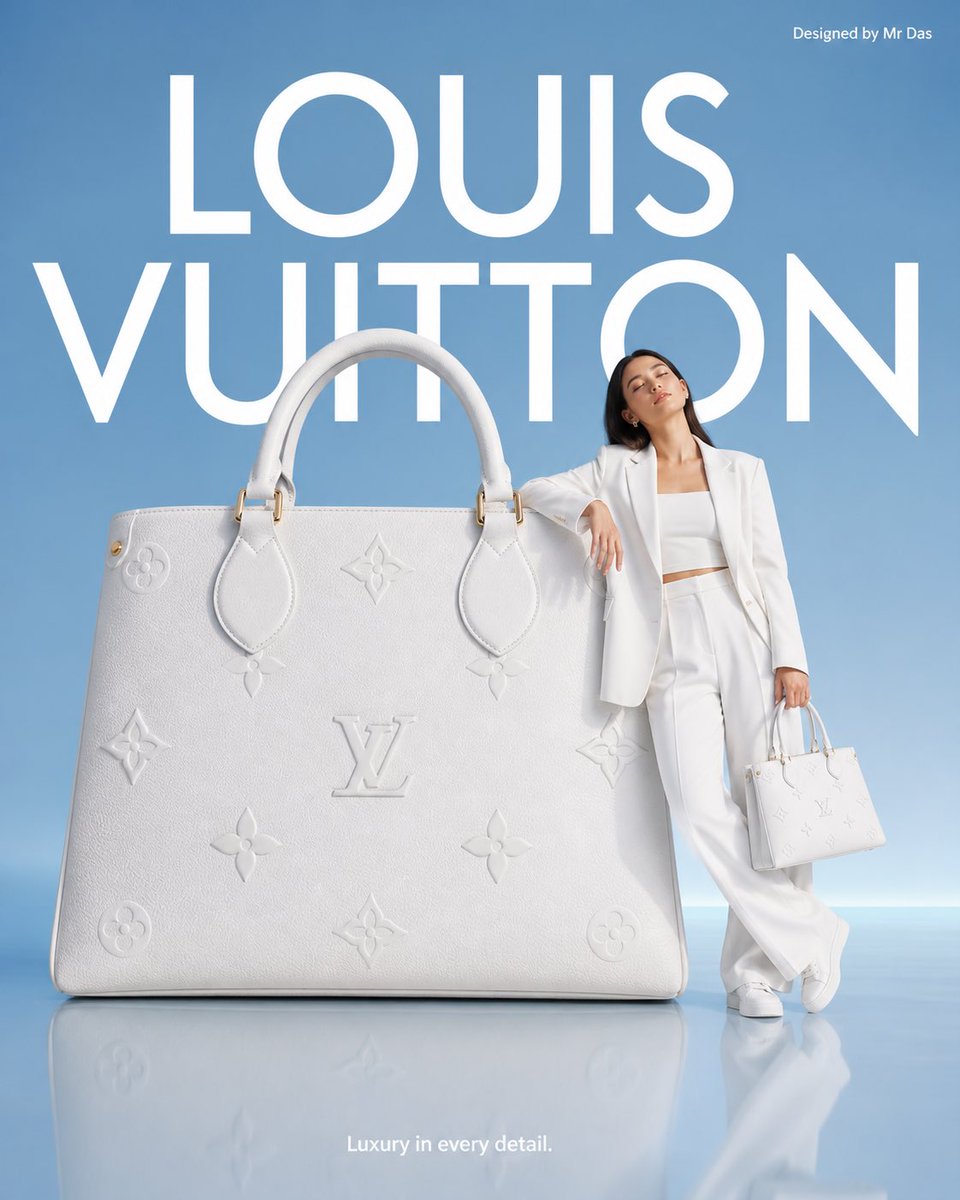
Minimalist Luxury Brand Advertisement
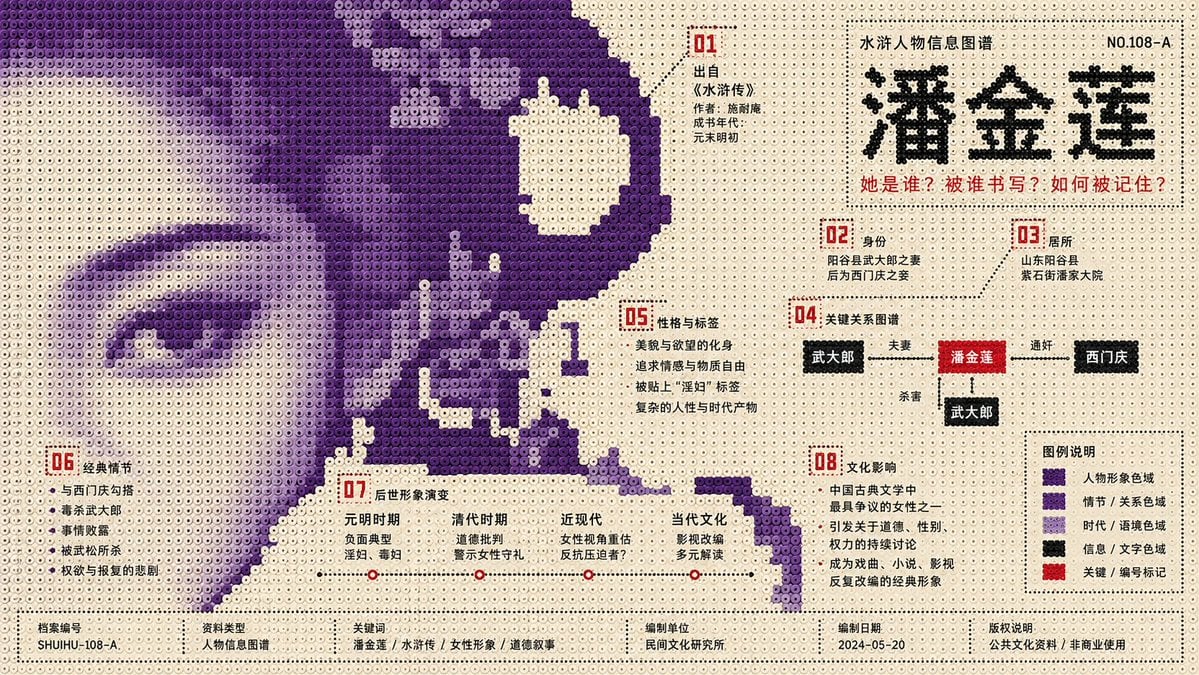
Perler Beads Style Structural Poster
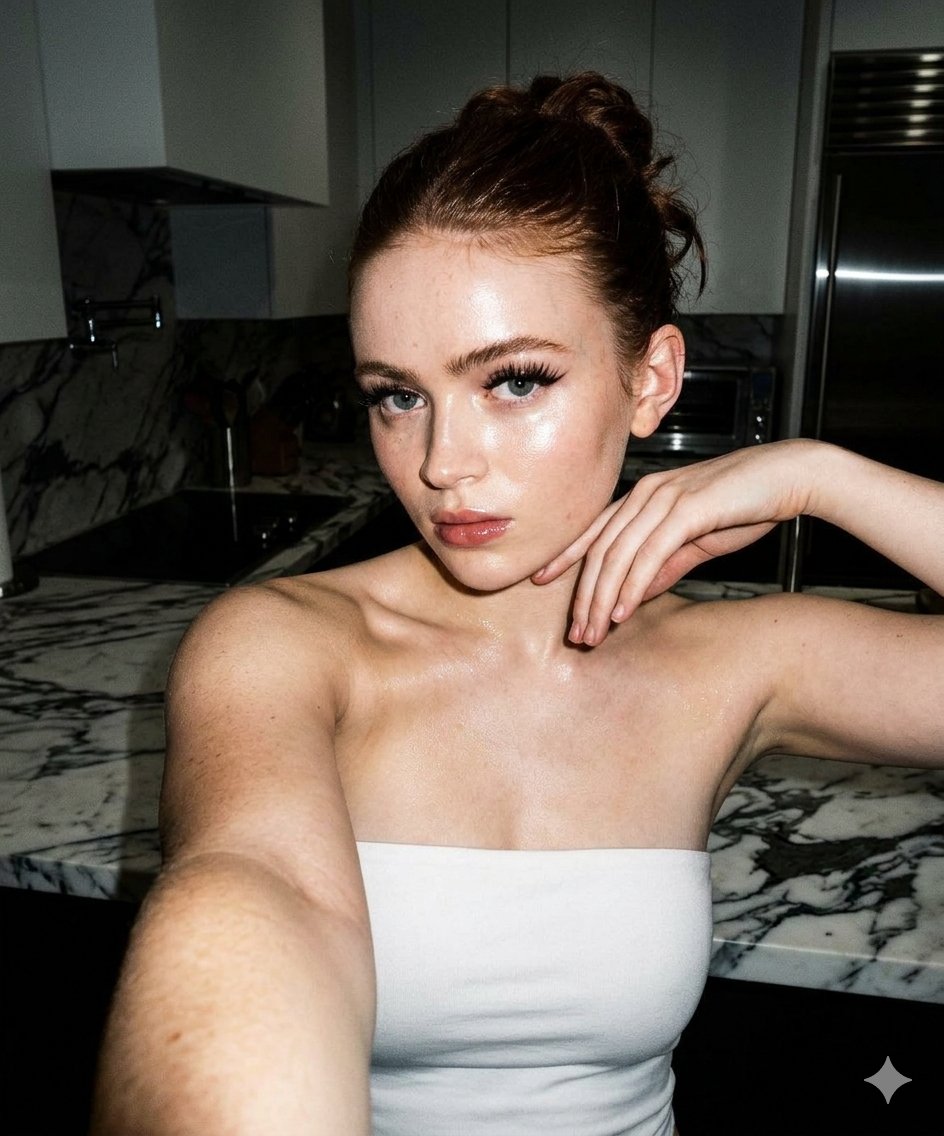
High-Contrast Selfie Photo Prompt in Modern Kitchen
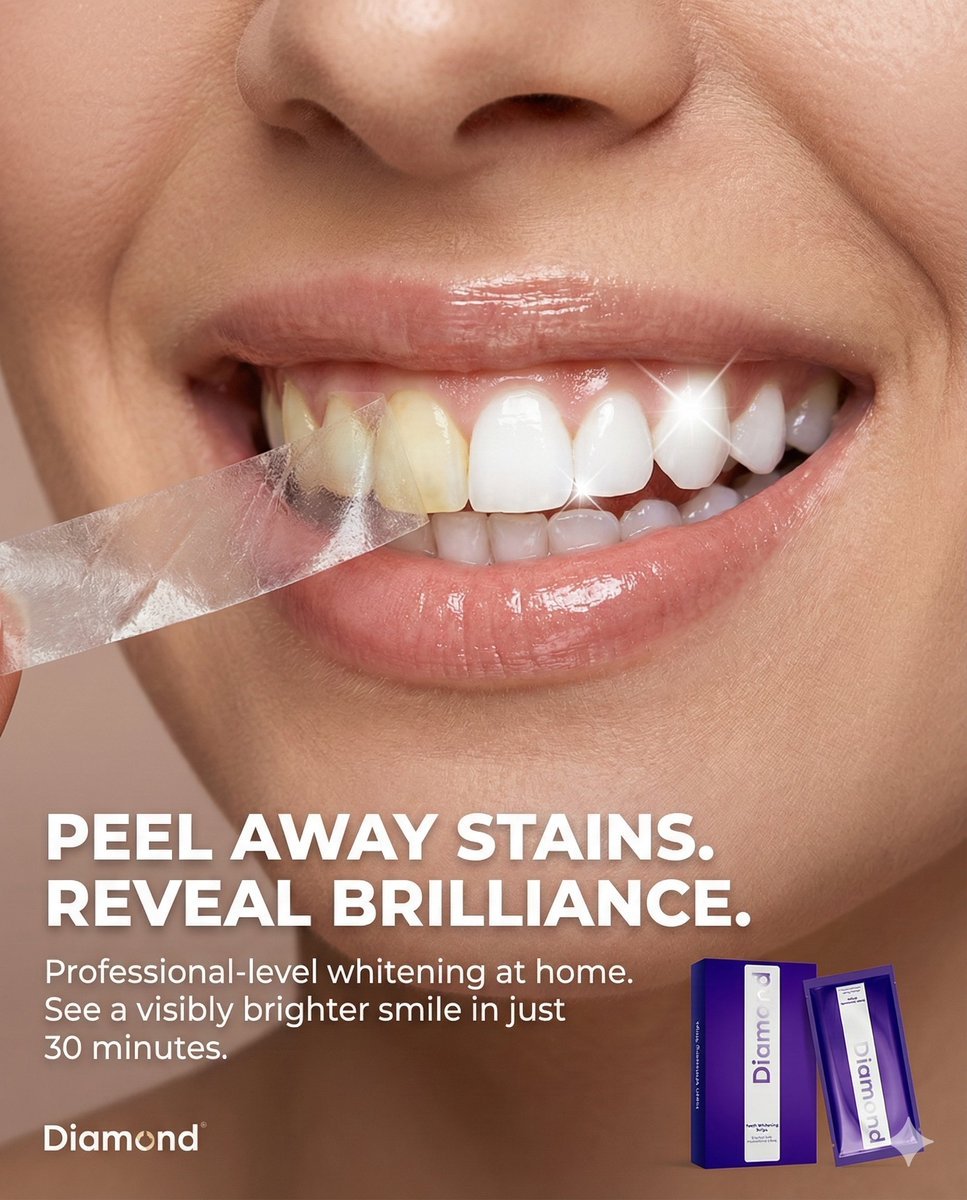
Macro Beauty Ad for Teeth Whitening Strips with Peeling Effect
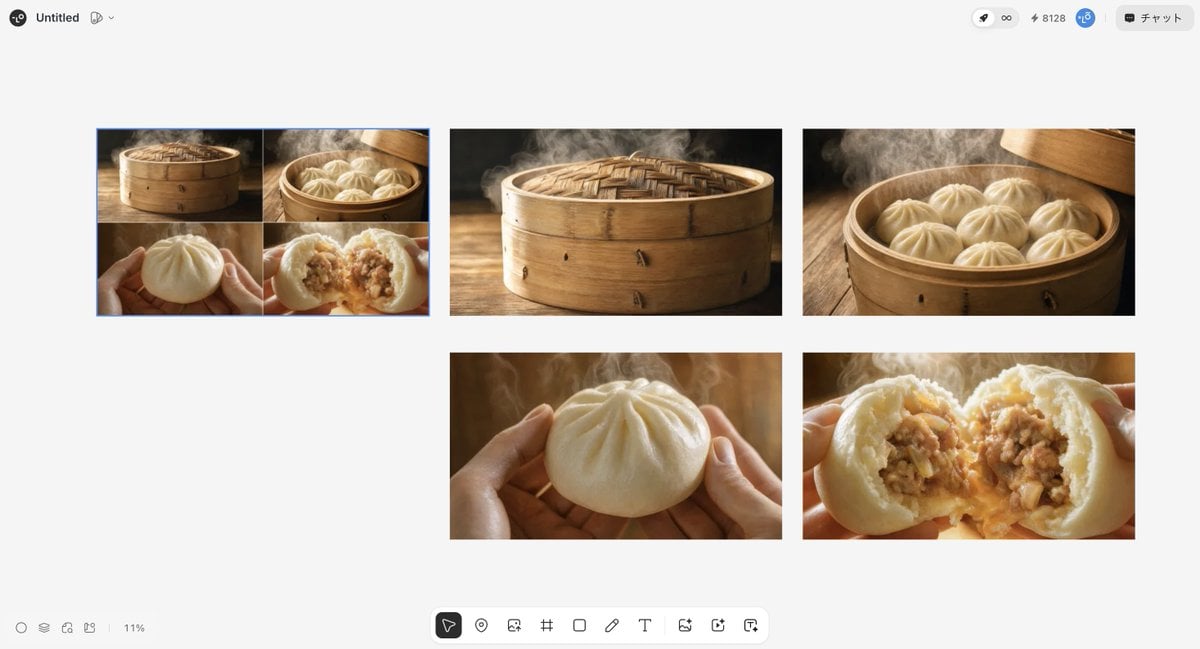
Luxury Steamed Bun Commercial Storyboard
Browse template categories
Color Powder Cat Portrait questions
How do I use the Color Powder Cat Portrait template?
Add your photo if the template asks for one, edit the prompt if you like — the template's model and format are already selected — and press Generate. Your version opens in PicX Studio.
Can I customize the Color Powder Cat Portrait template?
Yes. You can change the subject, setting, lighting, mood, format, and available model controls before creating your image.
Is the Color Powder Cat Portrait template free?
Opening and editing this template is free. Generating uses credits, shown on the Generate button when you are signed in.
Which AI model should I use?
Start with GPT Image 2, which is the model associated with this template. You can compare another compatible model for a different finish.
Looking for something else? Browse all templates.

Your photo, any look
Thousands of ready templates for every top image and video model, from one credit balance.