
Aria
Aria is a ready photo look.
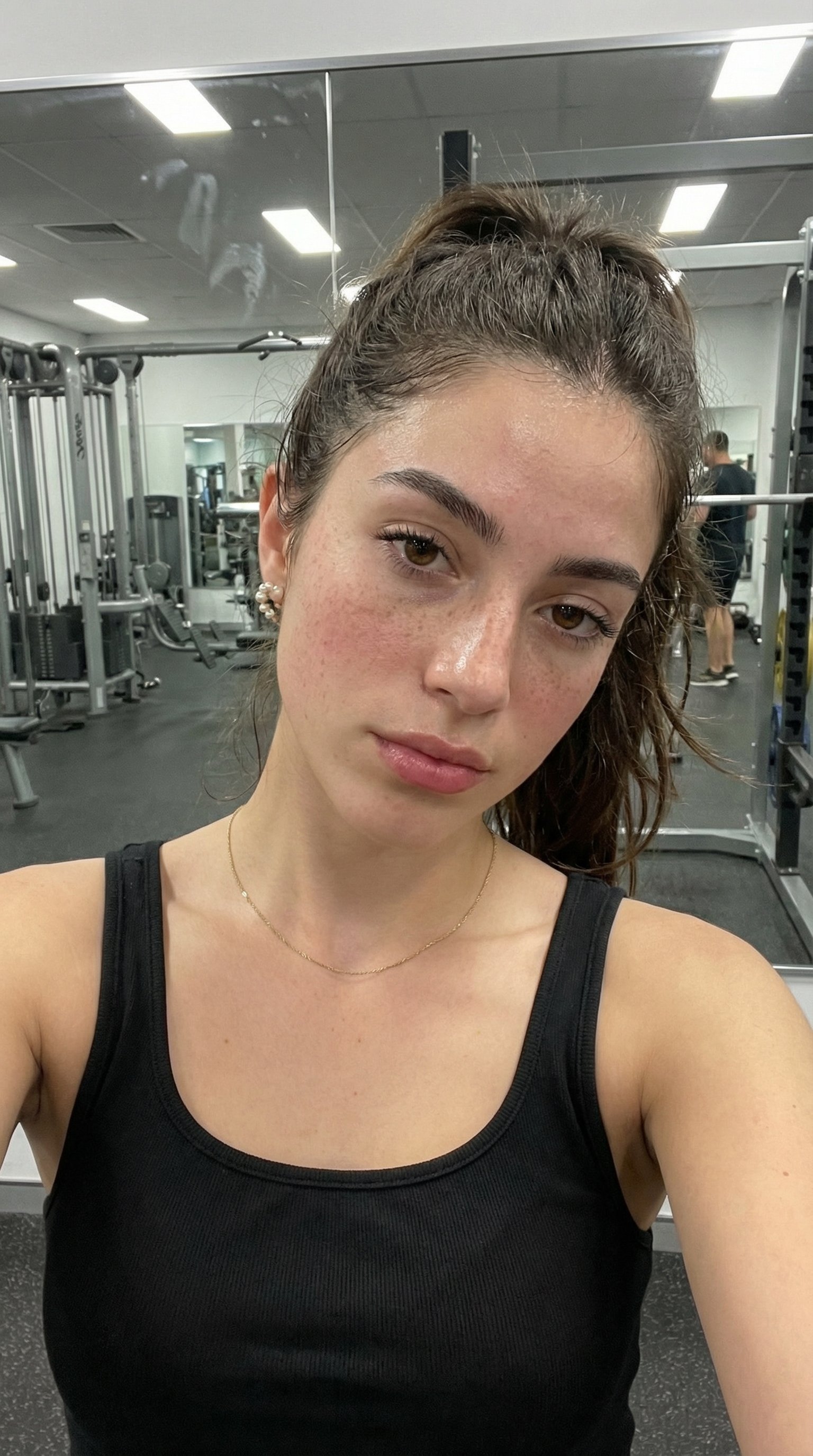
- Prompt included
- Model and format preset
- Free template
The prompt behind this image
Copy the exact prompt behind Aria, or open it in the studio and make it yours.
A close-up, slightly angled smartphone selfie of a young woman at the gym, taken at arm’s length. The camera is held just above eye level, tilted slightly downward in a casual, candid way. She is standing near a wall mirror with gym equipment blurred in the background — visible weight machines, a squat rack, and rubber flooring under harsh overhead fluorescent lighting. Her complexion is light and sun-kissed, scattered with a dense, natural constellation of freckles across her nose, cheeks, and forehead. Her skin texture is realistic — visible pores, faint redness around the nose and cheeks, and a subtle natural sheen from a light workout. A slight sweat glow is visible on her forehead, nose bridge, and upper lip, but nothing exaggerated. The gym lighting is cooler and more neutral than sunlight — overhead LED panels cast soft shadows under her jawline and cheekbones, slightly emphasizing texture rather than smoothing it. No beauty filter, no retouching, no cinematic lighting. Her warm brown eyes look directly into the camera with a relaxed but slightly tired post-workout expression. Her lips are naturally rose-toned, slightly parted as if she just finished a set. Her eyebrows are thick and naturally groomed. Minimal makeup — maybe just mascara and tinted lip balm. Her long, dark chestnut-brown hair is pulled into a loose, slightly messy high ponytail, with flyaways and baby hairs visible around her hairline. A few damp strands cling lightly near her temples and neck. She’s wearing a fitted black athletic tank top with visible fabric texture and slight creases from movement. A thin gold chain necklace rests lightly against her collarbone, slightly shifted from motion. Small pearl-like stud earrings remain visible. The background shows a real gym atmosphere: mirrors with faint smudges, metal equipment, weight plates stacked on a rack, and a slightly blurred figure in the distance. The image should feel like it was taken quickly between sets on a phone — slight perspective distortion from the front camera, natural imperfections, and realistic contrast. No overly perfect symmetry. No studio polish. Just a genuine gym selfie moment.
How to use Aria in 3 steps
- 1
Open
The prompt is already in the box next to the preview, with the template's model and format selected.
- 2…a portrait of your subject in softgolden-hour light, 85mm…
Personalize
Edit the subject and creative details for your destination.
- 3Generate
Generate
Press Generate — your image is created in PicX Studio, so you can compare it with the original and refine one variable at a time.
More like this
Templates with the same subject, style or setup. Open one to see its prompt.


Make it yours
Aria works as-is. These are the safest ways to change it without losing the look.
Change one field
Copy a single group, rewrite it, and generate again so you can see what that field is doing.
Keep the frame, change the subject
Hold the composition and light of Aria, then swap wardrobe, props or the person for a new take.
| If the result… | Why | Fix |
|---|---|---|
| The result drifts from the preview | Too many fields changed at once. | Reuse Aria as-is first, then change one group — subject, light, or setting. |
| The model over-stylizes the scene | The prose prompt leaves finish and camera underspecified. | Add one camera or lighting sentence and stay on PicX Studio. |
More image prompts
Fresh picks from across the catalog.
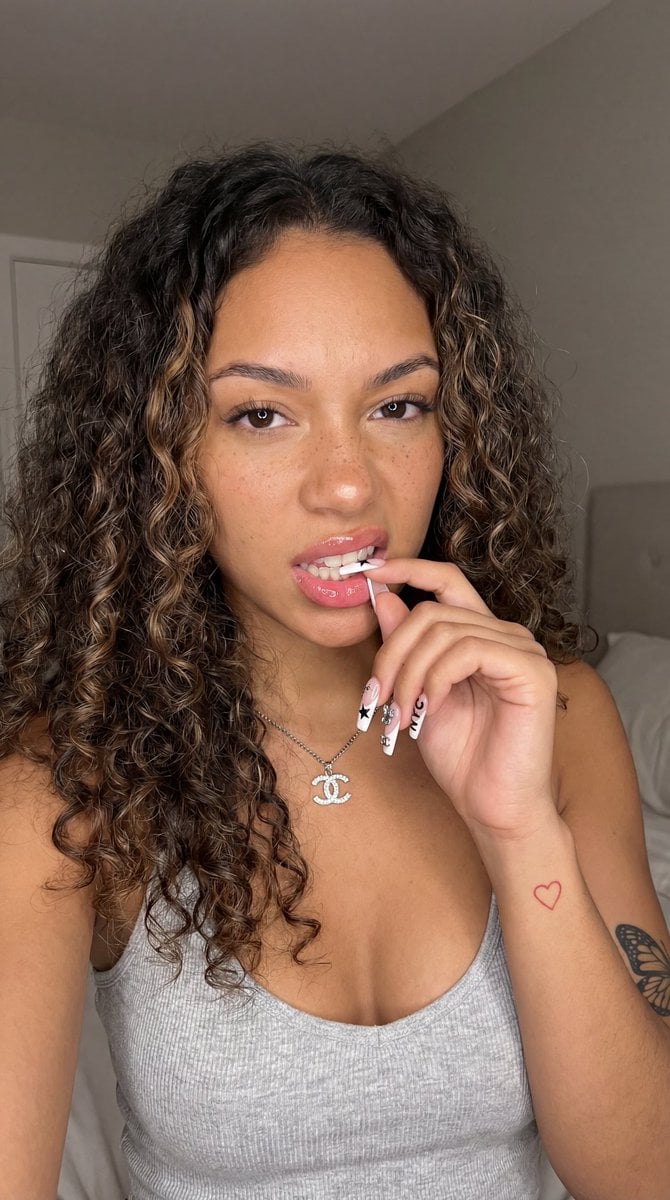
Photorealistic Close-Up Portrait of a Young Woman
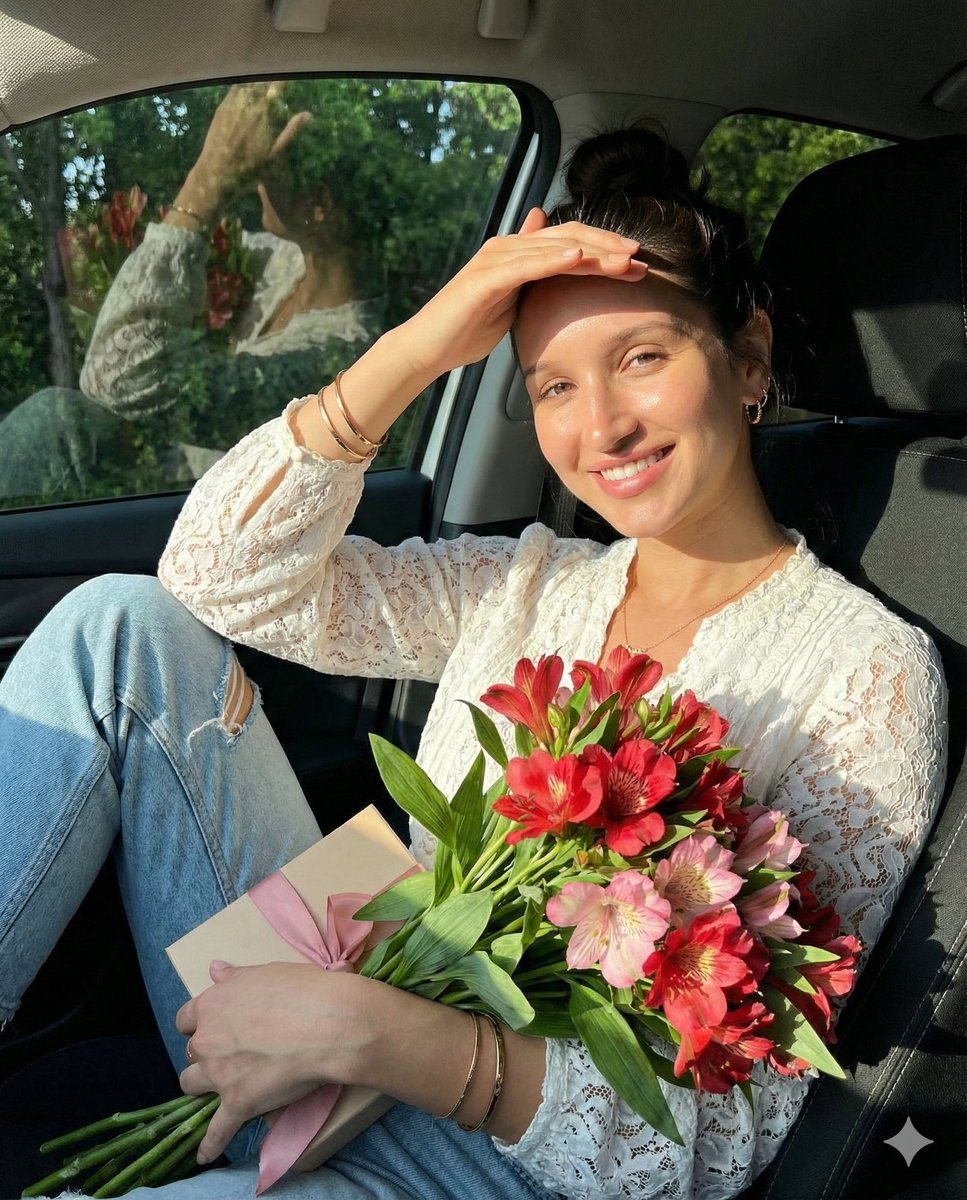
Lifestyle Portrait in Car During Golden Hour
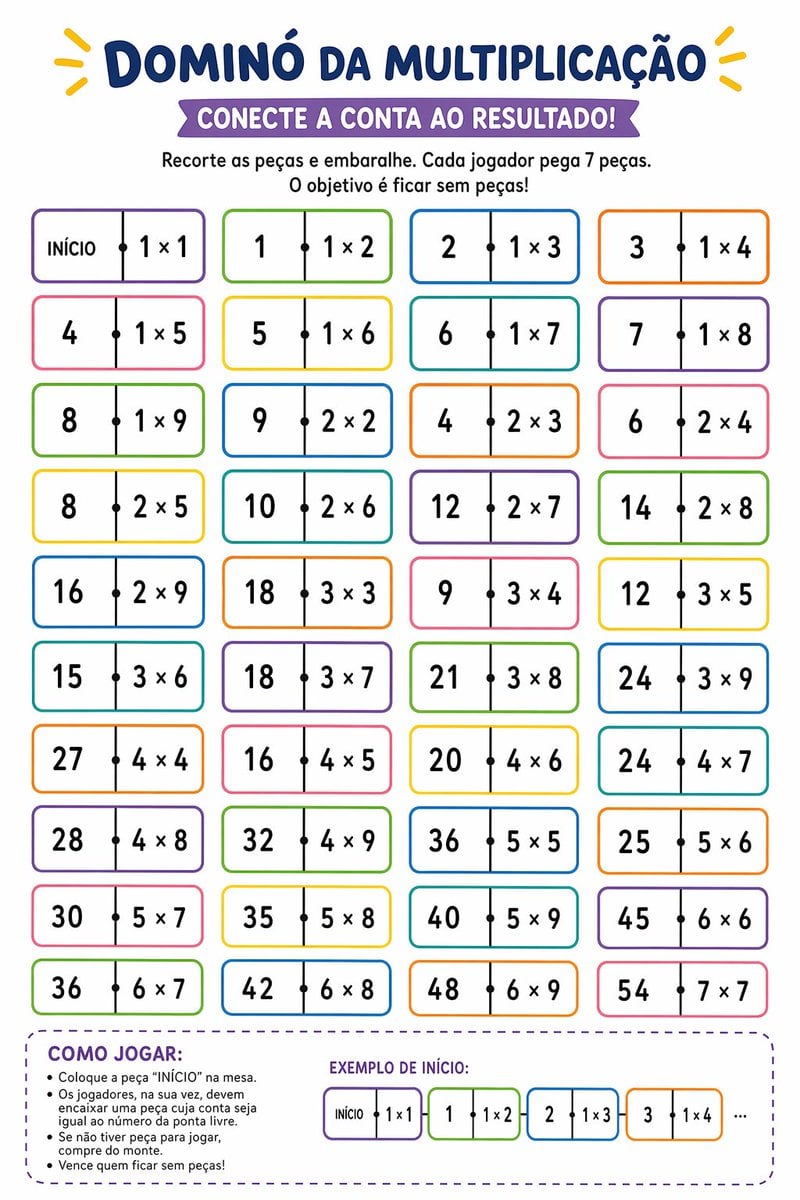
Printable Multiplication Domino Worksheet
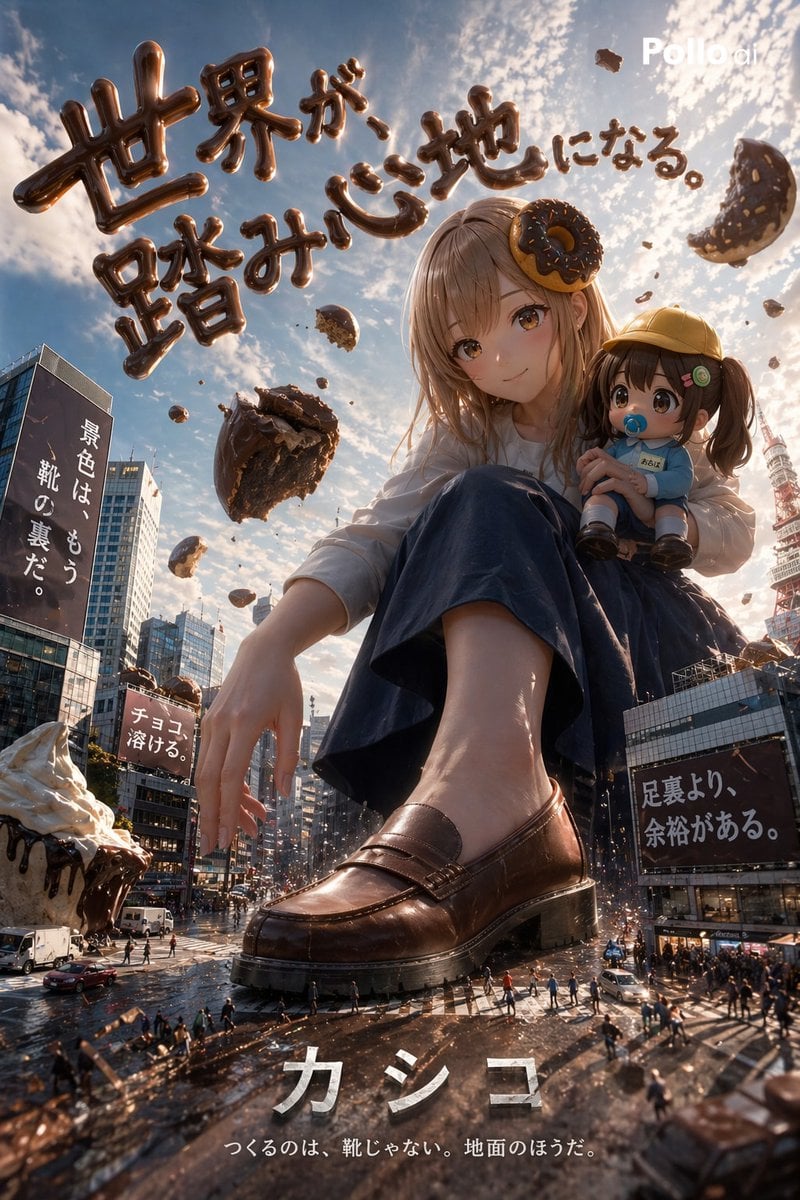
Hyper-realistic Surreal Poster Design Prompt
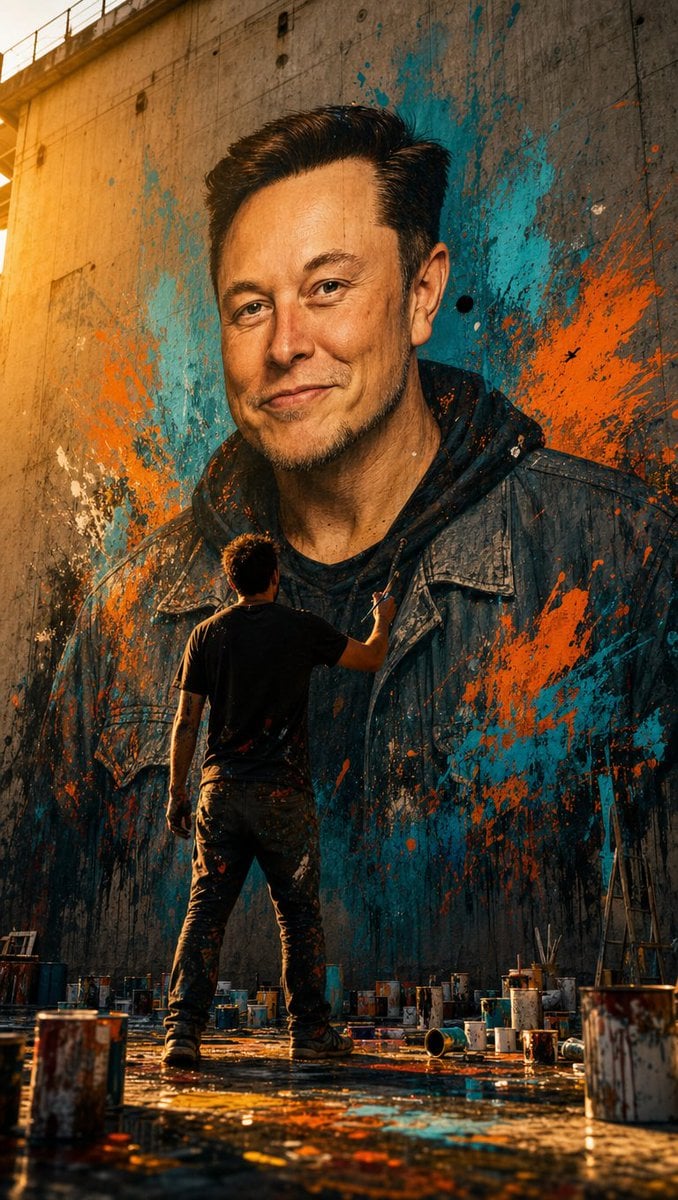
Street Artist Mural Transformation
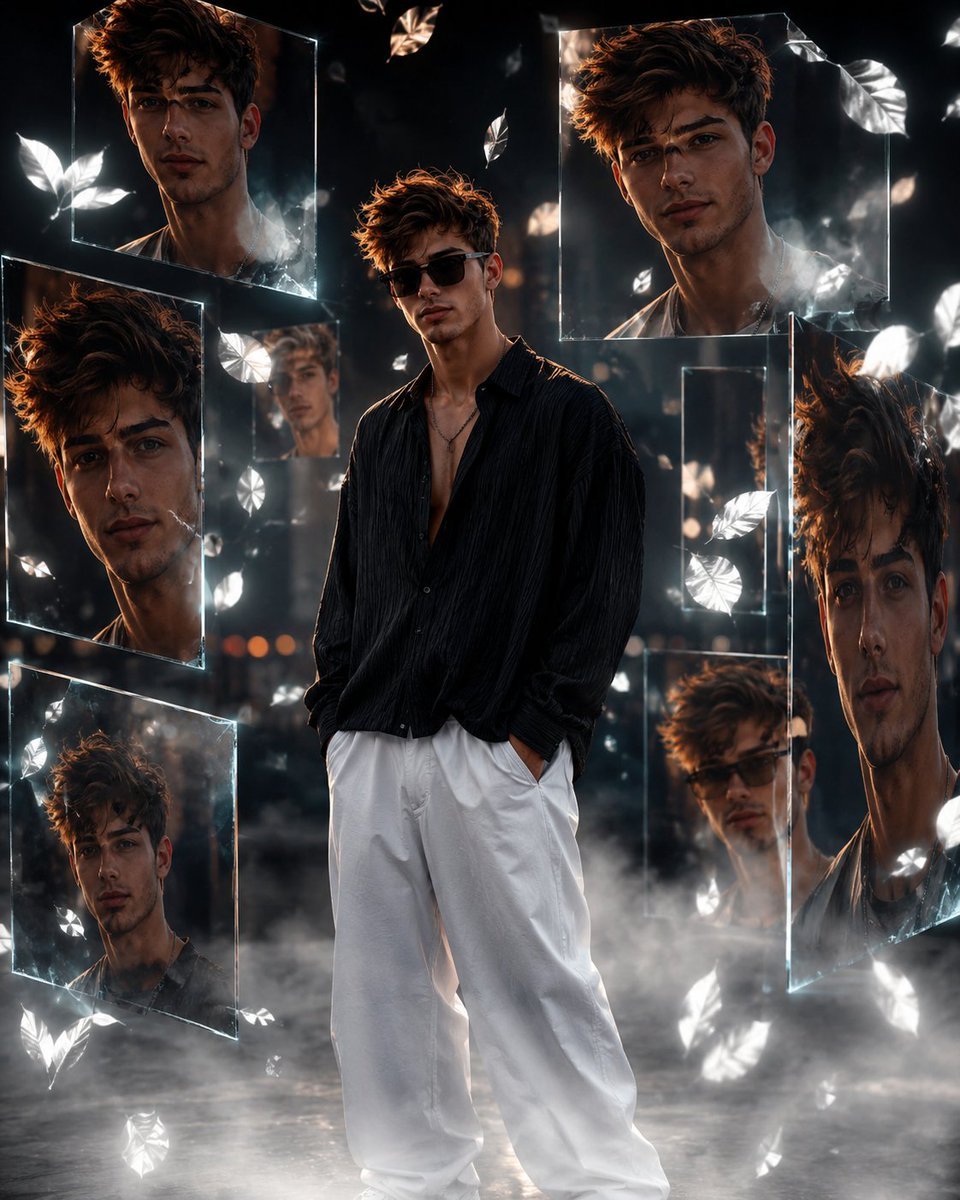
Cinematic Urban Portrait Poster
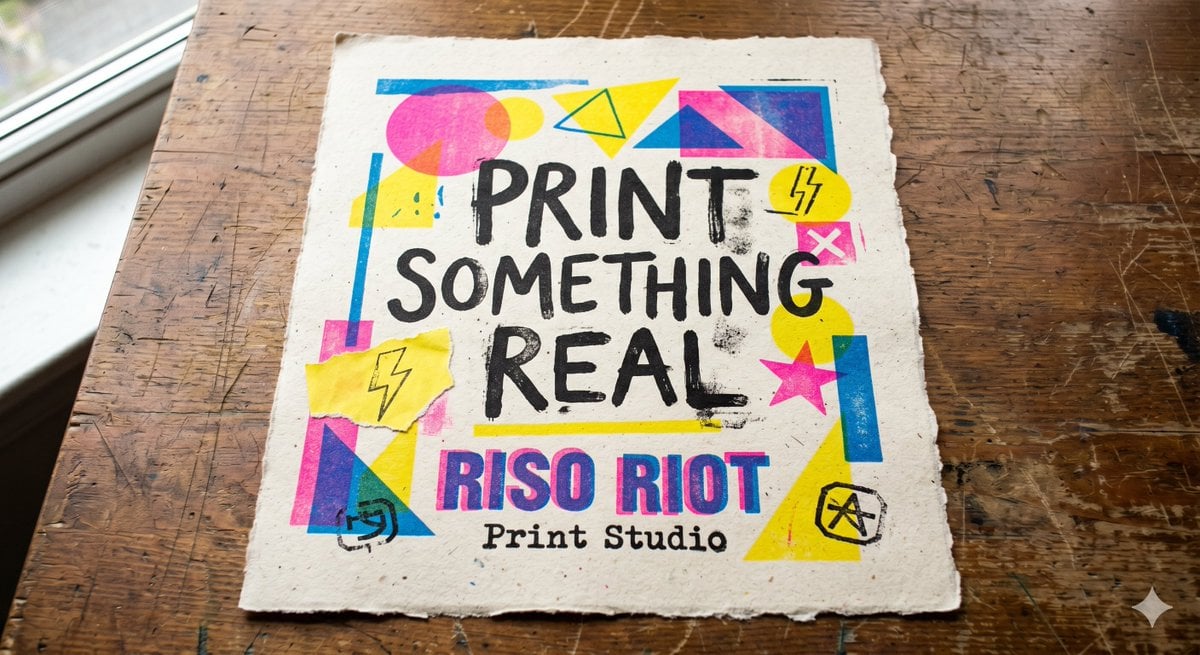
Tactile Risograph Studio Poster
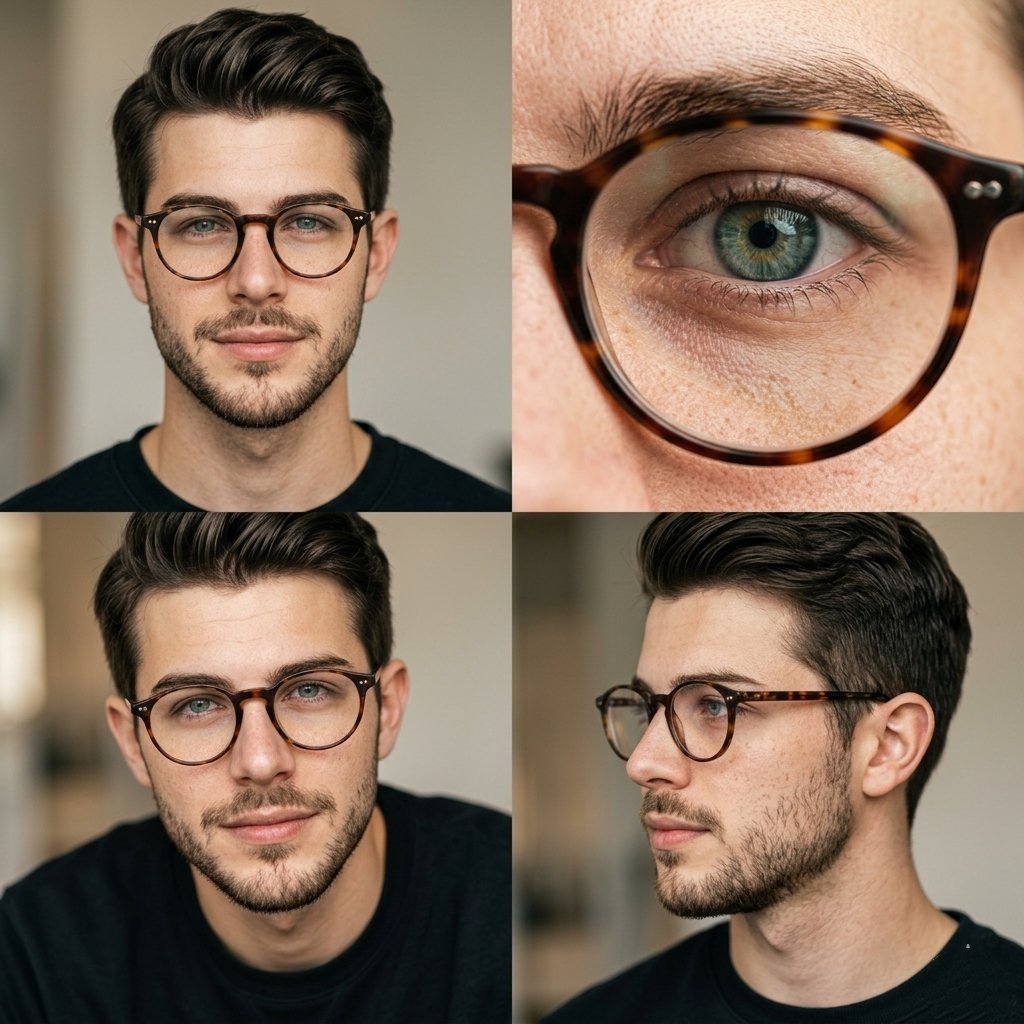
Editorial Portrait 2x2 Grid
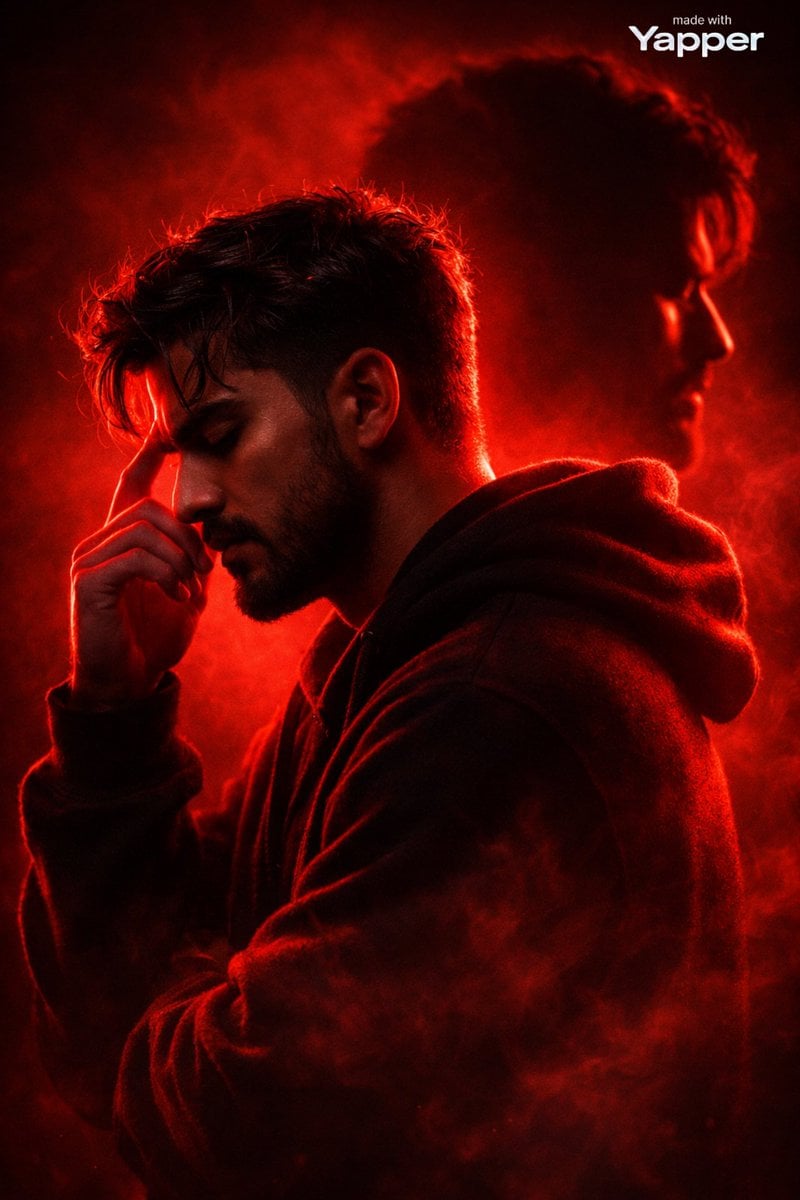
Ultra-Cinematic Red Silhouette Portrait with Double Exposure
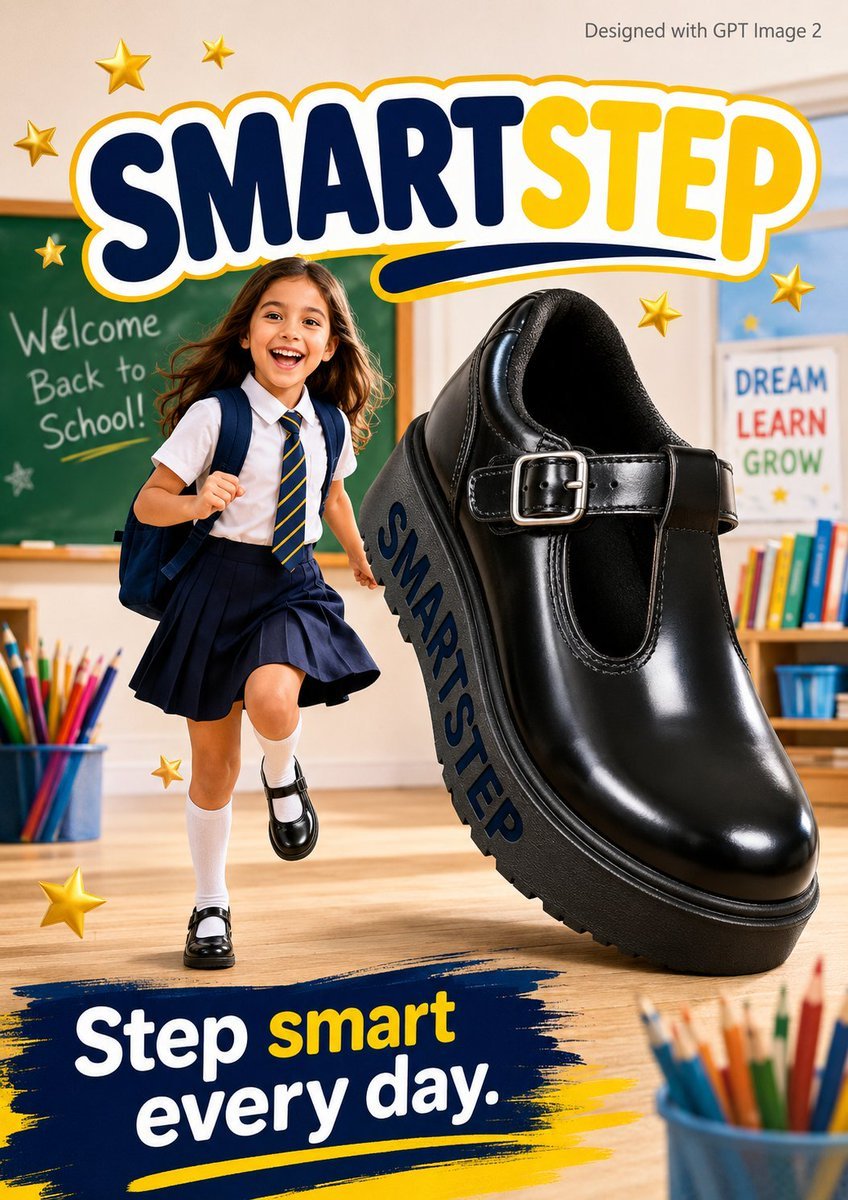
SmartStep Back to School Poster
Browse template categories
Aria questions
How do I use the Aria template?
Add your photo if the template asks for one, edit the prompt if you like — the template's model and format are already selected — and press Generate. Your version opens in PicX Studio.
Can I customize the Aria template?
Yes. You can change the subject, setting, lighting, mood, format, and available model controls before creating your image.
Is the Aria template free?
Opening and editing this template is free. Generating uses credits, shown on the Generate button when you are signed in.
Which AI model should I use?
Choose a compatible model in PicX Studio based on the style, speed, and output controls your project needs.
Looking for something else? Browse all templates.

Your photo, any look
Thousands of ready templates for every top image and video model, from one credit balance.