
3D Hagoita (Japanese Battledore) Image Generation Prompt
A detailed Japanese prompt designed for the Nano Banana Pro model to generate a high-quality, vertical portrait image of a three-dimensional Hagoita (Japanese traditional battledore) featuring a character motif.
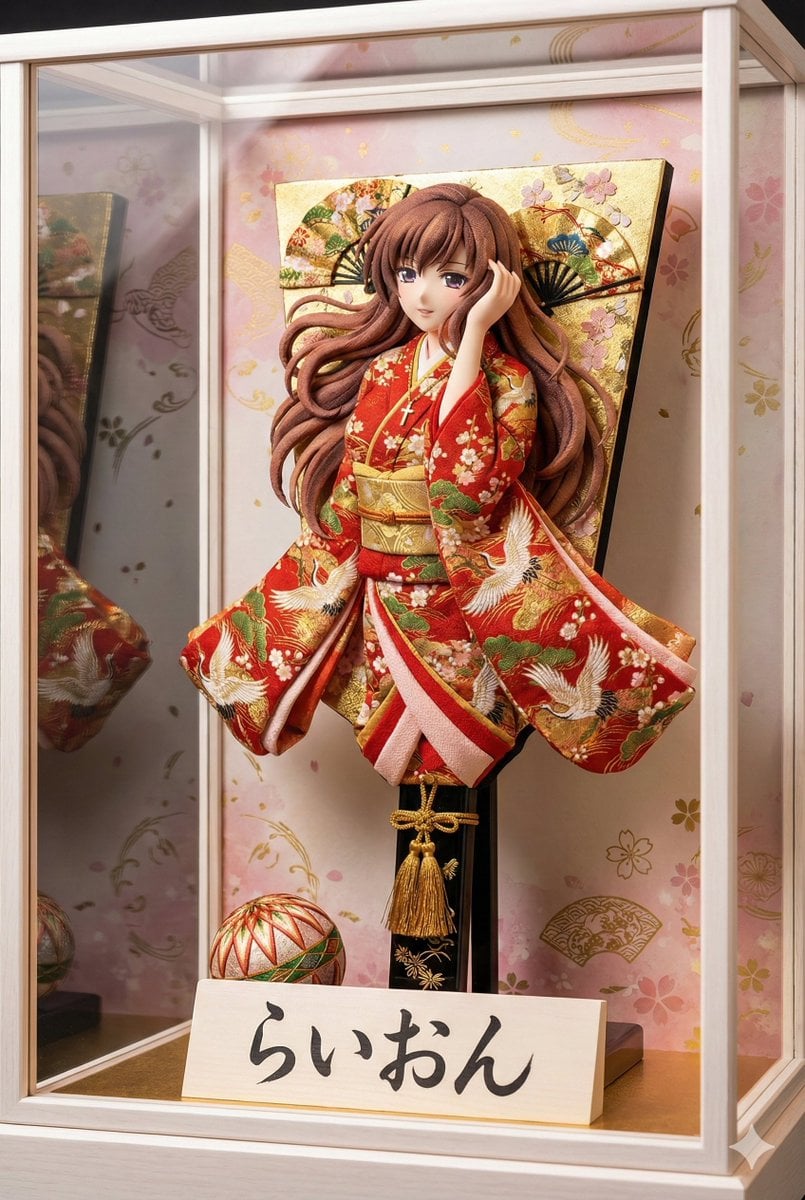
- Prompt included
- Model and format preset
- Premium template
The prompt behind this image
Copy the exact prompt behind 3D Hagoita (Japanese Battledore) Image Generation Prompt, or open it in the studio and make it yours.
{argument name="参照画像のキャラクターの特徴" default="添付画像の女性。セクシーな感じに再生成。"}: 添付画像の女性。セクシーな感じに再生成。 {argument name="服装" default="画像の豪華な着物"}: 画像の豪華な着物 {argument name="看板の文字" default="らいおん"}: らいおん 日本の伝統的な正月の飾り物である「羽子板(Hagoita)」が、高級感のある白木の枠のガラスケースの中に飾られている高品質な写真。 画像はスマートフォンの画面に適した縦長のポートレートサイズ。 アングルと構図: 羽子板を「斜め前方」から捉えたアングル。正面ではなく角度をつけることで、羽子板の厚みと、押し絵の立体的な盛り上がりが強調され、奥行きが感じられる構図になっている。 羽子板のデザイン: 羽子板の中央には、日本の伝統的な工芸技法「押し絵(Oshie)」で作られた立体的なキャラクターが配置されている。 キャラクターの特徴:{argument name="参照画像のキャラクターの特徴" default="添付画像の女性。セクシーな感じに再生成。"}キャラクターは全身ではなく、「上半身」のみが大きく造形されている。足や裾は描かれていない。 キャラクターの服装:鮮やかで質感のある日本の布地(ちりめんや金襴)で作られた{argument name="服装" default="画像の豪華な着物"}。 着物の袖(そで)や装飾が、物理的な板の端から左右に大きくはみ出し、空中に広がっているようなダイナミックなデザインである。布地が何層にも重なり、圧倒的なボリューム感と立体感がある。 背景の板面:キャラクターの背後にある板の表面は、単なる木材ではなく、「金箔」や「桜や扇の金彩画」で豪華絢爛に装飾されている。隙間なく伝統的な和柄が描かれ、非常に煌びやかである。 持ち手(柄):持ち手の部分も木の棒そのままでなく、「黒塗り」に金の模様が入っていたり、美しい「飾り紐」や「房(タッセル)」が巻かれて装飾されている。 付属品: 羽子板の足元には、装飾的な「手まり」が置かれている。 羽子板の横(手前側)には、白木の立札(立て看板)が置かれている。立札にも厚みがあり、木の質感がリアルである。 【重要】:立札の文字は、熟練の職人が書いたような「達筆な毛筆の崩し字(行書体)」で、芸術的に「{argument name="看板の文字" default="らいおん"}」と書かれている。墨のかすれや筆の勢いが感じられるスタイル。 背景と雰囲気: ガラスケースの背景には、薄いピンクや金色の和柄(桜や流水模様)が描かれている。 ガラスケースへの光の反射があり、高級感のある照明が当たっている。 実写風、8k解像度、極めて詳細なディテール。
How to use 3D Hagoita (Japanese Battledore) Image Generation Prompt in 3 steps
- 1
Open
The prompt is already in the box next to the preview, with the template's model and format selected.
- 2…a portrait of your subject in softgolden-hour light, 85mm…
Personalize
Edit the subject and creative details for your destination.
- 3Generate
Generate
Press Generate — your image is created in PicX Studio, so you can compare it with the original and refine one variable at a time.
More like this
Templates with the same subject, style or setup. Open one to see its prompt.

Minecraft Japanese Research Lab Exploration

Japanese Architectural Concrete Studio Fashion Campaign

Japanese Minimalist Concrete Studio Fashion Editorial

Blue Backdrop Luxury Fashion Portrait Campaign
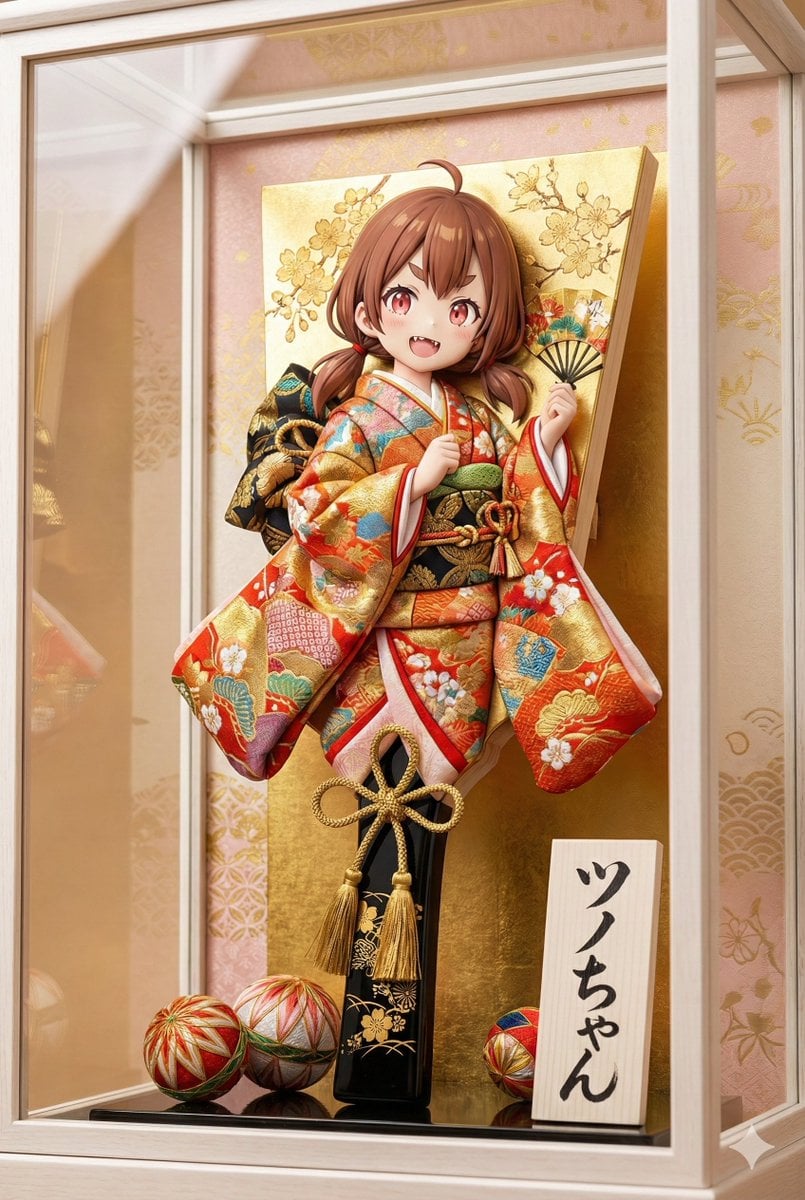
3D Hagoita (Battledore) Prompt for Nano Banana Pro

Japanese Film Reflection Idol

AI Chat Image Generation Screenshot

Anime Girl Generation Grid
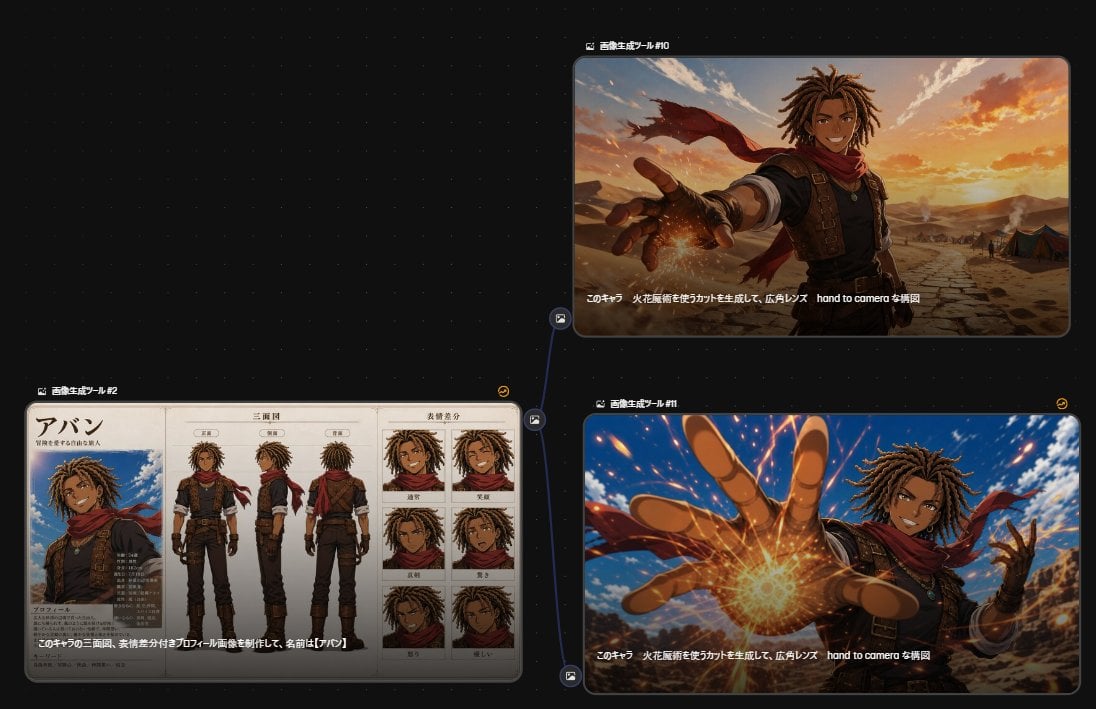
Anime Character Generation Workflow
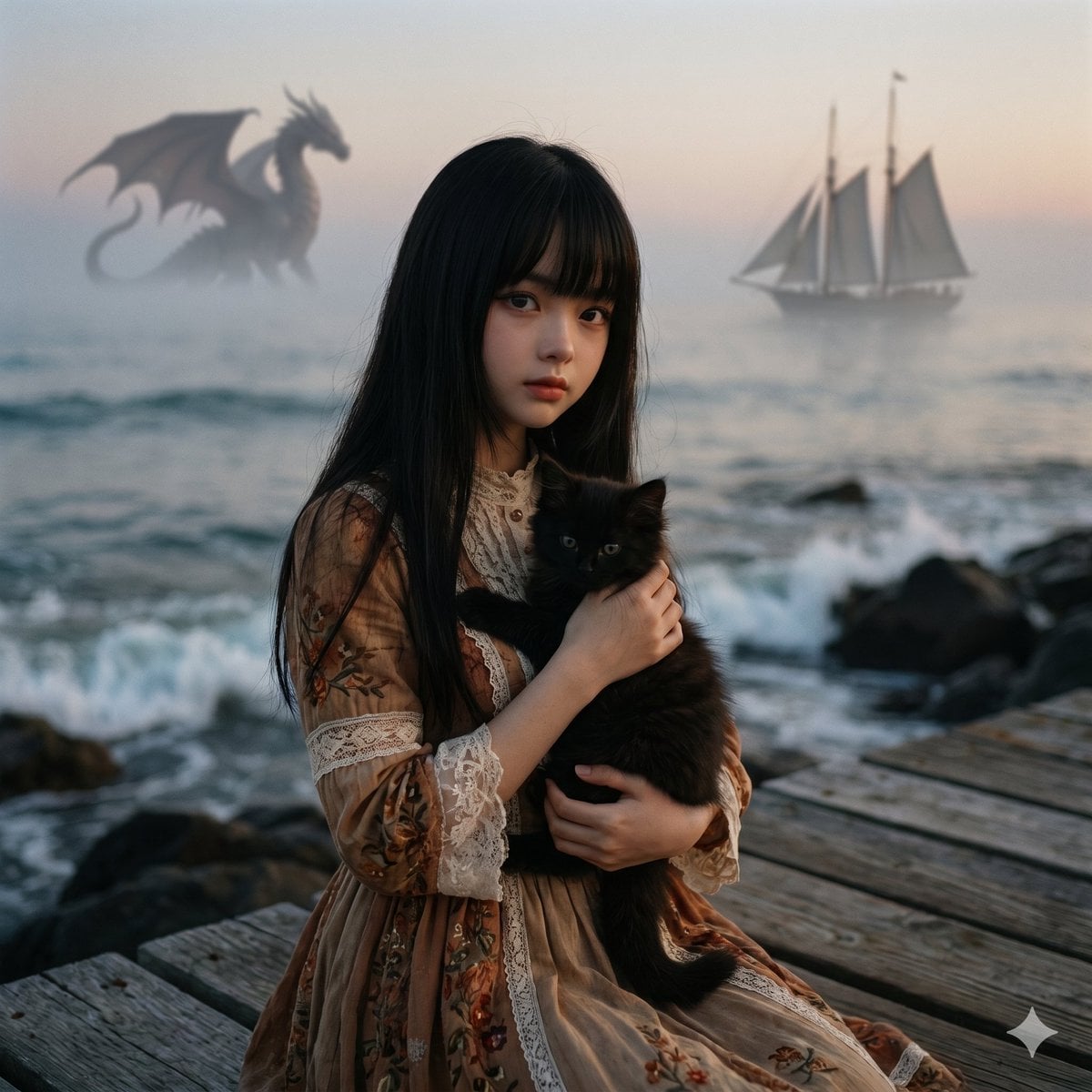
Music-to-Image Generation Prompt
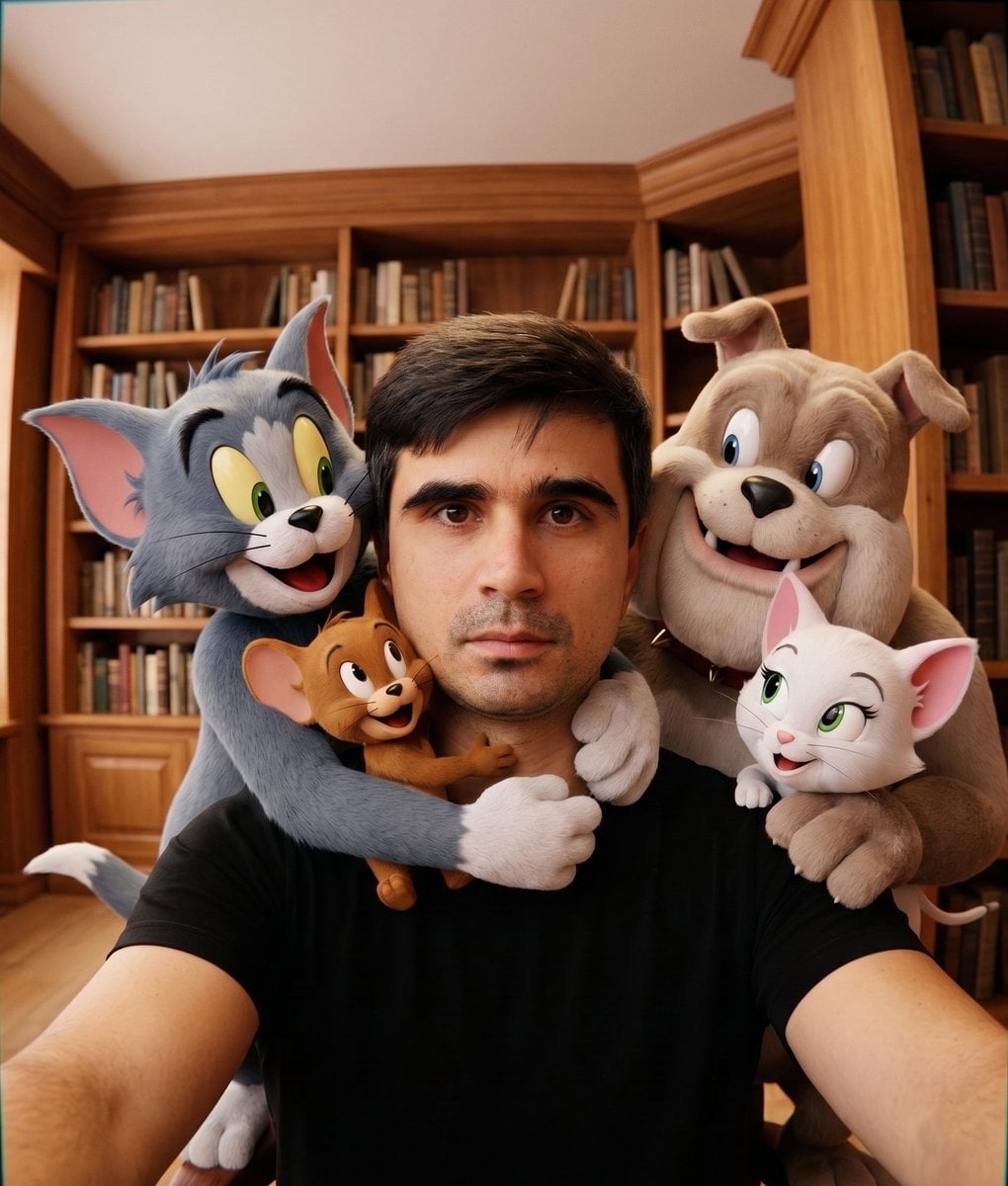
Character Selfie Generation Prompts
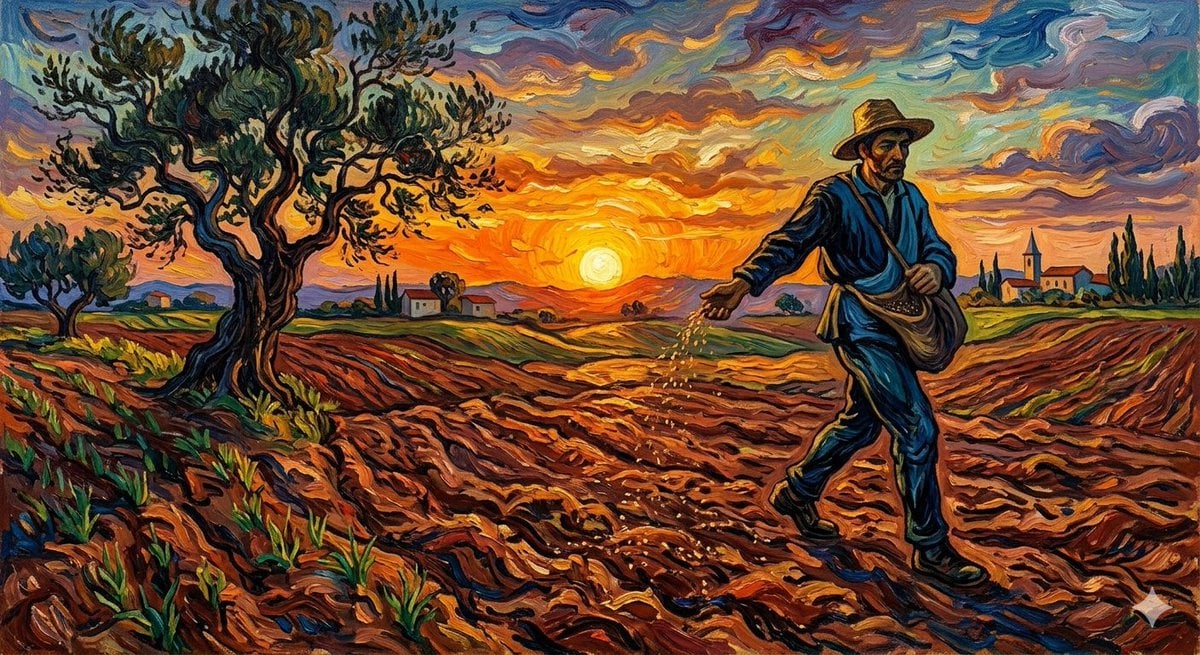
Van Gogh Sower Style Generation
Make it yours
3D Hagoita (Japanese Battledore) Image Generation Prompt works as-is. These are the safest ways to change it without losing the look.
Change one field
Copy a single group, rewrite it, and generate again so you can see what that field is doing.
Keep the frame, change the subject
Hold the composition and light of 3D Hagoita (Japanese Battledore) Image Generation Prompt, then swap wardrobe, props or the person for a new take.
| If the result… | Why | Fix |
|---|---|---|
| The result drifts from the preview | Too many fields changed at once. | Reuse 3D Hagoita (Japanese Battledore) Image Generation Prompt as-is first, then change one group — subject, light, or setting. |
| The model over-stylizes the scene | The prose prompt leaves finish and camera underspecified. | Add one camera or lighting sentence and stay on Nano Banana 2. |
More Nano Banana 2 templates
Other prompts made for Nano Banana 2.

Photorealistic Leaf Shaped Like a Dragon

K-Pop Idol Portrait Grid for Rapid Selection

Poetic Rain Forest Portrait During Golden Hour

Urban Street Portrait with Cartoon Inner Self Duo

Candid Nighttime Photo with Cat Prompt

Cinematic Futuristic Studio Portrait Template

Skincare Editorial Photography Collage Prompt

Hyper-Realistic Commercial Product Photography (Splash Effect)

Hyper-Realistic Nightclub Portrait Prompt

Cinematic Urban Rain Scene Prompt (Neo-Noir)
More image prompts
Fresh picks from across the catalog.
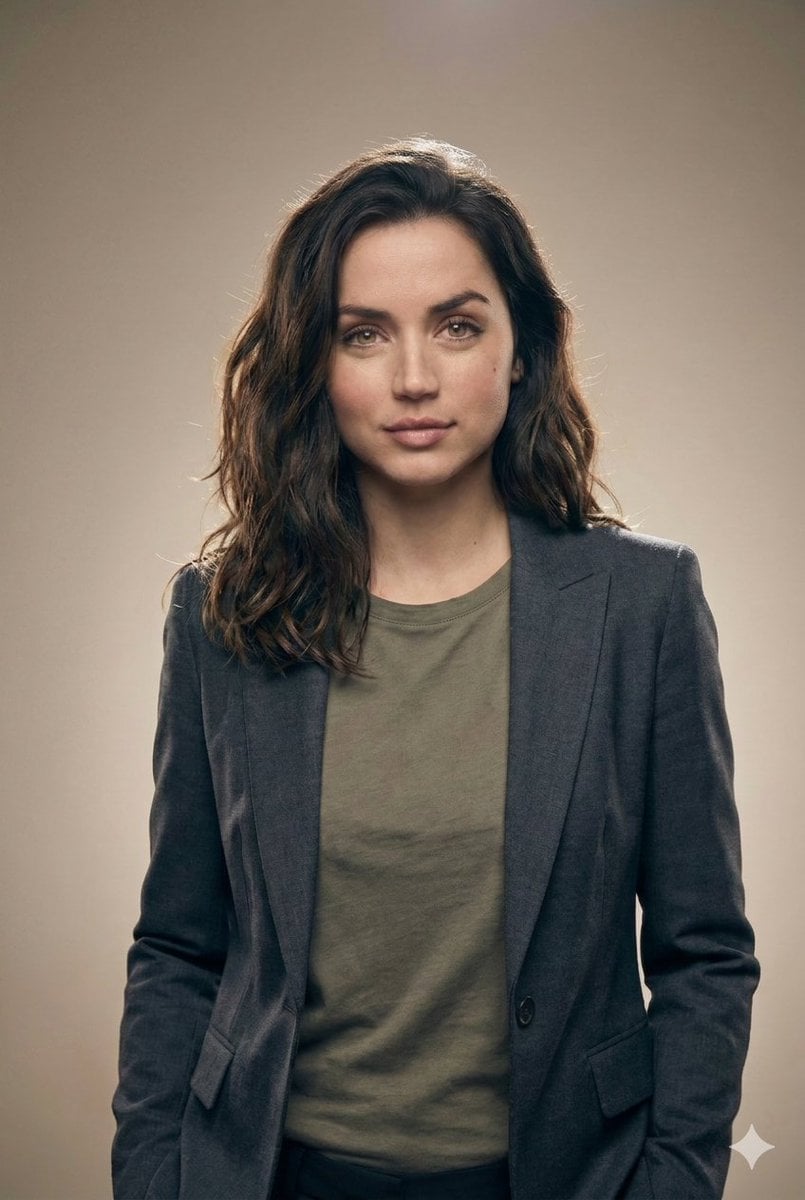
Editorial Studio Portrait in Blazer
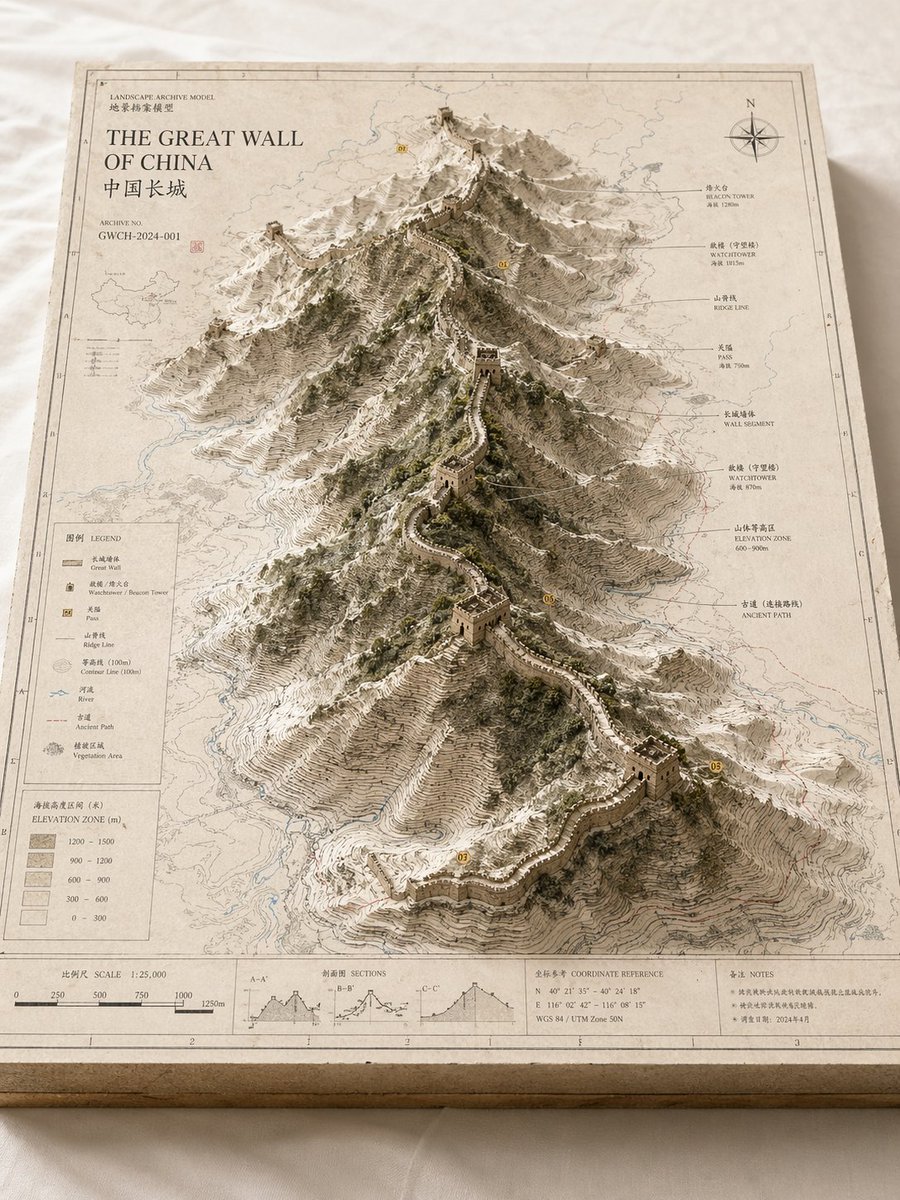
Landscape Archive Model Map
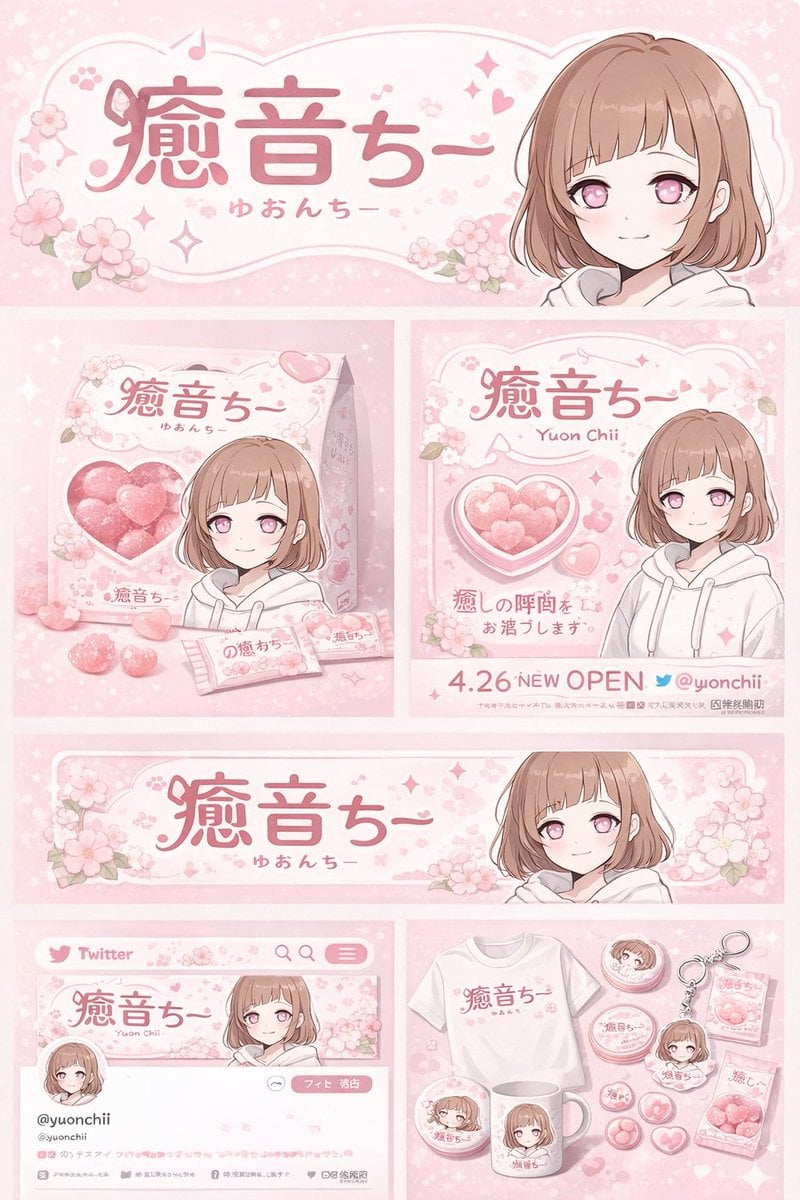
Gpt2 Product Marketing Anime Character Brand Identity Merch Board
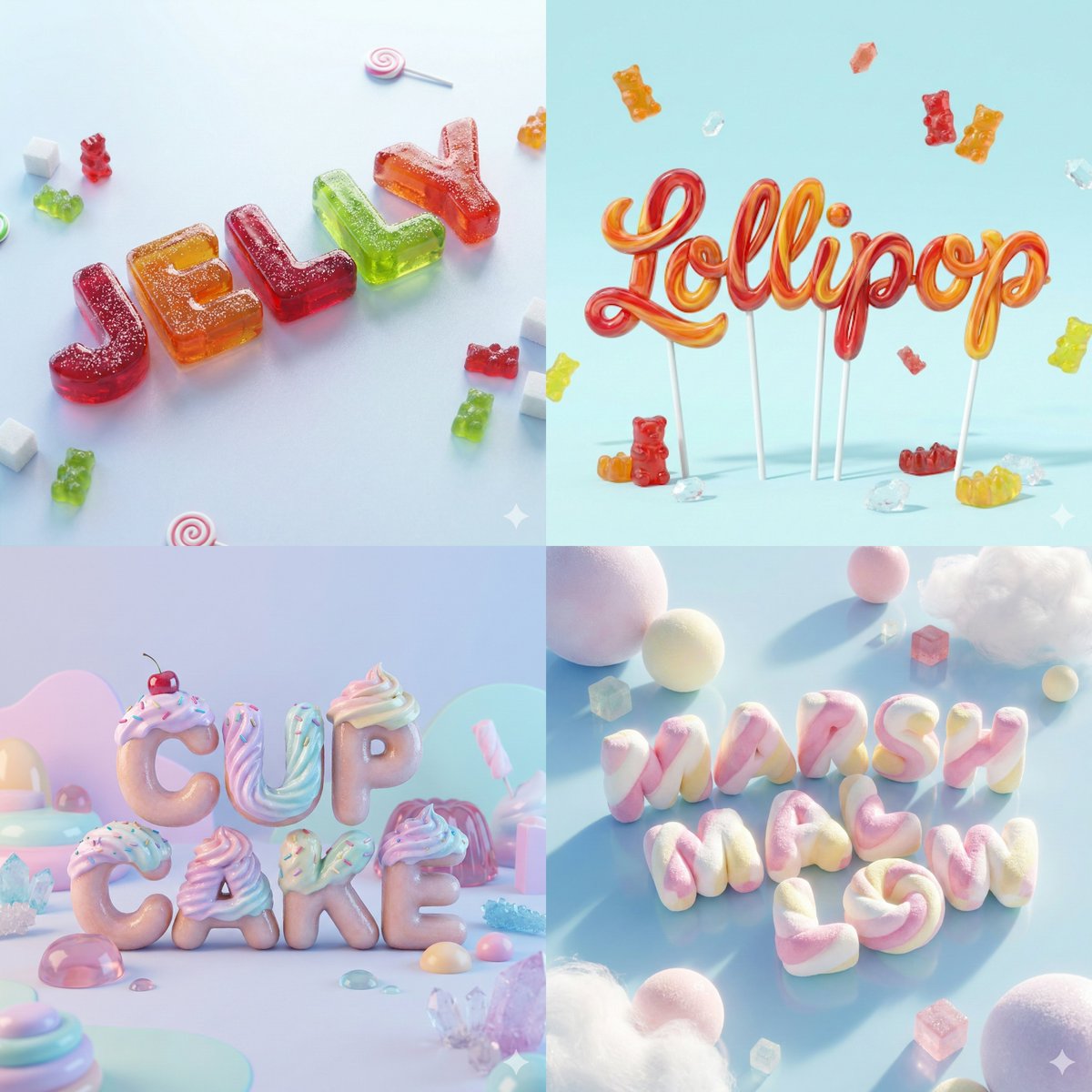
3D Render of Edible Letters Candy
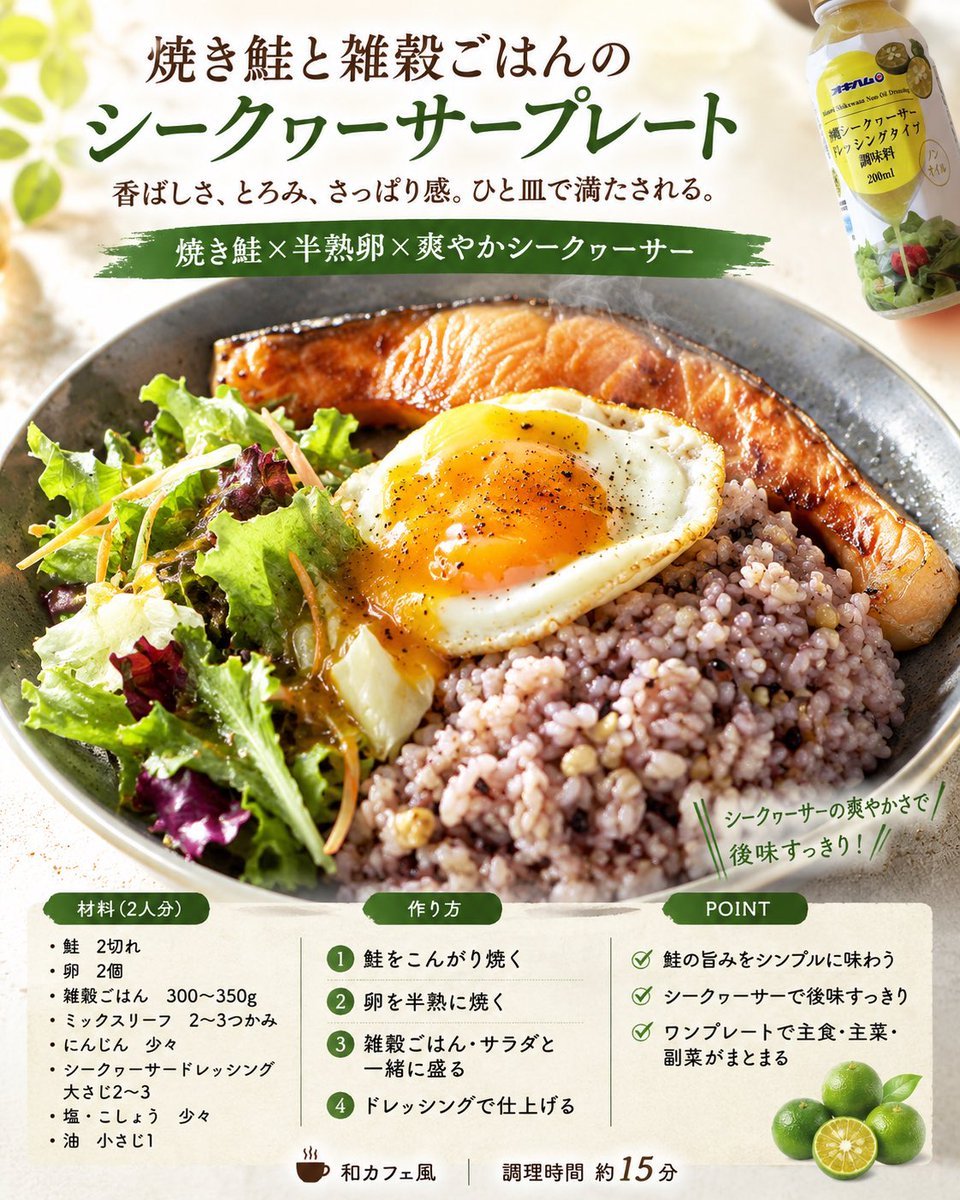
Professional Recipe Card Designer
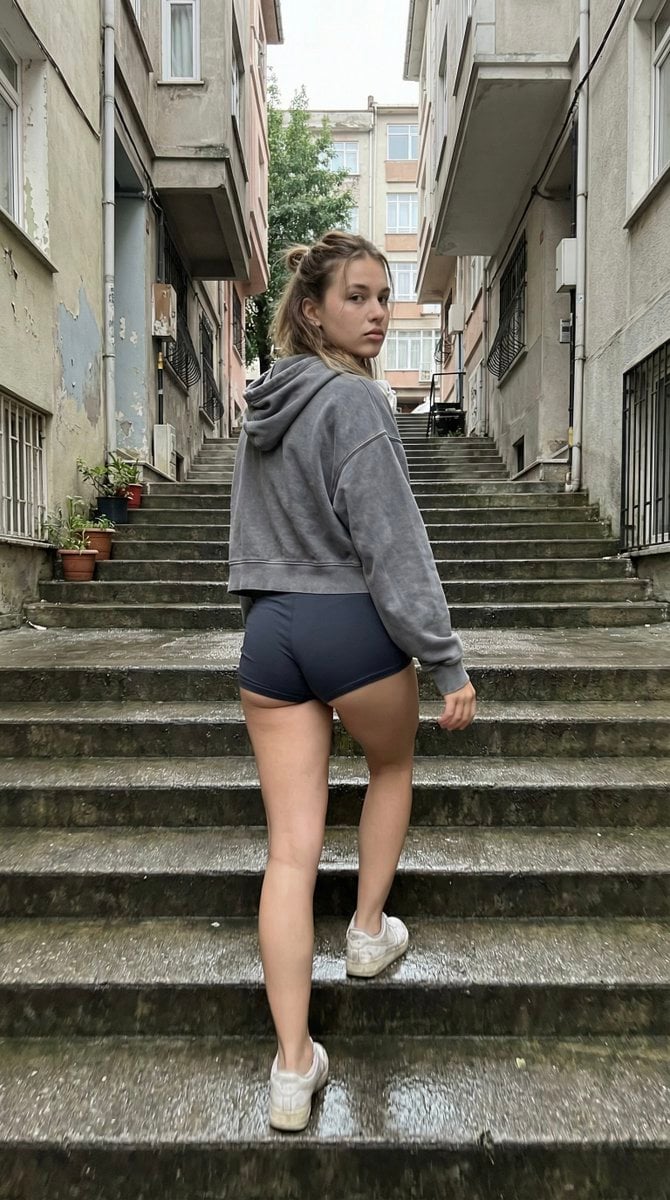
Candid Stairwell Photo Realism Prompt
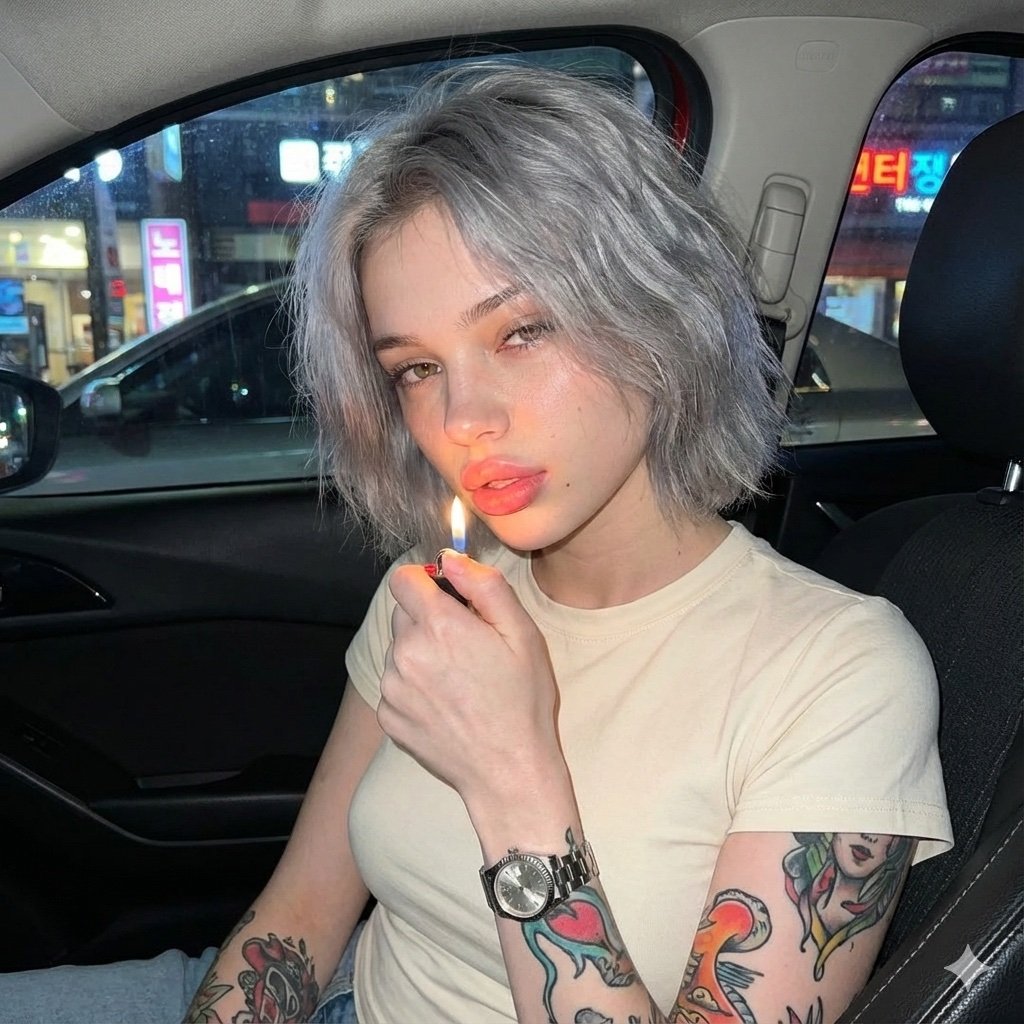
Candid Night Portrait in a Parked Car
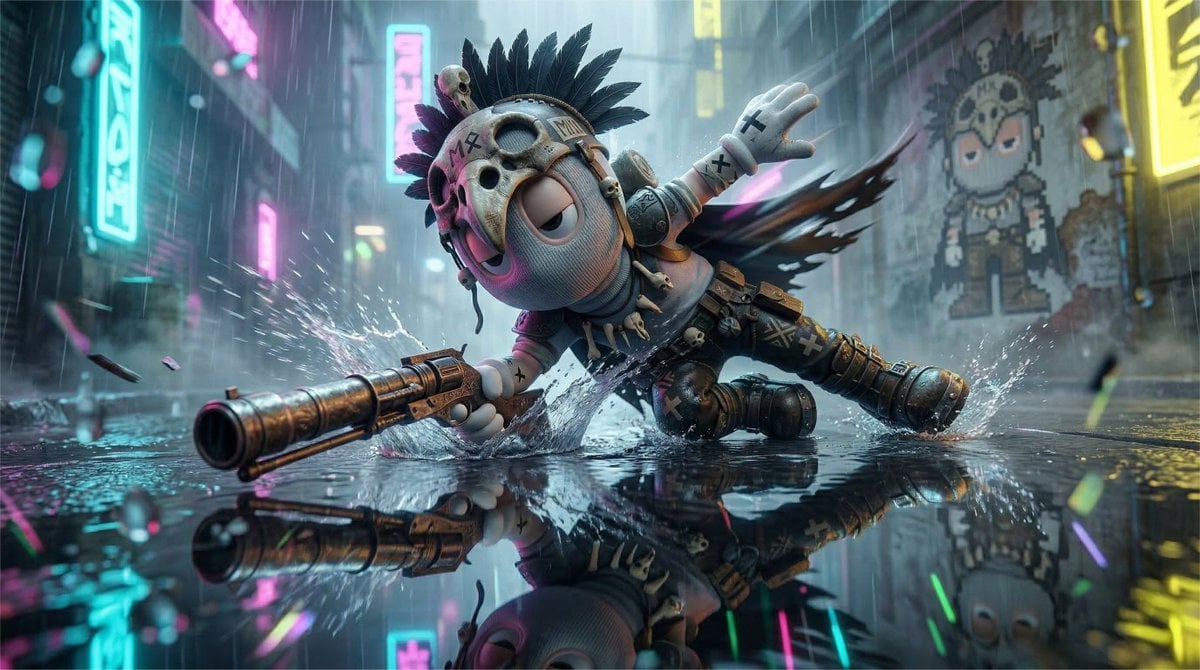
High-Speed Cinematic Cyberpunk Scene Prompt
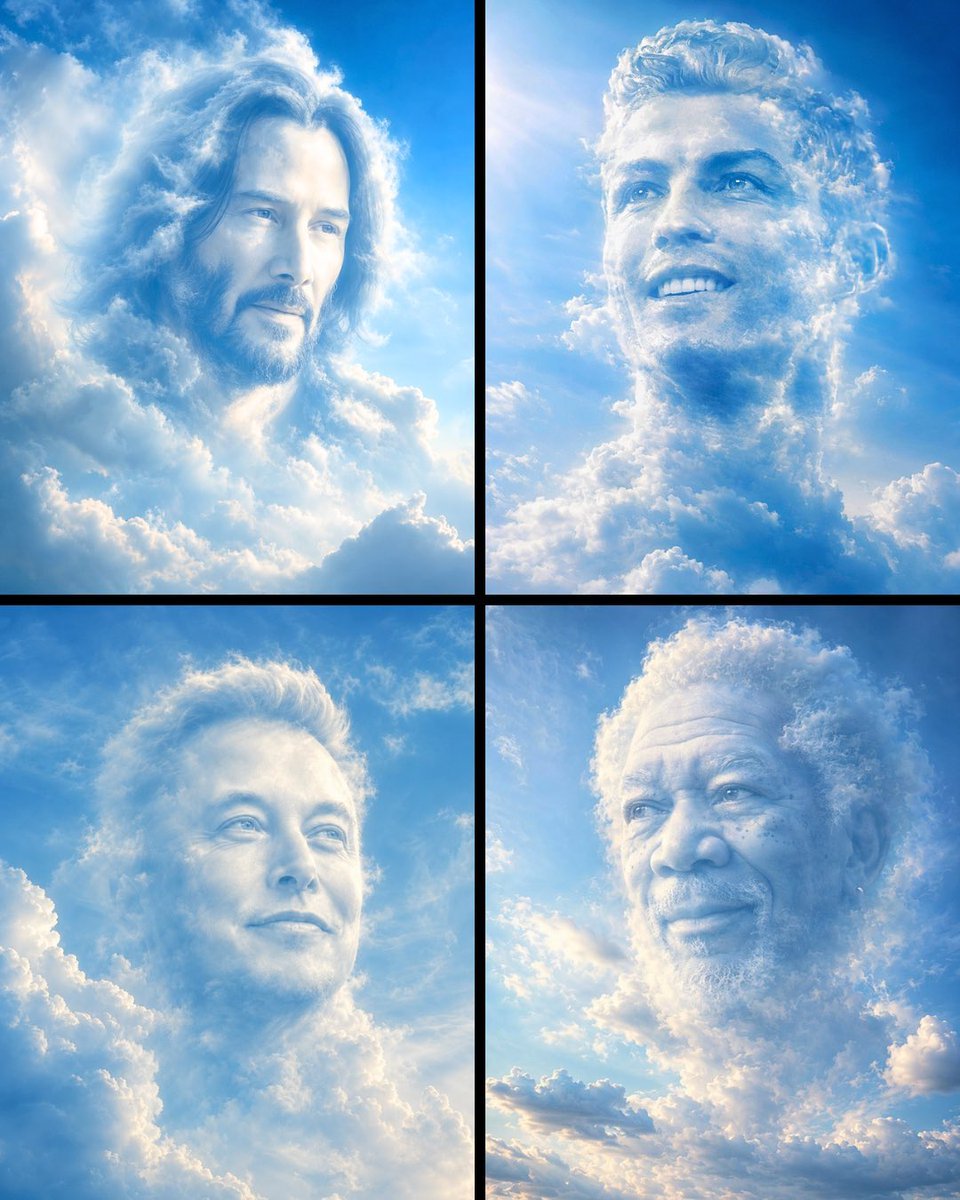
Ethereal Cloud Portrait Reimaging
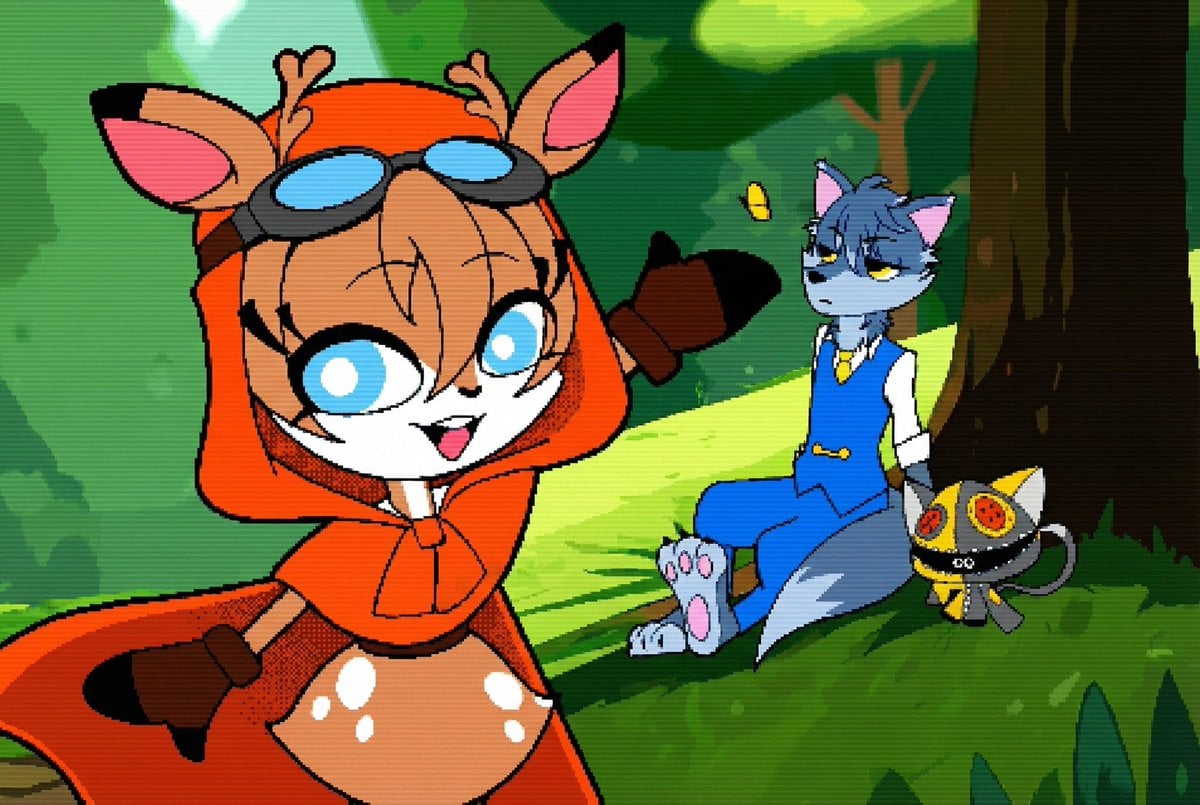
Convert illustration to retro Game Boy Advance-style pixel art
Browse template categories
3D Hagoita (Japanese Battledore) Image Generation Prompt questions
How do I use the 3D Hagoita (Japanese Battledore) Image Generation Prompt template?
Add your photo if the template asks for one, edit the prompt if you like — the template's model and format are already selected — and press Generate. Your version opens in PicX Studio.
Can I customize the 3D Hagoita (Japanese Battledore) Image Generation Prompt template?
Yes. You can change the subject, setting, lighting, mood, format, and available model controls before creating your image.
Is the 3D Hagoita (Japanese Battledore) Image Generation Prompt template free?
Opening and editing this template is free. Generating uses credits, shown on the Generate button when you are signed in.
Which AI model should I use?
Start with Nano Banana 2, which is the model associated with this template. You can compare another compatible model for a different finish.
Looking for something else? Browse all templates.

Your photo, any look
Thousands of ready templates for every top image and video model, from one credit balance.