
Perspective Typography Product Poster Prompt
A high-impact commercial advertising prompt that uses giant perspective typography as a structural element to showcase products in a professional campaign style.
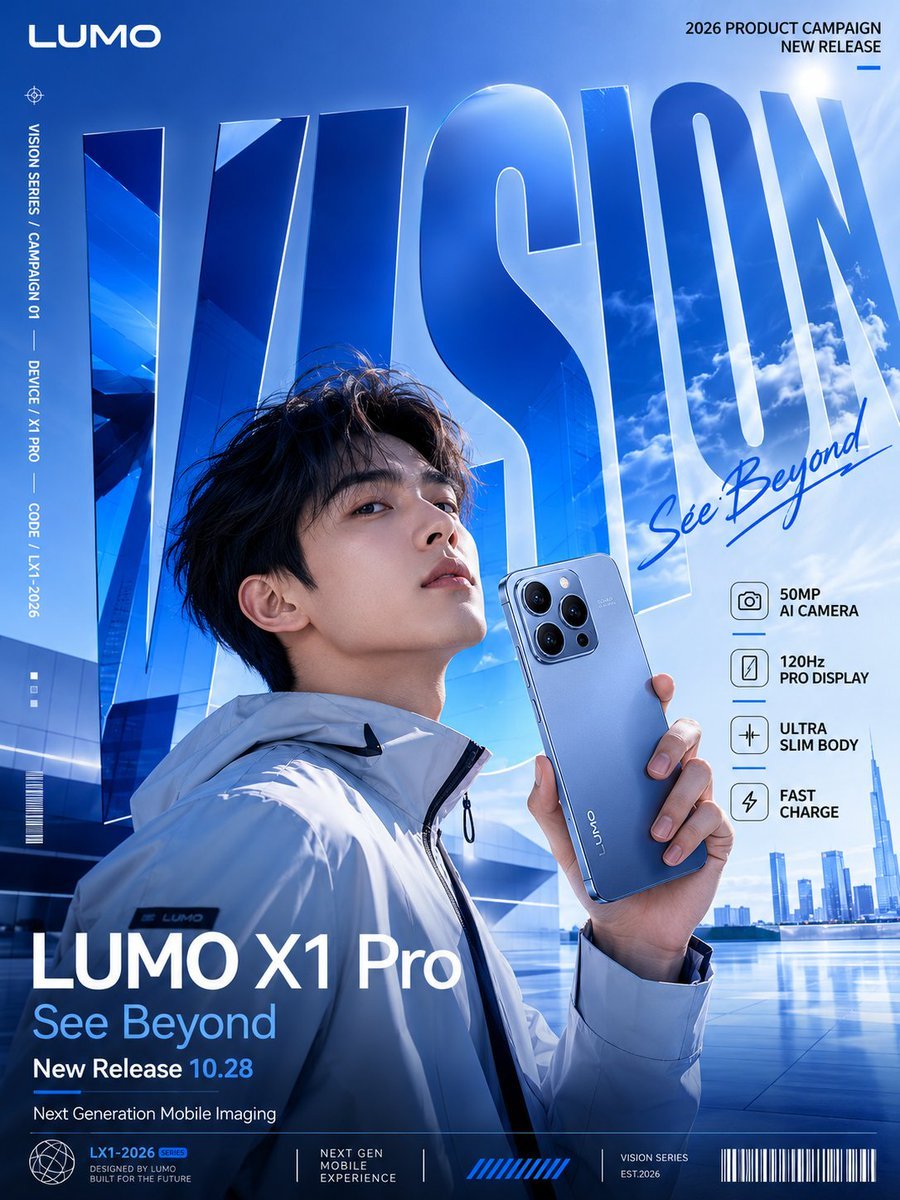
- Prompt included
- Model and format preset
- Free template
The prompt behind this image
Copy the exact prompt behind Perspective Typography Product Poster Prompt, or open it in the studio and make it yours.
请生成一张竖版 3:4 的高清商业广告海报,单张图片,不要拼图,不要多宫格。 主题是:{argument name="产品类型" default="新品"}推广海报。 这是一个原创虚构品牌广告,不要出现真实品牌 Logo。 品牌名:{argument name="品牌名" default="[品牌名]"} 产品名:{argument name="产品名" default="[产品名]"} 主标题大字:{argument name="主标题" default="VISION"} 副标题:一句简短 slogan 主色调:主色 + 辅助色 + 点缀色 整体风格是“产品推广型巨型文字透视海报”,画面要像正式品牌 Campaign 主视觉,有商业广告感、强版式设计感、年轻感、产品发布感和视觉冲击力。 【核心画面】 画面主体是产品,产品必须清晰、精致、像广告里的 hero product。根据产品类型加入合适的人物或使用场景,例如:手机模特、跑者、骑手、滑板少年、运动员、户外玩家等。人物姿态要自然有动势,产品和人物要有真实的空间关系。 【巨型文字透视】 主标题必须是画面的核心视觉骨架,使用超大号粗体无衬线字体,占据画面主要空间。文字不能只是普通标题,要成为画面的空间结构,可以变成背景墙、地面跑道、公路、坡道、运动轨迹或未来装置。人物和产品必须处在这个巨型文字空间中,形成真实的前后关系、遮挡关系、接触阴影 and 透视纵深。 【正式海报信息系统】 画面需要有完整的品牌广告信息层级,避免太空。 顶部加入品牌名和 NEW RELEASE / PRODUCT CAMPAIGN 小字。 侧边加入竖排小字、系列编号、产品编号或 campaign 编号。 产品附近加入 3-5 个功能卖点标签,例如:卖点1、卖点2、卖点3、卖点4。 底部设置正式广告信息栏,包含产品名、slogan、发布日期、核心参数、小字 credits、细线分割、装饰性条形码或编号。 信息排版要精致、克制、有真实品牌规范感。小字可以作为设计性 micro typography,不要求每个小字都完全可读,但品牌名、产品名 and 主标题必须清晰。 【画面质感】 高清锐利,商业摄影质感,真实材质,准确透视,产品清楚,人物自然,光影统一。整体像一张真正发布的产品 Campaign 海报,适合手机、数码设备、跑鞋、机车、运动品牌、赛事活动等场景。 【避免问题】 不要拼图,不要多图组合,不要真实品牌 Logo,不要廉价电商图,不要普通素材图,不要复杂杂乱背景,不要卡通感,不要让产品太小,不要让主标题变成普通平面标题。
How to use Perspective Typography Product Poster Prompt in 3 steps
- 1
Open
The prompt is already in the box next to the preview, with the template's model and format selected.
- 2…a portrait of your subject in softgolden-hour light, 85mm…
Personalize
Edit the subject and creative details for your destination.
- 3Generate
Generate
Press Generate — your image is created in PicX Studio, so you can compare it with the original and refine one variable at a time.
More like this
Templates with the same subject, style or setup. Open one to see its prompt.

Typography Mask Editorial Fashion Poster

Luxury Sliced Wordmark Player Poster
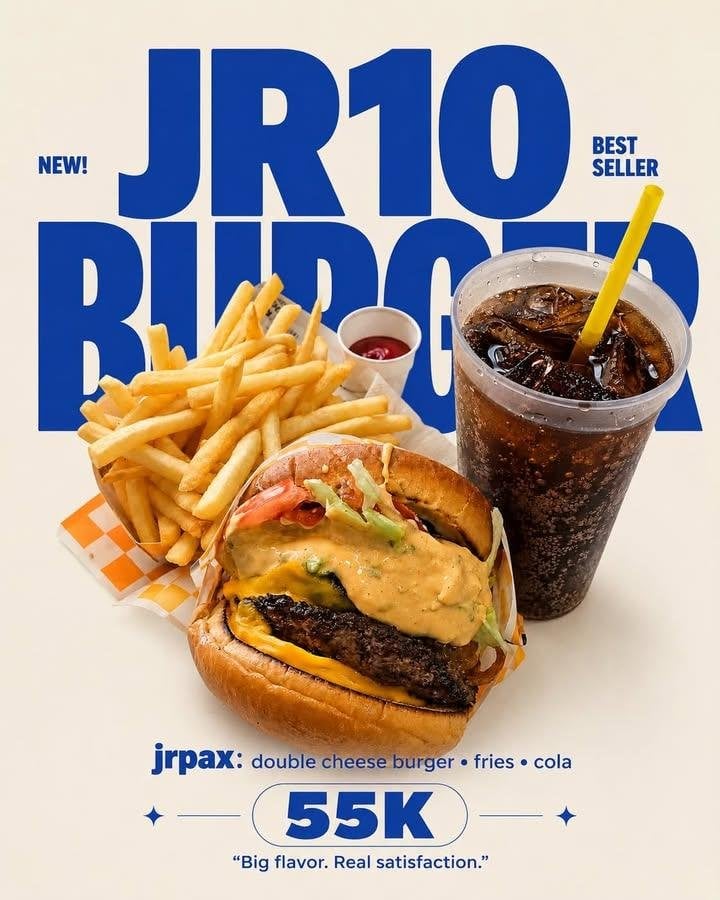
Editorial Typography Product Poster

Giant Forced Perspective Street Product Selfie

Parle Hide and Seek Cookie Campaign Poster

Gpt2 Product Marketing Streetwear Sneaker Poster Ad
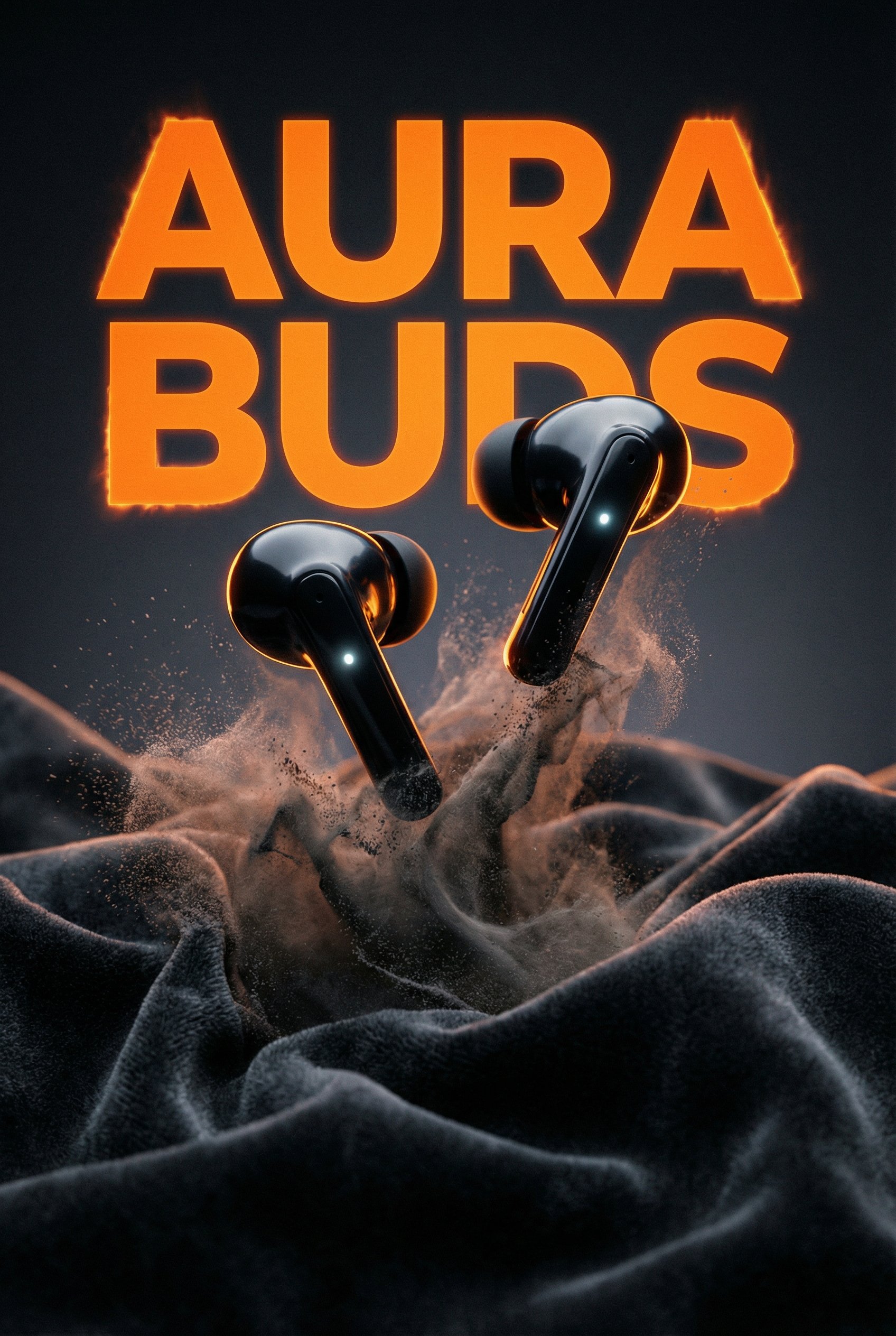
Aura Buds Poster Shoot Creative
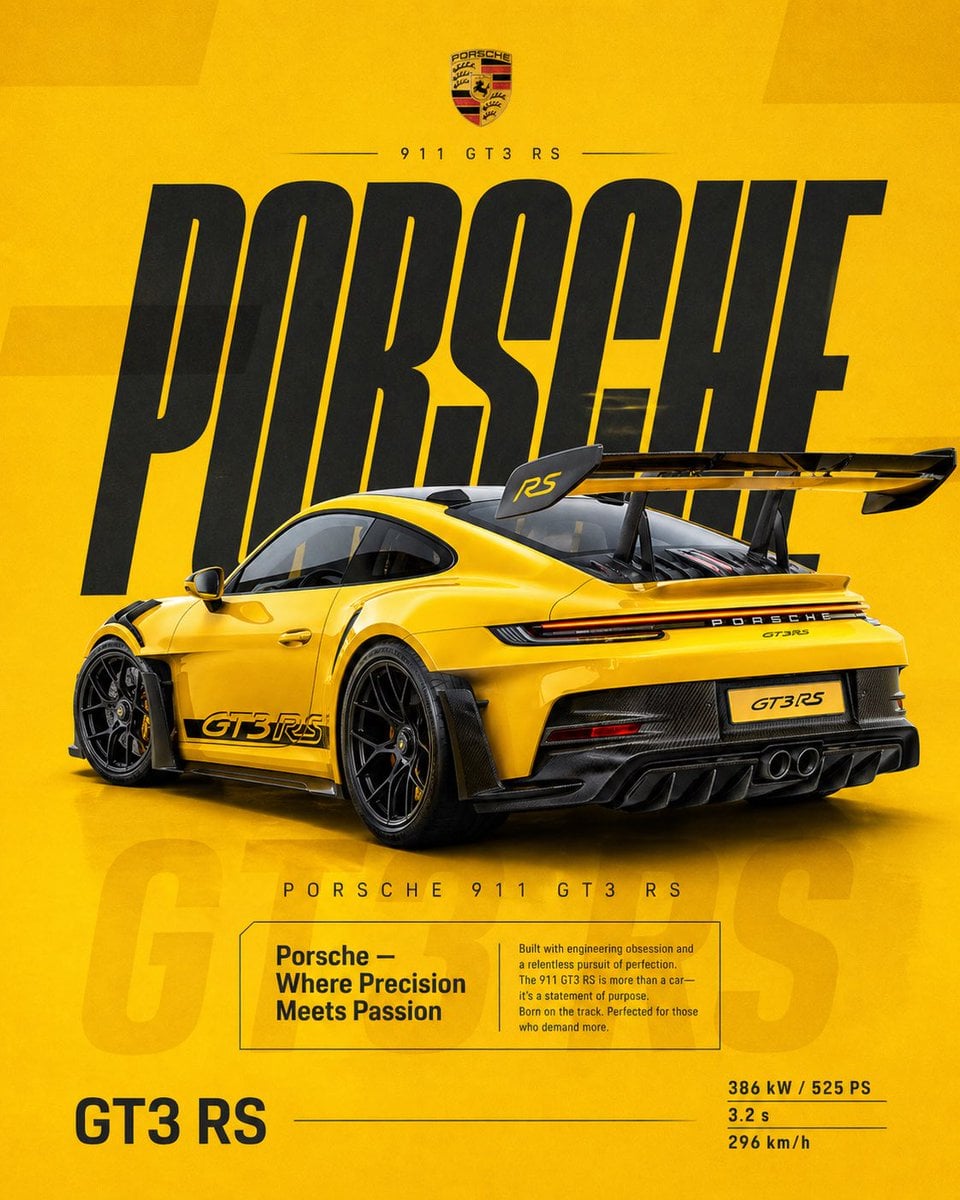
Dual Car Typography Poster Series

Japan Travel Brochure Poster

Brutalist Cogito Chinese Typography Poster
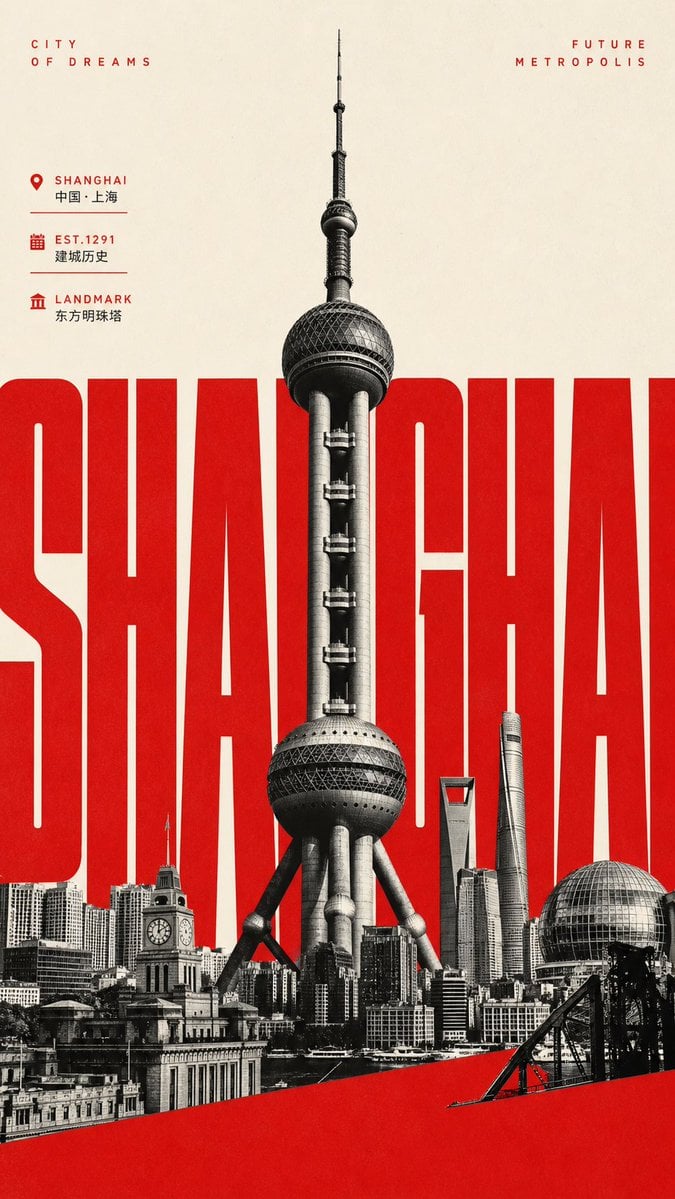
Giant Typography Shanghai Travel Poster
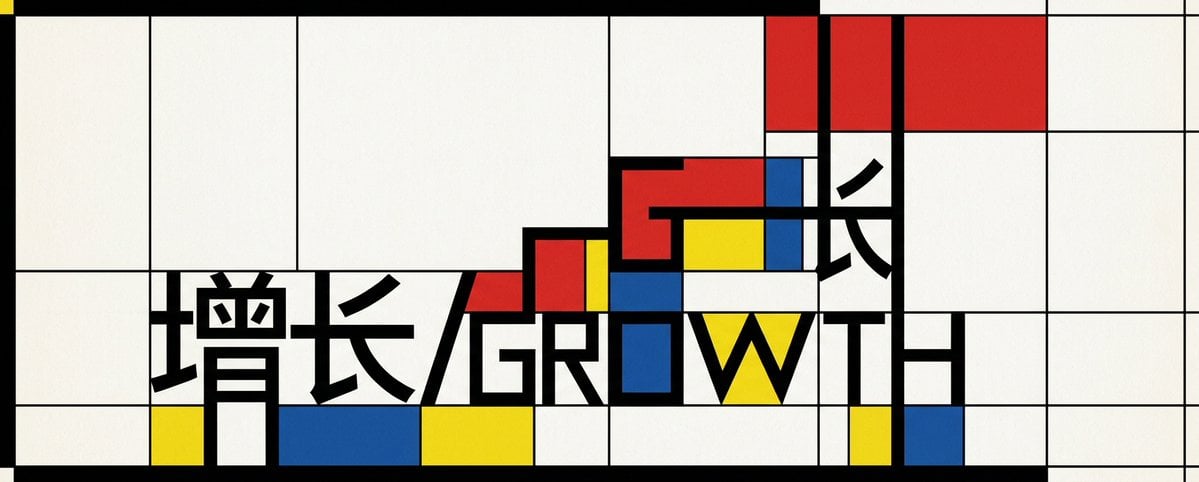
Mondrian Growth Typography Poster
Make it yours
Perspective Typography Product Poster Prompt works as-is. These are the safest ways to change it without losing the look.
Change one field
Copy a single group, rewrite it, and generate again so you can see what that field is doing.
Keep the frame, change the subject
Hold the composition and light of Perspective Typography Product Poster Prompt, then swap wardrobe, props or the person for a new take.
| If the result… | Why | Fix |
|---|---|---|
| The result drifts from the preview | Too many fields changed at once. | Reuse Perspective Typography Product Poster Prompt as-is first, then change one group — subject, light, or setting. |
| The model over-stylizes the scene | The prose prompt leaves finish and camera underspecified. | Add one camera or lighting sentence and stay on GPT Image 2. |
More GPT Image 2 templates
Other prompts made for GPT Image 2.

Six VTuber Japanese Logo Sheet

Realistic Portrait of Woman and Deer

The Vista Modular Condo Poster

AI Model Routing Comparison Infographic

2.5D Anime Art Board

Isometric Productivity Desk Scene

New York Double Exposure Poster

Four-Panel AI Landscape Comparison

Japanese Tatami Lifestyle Magazine Cover

NESCAFÉ Coffee Map Poster
More image prompts
Fresh picks from across the catalog.
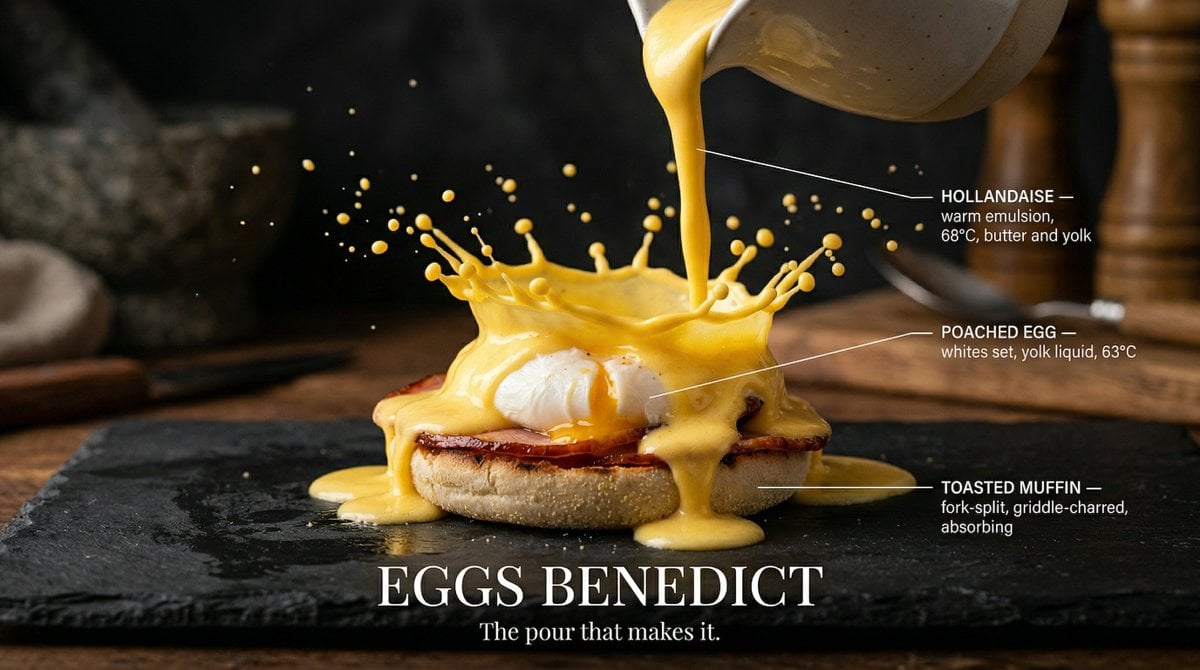
Slow Motion Pour Food Photography Prompt for Nano Banana 2
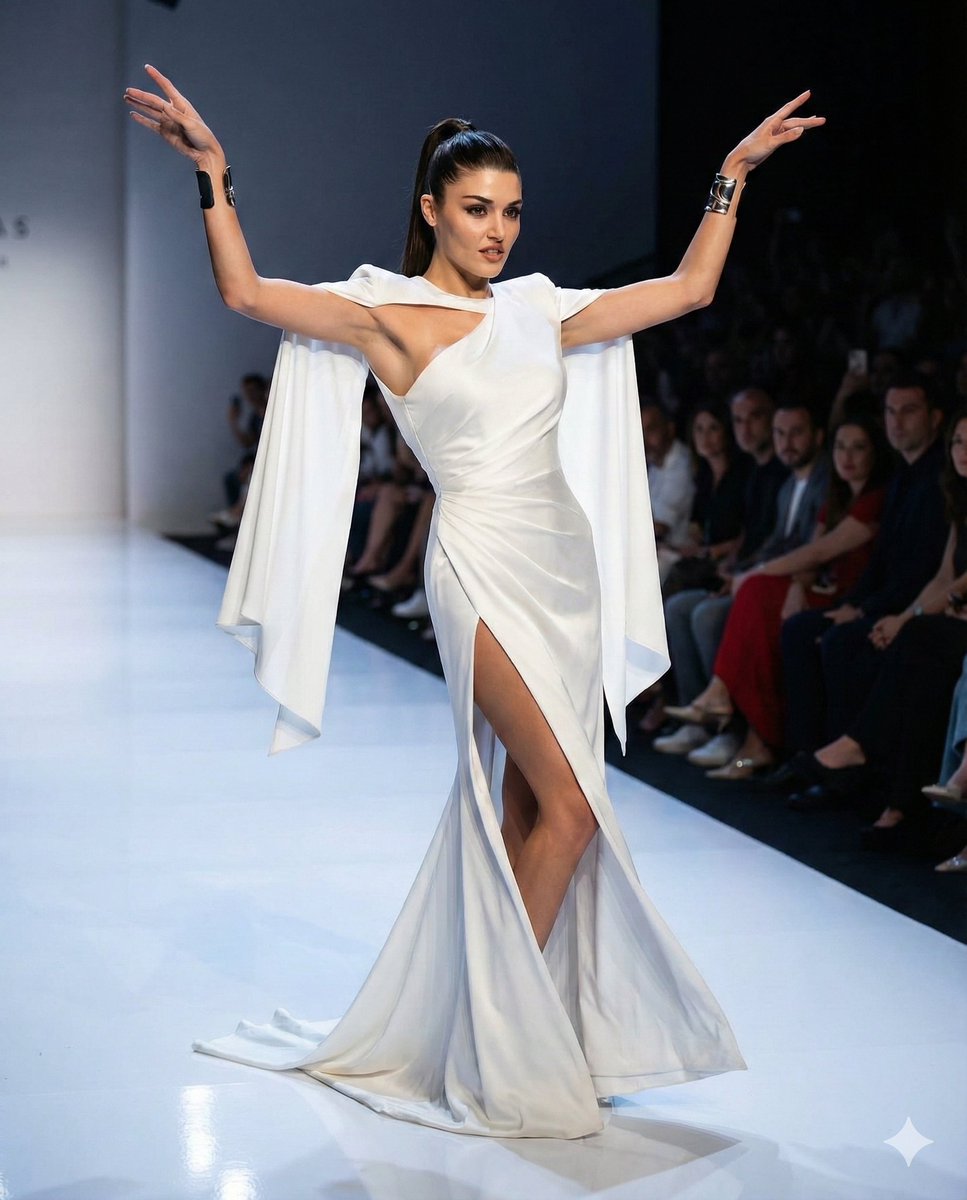
Couture Runway Fashion Editorial of Hande Ercel
VOGUE Paris Haute Couture Cover
Cinematic Summer Portrait of an East Asian Woman
Hyper-realistic Cyborg Side Profile
Early 2000s Party Photo UI
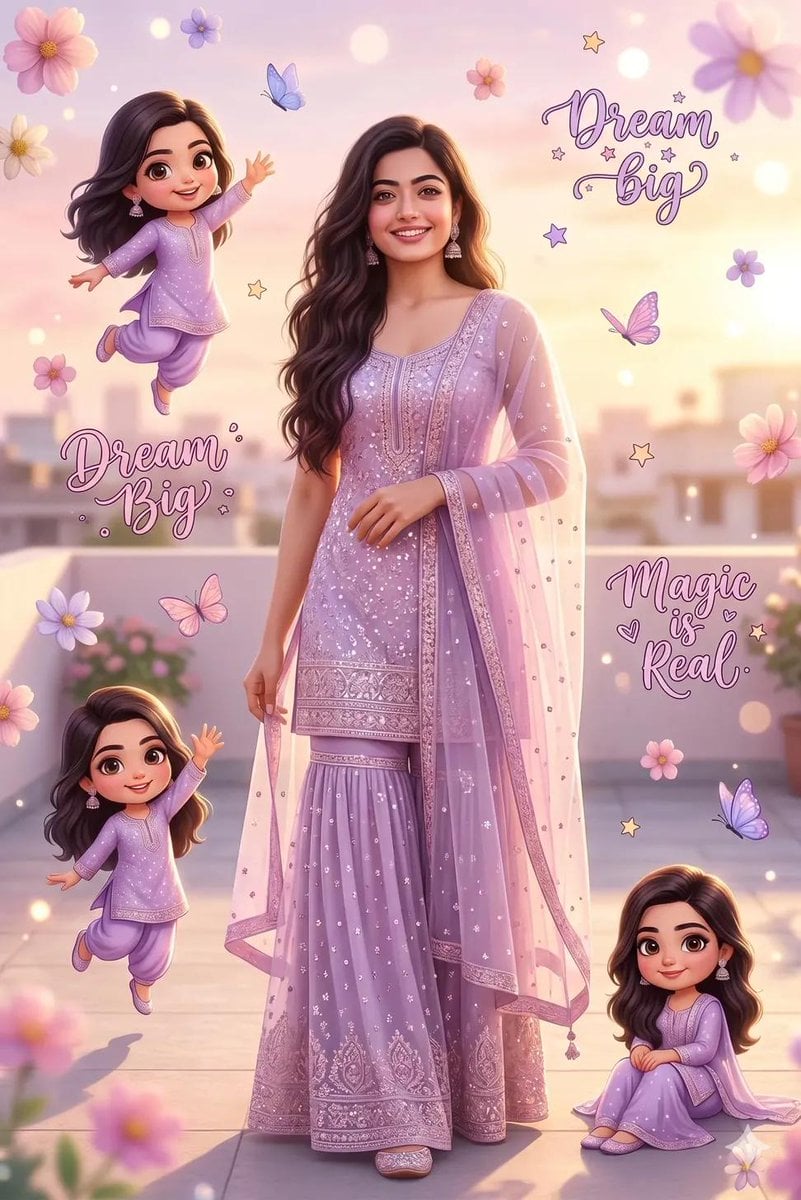
Dreamy Collage Portrait of a Girl
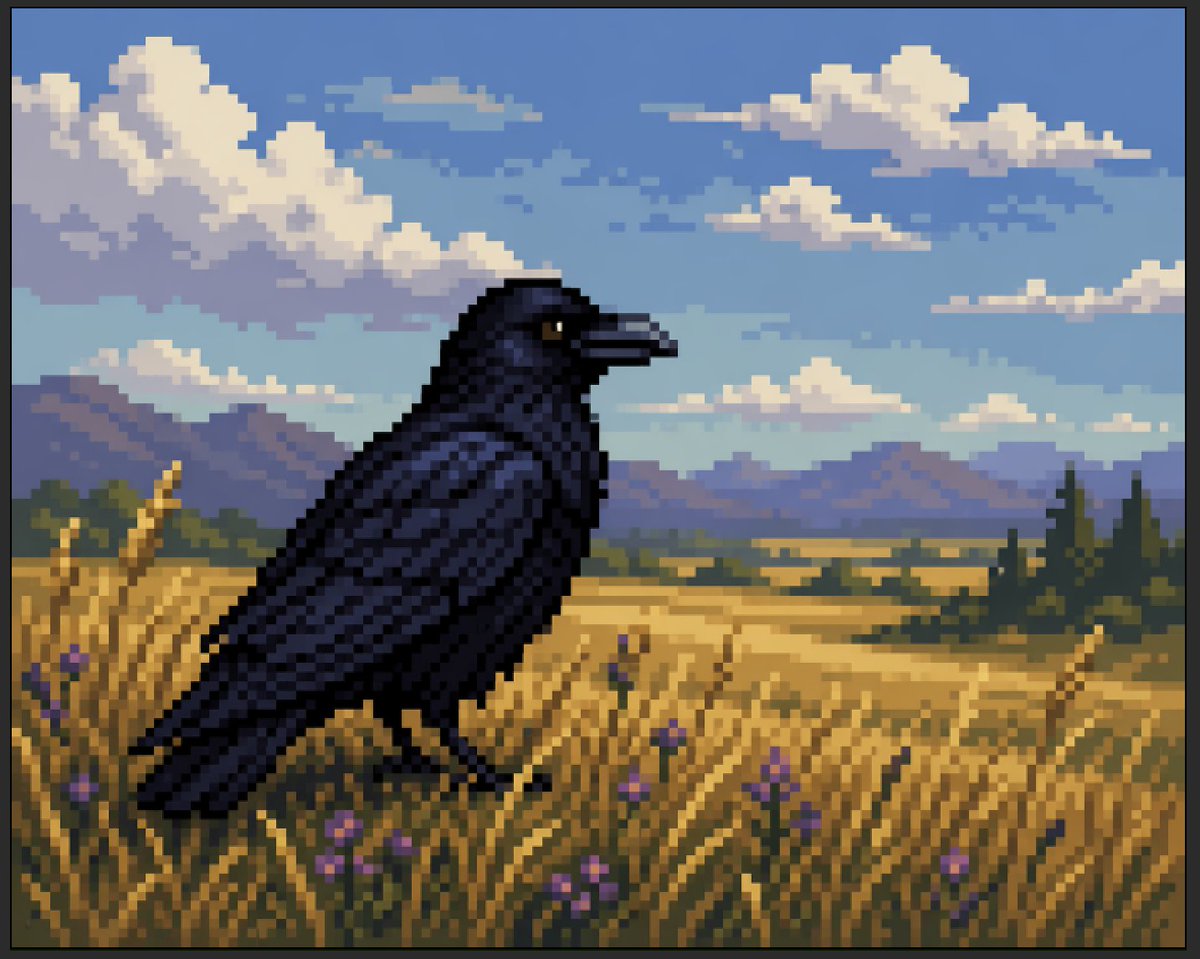
Faux Pixel Raven in Wheat Field
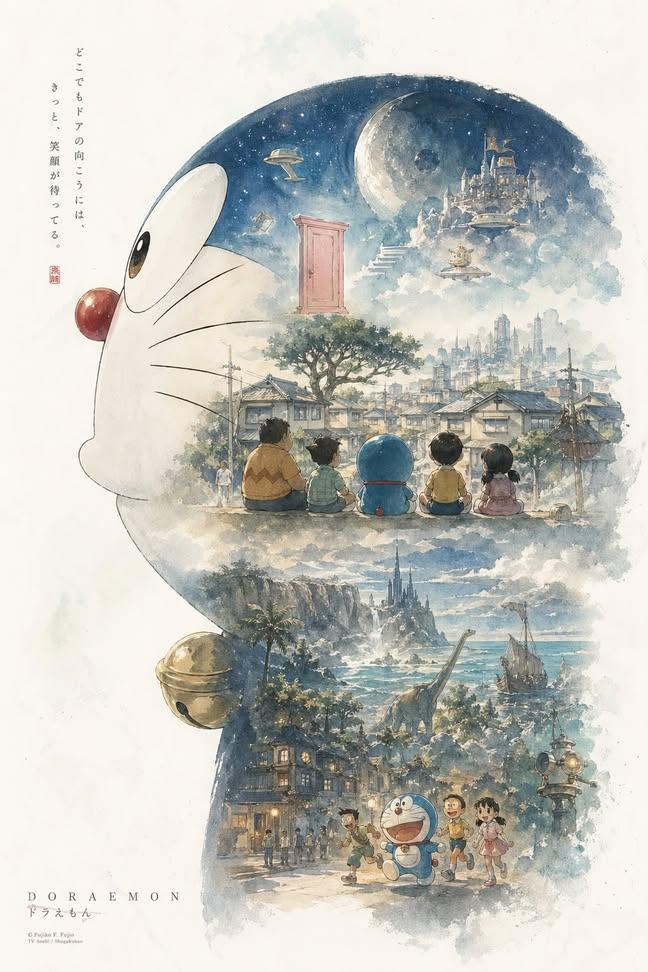
Doraemon Watercolor Silhouette Dreamscapes
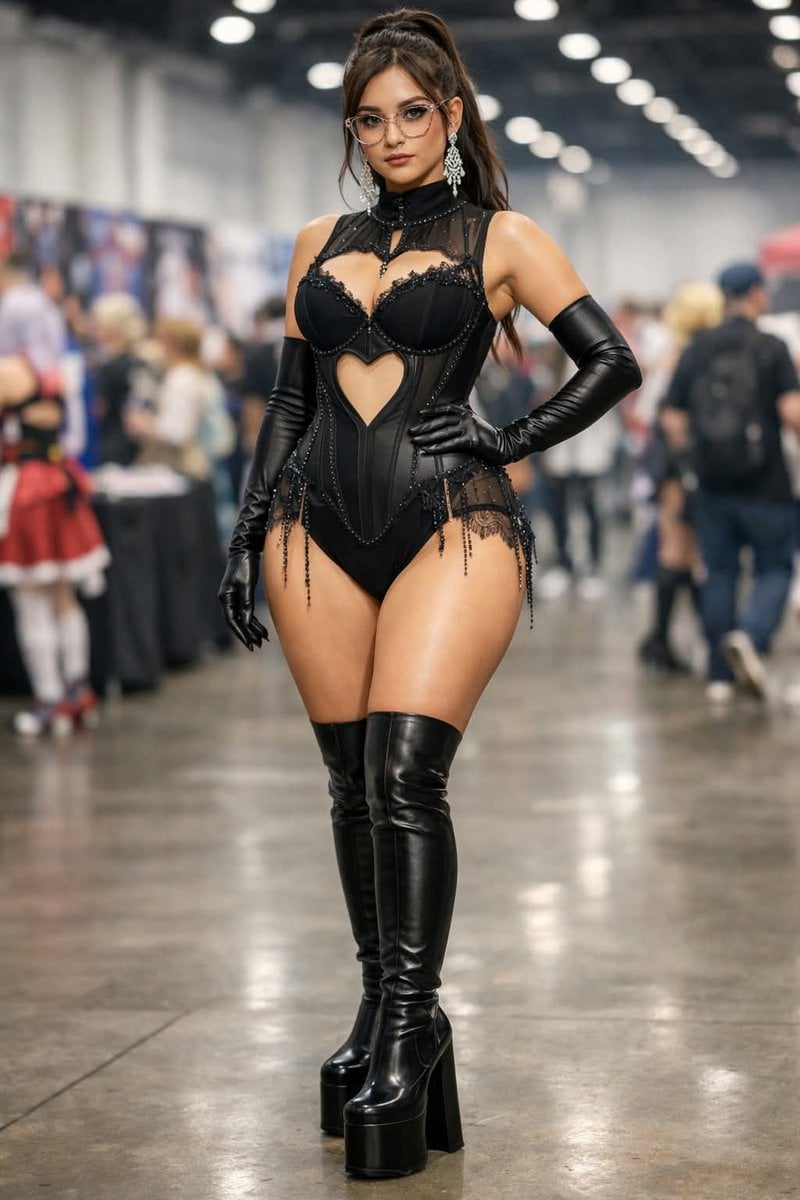
Convention Cosplay Outfit Prompt
Browse template categories
Perspective Typography Product Poster Prompt questions
How do I use the Perspective Typography Product Poster Prompt template?
Add your photo if the template asks for one, edit the prompt if you like — the template's model and format are already selected — and press Generate. Your version opens in PicX Studio.
Can I customize the Perspective Typography Product Poster Prompt template?
Yes. You can change the subject, setting, lighting, mood, format, and available model controls before creating your image.
Is the Perspective Typography Product Poster Prompt template free?
Opening and editing this template is free. Generating uses credits, shown on the Generate button when you are signed in.
Which AI model should I use?
Start with GPT Image 2, which is the model associated with this template. You can compare another compatible model for a different finish.
Looking for something else? Browse all templates.

Your photo, any look
Thousands of ready templates for every top image and video model, from one credit balance.