How do I use the Circular Halo Text Overlay template?
Choose the primary action to open PicX Studio with the available template settings. Review the model and format, personalize the creative direction, and generate when ready.
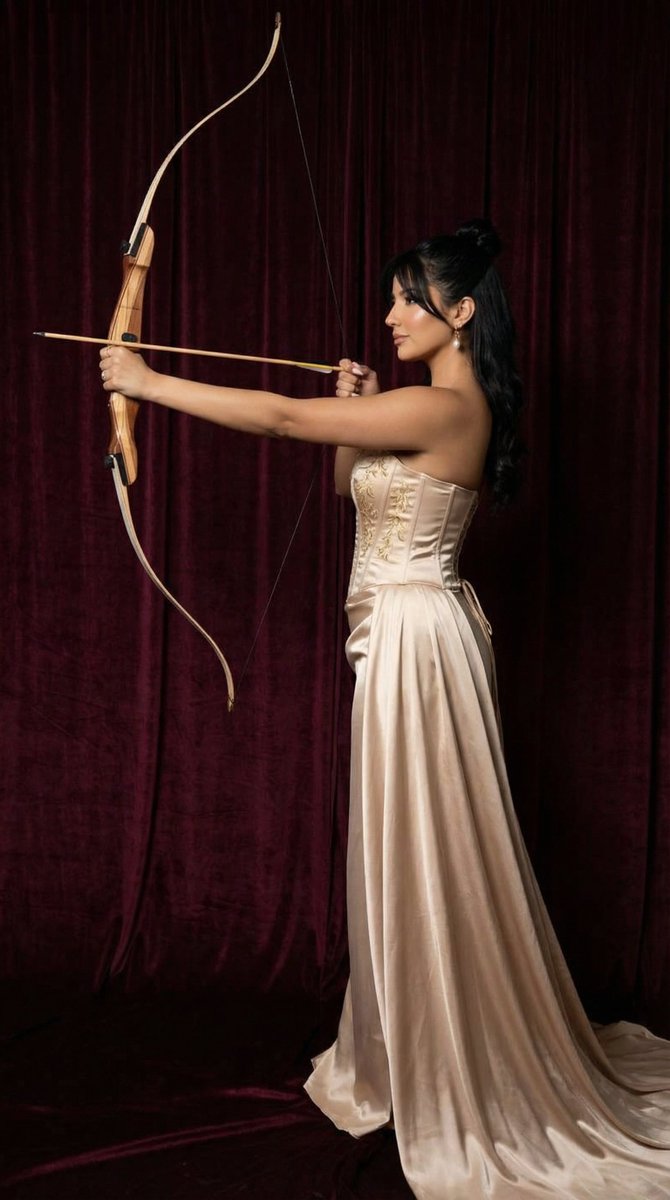
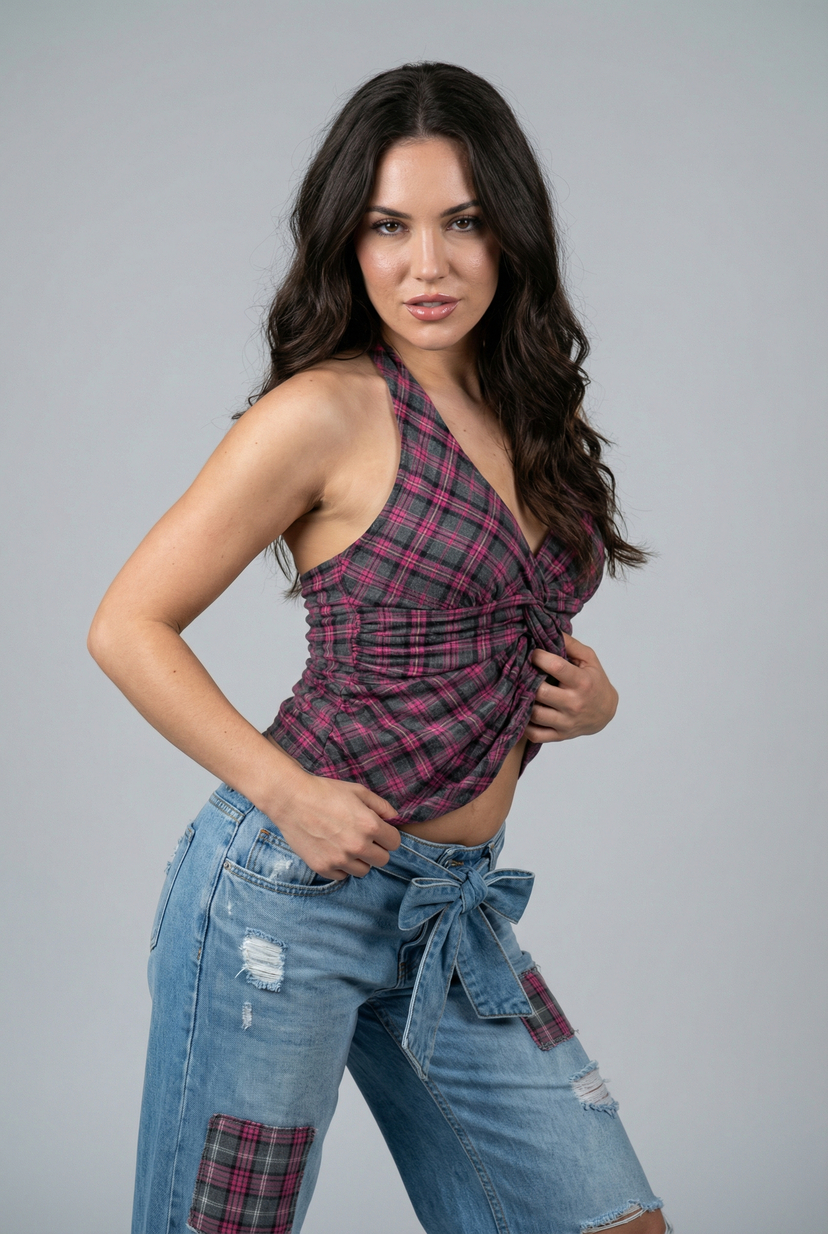
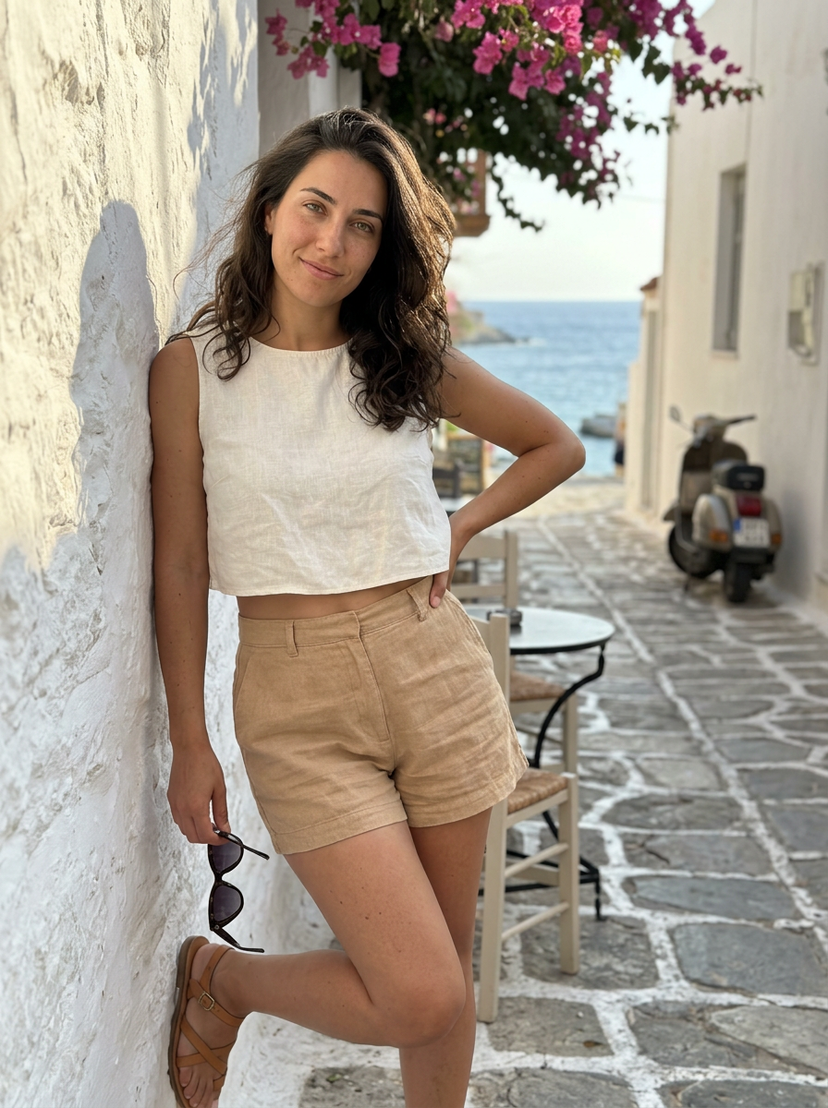
Adds a stylized, cinematic circular typographic overlay wrapping around a portrait subject like a halo. Change the subject, setting, or lighting one variable at a time.
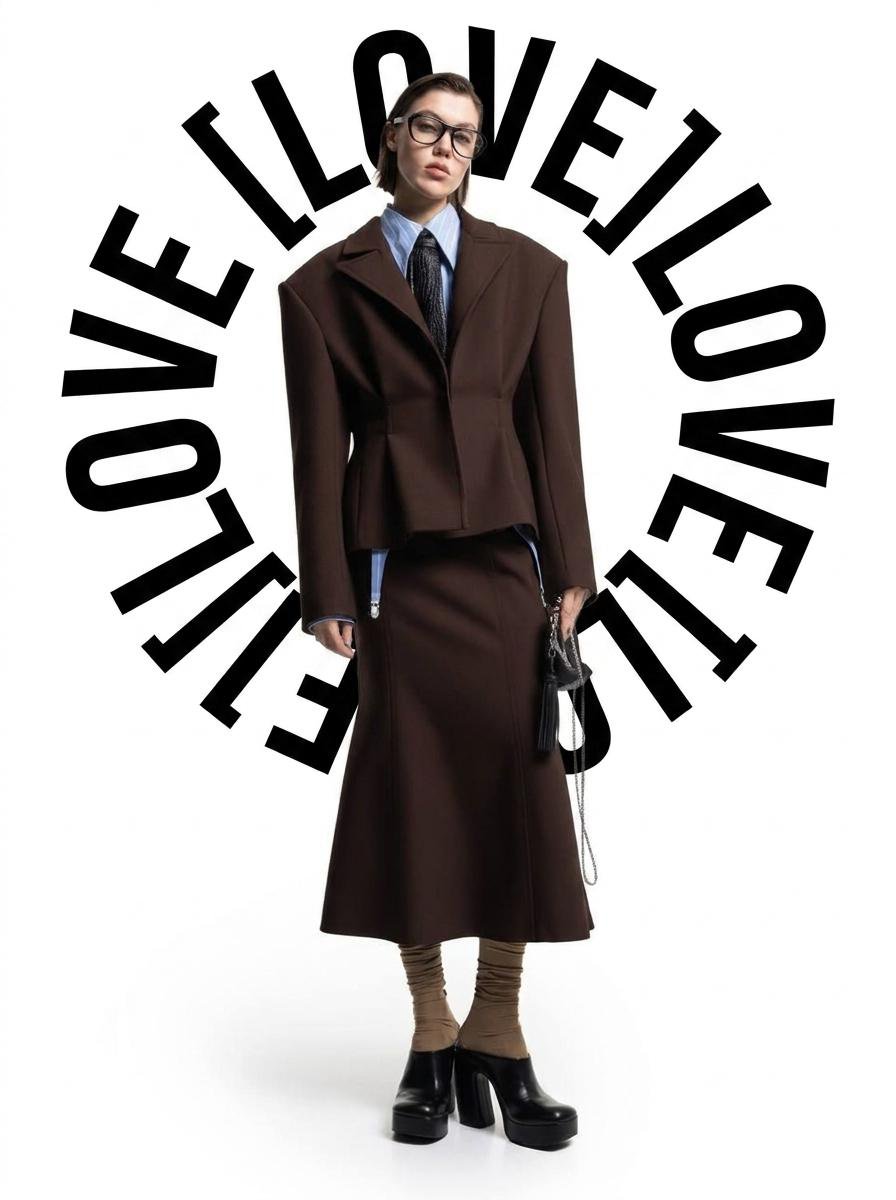
Take {argument name="input image" default="photo from uploaded photo"} and add a circular typographic text overlay wrapping around the subject like a halo — bold black sans-serif capital letters, condensed spacing between letters, text following a circular path that partially frames the subject's head and upper body, some words positioned above and some curving down along the sides, matching the original photo's exact composition, lighting, colors and background — only the circular text layer is added on top, text: "{argument name="overlay text" default="[your text here]"}"
Choose the primary action to open PicX Studio with the available template settings. Review the model and format, personalize the creative direction, and generate when ready.
Yes. You can change the subject, setting, lighting, mood, format, and available model controls before creating your image.
This template is free to open and customize. Generation usage is shown in PicX Studio before you create.
Start with Nano Banana 2, which is the model associated with this template. You can compare another compatible model for a different finish.
© 2026 PicX Studio. All rights reserved.

Follow a topic to a crawlable collection of related PicX Studio templates.
43,474 public templates available. Verified via the PicX Studio public templates API; refreshed hourly.










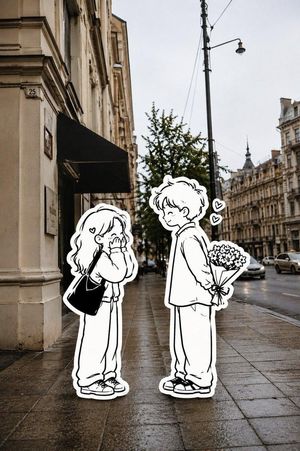
![Typographic illustration shaped like a, where the text forms the shape — Create a typographic illustration shaped like a [OBJECT], where the text [BRAND SLOGAN]](https://images.meigen.ai/tweets/2038261502696648942/0.jpg)
![Typography Small, clean sans-serif and typewriter-style text blocks — [BRAND NAME]
[PRODUCT TYPE] (Clothing / Food / Automotive / Tech).
Goal: Generate a prof](https://images.meigen.ai/tweets/2031446250214572438/0.jpg)
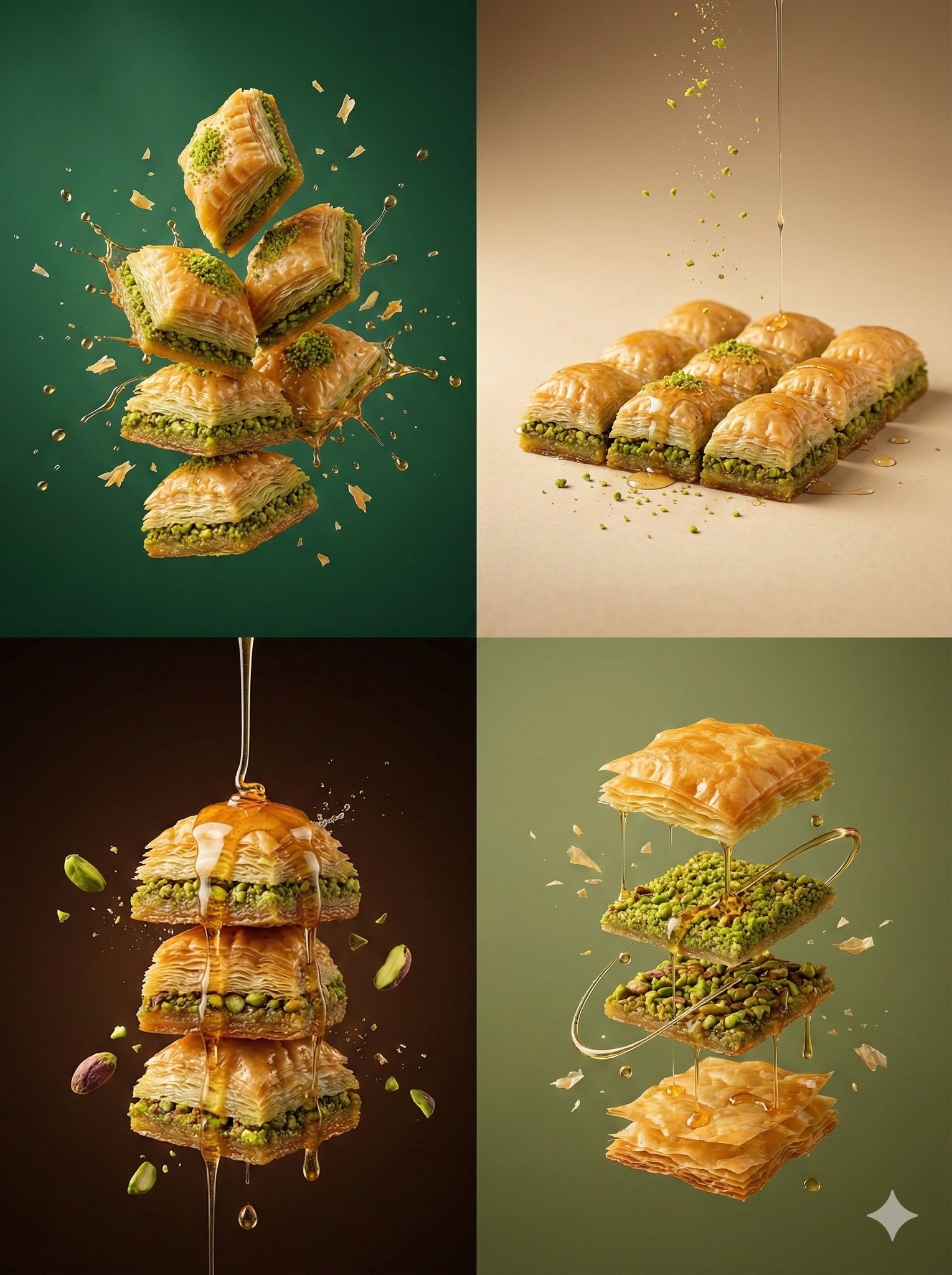





![Minimalist product photo, clean warm studio scene, textured beige wall — [product setup], minimalist product photo, clean warm studio scene, textured beige wall](https://images.meigen.ai/tweets/2027021107015143498/0.jpg)
![A high-end editorial lookbook image with a UI overlay layer — [BRAND NAME]. Act as a Creative Director and Fashion Photographer creating a high-end editorial lo](https://images.meigen.ai/tweets/2011509897175724329/0.jpg)
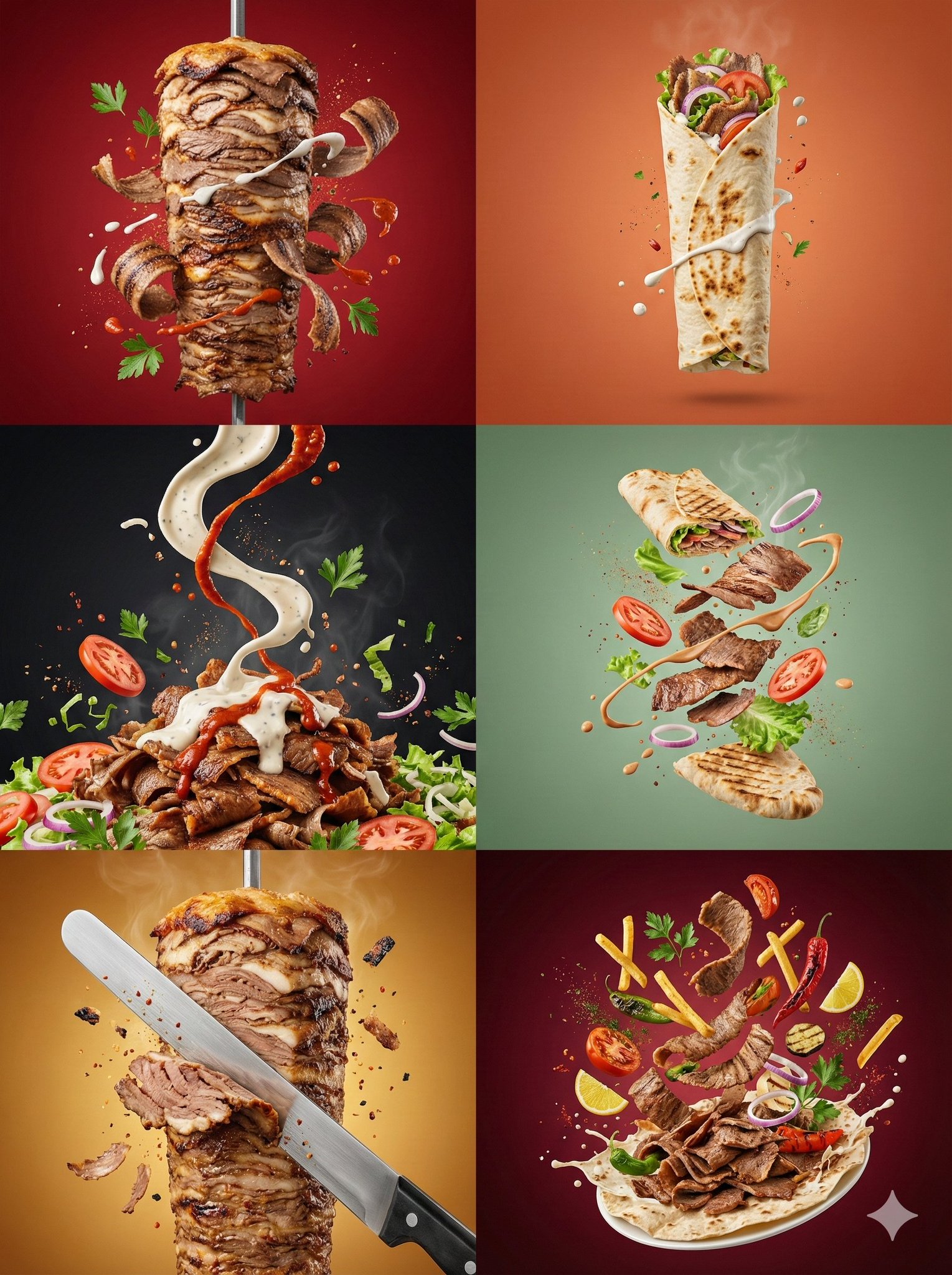

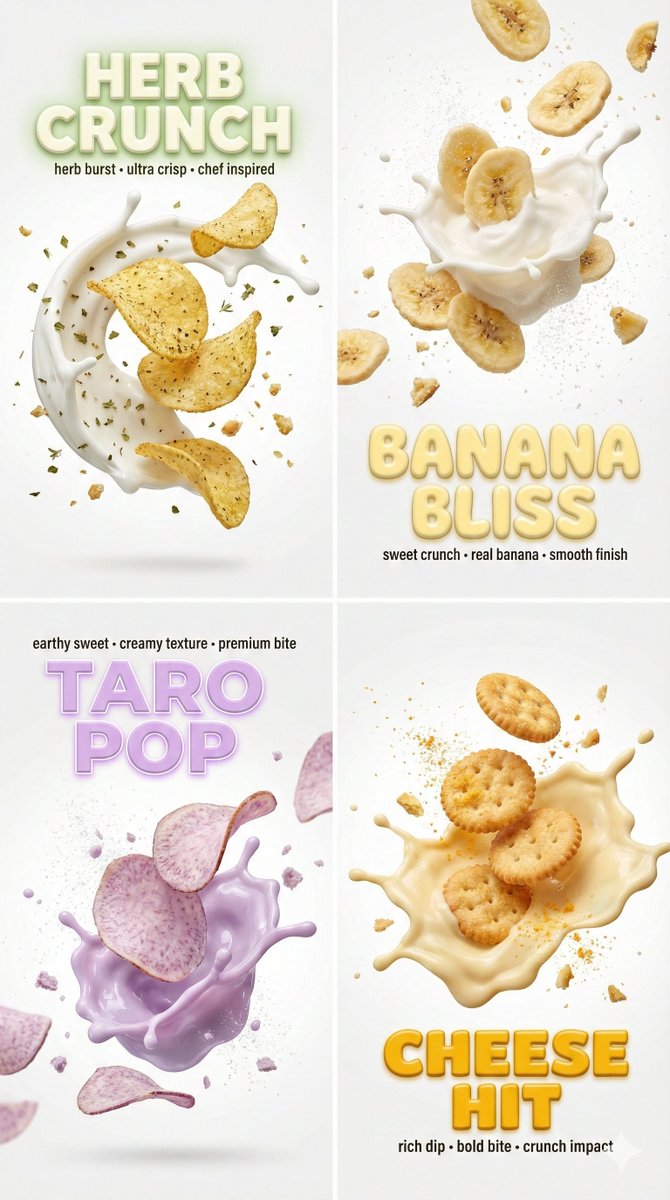


![Create minimalist product photo, clean warm studio scene, textured beige — [product setup],create minimalist product photo, clean warm studio scene, textured be](https://images.meigen.ai/tweets/2027544179560353948/0.jpg)


![Technical Product Infographic with Blueprint Overlay — Premium technical infographic of {argument name="product name" default="[product name ]"}.
Use the refere](https://cms-assets.youmind.com/media/1783932926598_1un1z6_HNCWxb9a8AA2XSz-300x300.jpg)