
Dual Portrait Prompts for Nano Banana Pro: Airport and Cafe Scenes
Two distinct image generation prompts for Nano Banana Pro, both requiring the AI to maintain the facial identity of a reference image.
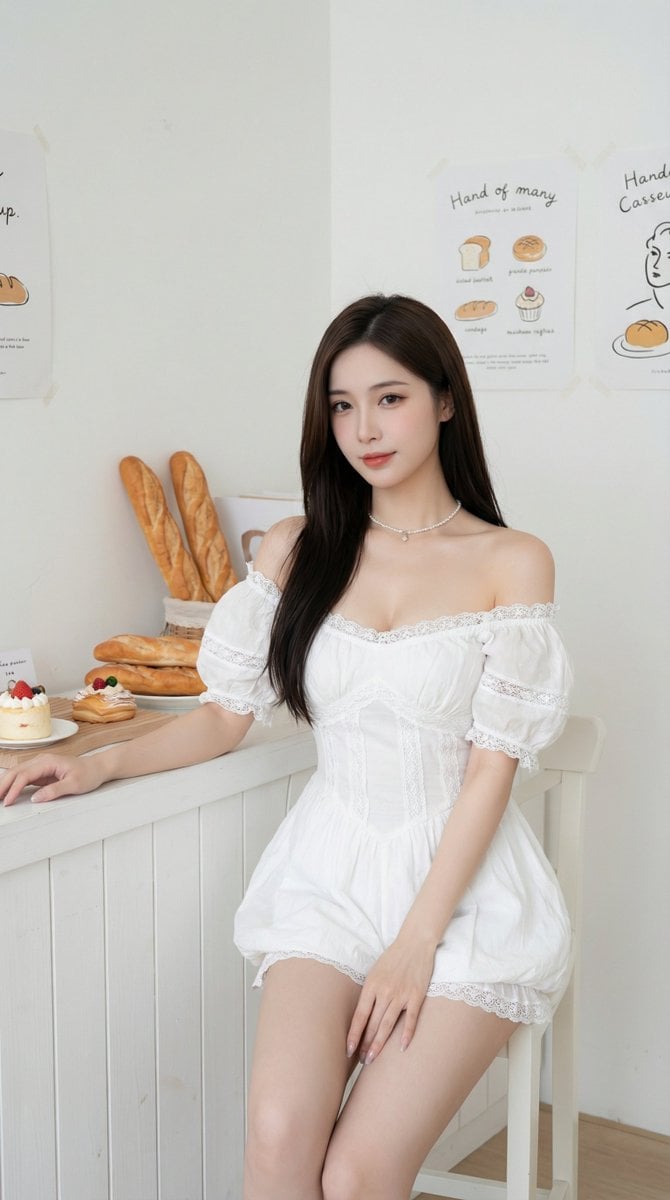
- Prompt included
- Model and format preset
- Free template
The prompt behind this image
Copy the exact prompt behind Dual Portrait Prompts for Nano Banana Pro: Airport and Cafe Scenes, or open it in the studio and make it yours.
提示词1:使用参考图像中的同一张脸,不改变面部特征, 一名留着{argument name="发型" default="黑色中短发和轻盈空气刘海"}的年轻亚洲女性,坐在现代机场候机室的灰色长椅上。她身穿一件厚实的灰色仿皮草外套,内搭灰色高领针织衫,下身穿着带有精致菱格纹理的灰色连裤袜,双腿交叠。她正低头专注地玩着手中的智能手机,身侧挎着一个黑色的绗缝皮质链条包。背景是宽敞明亮的航站楼,巨大的落地玻璃窗引入了清冷的自然光,远处可见其他乘客的身影,地面光洁且带有淡淡的倒影。整体画面呈现出一种高级灰的都市冷淡风调色,细节真实且富有生活气息。 提示词1: 使用参考图像中的同一张脸,不改变面部特征, 一位气质出众的长发亚洲女性,穿着{argument name="服装" default="洁白的露肩蕾丝连衣裙"},优雅地席地而坐在极简风格的咖啡厅吧台前。她的双腿修长并向前延伸,脚踩银色细带高跟鞋。背景是纯白色的木质板条墙和简洁的货架,陈列着整齐的白色器皿。在她面前的地板上,放着一盘色泽金黄的可颂面包。室内光线明亮且均匀,呈现出一种高级、纯净且通透的视觉风格,皮肤细腻有质感。
How to use Dual Portrait Prompts for Nano Banana Pro: Airport and Cafe Scenes in 3 steps
- 1
Open
The prompt is already in the box next to the preview, with the template's model and format selected.
- 2…a portrait of your subject in softgolden-hour light, 85mm…
Personalize
Edit the subject and creative details for your destination.
- 3Generate
Generate
Press Generate — your image is created in PicX Studio, so you can compare it with the original and refine one variable at a time.
More like this
Templates with the same subject, style or setup. Open one to see its prompt.

Nano Banana Is So Addictive

Nano Banana 2 Perspective Experiment

Gemini Nano Banana 2 Isometric 3d City D

Nano Banana 2

Gemini Nano Banana 2

Gemini Nano Banana 2 Logo in Wet Sand Be

Nano Banana 2 Gourmet Ice Cream Commerci

Nano Banana Pro Photoreal Playful Couple

Nano Banana 2 High Fashion Sports Campai

Nano Banana 2 Editorial Fashion Portrait

B&W Photobooth Expression Grid 4x4 — Nano Banana

Gen Z TikTok Viral Expression Grid 4x4 — Nano Banana
Make it yours
Dual Portrait Prompts for Nano Banana Pro: Airport and Cafe Scenes works as-is. These are the safest ways to change it without losing the look.
Change one field
Copy a single group, rewrite it, and generate again so you can see what that field is doing.
Keep the frame, change the subject
Hold the composition and light of Dual Portrait Prompts for Nano Banana Pro: Airport and Cafe Scenes, then swap wardrobe, props or the person for a new take.
| If the result… | Why | Fix |
|---|---|---|
| The result drifts from the preview | Too many fields changed at once. | Reuse Dual Portrait Prompts for Nano Banana Pro: Airport and Cafe Scenes as-is first, then change one group — subject, light, or setting. |
| The model over-stylizes the scene | The prose prompt leaves finish and camera underspecified. | Add one camera or lighting sentence and stay on Nano Banana 2. |
More Nano Banana 2 templates
Other prompts made for Nano Banana 2.

Photorealistic Leaf Shaped Like a Dragon

K-Pop Idol Portrait Grid for Rapid Selection

Poetic Rain Forest Portrait During Golden Hour

Urban Street Portrait with Cartoon Inner Self Duo

Candid Nighttime Photo with Cat Prompt

High-Concept 3D Diorama Generation Prompt

Cinematic Futuristic Studio Portrait Template

Skincare Editorial Photography Collage Prompt

Hyper-Realistic Commercial Product Photography (Splash Effect)

Hyper-Realistic Nightclub Portrait Prompt
More image prompts
Fresh picks from across the catalog.
Minimalist Black and White Portrait Photography
Golden Magical Girl Action Key Visual
Ink Sketchbook Zine Illustration
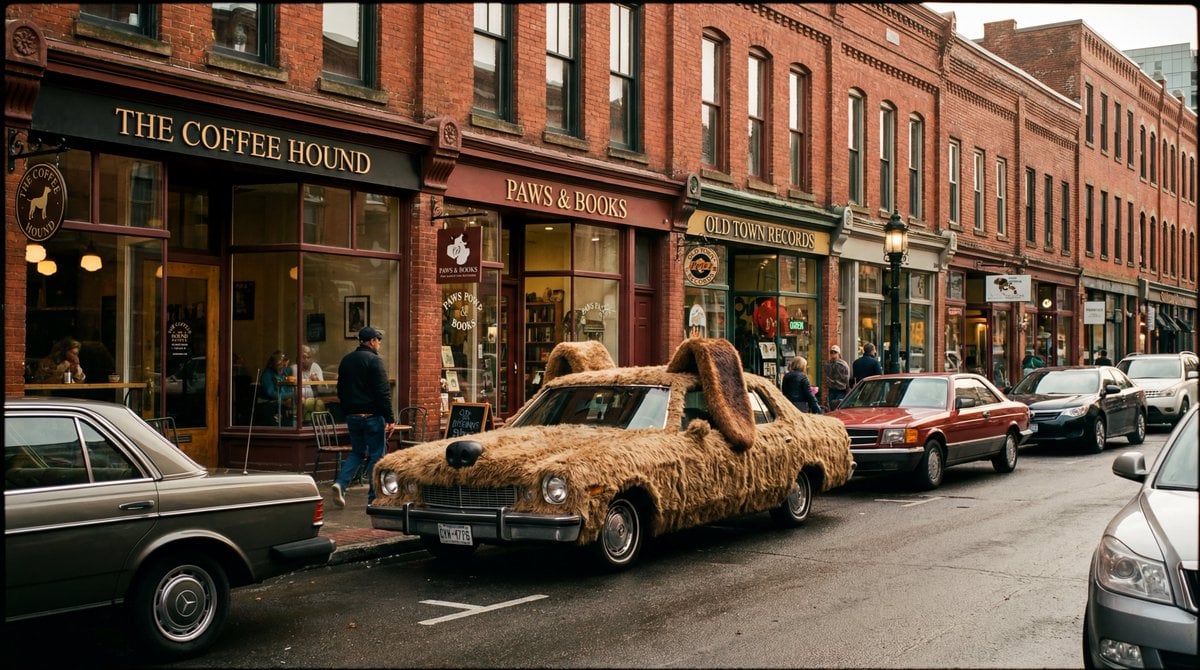
Cinematic Wide-Shot with Dog Fur Car

Cartoon Animal Sticker Set
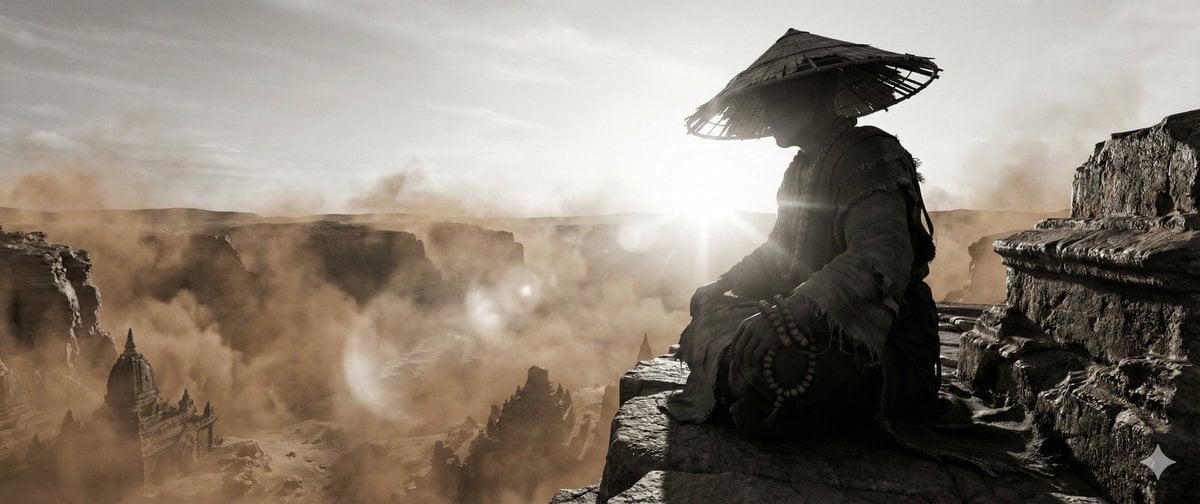
Zen Landscape Image Generation
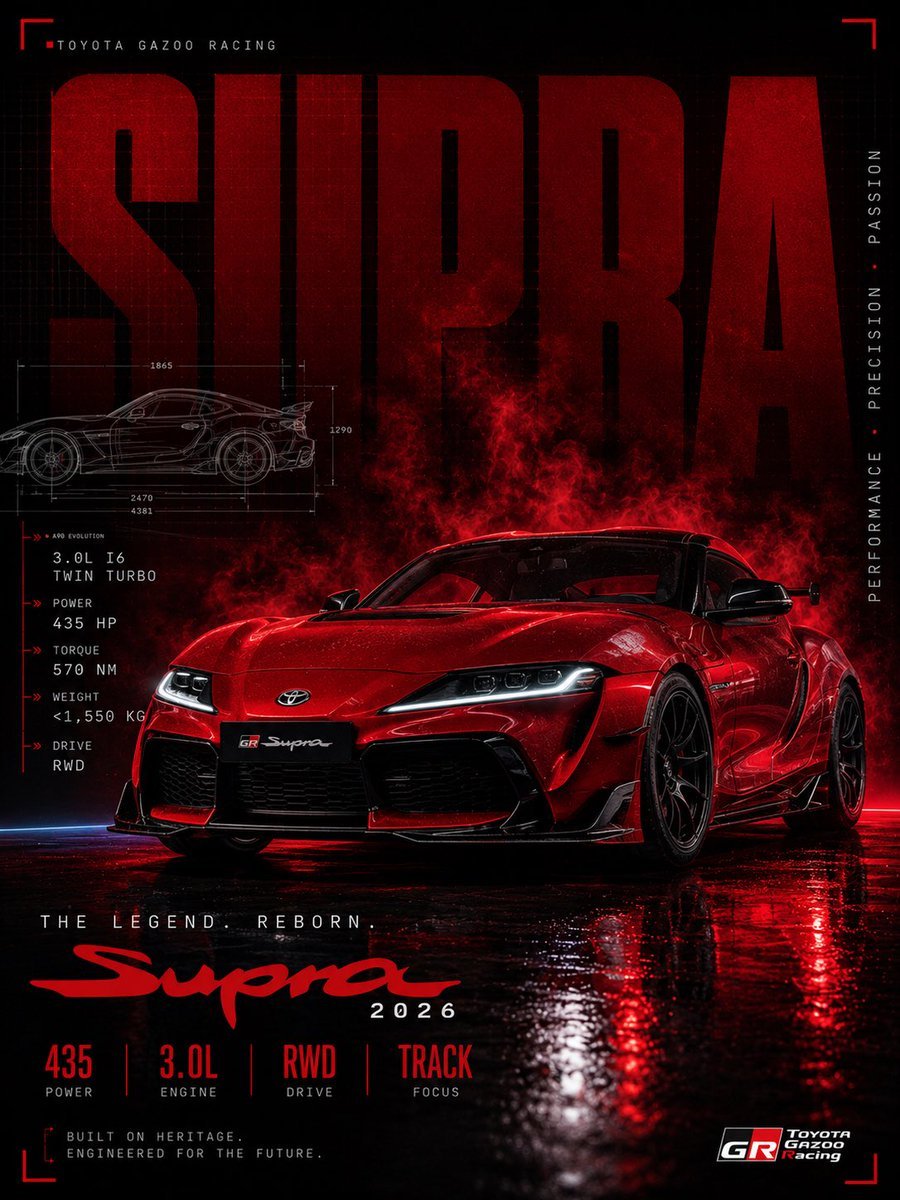
Red Toyota GR Supra Motorsport Poster
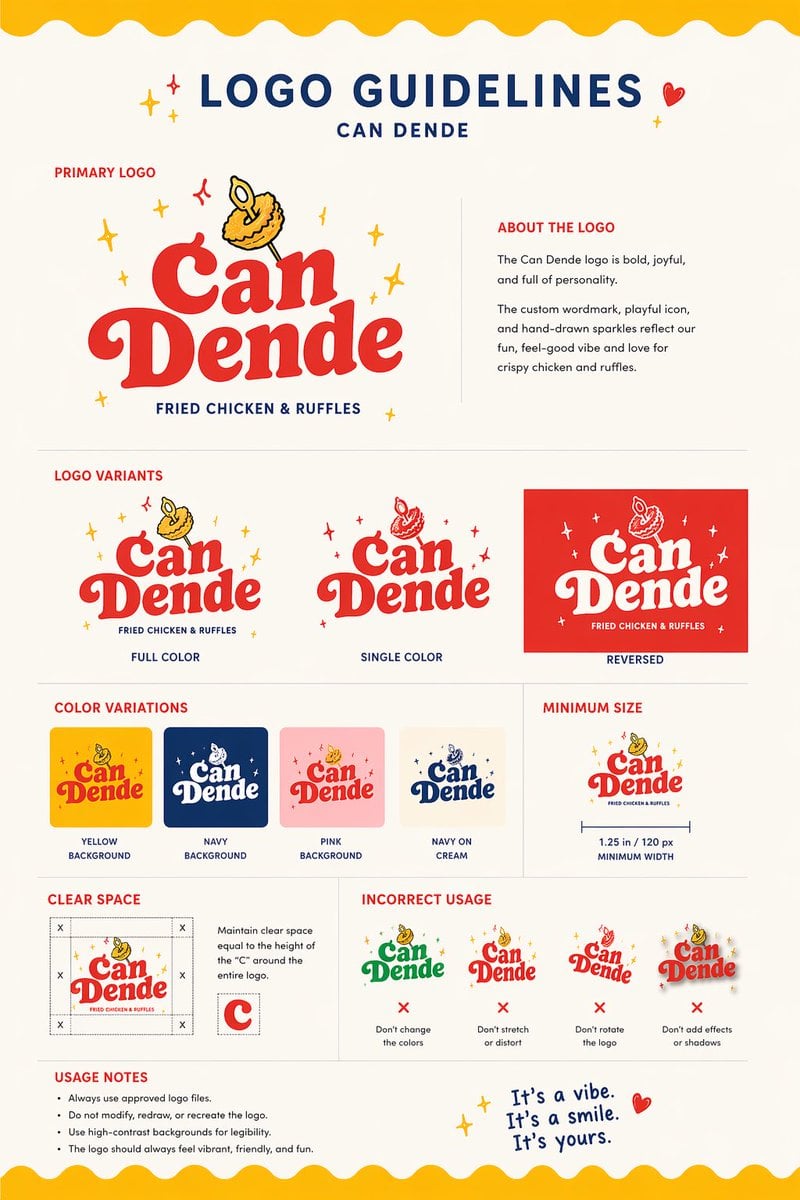
Restaurant Logo Guidelines Board
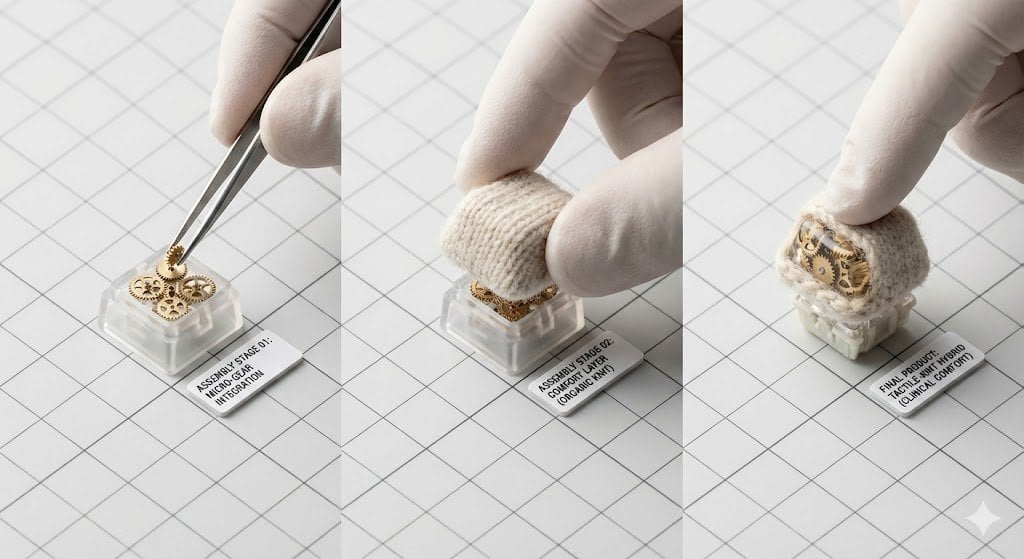
Mechanical Keyboard Keycap Product Photography Prompt
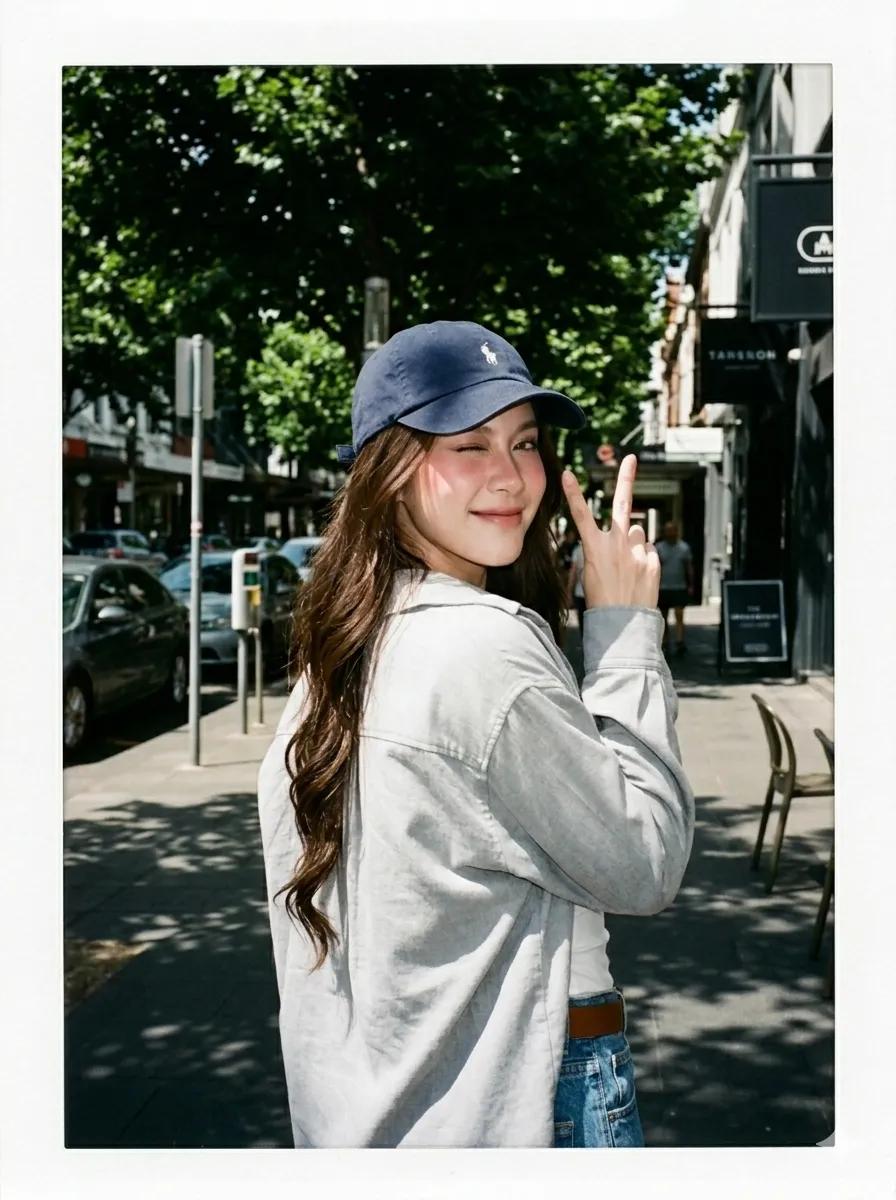
Summer Street Lifestyle Photography
Browse template categories
Dual Portrait Prompts for Nano Banana Pro: Airport and Cafe Scenes questions
How do I use the Dual Portrait Prompts for Nano Banana Pro: Airport and Cafe Scenes template?
Add your photo if the template asks for one, edit the prompt if you like — the template's model and format are already selected — and press Generate. Your version opens in PicX Studio.
Can I customize the Dual Portrait Prompts for Nano Banana Pro: Airport and Cafe Scenes template?
Yes. You can change the subject, setting, lighting, mood, format, and available model controls before creating your image.
Is the Dual Portrait Prompts for Nano Banana Pro: Airport and Cafe Scenes template free?
Opening and editing this template is free. Generating uses credits, shown on the Generate button when you are signed in.
Which AI model should I use?
Start with Nano Banana 2, which is the model associated with this template. You can compare another compatible model for a different finish.
Looking for something else? Browse all templates.

Your photo, any look
Thousands of ready templates for every top image and video model, from one credit balance.