
Restaurant Logo Guidelines Board
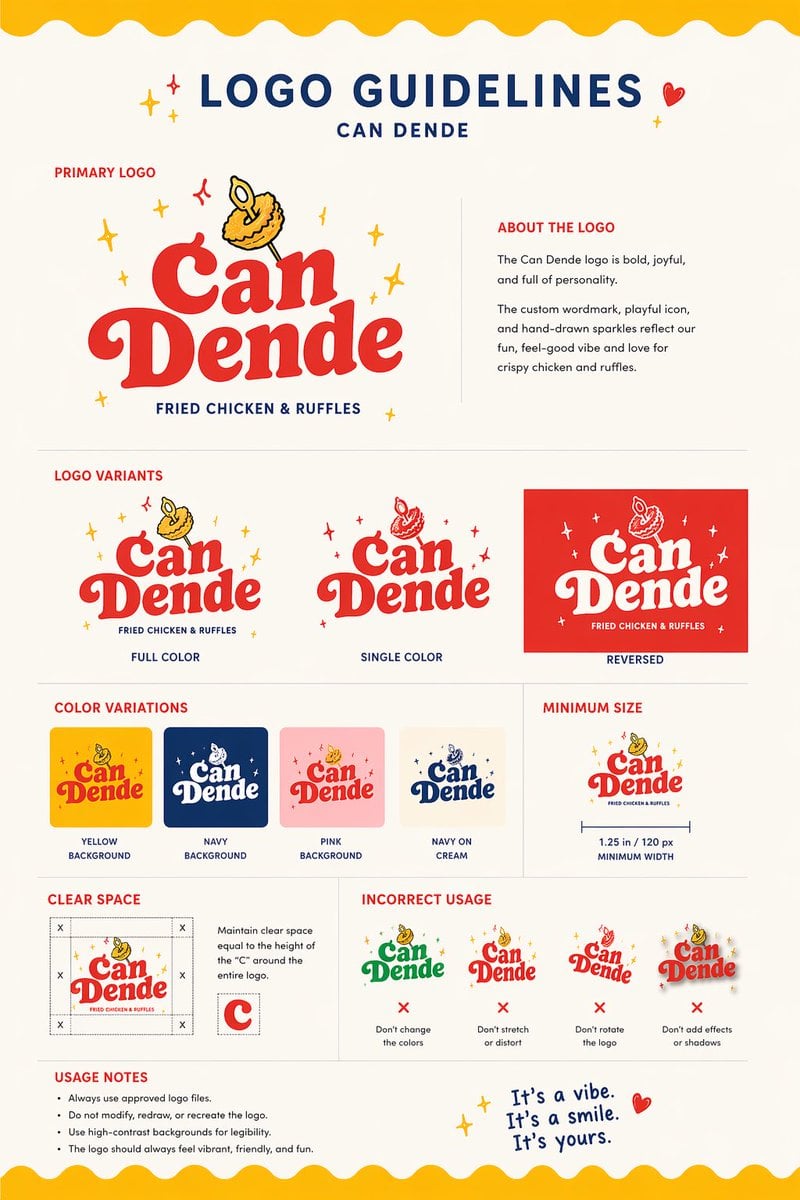
This prompt turns a food photo into a polished restaurant branding guideline sheet, useful for logo concept presentations and fast visual identity development.
- Prompt included
- Model and format preset
- Free template
The prompt behind this image
Copy the exact prompt behind Restaurant Logo Guidelines Board, or open it in the studio and make it yours.
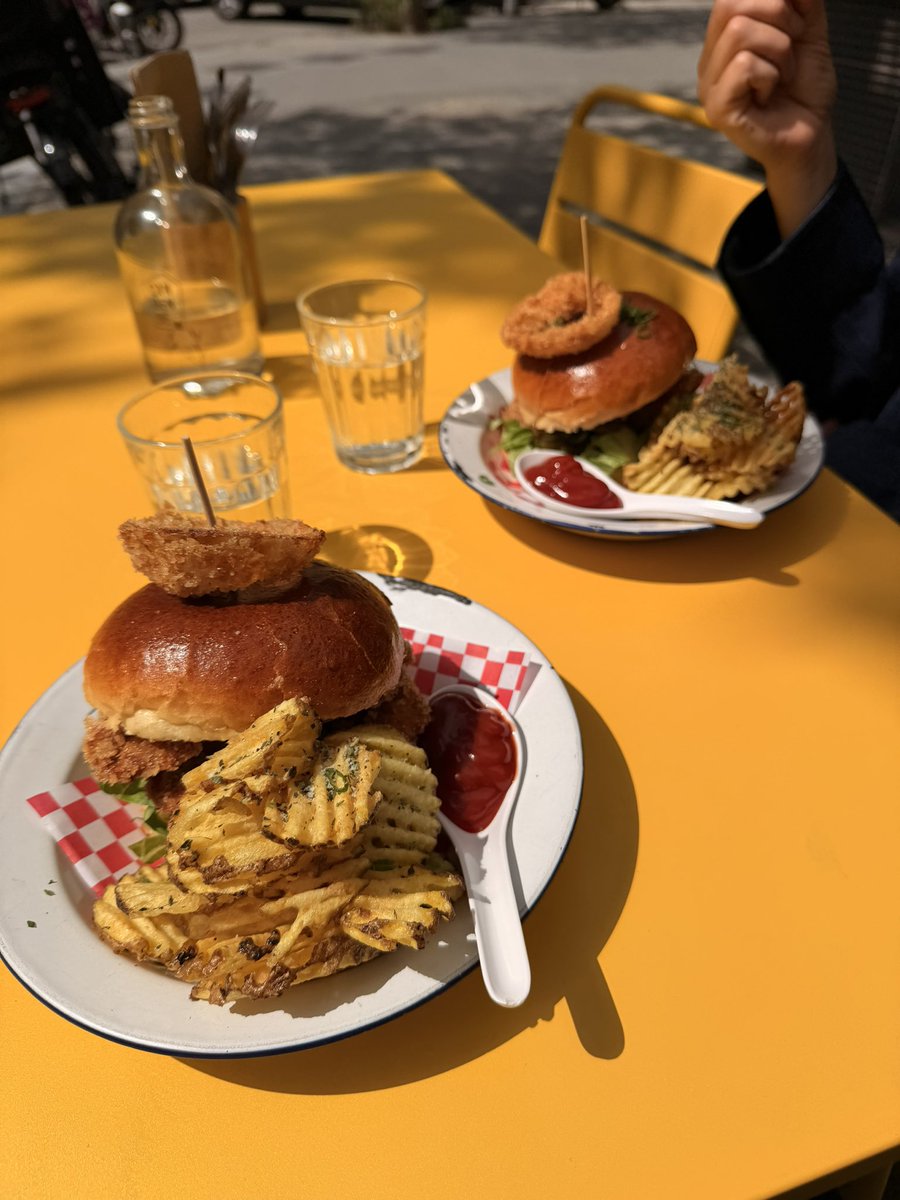
Using the provided reference image as the brand inspiration, transform the fried chicken burger and waffle fries meal into a polished one-page logo guidelines board for a restaurant brand named {argument name="brand name" default="Can Dende"}. Create a cheerful, modern fast-casual identity derived from the food in the reference: turn the crispy fried topping into a playful mascot/icon above the wordmark, and build a bold custom logo in a warm palette inspired by the photo. Design the output as a clean editorial brand sheet on an off-white background with navy and red typography, yellow scalloped borders at the top and bottom, and small sparkle doodles. Include these exact sections and counts: 1 main header reading "LOGO GUIDELINES" with the brand name beneath it; 1 "PRIMARY LOGO" section with the main logo and an "ABOUT THE LOGO" text block; 1 "LOGO VARIANTS" section with 3 variants labeled "FULL COLOR", "SINGLE COLOR", and "REVERSED"; 1 "COLOR VARIATIONS" section with 4 tiles labeled "YELLOW BACKGROUND", "NAVY BACKGROUND", "PINK BACKGROUND", and "NAVY ON CREAM"; 1 "MINIMUM SIZE" section showing the logo with a width guide and the text "1.25 in / 120 px MINIMUM WIDTH"; 1 "CLEAR SPACE" section with a spacing diagram based on the height of the letter C; 1 "INCORRECT USAGE" section with 4 wrong examples labeled "Don't change the colors", "Don't stretch or distort", "Don't rotate the logo", and "Don't add effects or shadows"; 1 "USAGE NOTES" section with 4 bullet points; and a handwritten-style closing tagline at bottom right that says {argument name="tagline text" default="It's a vibe. It's a smile. It's yours."}. Keep the composition crisp, print-ready, highly legible, and presentation-quality, like a real branding deliverable for a restaurant.
Reference images included
Restaurant Logo Guidelines Board needs input media to work. They load alongside the prompt when you open it in the studio.
How to use Restaurant Logo Guidelines Board in 3 steps
- 1Upload ImagePNG, JPG or paste
Add your photo
Upload the photo the template builds on. The prompt, model and format are already set.
- 2…a portrait of your subject in softgolden-hour light, 85mm…
Personalize
Edit the subject and creative details for your destination.
- 3Generate
Generate
Press Generate — your image is created in PicX Studio, so you can compare it with the original and refine one variable at a time.
More like this
Templates with the same subject, style or setup. Open one to see its prompt.

Moss Logo Minimalist Brand Flat Lay
Moroccan Restaurant Brand Board
Grok Video Prompt: Skateboarding in a Sushi Restaurant
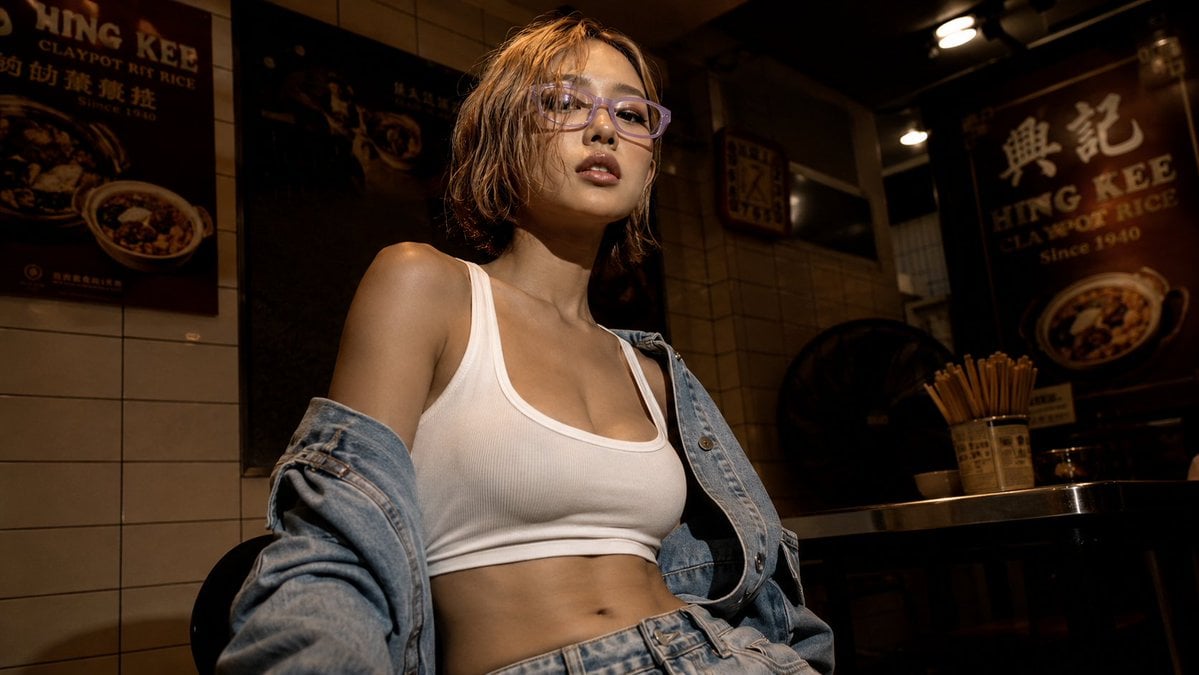
Cinematic Hong Kong Restaurant Portrait
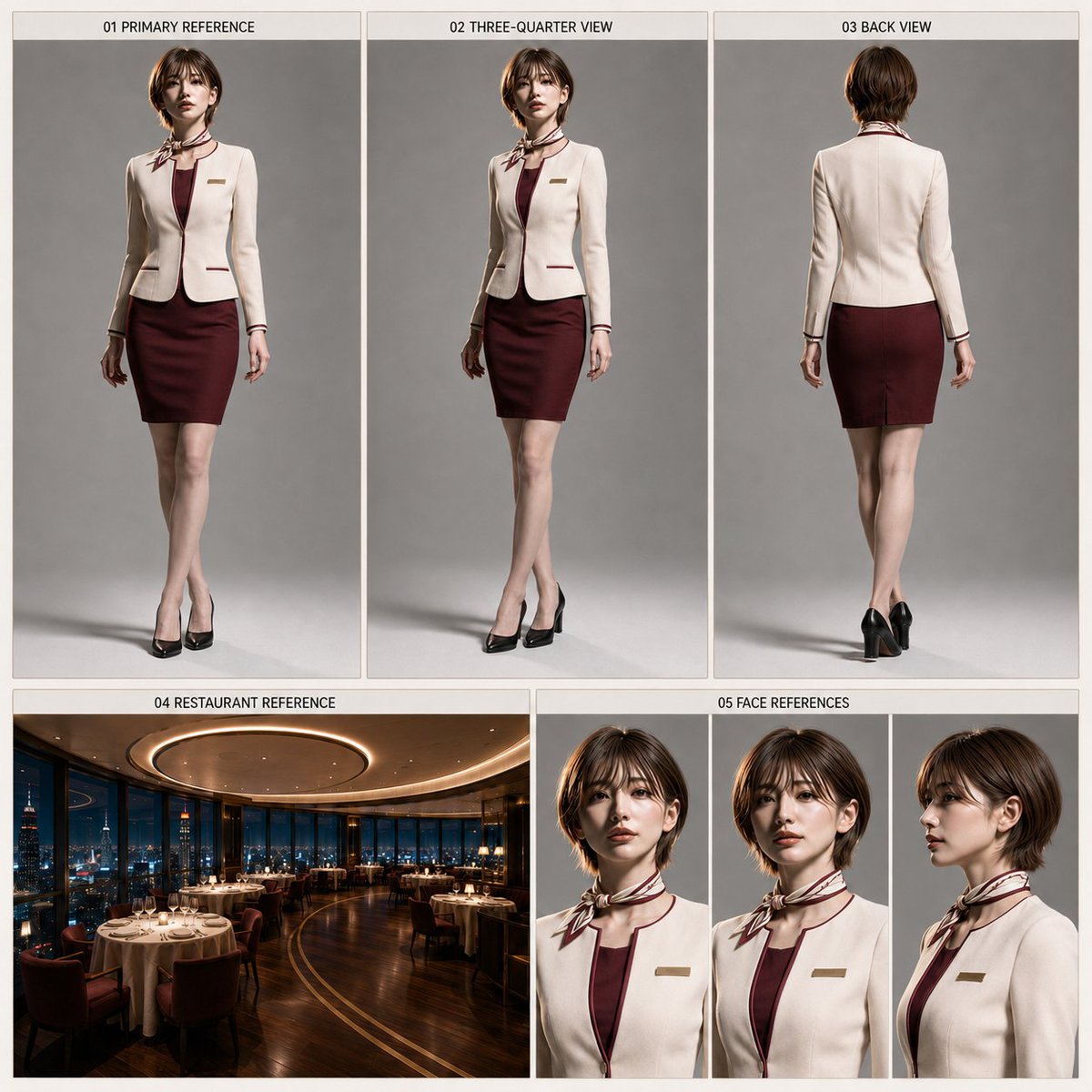
Restaurant Manager Character Sheet Generator

Six VTuber Japanese Logo Sheet

Japanese Kawaii Logo Model Comparison
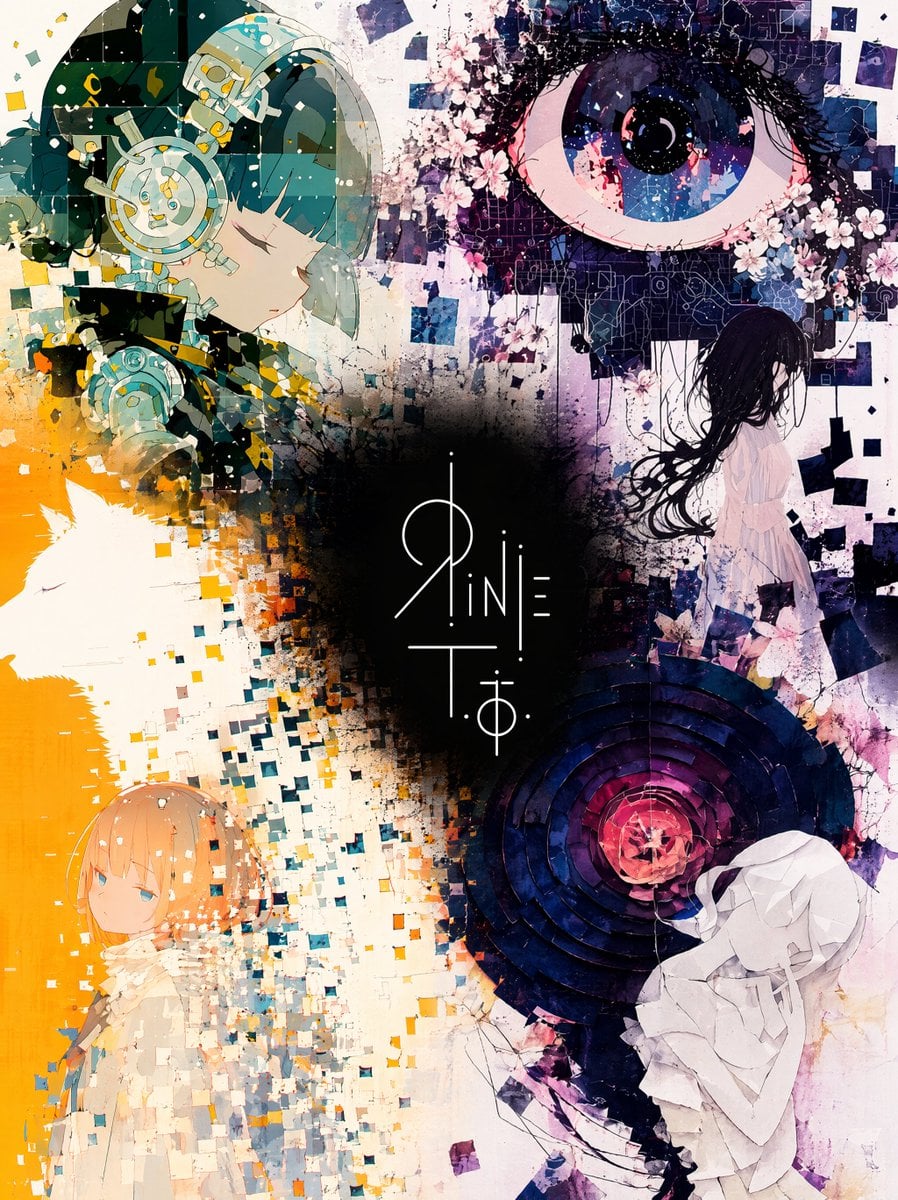
Unified Illustration and Logo Collage

Modern Korean Fashion Editorial Board

2.5D Anime Art Board
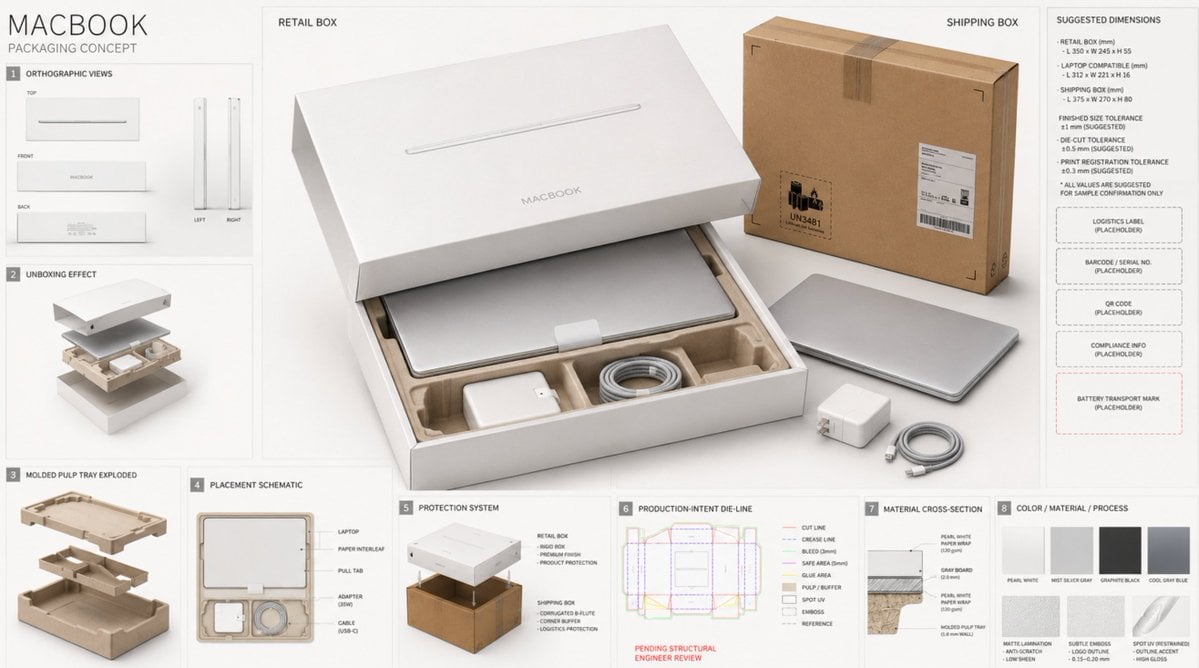
High-End Laptop Packaging Concept Board
Rabbit Racer Workflow Board
Make it yours
Restaurant Logo Guidelines Board works as-is. These are the safest ways to change it without losing the look.
Change one field
Copy a single group, rewrite it, and generate again so you can see what that field is doing.
Keep the frame, change the subject
Hold the composition and light of Restaurant Logo Guidelines Board, then swap wardrobe, props or the person for a new take.
| If the result… | Why | Fix |
|---|---|---|
| The result drifts from the preview | Too many fields changed at once. | Reuse Restaurant Logo Guidelines Board as-is first, then change one group — subject, light, or setting. |
| The model over-stylizes the scene | The prose prompt leaves finish and camera underspecified. | Add one camera or lighting sentence and stay on GPT Image 2. |
More GPT Image 2 templates
Other prompts made for GPT Image 2.

Realistic Portrait of Woman and Deer

The Vista Modular Condo Poster

AI Model Routing Comparison Infographic

Isometric Productivity Desk Scene

New York Double Exposure Poster

Four-Panel AI Landscape Comparison

Japanese Tatami Lifestyle Magazine Cover

NESCAFÉ Coffee Map Poster

Brutalist Cogito Chinese Typography Poster

Cinematic Luxury Terrace Portrait
More image prompts
Fresh picks from across the catalog.

Luxury Fashion Ad Portrait
Procedural Whimsical Mono-Punk Floating Miniature Diorama Prompt
Flirty Studio Portrait Prompt with Wink and Tongue Out
Candid Photograph of Woman on Subway
Shattered Phone Screen Doodle Portal
Golden Hour Fashion Portrait

Retro Japanese Onsen Photography
Rainy Manga Alley Woman Portrait
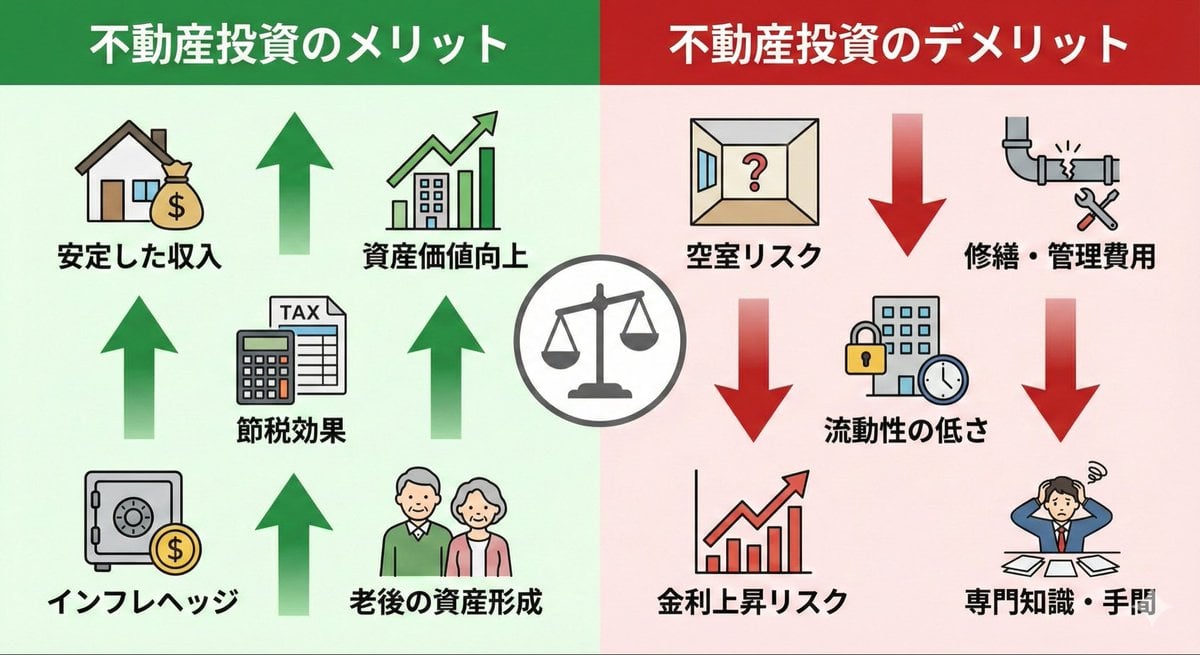
Pros and cons of real estate investment infographic
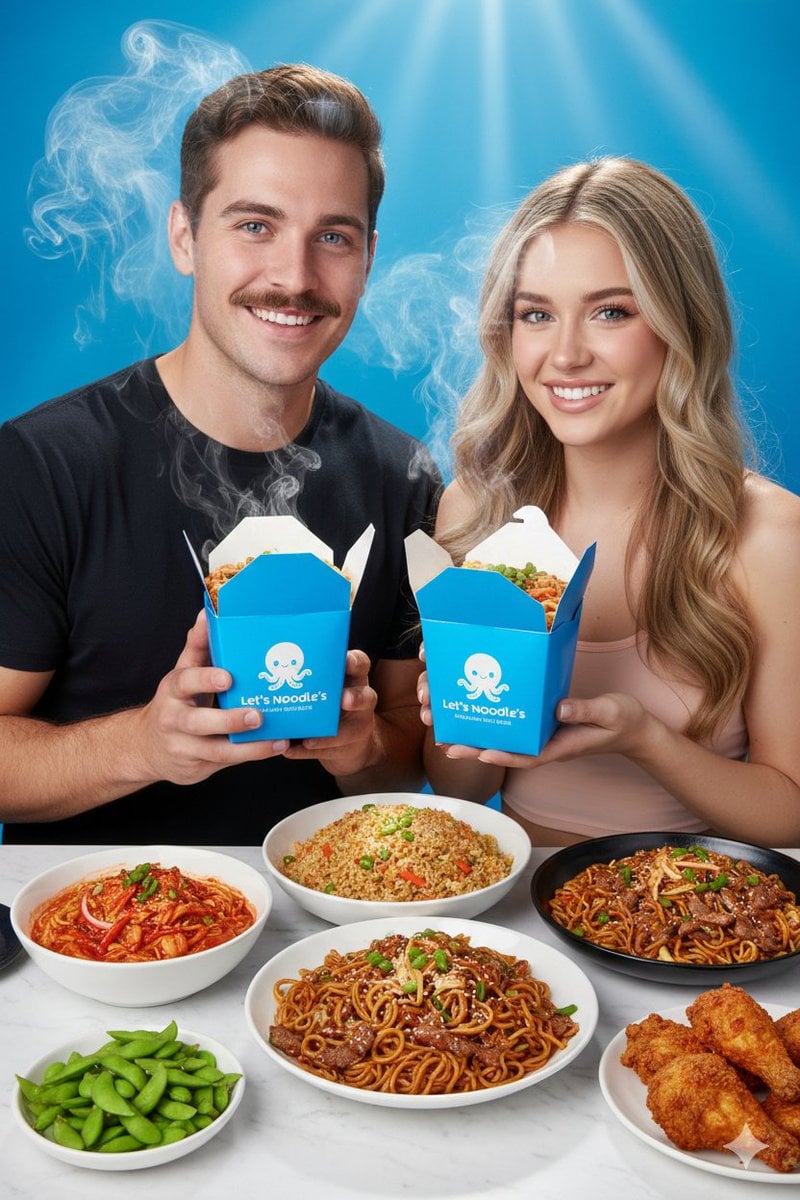
Vibrant Food Photography with Couple and Noodle Boxes
Browse template categories
Restaurant Logo Guidelines Board questions
How do I use the Restaurant Logo Guidelines Board template?
Add your photo if the template asks for one, edit the prompt if you like — the template's model and format are already selected — and press Generate. Your version opens in PicX Studio.
Can I customize the Restaurant Logo Guidelines Board template?
Yes. You can change the subject, setting, lighting, mood, format, and available model controls before creating your image.
Is the Restaurant Logo Guidelines Board template free?
Opening and editing this template is free. Generating uses credits, shown on the Generate button when you are signed in.
Which AI model should I use?
Start with GPT Image 2, which is the model associated with this template. You can compare another compatible model for a different finish.
Looking for something else? Browse all templates.

Your photo, any look
Thousands of ready templates for every top image and video model, from one credit balance.