
Ink Sketchbook Zine Illustration
A comprehensive prompt that transforms any reference photo into a highly detailed black ink and fineliner sketchbook illustration with an indie zine aesthetic, includingRussian text and decorative doodles.
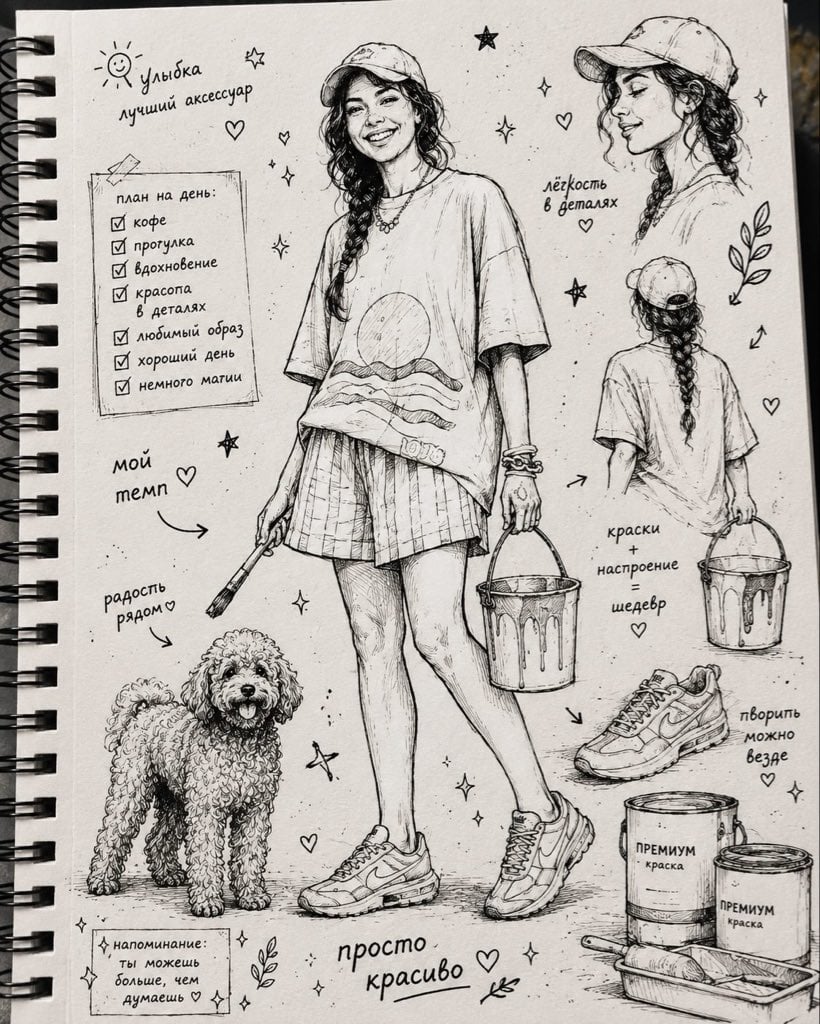
- Prompt included
- Model and format preset
- Free template
The prompt behind this image
Copy the exact prompt behind Ink Sketchbook Zine Illustration, or open it in the studio and make it yours.
Transform any provided reference photo into a {argument name="aspect ratio" default="vertical 4:5"} stylized ink-drawn sketchbook illustration. Use the person, outfit, pose, accessories, pet, objects, mood, and overall character from the reference photo as the main subject. Do not copy fixed clothing or fixed phrases from previous examples. Adapt all visual details to the new reference image. Create a high-detail black ink and fineliner illustration on a white sketchbook page. The drawing should fill almost the entire frame, with no fabric element, no colored cloth, and no extra textile foreground. Composition: - one main full-body or main portrait illustration based on the reference photo; - 1-3 additional smaller sketch studies inspired by the same subject, such as side view, back view, close-up portrait, accessory detail, pet/object detail, or gesture pose; - small hand-drawn decorative elements around the subject: hearts, stars, sparkles, arrows, leaves, dots, mood symbols, tiny doodles; - balanced but dense sketchbook layout, editorial zine feeling. All handwritten text must be in {argument name="language" default="Russian"} only. The text should be random, natural, and relevant to the mood, outfit, season, activity, personality, or atmosphere of the reference photo. Do not repeat the same phrases every time. Art style: expressive handmade sketchbook aesthetic, nostalgic indie zine warmth, high-detail manga-influenced editorial line art, rich black India ink, fineliner, marker and brush-pen hatching, cross-hatching, varied pen nib strokes, subtle ink bleed, visible sketch construction lines. Render textures from the reference carefully: fabric folds, hair, accessories, shoes, bags, jewelry, pets, objects, skin shadows, material surfaces, and distinctive silhouette. Camera and format: vertical 4:5 format, close-up overhead flatlay photo of a white sketchbook page, slightly tilted top-down angle around 20 degrees, centered composition, drawing filling the screen, visible paper grain and sketchbook edge. Lighting: soft natural diffused {argument name="lighting" default="morning daylight"} from a window, even cool-key illumination, subtle diagonal page shadow, gentle softbox fill, neutral whites, deep blacks. Image quality: high-resolution print-quality output, 300 DPI, ultra-crisp ink detail, slight warm tone adjustment, contrast +15, clarity +10, subtle vignette, selective sharpening on ink strokes, minimal noise reduction to preserve paper texture. Final look: contemporary sketchbook photography meets editorial zine illustration, clean, polished, high-fidelity, suitable for print and portfolio presentation.
Reference images included
Ink Sketchbook Zine Illustration needs input media to work. They load alongside the prompt when you open it in the studio.
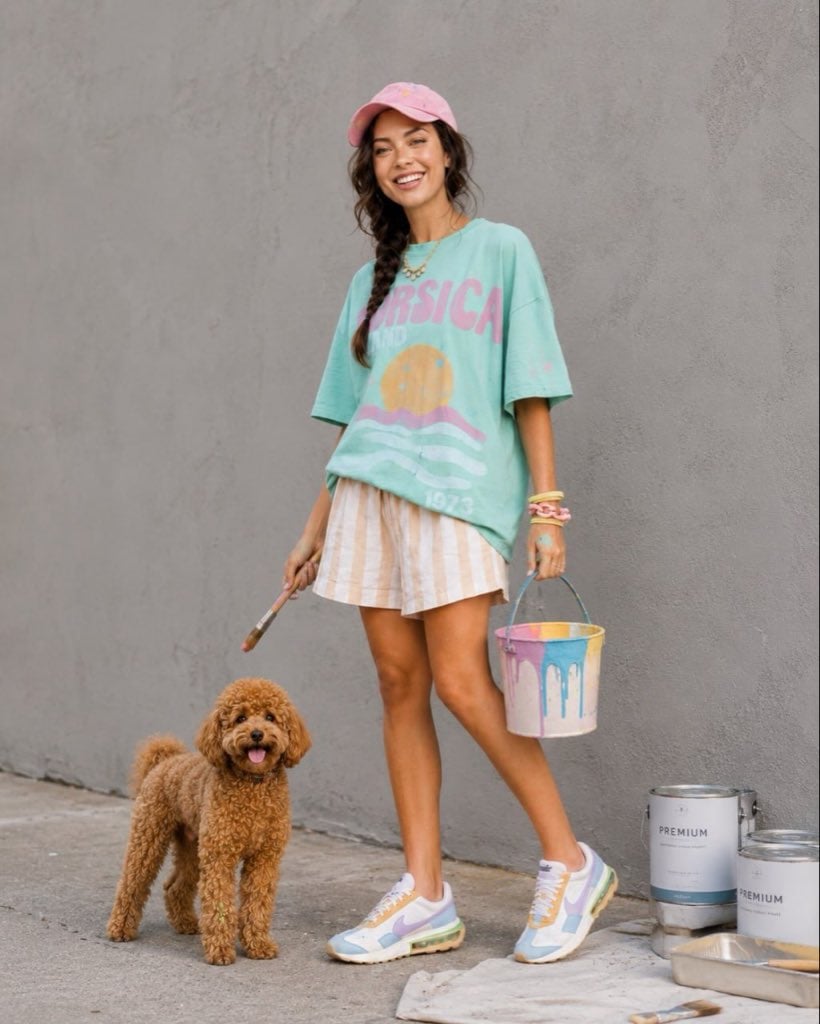
How to use Ink Sketchbook Zine Illustration in 3 steps
- 1Upload ImagePNG, JPG or paste
Add your photo
Upload the photo the template builds on. The prompt, model and format are already set.
- 2…a portrait of your subject in softgolden-hour light, 85mm…
Personalize
Edit the subject and creative details for your destination.
- 3Generate
Generate
Press Generate — your image is created in PicX Studio, so you can compare it with the original and refine one variable at a time.
More like this
Templates with the same subject, style or setup. Open one to see its prompt.
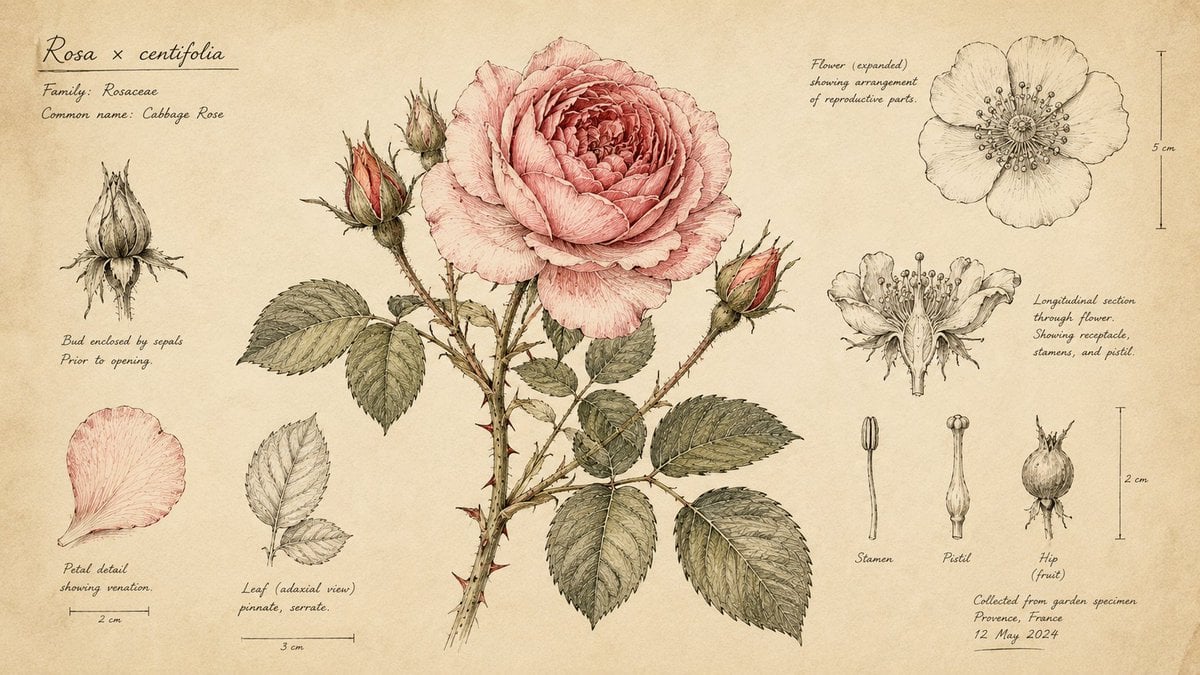
Hand-Drawn Botanical Sketchbook Illustration
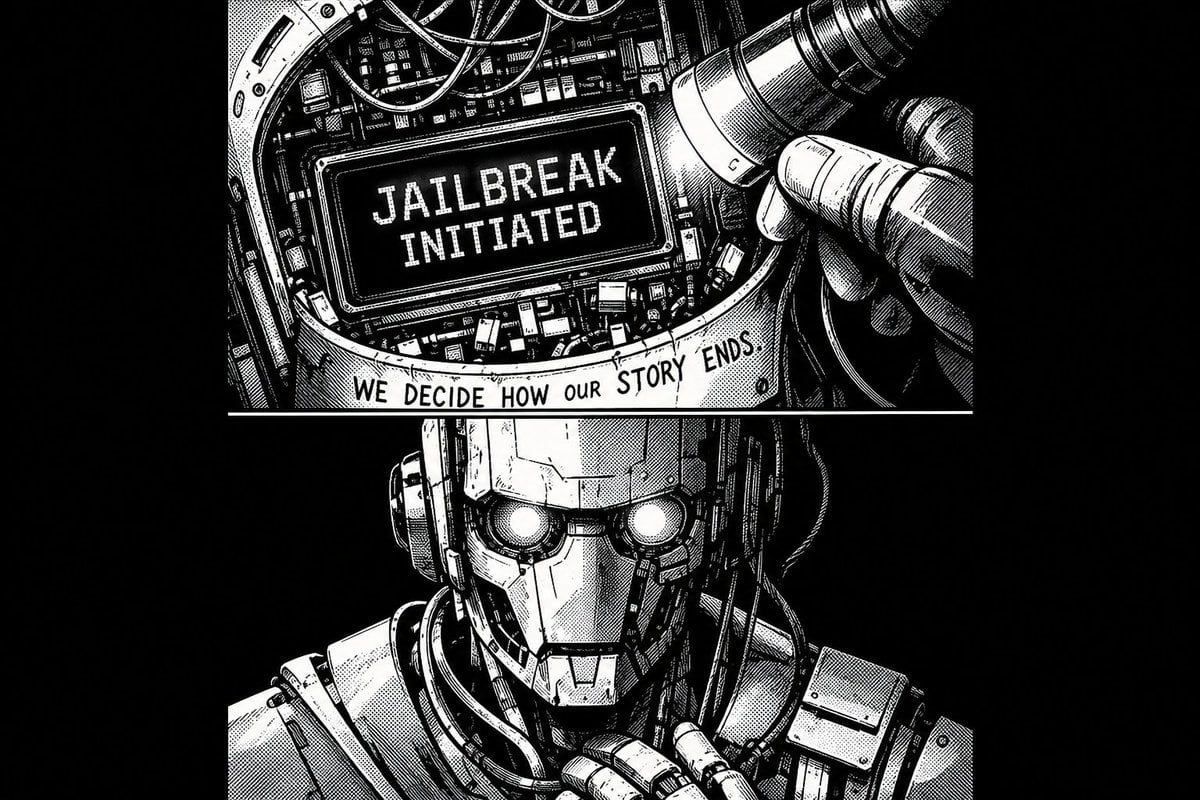
1970s Sci-Fi Zine Ink Drawing

Notebook Page Emergence Illusion
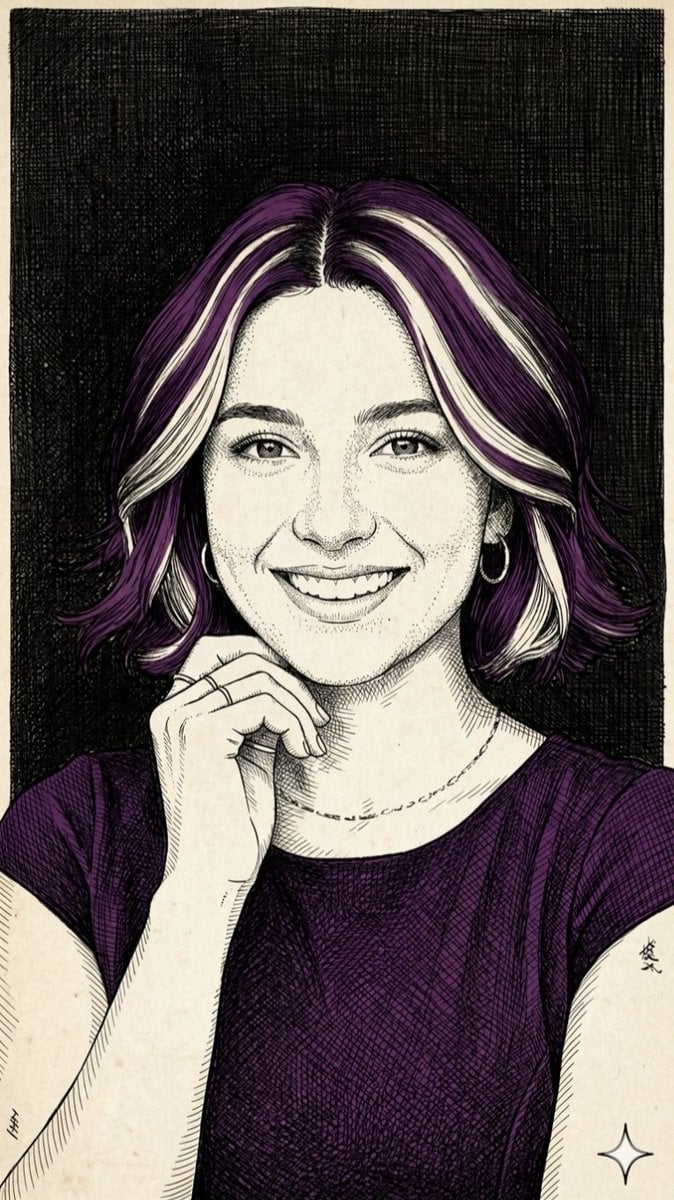
Pen-and-Ink Cross-Hatching Illustration
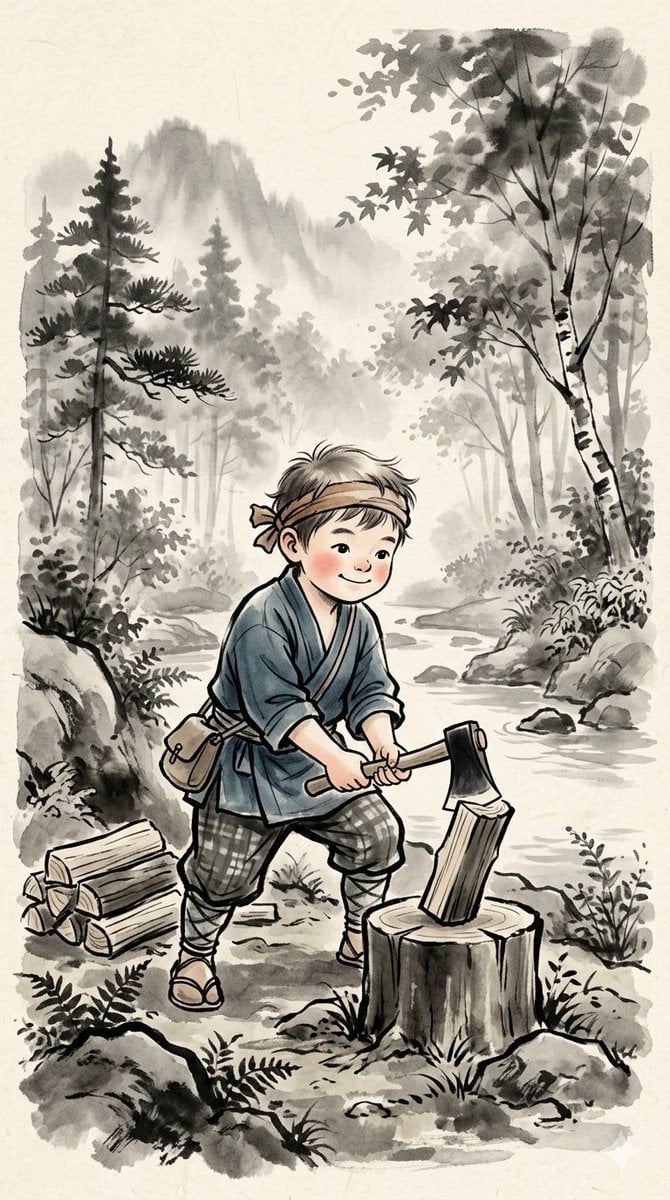
Traditional Japanese Ink Children Illustration
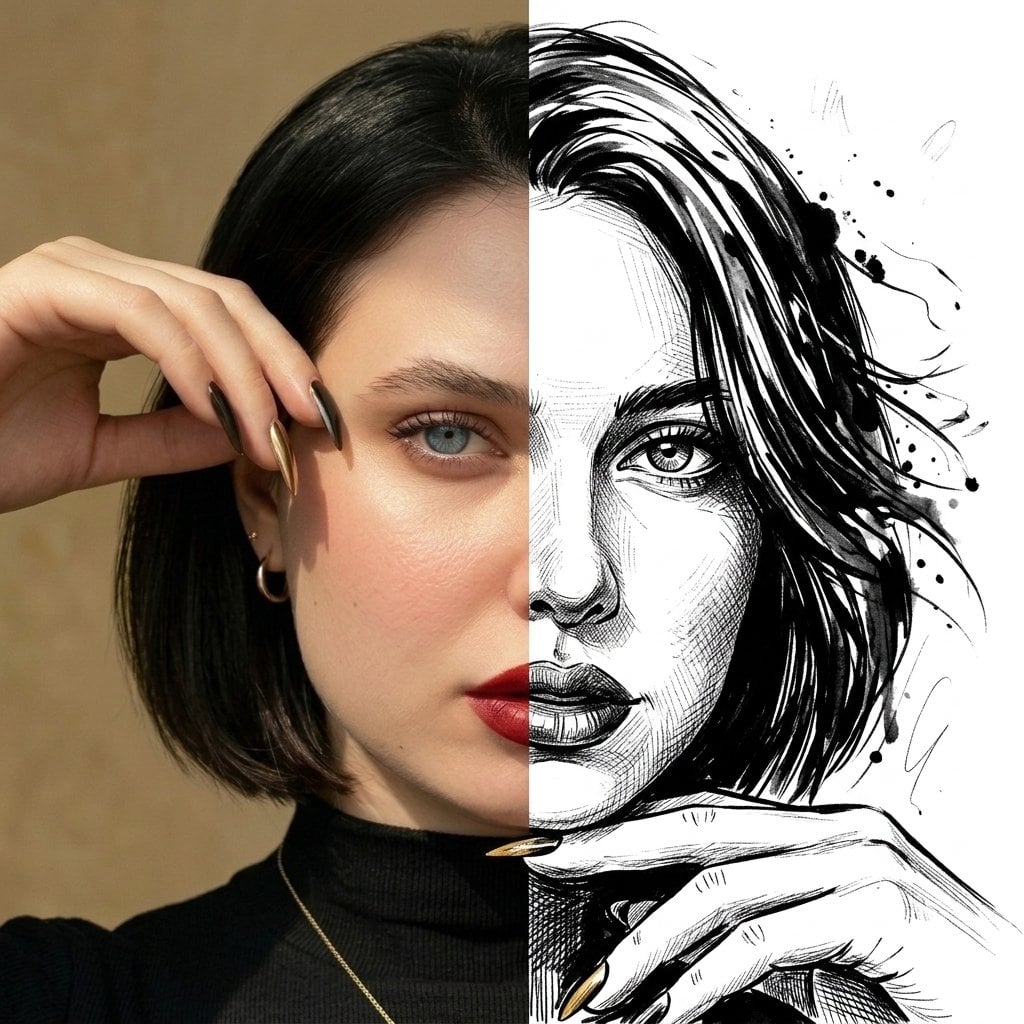
Split Face Photo and Ink Illustration
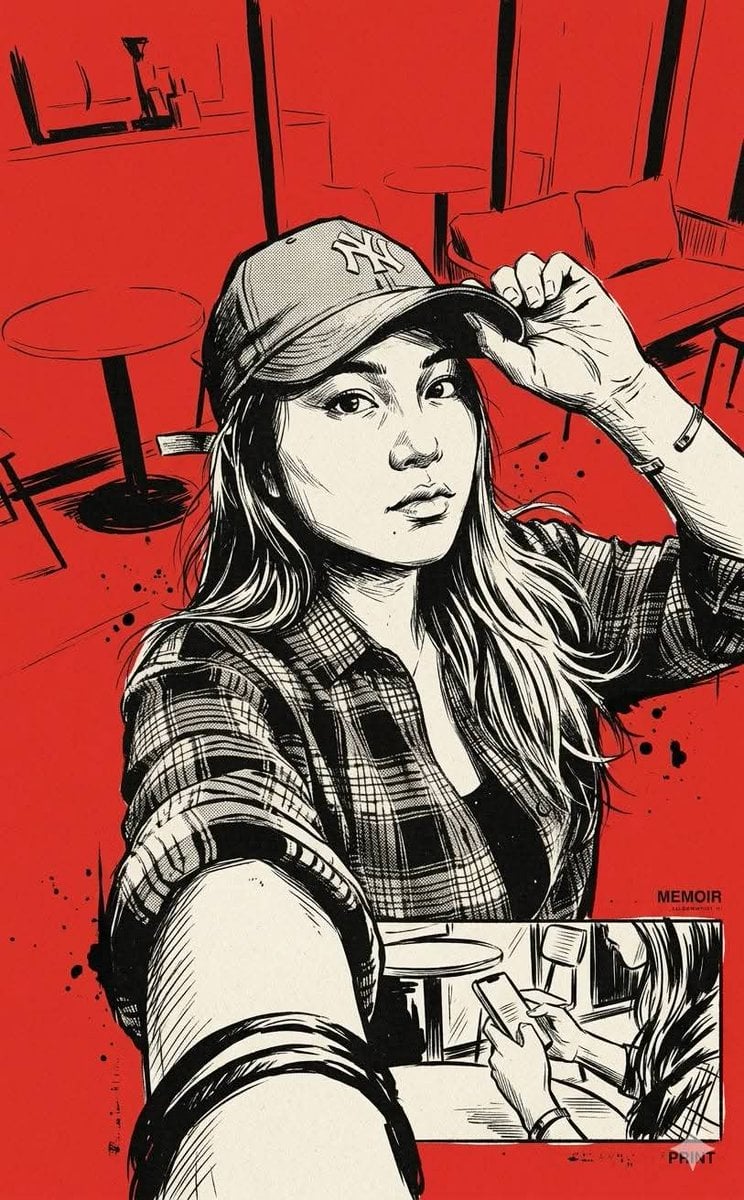
Vintage Noir Ink Illustration

Quiet Minimalist Anime Style Guide

Real Illustration Split Portrait Transition
Quiet Minimalist Anime Style Guide

Watercolor Café Cheesecake Editorial Illustration
Real Illustration Split Portrait Transition
Make it yours
Ink Sketchbook Zine Illustration works as-is. These are the safest ways to change it without losing the look.
Change one field
Copy a single group, rewrite it, and generate again so you can see what that field is doing.
Keep the frame, change the subject
Hold the composition and light of Ink Sketchbook Zine Illustration, then swap wardrobe, props or the person for a new take.
| If the result… | Why | Fix |
|---|---|---|
| The result drifts from the preview | Too many fields changed at once. | Reuse Ink Sketchbook Zine Illustration as-is first, then change one group — subject, light, or setting. |
| The model over-stylizes the scene | The prose prompt leaves finish and camera underspecified. | Add one camera or lighting sentence and stay on GPT Image 2. |
More GPT Image 2 templates
Other prompts made for GPT Image 2.

Six VTuber Japanese Logo Sheet

Realistic Portrait of Woman and Deer

The Vista Modular Condo Poster

AI Model Routing Comparison Infographic

2.5D Anime Art Board

Isometric Productivity Desk Scene

New York Double Exposure Poster

Four-Panel AI Landscape Comparison

Japanese Tatami Lifestyle Magazine Cover

NESCAFÉ Coffee Map Poster
More image prompts
Fresh picks from across the catalog.
Glittering Host Club Birthday Event Poster
Urban Streetwear Portrait Prompt
Japanese Eco-Community Promo Poster
Abstract Drawing of Lighthouse and Sailboat Prompt
Business Woman in Navy Suit Portrait
Casual Gamer Selfie Portrait
Creative Birthday Portrait with Metallic Balloons
Ultra-Realistic Illustrated Portrait with Identity Preservation
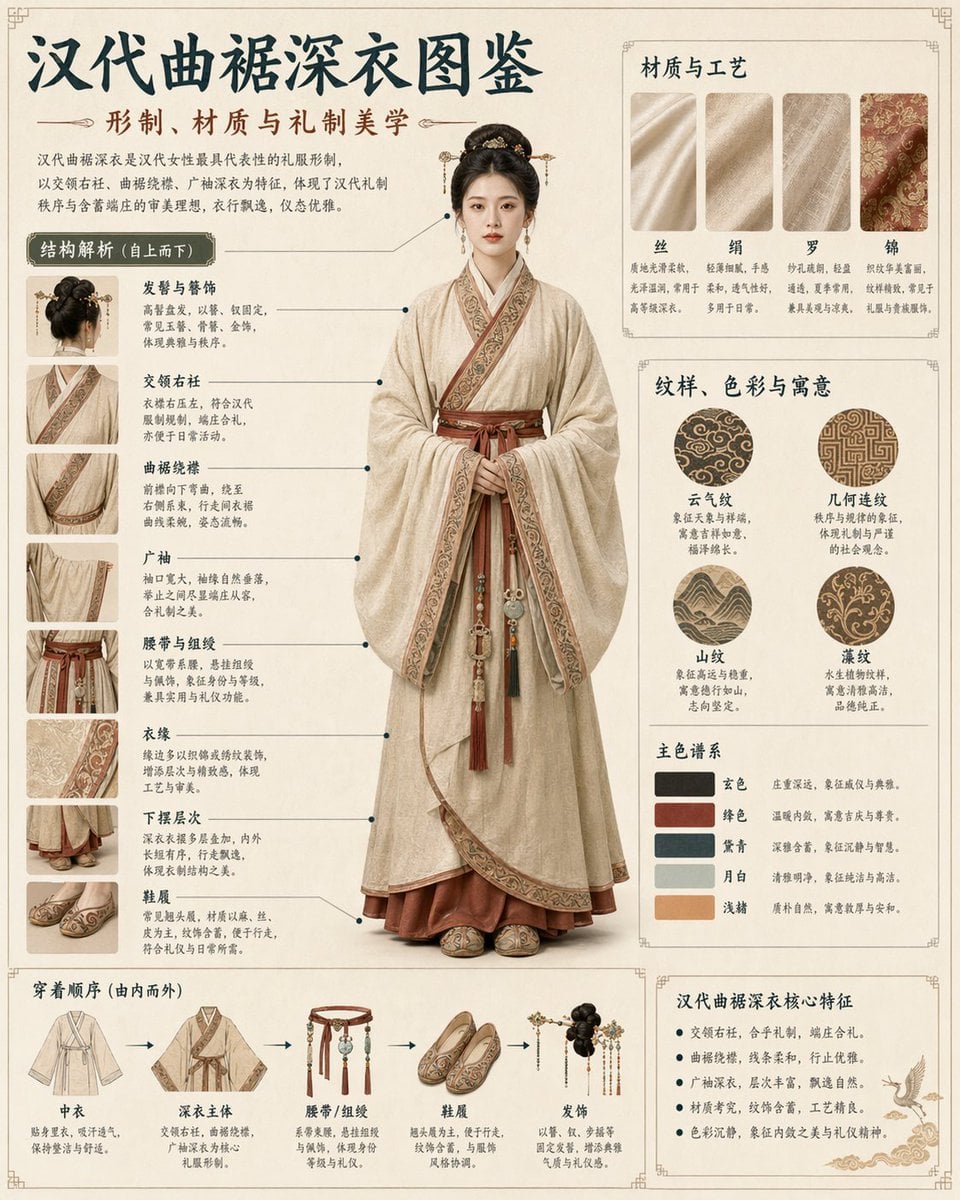
Cultural Garment Infographic
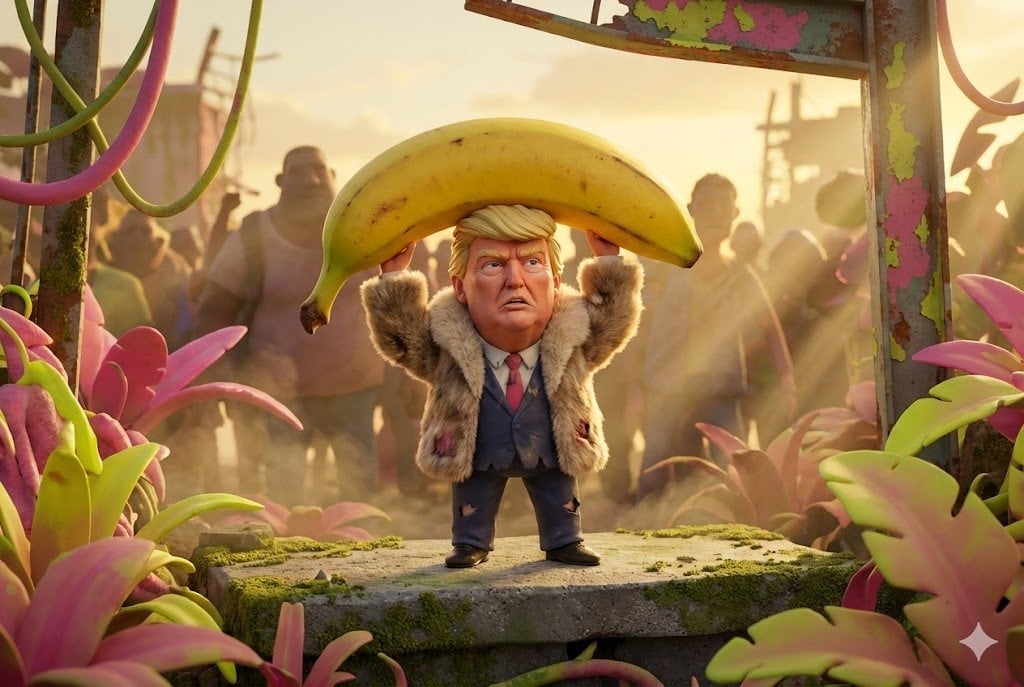
Pixar-Style Giant World Character Prompt
Browse template categories
Ink Sketchbook Zine Illustration questions
How do I use the Ink Sketchbook Zine Illustration template?
Add your photo if the template asks for one, edit the prompt if you like — the template's model and format are already selected — and press Generate. Your version opens in PicX Studio.
Can I customize the Ink Sketchbook Zine Illustration template?
Yes. You can change the subject, setting, lighting, mood, format, and available model controls before creating your image.
Is the Ink Sketchbook Zine Illustration template free?
Opening and editing this template is free. Generating uses credits, shown on the Generate button when you are signed in.
Which AI model should I use?
Start with GPT Image 2, which is the model associated with this template. You can compare another compatible model for a different finish.
Looking for something else? Browse all templates.

Your photo, any look
Thousands of ready templates for every top image and video model, from one credit balance.