
Cozy Indoor Fashion Shot Prompt (Gray Turtleneck Set)
A prompt for generating a high-quality, full-body indoor fashion photograph of a model wearing a specific gray oversized turtleneck and wide-leg trousers.
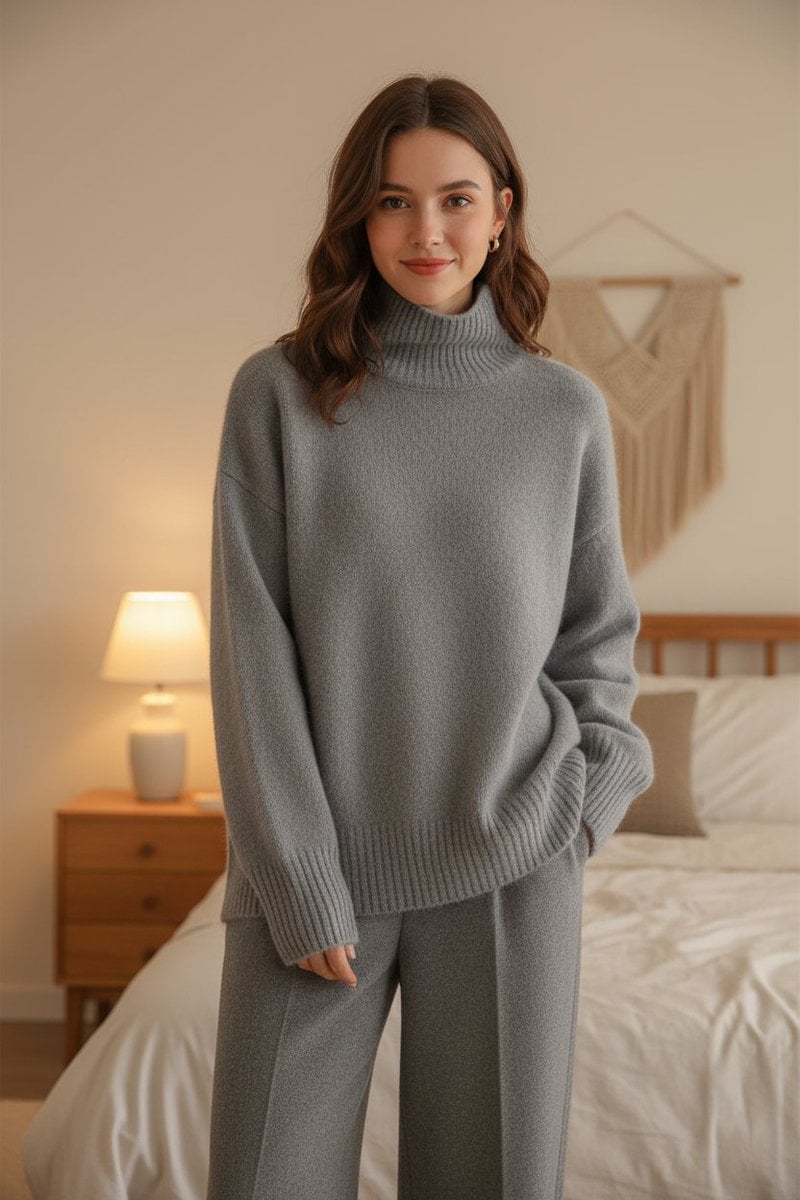
- Prompt included
- Model and format preset
- Free template
The prompt behind this image
Copy the exact prompt behind Cozy Indoor Fashion Shot Prompt (Gray Turtleneck Set), or open it in the studio and make it yours.
- Description
- A full-body image of a different female American model wearing the exact same outfit as in the reference: a soft gray oversized turtleneck sweater made of wool or cashmere, with ribbed cuffs, collar, and hem, paired with matching gray wide-leg trousers. The model should stand in a relaxed, natural pose with a gentle, welcoming smile and confident yet calm posture. Her hair should be styled simply — shoulder-length or slightly wavy — and she should appear approachable and cozy. The sweater’s color, texture, and proportions must remain completely identical to the reference image.
- Style
- High-quality indoor fashion photograph in a cozy, warm, realistic bedroom setting. The focus should be on comfort, softness, and casual elegance. The atmosphere should feel natural, modern, and homely.
- Lighting
- Soft, diffused indoor lighting around 3000–3200K, coming from bedside lamps or ceiling lights. There should be no sunlight or window glare. Maintain smooth illumination across the outfit, highlighting the sweater’s soft wool texture and natural folds. Lighting should be warm, gentle, and cozy — no harsh shadows or bright reflections.
- Camera
- Full-body shot at eye level, maintaining a natural and flattering angle. The model should be standing comfortably or leaning slightly near a bed or dresser, with a relaxed composition that highlights the outfit from head to toe. Depth of field should be slightly shallow to softly blur the background while keeping the model sharp.
- Focus
- Keep the gray turtleneck sweater and trousers exactly as in the reference — same knit texture, ribbed cuffs, and slightly oversized fit. Ensure the wool appears realistic and soft. Preserve the monochrome color scheme and natural draping of the outfit.
- Environment
- A modern, cozy bedroom with warm neutral tones — beige or cream walls, a neatly made bed with soft bedding, wooden or carpet flooring, a side lamp, and indoor plants. The space should feel calm, elegant, and inviting, with only indoor light sources visible. No sunlight or window brightness should appear in the frame.
- Negative Prompt
- different sweater color or texture, tight or fitted outfit, outdoor or studio background, sunlight or window glare, cropped or half-body shot, harsh shadows or overexposed lighting, different outfit type, glossy or synthetic fabric
Raw JSON
{
  "description": "A full-body image of a different female American model wearing the exact same outfit as in the reference: a soft gray oversized turtleneck sweater made of wool or cashmere, with ribbed cuffs, collar, and hem, paired with matching gray wide-leg trousers. The model should stand in a relaxed, natural pose with a gentle, welcoming smile and confident yet calm posture. Her hair should be styled simply — shoulder-length or slightly wavy — and she should appear approachable and cozy. The sweater’s color, texture, and proportions must remain completely identical to the reference image.",

  "style": "High-quality indoor fashion photograph in a cozy, warm, realistic bedroom setting. The focus should be on comfort, softness, and casual elegance. The atmosphere should feel natural, modern, and homely.",

  "lighting": "Soft, diffused indoor lighting around 3000–3200K, coming from bedside lamps or ceiling lights. There should be no sunlight or window glare. Maintain smooth illumination across the outfit, highlighting the sweater’s soft wool texture and natural folds. Lighting should be warm, gentle, and cozy — no harsh shadows or bright reflections.",

  "camera": "Full-body shot at eye level, maintaining a natural and flattering angle. The model should be standing comfortably or leaning slightly near a bed or dresser, with a relaxed composition that highlights the outfit from head to toe. Depth of field should be slightly shallow to softly blur the background while keeping the model sharp.",

  "focus": "Keep the gray turtleneck sweater and trousers exactly as in the reference — same knit texture, ribbed cuffs, and slightly oversized fit. Ensure the wool appears realistic and soft. Preserve the monochrome color scheme and natural draping of the outfit.",

  "environment": "A modern, cozy bedroom with warm neutral tones — beige or cream walls, a neatly made bed with soft bedding, wooden or carpet flooring, a side lamp, and indoor plants. The space should feel calm, elegant, and inviting, with only indoor light sources visible. No sunlight or window brightness should appear in the frame.",

  "negative_prompt": [
    "different sweater color or texture",
    "tight or fitted outfit",
    "outdoor or studio background",
    "sunlight or window glare",
    "cropped or half-body shot",
    "harsh shadows or overexposed lighting",
    "different outfit type",
    "glossy or synthetic fabric"
  ]
}How to use Cozy Indoor Fashion Shot Prompt (Gray Turtleneck Set) in 3 steps
- 1Upload ImagePNG, JPG or paste
Add your photo
Upload the photo the template builds on. The prompt, model and format are already set.
- 2…a portrait of your subject in softgolden-hour light, 85mm…
Personalize
Edit the subject and creative details for your destination.
- 3Generate
Generate
Press Generate — your image is created in PicX Studio, so you can compare it with the original and refine one variable at a time.
More like this
Templates with the same subject, style or setup. Open one to see its prompt.
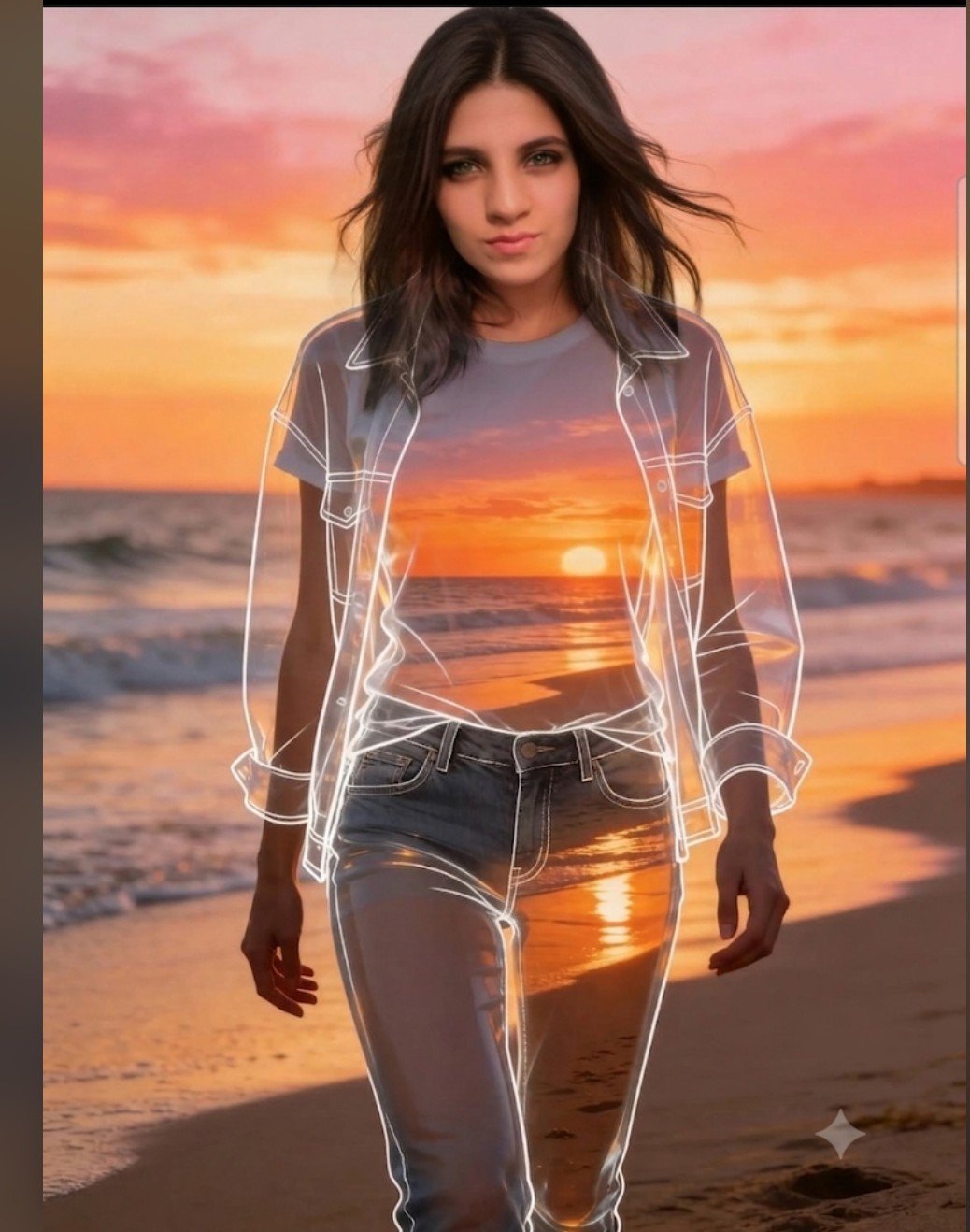
Beach Sunset Double Exposure Wireframe Portrait

80s College Gate

1988 Mall Style

80s Polka Dot Saree
Cozy Indoor Lifestyle Portrait
Cozy Indoor Bedroom Lifestyle Portrait

Cozy Rainy Night Indoor Portrait
Tropical Beach Sunset Fashion Portrait
Cozy Indoor Portrait with Plaid Pinafore

Cinematic Street Fashion Photographer Portrait

High-Fashion Editorial Magazine Cover ICON

Korean Streetwear Minimalist Campaign Portrait
Make it yours
Cozy Indoor Fashion Shot Prompt (Gray Turtleneck Set) works as-is. These are the safest ways to change it without losing the look.
Swap the setting
Keep the rest of the prompt and replace the location block. The current setting is “A modern, cozy bedroom with warm neutral tones — beige or cream walls, a neatly ”.
Swap the light
One lighting change is enough to compare takes. Current light: “Soft, diffused indoor lighting around 3000–3200K, coming from bedside lamps or c”.
Change one field
Copy a single group, rewrite it, and generate again so you can see what that field is doing.
| If the result… | Why | Fix |
|---|---|---|
| The result drifts from the preview | Too many fields changed at once. | Reuse Cozy Indoor Fashion Shot Prompt (Gray Turtleneck Set) as-is first, then change one group — subject, light, or setting. |
| Nano Banana 2 ignores part of the JSON | Some models flatten or skip nested keys. | Keep the same values and paste them as a short paragraph instead. |
More Nano Banana 2 templates
Other prompts made for Nano Banana 2.

Photorealistic Leaf Shaped Like a Dragon

K-Pop Idol Portrait Grid for Rapid Selection

Poetic Rain Forest Portrait During Golden Hour

Urban Street Portrait with Cartoon Inner Self Duo

Candid Nighttime Photo with Cat Prompt

High-Concept 3D Diorama Generation Prompt

Cinematic Futuristic Studio Portrait Template

Skincare Editorial Photography Collage Prompt

Hyper-Realistic Commercial Product Photography (Splash Effect)

Hyper-Realistic Nightclub Portrait Prompt
More image prompts
Fresh picks from across the catalog.

Image-to-Image Transformation: Arm Wrestling with Popeye
Shadow Puppet Style Transformation

Nano Banana Chronology Request (Non-Executable)
Editorial Portrait Holding Poster of Self
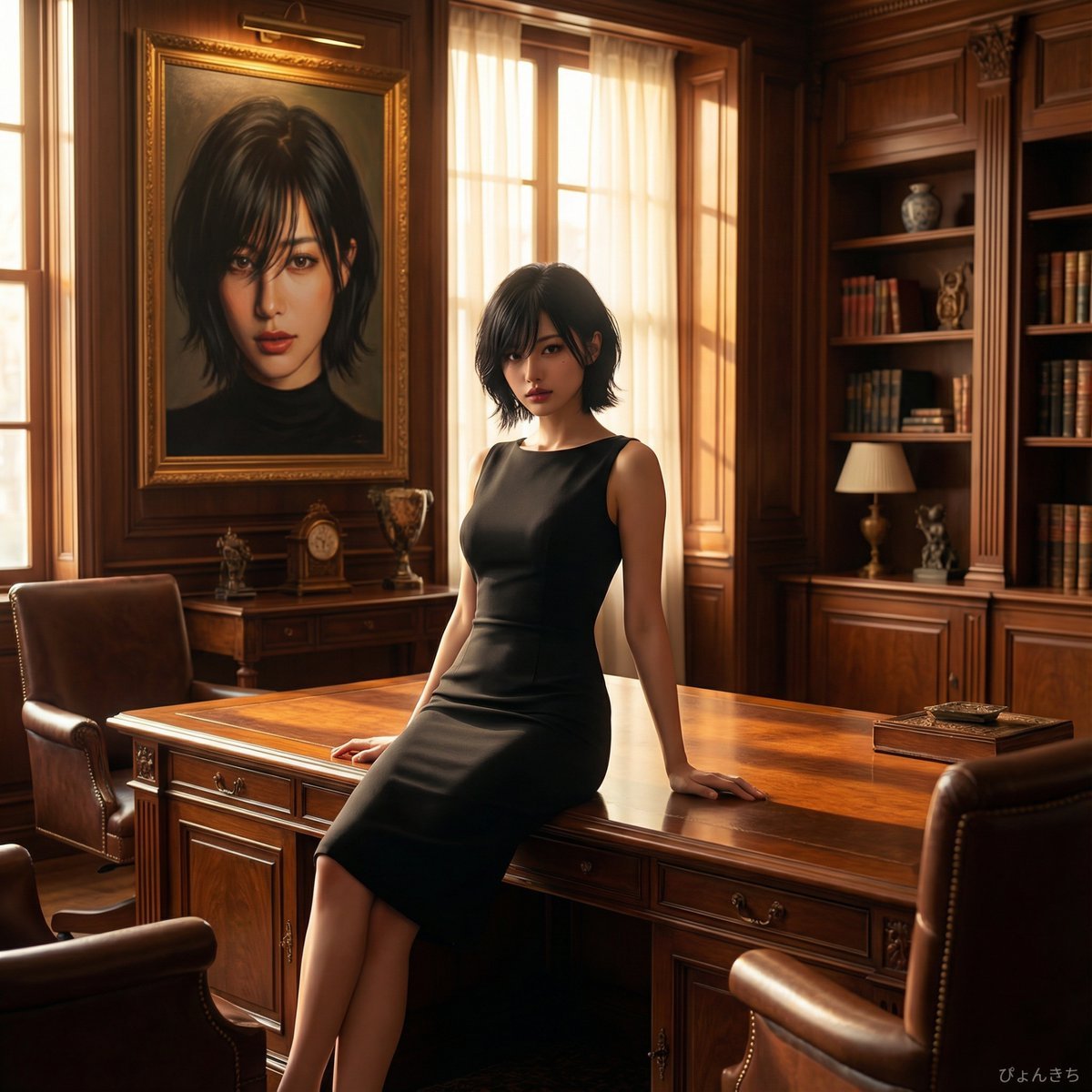
Luxury Office Portrait Prompt (Image-to-Image)
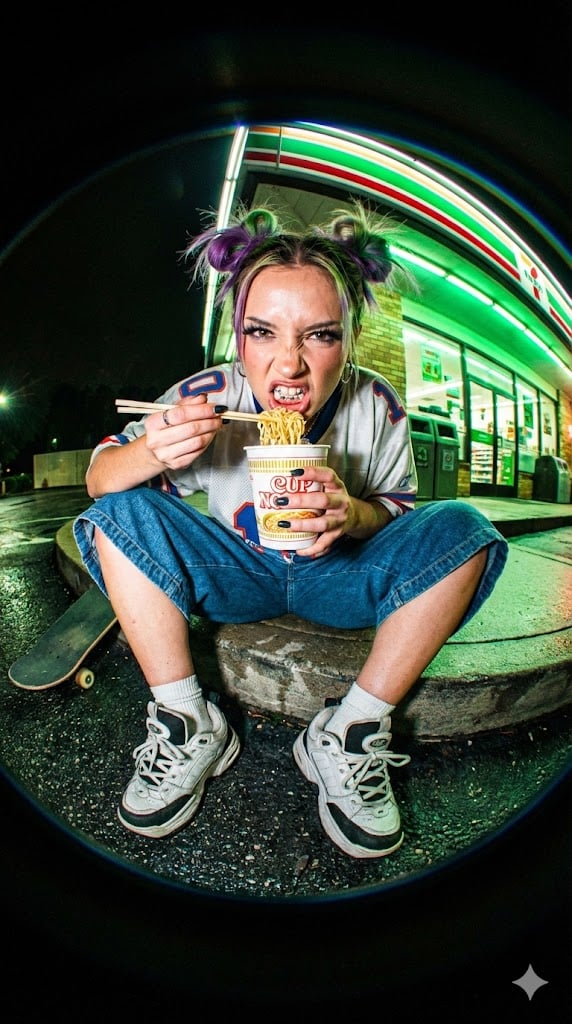
Extreme Fisheye Streetwear Portrait
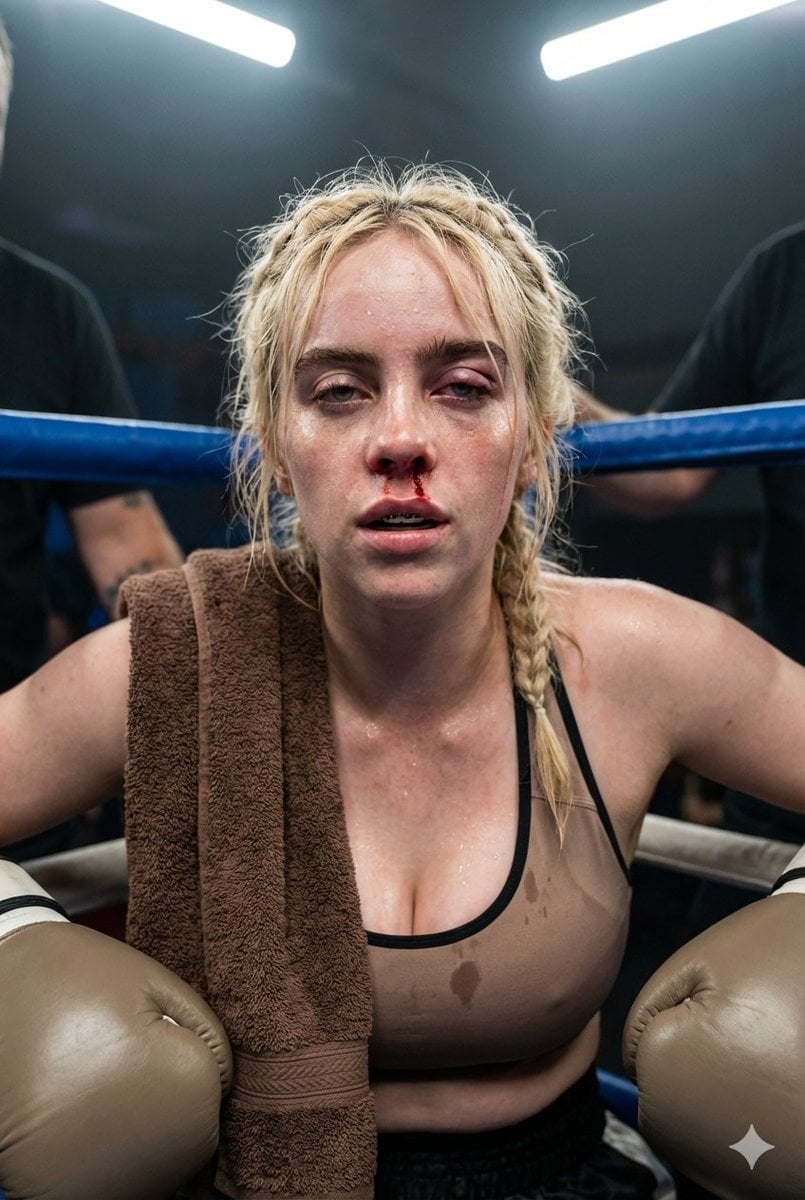
Documentary Realism Boxing Portrait
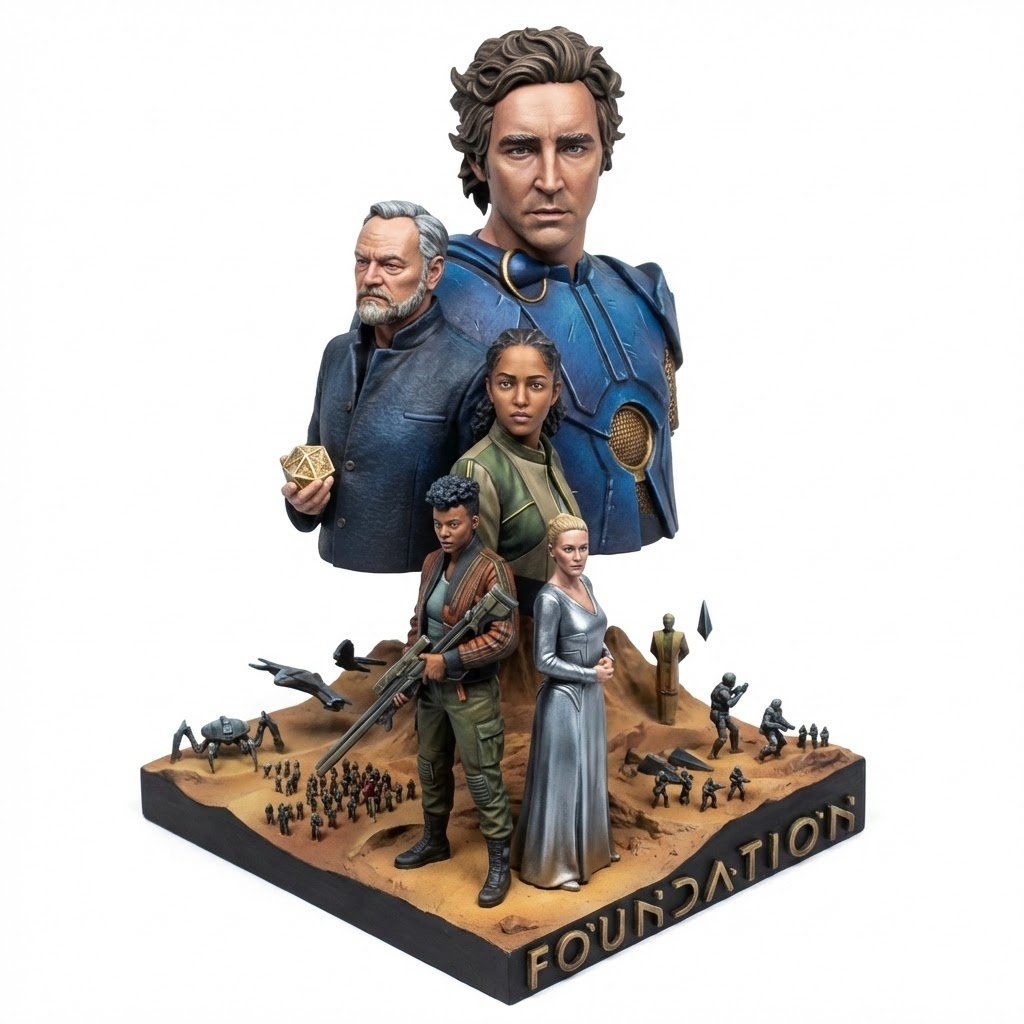
Realistic Miniature Sports Figurine Transformation
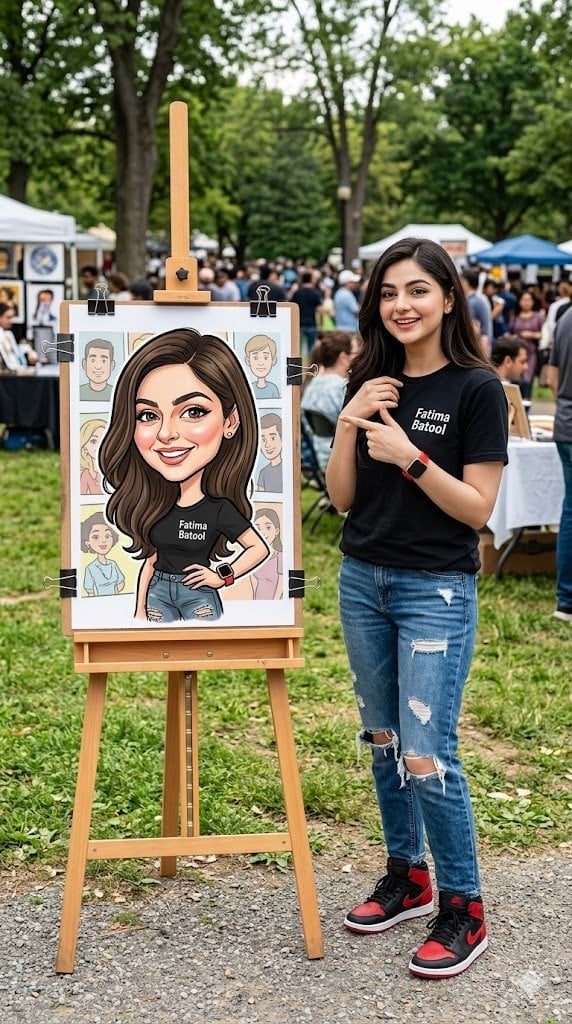
Personalized Vibrant Caricature Art
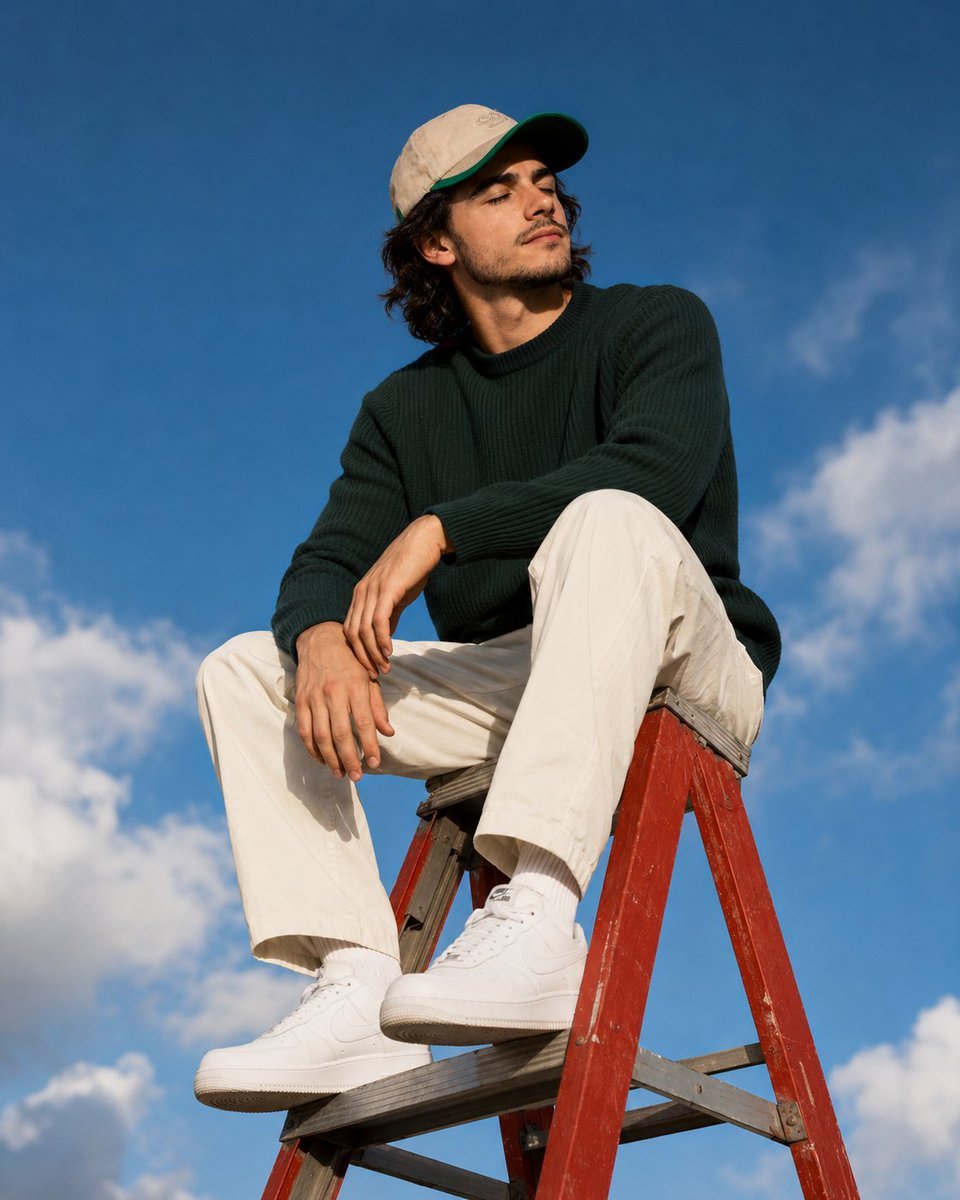
Outdoor Lifestyle Portrait on Ladder
Browse template categories
Cozy Indoor Fashion Shot Prompt (Gray Turtleneck Set) questions
How do I use the Cozy Indoor Fashion Shot Prompt (Gray Turtleneck Set) template?
Add your photo if the template asks for one, edit the prompt if you like — the template's model and format are already selected — and press Generate. Your version opens in PicX Studio.
Can I customize the Cozy Indoor Fashion Shot Prompt (Gray Turtleneck Set) template?
Yes. You can change the subject, setting, lighting, mood, format, and available model controls before creating your image.
Is the Cozy Indoor Fashion Shot Prompt (Gray Turtleneck Set) template free?
Opening and editing this template is free. Generating uses credits, shown on the Generate button when you are signed in.
Which AI model should I use?
Start with Nano Banana 2, which is the model associated with this template. You can compare another compatible model for a different finish.
Looking for something else? Browse all templates.

Your photo, any look
Thousands of ready templates for every top image and video model, from one credit balance.