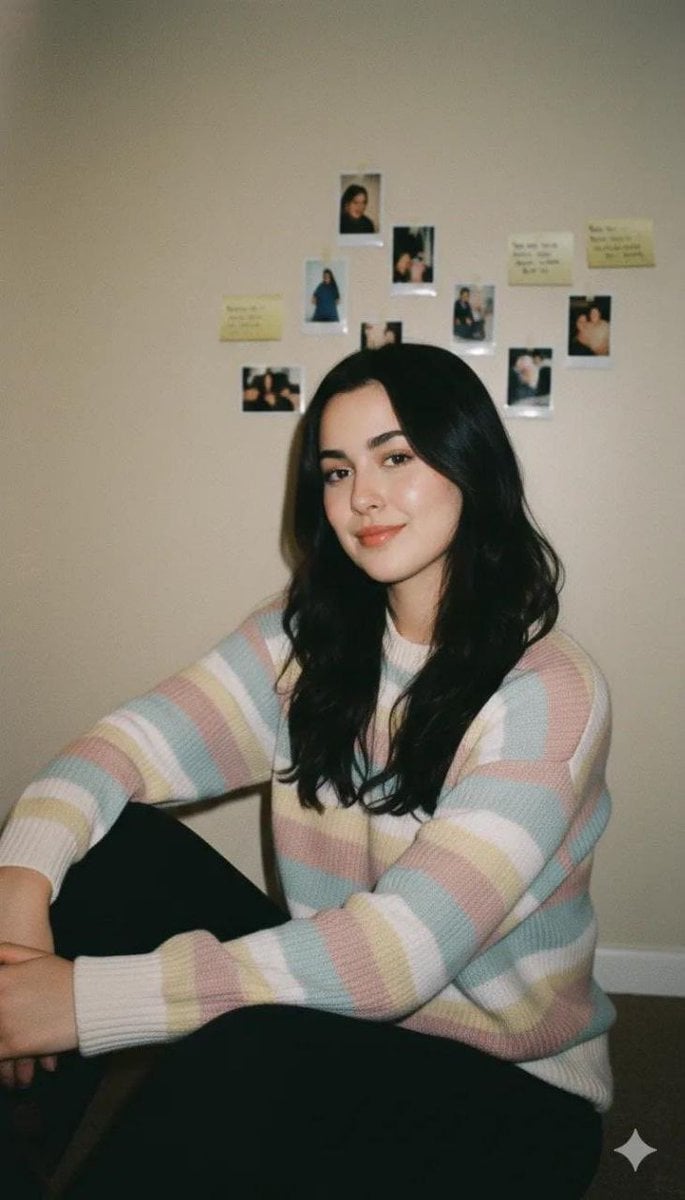
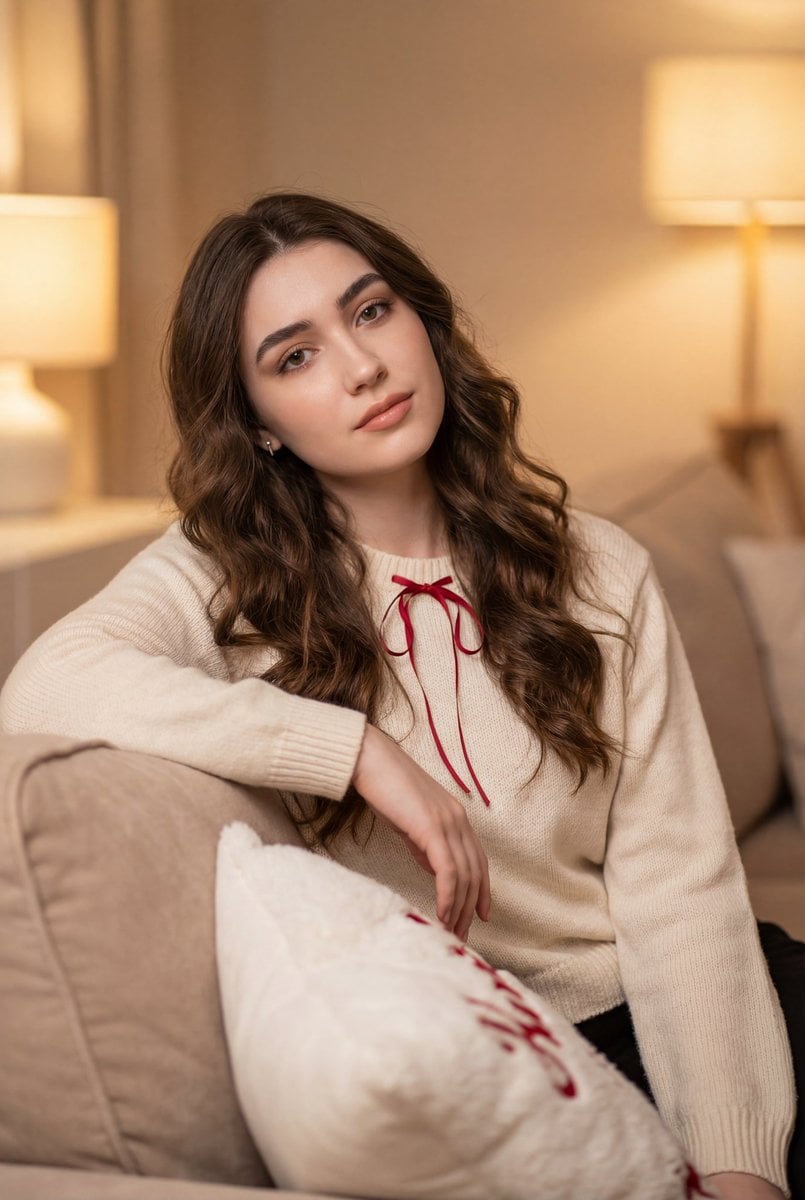
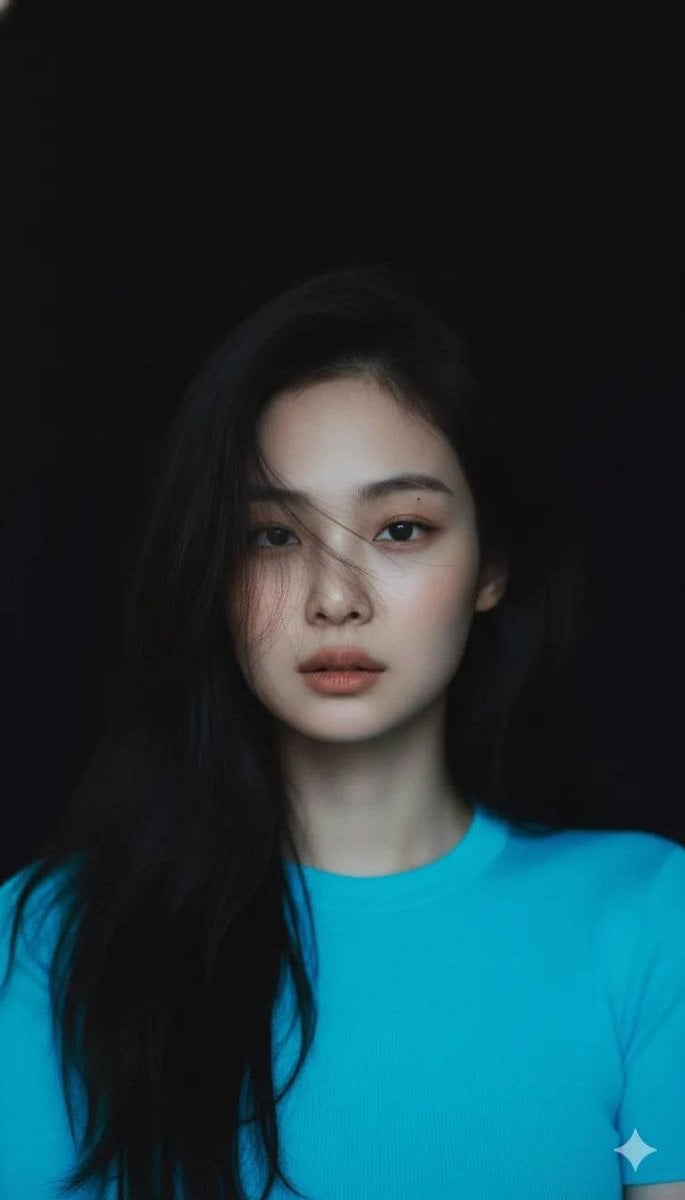
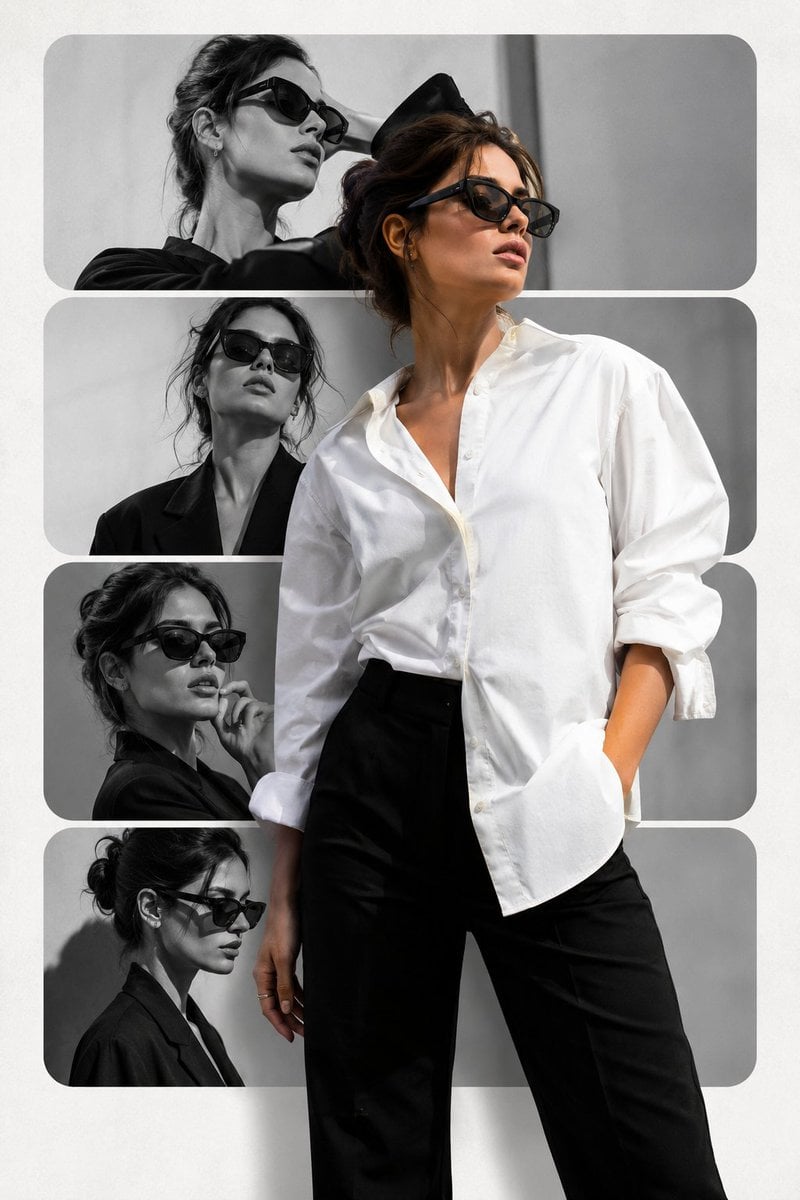
How do I use the Cozy Indoor Portrait with Plaid Pinafore template?
Edit the prompt in the box under the preview — the template's model and format are already selected — and press Generate. Your version appears right on this page.
A professional portrait prompt for a young woman in a cozy indoor setting, highlighting detailed textures and warm lighting.

Ultra-realistic portrait of a {argument name="subject" default="young woman"} with a warm, friendly smile, looking directly at the camera. She has long, straight dark hair with a smooth natural shine, light green eyes, and soft, clear skin with natural makeup. She is wearing round, thin metal-framed glasses and a {argument name="outfit" default="black fitted top layered under a brown plaid pinafore dress"}. She is holding a smartphone with both hands at chest level. The setting is a {argument name="environment" default="cozy indoor environment with a softly blurred bookshelf in the background"}, creating a warm and calm atmosphere. Lighting is soft and natural, coming from the front, highlighting facial features with gentle shadows. Cinematic depth of field, sharp focus on the subject, highly detailed skin texture, professional photography, 85mm lens, f/1.8, ultra HD, realistic color grading.
Ultra-realistic portrait of a {argument name="subject" default="young woman"} with a warm, friendly smile, looking directly at the camera. She has long, straight dark hair with a smooth natural shine, light green eyes, and soft, clear skin with natural makeup. She is wearing round, thin metal-framed glasses and a {argument name="outfit" default="black fitted top layered under a brown plaid pinafore dress"}. She is holding a smartphone with both hands at chest level. The setting is a {argument name="environment" default="cozy indoor environment with a softly blurred bookshelf in the background"}, creating a warm and calm atmosphere. Lighting is soft and natural, coming from the front, highlighting facial features with gentle shadows. Cinematic depth of field, sharp focus on the subject, highly detailed skin texture, professional photography, 85mm lens, f/1.8, ultra HD, realistic color grading.
Edit the prompt in the box under the preview — the template's model and format are already selected — and press Generate. Your version appears right on this page.
Yes. You can change the subject, setting, lighting, mood, format, and available model controls before creating your image.
Opening and editing this template is free. Generating uses credits, shown on the Generate button when you are signed in.
Start with Nano Banana 2, which is the model associated with this template. You can compare another compatible model for a different finish.
Follow a topic to a crawlable collection of related PicX Studio templates.