
Blueprint to Living Construction Site
An epic prompt where architectural blueprint lines lift off paper and transform into a real, multi-phase 3D construction site.
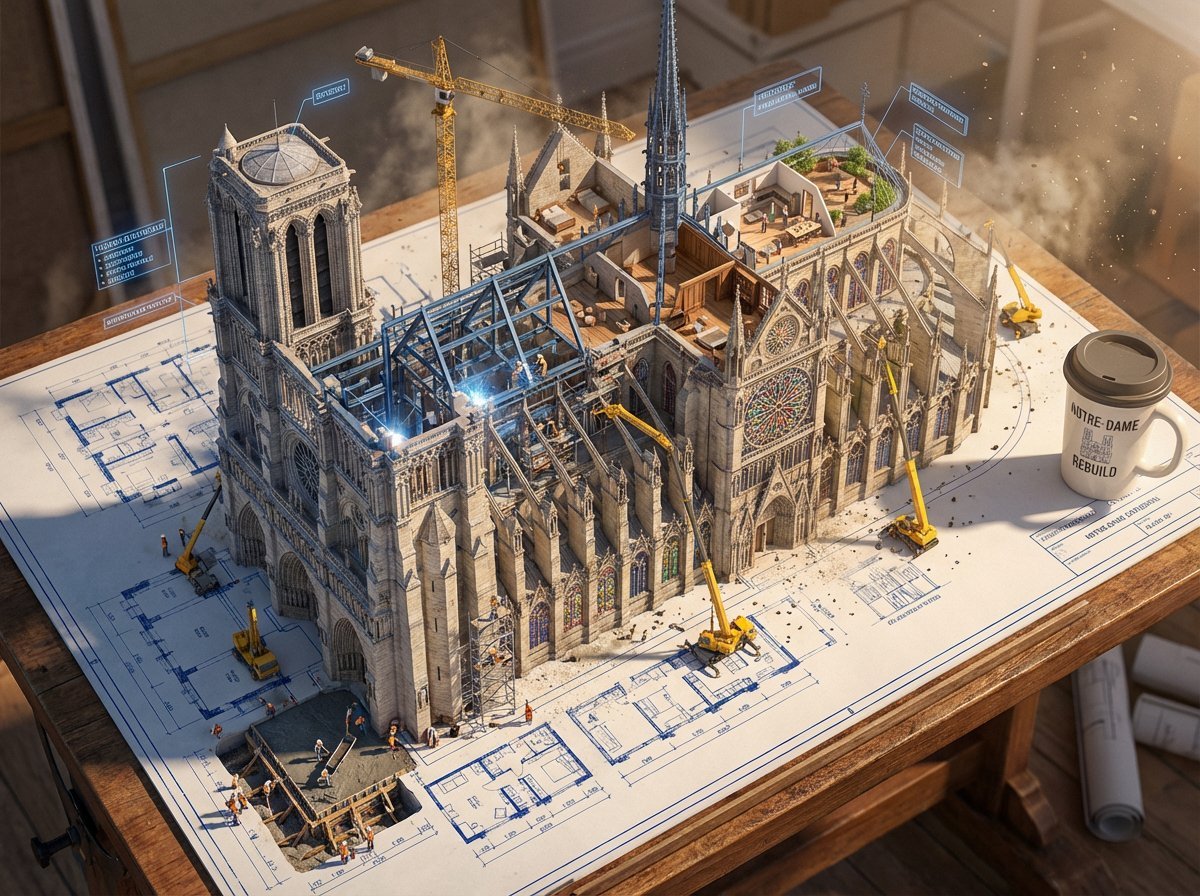
- Prompt included
- Model and format preset
- Free template
The prompt behind this image
Copy the exact prompt behind Blueprint to Living Construction Site, or open it in the studio and make it yours.
Create an epic photorealistic 3D scene where a huge architectural blueprint for a {argument name="structure" default="[BUILDING/STRUCTURE]"} is pinned to a drafting table, and the ink lines lift off the paper into a real construction site. The blue plan lines transform into steel beams being welded in midair, floor plans expand into furnished rooms, and elevation drawings push outward into facades with working windows. Show multiple construction phases at the same time: one corner has the foundation being poured while another section already has a finished, inhabited penthouse. Add tiny workers, cranes, scaffolding, construction equipment, and activity all over the rising structure. The flat technical drawing and the living building should merge at impossible angles, with dimensional annotation labels floating like signage around the build. Place an architect's {argument name="object" default="coffee cup"} near the edge of the table, casting a shadow across parts of the blueprint that have not been built yet. Emphasize extreme scale contrast, construction dust glowing in afternoon light, intricate detail, cinematic realism, 8K, photorealistic rendering.
How to use Blueprint to Living Construction Site in 3 steps
- 1
Open
The prompt is already in the box next to the preview, with the template's model and format selected.
- 2…a portrait of your subject in softgolden-hour light, 85mm…
Personalize
Edit the subject and creative details for your destination.
- 3Generate
Generate
Press Generate — your image is created in PicX Studio, so you can compare it with the original and refine one variable at a time.
More like this
Templates with the same subject, style or setup. Open one to see its prompt.
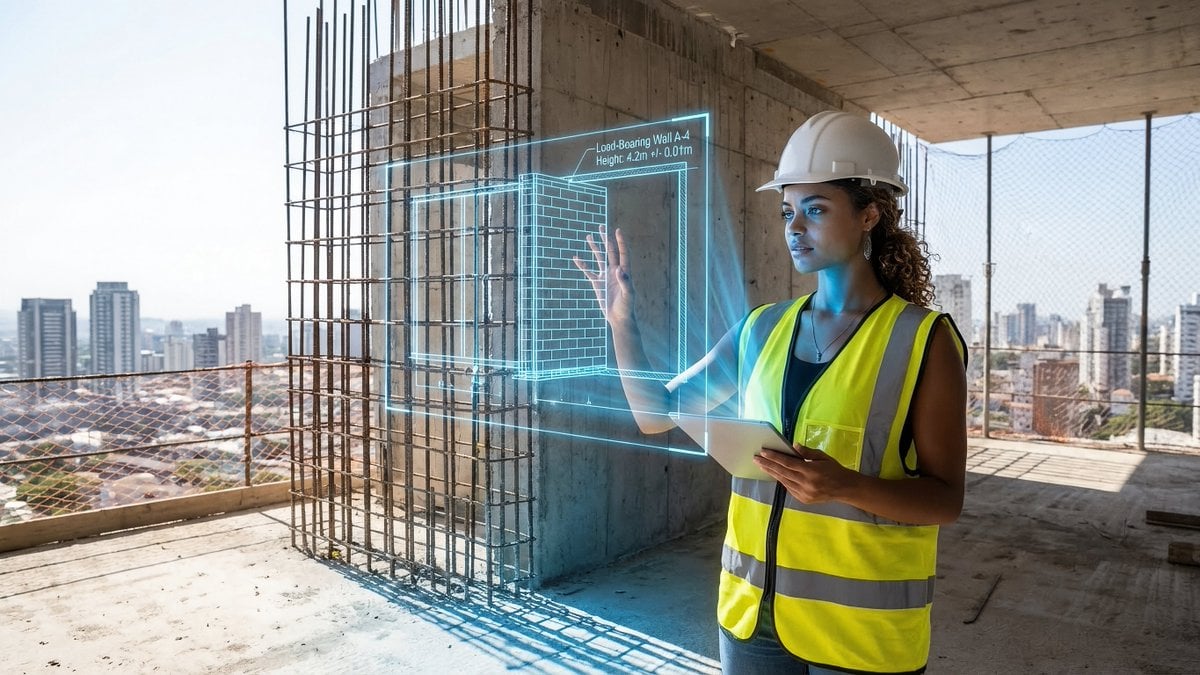
JSON prompt for construction site AR blueprint overlay
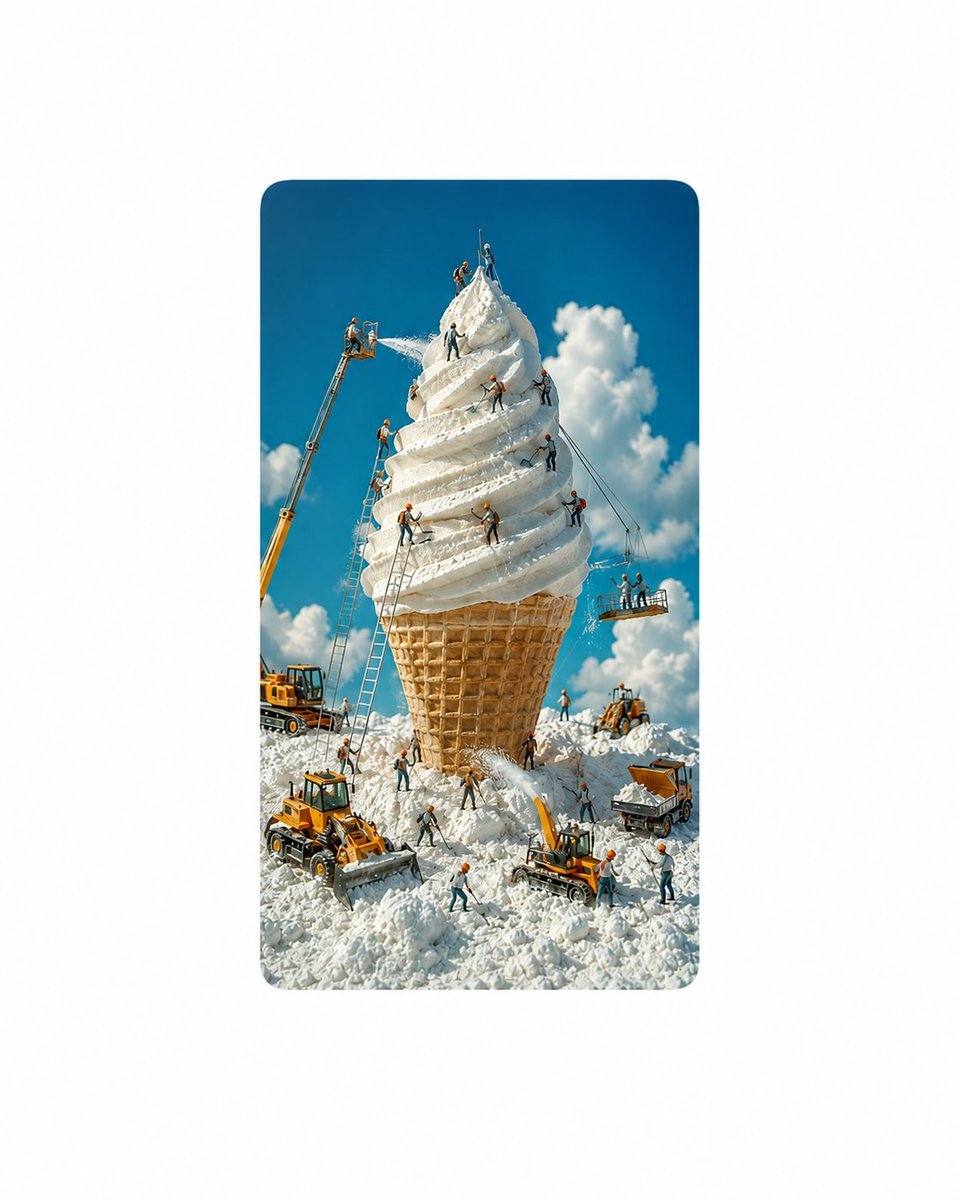
Giant Ice Cream Construction Site

Paper Tunnel Book Architecture
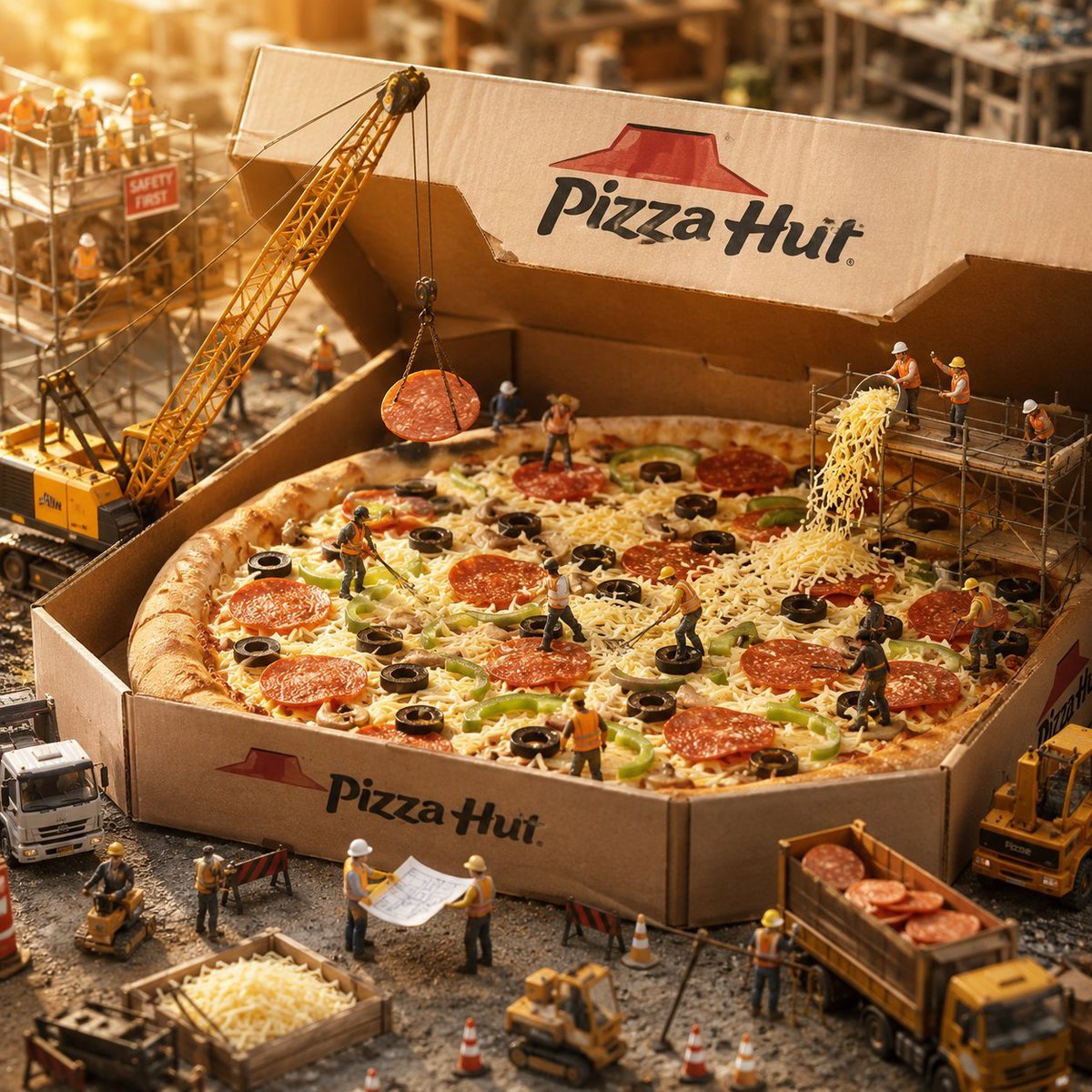
Miniature Pizza Construction Site

Automotive Blueprint Split Composition

Blueprint Split Reality Archetype Prompt
Automotive Blueprint Split Composition
Blueprint Split Reality Archetype Prompt
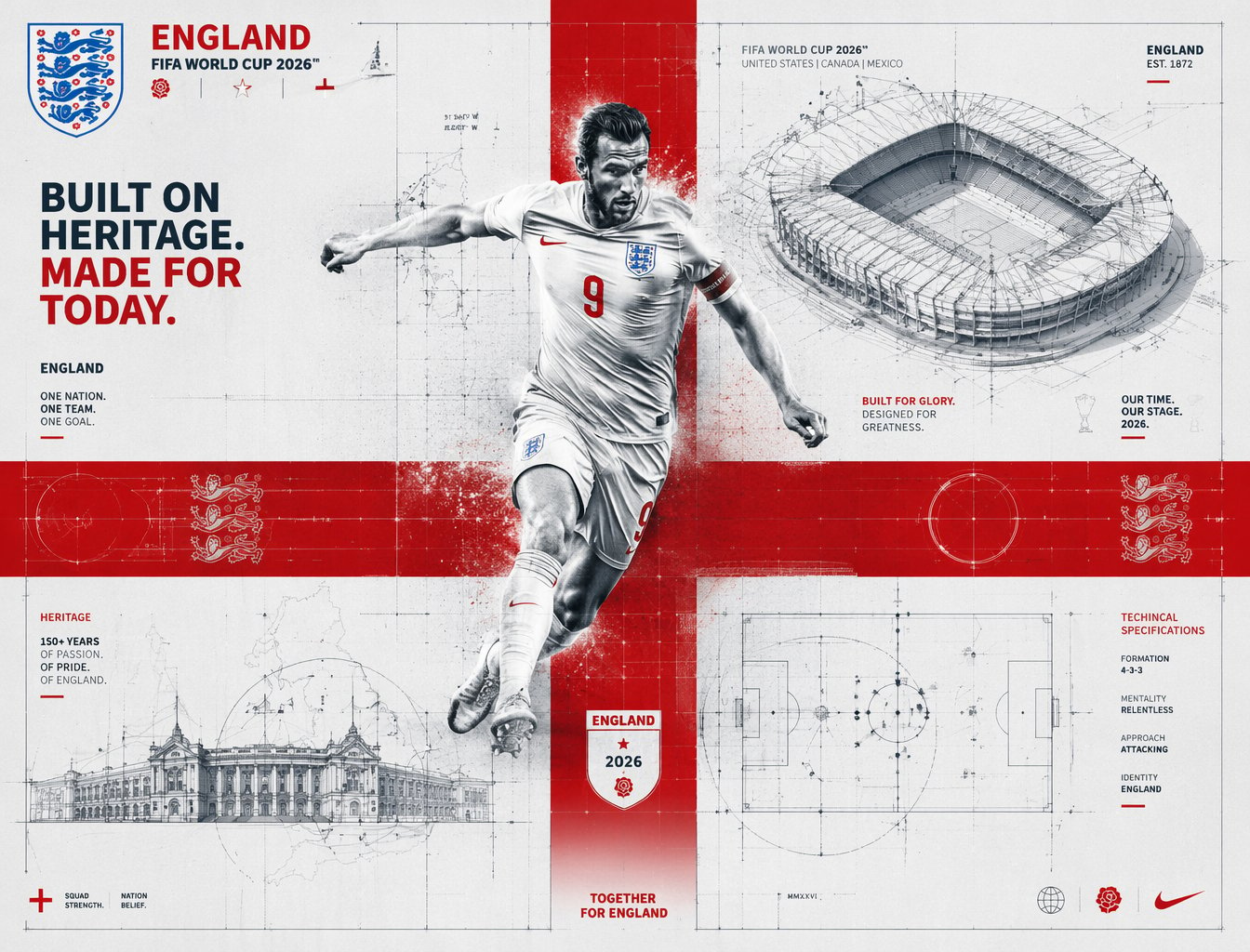
FIFA 2026 England — Blueprint Heritage
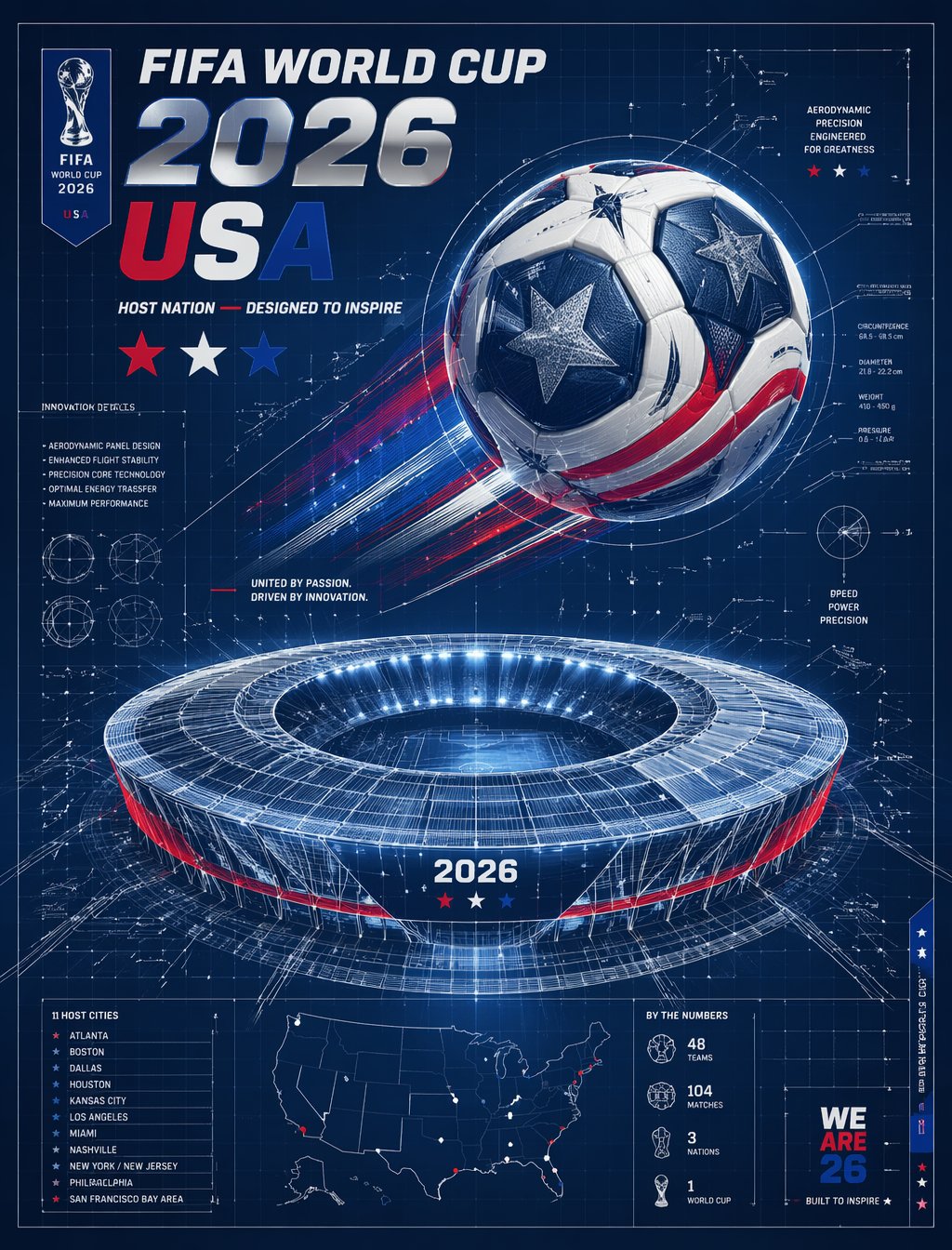
FIFA 2026 USA — Blueprint Host Nation
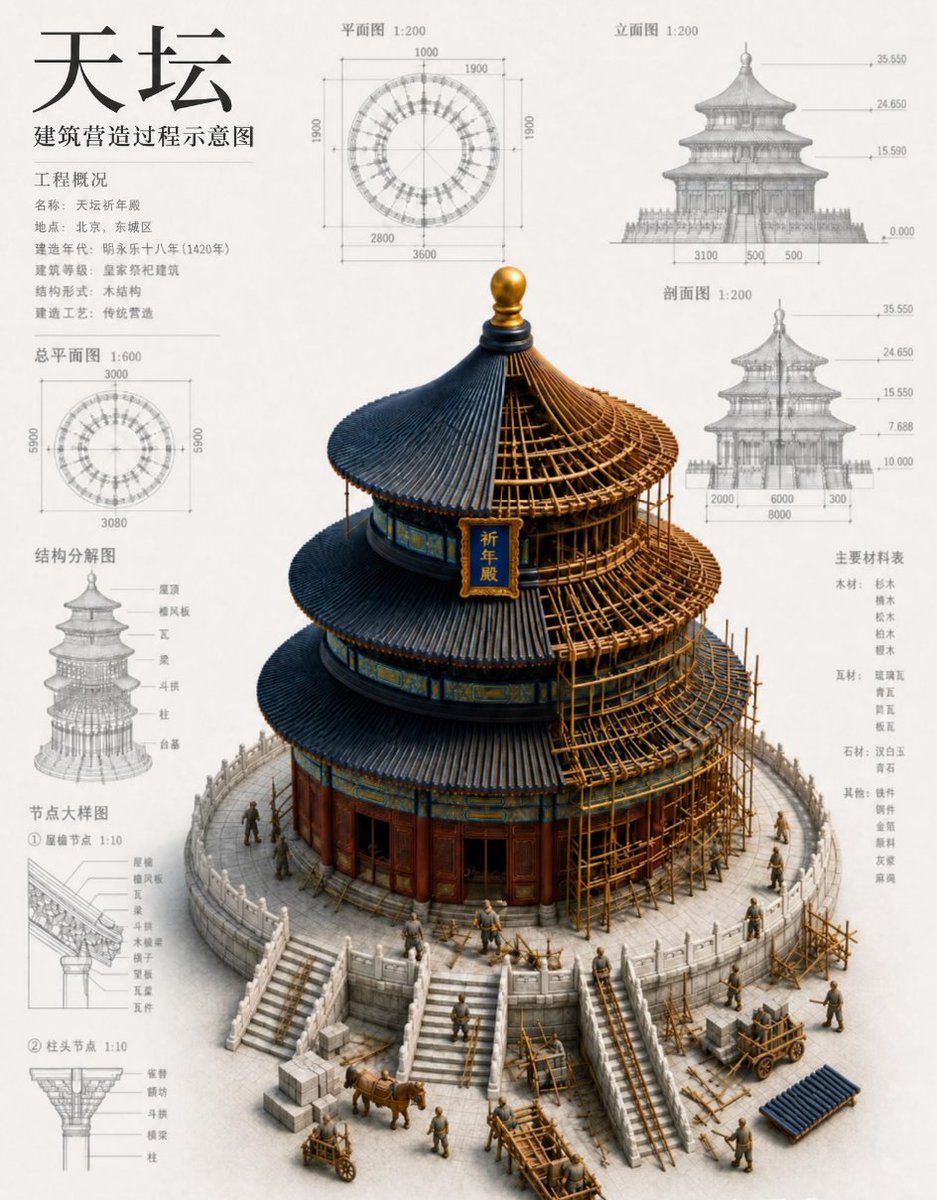
Chinese Temple Construction Blueprint
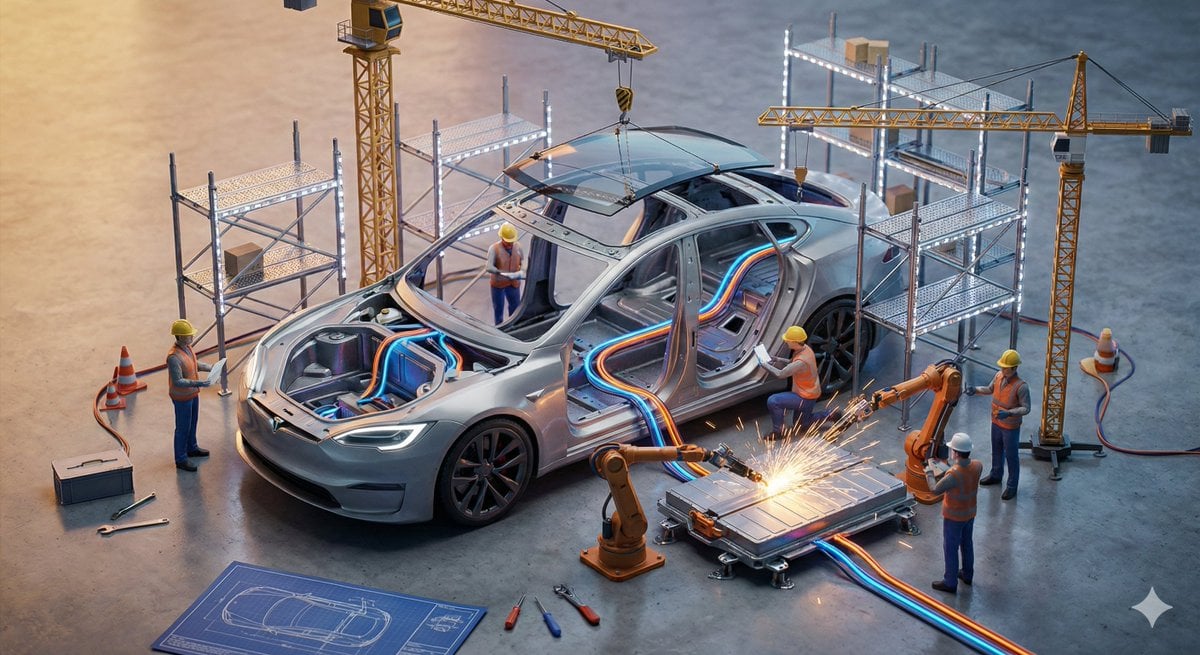
Miniature Construction Site Product Ad
Make it yours
Blueprint to Living Construction Site works as-is. These are the safest ways to change it without losing the look.
Change one field
Copy a single group, rewrite it, and generate again so you can see what that field is doing.
Keep the frame, change the subject
Hold the composition and light of Blueprint to Living Construction Site, then swap wardrobe, props or the person for a new take.
| If the result… | Why | Fix |
|---|---|---|
| The result drifts from the preview | Too many fields changed at once. | Reuse Blueprint to Living Construction Site as-is first, then change one group — subject, light, or setting. |
| The model over-stylizes the scene | The prose prompt leaves finish and camera underspecified. | Add one camera or lighting sentence and stay on GPT Image 2. |
More GPT Image 2 templates
Other prompts made for GPT Image 2.

Six VTuber Japanese Logo Sheet

Realistic Portrait of Woman and Deer

The Vista Modular Condo Poster

AI Model Routing Comparison Infographic

2.5D Anime Art Board

Isometric Productivity Desk Scene

New York Double Exposure Poster

Four-Panel AI Landscape Comparison

Japanese Tatami Lifestyle Magazine Cover

NESCAFÉ Coffee Map Poster
More image prompts
Fresh picks from across the catalog.
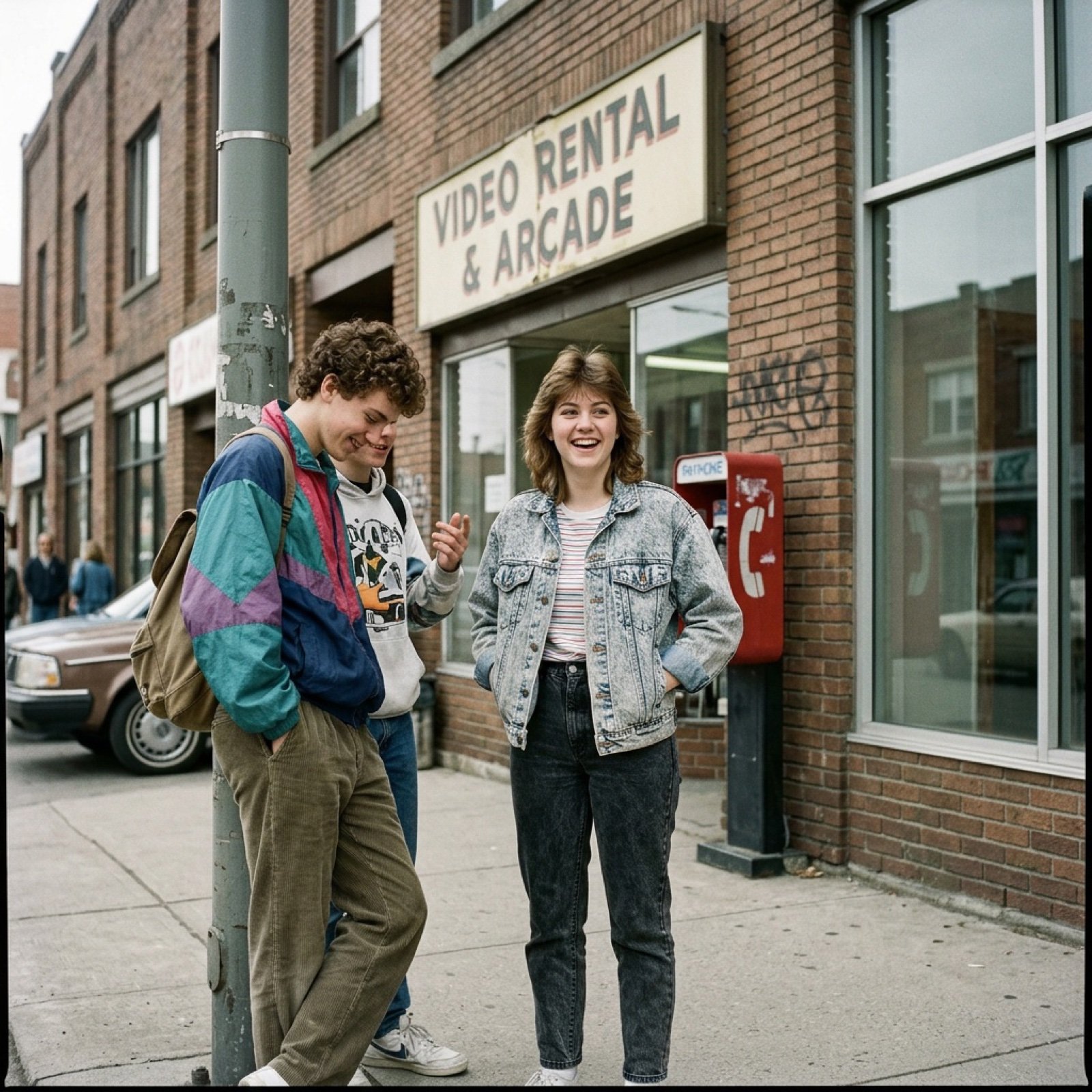
80s Low-Fidelity Snapshot Prompt

Selfie Portrait in Recording Studio Prompt
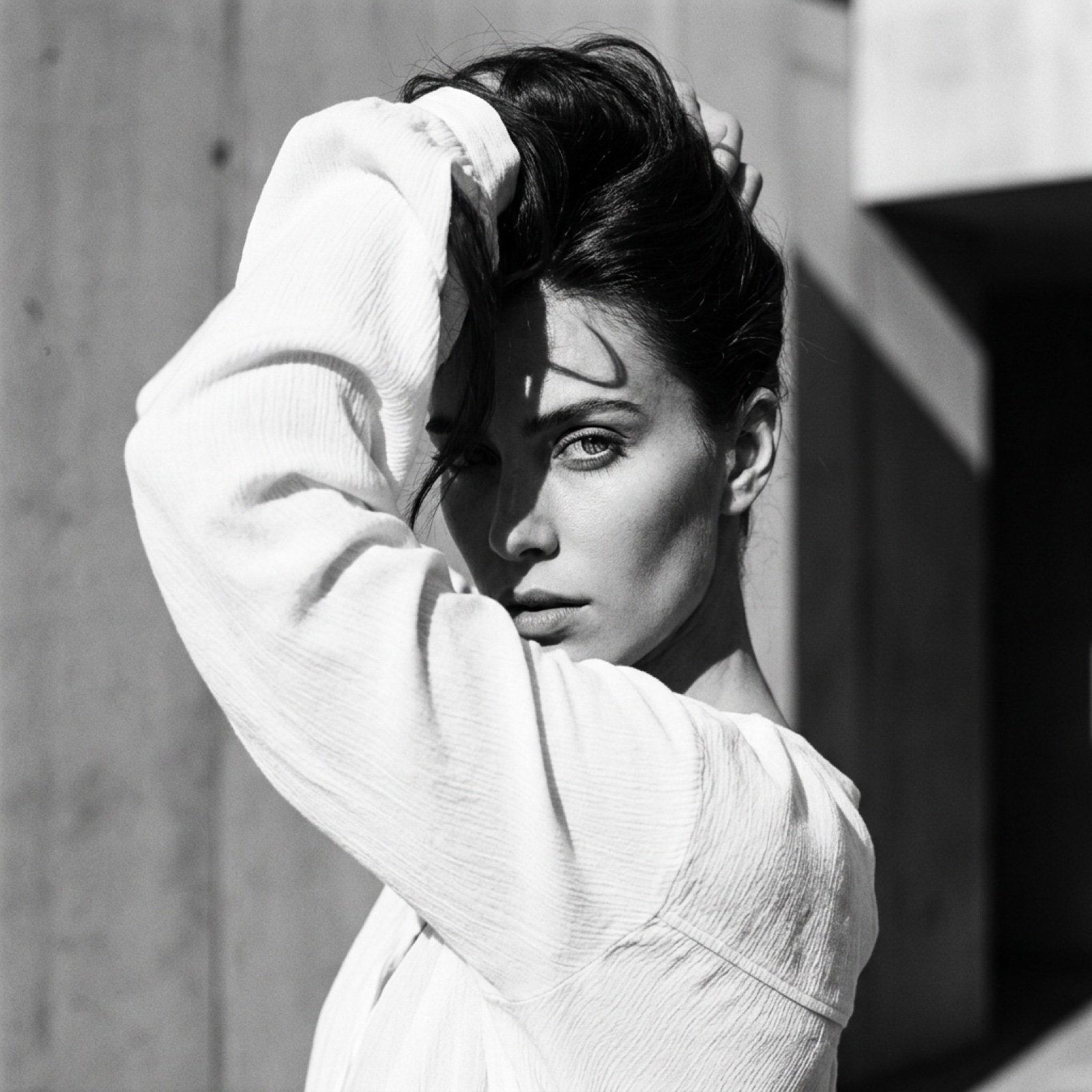
High-Fashion Black and White Editorial Portrait Prompt (Facial Lock)
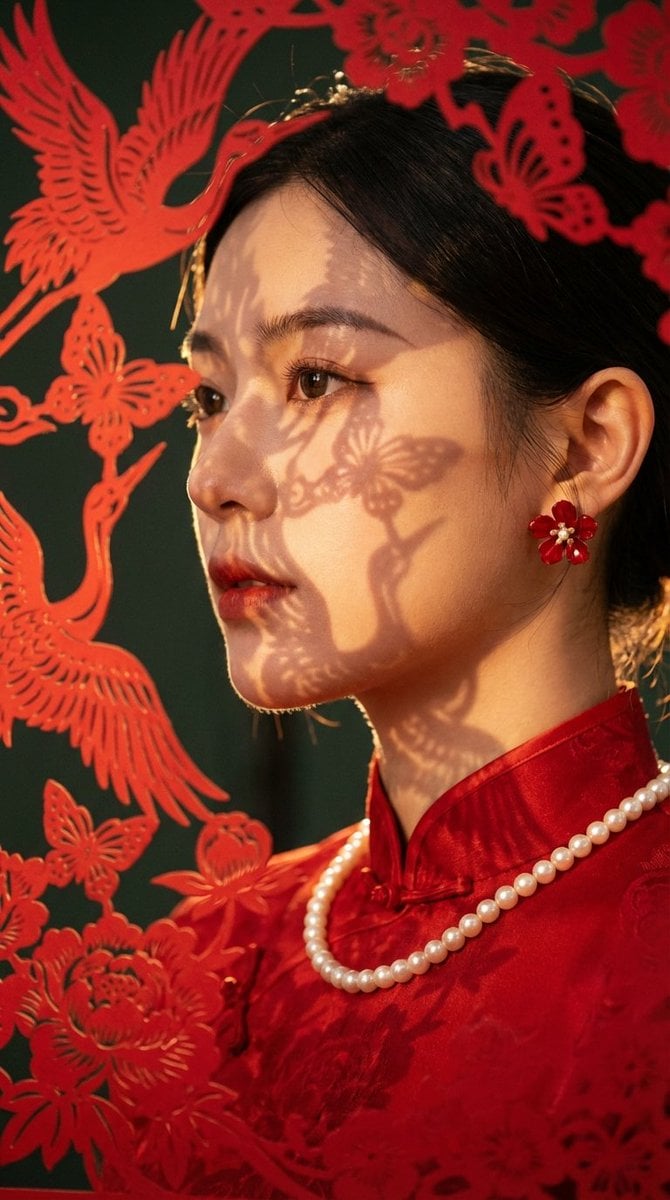
High-End Commercial Portrait with New Chinese Aesthetic

Hyper-Detailed Footballer Portrait Sketch Prompt
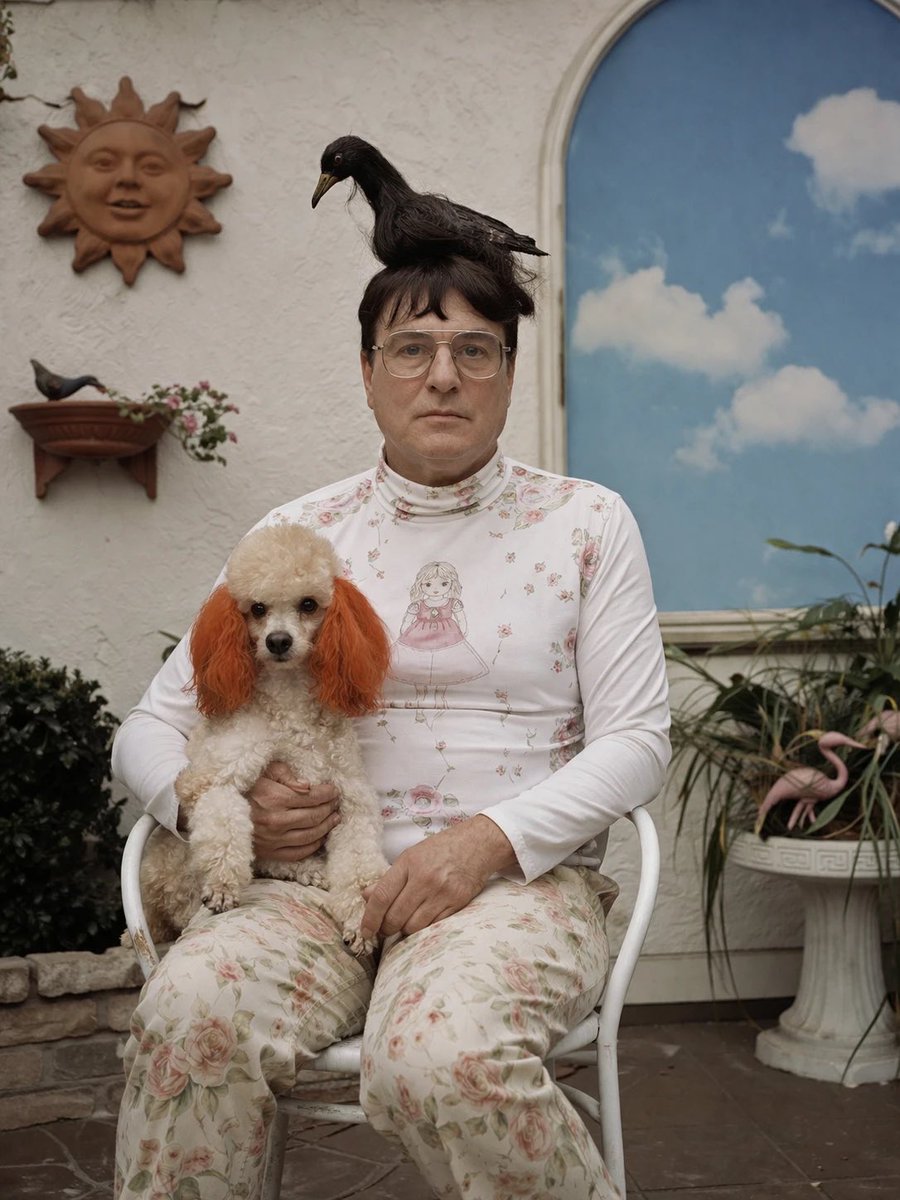
Surreal Patio Portrait with Crow and Dog
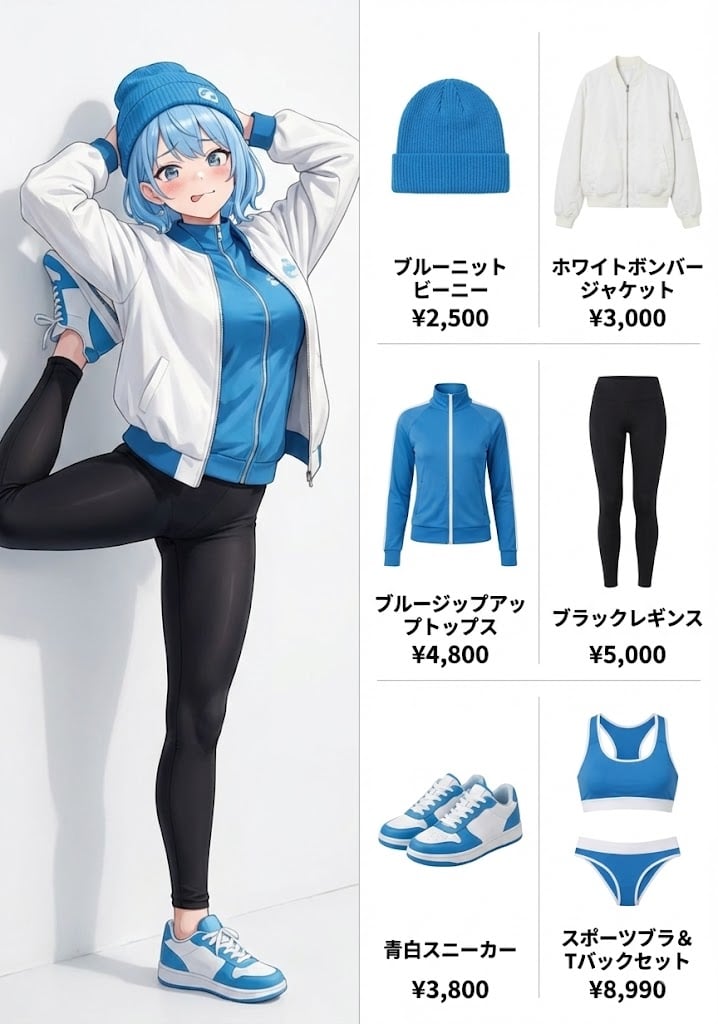
OOTD (Outfit of the Day) Fashion Diagram Prompt
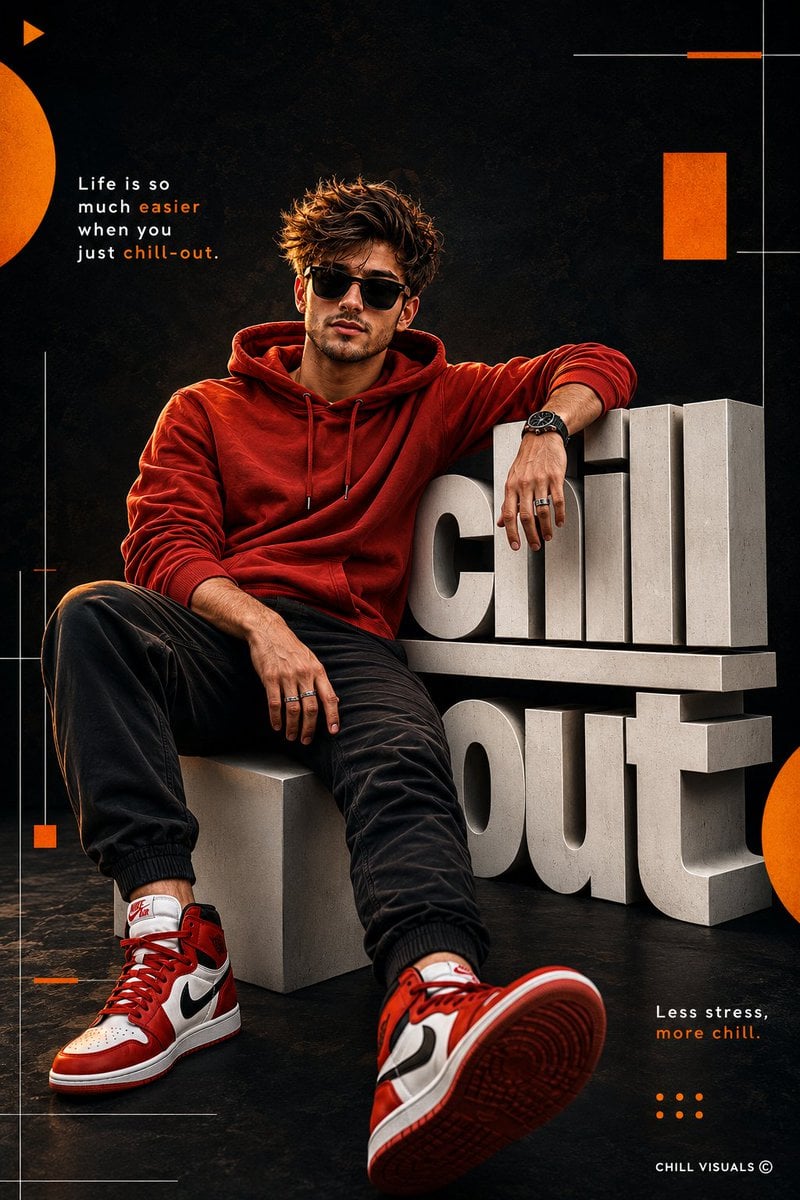
Urban Streetwear Fashion Poster

The Red Dress Fashion Editorial
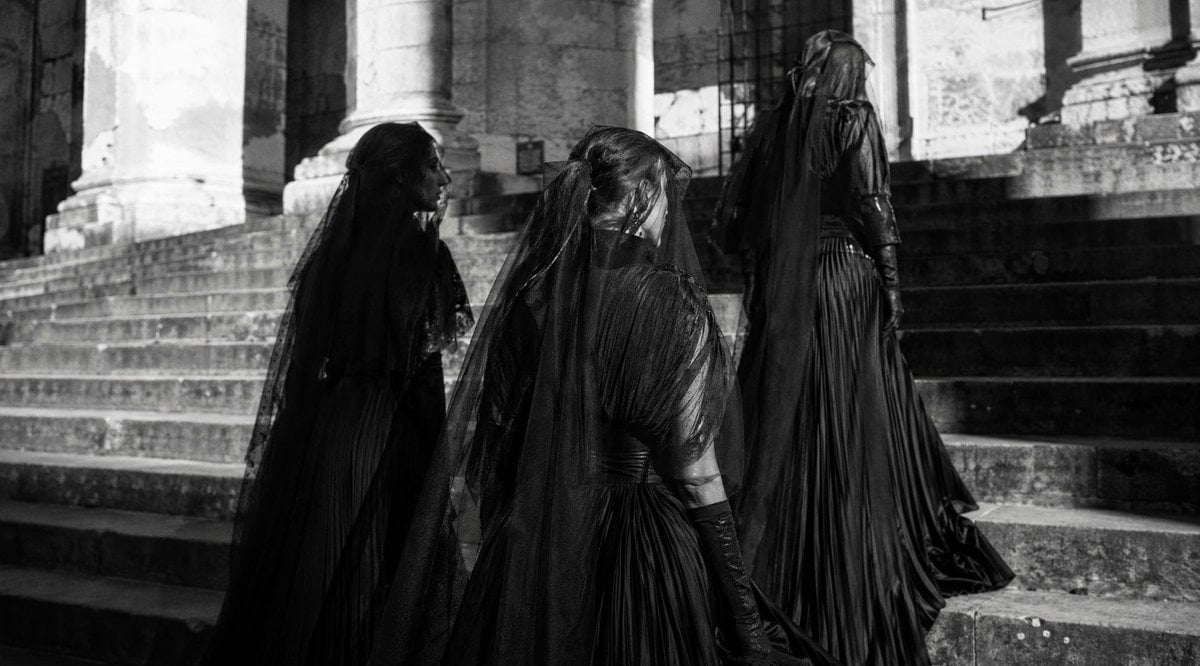
Gothic Mourners on Cathedral Steps
Browse template categories
Blueprint to Living Construction Site questions
How do I use the Blueprint to Living Construction Site template?
Add your photo if the template asks for one, edit the prompt if you like — the template's model and format are already selected — and press Generate. Your version opens in PicX Studio.
Can I customize the Blueprint to Living Construction Site template?
Yes. You can change the subject, setting, lighting, mood, format, and available model controls before creating your image.
Is the Blueprint to Living Construction Site template free?
Opening and editing this template is free. Generating uses credits, shown on the Generate button when you are signed in.
Which AI model should I use?
Start with GPT Image 2, which is the model associated with this template. You can compare another compatible model for a different finish.
Looking for something else? Browse all templates.

Your photo, any look
Thousands of ready templates for every top image and video model, from one credit balance.