
JSON prompt for construction site AR blueprint overlay
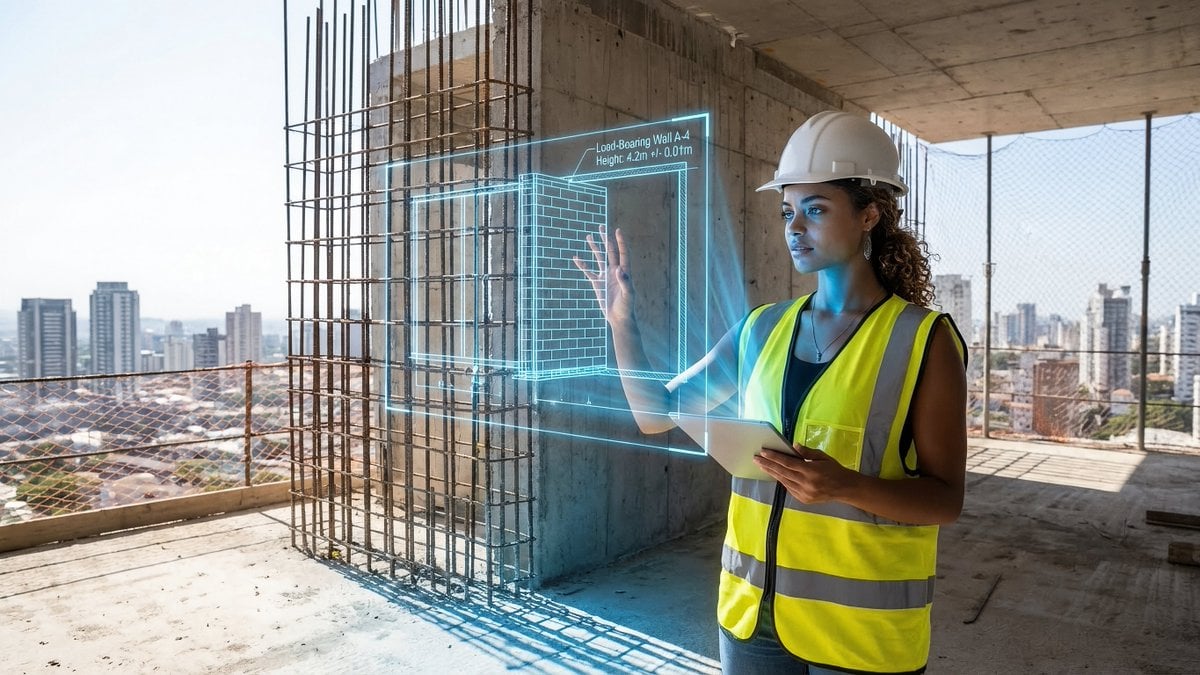
A structured JSON prompt for generating an editorial-style image of a construction site, where an uploaded subject holds up a holographic architectural blueprint projection over the unfinished structure, detailing the…
- Prompt included
- Model and format preset
- Free template
The prompt behind this image
Copy the exact prompt behind JSON prompt for construction site AR blueprint overlay, or open it in the studio and make it yours.
- PromptDetails › Description
- A construction site scene with the uploaded subject holding up an AR projection of a blueprint over the unfinished structure.
- PromptDetails › StyleTags
- Industrial, Modern Architecture, Midday Light, Technical Schematics
- Scene › Background › Setting
- The top floor of a new skyscraper under construction (exposed concrete and rebar)
- Scene › Background › Details
- Distant city skyline visible through open walls, safety netting, hard hats, dust motes in the air, strong texture of raw concrete floor.
- Scene › Subject › Description
- The person defined by `[UPLOADED IMAGE]`, wearing a safety vest and hard hat, looking professional.
- Scene › Subject › Pose
- Standing near the edge, holding an invisible tablet (or hand outstretched) projecting the overlay, looking critically at the structure.
- Scene › Subject › Focus
- Subject and the projected blueprint are sharp; the background city is slightly softened.
- OverlayObject › Type
- Holographic Architectural Blueprint
- OverlayObject › RelationshipToEnvironment
- The overlay appears as a complex, translucent blue-line schematic *over* a section of the exposed rebar/wall.
- OverlayObject › Transform
- Slightly angled in 3D perspective to match the construction site's structure.
- OverlayObject › SurfaceInteraction
- Vibrant, electric blue lines with sharp white measurements, casting a subtle blue light onto the subject's vest and concrete floor.
- OverlayObject › Components › Section
- Load-Bearing Wall A-4
- OverlayObject › Components › Measurement
- Height: 4.2m +/- 0.01m
- OverlayObject › Components › Position
- Projected mid-frame, aligned with the structure.
- TechnicalStyle › AspectRatio
- 16:9
- TechnicalStyle › PhotographyStyle
- Editorial, High Detail, Commercial
- TechnicalStyle › Camera › ShotType
- Medium Shot
- TechnicalStyle › Camera › Angle
- Eye-level, dynamic composition emphasizing vertical lines.
- TechnicalStyle › Camera › DepthOfField
- Moderate, ensuring the raw background textures are visible but not distracting.
- TechnicalStyle › Lighting › Type
- Harsh, Clear Midday Sun
- TechnicalStyle › Lighting › Description
- Strong, directional sunlight creating sharp shadows and bright highlights on metal and concrete.
- TechnicalStyle › Color › Palette
- Concrete grays, safety vest orange/yellow, and electric blue.
Raw JSON
{
 "promptDetails": {
 "description": "A construction site scene with the uploaded subject holding up an AR projection of a blueprint over the unfinished structure.",
 "styleTags": [
 "Industrial",
 "Modern Architecture",
 "Midday Light",
 "Technical Schematics"
 ]
 },
 "scene": {
 "background": {
 "setting": "The top floor of a new skyscraper under construction (exposed concrete and rebar)",
 "details": "Distant city skyline visible through open walls, safety netting, hard hats, dust motes in the air, strong texture of raw concrete floor."
 },
 "subject": {
 "description": "The person defined by `[UPLOADED IMAGE]`, wearing a safety vest and hard hat, looking professional.",
 "pose": "Standing near the edge, holding an invisible tablet (or hand outstretched) projecting the overlay, looking critically at the structure.",
 "focus": "Subject and the projected blueprint are sharp; the background city is slightly softened."
 }
 },
 "overlayObject": {
 "type": "Holographic Architectural Blueprint",
 "relationshipToEnvironment": "The overlay appears as a complex, translucent blue-line schematic *over* a section of the exposed rebar/wall.",
 "transform": "Slightly angled in 3D perspective to match the construction site's structure.",
 "surfaceInteraction": "Vibrant, electric blue lines with sharp white measurements, casting a subtle blue light onto the subject's vest and concrete floor.",
 "components": {
 "section": "Load-Bearing Wall A-4",
 "measurement": "Height: 4.2m +/- 0.01m",
 "position": "Projected mid-frame, aligned with the structure."
 }
 },
 "technicalStyle": {
 "aspectRatio": "16:9",
 "photographyStyle": "Editorial, High Detail, Commercial",
 "camera": {
 "shotType": "Medium Shot",
 "angle": "Eye-level, dynamic composition emphasizing vertical lines.",
 "depthOfField": "Moderate, ensuring the raw background textures are visible but not distracting."
 },
 "lighting": {
 "type": "Harsh, Clear Midday Sun",
 "description": "Strong, directional sunlight creating sharp shadows and bright highlights on metal and concrete."
 },
 "color": {
 "palette": "Concrete grays, safety vest orange/yellow, and electric blue."
 }
 }
}How to use JSON prompt for construction site AR blueprint overlay in 3 steps
- 1Upload ImagePNG, JPG or paste
Add your photo
Upload the photo the template builds on. The prompt, model and format are already set.
- 2…a portrait of your subject in softgolden-hour light, 85mm…
Personalize
Edit the subject and creative details for your destination.
- 3Generate
Generate
Press Generate — your image is created in PicX Studio, so you can compare it with the original and refine one variable at a time.
More like this
Templates with the same subject, style or setup. Open one to see its prompt.
Blueprint to Living Construction Site
Giant Ice Cream Construction Site

Paper Tunnel Book Architecture
Miniature Pizza Construction Site

Automotive Blueprint Split Composition

Blueprint Split Reality Archetype Prompt
Automotive Blueprint Split Composition
Blueprint Split Reality Archetype Prompt
FIFA 2026 England — Blueprint Heritage
FIFA 2026 USA — Blueprint Host Nation
Chinese Temple Construction Blueprint
Miniature Construction Site Product Ad
Make it yours
JSON prompt for construction site AR blueprint overlay works as-is. These are the safest ways to change it without losing the look.
Swap the setting
Keep the rest of the prompt and replace the location block. The current setting is “The top floor of a new skyscraper under construction (exposed concrete and rebar”.
Swap the light
One lighting change is enough to compare takes. Current light: “Harsh, Clear Midday Sun”.
Change one field
Copy a single group, rewrite it, and generate again so you can see what that field is doing.
| If the result… | Why | Fix |
|---|---|---|
| The result drifts from the preview | Too many fields changed at once. | Reuse JSON prompt for construction site AR blueprint overlay as-is first, then change one group — subject, light, or setting. |
| Nano Banana 2 ignores part of the JSON | Some models flatten or skip nested keys. | Keep the same values and paste them as a short paragraph instead. |
More Nano Banana 2 templates
Other prompts made for Nano Banana 2.

Photorealistic Leaf Shaped Like a Dragon

K-Pop Idol Portrait Grid for Rapid Selection

Poetic Rain Forest Portrait During Golden Hour

Urban Street Portrait with Cartoon Inner Self Duo

Candid Nighttime Photo with Cat Prompt

High-Concept 3D Diorama Generation Prompt

Cinematic Futuristic Studio Portrait Template

Skincare Editorial Photography Collage Prompt

Hyper-Realistic Commercial Product Photography (Splash Effect)

Hyper-Realistic Nightclub Portrait Prompt
More image prompts
Fresh picks from across the catalog.

Solara Art Nouveau Sun Goddess Poster

Playful Office Chic Portrait

Die-Cut Sticker Illustration Prompt with Japanese Text
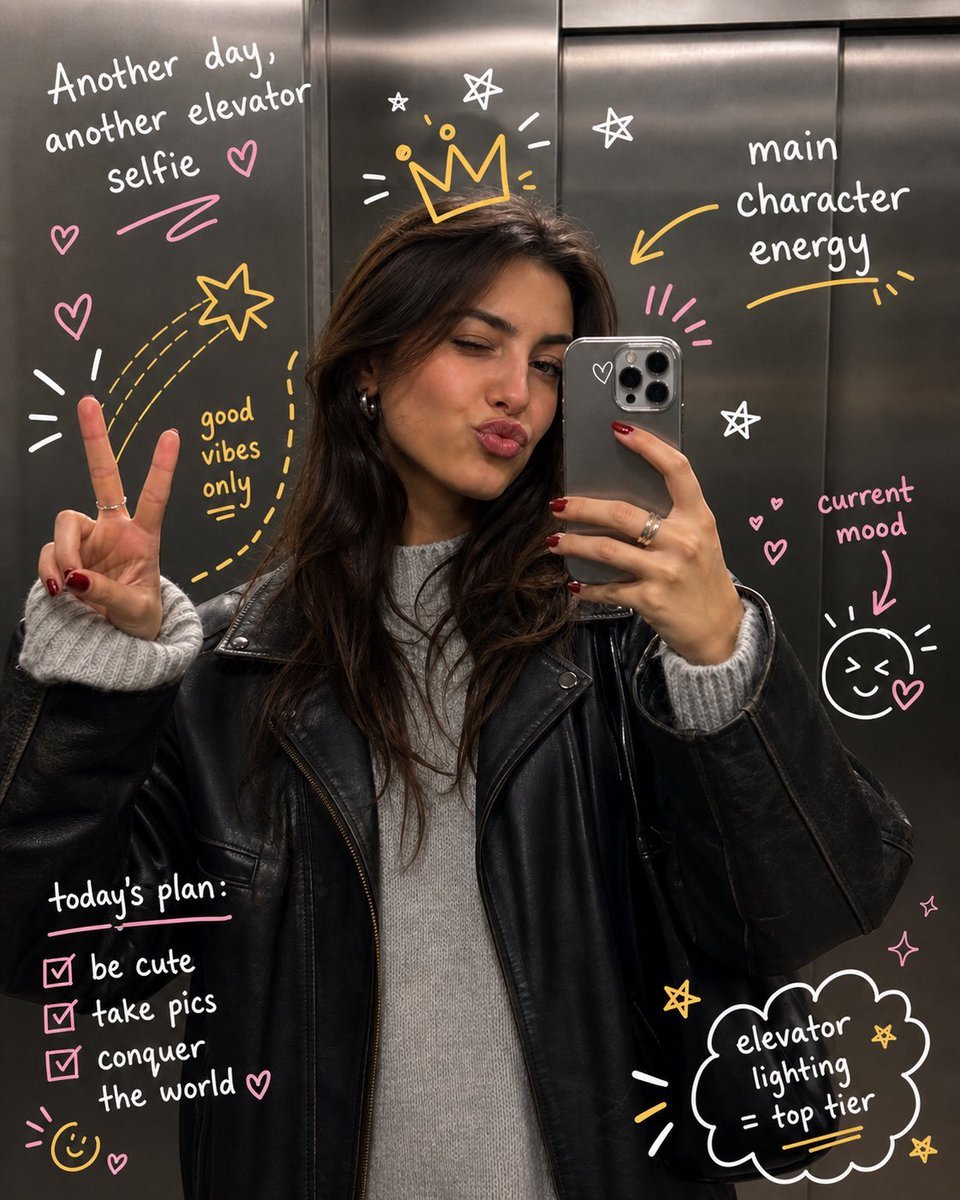
Hand-Drawn Doodles Overlay
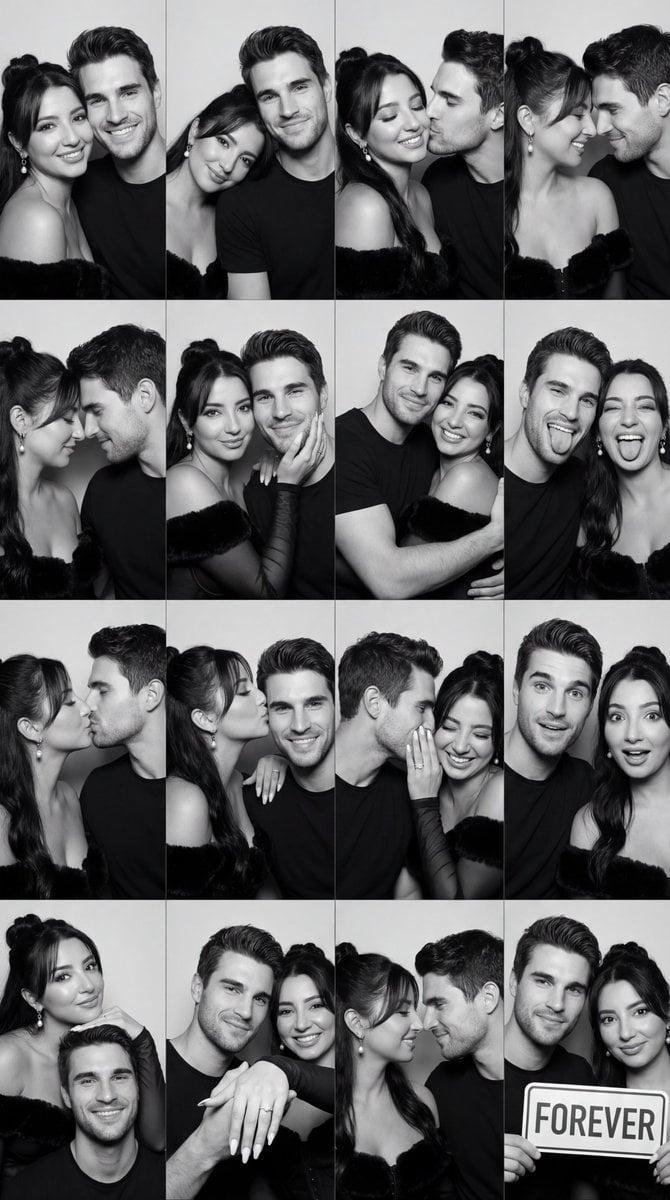
Black and White Photobooth Couple Grid Prompt (16 Panels)

Soccer Ball Impact Action Shot
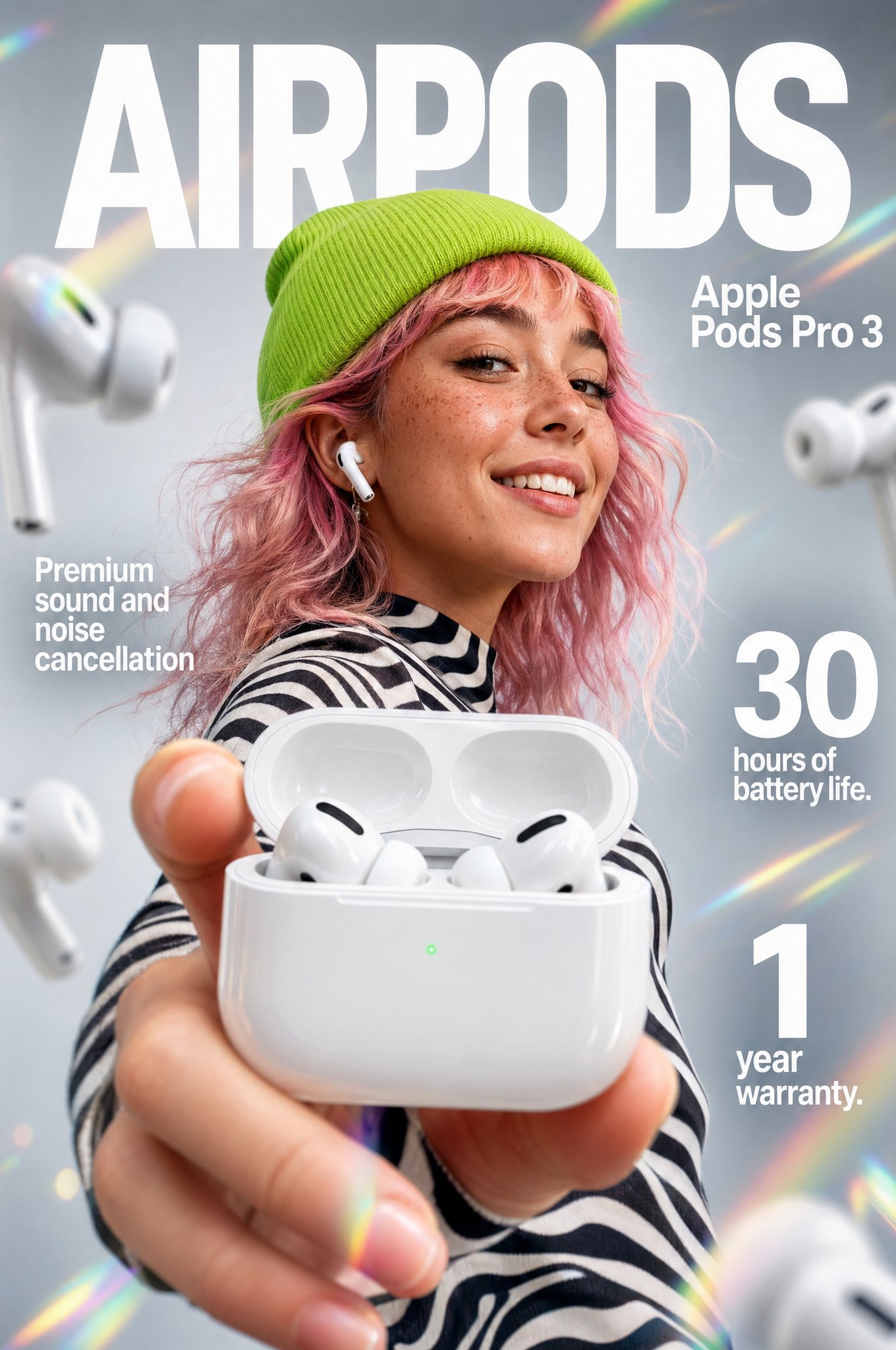
Gpt2 Apple Pods Pro 3 Infographic
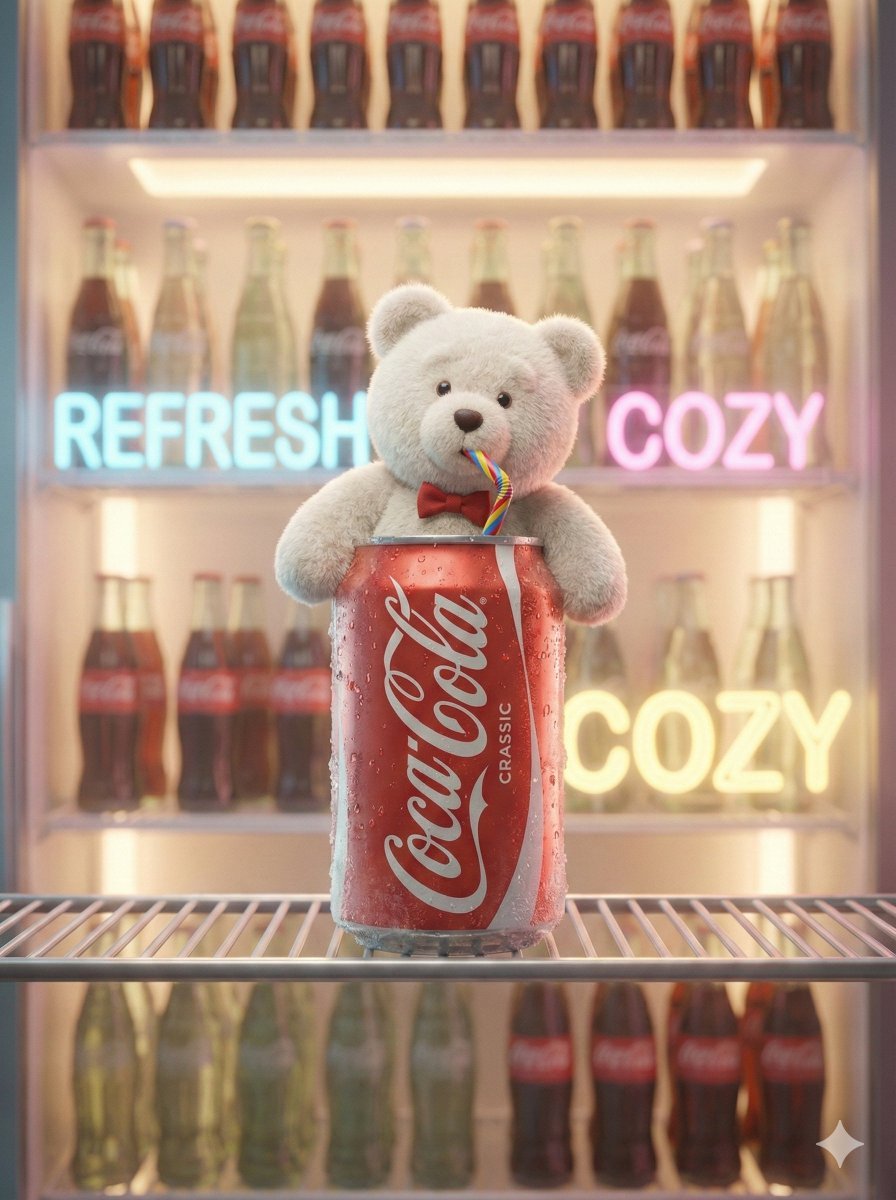
Pixar-Level Commercial Scene: Teddy Bear in a Soda Can
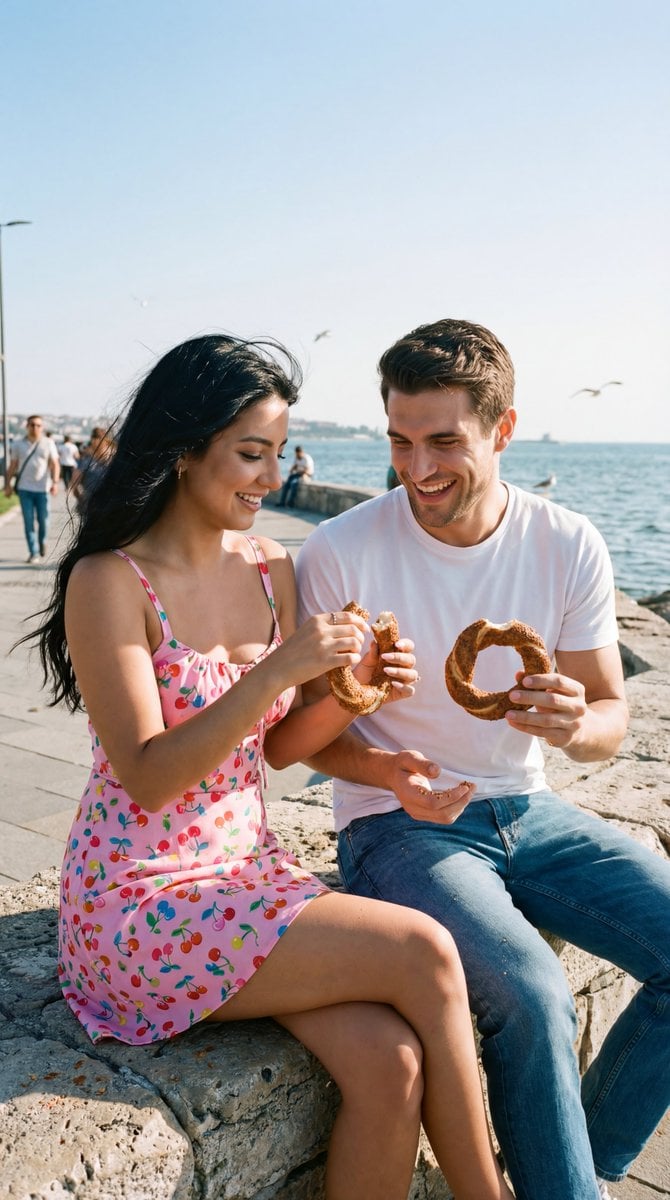
Photoreal Candid Street Romance Film Still Prompt (Moda Seaside)
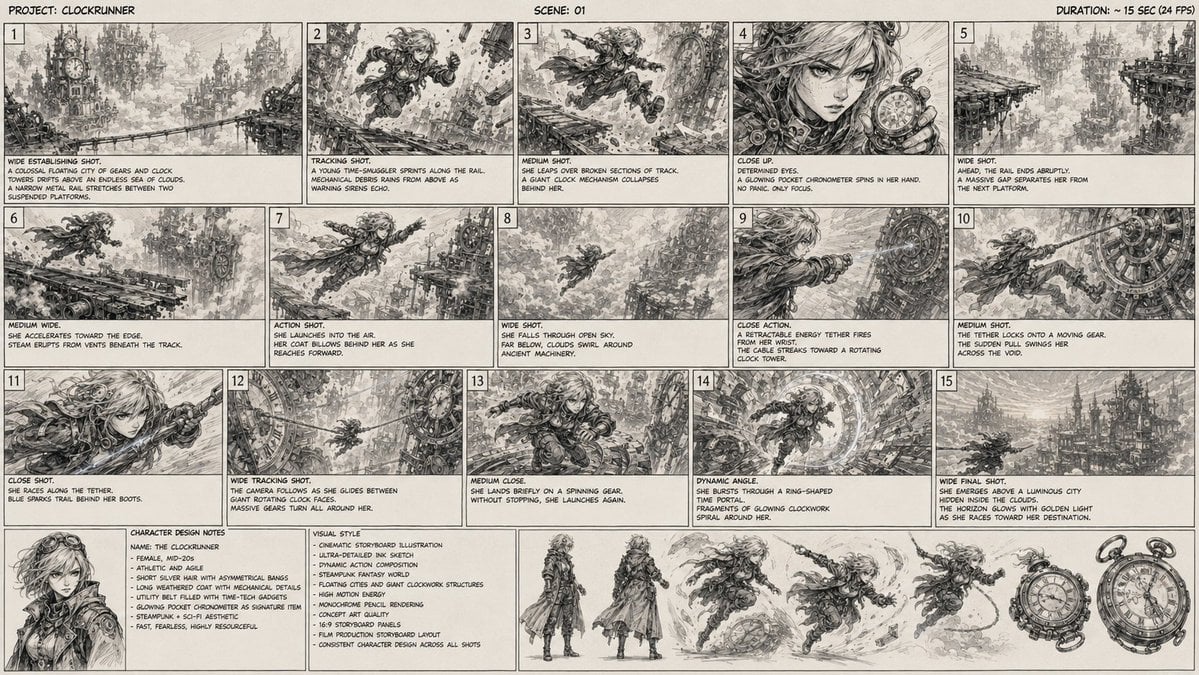
Clockrunner Steampunk Storyboard Sheet
Browse template categories
JSON prompt for construction site AR blueprint overlay questions
How do I use the JSON prompt for construction site AR blueprint overlay template?
Add your photo if the template asks for one, edit the prompt if you like — the template's model and format are already selected — and press Generate. Your version opens in PicX Studio.
Can I customize the JSON prompt for construction site AR blueprint overlay template?
Yes. You can change the subject, setting, lighting, mood, format, and available model controls before creating your image.
Is the JSON prompt for construction site AR blueprint overlay template free?
Opening and editing this template is free. Generating uses credits, shown on the Generate button when you are signed in.
Which AI model should I use?
Start with Nano Banana 2, which is the model associated with this template. You can compare another compatible model for a different finish.
Looking for something else? Browse all templates.

Your photo, any look
Thousands of ready templates for every top image and video model, from one credit balance.