
Gilgamesh and Enkidu Dinner Scene
An elegant anime restaurant dinner illustration featuring two stylish mythic characters seated by a moonlit city skyline.
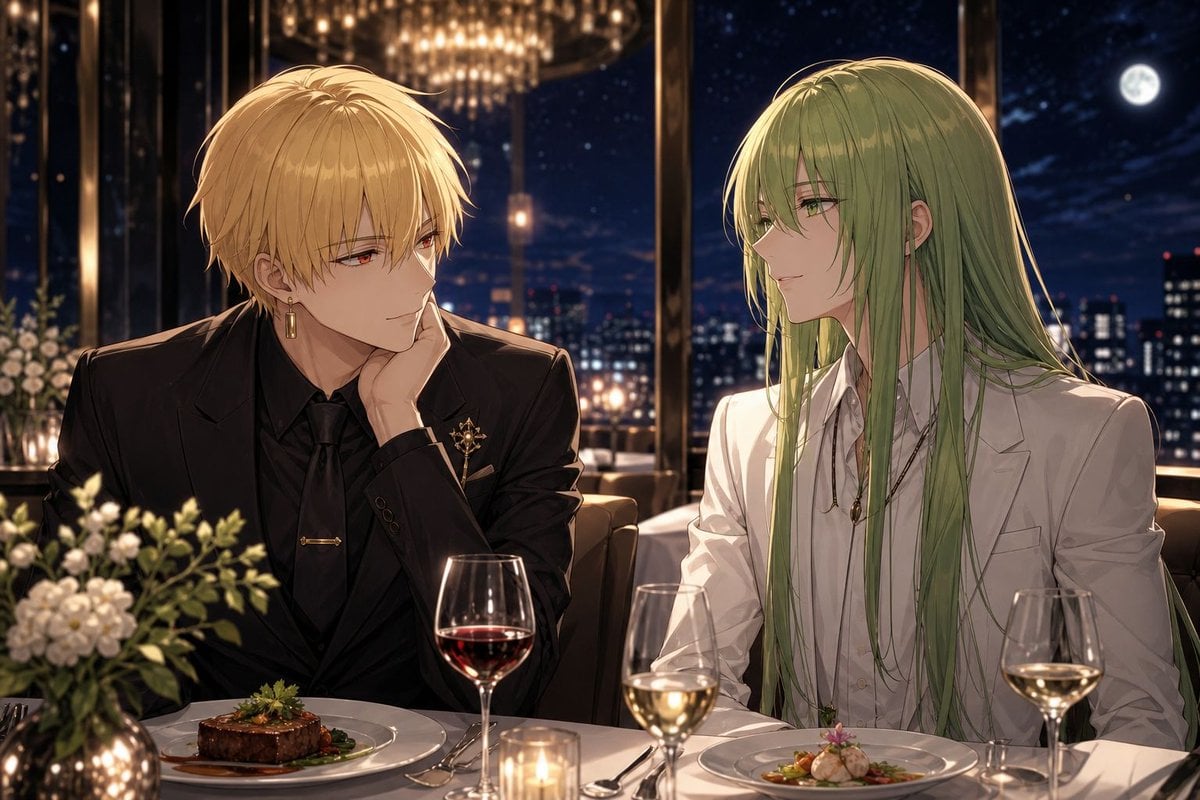
- Prompt included
- Model and format preset
- Free template
The prompt behind this image
Copy the exact prompt behind Gilgamesh and Enkidu Dinner Scene, or open it in the studio and make it yours.
Create a polished SFW anime-style illustration of {argument name="characters" default="Gilgamesh and Enkidu"} having an elegant dinner together in a luxury high-rise restaurant at night. The composition is a medium two-shot at a white table: on the left sits a blond young man in a sleek black suit, black shirt, black tie, gold earrings, and a decorative gold lapel pin, leaning his cheek on one hand with a relaxed, slightly amused posture; on the right sits a long-haired green-haired young man in a crisp white suit and white shirt, wearing delicate necklaces, turned toward the blond man in quiet conversation. Their faces are intentionally covered by two plain opaque square blocks in muted beige tones, one over each face, while the rest of the characters remain detailed. The table contains exactly 8 visible dining elements: 1 plated steak entree in front of the blond man, 1 plated gourmet seafood or dumpling-style entree in front of the green-haired man, 1 red wine glass, 2 white wine glasses, 1 lit candle in a small glass holder, 1 metallic vase of white flowers and greenery, and visible silverware beside the plates. Set the scene against floor-to-ceiling windows showing a dark blue city skyline, scattered building lights, a bright full moon, and a large warm chandelier reflected above them. Use {argument name="lighting mood" default="warm candlelit golden lighting with cool moonlit city contrast"}, refined romantic restaurant atmosphere, cinematic depth of field, detailed fabric folds, glossy wine glass reflections, soft bokeh, high-end visual novel key art quality, 16:9 horizontal canvas, no text, no watermark.
How to use Gilgamesh and Enkidu Dinner Scene in 3 steps
- 1Upload ImagePNG, JPG or paste
Add your photo
Upload the photo the template builds on. The prompt, model and format are already set.
- 2…a portrait of your subject in softgolden-hour light, 85mm…
Personalize
Edit the subject and creative details for your destination.
- 3Generate
Generate
Press Generate — your image is created in PicX Studio, so you can compare it with the original and refine one variable at a time.
More like this
Templates with the same subject, style or setup. Open one to see its prompt.
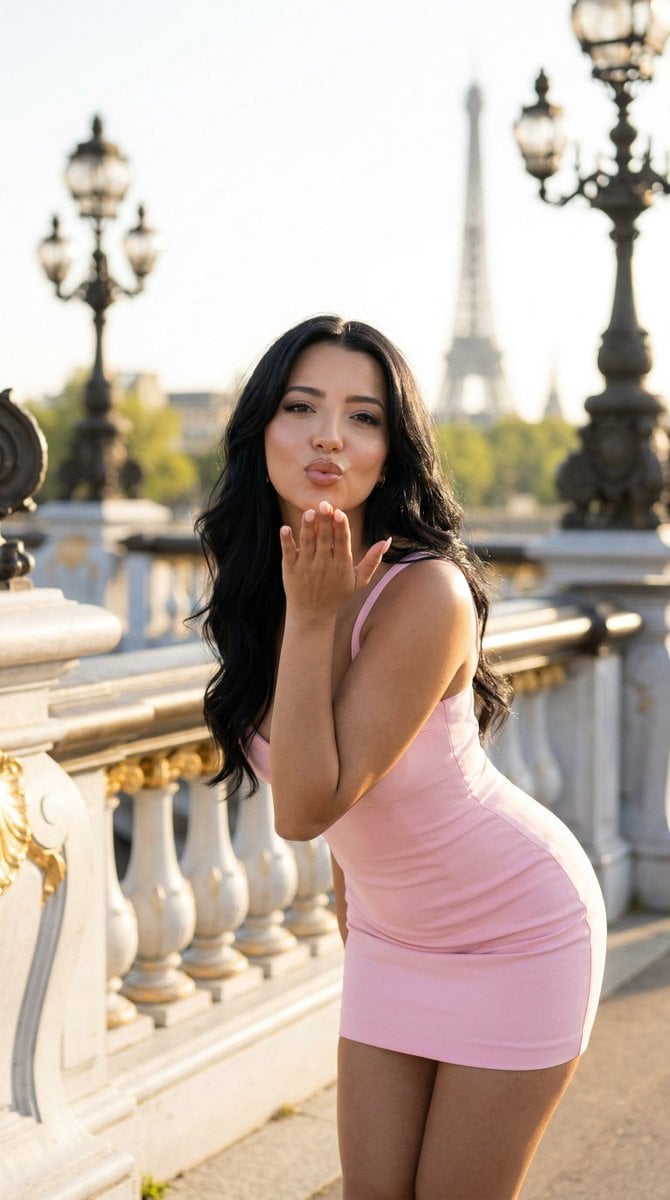
Nano Banana - Rooftop Dinner Night
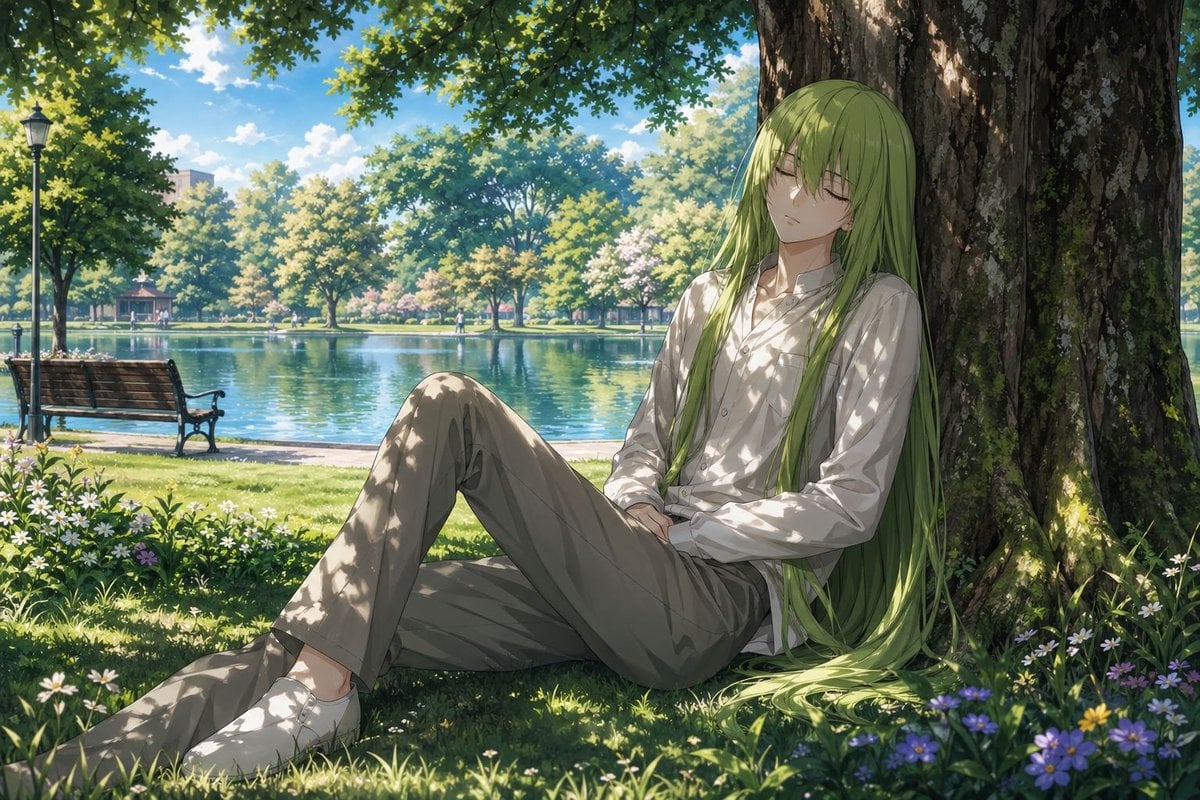
Enkidu Resting by a Lakeside Tree
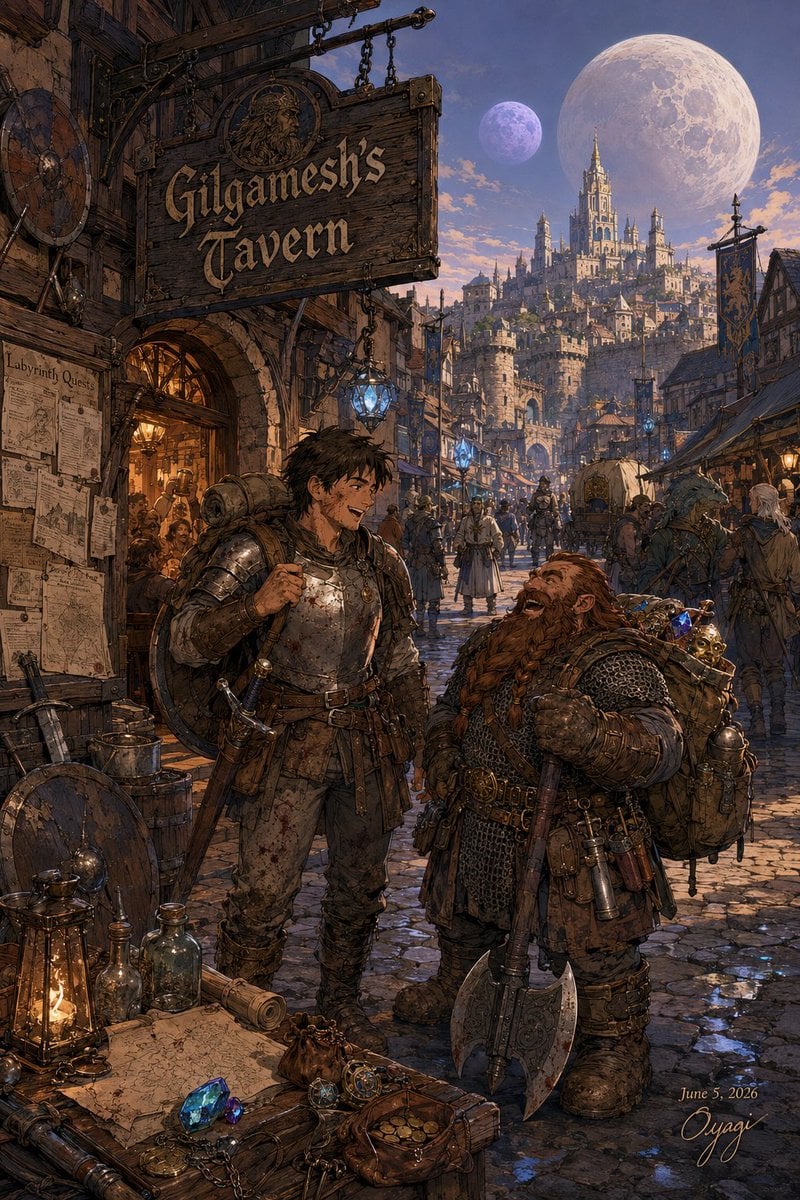
Gilgamesh's Tavern Fantasy Street Scene
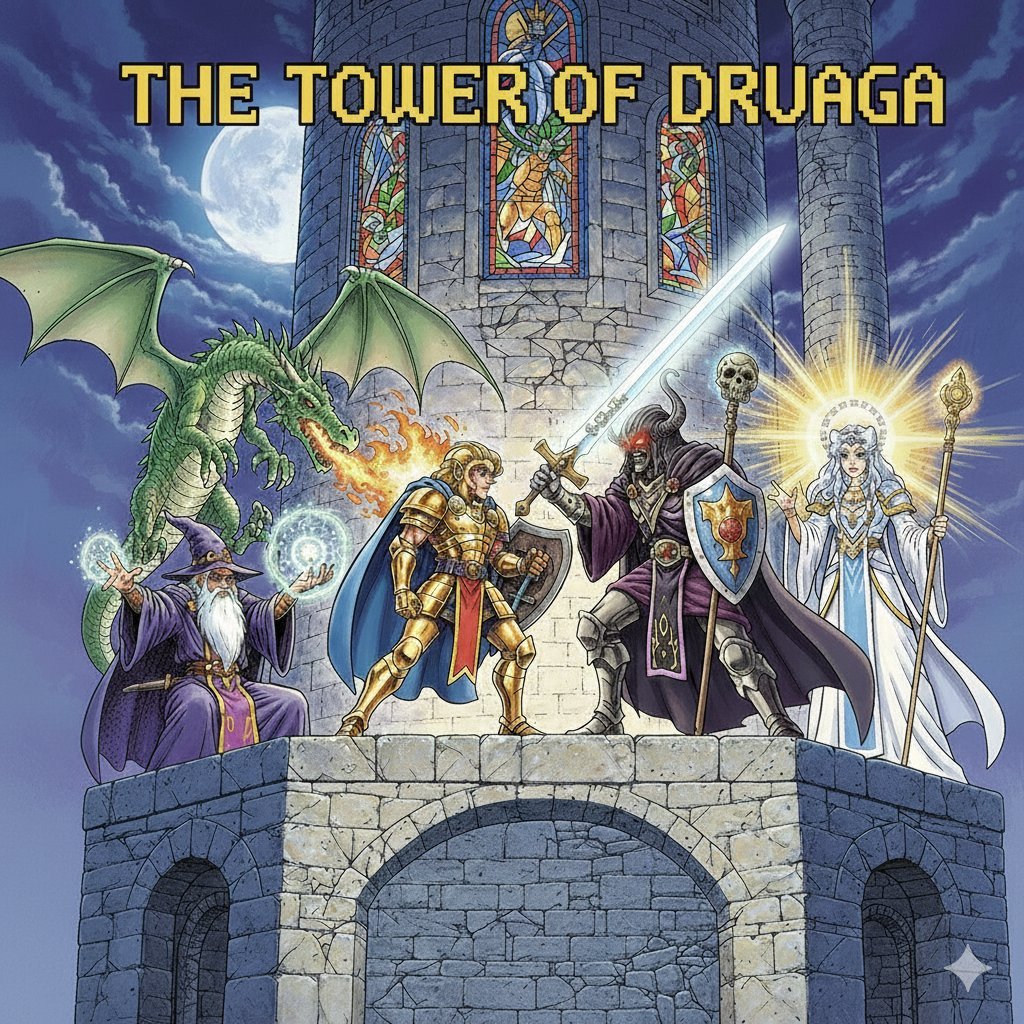
Tower of Druaga Gilgamesh vs. Druaga Prompt
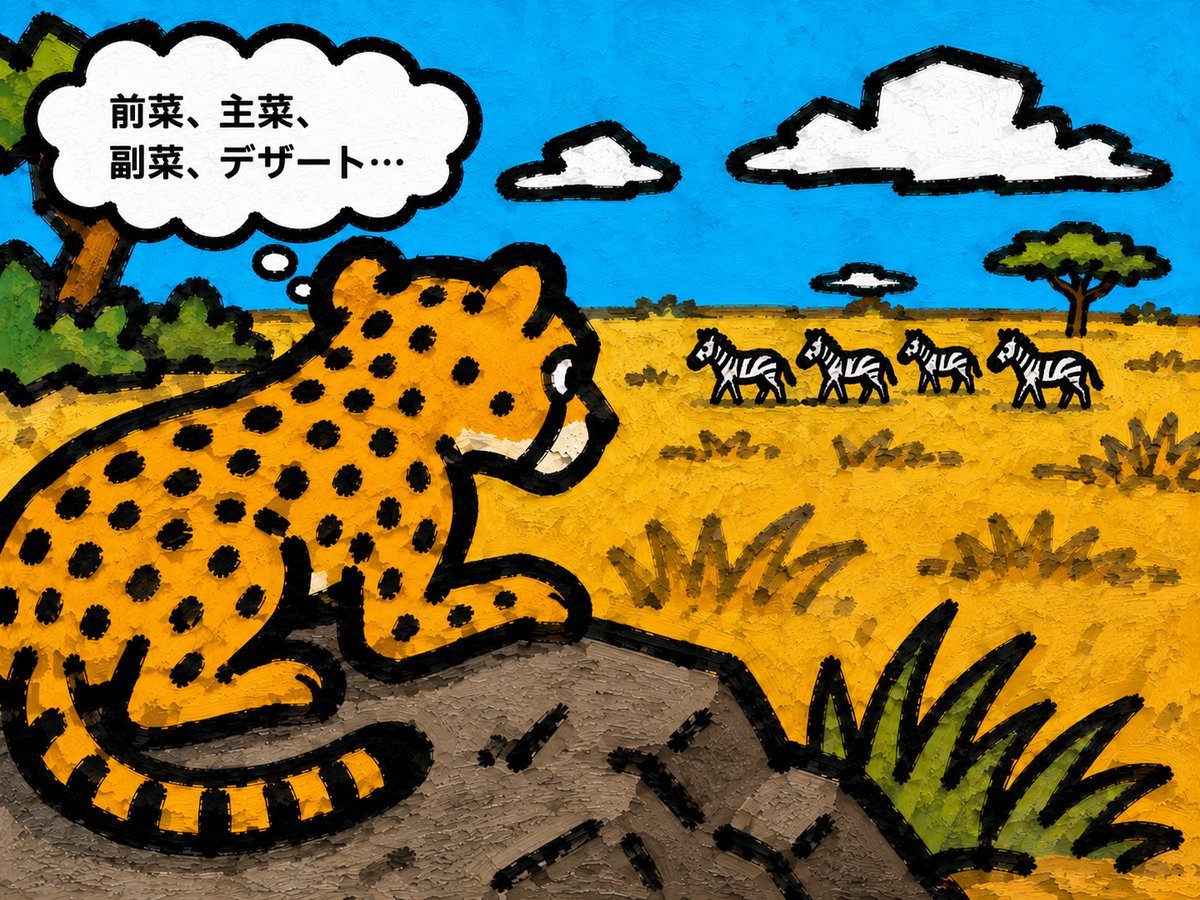
Cheetah Thinking of Dinner
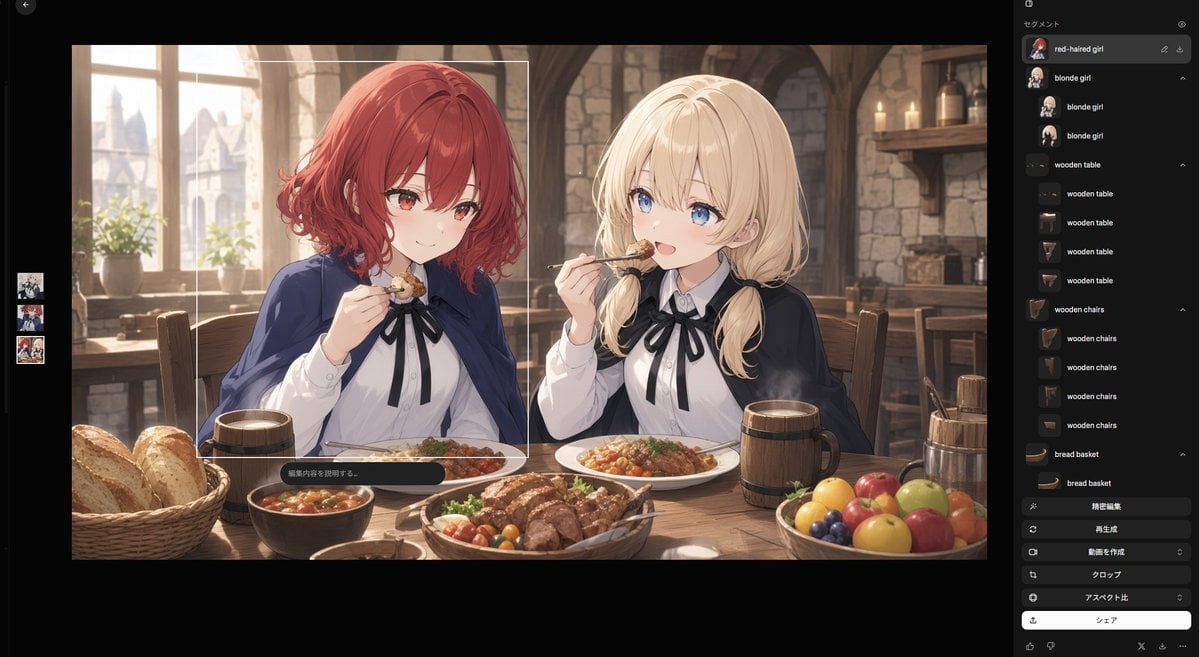
Anime Tavern Dinner Scene
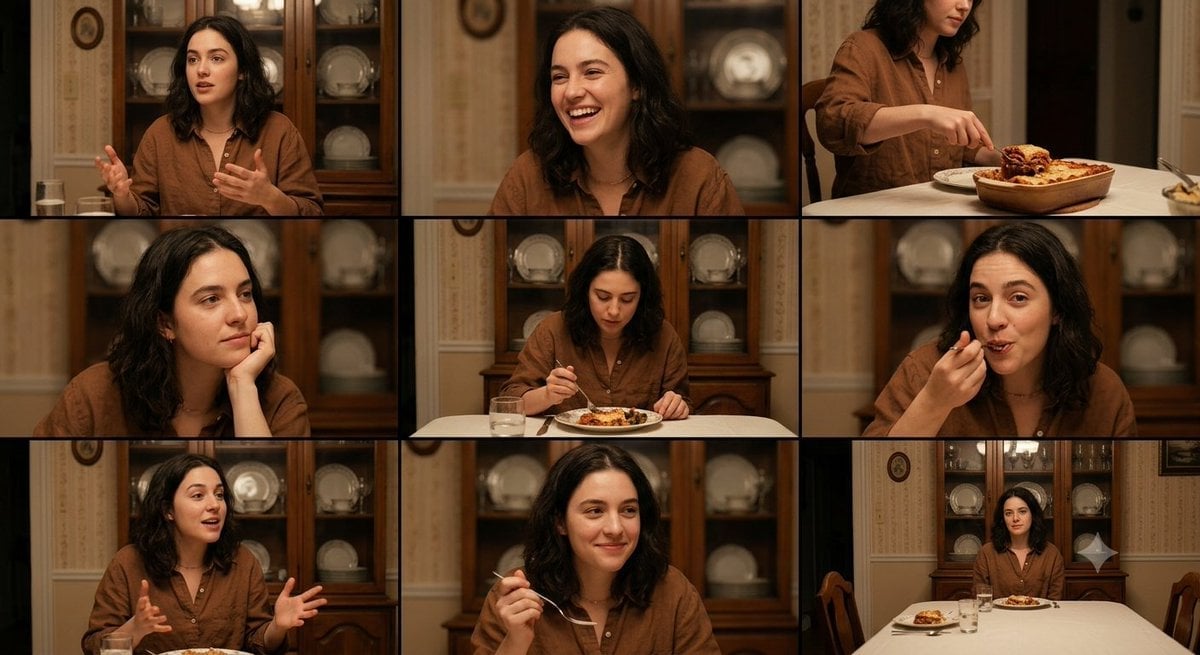
Family Dinner Cinematic Contact Sheet
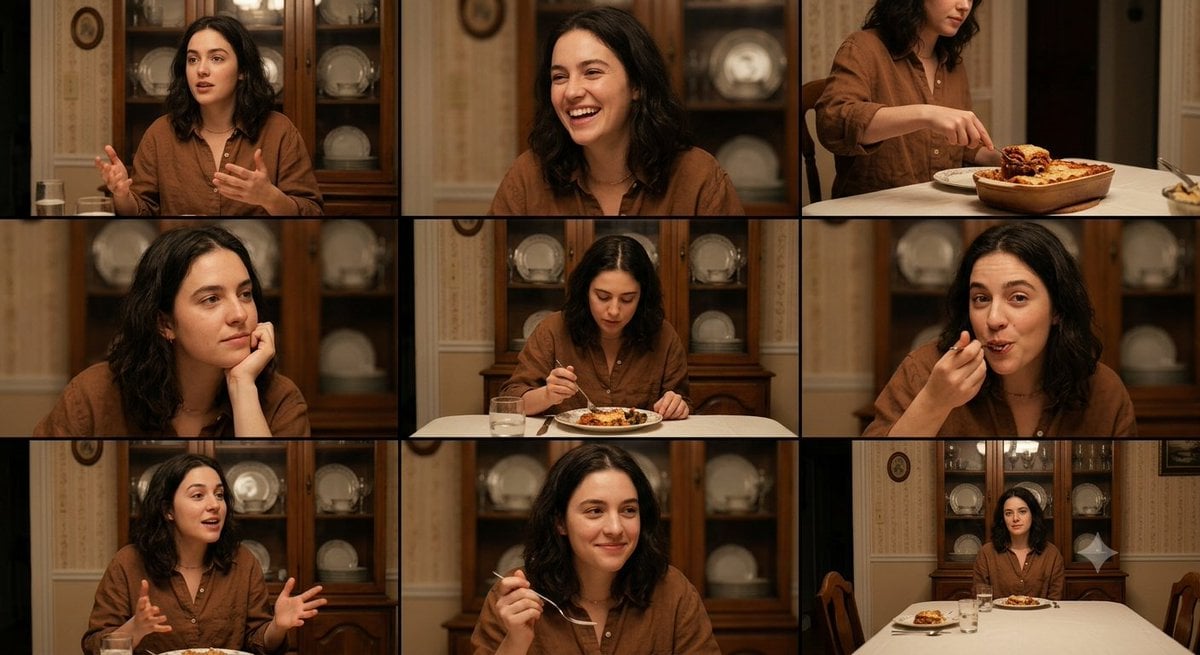
Family Dinner Cinematic Contact Sheet
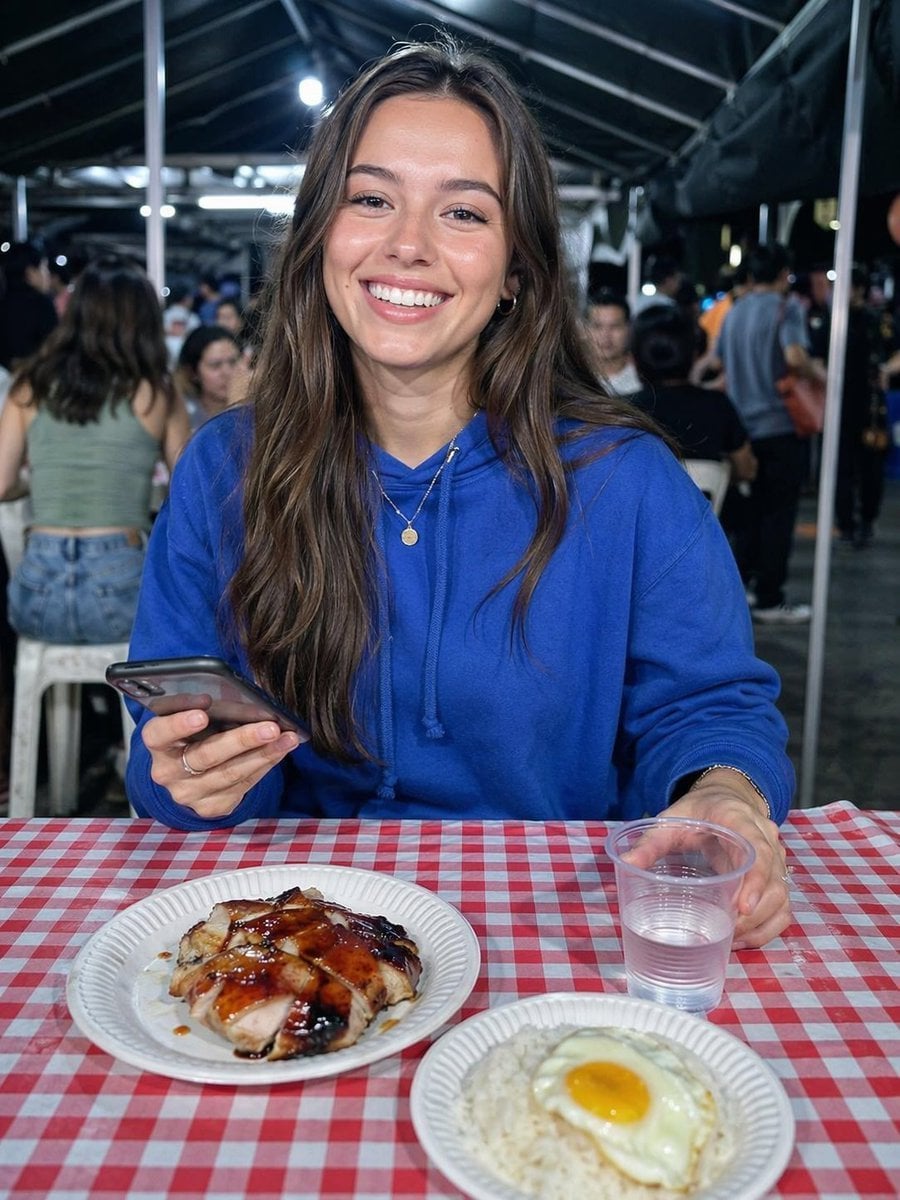
Night Market Dinner Portrait
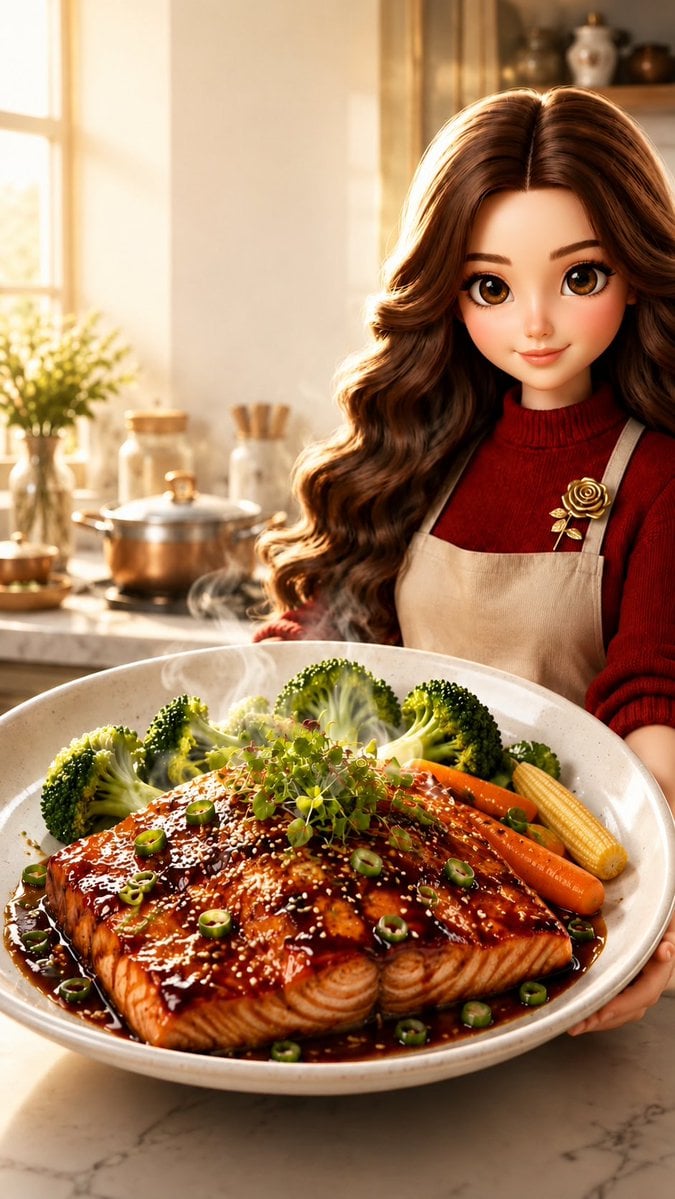
Pixar-Style Salmon Dinner Ad
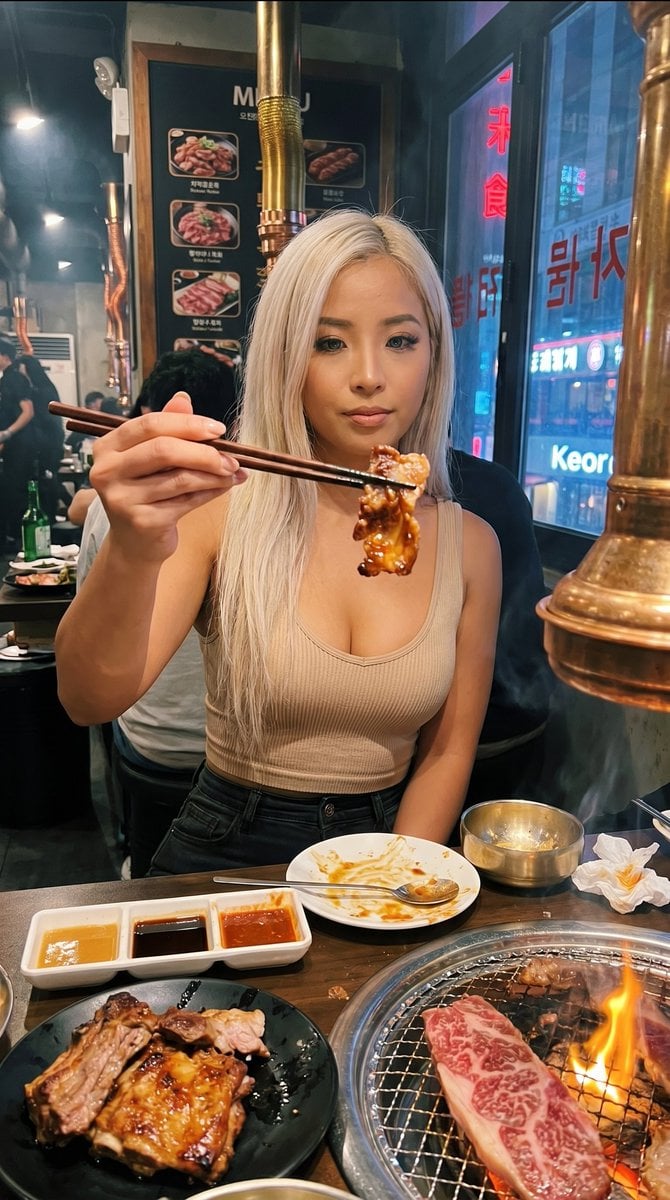
Urban BBQ Dinner Portrait
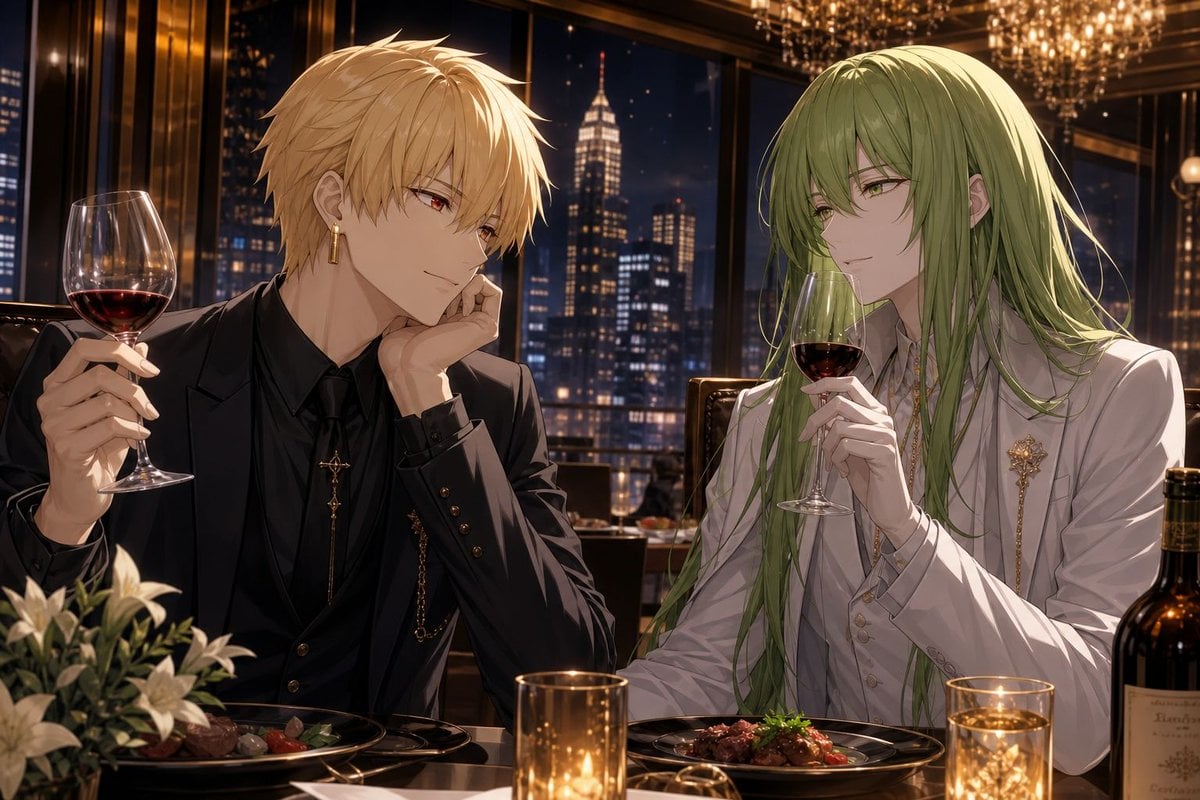
Elegant Anime Dinner with Two Fantasy Men
Make it yours
Gilgamesh and Enkidu Dinner Scene works as-is. These are the safest ways to change it without losing the look.
Change one field
Copy a single group, rewrite it, and generate again so you can see what that field is doing.
Keep the frame, change the subject
Hold the composition and light of Gilgamesh and Enkidu Dinner Scene, then swap wardrobe, props or the person for a new take.
| If the result… | Why | Fix |
|---|---|---|
| The result drifts from the preview | Too many fields changed at once. | Reuse Gilgamesh and Enkidu Dinner Scene as-is first, then change one group — subject, light, or setting. |
| The model over-stylizes the scene | The prose prompt leaves finish and camera underspecified. | Add one camera or lighting sentence and stay on GPT Image 2. |
More GPT Image 2 templates
Other prompts made for GPT Image 2.

Six VTuber Japanese Logo Sheet

Realistic Portrait of Woman and Deer

The Vista Modular Condo Poster

AI Model Routing Comparison Infographic

2.5D Anime Art Board

Isometric Productivity Desk Scene

New York Double Exposure Poster

Four-Panel AI Landscape Comparison

Japanese Tatami Lifestyle Magazine Cover

NESCAFÉ Coffee Map Poster
More image prompts
Fresh picks from across the catalog.
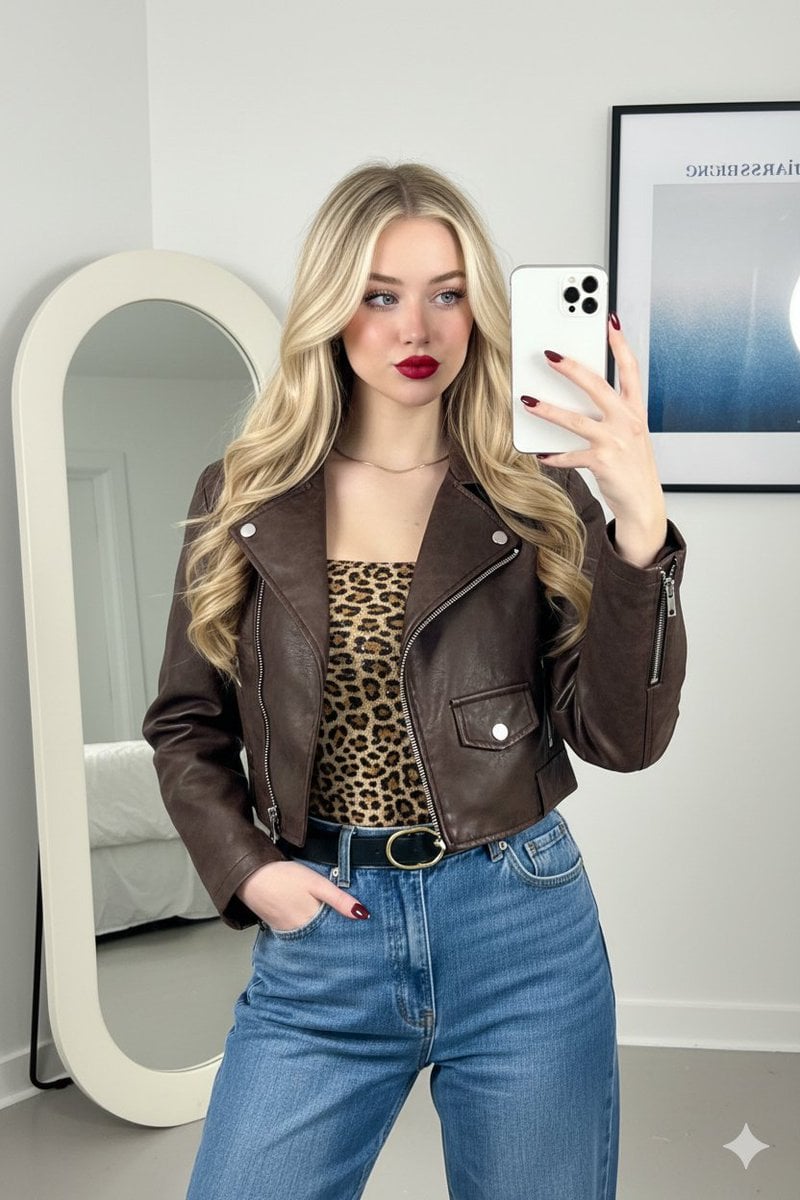
Mirror Selfie Fashion Prompt with Face Lock
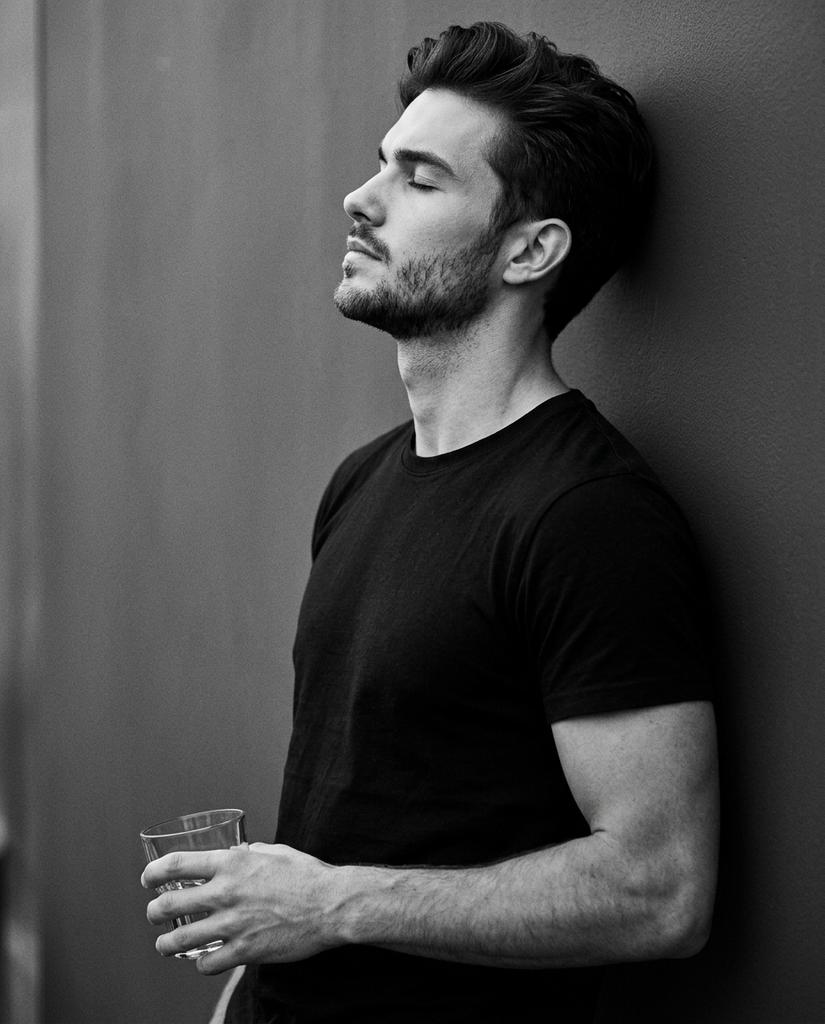
Cinematic Monochrome Portrait with Face Intact
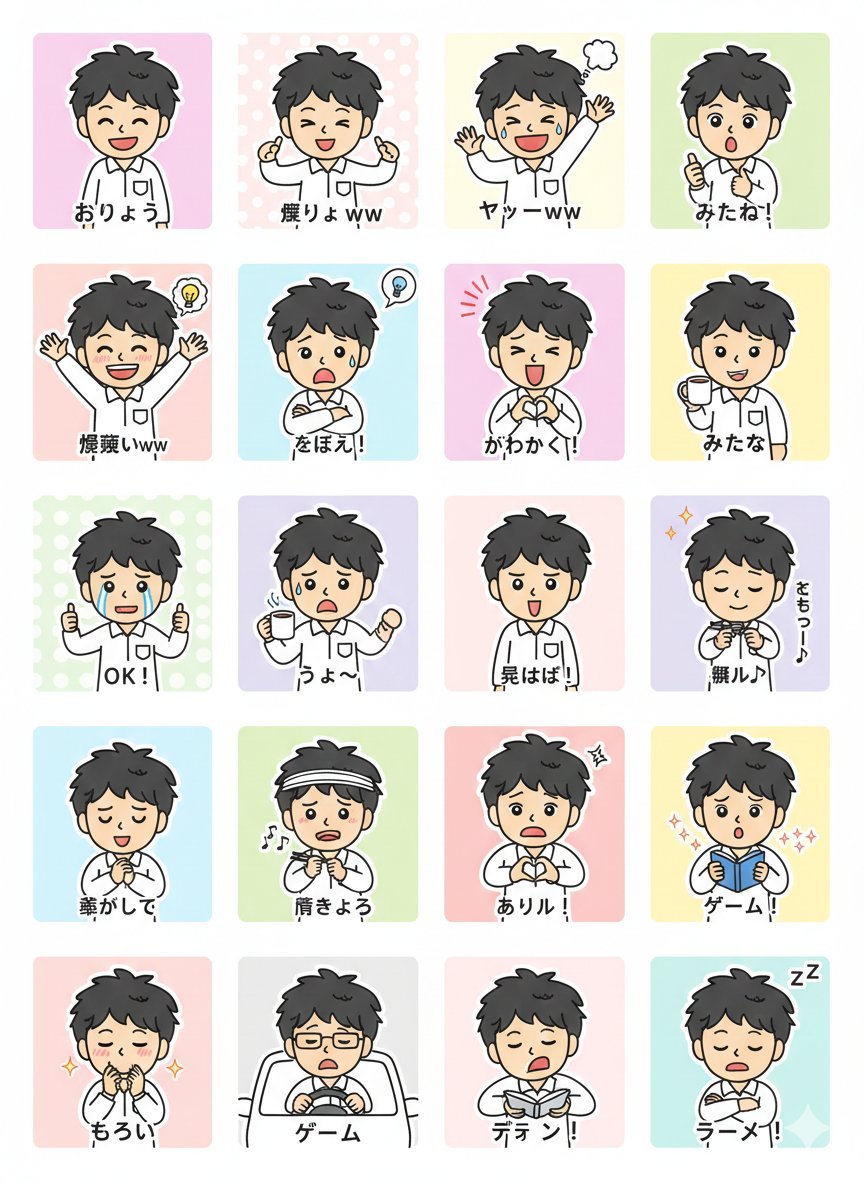
LINE Sticker Generation Prompt
2000s Photobooth Contact Sheet Grid Prompt
Film Contact Sheet Couple
AC Milan Mbappé Transfer Poster
X Aiwithlariab Image on Nano Banana 2
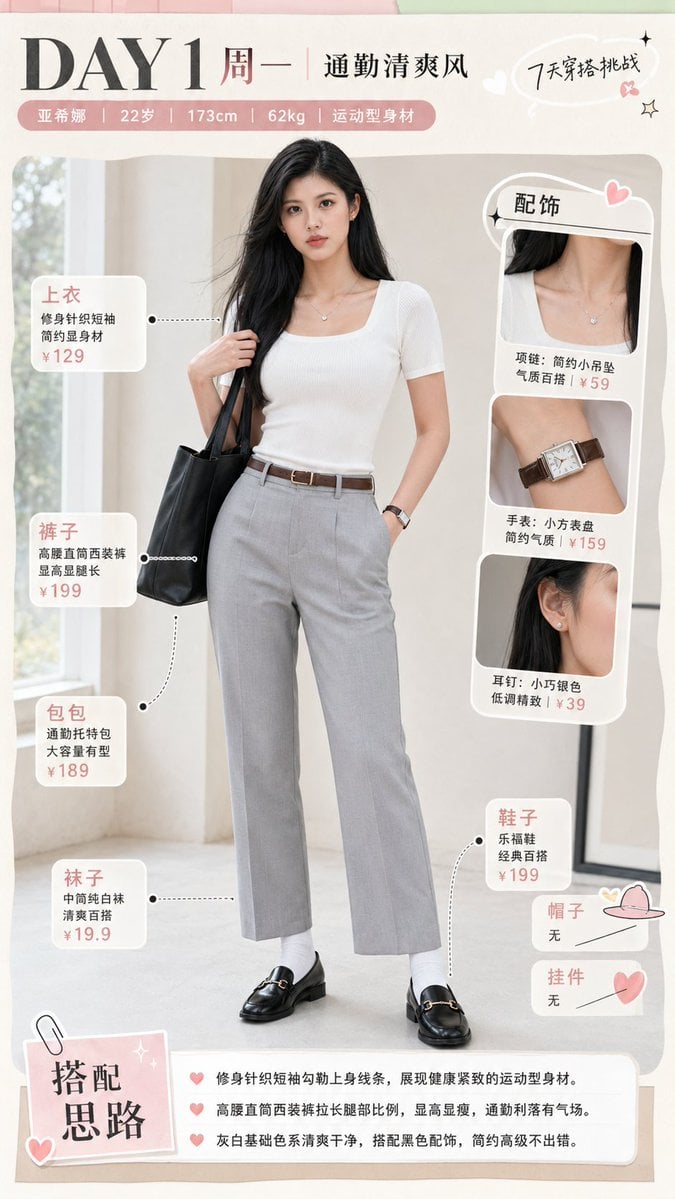
Monday Commuter Outfit Infographic
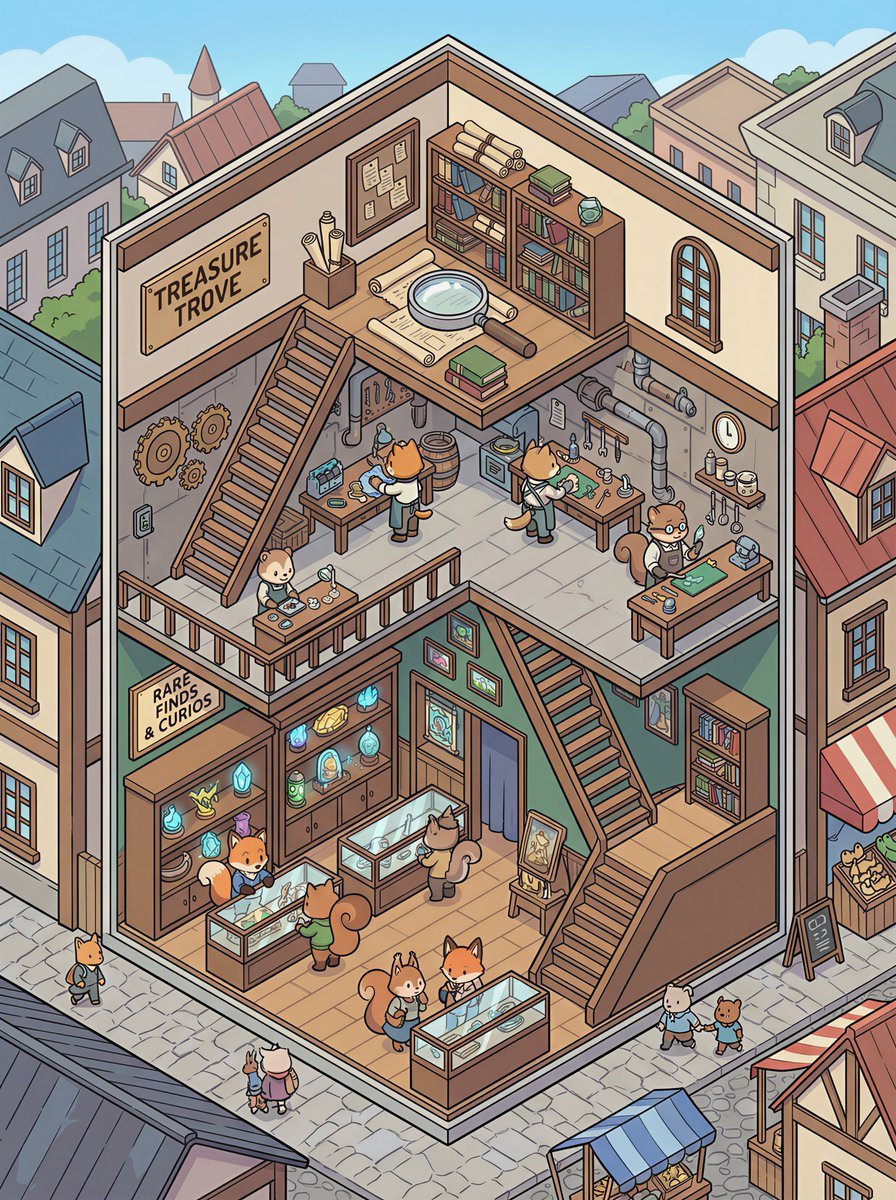
Isometric 2.5D Architectural Slice Illustration of an Animal Community
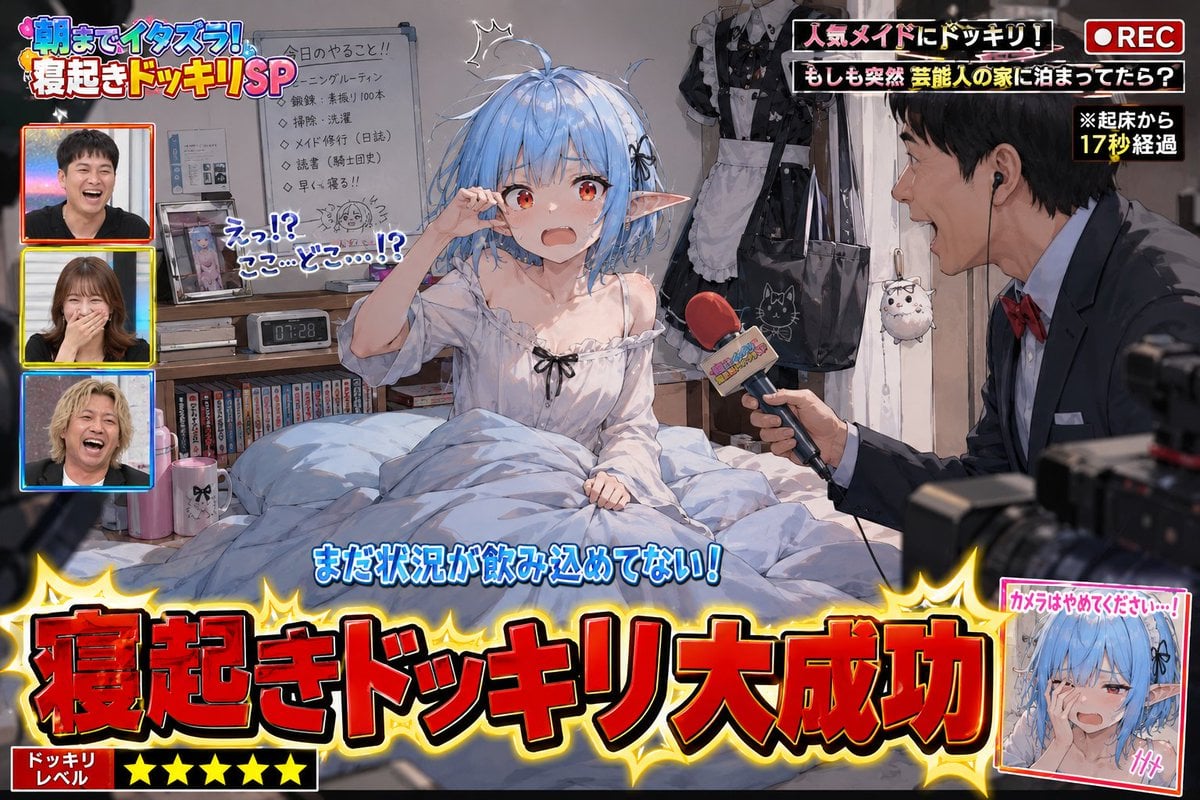
Variety Show Surprise Prank Anime Screenshot
Browse template categories
Gilgamesh and Enkidu Dinner Scene questions
How do I use the Gilgamesh and Enkidu Dinner Scene template?
Add your photo if the template asks for one, edit the prompt if you like — the template's model and format are already selected — and press Generate. Your version opens in PicX Studio.
Can I customize the Gilgamesh and Enkidu Dinner Scene template?
Yes. You can change the subject, setting, lighting, mood, format, and available model controls before creating your image.
Is the Gilgamesh and Enkidu Dinner Scene template free?
Opening and editing this template is free. Generating uses credits, shown on the Generate button when you are signed in.
Which AI model should I use?
Start with GPT Image 2, which is the model associated with this template. You can compare another compatible model for a different finish.
Looking for something else? Browse all templates.

Your photo, any look
Thousands of ready templates for every top image and video model, from one credit balance.