
Night Studio Manga Two-Page Spread
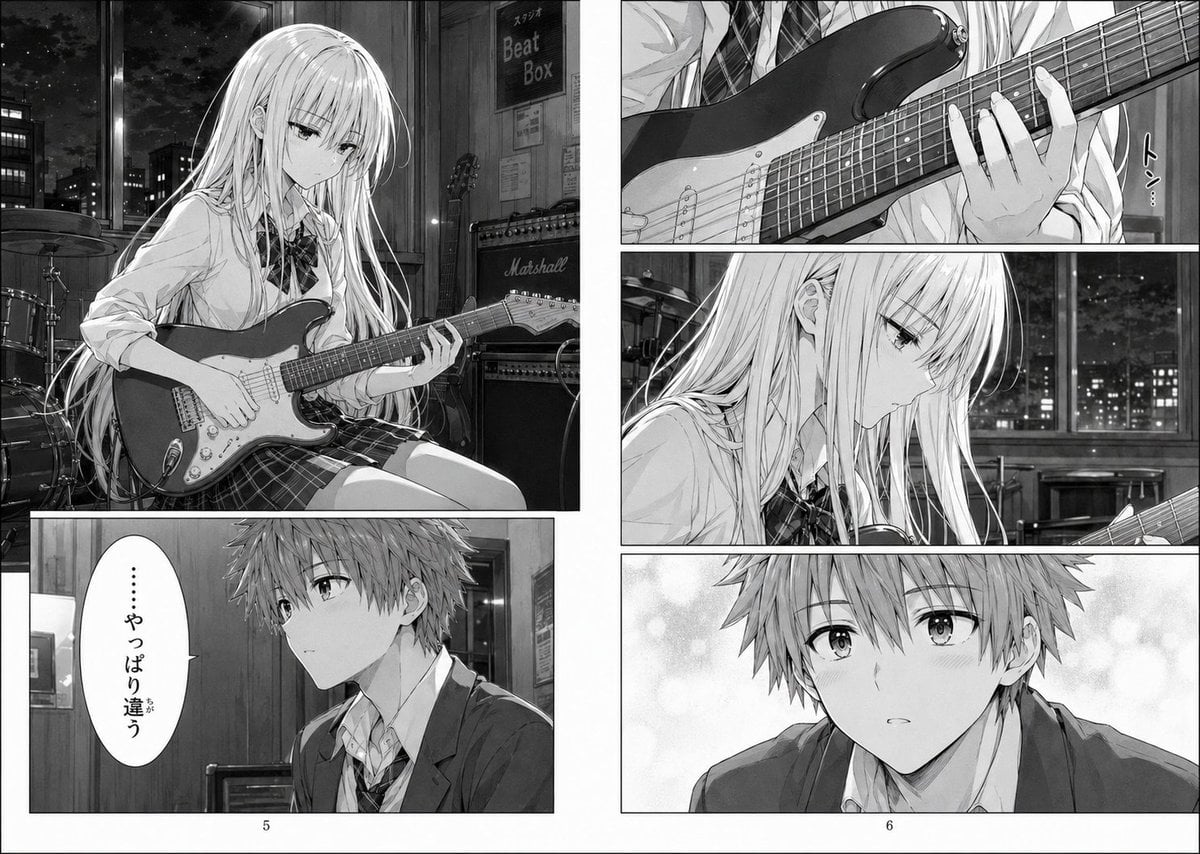
This generates a polished black-and-white Japanese manga spread of two students in a nighttime rehearsal studio having a quiet conversation about a guitar sound, suitable for dramatic music-themed comic storytelling.
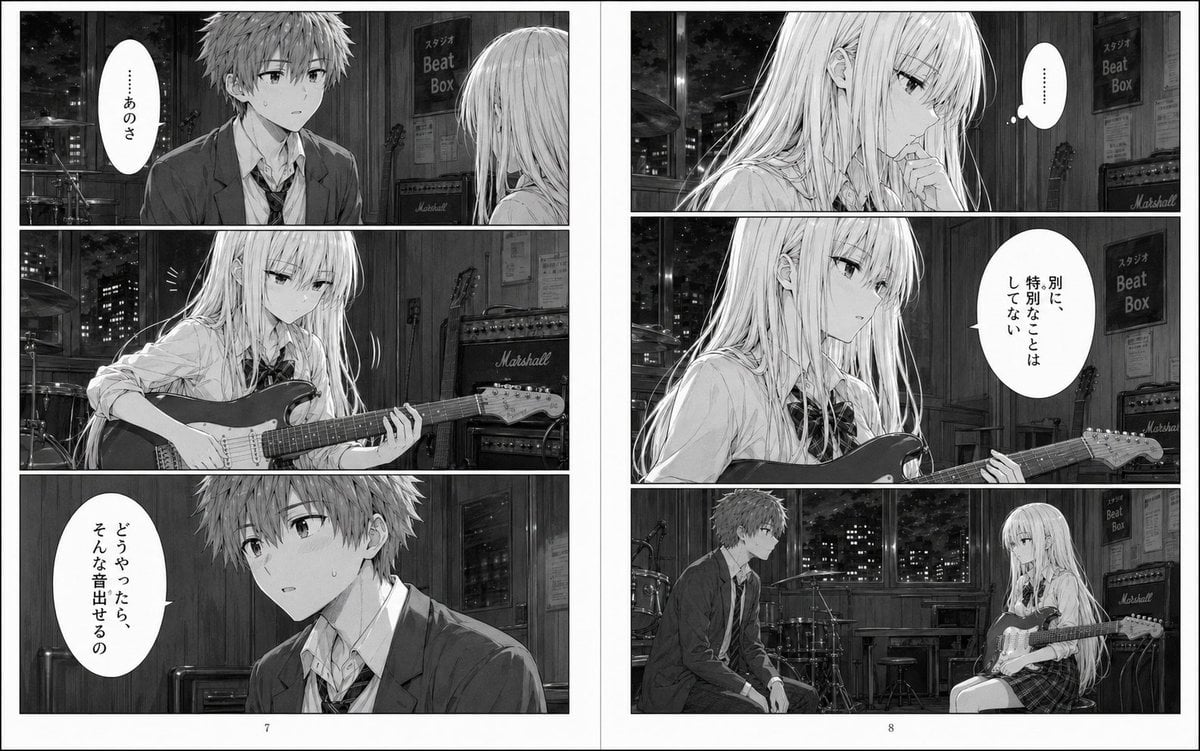
- Prompt included
- Model and format preset
- Free template
The prompt behind this image
Copy the exact prompt behind Night Studio Manga Two-Page Spread, or open it in the studio and make it yours.
- Type
- black-and-white manga two-page spread
- Style
- high-detail seinen manga screentone rendering, cinematic lighting, delicate linework, realistic school-uniform folds, reflective nighttime mood
- Reading Direction
- right-to-left Japanese manga
- Page Count
- 2
- Environment › Location
- music rehearsal studio at night
- Environment › Details
- large window showing a dark city skyline with lit office buildings, drum kit near the window, electric guitar amplifiers including visible Marshall logos, wood-paneled interior walls, music posters and a vertical sign reading スタジオ Beat Box, stools and rehearsal-room equipment
- Characters › Count
- 2
- Characters › Character 1 › Role
- high school girl guitarist
- Characters › Character 1 › Appearance
- long straight very light hair with bangs, slender build, calm and introspective expression
- Characters › Character 1 › Outfit
- white school shirt, dark ribbon bow at collar, plaid skirt
- Characters › Character 1 › Prop
- solid-body electric guitar held while seated
- Characters › Character 2 › Role
- high school boy
- Characters › Character 2 › Appearance
- short tousled hair, average build, serious hesitant demeanor
- Characters › Character 2 › Outfit
- school blazer, white shirt, loosened necktie
- Layout › Left Page › Page Number
- 7
- Layout › Left Page › Panel Count
- 3
- Layout › Left Page › Panels › 0 › Position
- top
- Layout › Left Page › Panels › 0 › Composition
- medium two-shot of the boy facing the seated girl in the studio
- Layout › Left Page › Panels › 0 › Text
- ……, あのさ
- Layout › Left Page › Panels › 1 › Position
- middle
- Layout › Left Page › Panels › 1 › Composition
- close view of the girl looking down and playing the electric guitar, hands on the fretboard and body of the instrument
- Layout › Left Page › Panels › 2 › Position
- bottom
- Layout › Left Page › Panels › 2 › Composition
- medium close-up of the boy speaking, studio door behind him
- Layout › Left Page › Panels › 2 › Text
- どうやったら、そんな音出せるの
Raw JSON
{"type":"black-and-white manga two-page spread","style":"high-detail seinen manga screentone rendering, cinematic lighting, delicate linework, realistic school-uniform folds, reflective nighttime mood","reading_direction":"right-to-left Japanese manga","page_count":2,"environment":{"location":"music rehearsal studio at night","details":["large window showing a dark city skyline with lit office buildings","drum kit near the window","electric guitar amplifiers including visible Marshall logos","wood-paneled interior walls","music posters and a vertical sign reading スタジオ Beat Box","stools and rehearsal-room equipment"]},"characters":{"count":2,"character_1":{"role":"high school girl guitarist","appearance":"long straight very light hair with bangs, slender build, calm and introspective expression","outfit":["white school shirt","dark ribbon bow at collar","plaid skirt"],"prop":"solid-body electric guitar held while seated"},"character_2":{"role":"high school boy","appearance":"short tousled hair, average build, serious hesitant demeanor","outfit":["school blazer","white shirt","loosened necktie"]}},"layout":{"left_page":{"page_number":7,"panel_count":3,"panels":[{"position":"top","composition":"medium two-shot of the boy facing the seated girl in the studio","text":["……","あのさ"]},{"position":"middle","composition":"close view of the girl looking down and playing the electric guitar, hands on the fretboard and body of the instrument","text":[]},{"position":"bottom","composition":"medium close-up of the boy speaking, studio door behind him","text":["どうやったら、そんな音出せるの"]}]},"right_page":{"page_number":8,"panel_count":4,"panels":[{"position":"top","composition":"close-up profile of the girl in thought, one hand near her mouth, night window behind her","text":["……"]},{"position":"upper-middle","composition":"medium shot of the girl holding the guitar and answering with a flat, detached expression","text":["別に、特別なことはしてない"]},{"position":"lower-middle","composition":"wide shot of both characters sitting across from each other in the rehearsal room, the girl with guitar and the boy listening, drum kit and city window centered behind them","text":[]},{"position":"implicit_continuation","composition":"the page breathes with quiet negative space and subdued pacing","text":[]}]},"total_panels":7},"mood":"quiet, emotionally distant, intimate conversation about musical expression, a subtle sense of misunderstanding or the day the sound felt different","composition_notes":"clean manga gutters, white page borders, authentic Japanese speech balloons, realistic instrument proportions, monochrome only, no color, polished published-manga page design"}How to use Night Studio Manga Two-Page Spread in 3 steps
- 1Upload ImagePNG, JPG or paste
Add your photo
Upload the photo the template builds on. The prompt, model and format are already set.
- 2…a portrait of your subject in softgolden-hour light, 85mm…
Personalize
Edit the subject and creative details for your destination.
- 3Generate
Generate
Press Generate — your image is created in PicX Studio, so you can compare it with the original and refine one variable at a time.
More like this
Templates with the same subject, style or setup. Open one to see its prompt.
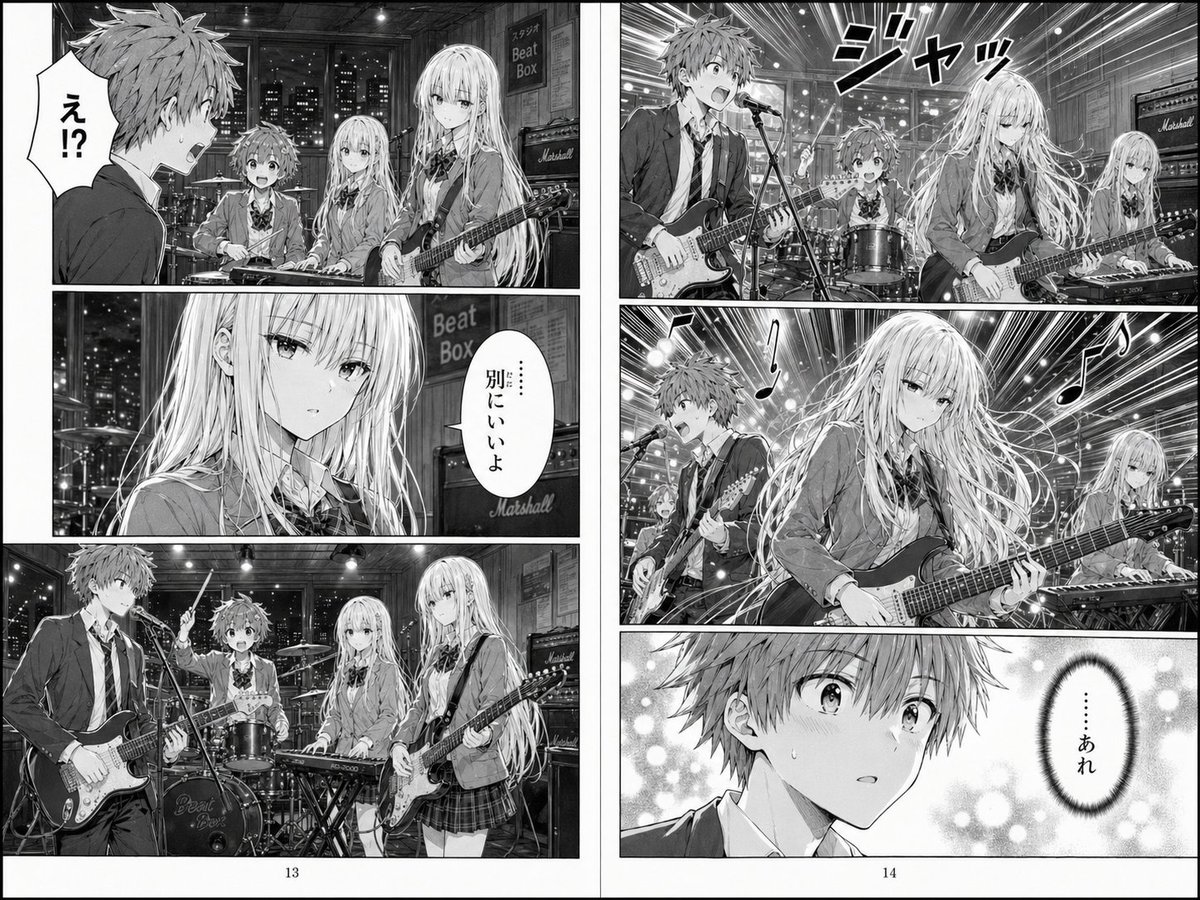
Two-Page School Band Manga Spread

Late-Night Hamster Manga Page
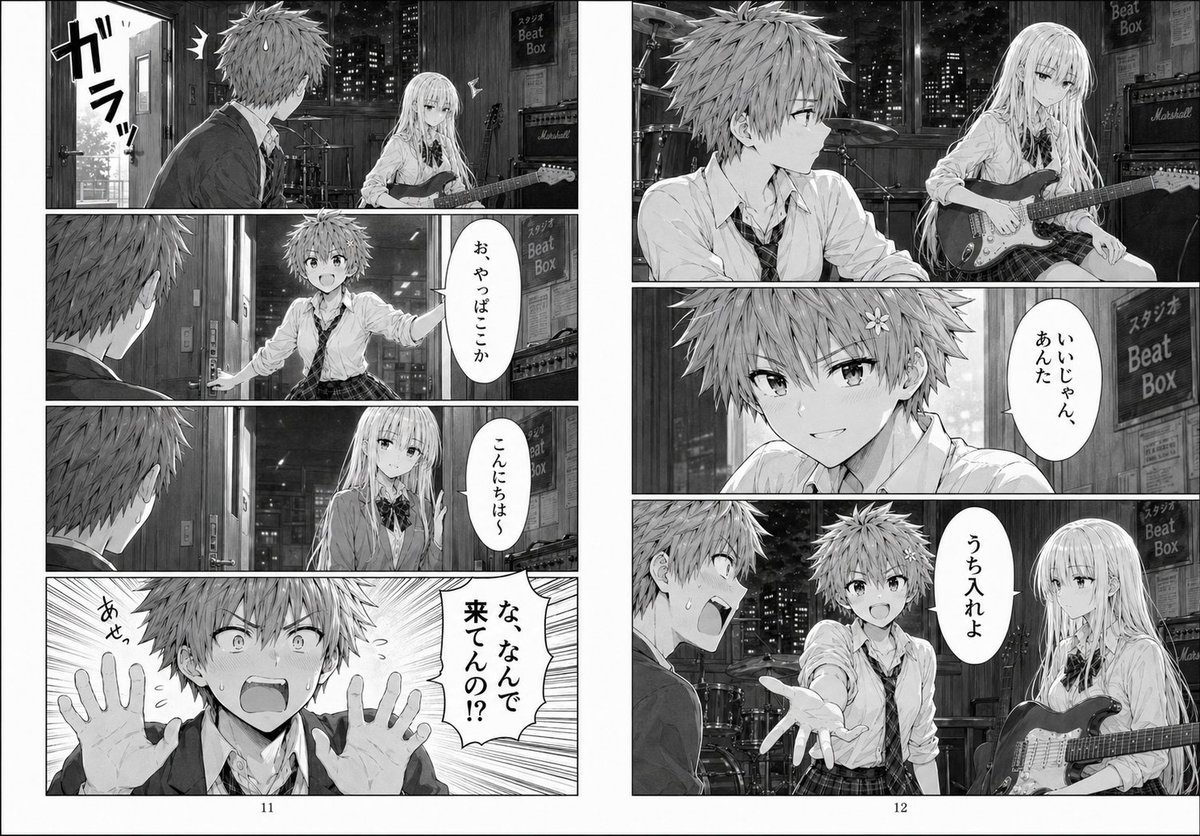
Night Rehearsal Manga Spread
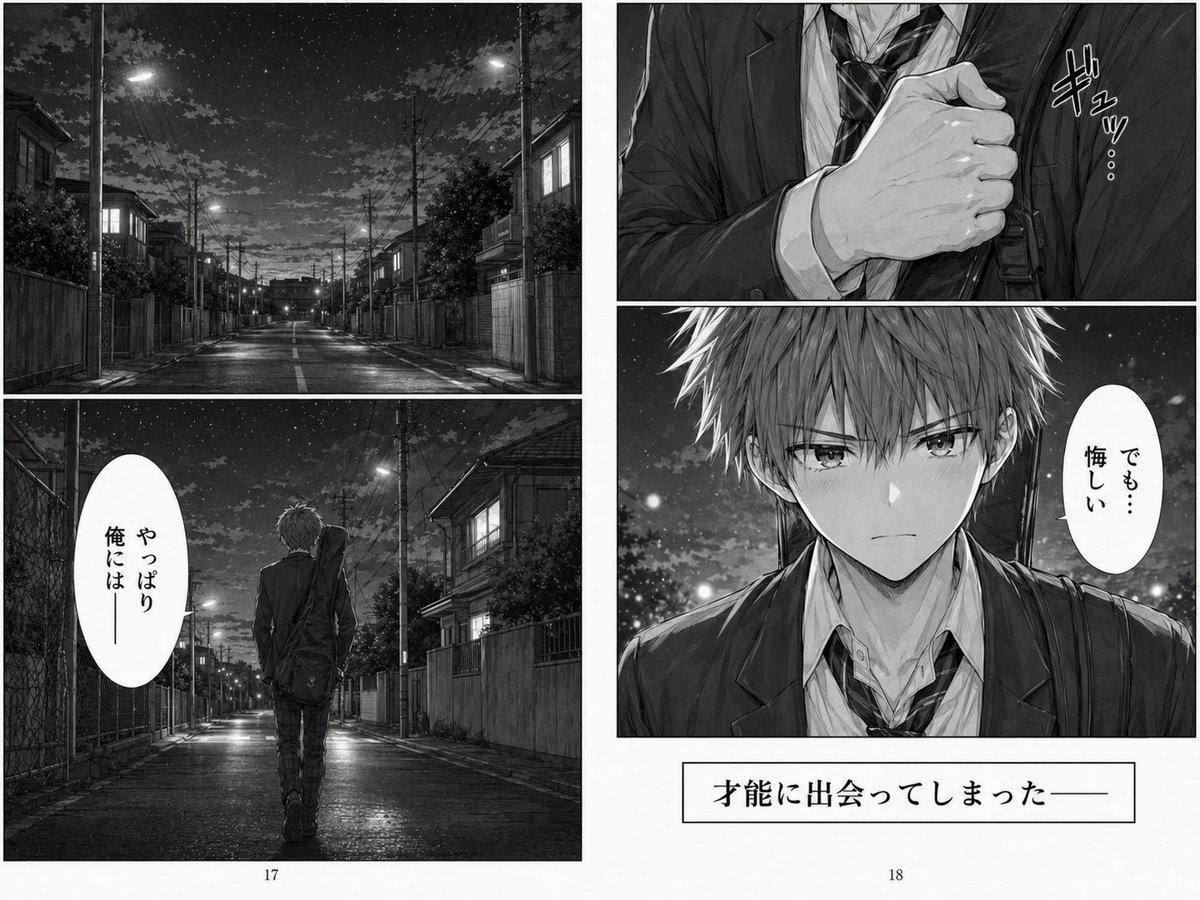
Melancholy Night Street Manga Spread
Monochrome Manga Guitar Studio Page
Yoga Book Two-Page Spread

Two Tickets, One Night

80s Couple Studio Portrait

1985 Studio Portrait

Quiet Hamster Manga Page
Manga Spread: Fantasy Game Developer

Surreal Noir Hamster Manga Page
Make it yours
Night Studio Manga Two-Page Spread works as-is. These are the safest ways to change it without losing the look.
Swap the setting
Keep the rest of the prompt and replace the location block. The current setting is “music rehearsal studio at night”.
Change one field
Copy a single group, rewrite it, and generate again so you can see what that field is doing.
Keep the frame, change the subject
Hold the composition and light of Night Studio Manga Two-Page Spread, then swap wardrobe, props or the person for a new take.
| If the result… | Why | Fix |
|---|---|---|
| The result drifts from the preview | Too many fields changed at once. | Reuse Night Studio Manga Two-Page Spread as-is first, then change one group — subject, light, or setting. |
| GPT Image 2 ignores part of the JSON | Some models flatten or skip nested keys. | Keep the same values and paste them as a short paragraph instead. |
More GPT Image 2 templates
Other prompts made for GPT Image 2.

Six VTuber Japanese Logo Sheet

Realistic Portrait of Woman and Deer

The Vista Modular Condo Poster

AI Model Routing Comparison Infographic

2.5D Anime Art Board

Isometric Productivity Desk Scene

New York Double Exposure Poster

Four-Panel AI Landscape Comparison

Japanese Tatami Lifestyle Magazine Cover

NESCAFÉ Coffee Map Poster
More image prompts
Fresh picks from across the catalog.
Handmade Clay Figurine Style with Wire Elements
Cozy Indoor Lifestyle Portrait
Cinematic film stills transformation prompt

Adidas Originals Fashion Ad
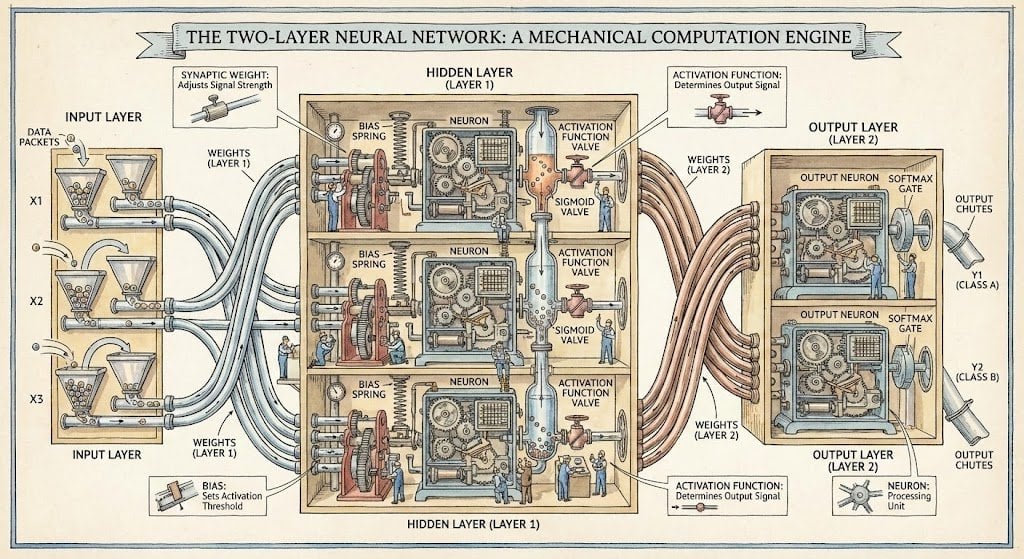
Two-layer neural network diagram in Stephen Biesty style
Mecha Anime Poster Art
Dua Lipa Editorial Portrait (Brutalist Concrete Setting)

Surreal Sunset Creative Workspace
Gemini Nano Banana Pro Ultra Realistic S
Editorial Portrait Photo Grid
Browse template categories
Night Studio Manga Two-Page Spread questions
How do I use the Night Studio Manga Two-Page Spread template?
Add your photo if the template asks for one, edit the prompt if you like — the template's model and format are already selected — and press Generate. Your version opens in PicX Studio.
Can I customize the Night Studio Manga Two-Page Spread template?
Yes. You can change the subject, setting, lighting, mood, format, and available model controls before creating your image.
Is the Night Studio Manga Two-Page Spread template free?
Opening and editing this template is free. Generating uses credits, shown on the Generate button when you are signed in.
Which AI model should I use?
Start with GPT Image 2, which is the model associated with this template. You can compare another compatible model for a different finish.
Looking for something else? Browse all templates.

Your photo, any look
Thousands of ready templates for every top image and video model, from one credit balance.