
Melancholy Night Street Manga Spread
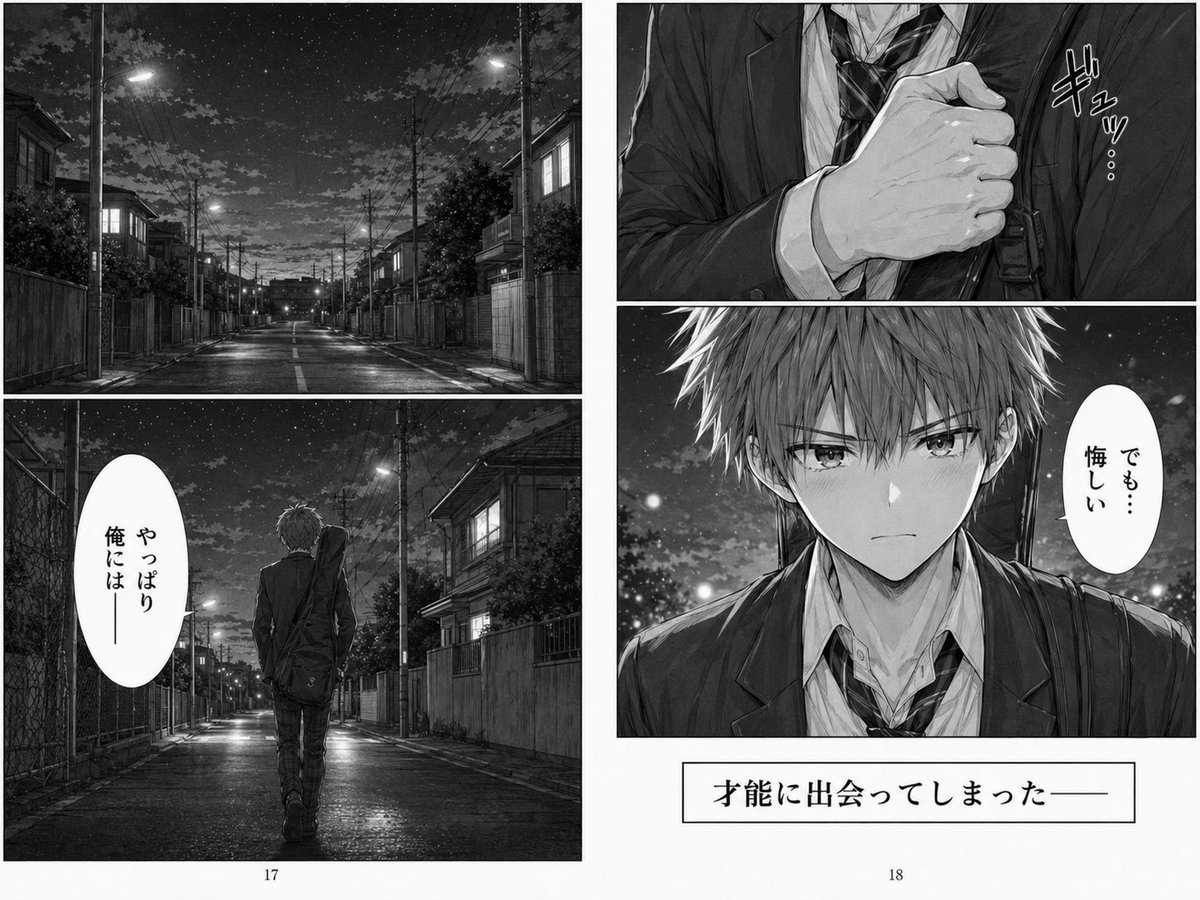
This prompt generates a grayscale two-page manga spread of a schoolboy walking alone at night, ideal for dramatic emotional storytelling or AI manga scenes.
- Prompt included
- Model and format preset
- Free template
The prompt behind this image
Copy the exact prompt behind Melancholy Night Street Manga Spread, or open it in the studio and make it yours.
A black-and-white manga two-page spread with a cinematic, melancholic tone, drawn in highly detailed seinen style with realistic lighting, wet pavement reflections, dense overhead power lines, and a star-filled night sky over a quiet Japanese residential street. The composition is divided into 4 panels total across the spread. On the left page, the top panel is a wide establishing shot of an empty suburban street at night, lined with low houses, walls, utility poles, glowing streetlights, and a slightly reflective road stretching into the distance. The bottom panel on the left page shows 1 teenage boy from behind, walking alone down the same street, wearing a dark school blazer, white shirt, loosened striped necktie, slim trousers, and carrying 1 shoulder bag slung across his back; his posture is tired and conflicted. Include 1 vertical oval Japanese speech balloon in this panel with the text 「やっぱり俺には」. On the right page, the top panel is a close-up of the boy’s hand gripping the front of his blazer or shirt near the chest in a tense gesture, with 1 hand-drawn sound effect in Japanese reading 「ギュッ…」. The bottom panel on the right page is a chest-up frontal portrait of the same boy outdoors at night, messy short light-colored hair, school uniform slightly disheveled, emotional expression, shoulder bag strap visible, background filled with soft glowing night bokeh and stars. Place 1 vertical oval Japanese speech balloon beside him reading 「でも…悔しい」. Obscure the center of his face with a flat square gray censor block. At the bottom of the right page, add 1 rectangular narration box containing the Japanese text 「才能に出会ってしまったー」. Show printed manga page layout with white gutters, page numbers 17 and 18 centered at the bottoms of the left and right pages, and a clean book-spread presentation. Keep everything grayscale, dramatic, introspective, and polished like a published manga volume.
How to use Melancholy Night Street Manga Spread in 3 steps
- 1Upload ImagePNG, JPG or paste
Add your photo
Upload the photo the template builds on. The prompt, model and format are already set.
- 2…a portrait of your subject in softgolden-hour light, 85mm…
Personalize
Edit the subject and creative details for your destination.
- 3Generate
Generate
Press Generate — your image is created in PicX Studio, so you can compare it with the original and refine one variable at a time.
More like this
Templates with the same subject, style or setup. Open one to see its prompt.
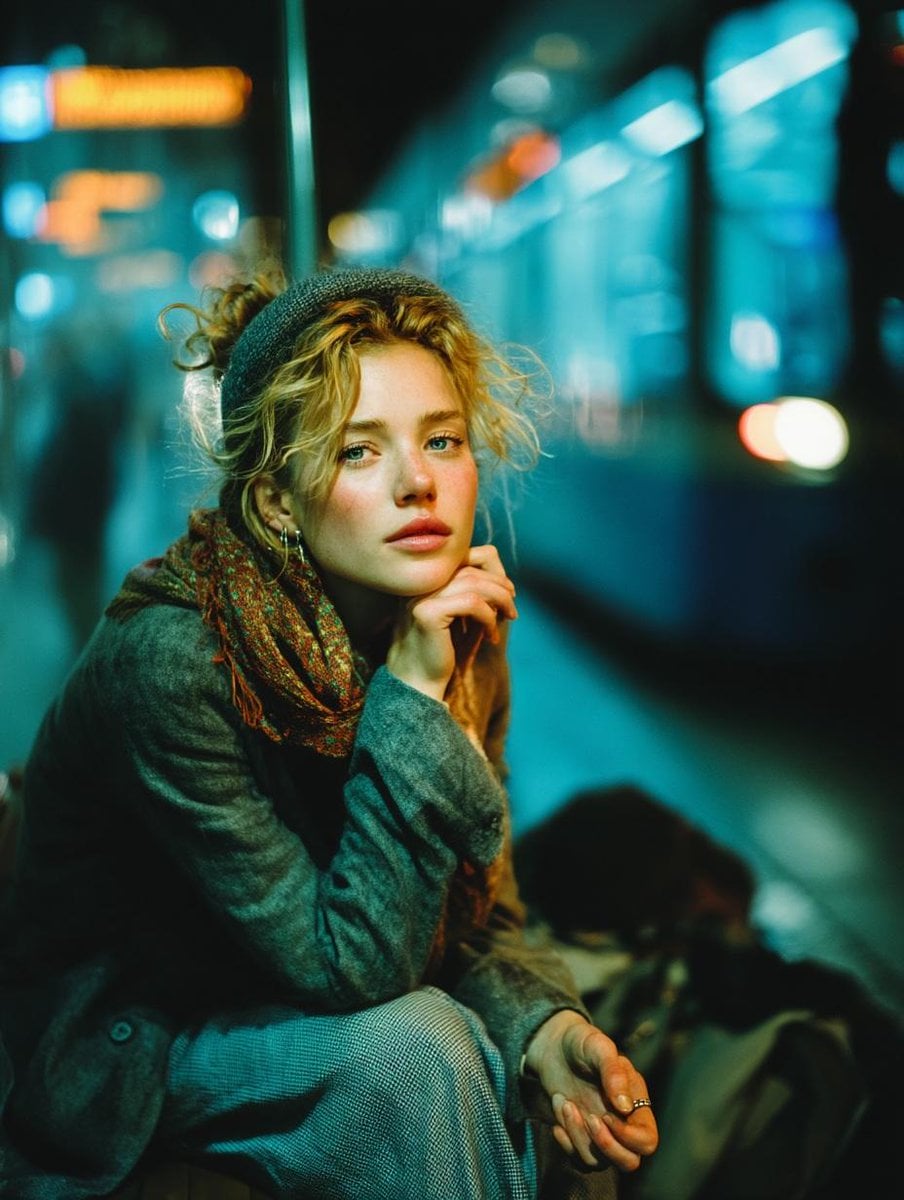
Subway Platform Quiet Introspective Portrait
Subway Platform Quiet Introspective Portrait

Two Tickets, One Night
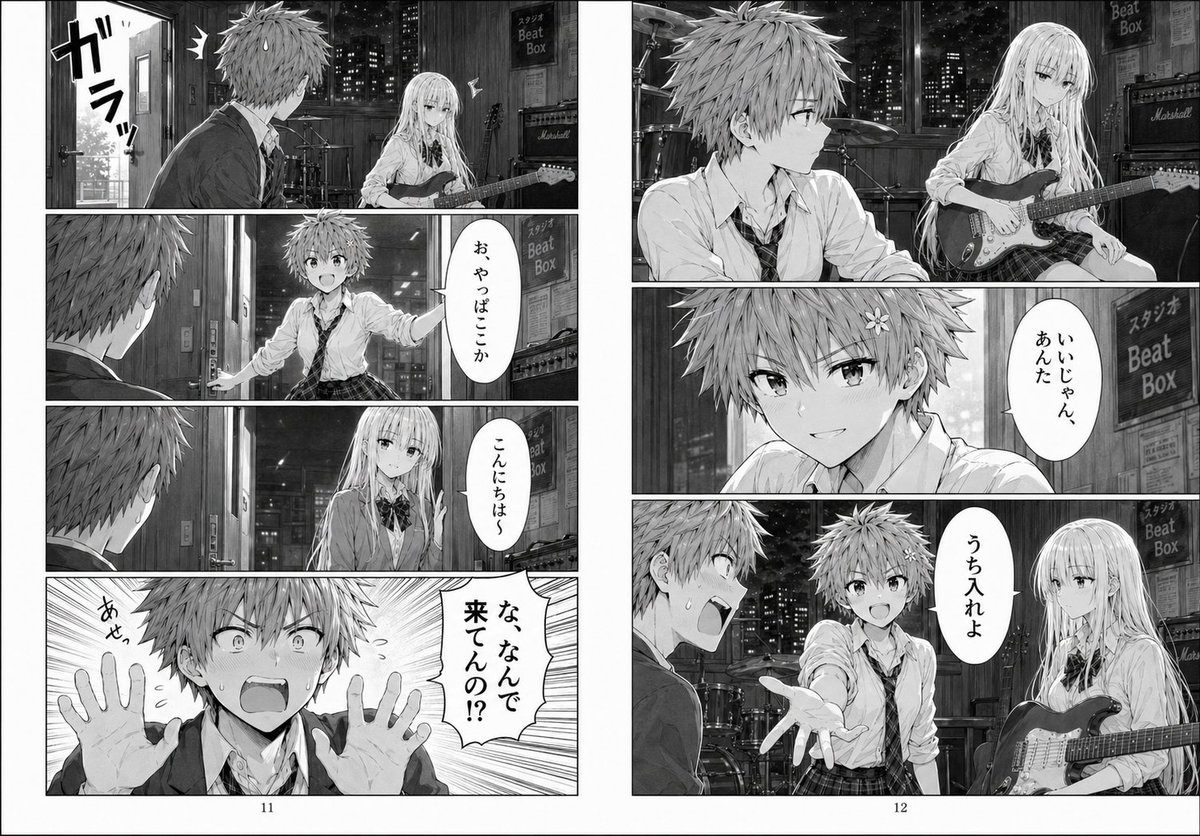
Night Rehearsal Manga Spread
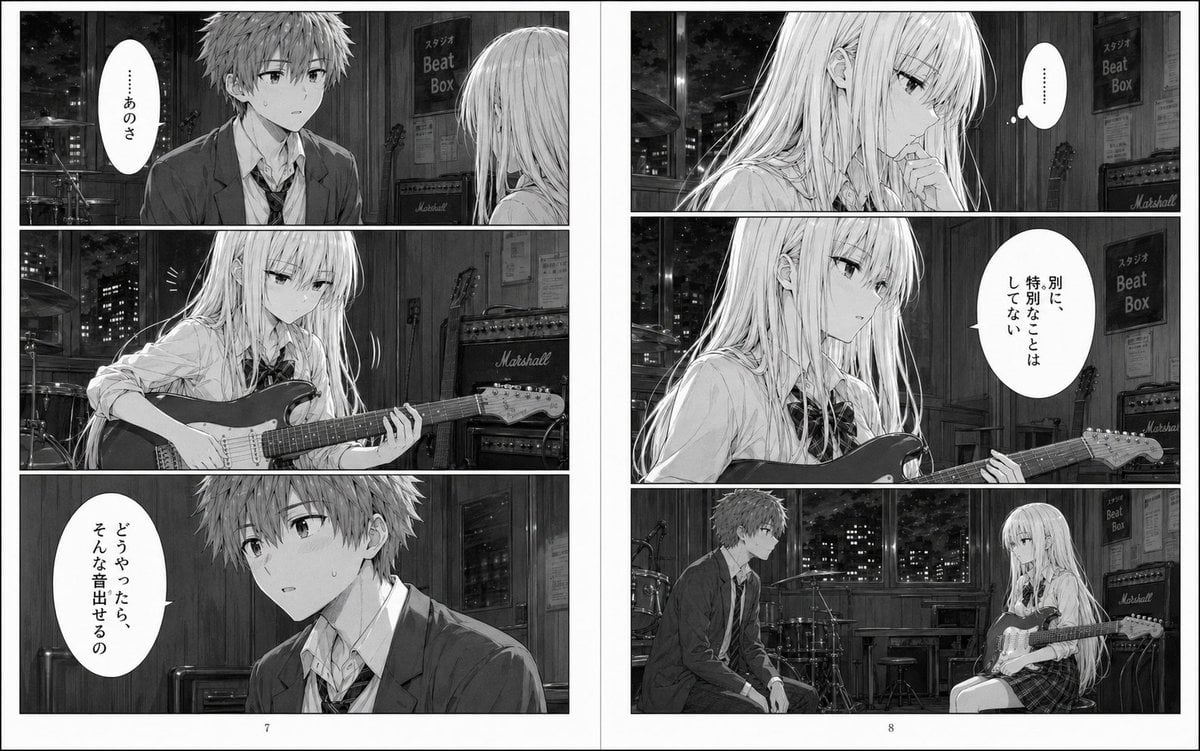
Night Studio Manga Two-Page Spread

Meet Me When It Rains
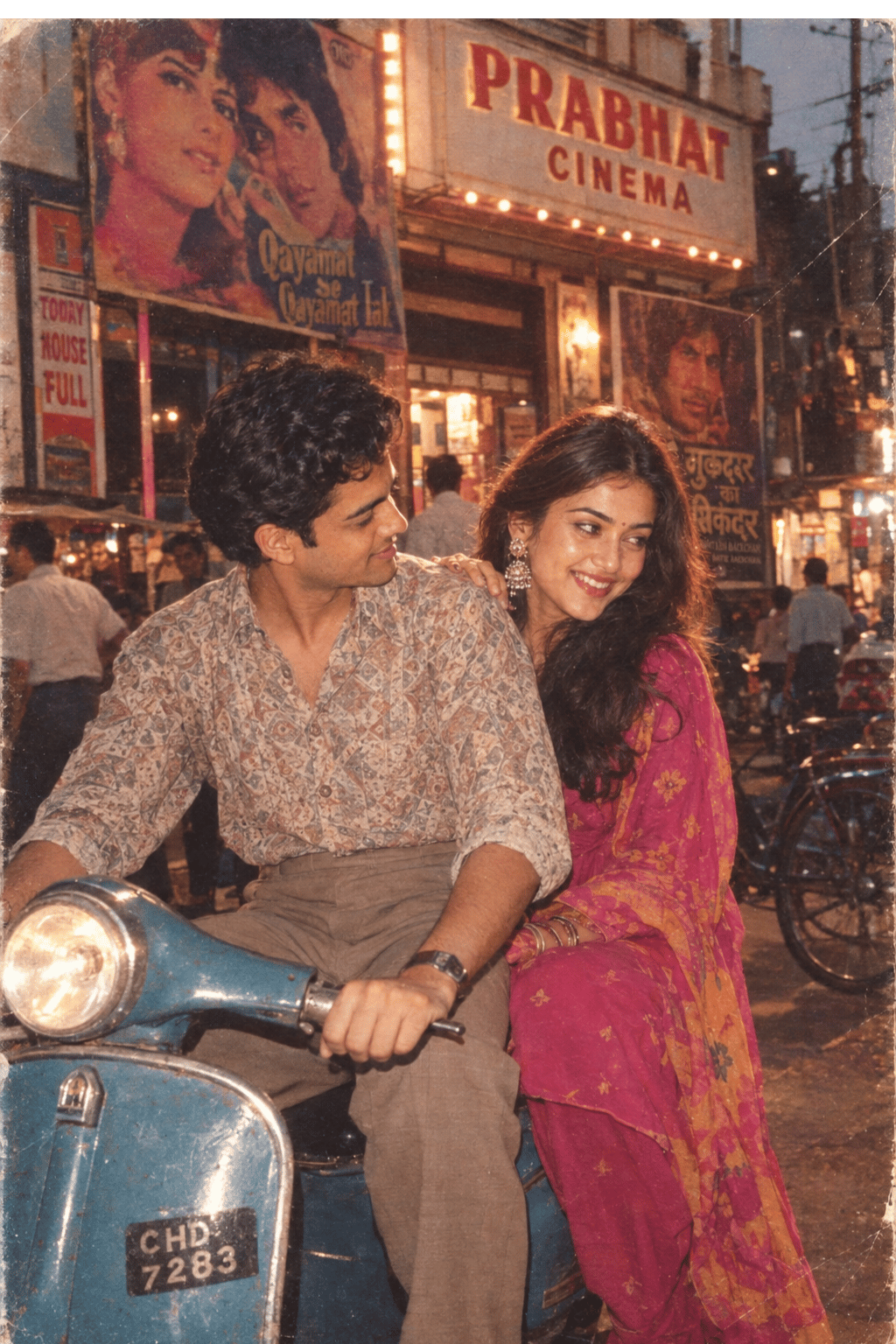
Two Hearts. One Scooter.
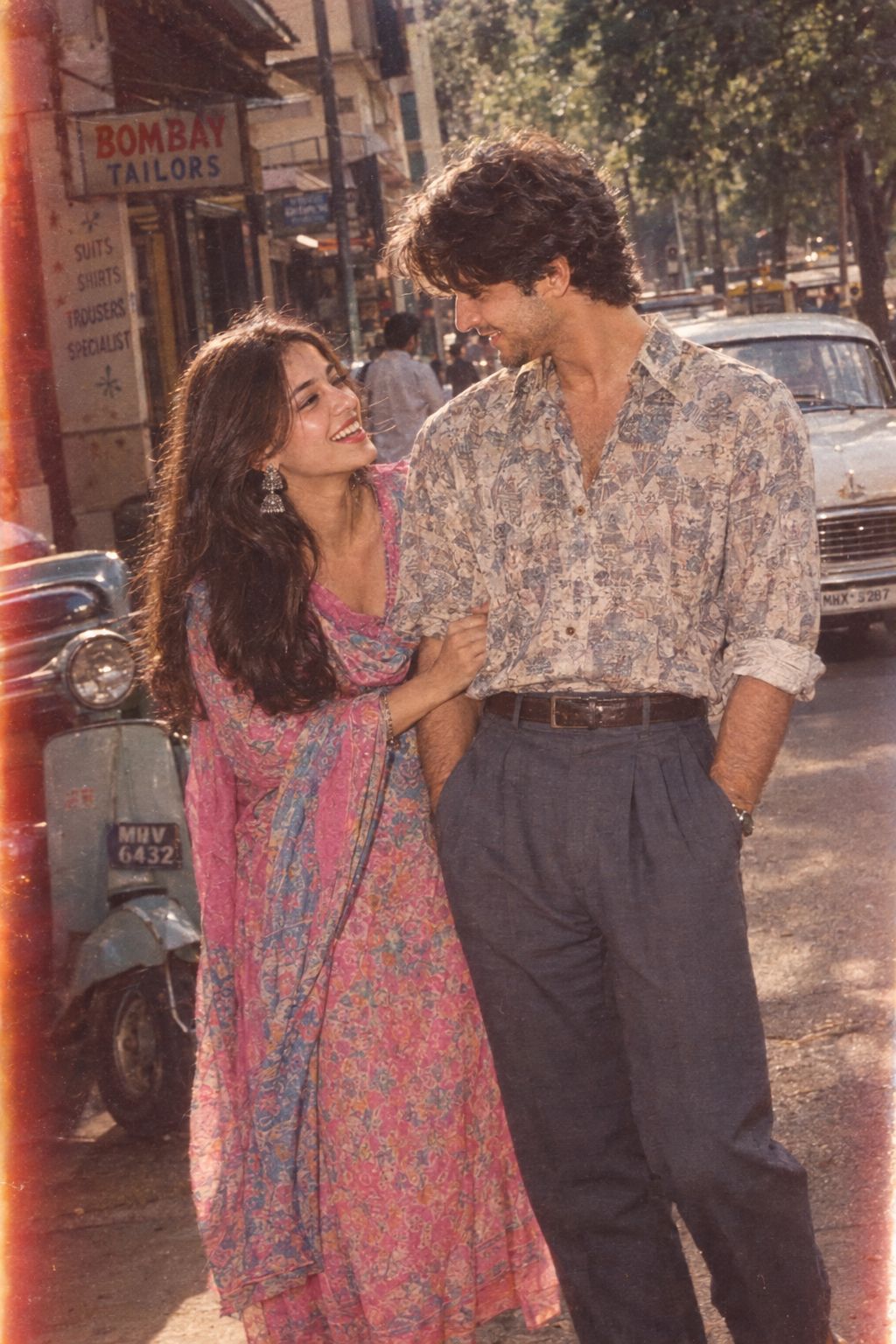
1986 Street Couple

1985 Street Scene
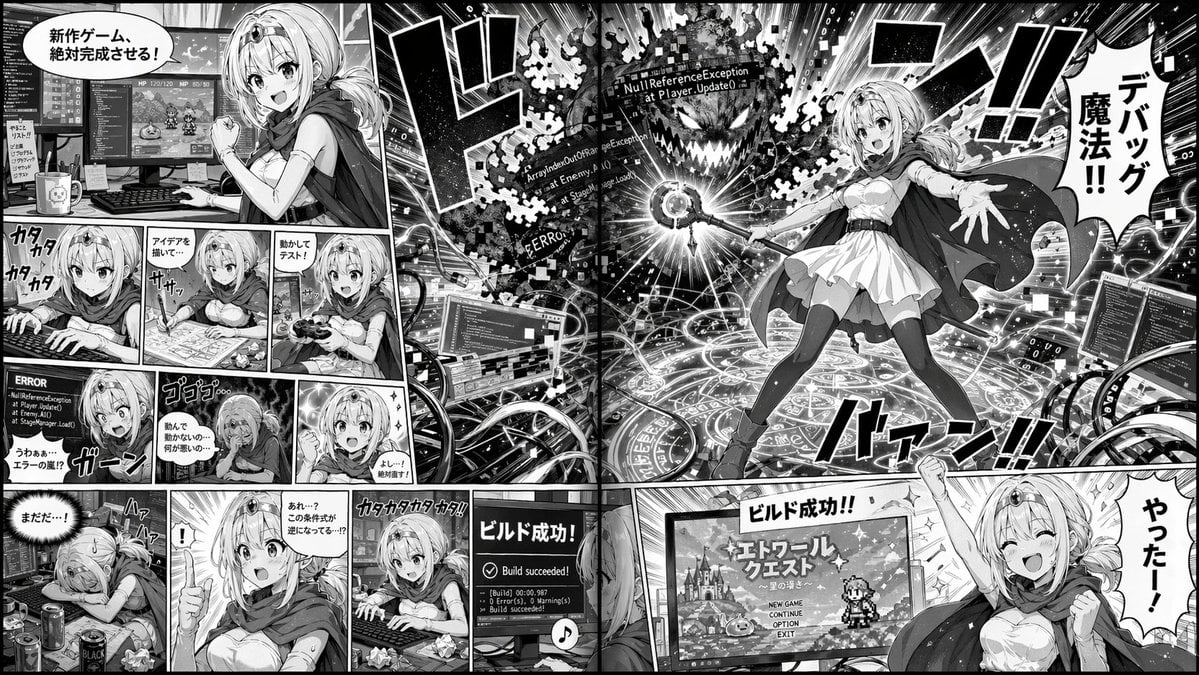
Manga Spread: Fantasy Game Developer
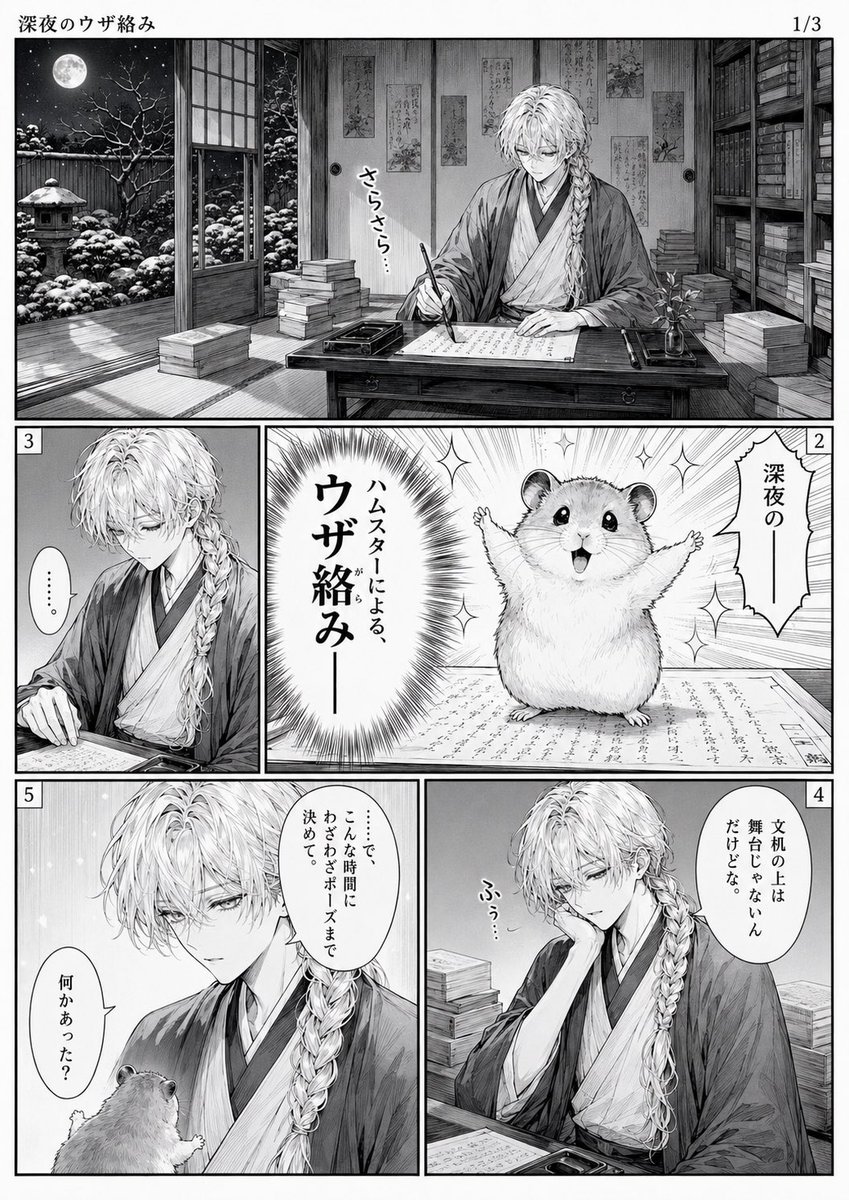
Late-Night Hamster Manga Page
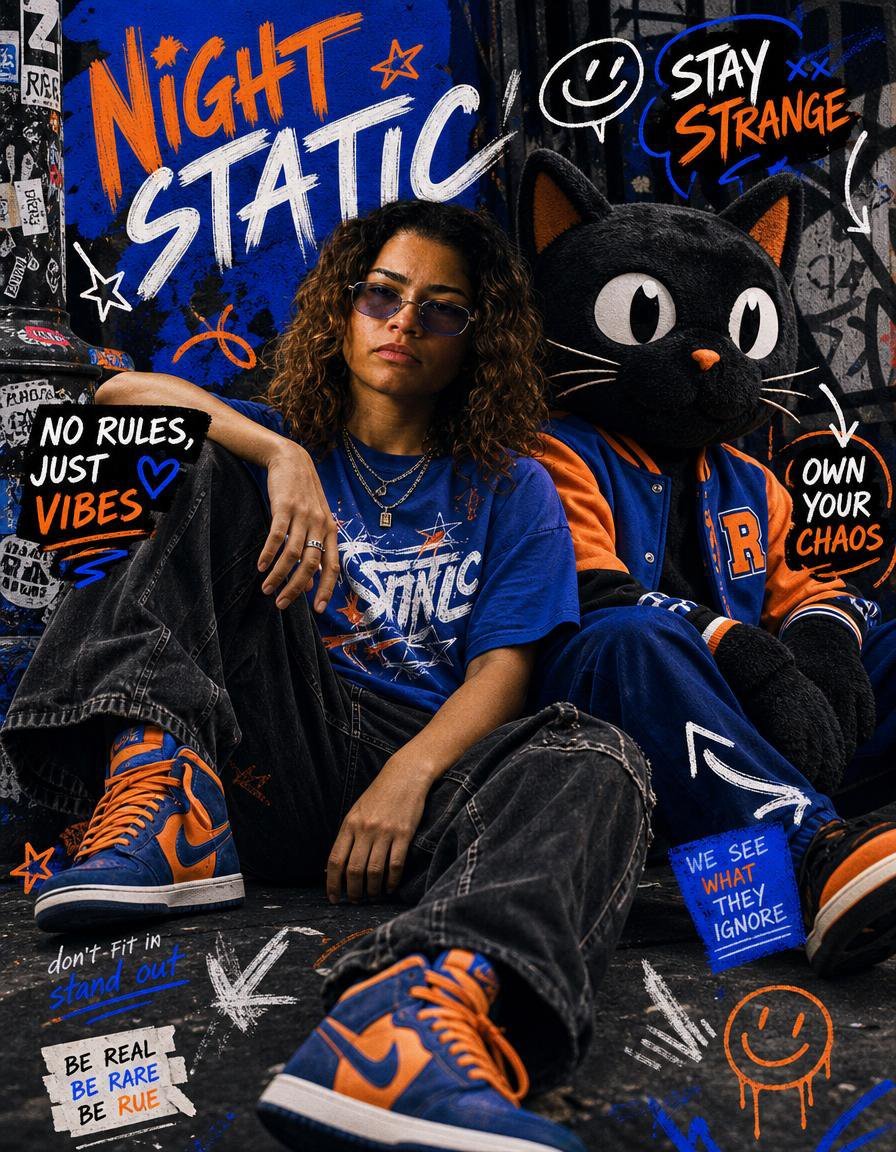
Night Static Streetwear Cover
Make it yours
Melancholy Night Street Manga Spread works as-is. These are the safest ways to change it without losing the look.
Change one field
Copy a single group, rewrite it, and generate again so you can see what that field is doing.
Keep the frame, change the subject
Hold the composition and light of Melancholy Night Street Manga Spread, then swap wardrobe, props or the person for a new take.
| If the result… | Why | Fix |
|---|---|---|
| The result drifts from the preview | Too many fields changed at once. | Reuse Melancholy Night Street Manga Spread as-is first, then change one group — subject, light, or setting. |
| The model over-stylizes the scene | The prose prompt leaves finish and camera underspecified. | Add one camera or lighting sentence and stay on GPT Image 2. |
More GPT Image 2 templates
Other prompts made for GPT Image 2.

Six VTuber Japanese Logo Sheet

Realistic Portrait of Woman and Deer

The Vista Modular Condo Poster

AI Model Routing Comparison Infographic

2.5D Anime Art Board

Isometric Productivity Desk Scene

New York Double Exposure Poster

Four-Panel AI Landscape Comparison

Japanese Tatami Lifestyle Magazine Cover

NESCAFÉ Coffee Map Poster
More image prompts
Fresh picks from across the catalog.

Desi Funny New Year 2026 Cinematic Portrait Prompt
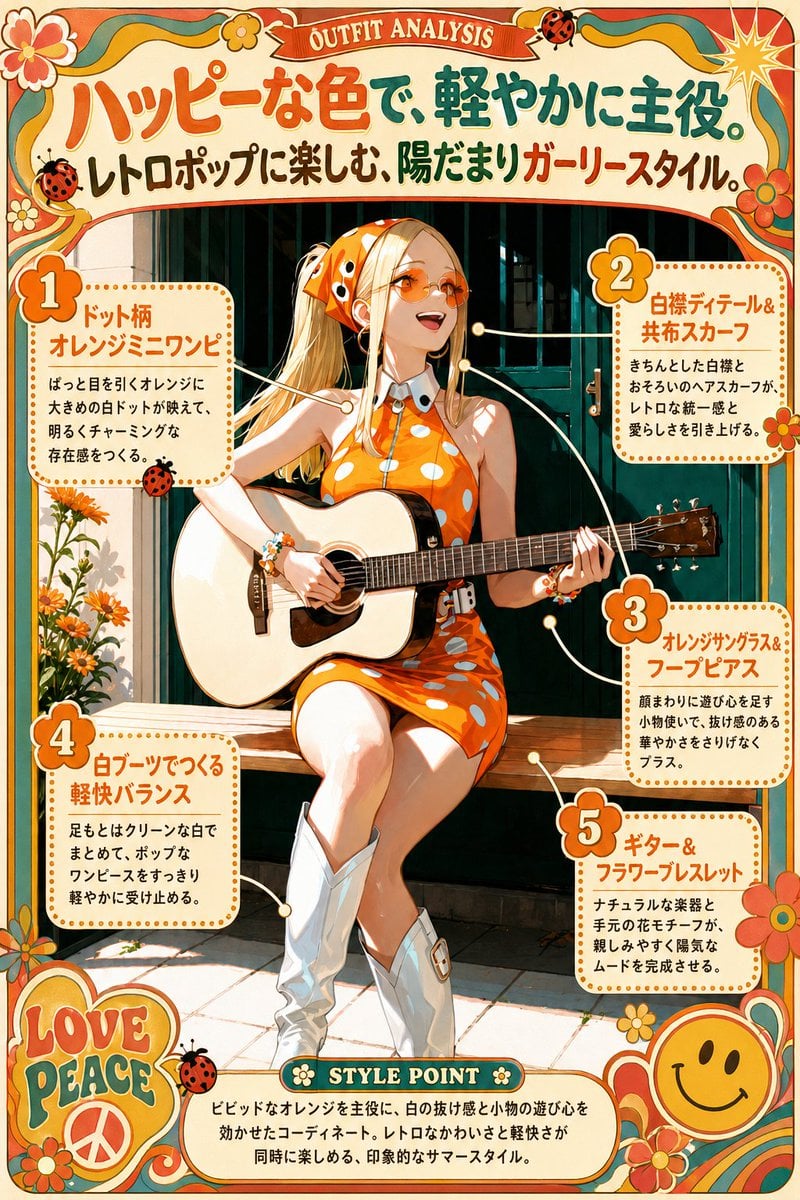
Retro Orange Outfit Analysis Poster
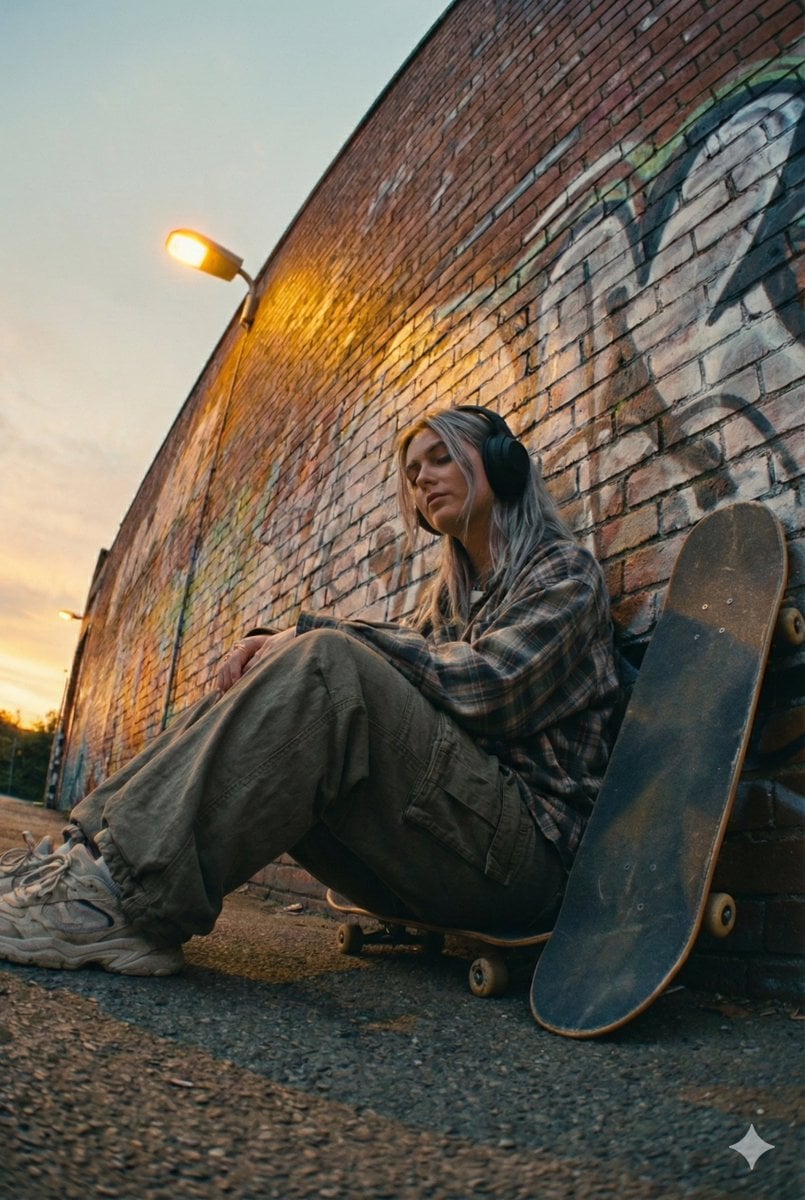
Cinematic Street Portrait of a Young Woman Listening to Music
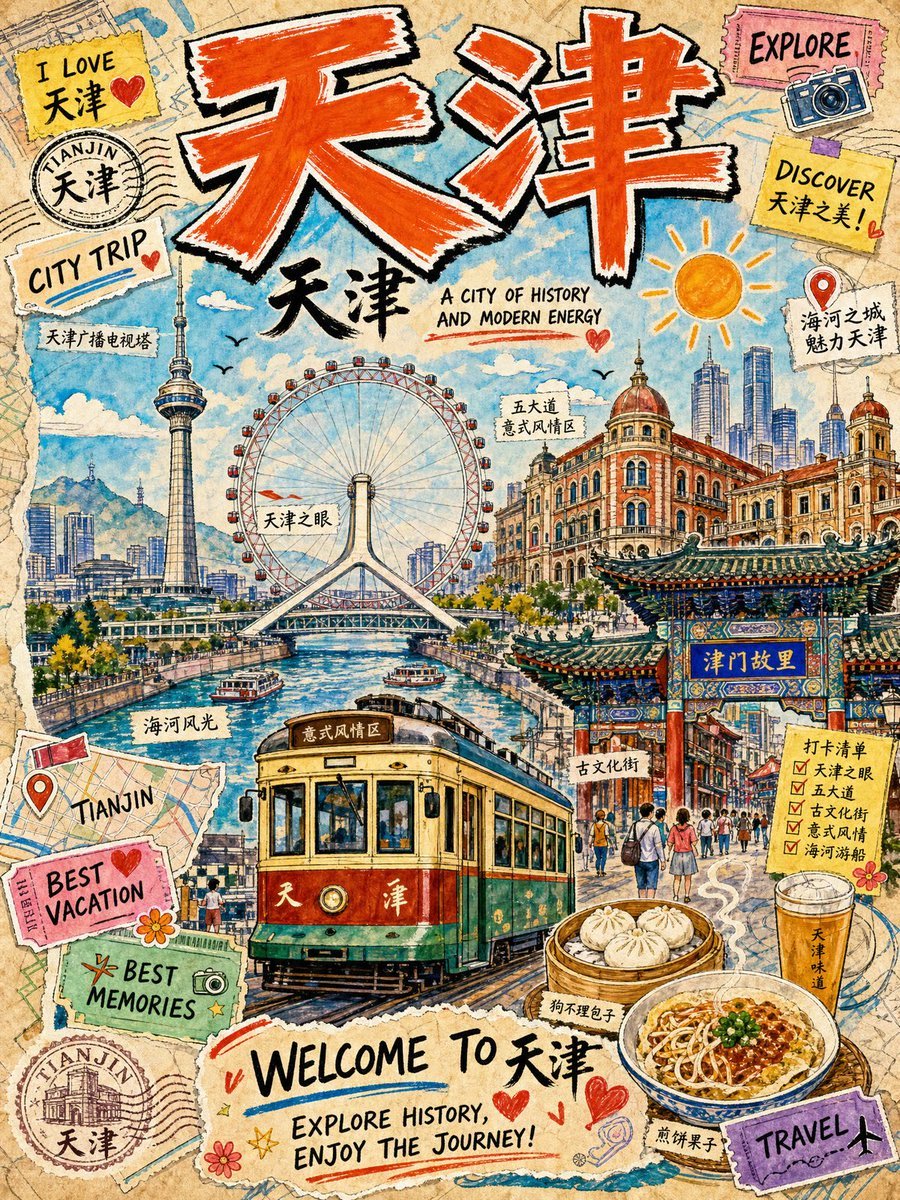
Vintage Tianjin Travel Poster

Thumbnail design prompt for articles or content
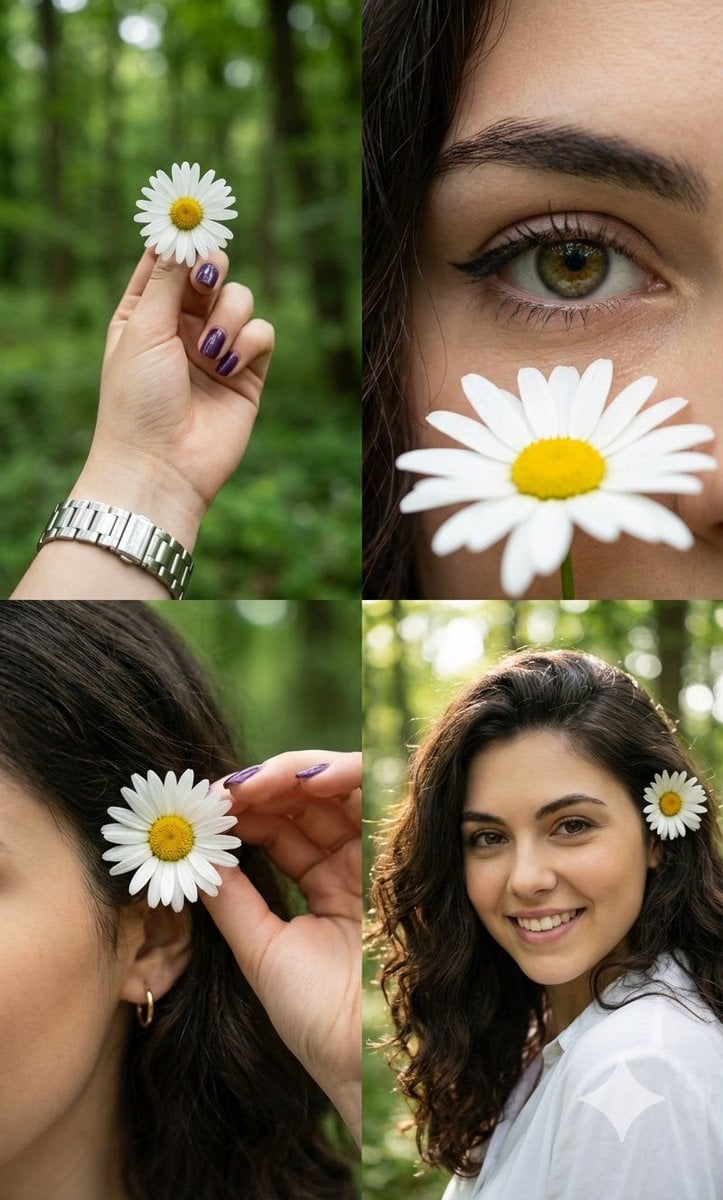
Photorealistic Daisy Collage
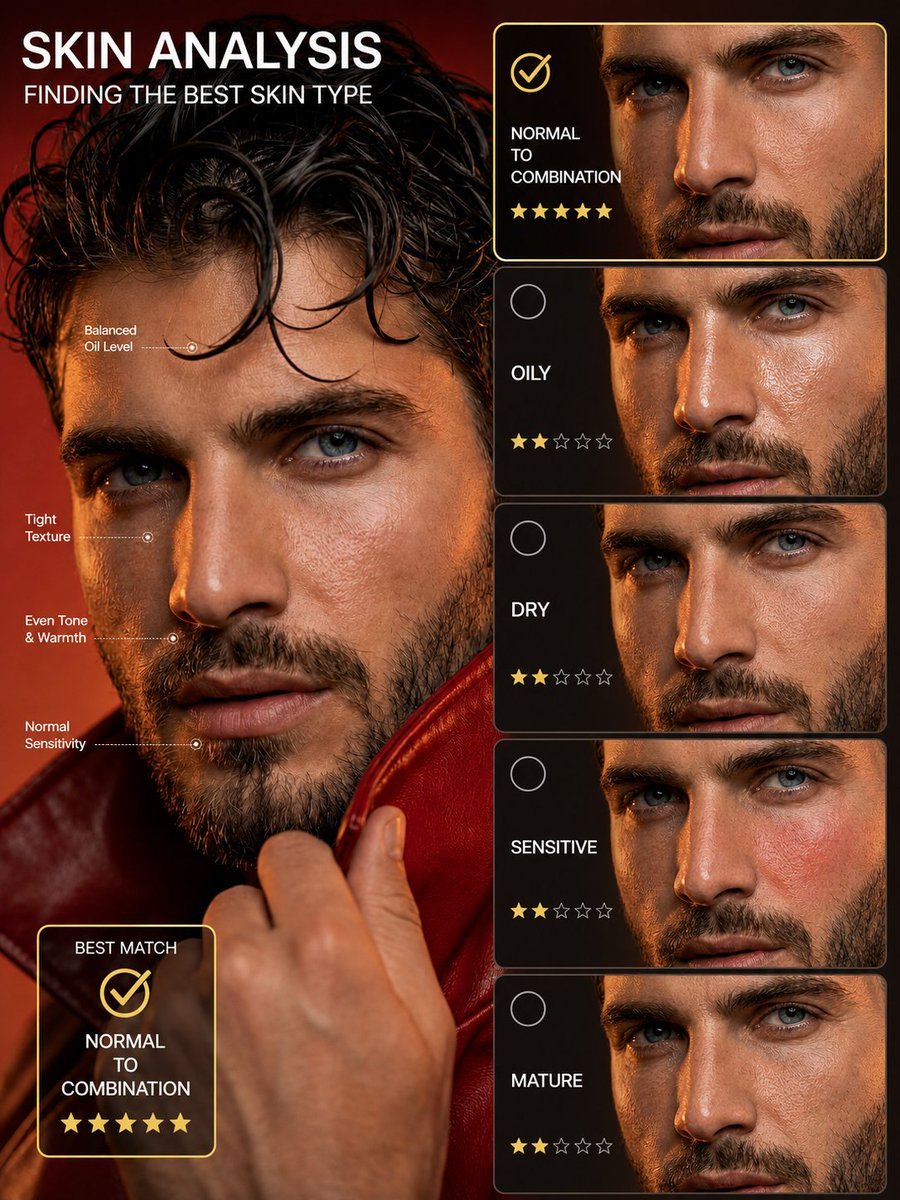
Skin Type Analysis Graphic
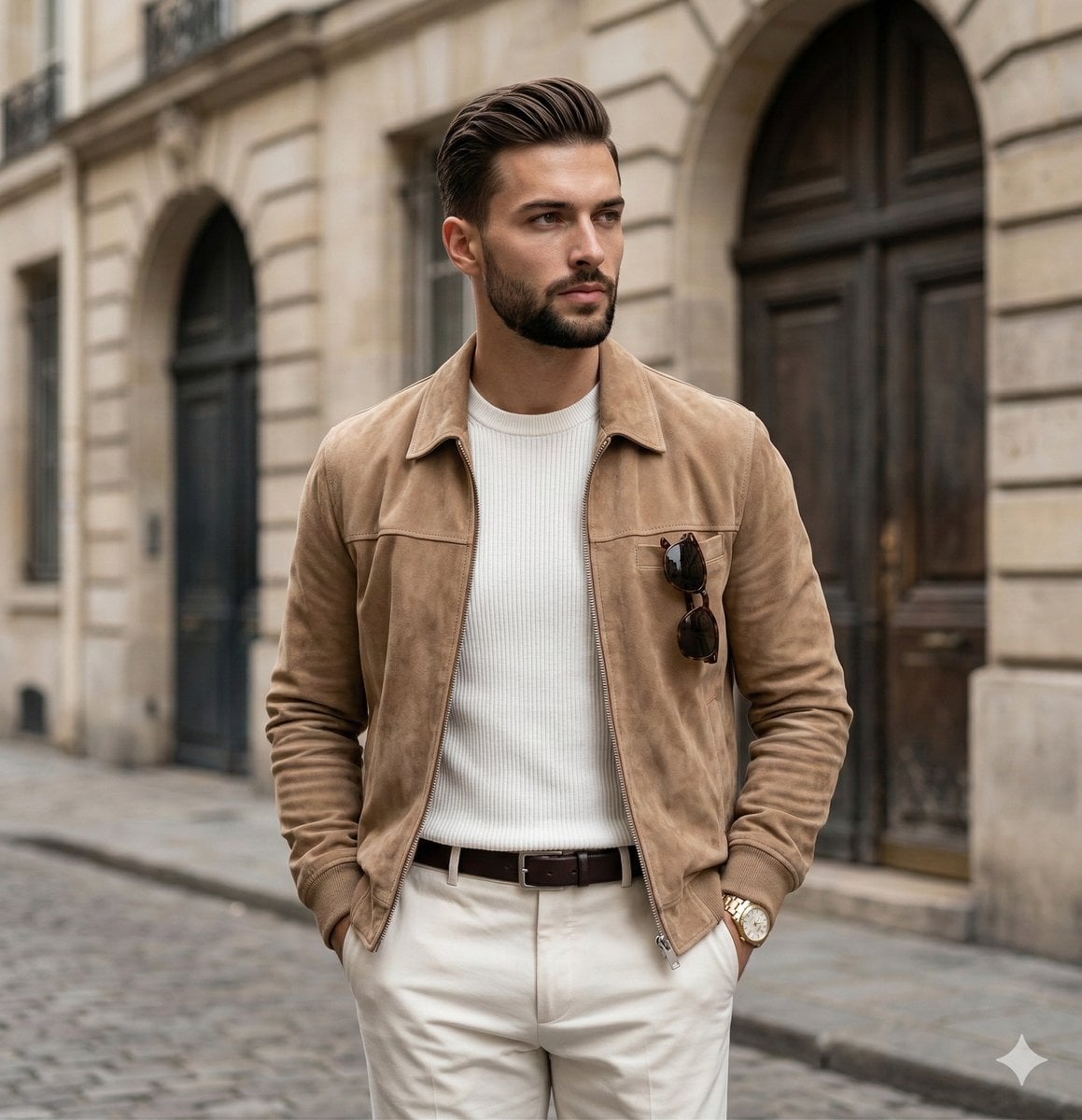
Quiet Luxury Editorial Portrait Prompt
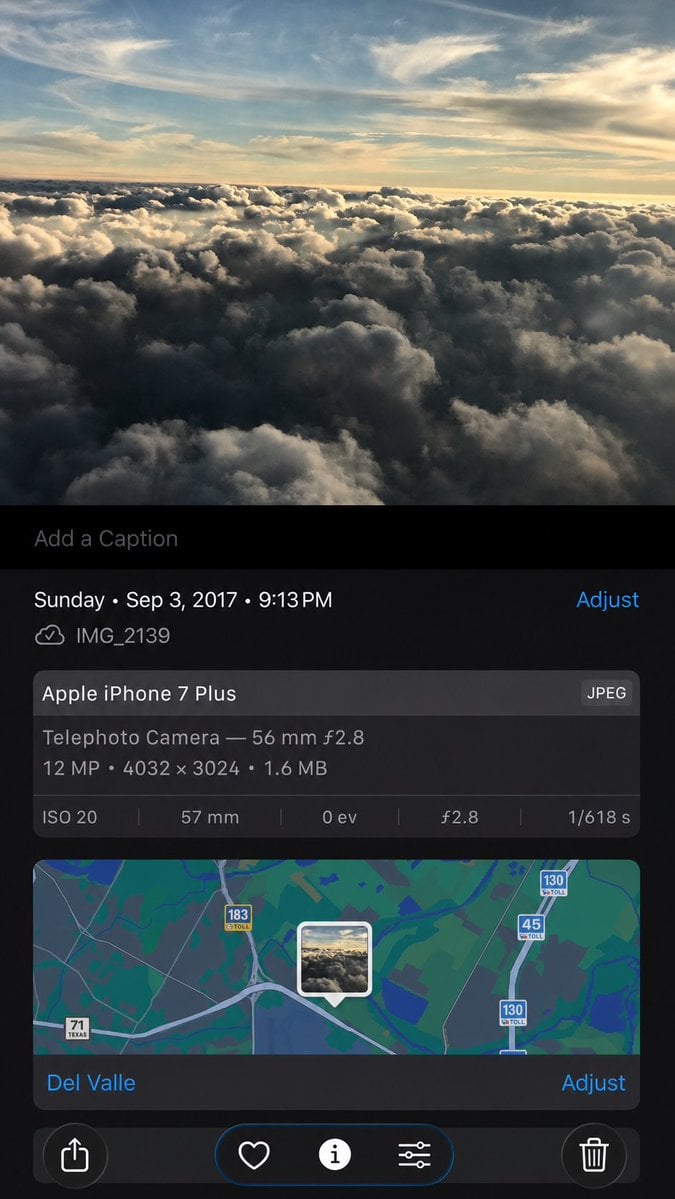
Synthetic iPhone Photos Metadata Screenshot

Surreal Macro-Fantasy: Tiny Man and Giant Bean Sprout
Browse template categories
Melancholy Night Street Manga Spread questions
How do I use the Melancholy Night Street Manga Spread template?
Add your photo if the template asks for one, edit the prompt if you like — the template's model and format are already selected — and press Generate. Your version opens in PicX Studio.
Can I customize the Melancholy Night Street Manga Spread template?
Yes. You can change the subject, setting, lighting, mood, format, and available model controls before creating your image.
Is the Melancholy Night Street Manga Spread template free?
Opening and editing this template is free. Generating uses credits, shown on the Generate button when you are signed in.
Which AI model should I use?
Start with GPT Image 2, which is the model associated with this template. You can compare another compatible model for a different finish.
Looking for something else? Browse all templates.

Your photo, any look
Thousands of ready templates for every top image and video model, from one credit balance.