
Manga Spread: Fantasy Game Developer
Generates a 2-page manga spread depicting a fantasy character struggling with and ultimately conquering game development bugs.
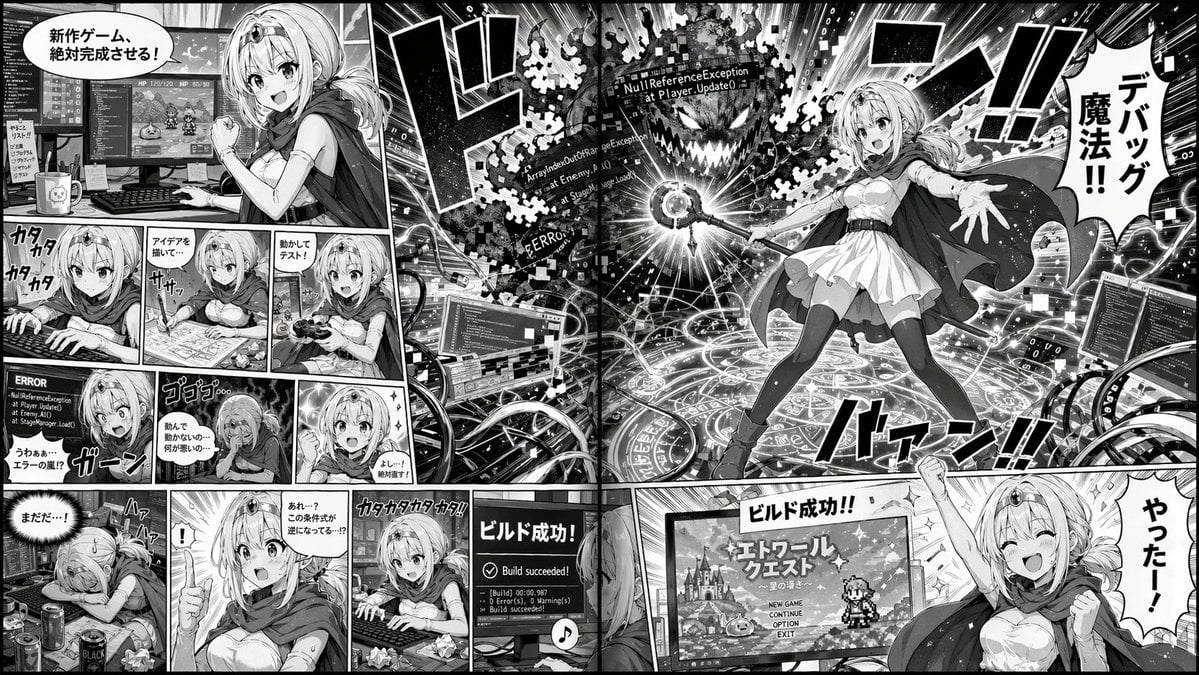
- Prompt included
- Model and format preset
- Free template
The prompt behind this image
Copy the exact prompt behind Manga Spread: Fantasy Game Developer, or open it in the studio and make it yours.
- Type
- 2-page manga spread
- Style
- monochrome anime manga, screentones
- Theme
- {argument name="main action" default="fantasy mage developing a video game"}
- Character
- {argument name="character appearance" default="anime girl with blonde hair, tiara, cape, white dress, thigh-highs"}
- Layout › Left Page › Panel Count
- 11
- Layout › Left Page › Rows › 0 › Panels
- 1
- Layout › Left Page › Rows › 0 › Action
- Determined at dual-monitor desk, speech bubble: '新作ゲーム、絶対完成させる!'
- Layout › Left Page › Rows › 1 › Panels
- 3
- Layout › Left Page › Rows › 1 › Action
- Typing, drawing on tablet, testing with controller
- Layout › Left Page › Rows › 2 › Panels
- 3
- Layout › Left Page › Rows › 2 › Action
- Shocked at ERROR screen, depressed, determined again
- Layout › Left Page › Rows › 3 › Panels
- 4
- Layout › Left Page › Rows › 3 › Action
- Exhausted, sudden realization, furious typing, monitor showing 'Build succeeded!'
- Layout › Right Page › Panel Count
- 2
- Layout › Right Page › Panels › 0 › Type
- large splash
- Layout › Right Page › Panels › 0 › Action
- Casting magic from a glowing circle at a code-error monster labeled '{argument name="error text" default="NullReferenceException"}'. Speech bubble: '{argument name="spell text" default="デバッグ魔法!!"}'
- Layout › Right Page › Panels › 1 › Type
- bottom banner
- Layout › Right Page › Panels › 1 › Action
- Cheering in front of RPG title screen. Speech bubble: '{argument name="success text" default="やったー!"}'
Raw JSON
{
  "type": "2-page manga spread",
  "style": "monochrome anime manga, screentones",
  "theme": "{argument name=\"main action\" default=\"fantasy mage developing a video game\"}",
  "character": "{argument name=\"character appearance\" default=\"anime girl with blonde hair, tiara, cape, white dress, thigh-highs\"}",
  "layout": {
    "left_page": {
      "panel_count": 11,
      "rows": [
        {"panels": 1, "action": "Determined at dual-monitor desk, speech bubble: '新作ゲーム、絶対完成させる!'"},
        {"panels": 3, "action": "Typing, drawing on tablet, testing with controller"},
        {"panels": 3, "action": "Shocked at ERROR screen, depressed, determined again"},
        {"panels": 4, "action": "Exhausted, sudden realization, furious typing, monitor showing 'Build succeeded!'"}
      ]
    },
    "right_page": {
      "panel_count": 2,
      "panels": [
        {"type": "large splash", "action": "Casting magic from a glowing circle at a code-error monster labeled '{argument name=\"error text\" default=\"NullReferenceException\"}'. Speech bubble: '{argument name=\"spell text\" default=\"デバッグ魔法!!\"}'"},
        {"type": "bottom banner", "action": "Cheering in front of RPG title screen. Speech bubble: '{argument name=\"success text\" default=\"やったー!\"}'"}
      ]
    }
  }
}How to use Manga Spread: Fantasy Game Developer in 3 steps
- 1Upload ImagePNG, JPG or paste
Add your photo
Upload the photo the template builds on. The prompt, model and format are already set.
- 2…a portrait of your subject in softgolden-hour light, 85mm…
Personalize
Edit the subject and creative details for your destination.
- 3Generate
Generate
Press Generate — your image is created in PicX Studio, so you can compare it with the original and refine one variable at a time.
More like this
Templates with the same subject, style or setup. Open one to see its prompt.
Videogame Cinematic Trailer - Seedance 2.0
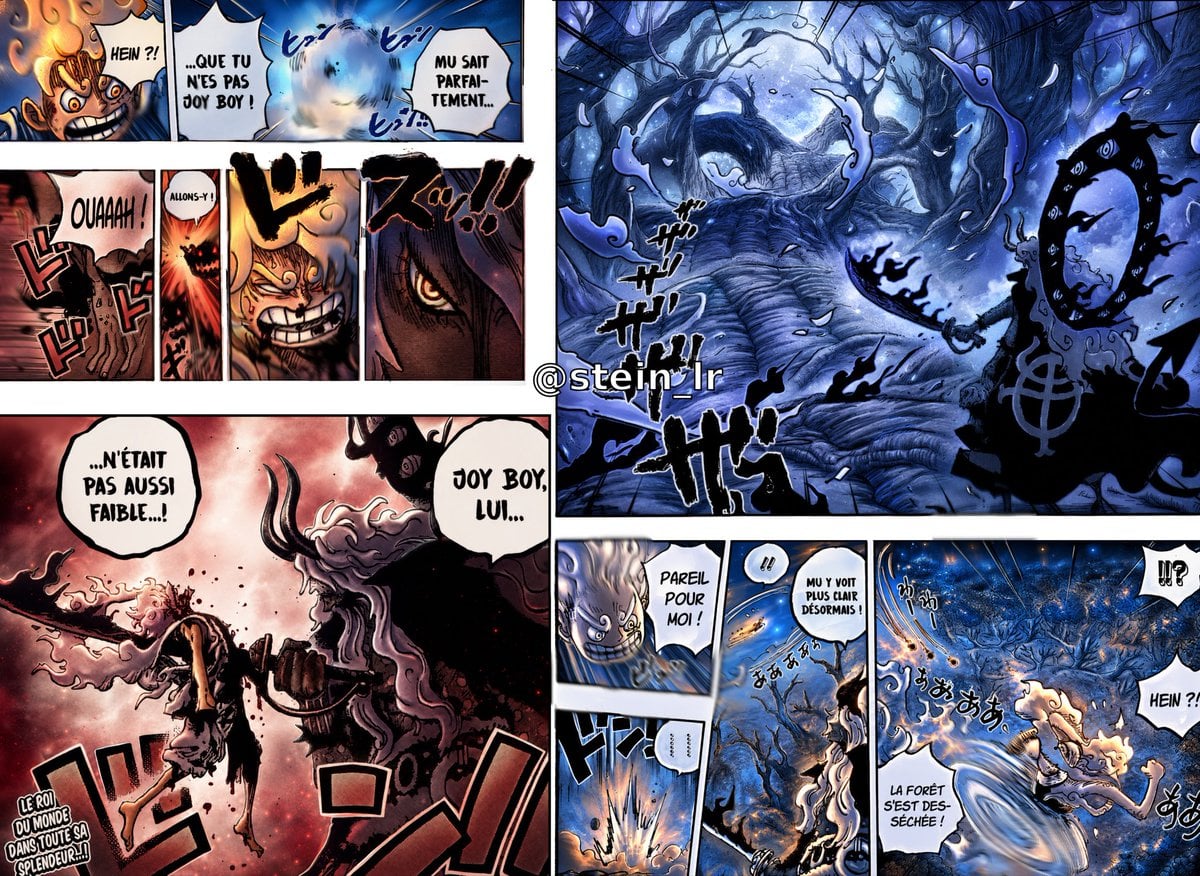
Colorized Shonen Manga Battle Spread

Anime Fantasy Celestial Movie Poster
Anime Fantasy Celestial Movie Poster

Minecraft Fantasy Kingdom Voxel Landscape

Unfinished Sketch Comes Alive Portrait

Open Travel Journal Overhead Still Life

Tiny Woman Miniature Fantasy Macro Scene
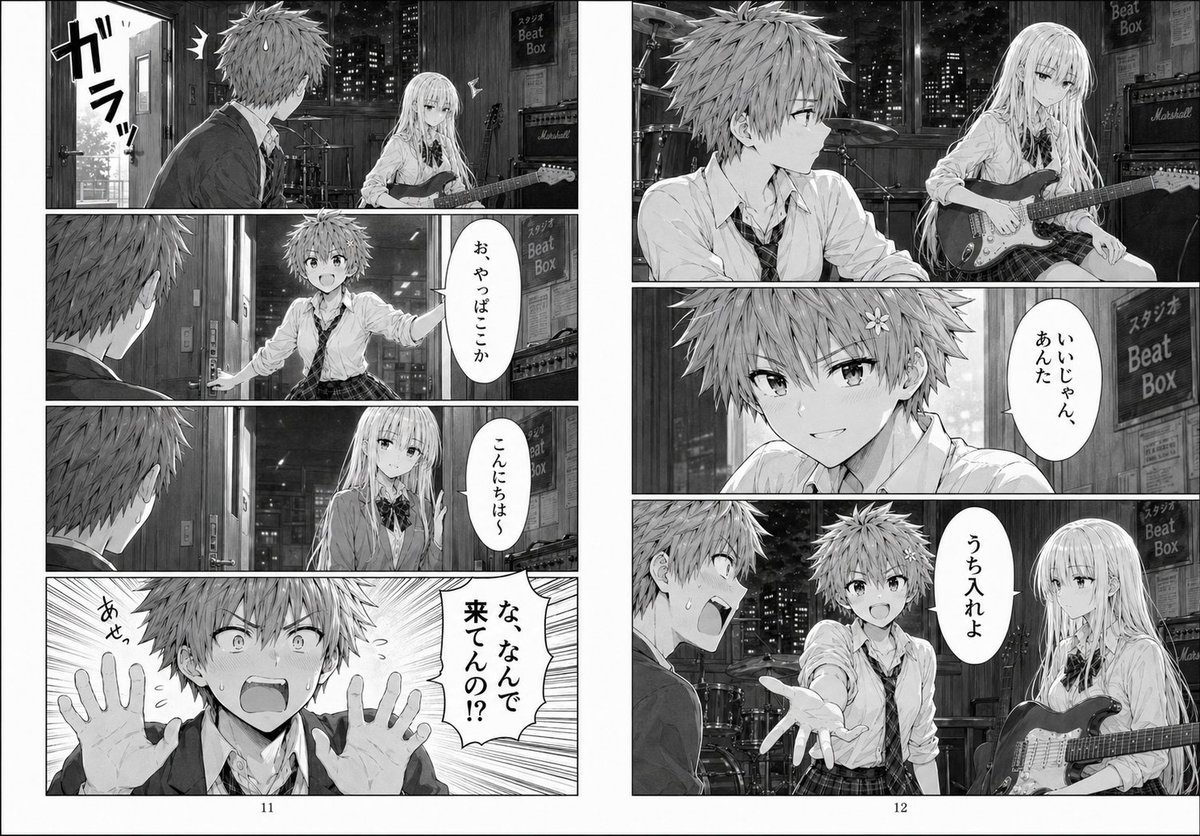
Night Rehearsal Manga Spread
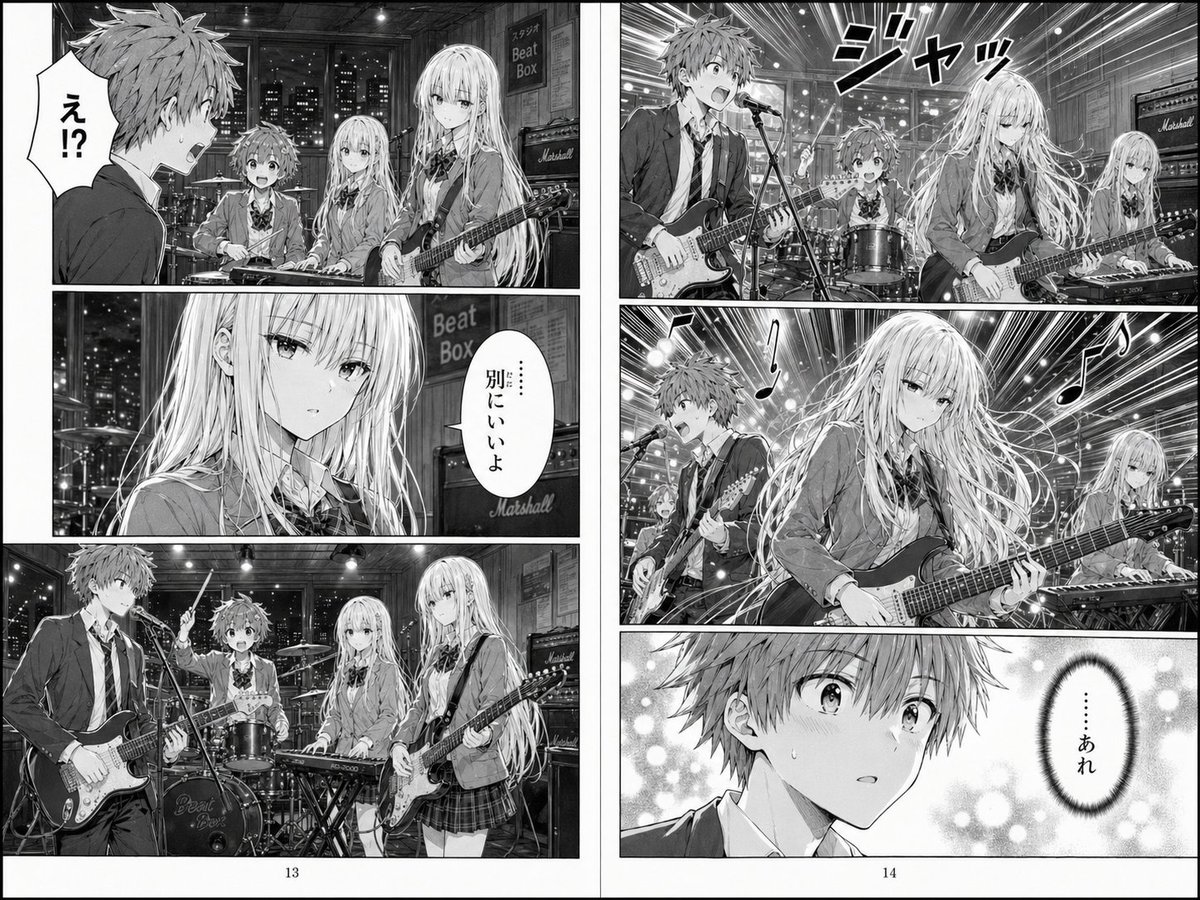
Two-Page School Band Manga Spread
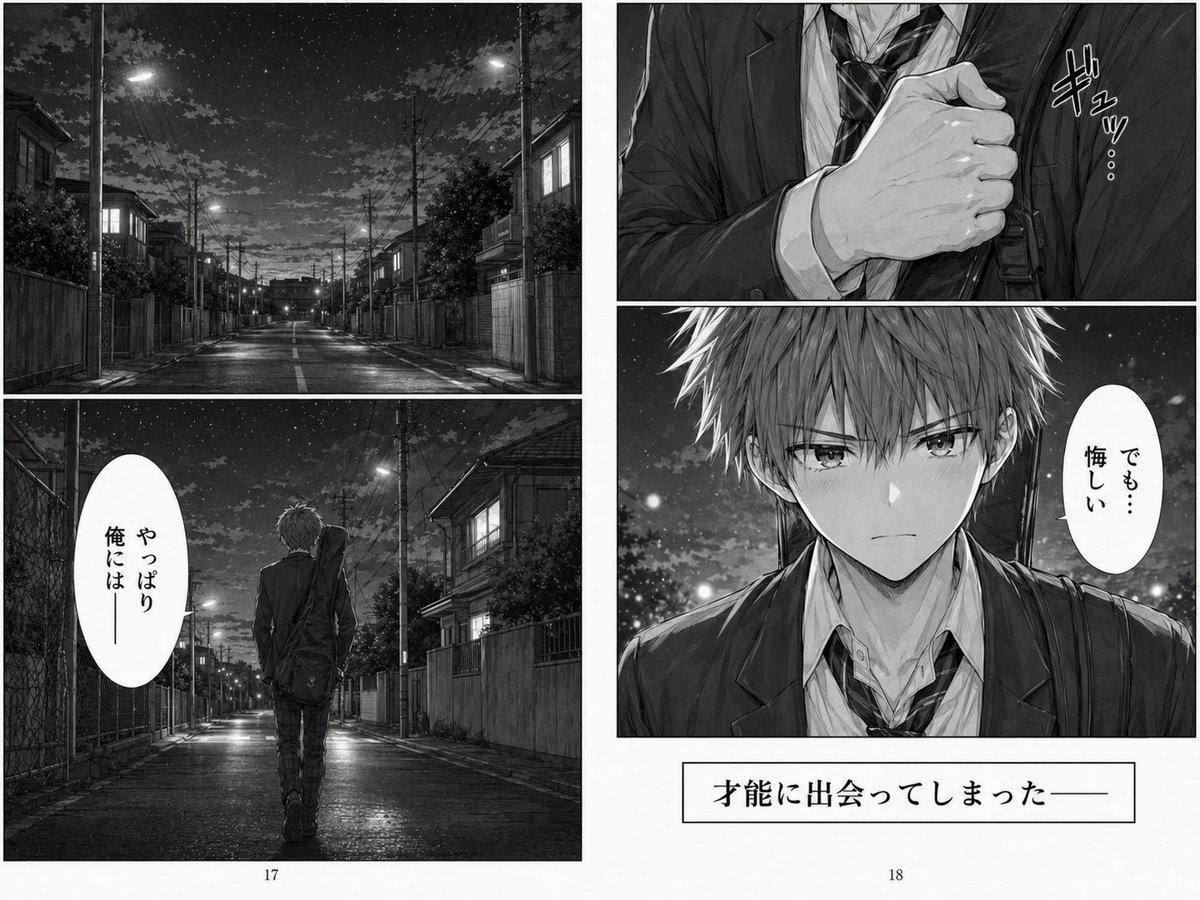
Melancholy Night Street Manga Spread
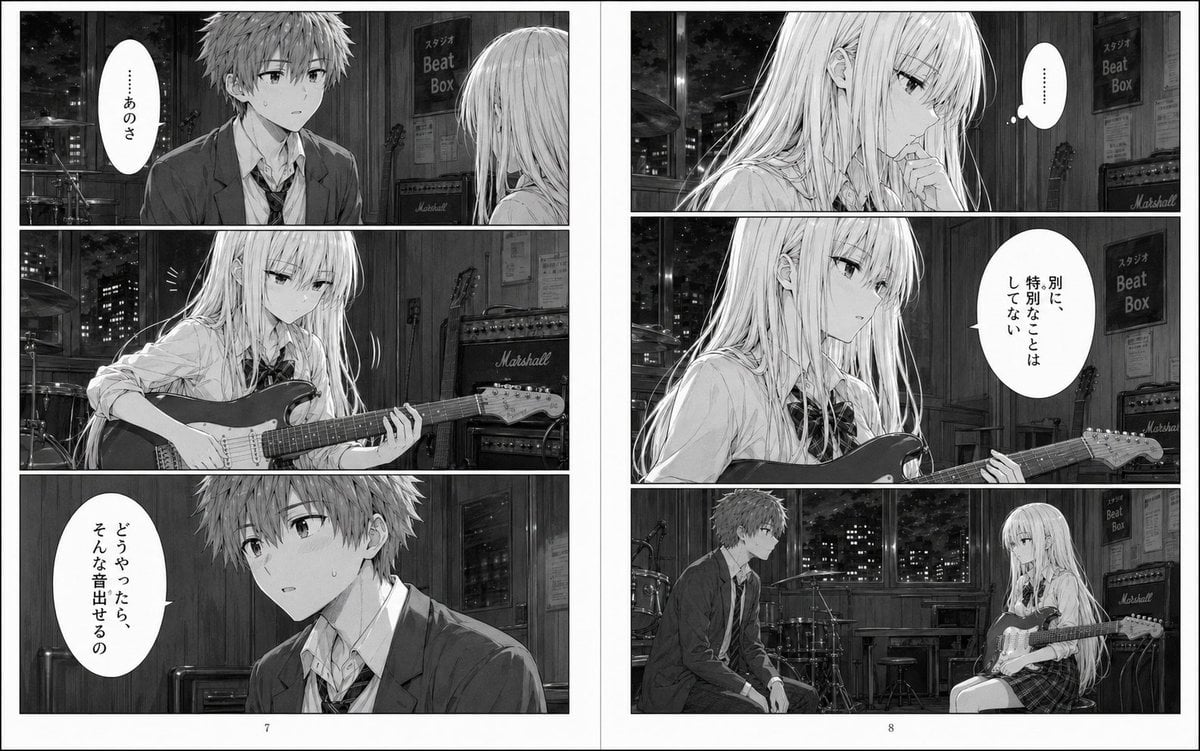
Night Studio Manga Two-Page Spread
Make it yours
Manga Spread: Fantasy Game Developer works as-is. These are the safest ways to change it without losing the look.
Change one field
Copy a single group, rewrite it, and generate again so you can see what that field is doing.
Keep the frame, change the subject
Hold the composition and light of Manga Spread: Fantasy Game Developer, then swap wardrobe, props or the person for a new take.
| If the result… | Why | Fix |
|---|---|---|
| The result drifts from the preview | Too many fields changed at once. | Reuse Manga Spread: Fantasy Game Developer as-is first, then change one group — subject, light, or setting. |
| GPT Image 2 ignores part of the JSON | Some models flatten or skip nested keys. | Keep the same values and paste them as a short paragraph instead. |
More GPT Image 2 templates
Other prompts made for GPT Image 2.

Six VTuber Japanese Logo Sheet

Realistic Portrait of Woman and Deer

The Vista Modular Condo Poster

AI Model Routing Comparison Infographic

2.5D Anime Art Board

Isometric Productivity Desk Scene

New York Double Exposure Poster

Four-Panel AI Landscape Comparison

Japanese Tatami Lifestyle Magazine Cover

NESCAFÉ Coffee Map Poster
More image prompts
Fresh picks from across the catalog.
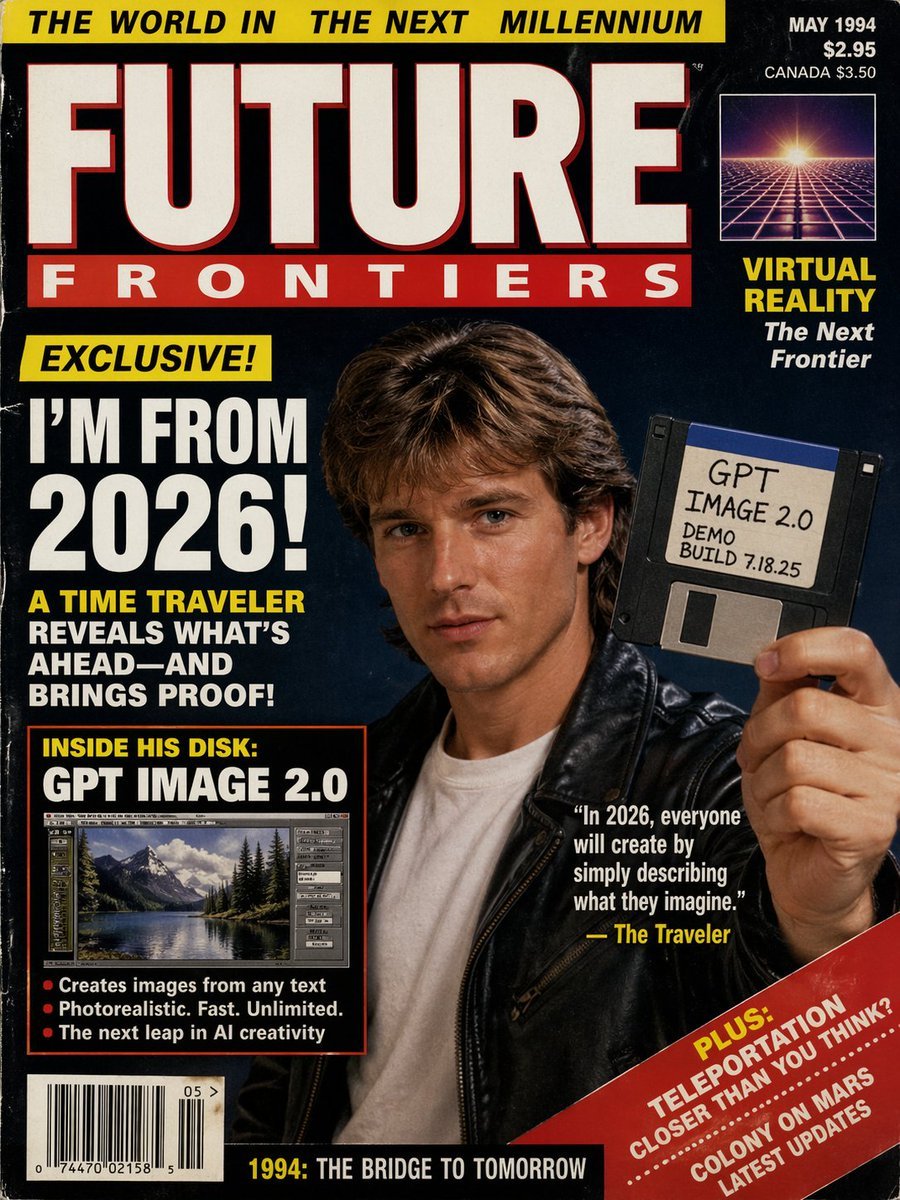
1990s Time Traveler Magazine Cover
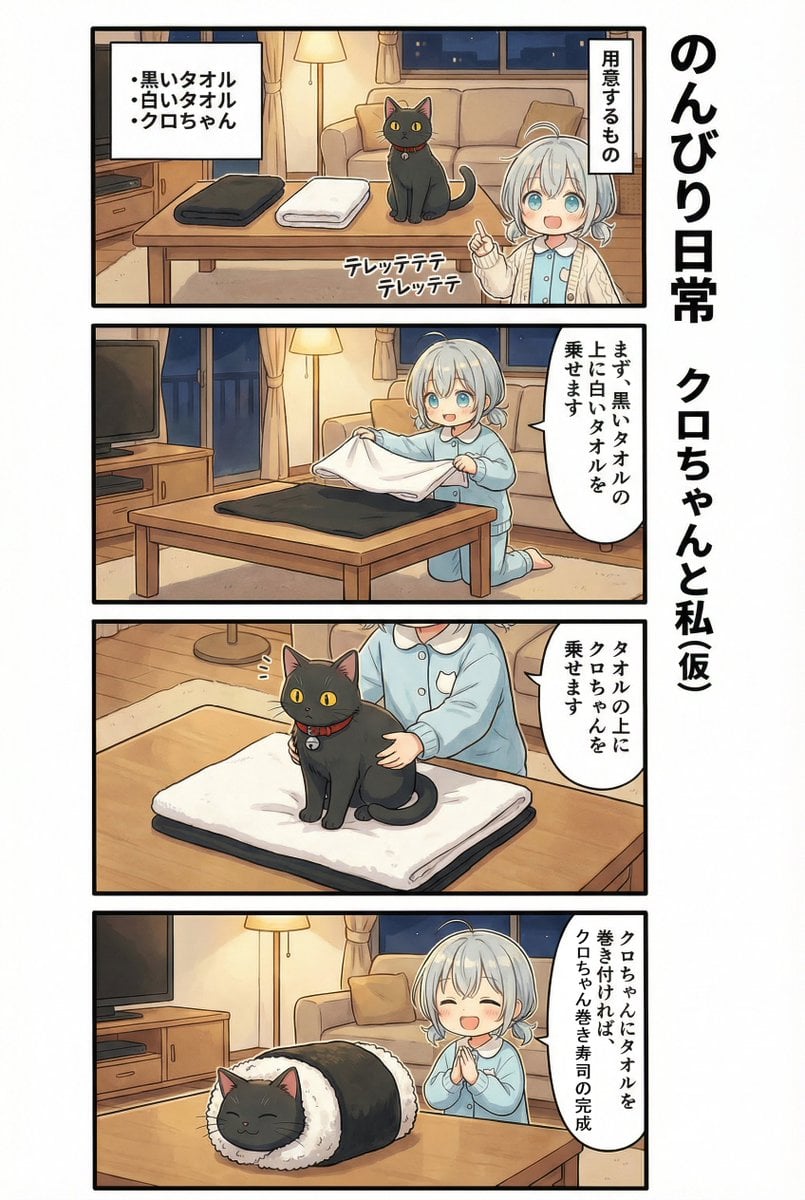
AI Manga: 2-Minute Cooking

Urban Lifestyle Portrait on Rusted Vintage Car
Retro Market-Girl Photo Collage
Realistic AI Face Generation Prompt for Gemini
Structured Prompt for Archaeological Dig Scene with 3D Data Overlay
Misty Forest Camping Portrait

Minimalist Product Photo with Doodle

Cosmetics Promotional Web Banner
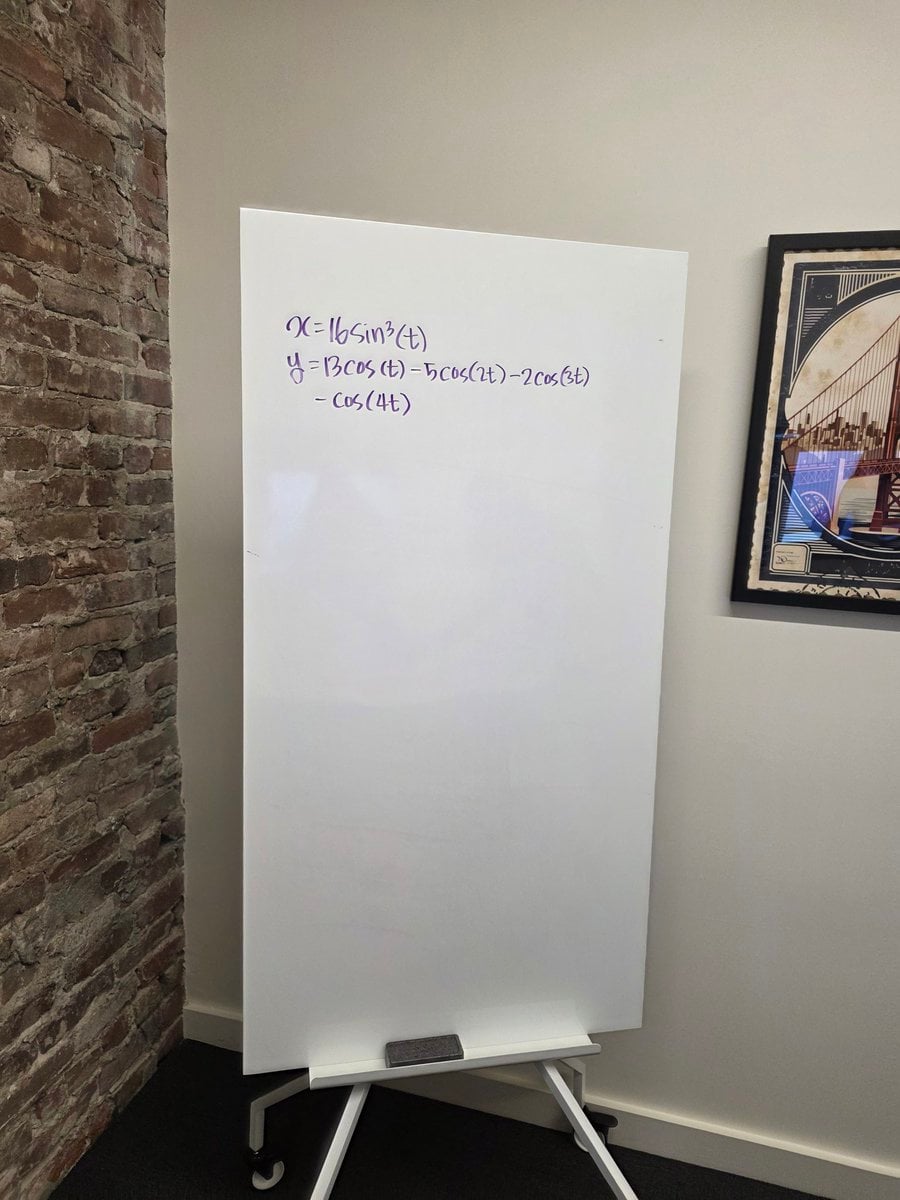
Formula graph on whiteboard
Browse template categories
Manga Spread: Fantasy Game Developer questions
How do I use the Manga Spread: Fantasy Game Developer template?
Add your photo if the template asks for one, edit the prompt if you like — the template's model and format are already selected — and press Generate. Your version opens in PicX Studio.
Can I customize the Manga Spread: Fantasy Game Developer template?
Yes. You can change the subject, setting, lighting, mood, format, and available model controls before creating your image.
Is the Manga Spread: Fantasy Game Developer template free?
Opening and editing this template is free. Generating uses credits, shown on the Generate button when you are signed in.
Which AI model should I use?
Start with GPT Image 2, which is the model associated with this template. You can compare another compatible model for a different finish.
Looking for something else? Browse all templates.

Your photo, any look
Thousands of ready templates for every top image and video model, from one credit balance.