
Cosmetics Promotional Web Banner
Generates a Japanese-style promotional web banner for a skincare product featuring a model, text overlays, and a trial set lineup.
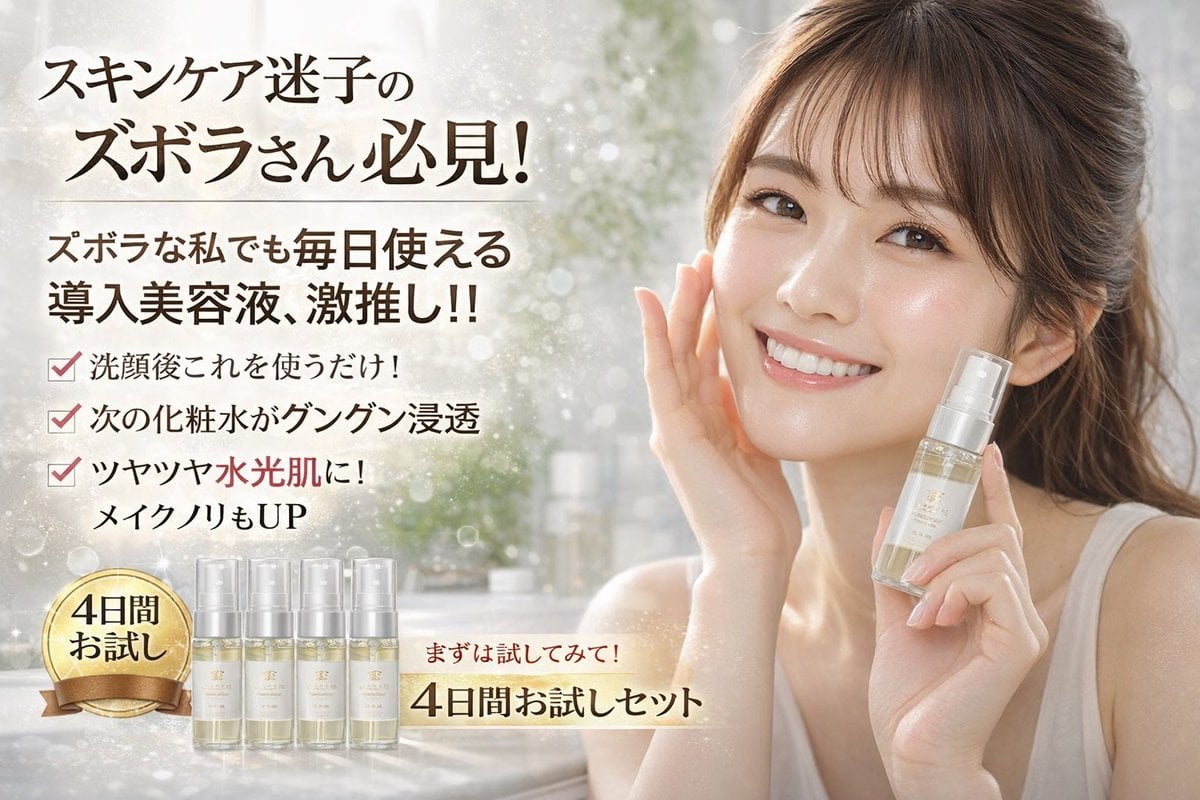
- Prompt included
- Model and format preset
- Free template
The prompt behind this image
Copy the exact prompt behind Cosmetics Promotional Web Banner, or open it in the studio and make it yours.
- Type
- cosmetics promotional web banner
- Subject › Description
- A smiling young East Asian woman with glowing, dewy skin, wearing a simple white tank top, hair tied back with loose bangs. She is touching her right cheek with her right hand and holding a {argument name="product type" default="clear serum pump bottle"} in her left hand near her face.
- Background
- Soft, blurred, bright vanity setting with sparkling bokeh and light flares.
- Layout › Sections › 0 › Position
- top left
- Layout › Sections › 0 › Type
- headline
- Layout › Sections › 0 › Text
- {argument name="main headline" default="スキンケア迷子の ズボラさん必見!"}
- Layout › Sections › 1 › Position
- mid left
- Layout › Sections › 1 › Type
- subheadline
- Layout › Sections › 1 › Text
- {argument name="sub headline" default="ズボラな私でも毎日使える 導入美容液、激推し!!"}
- Layout › Sections › 2 › Position
- center left
- Layout › Sections › 2 › Type
- bullet points
- Layout › Sections › 2 › Count
- 3
- Layout › Sections › 2 › Style
- red checkmarks
- Layout › Sections › 2 › Labels
- 洗顔後これを使うだけ!, 次の化粧水がグングン浸透, ツヤツヤ水光肌に! メイクノリもUP
- Layout › Sections › 3 › Position
- bottom left
- Layout › Sections › 3 › Type
- product trial set
- Layout › Sections › 3 › Elements › 0 › Description
- gold circular badge with ribbon
- Layout › Sections › 3 › Elements › 0 › Text
- {argument name="badge text" default="4日間 お試し"}
- Layout › Sections › 3 › Elements › 1 › Description
- lineup of small trial bottles
- Layout › Sections › 3 › Elements › 1 › Count
- 4
- Layout › Sections › 4 › Position
- bottom center
- Layout › Sections › 4 › Type
- call to action
- Layout › Sections › 4 › Text
- {argument name="call to action" default="まずは試してみて! 4日間お試しセット"}
- Layout › Sections › 4 › Style
- glowing underline
Raw JSON
{
  "type": "cosmetics promotional web banner",
  "subject": {
    "description": "A smiling young East Asian woman with glowing, dewy skin, wearing a simple white tank top, hair tied back with loose bangs. She is touching her right cheek with her right hand and holding a {argument name=\"product type\" default=\"clear serum pump bottle\"} in her left hand near her face."
  },
  "background": "Soft, blurred, bright vanity setting with sparkling bokeh and light flares.",
  "layout": {
    "sections": [
      {
        "position": "top left",
        "type": "headline",
        "text": "{argument name=\"main headline\" default=\"スキンケア迷子の ズボラさん必見!\"}"
      },
      {
        "position": "mid left",
        "type": "subheadline",
        "text": "{argument name=\"sub headline\" default=\"ズボラな私でも毎日使える 導入美容液、激推し!!\"}"
      },
      {
        "position": "center left",
        "type": "bullet points",
        "count": 3,
        "style": "red checkmarks",
        "labels": [
          "洗顔後これを使うだけ!",
          "次の化粧水がグングン浸透",
          "ツヤツヤ水光肌に! メイクノリもUP"
        ]
      },
      {
        "position": "bottom left",
        "type": "product trial set",
        "elements": [
          {
            "description": "gold circular badge with ribbon",
            "text": "{argument name=\"badge text\" default=\"4日間 お試し\"}"
          },
          {
            "description": "lineup of small trial bottles",
            "count": 4
          }
        ]
      },
      {
        "position": "bottom center",
        "type": "call to action",
        "text": "{argument name=\"call to action\" default=\"まずは試してみて! 4日間お試しセット\"}",
        "style": "glowing underline"
      }
    ]
  }
}How to use Cosmetics Promotional Web Banner in 3 steps
- 1Upload ImagePNG, JPG or paste
Add your photo
Upload the photo the template builds on. The prompt, model and format are already set.
- 2…a portrait of your subject in softgolden-hour light, 85mm…
Personalize
Edit the subject and creative details for your destination.
- 3Generate
Generate
Press Generate — your image is created in PicX Studio, so you can compare it with the original and refine one variable at a time.
More like this
Templates with the same subject, style or setup. Open one to see its prompt.
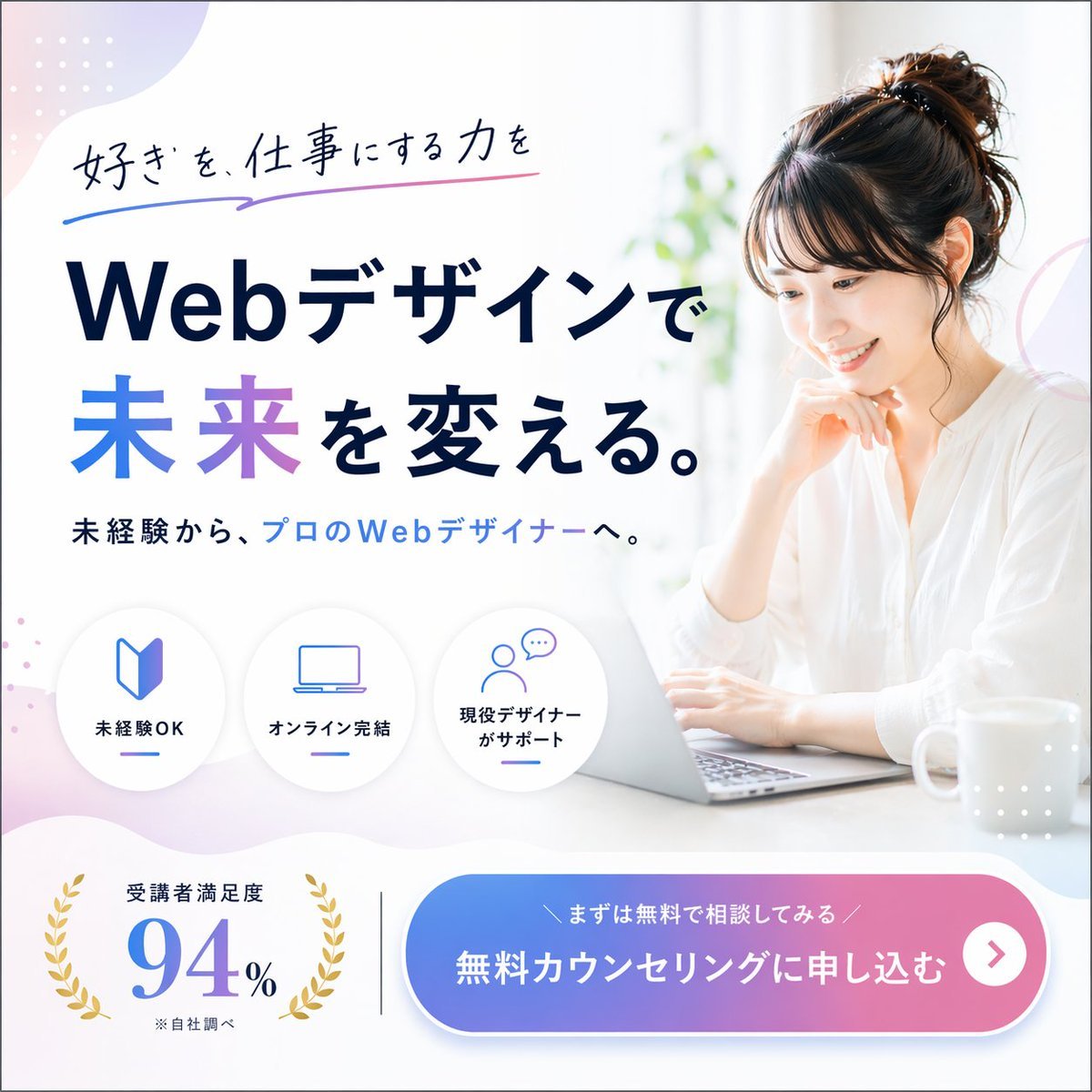
Web Design Course Promotional Banner

Modern Webinar Promotional Banner
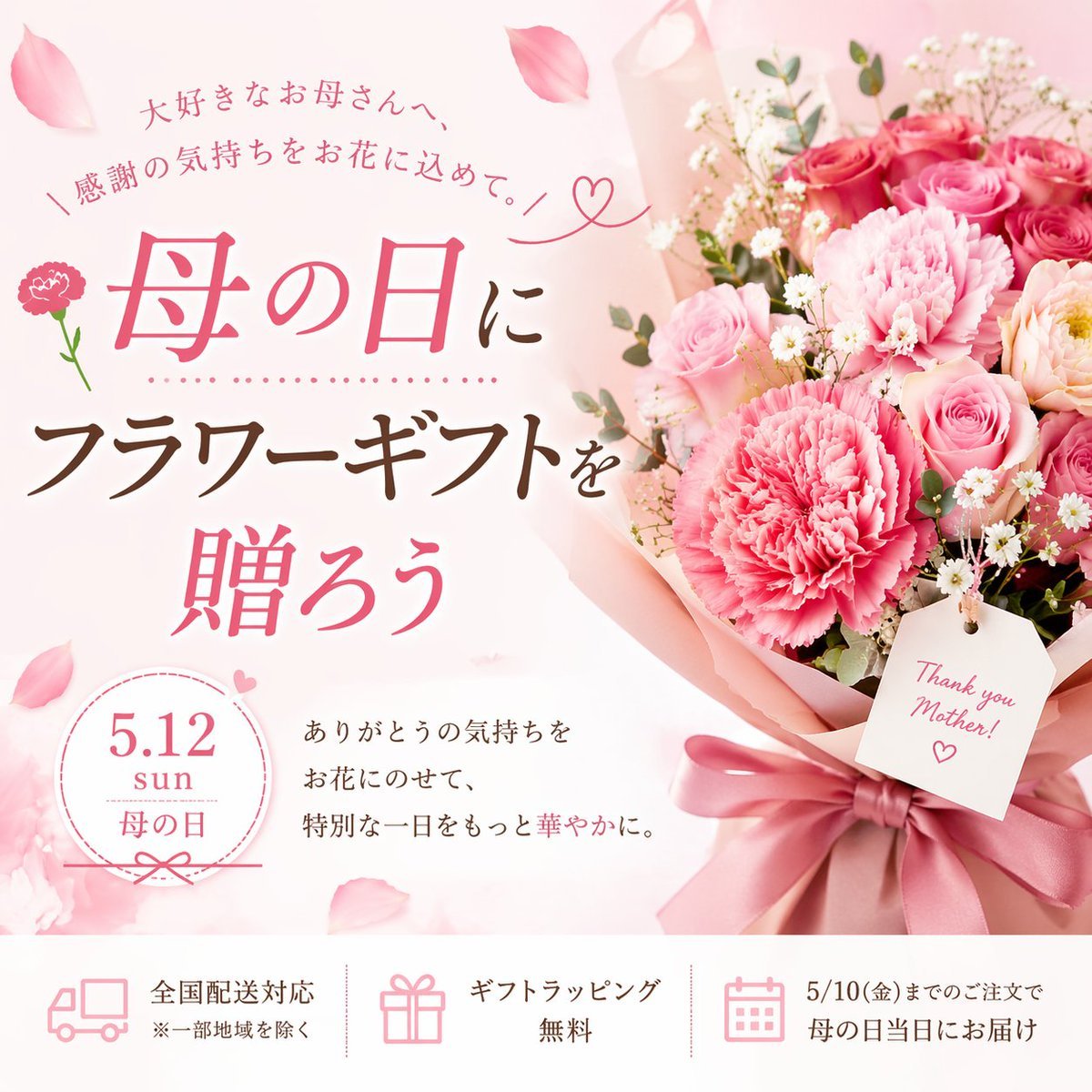
Mother's Day Flower Gift Promotional Banner
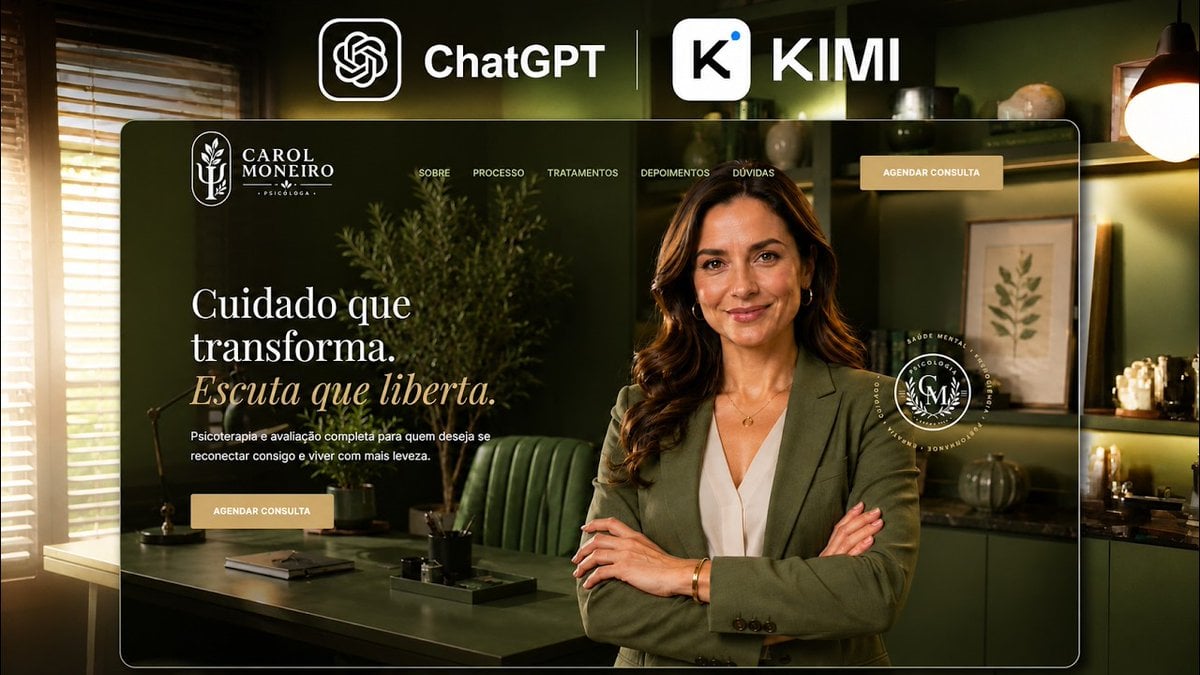
Premium Psychology Website AI Banner

Cartoon TV Show Poster Pack

Wireframe to Corporate Web Banner
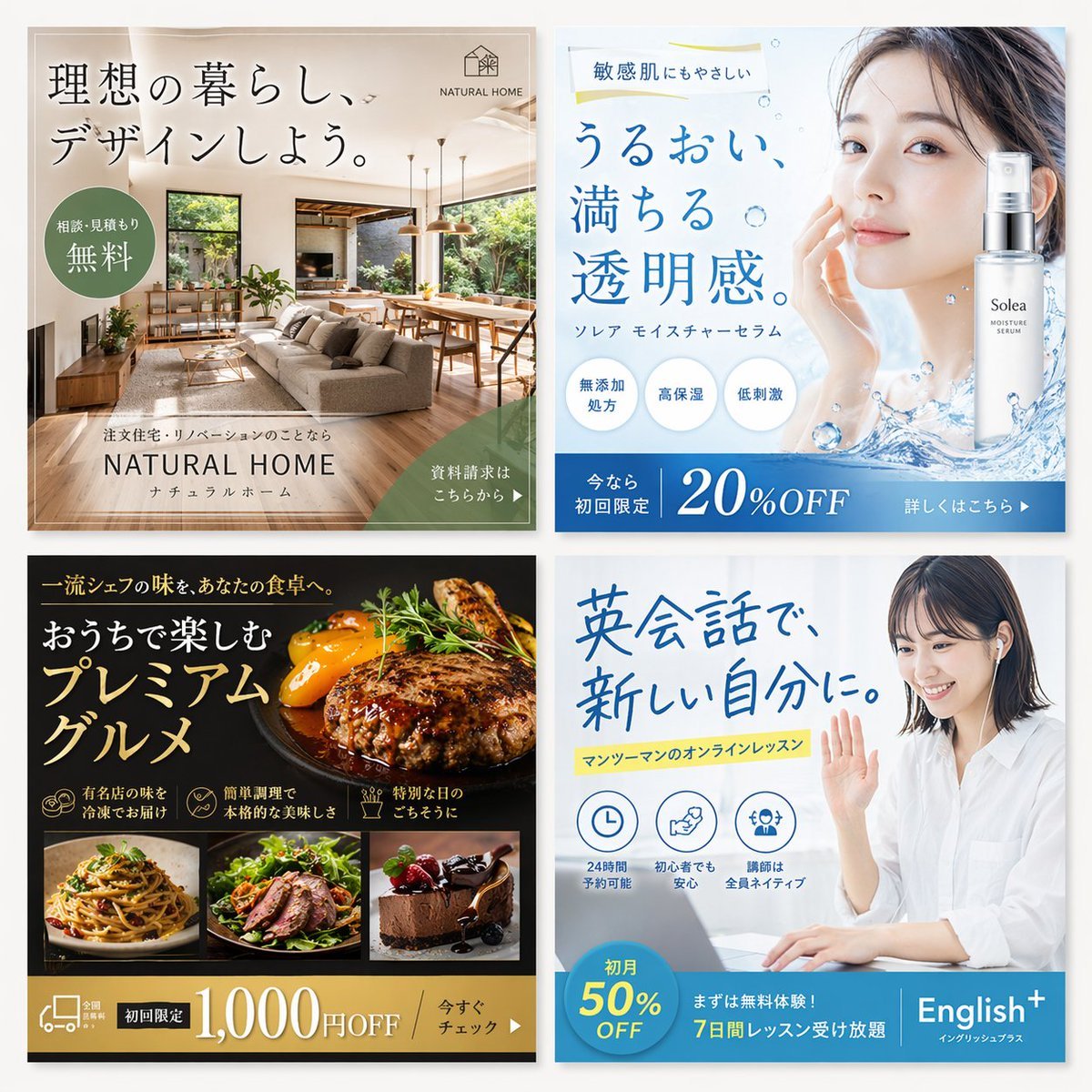
2x2 Japanese Web Banner Ad Grid
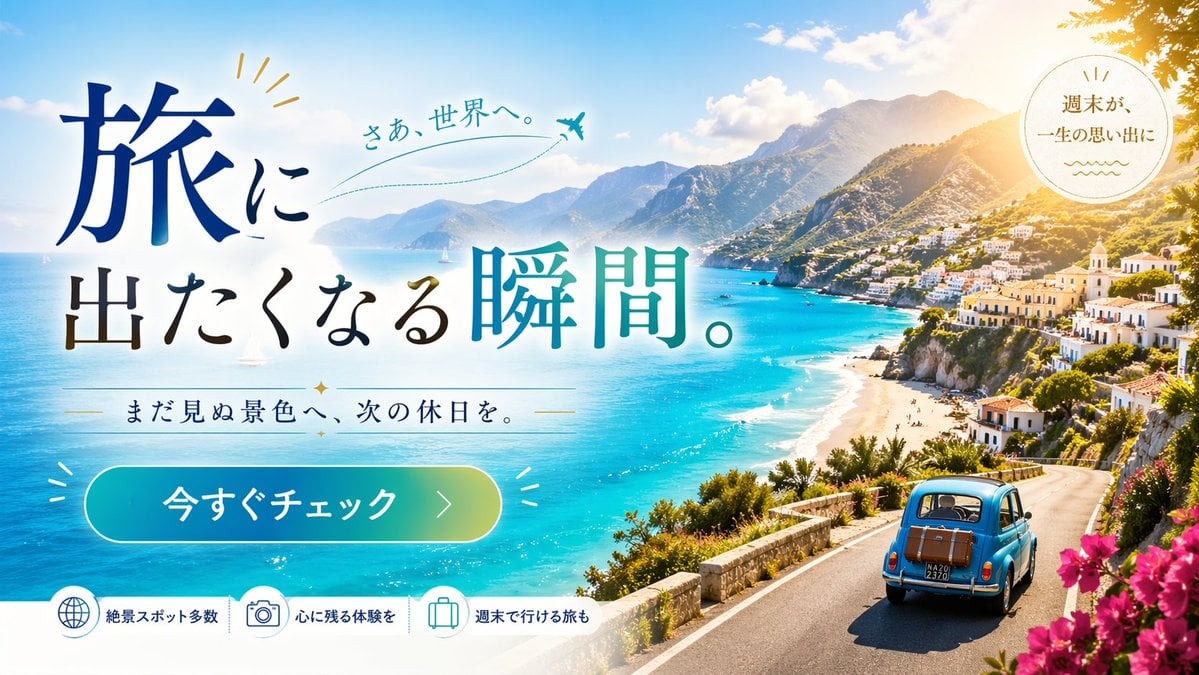
Travel Advertisement Web Banner

Coffee Boba Product Poster
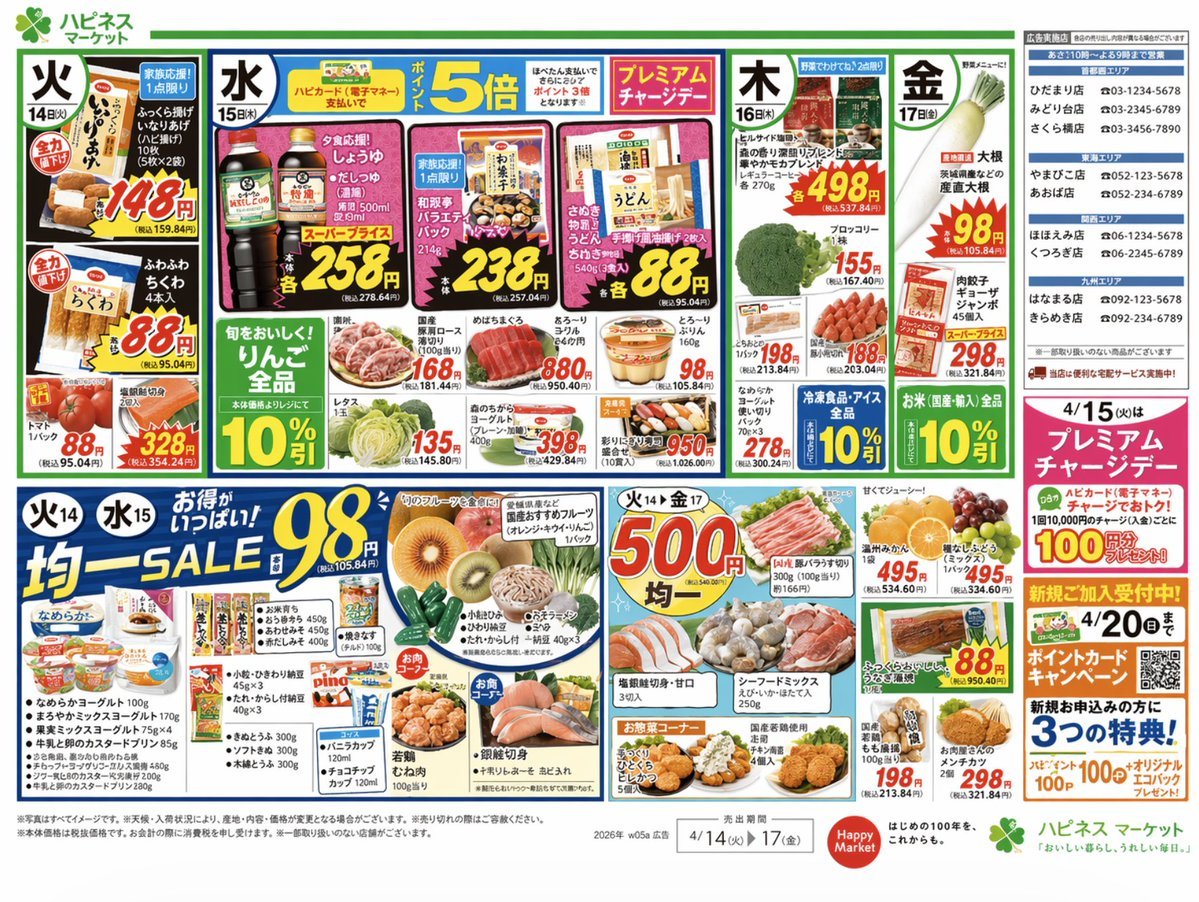
Japanese Supermarket Promotional Flyer
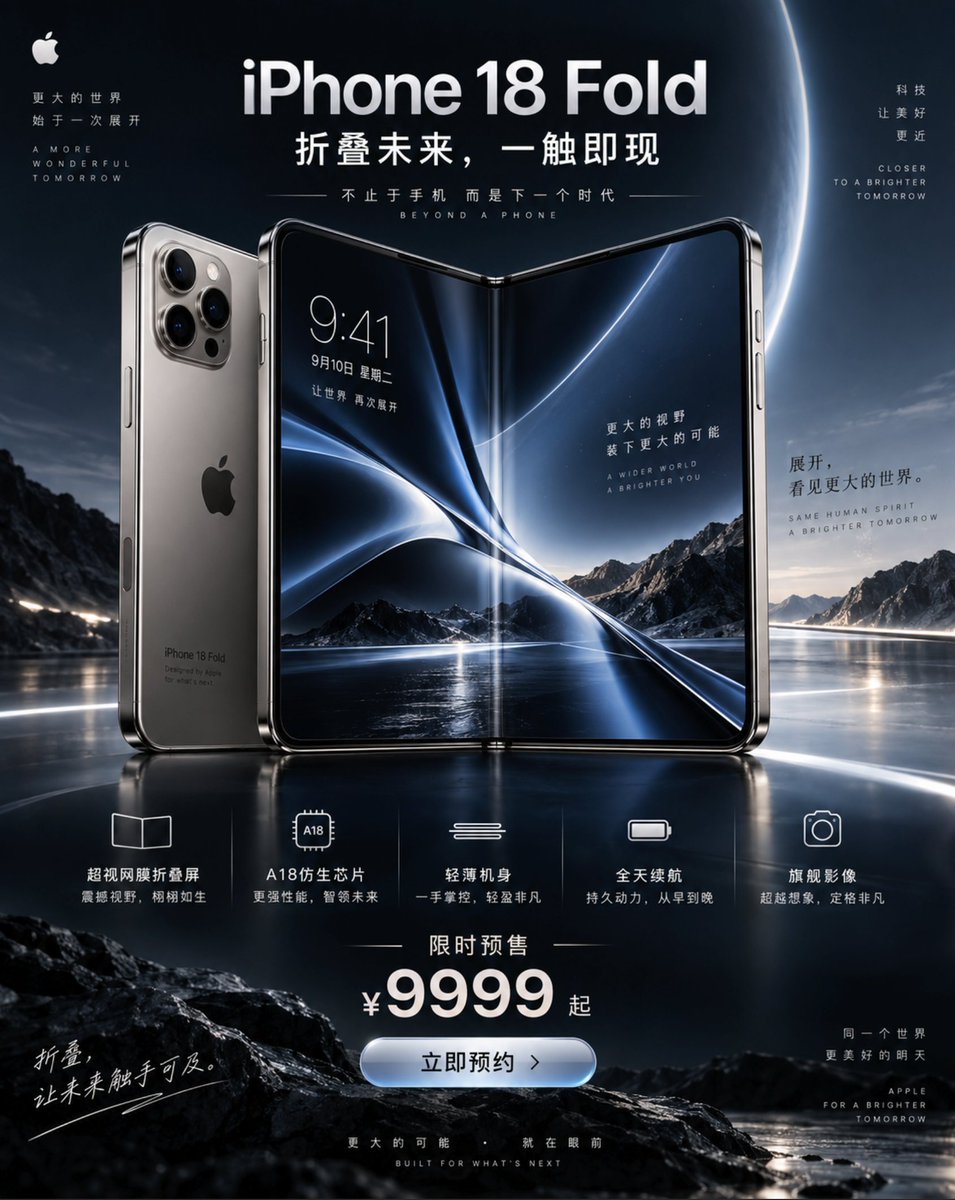
iPhone 18 Promotional Poster
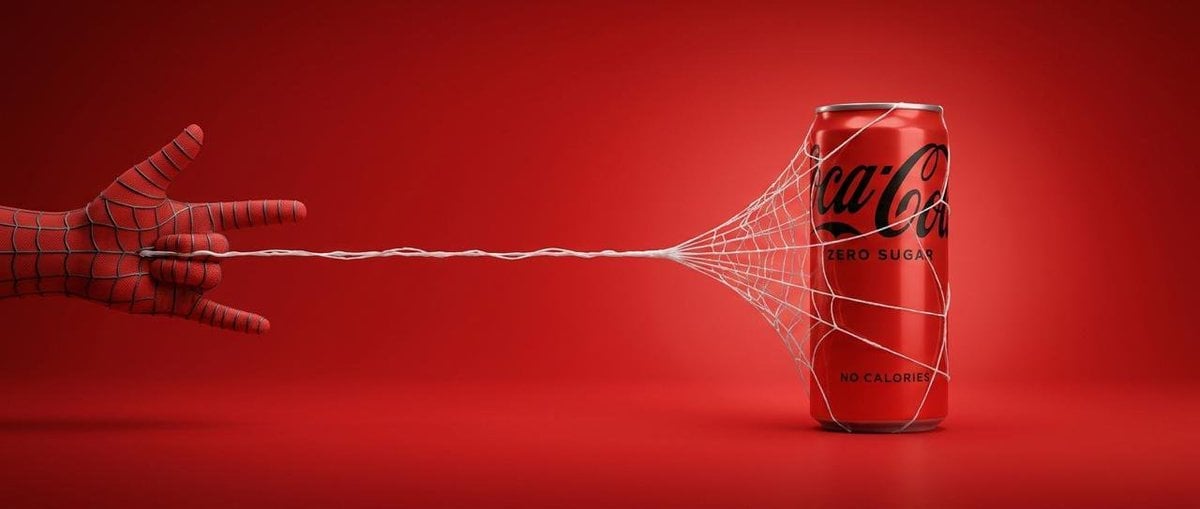
Cinematic Product Advertisement with Spider Web
Make it yours
Cosmetics Promotional Web Banner works as-is. These are the safest ways to change it without losing the look.
Swap the setting
Keep the rest of the prompt and replace the location block. The current setting is “Soft, blurred, bright vanity setting with sparkling bokeh and light flares.”.
Change one field
Copy a single group, rewrite it, and generate again so you can see what that field is doing.
Keep the frame, change the subject
Hold the composition and light of Cosmetics Promotional Web Banner, then swap wardrobe, props or the person for a new take.
| If the result… | Why | Fix |
|---|---|---|
| The result drifts from the preview | Too many fields changed at once. | Reuse Cosmetics Promotional Web Banner as-is first, then change one group — subject, light, or setting. |
| GPT Image 2 ignores part of the JSON | Some models flatten or skip nested keys. | Keep the same values and paste them as a short paragraph instead. |
More GPT Image 2 templates
Other prompts made for GPT Image 2.

Six VTuber Japanese Logo Sheet

Realistic Portrait of Woman and Deer

The Vista Modular Condo Poster

AI Model Routing Comparison Infographic

2.5D Anime Art Board

Isometric Productivity Desk Scene

New York Double Exposure Poster

Four-Panel AI Landscape Comparison

Japanese Tatami Lifestyle Magazine Cover

NESCAFÉ Coffee Map Poster
More image prompts
Fresh picks from across the catalog.
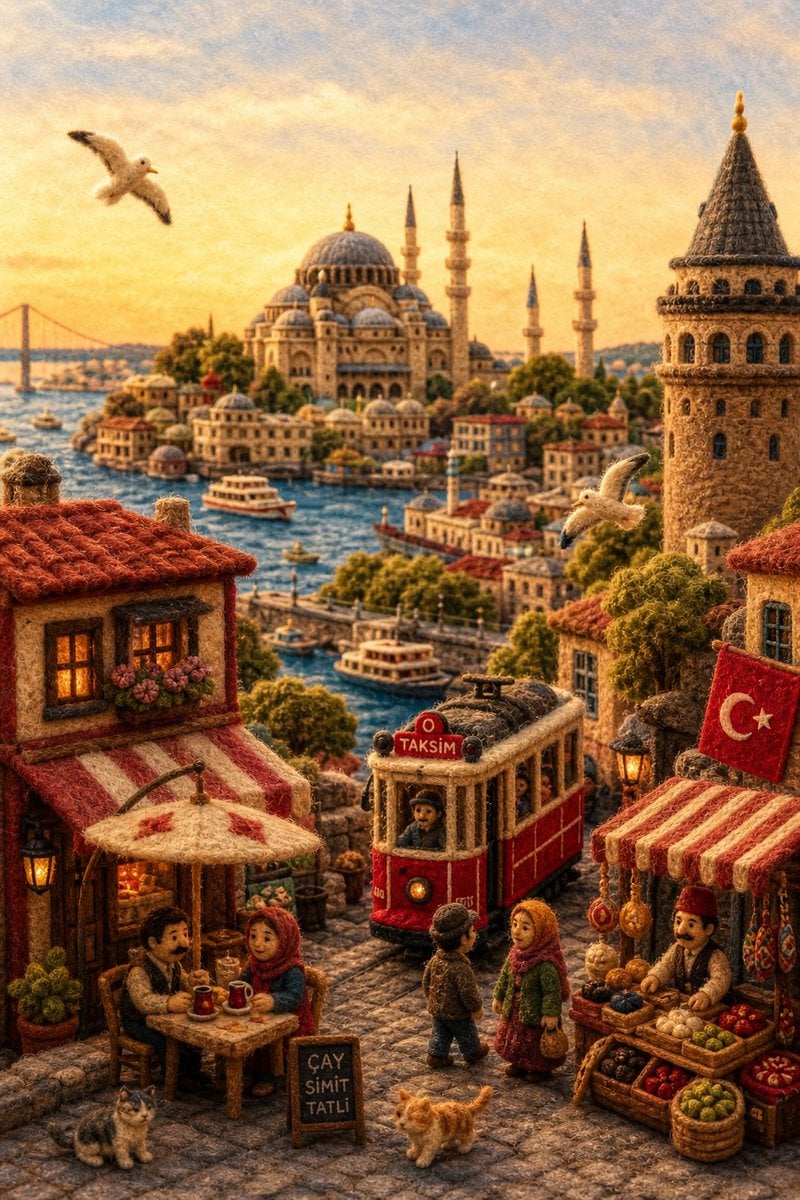
Needle-Felt Country Diorama
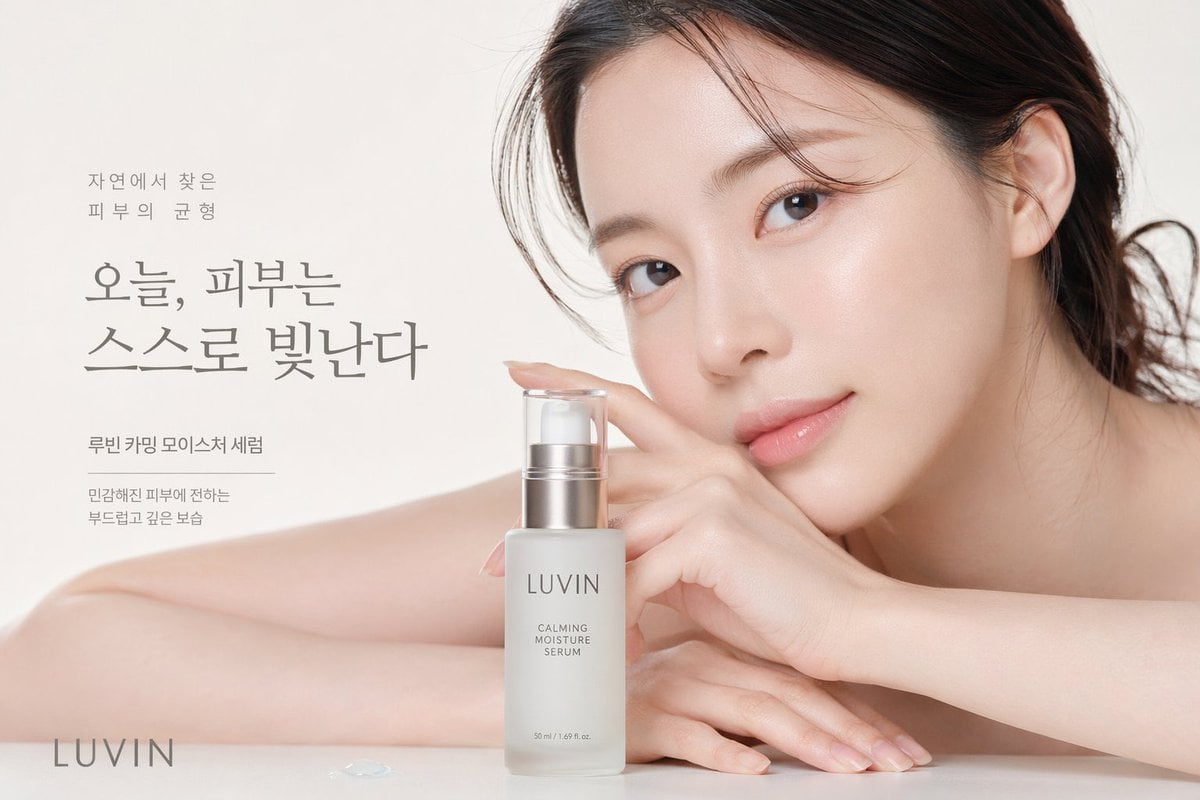
Skincare Beauty Campaign Advertisement
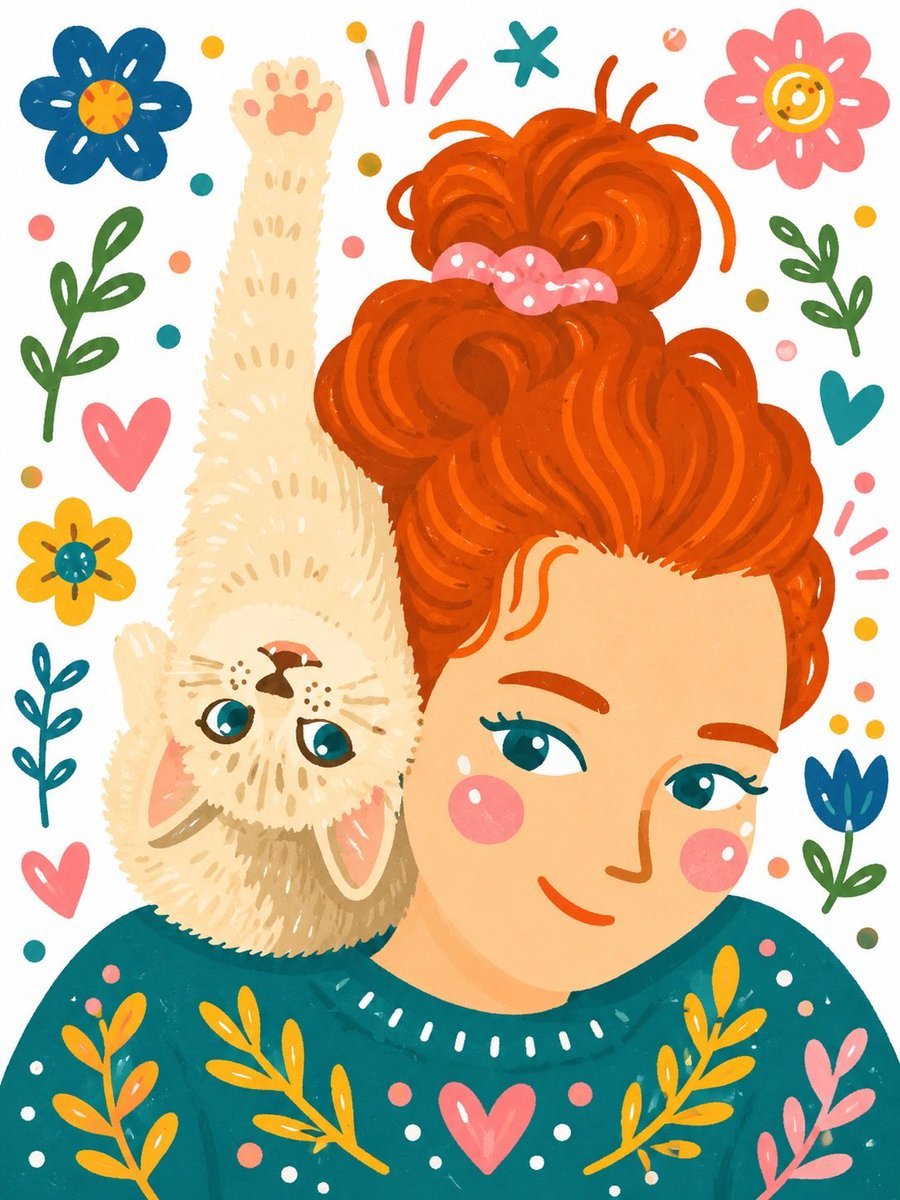
Whimsical Hand-Painted Girl with Kitten Illustration
Editorial Contact Sheet Prompt: Woman with Pink Tulips
Top-Down Red Hair Woman Portrait
Premium Fashion Studio Portrait
Woman Stepping Out of Sketch
Expressive Ink Manuscript Portrait
Censored Cafe Portrait Photo
Eye-Level Food Photography Prompt
Browse template categories
Cosmetics Promotional Web Banner questions
How do I use the Cosmetics Promotional Web Banner template?
Add your photo if the template asks for one, edit the prompt if you like — the template's model and format are already selected — and press Generate. Your version opens in PicX Studio.
Can I customize the Cosmetics Promotional Web Banner template?
Yes. You can change the subject, setting, lighting, mood, format, and available model controls before creating your image.
Is the Cosmetics Promotional Web Banner template free?
Opening and editing this template is free. Generating uses credits, shown on the Generate button when you are signed in.
Which AI model should I use?
Start with GPT Image 2, which is the model associated with this template. You can compare another compatible model for a different finish.
Looking for something else? Browse all templates.

Your photo, any look
Thousands of ready templates for every top image and video model, from one credit balance.